
Free Project List Templates

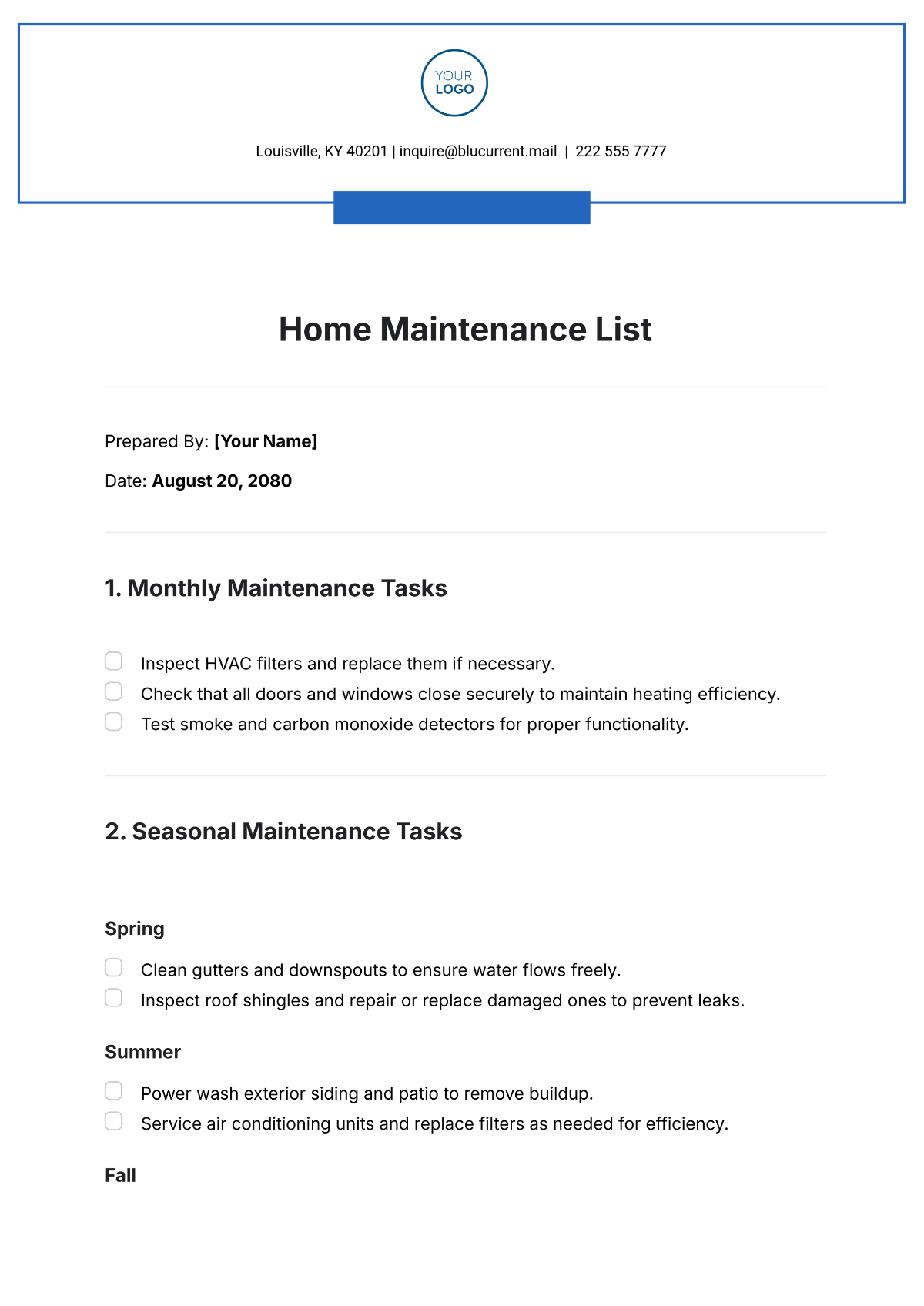
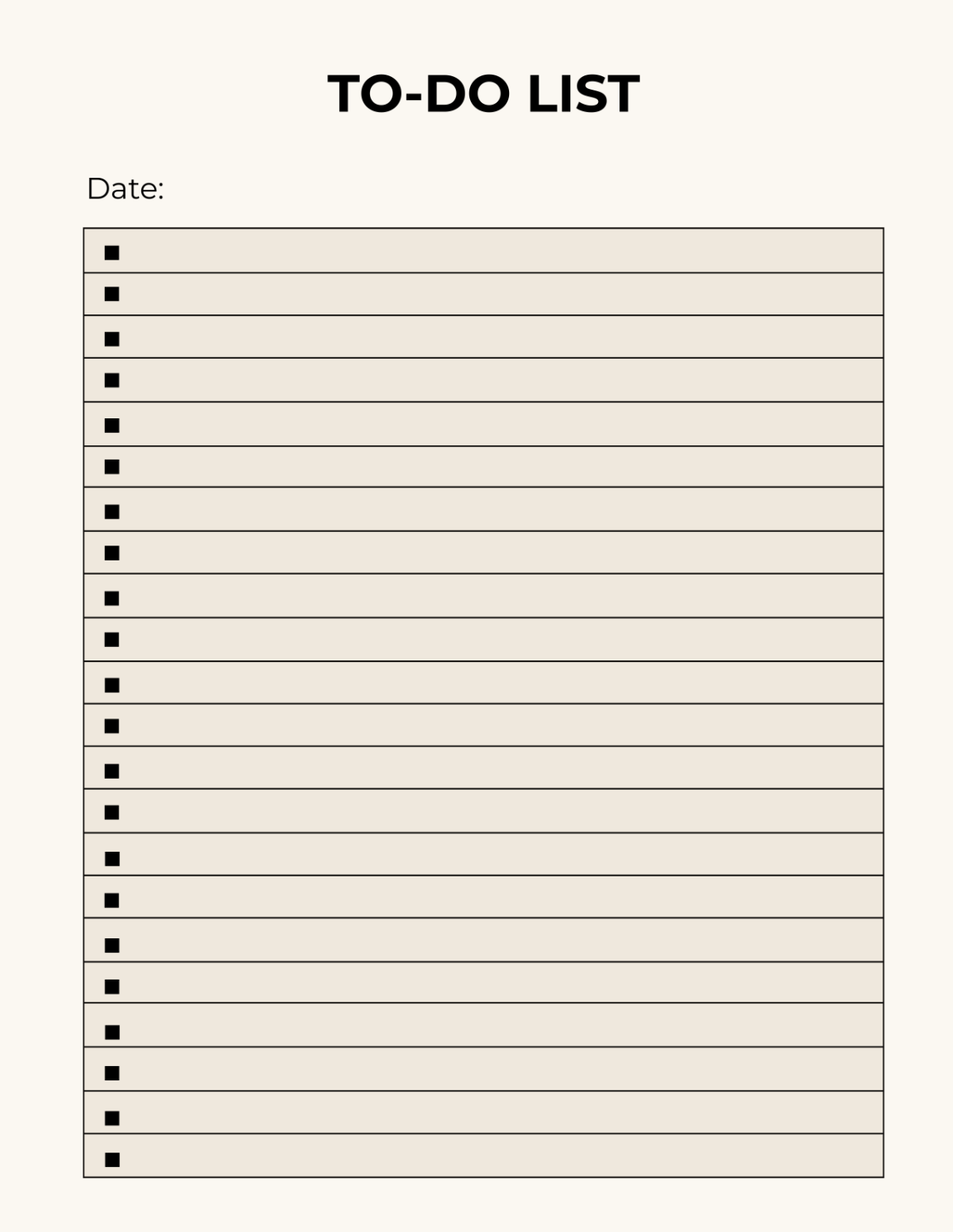
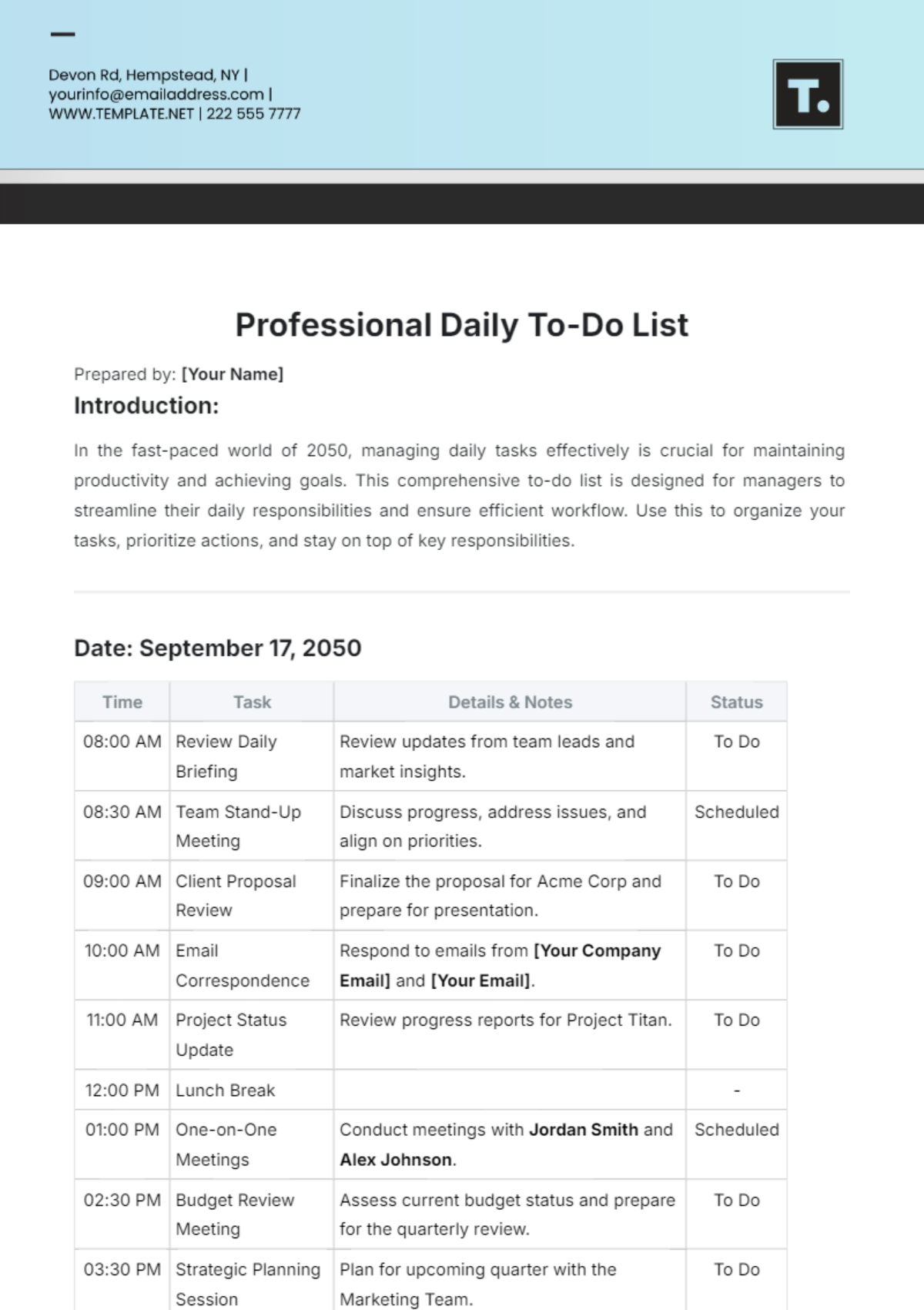
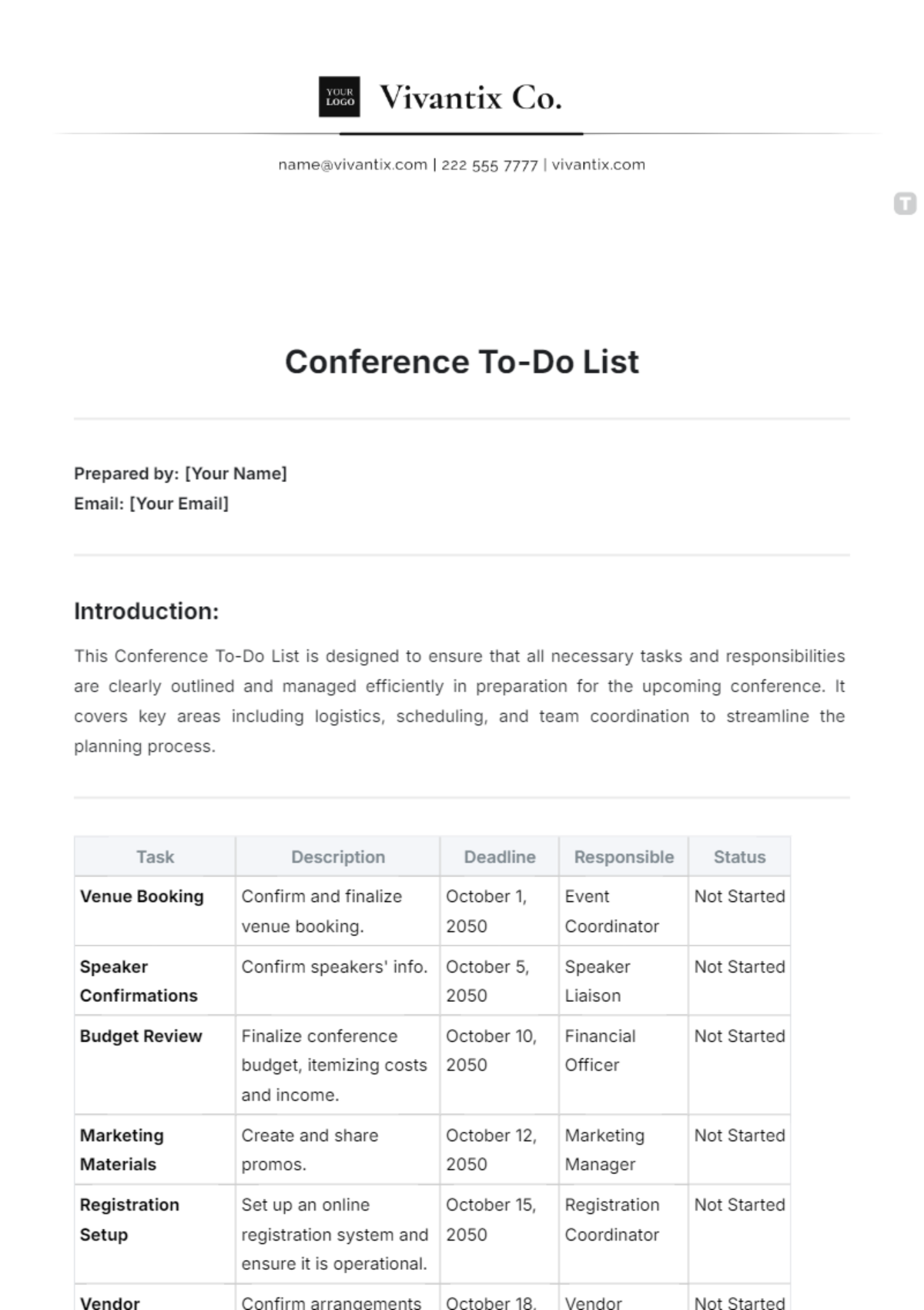


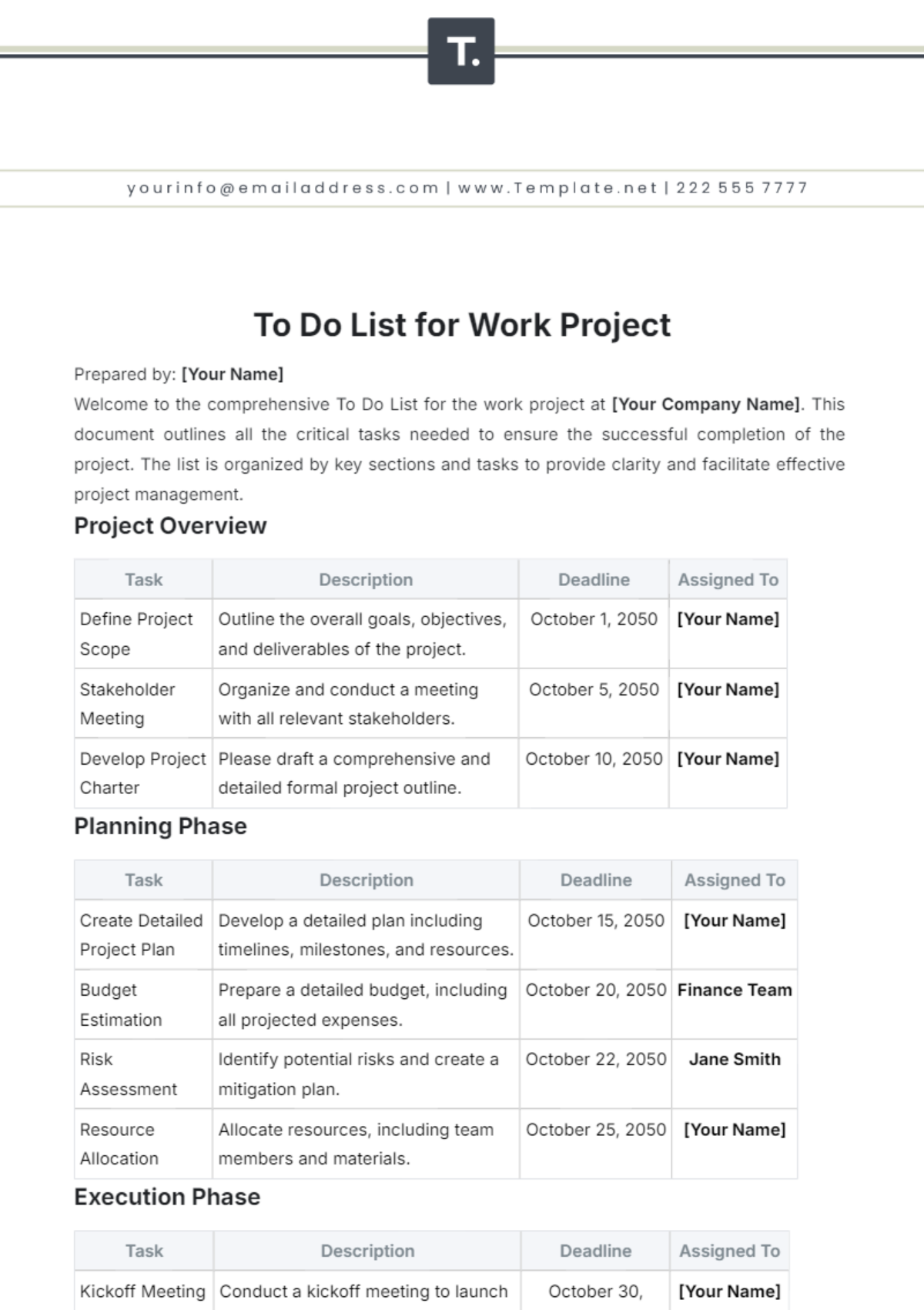
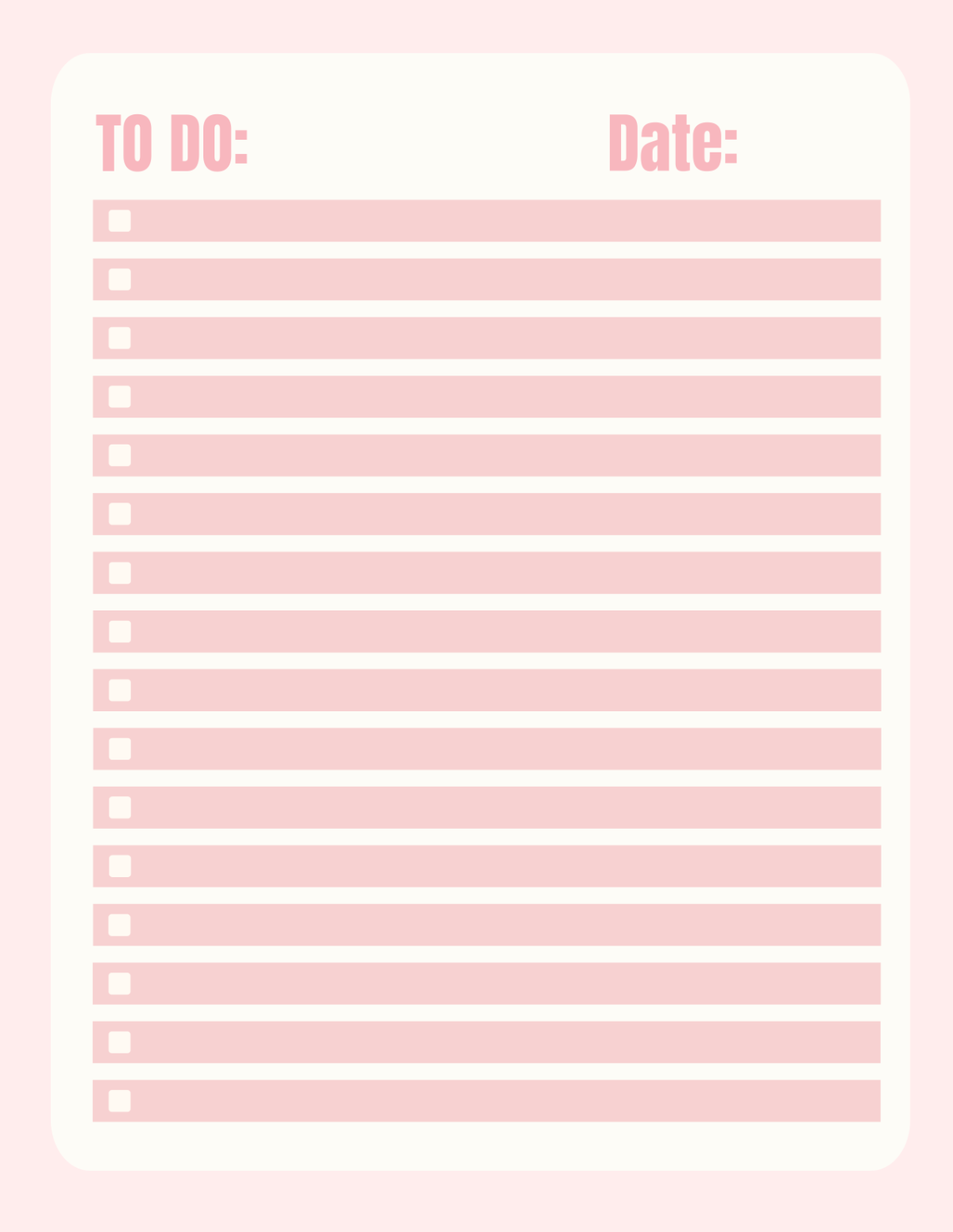
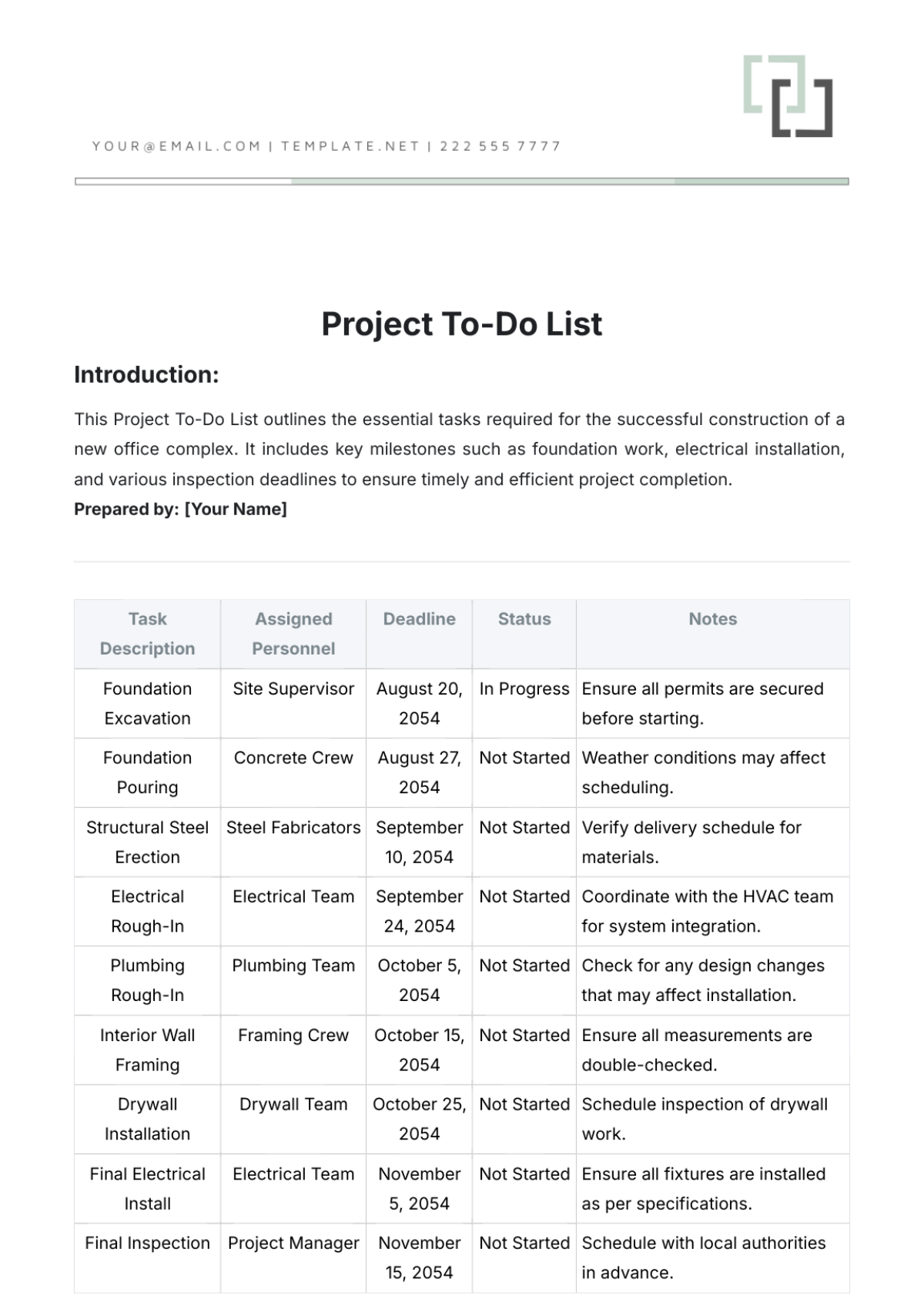
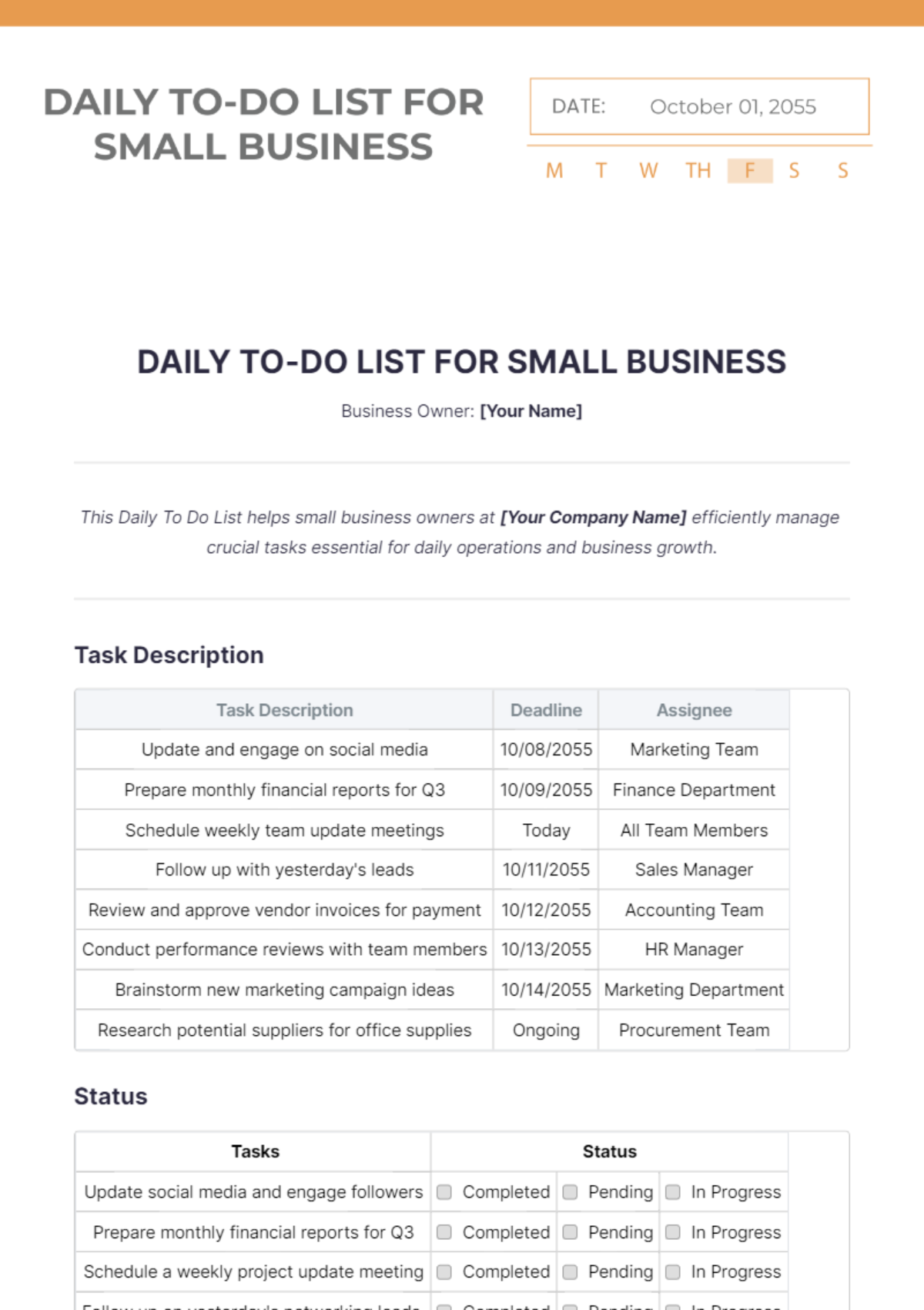
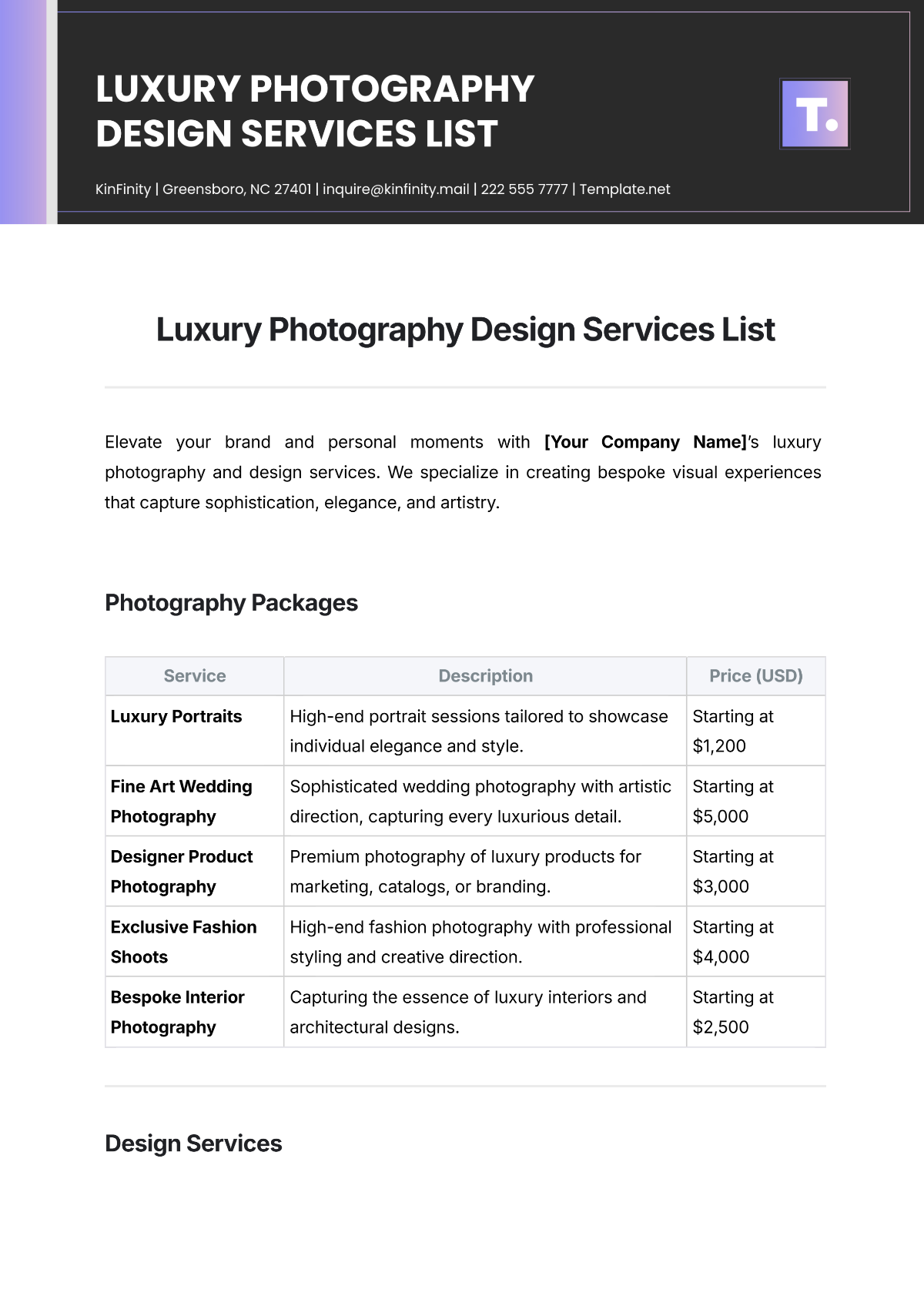
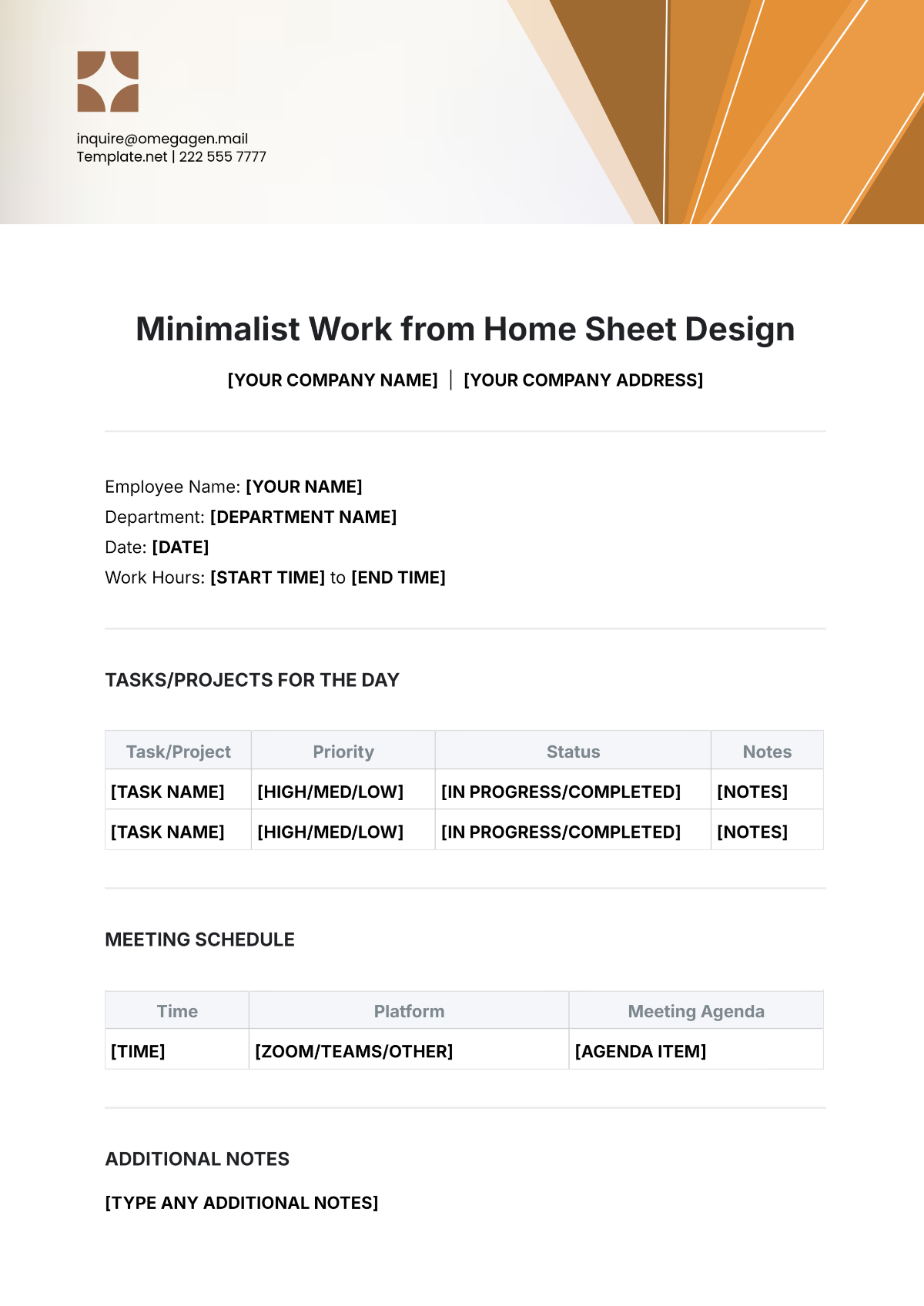
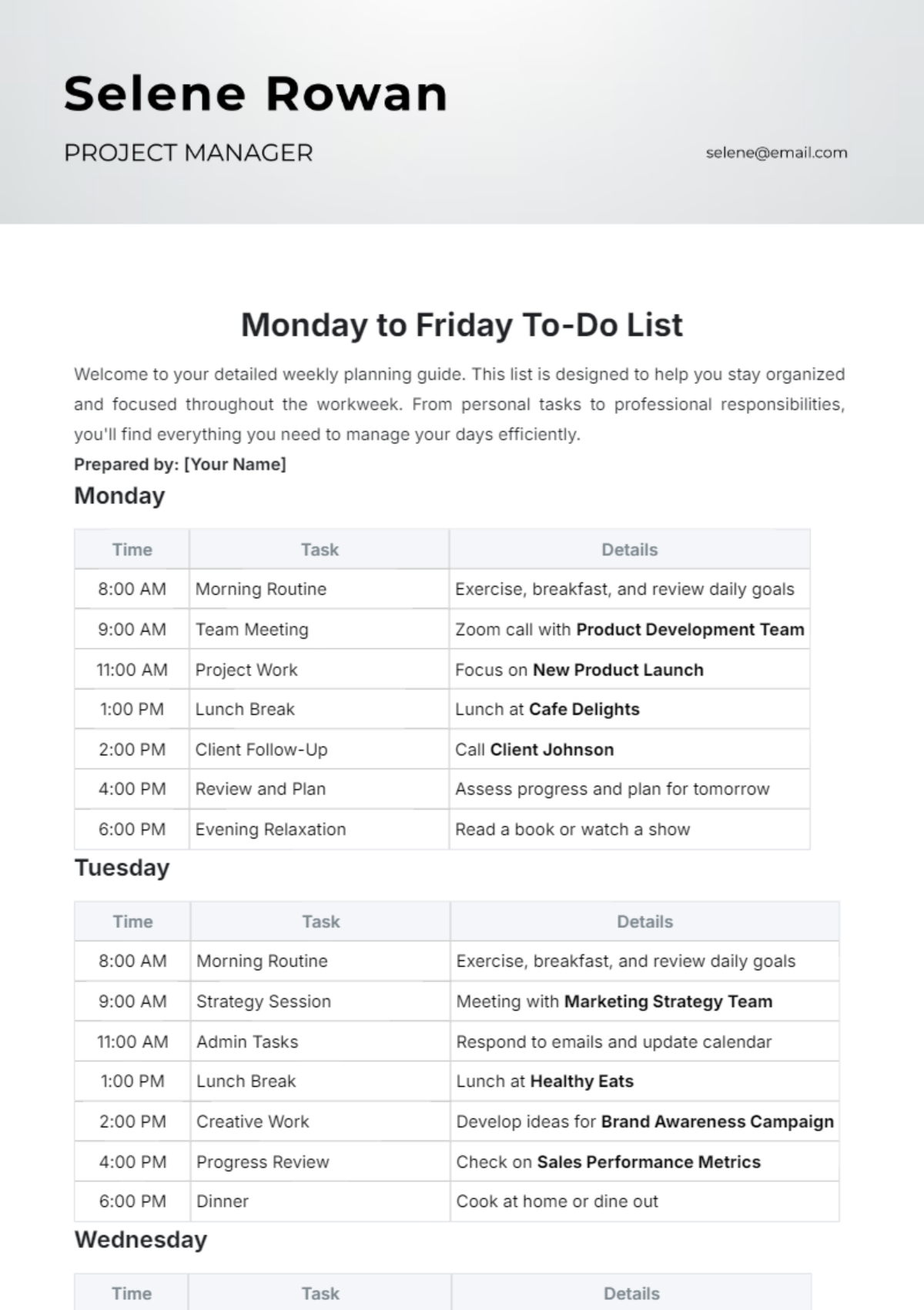

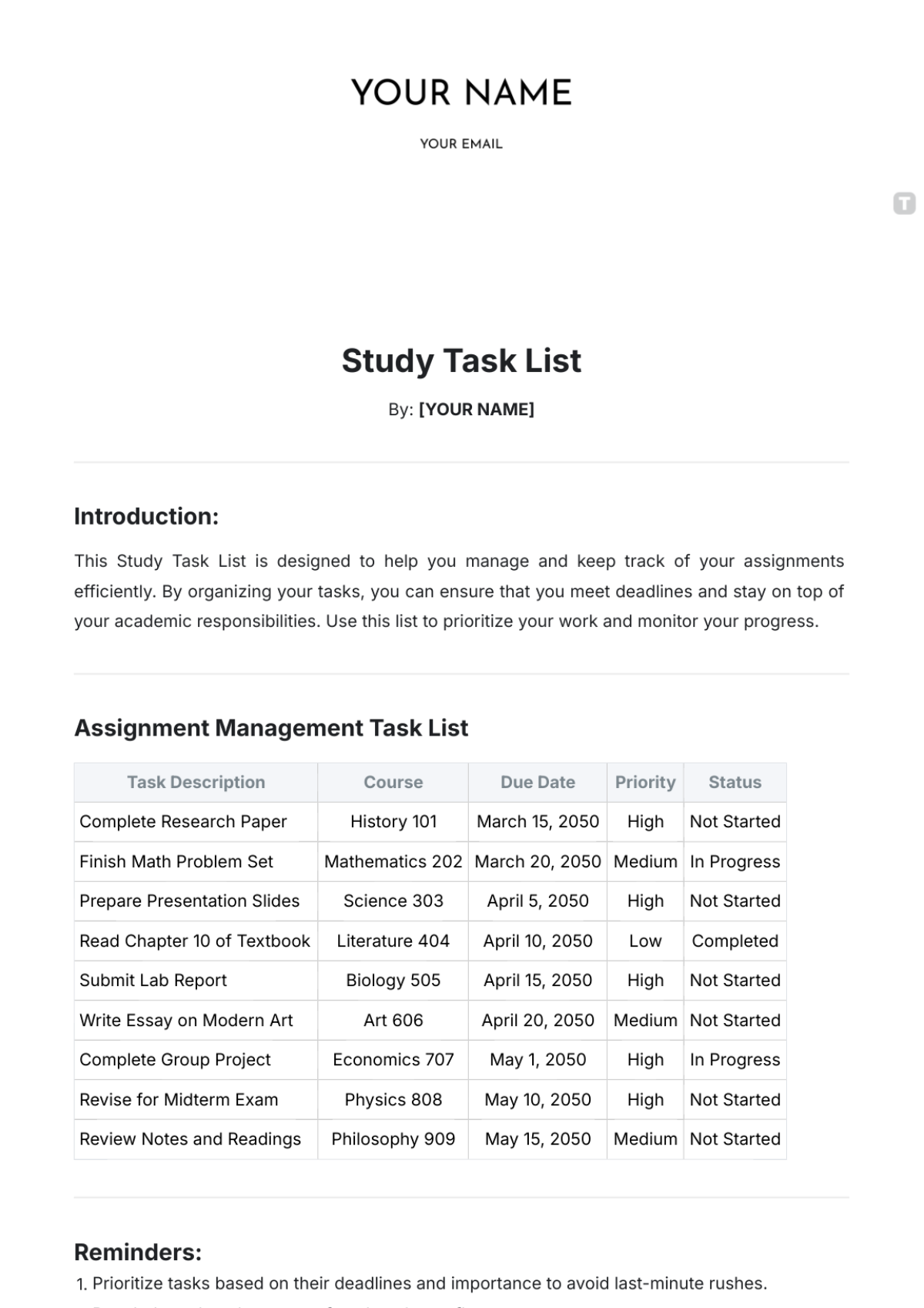
Project List Templates: Definition, Use, and Formats
What is a Project List?
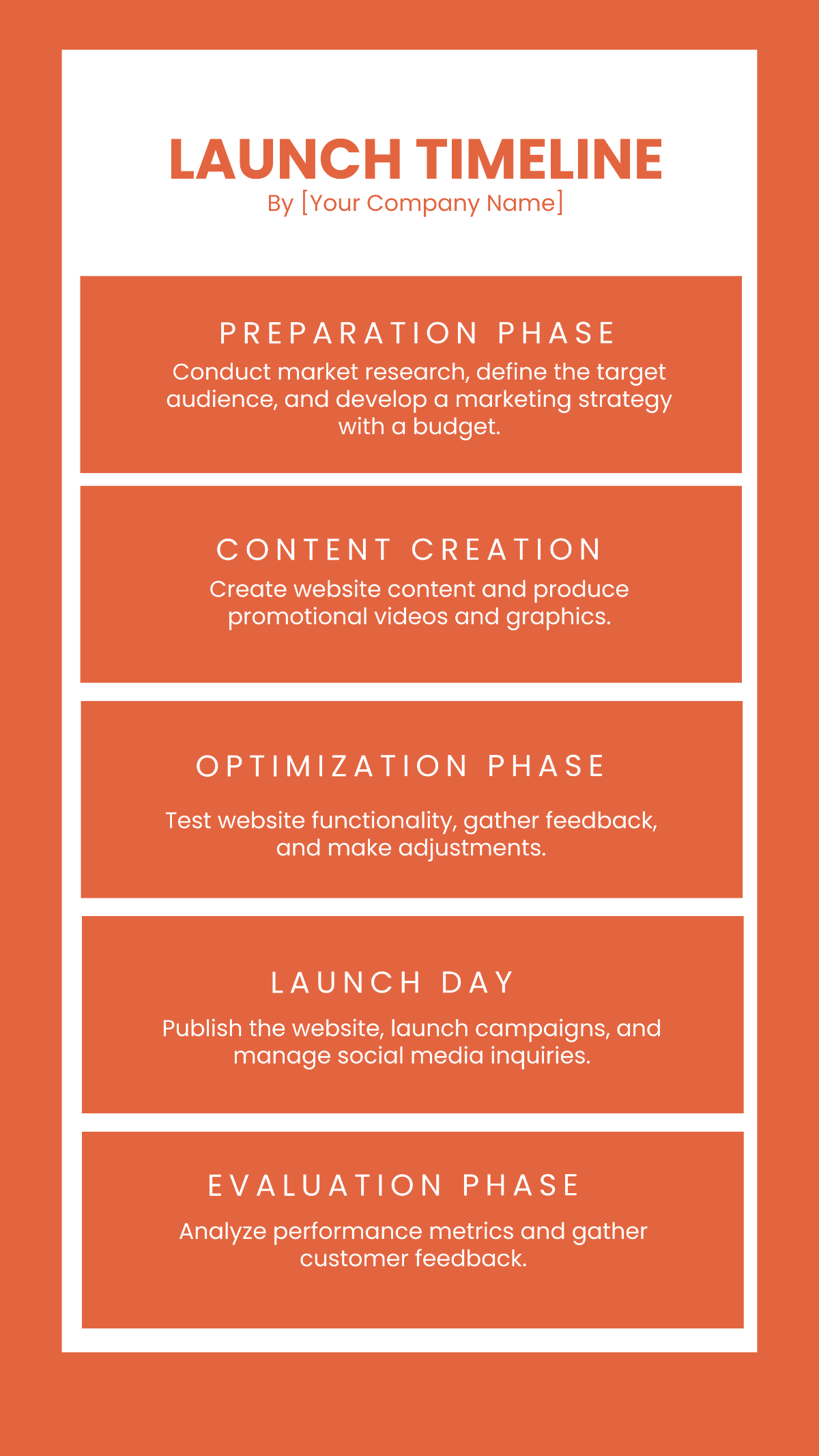
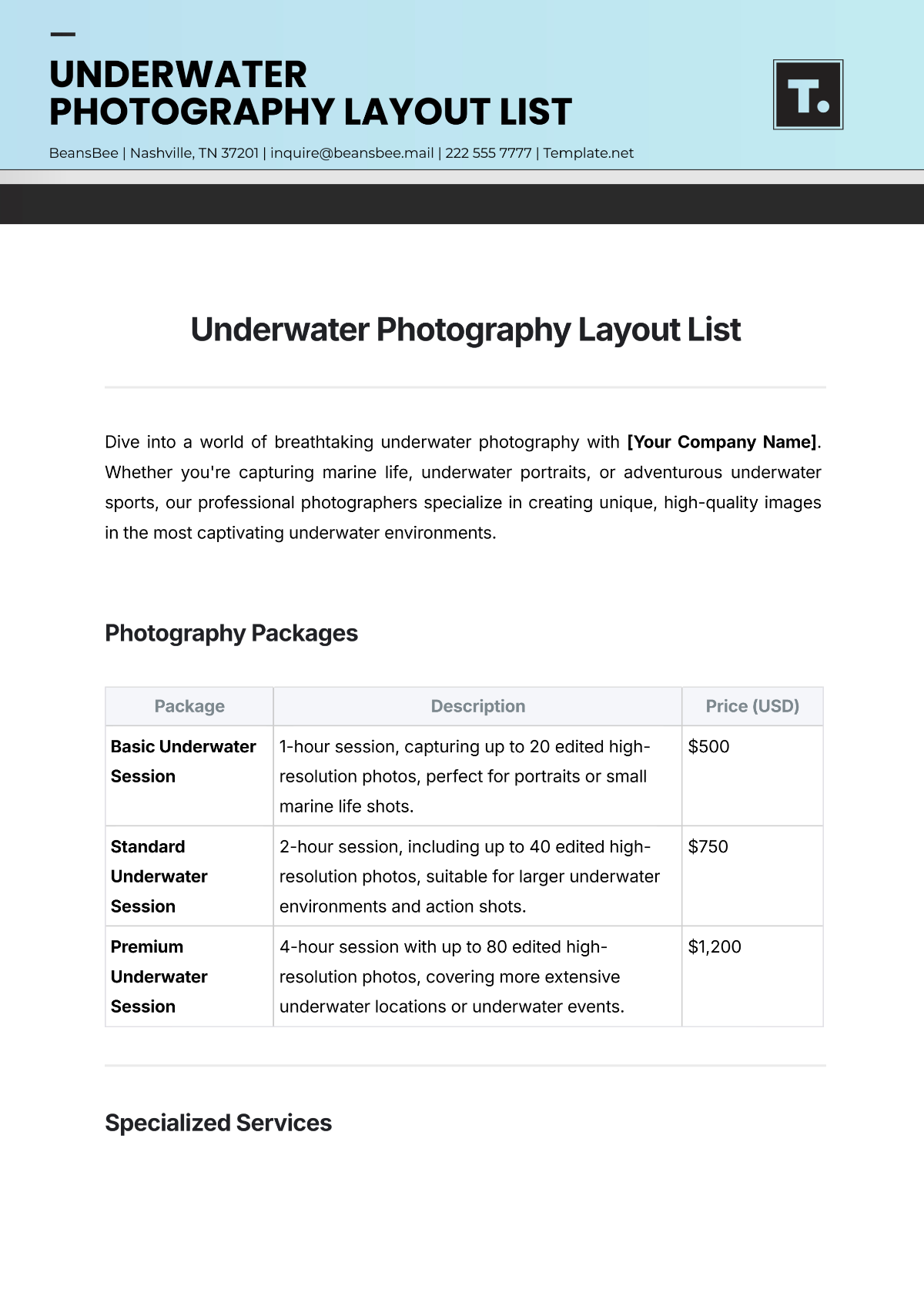
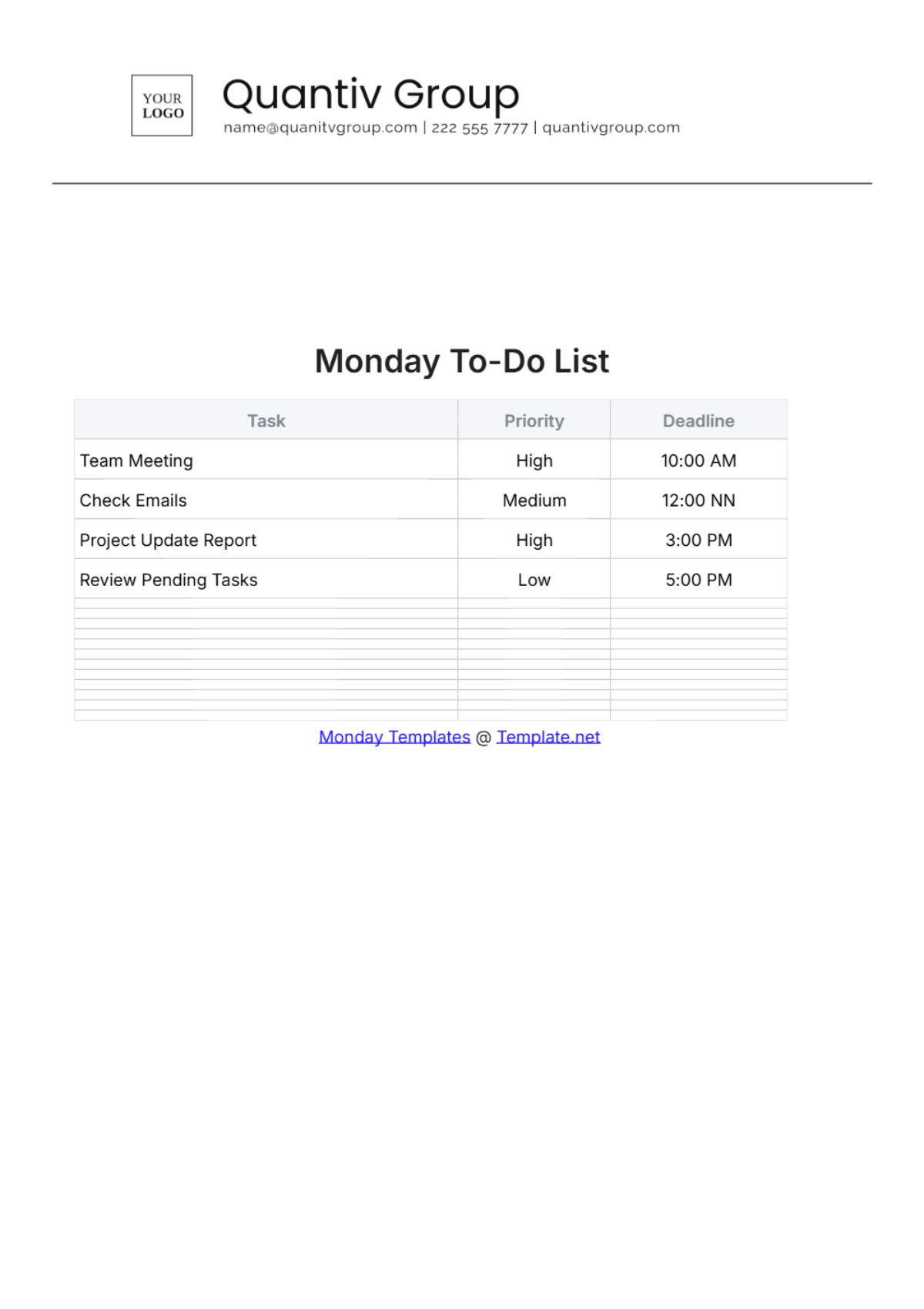
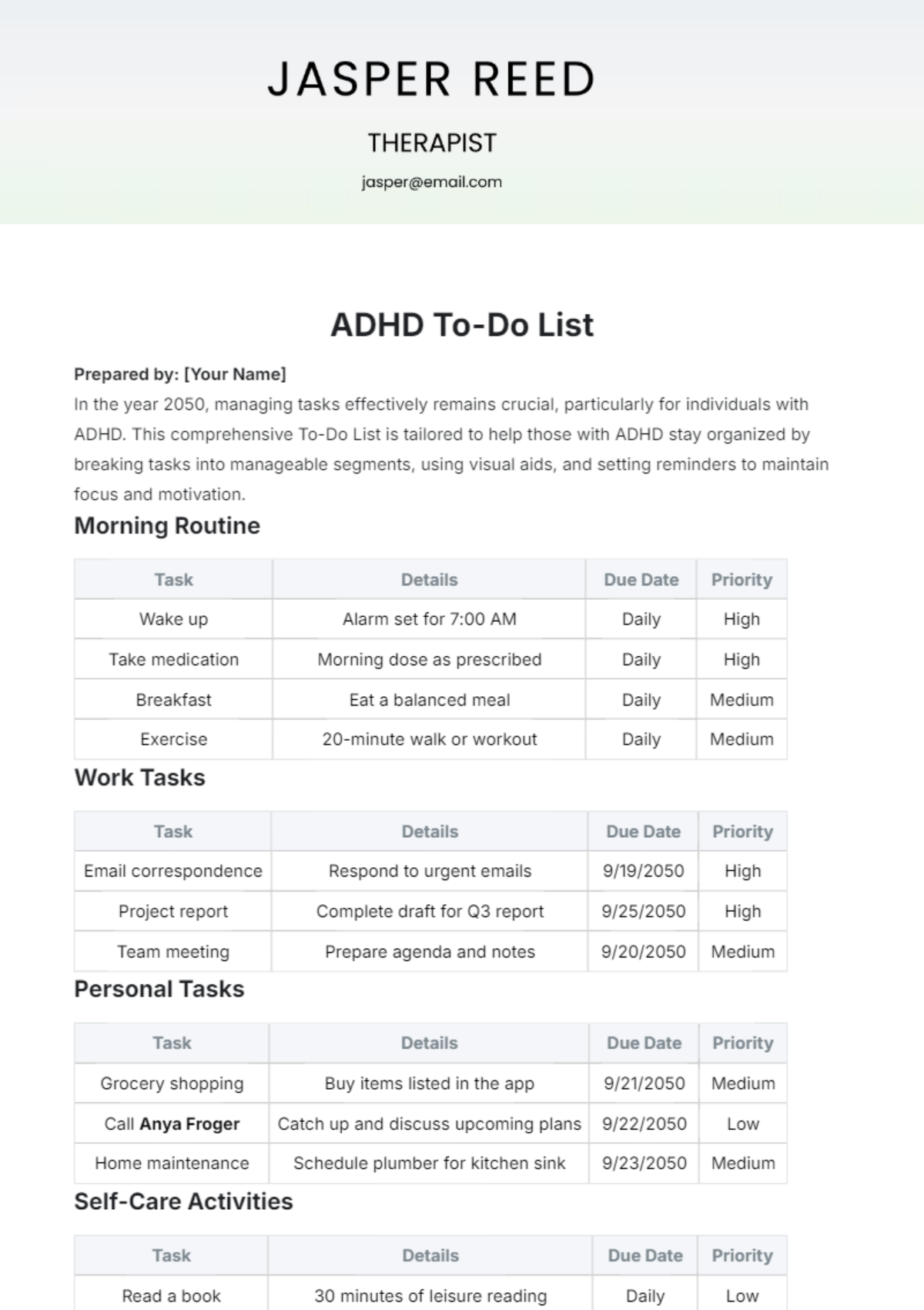
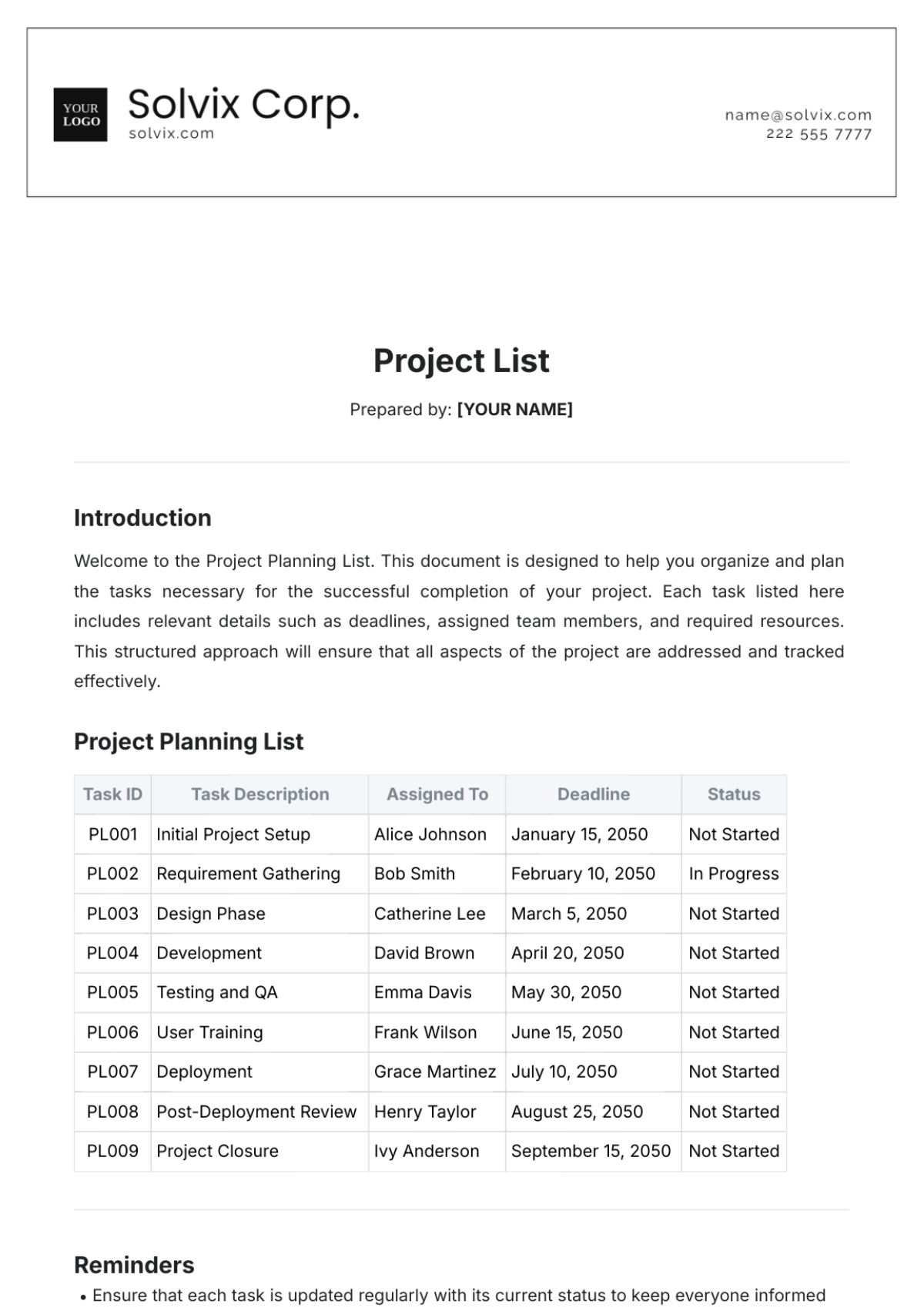
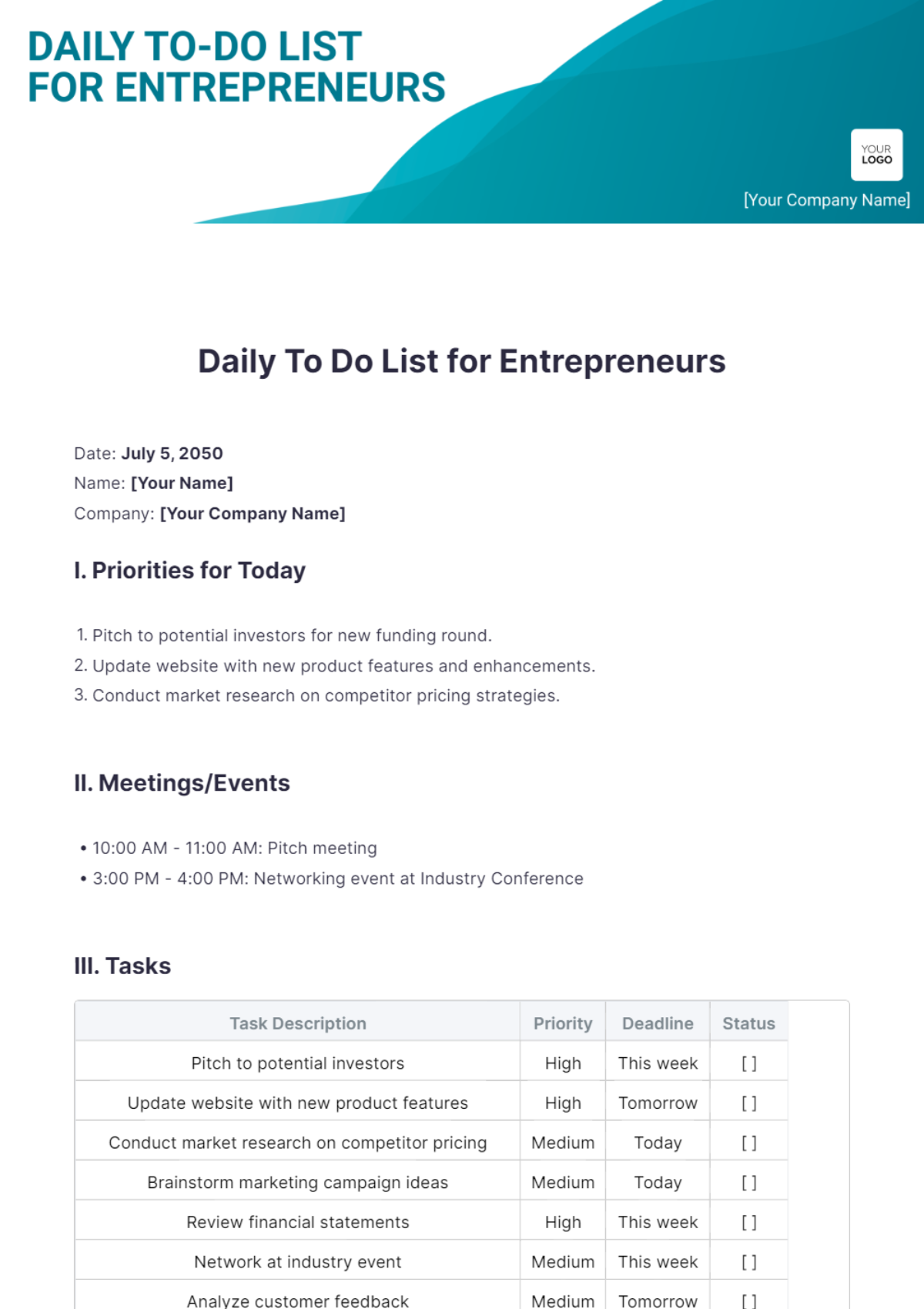
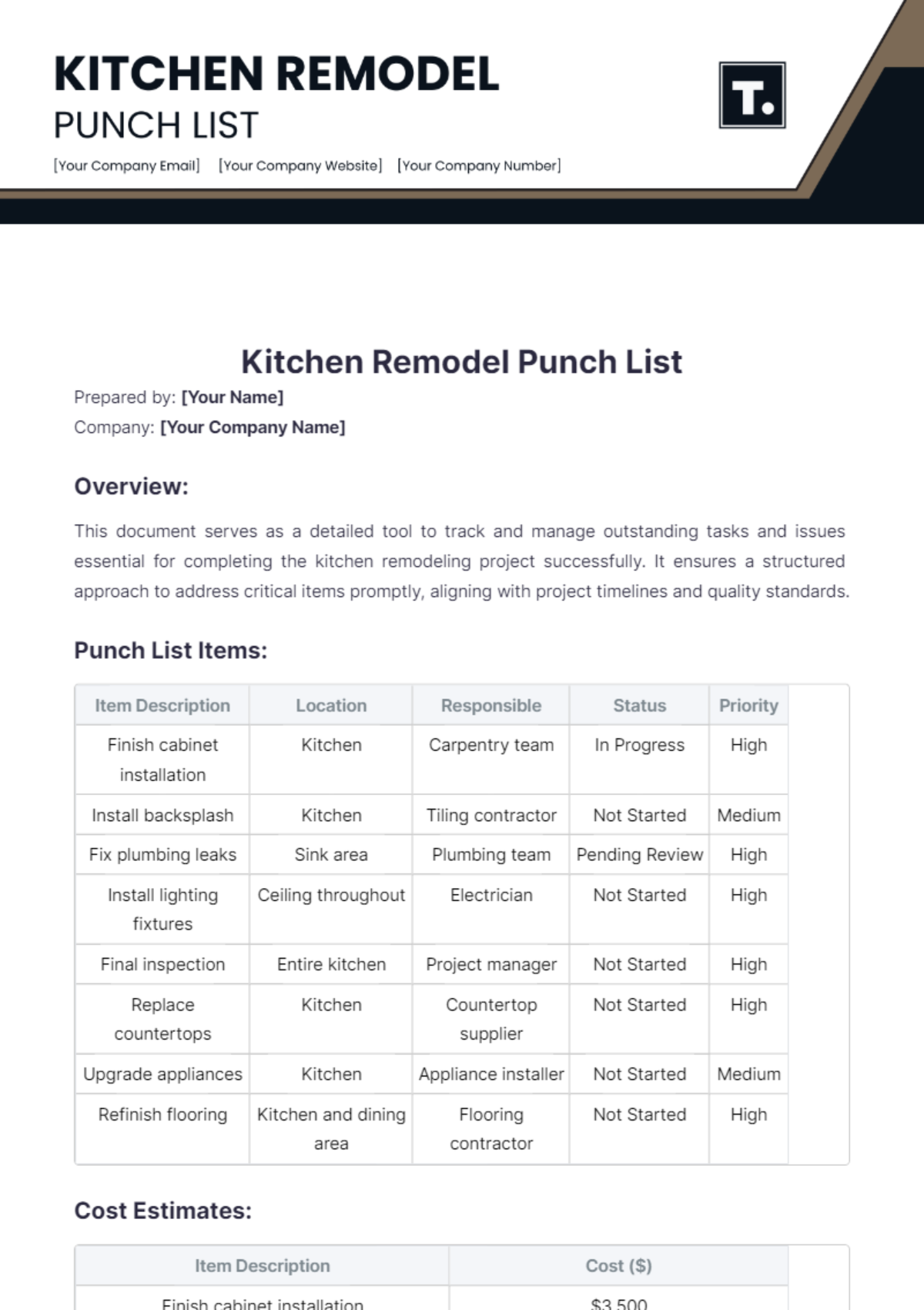
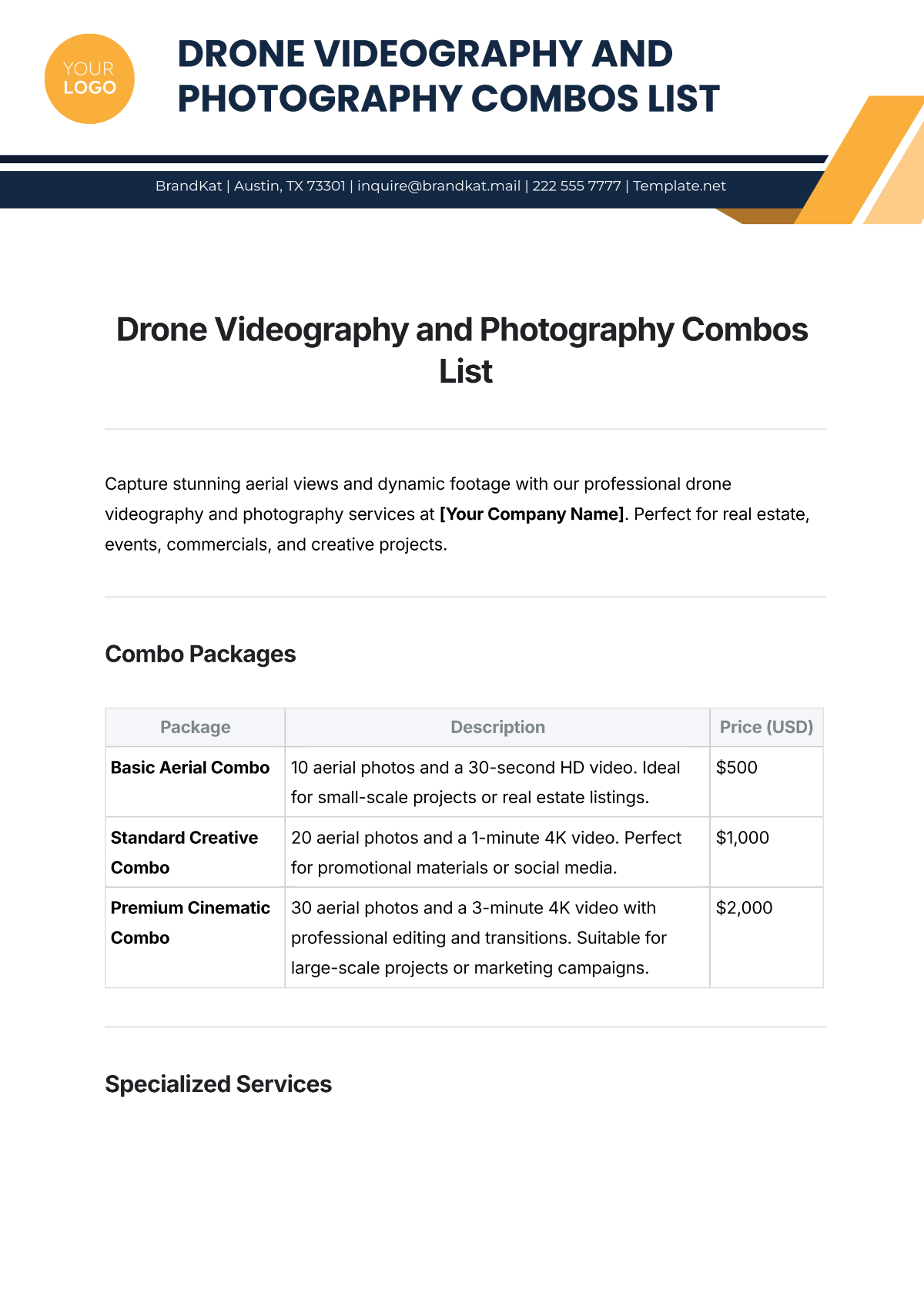
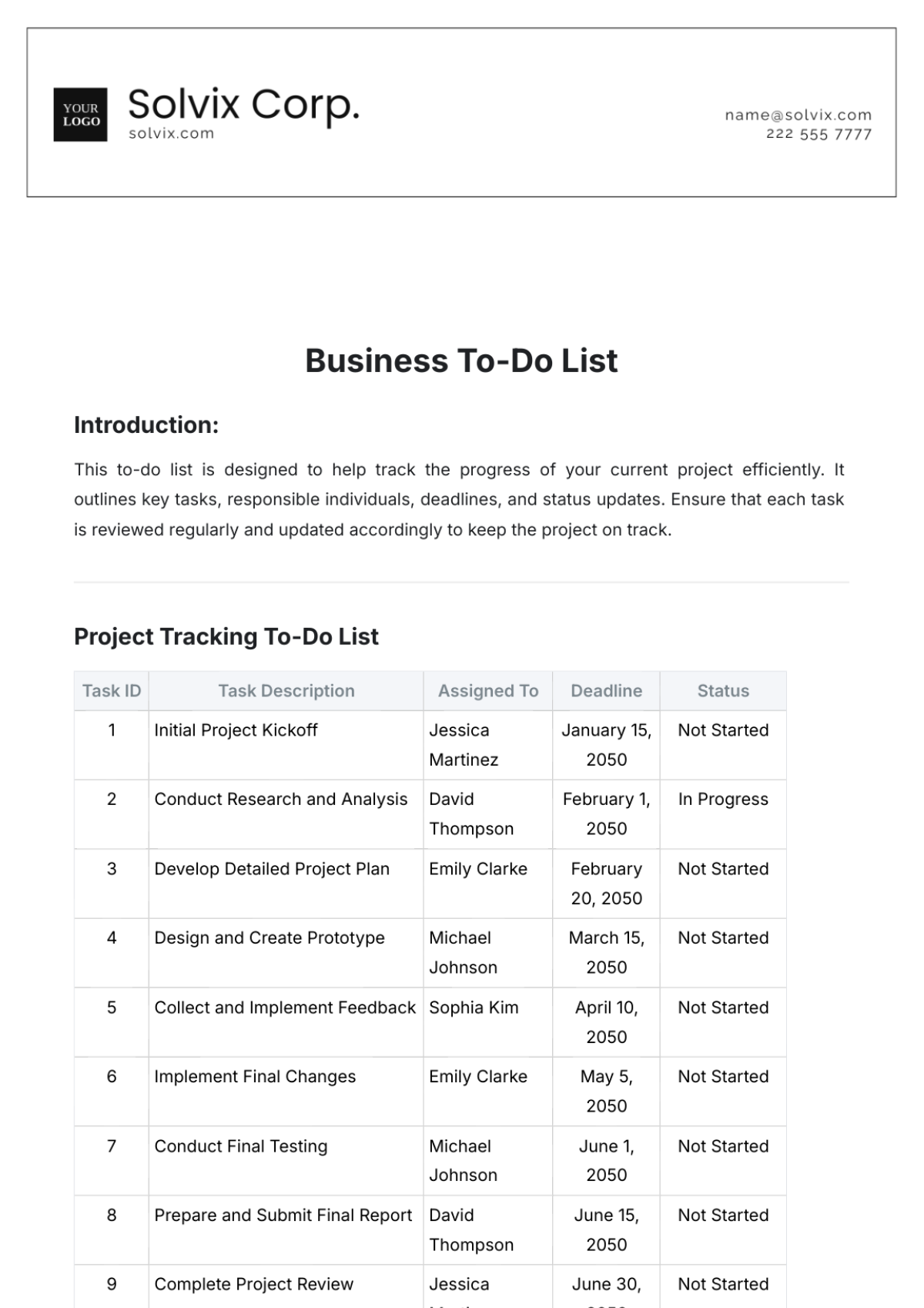
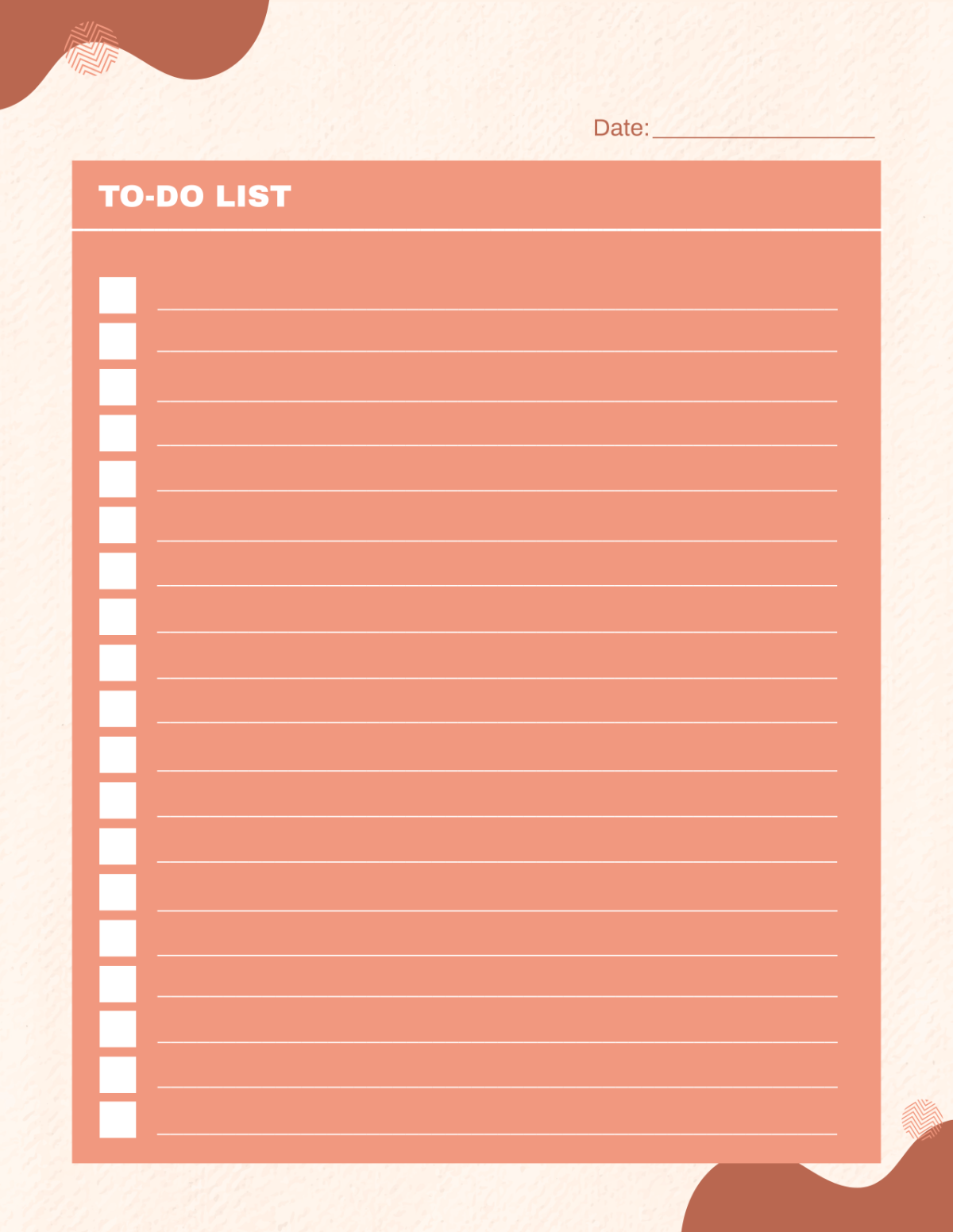
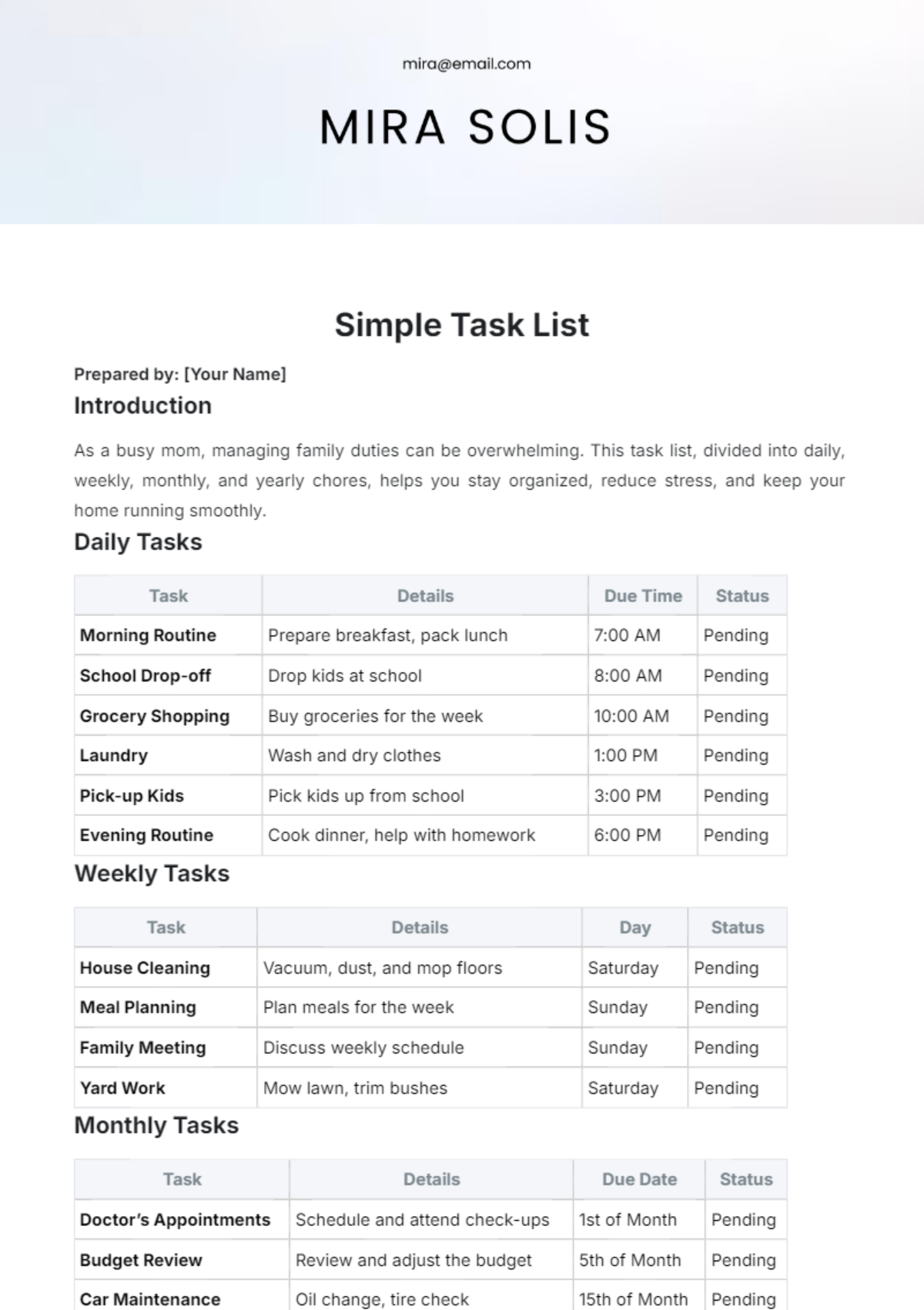
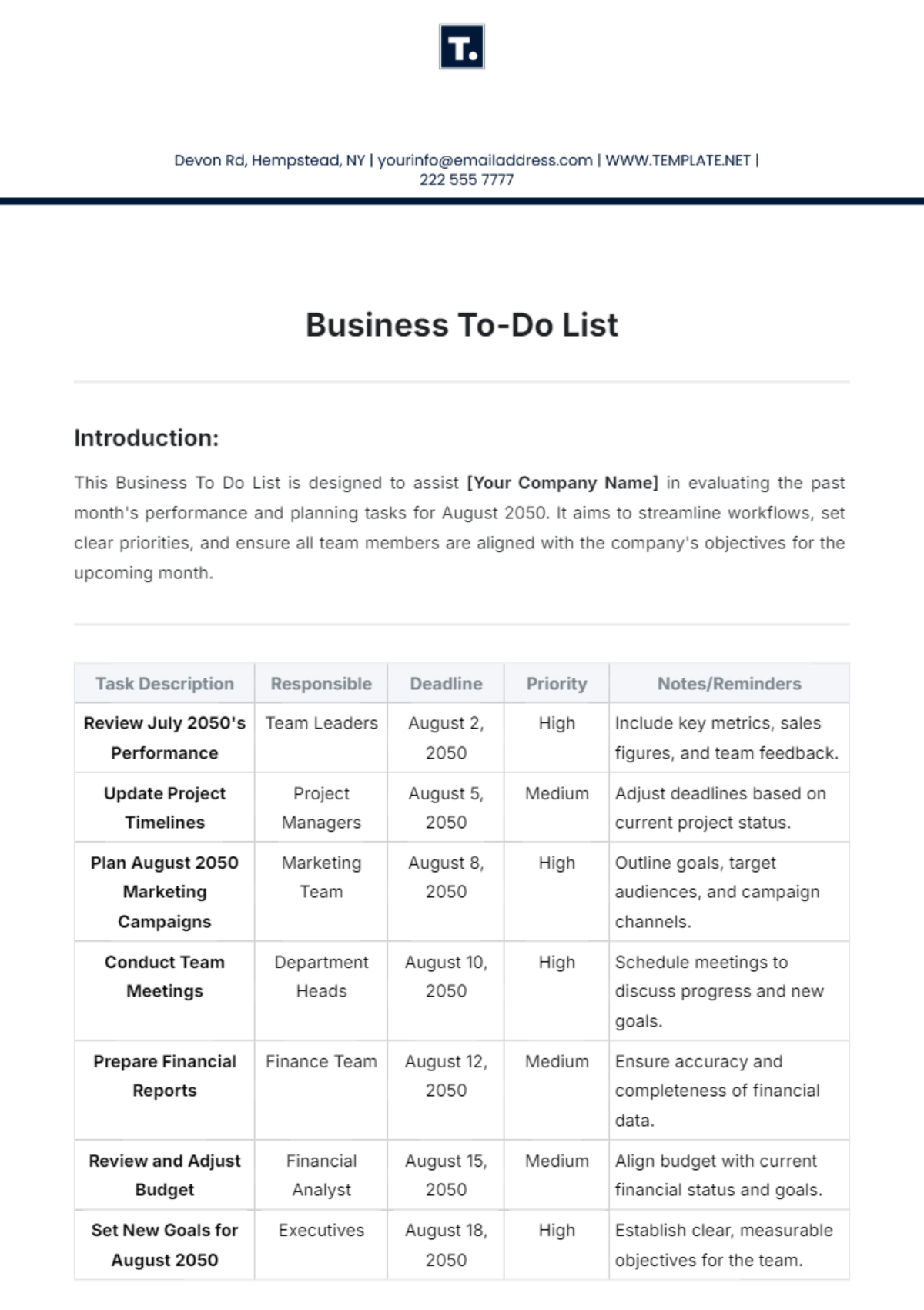
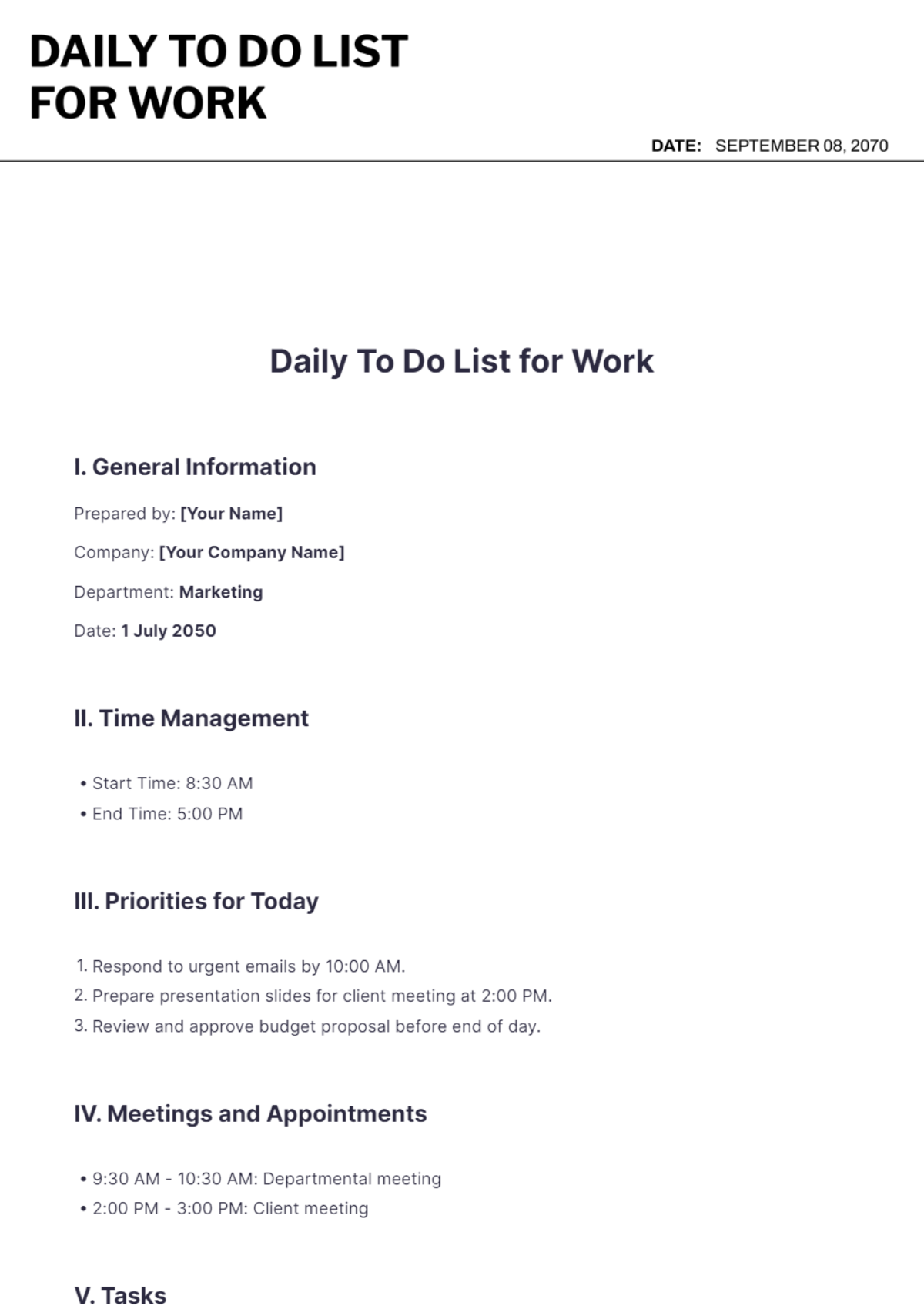
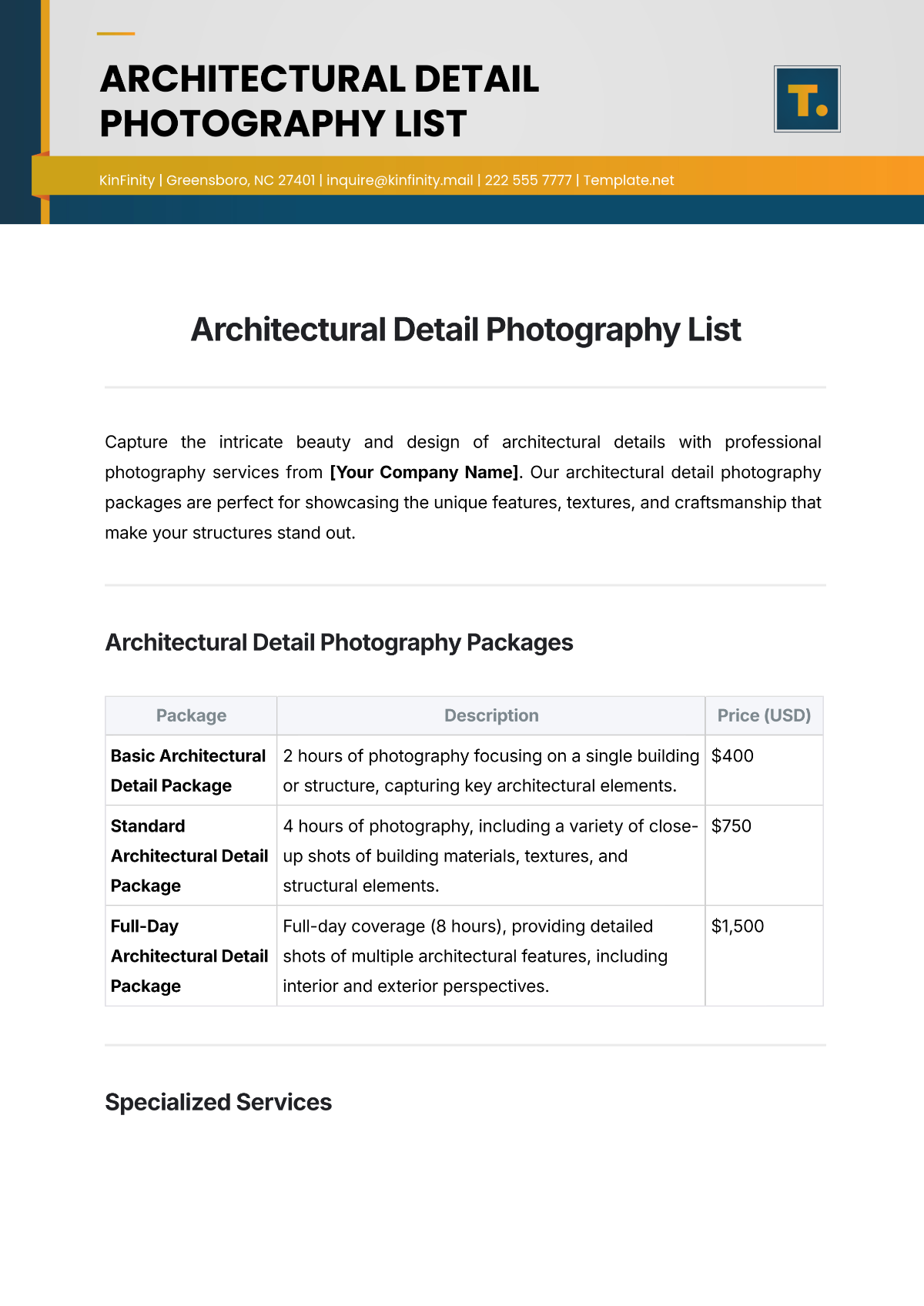
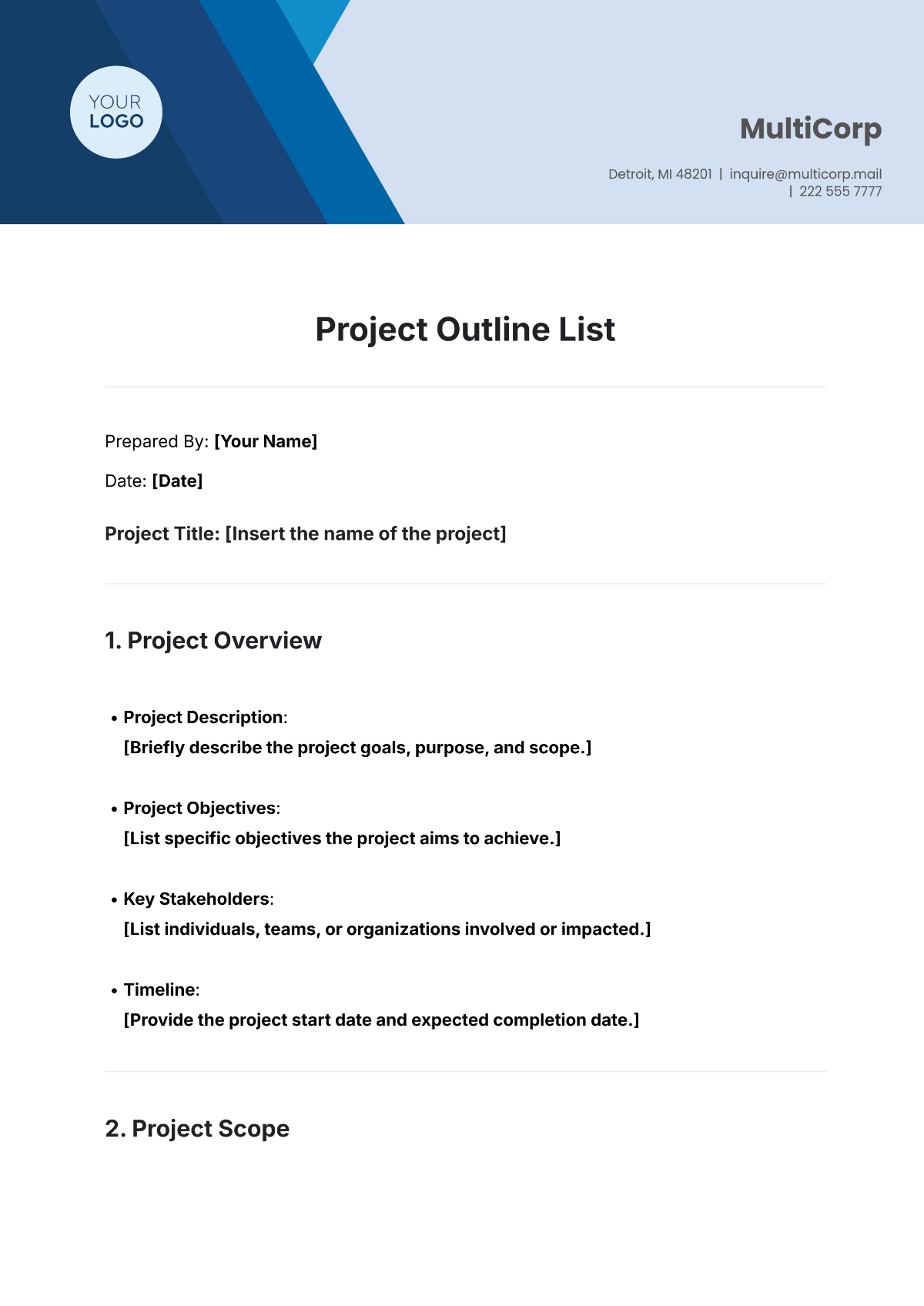
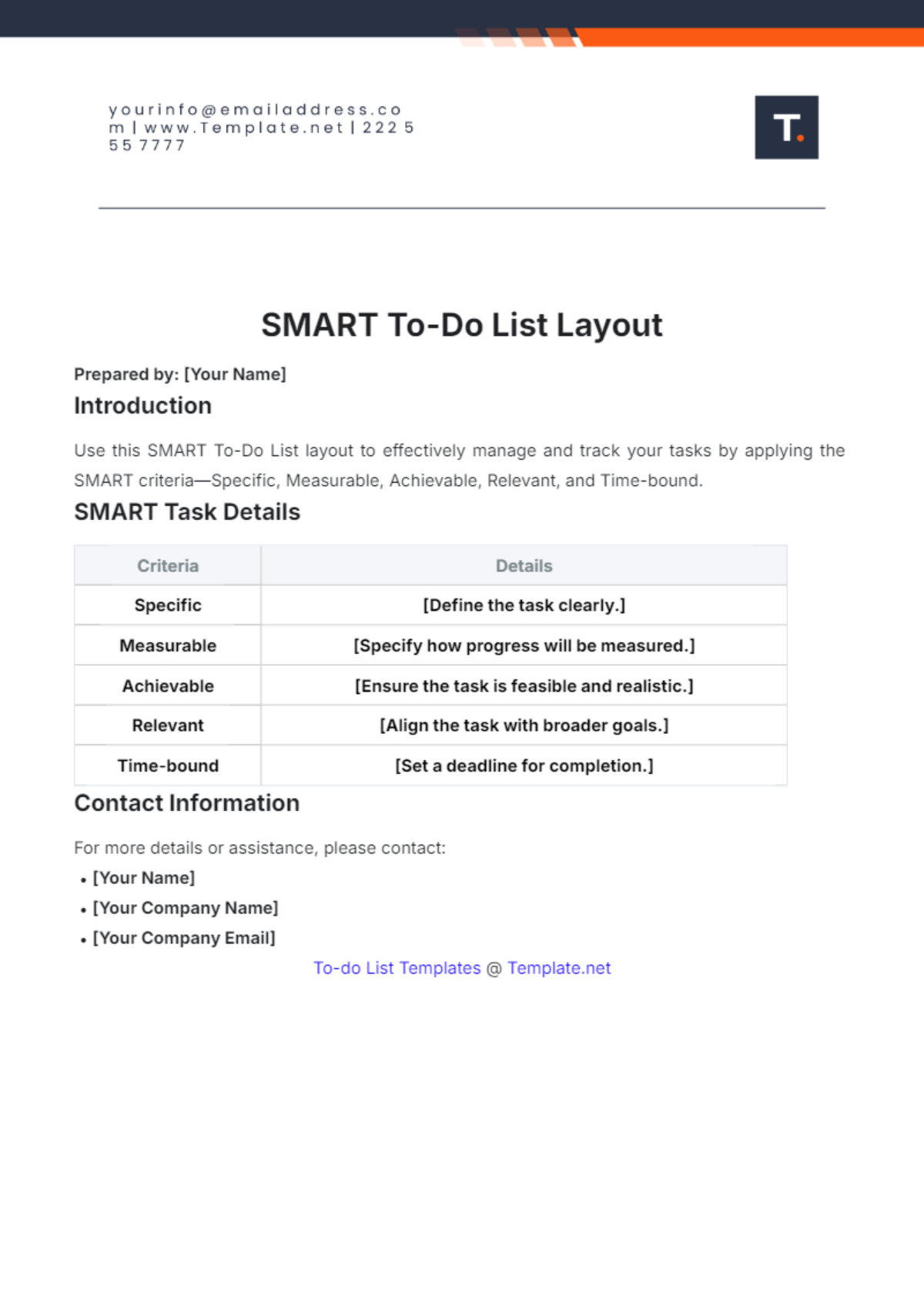
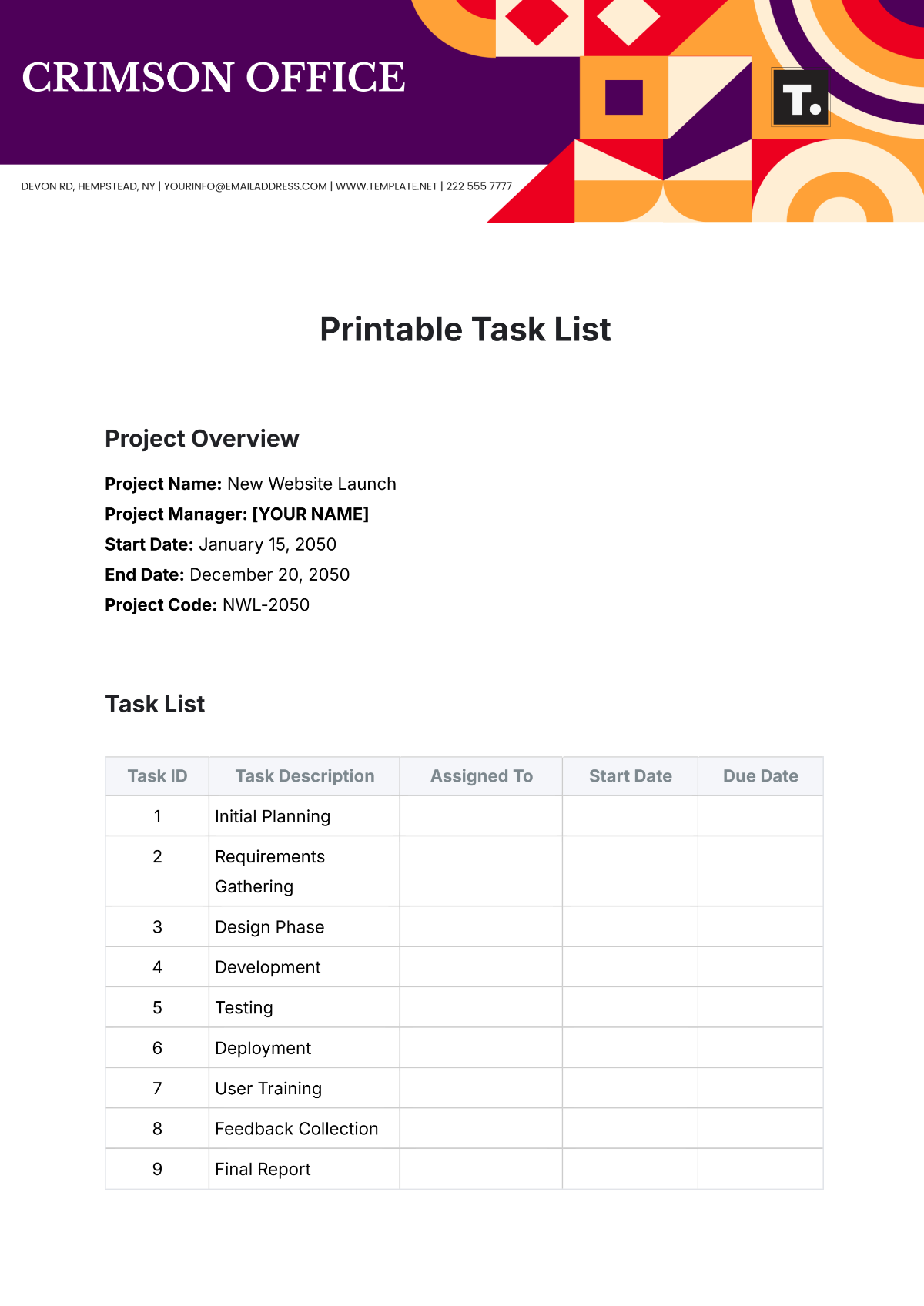
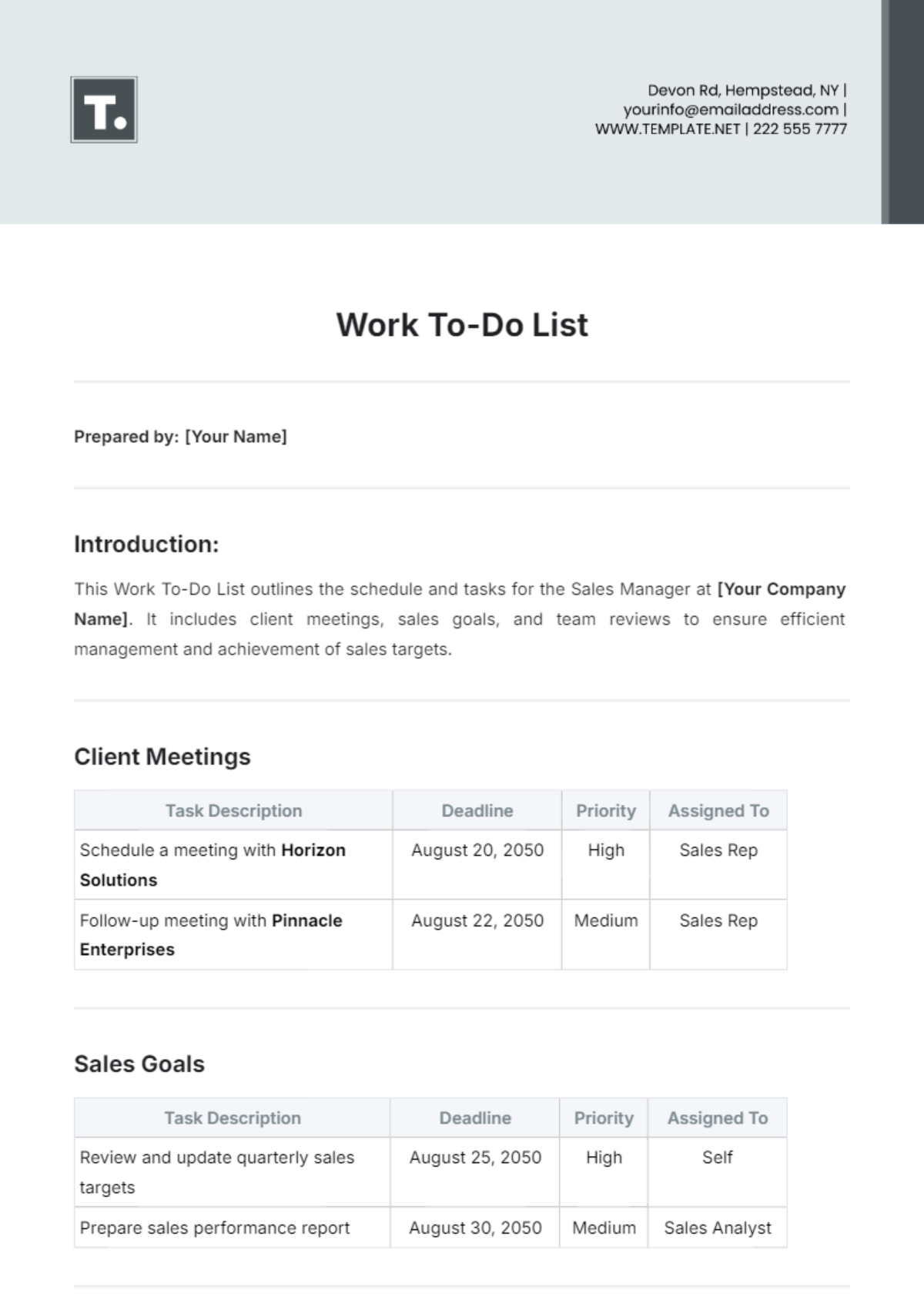
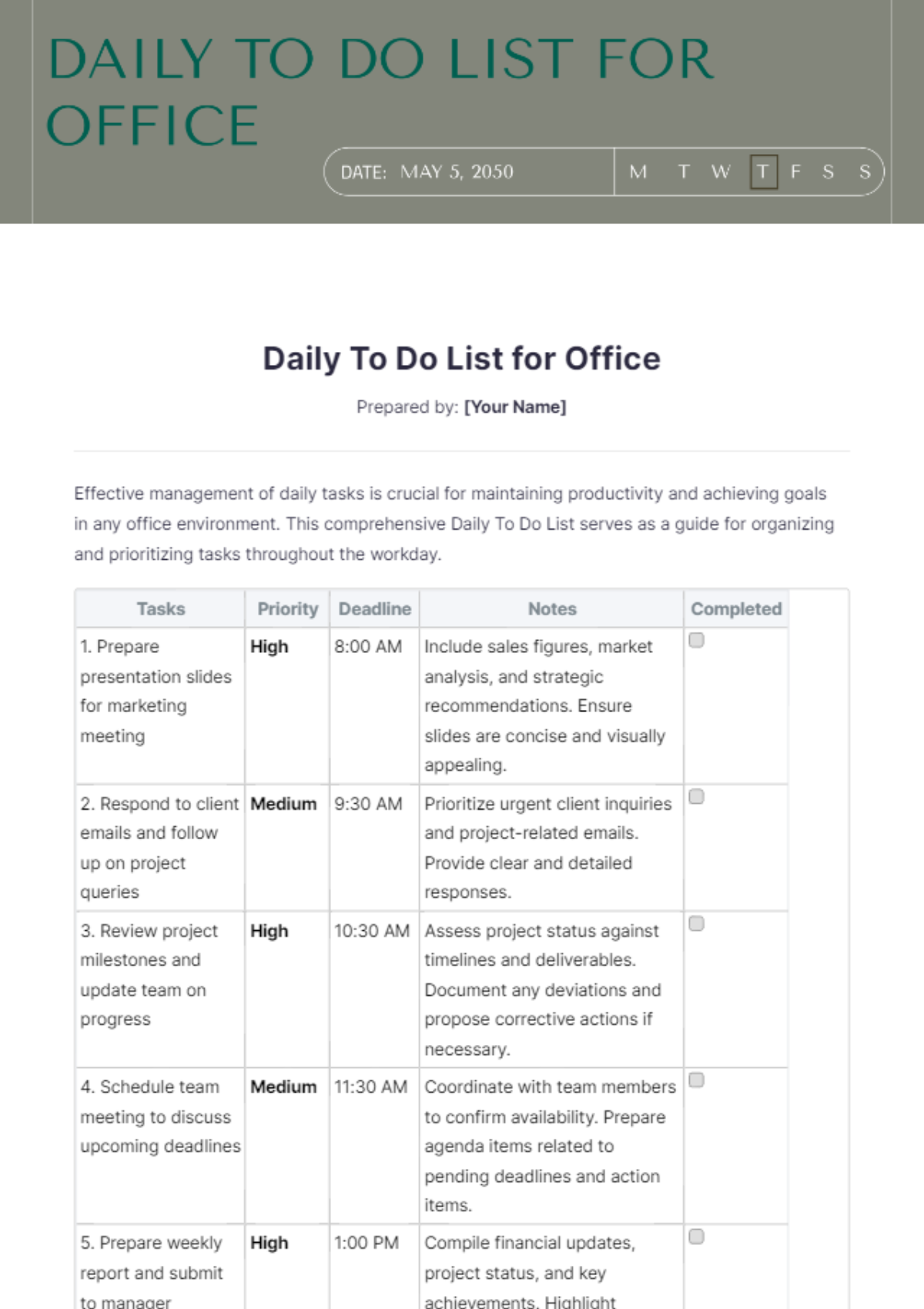
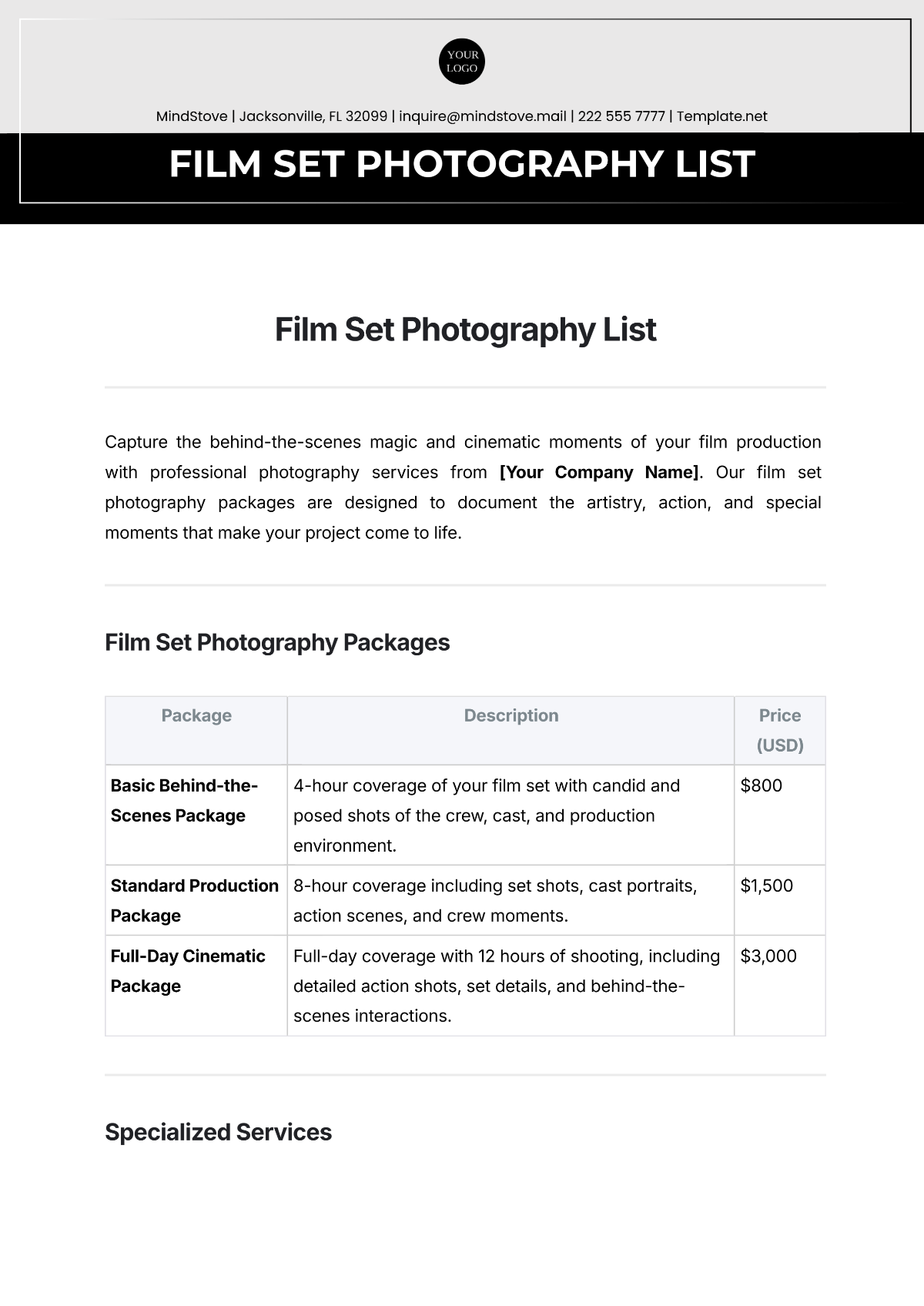
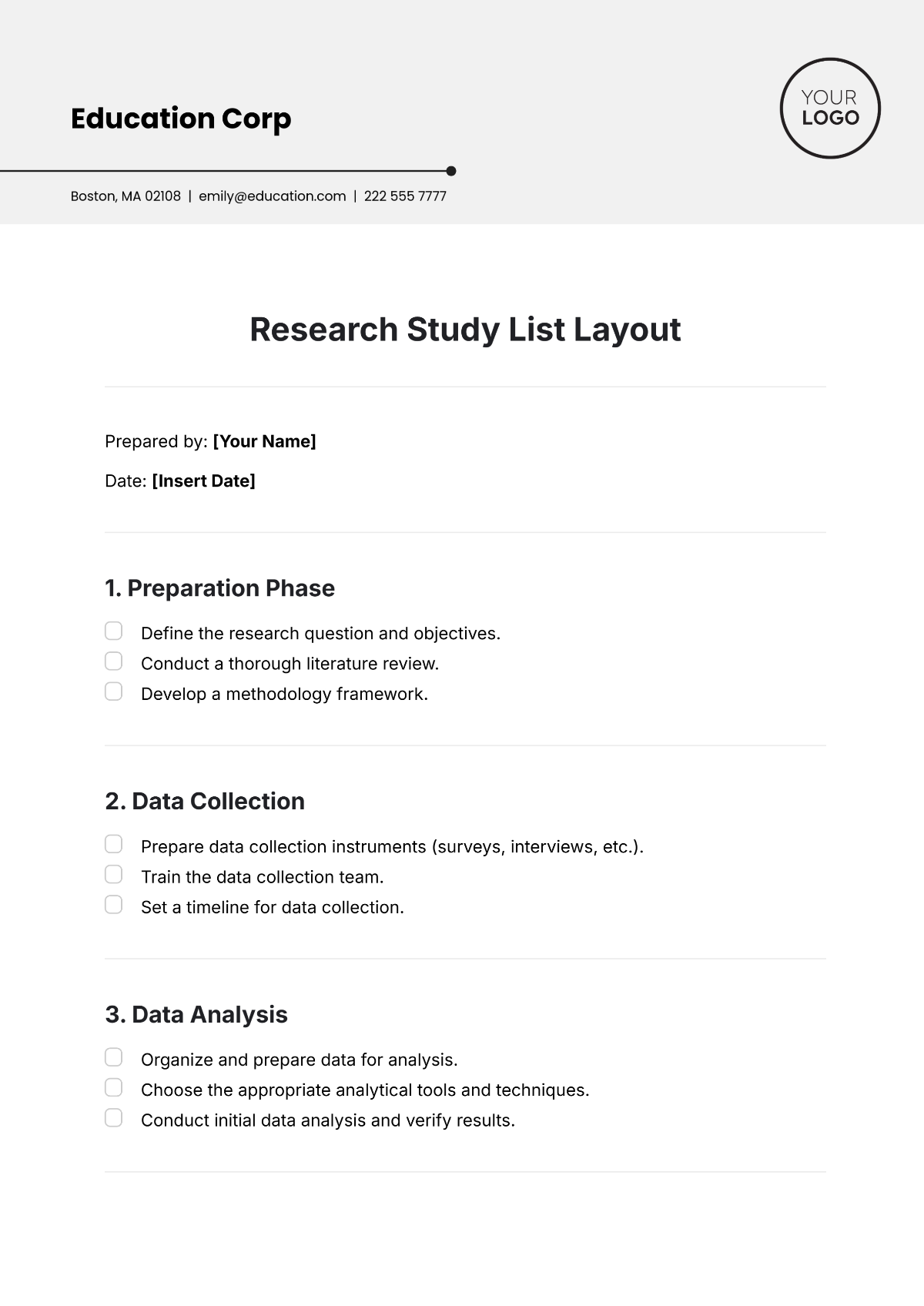
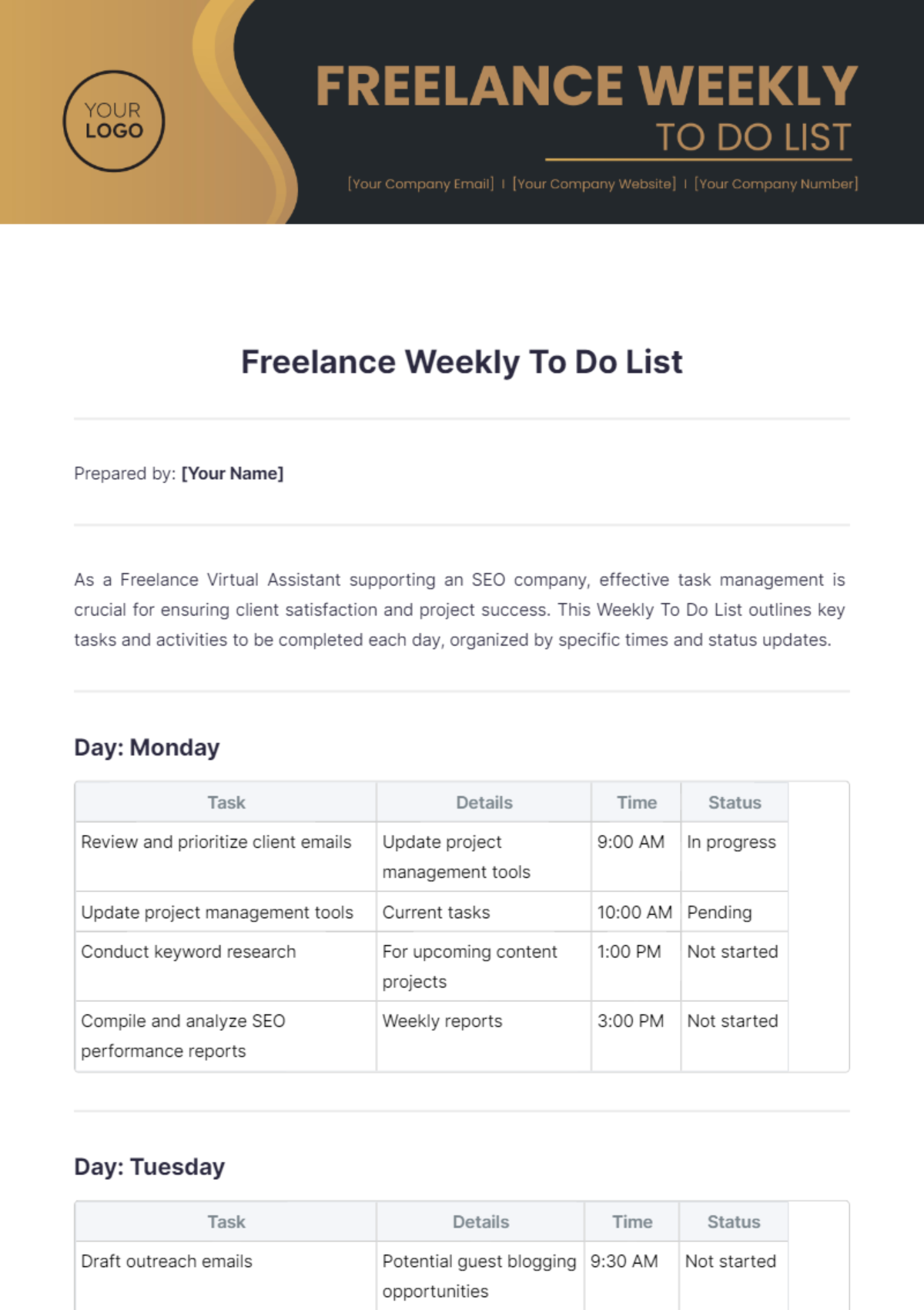
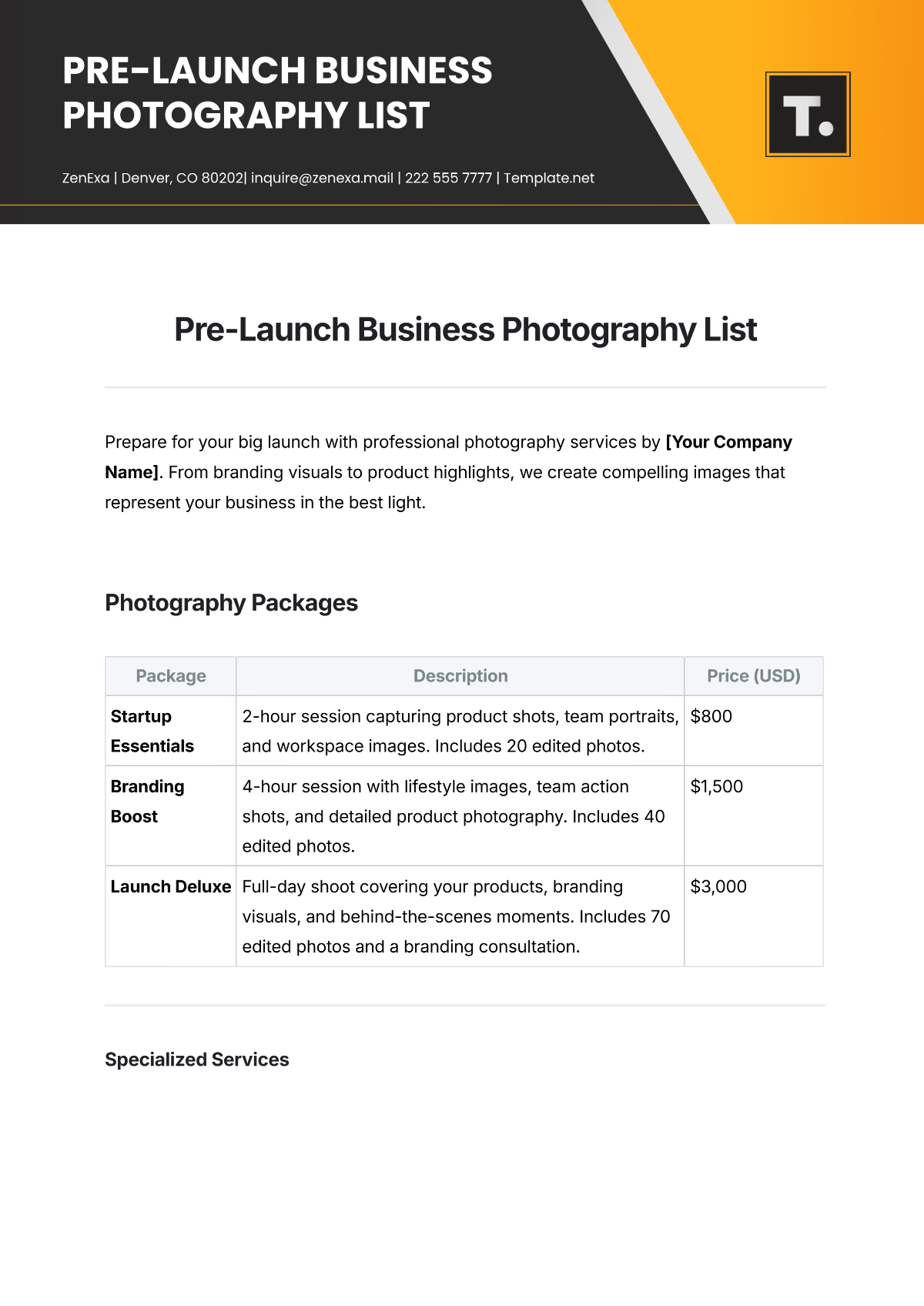
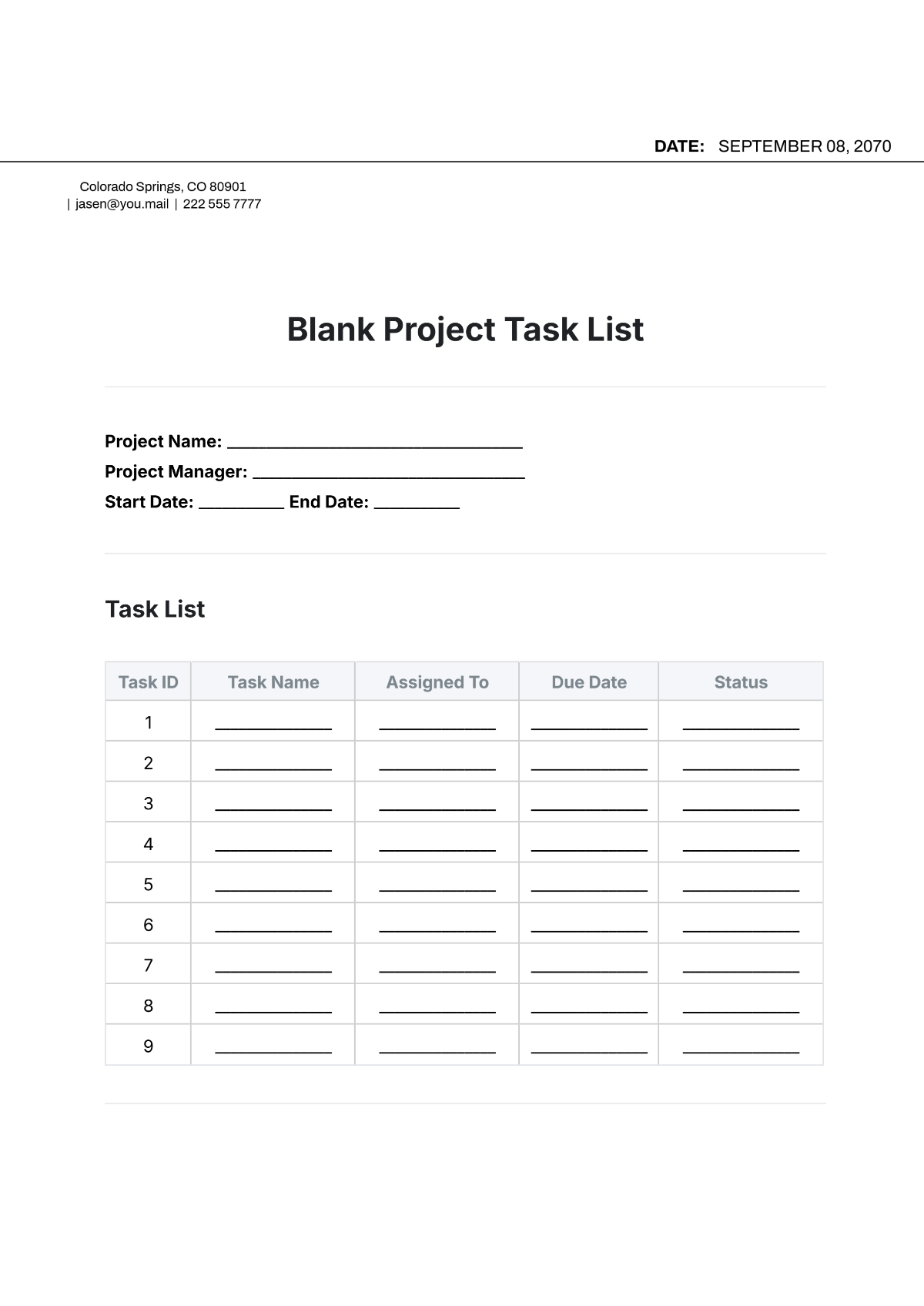
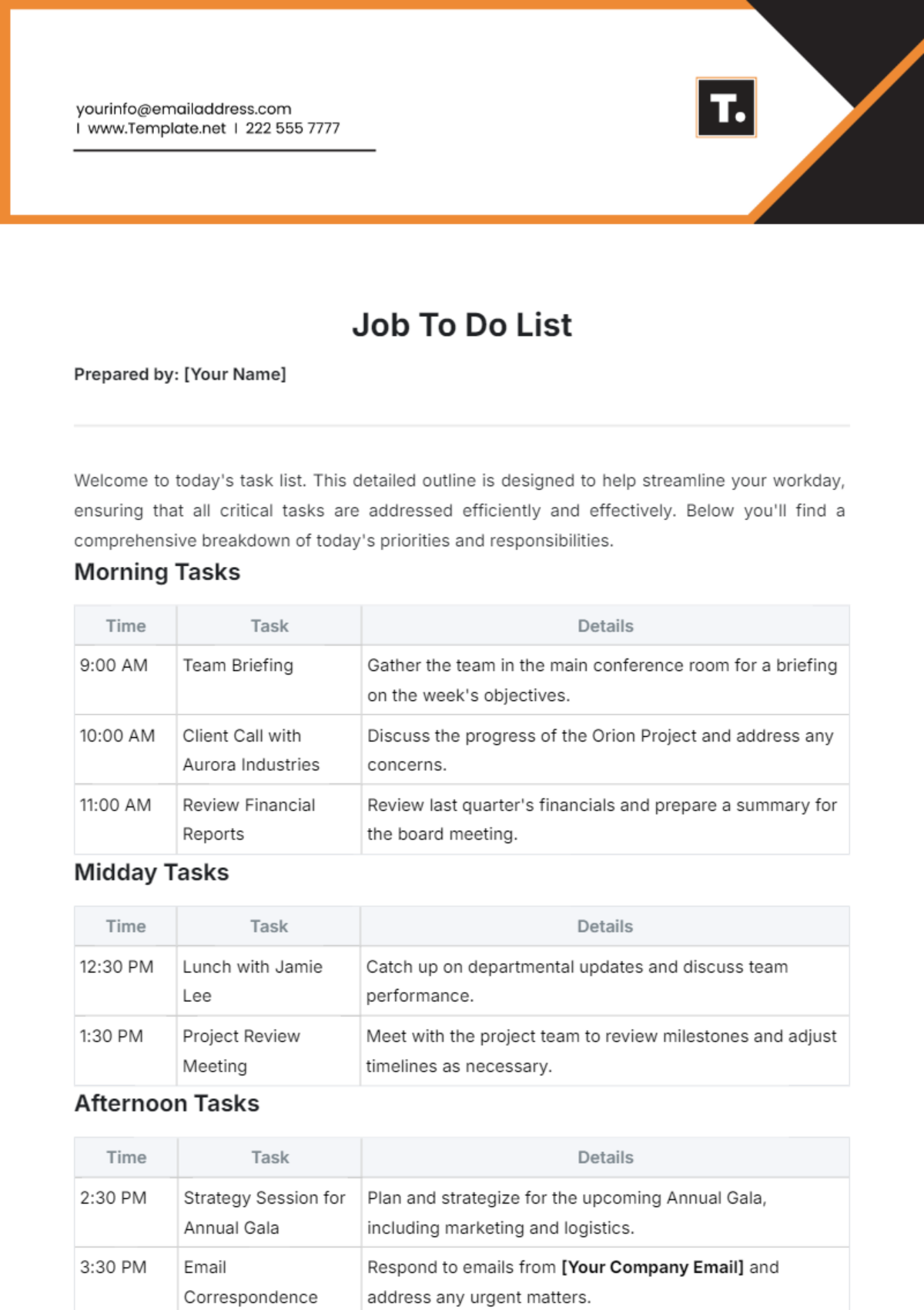
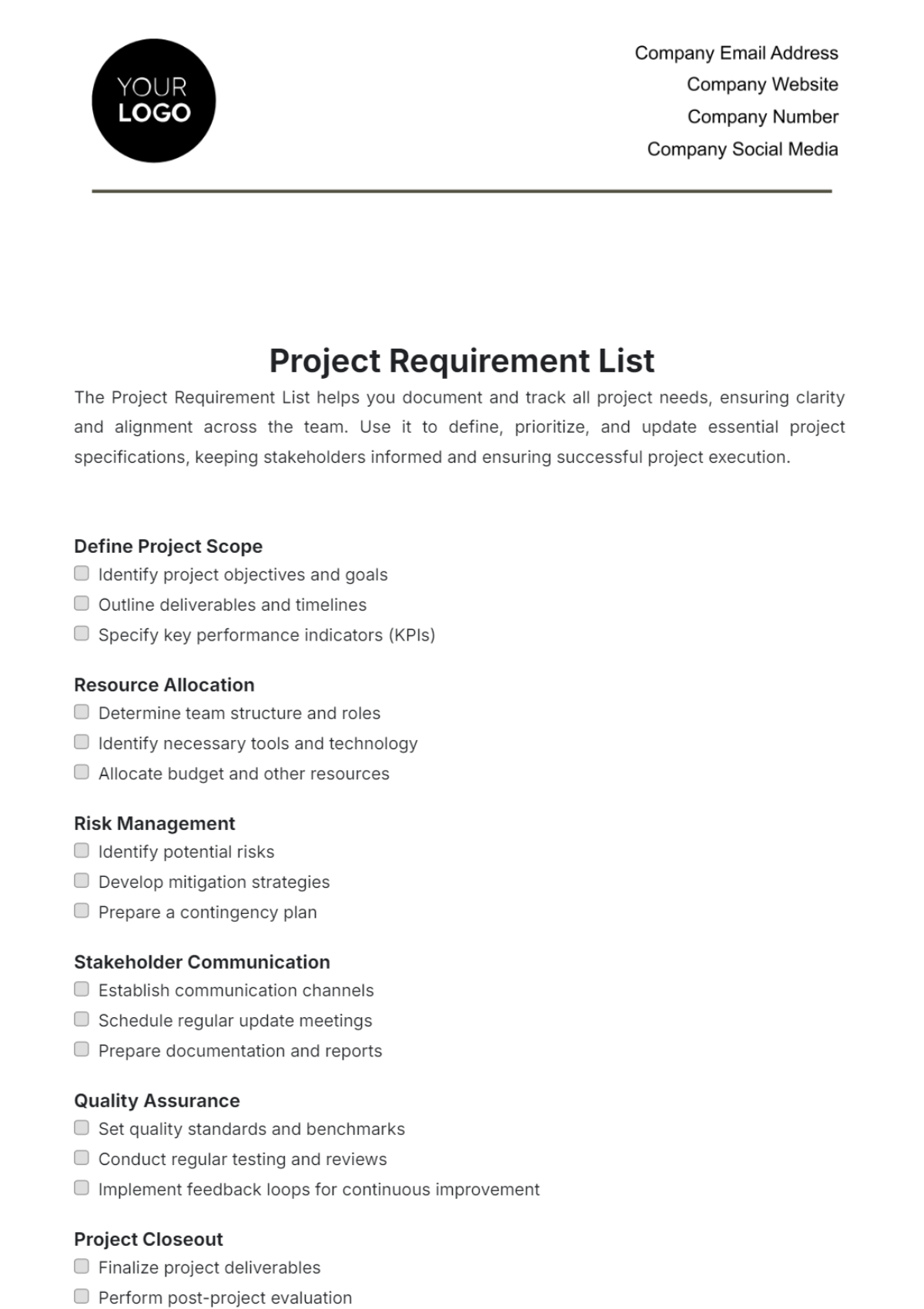
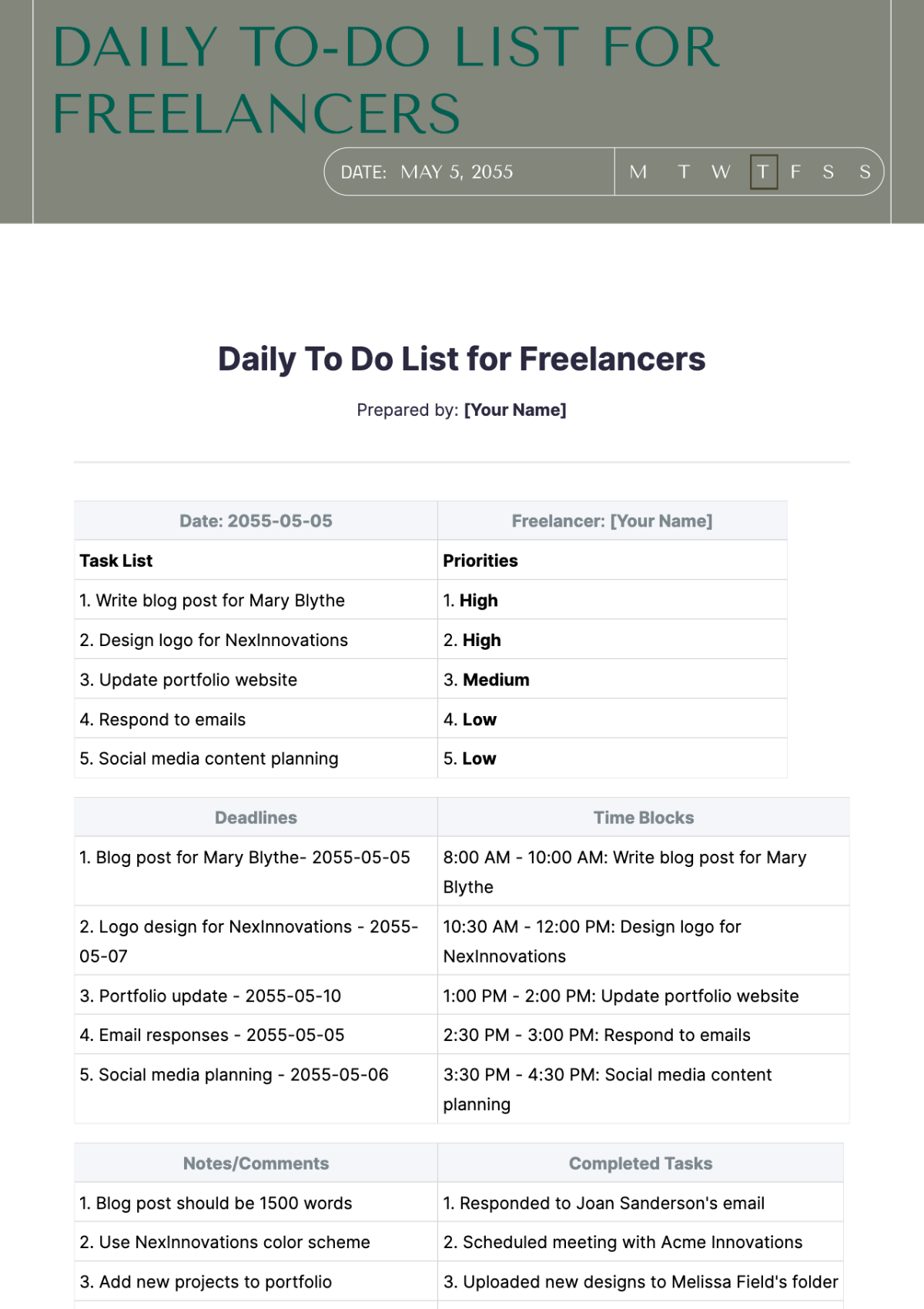
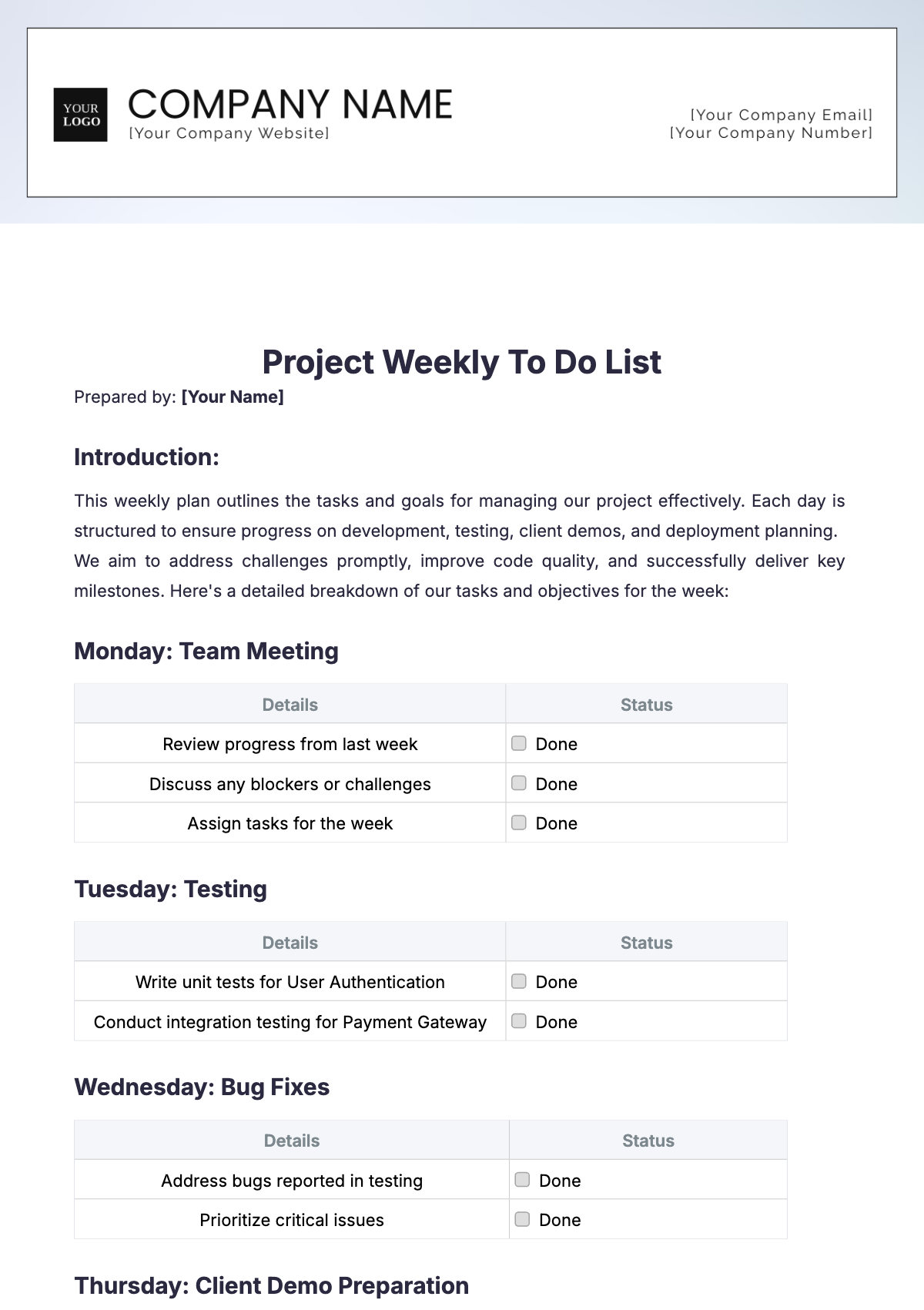
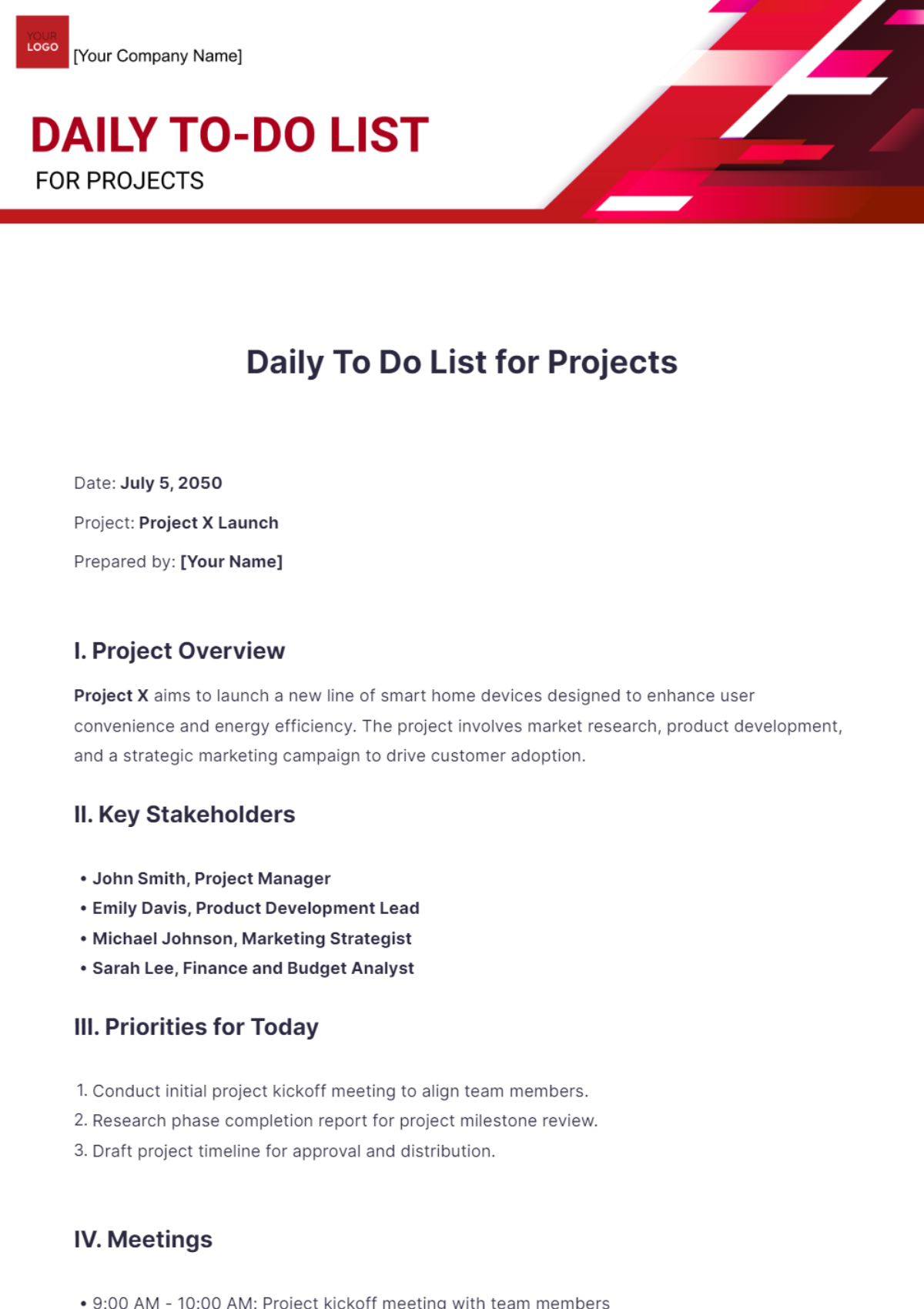
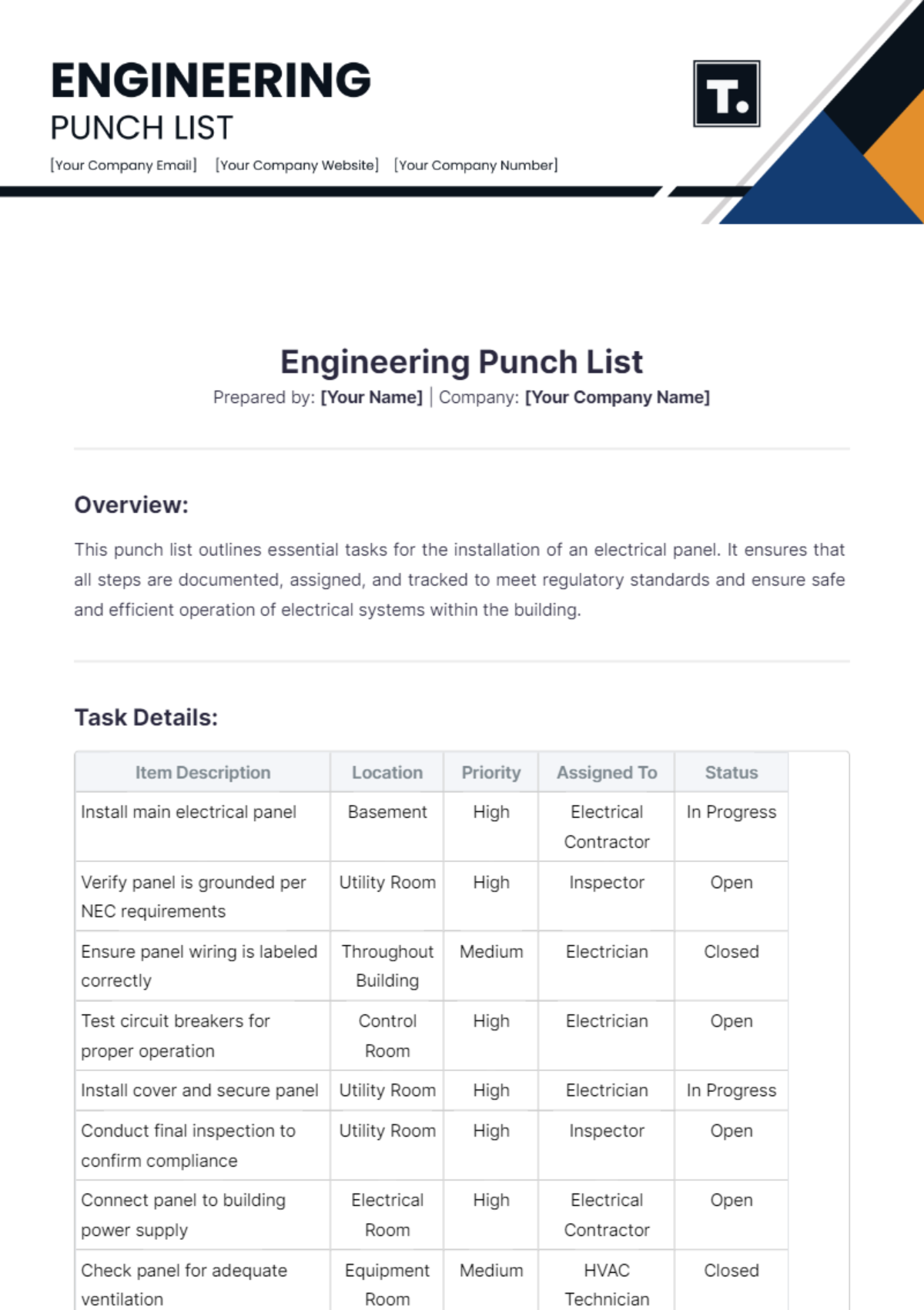
A project list is a structured document that organizes multiple projects, tracking details such as names, deadlines, statuses, and priorities in a clear format. Project list templates help users maintain an overview with a professional layout and business-ready structure for efficient project management and reporting.
Why use a Project List?
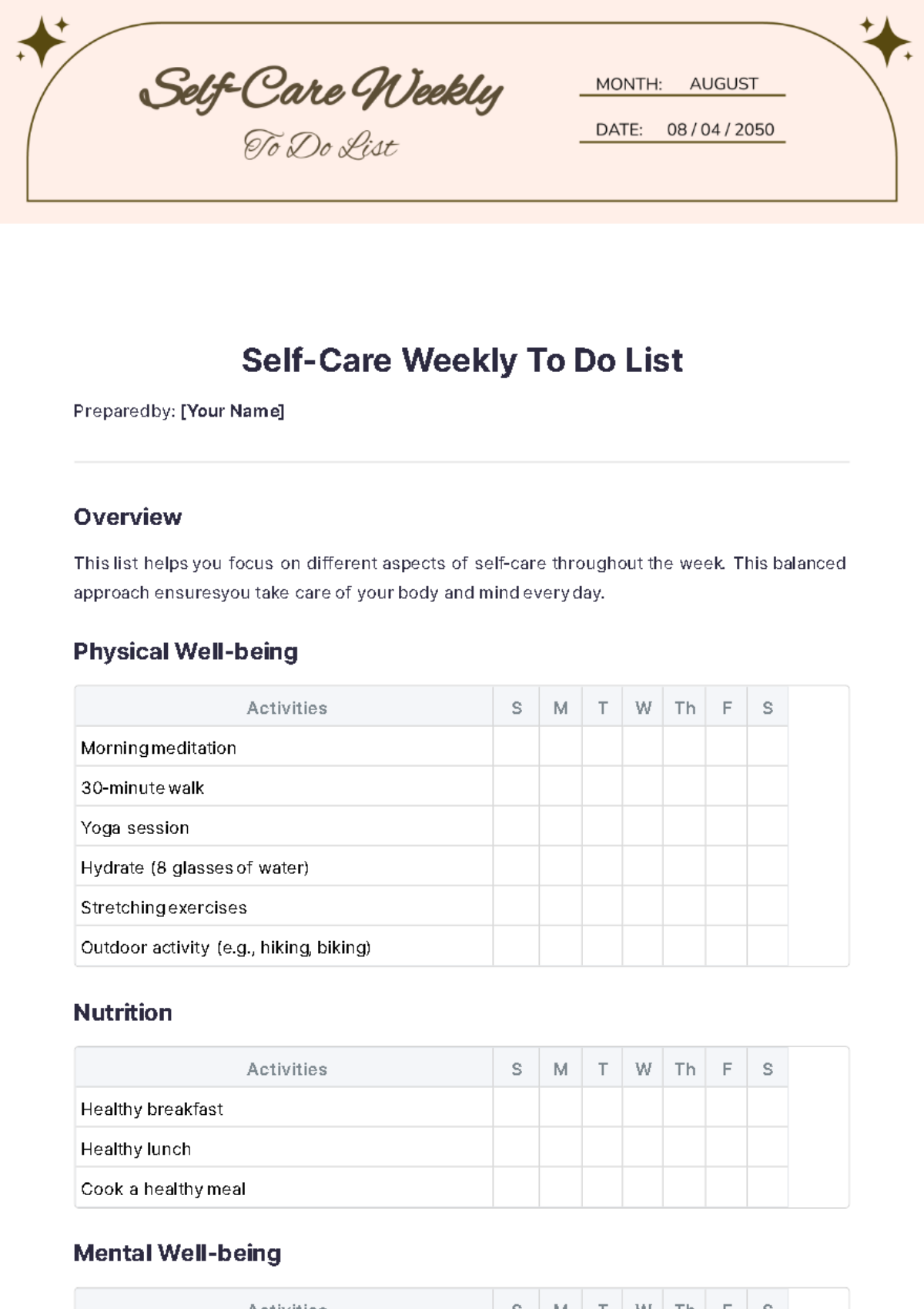
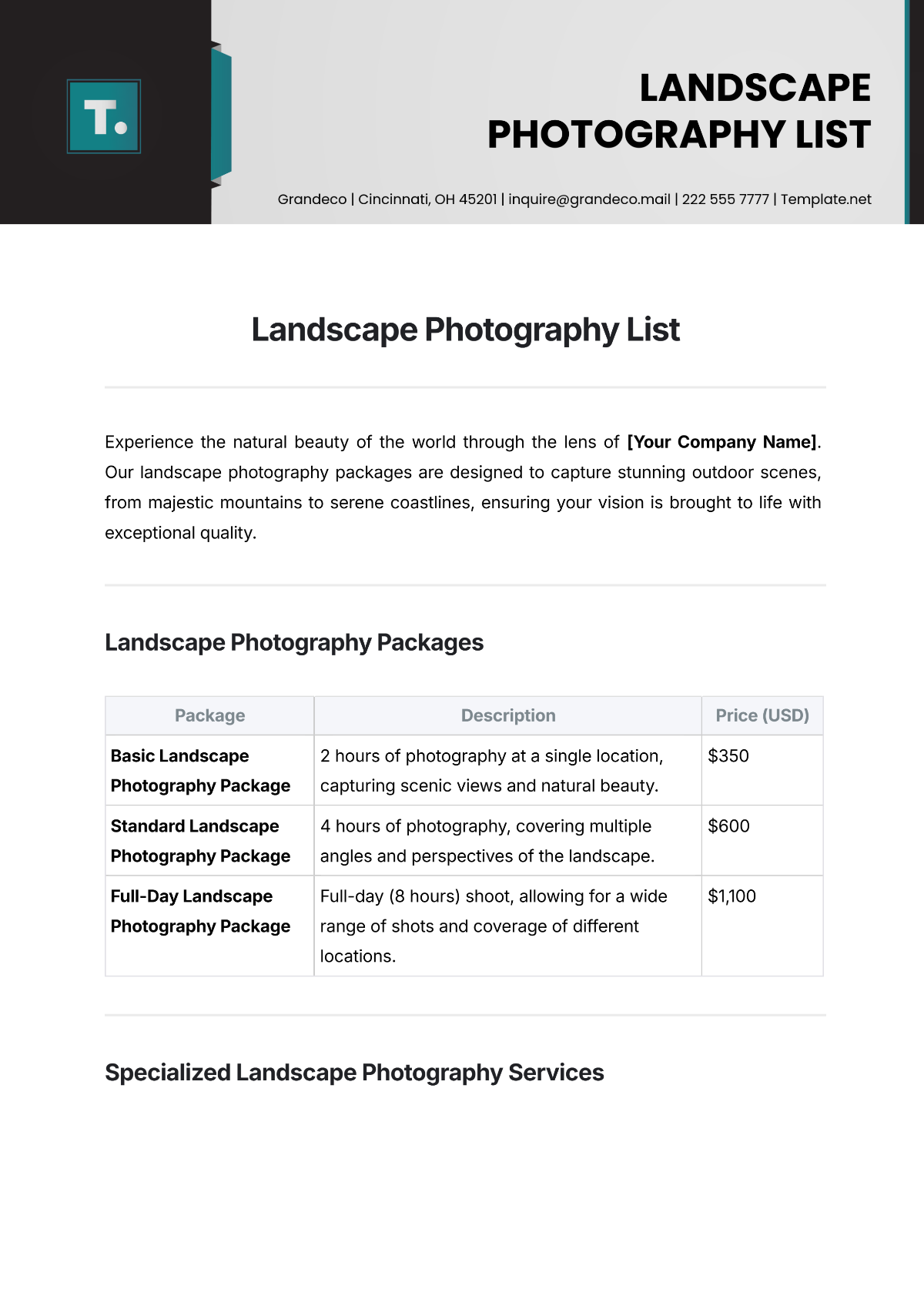
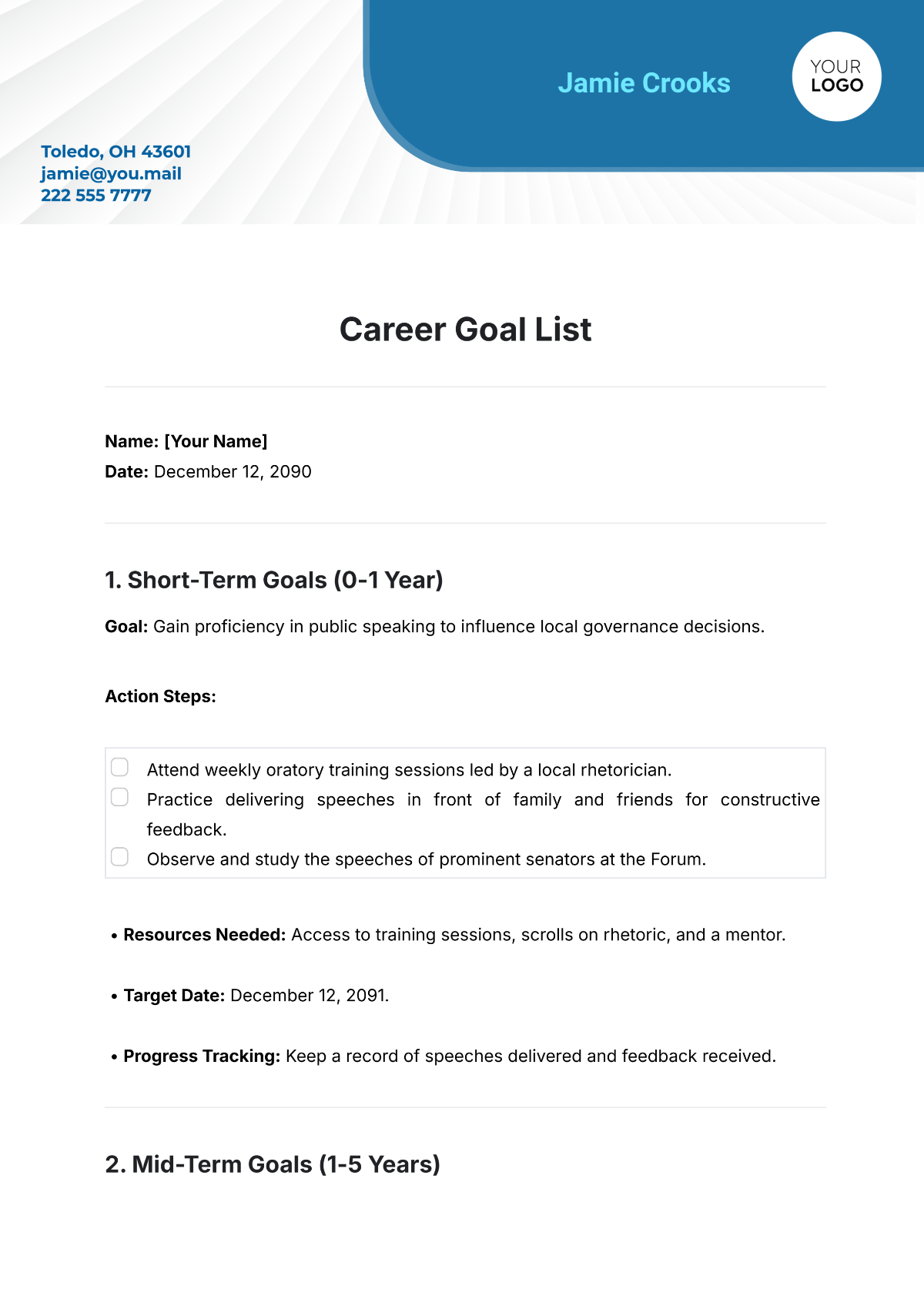
A project list improves organization by providing a clear structure to track multiple projects, deadlines, and priorities. Using project list templates ensures a consistent professional layout that enhances communication and supports decision-making in business environments.
Who typically uses Project Lists?
Project lists are commonly used by project managers, team leaders, and business professionals who need to organize and monitor multiple projects. These users benefit from structured formatting and editable templates that support collaboration and clear reporting.
What sections should a Project List include?
A project list should include sections such as project name, description, start and end dates, status, and priority level. These structured sections provide an organized and professional layout for efficient project tracking.
What are the best tips for formatting a Project List?
Effective project lists use clear headings, consistent fonts, and ample spacing. Employing structured formatting with tables or lists enhances readability. Using print-ready and business-ready layouts ensures the document is professional and easy to update online.
How do you print a Project List?
Project lists can be printed as print-ready PDFs after online editing on Template.net. Ensuring the document uses a business-ready layout with proper margins and sizes like 8.5 × 11 inches or Letter size guarantees professional printed copies.
Is a Project List legally and professionally acceptable?
Project lists created with Template.net templates comply with professional standards and are suitable for business use. The structured formatting and compliance-friendly presentation ensure these documents meet legal and professional requirements.
What file formats can I download for a Project List?
Template.net offers project list templates that support multiple export formats for editing and printing, including Google Docs, Word, Excel, and Google Sheets. These formats support online editing and print-ready output.
Can I create a new Project List using AI?
Template.net provides an AI-powered tool that generates structured project list documents from prompts in 3–10 seconds. These AI-generated lists are ready for online refinement and support multi-format export for professional use. Access the tool here: List Generator.
