
Free List Templates



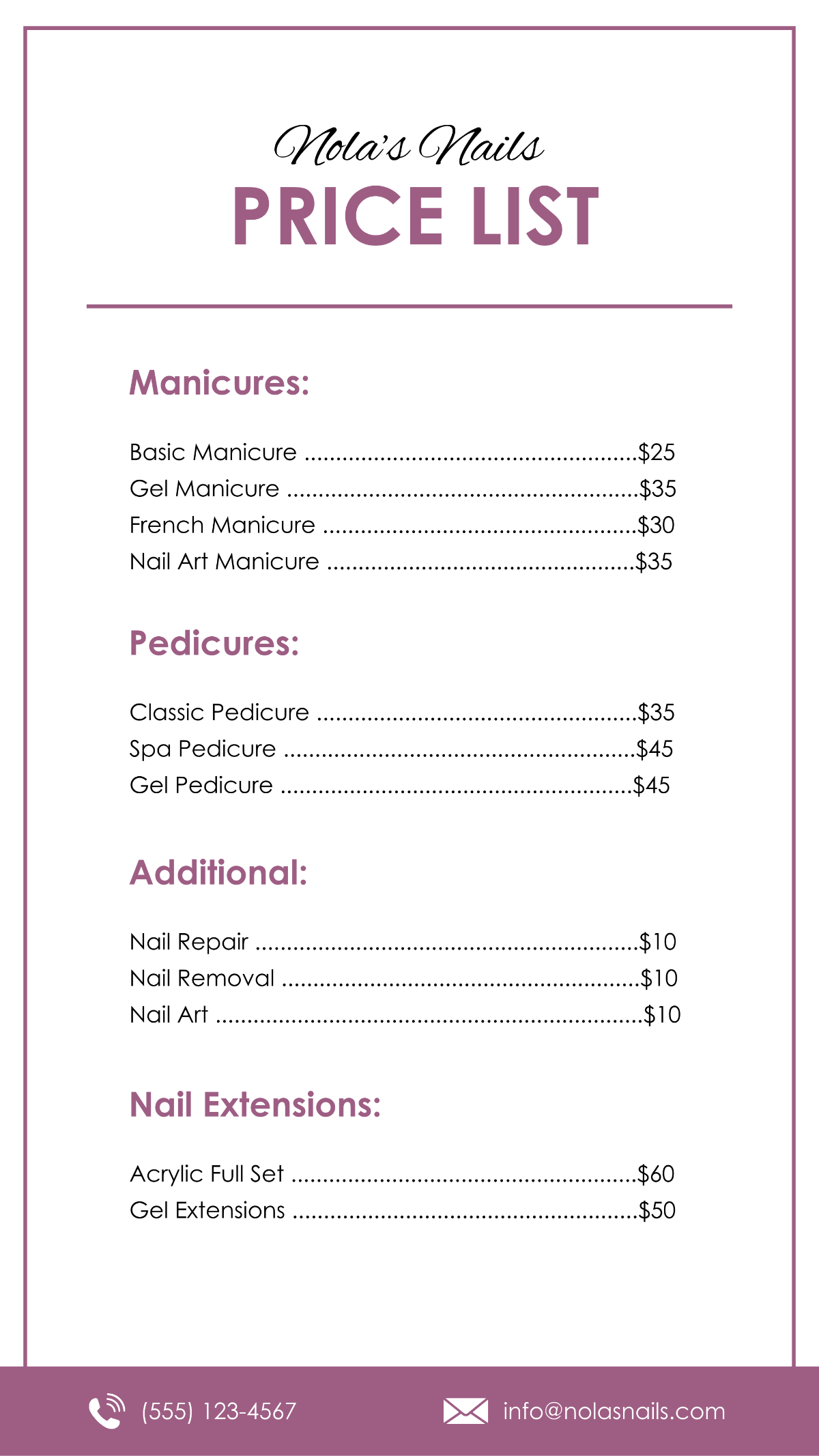
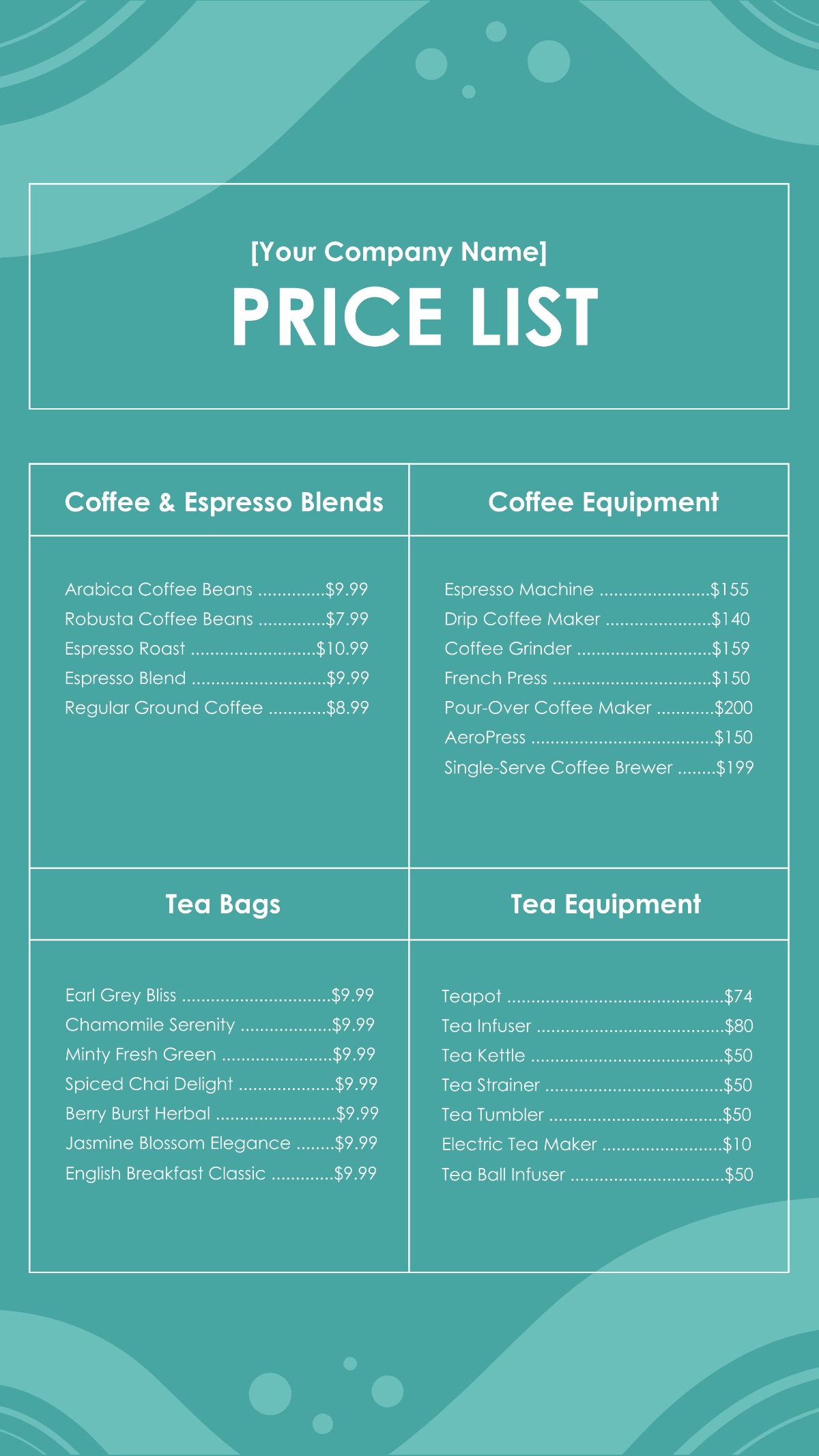



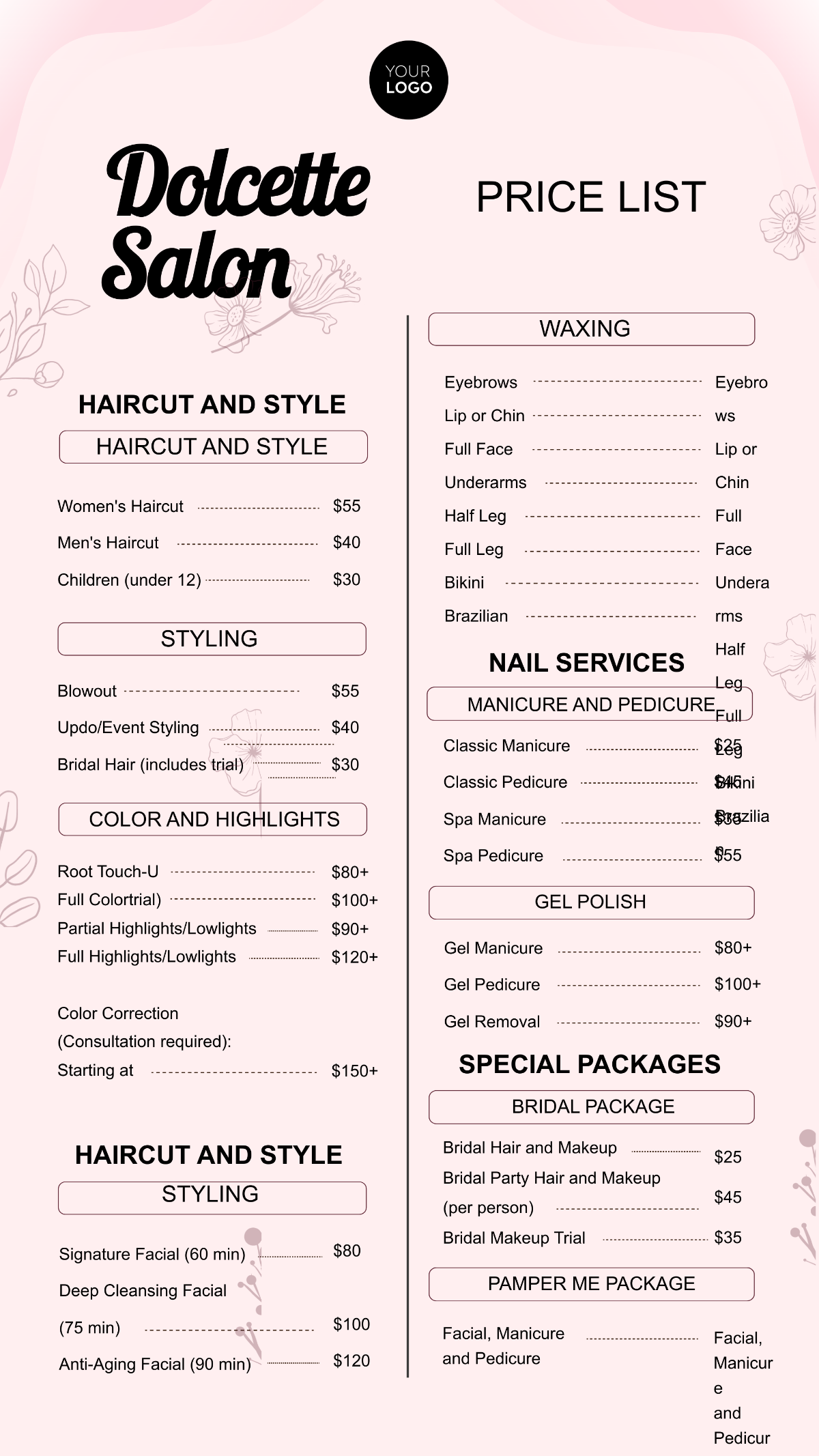

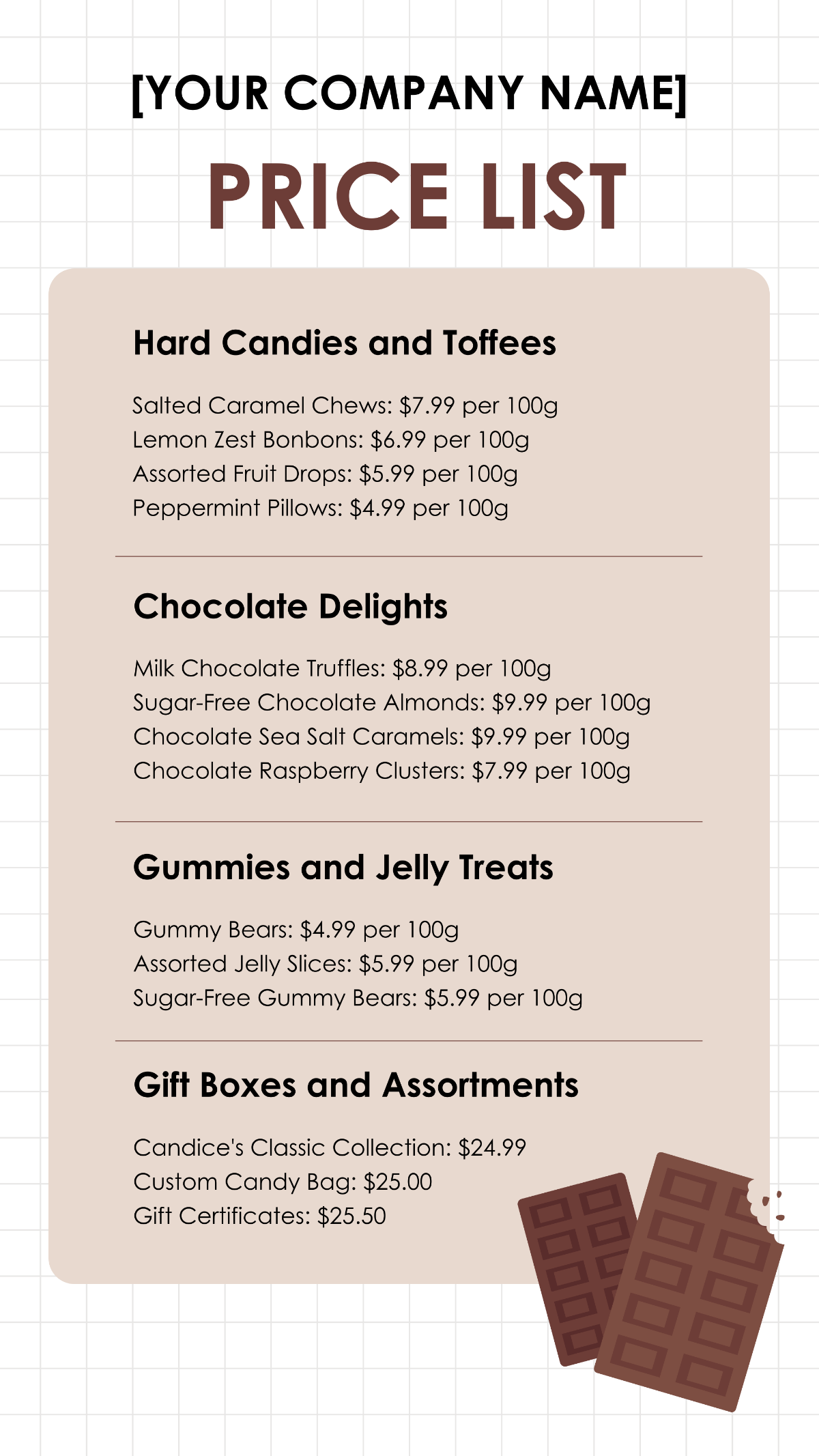
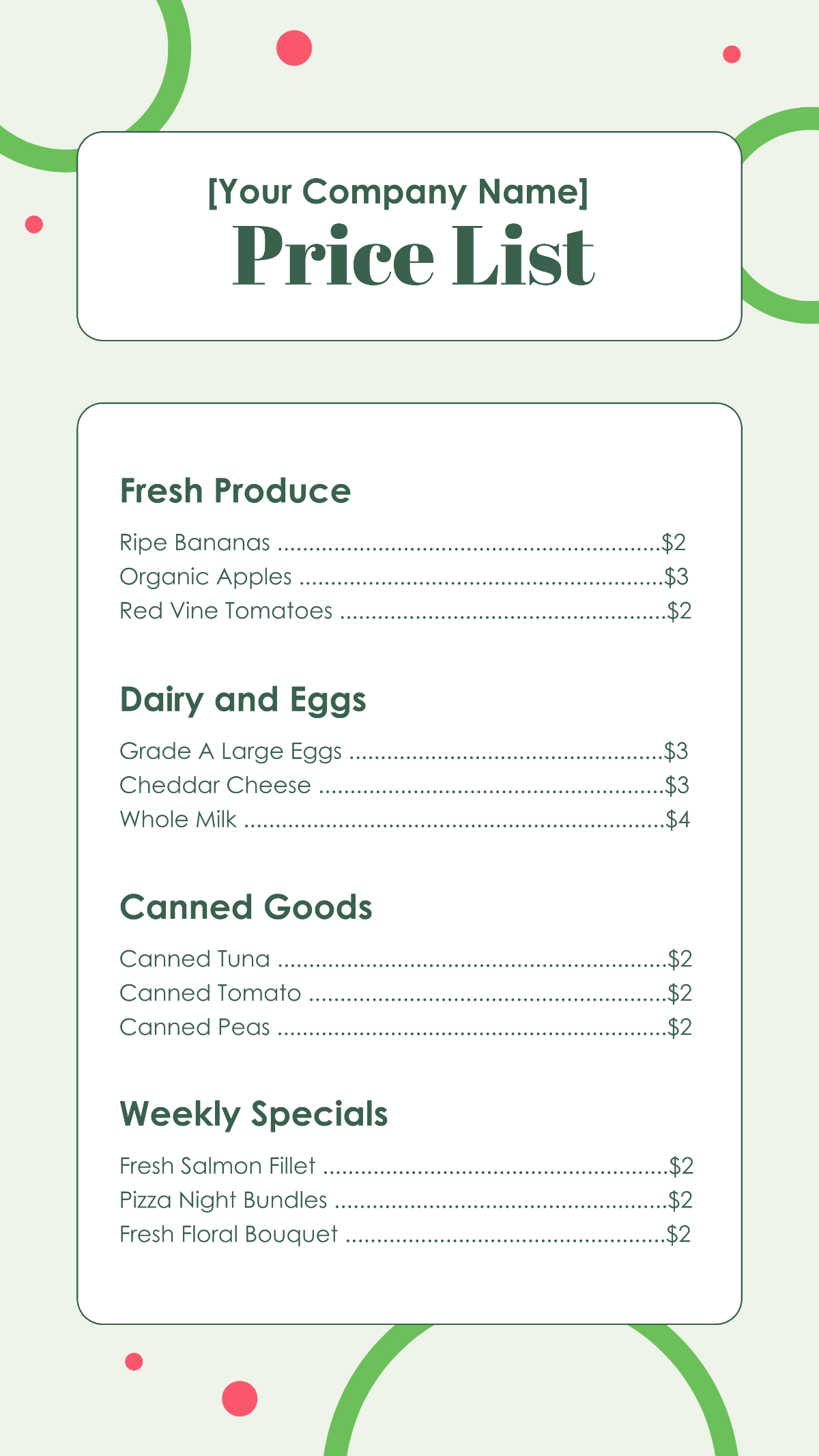



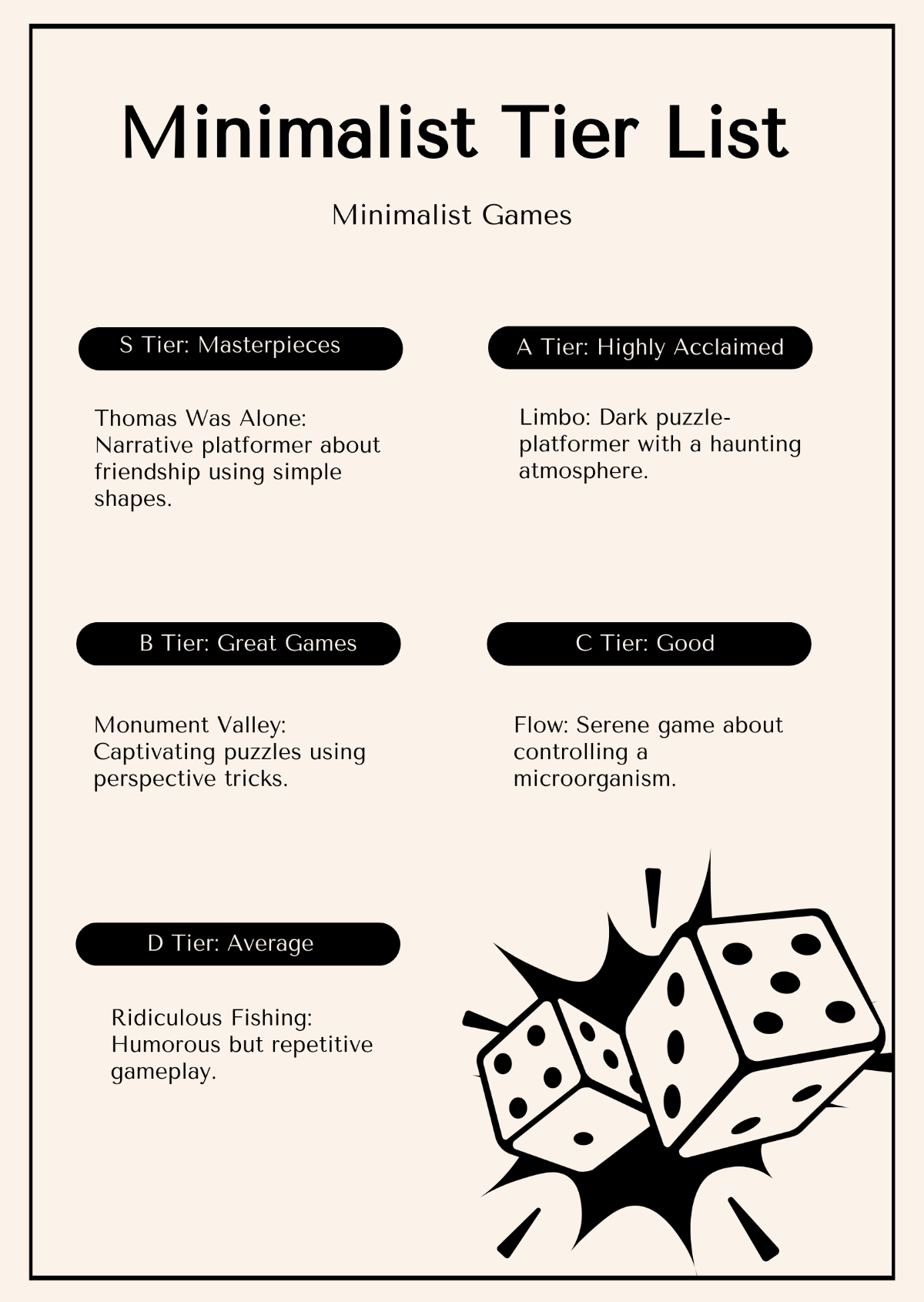
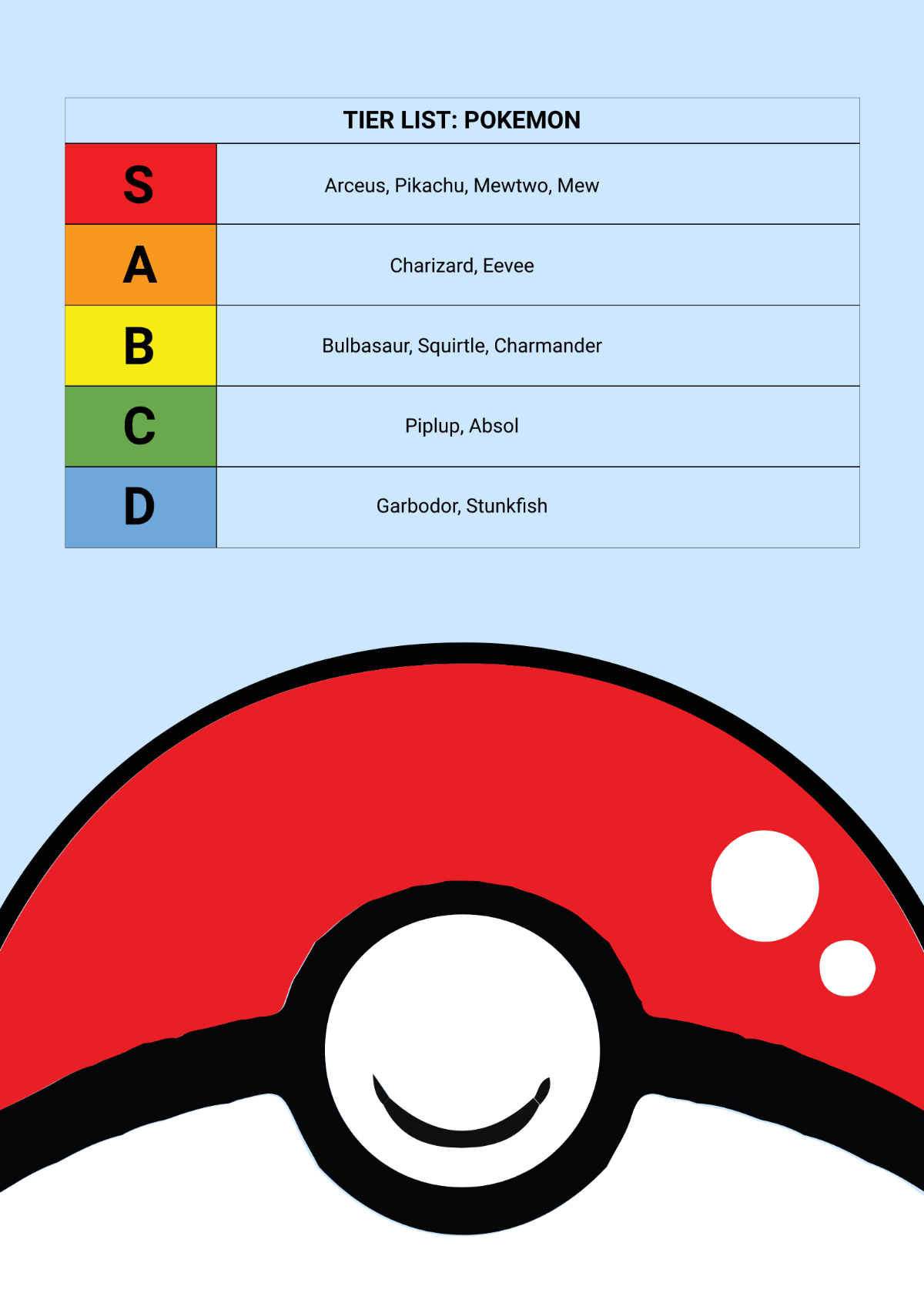
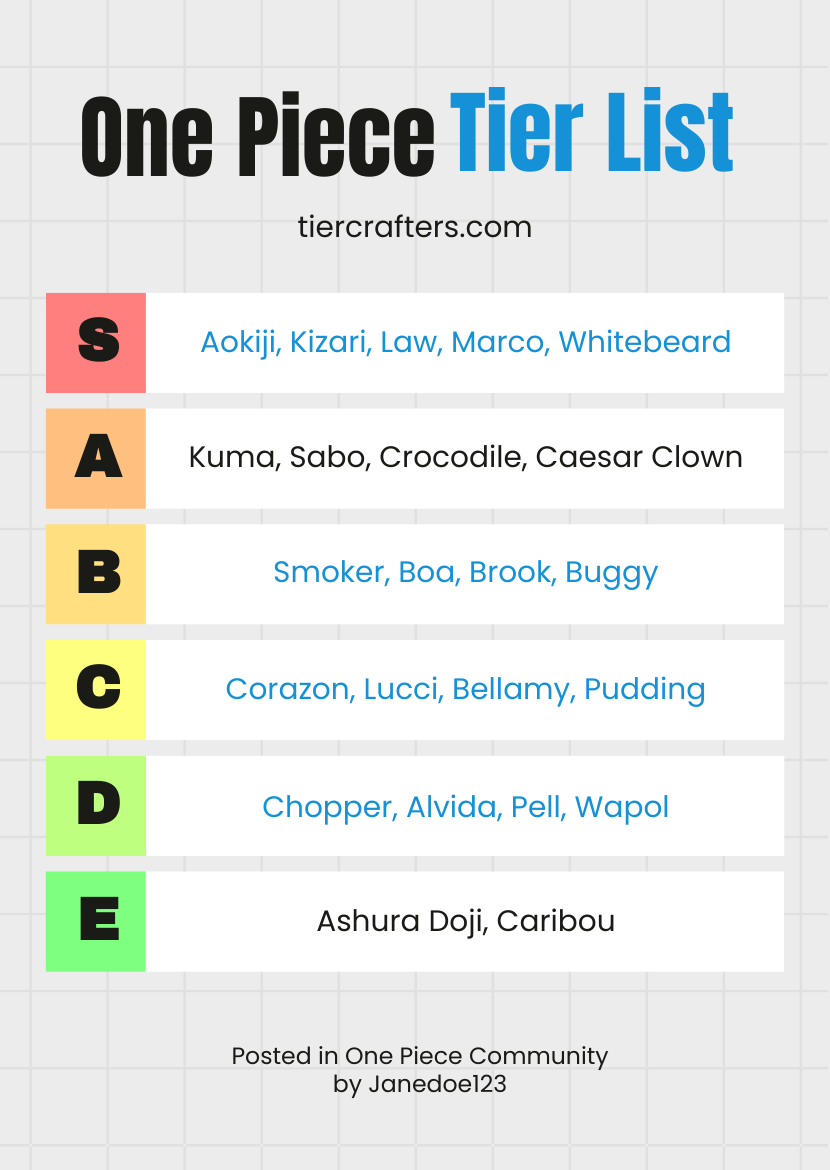
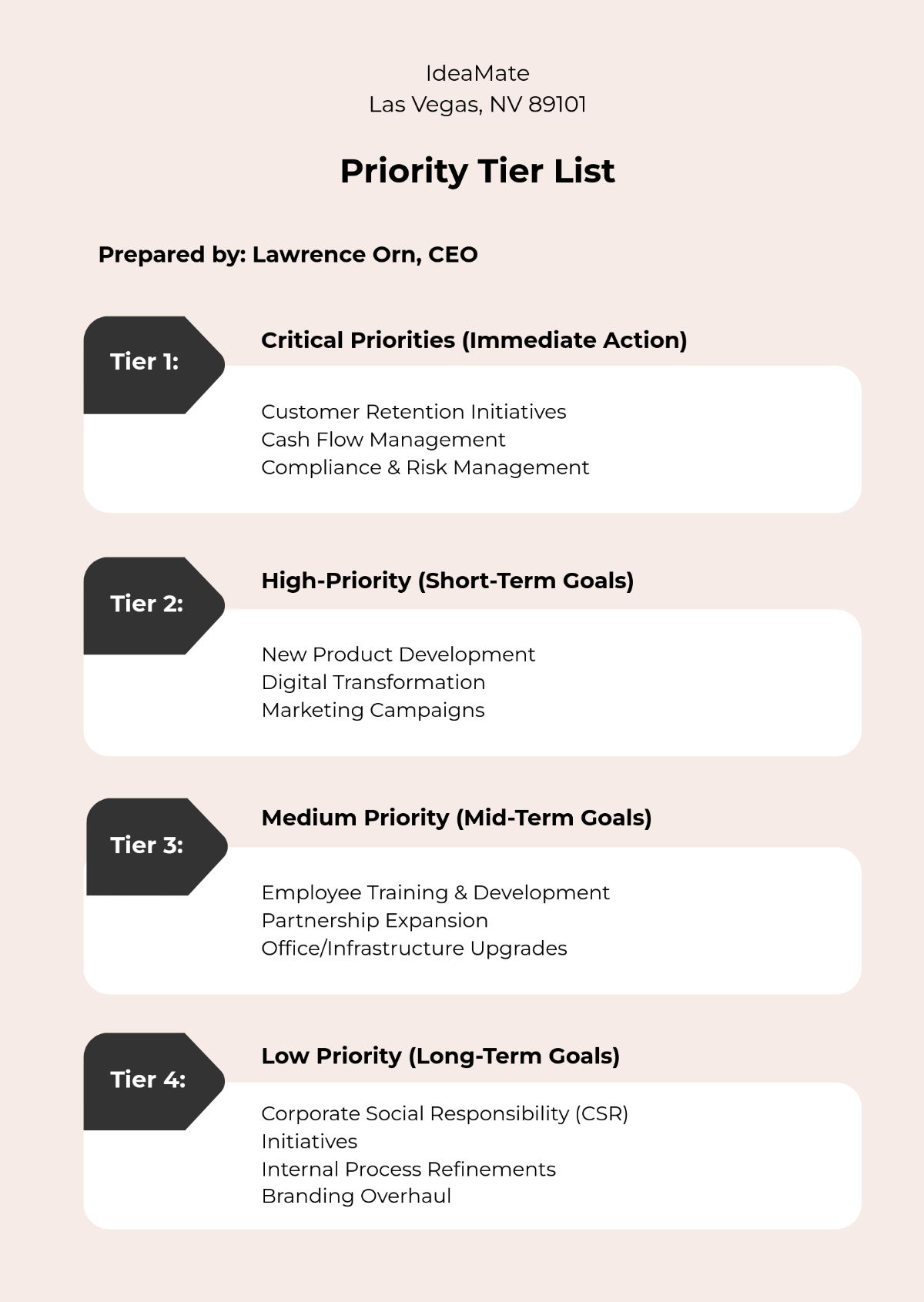
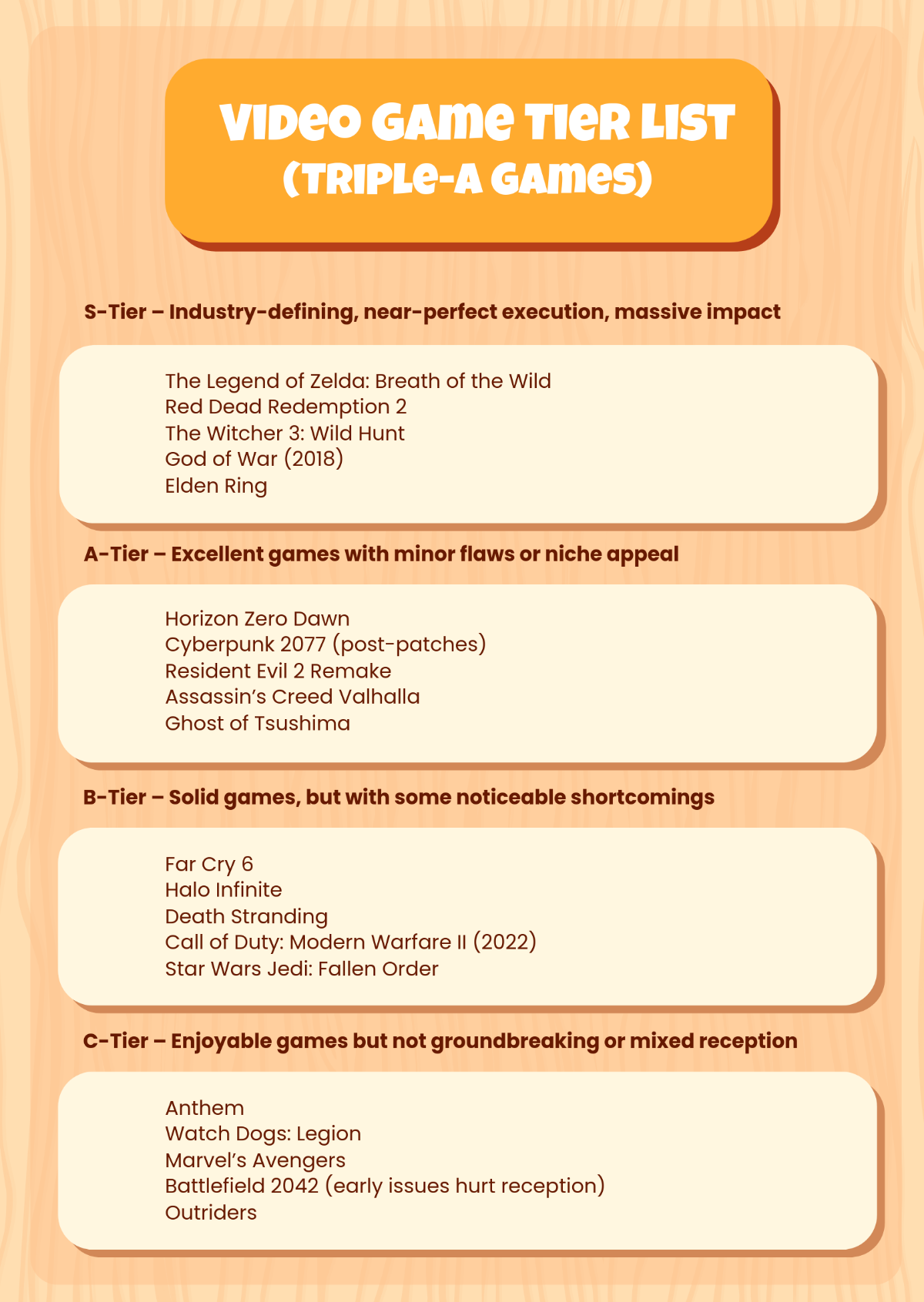
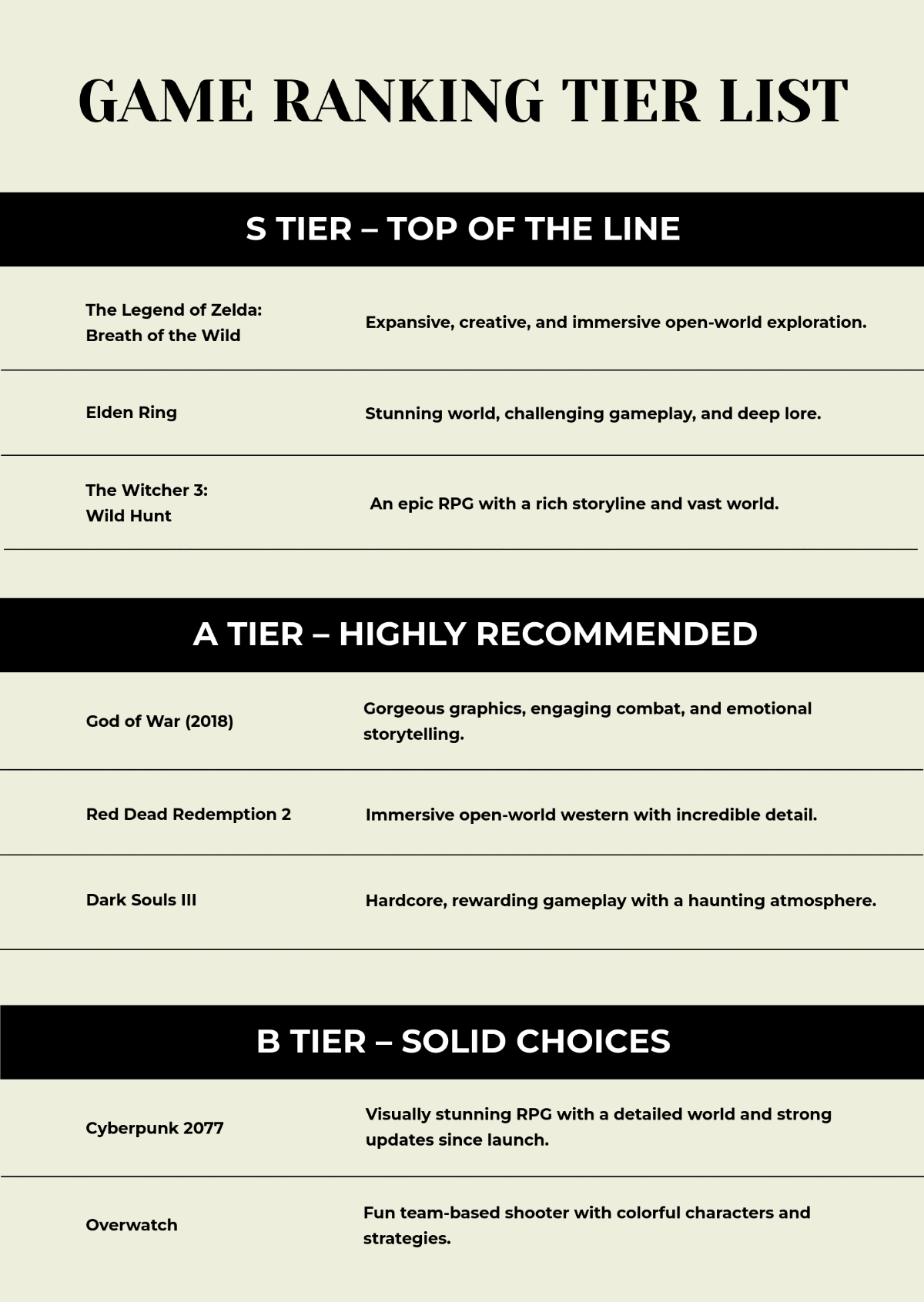
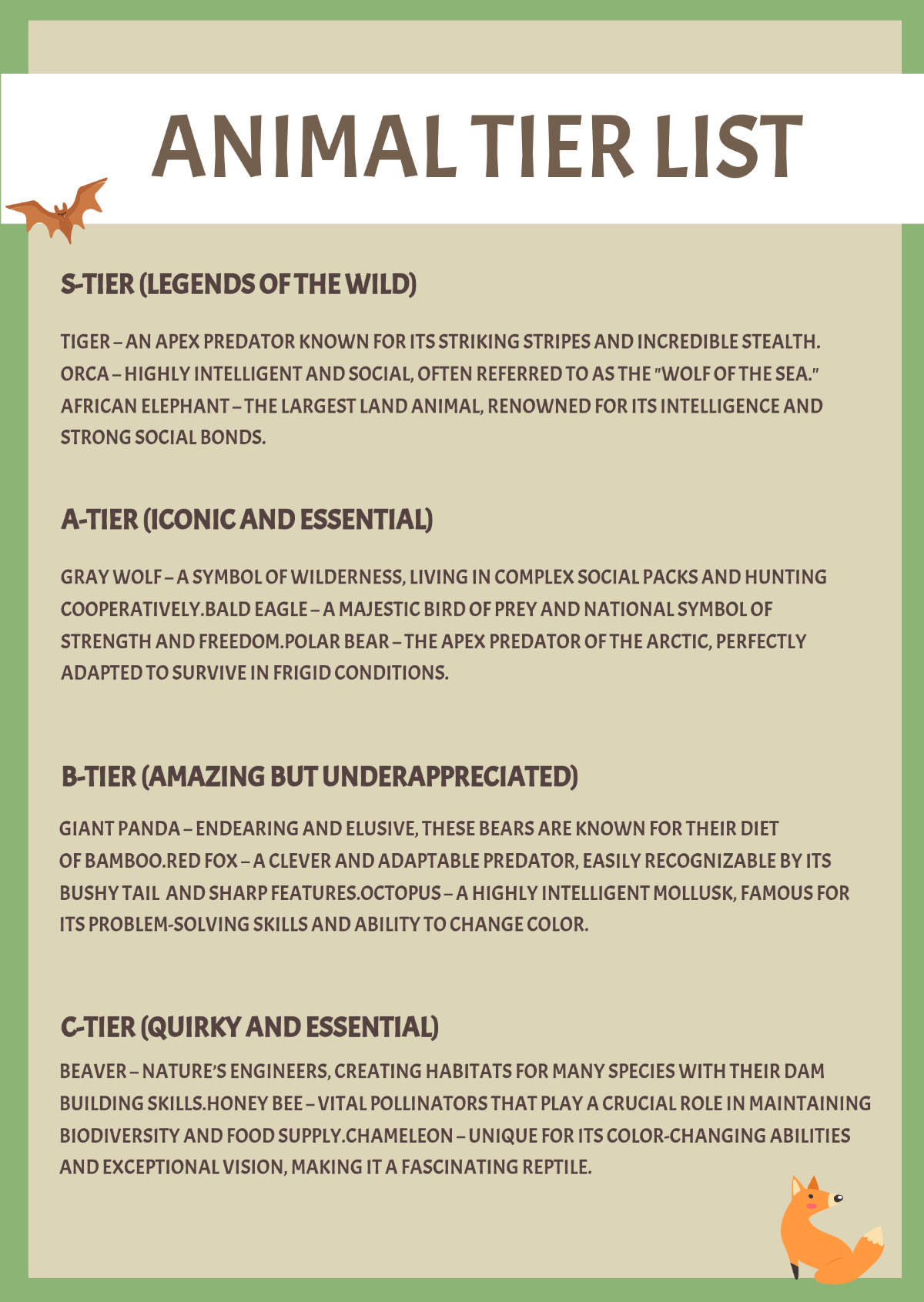

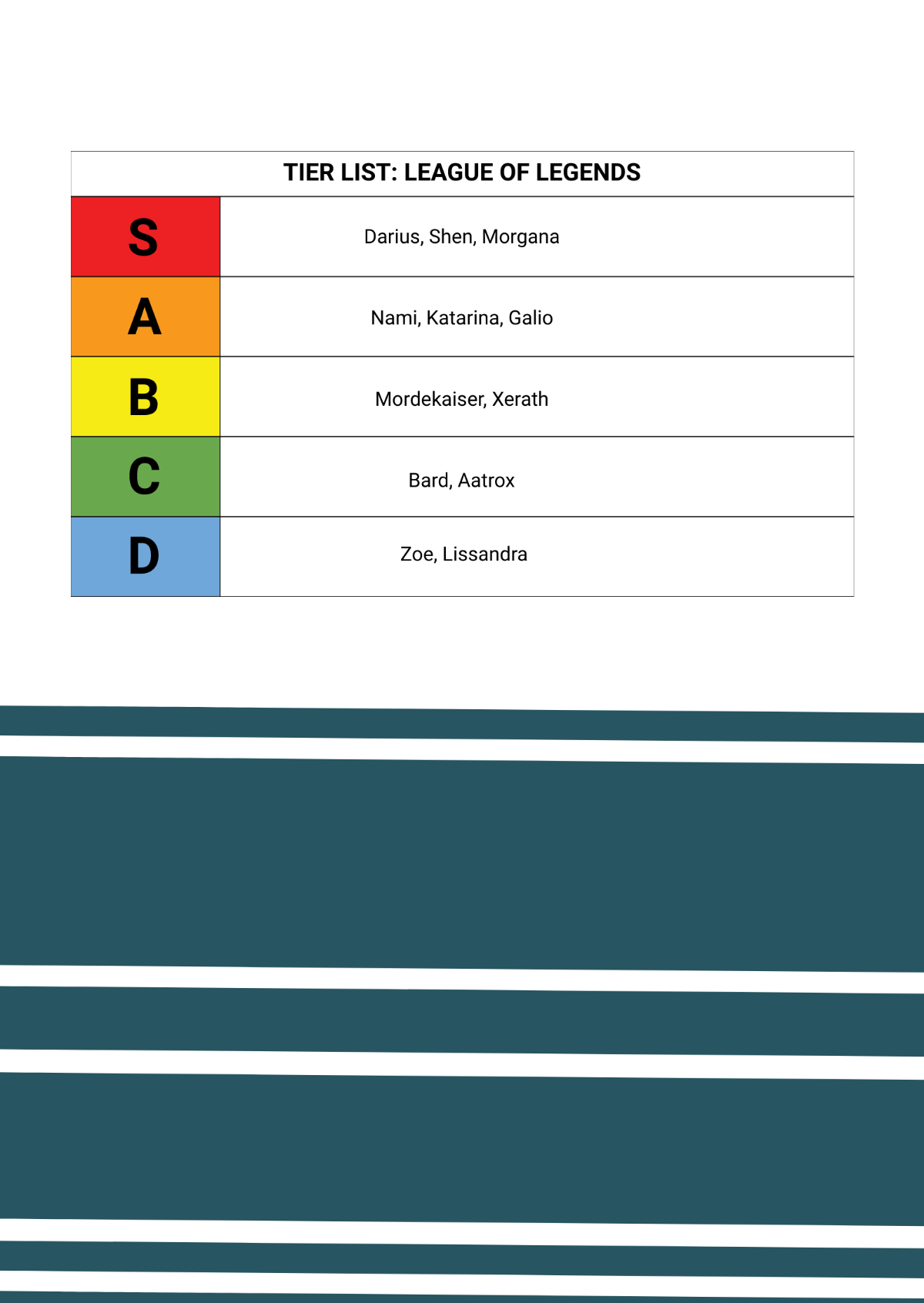
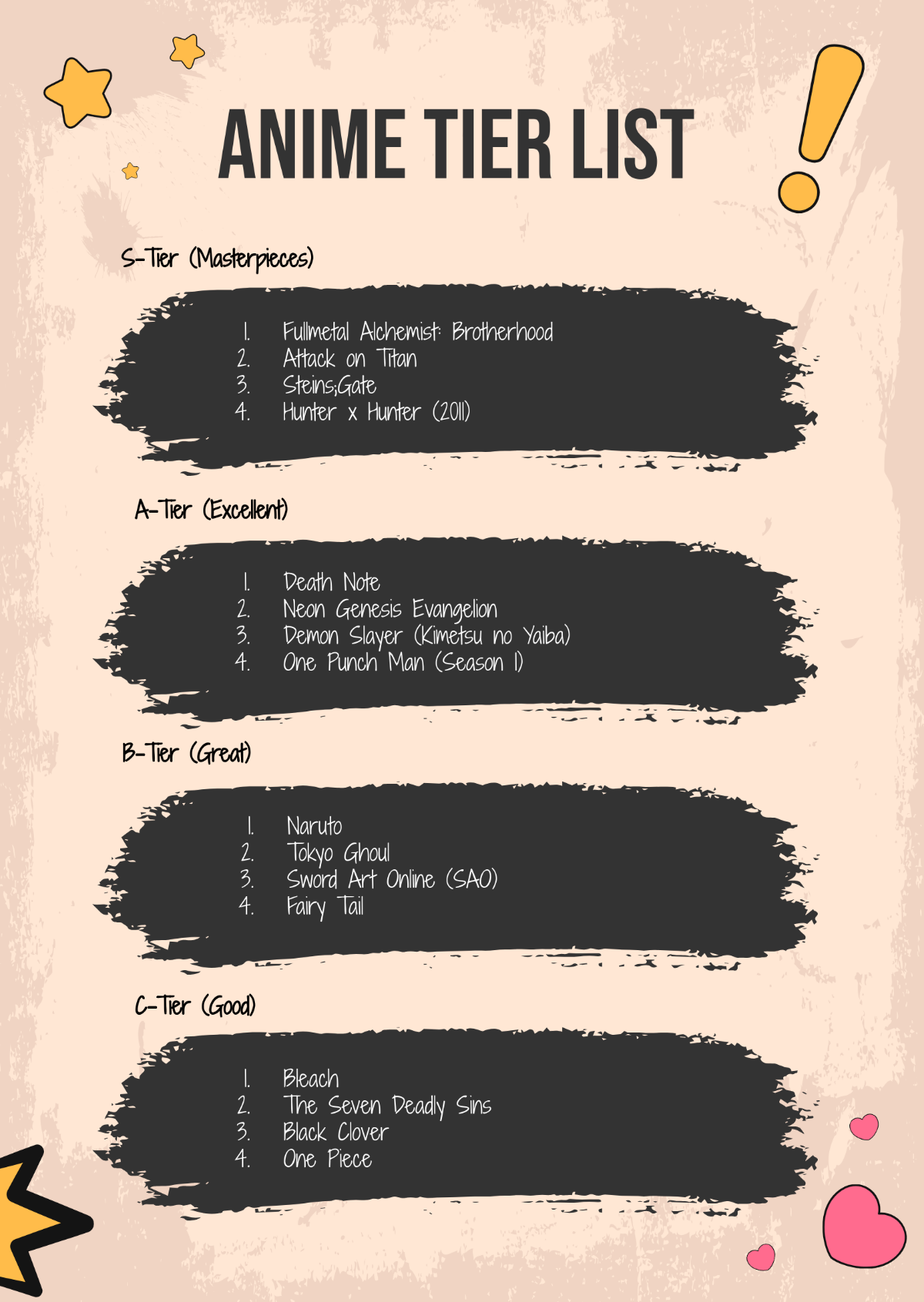
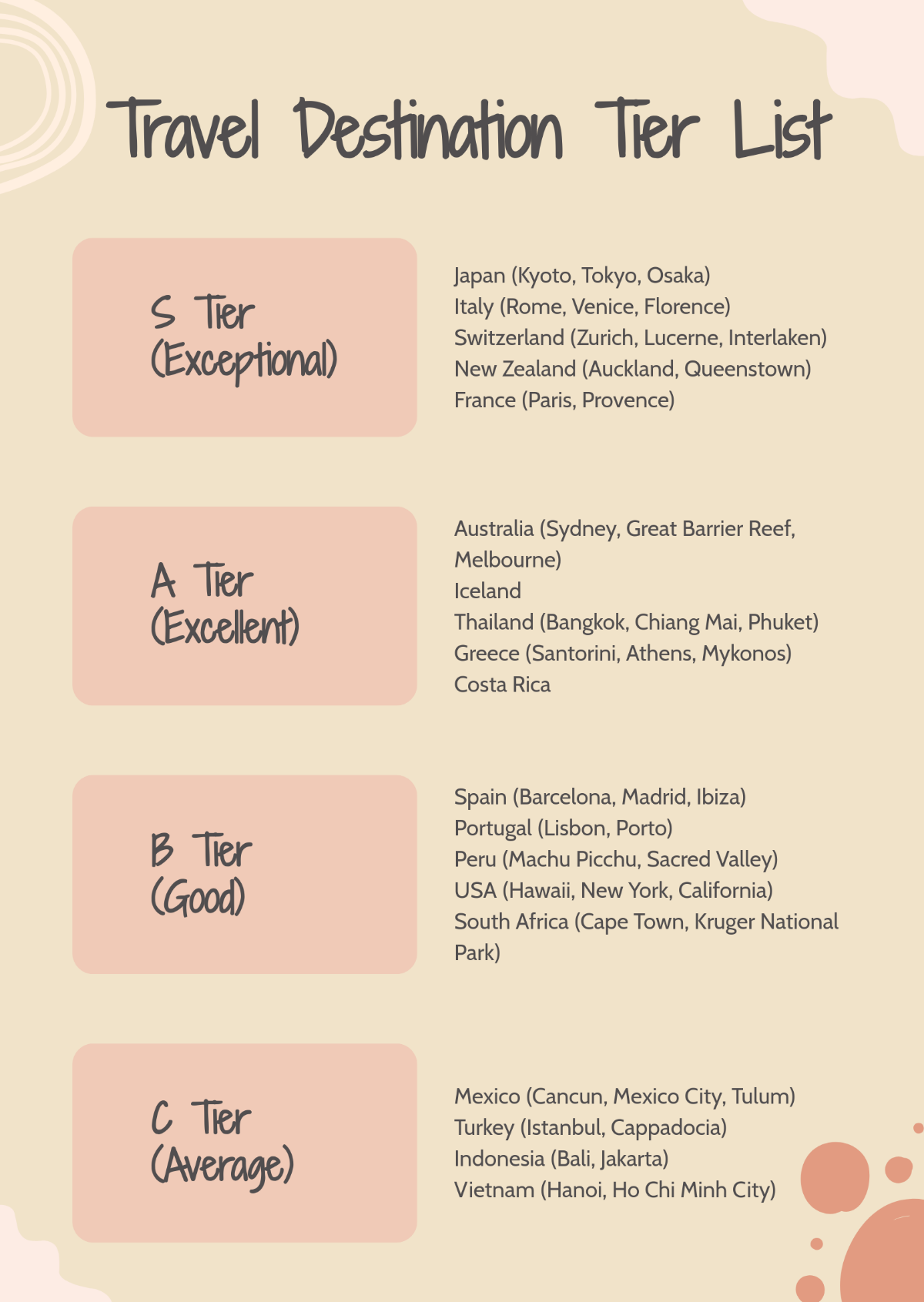
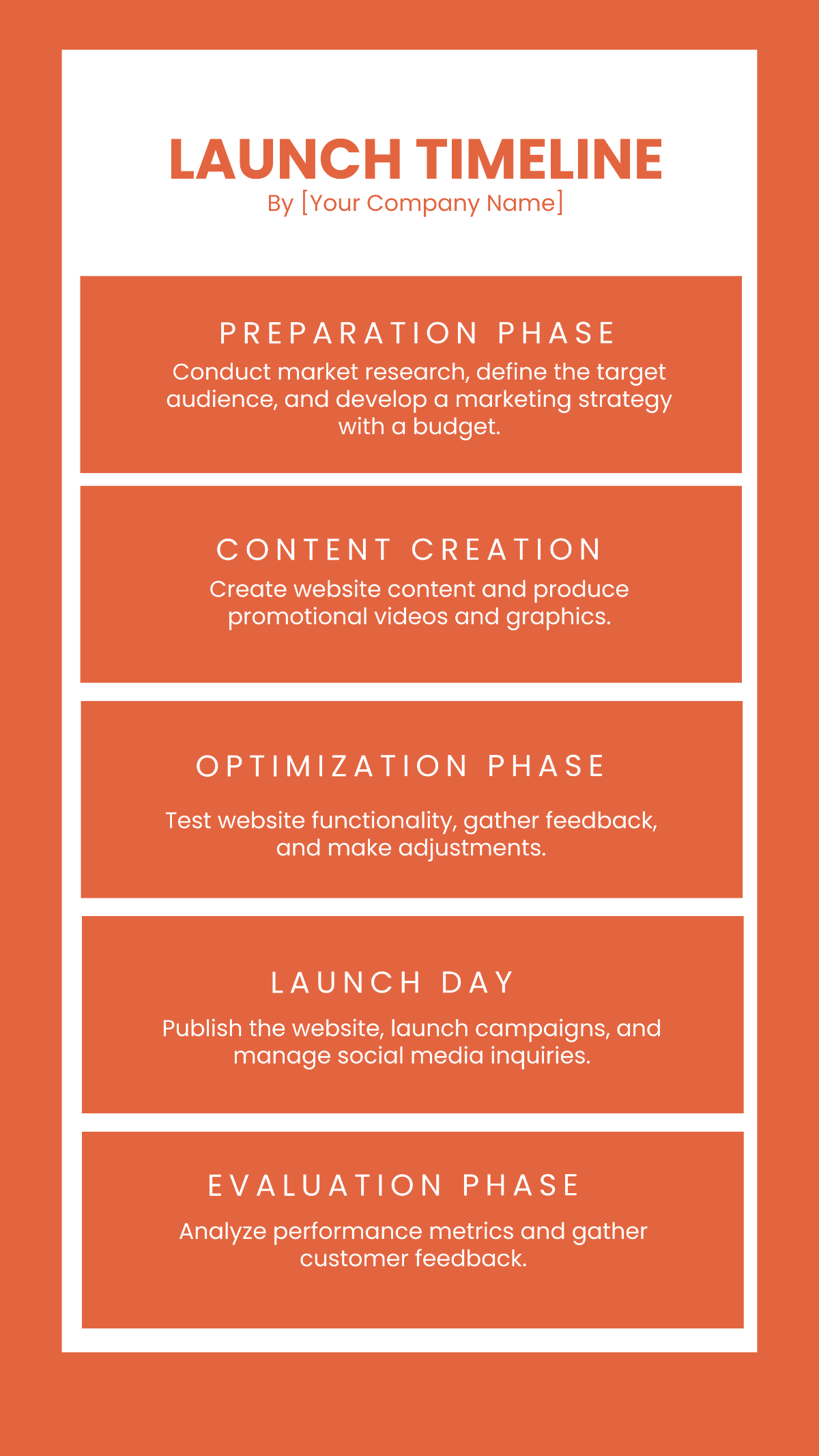











Free List Templates: Editable Examples, Uses, and Download Formats

What is a List?
A List is a structured collection of items or entries organized in a specific order to facilitate easy reference and management. Lists often include categories, descriptions, and priorities relevant to the context in which they are used.

Why should I use a List?
You should use a List to enhance organization, improve task tracking, and ensure clear communication. Lists help you prioritize important items, reduce errors, and increase workflow efficiency by presenting information in a concise and accessible format.

Who uses Lists?
Lists are used by a wide range of professionals including project managers, administrative staff, educators, and business owners. Anyone needing to organize data, track progress, or communicate structured information can benefit from using Lists.

What are the best tips for completing my List?
Effective List completion requires attention to detail and clarity. Consider these tips:
- Define clear objectives – know the purpose of your List
- Use consistent formatting – maintain uniform fonts and spacing
- Include all necessary data fields – such as item names, quantities, or deadlines
- Prioritize items – order entries by importance or urgency
- Review and update regularly – keep the List current and accurate

What file formats can I download for my List?
Template.net offers List templates in multiple export formats for editing and professional sharing, including Apple Pages, Word, PDF, Excel, Apple Numbers, Google Docs, Publisher, Google Sheets, PSD, and Illustrator.

Can I create a List using AI?
Template.net provides an AI-powered tool that generates new List drafts from prompts. You can create customized Lists efficiently using the List Generator to jumpstart your document creation process.

What essential sections should be included in my List?
Essential sections in a List depend on its purpose but generally include the following:
- Title or Heading – clearly identifies the List's subject
- Item Description – details each entry
- Quantity or Priority – indicates importance or amount
- Category or Grouping – organizes related items
- Dates or Deadlines – tracks time-sensitive items
- Notes or Comments – additional relevant information
What are the benefits of using List in my Business workflow?
Using a List in your business workflow offers several benefits:
- Improved organization – keeps tasks and items clearly structured
- Enhanced communication – facilitates information sharing among team members
- Better prioritization – helps focus on critical tasks
- Time management – supports scheduling and deadlines
- Reduced errors – minimizes oversight through clear documentation
How do I ensure my List follows professional standards?
To ensure your List meets professional standards, focus on clarity, completeness, and formatting consistency. Use clear headings, consistent fonts, logical order, and accurate data fields. Also, verify compliance with any relevant industry guidelines or organizational policies related to document presentation.
