
Free Epiphany Templates

































Epiphany Templates: Design Guide, Sizes, and Download Formats
What is a Epiphany template?
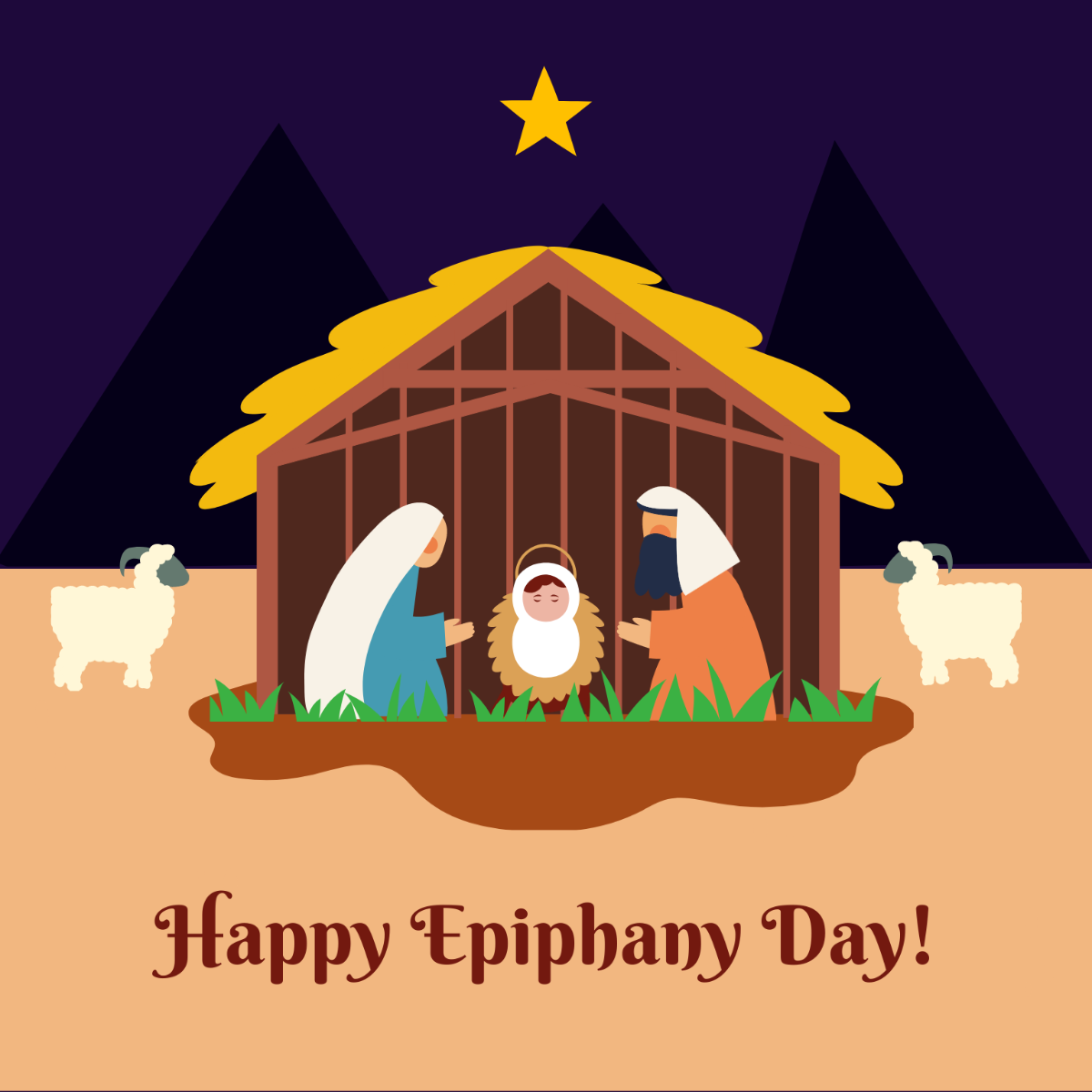
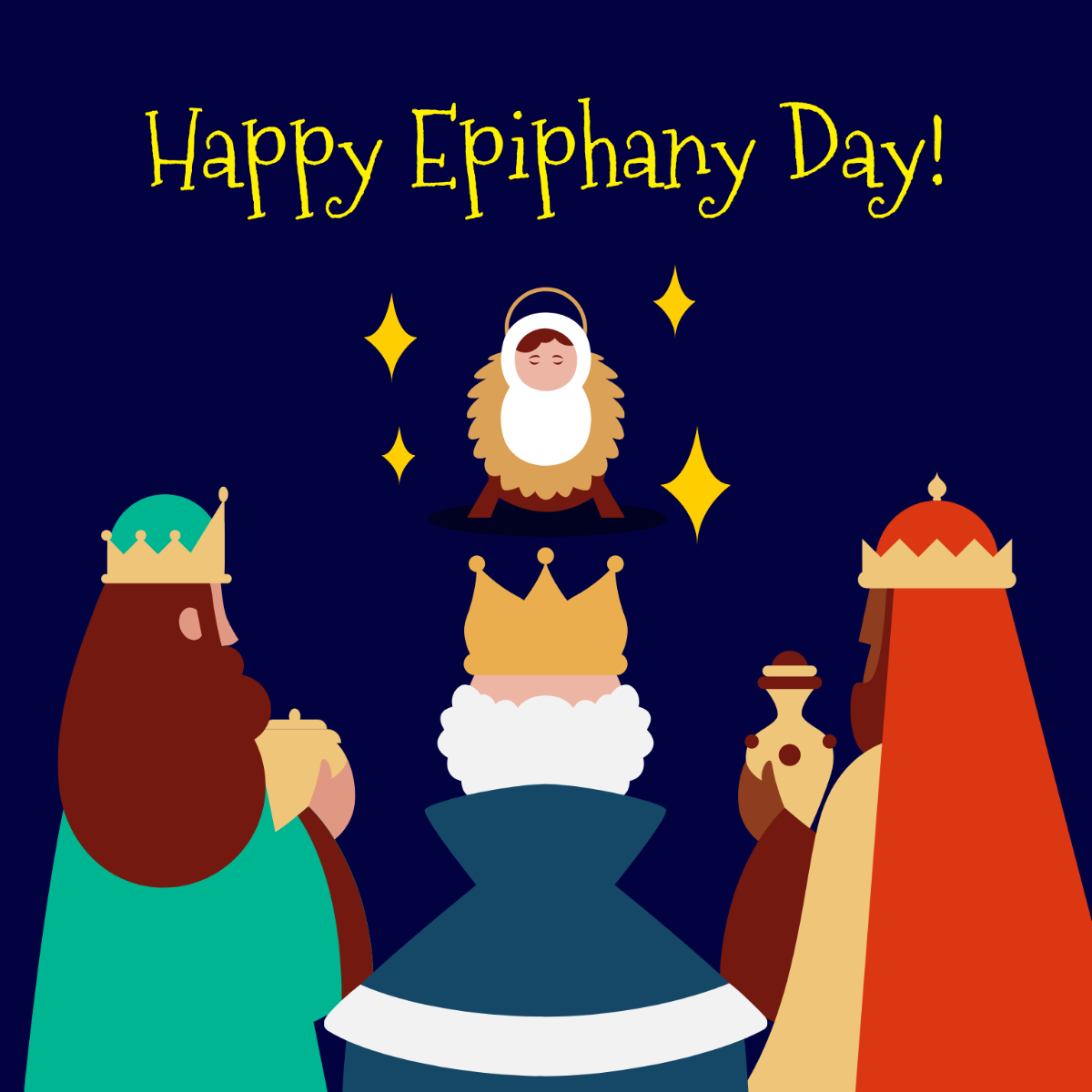
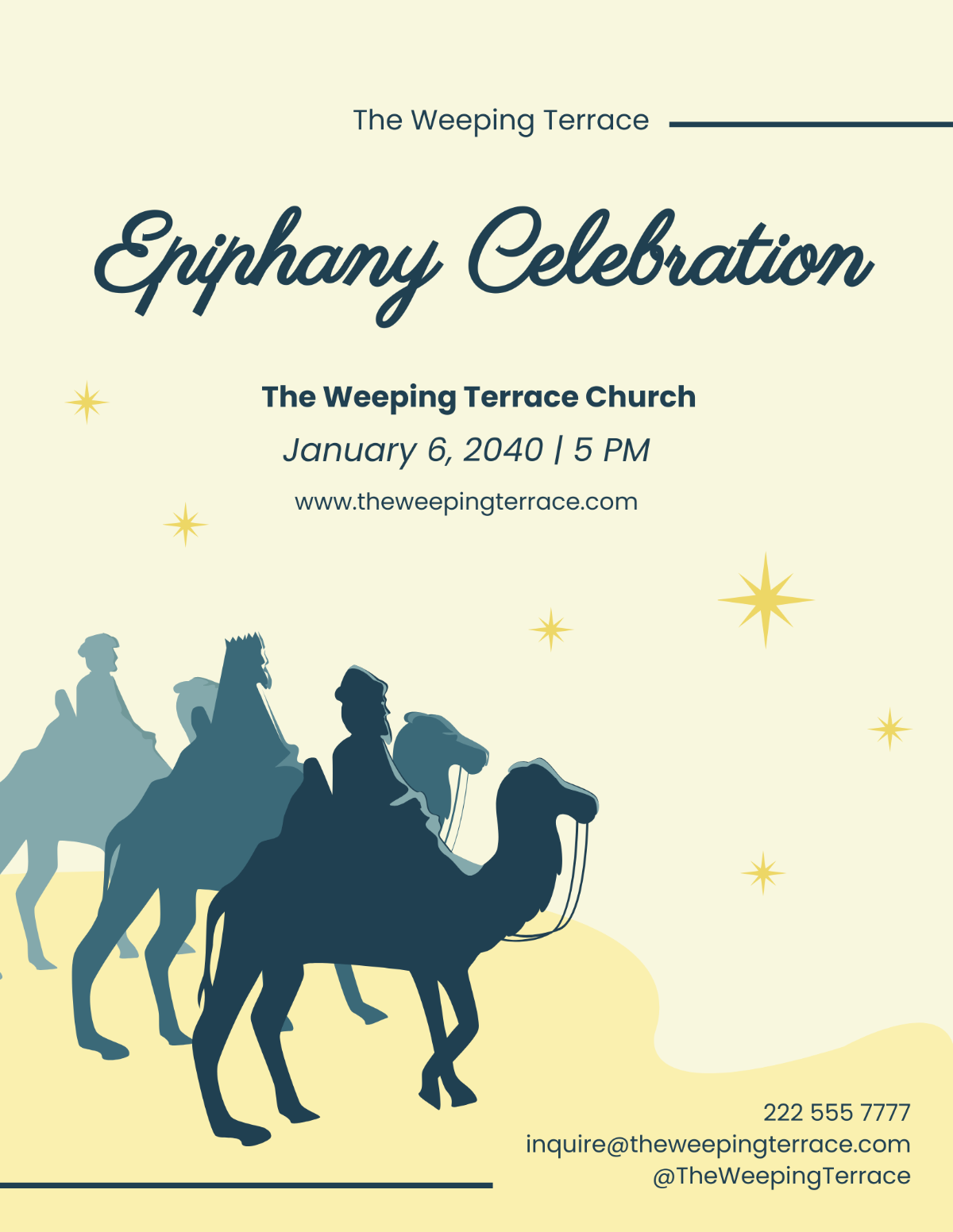
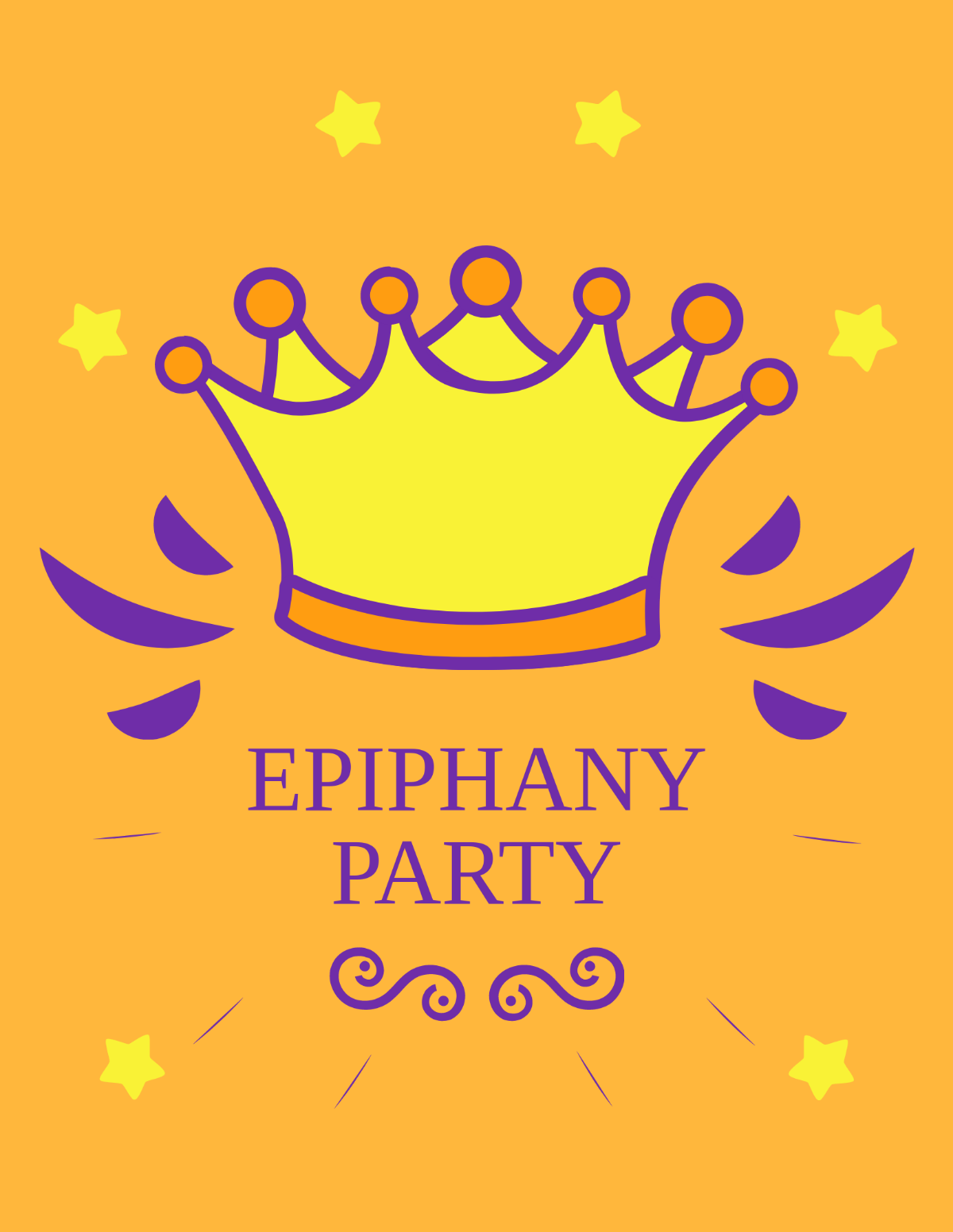
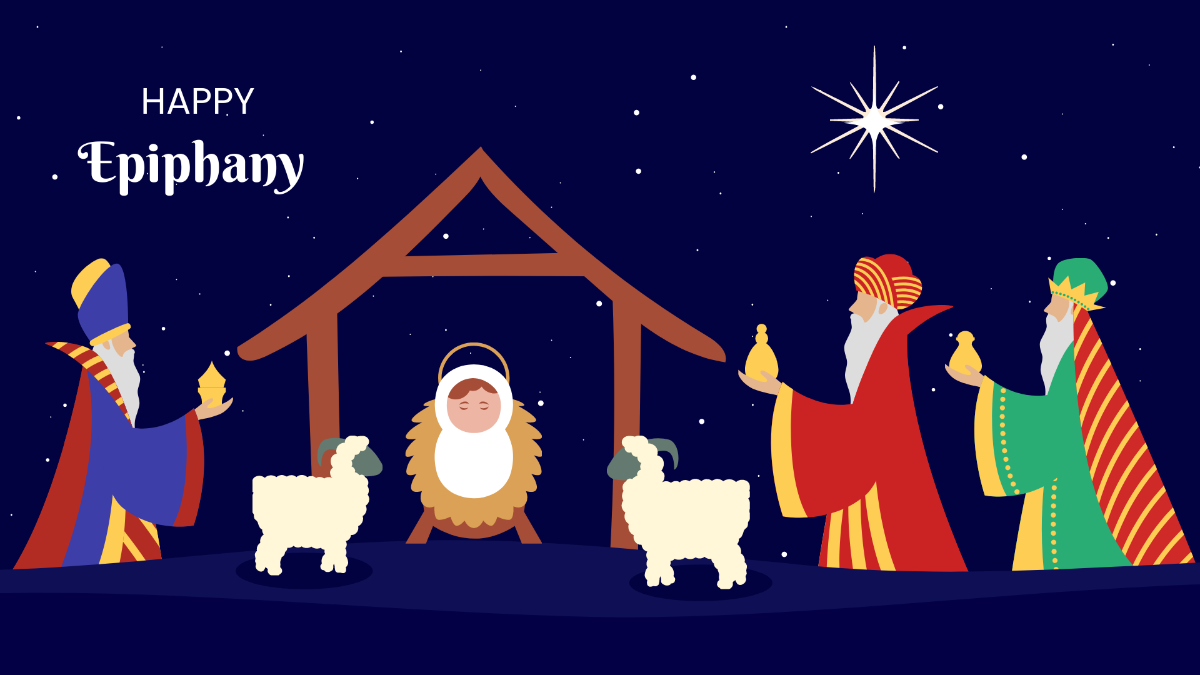
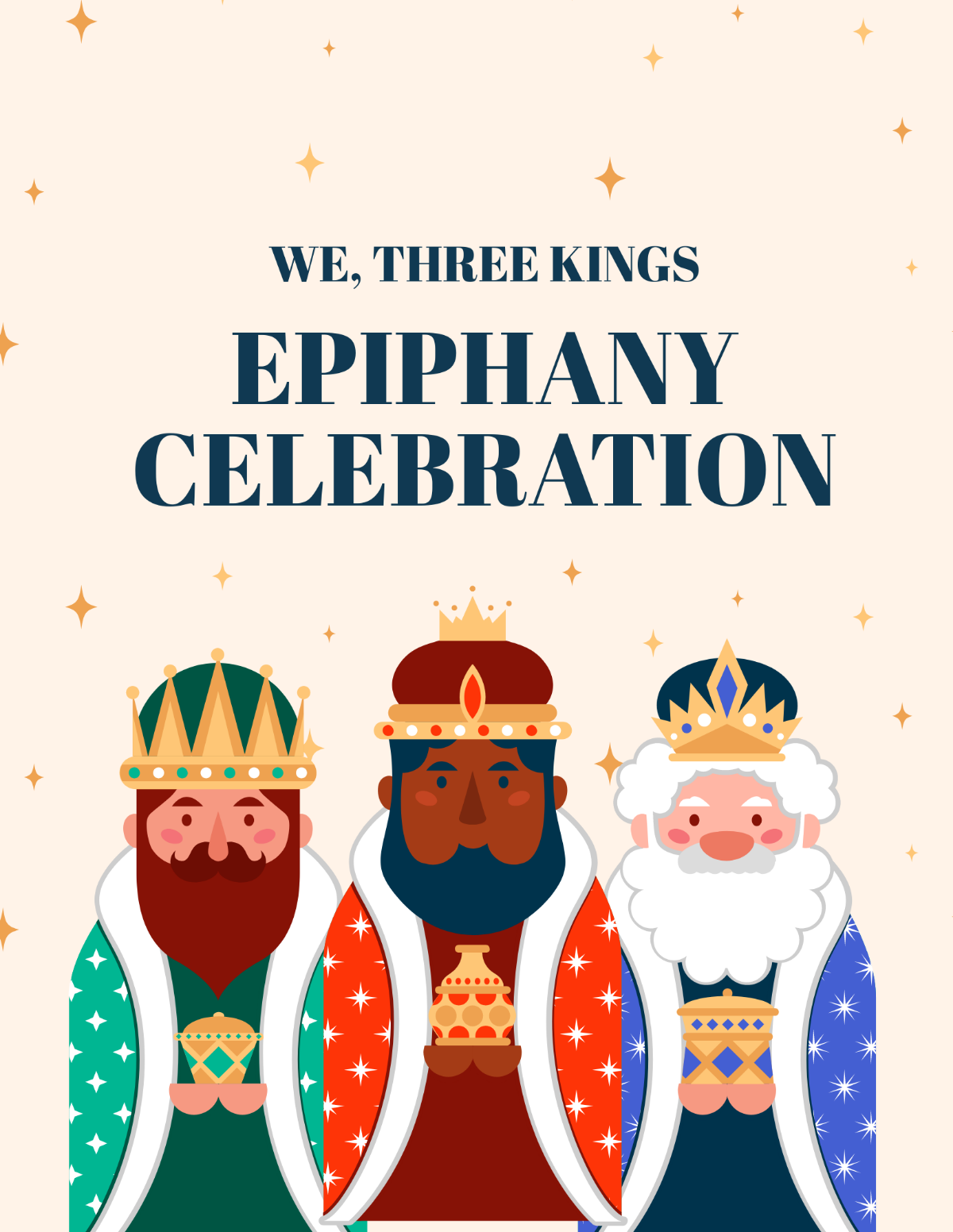
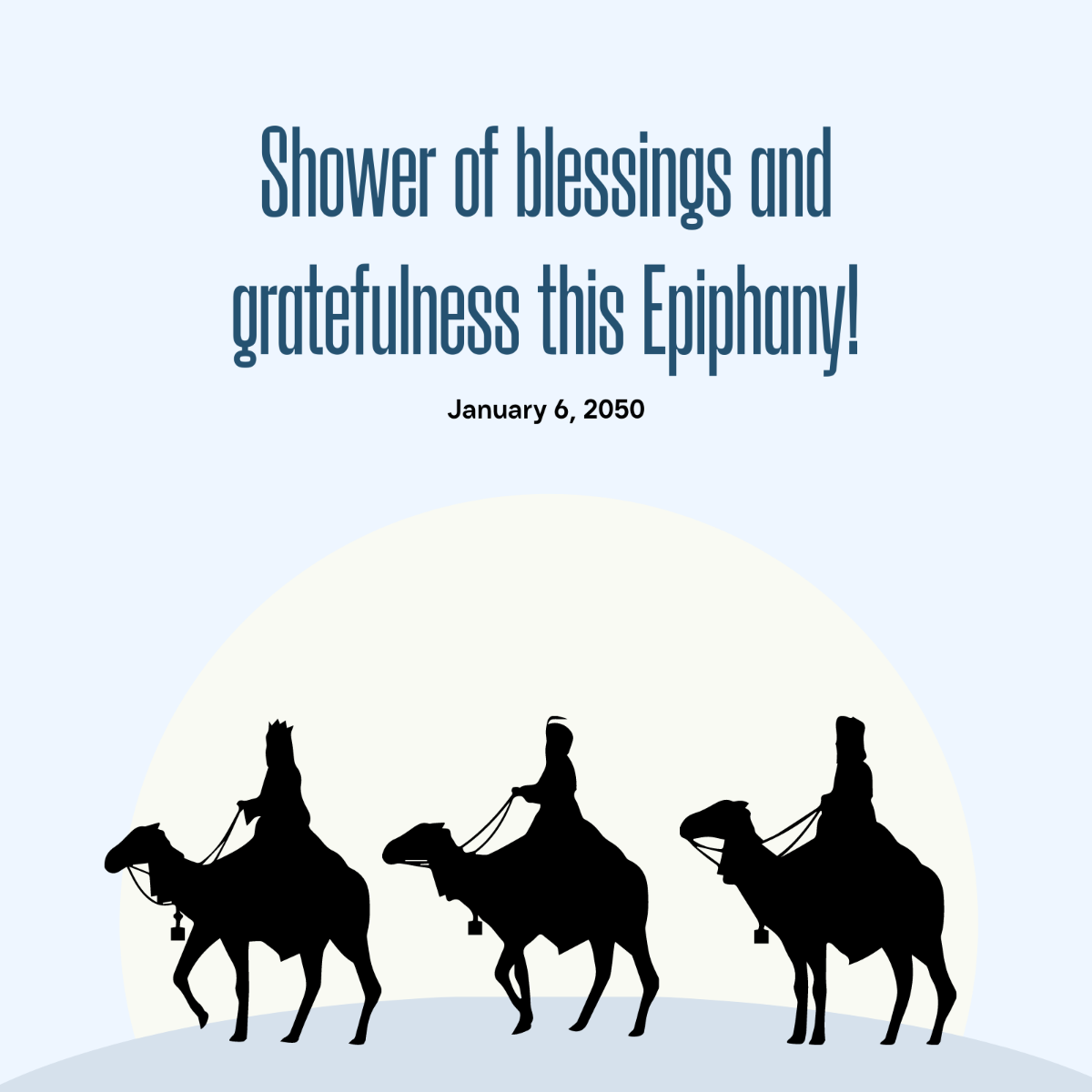
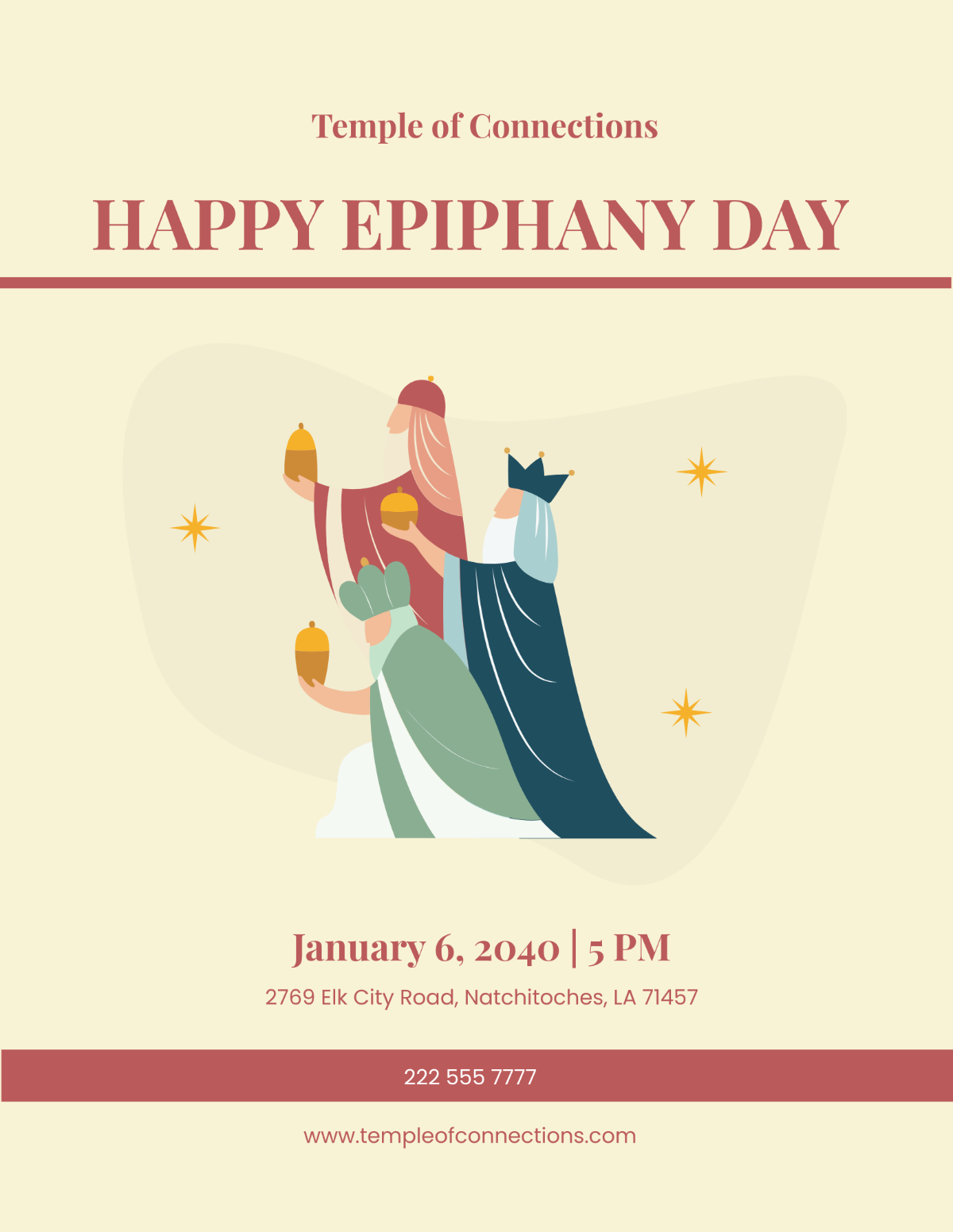
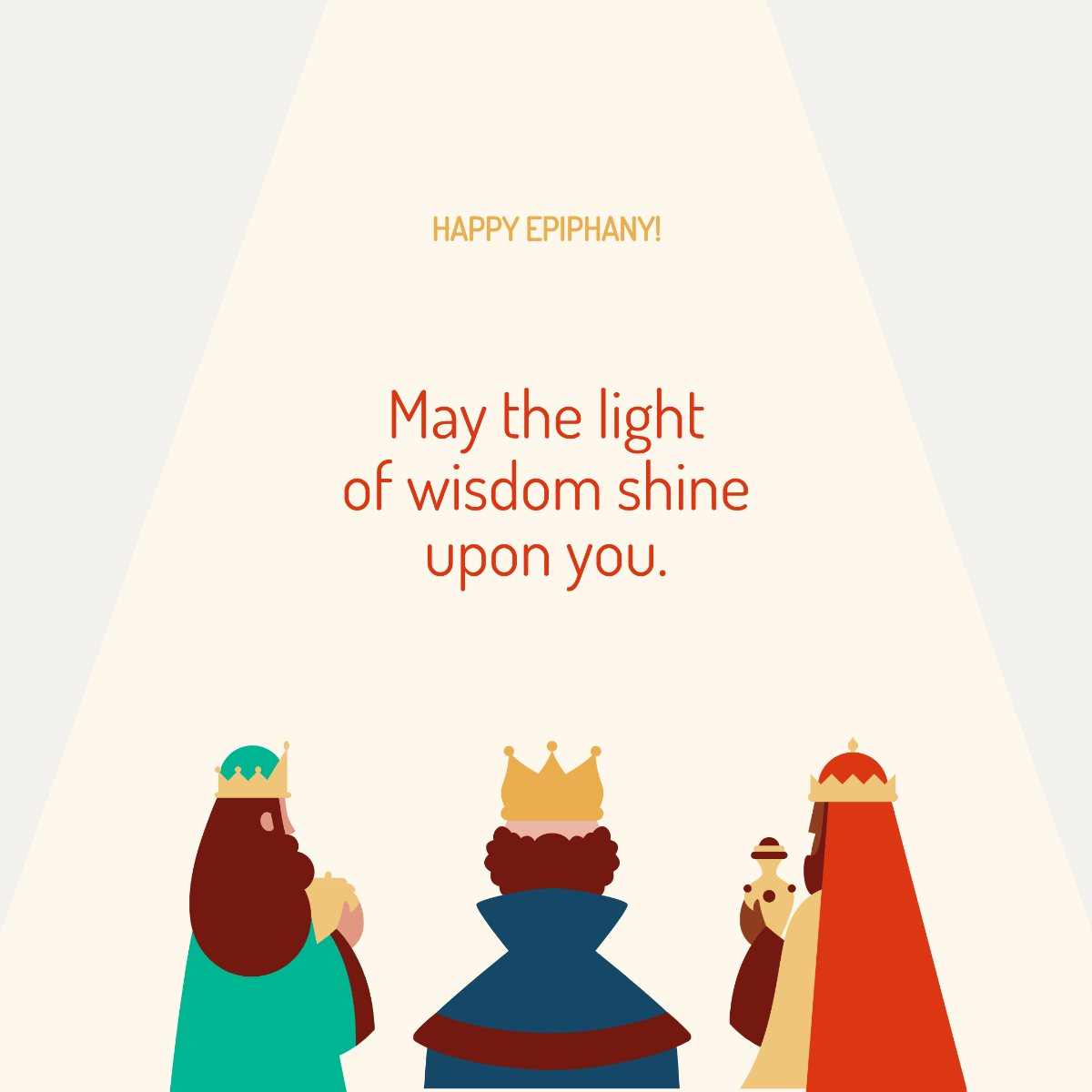
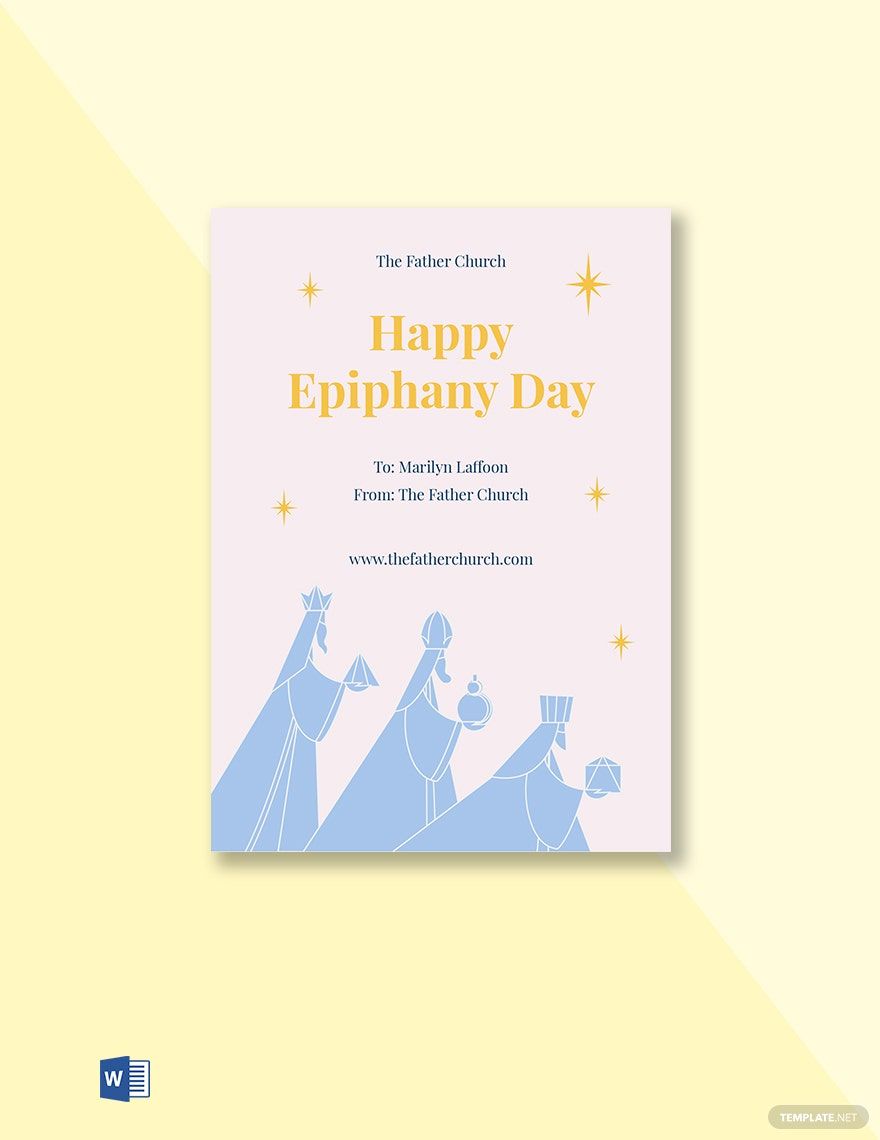
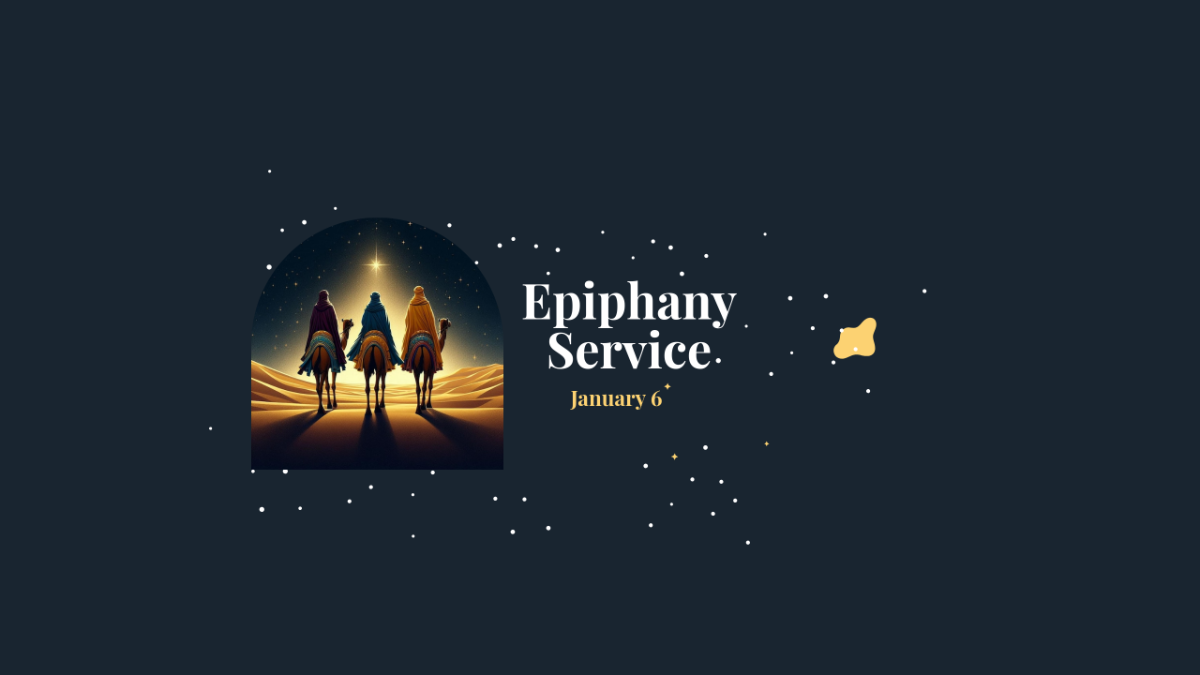
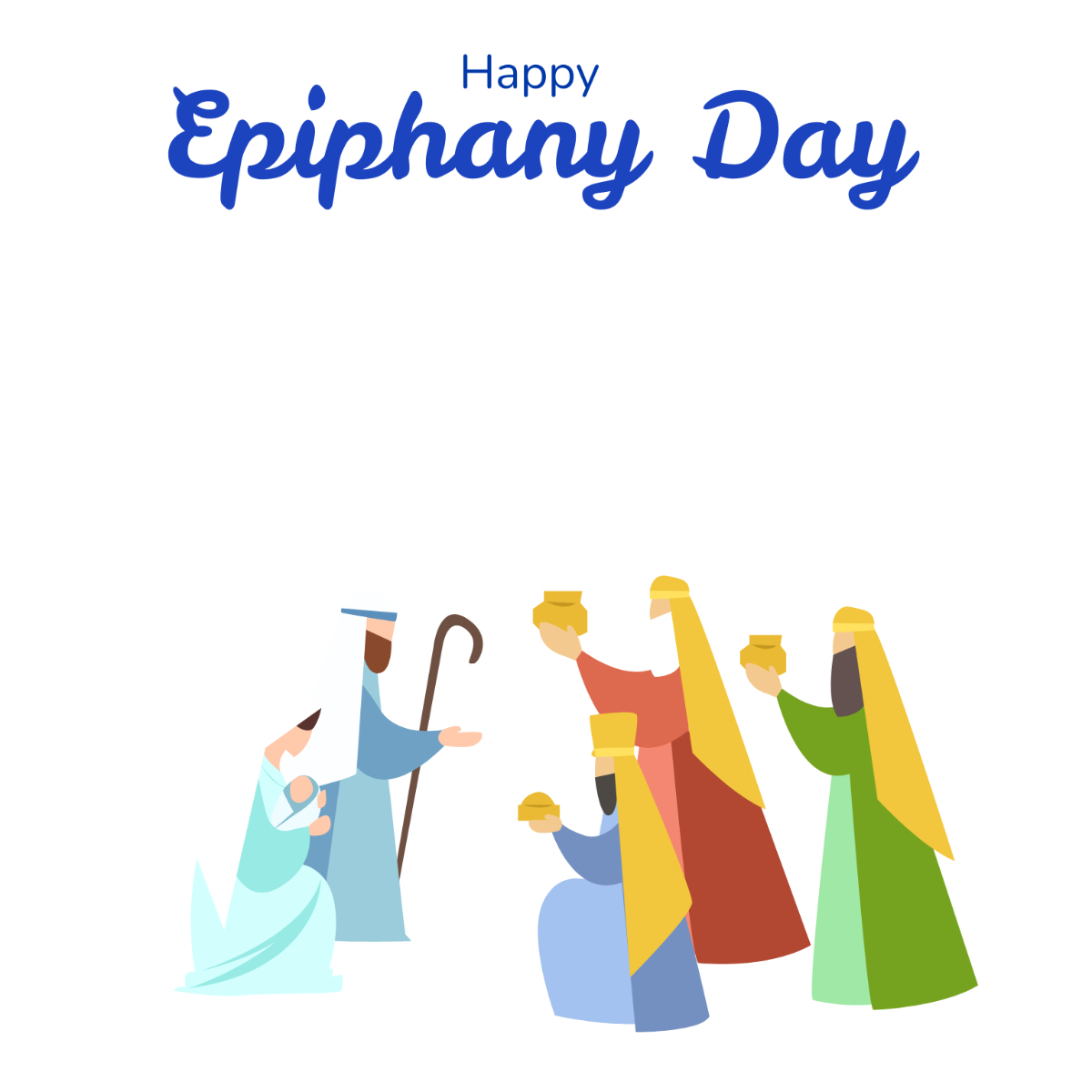
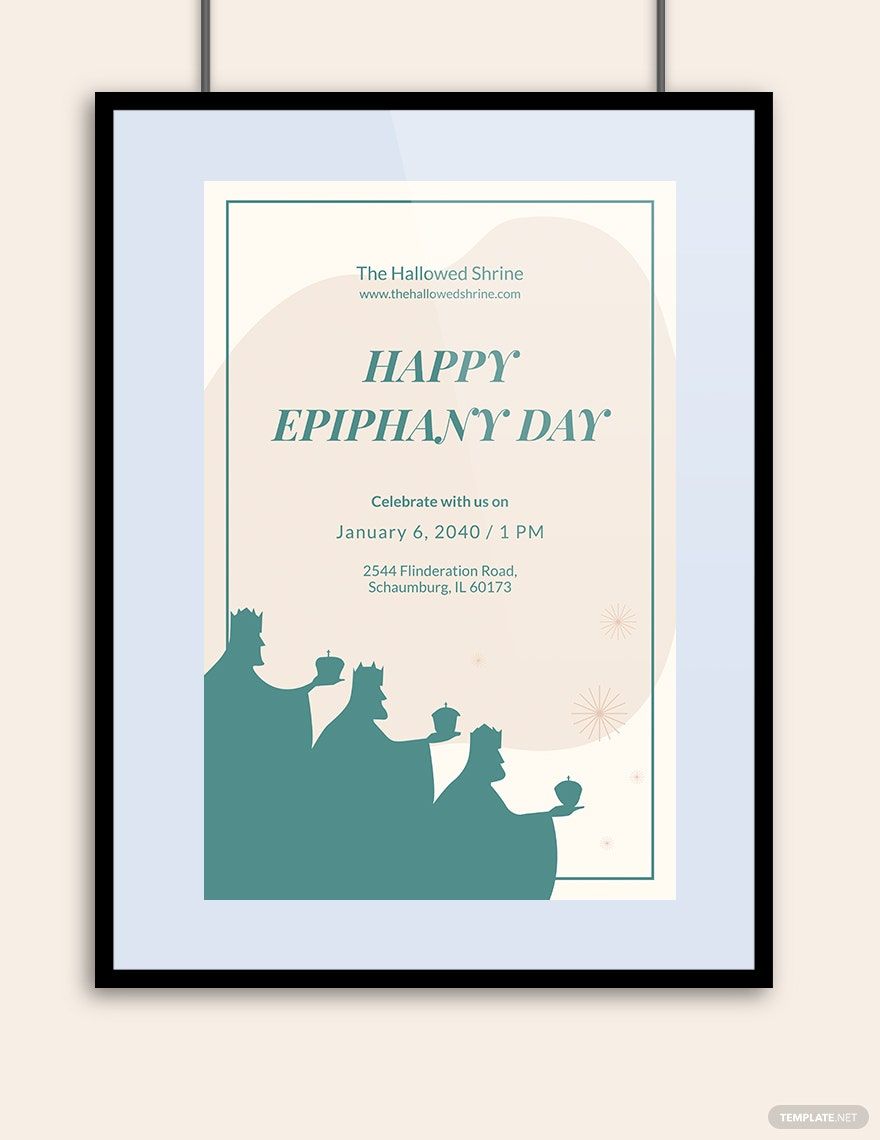
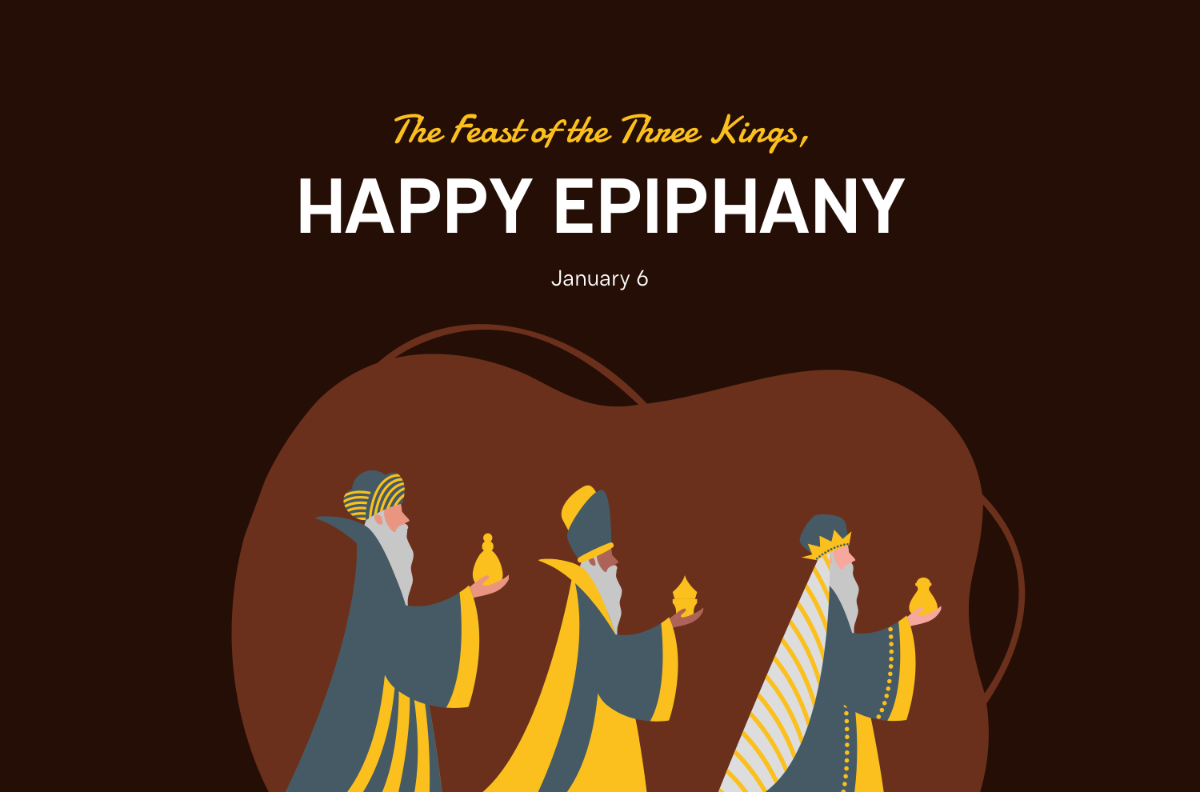
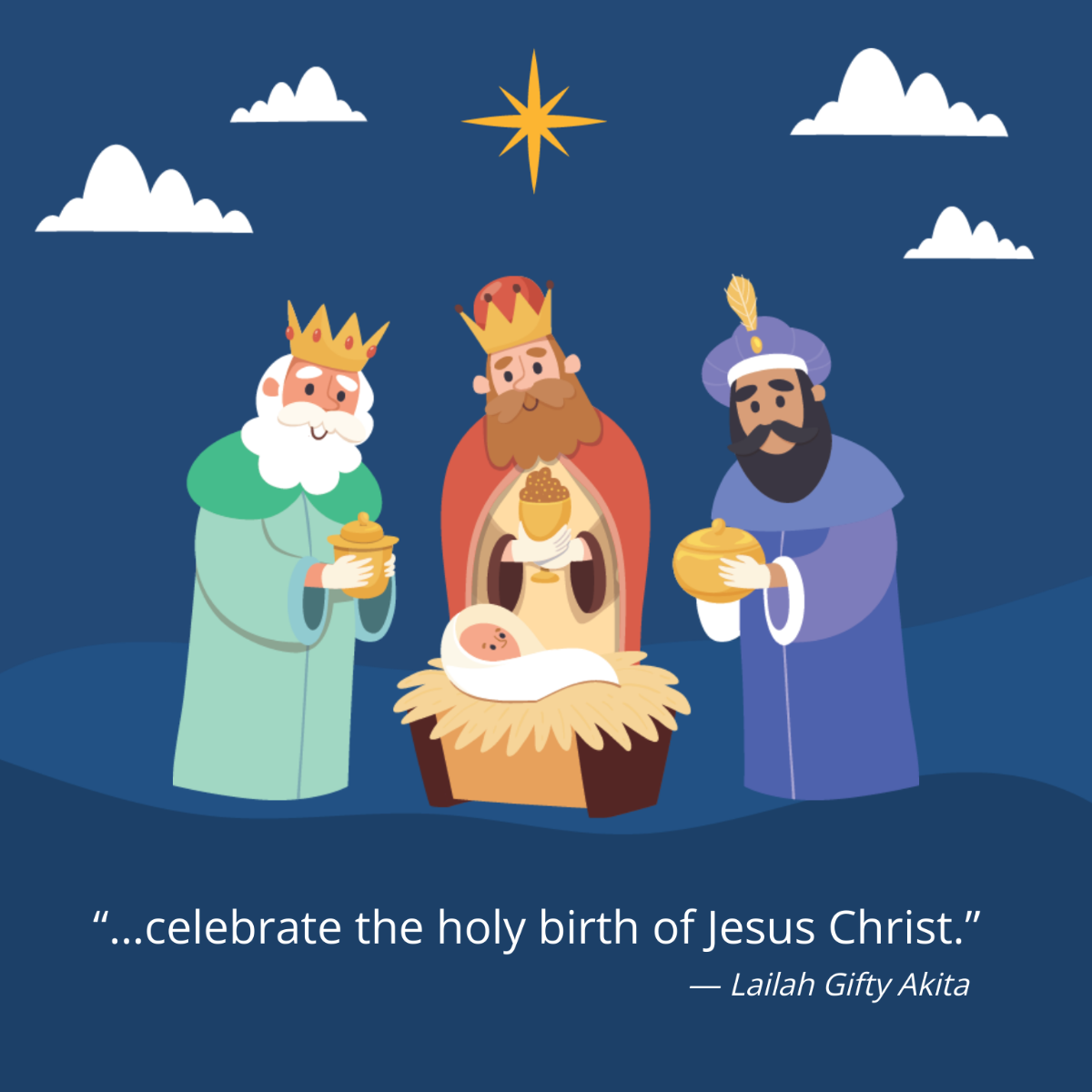
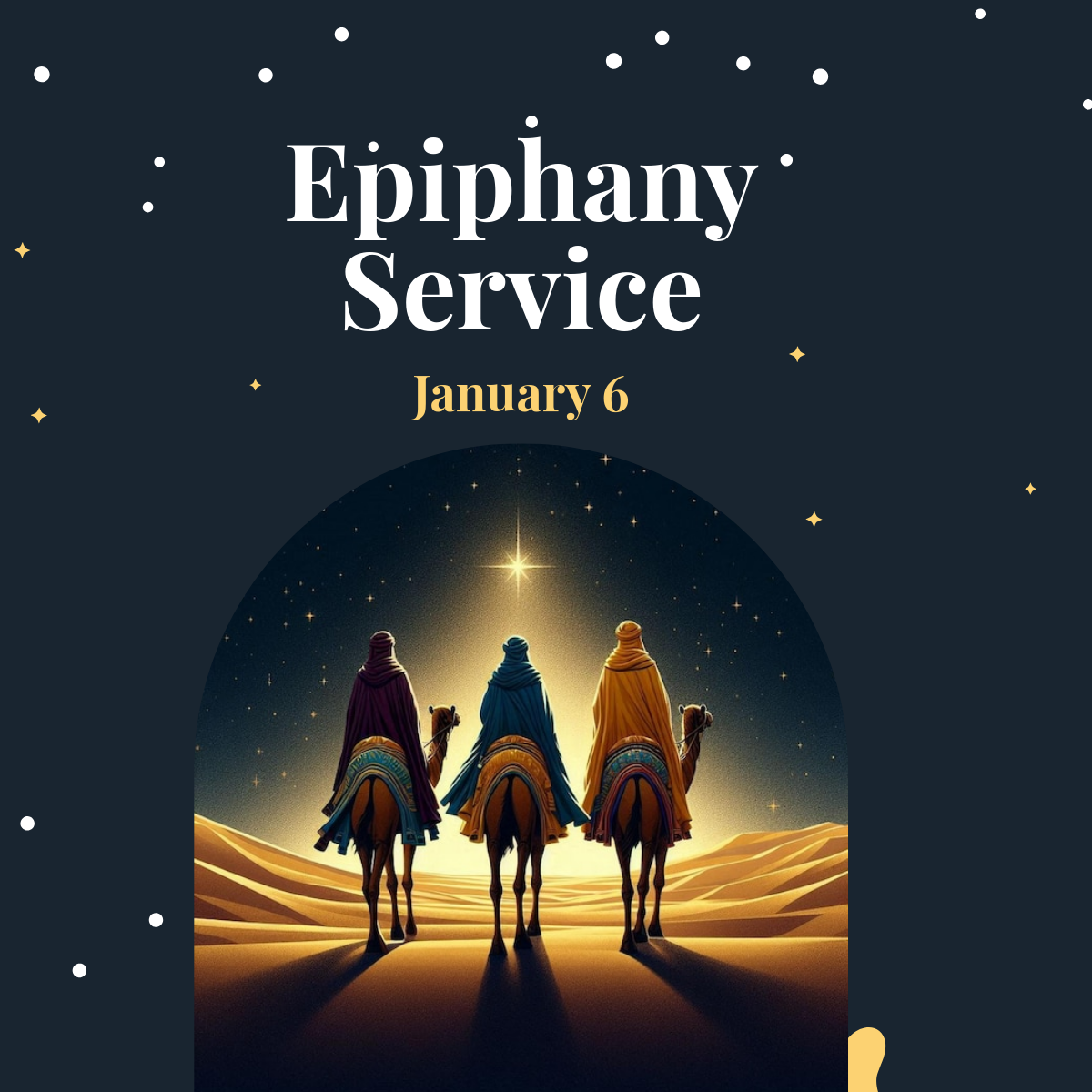
A Epiphany template is a pre-designed layout featuring Epiphany-themed visuals, such as religious symbols, festive colors, and editable text areas. These templates provide a structured design base for creating invitations, flyers, and event materials with a professional layout that reflects the Epiphany celebration.
Who typically uses Epiphany templates?
Epiphany templates are commonly used by churches, event organizers, and community groups planning Epiphany celebrations. Designers and individuals who want to create custom invitations, posters, or social media graphics with an Epiphany theme also rely on these templates for easy customization and professional results.
When should I use Epiphany templates?
Epiphany templates are ideal for use during the Epiphany season, typically celebrated on January 6th. They help create event invitations, church bulletins, and festive announcements quickly. Utilizing these templates ensures a cohesive visual theme that highlights the significance of the Epiphany celebration.
What design elements should I include in a Epiphany template?
A Epiphany template should include religious symbols like stars or crowns, a harmonious color palette featuring gold, blue, and white, and editable text areas for event details. Incorporating layered design elements and a clear headline enhances the thematic impact and readability.
What size should a Epiphany template be?
Epiphany templates come in various standard sizes depending on their use, such as 5 × 7 inches for invitations or 8.5 × 11 inches for flyers. Choosing the right size ensures print compatibility and professional presentation of the Epiphany-themed design content.
How can I customize Epiphany templates effectively?
Customize Epiphany templates by editing layered design elements including text, images, and colors. Use the online editor to modify headlines and graphics easily, ensuring the final design aligns with your event’s tone while maintaining a professional layout.
What printing tips apply to Epiphany templates?
When printing Epiphany templates, use high-resolution files and select paper sizes such as 5 × 7 inches or 8.5 × 11 inches for best results. Ensure the color palette is set for print quality and check that graphics and text layers are sharp to maintain the professional look of the design.
What file formats can I download for a Epiphany template?
Template.net offers Epiphany templates in multiple downloadable formats supporting editing and printing, including PDF, PSD, and Illustrator. These formats provide flexible options for professional customization.
Can I create a new Epiphany template using AI?
Template.net provides an AI-powered tool capable of generating new Epiphany template designs from user prompts. This tool helps you quickly create unique Epiphany-themed layouts with customizable design layers and editable elements. Visit Template.net to explore this feature.
