
Free ERP Templates

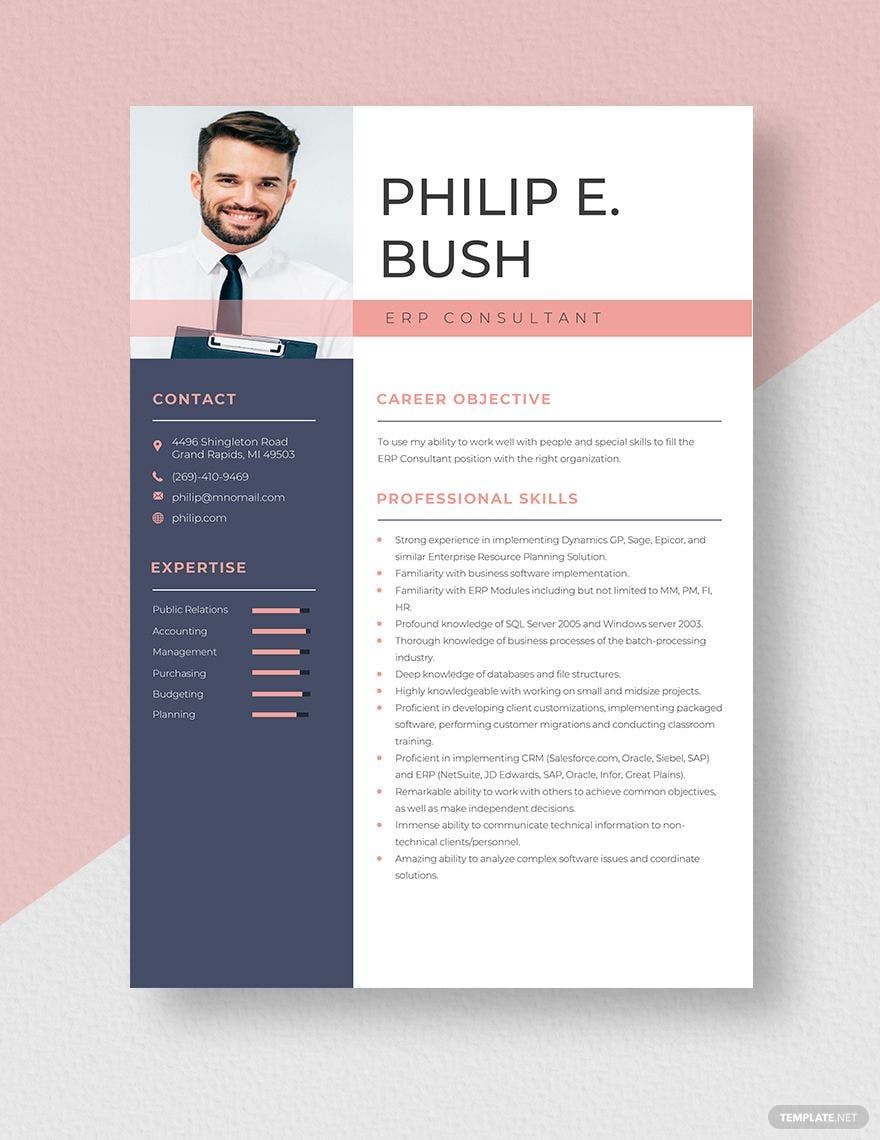
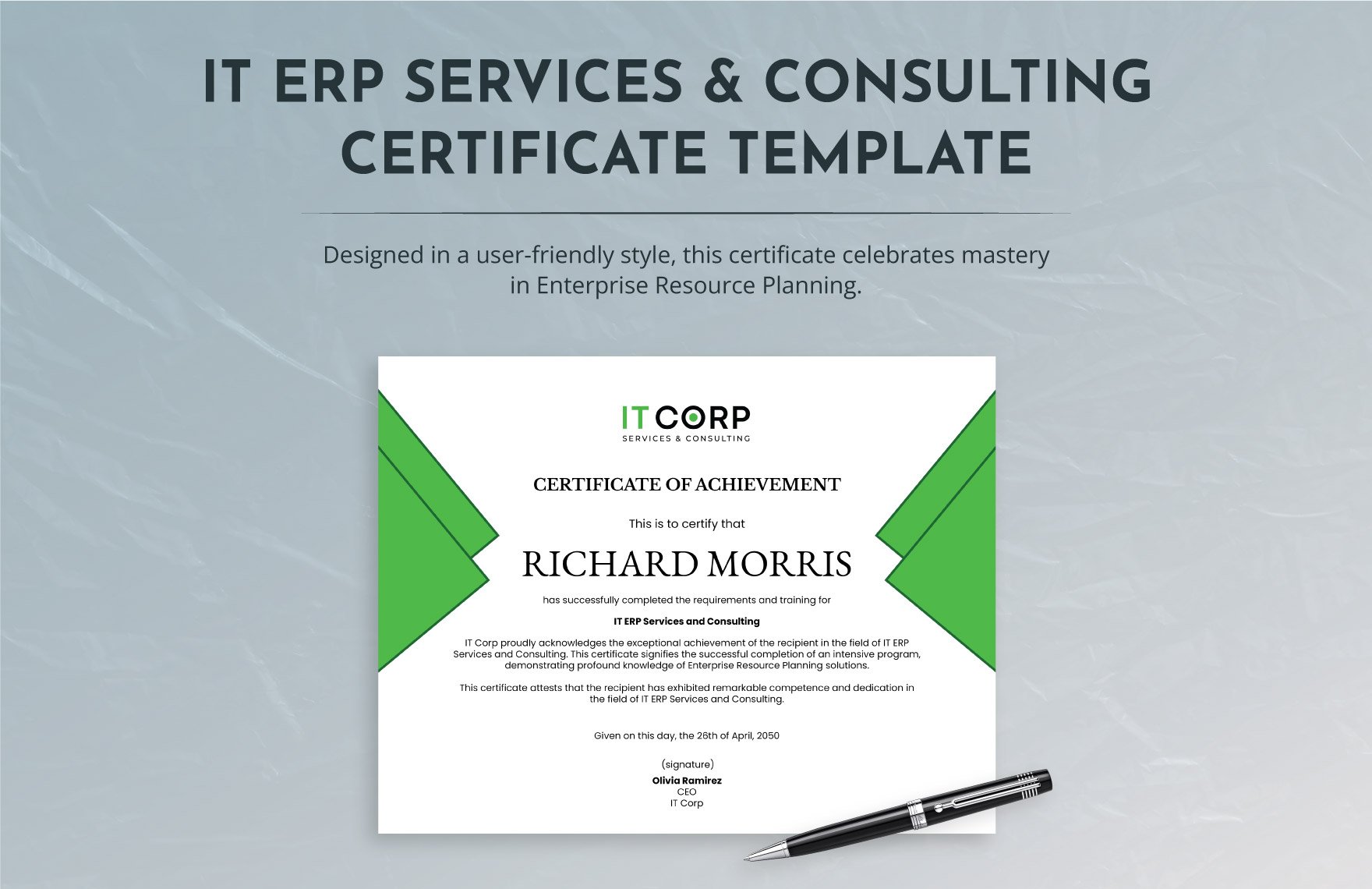
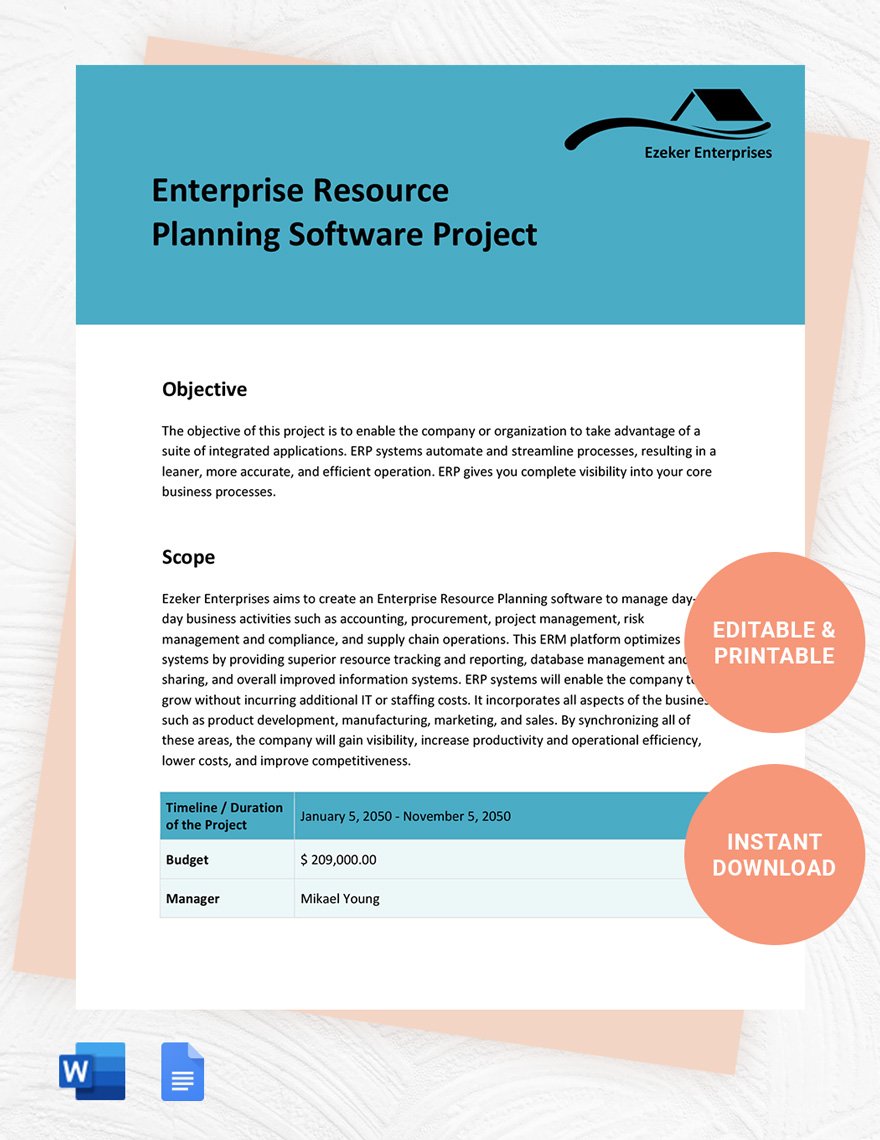
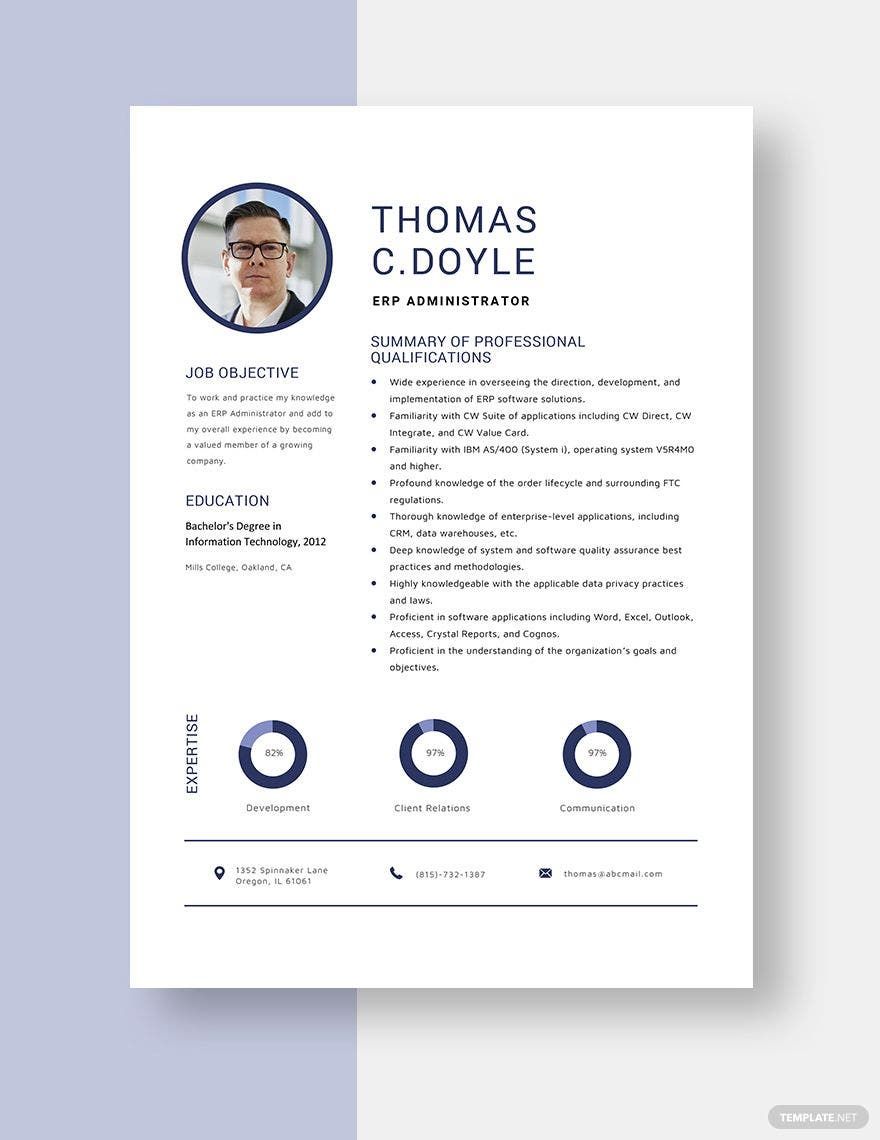

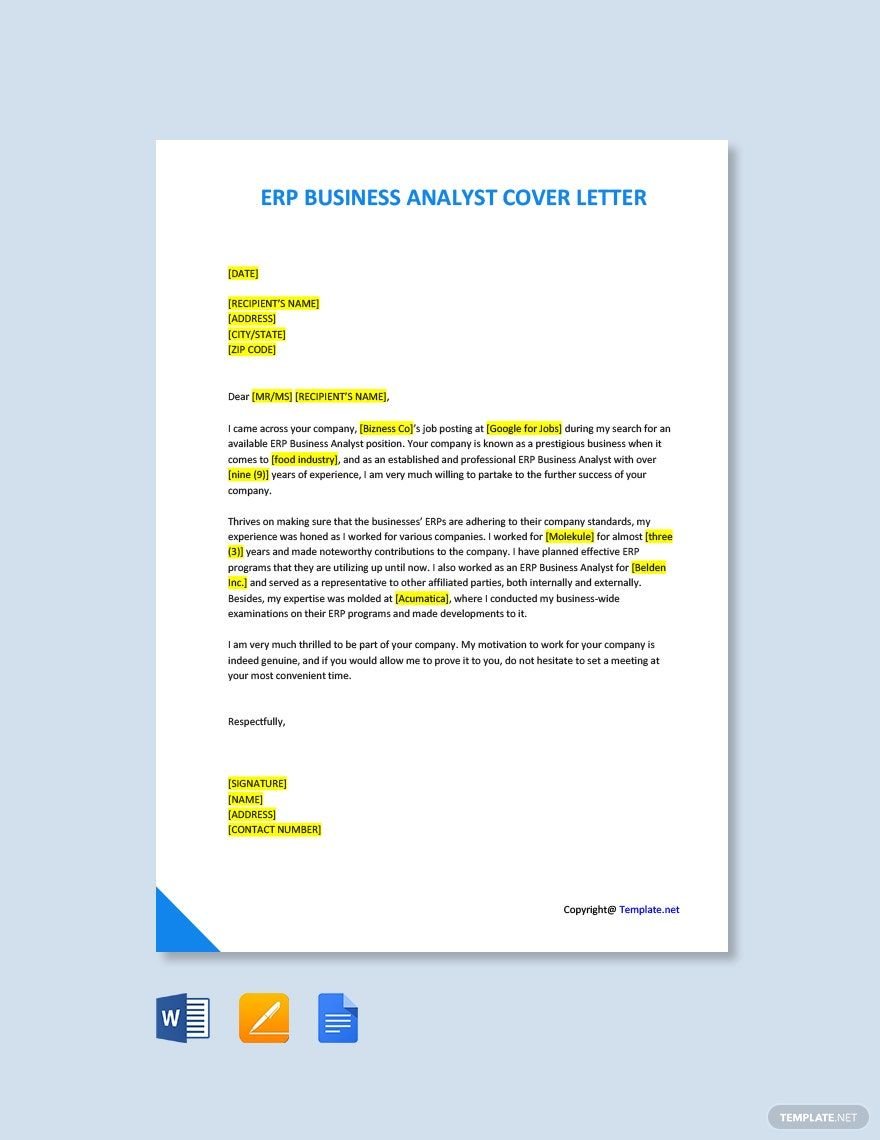
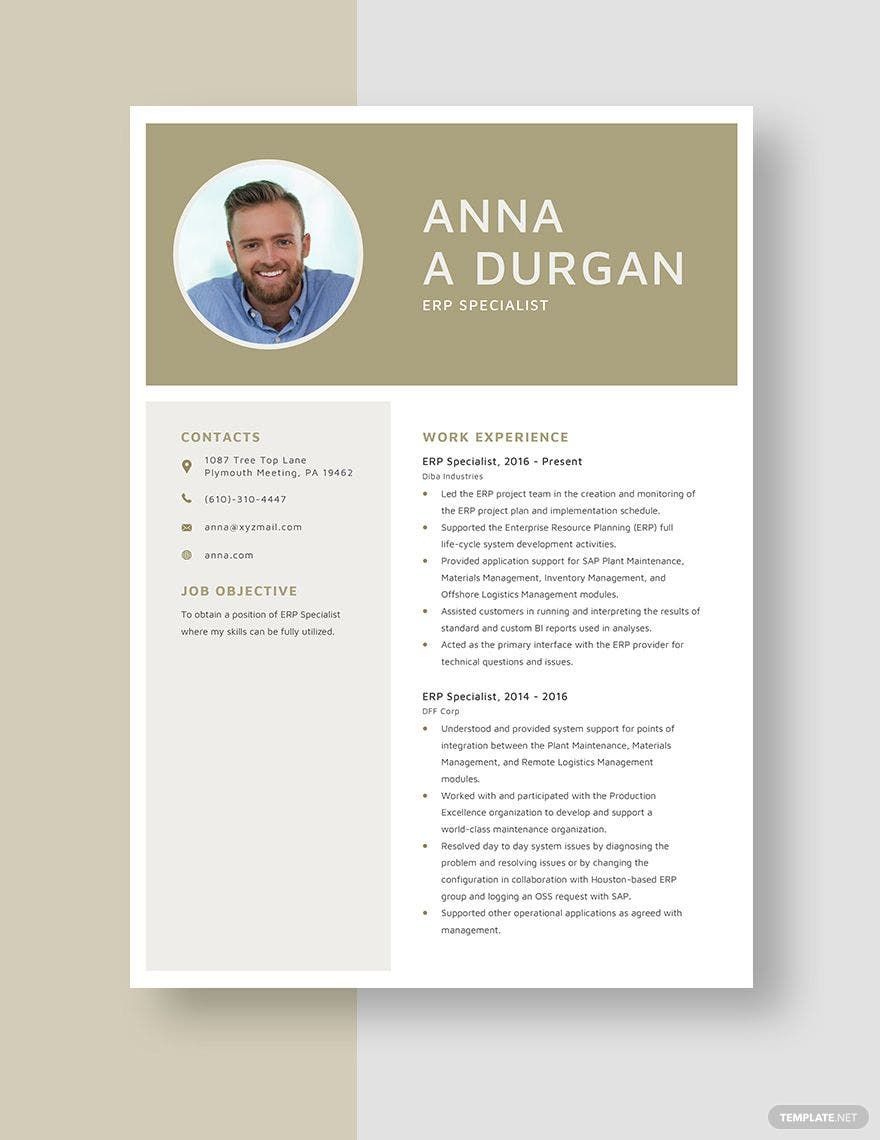
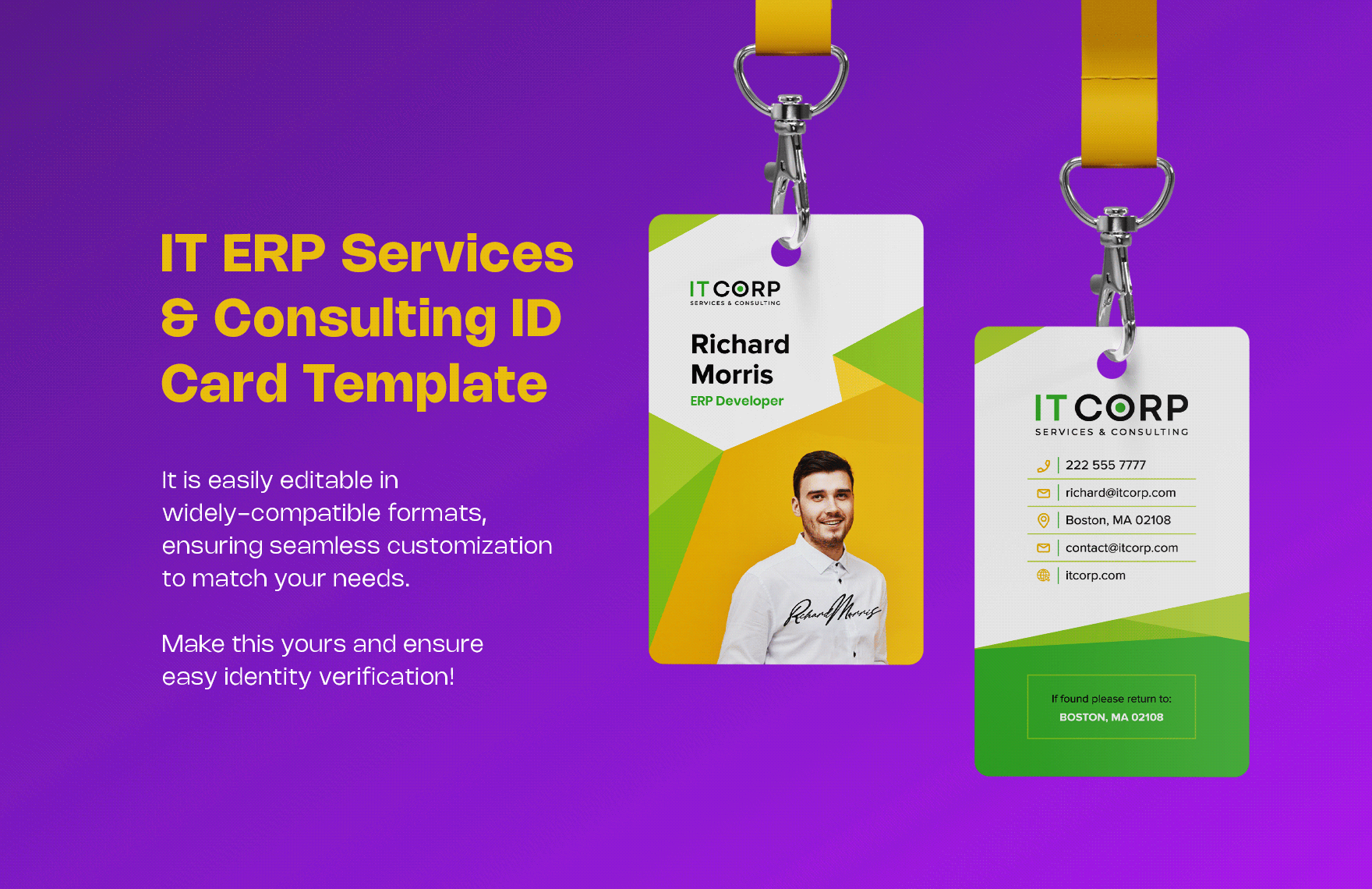
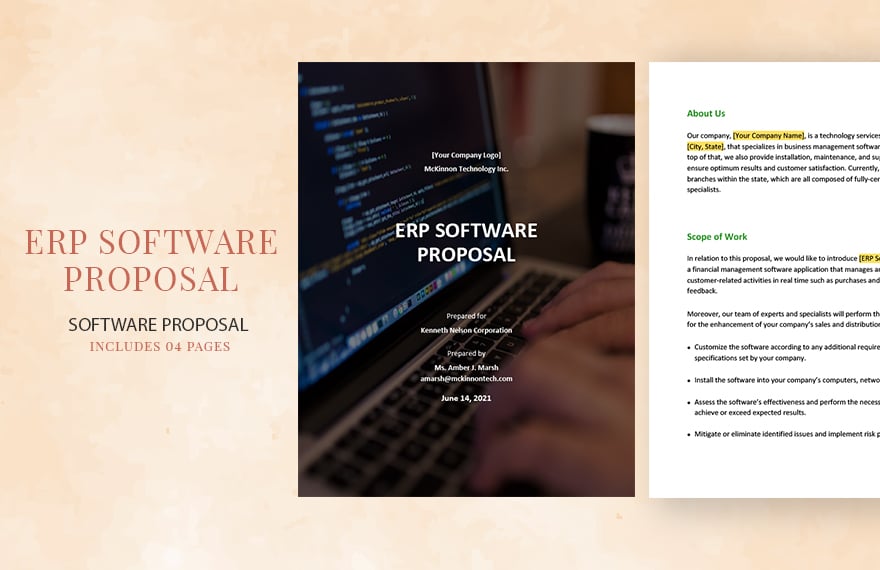


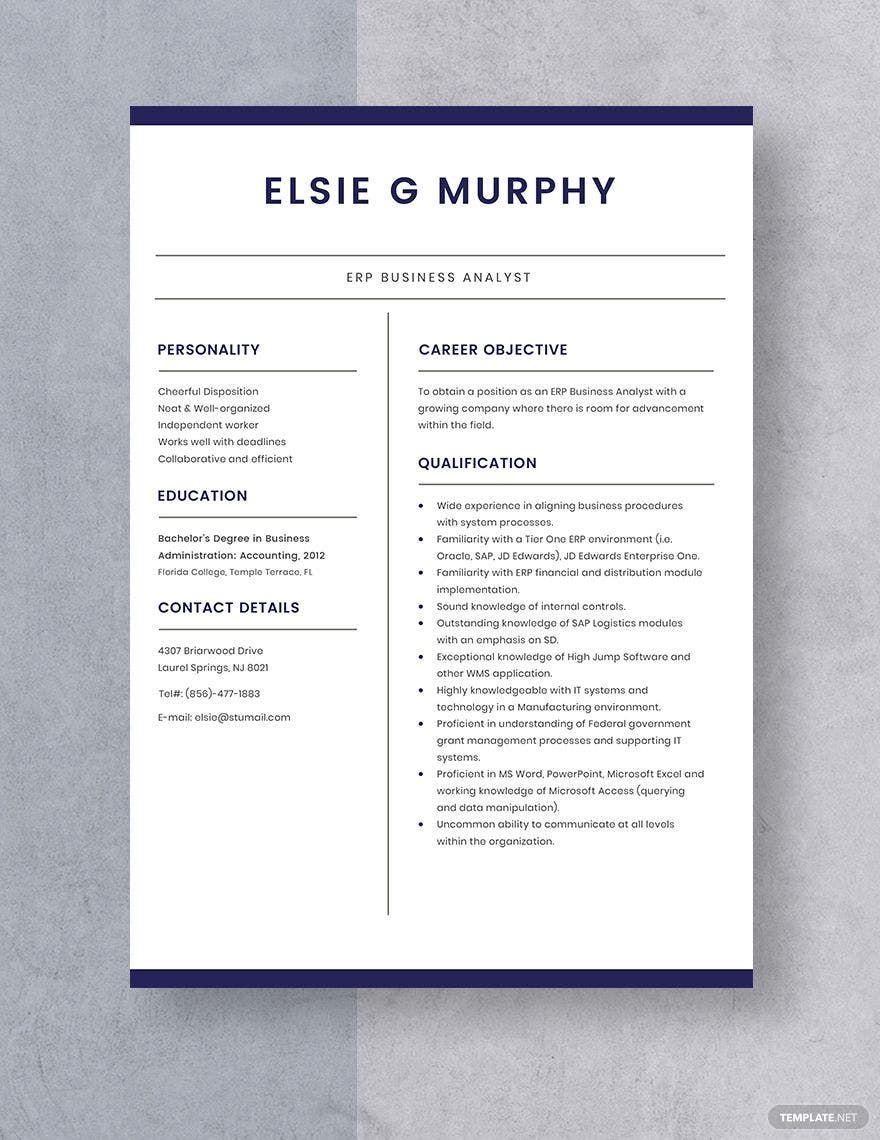
Free ERP Templates: Editable Drafting Guide, Uses, and Download Formats
What is a ERP?
ERP stands for Enterprise Resource Planning, which is a system that integrates various business processes into one platform through structured templates. ERP templates help document workflows, resource management, and operational tasks in a consistent and editable format to improve organizational efficiency.
Why should I use a ERP?
You should use an ERP to streamline business operations, ensure data consistency, and improve decision-making by organizing information within editable templates. These templates support customization to fit your company's unique workflow, reducing errors and enhancing productivity.
Who uses ERP?
ERP templates are used by business managers, operations teams, finance departments, and IT professionals who need to standardize and track enterprise processes. These users rely on editable ERP templates to maintain accurate records and facilitate cross-department collaboration.
What are the best tips for completing my ERP?
When completing your ERP templates, focus on clarity, consistency, and accuracy. Use clear section headings, include relevant data fields, and regularly update information. Leveraging the editable nature of Template.net's ERP templates allows you to tailor sections to your specific business needs.
Can I create a ERP using AI?
While Template.net primarily offers editable ERP templates, you can supplement your workflow by using AI tools for initial drafts or data suggestions. However, Template.net's focus remains on providing high-quality editable templates that you can customize online.
What file formats can I download for my ERP?
Template.net supports multiple export formats for your editable ERP templates including Word, Google Docs, and PDF. This flexibility allows you to work in your preferred environment and share documents easily.
What are the essential elements of an ERP template?
Essential elements of an editable ERP template include:
- Header: Document title and company information
- Process sections: Detailed workflow steps or modules
- Data fields: Areas to input resource and operational data
- Summary: Key performance indicators or notes
- Footer: Revision dates and approval signatures
How is ERP used in professional workflows?
ERP is used in professional workflows to integrate departments such as finance, procurement, manufacturing, and human resources through editable templates. This integration improves data accuracy, reduces duplication, and supports real-time information sharing across the organization.
What are common use cases for ERP templates?
Common use cases for editable ERP templates include:
- Inventory management: Tracking stock levels and orders
- Financial reporting: Documenting budgets and expenses
- Project planning: Scheduling and resource allocation
- Compliance tracking: Ensuring regulatory adherence
- Human resources: Managing employee data and payroll
