
Event AI
Generate, Customize, and share editable AI-powered Event templates for docs, designs, whiteboards, charts, forms & more — all free, all in one place.
Free Event Templates


 Edit Online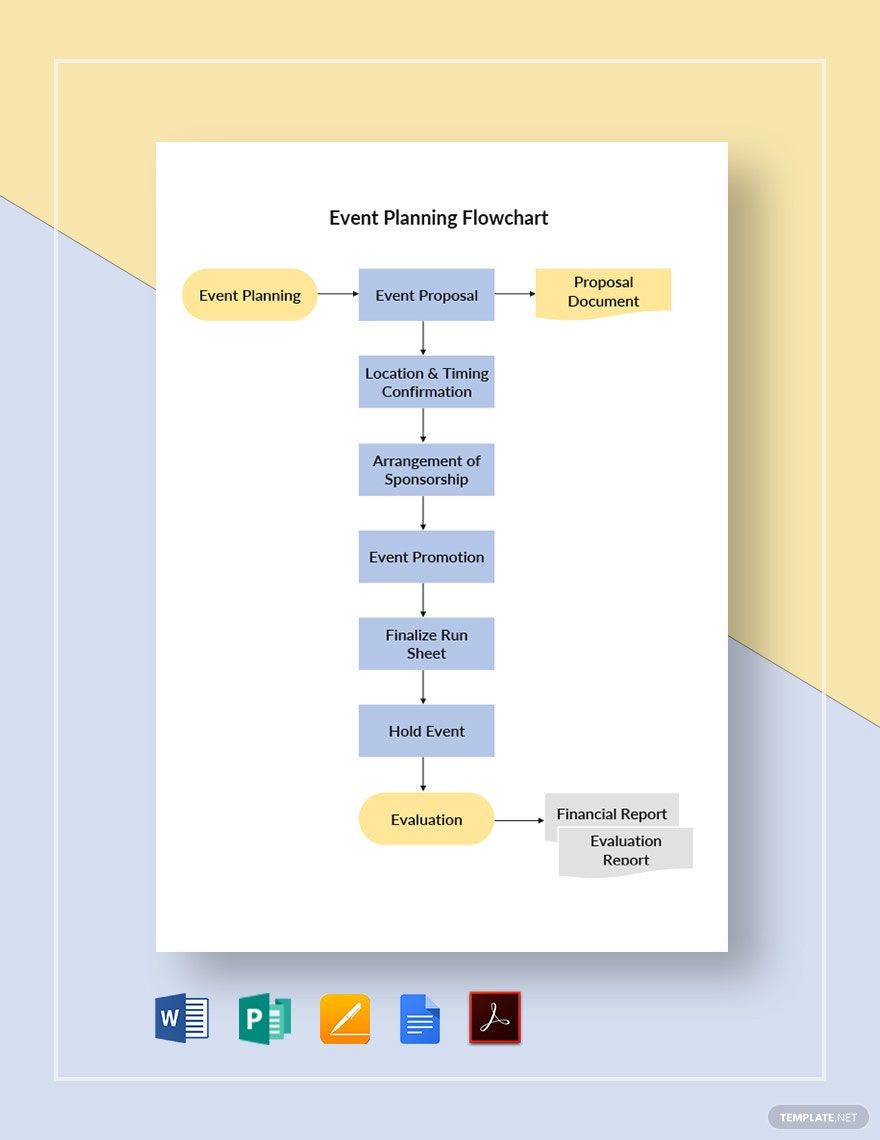
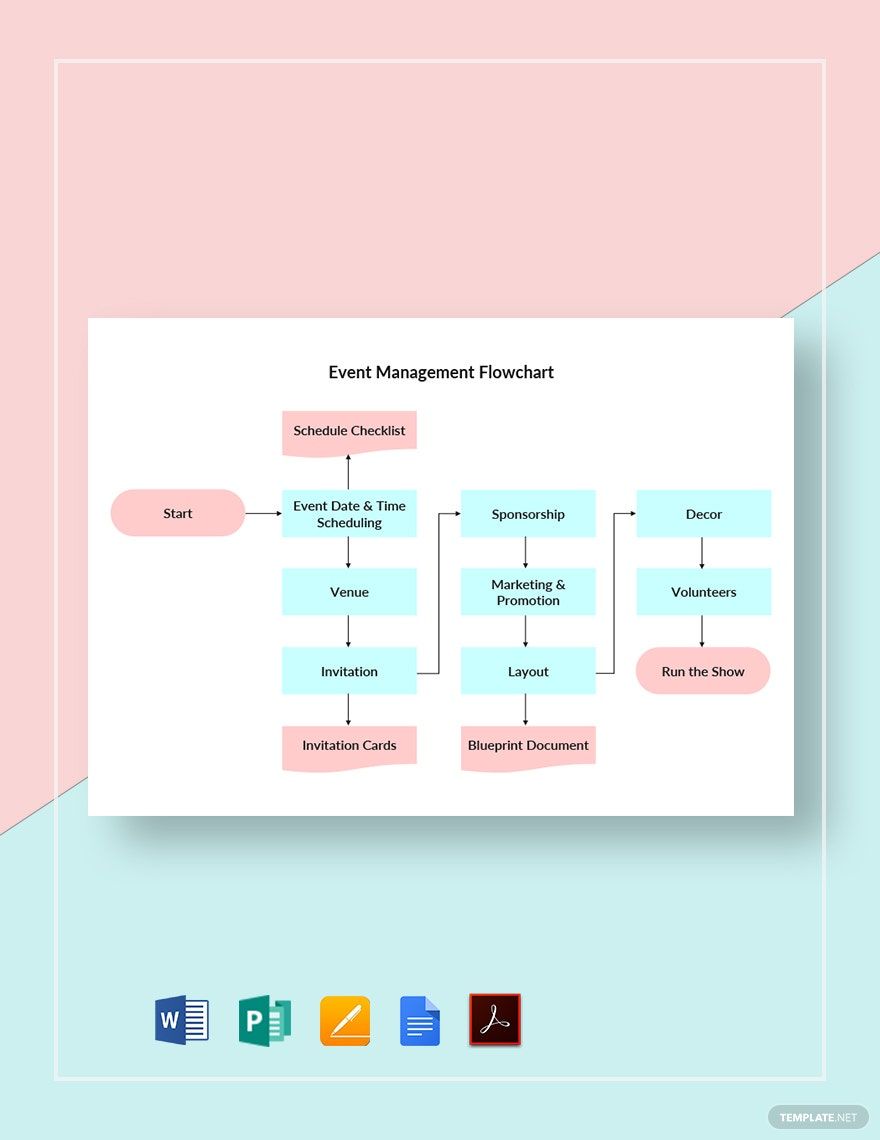
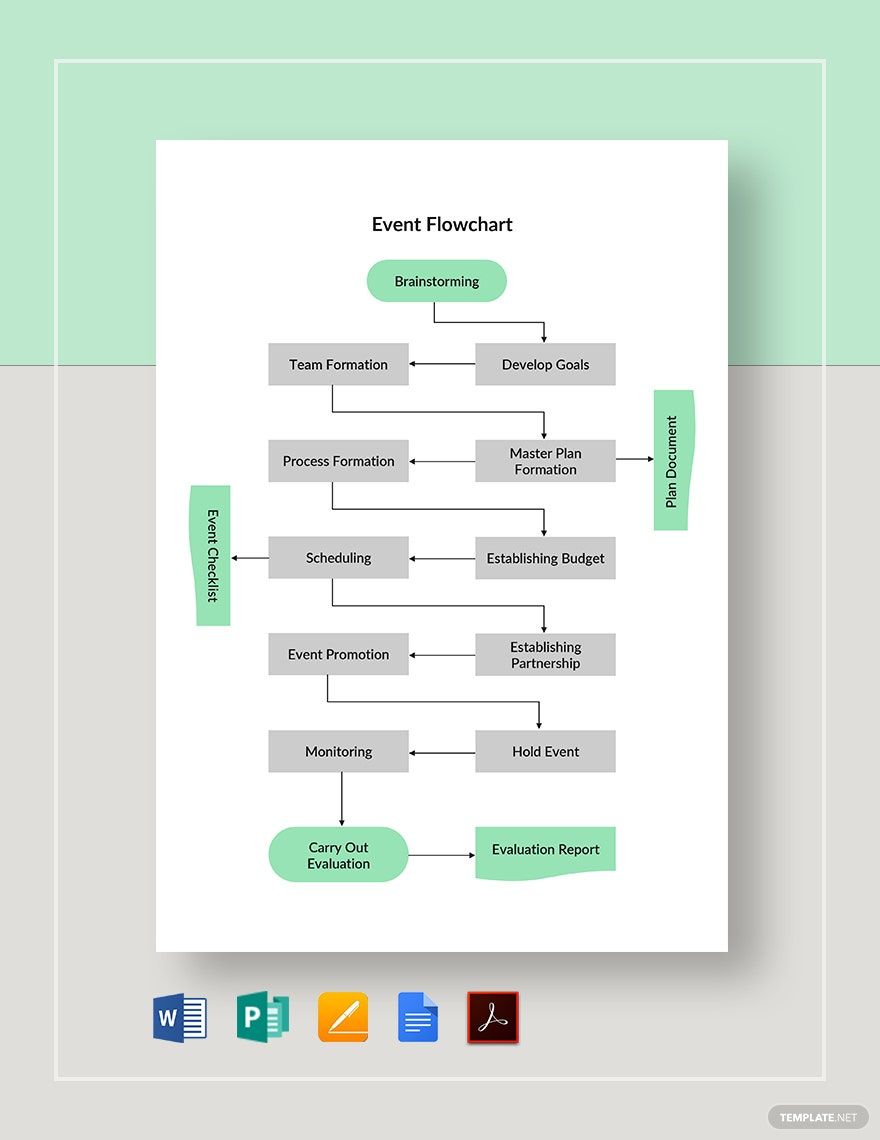
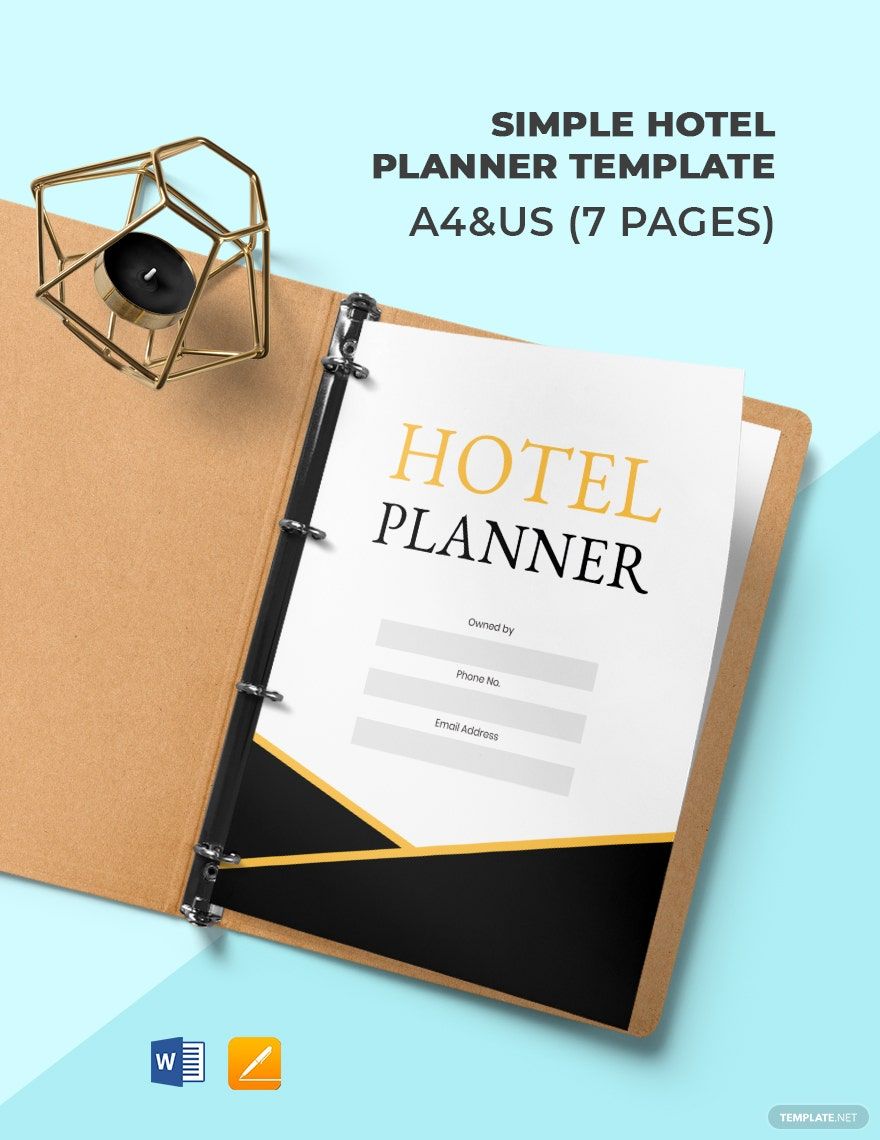
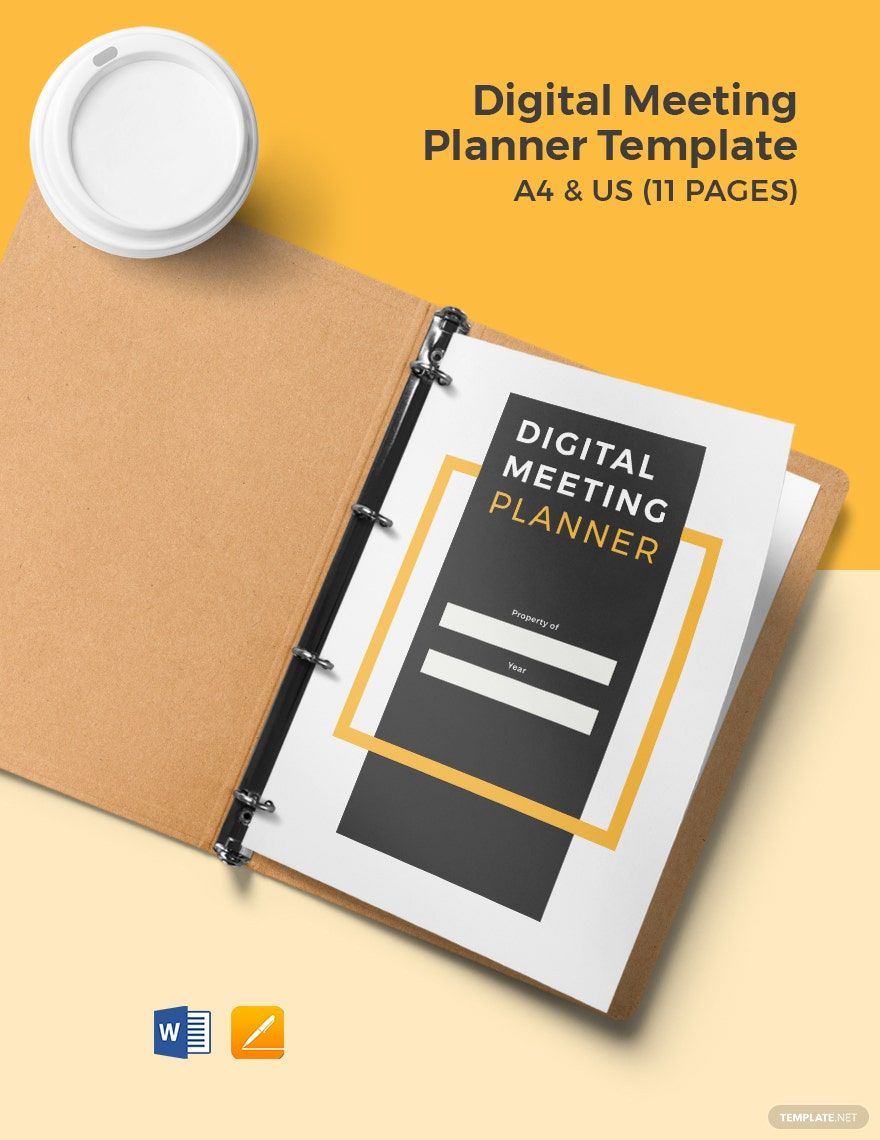
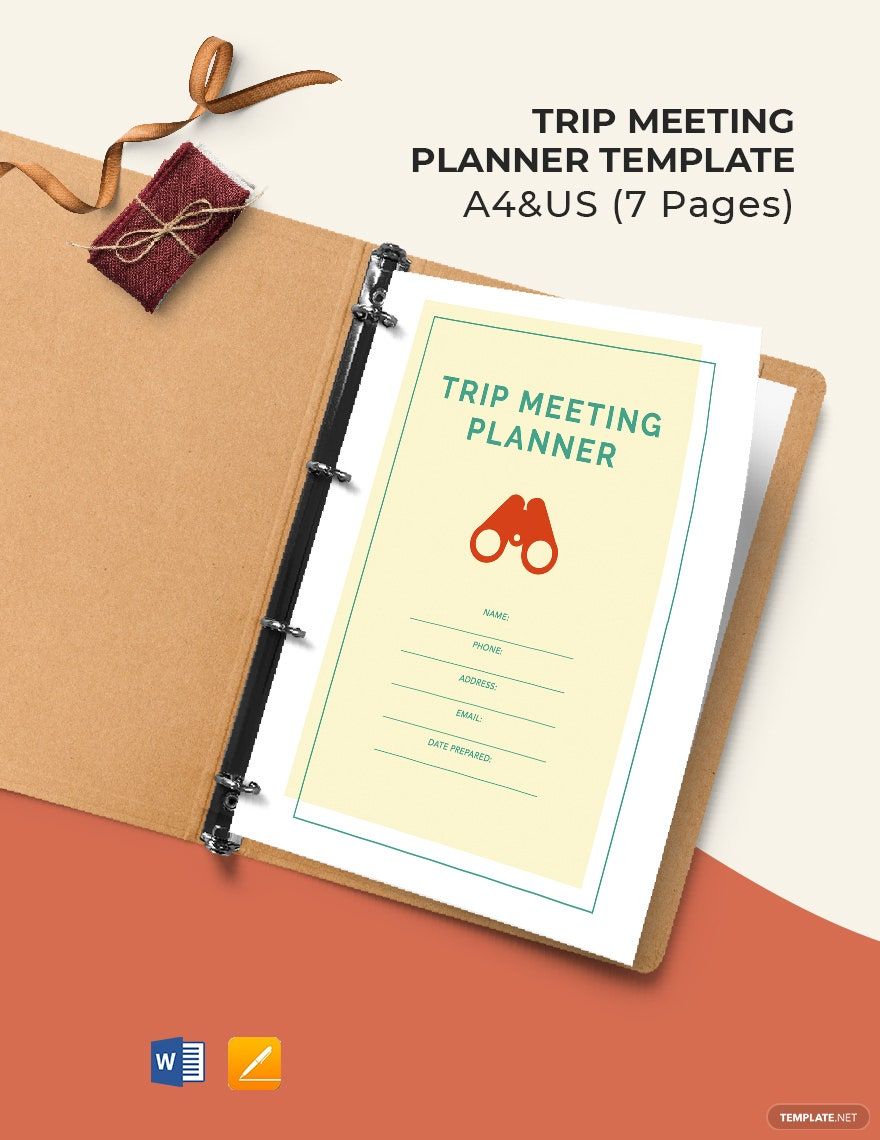
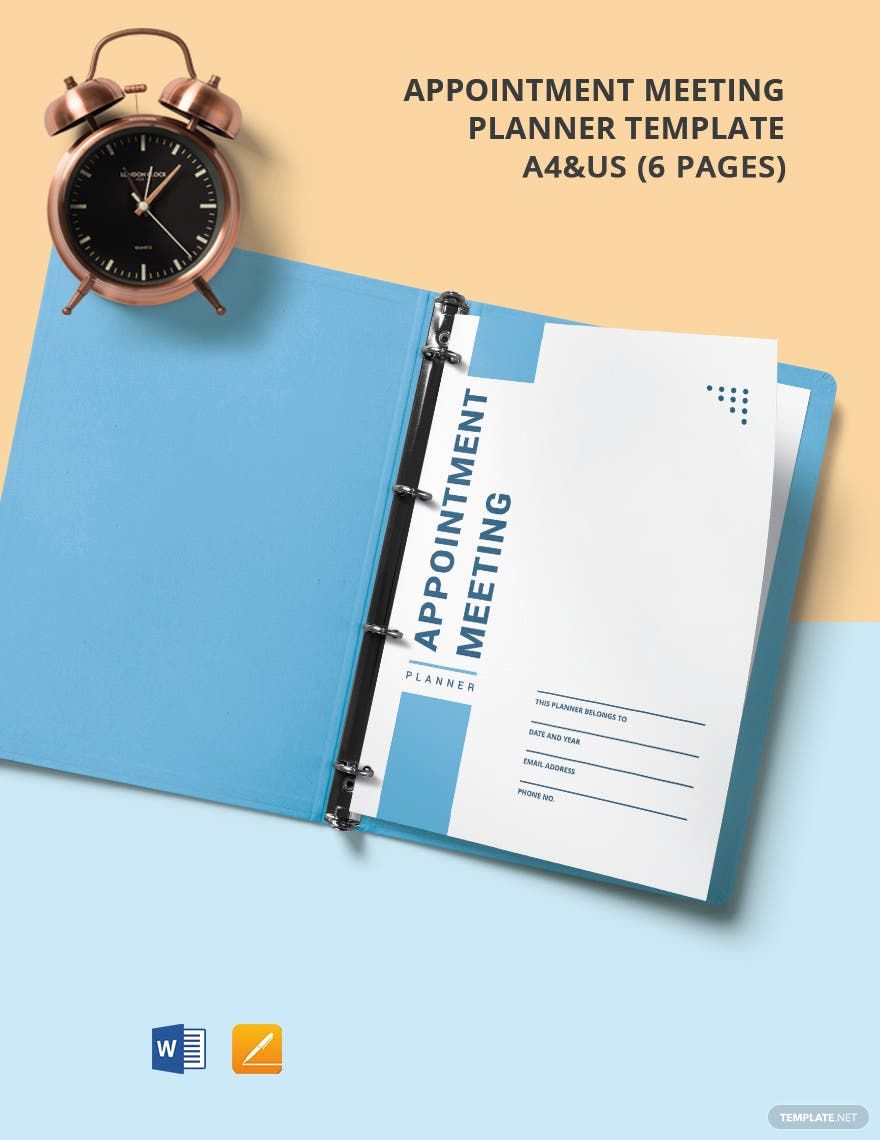
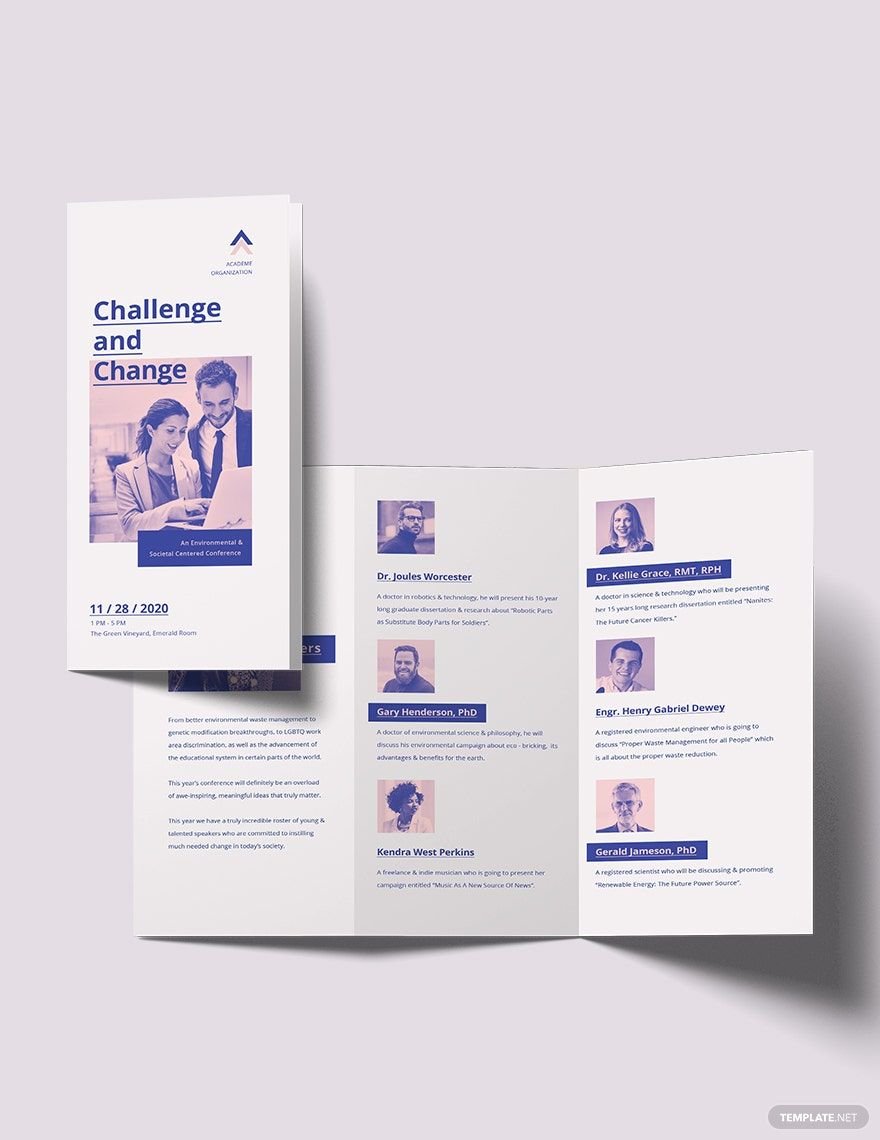
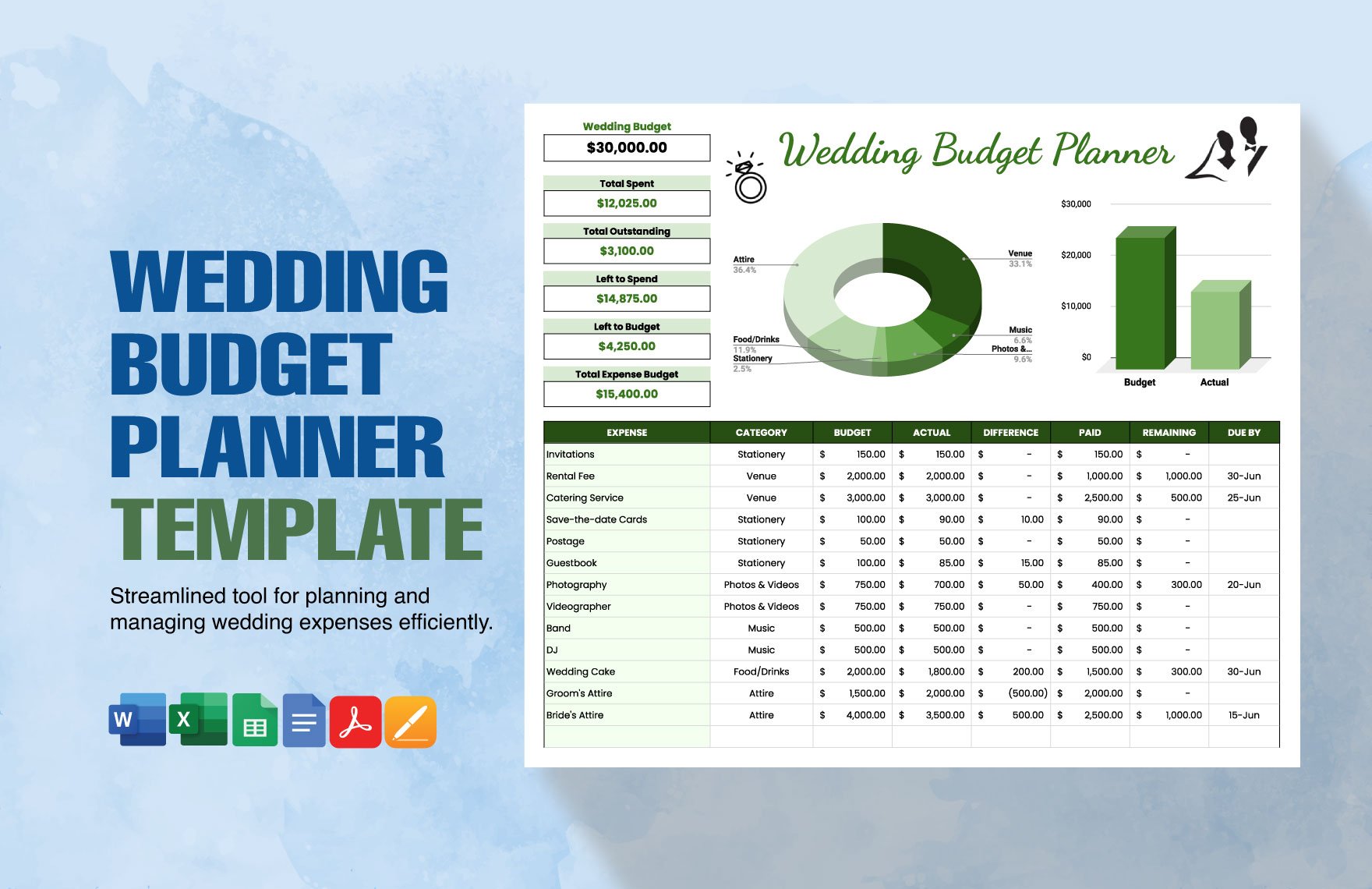
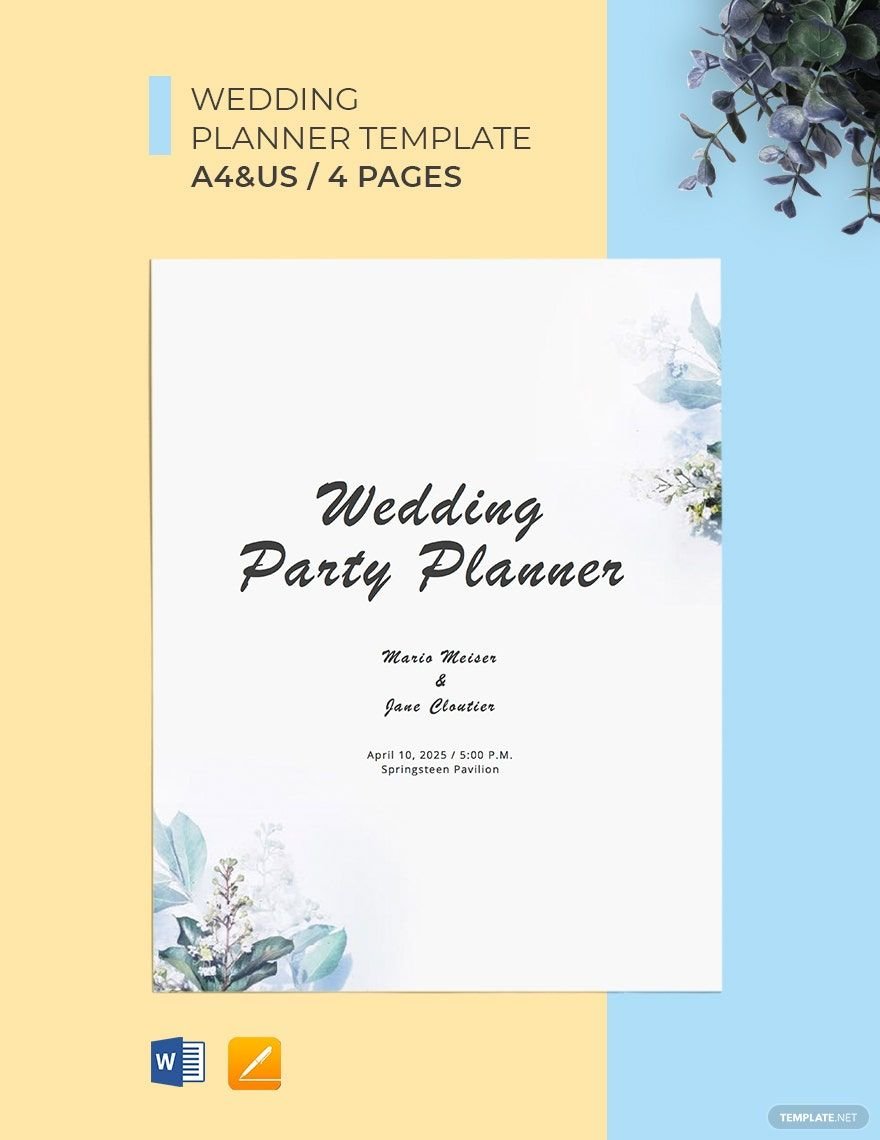
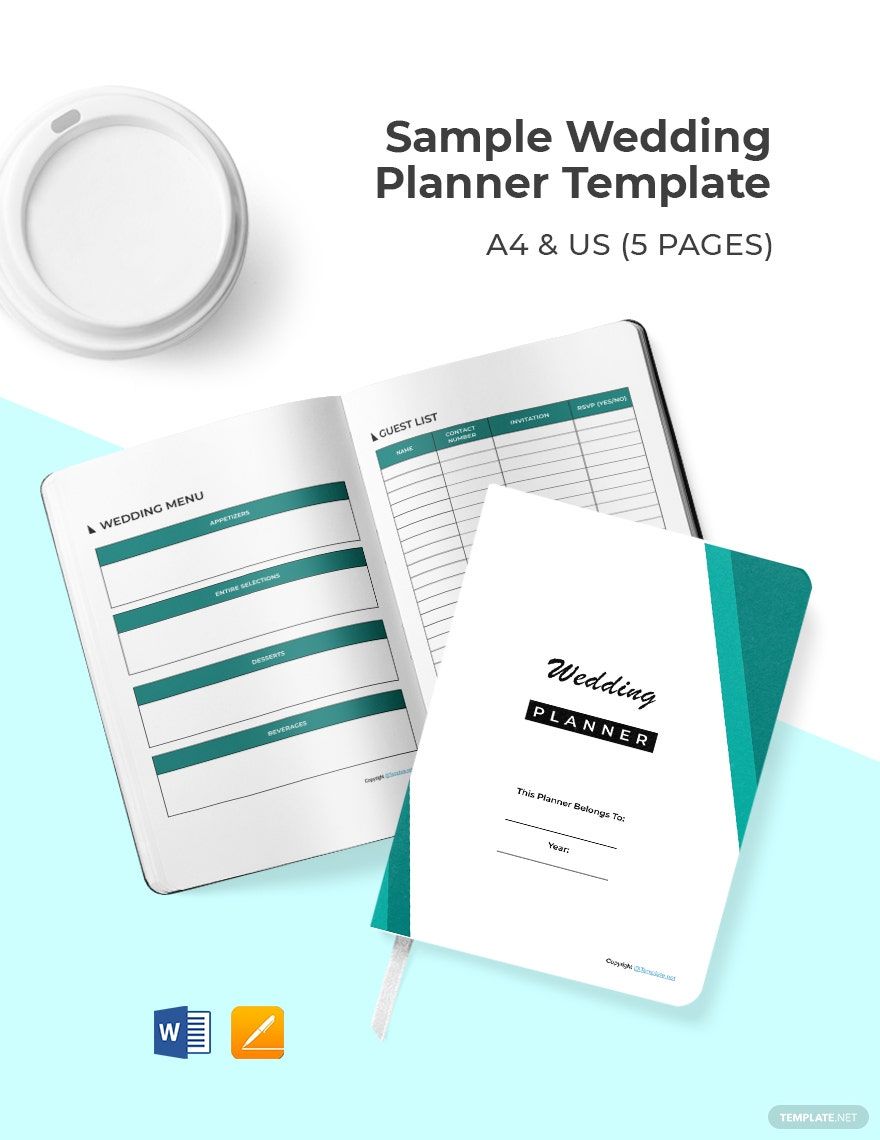
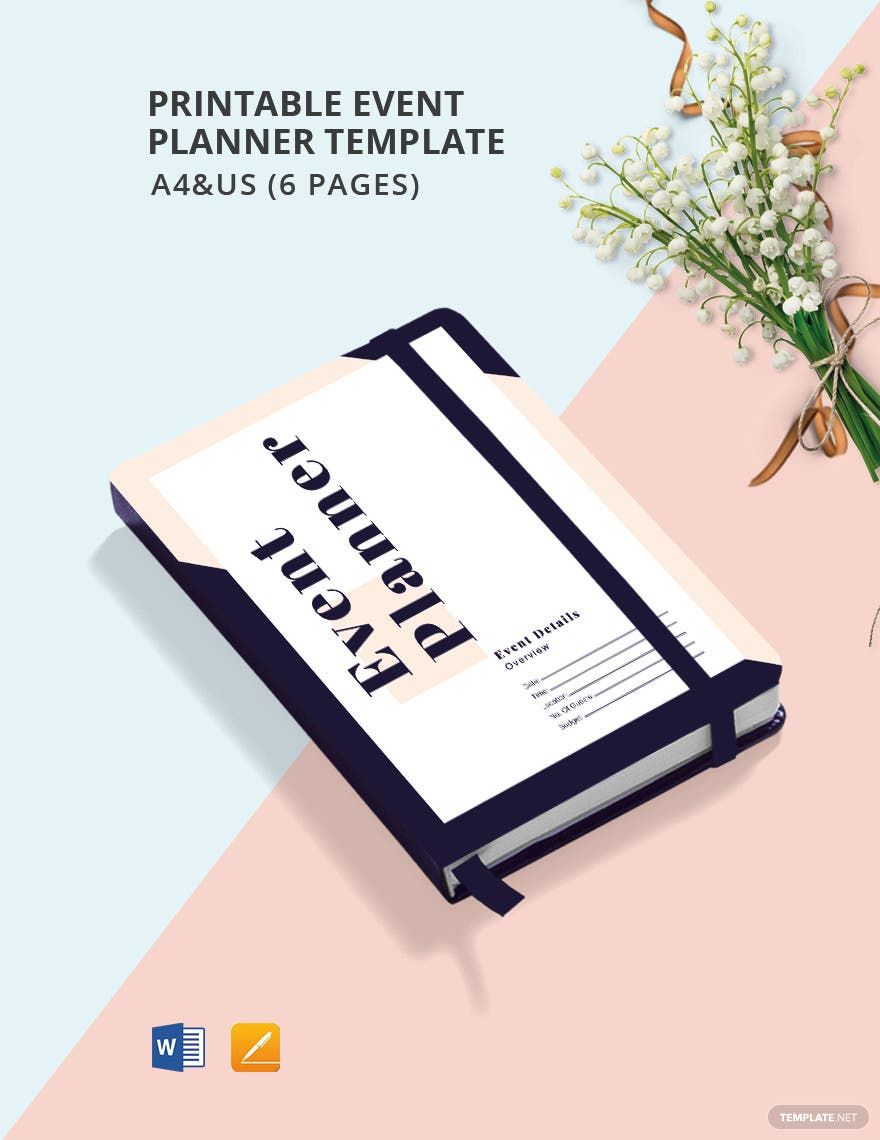
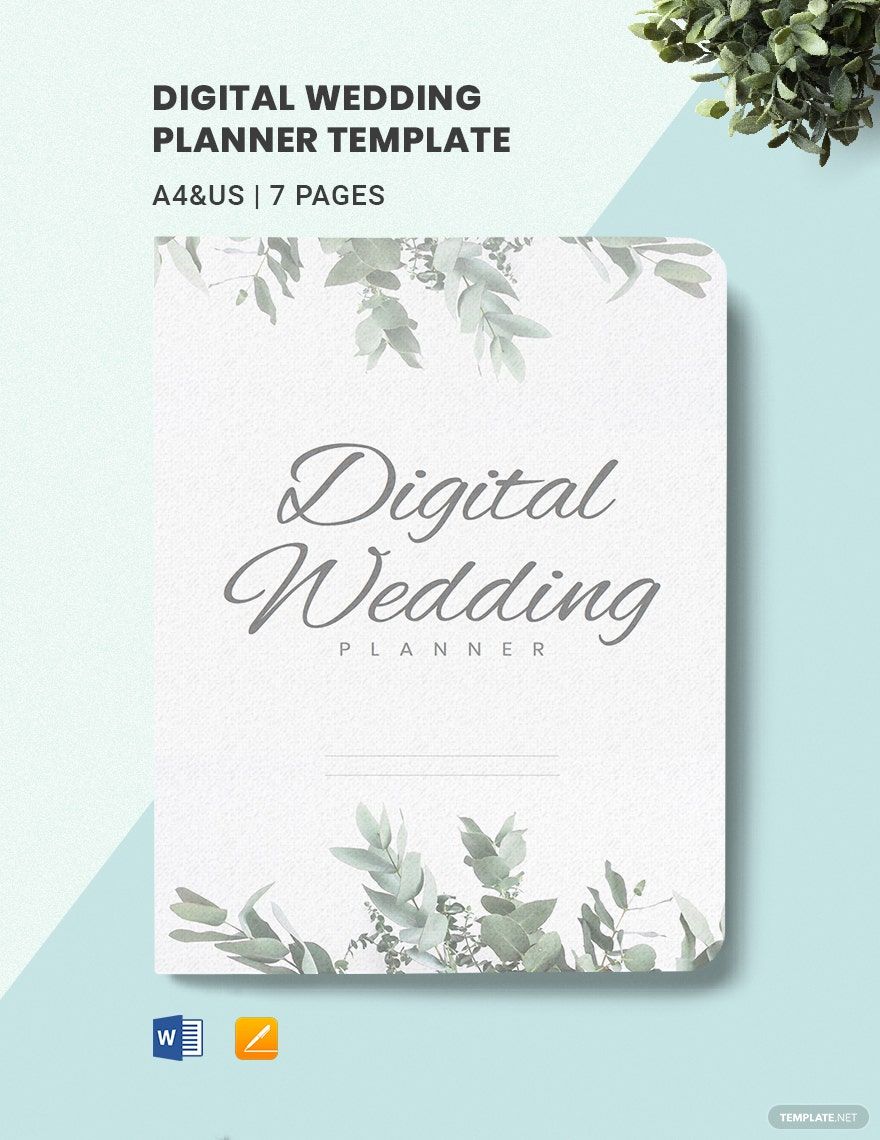
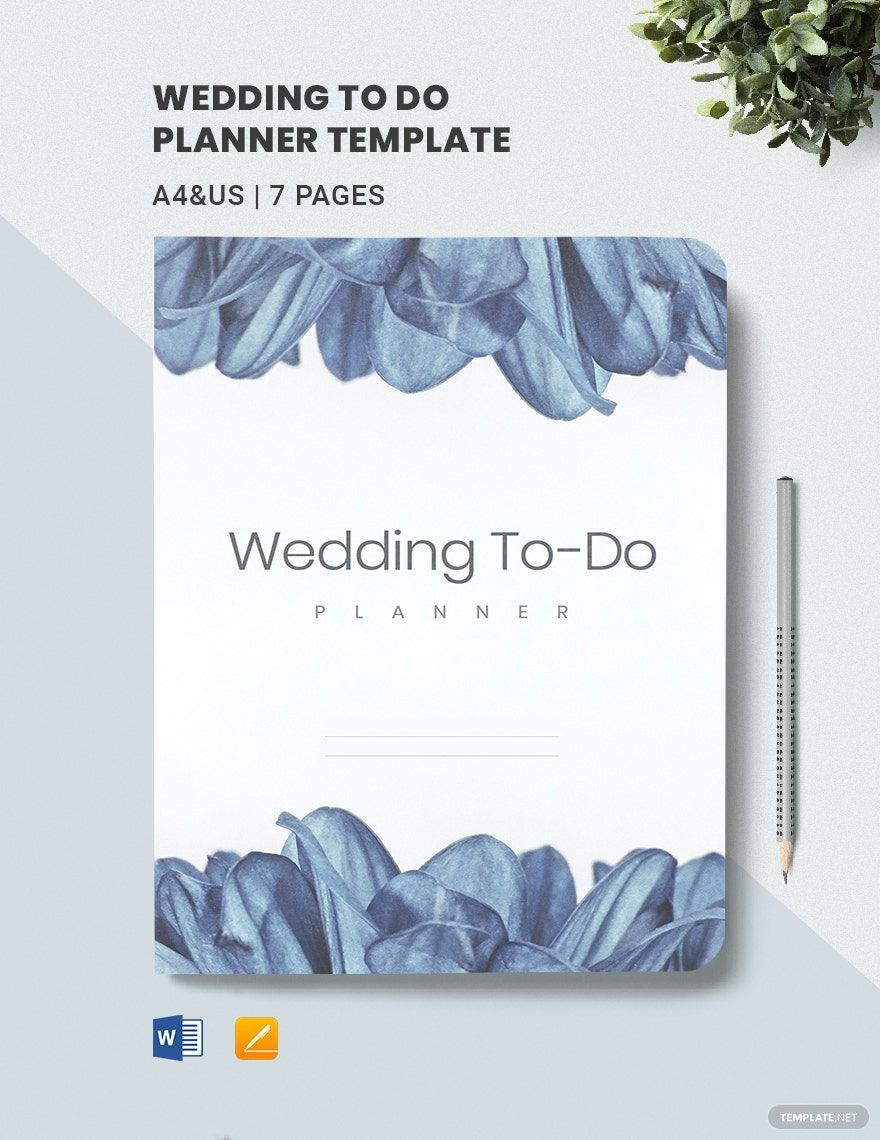
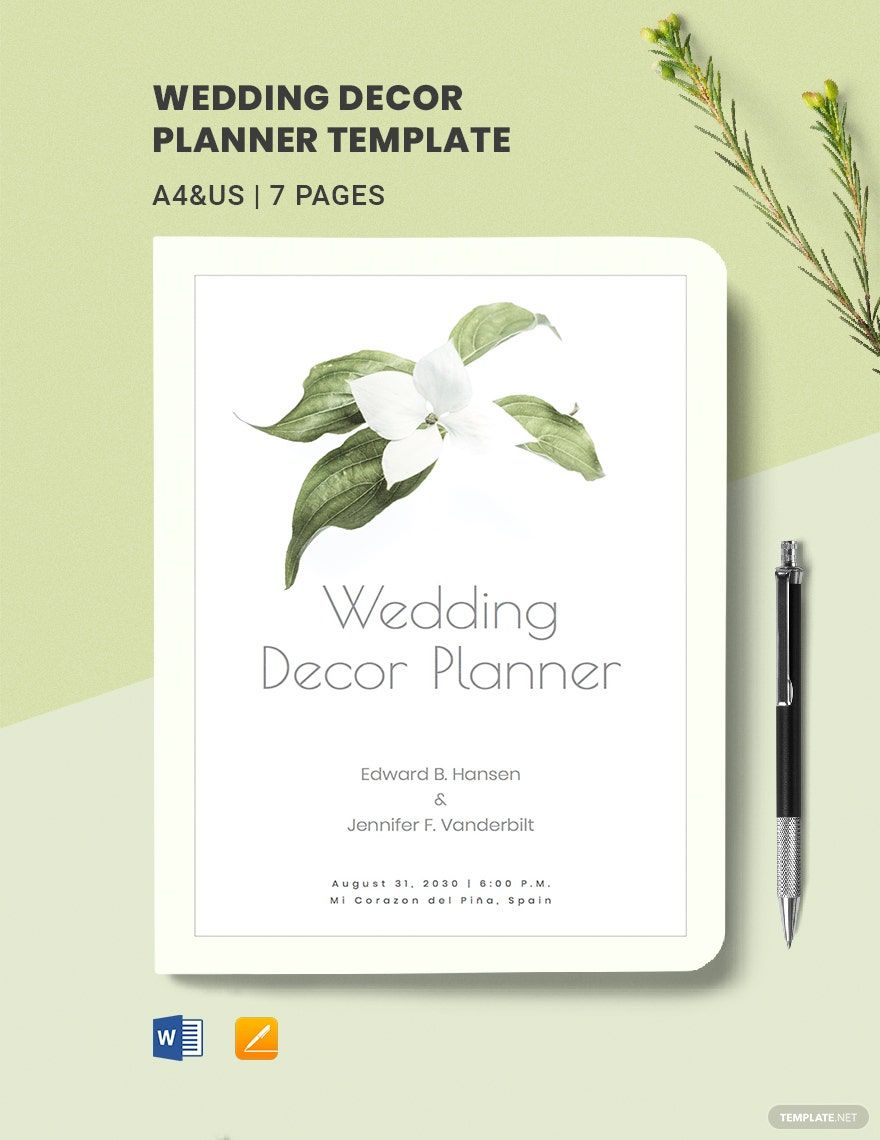
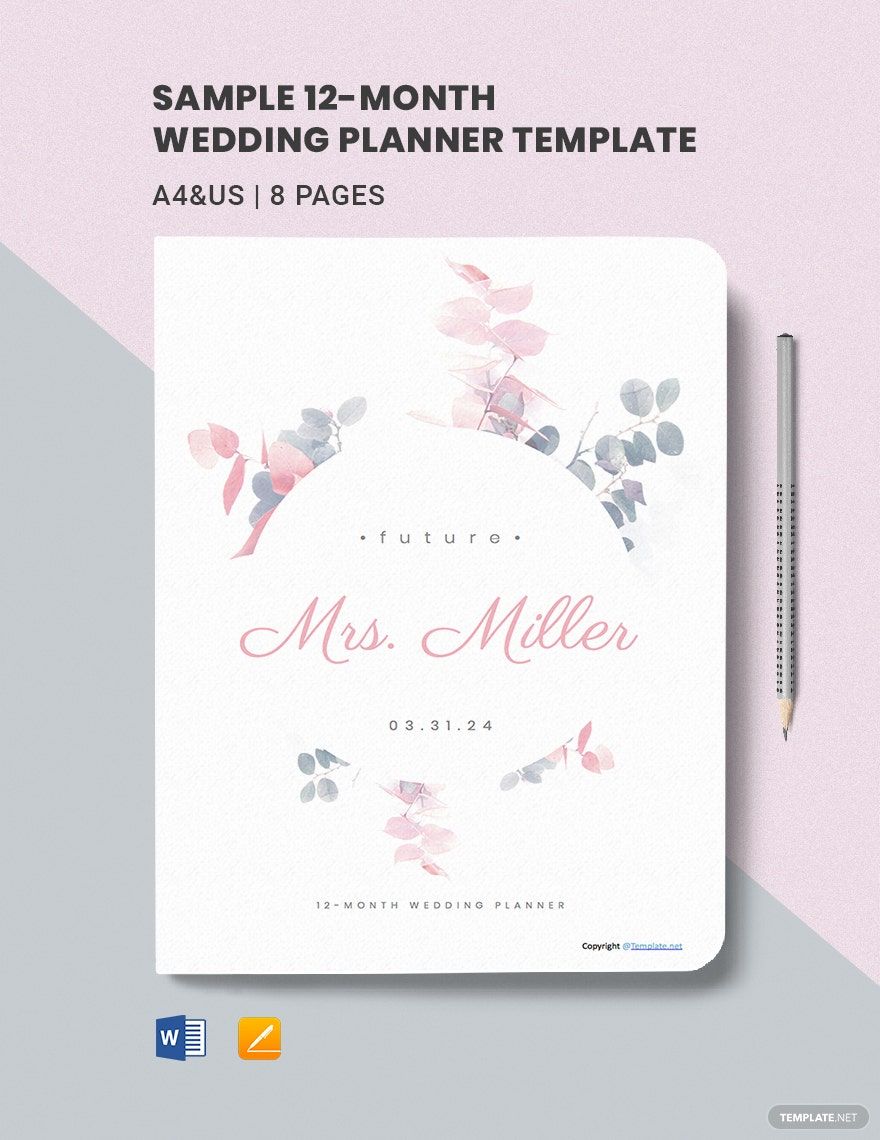
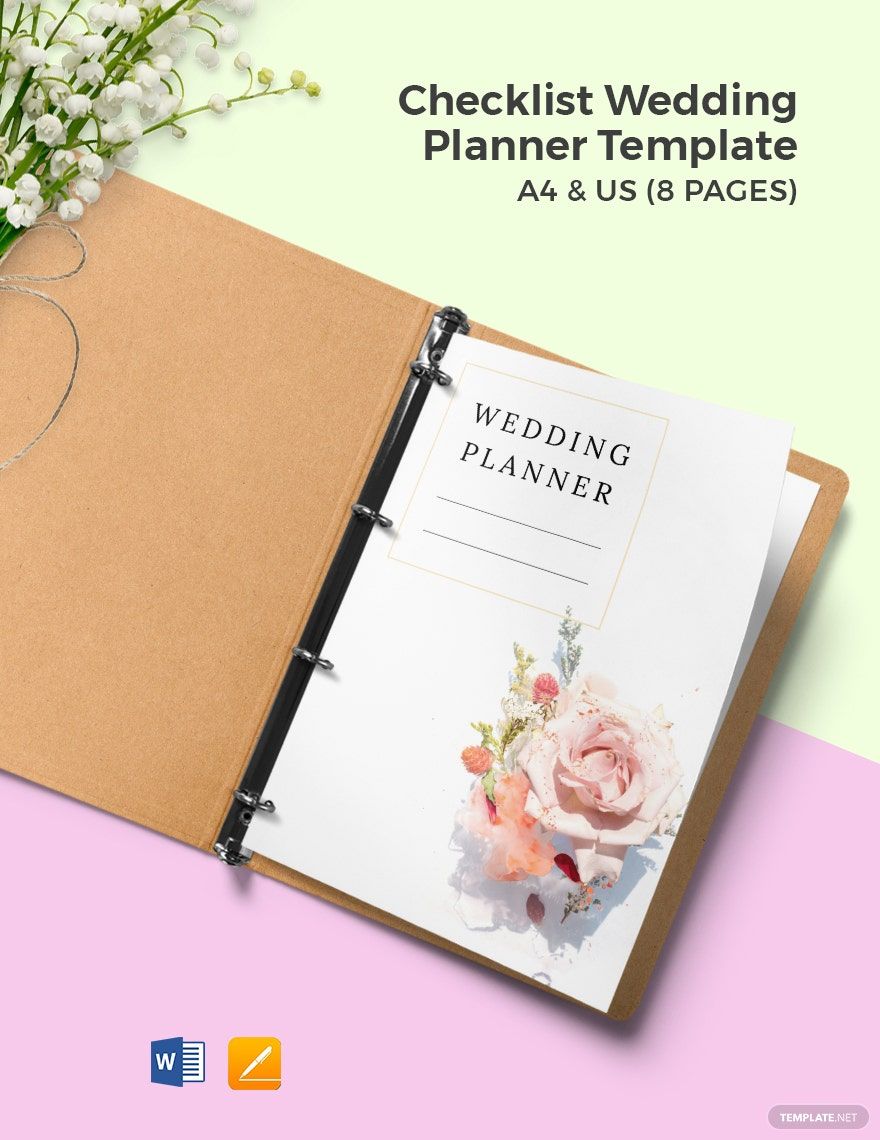
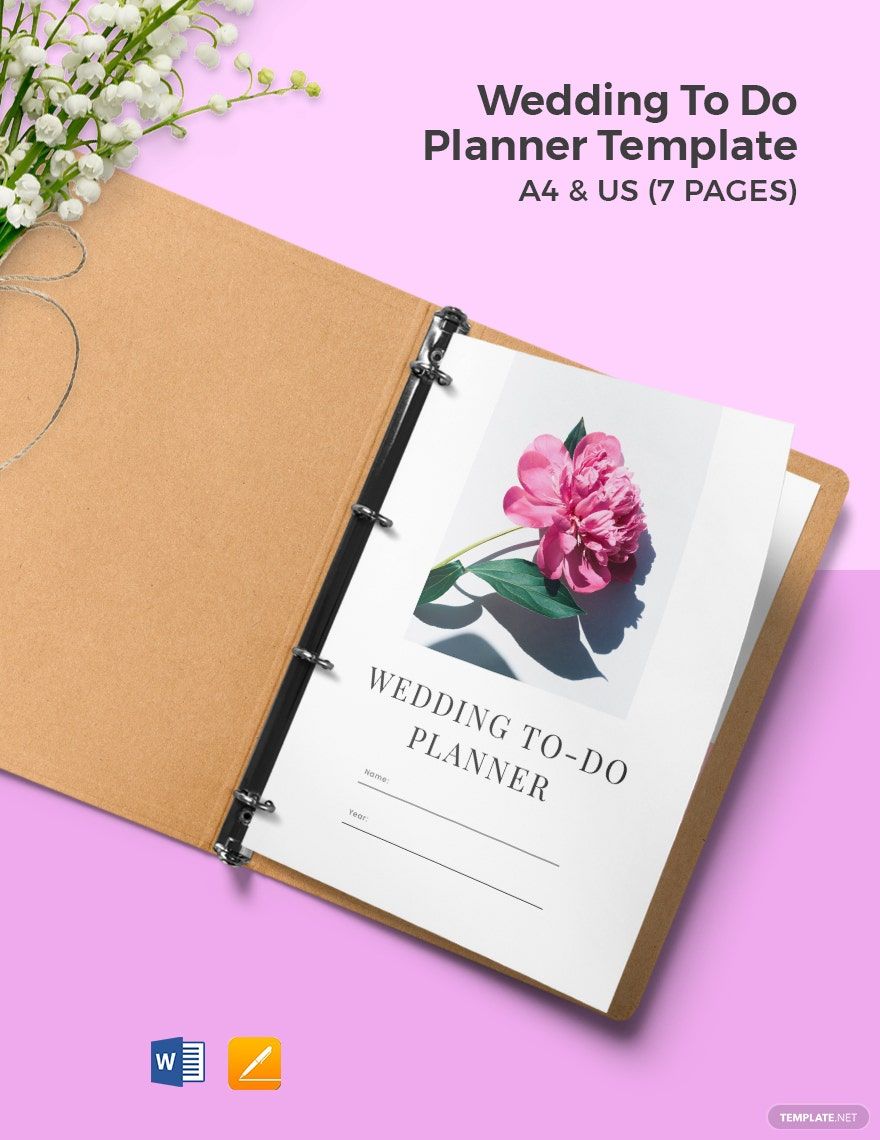
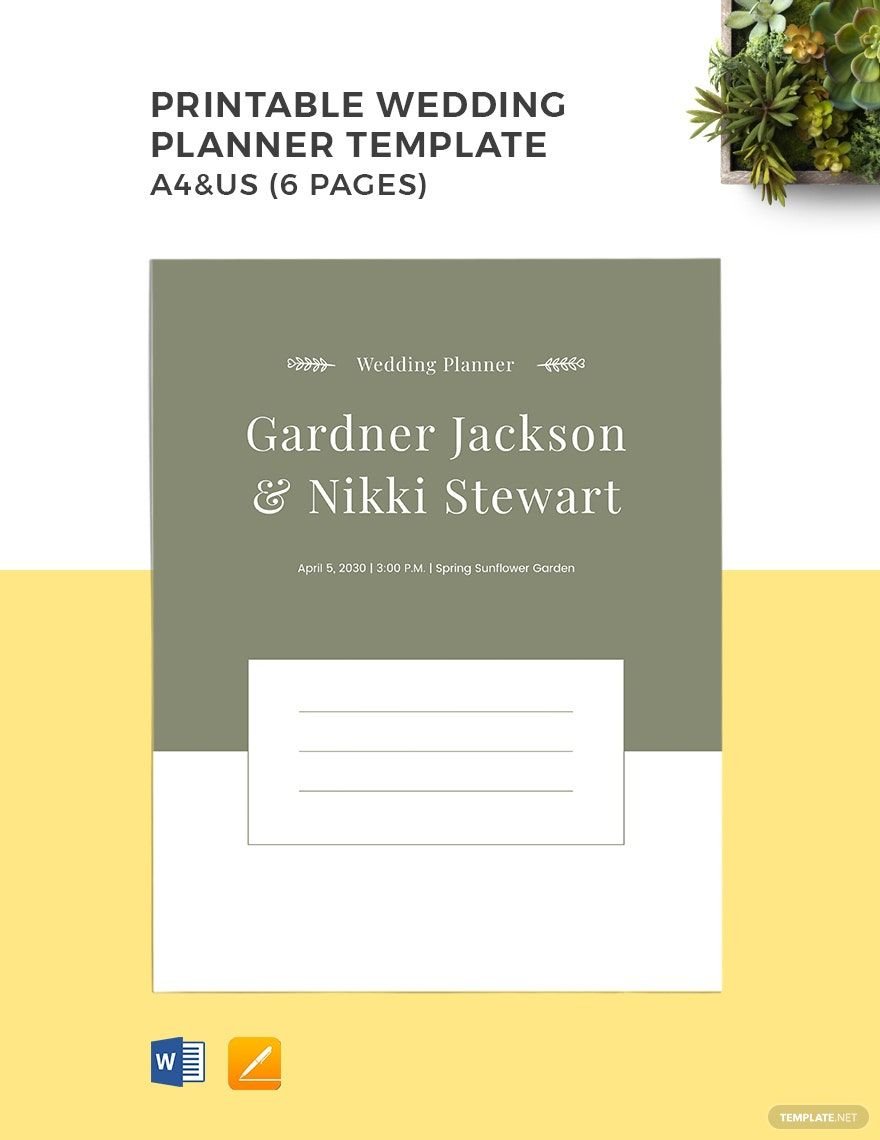

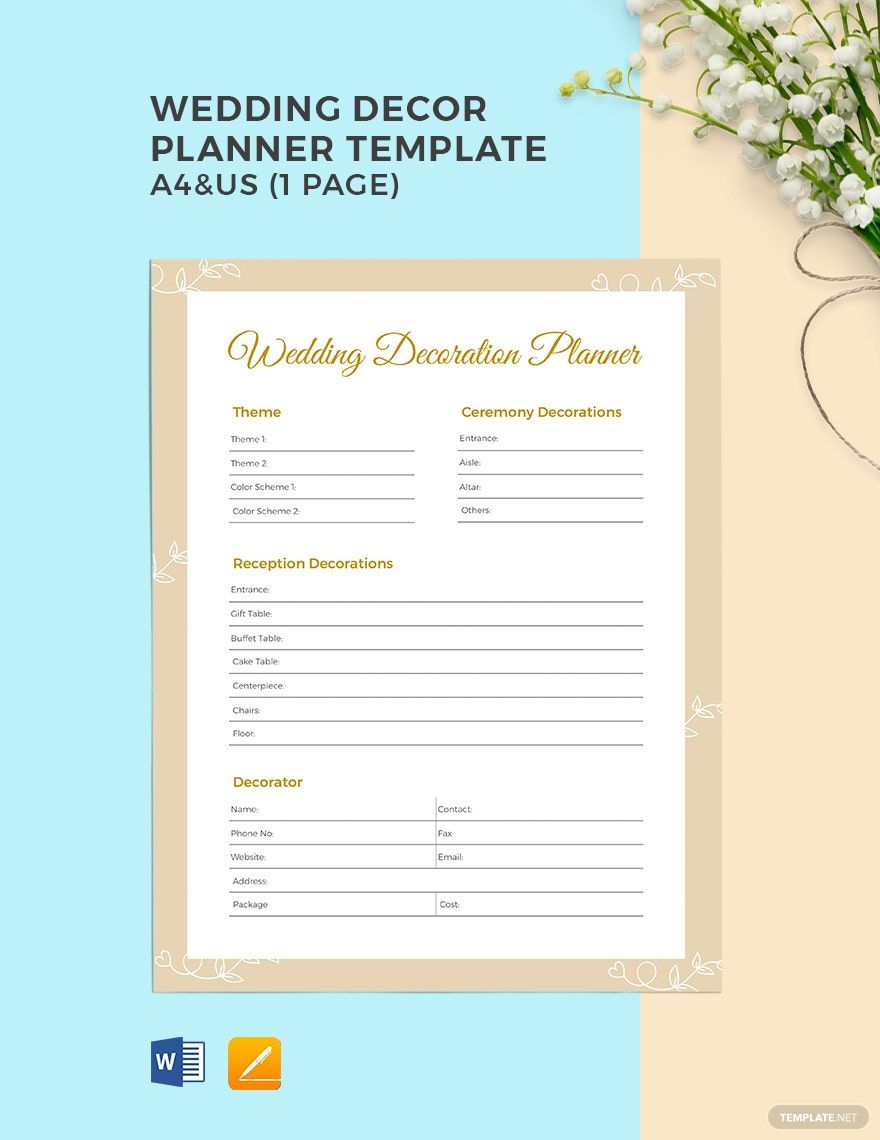
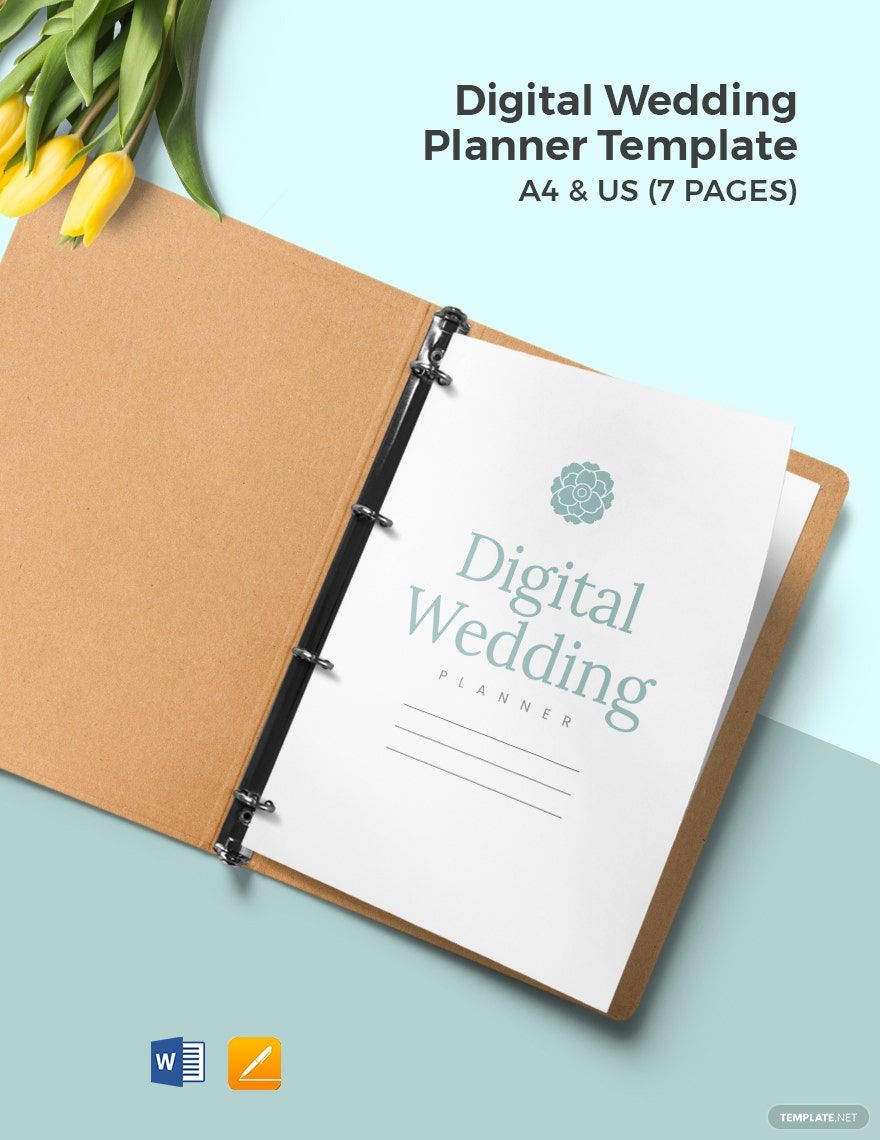
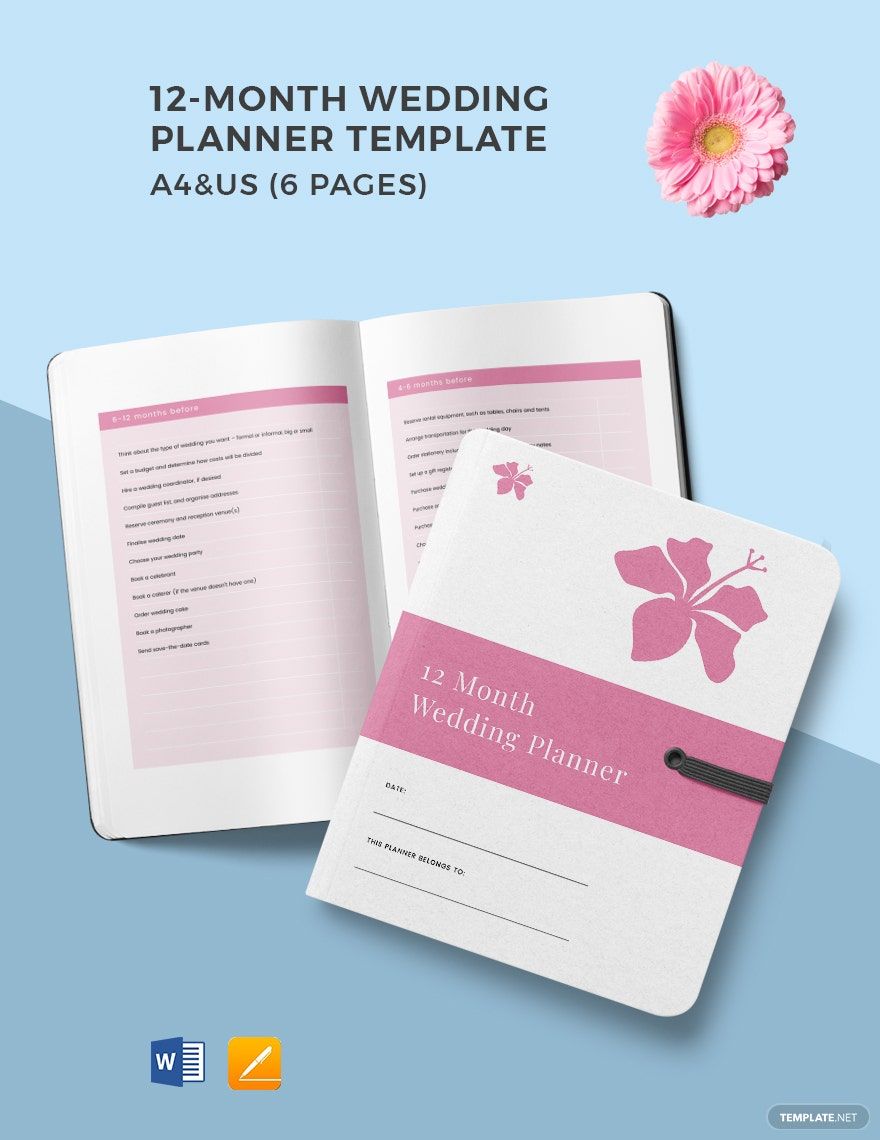
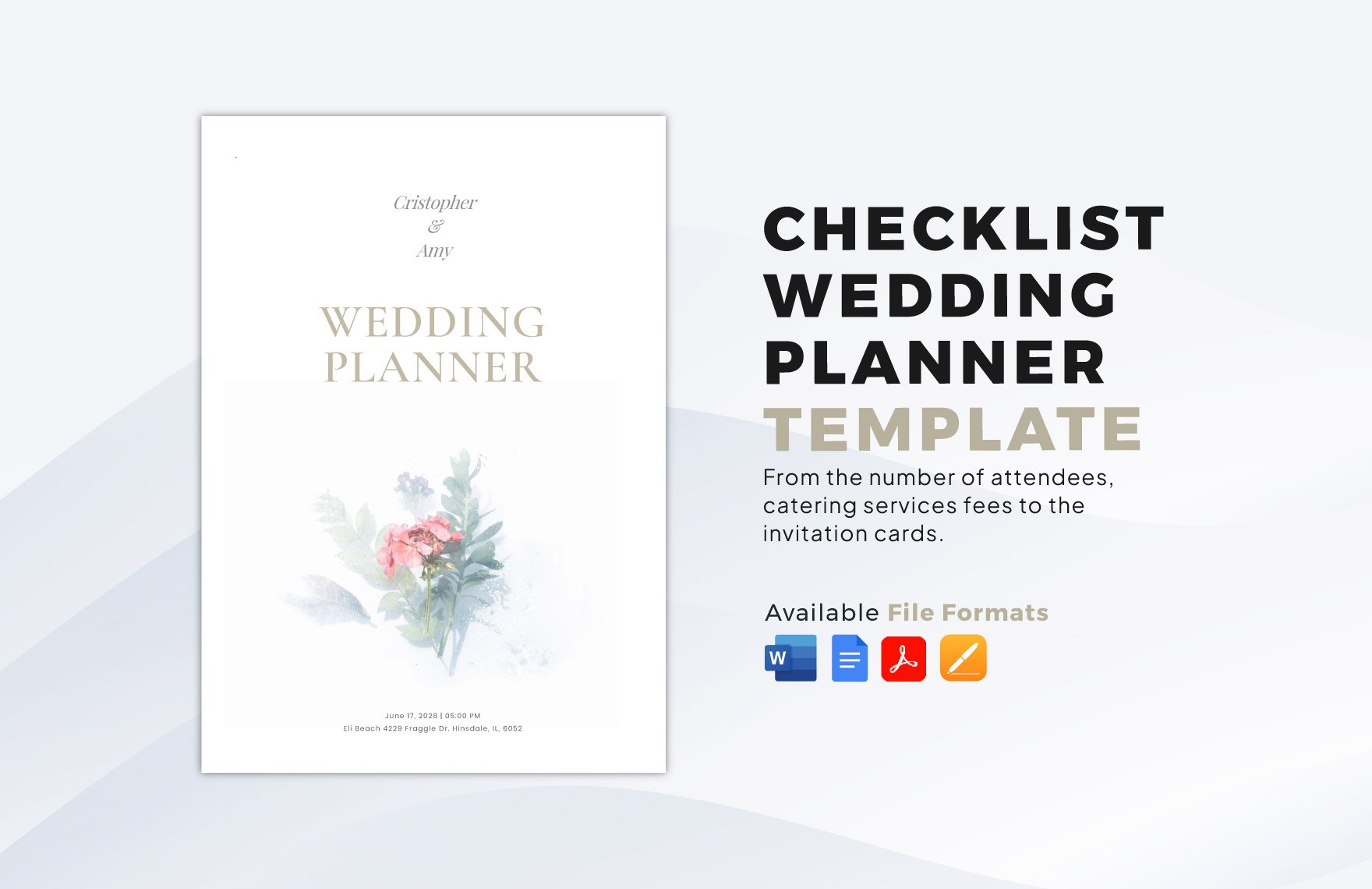
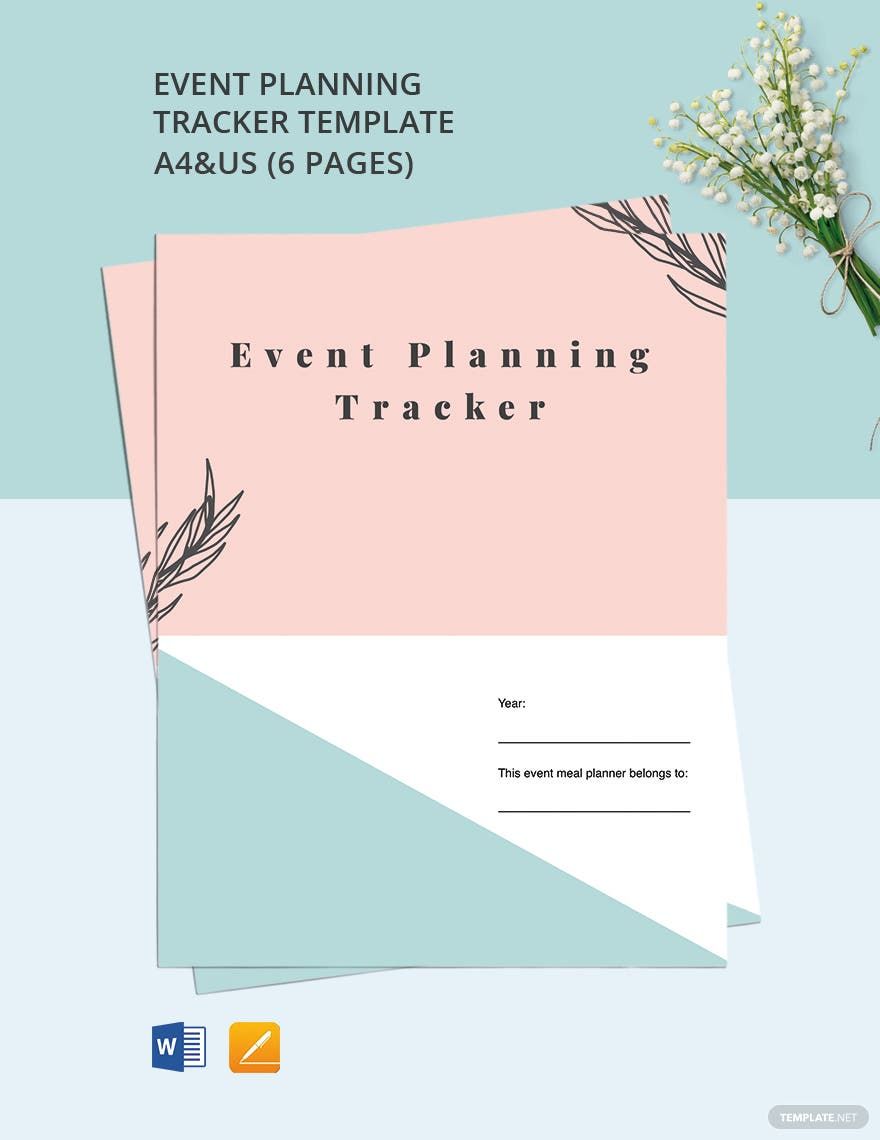
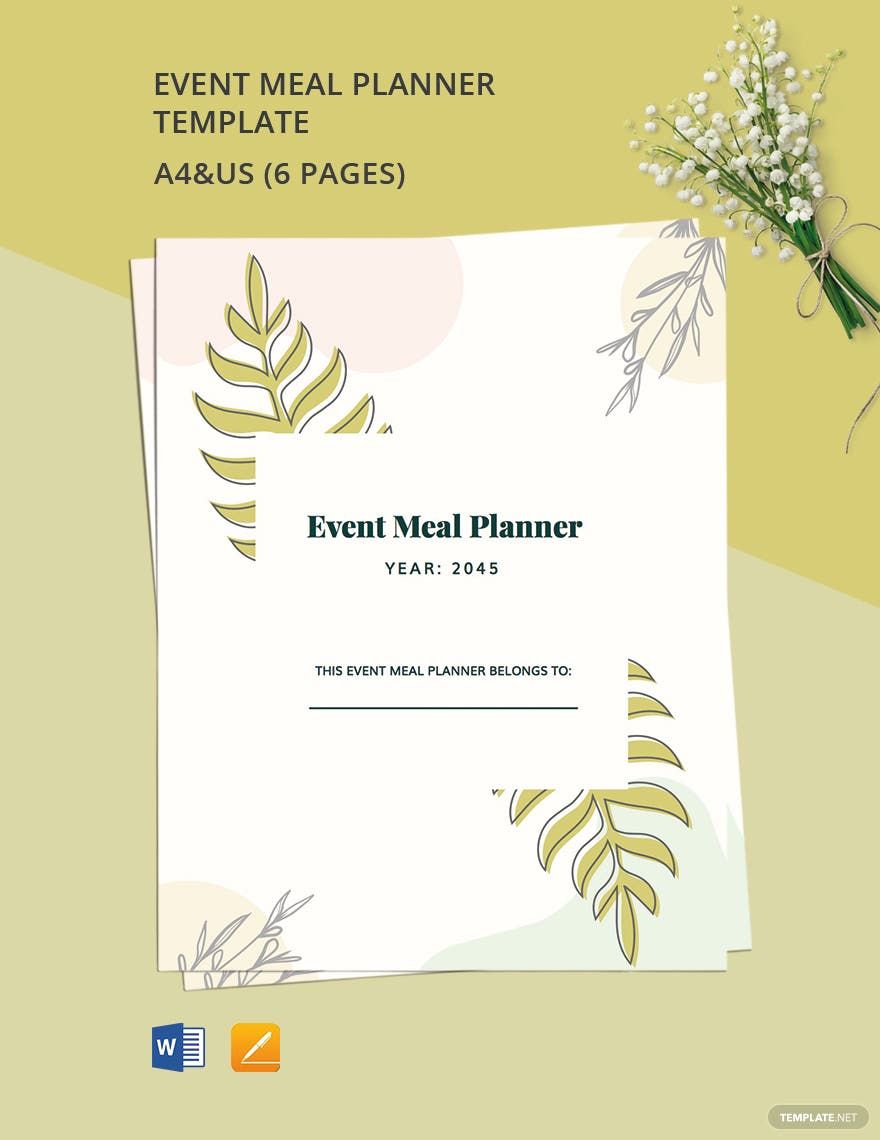
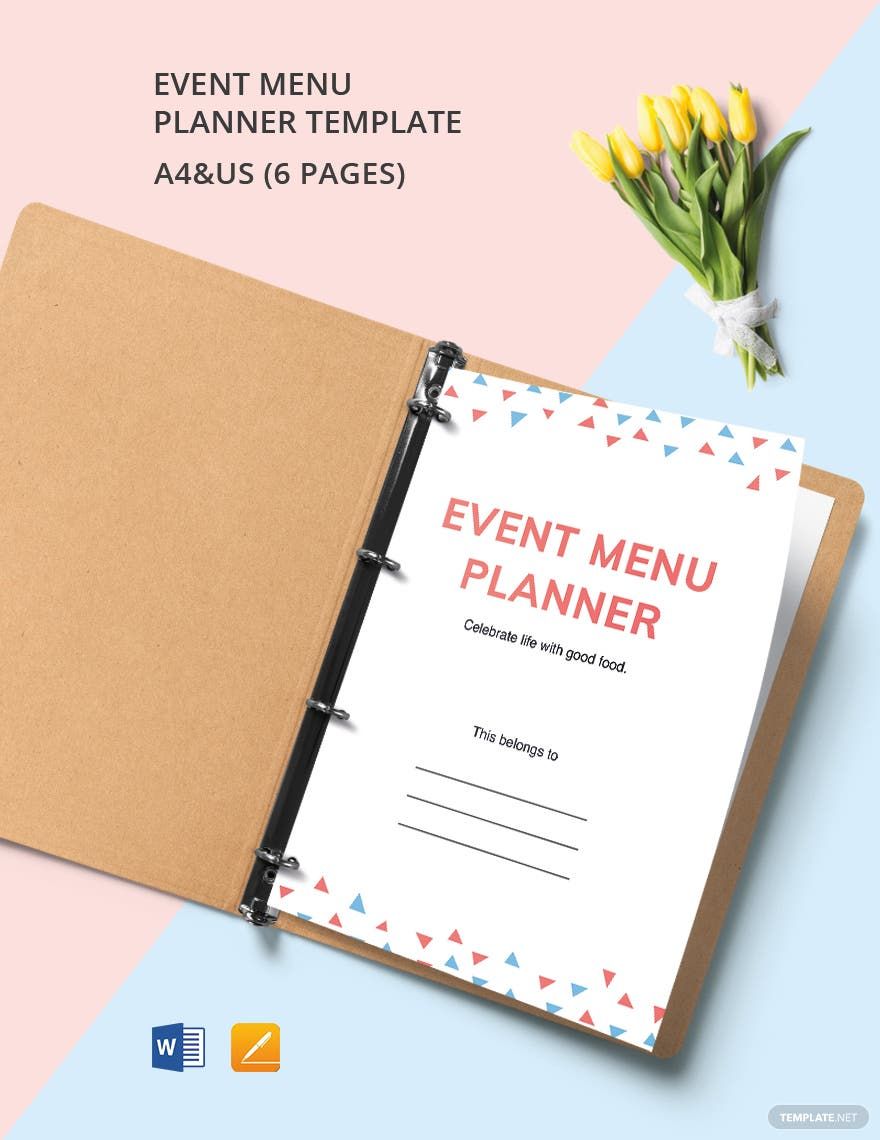
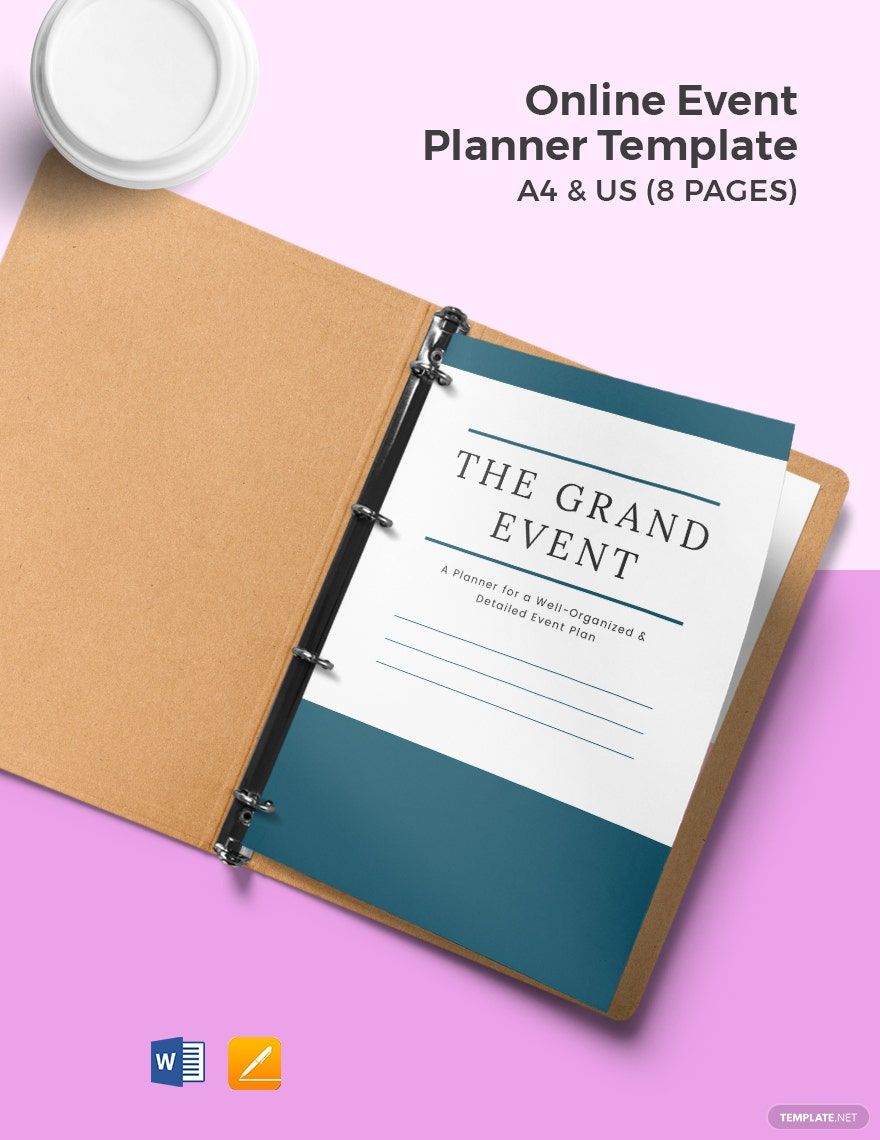
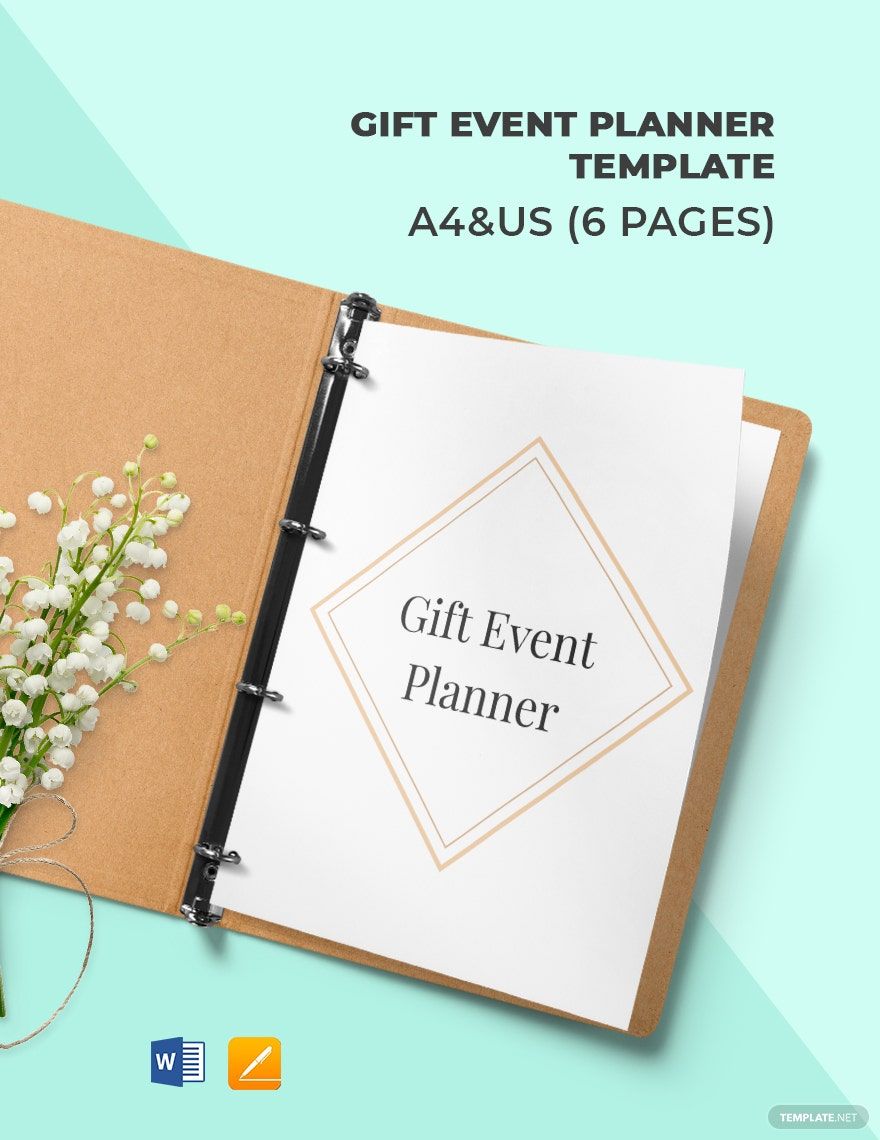
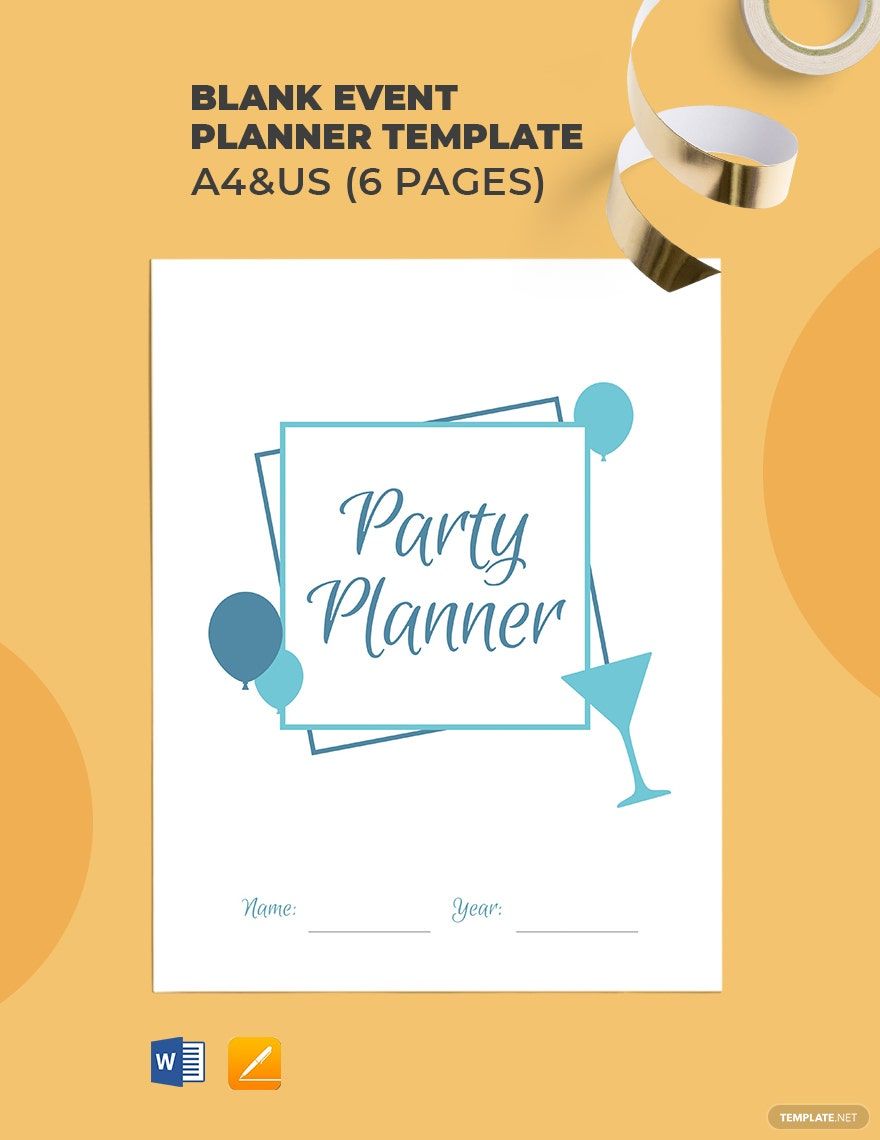
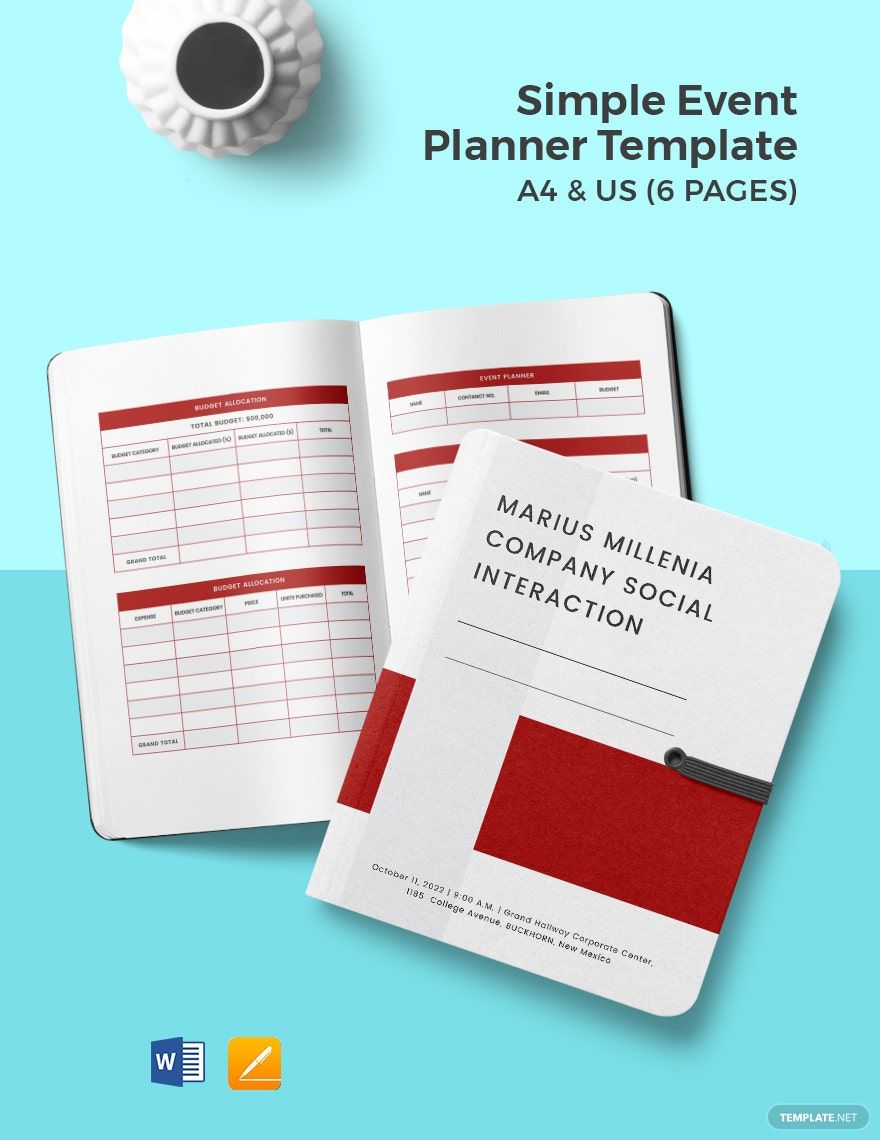
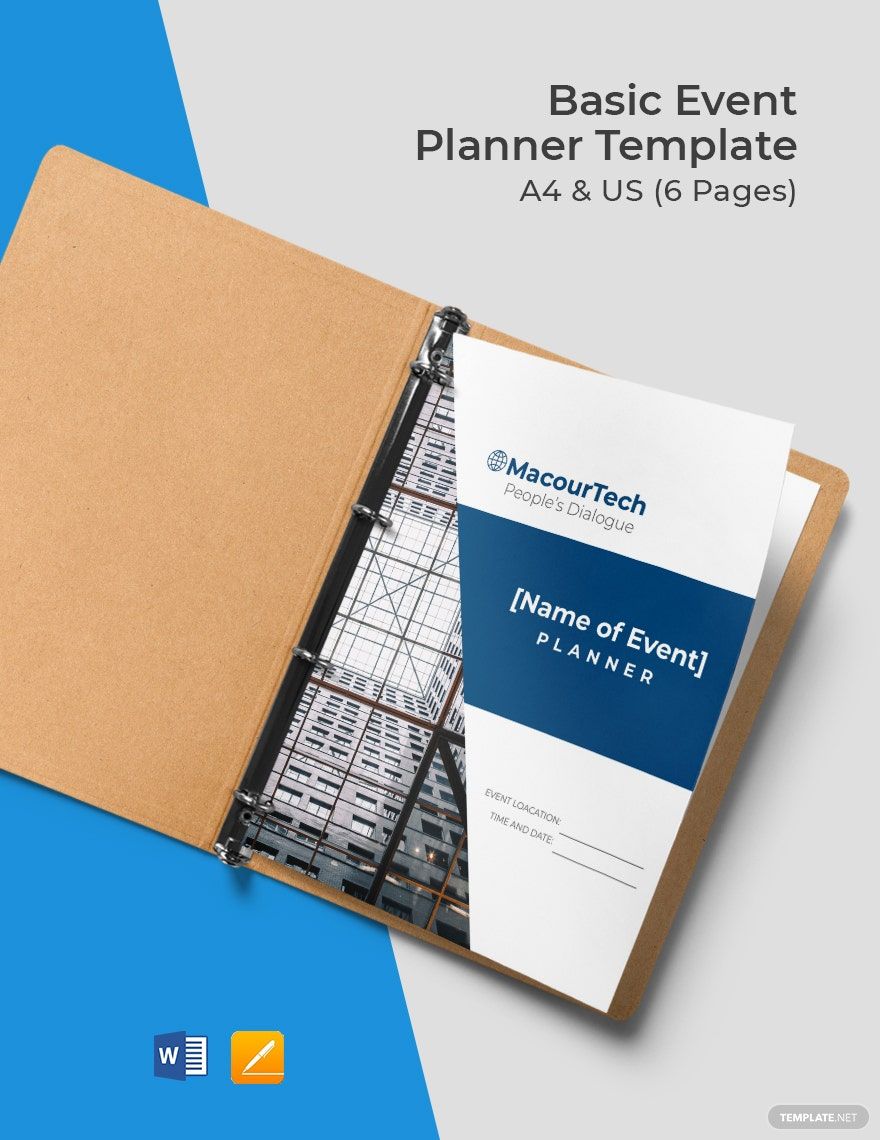
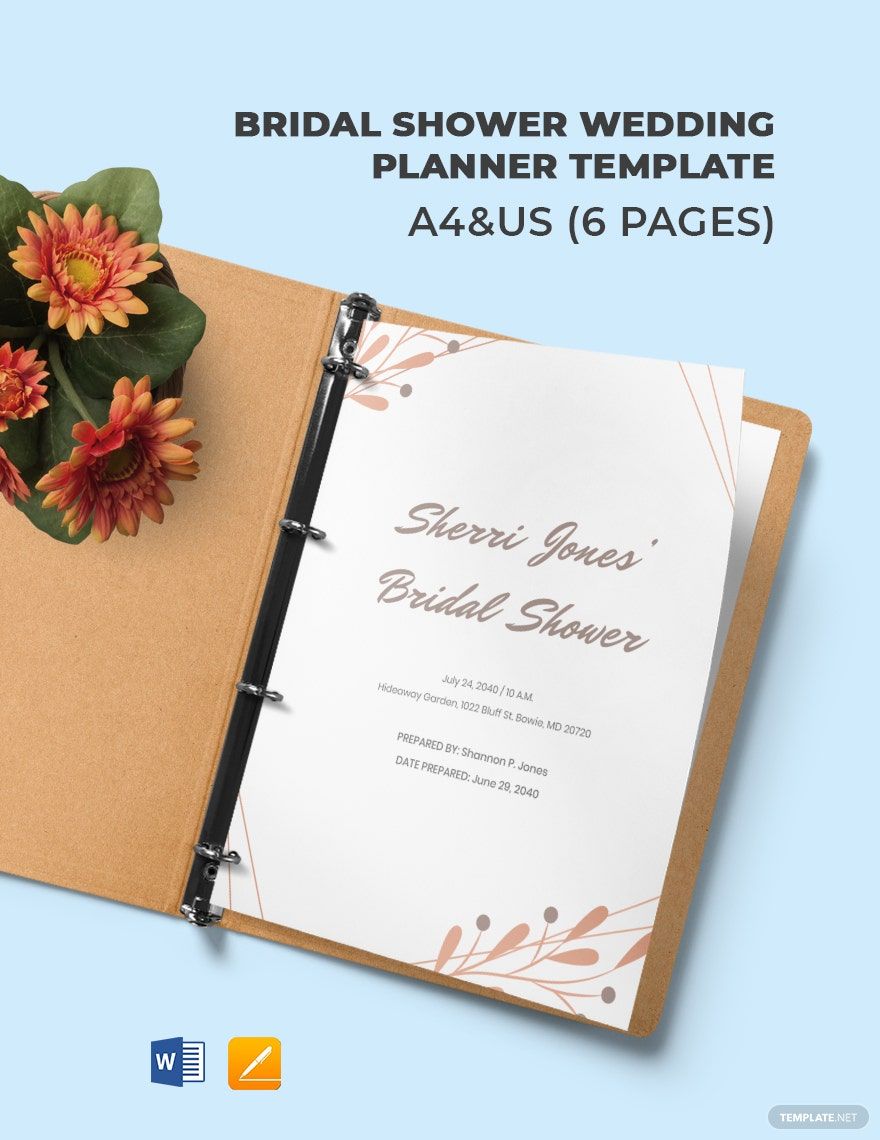
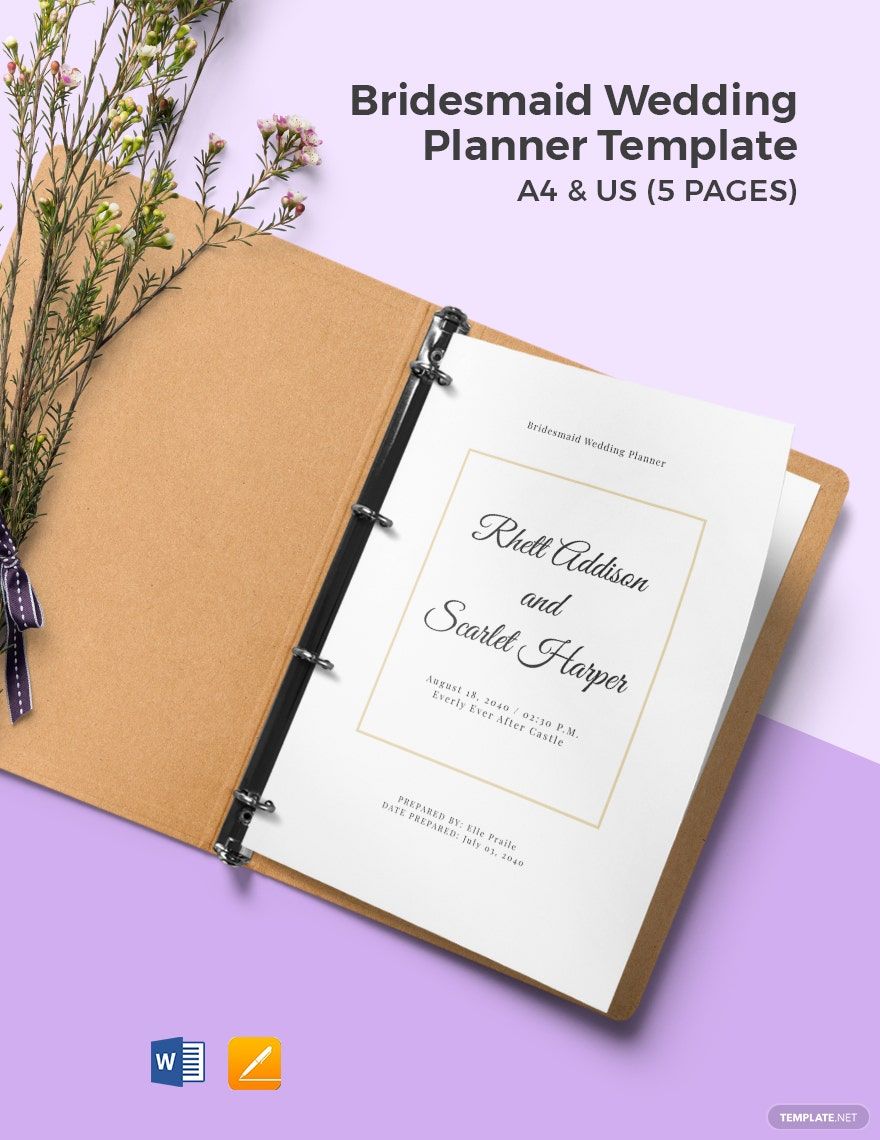
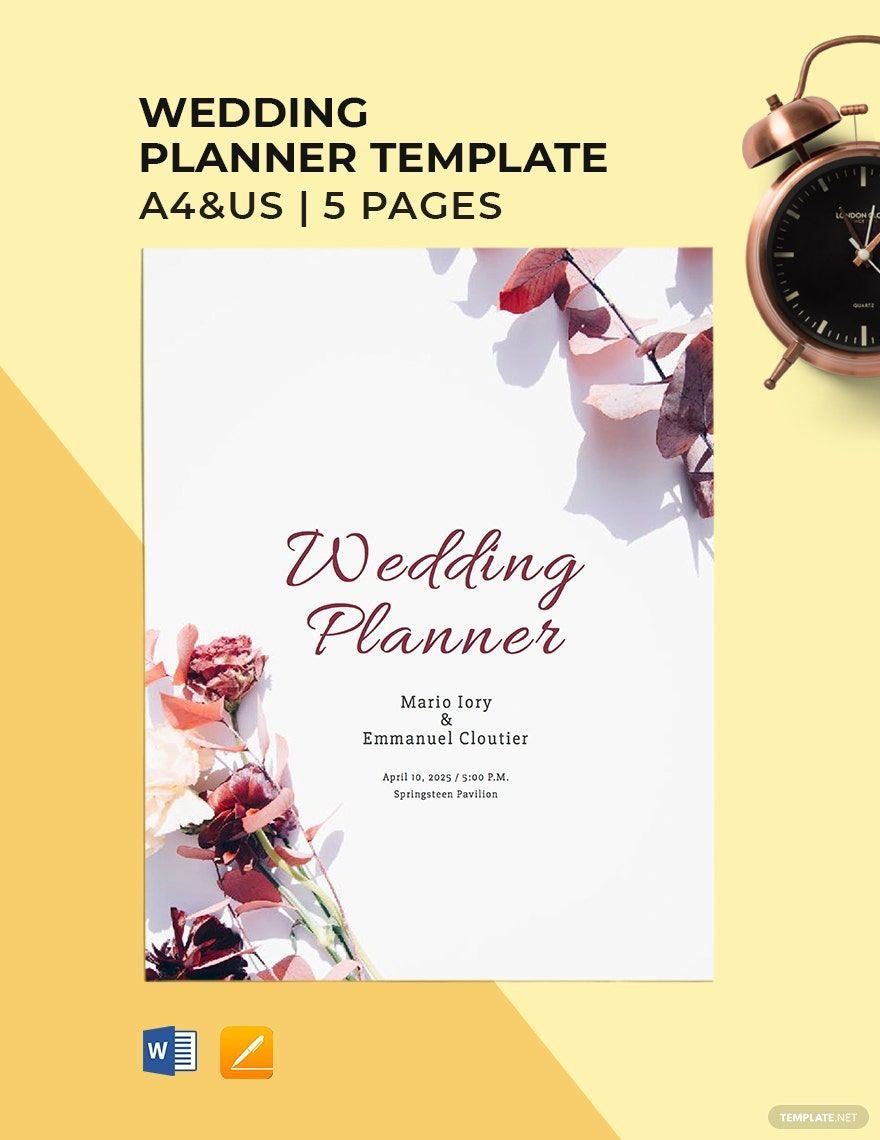
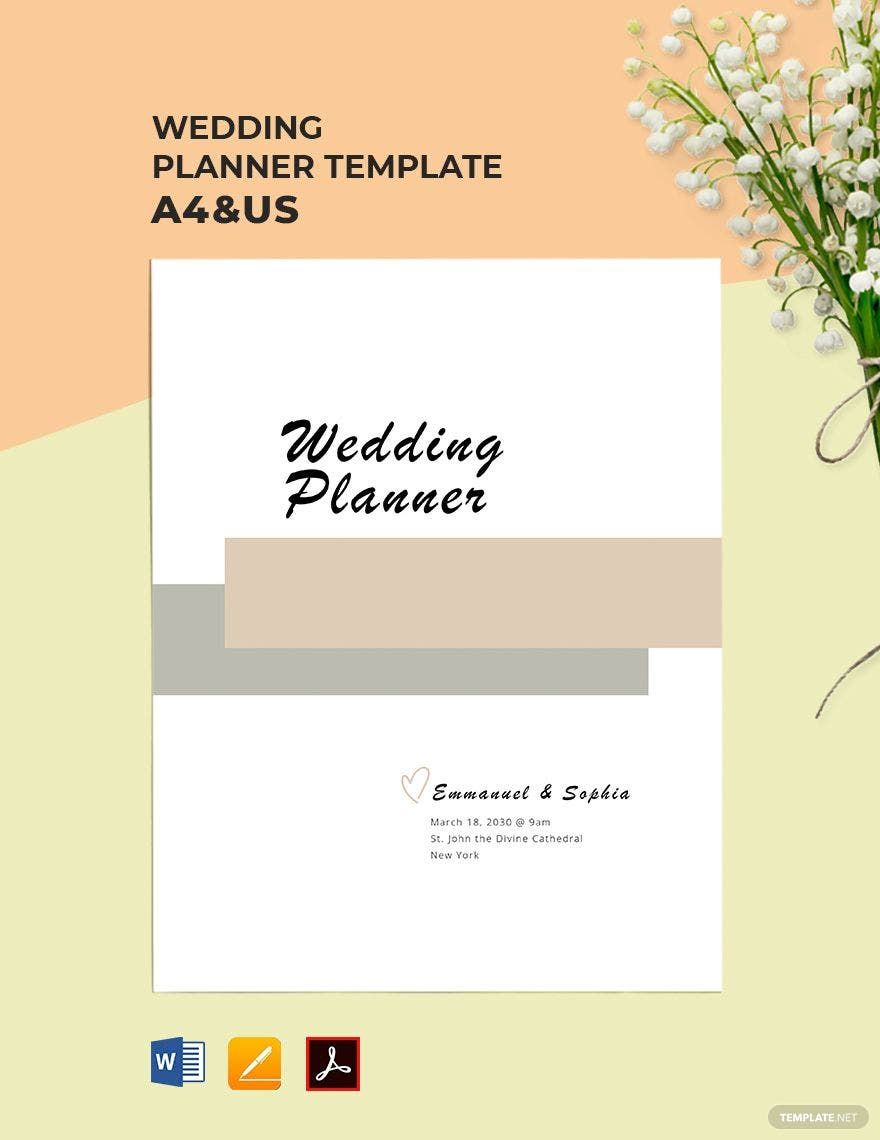
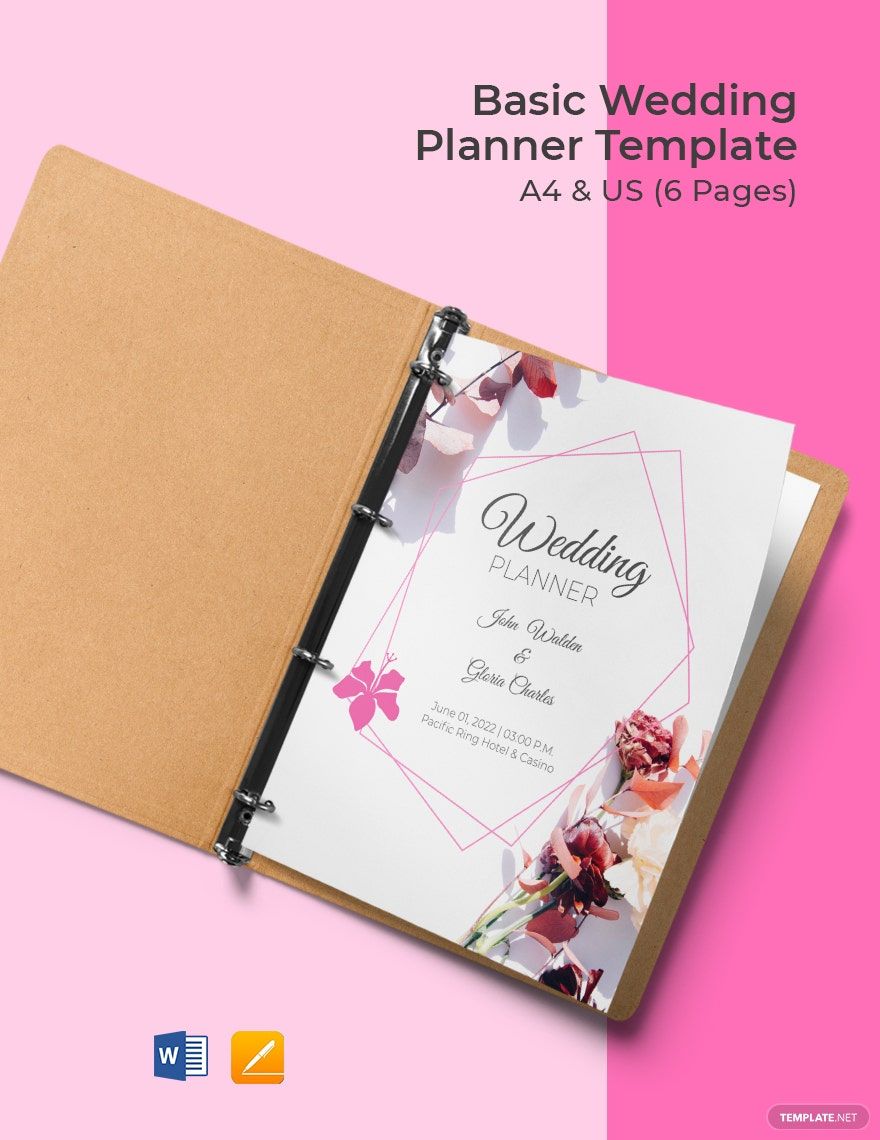
Free Event Templates: Editable Planning Guide, Uses, and Download Formats
What is a Event?
An Event is a planned occasion designed to bring people together for a specific purpose, such as celebrations, meetings, conferences, or social gatherings. It involves detailed organization of activities, schedules, and resources to ensure smooth execution.
Why should I use a Event?
Using an Event template helps streamline planning by providing a structured format for organizing logistics, timelines, and participant details. Editable Event templates save time and reduce errors by allowing you to customize and adapt plans efficiently.
Who uses Event?
Event templates are commonly used by event planners, marketing teams, corporate organizers, and individuals who need to coordinate gatherings. These users rely on editable templates to manage details professionally and effectively.
What are the best tips for completing my Event?
To complete your Event effectively, start by defining clear objectives and timelines, use editable templates to track tasks and budgets, communicate roles to team members, and review all details for accuracy before finalizing.
Can I create a Event using AI?
While Template.net offers editable Event templates for direct customization, AI-generated Event creation is available on other parts of the domain but is not the primary focus here. You can customize templates online without requiring AI assistance.
What file formats can I download for my Event?
Template.net supports multiple export formats for your editable Event templates, including PSD, Word, Apple Pages, Google Docs, Illustrator, InDesign, Publisher, PDF, Excel, Apple Numbers, Google Sheets, Google Slides, and PowerPoint.
What are essential elements of a successful Event?
Essential elements for a successful Event include a clear agenda, defined objectives, a detailed schedule, budget management, venue information, participant lists, and contingency plans to address unforeseen issues.
How is Event used in professional workflows?
In professional workflows, an Event is used as a coordination tool to organize tasks, assign responsibilities, track progress, and communicate plans efficiently among teams to ensure smooth execution and successful outcomes.
What are common use cases for Event templates?
Common use cases for Event templates include corporate meetings, weddings, conferences, workshops, product launches, community gatherings, and fundraisers where structured planning and coordination are critical.
