
Free Forest Templates

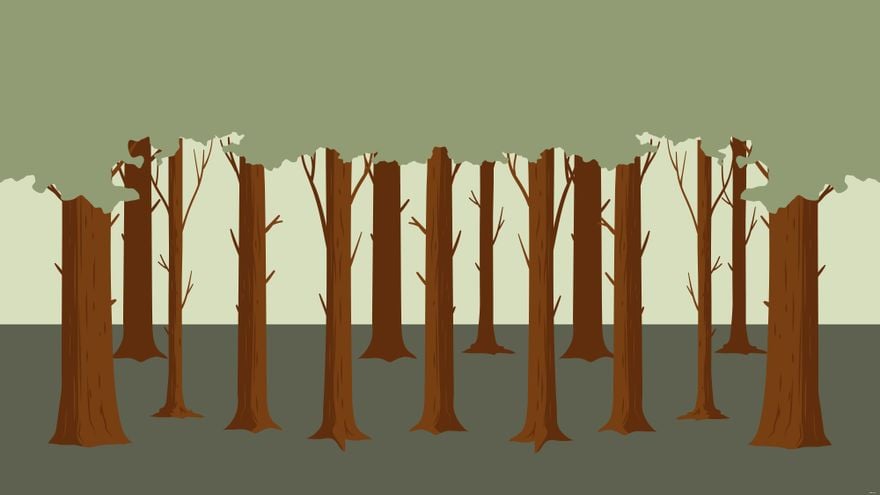
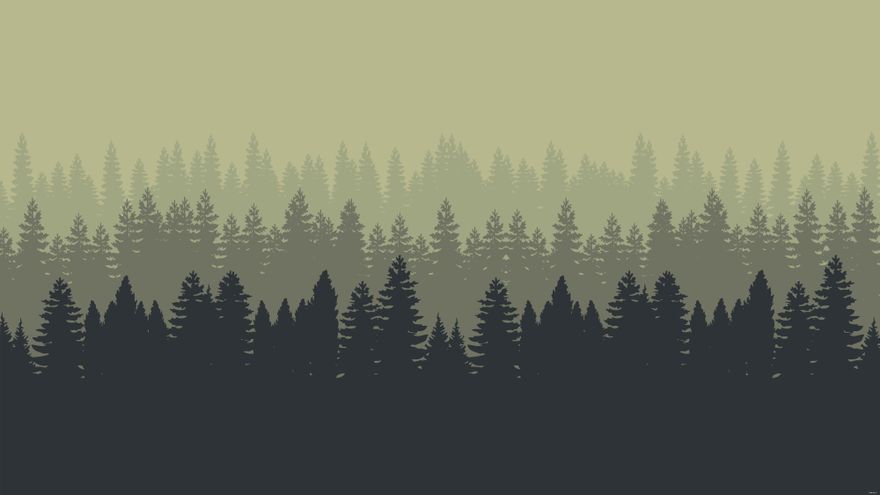
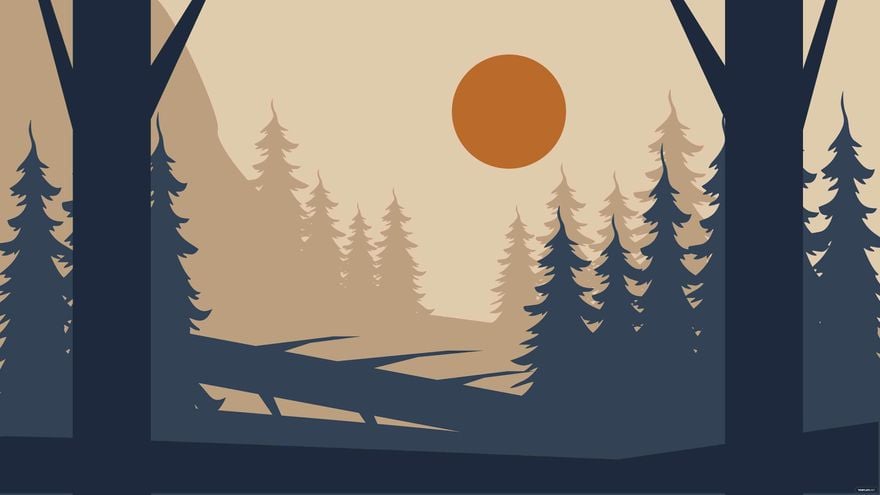
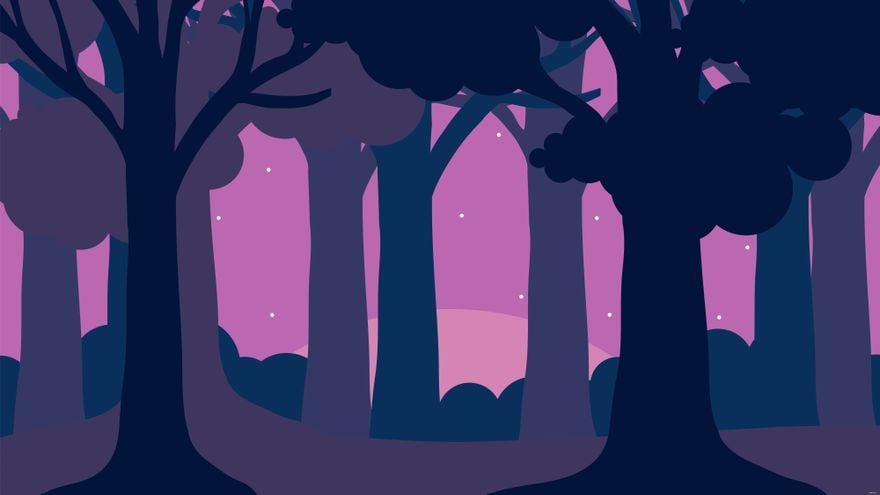


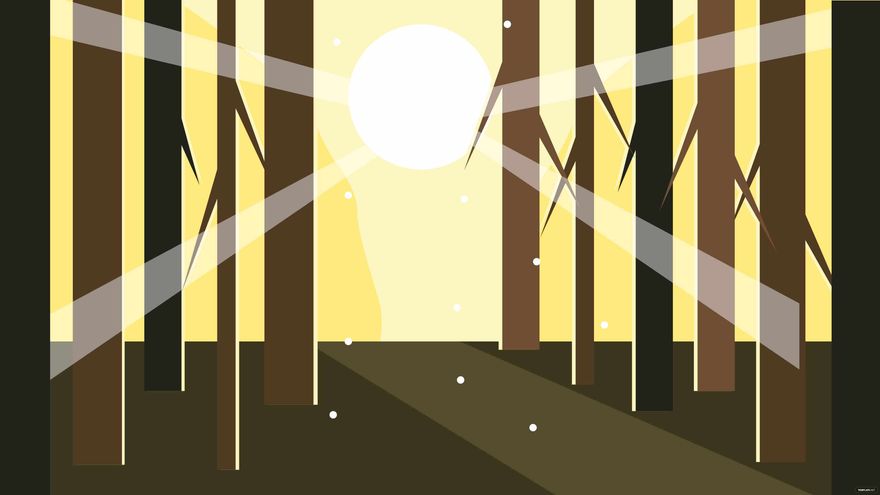
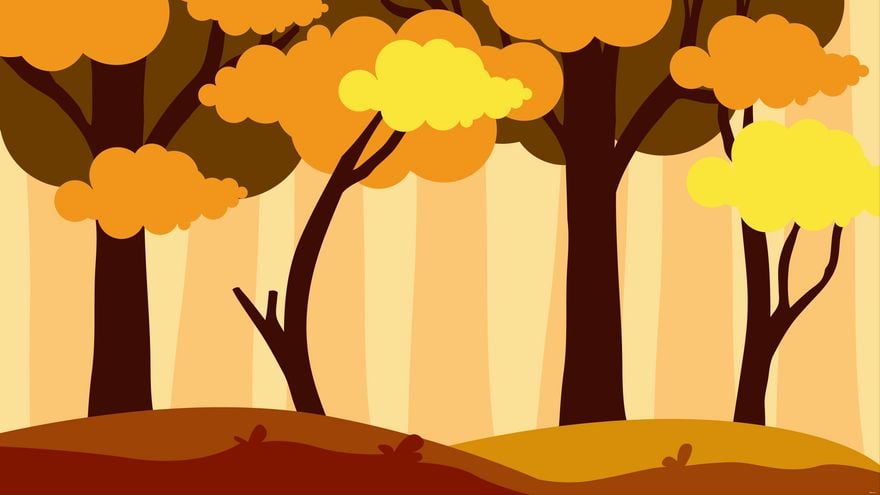
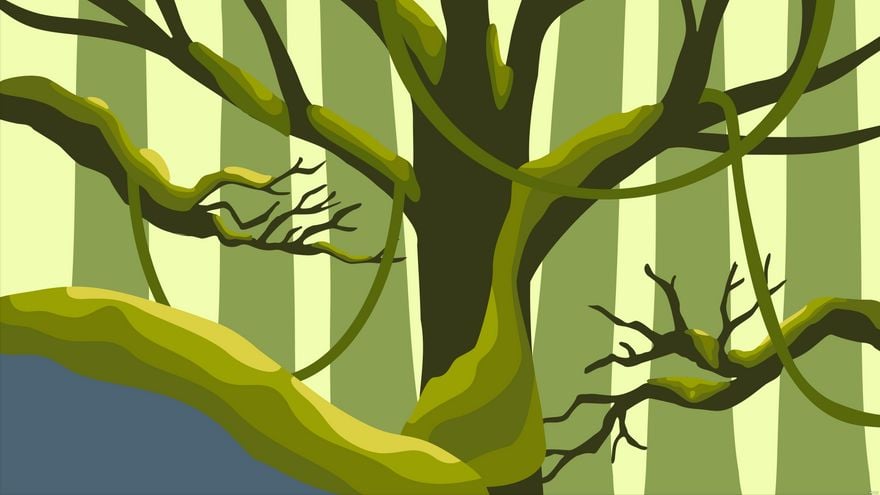
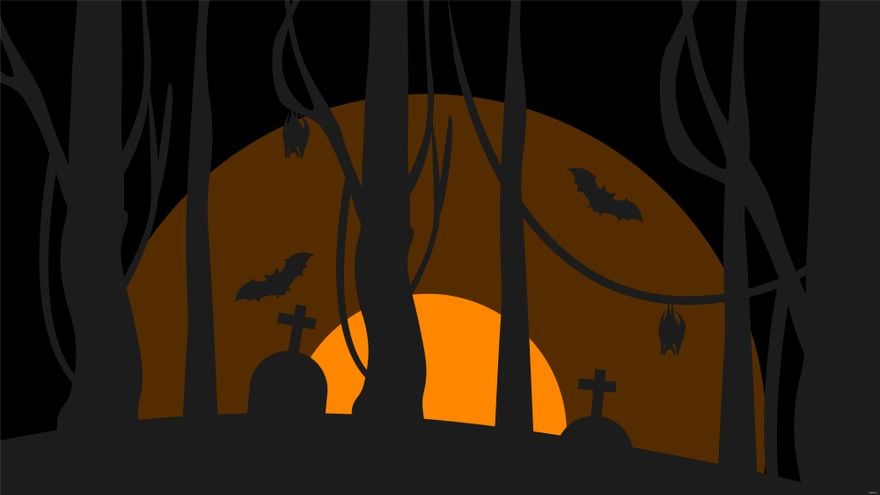

Forest Templates: Design Guide, Sizes, and Customization
What is a Forest template?
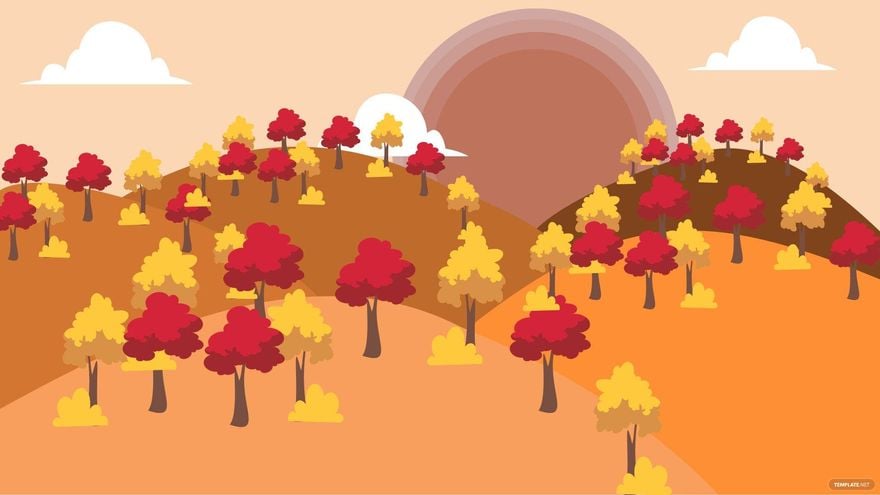
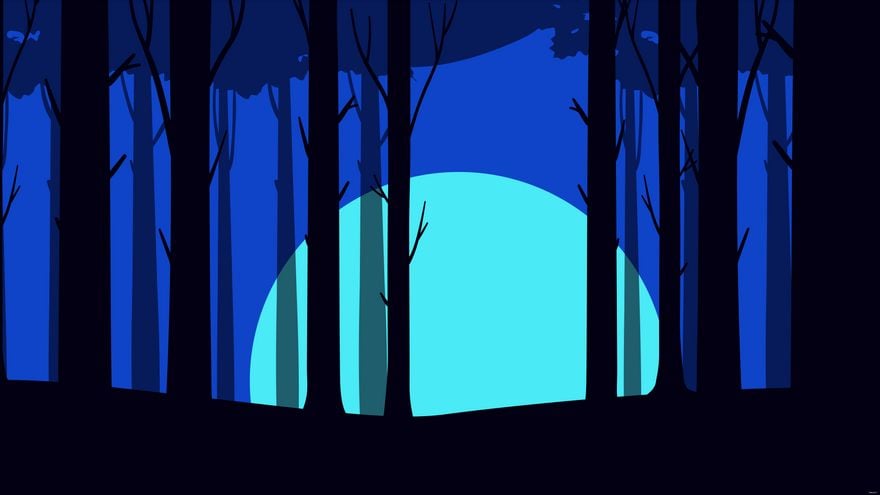
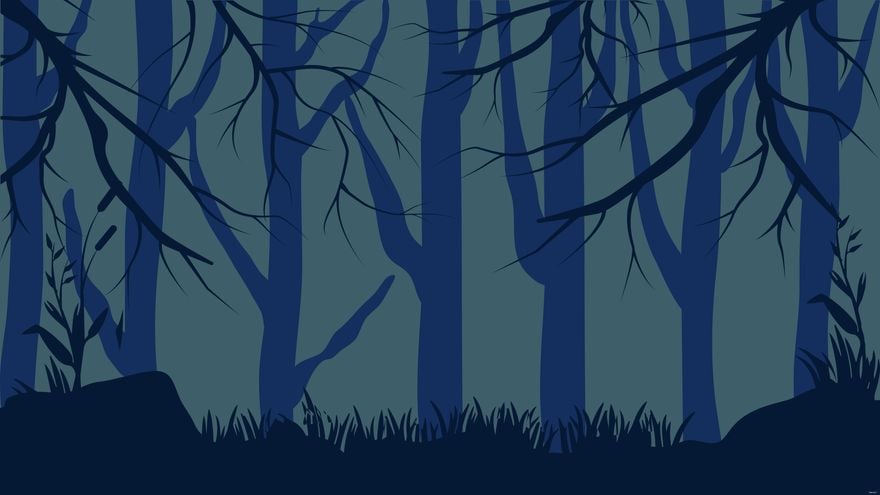
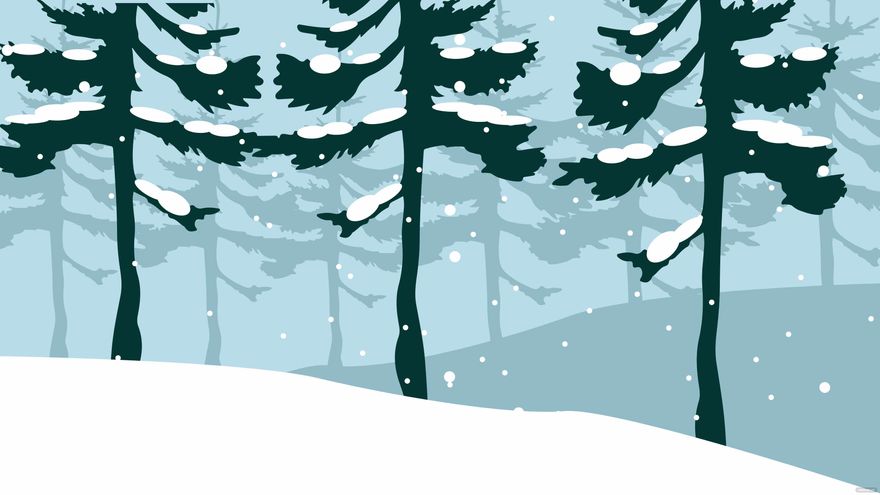
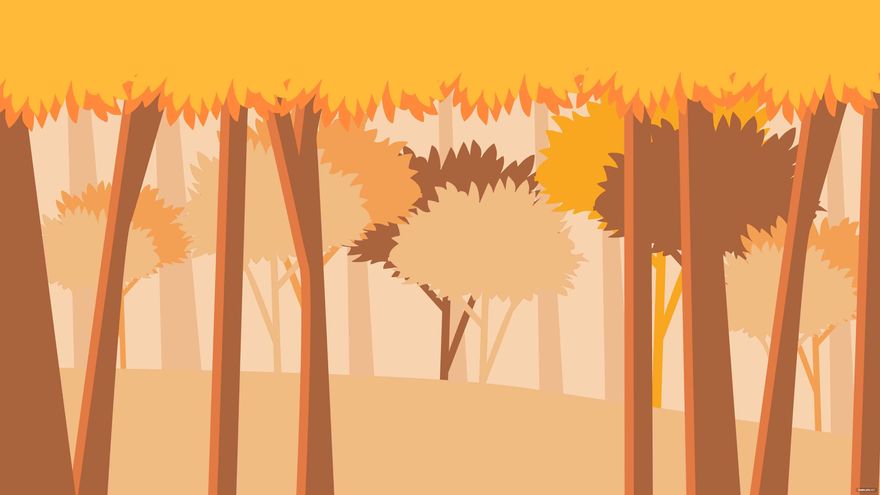
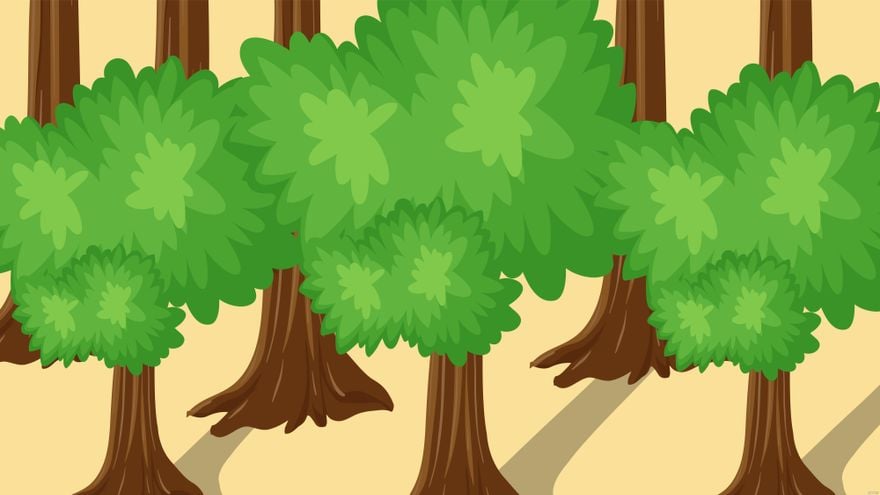
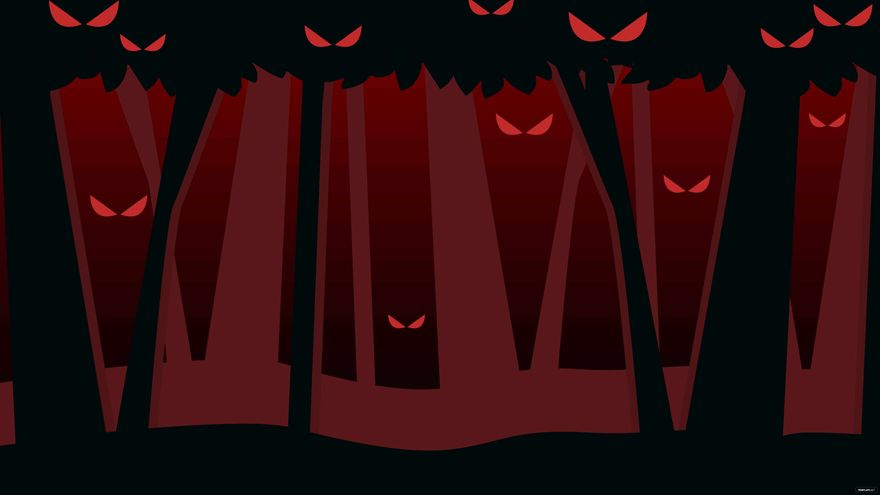
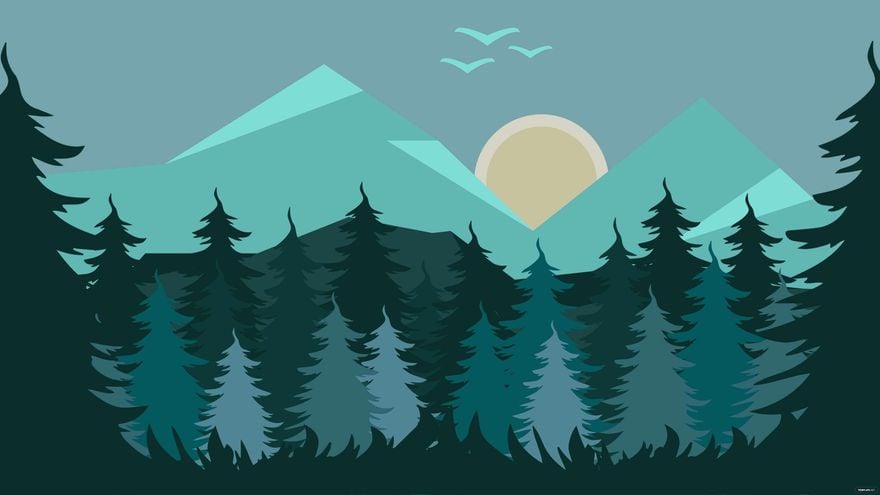
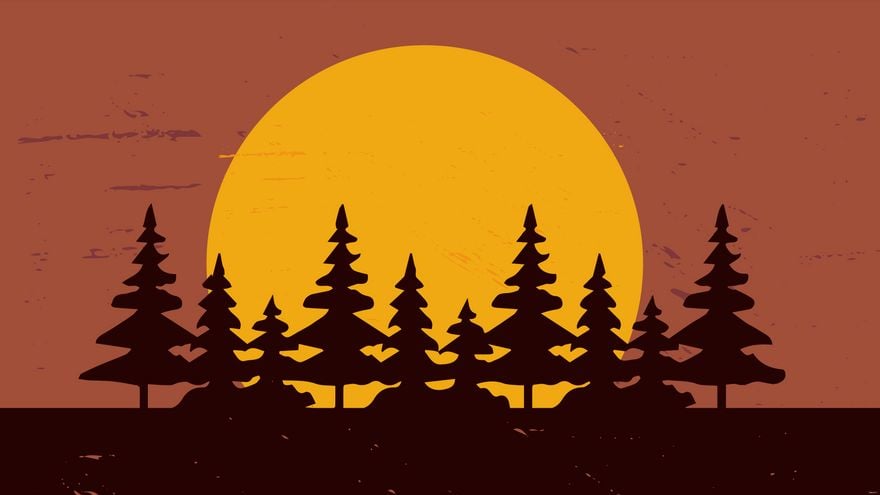
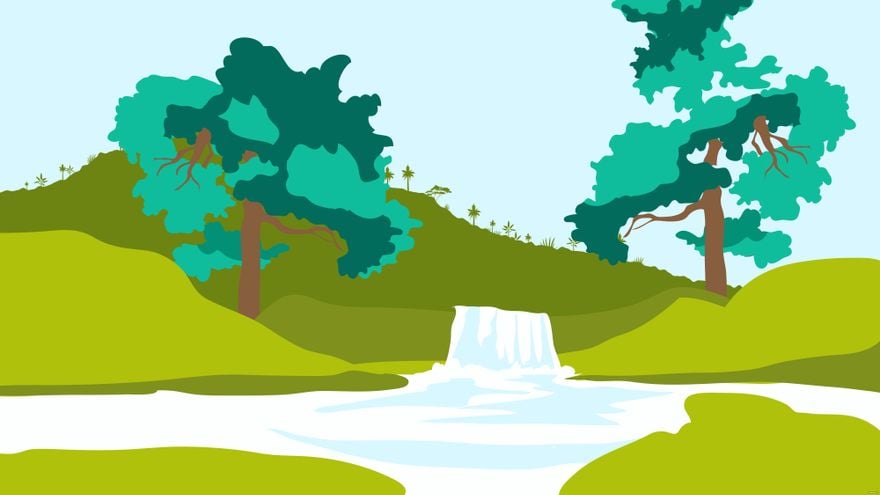
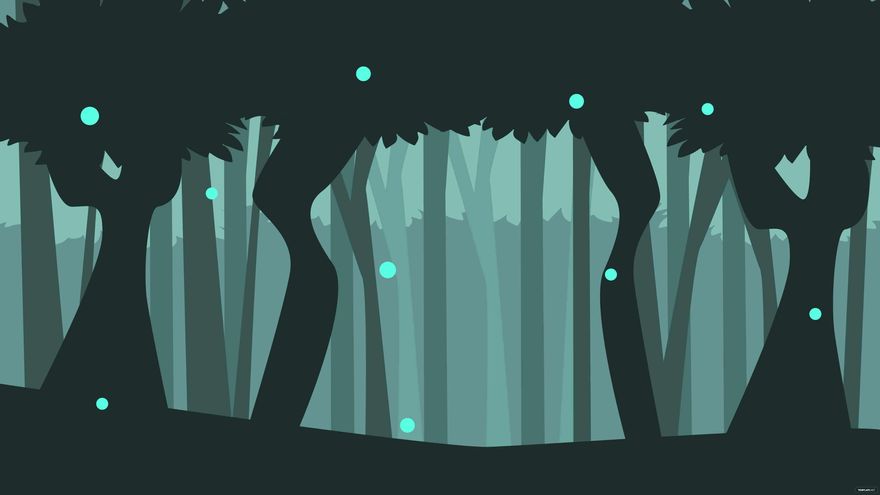
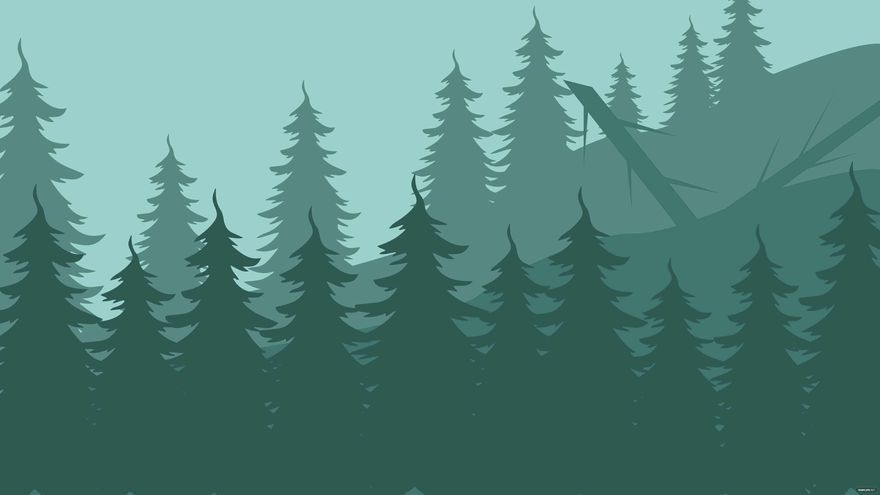
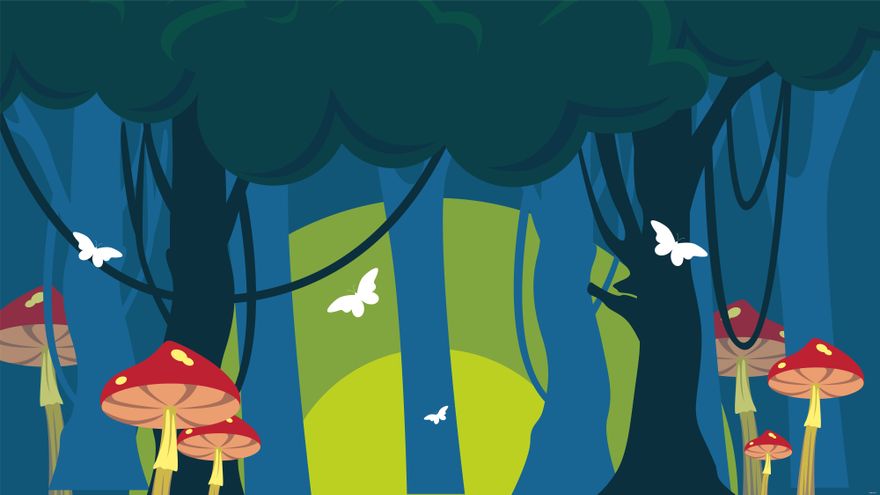
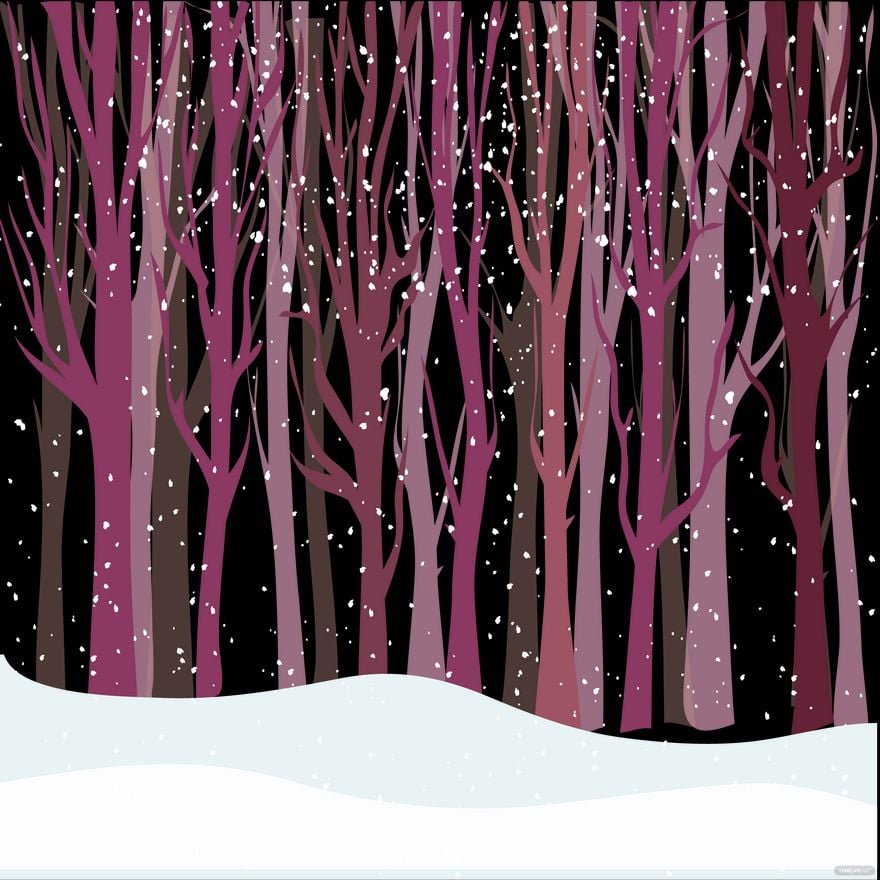
A Forest template is a pre-designed layout featuring woodland visuals such as trees, leaves, and earthy color palettes. These templates include editable text areas and layered design elements to help create cohesive, nature-inspired documents or graphics efficiently.
Who typically uses Forest templates?
Forest templates are commonly used by environmental organizations, event planners, and creative professionals who want to convey a natural or eco-friendly theme. These templates provide ready-made layouts that simplify design for marketing materials, invitations, and presentations.
When should I use Forest templates?
Forest templates work best for projects related to nature, sustainability, outdoor events, or wellness themes. They help users create professional visuals quickly when a woodland or natural aesthetic is needed for print or digital distribution.
What design tips should I follow for Forest templates?
Effective Forest templates should include a harmonious color palette inspired by greens and browns, balanced layout blocks, and natural imagery such as trees or leaves. Use editable text areas to maintain clarity and highlight key messages.
What size options are available for Forest templates?
Forest templates come in standard sizes like 8.5 × 11 inches for flyers, 5 × 7 inches for invitations, and 4 × 6 inches for postcards. These sizes support versatile use across print and digital platforms with easy online customization.
What are common elements included in Forest templates?
Forest templates often feature layered design elements such as background images of trees, textured patterns, editable headlines, and image placeholders to personalize the woodland theme effectively.
How can I print Forest templates for best results?
To print Forest templates with vibrant colors and sharp details, use high-quality paper and select print settings optimized for color accuracy. Ensure that layout blocks and margins are preserved during export for professional output.
What color schemes work well with Forest templates?
Forest templates complement earthy color schemes like deep greens, browns, and muted yellows. Using a consistent color palette enhances the natural theme, while editable text areas allow adaptation to brand colors or event tones.
Can I create a new Forest template using AI?
Template.net provides an AI-powered tool capable of generating new Forest template designs from text prompts, allowing rapid creation of customized woodland-themed layouts. Explore the AI tool to produce unique editable templates easily.
