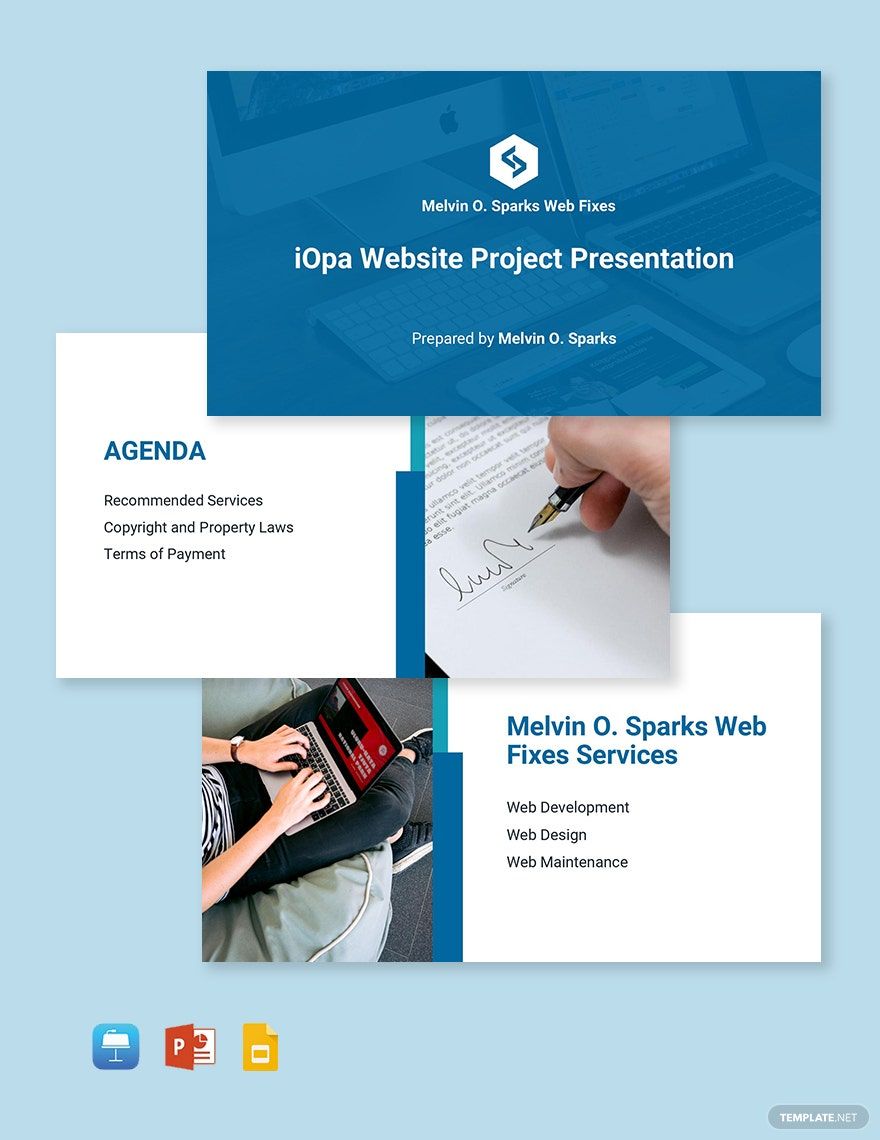
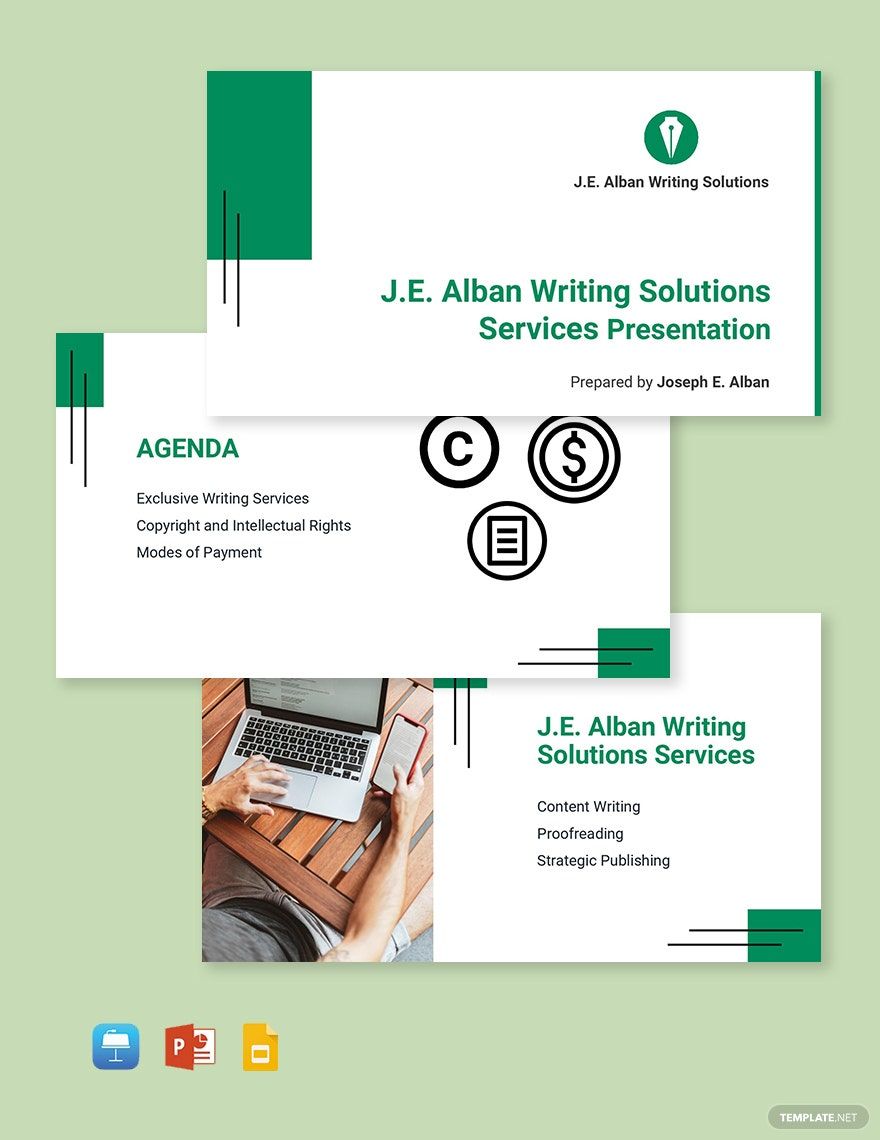
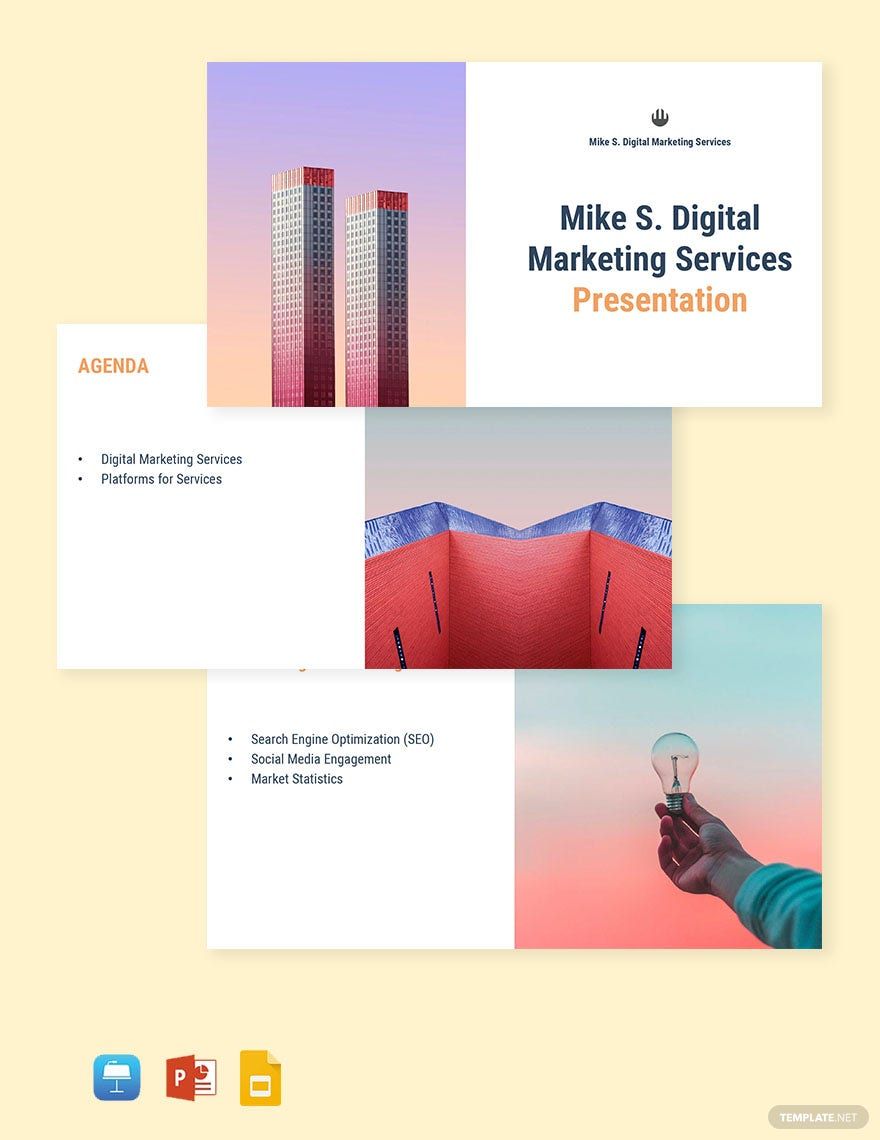
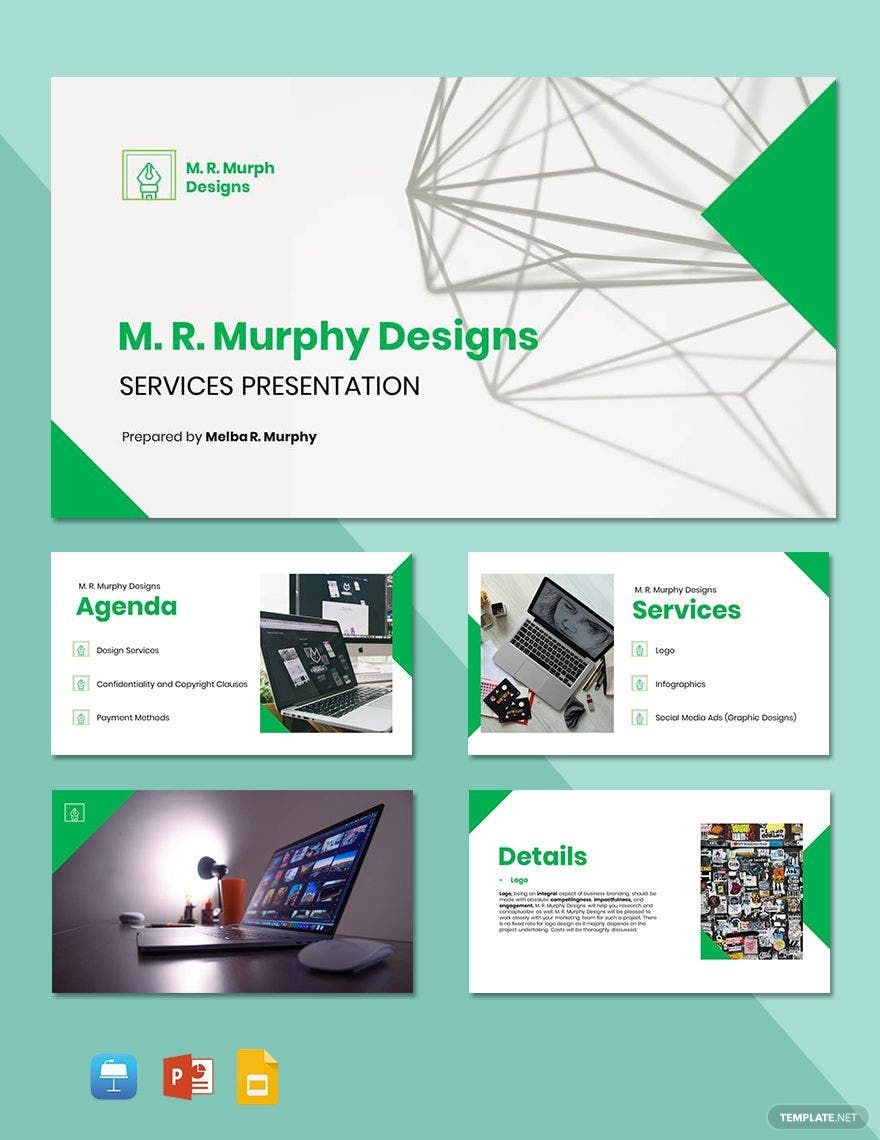
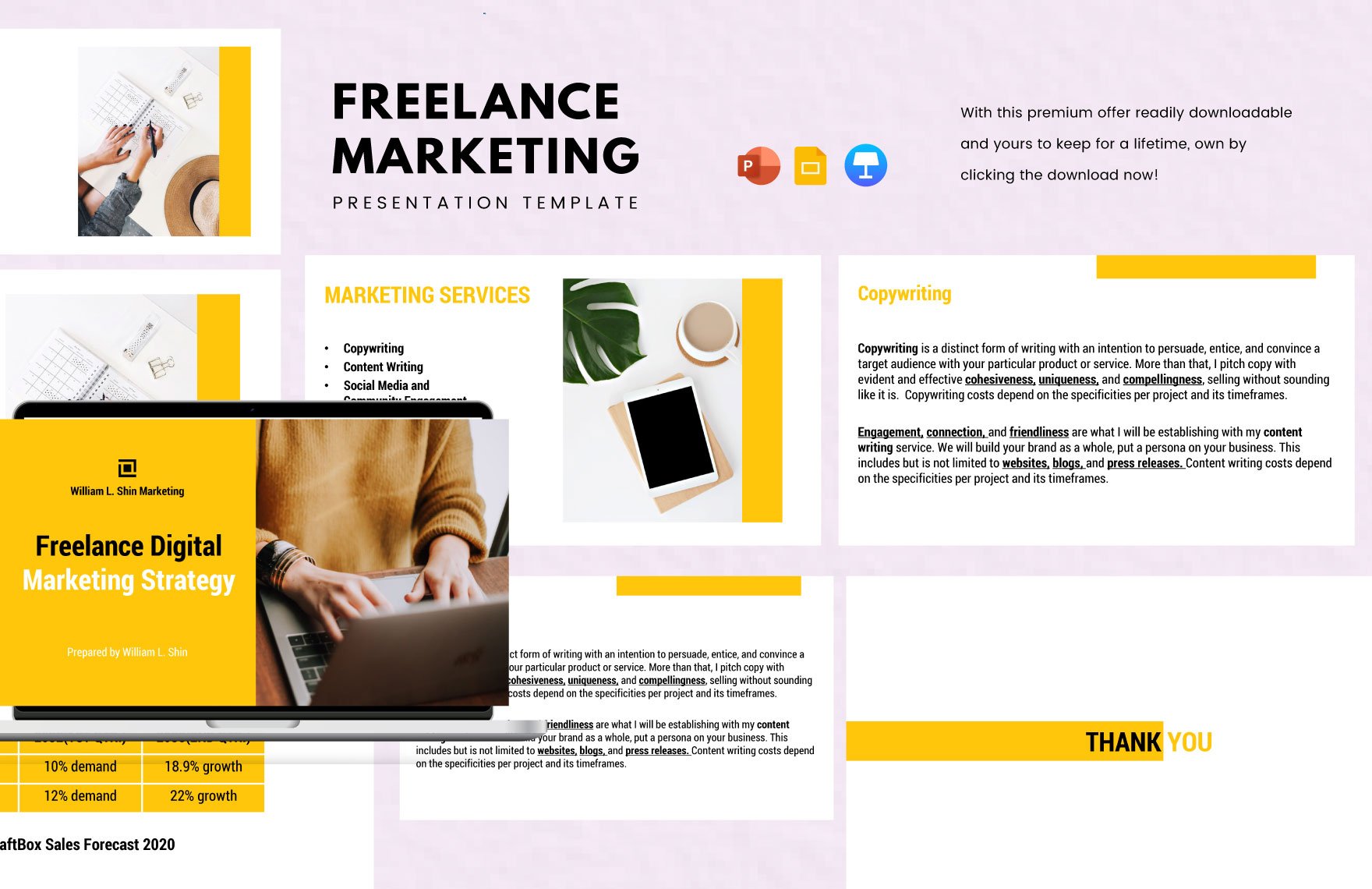
Transform Your Freelance Designs with Stunning Freelancer Templates in Google Slides by Template.net
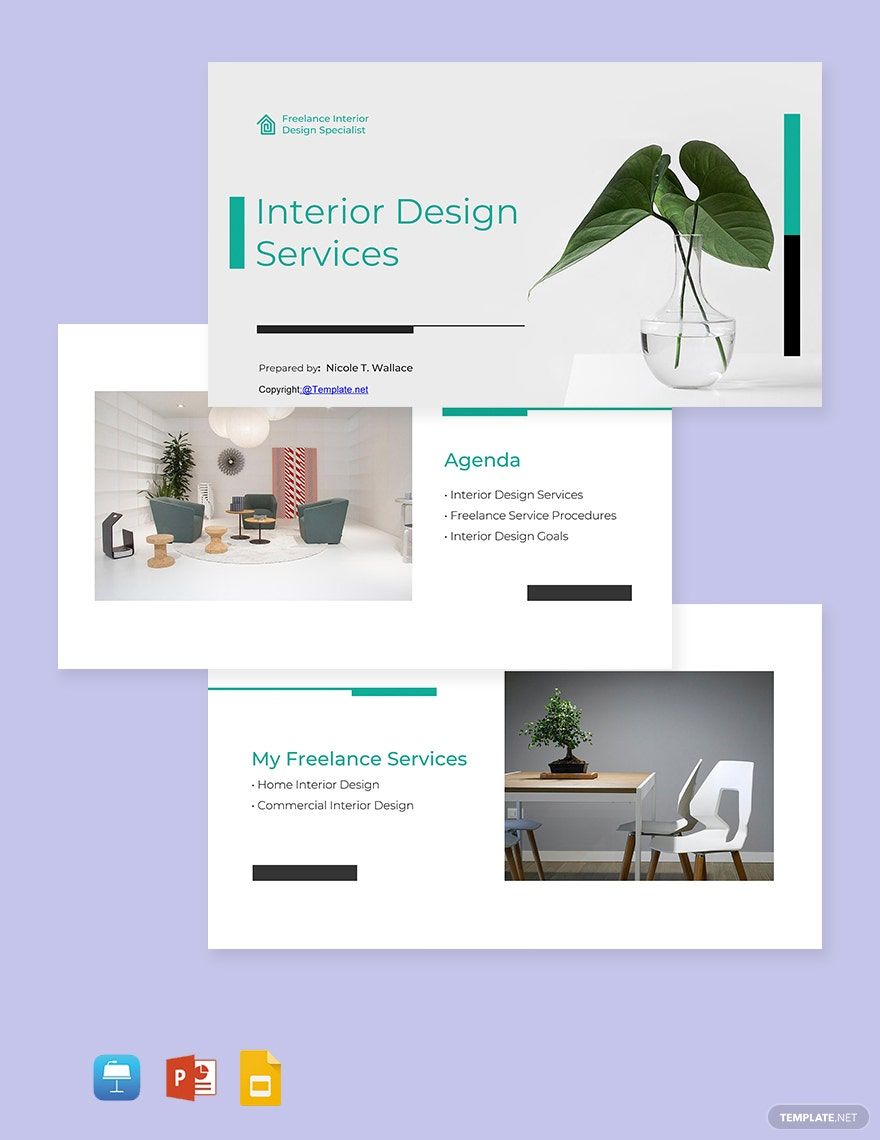
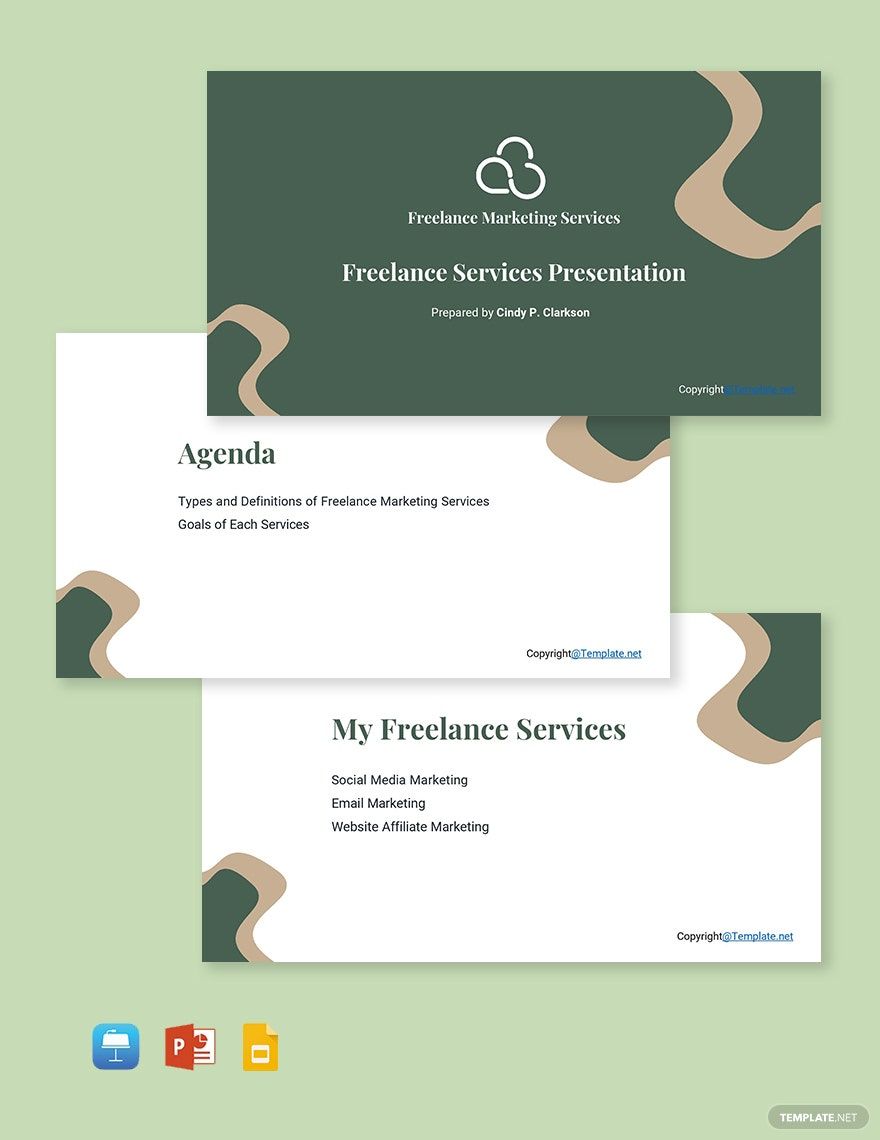
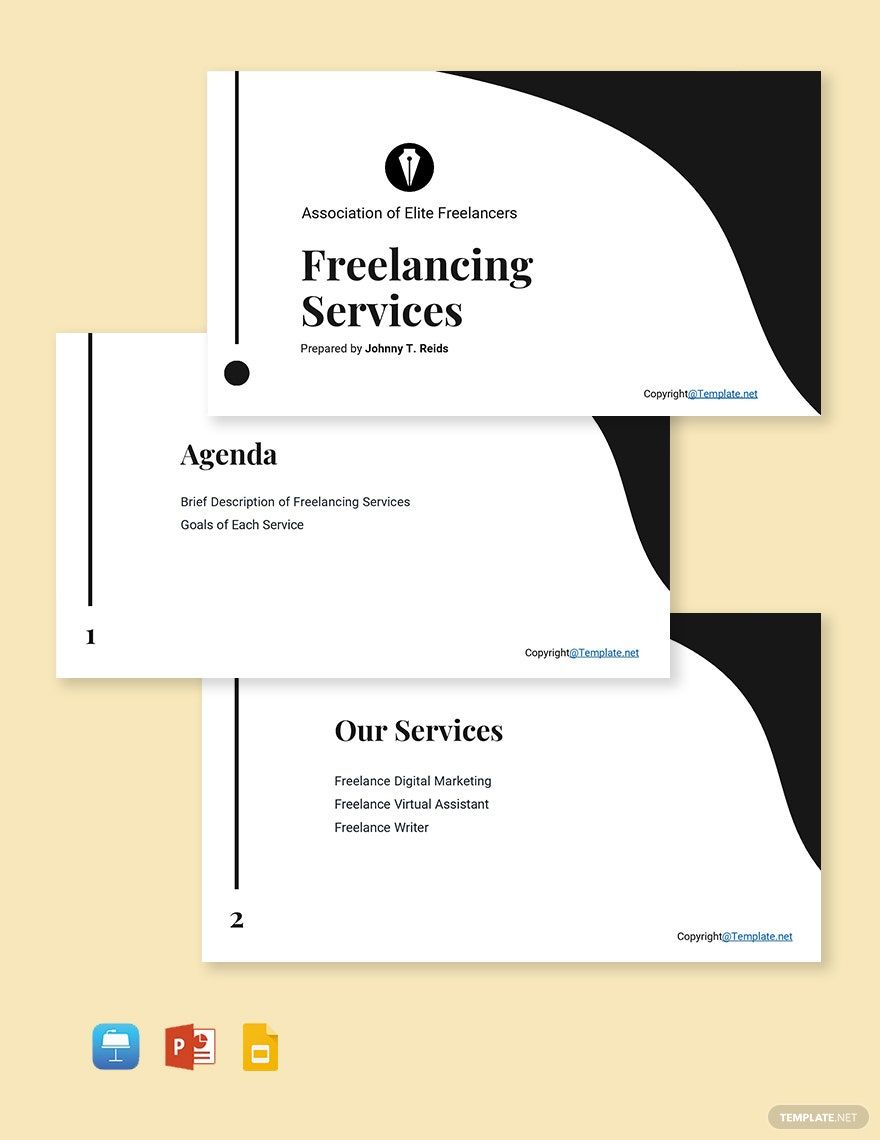
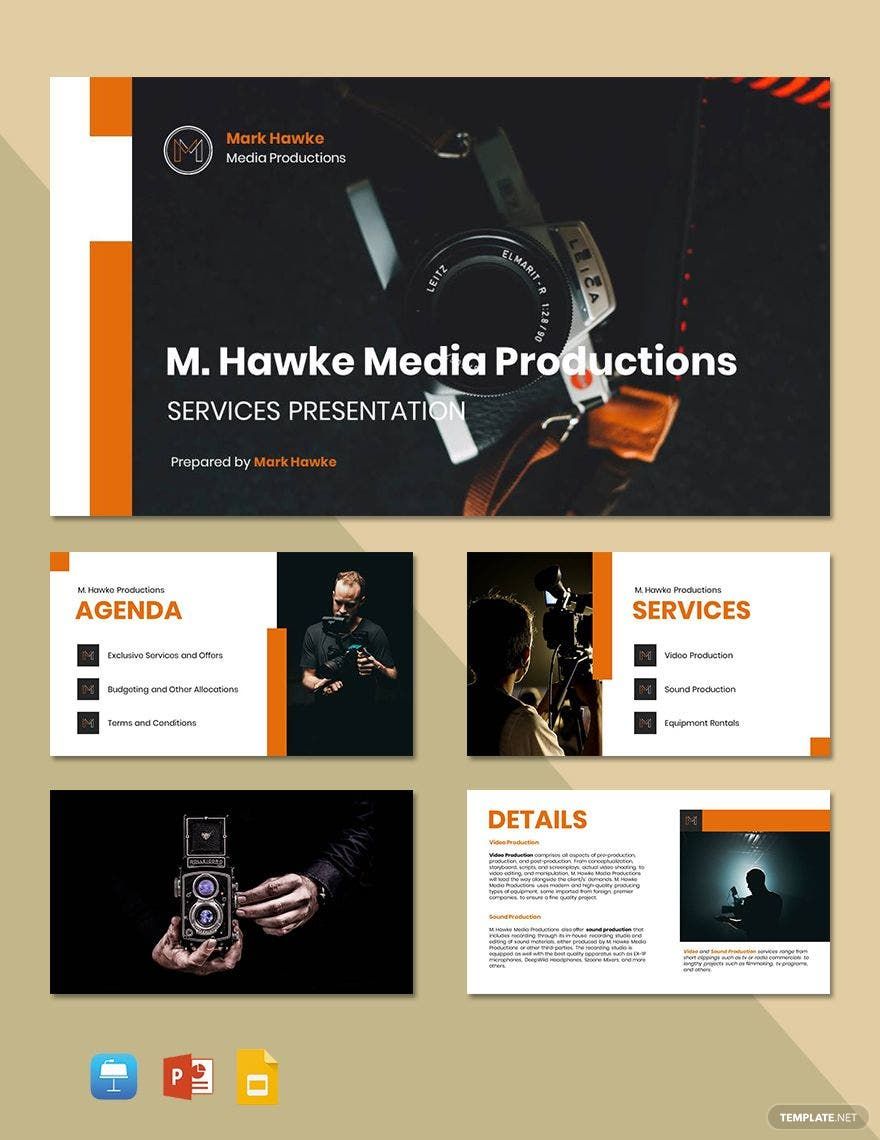
Bring your freelance proposals to life with extraordinary Freelancer Templates in Google Slides by Template.net. These templates are perfect for freelancers who want to win over clients and position themselves as professionals without spending countless hours on design. Whether you’re looking to pitch a new project or craft a persuasive portfolio, you can easily customize these templates to fit your unique style and branding. With a collection that includes pre-designed and customizable layouts, these templates are free to download, providing both print and digital distribution options for convenience and versatility. Forget the need for extensive design skills; these beautiful pre-designed templates allow you to focus on delivering quality work quickly and efficiently.
Discover the vast selection of Freelancer Templates that offer both free and premium options in Google Slides format to suit every project need. With regular updates bringing new designs to the library, you'll always find fresh and inspiring templates to elevate your presentations. You can easily download or share your designs via link or email, significantly expanding your reach and improving your chances of securing more clients. To maximize your flexibility, consider using a mix of both free and premium templates. With an array of available options and tips for best results, you’re equipped to advance your freelance work to a new professional level.
Frequently Asked Questions
What are some useful skills for freelance jobs?
Here are a few examples of skills you can use for a freelance job:
Web design
Accountancy
Customer service
Marketing
Graphic design
Photography
What are the top 10 countries with the most freelancers workers?
From top to bottom, the top ten countries with the most freelancers are:
USA
UK
Brazil
Pakistan
Ukraine
Philippines
India
Bangladesh
How do I create simple vector designs in my freelancer presentation using Google Slides?
In Google Slides, you can use shapes to create simple yet appealing vector-style illustrations. To do so, select the Shape option (upper toolbar) and then pick your preferred shapes from the menu. With a shape selected, place it down and determine its size by click-dragging across the desired area within your slide.
What types of freelancer templates can I download from Template.net?
The following are a few examples of freelancer templates you can download from Template.net:
Freelancer brochures
Freelancer business cards
Freelancer checklists
Freelancer Invoices
Freelancer schedules
Freelancer timelines
How many freelancer templates does Template.net offer?
Template.net offers over 300 original and editable freelancer templates.
Which software applications can I use to Template.net’s freelancer templates?
You can use any of the following applications to edit:
Adobe Photoshop
Apple Keynote
Apple Numbers
Apple Pages
Google Docs
Google Slides
Microsoft Excel
Microsoft Powerpoint
Microsoft Word
Instant Download
Get Instant Access to 5,000+ Google Slides Templates
Limited Time Offer
Access to 1 Million+ Templates & Tools
200,000+ Google Templates Including Google Docs & Google Sheets
Unlimited access to Design & Documents AI editors
Professionally Made Content and Beautifully Designed