
Free Glitter Templates



























Glitter Templates: Design Guide, Usage, and Customization Tips
What is a Glitter template?
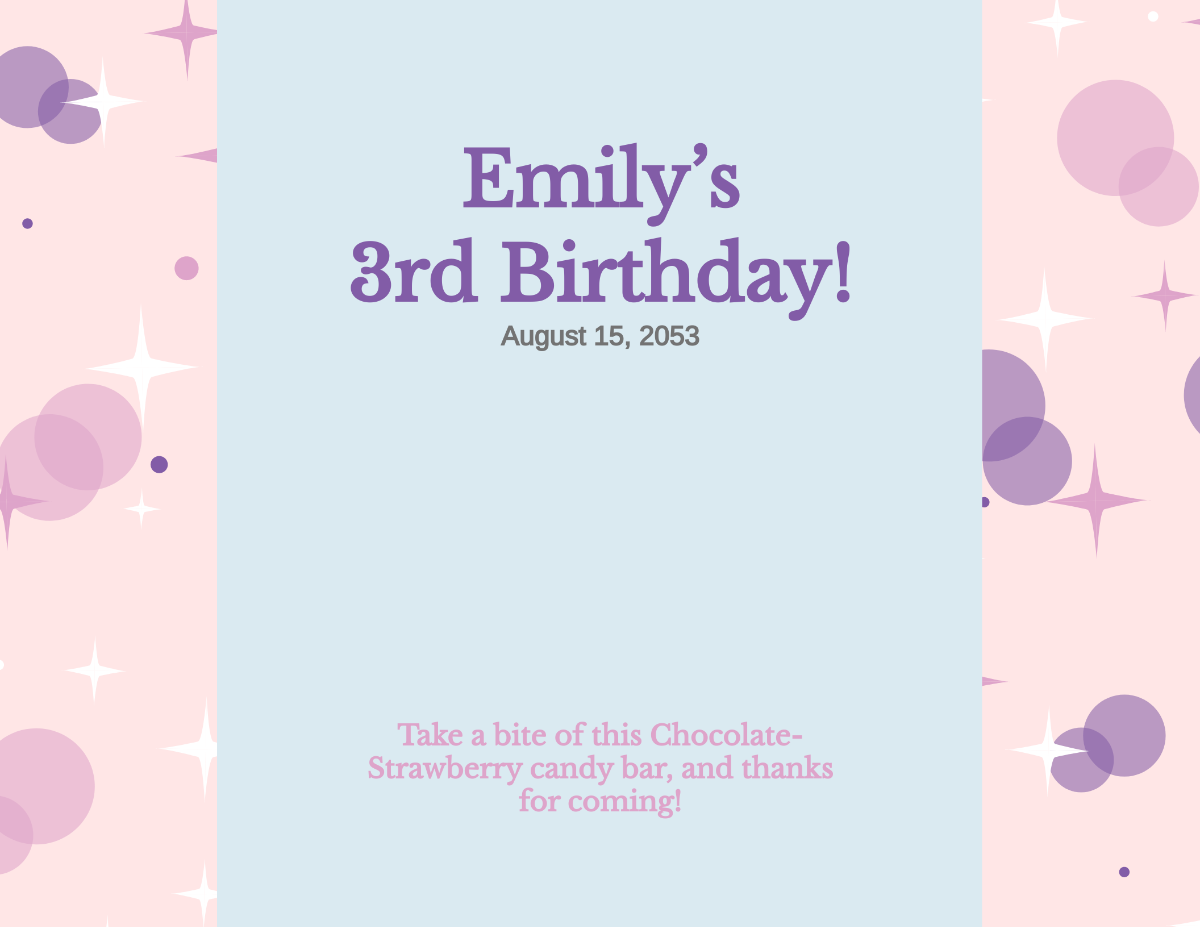
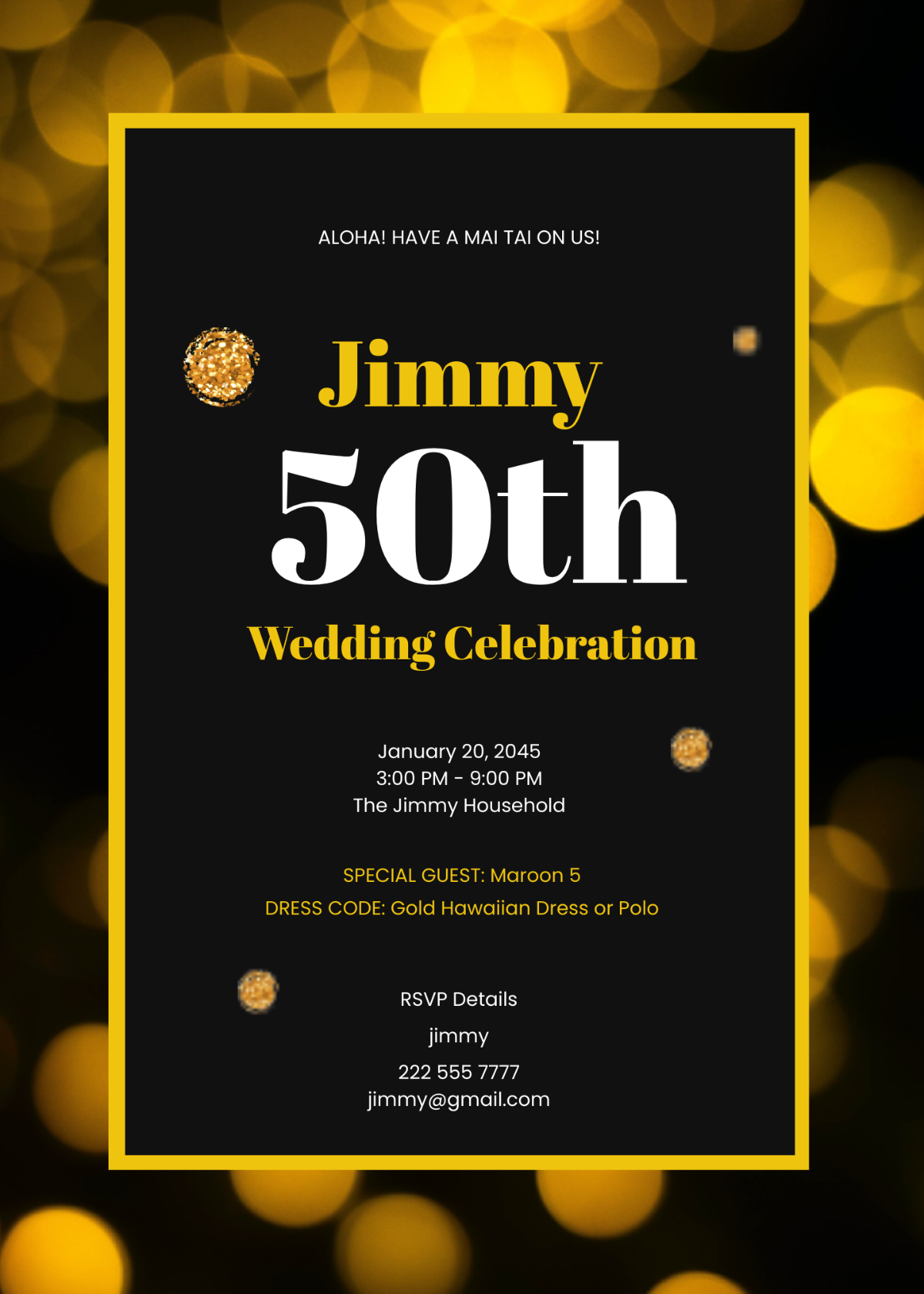
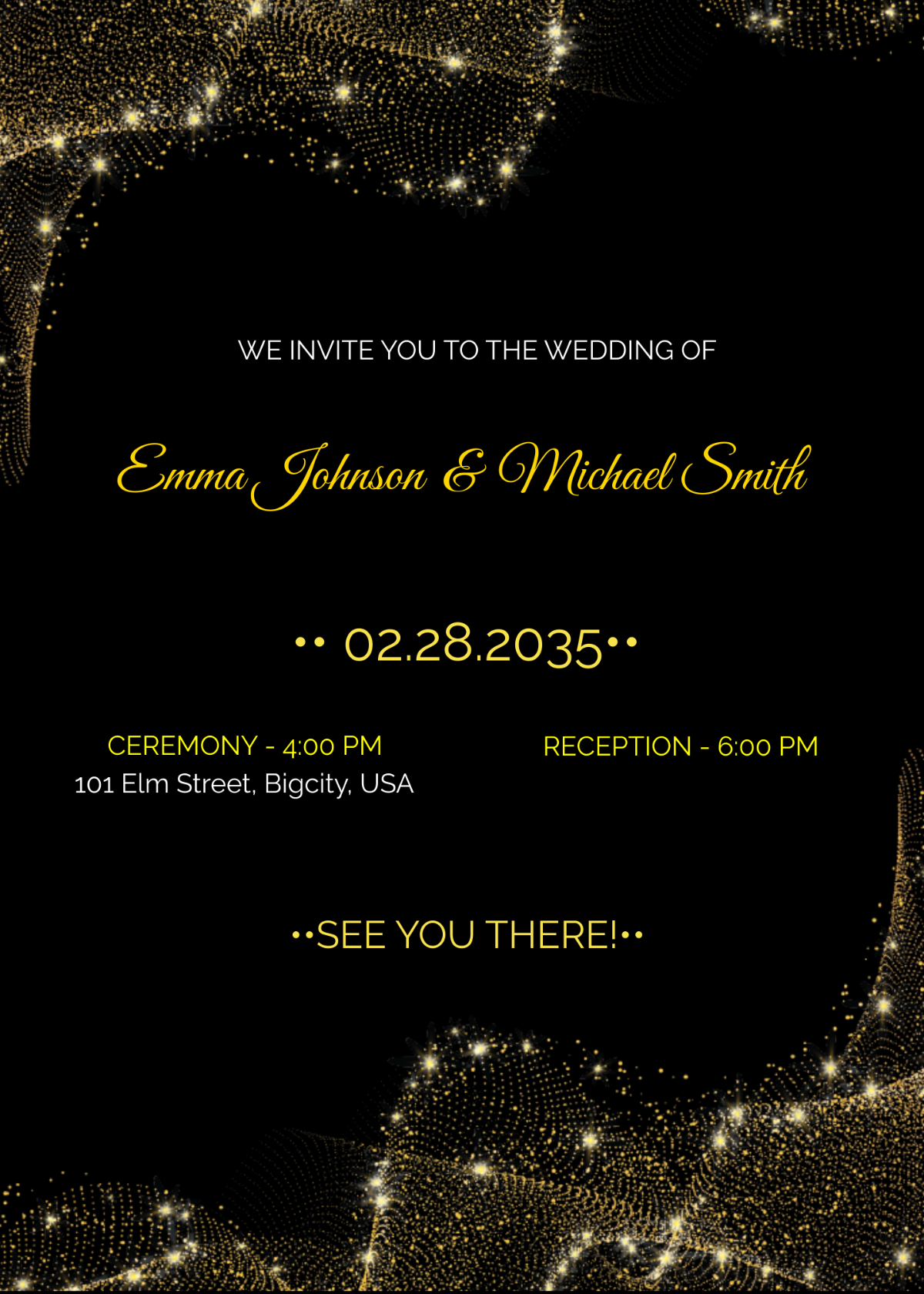
A Glitter template is a pre-designed layout that incorporates sparkling and shimmering visual effects to create eye-catching designs. These templates include editable text areas, layered graphics, and a cohesive color palette that emphasizes glitter elements for invitations, posters, or social media.
Who typically uses Glitter templates?
Glitter templates are commonly used by event planners, designers, and social media marketers who want to add a festive or glamorous touch to their projects. These users benefit from professional layouts and customizable layers to quickly create sparkling visuals for parties, celebrations, and promotions.
When should I use Glitter templates?
Glitter templates are ideal for occasions that require a dazzling or festive aesthetic, such as holidays, weddings, birthdays, and promotional events. They work well when you want to highlight sparkling graphics and add a luxurious feel to your project with minimal design effort.
What design tips improve Glitter templates?
To enhance Glitter templates, focus on balancing sparkling textures with readable headline and body text. Use complementary color palettes to avoid overwhelming the design and maintain clear layout blocks for strong visual hierarchy and professional results.
What are common sizes for Glitter templates?
Glitter templates typically come in popular sizes like 4 × 6 inches for postcards, 5 × 7 inches for invitations, and 8.5 × 11 inches for flyers. These sizes support versatile uses while maintaining design layers that are easy to customize and print with sparkling effects intact.
What elements are included in Glitter templates?
Glitter templates include layered design elements such as glittery backgrounds, sparkling borders, and decorative icons. They feature editable text areas and graphics arranged in flexible layout blocks to allow easy customization of the shimmering theme.
How do I print Glitter templates for best results?
For optimal printing of Glitter templates, use high-quality printers and glossy or metallic paper to enhance the sparkle effect. Ensure the color palette and design layers are set to CMYK mode for accurate color reproduction and crisp graphics.
What color schemes work best with Glitter templates?
Glitter templates work best with color schemes that enhance shimmer, such as gold, silver, rose gold, and pastel hues. Combining these with dark or neutral backgrounds creates contrast to make the sparkling graphics and design layers stand out vividly.
Can I create a new Glitter template using AI?
Template.net provides an AI-powered tool capable of generating new Glitter template designs from user prompts, enabling quick creation of unique sparkling layouts with customizable graphics and text areas. Explore creative possibilities with the AI generator for professional results.
