
Free Isometric Templates









































Isometric Templates: Design Guide, Usage, and Customization
What is a Isometric template?
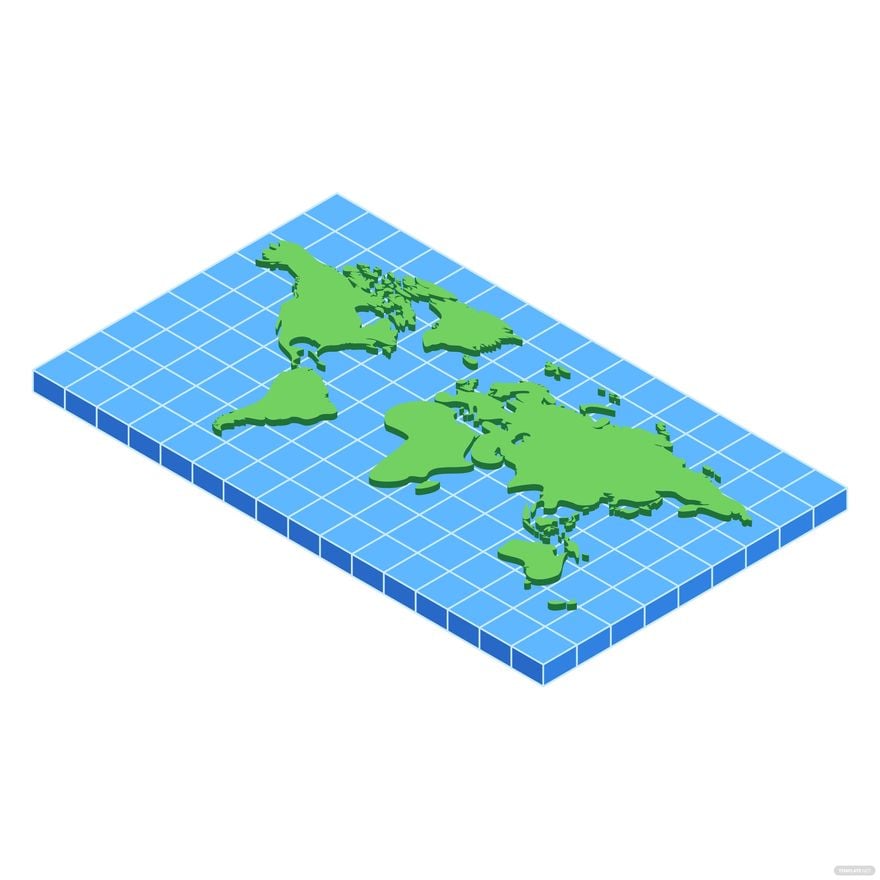
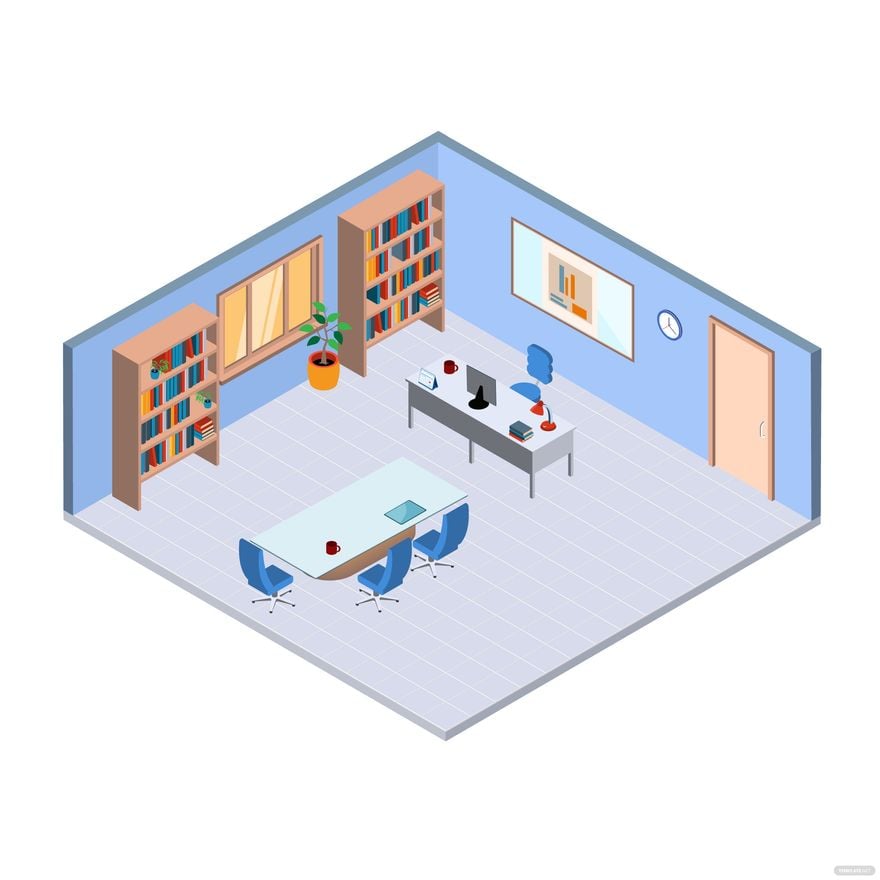
A Isometric template is a design layout that uses three-dimensional isometric perspective to create visually engaging and structured graphics. These templates include layered elements and editable text areas that showcase depth and dimension for professional presentations or marketing materials.
Who typically uses Isometric templates?
Isometric templates are typically used by graphic designers, marketers, educators, and business professionals who need clear visualizations with depth. These users benefit from the professional layouts and editable graphics that help communicate complex information effectively.
When should I use Isometric templates?
You should use Isometric templates when presenting data, concepts, or products that benefit from a three-dimensional visual style. These templates are ideal for technical presentations, infographics, and marketing materials that require structured layering and an engaging perspective.
What design tips should I follow when customizing Isometric templates?
When customizing Isometric templates, focus on maintaining a consistent color palette and layer order to preserve depth perception. Use editable text areas for clear messaging and incorporate high-quality graphics to enhance the three-dimensional effect.
What size should an Isometric template be?
Isometric templates come in various sizes depending on their purpose, commonly 8.5 × 11 inches for print or 1920 × 1080 pixels for digital use. Choose a size that fits the intended medium while preserving the clarity of layered elements and design details.
What key elements are included in Isometric templates?
Isometric templates include layered design blocks, editable text fields, geometric shapes, and visual theme elements that create a three-dimensional effect. These components enable easy customization while maintaining the overall depth and structure.
How can I print Isometric templates effectively?
To print Isometric templates effectively, use high-resolution files and select sizes like 8.5 × 11 inches or larger. Ensure that color palettes are printer-friendly and maintain layer integrity to preserve the three-dimensional look on paper.
What color schemes work best for Isometric templates?
Isometric templates work well with contrasting and harmonious color schemes that emphasize depth and layering. Using a balanced color palette helps highlight key visuals and improves the overall readability of the design.
Can I create a new Isometric template using AI?
Template.net provides an AI-powered tool capable of generating new Isometric template designs from text prompts, enabling quick and customized creations. Explore the tool for innovative layouts and fast design workflows with layered editing features at Template.net.
