
Free Kanban Templates

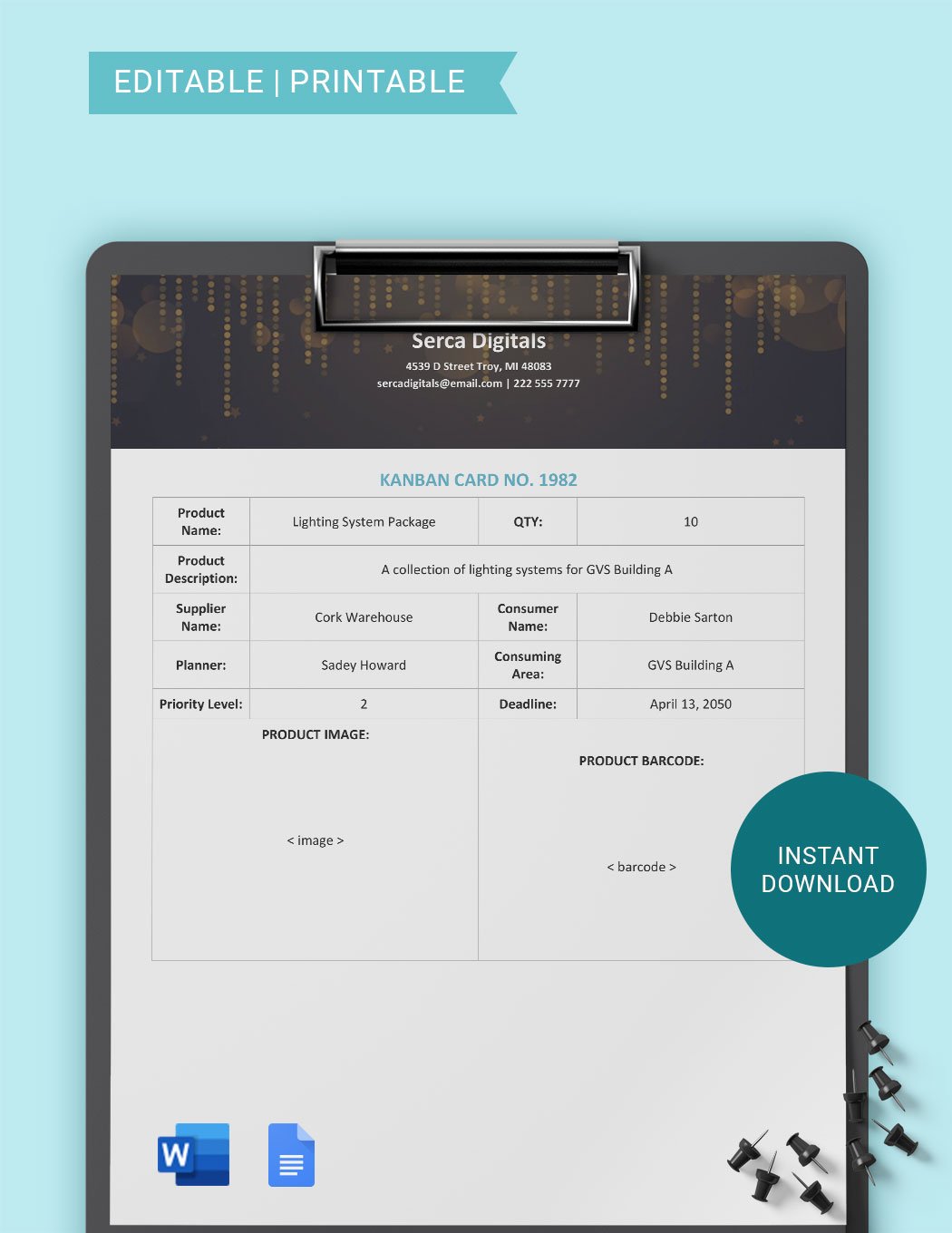
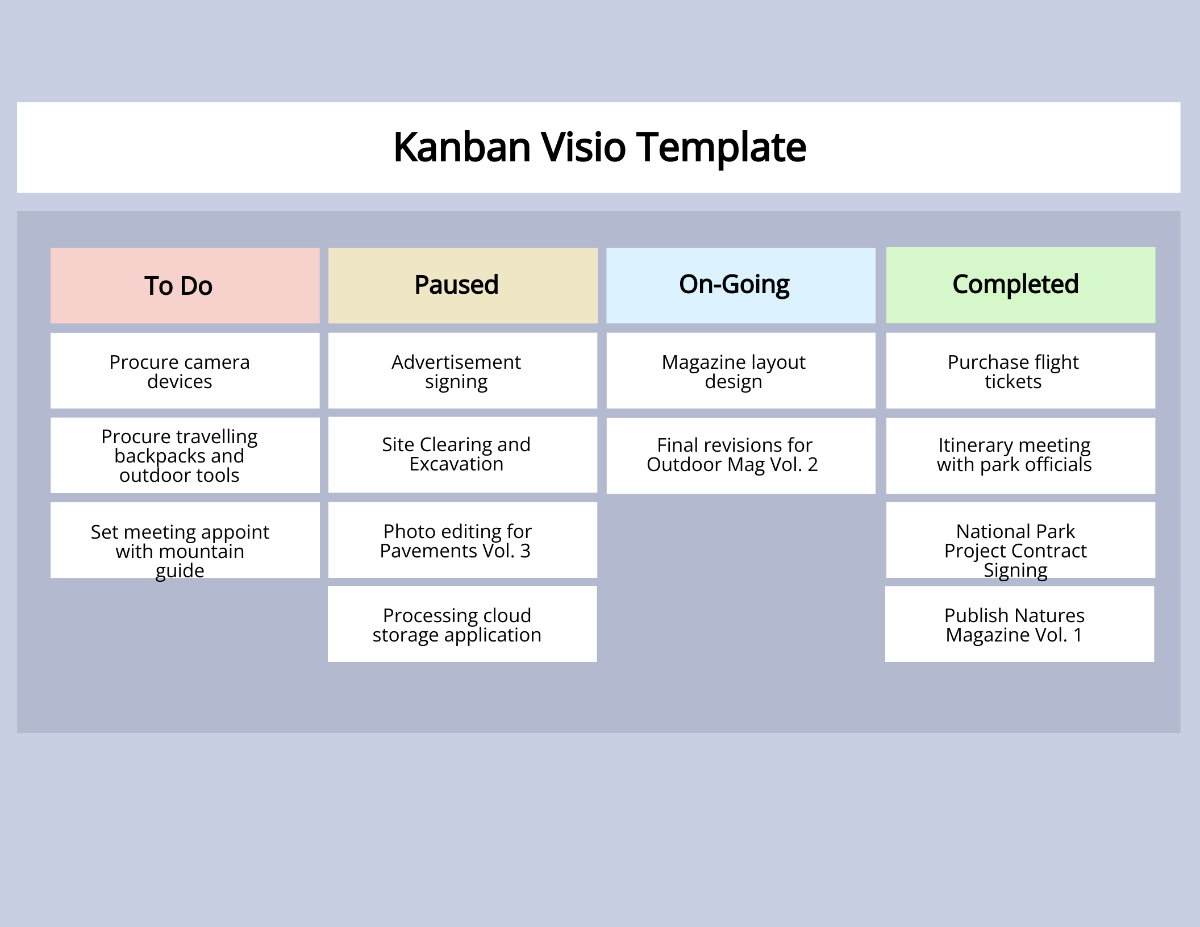
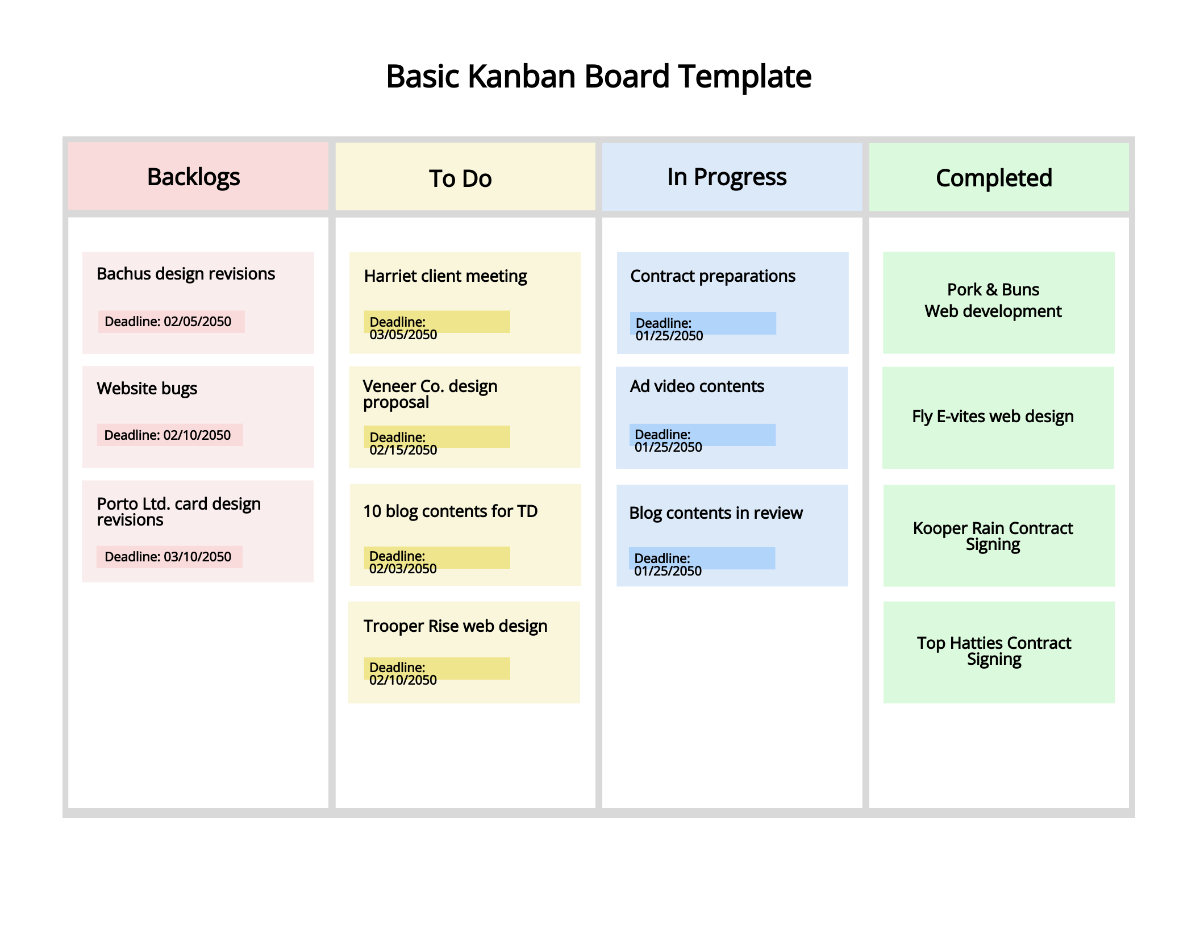
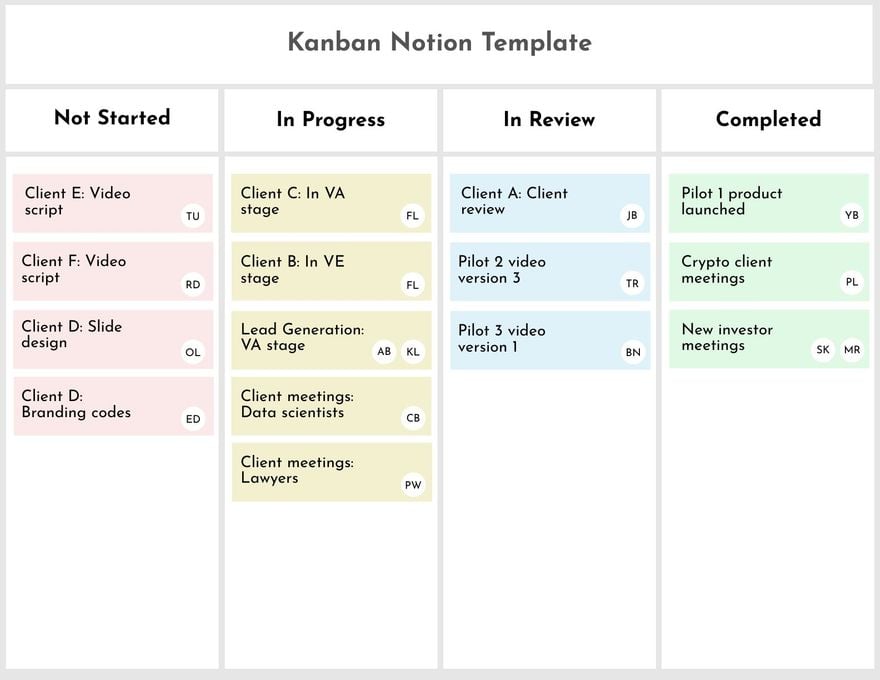
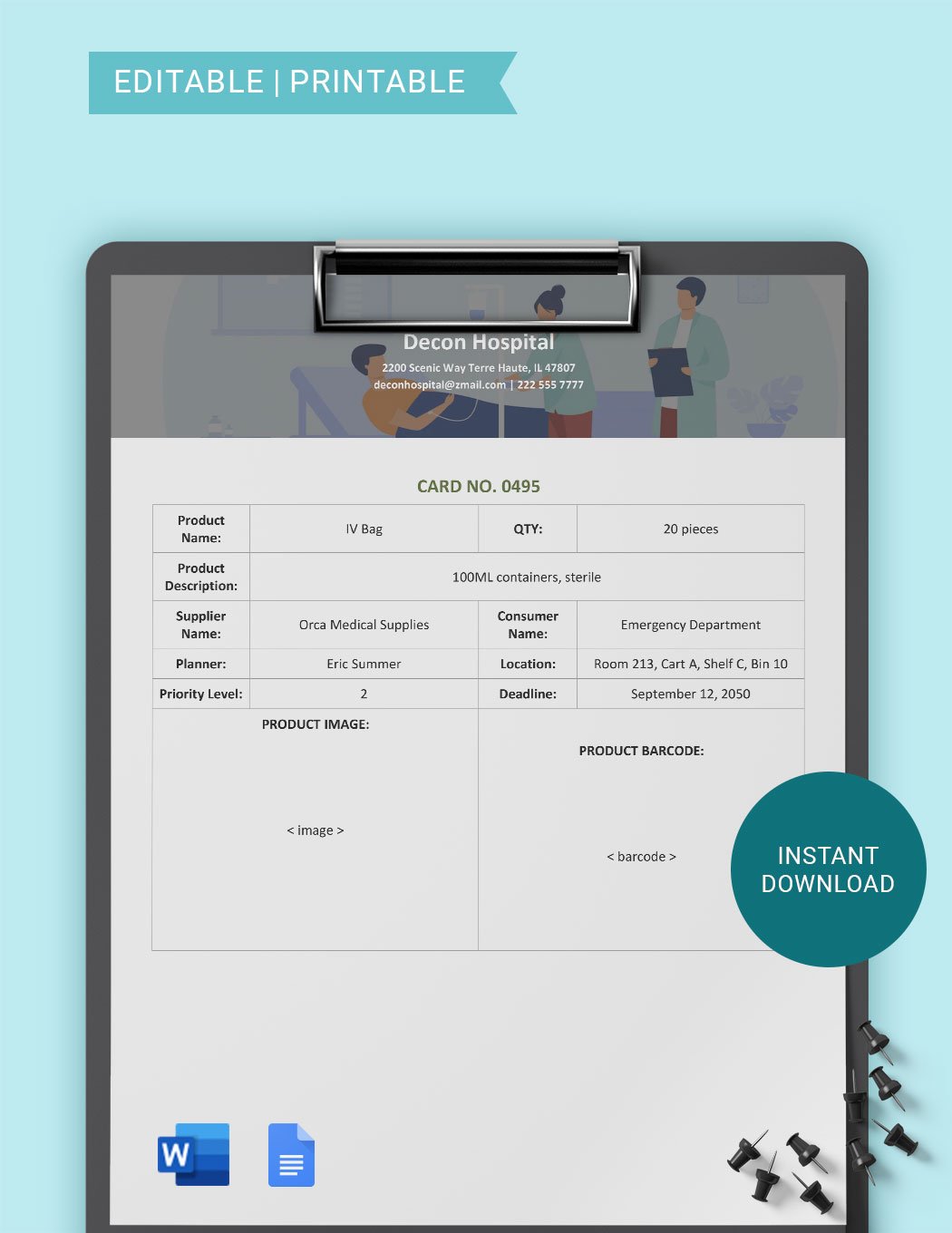
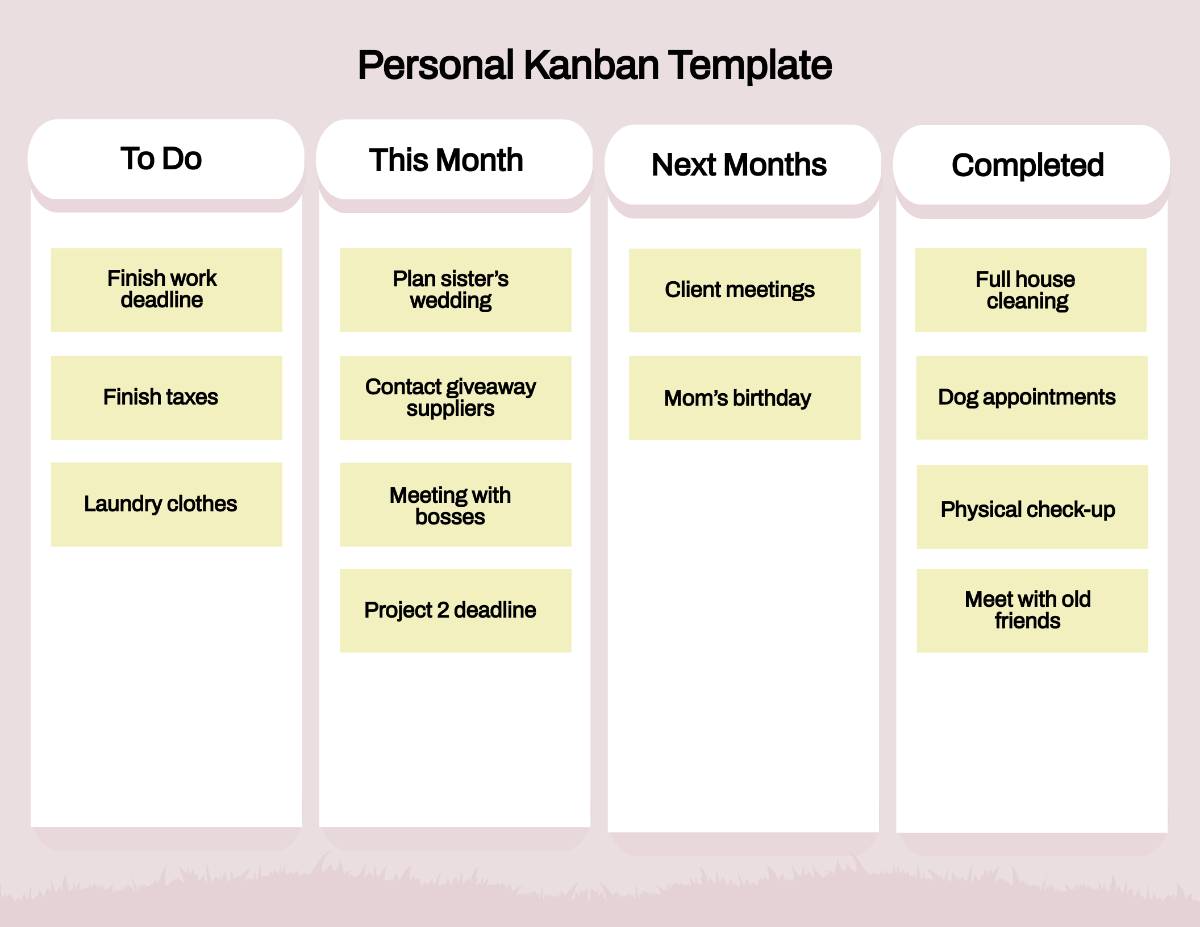
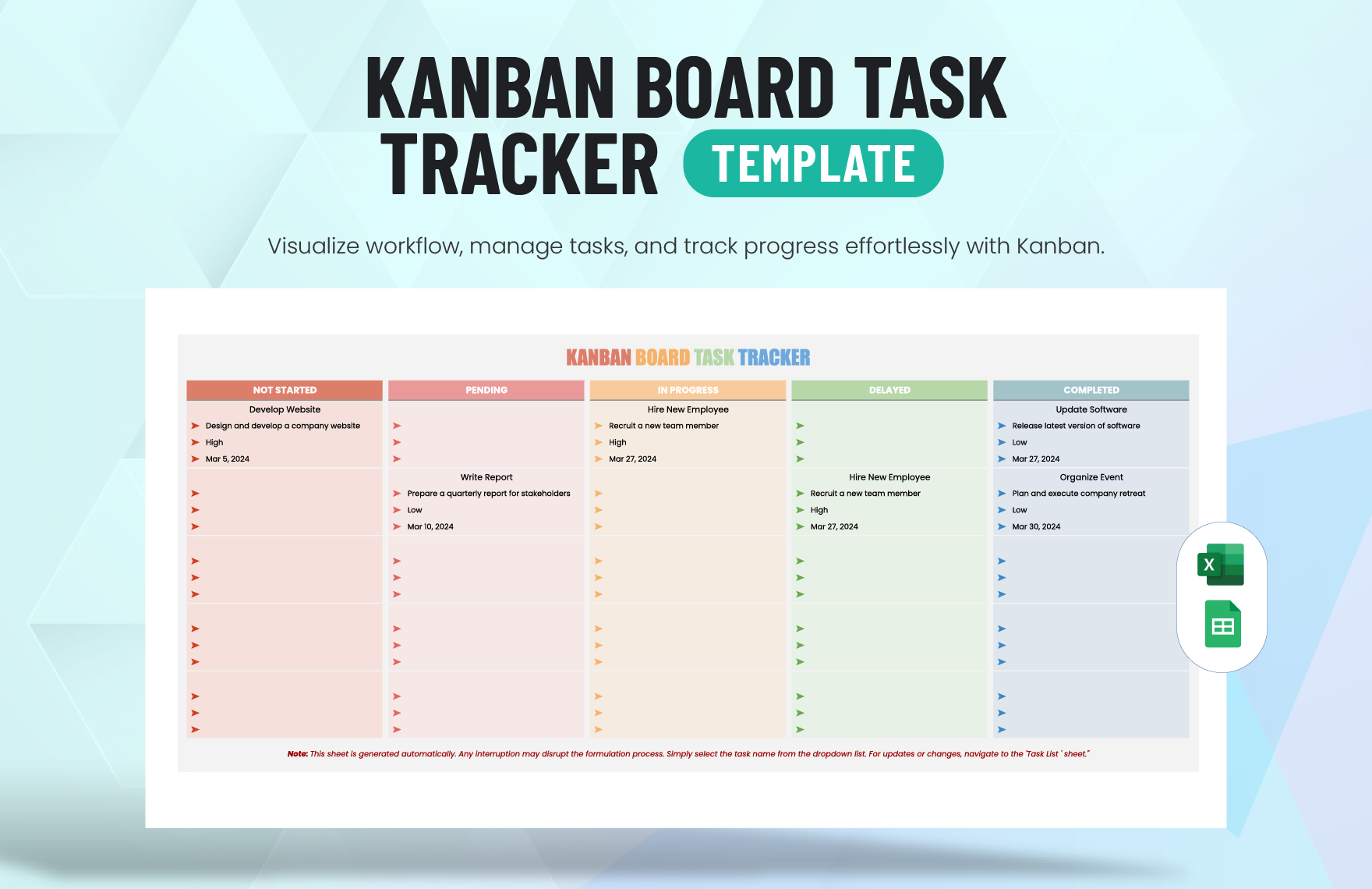
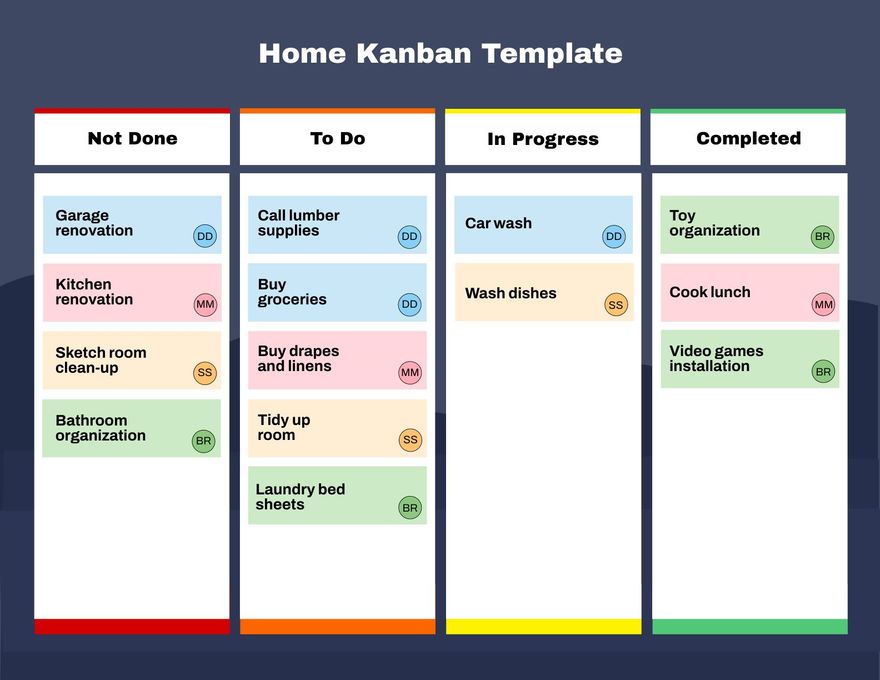
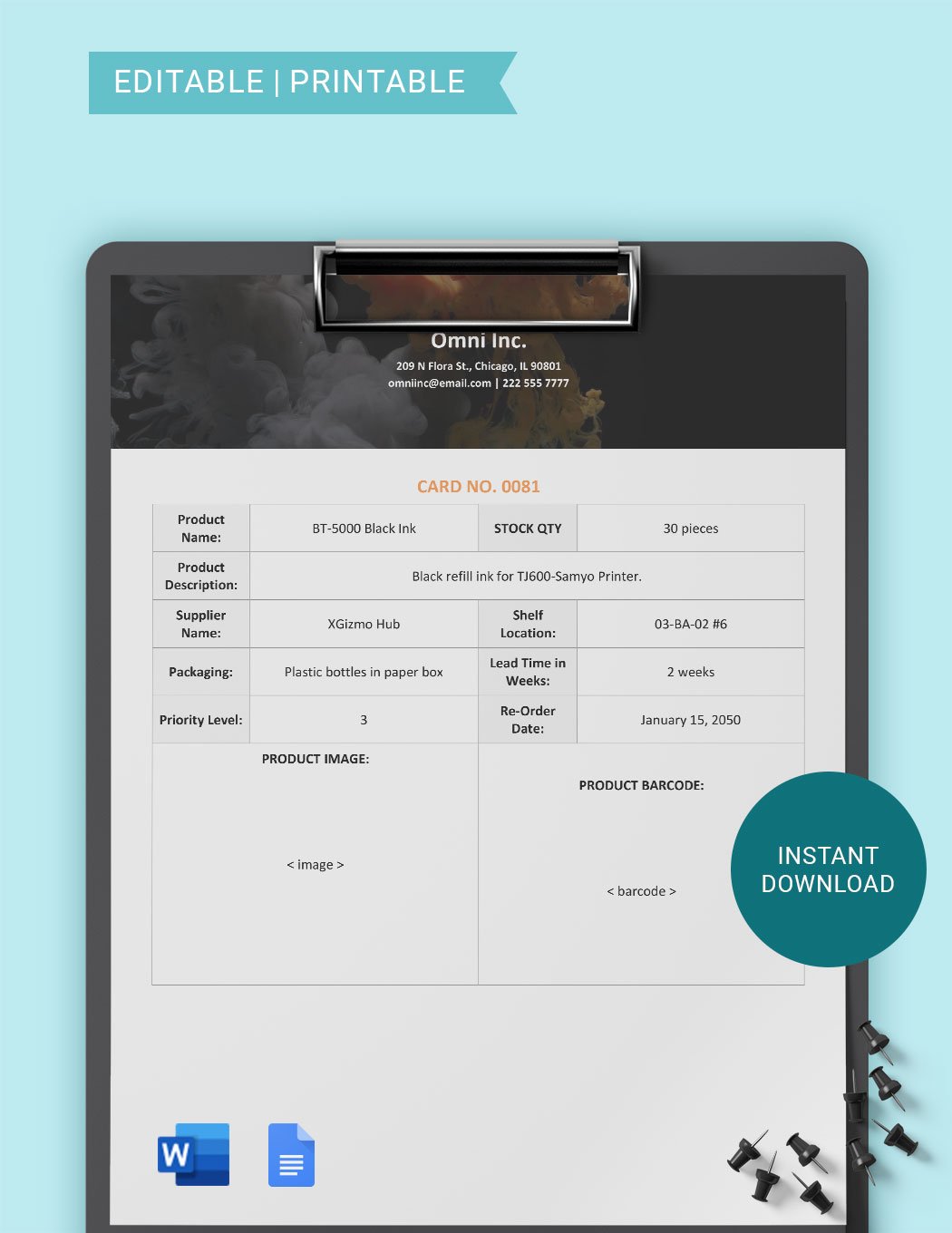
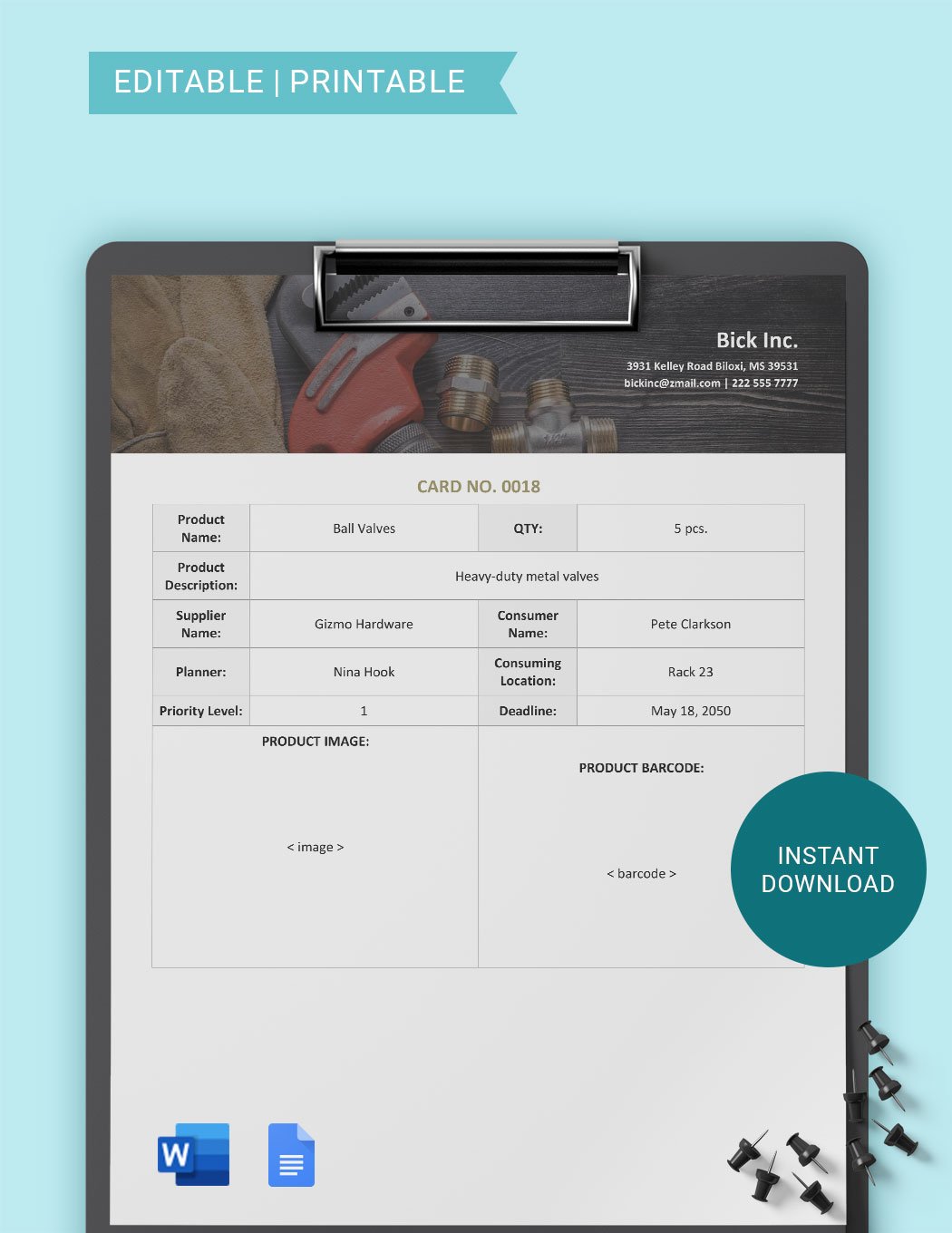
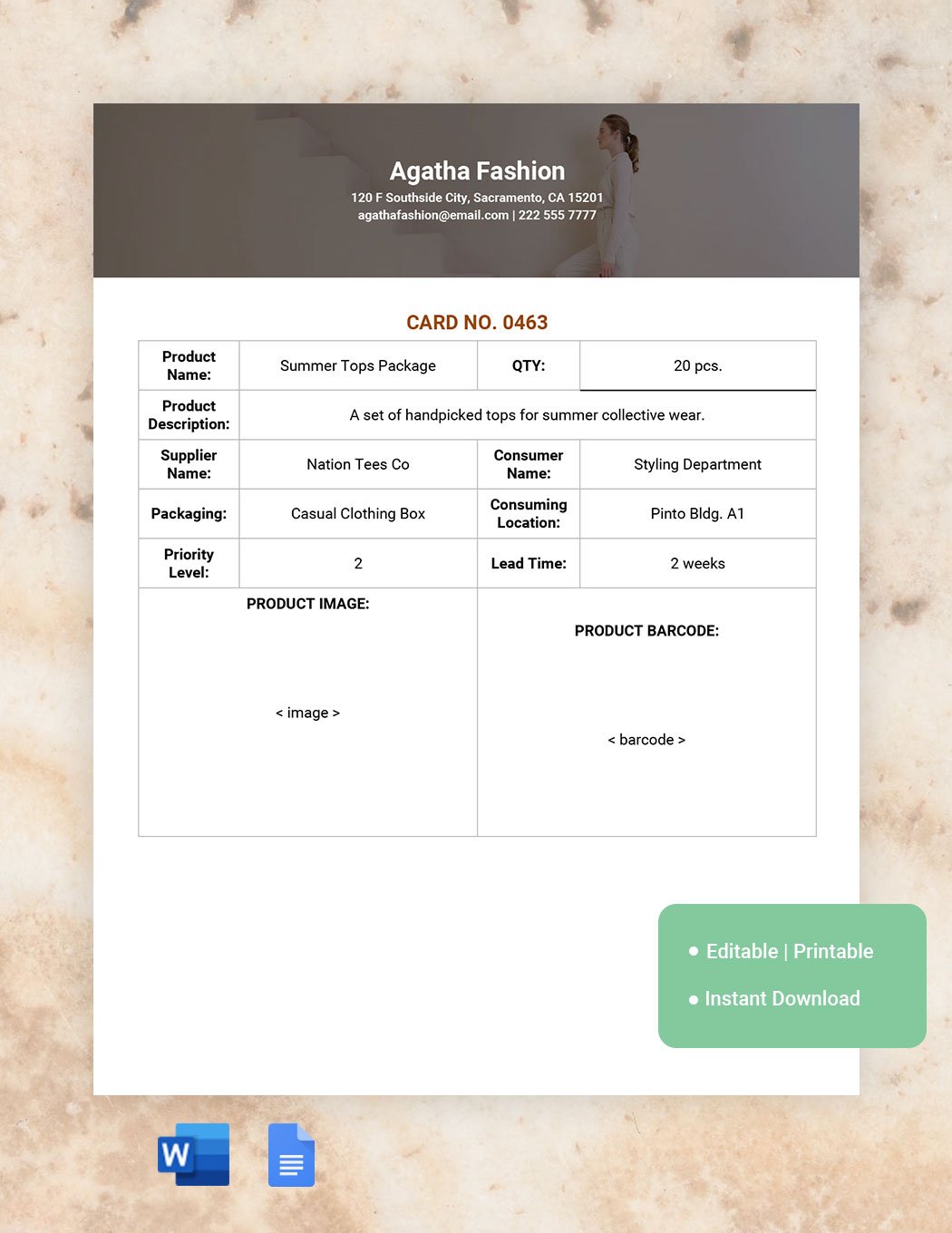
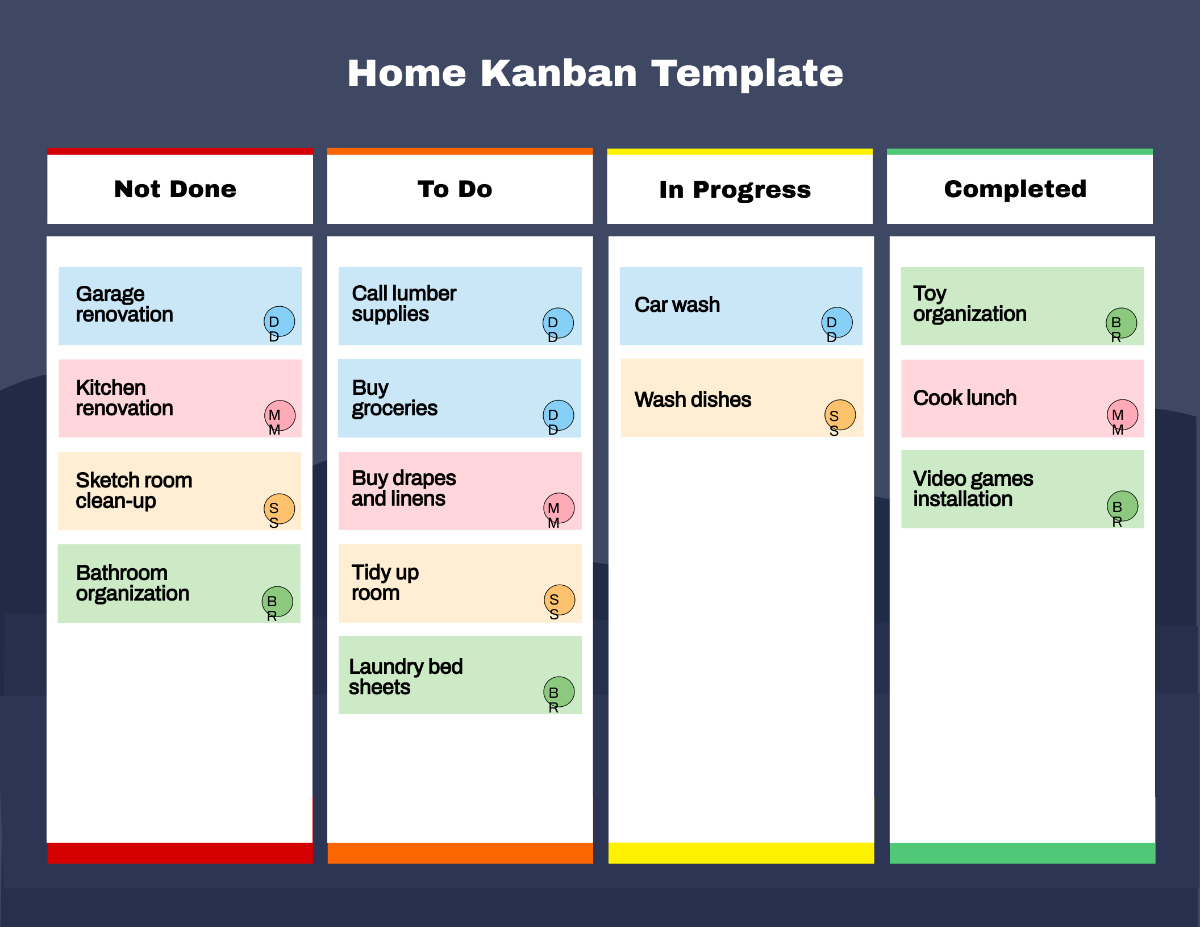
Free Kanban Templates: Editable Workflow Tools, Uses, and Download Formats
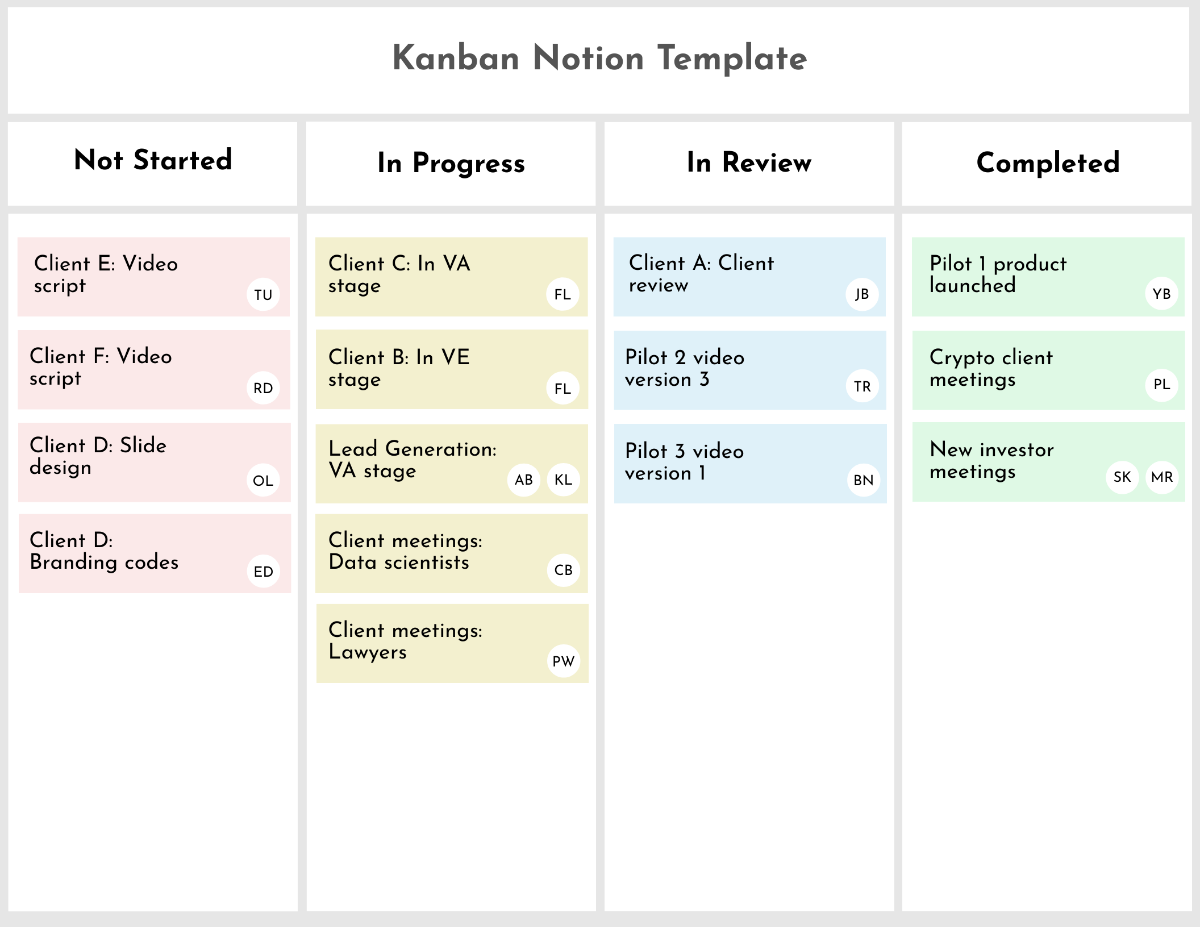
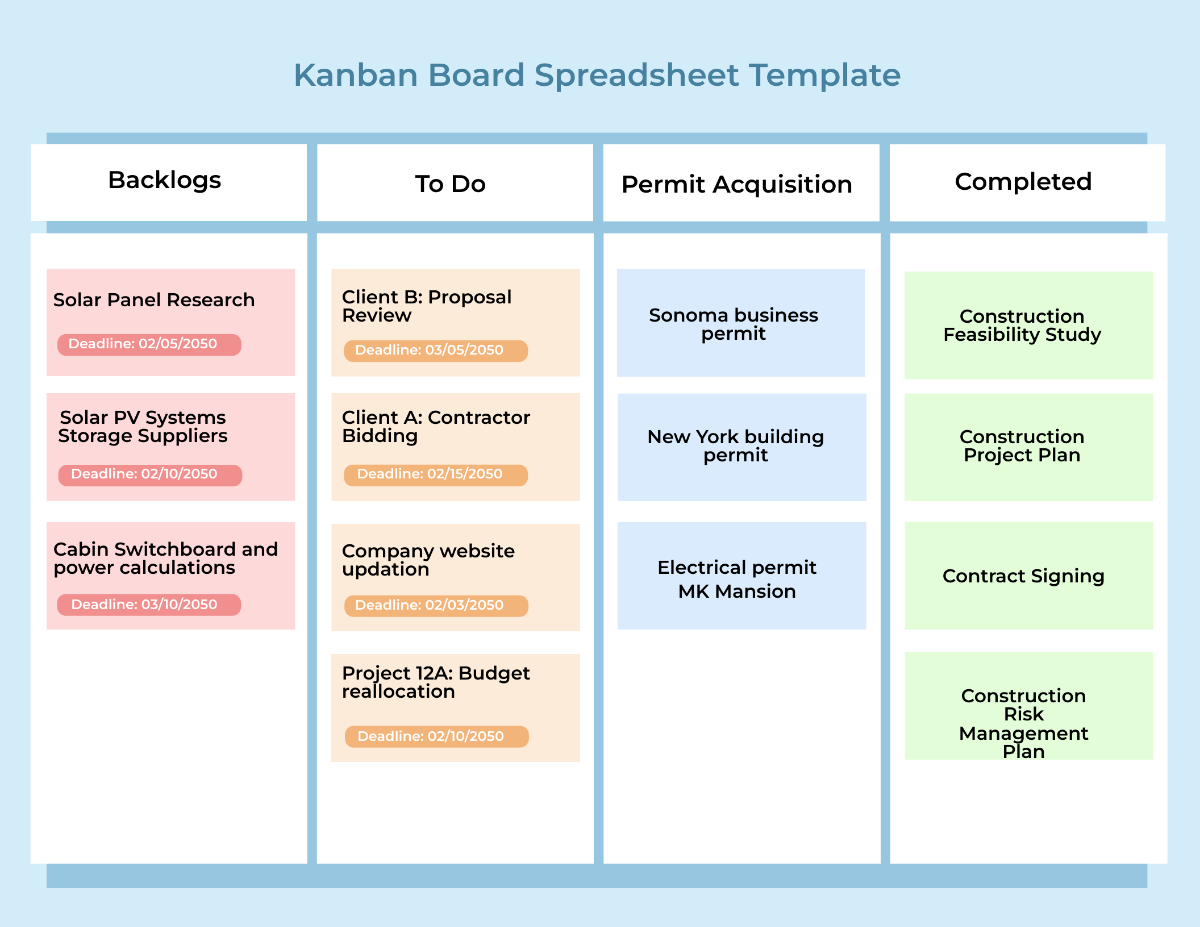
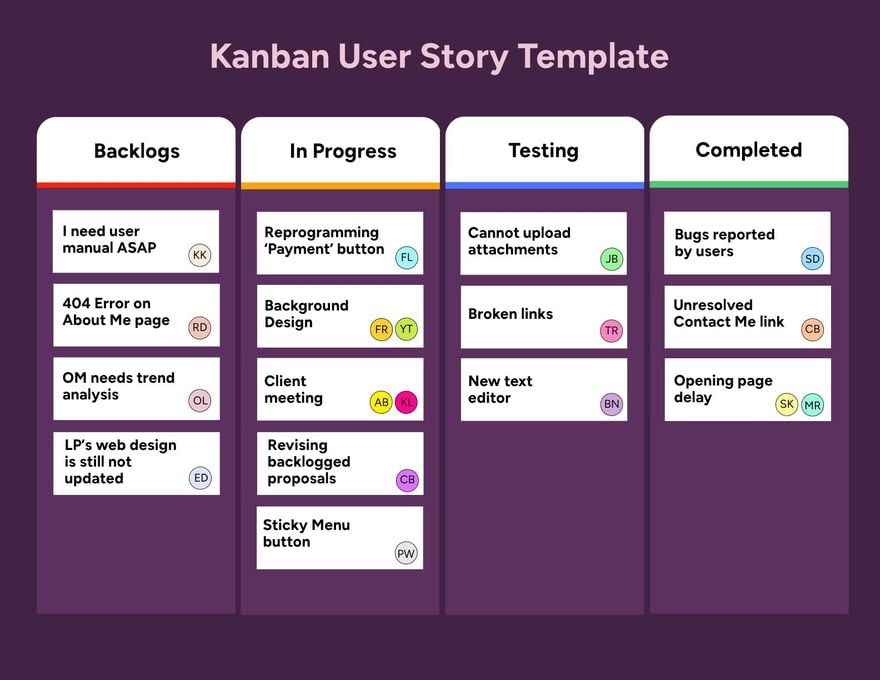
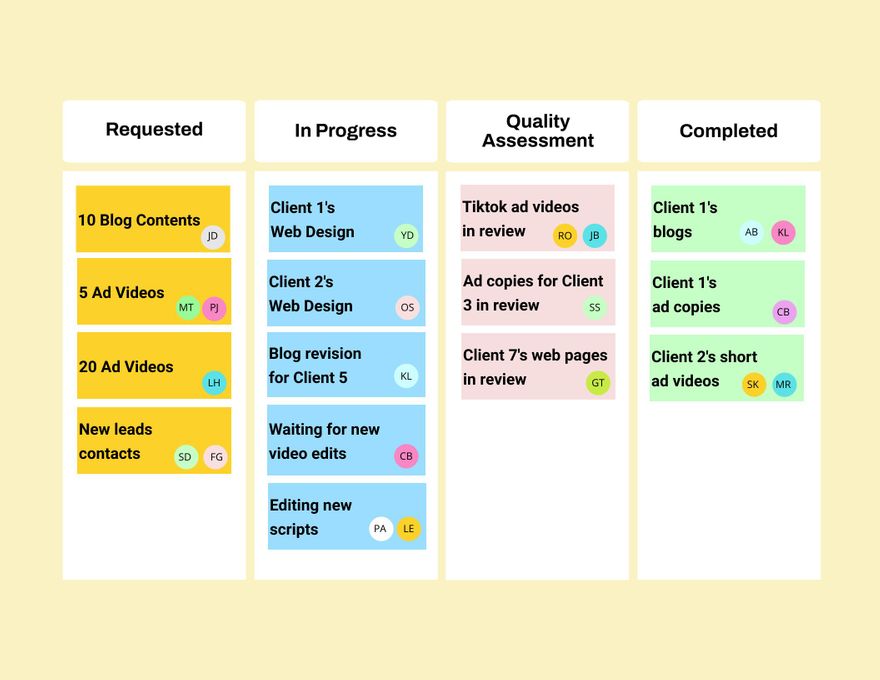
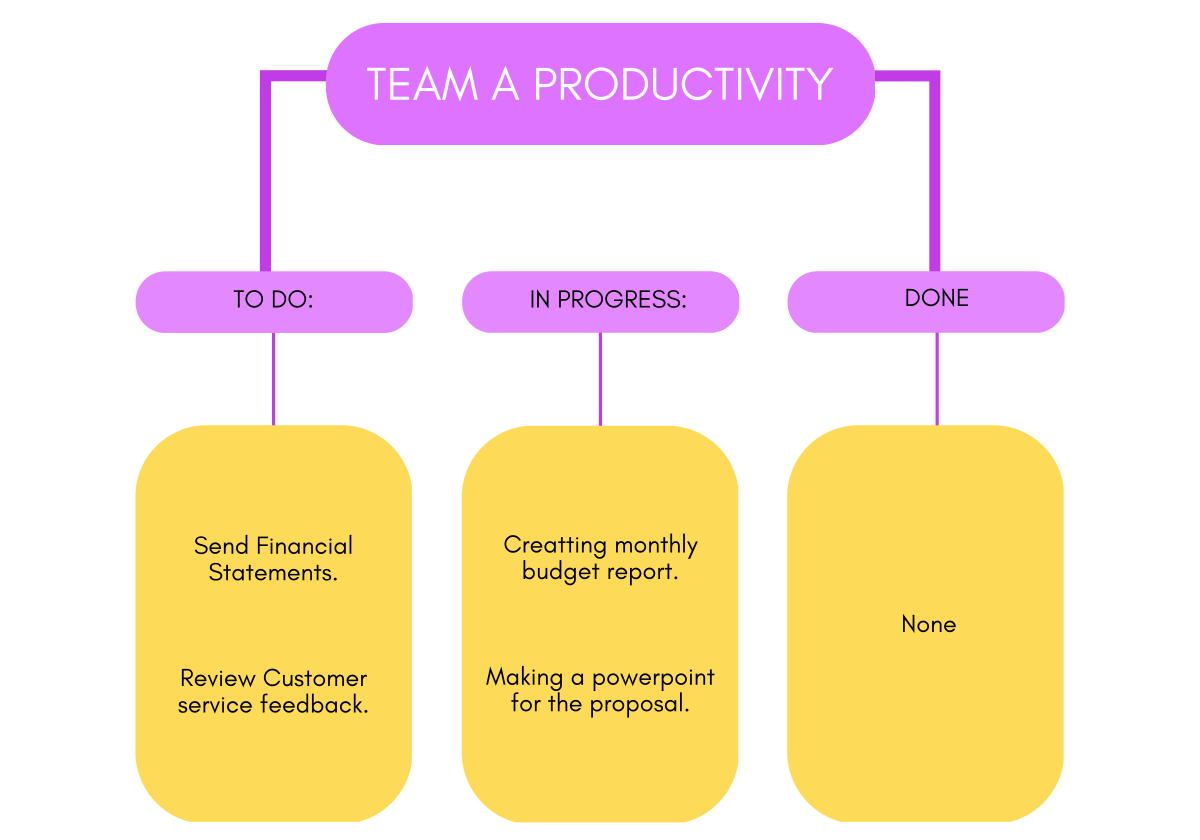
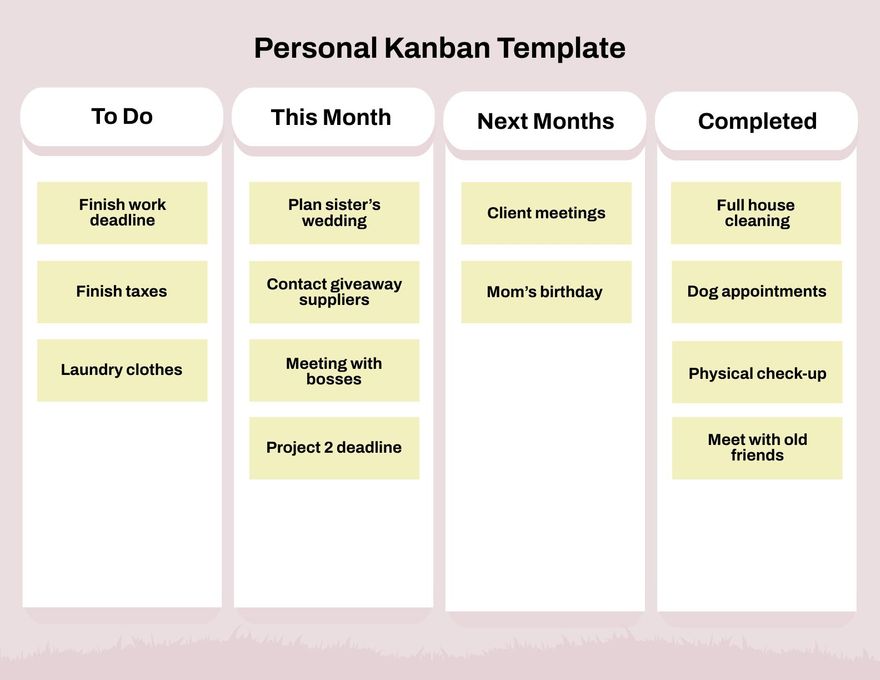
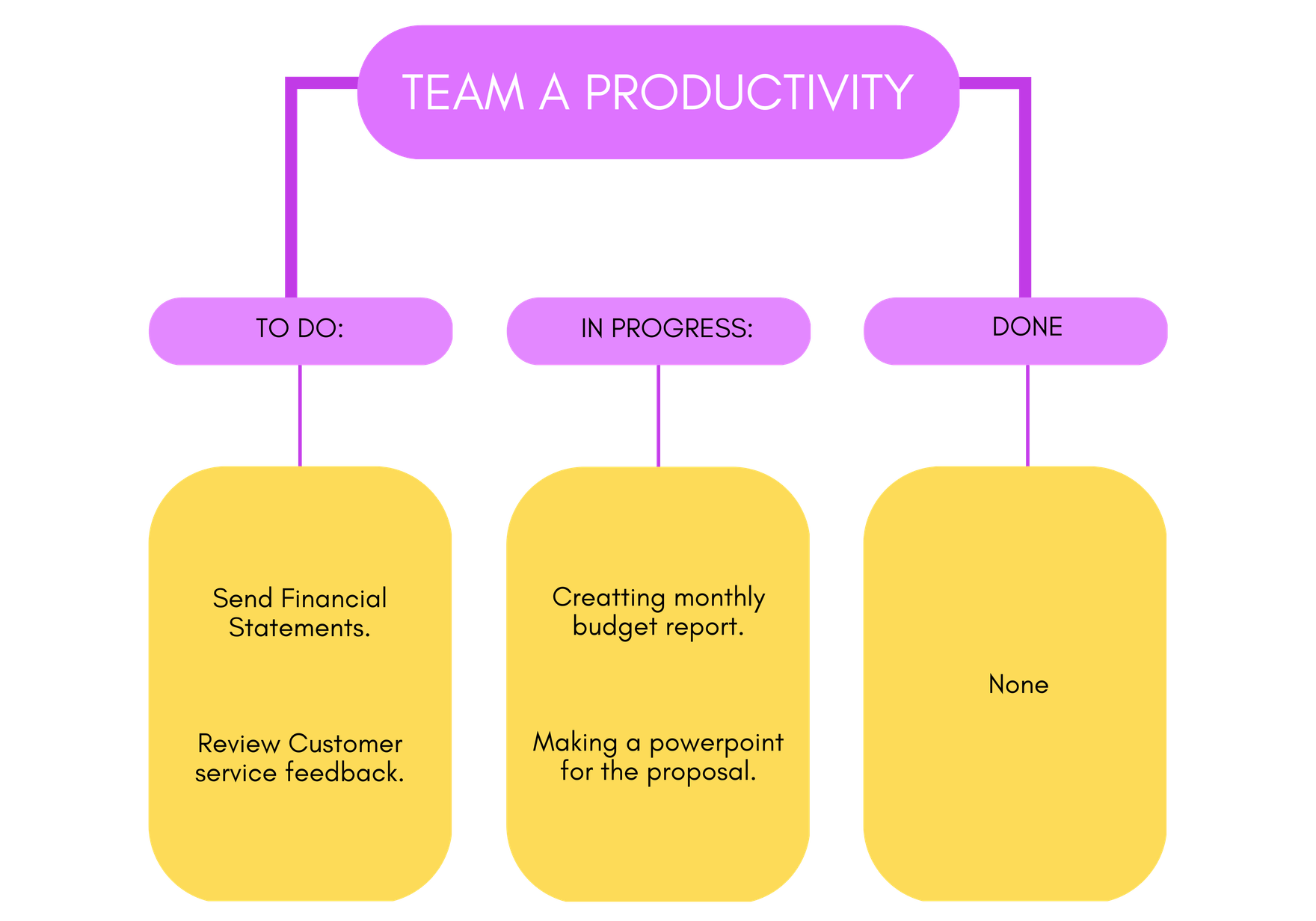
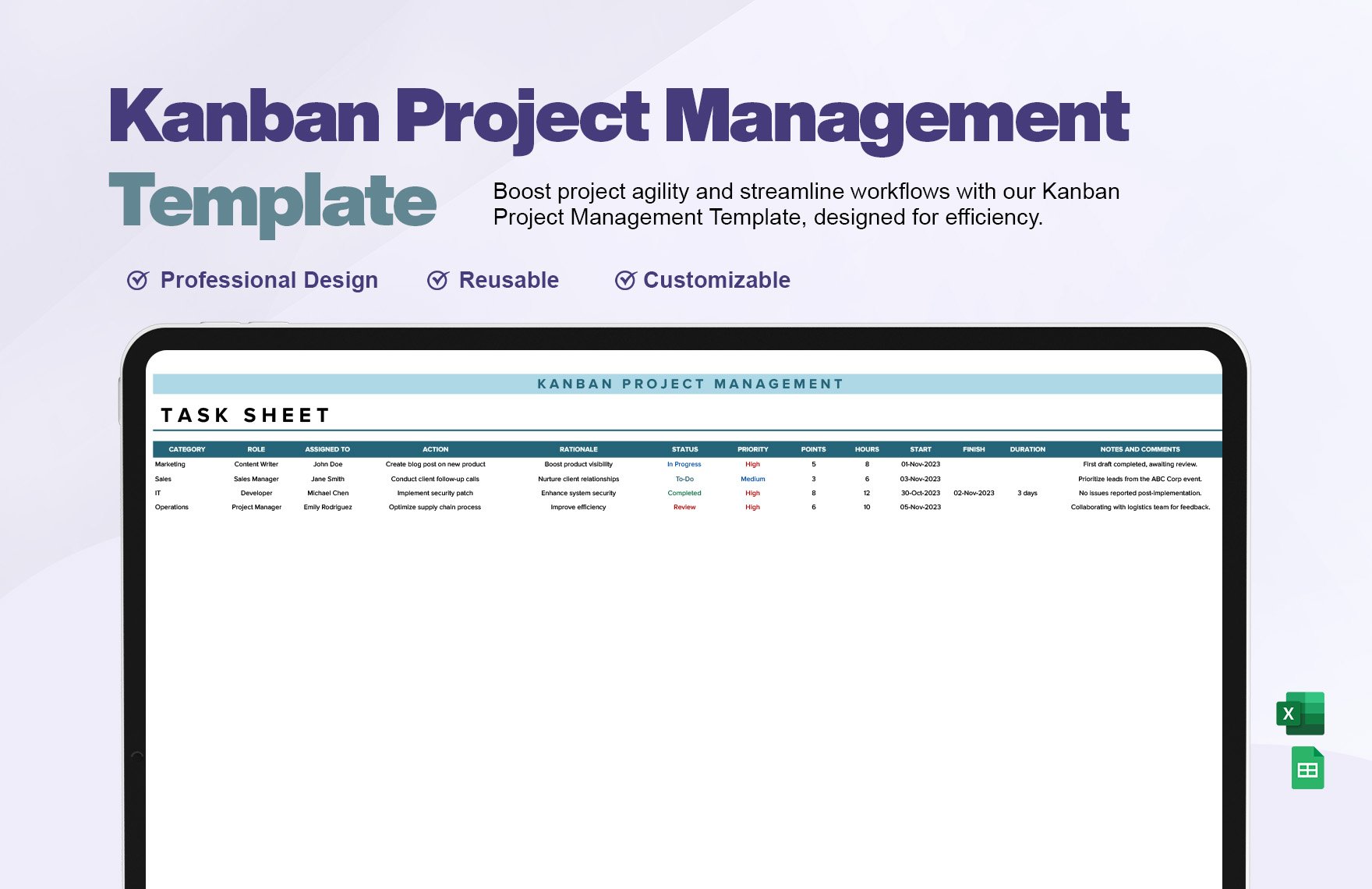
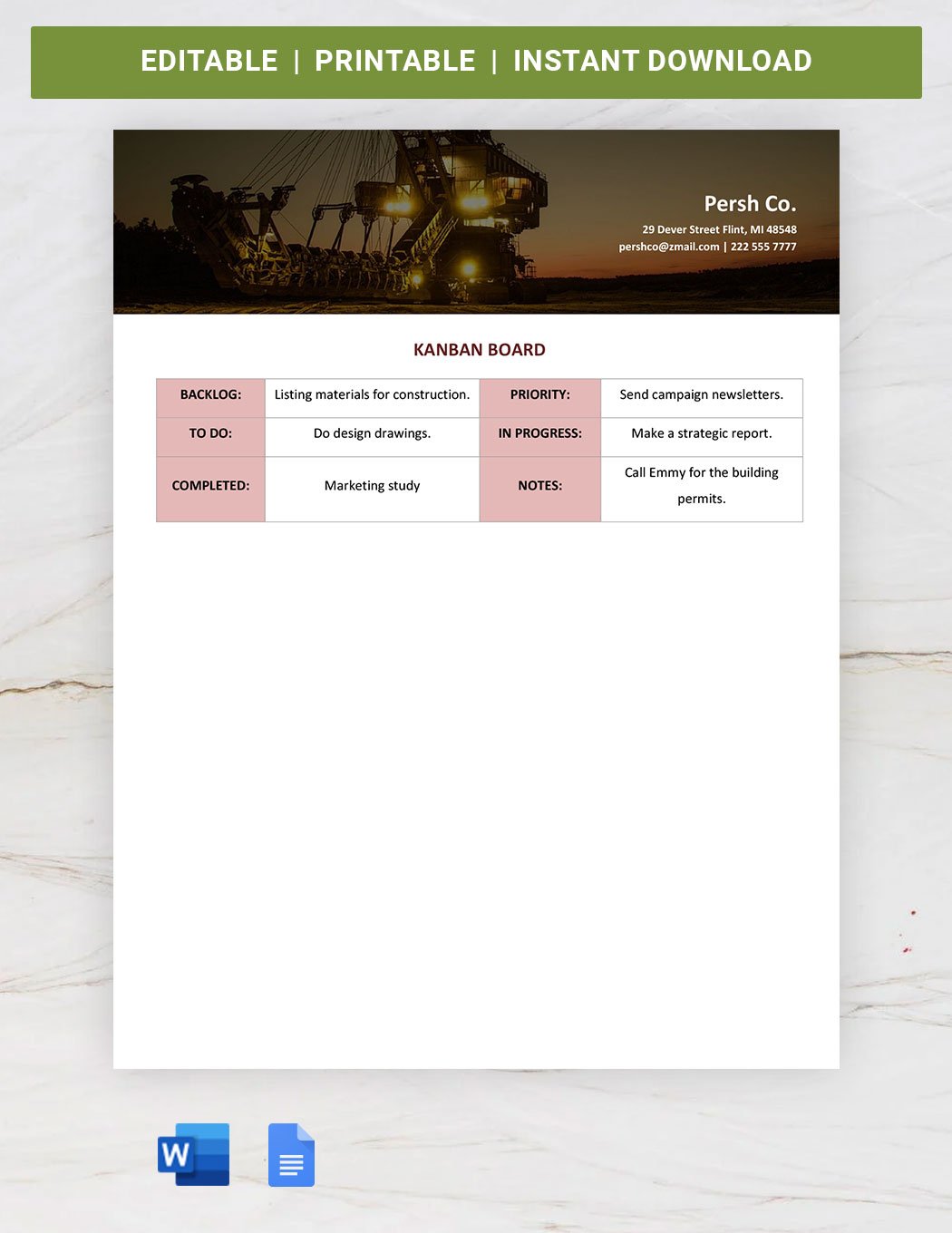
Kanban is a visual workflow management method that helps you enhance your productivity by organizing tasks into stages. Template.net offers a wide range of editable Kanban templates that you can complete or modify directly in the browser to suit your unique workflow needs.
What is a Kanban?
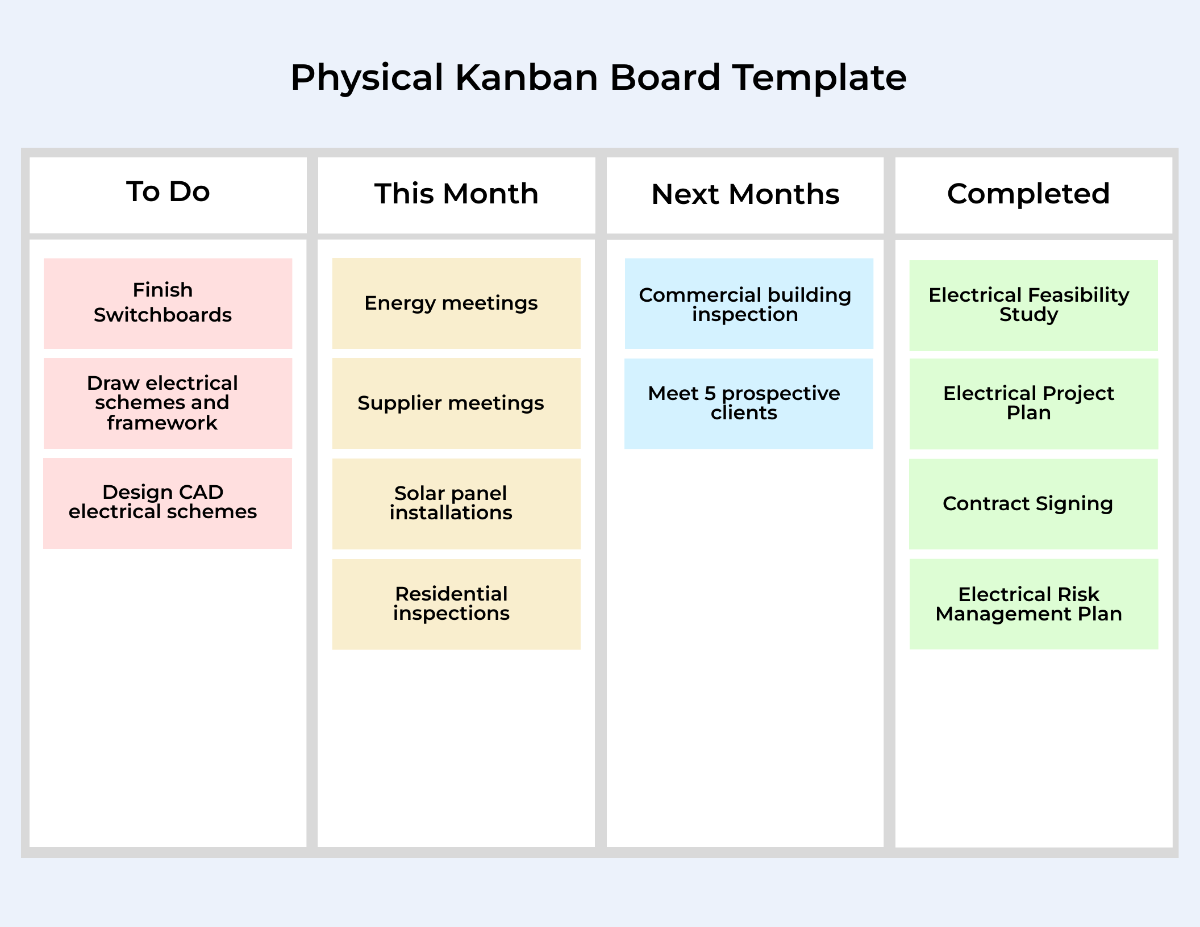
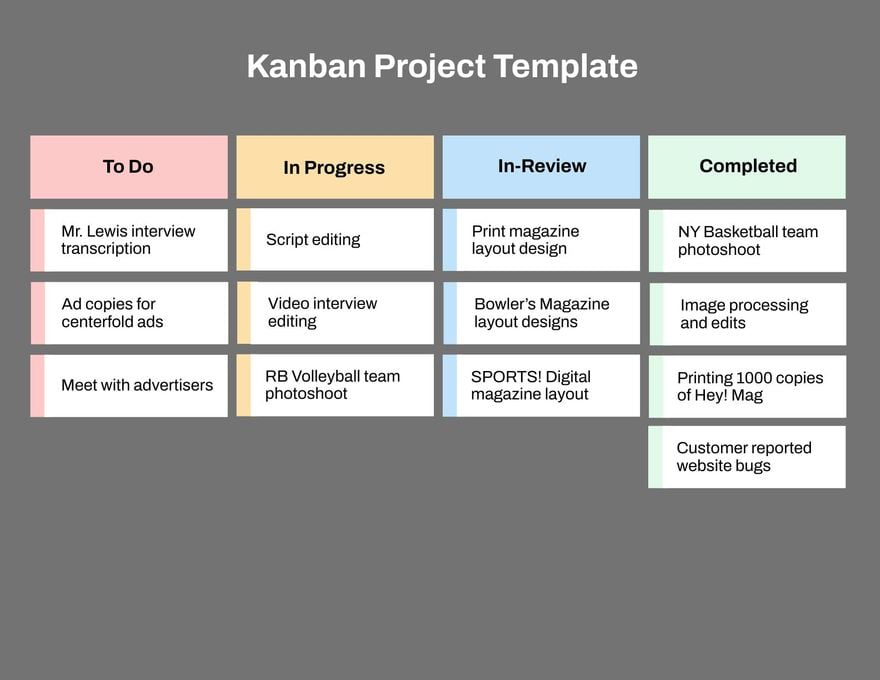
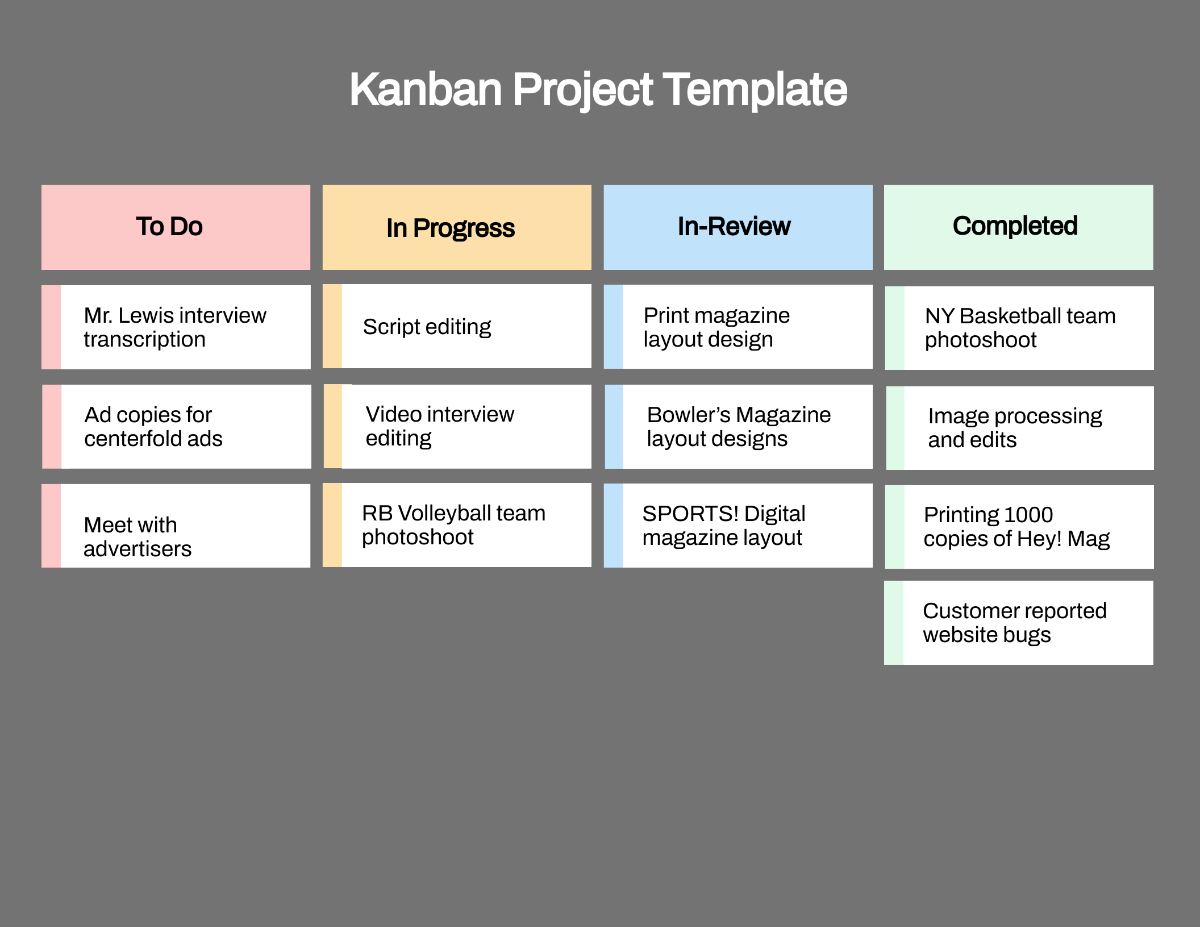
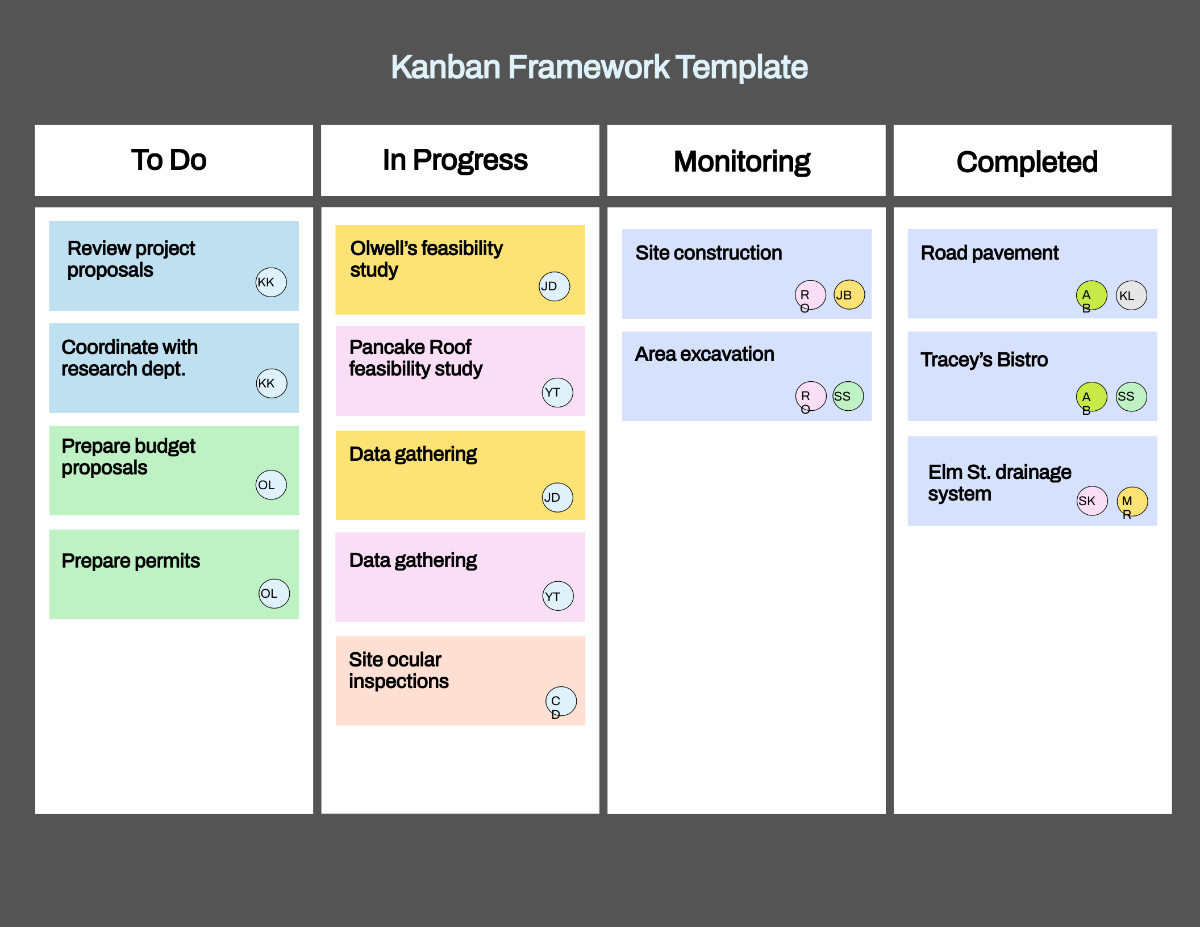
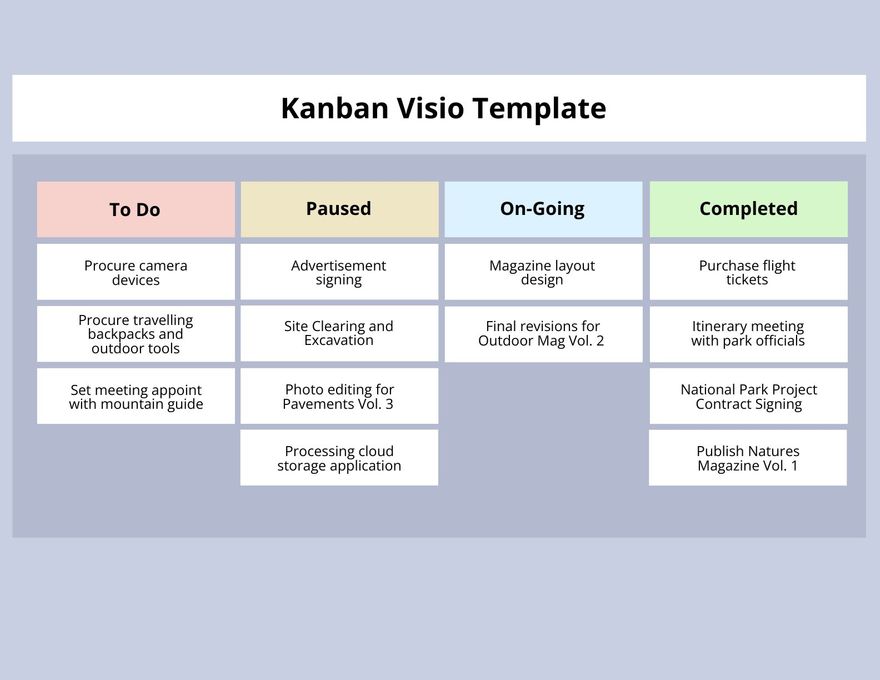
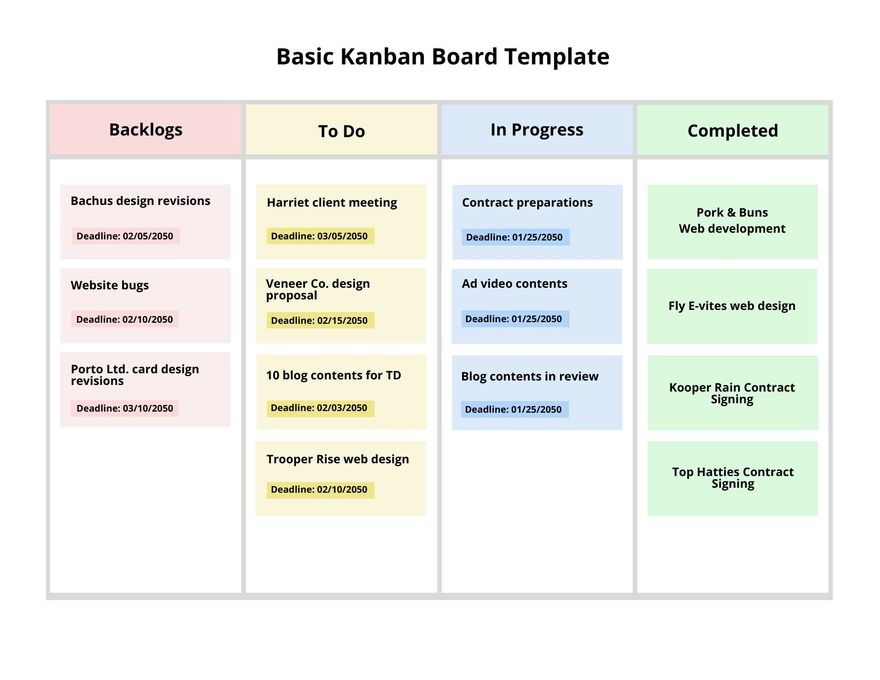
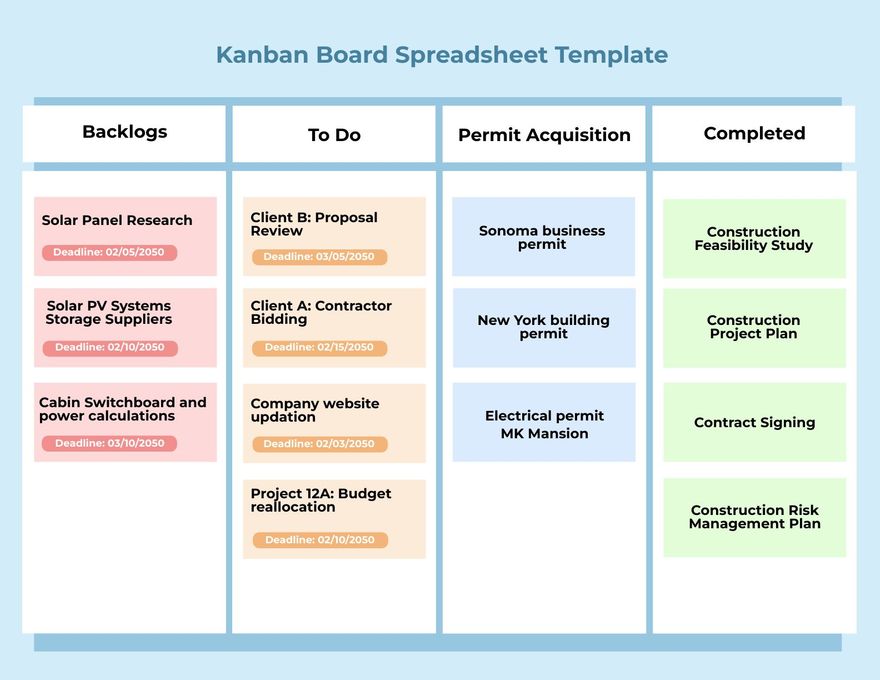
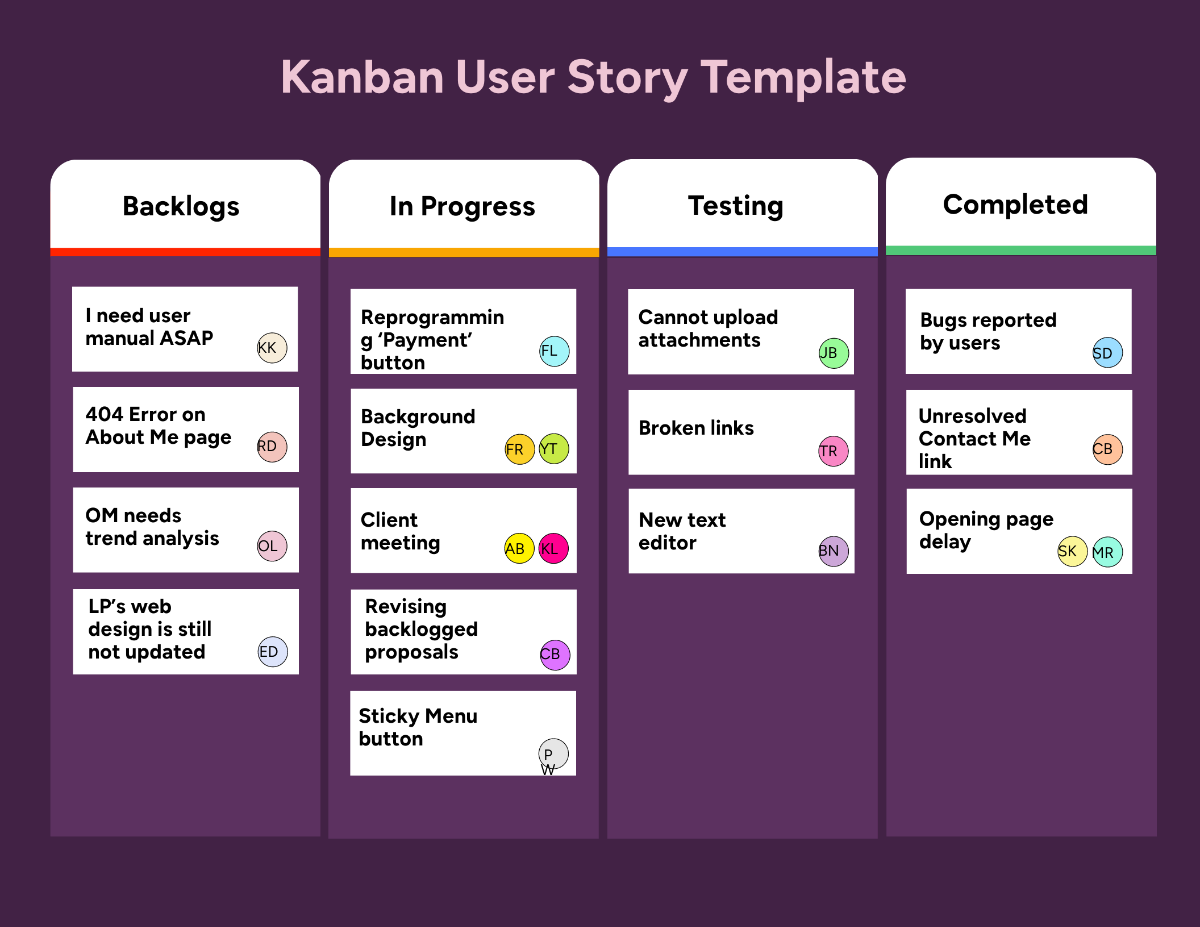
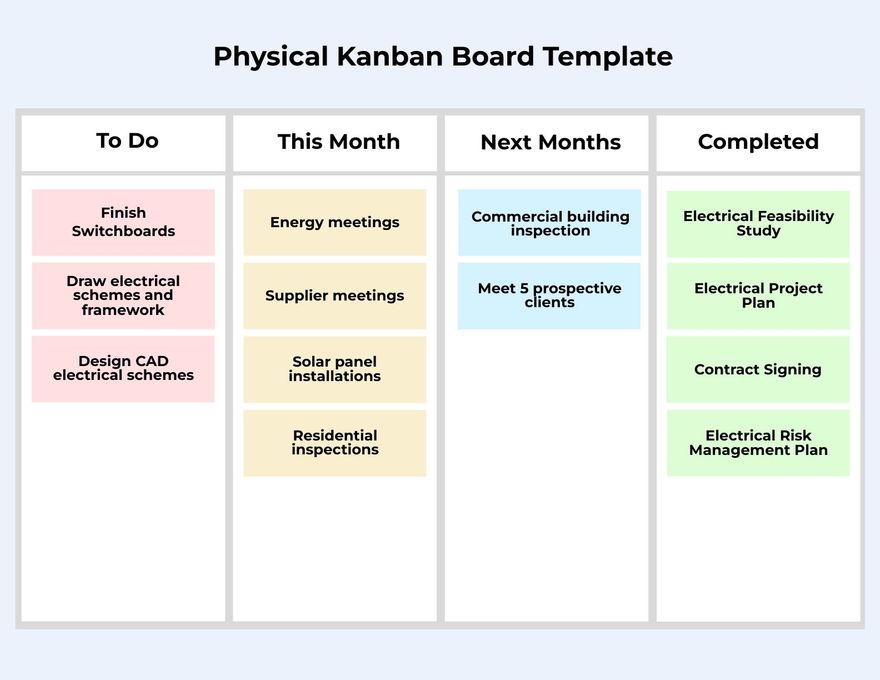
Kanban is a visual system used to manage work by tracking tasks through different stages on a board. It helps you visualize your workflow, limit work in progress, and improve efficiency by clearly showing what tasks need attention.
Why should I use a Kanban?
Kanban helps you improve task management by providing a clear and organized view of your work. It enhances productivity, reduces bottlenecks, and enables better prioritization, making your workflow smoother and more transparent.
Who uses Kanban?
Kanban is commonly used by project managers, software developers, marketers, and teams in various industries who need to track tasks visually and improve collaboration through transparent workflows.
What are the best tips for completing my Kanban?
To complete your Kanban effectively, consider these tips:
- Define clear columns representing task stages such as To Do, In Progress, and Done.
- Limit work in progress to avoid overload.
- Use concise task descriptions for clarity.
- Regularly update the board to reflect current status.
- Prioritize tasks based on urgency and importance.
Can I create a Kanban using AI?
You can create a Kanban using AI-powered tools that assist in generating task lists and organizing workflows. While Template.net focuses on editable templates, AI can complement your Kanban creation by suggesting task breakdowns and priorities.
What file formats can I download for my Kanban?
Template.net provides Kanban templates supporting multiple export formats including Google Docs, PDF, Word, Excel, and more to fit your preferred workflow and tools.
What are the essential elements of a Kanban?
The essential elements of a Kanban include:
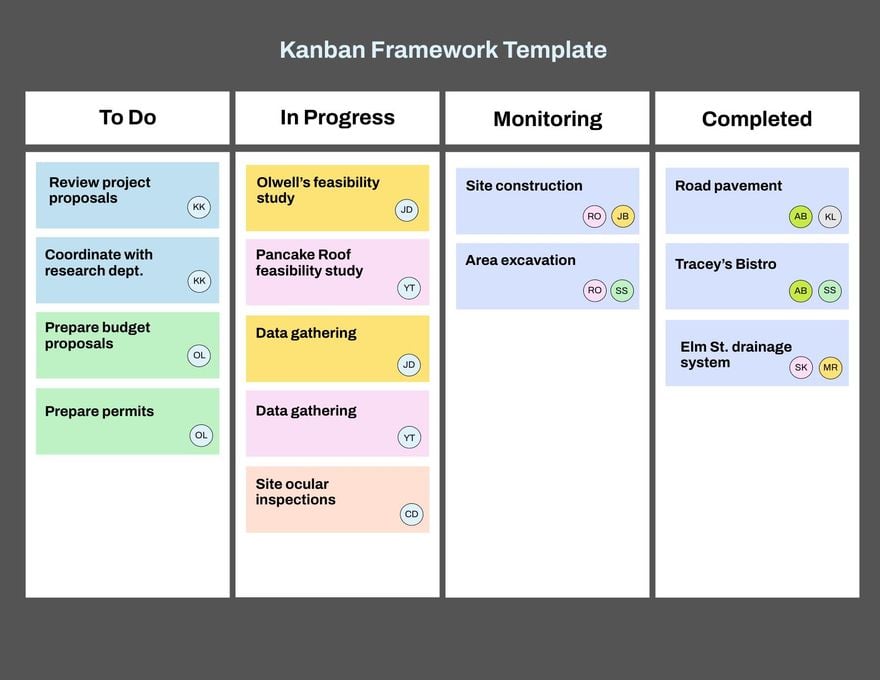
- Columns representing workflow stages.
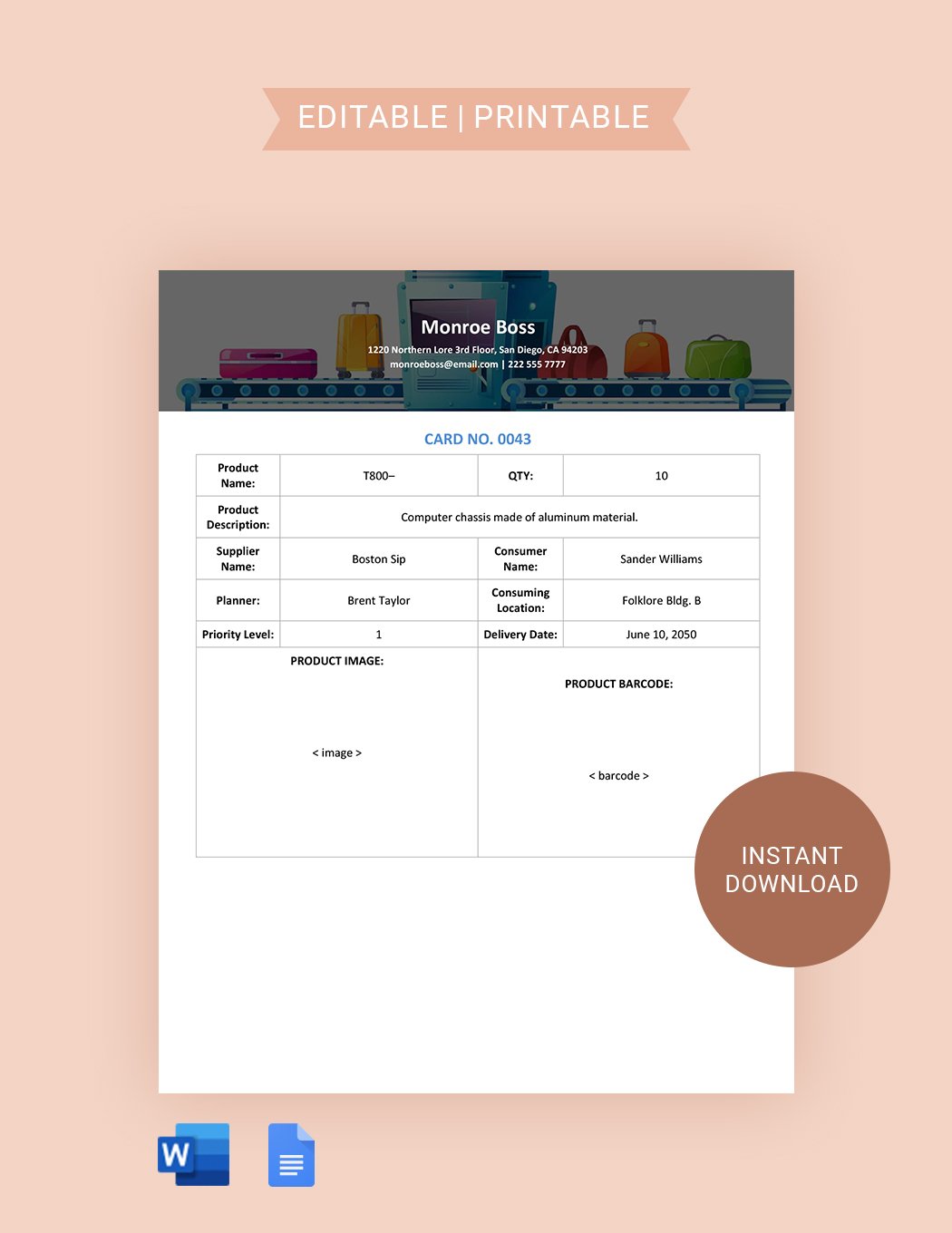
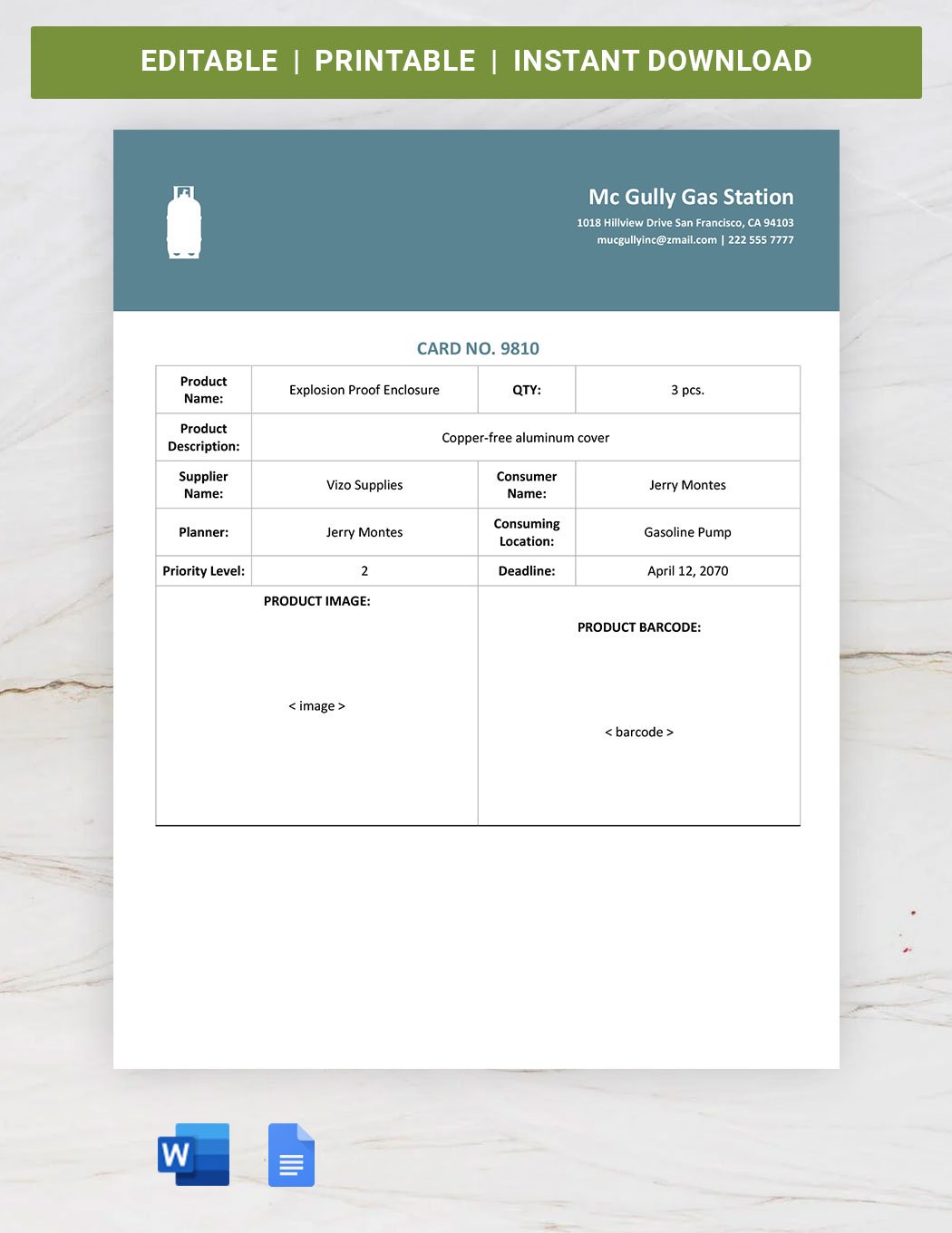
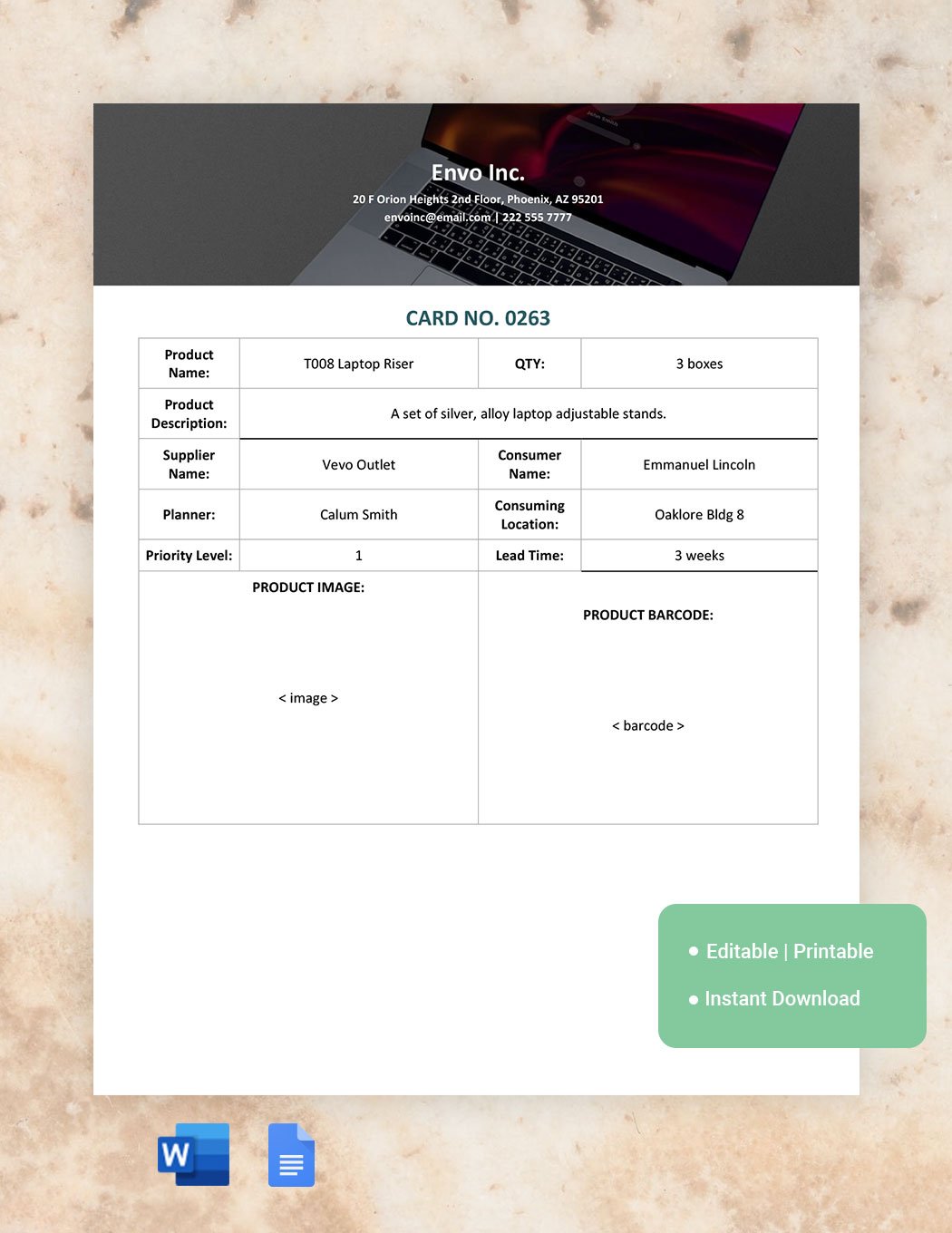
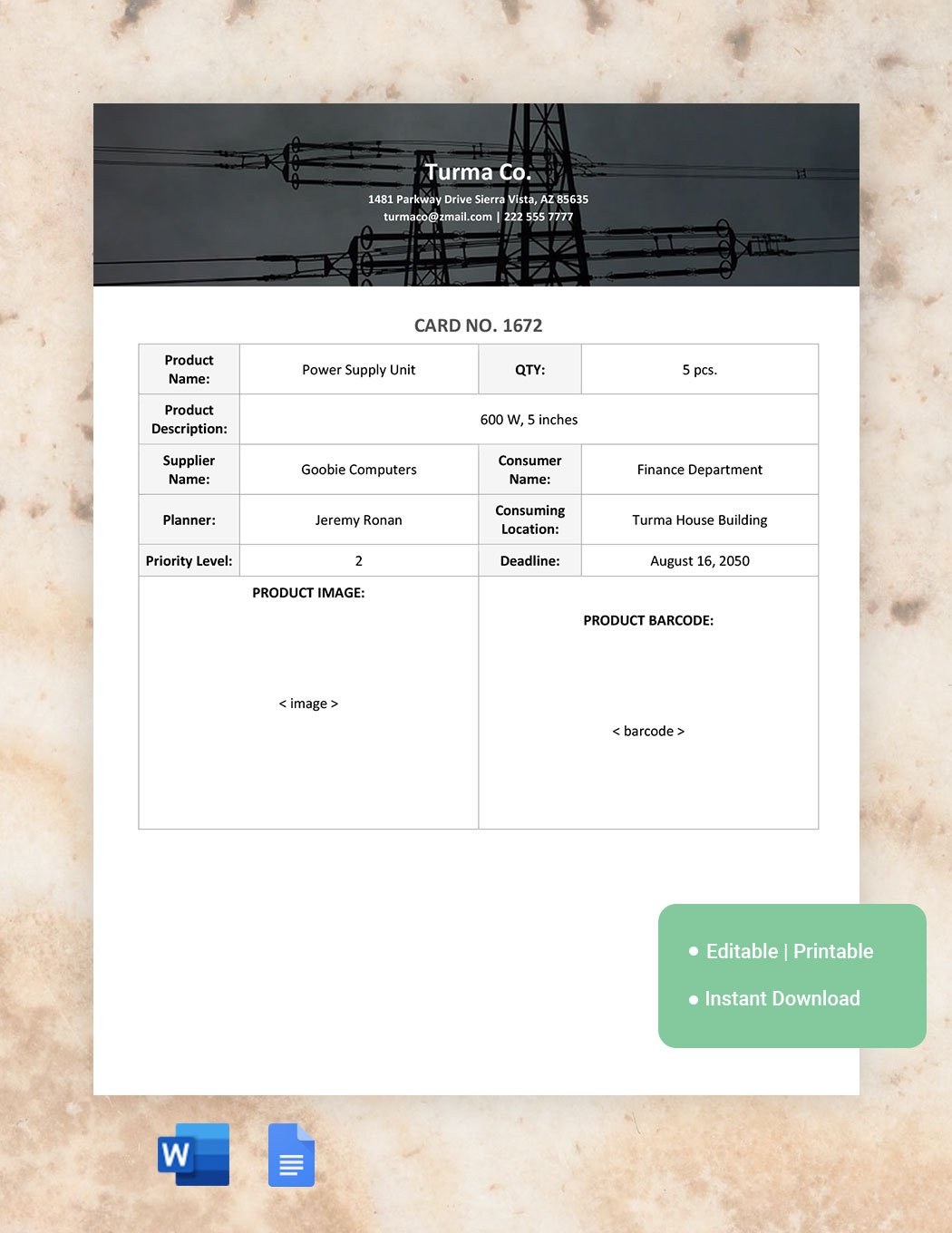
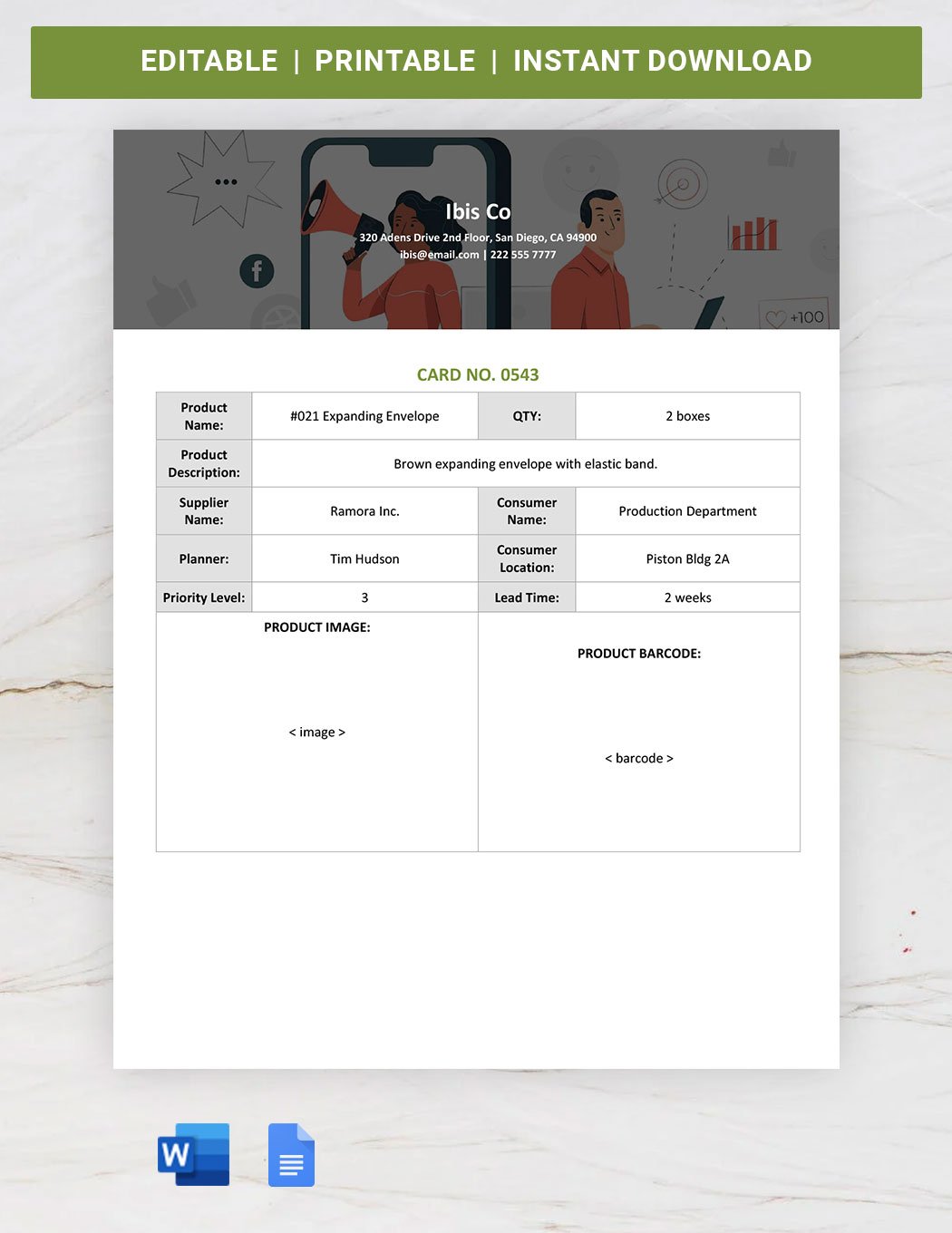
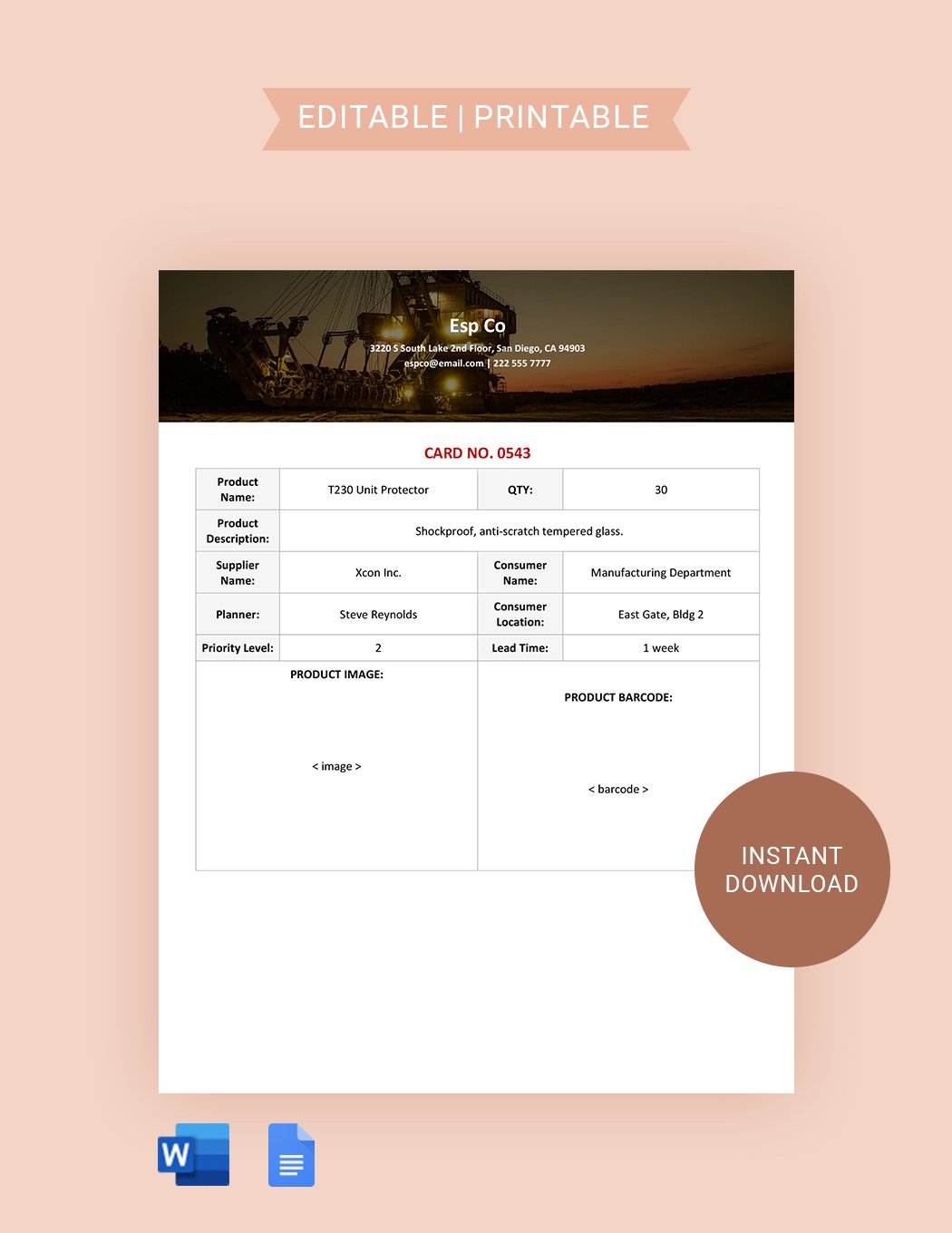
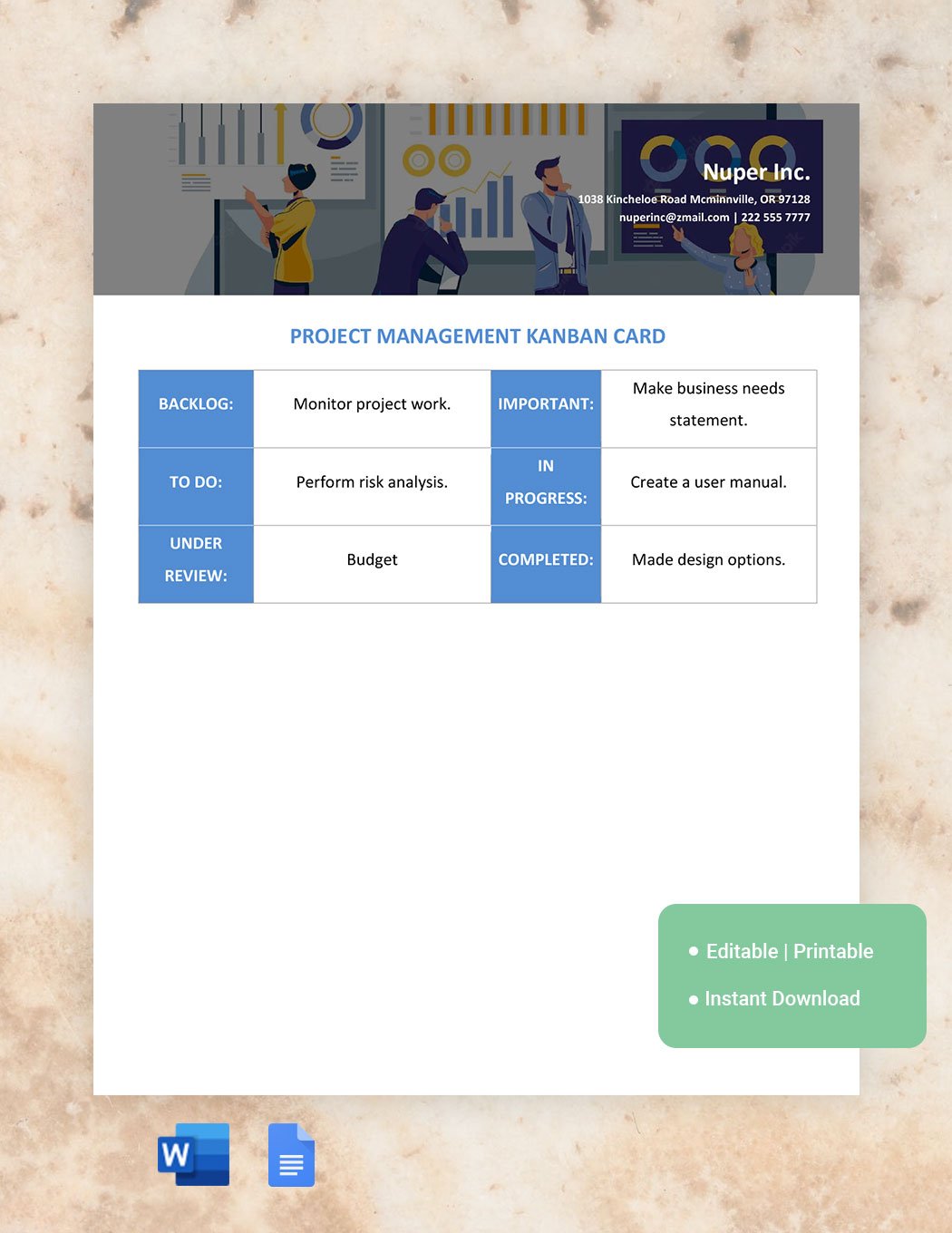
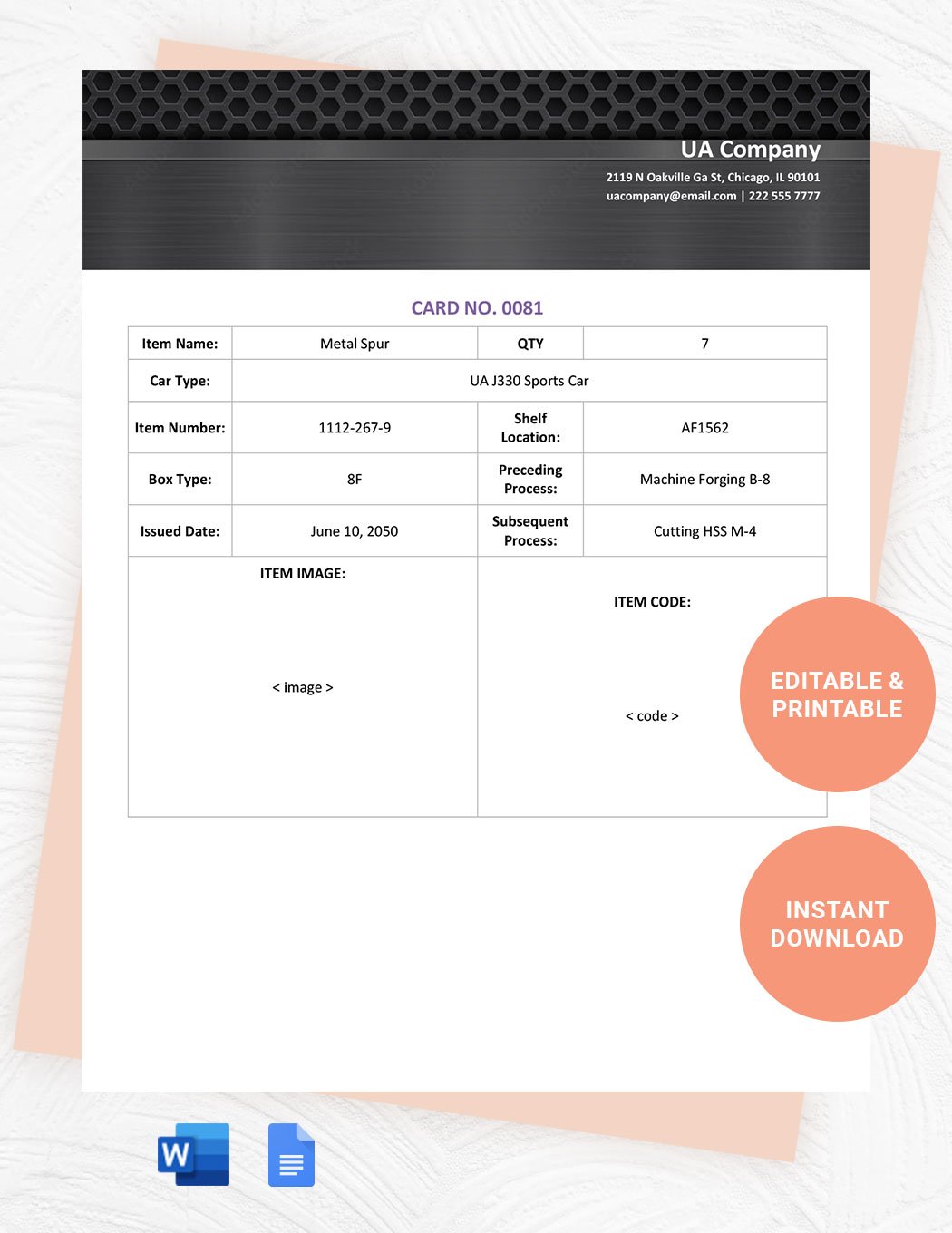
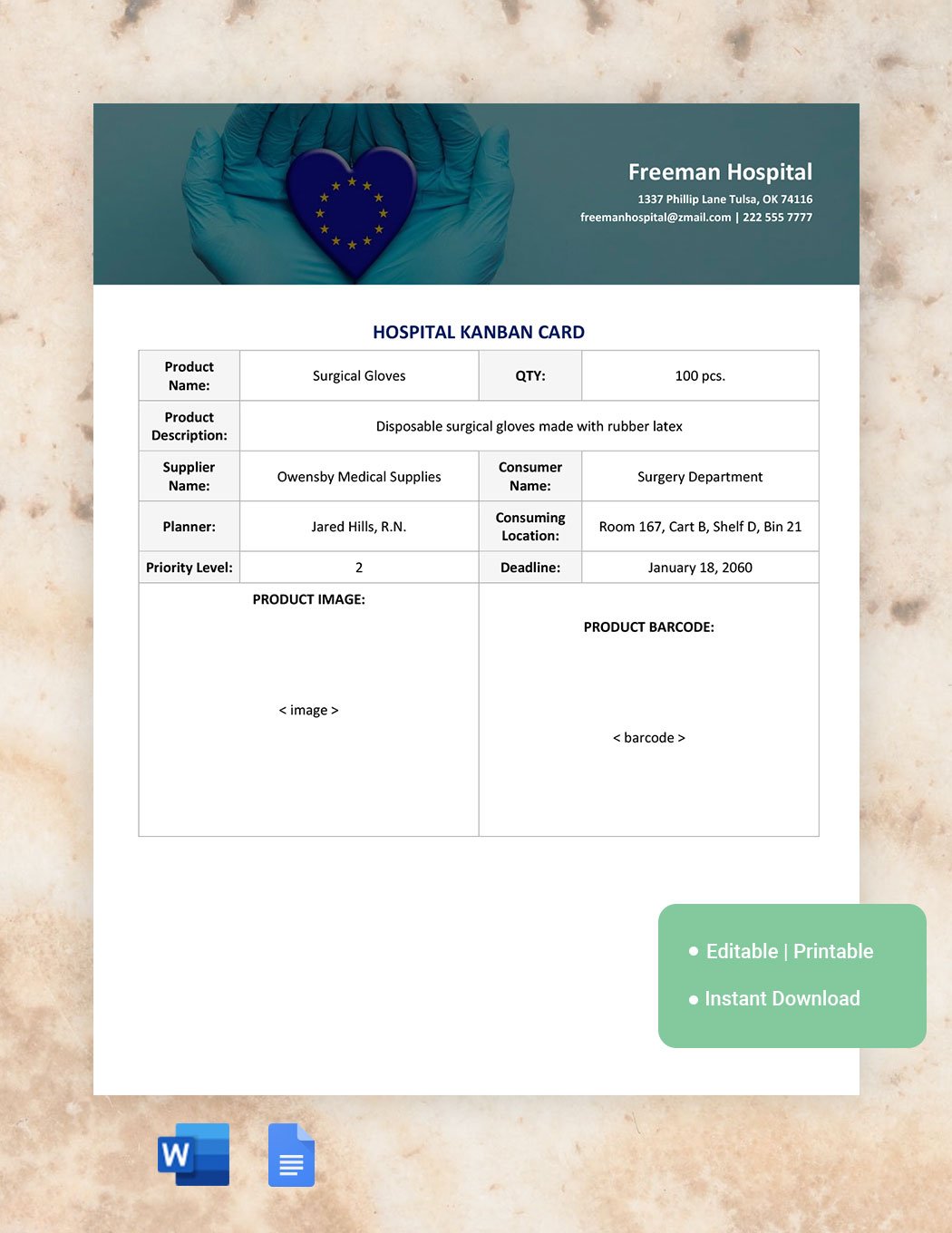
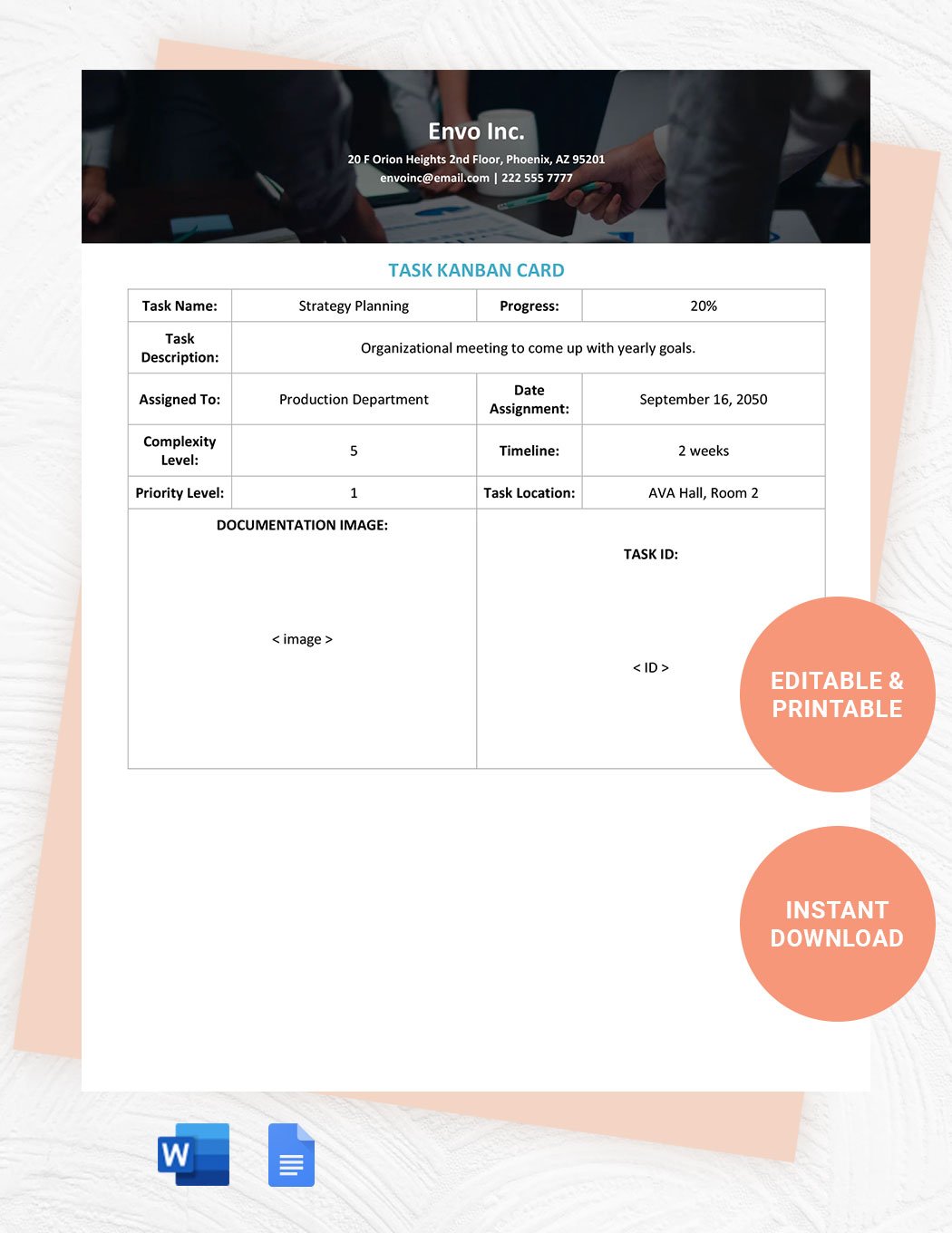
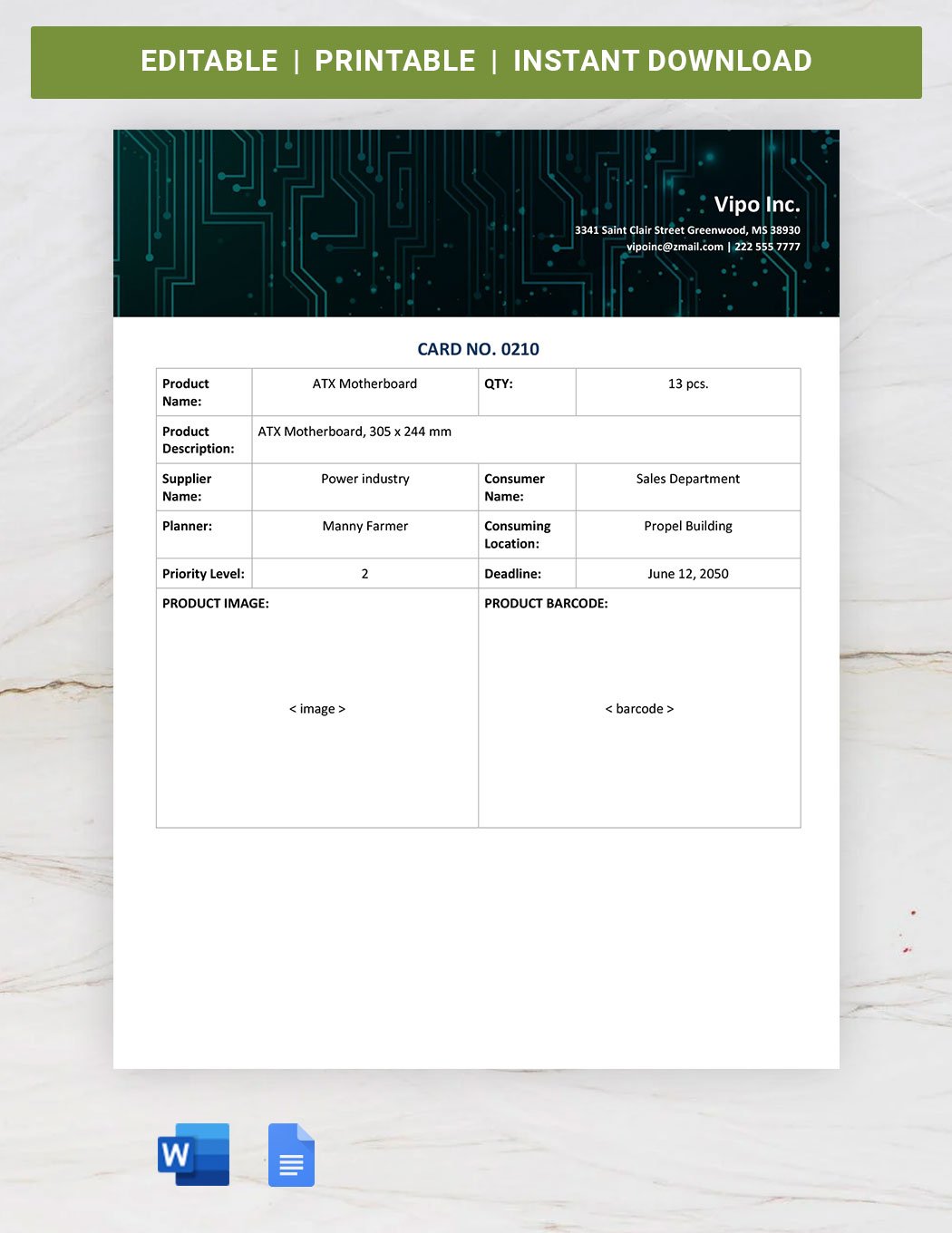
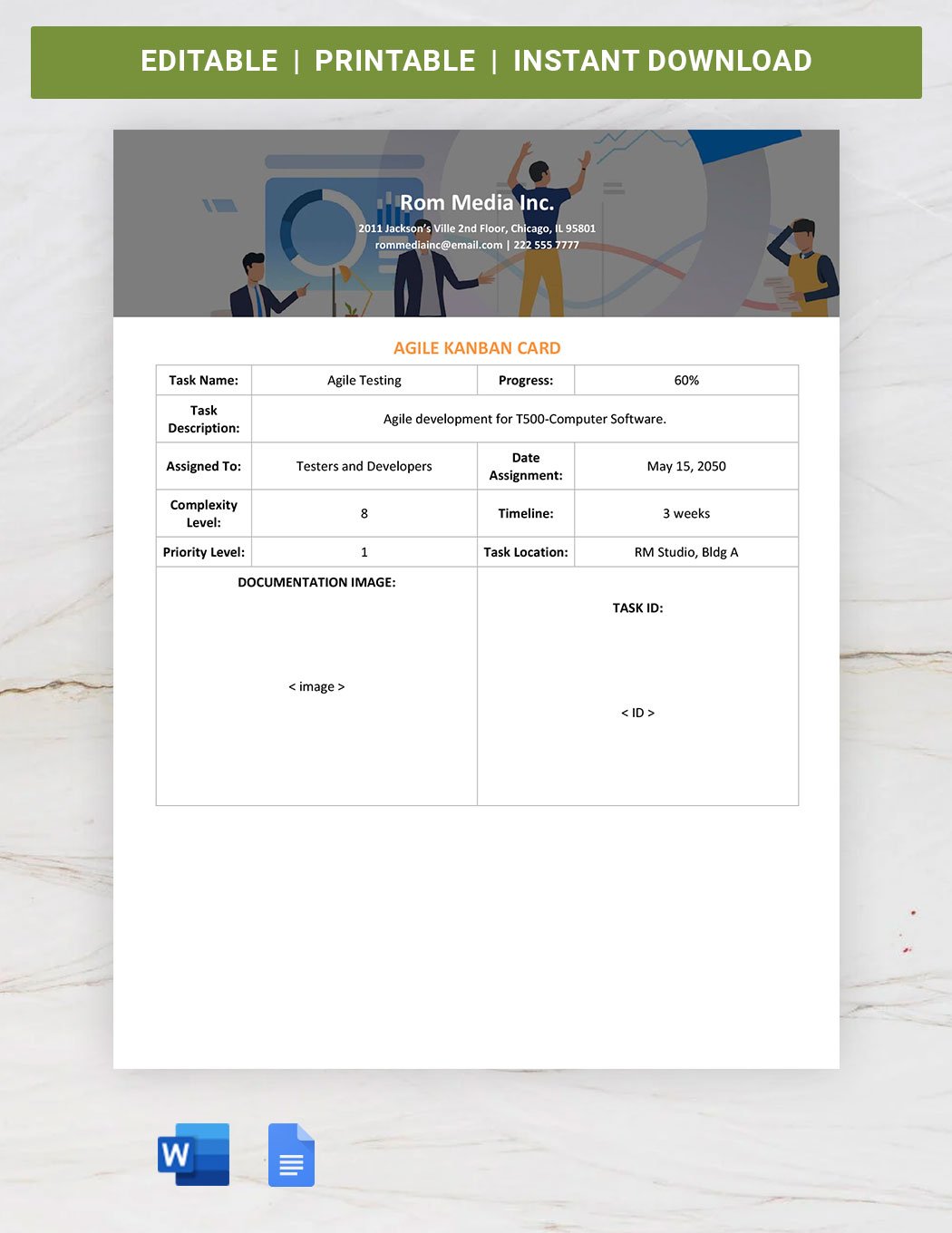
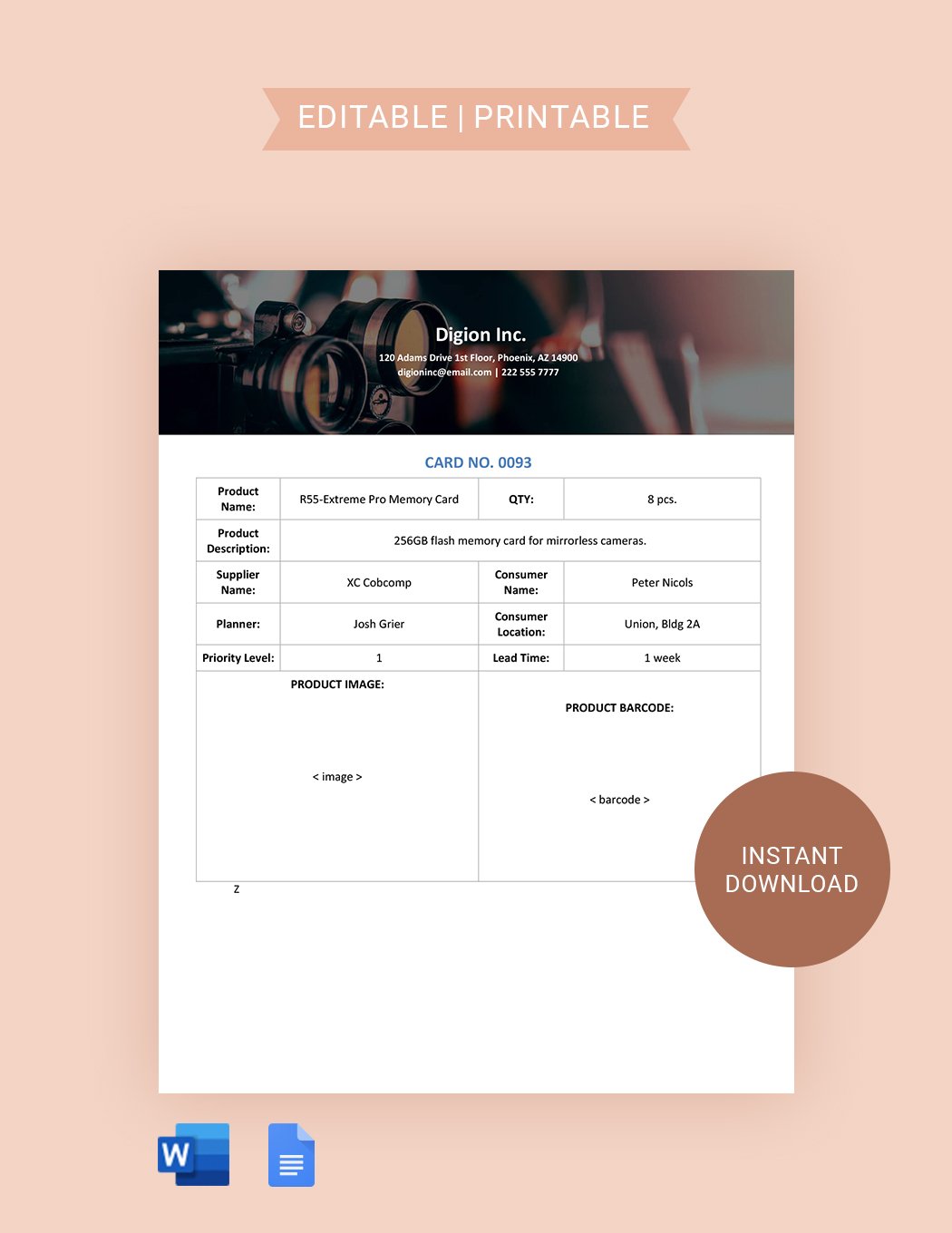
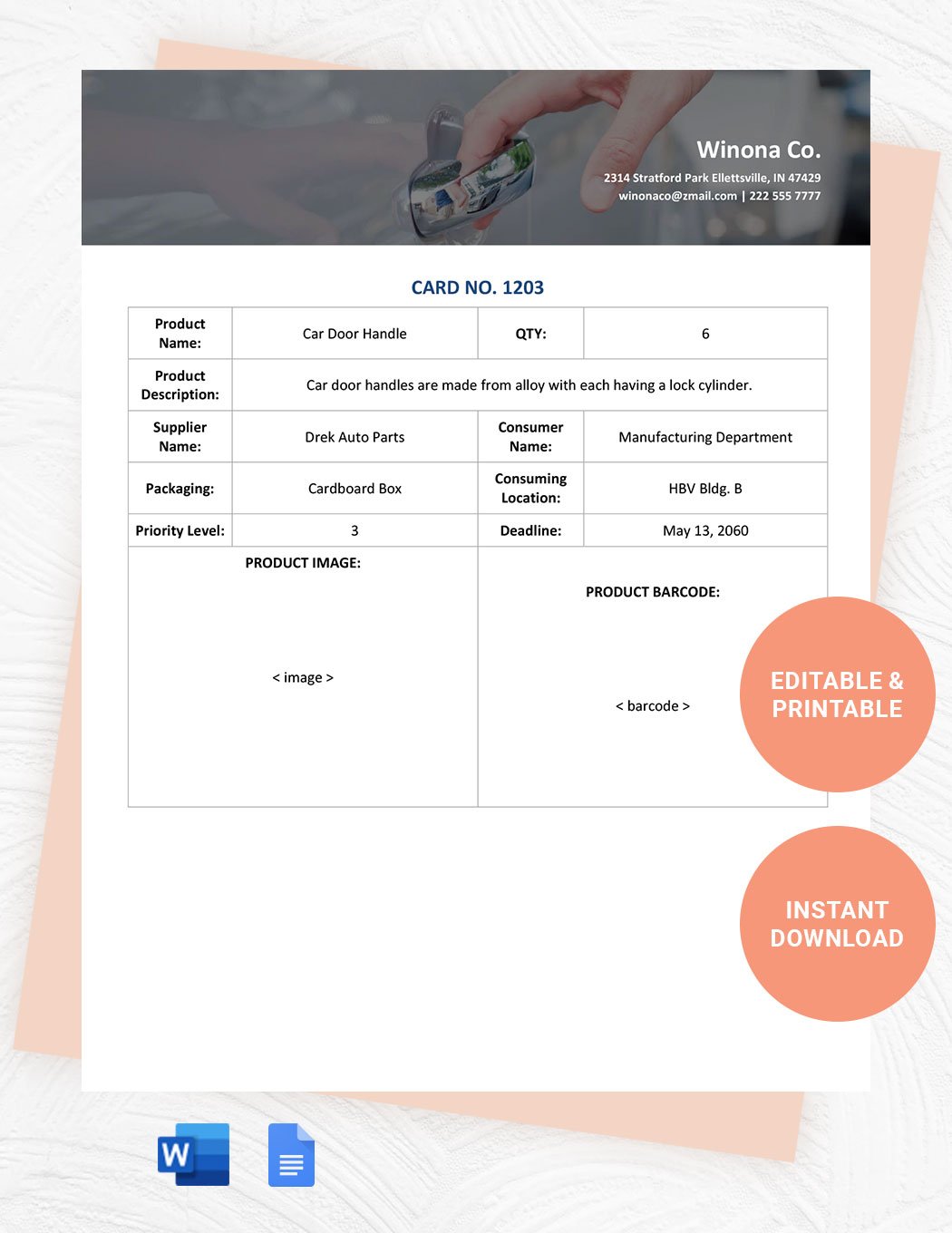
- Cards representing individual tasks.
- Work-in-progress limits to control active tasks.
- Visual indicators like colors or tags for priority or status.
- Clear task descriptions to ensure understanding.
How is Kanban used in professional workflows?
Kanban is used in professional workflows to provide real-time visibility of project status, improve task prioritization, and facilitate team communication. It supports continuous delivery by managing tasks from inception to completion efficiently.
What are common use cases for Kanban templates?
Kanban templates are commonly used for:
- Project management to track progress and deadlines.
- Software development for agile task organization.
- Marketing campaigns to plan and execute deliverables.
- Personal productivity to manage daily tasks.
- Team collaboration to improve transparency and accountability.
