
Free Maroon Templates

















Maroon Templates: Design Guide, Sizes, and Download Formats
What is a Maroon template?
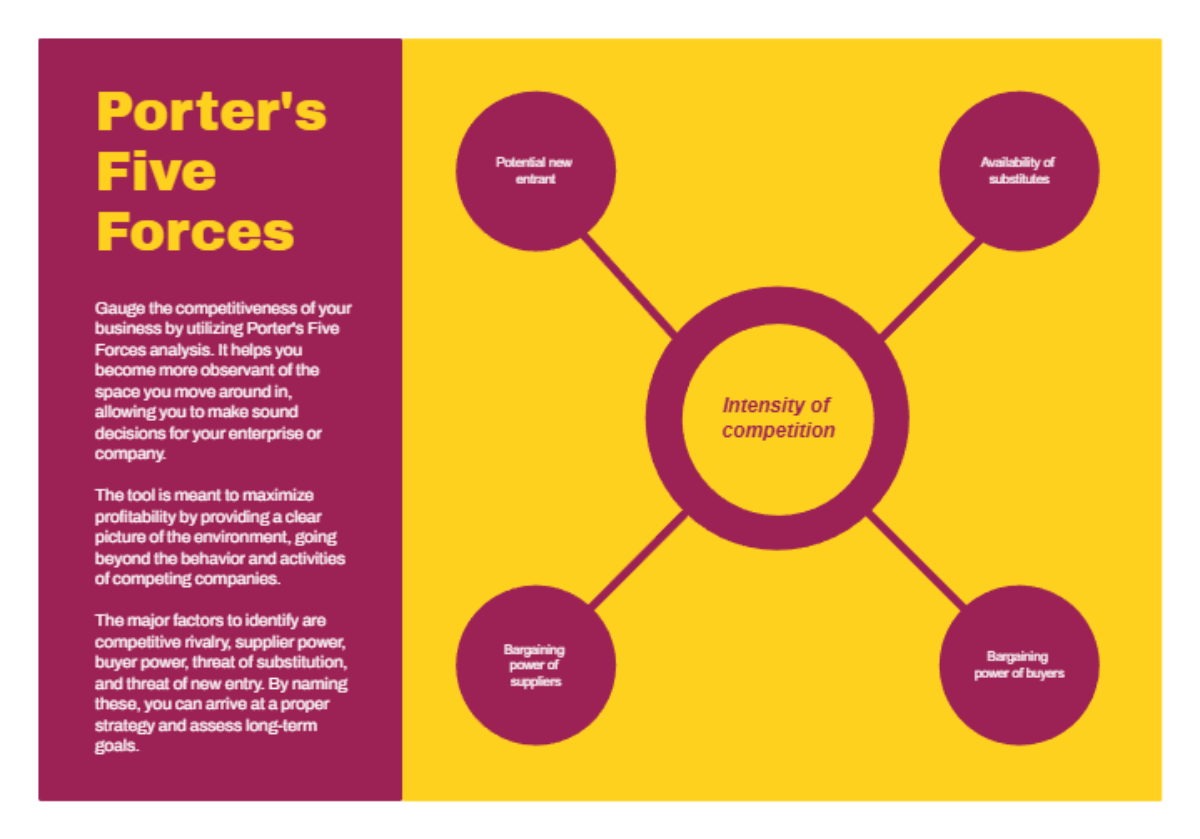
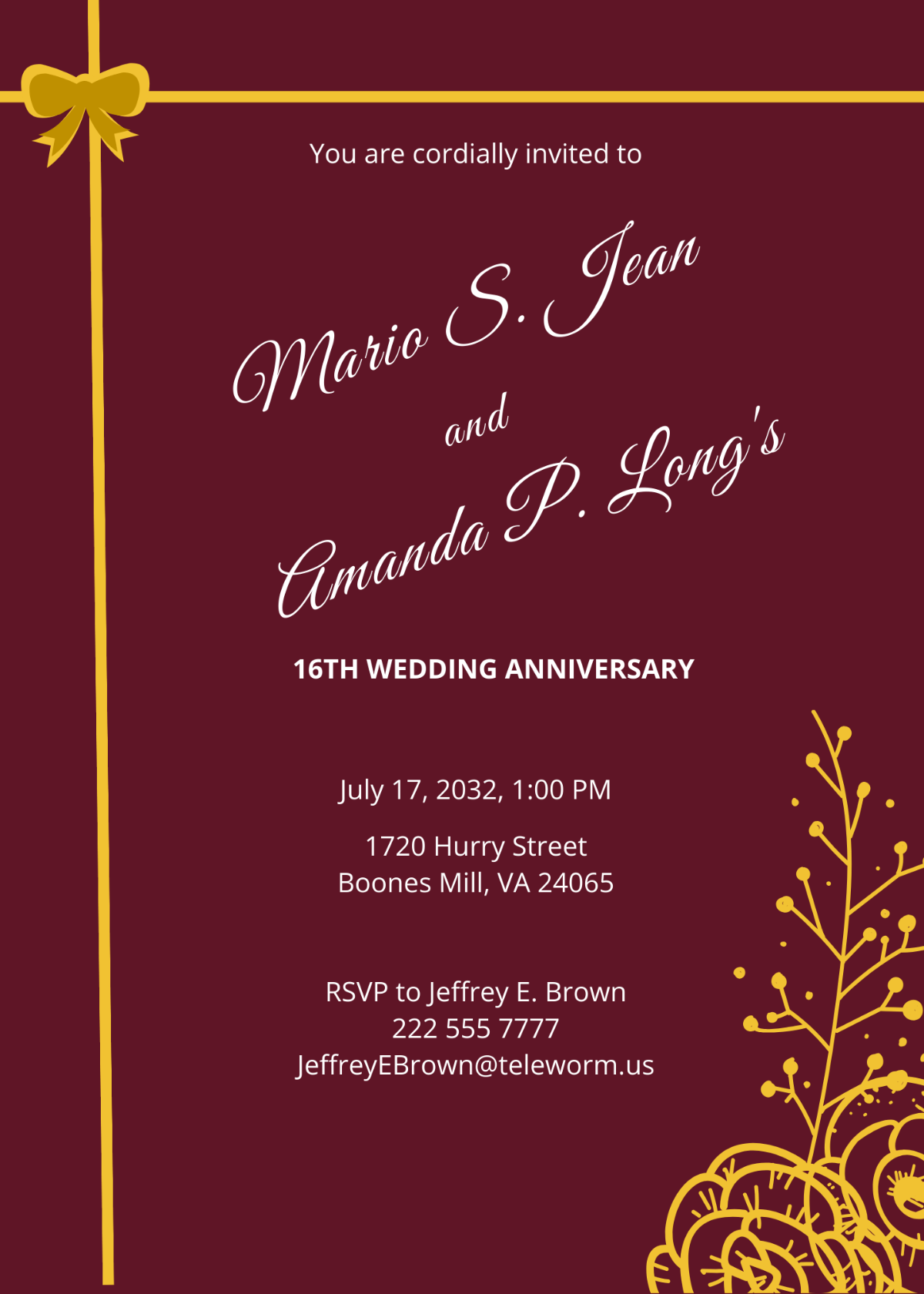
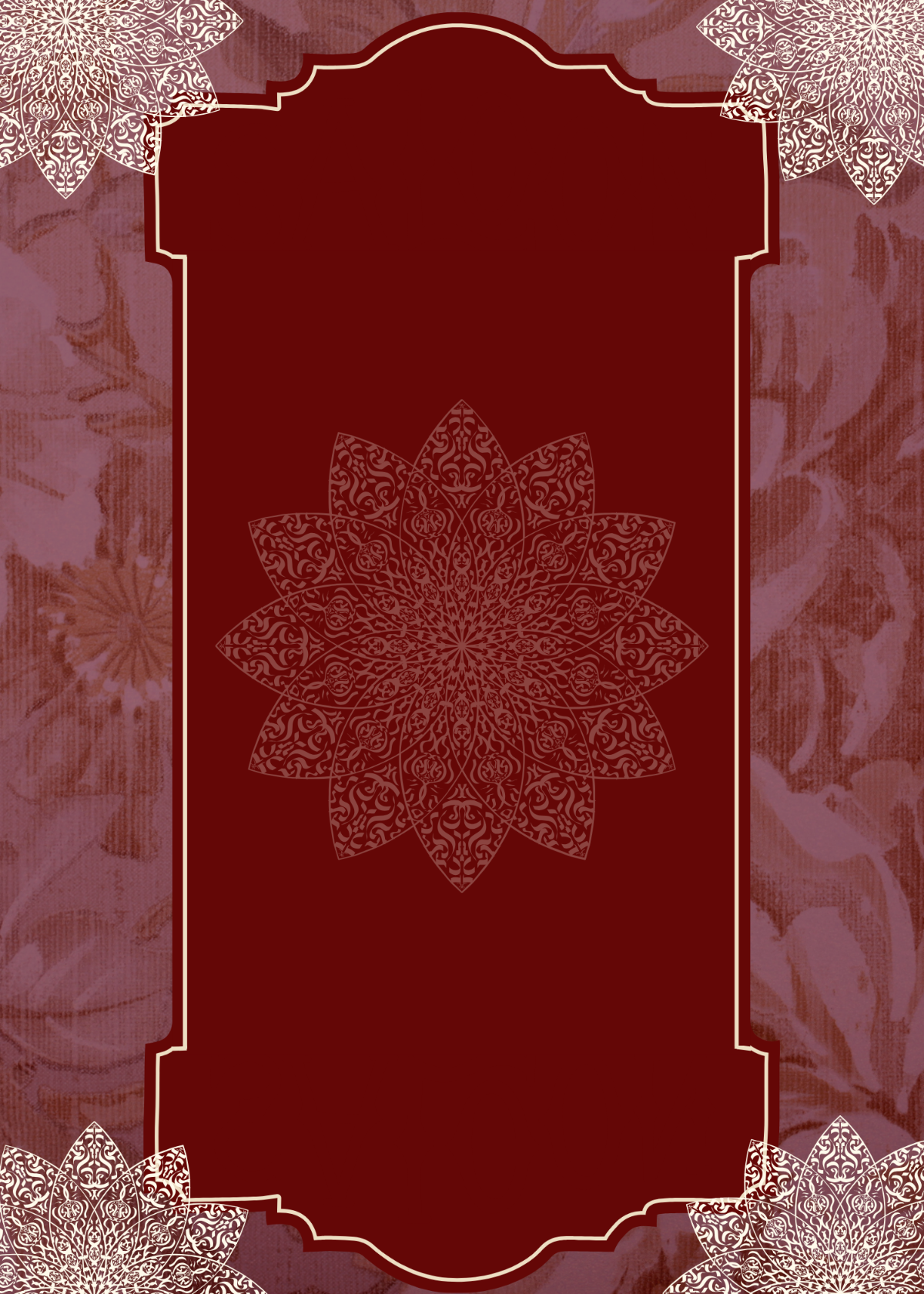
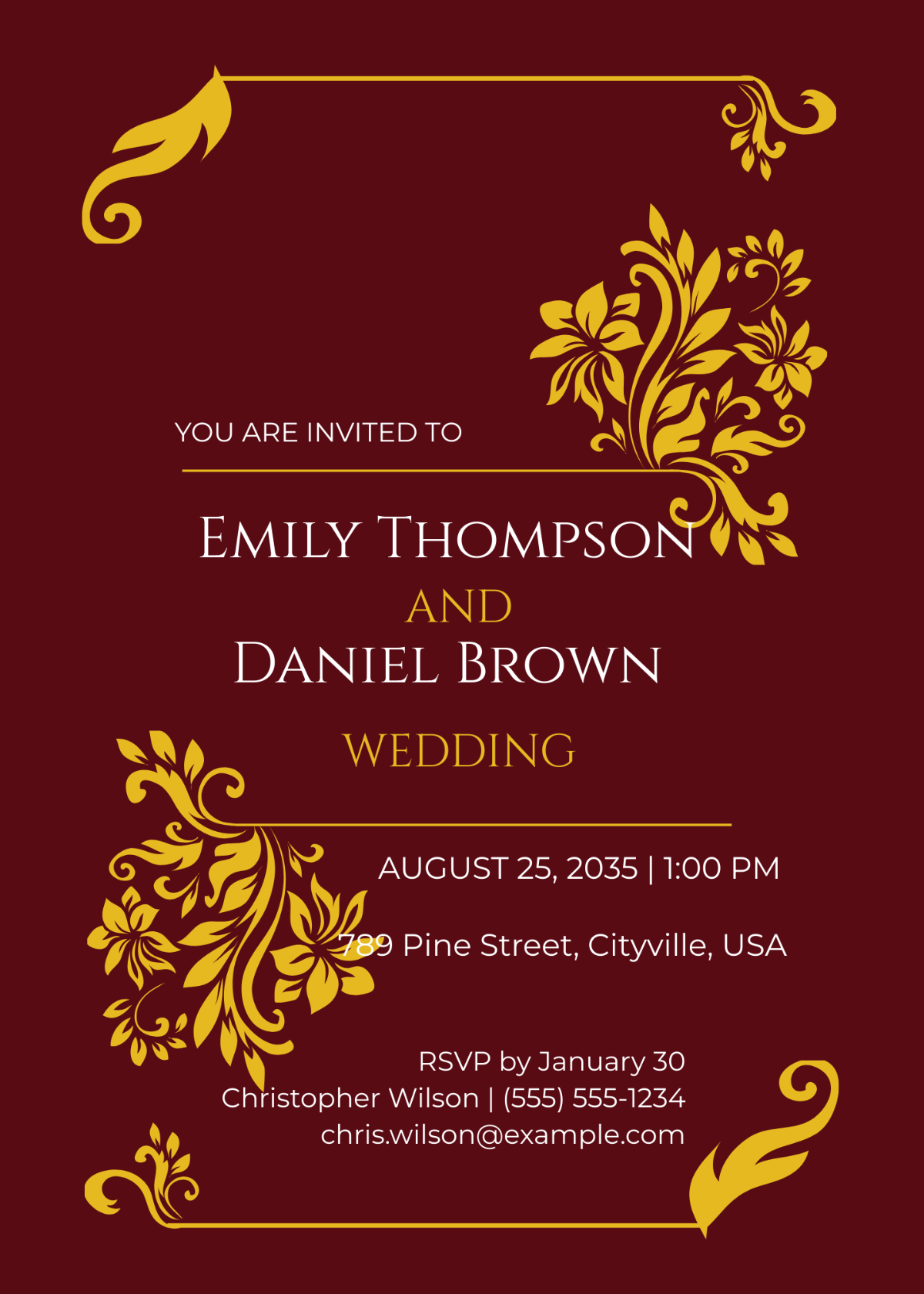
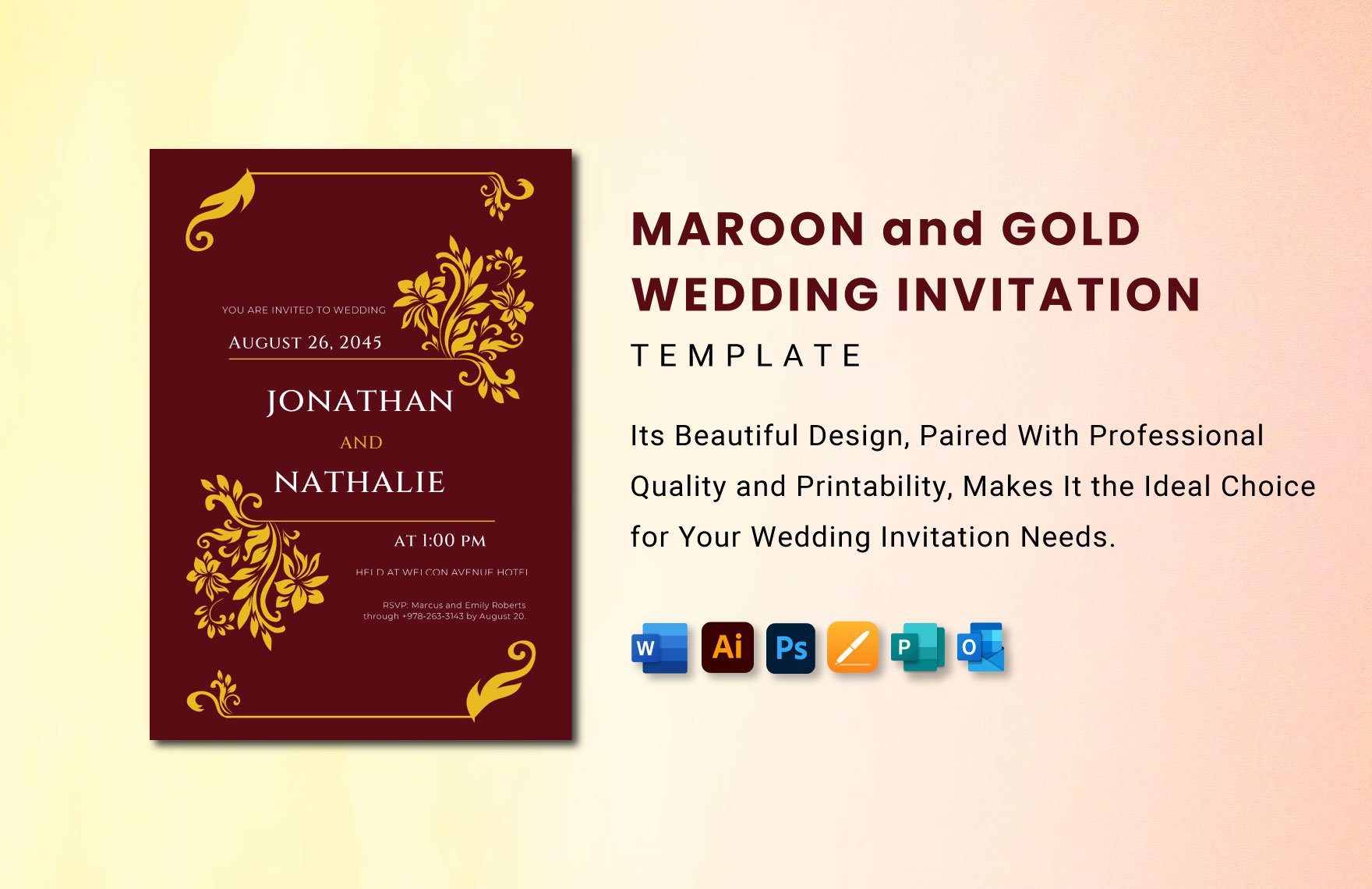
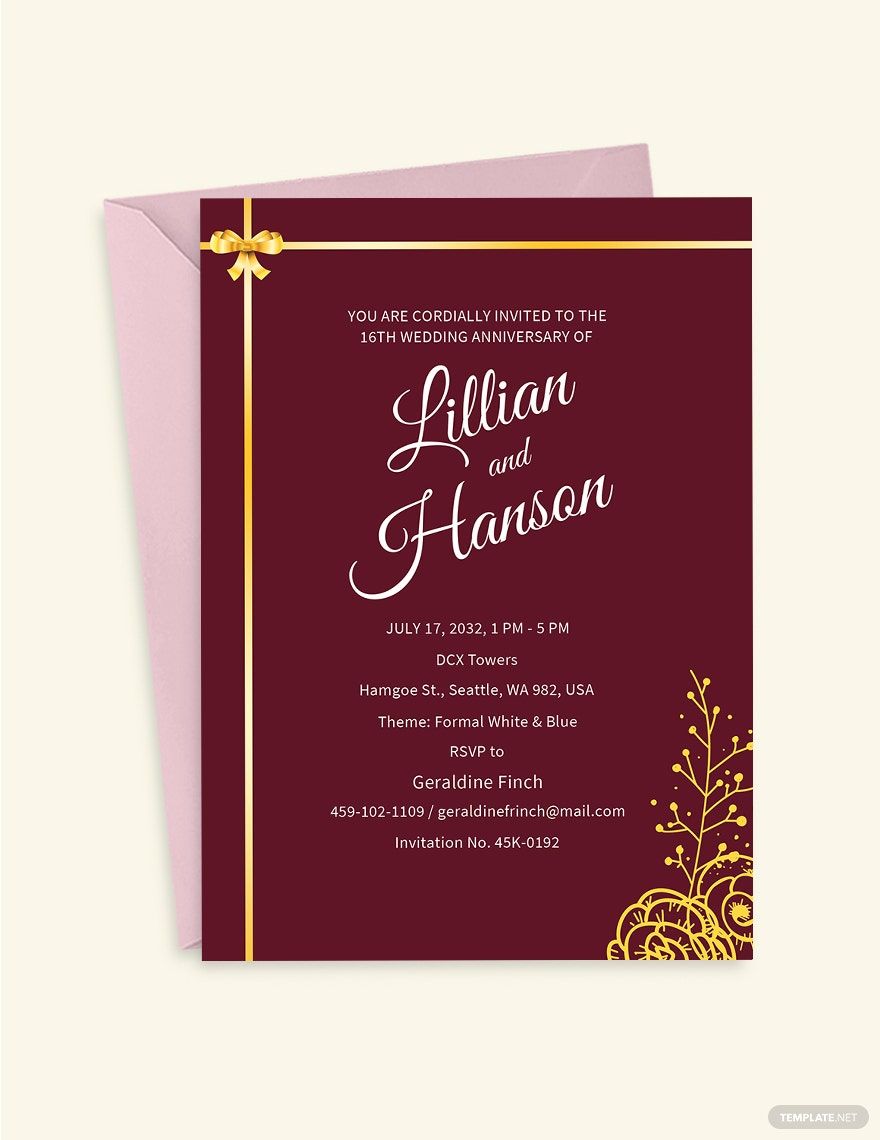
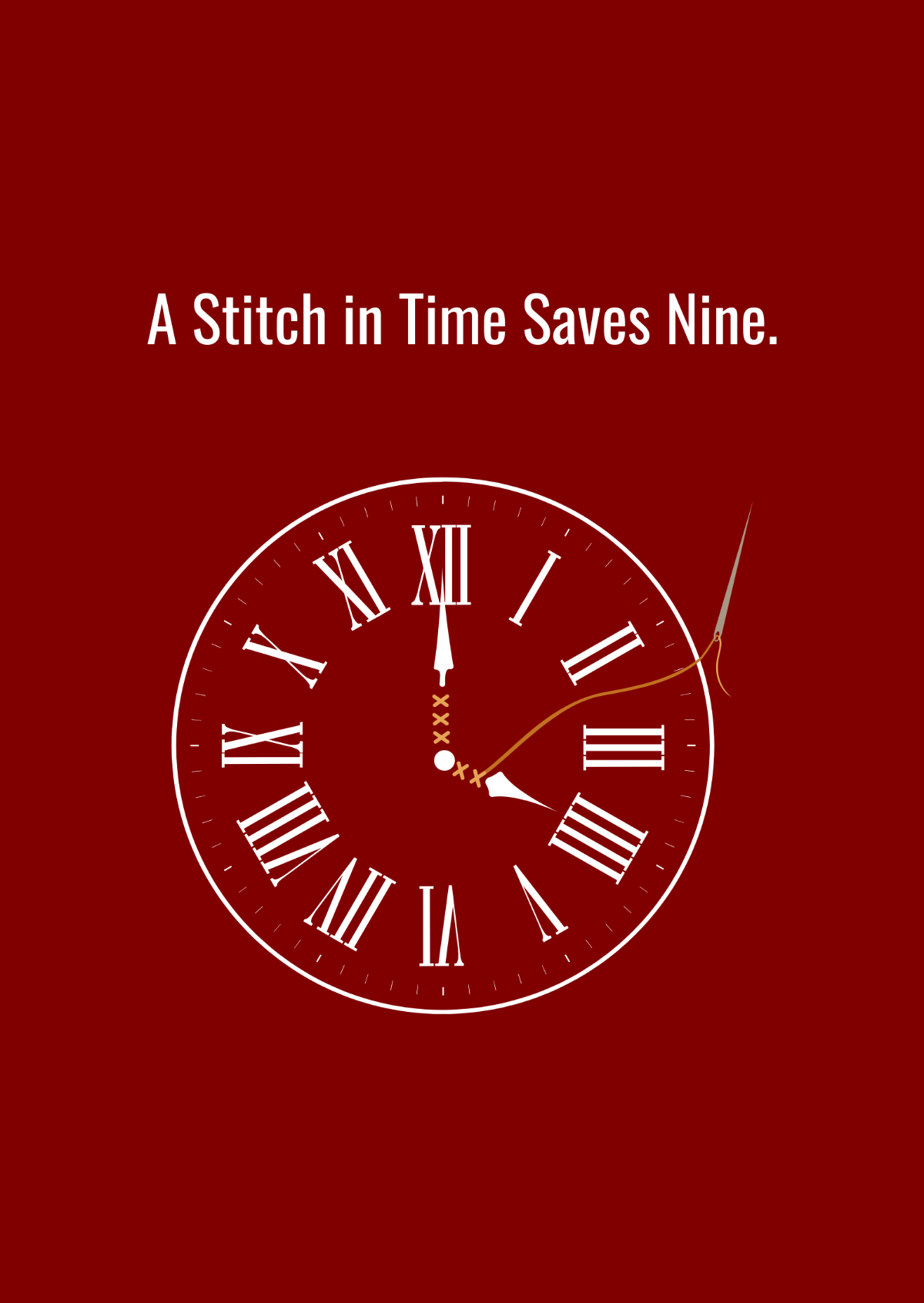
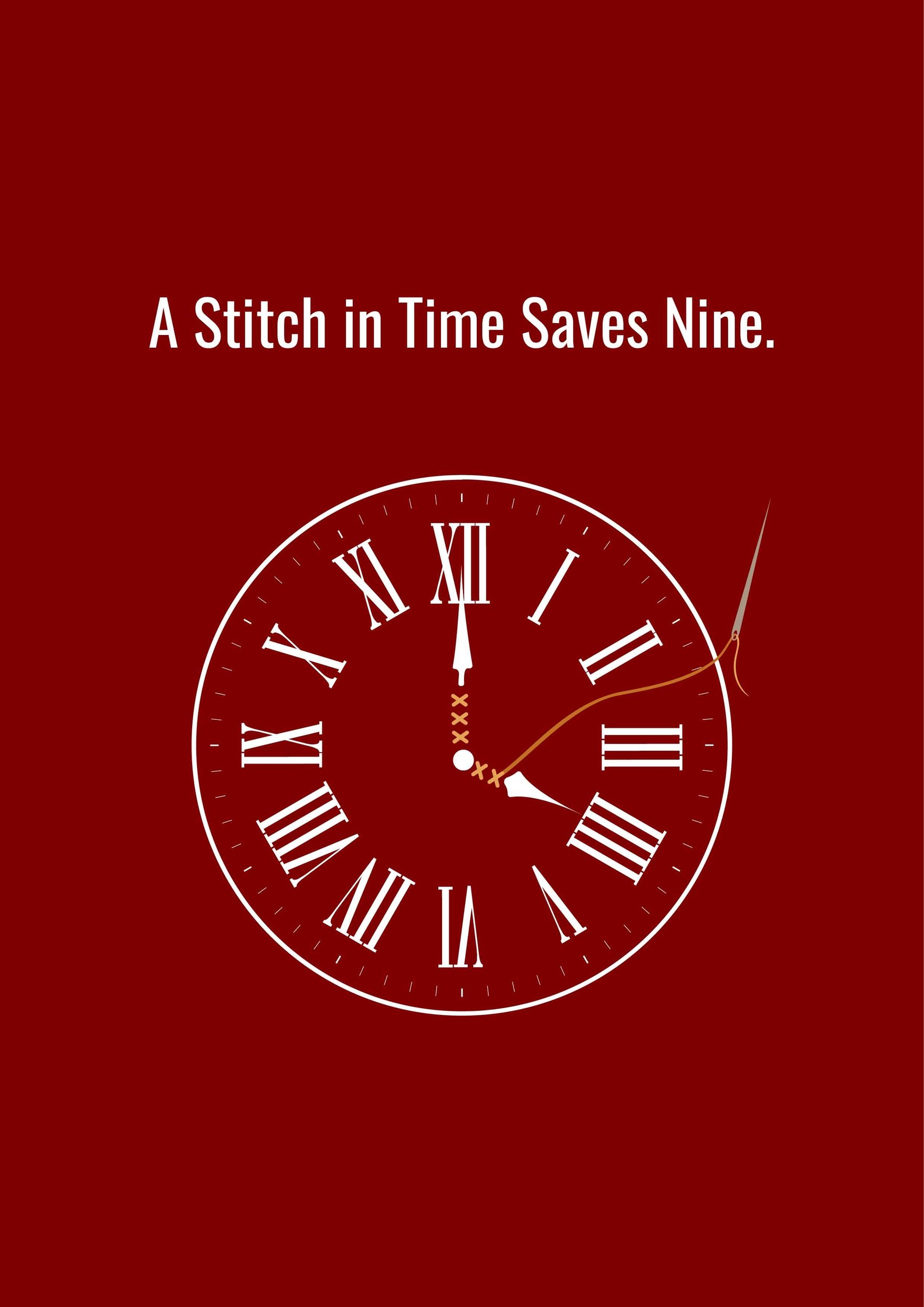
A Maroon template is a pre-designed layout that incorporates a rich maroon color scheme and related visual elements, crafted for various uses like invitations, flyers, or presentations. These templates feature editable text areas, professional layout blocks, and layered design customization to ensure versatility.
Who typically uses Maroon templates?
Maroon templates are commonly used by marketers, event planners, small business owners, and graphic designers seeking a bold and elegant color theme. These users appreciate ready-made professional layouts that allow quick in-browser editing and customization for diverse projects.
When should I use Maroon templates?
You should use Maroon templates when you want to convey a sophisticated, warm, or luxurious tone in your design projects. These templates are ideal for branding materials, formal invitations, and marketing collateral that benefit from a deep, rich color palette and structured layout blocks.
What are some design tips for Maroon templates?
Effective Maroon templates combine the deep maroon color with complementary tones like gold, cream, or beige. Use strong headlines, high-quality images, and maintain clear visual hierarchy through layered design elements to enhance readability and aesthetic appeal.
What size options are common for Maroon templates?
Maroon templates come in popular sizes such as 4 × 6 inches for postcards, 5 × 7 inches for invitations, and 8.5 × 11 inches for flyers or brochures. These standard dimensions ensure compatibility with common printing formats and maintain professional layout proportions.
What key elements make up a Maroon template?
Key elements of a Maroon template include editable text areas, layered graphics that allow customization, a cohesive color palette centered on maroon shades, and clear layout blocks for organizing content effectively.
How can I print Maroon templates effectively?
To print Maroon templates effectively, use high-quality paper that enhances the rich maroon tones and ensure colors are set to CMYK mode for accurate printing. Utilize the downloadable file formats that support professional print output and maintain design integrity.
What file formats can I download for a Maroon template?
Template.net supports multiple export formats for Maroon templates, including Illustrator. These formats allow layered editing and are optimized for both printing and digital use, ensuring professional results.
Can I create a new Maroon template using AI?
Template.net provides an AI-powered tool capable of generating new Maroon template designs from user prompts. This allows for quick creation of customized designs with professional layouts and editable elements. Explore more at Template.net.
