


![How to Add a Signature in Microsoft Forms [Templates + Examples] 2026](https://images.template.net/wp-content/uploads/2022/07/How-to-Add-a-Signature-in-Microsoft-Forms-Templates-Examples-2023-788x443.jpg)
How to Add a Signature in Microsoft Forms [Templates + Examples] 2026
Signatures found in documents establish who you are as an individual or as an organization. Aside from the fact that…
Dec 22, 2025


Sep 02, 2025
Microsoft Forms is not only accessible on web browsers but on mobile devices as well. Users who are limited to mobile devices don’t have to worry as they can create forms using their phones.
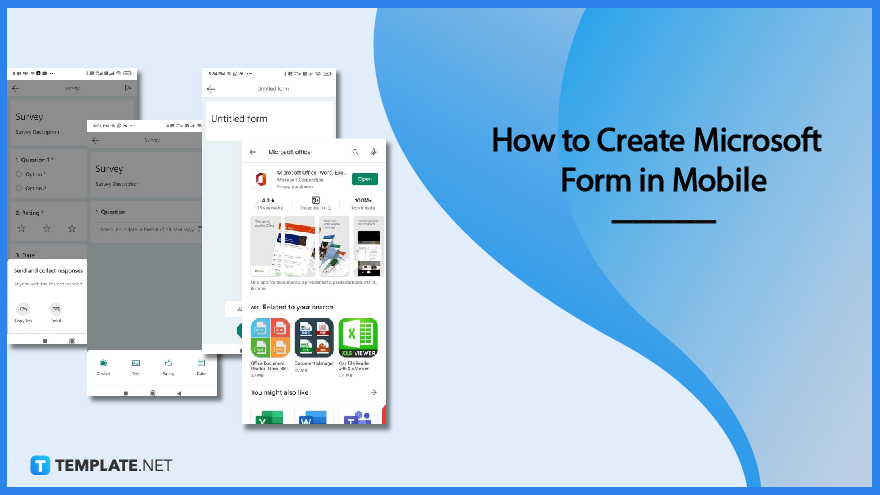
Forms made while on mobile devices will have certain limitations and differences when making them on a web browser. But the important thing is content which is still able to be shown well even when made through a phone.
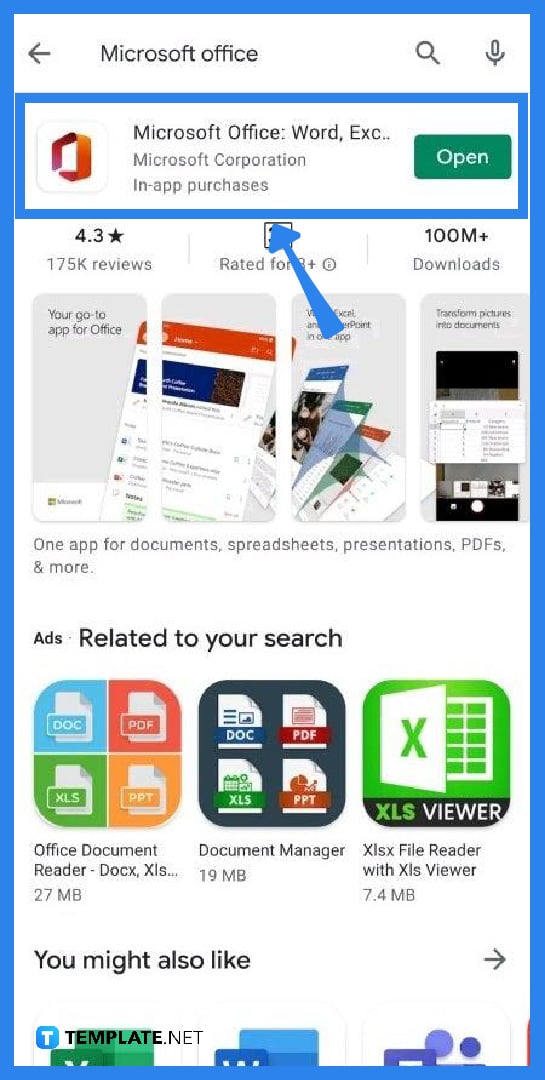
Go to the Play Store or App Store and search for Microsoft Office. Select the office app and install it if it is not yet installed. Log in using your Microsoft account after installing the program. When you launch the application, you will be met by a list of Microsoft’s available tools.
At the bottom right of the mobile screen, select ‘Actions.’ It will display further options such as scan pdf, convert pdf to word, and so on. Scroll down and locate the Microsoft Forms symbol or icon.
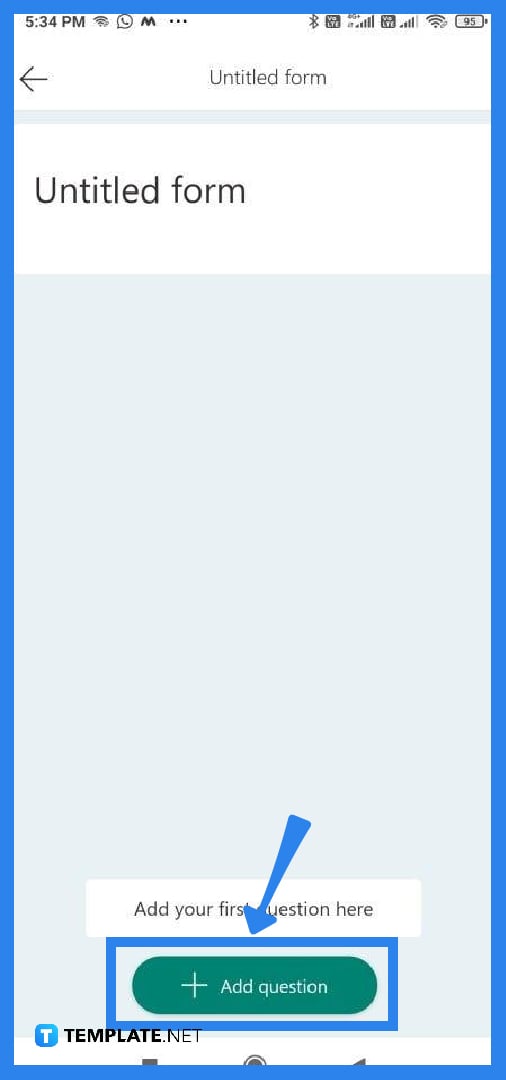
After locating the MS Forms logo, clicking ‘Create a Form’ will display an Untitled Form with an ‘Add Questions’ option. This is the equivalent of a blank form in the web browser. When you click on Untitled Form, you will be able to provide the form title and description. Enter the title and description, then click the check mark at the top to save the information.
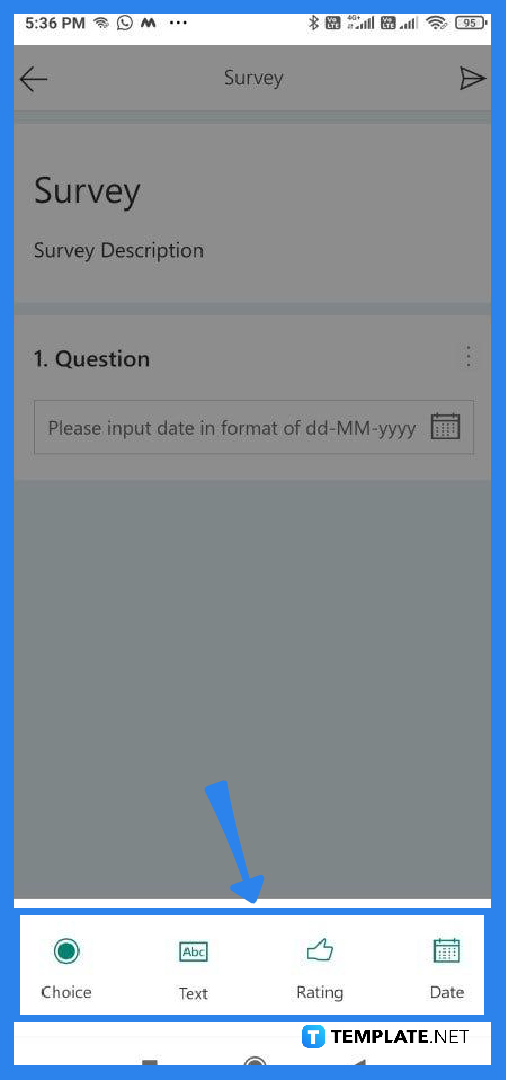
Select the “Add Question” option. It will present you with many alternatives or types of questions that you may include in the form depending on which fits your form the best. Repeat this step until you have a satisfactory number of questions that fit into the intended use of your form
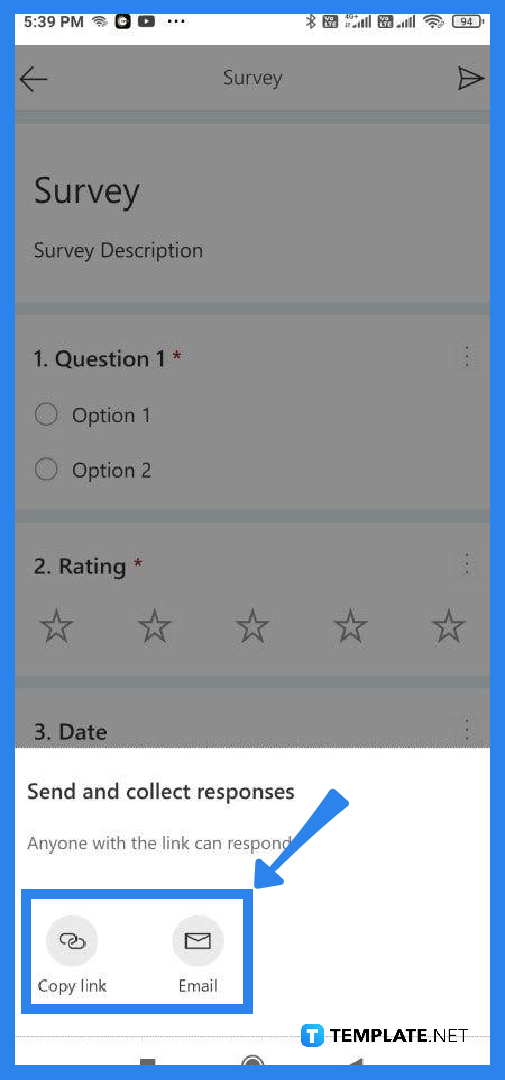
You must click on the arrow to submit the survey to individuals. This will offer you the option of copying the form link or emailing it to other users or respondents. Select an option and send the form to receive responses or answers from others.
Yes, Microsoft Forms is available for Mac, Windows, Android, IOS, and most especially web browsers.
Respondents who have accessed the form are unable to go back to change or edit the answers they have submitted.
To add more answer options, click the ‘Add’ button and place a checkmark next to the right answer or answers and click the ‘Correct Answer’ button.
Microsoft Forms does not have an independent mobile application; however, you may download the Microsoft Office App for Android or iOS, which allows you to administer Microsoft Forms from your mobile device.
With HTML, cHTML, or xHTML, you may design a browser-compatible form template for most mobile devices, including PDAs, smartphones, and any device that supports a web browser.

Signatures found in documents establish who you are as an individual or as an organization. Aside from the fact that…
![How To Make/Create a Newsletter in Microsoft Outlook [Templates + Examples] 2026](https://images.template.net/wp-content/uploads/2022/07/How-to-Start-a-Newsletter-with-Microsoft-Outlook-788x443.jpg)
Newsletters enable companies and organizations to communicate relevant and helpful information to their client, prospects, and subscribers. By giving you…
![How To Make/Create a Booklet in Microsoft Publisher [Templates + Examples] 2026](https://images.template.net/wp-content/uploads/2022/08/How-To-Make_Create-a-Booklet-in-Microsoft-Publisher-788x443.png)
Booklet templates are pre-designed layouts that make it easy to create a professional-looking booklet. They typically include placeholders for text…
![How To Make/Create a Booklet in Microsoft PowerPoint [Templates + Examples] 2026](https://images.template.net/wp-content/uploads/2022/07/How-To-Make-Create-a-Booklet-in-Microsoft-PowerPoint-788x443.jpg)
Booklets can be created in Microsoft PowerPoint, which offers a design feature that allows users to display them in PPT…
![How to Automatically Fill PDF Forms Using Microsoft Excel [Templates + Examples] 2026](https://images.template.net/wp-content/uploads/2022/07/How-to-Automatically-Fill-PDF-Forms-Using-Microsoft-Excel-788x444.png)
Automatically fill PDF forms using Microsoft Excel so you won’t have to save multiple PDF forms in an Excel spreadsheet…
![How to Make/Create a Floor Plan on Microsoft Excel [Templates + Examples] 2026](https://images.template.net/wp-content/uploads/2022/07/How-to-Make-a-Floor-Plan-on-Microsoft-Excel-788x443.jpg)
Floor plans either make or break projects related to engineering and architecture. That being said, every apartment room, bedroom, living…
![How to Make/Create a Grid in Microsoft Word [Templates + Examples] 2026](https://images.template.net/wp-content/uploads/2022/07/How-to-Make_Create-a-Grid-in-Microsoft-Word-788x444.jpg)
Grids consist of a network of lines that work as graphic cues while formatting your document in Microsoft Office. If…
![How to Add More Highlight Colors to Microsoft Word [Templates + Examples] 2026](https://images.template.net/wp-content/uploads/2022/07/How-to-Add-More-Highlight-Colors-to-Microsoft-Word-Templates-Examples-2023-788x443.jpg)
Add more highlight colors to Microsoft Word so you won’t have to settle with the default shading color in marking…
![How to Make/Create a Border in Microsoft Publisher [Templates + Examples] 2026](https://images.template.net/wp-content/uploads/2022/08/How-to-MakeCreate-a-Border-in-Microsoft-Publisher-788x444.png)
Borders are graphic design elements that make a document more pleasing and stylish to look at. This can be used…