Free Out of Office Message Editable Templates: Definition, Uses, and Online Customization

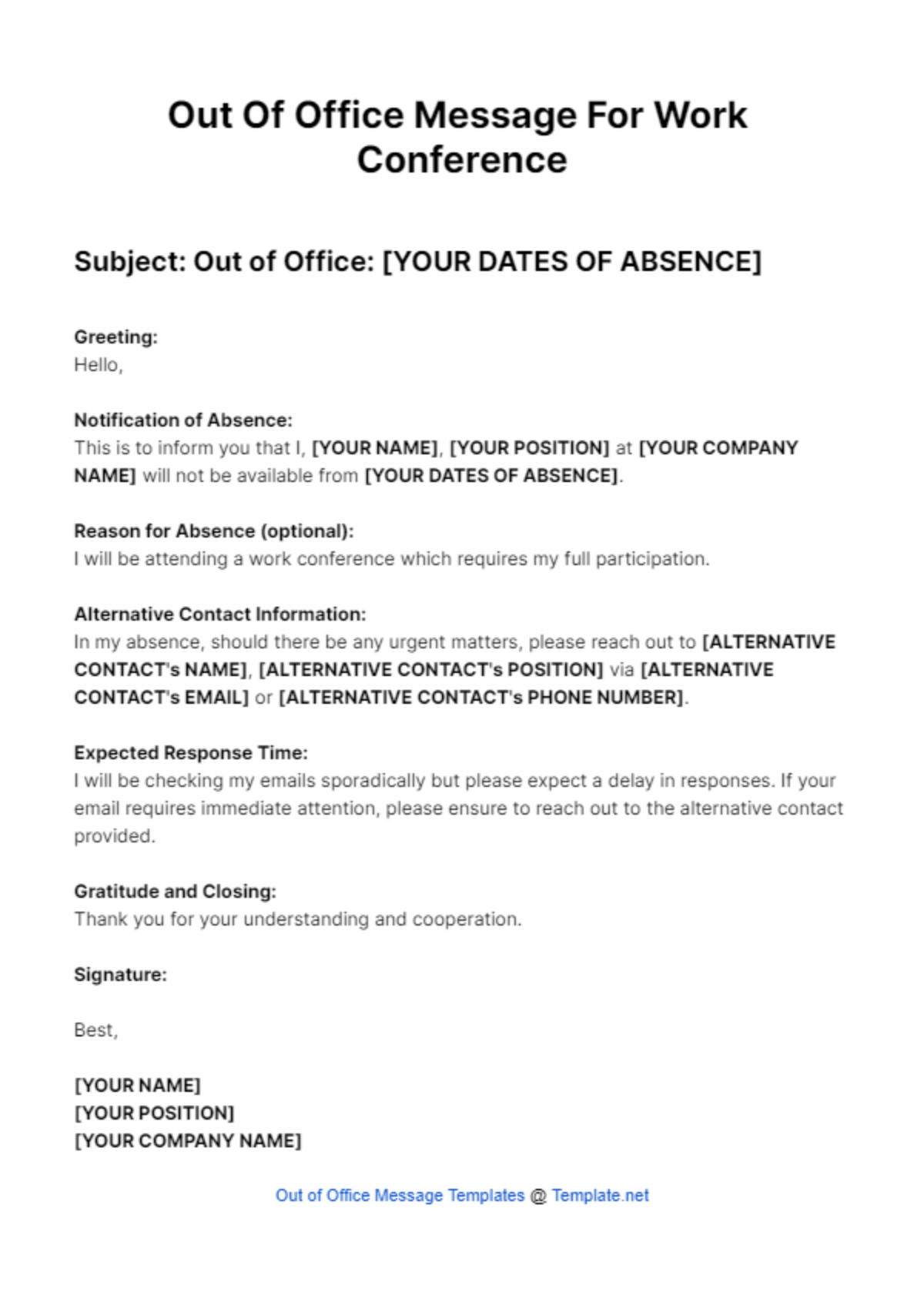
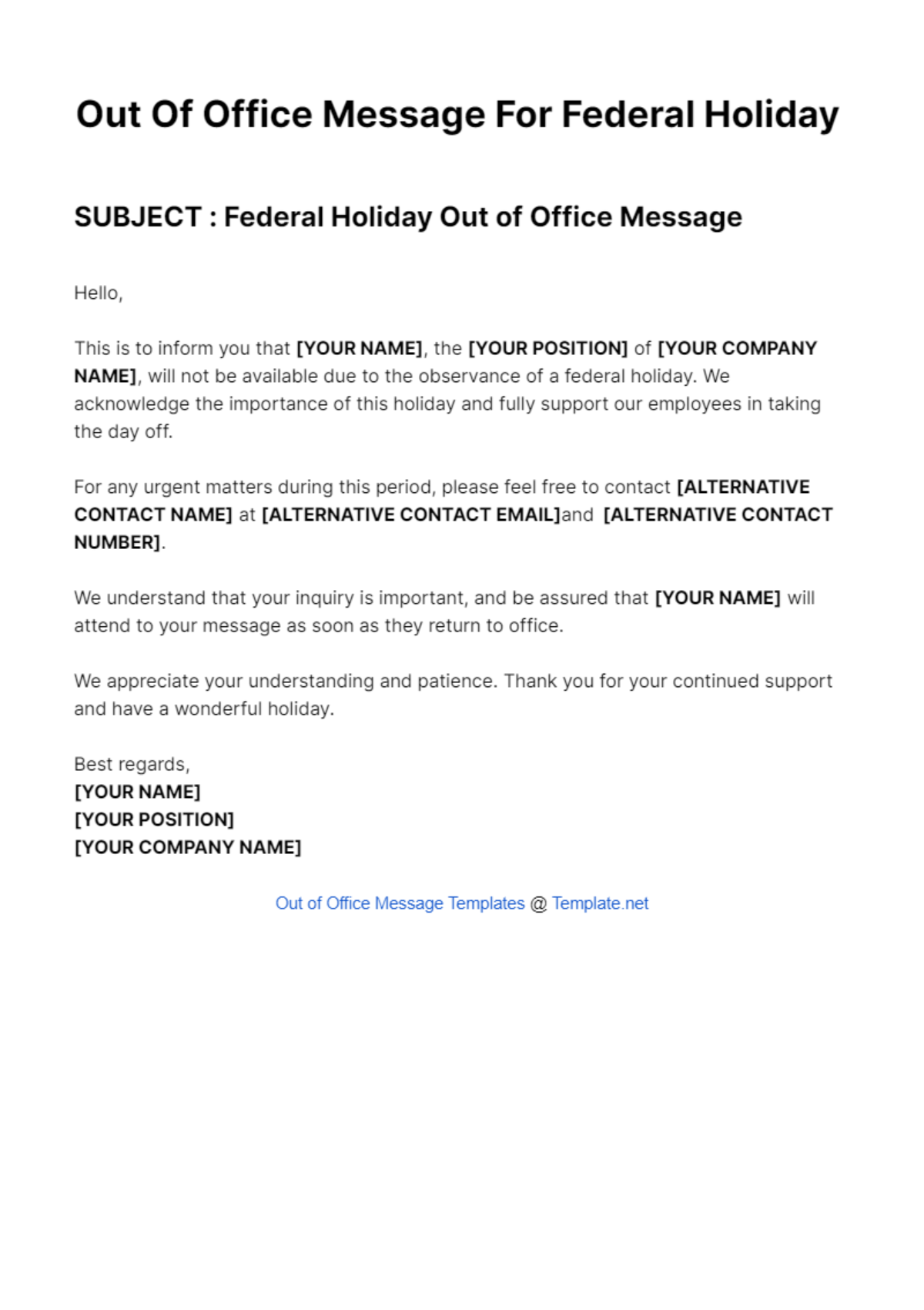
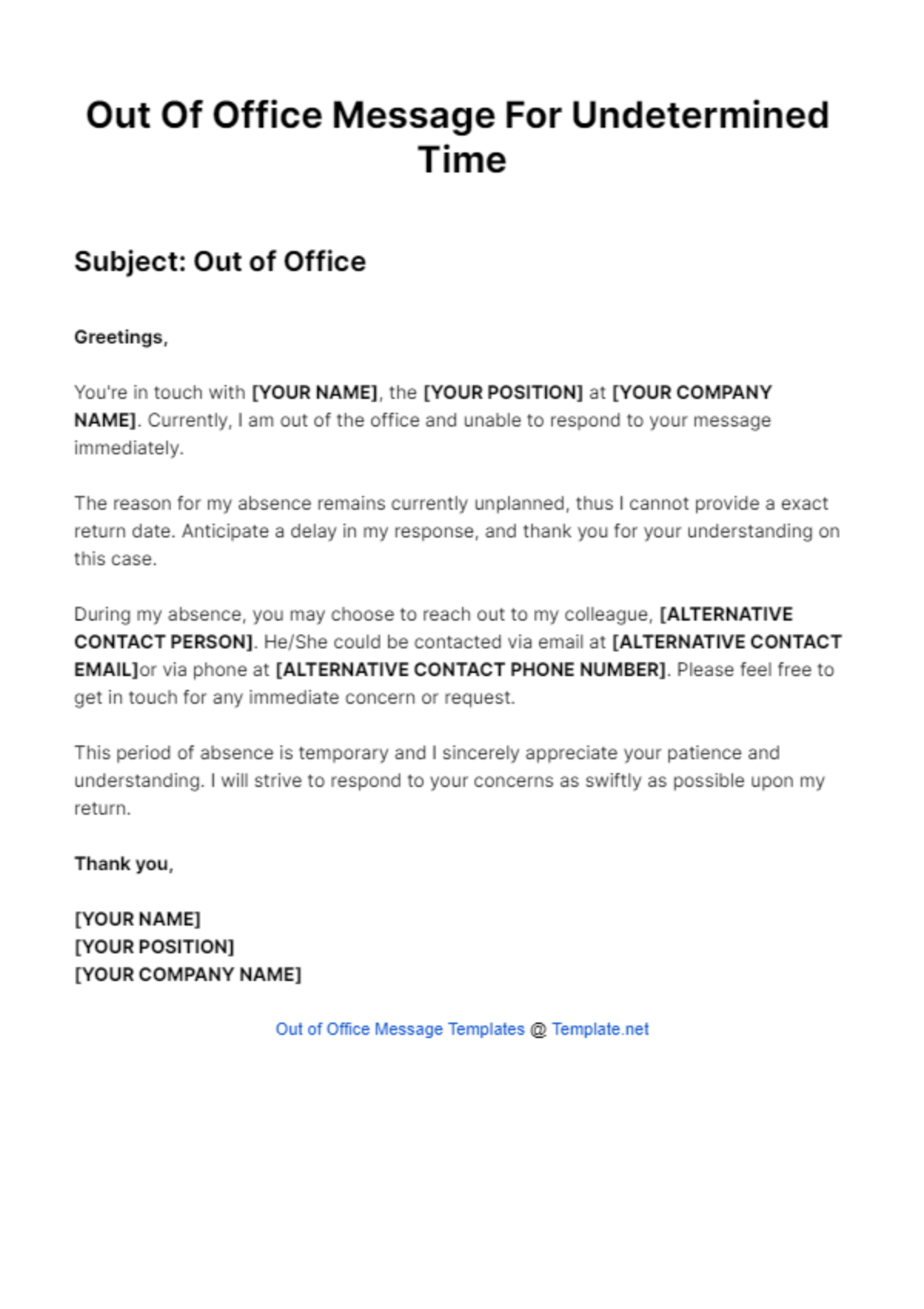
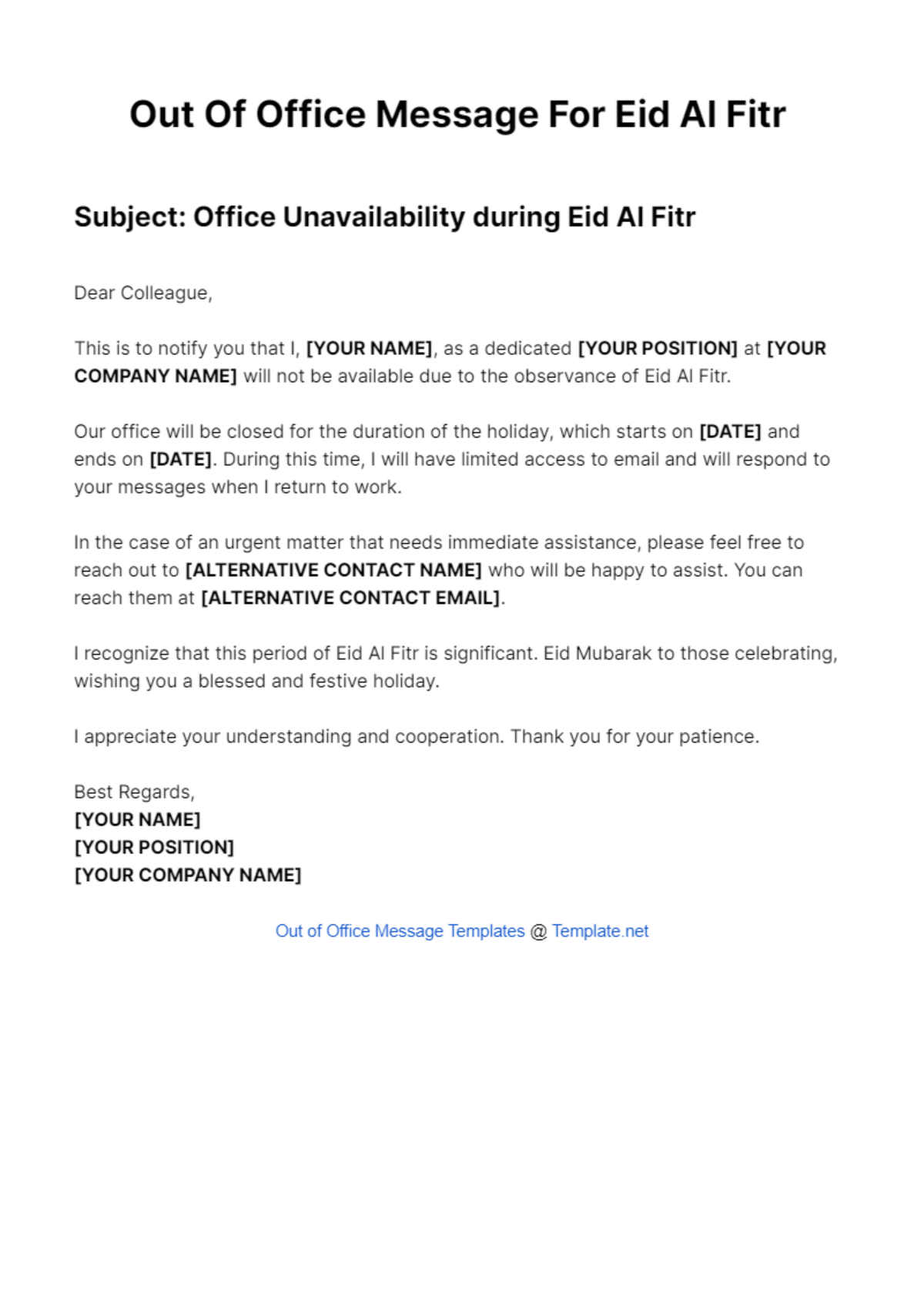
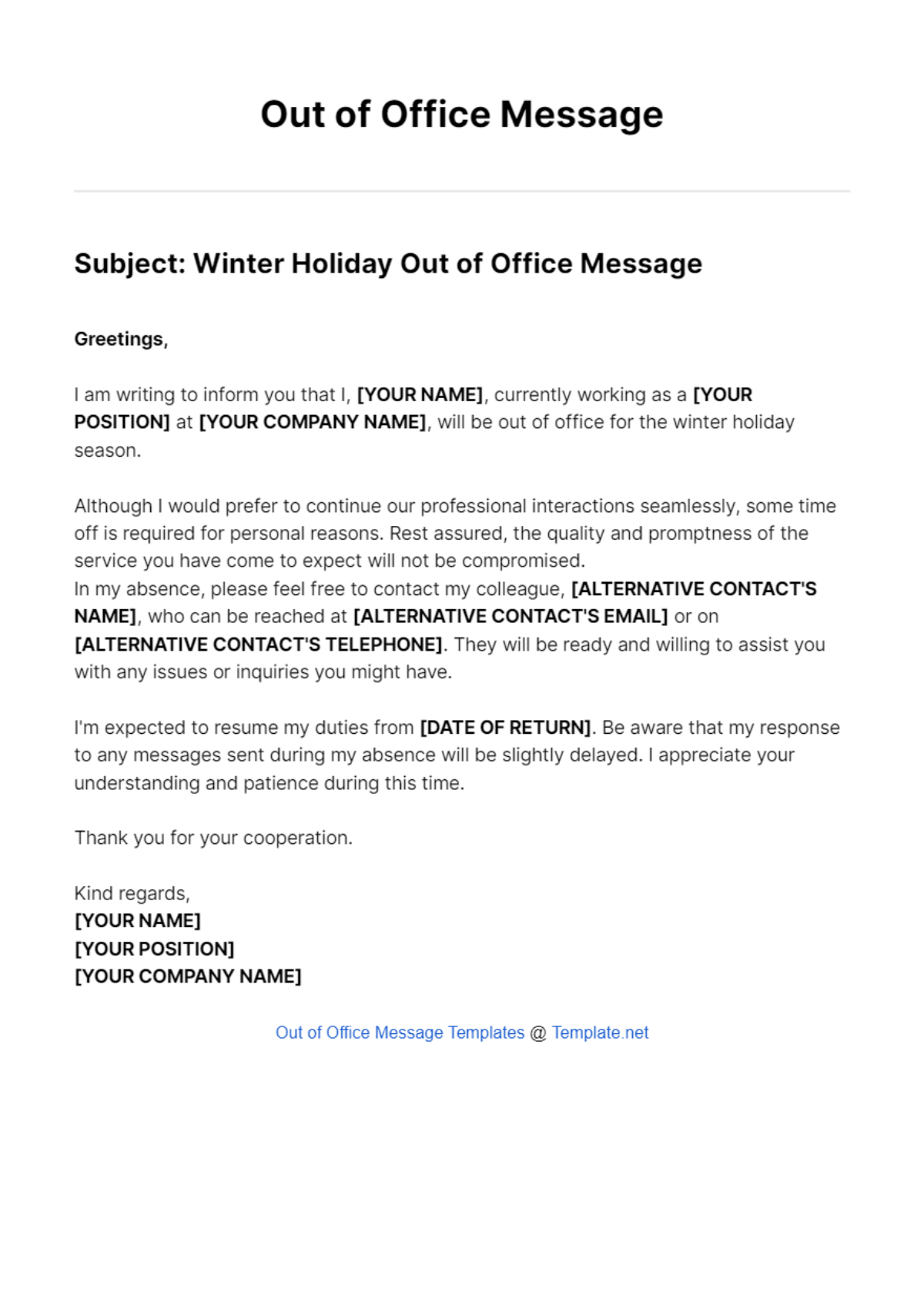
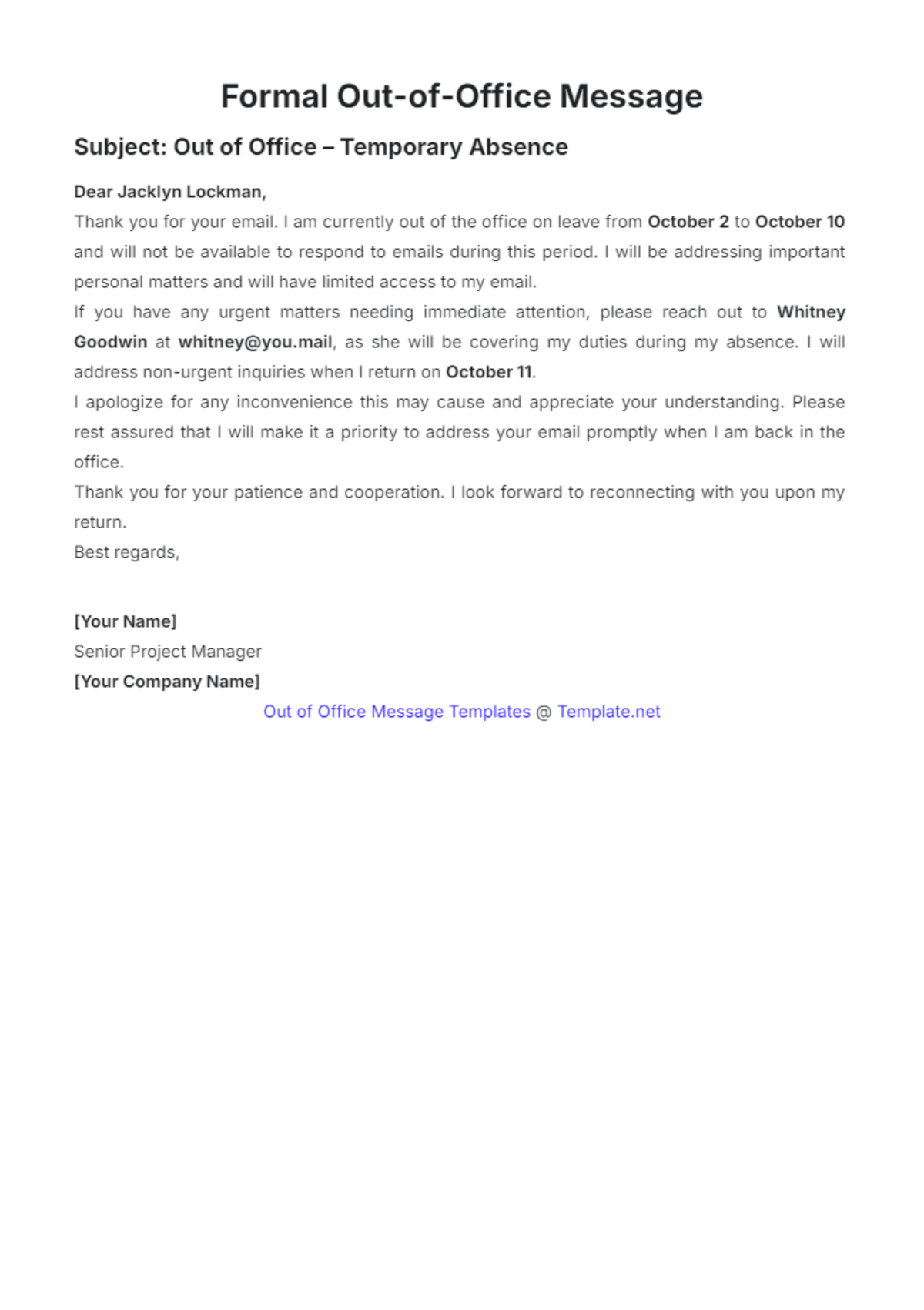
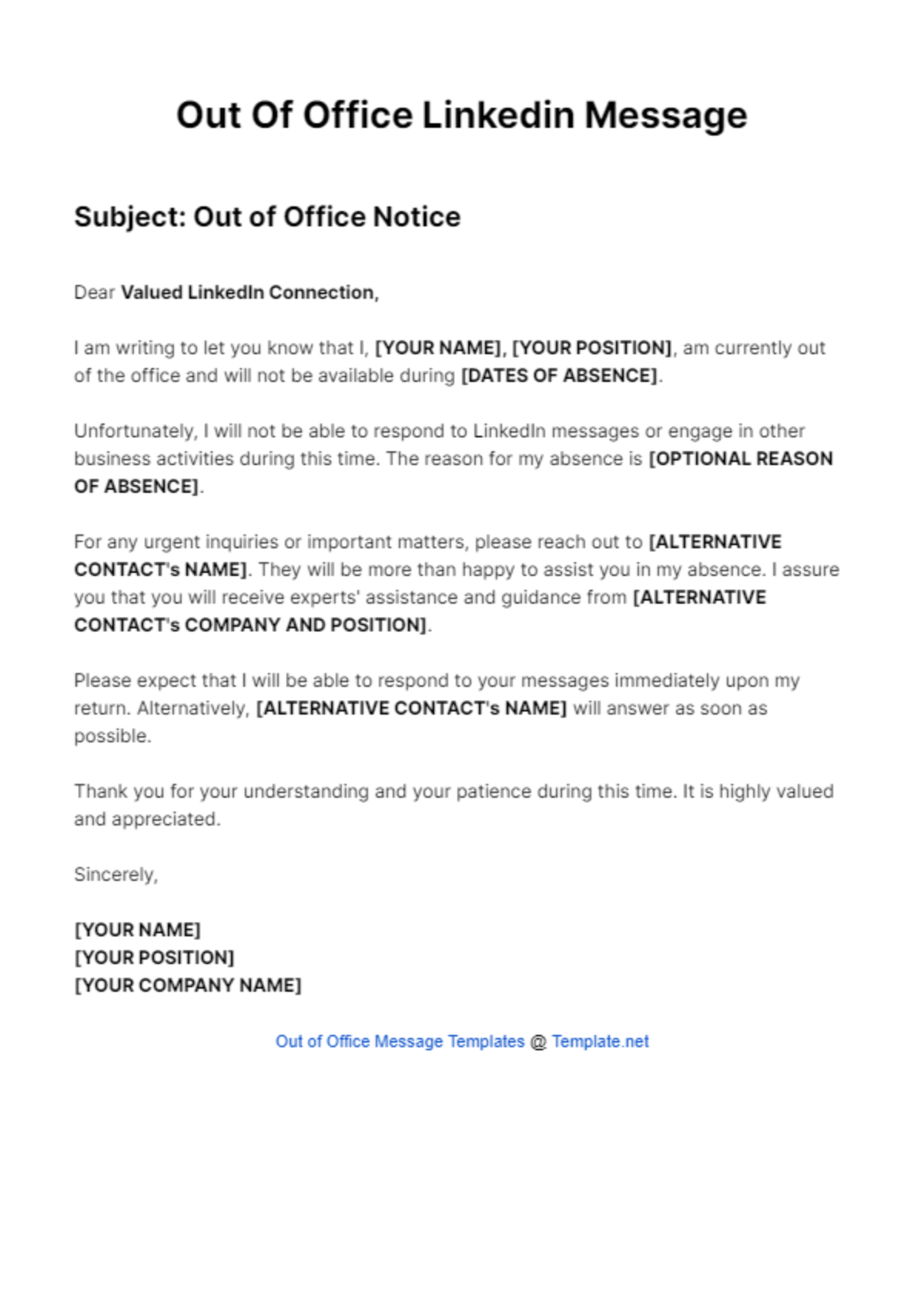
An Out of Office Message is a prewritten notification used to inform senders that you are temporarily unavailable, often including alternative contact information or return dates. Template.net provides editable Out of Office Message templates that you can complete or modify directly in the browser for convenience and professionalism.
feature icon

What is a Out of Office Message?

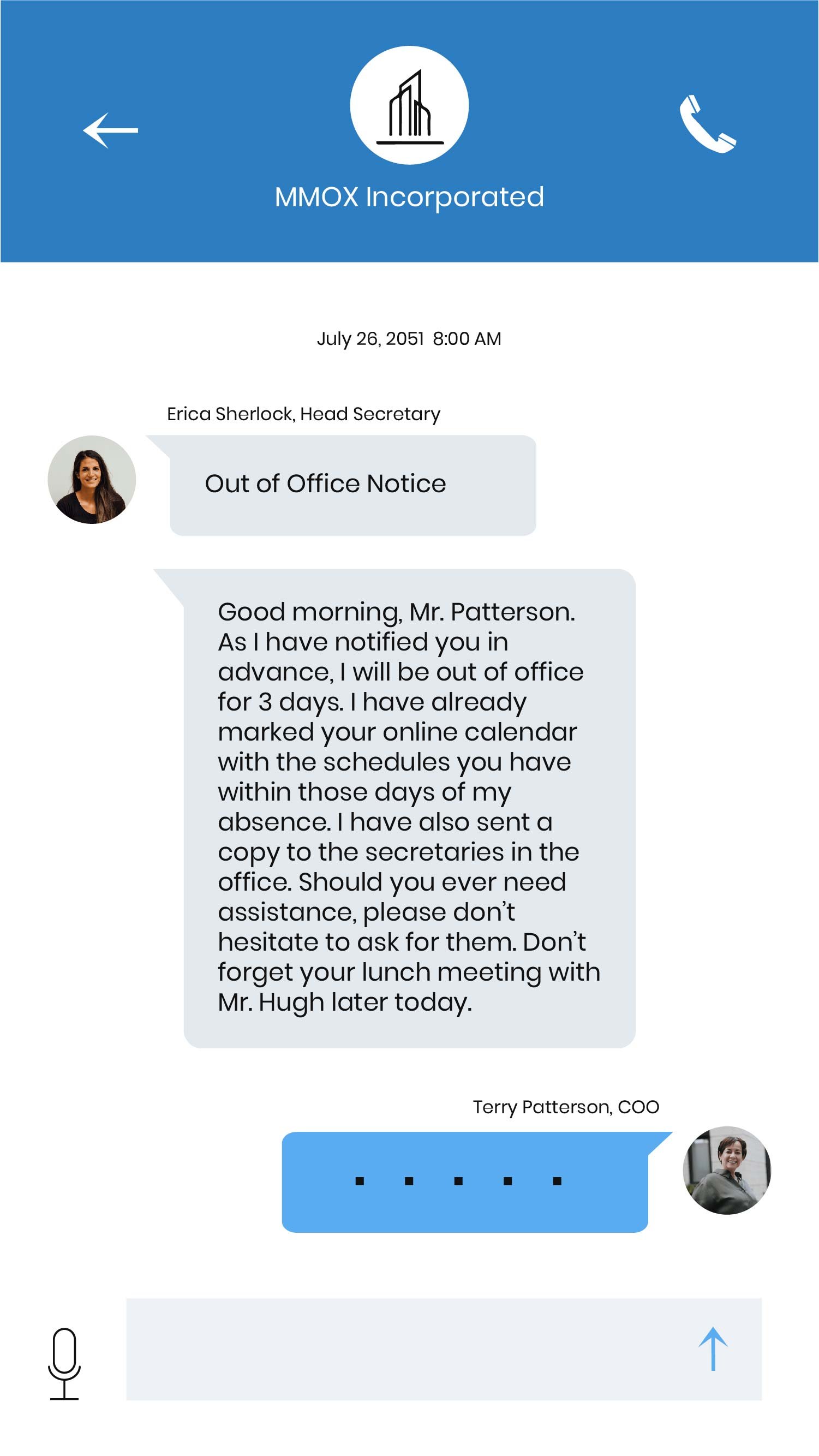
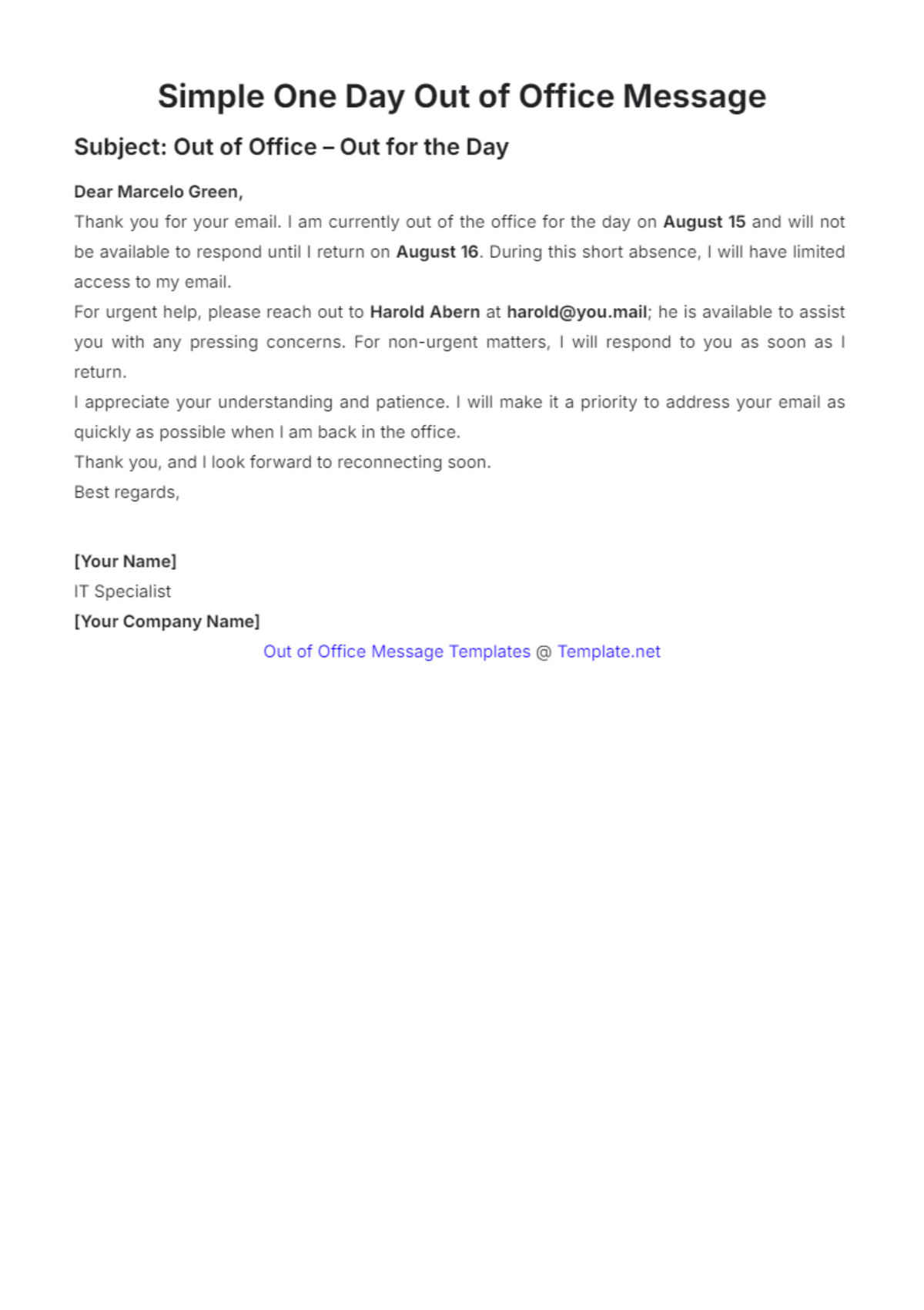
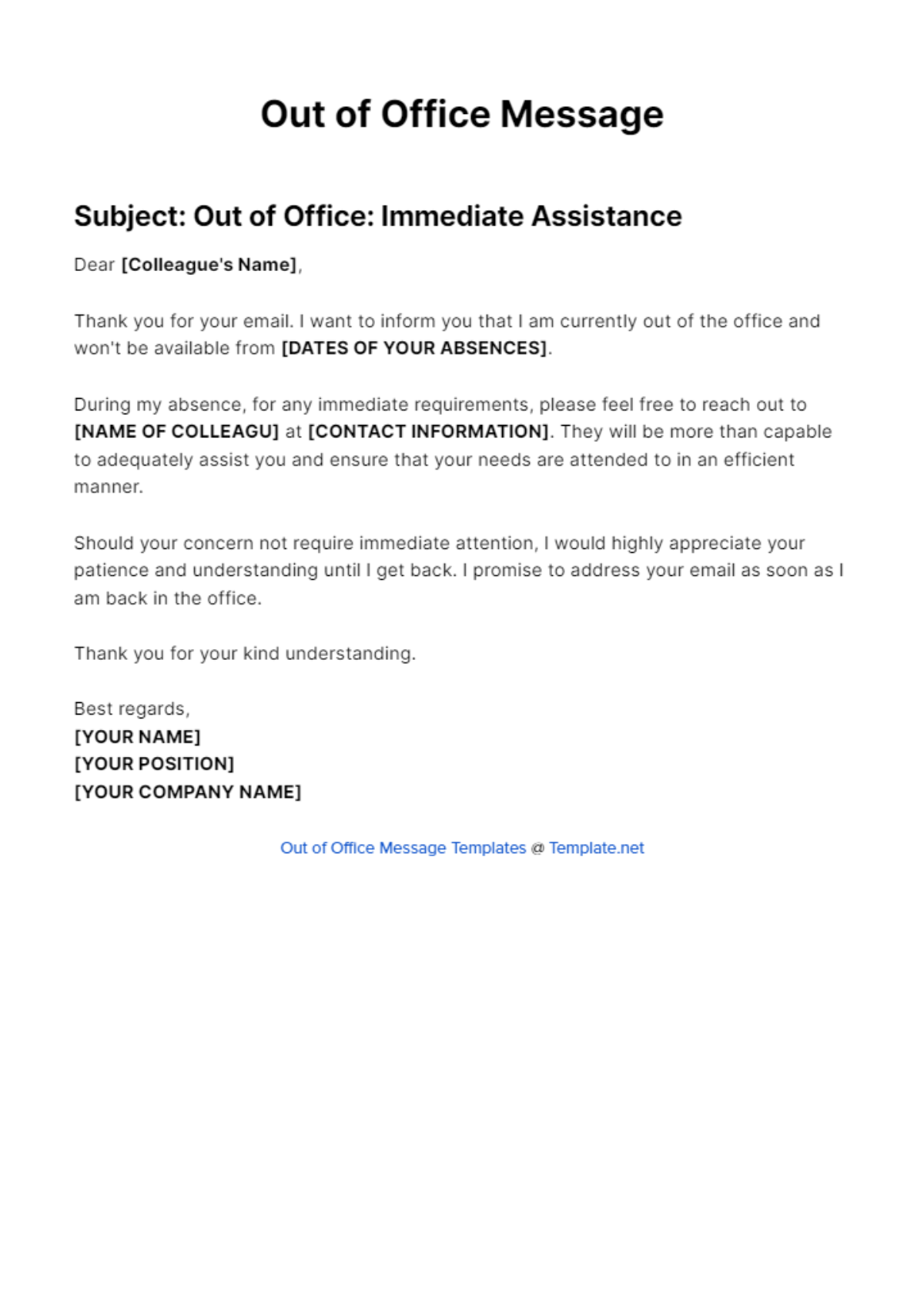
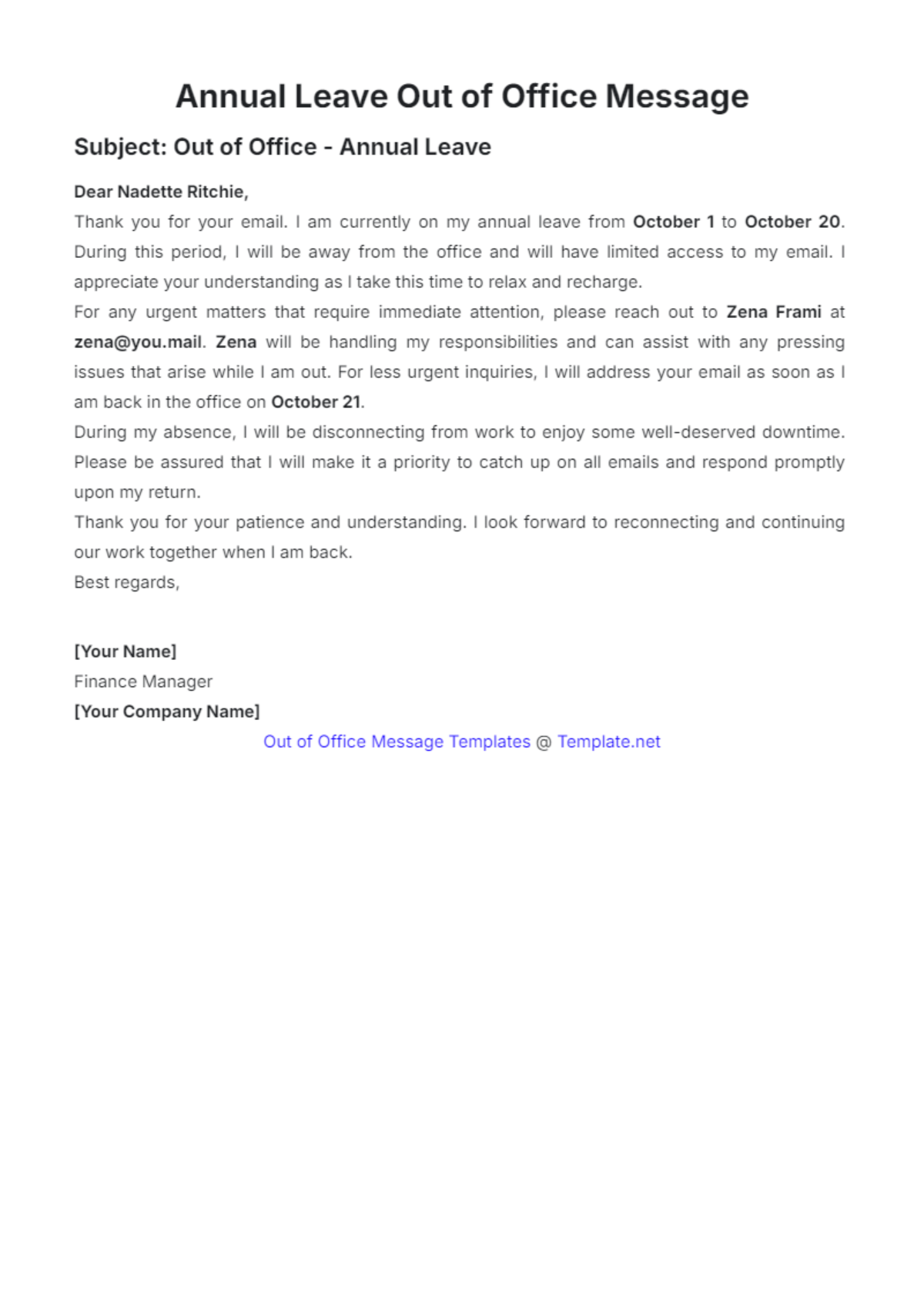
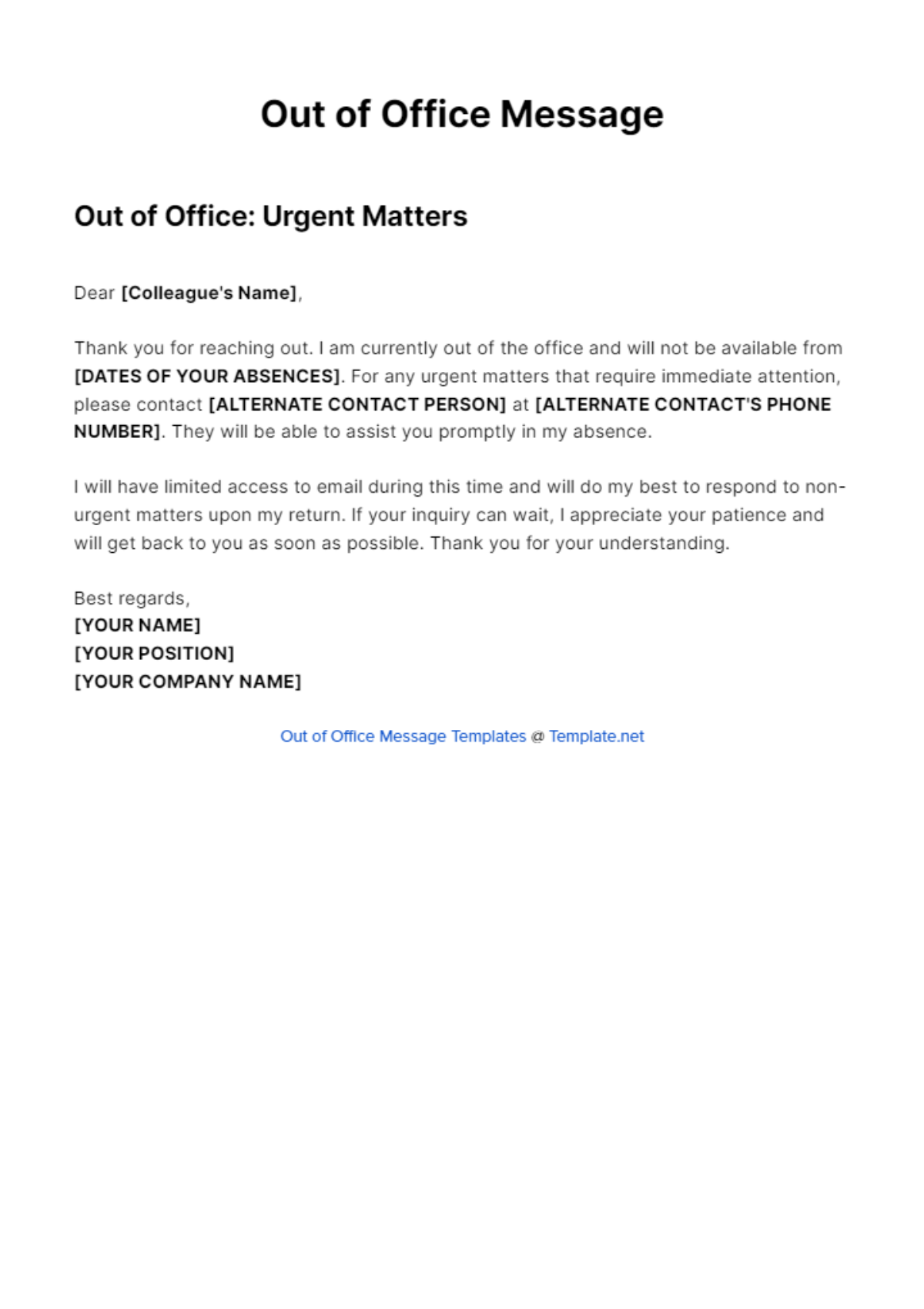
An Out of Office Message is an automated or manual notification sent to inform contacts that you are not currently available to respond, often providing details such as your absence duration and alternative contacts. This message ensures clear communication during your unavailability.

feature icon

Why should I use a Out of Office Message?

Using an Out of Office Message helps manage expectations by informing senders of your temporary absence and response delay. It maintains professionalism, reduces confusion, and provides essential information to ensure continued communication while you are away.

feature icon

Who uses Out of Office Message?

Out of Office Message users typically include professionals, customer service representatives, executives, and anyone who manages email communication. These messages are essential for employees and freelancers who need to notify contacts about their availability status.

feature icon

What are the best tips for completing my Out of Office Message?

When completing an Out of Office Message, include key elements for clarity and professionalism.

  • Clear absence dates to inform when you will return
  • Alternative contact information for urgent matters
  • Concise language to avoid confusion
  • Polite tone to maintain professionalism
  • Optional reason to offer context without oversharing
feature icon

Can I create a Out of Office Message using AI?

You can create an Out of Office Message using AI tools that generate professional and customized notifications based on your input. For example, use the Out of Office Message Generator to quickly draft messages tailored to your needs.

feature icon

When should I use a Out of Office Message?

You should use an Out of Office Message whenever you anticipate being unable to respond to emails promptly, such as during vacations, business trips, medical leave, or other absences. This practice helps maintain clear communication during your unavailability.

feature icon

How is Out of Office Message used in professional workflows?

Out of Office Message is integrated into professional workflows to automate communication during absences, ensuring clients and colleagues receive timely updates. It supports workflow continuity by providing alternative contacts and reducing follow-up inquiries.

feature icon

What essential elements should I include in an Out of Office Message?

An effective Out of Office Message includes several essential elements to inform and guide senders properly.

  • Start and end dates of your absence
  • Reason for absence if appropriate and professional
  • Alternative contact information for urgent needs
  • Expected response time upon your return
  • Polite closing to maintain professionalism
feature icon

What are common use cases for Out of Office Message?

Out of Office Message is commonly used for various scenarios where prompt email response is not possible.

  • Vacations and holidays to notify absence
  • Business travel with limited email access
  • Medical or personal leave for extended unavailability
  • Training or conferences when away from the desk
  • Unexpected emergencies requiring communication pause