
Free Reopening Templates


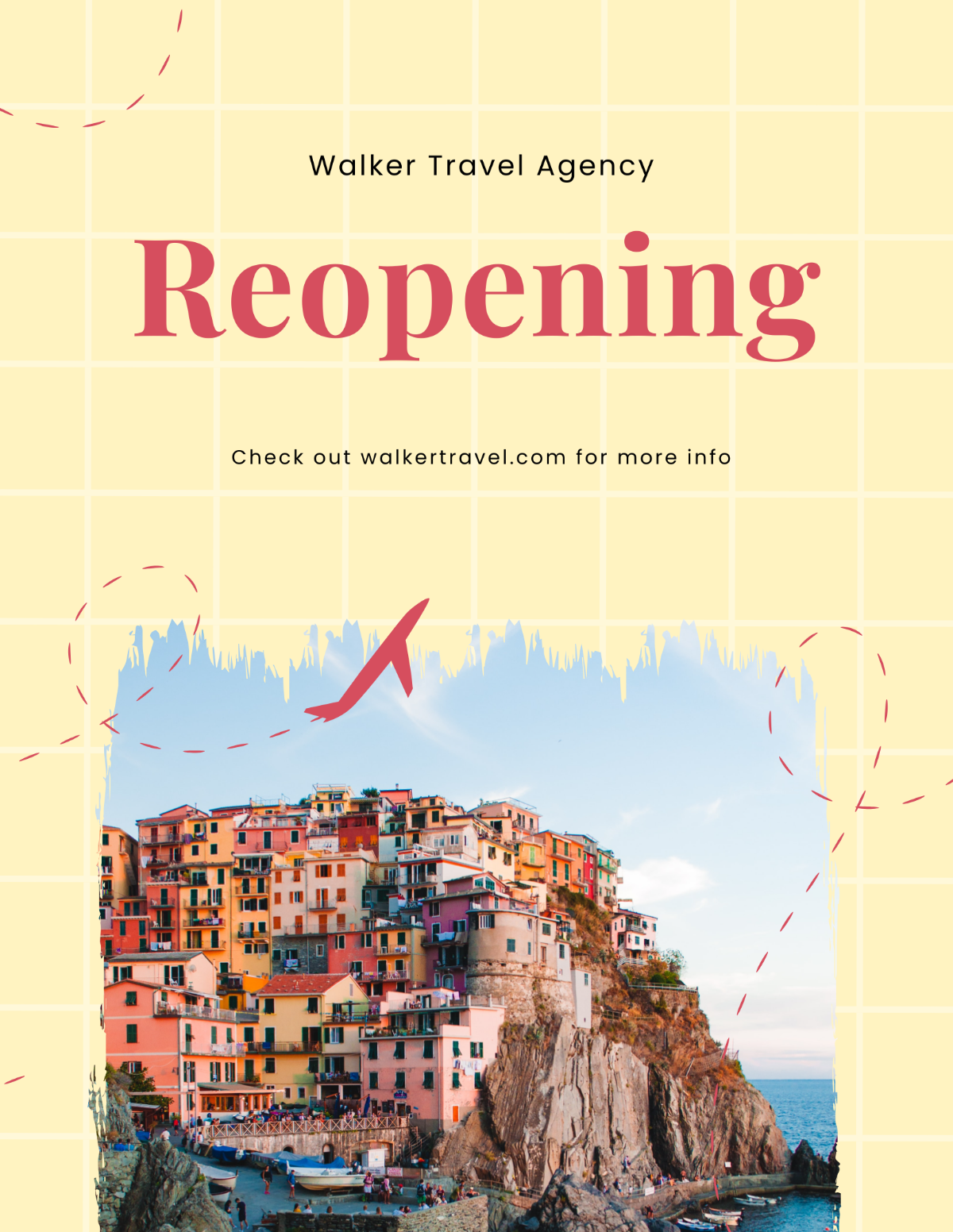
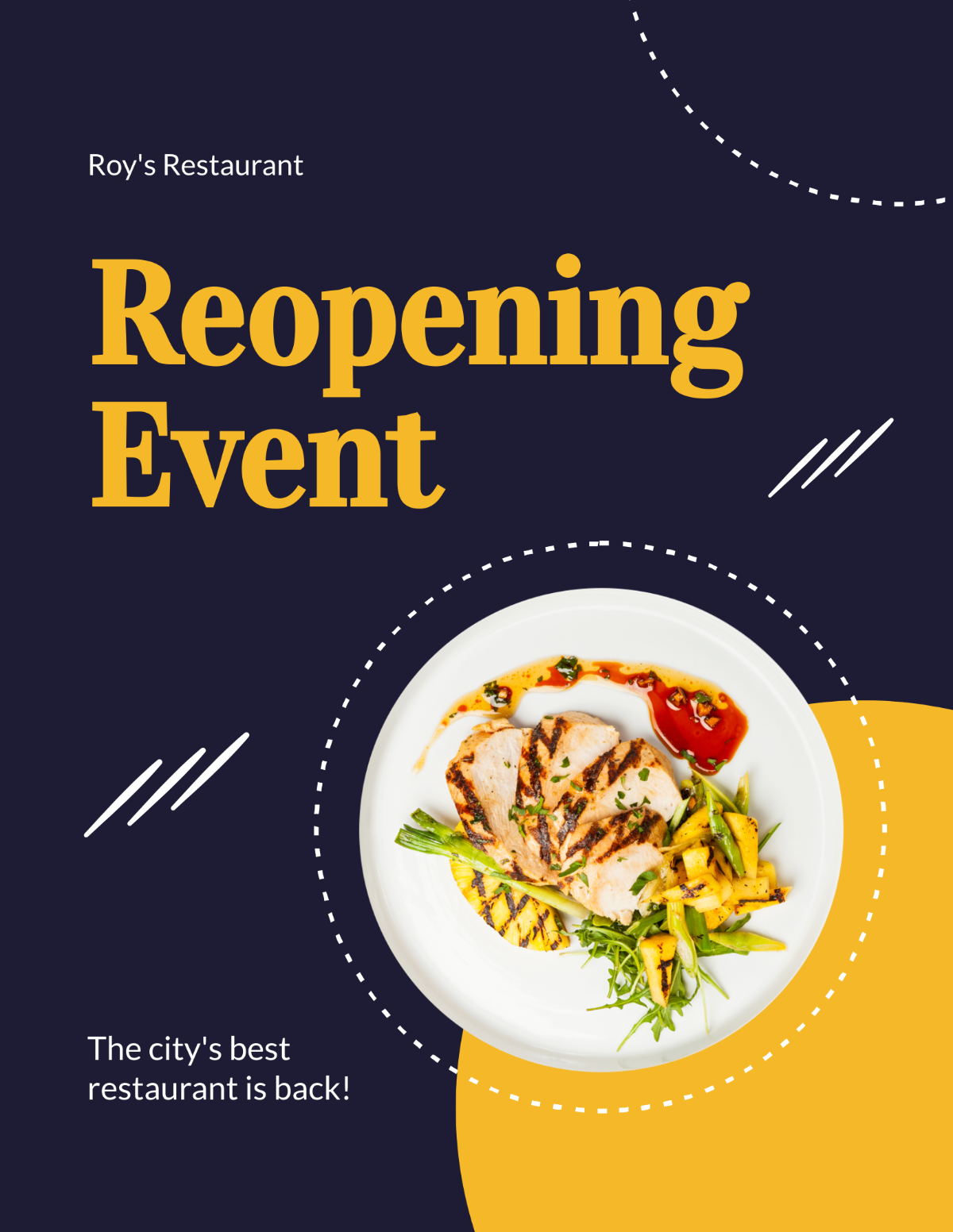

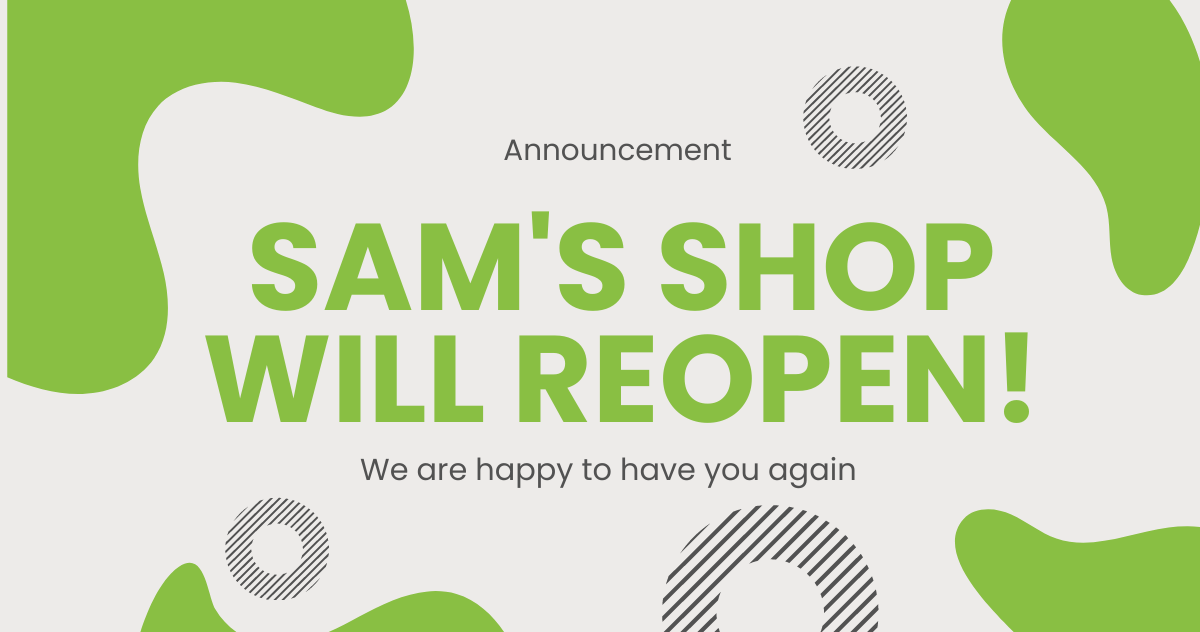



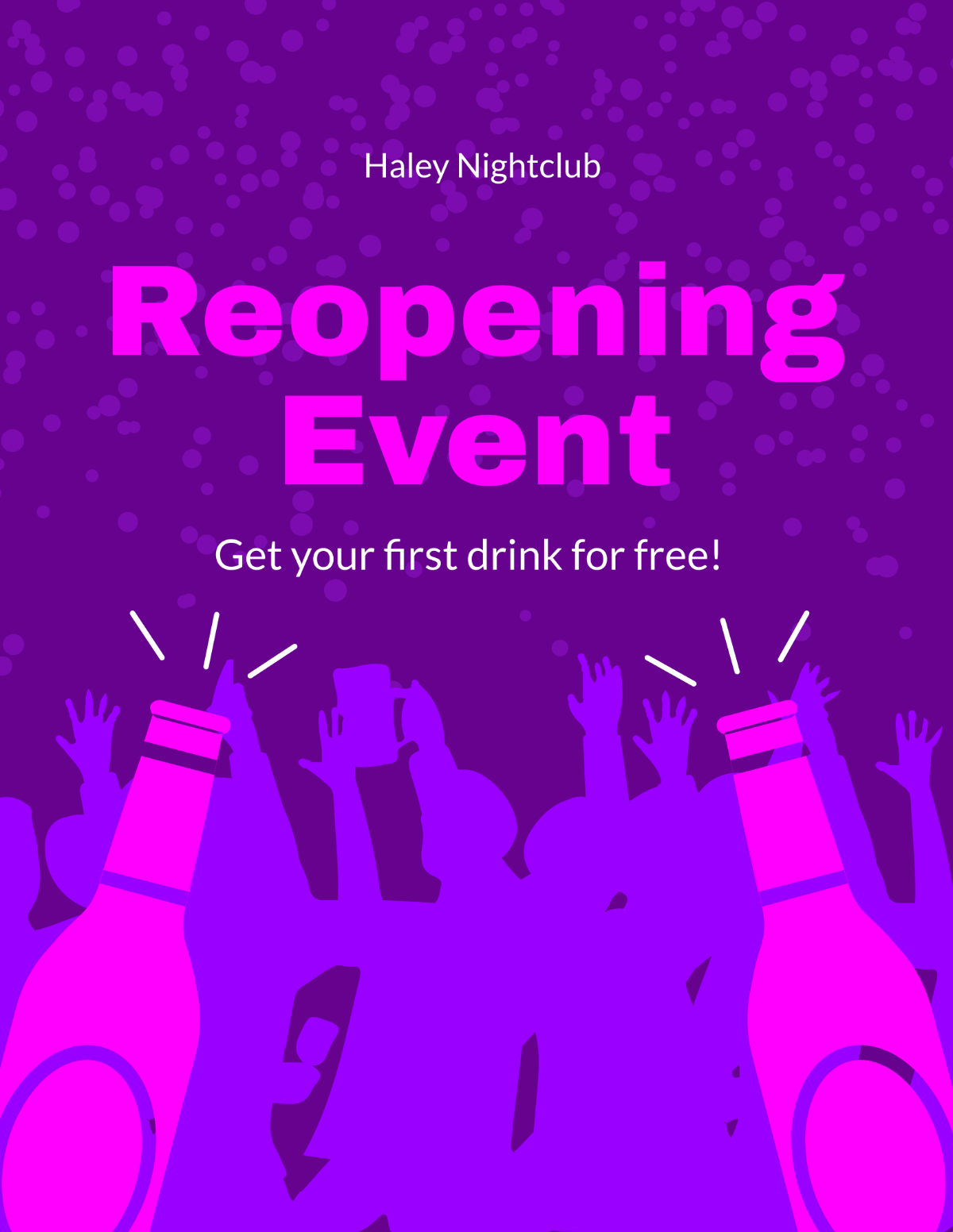






























Free Reopening Editable Templates: Customization Tips, Uses, and Online Access
What is a Reopening?
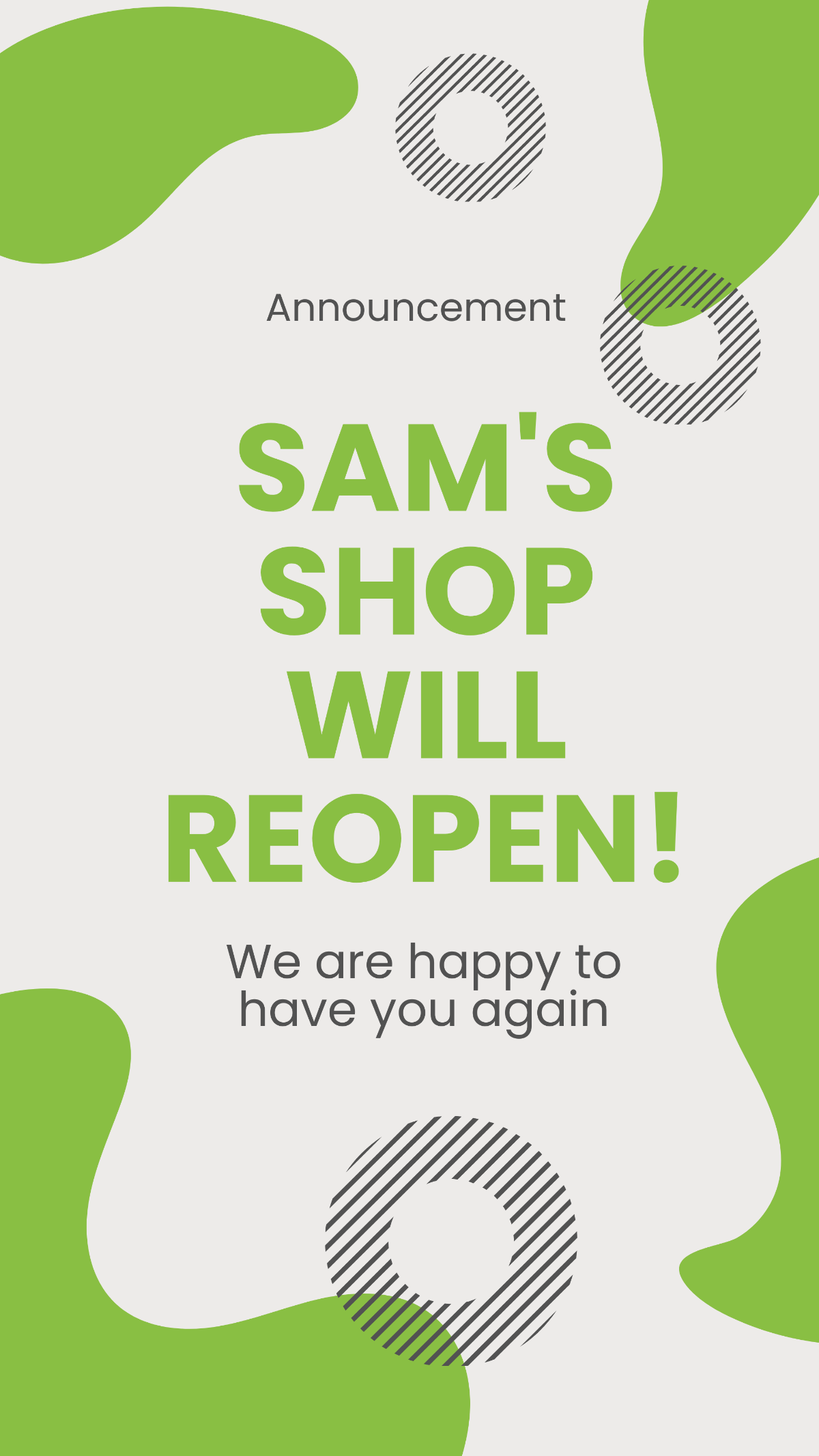
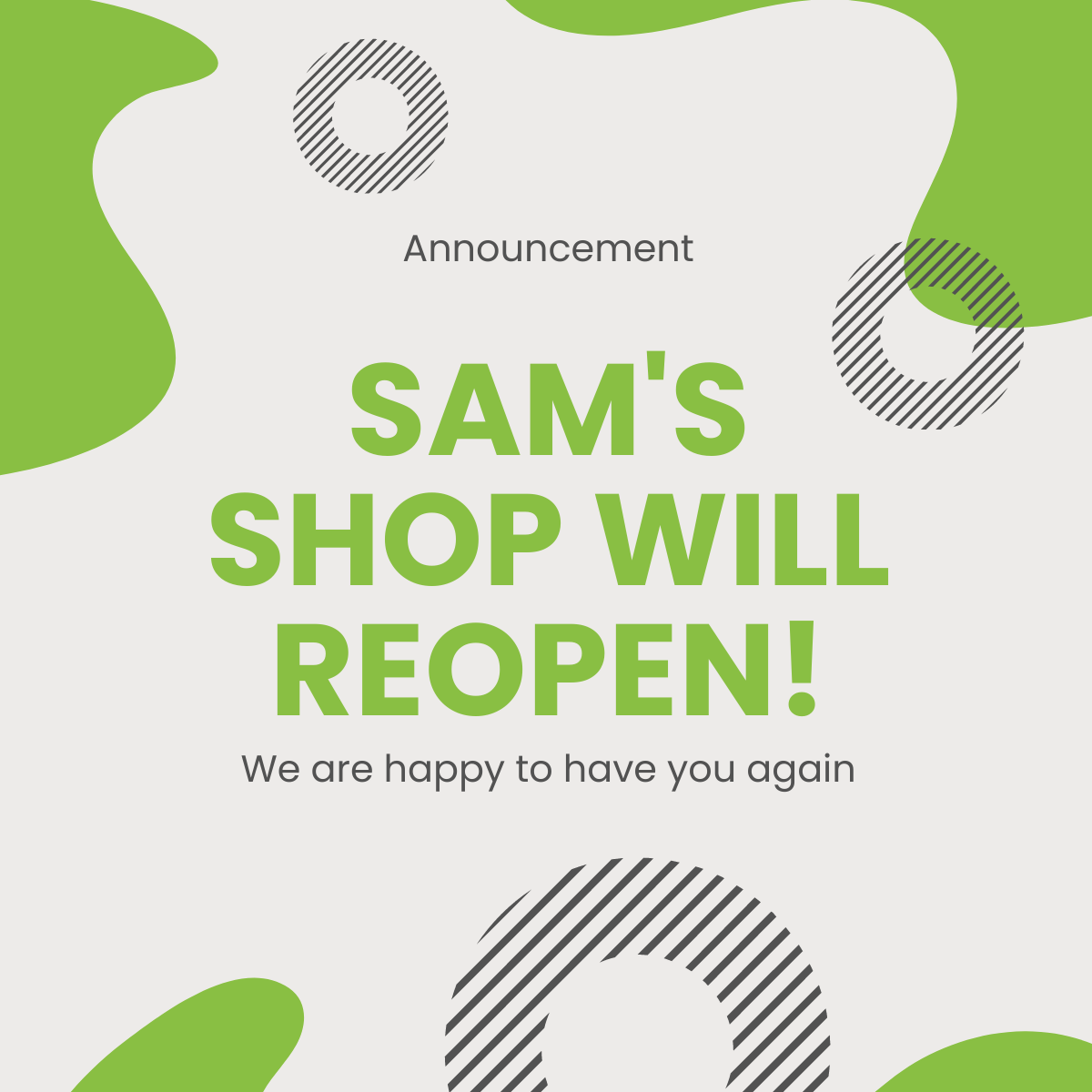
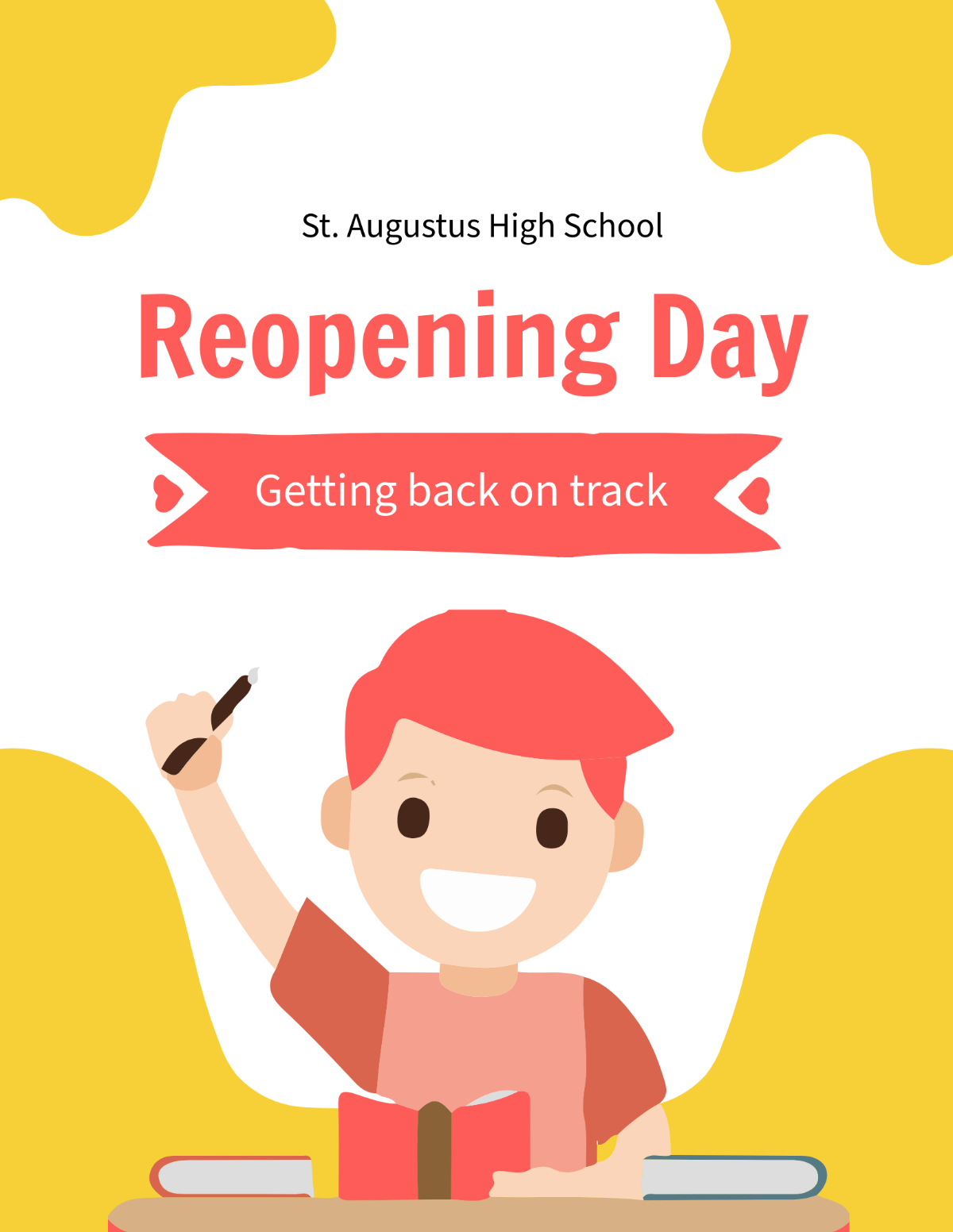
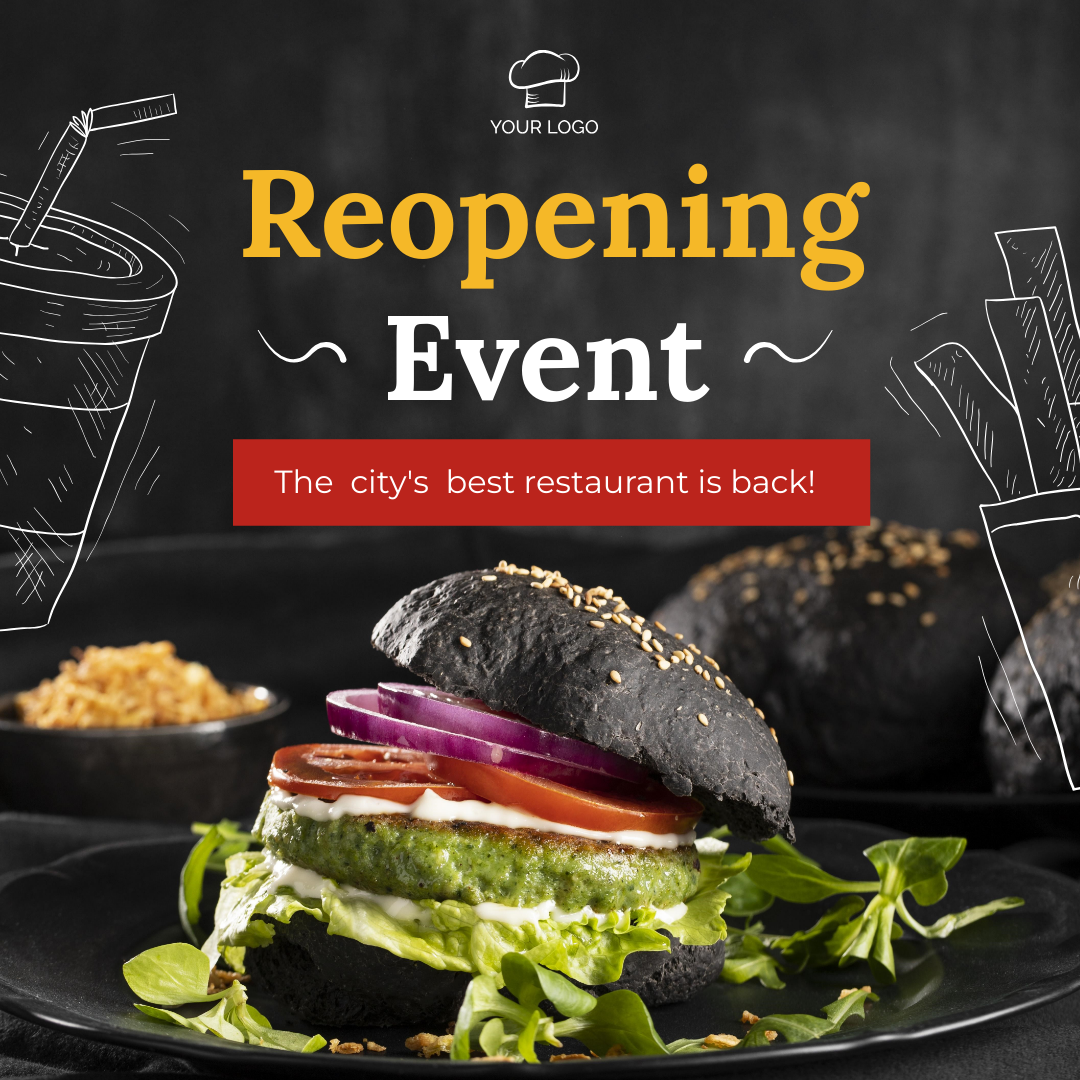
Reopening is a document or template used to formally announce or manage the restarting of a business, event, or service after a temporary closure. These templates are professionally crafted and designed to communicate key information clearly and effectively.
Why should I use a Reopening?
You should use a Reopening to ensure clear, formal communication about restarting operations or events. These editable templates help maintain professionalism while allowing customization to fit your specific message and audience.
Who uses Reopening?
Reopening templates are used by business owners, event planners, marketing teams, and administrative staff to communicate the resumption of services or events. These users rely on customizable templates to save time while maintaining a polished appearance.
What are the best tips for completing my Reopening?
When completing your Reopening, focus on clarity, accuracy, and professionalism. Essential elements include a clear headline, date and time of reopening, safety measures if applicable, and contact information. Use editable templates to customize these details precisely.
Can I create a Reopening using AI?
You can create a Reopening using AI tools available on Template.net, but the main focus here is on editable templates you can customize directly in your browser. For AI-generated options, visit the Template.net AI Template Generator.
When should I use a Reopening?
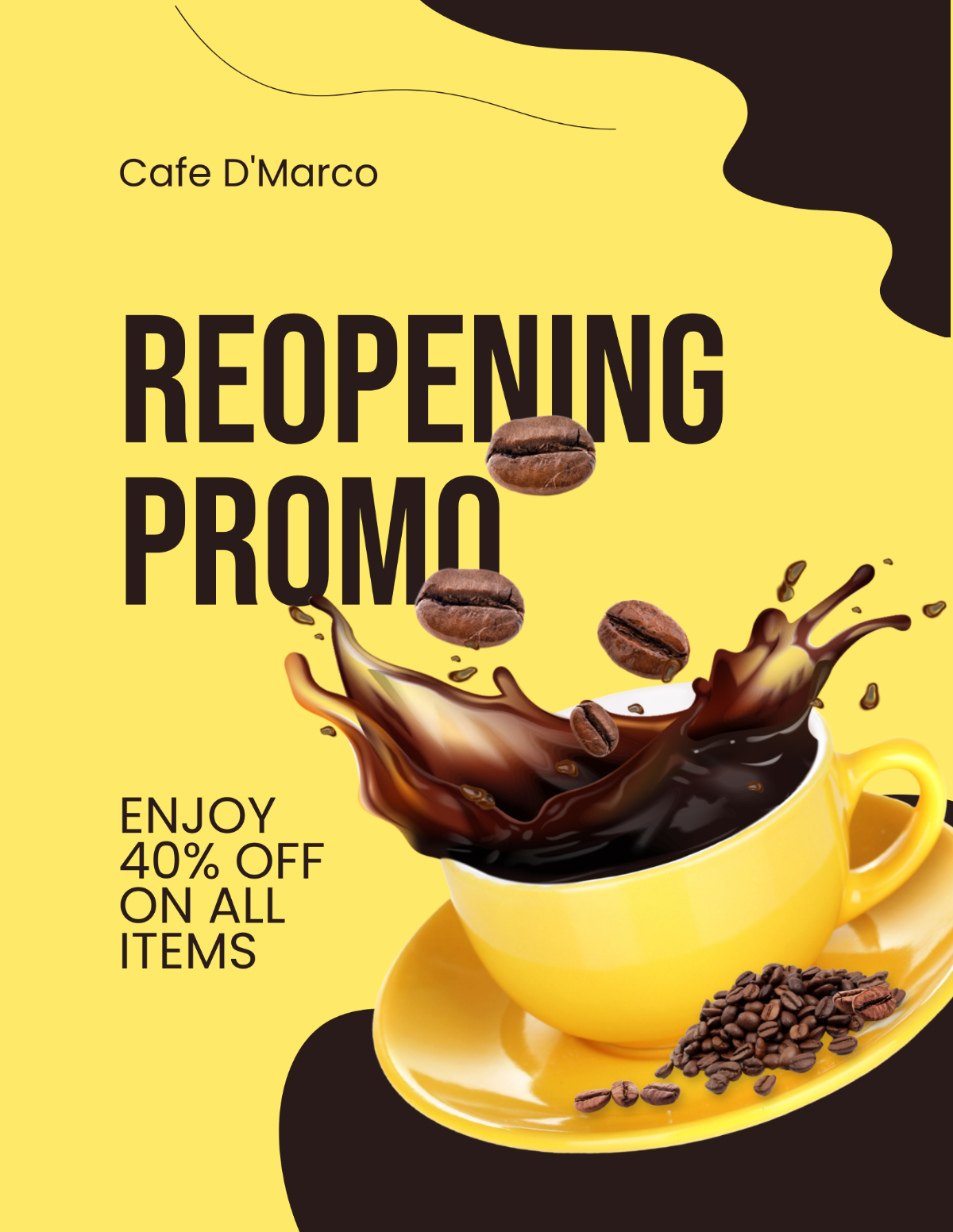
Use a Reopening when restarting a business, event, public service, or any operation after a closure or pause. These templates are ideal for communicating dates, new policies, or promotional offers related to the reopening.
What essential elements should a Reopening include?
A Reopening should include several key elements for clarity and impact:
- Headline: Announce the reopening clearly.
- Date and time: Specify when the reopening occurs.
- Location: Provide the venue or address.
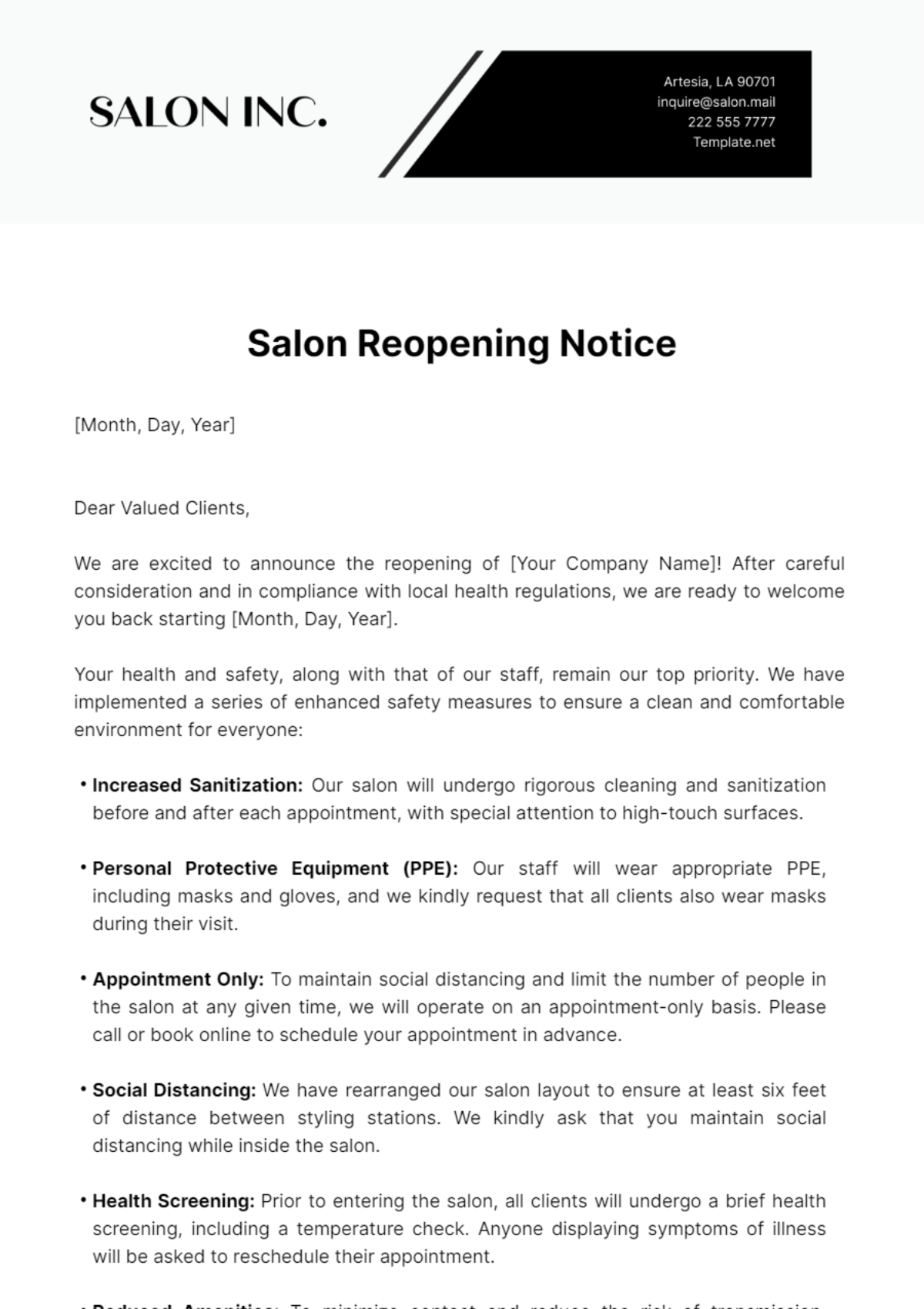
- Safety information: Include any health or safety guidelines.
- Contact details: Offer a way for recipients to ask questions.
- Call to action: Encourage attendance or engagement.
How is Reopening used in professional workflows?
In professional workflows, Reopening templates streamline communication by providing a standardized yet customizable format. Teams use these templates to coordinate announcements across marketing, operations, and customer service, ensuring consistent messaging and timely distribution.
What are common use cases for Reopening templates?
Common use cases for Reopening templates include:
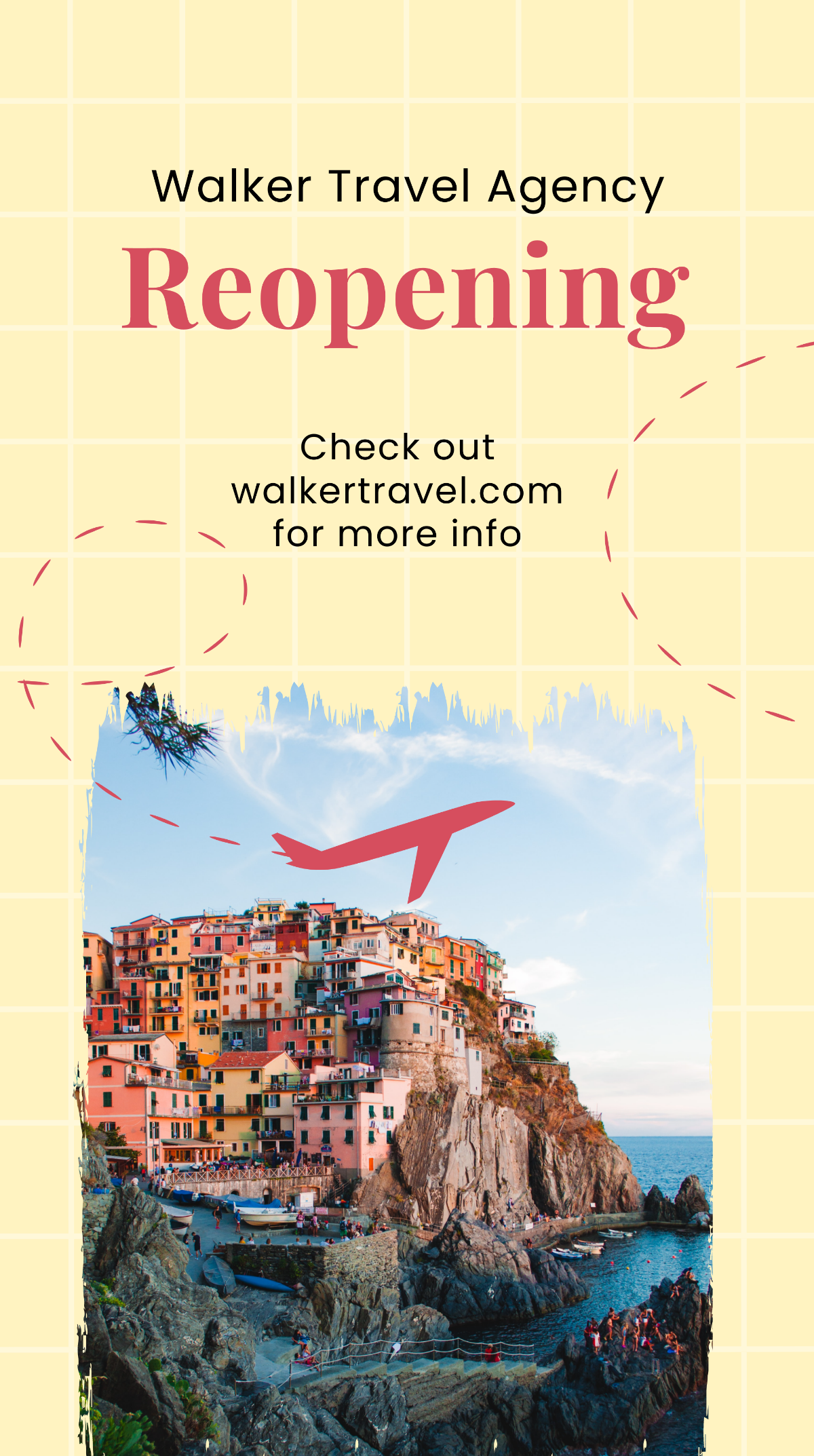
- Business restarts: Shops, restaurants, and offices reopening after closures.
- Event announcements: Conferences or festivals resuming activities.
- Service resumptions: Public or private services restarting operations.
- Promotional campaigns: Marketing reopening specials or offers.
