Free Scorecard Templates
Free Scorecard Templates: Customizable Structure Guide, Uses, and Download Formats
What is a Scorecard?
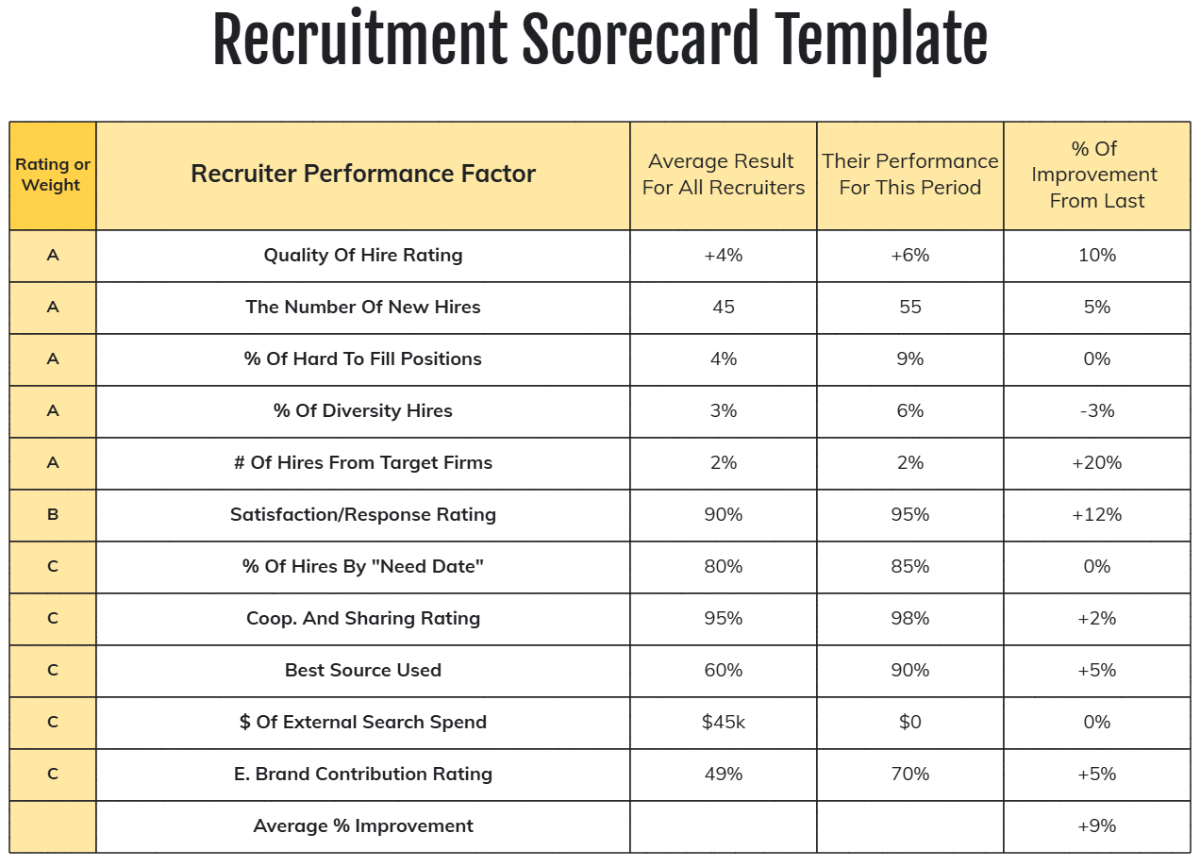
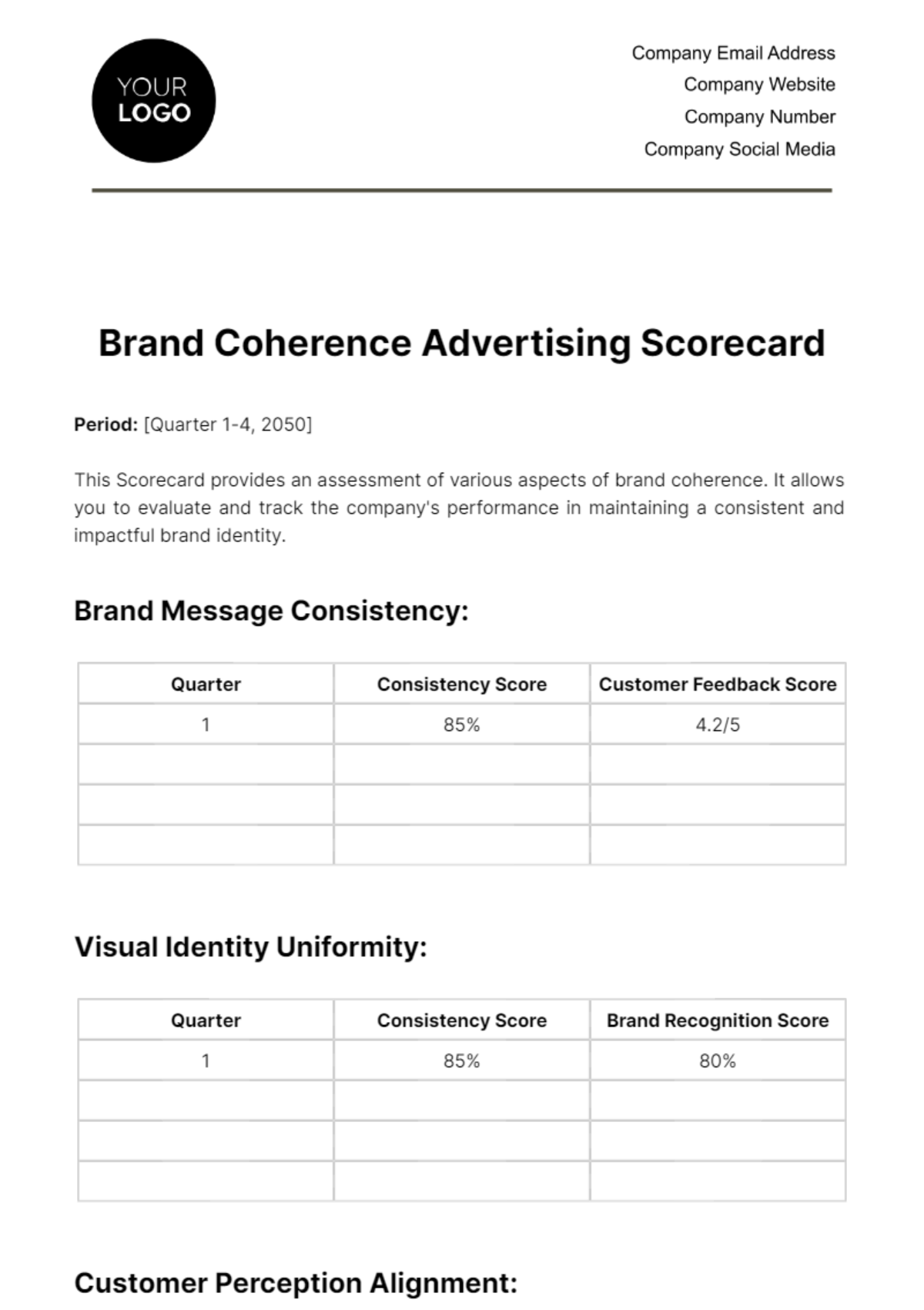
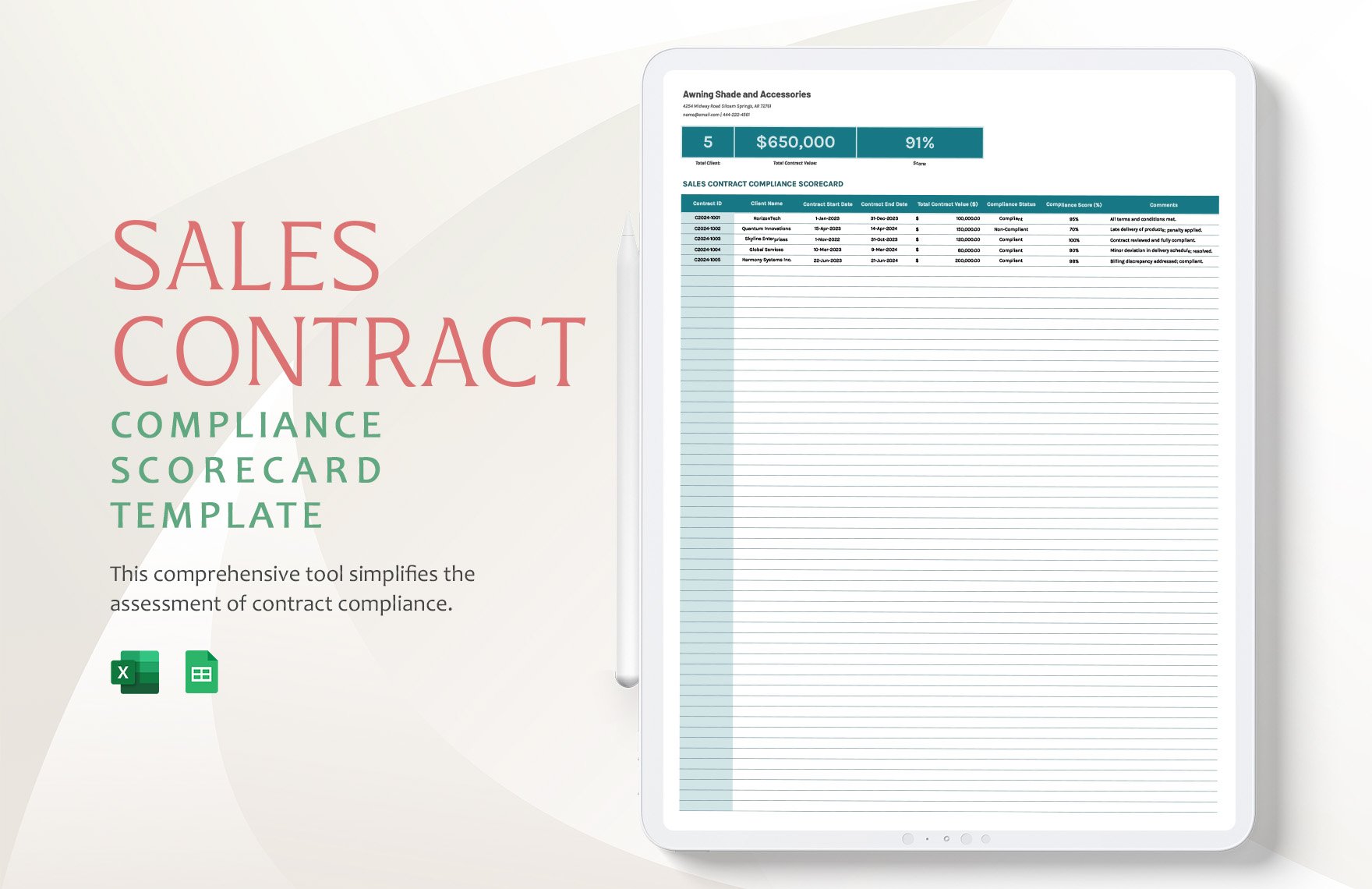
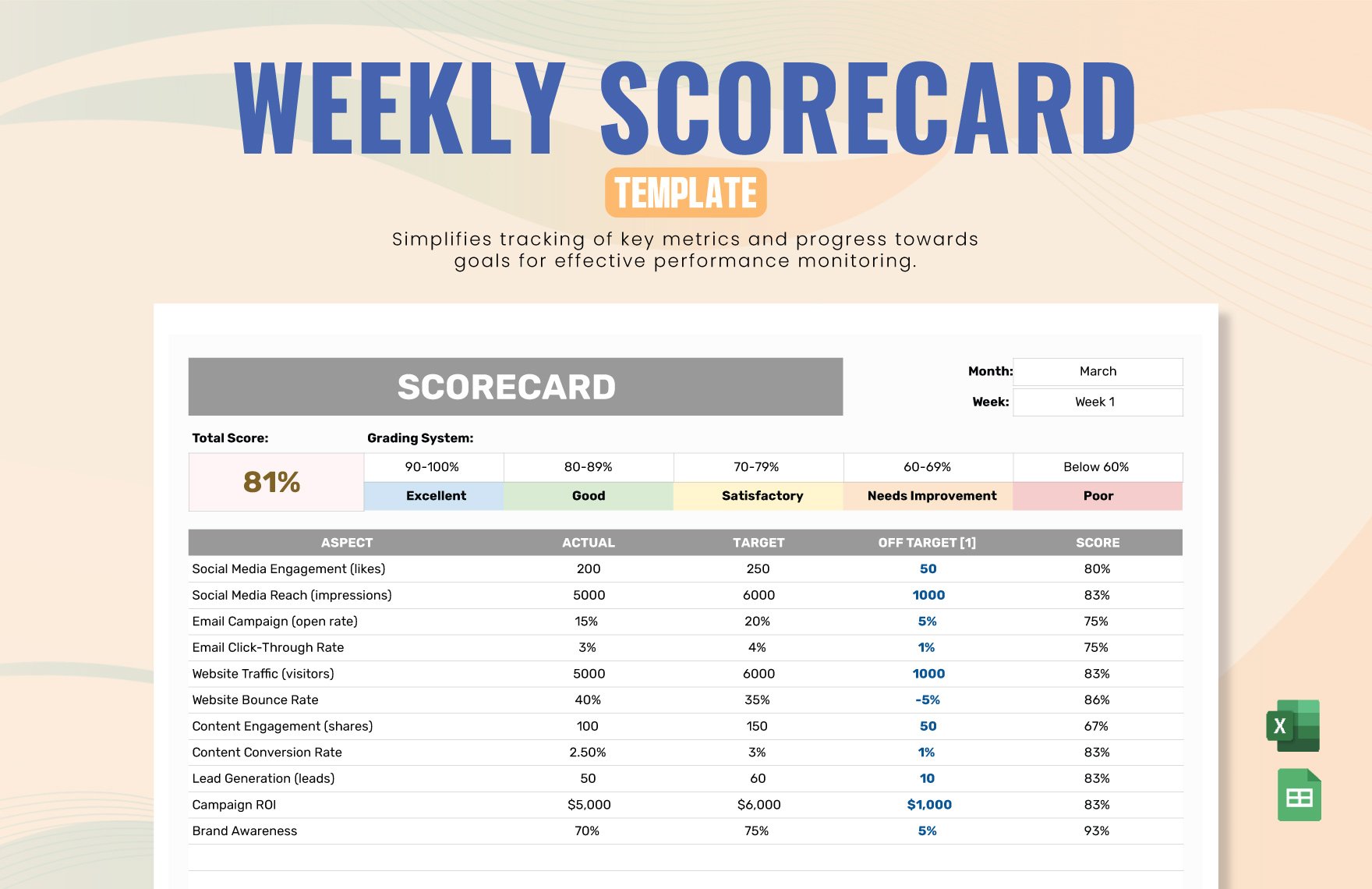
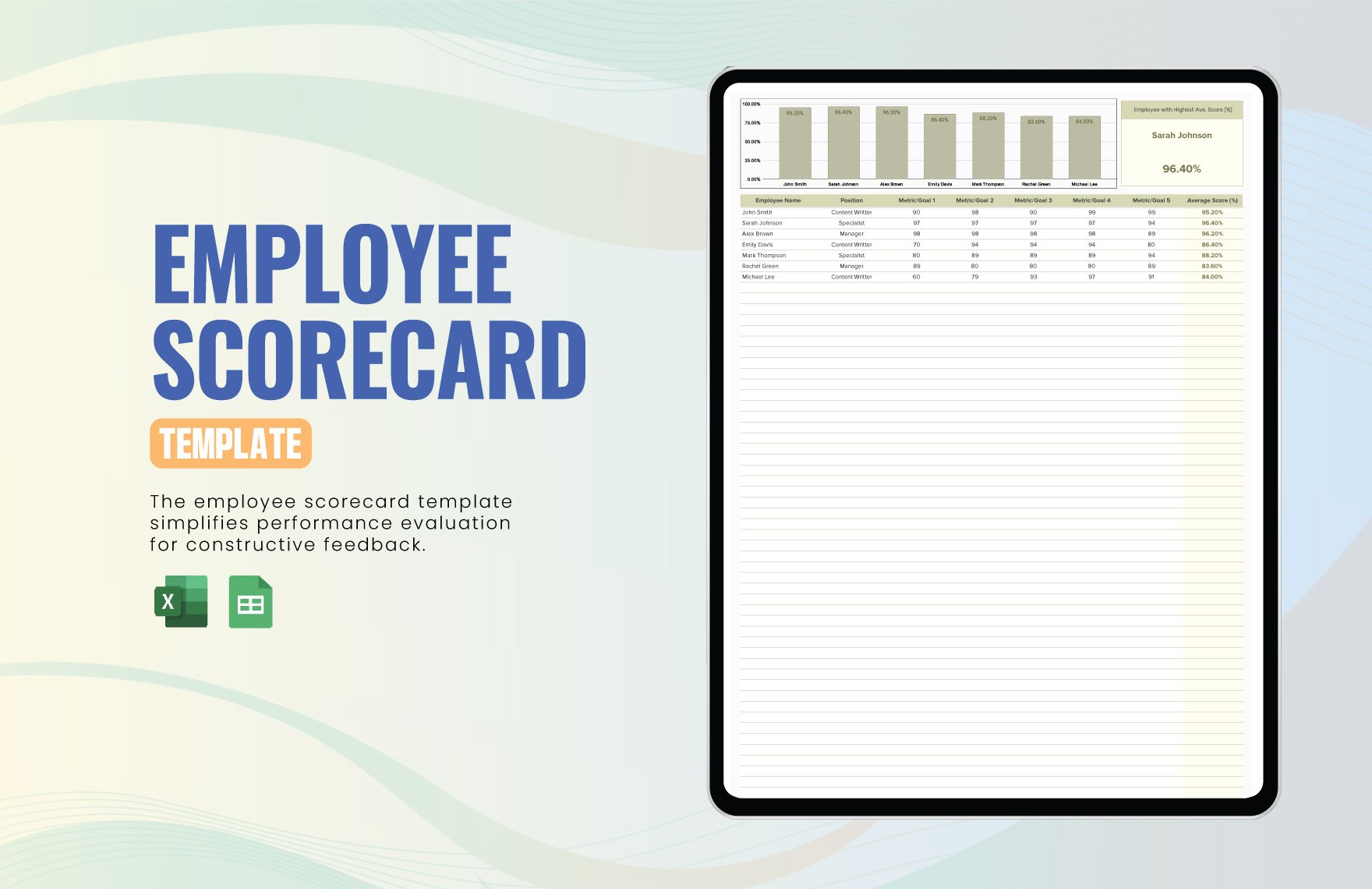
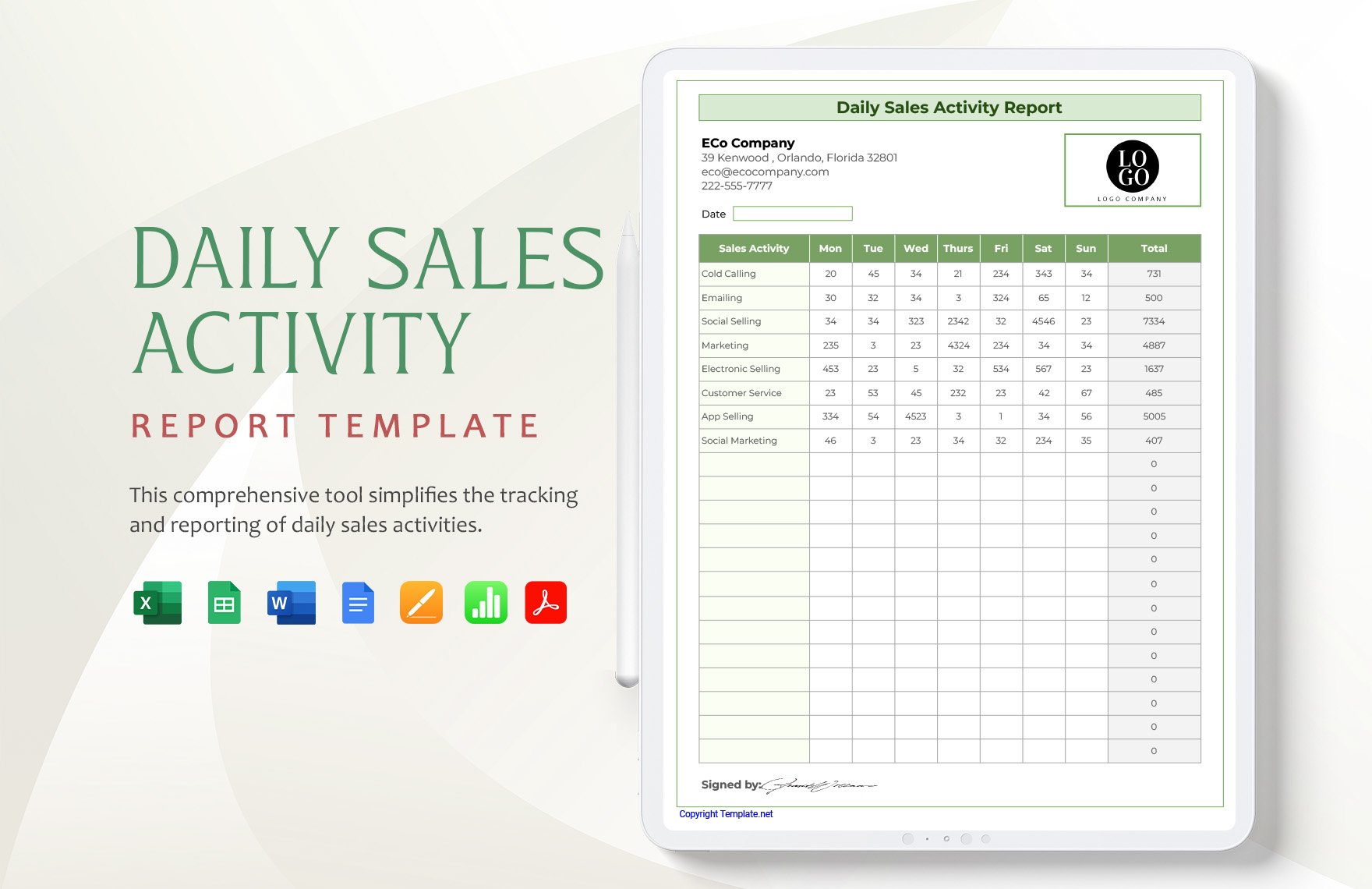
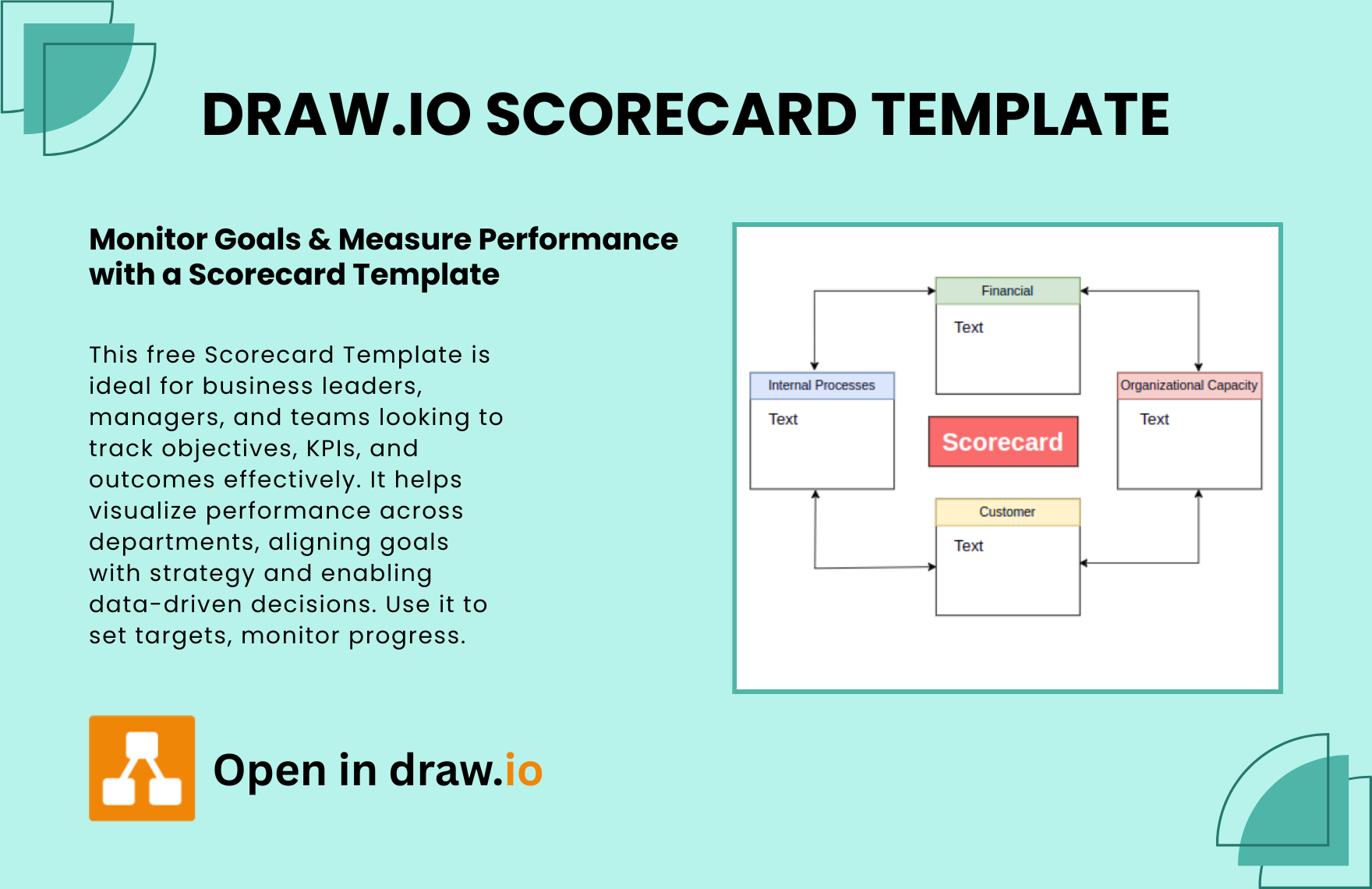
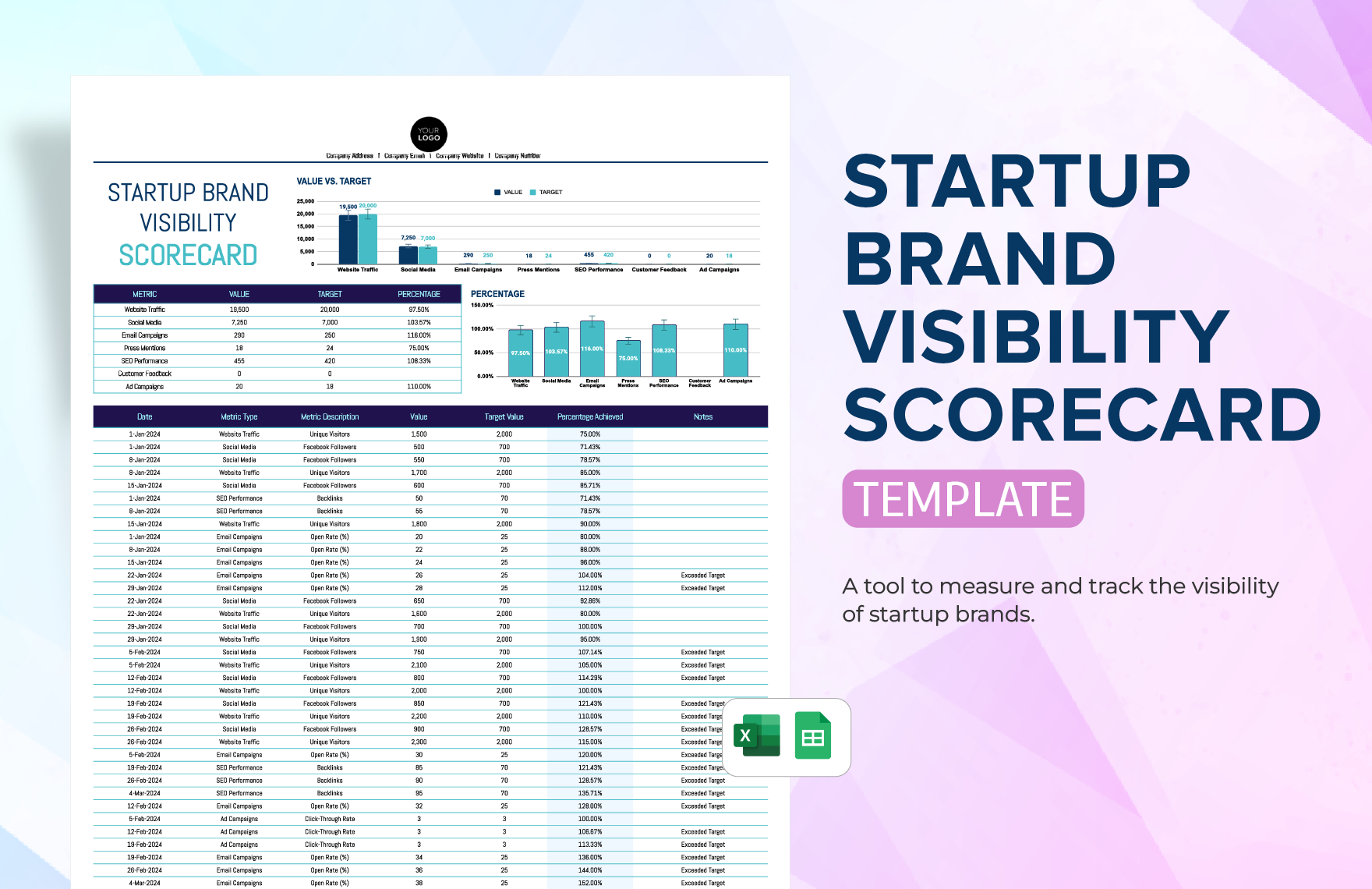
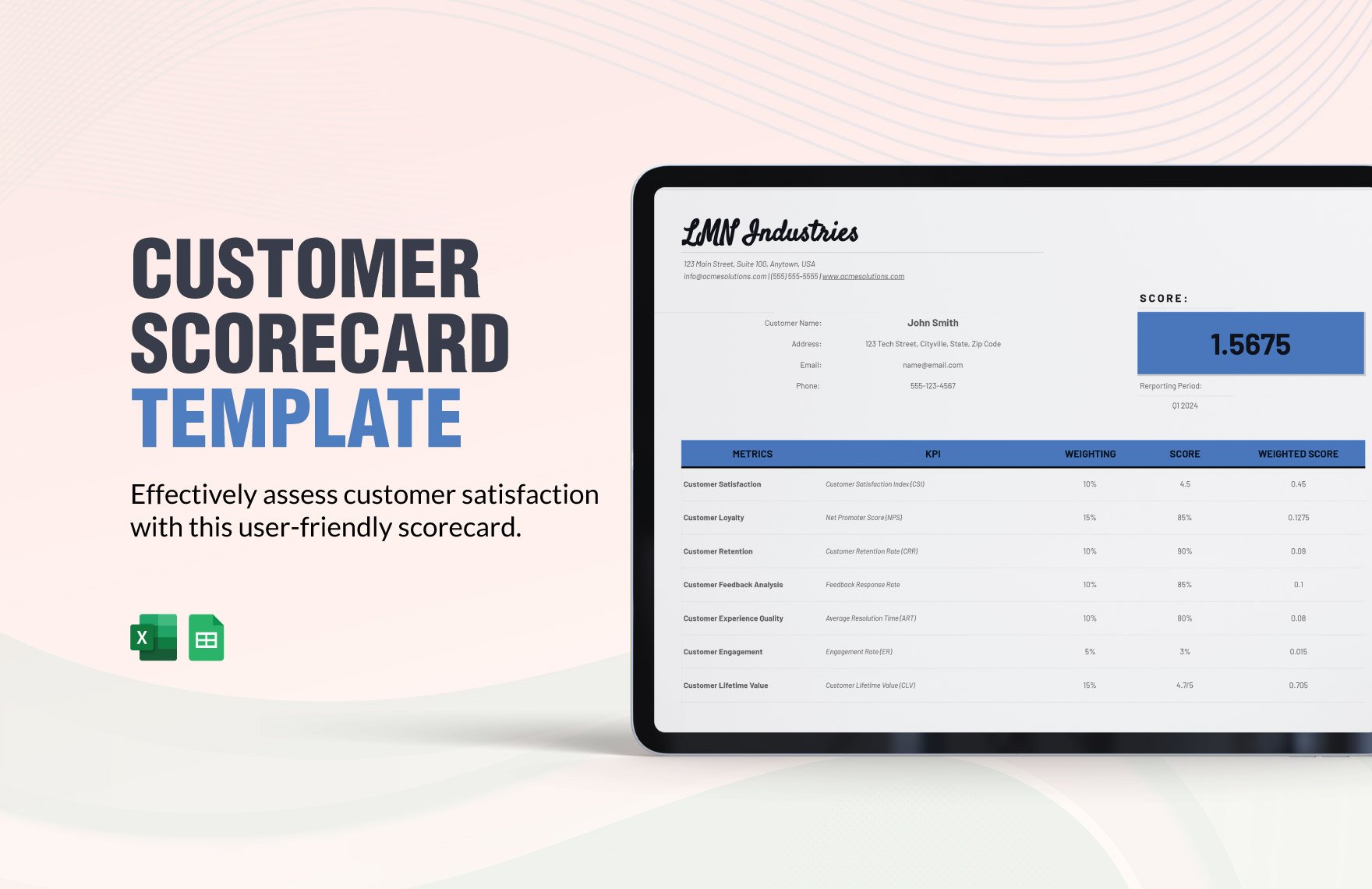
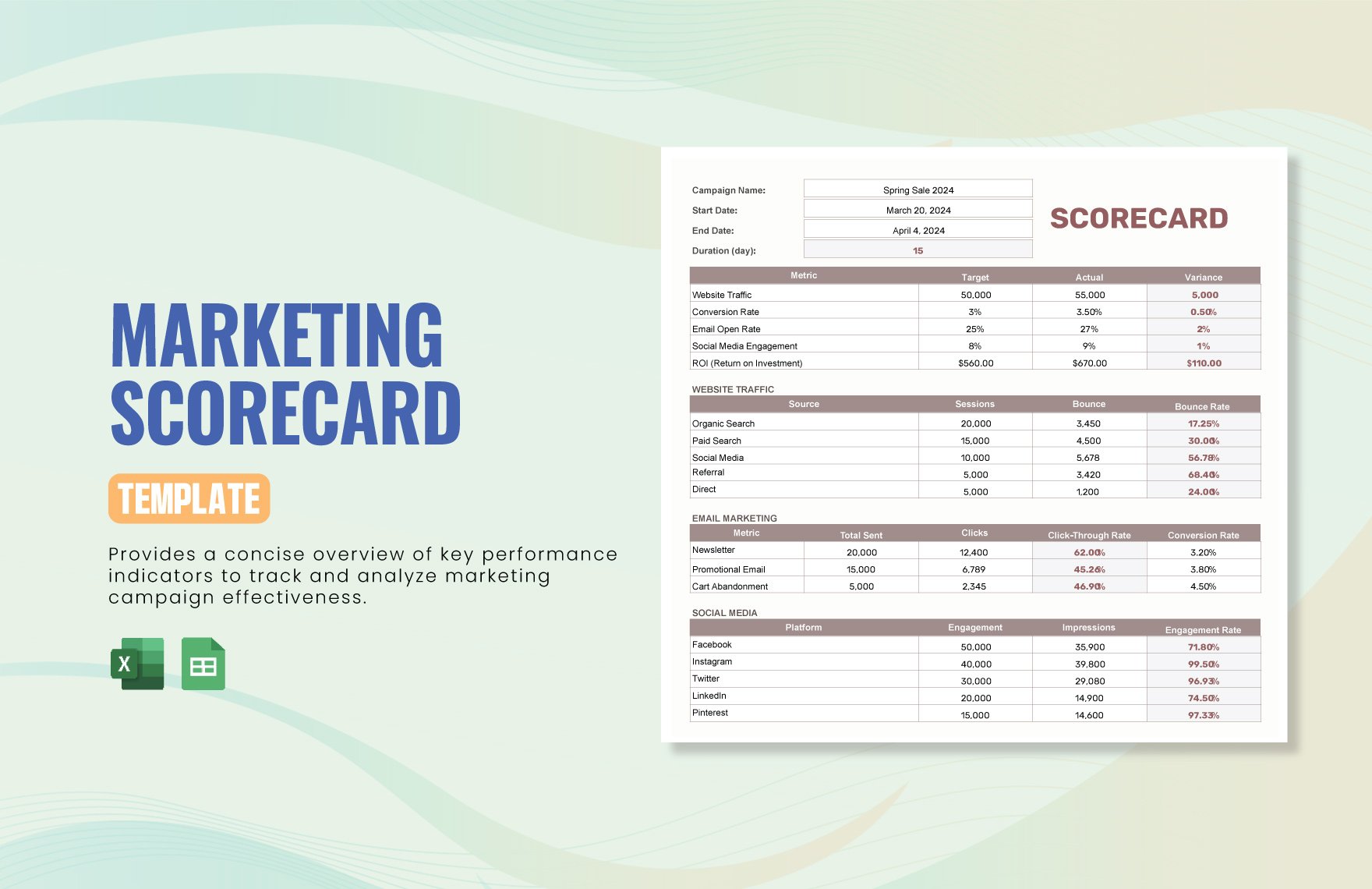
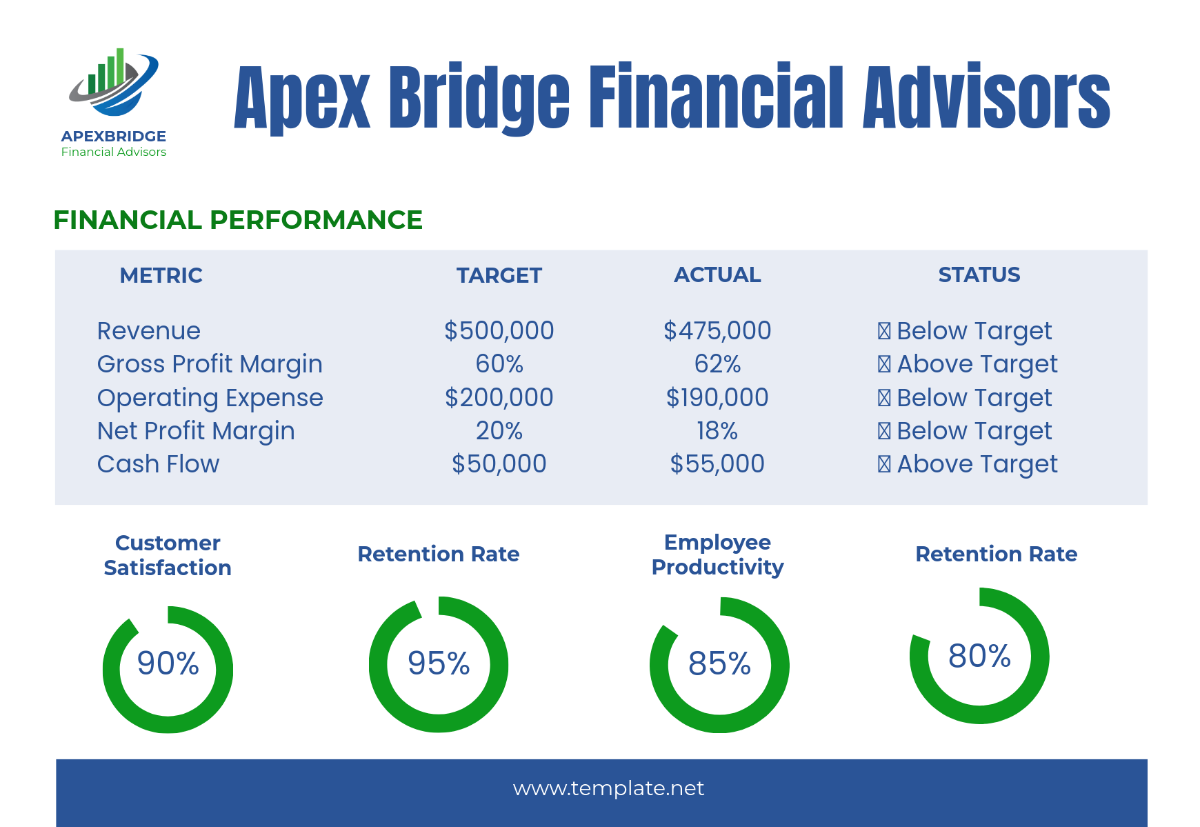
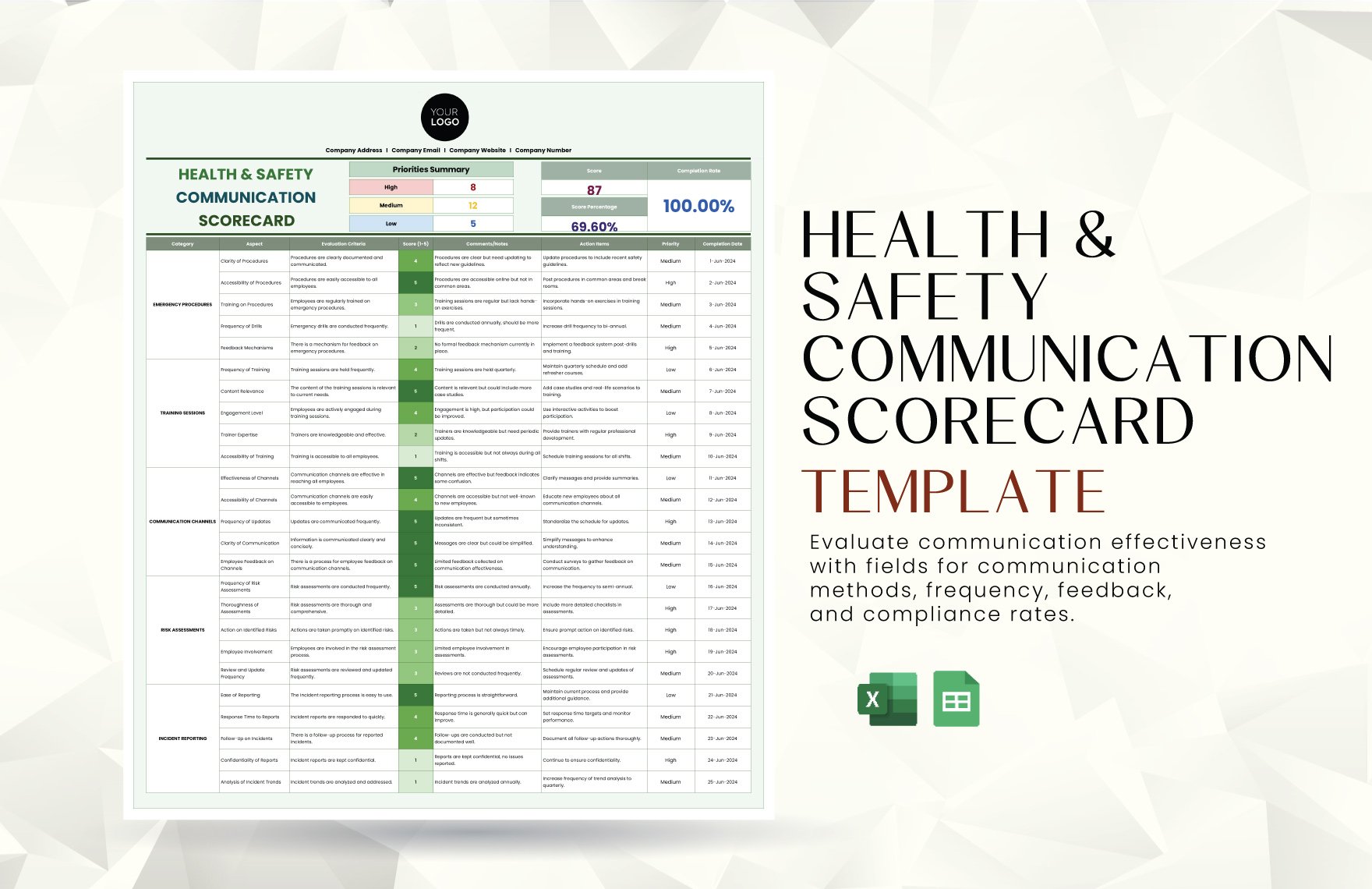
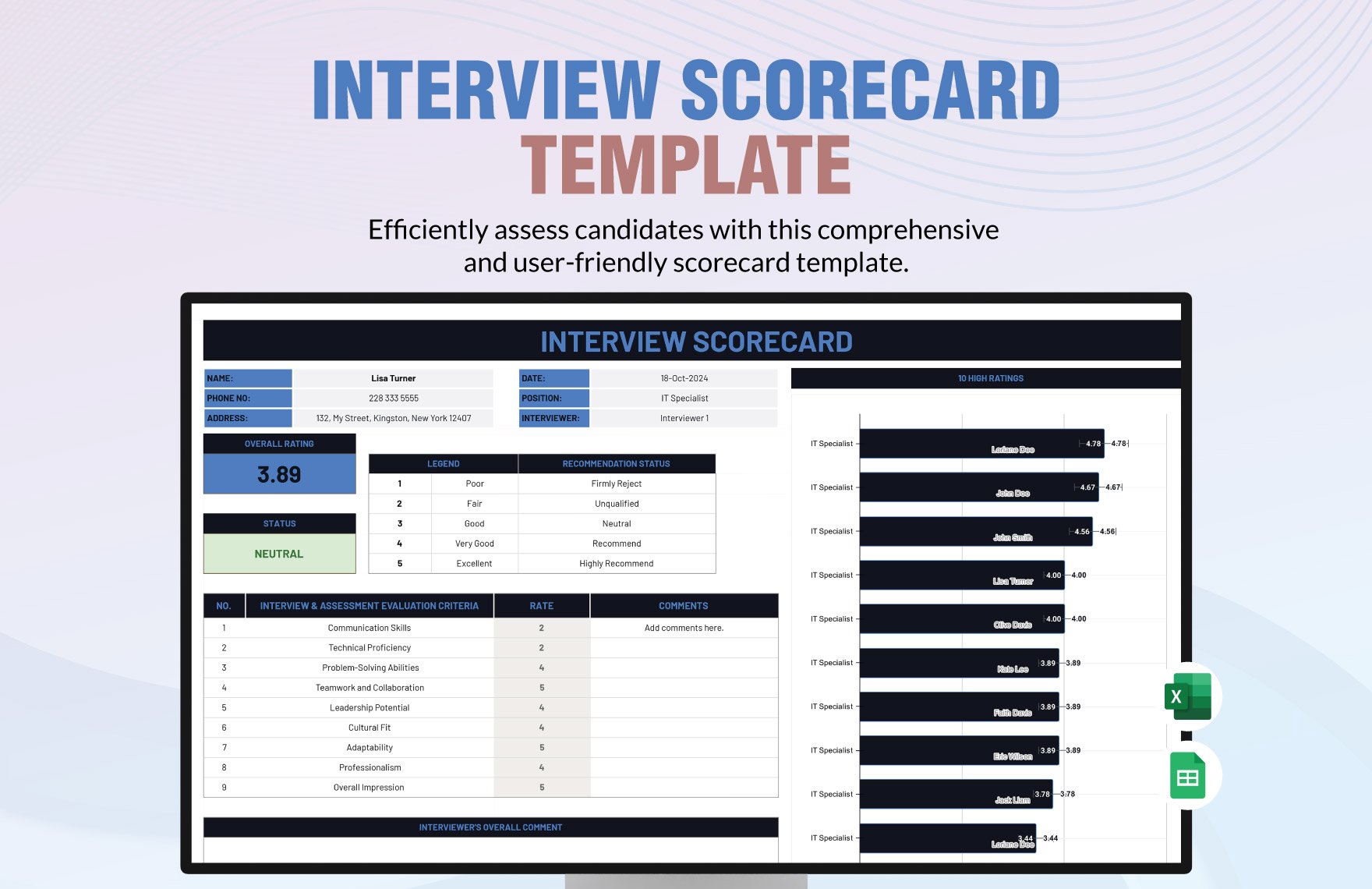
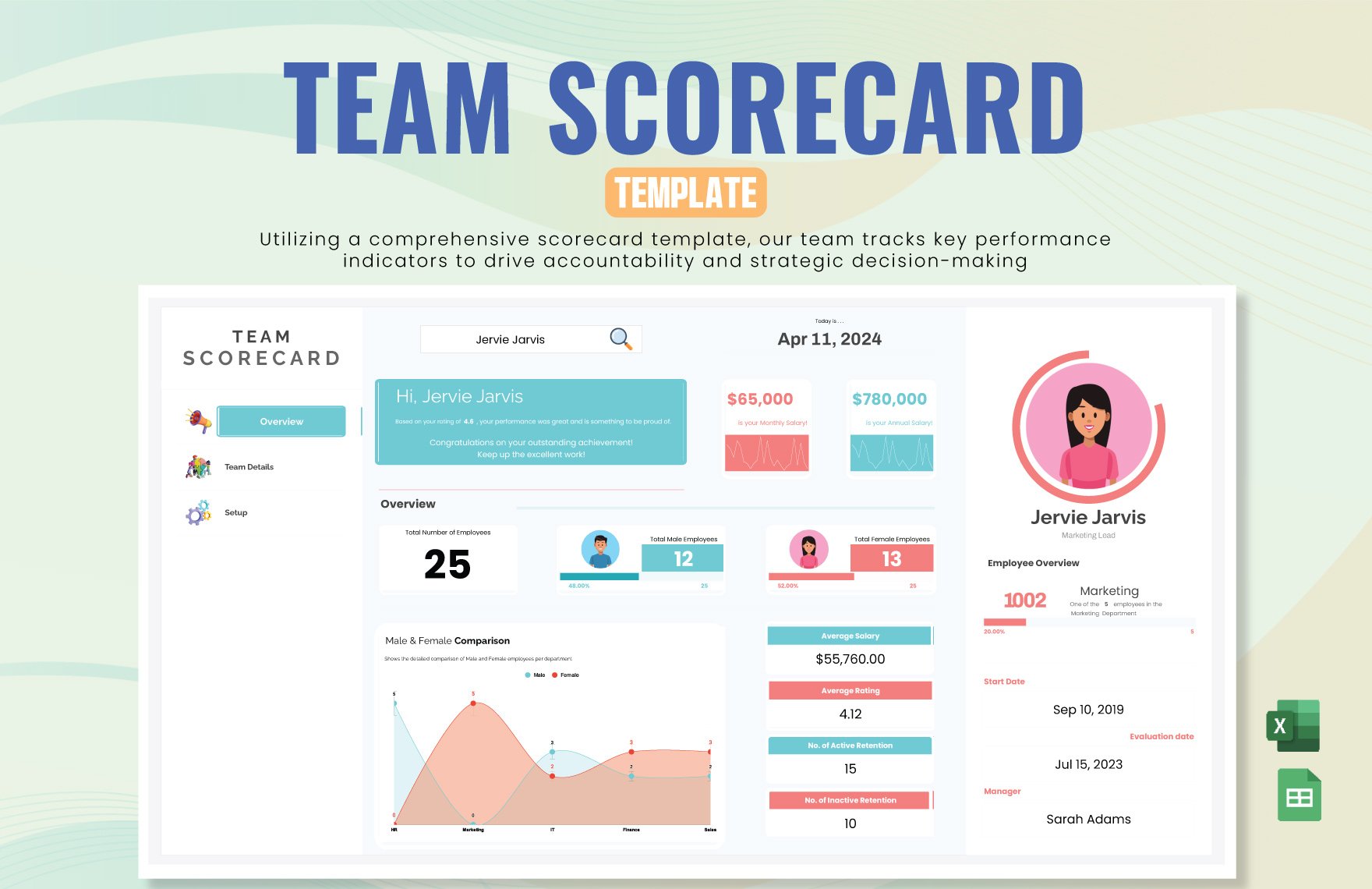
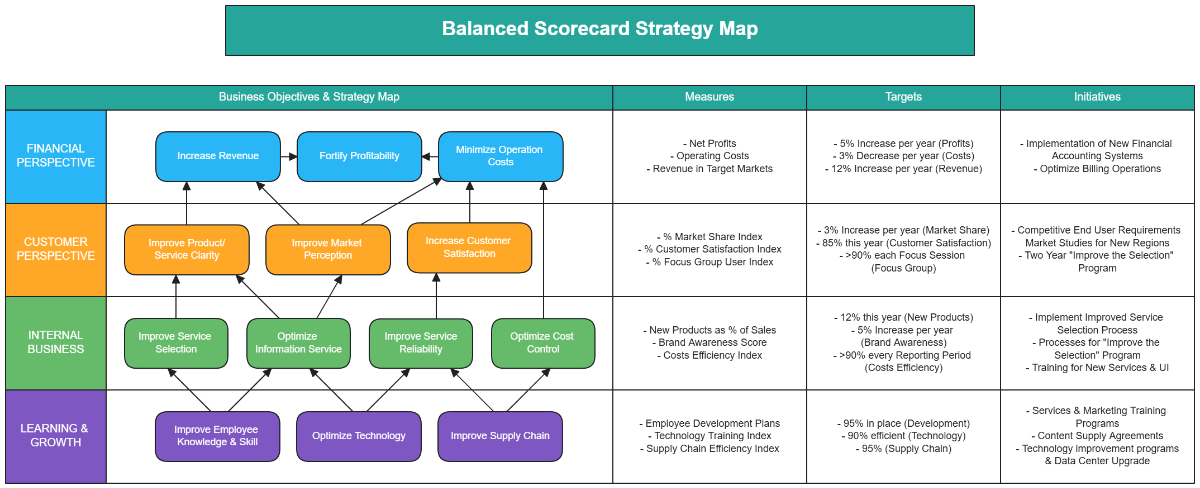
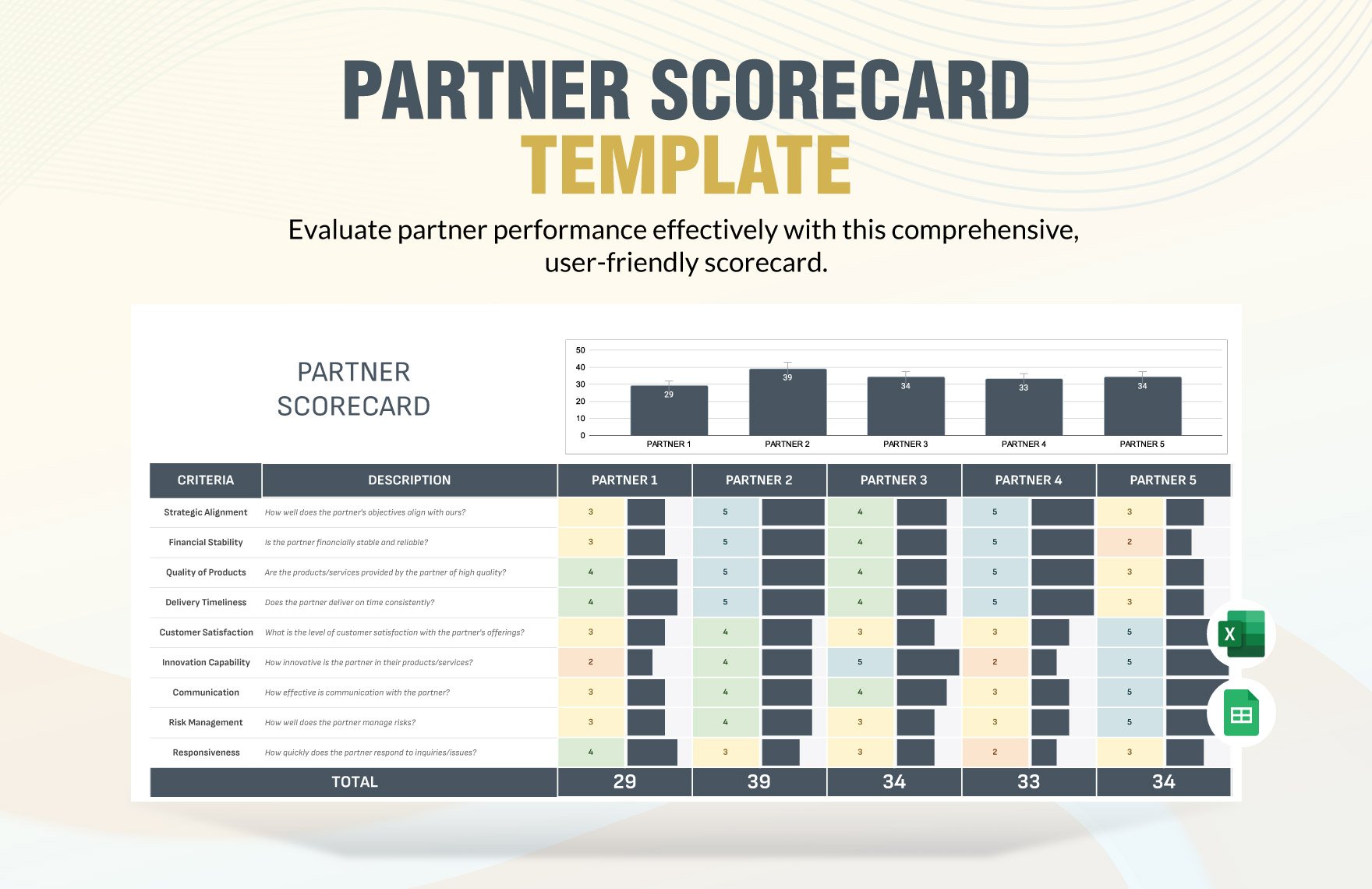
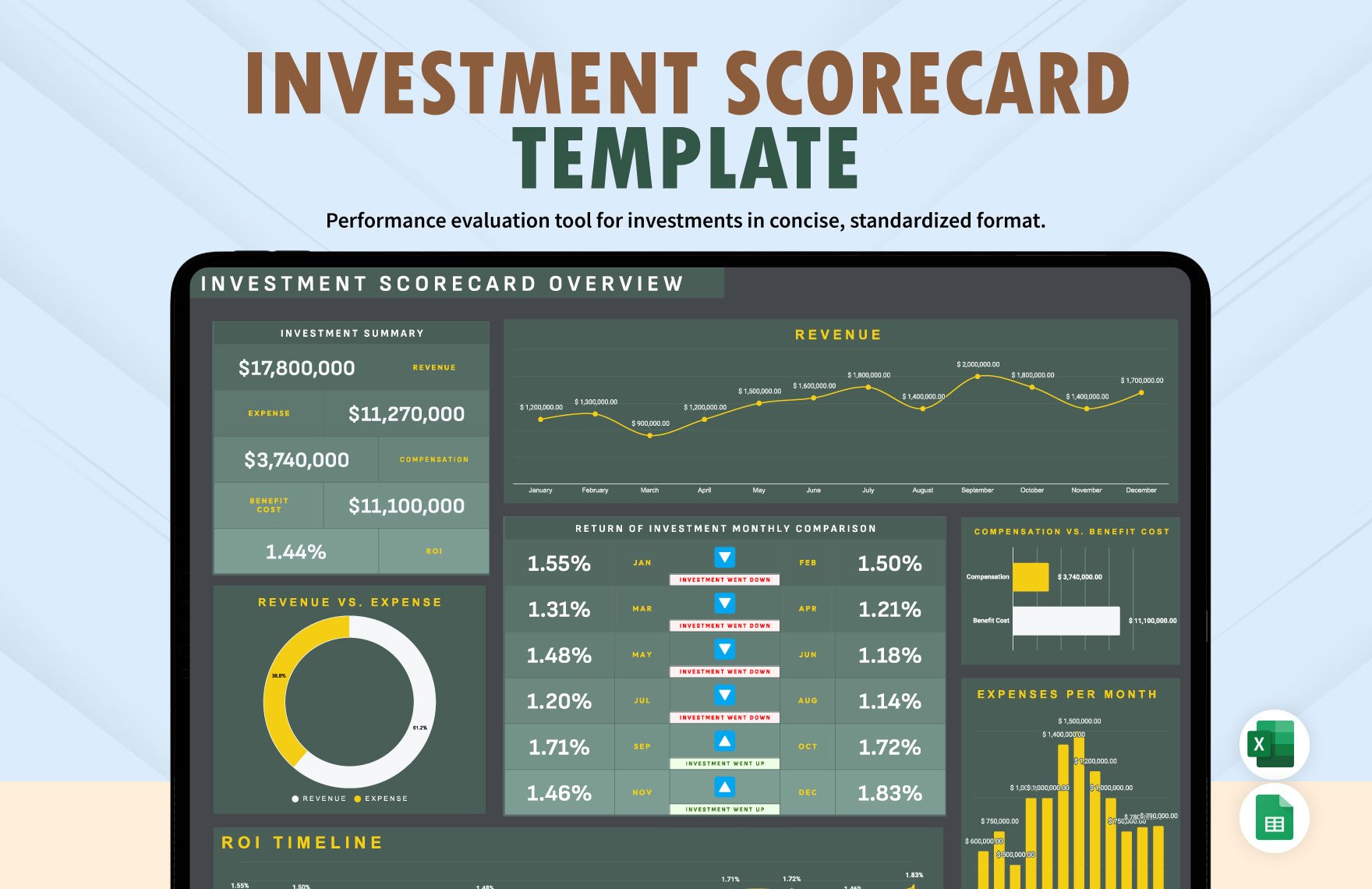
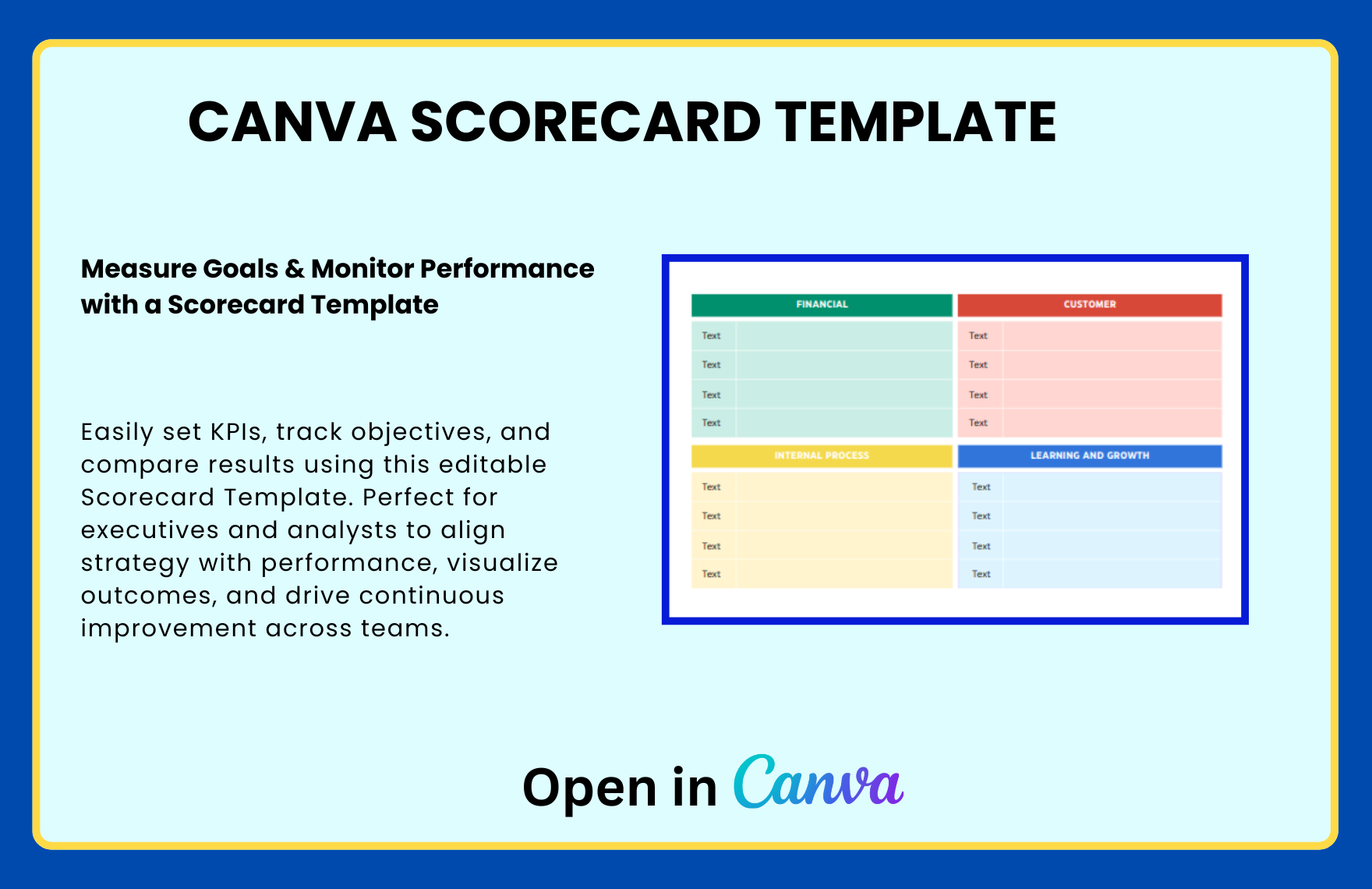
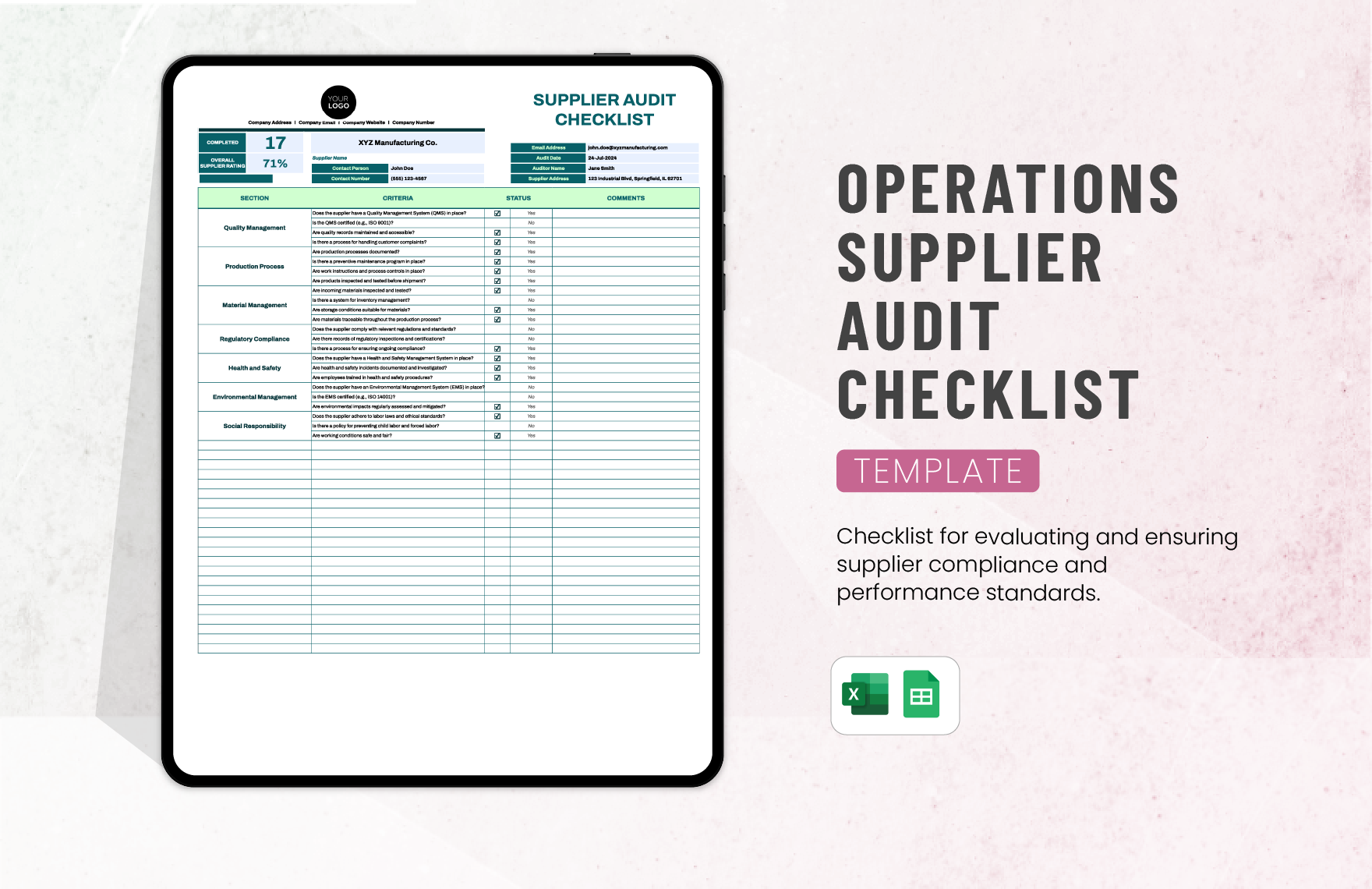
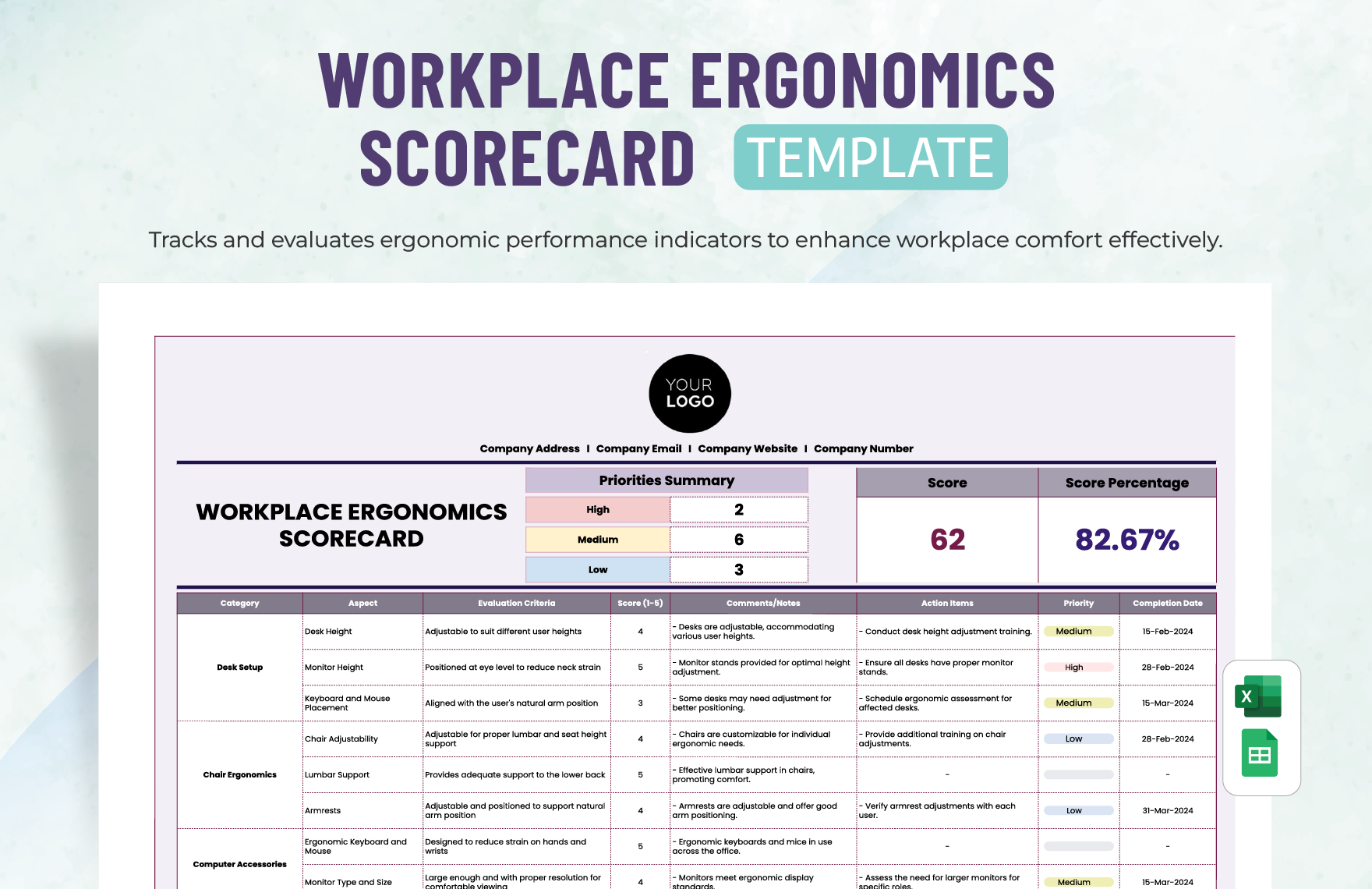
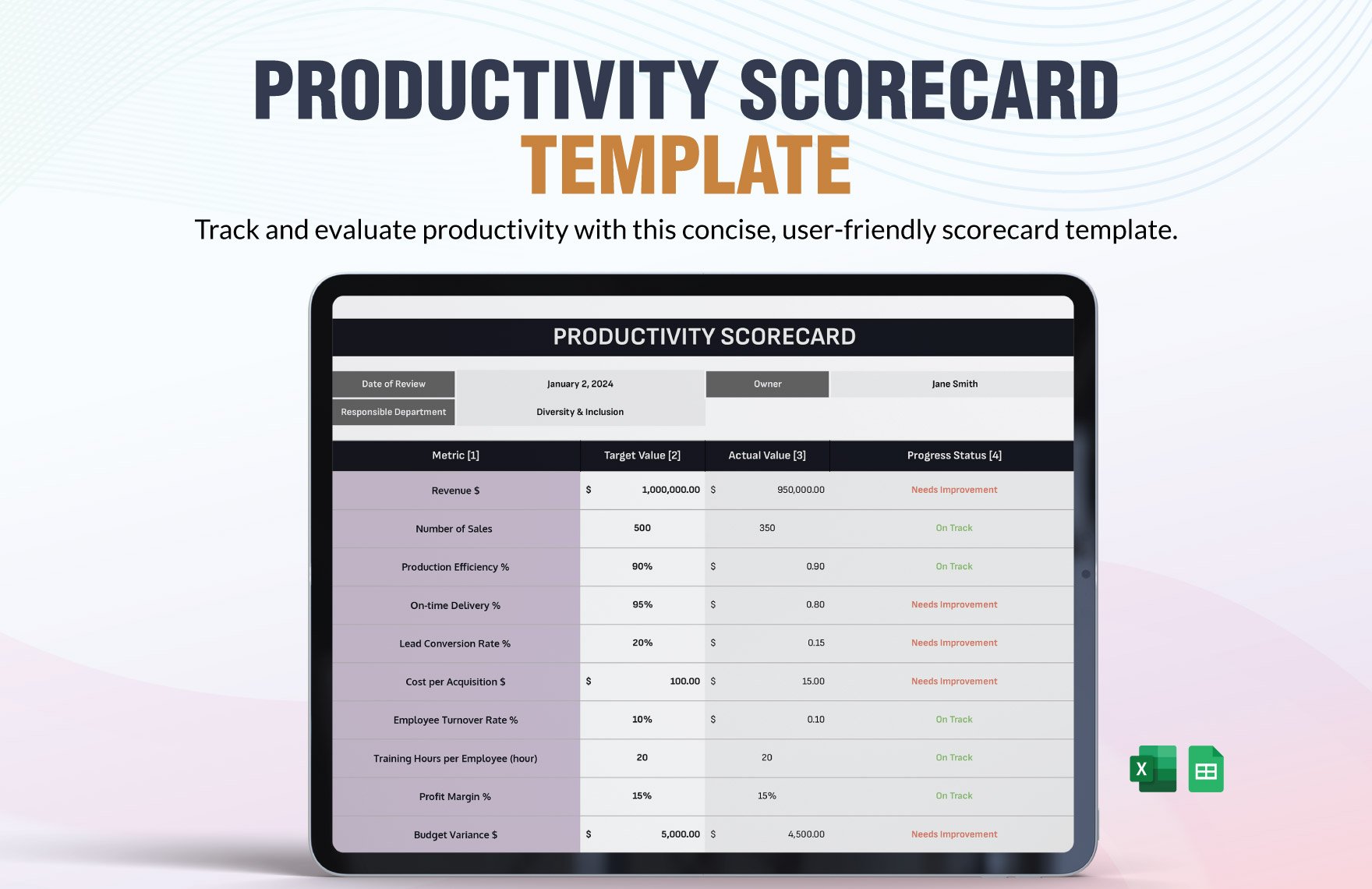
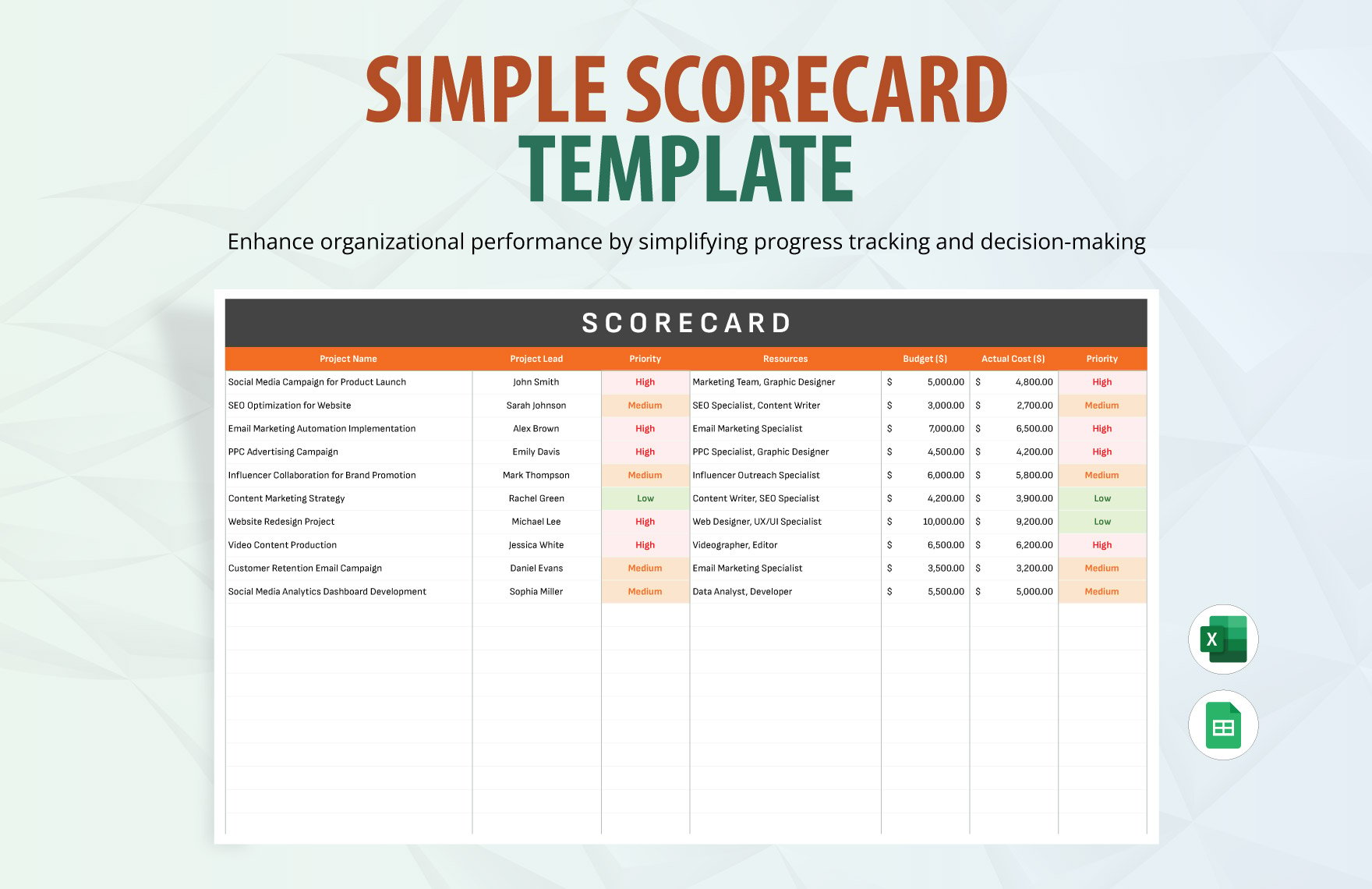
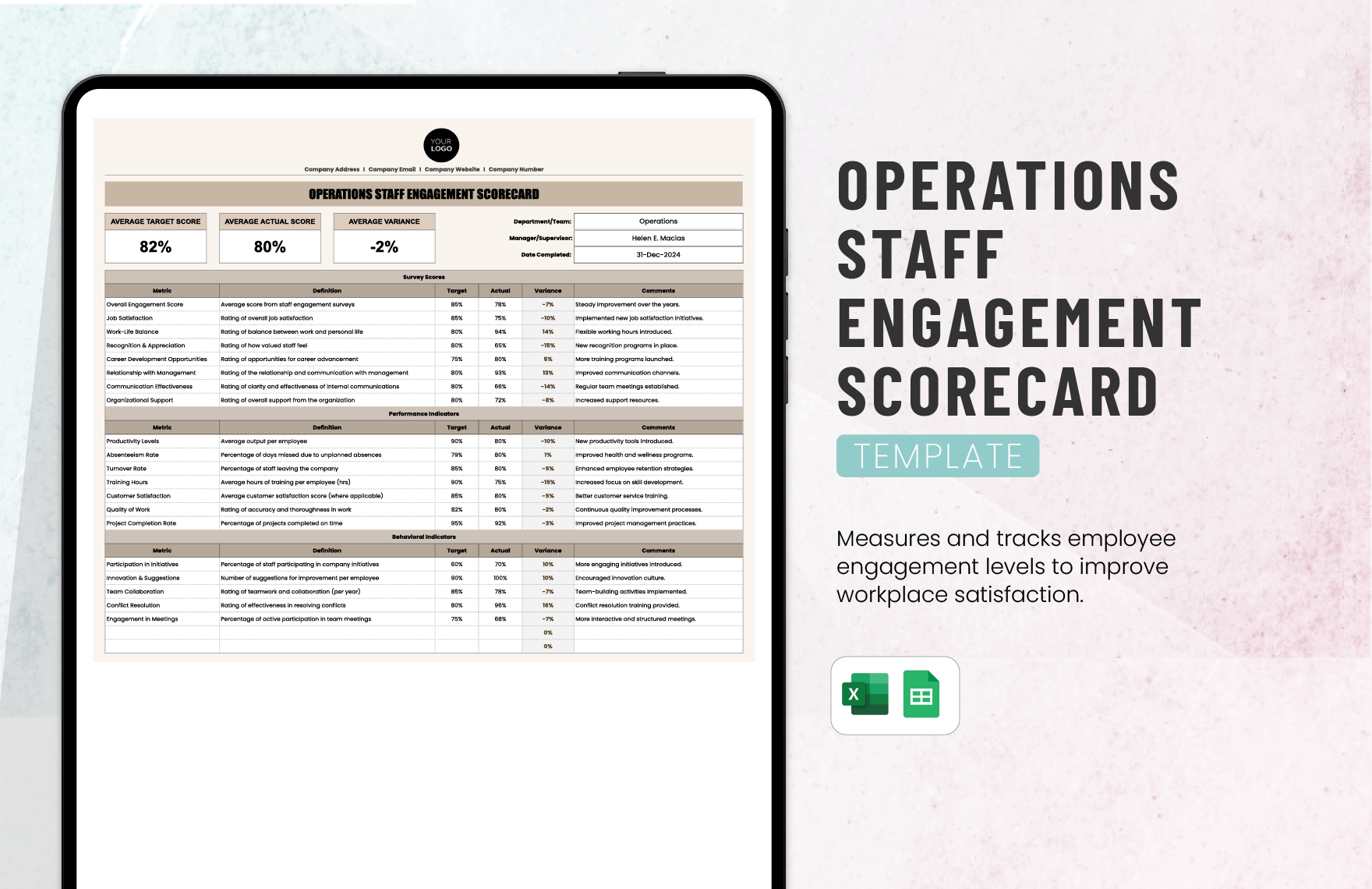
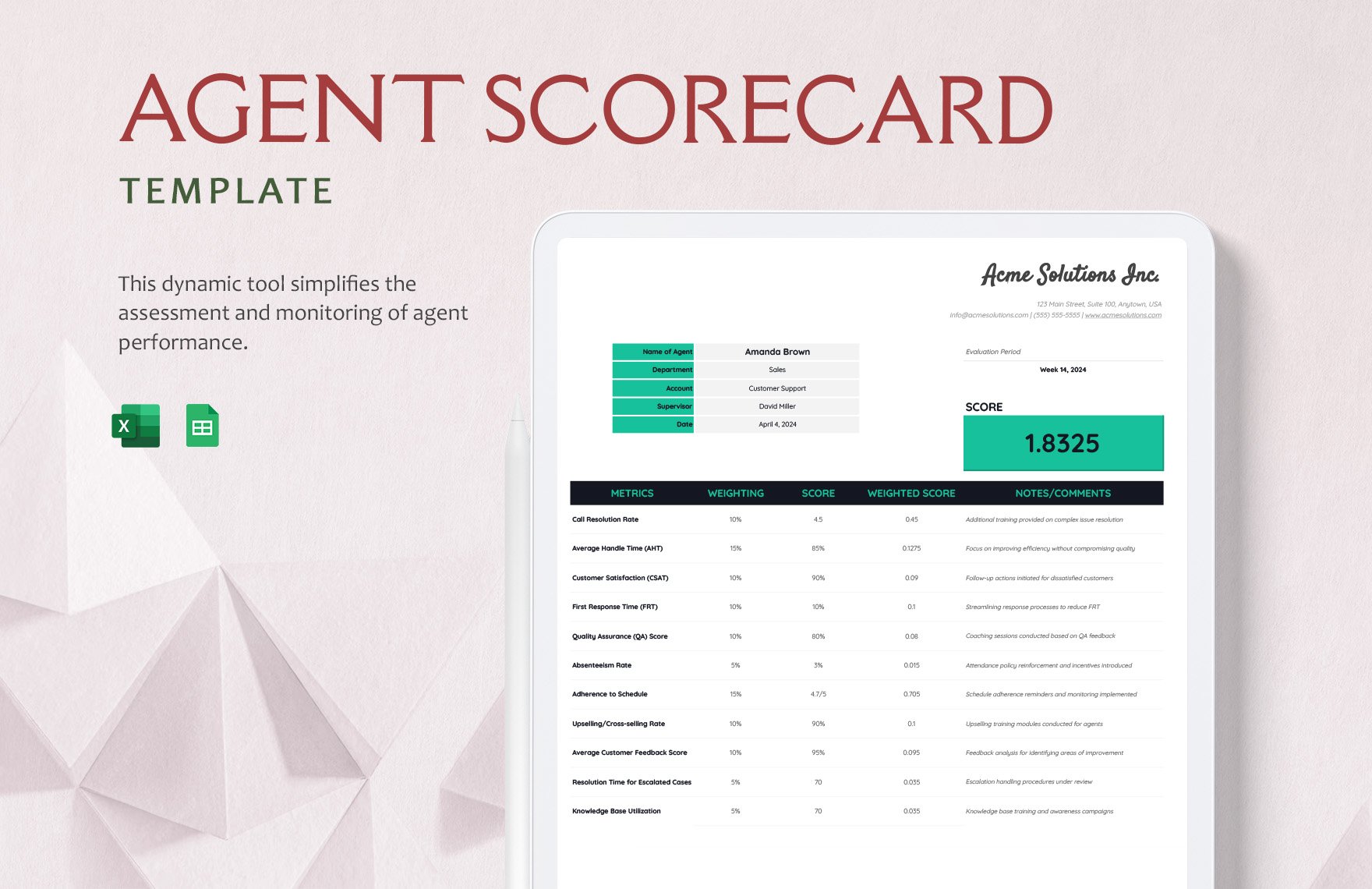
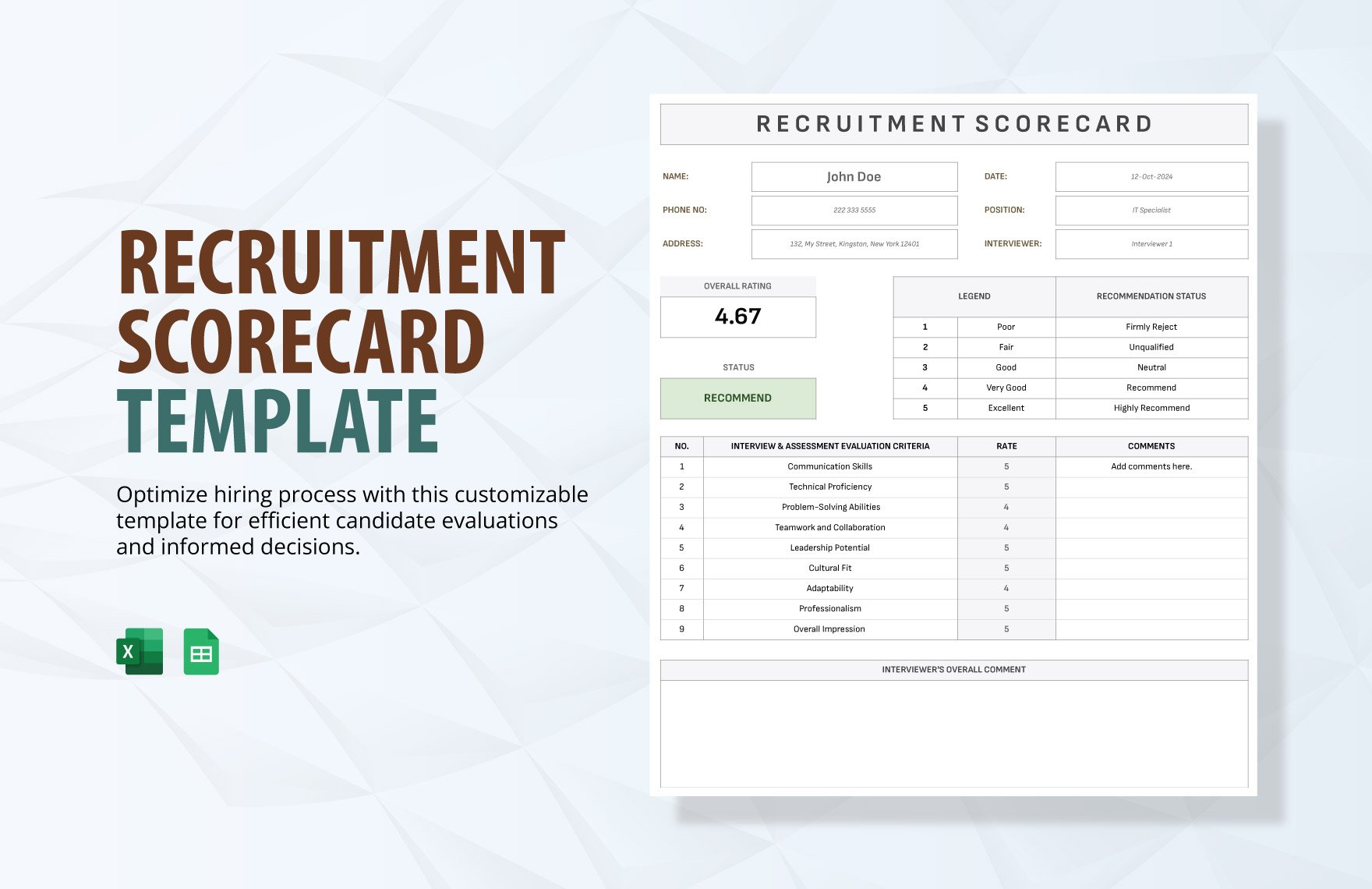
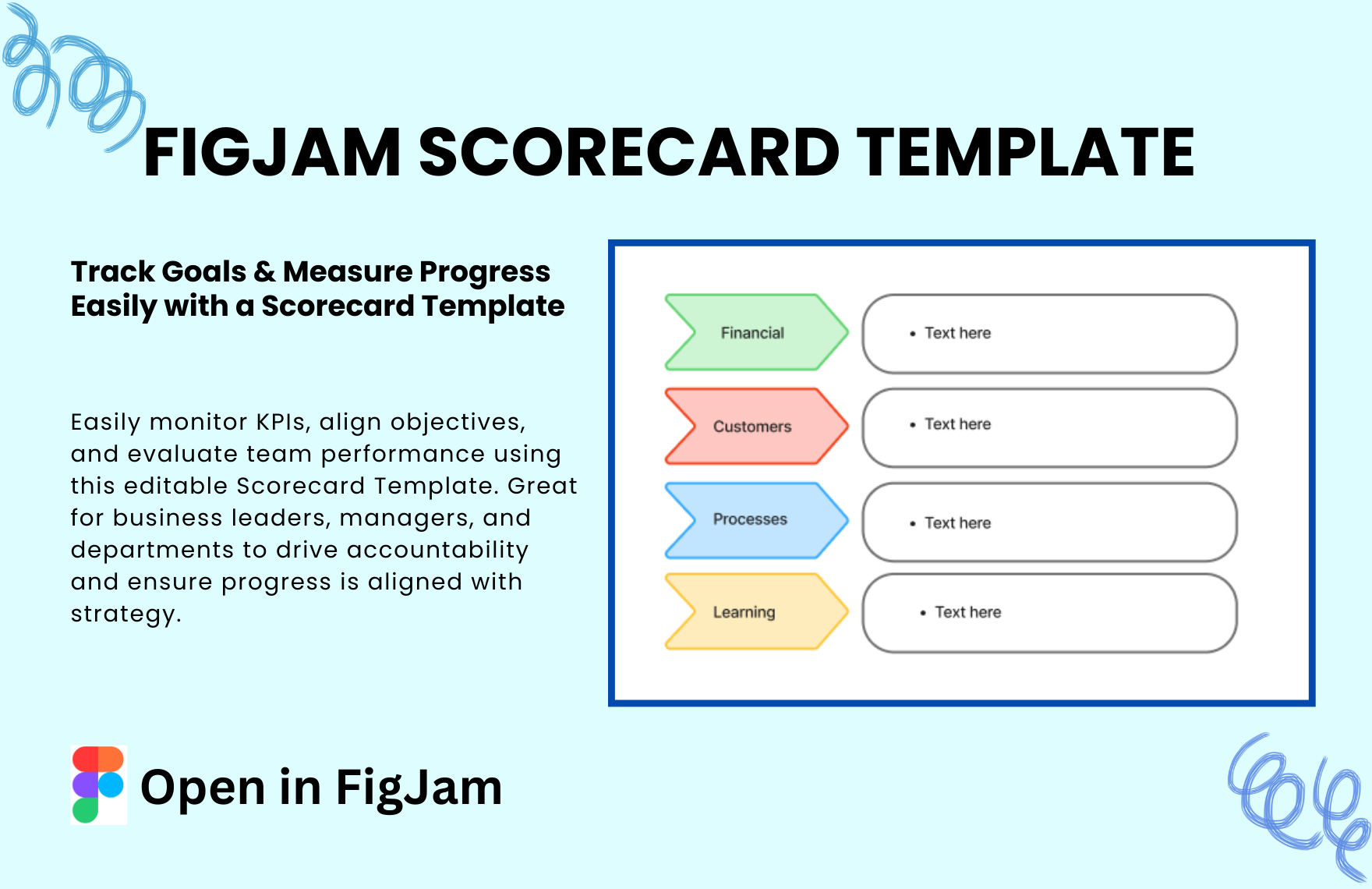
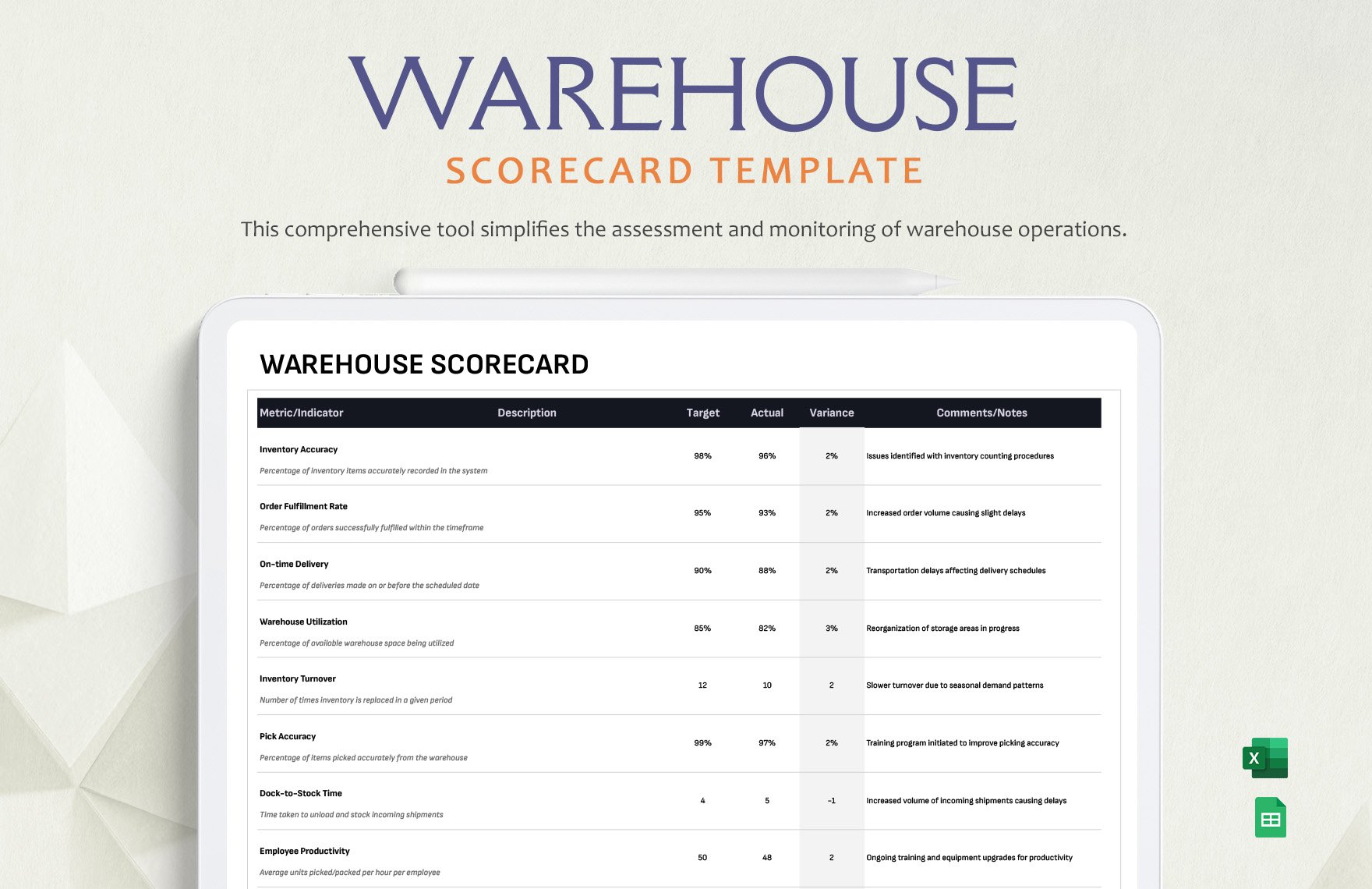
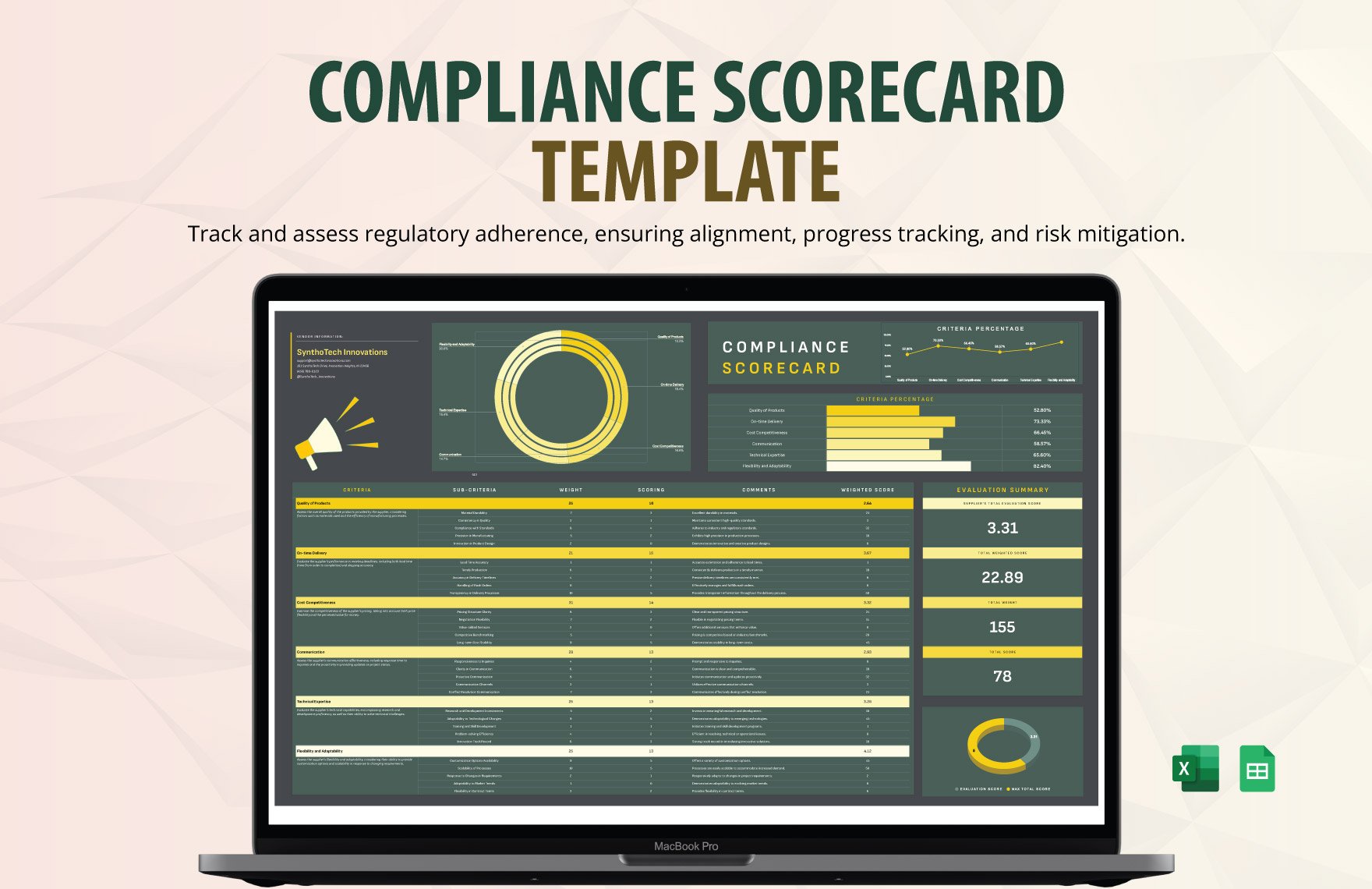
A Scorecard is a visual framework designed to measure and display key performance indicators and metrics in an organized manner. It helps users monitor progress, assess outcomes, and align goals through clear visual hierarchy and workflow connections.
Why should I use a Scorecard?
You should use a Scorecard to systematically track performance indicators, enhance decision-making, and maintain structural clarity across projects or teams. It facilitates transparent communication and efficient monitoring of goals, making performance data more actionable.
Who uses Scorecards?
Scorecards are commonly used by business managers, project leaders, and team members who require a clear overview of performance metrics. They are also useful for executives and analysts who need to evaluate progress and make data-driven decisions within organizations.
What are the best tips for completing my Scorecard?
To complete your Scorecard effectively, focus on clear and relevant data points, maintain consistent metric definitions, and organize information for easy interpretation. Use concise labels and prioritize key metrics to enhance visual hierarchy and collaboration features.
- Define clear objectives – identify what you want to measure
- Use measurable metrics – ensure data can be tracked quantitatively
- Keep it concise – avoid clutter for better clarity
- Maintain consistency – use uniform formats and scales
- Update regularly – keep information current and relevant
- Prioritize critical data – focus on what impacts performance most
- Use color coding – highlight status or trends visually
- Incorporate feedback – adapt your Scorecard based on team input
- Ensure accessibility – make it easy for all stakeholders to understand
- Leverage collaboration tools – enable real-time updates and sharing
What file formats can I download for my Scorecard?
Template.net whiteboard templates for Scorecard support multiple export formats for collaboration and sharing, including PDF, Microsoft PowerPoint, Microsoft Word, Google Docs, Google Slides, Adobe Illustrator, Adobe Photoshop, SVG, and PNG.
Can I create a Scorecard using AI?
Template.net provides an AI-powered tool that generates new Scorecard structures from prompts. You can use the Score Card Maker to create customized Scorecards quickly and efficiently.
What essential elements should be included in my Scorecard?
Your Scorecard should include core components that enhance understanding and usability.
- Key performance indicators (KPIs) – metrics that measure success
- Goals or targets – benchmarks for comparison
- Timeframes – periods for tracking progress
- Data sources – origin of the metrics
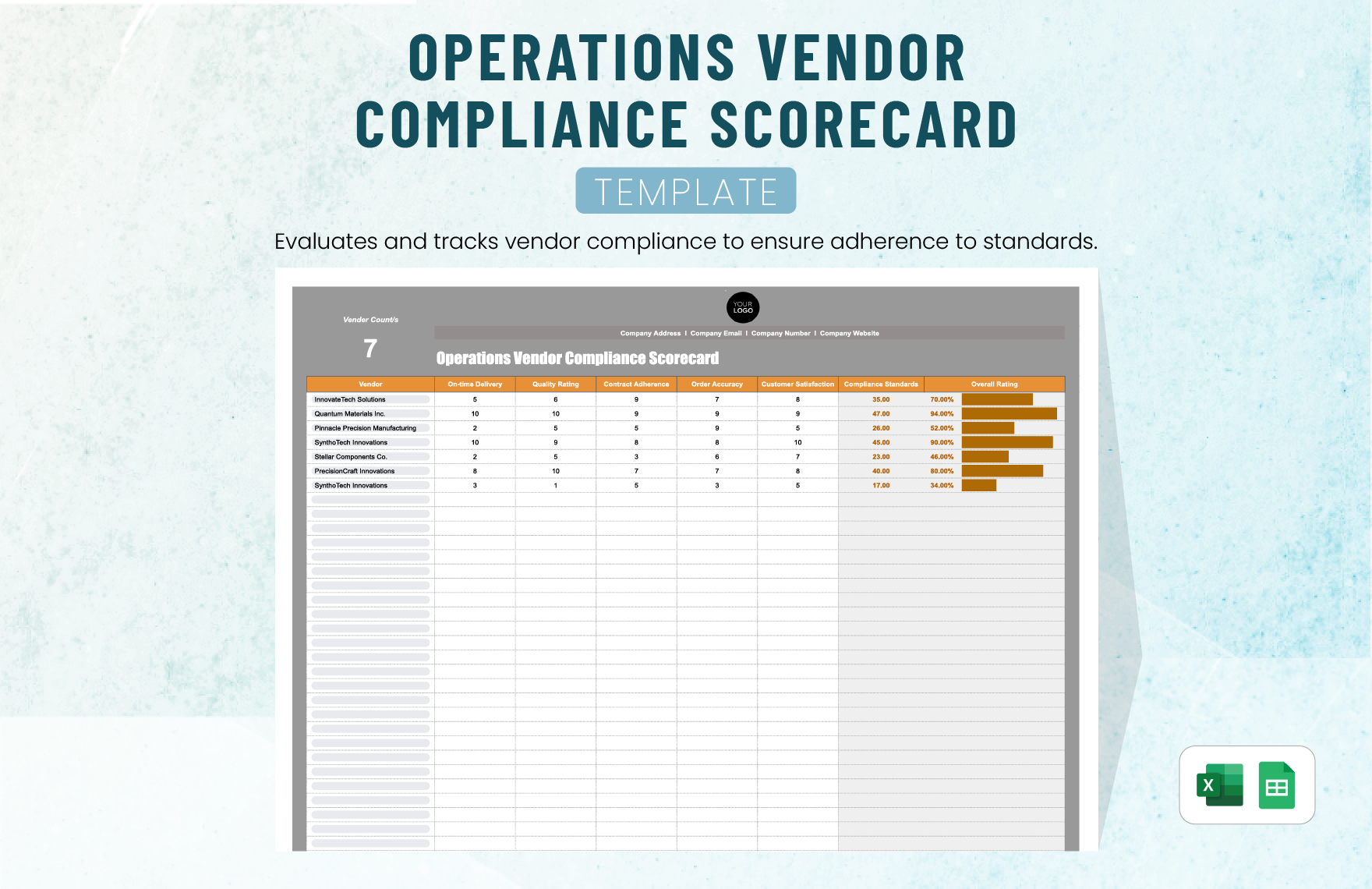
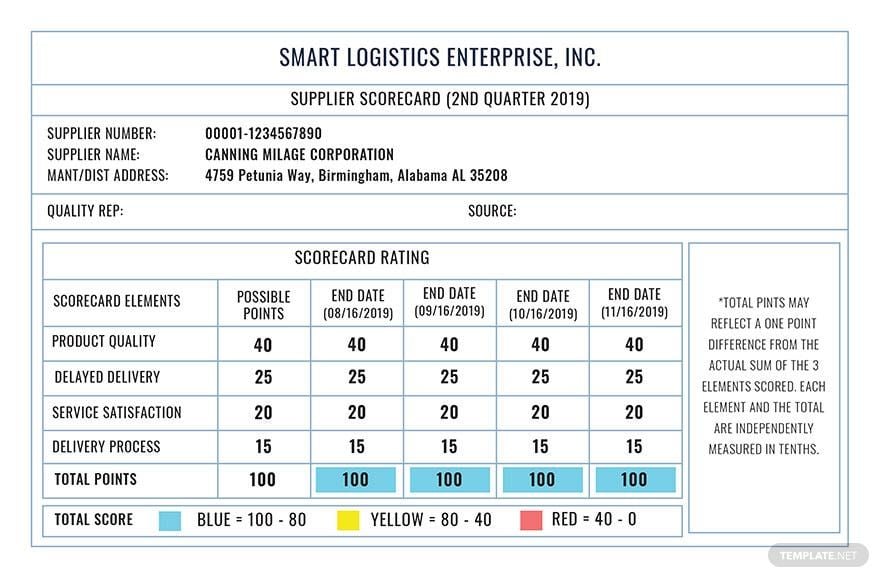
- Status indicators – visual cues like colors or symbols
- Comments or notes – contextual explanations
- Owner or responsible party – who is accountable
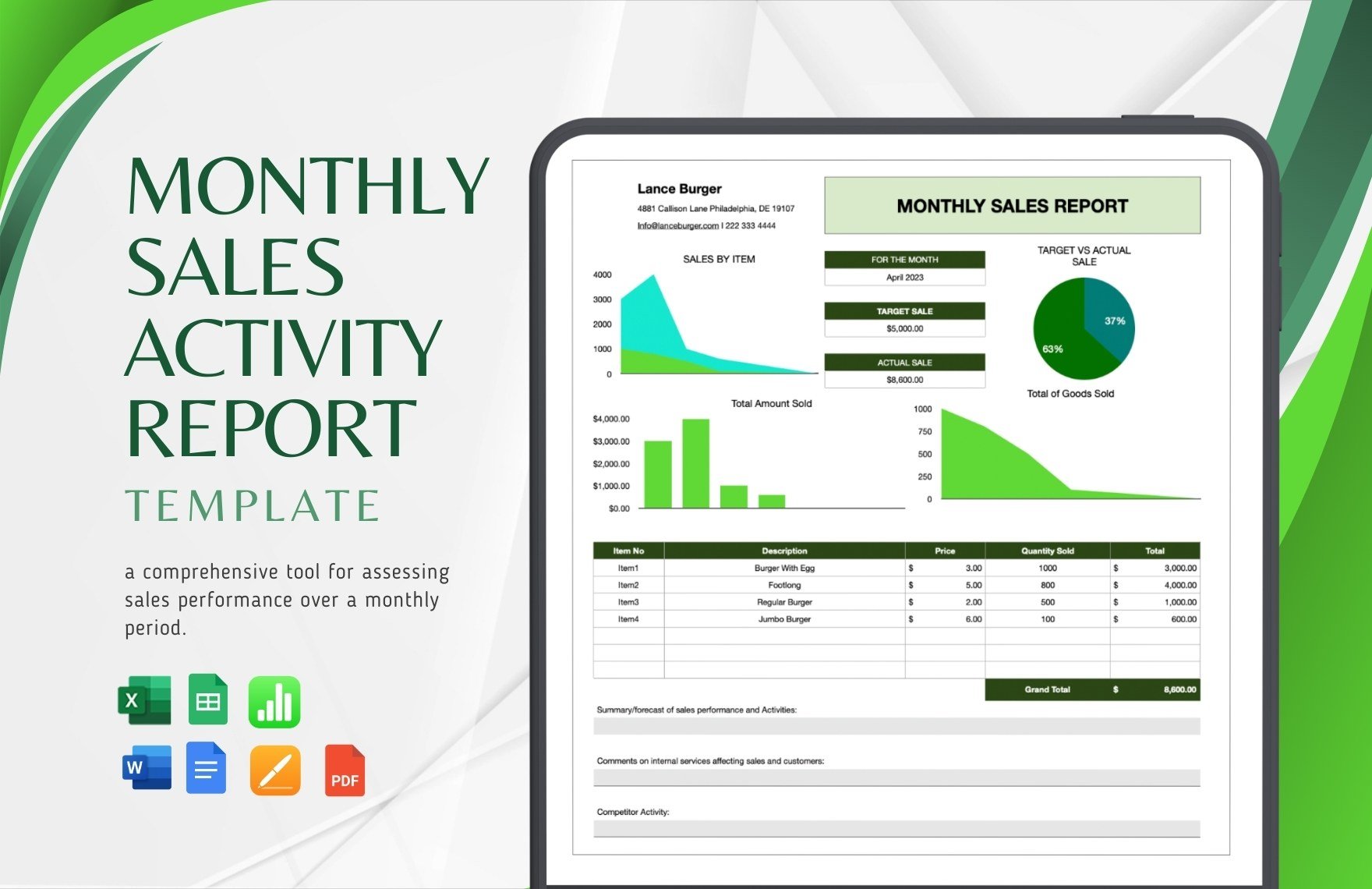
- Trend lines – to show performance over time
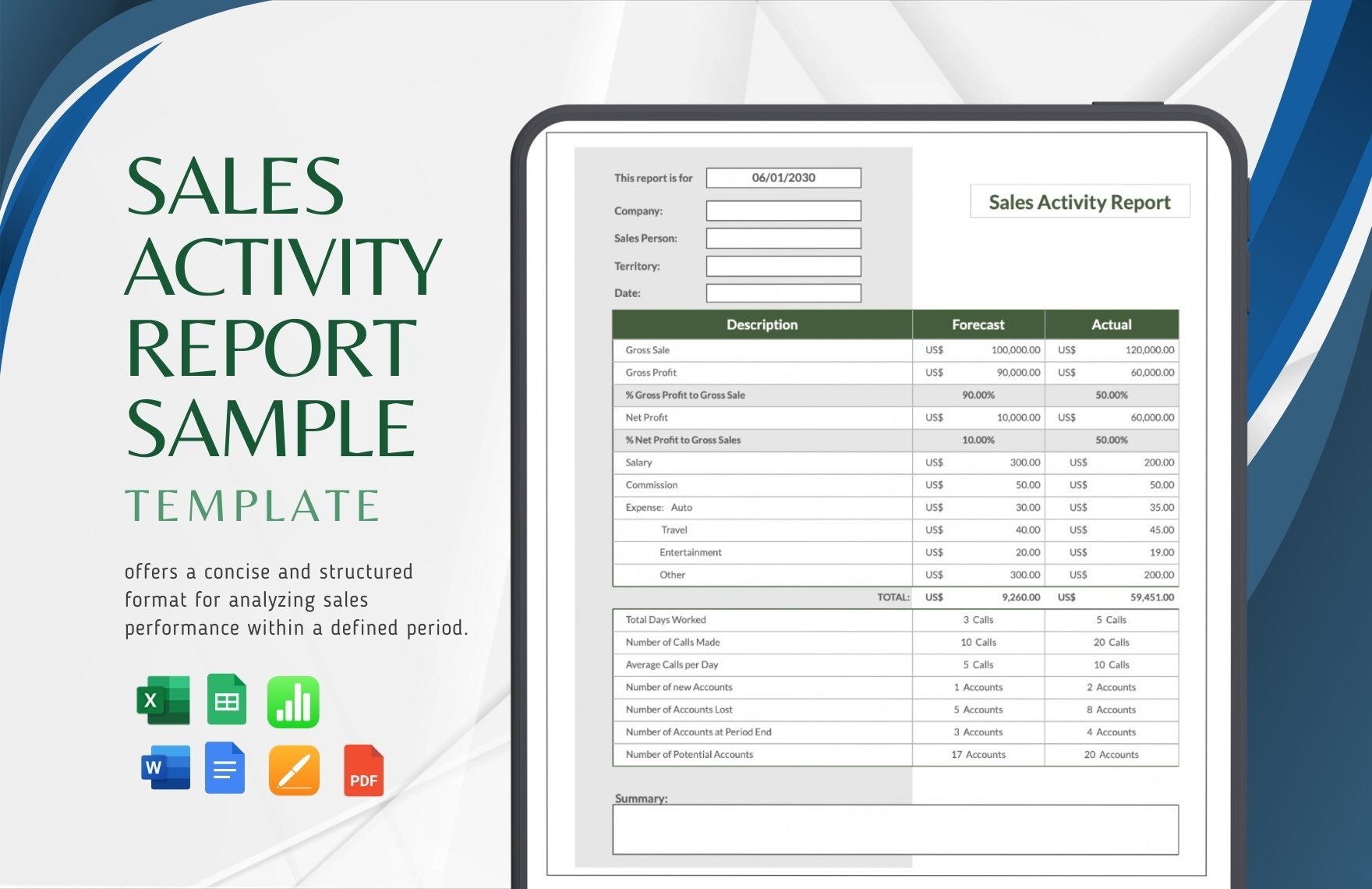
- Summary section – highlights of overall performance
- Visual layout – clear and organized structure
What are the benefits of using Scorecard in my business workflow?
Using a Scorecard in your business workflow improves performance monitoring, aligns team efforts, and supports strategic planning. It enhances transparency, facilitates data-driven decisions, and fosters accountability through clear visual hierarchy and collaboration features.
- Improved goal tracking – keeps objectives visible
- Enhanced communication – shares progress clearly
- Data-driven insights – supports informed decisions
- Increased accountability – clarifies responsibilities
- Streamlined reporting – simplifies status updates
- Identifies performance gaps – highlights areas for improvement
- Supports strategic alignment – ensures team focus
- Facilitates collaboration – enables shared updates and feedback
- Visualizes trends – tracks progress over time
- Boosts motivation – makes success measurable
What structural standards should my Scorecard follow?
Your Scorecard should follow standards that ensure clarity and ease of use. Organize data logically with clear headings, consistent formatting, and a balanced visual layout. Use diagram structures and visual hierarchy to guide users through metrics efficiently.
- Consistent font styles and sizes – for readability
- Logical grouping of metrics – by category or goal
- Clear labeling – descriptive and unambiguous
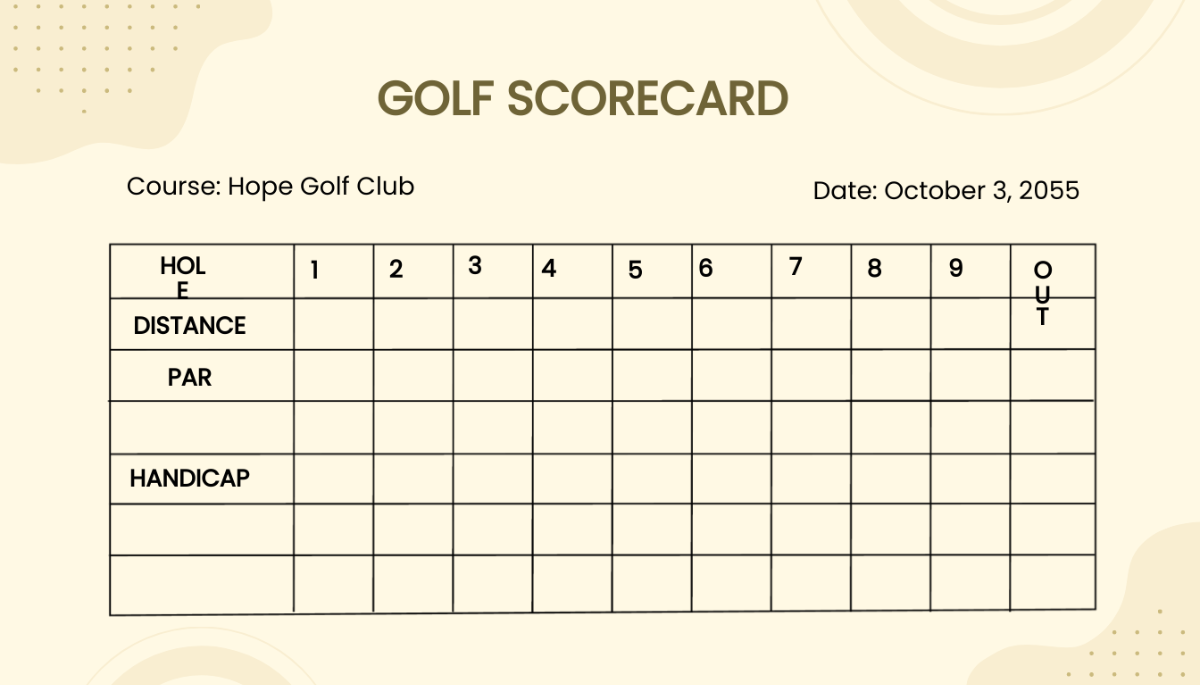
- Use of grids or tables – for alignment and structure
- Visual emphasis – highlight critical data with color or size
- Minimal clutter – avoid unnecessary elements
- Responsive layout – adapts to different screen sizes
- Accessible color schemes – consider color blindness and contrast
- Space for notes or comments – for context
- Clear update timestamps – indicate data currency