
Free Pine Silhouette Images
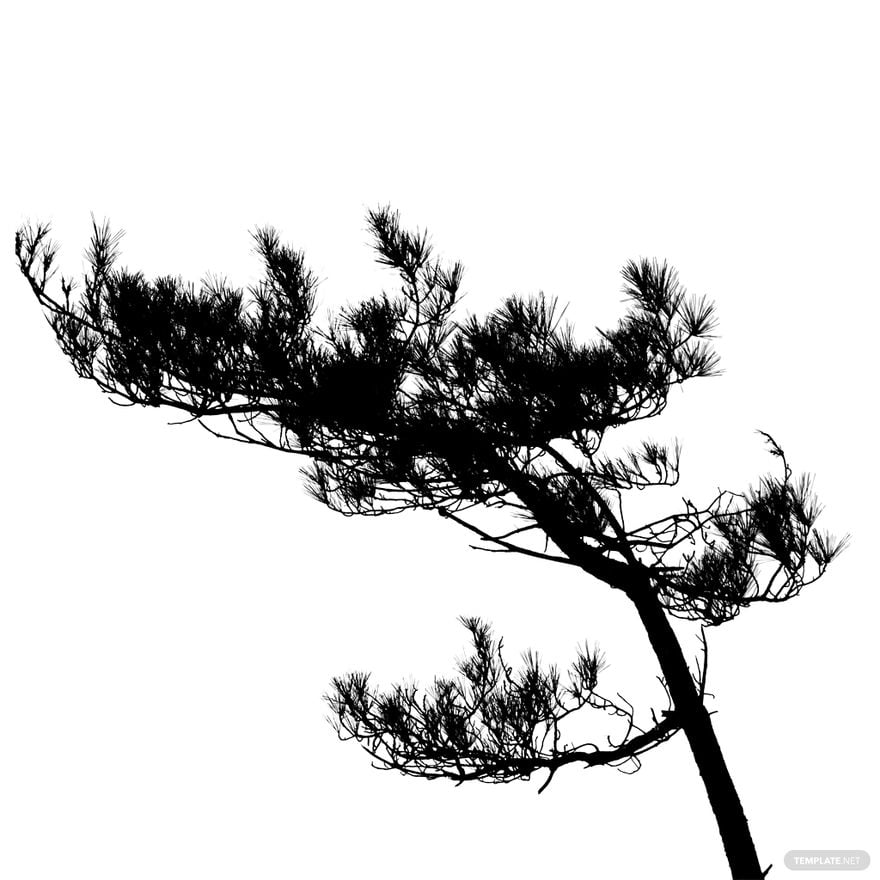
Pine Silhouette Images: Uses, Sizes, and Design Elements
What is a Pine Silhouette Images?
Pine silhouette images are graphic templates showing the dark outline of pine trees used in various designs. These templates include editable text areas and design layers ready for customization. They allow users to add professional pine tree graphics without creating them from scratch.
Why use a Pine Silhouette Images?
Pine silhouette images provide a quick way to add natural and rustic elements to designs with professional layouts. Using these templates saves time by offering layered design customization and eliminates the need for manual drawing, ensuring consistency and quality.
Who typically uses Pine Silhouette Imagess?
Pine silhouette images are commonly used by graphic designers, marketers, and content creators who need ready-made templates with nature themes. Small businesses and event planners also use these templates for creating professional visuals quickly through online editing.
What size should a Pine Silhouette Images be?
Pine silhouette images vary in size depending on the project, commonly ranging from 4 × 6 inches to 8.5 × 11 inches. Selecting the right size ensures the layout blocks and graphics maintain clarity when printed or displayed digitally.
What are the best tips for designing a Pine Silhouette Images?
When designing pine silhouette images, focus on clear outlines and use editable text areas for captions. Utilize design layers to add depth and contrast, and keep the layout balanced to highlight the pine tree graphics effectively.
How do you print a Pine Silhouette Images?
Pine silhouette images should be printed on high-quality paper with suitable resolution from Template.net templates. Ensure that key information sections and graphics are properly aligned and use print-ready formats for the best professional results.
What elements should a Pine Silhouette Images include?
Pine silhouette images should include headline text areas, bold pine tree graphics, and layout blocks for additional content. Well-organized design layers enable easy customization and maintain a professional look throughout the template.
Can I create a new Pine Silhouette Images using AI?
Template.net provides an AI-powered tool that generates new Pine Silhouette Images designs from prompts. Use the Silhouette Generator to create unique pine silhouette templates effortlessly.
