
Free Silhouette Templates





















Silhouette Templates: Definition, Usage, and Formats
What is a Silhouette template?
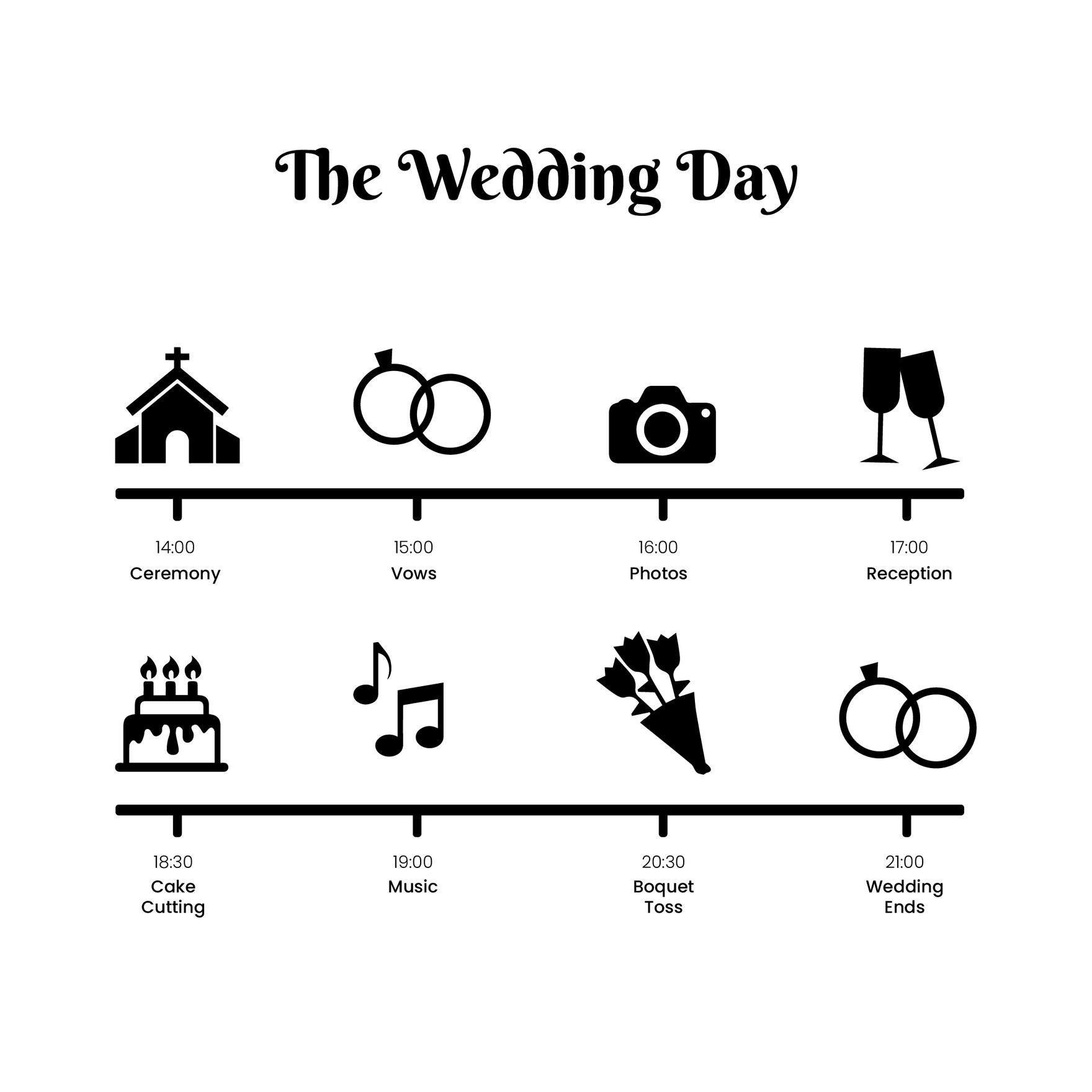
A Silhouette template is a pre-designed layout featuring dark shapes or outlines that emphasize form and contrast in visual content. These templates include editable text areas and layered design elements for easy customization to fit diverse creative projects.
Who typically uses Silhouette templates?
Silhouette templates are commonly used by graphic designers, marketers, event planners, and small business owners who need professional, eye-catching visuals. These users benefit from the customizable design layers and quick online editing that streamline creative workflows.
When should I use Silhouette templates?
Silhouette templates are ideal for projects requiring bold visual impact such as event flyers, social media graphics, and branding materials. They work best when emphasizing shape and contrast to create memorable designs that stand out.
What design tips enhance Silhouette templates?
To enhance Silhouette templates, use a limited color palette with strong contrasts, add clear headlines, and include layered graphic elements to create depth. Balancing negative space with silhouette shapes maximizes visual appeal.
What are common sizes for Silhouette templates?
Silhouette templates commonly come in sizes like 4 × 6 inches, 5 × 7 inches, and 8.5 × 11 inches to suit various print and digital needs. These standard dimensions ensure easy customization and professional output.
What elements are included in Silhouette templates?
Silhouette templates include layered graphics, editable text areas, and background shapes that form the silhouette effect. These components provide flexibility to adjust the visual theme and personalize content effectively.
How do I print Silhouette templates effectively?
To print Silhouette templates effectively, use high-contrast settings and select quality paper that highlights dark shapes and outlines. Ensure the design size matches the printer capabilities, such as 8.5 × 11 inches, for crisp, professional results.
What file formats can I download for a Silhouette template?
Template.net offers Silhouette templates in multiple editable and printable formats including PSD and Illustrator. These formats support layered customization and high-quality output.
Can I create a new Silhouette template using AI?
Template.net provides an AI-powered tool that generates new Silhouette template designs from prompts. This allows users to create unique customized designs quickly with minimal effort. Try the Silhouette Generator to start creating.
