
Free Table Templates





















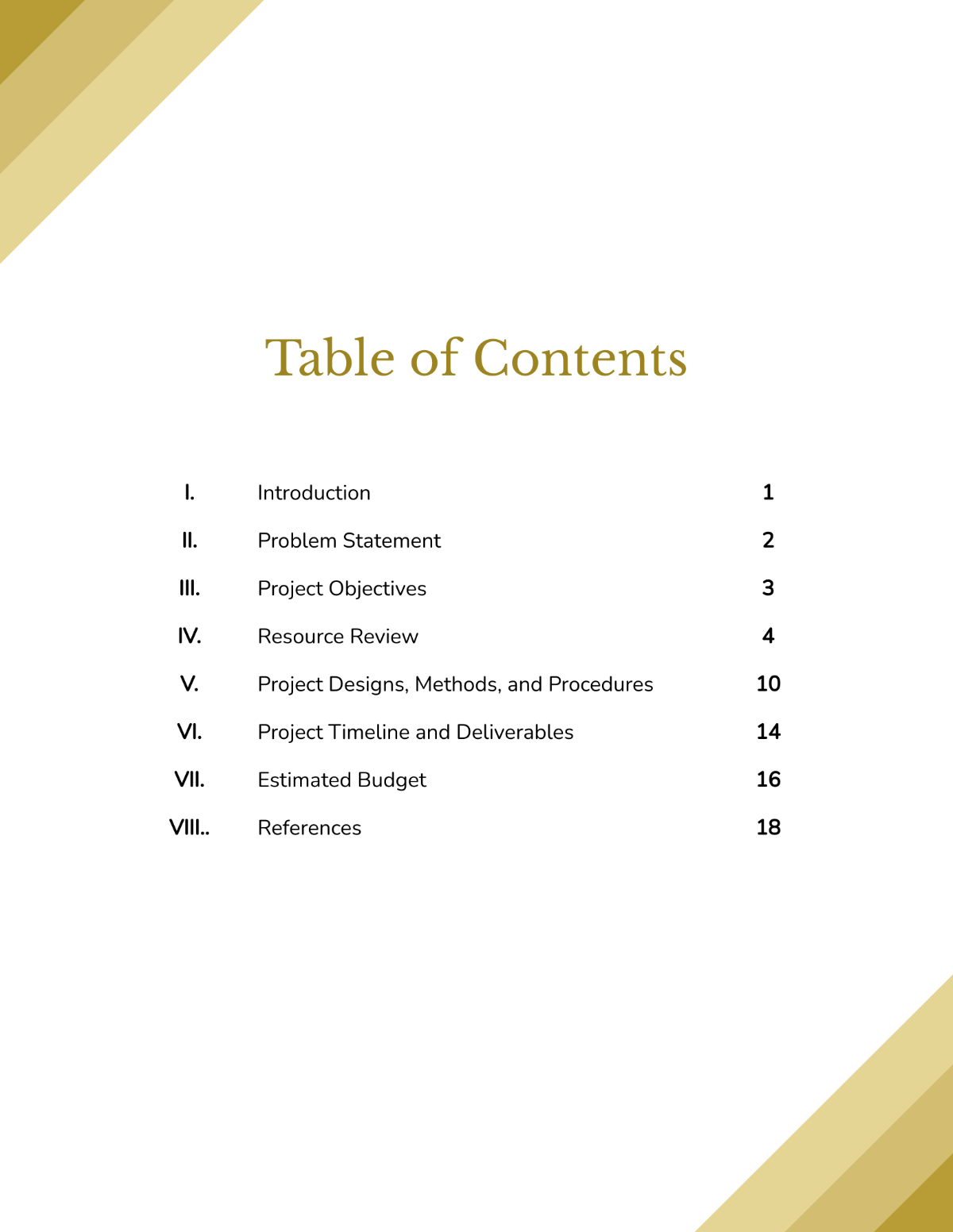
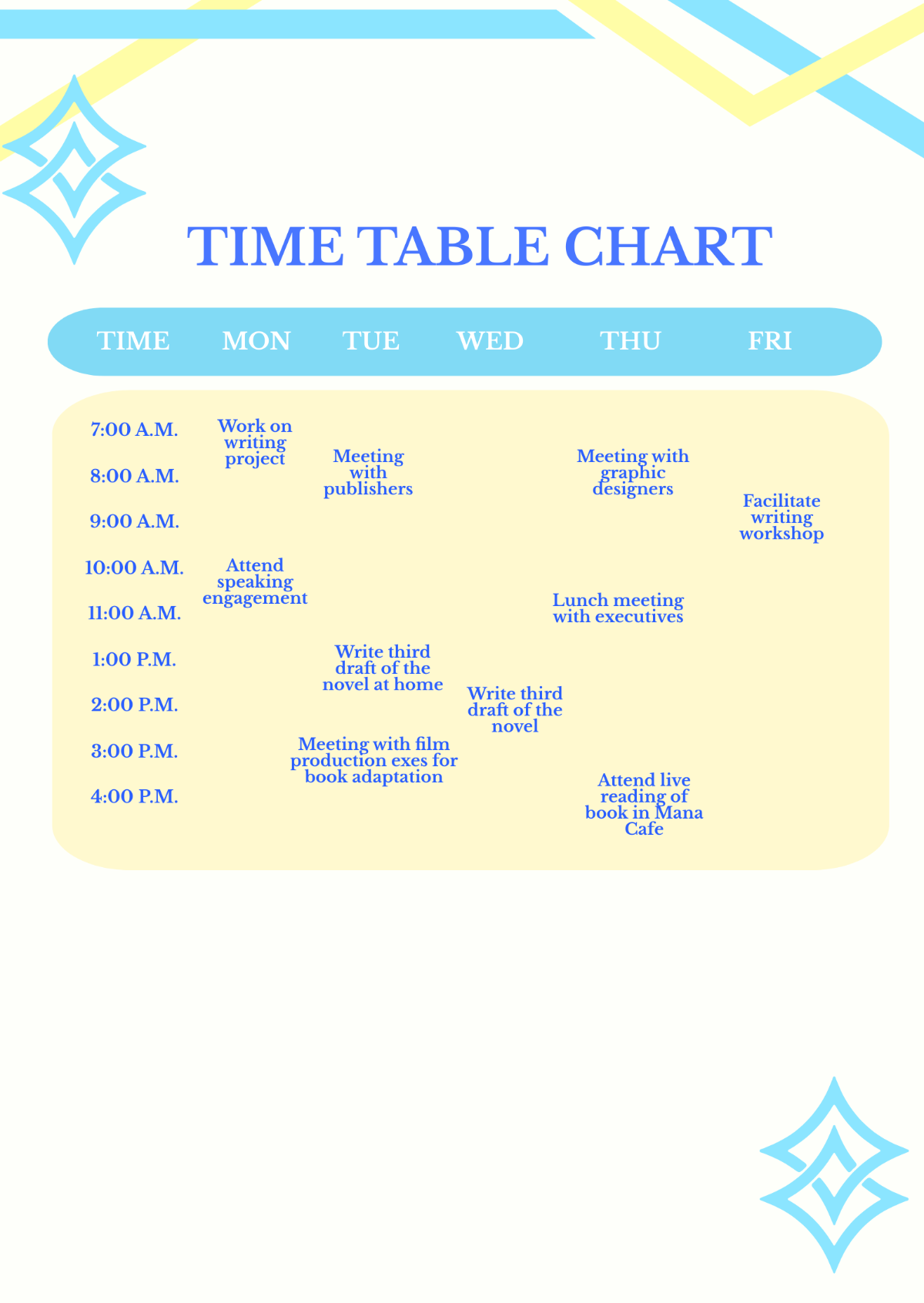





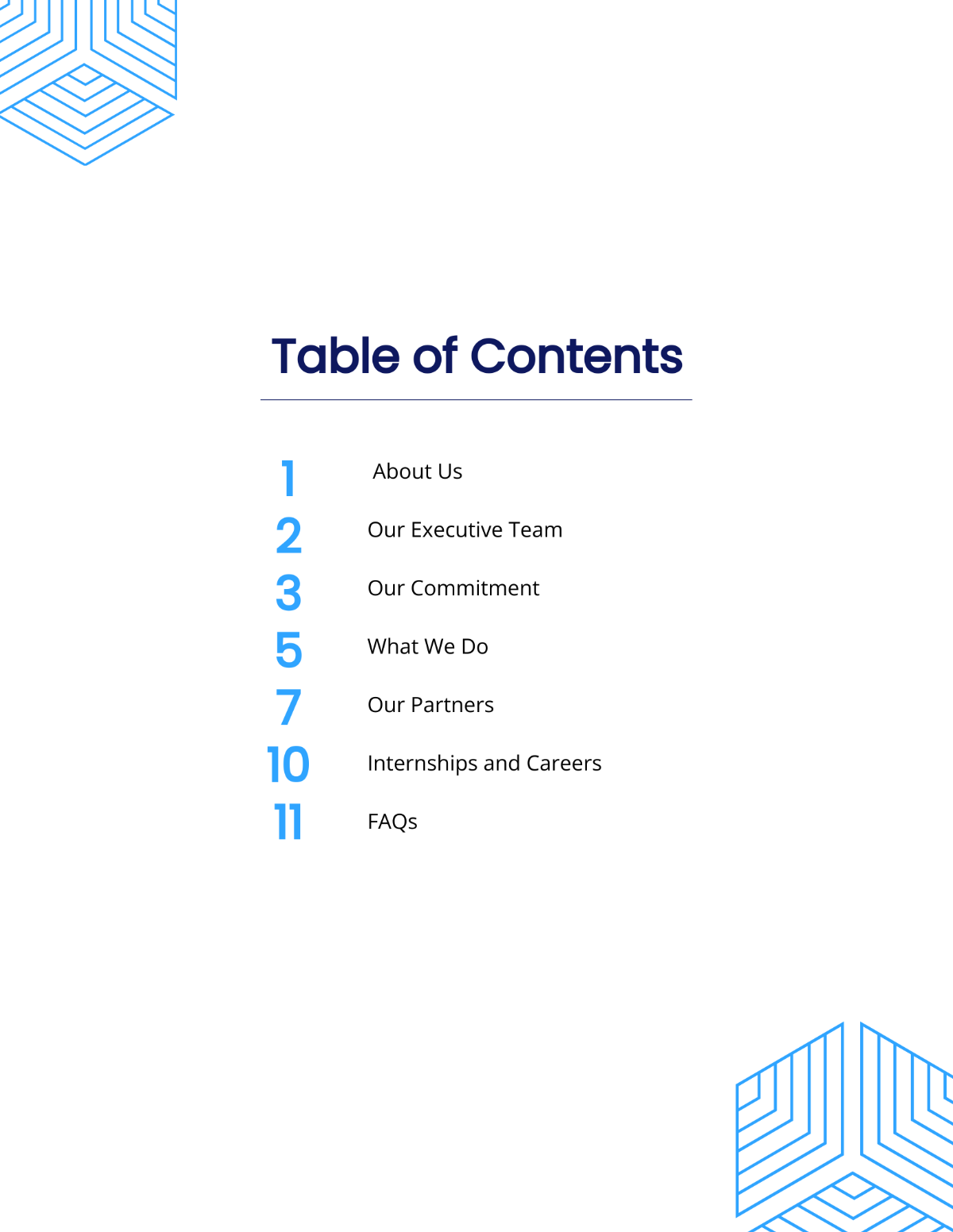
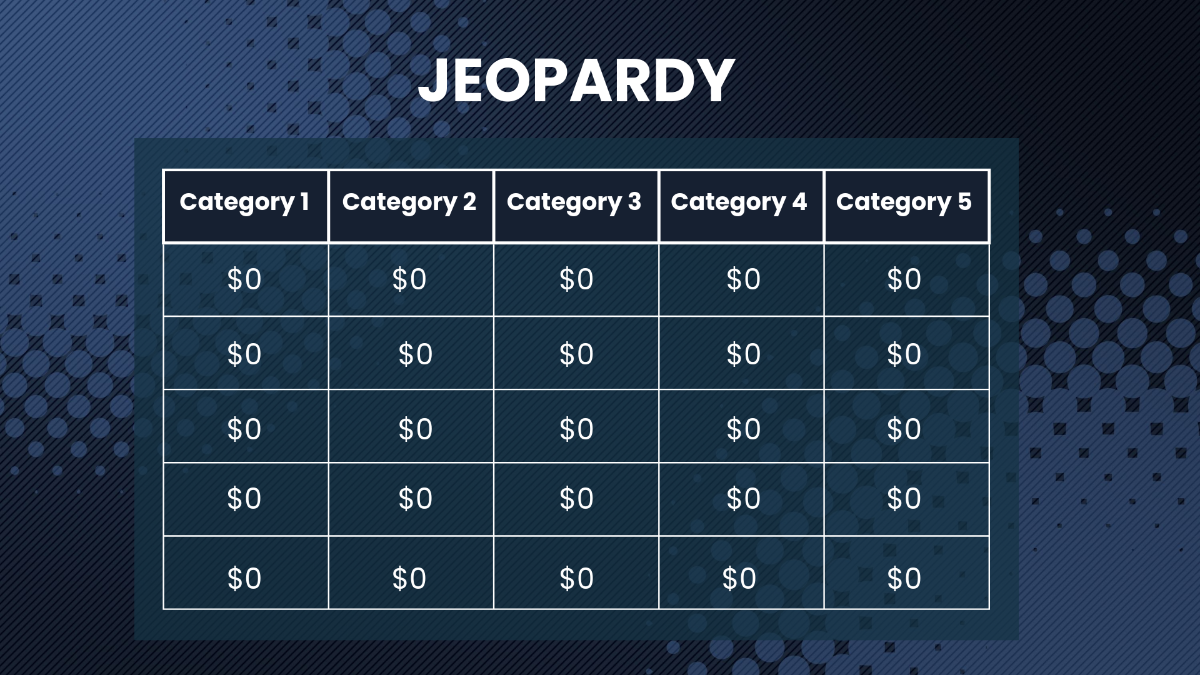




Free Table Templates: Editable Guide, Uses, and Download Formats
What is a Table?
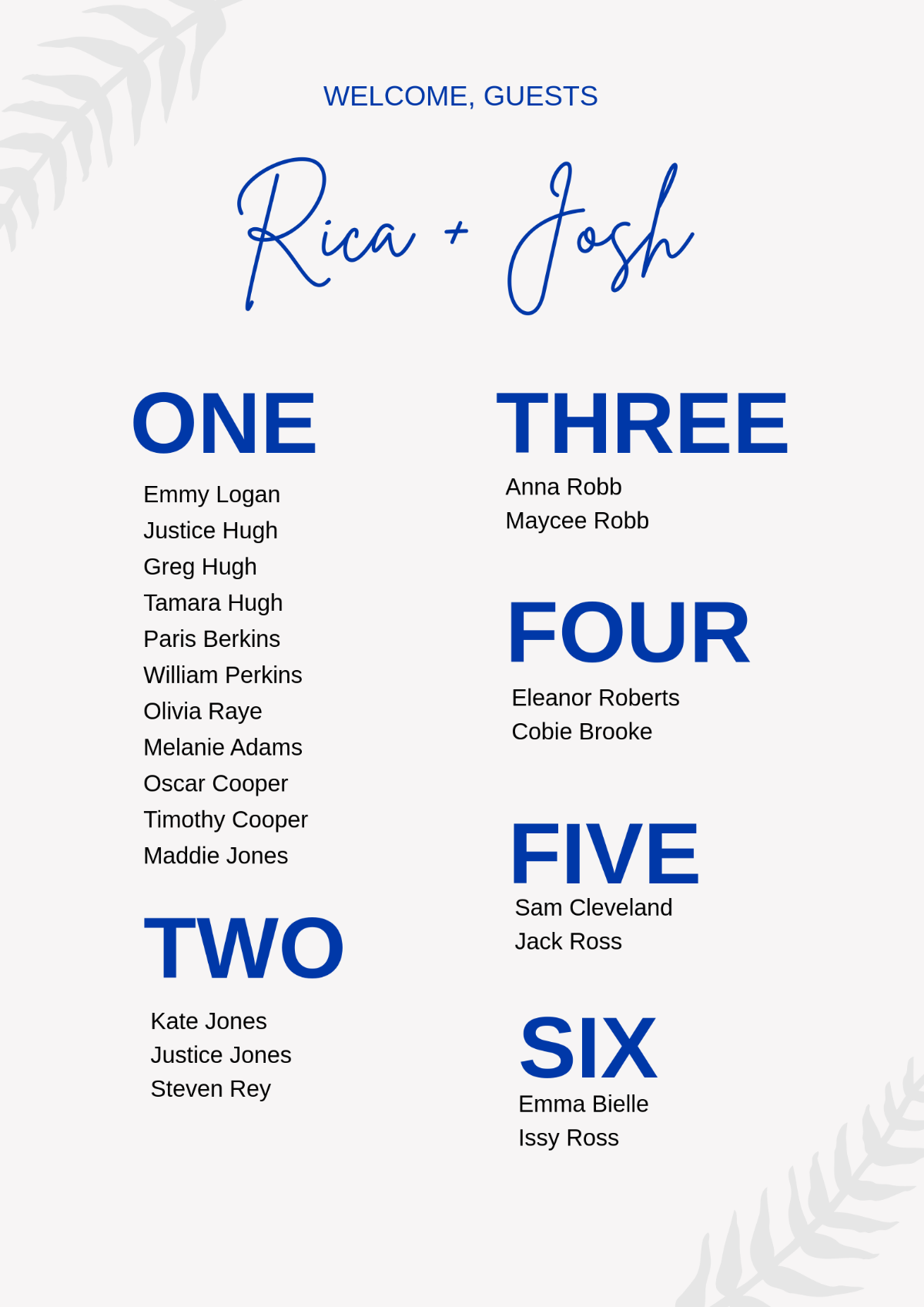
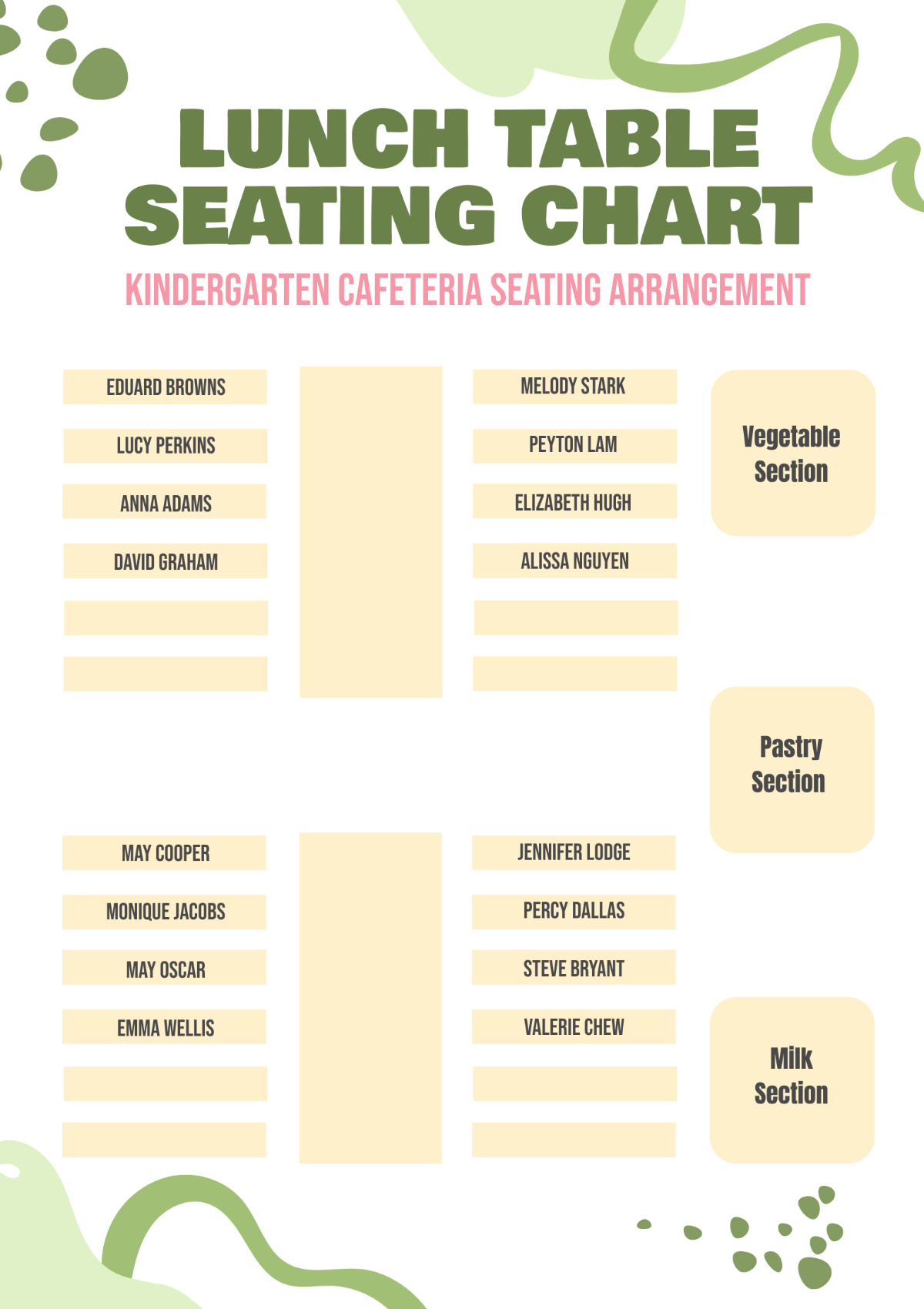
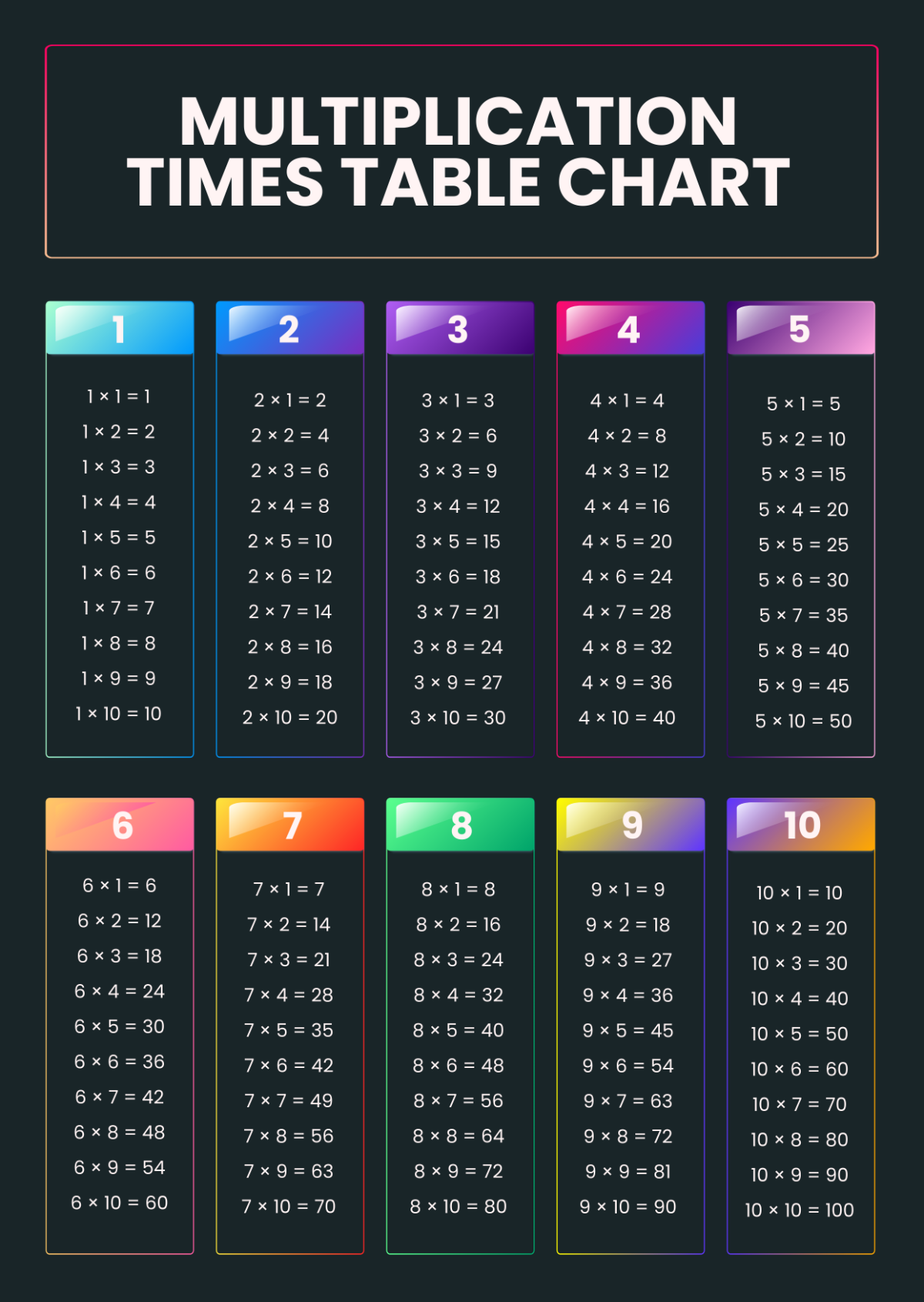
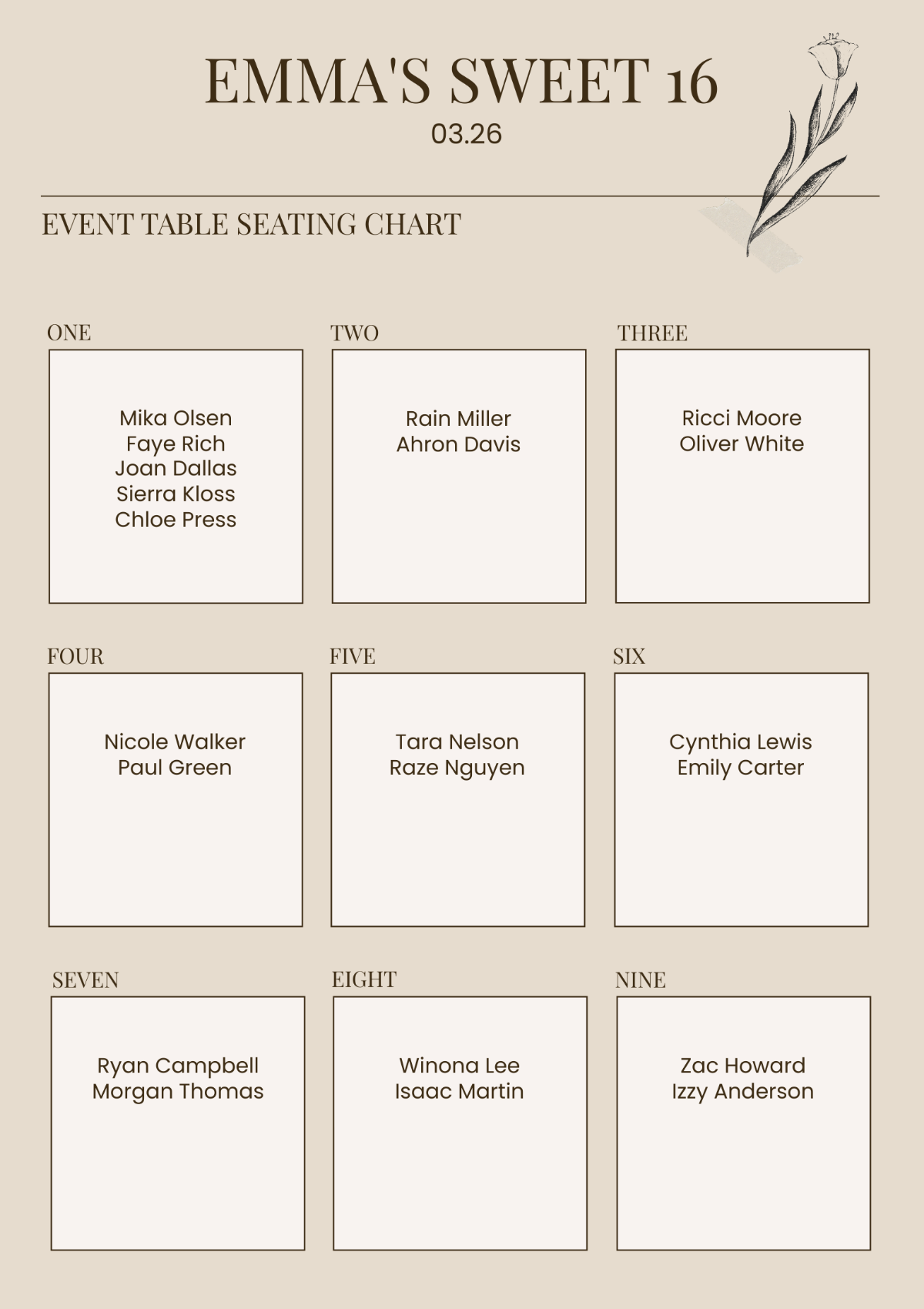
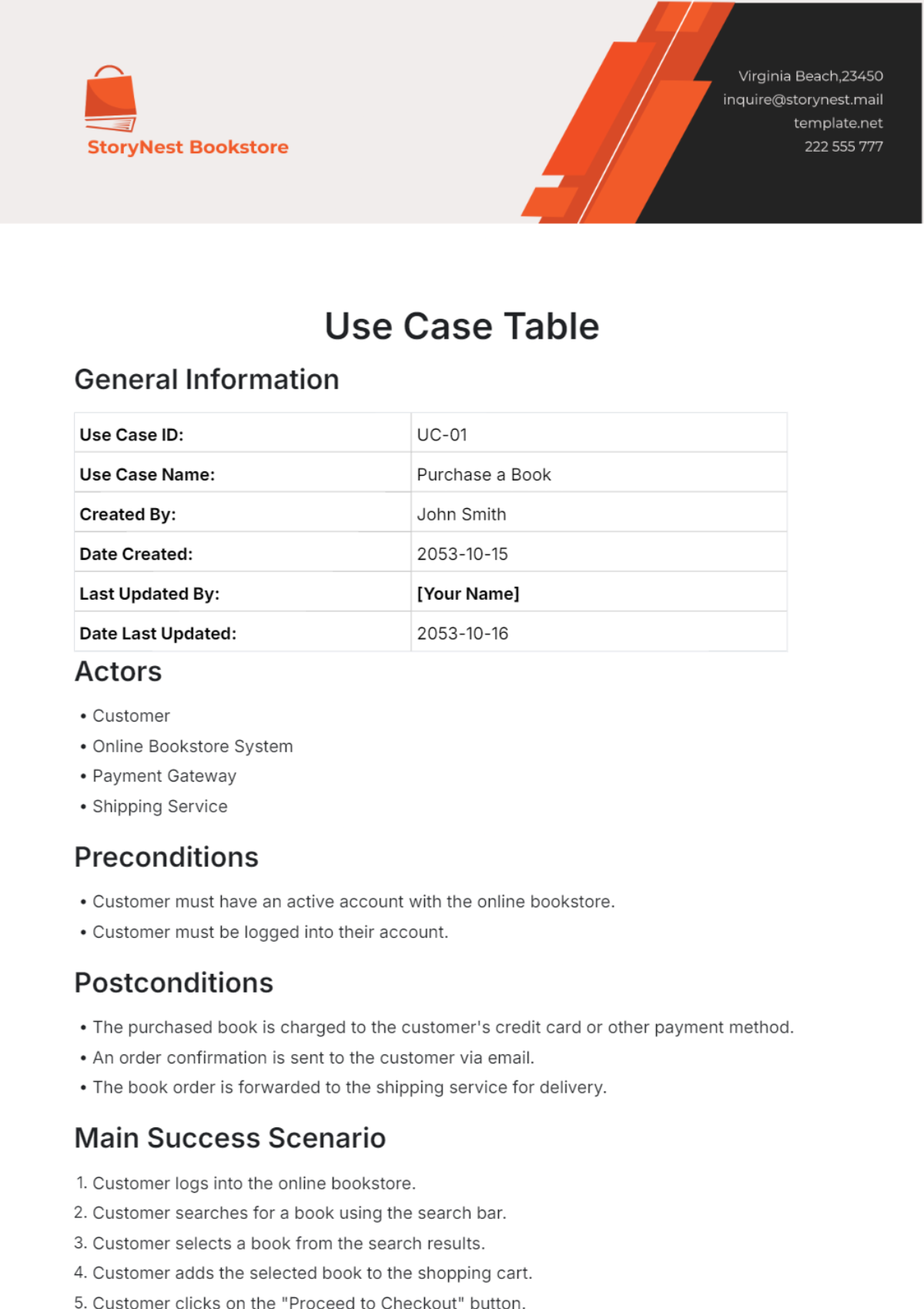
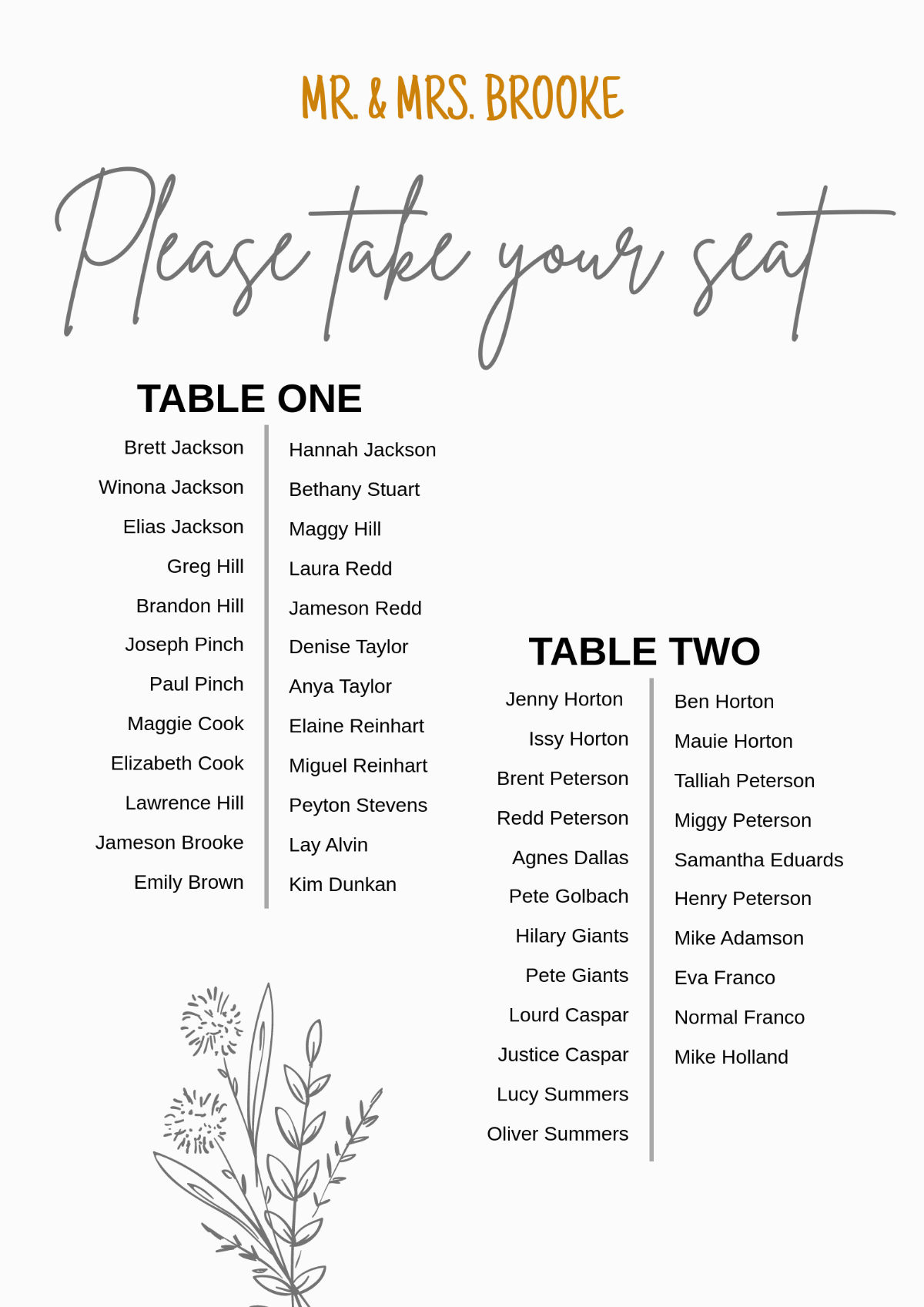
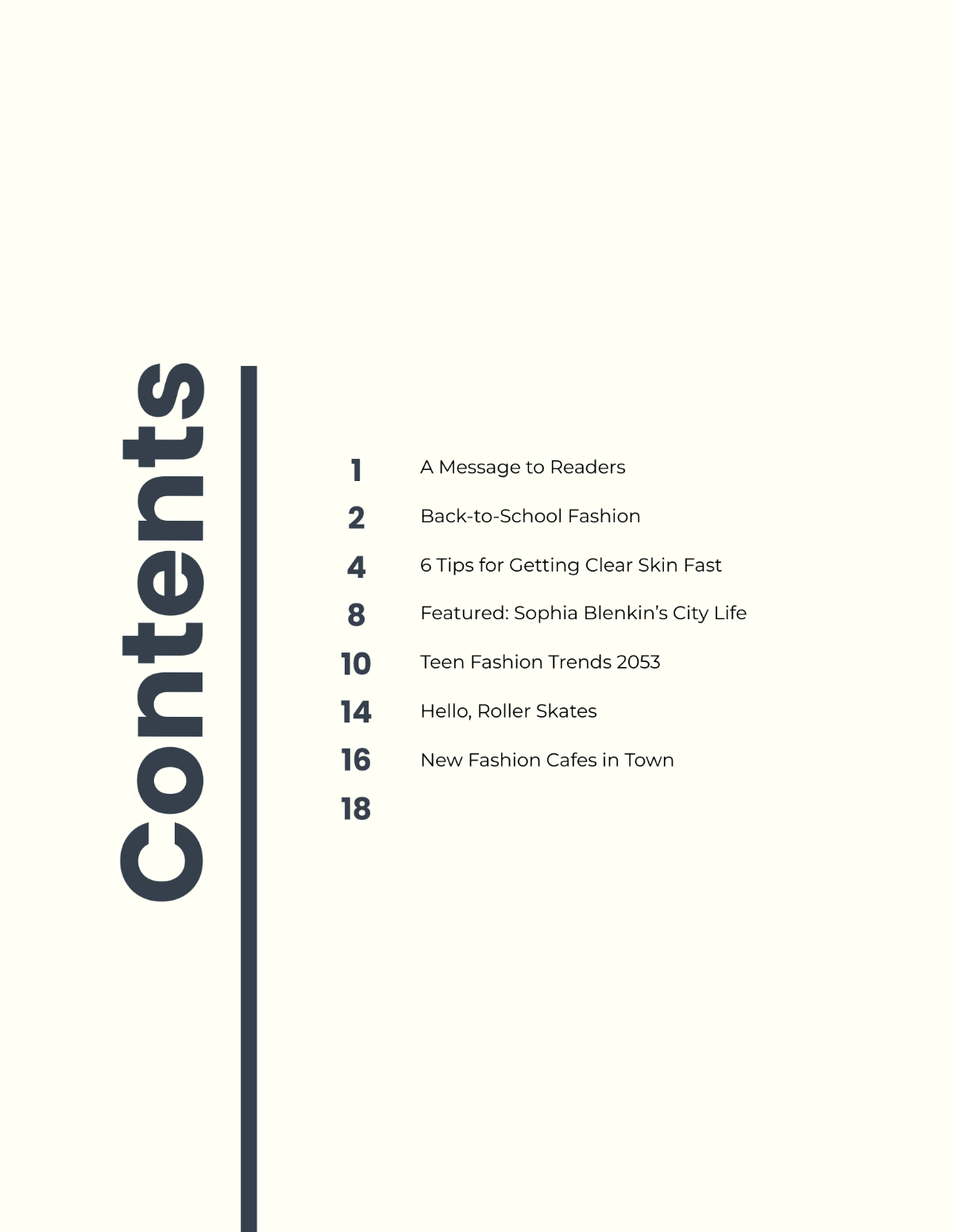
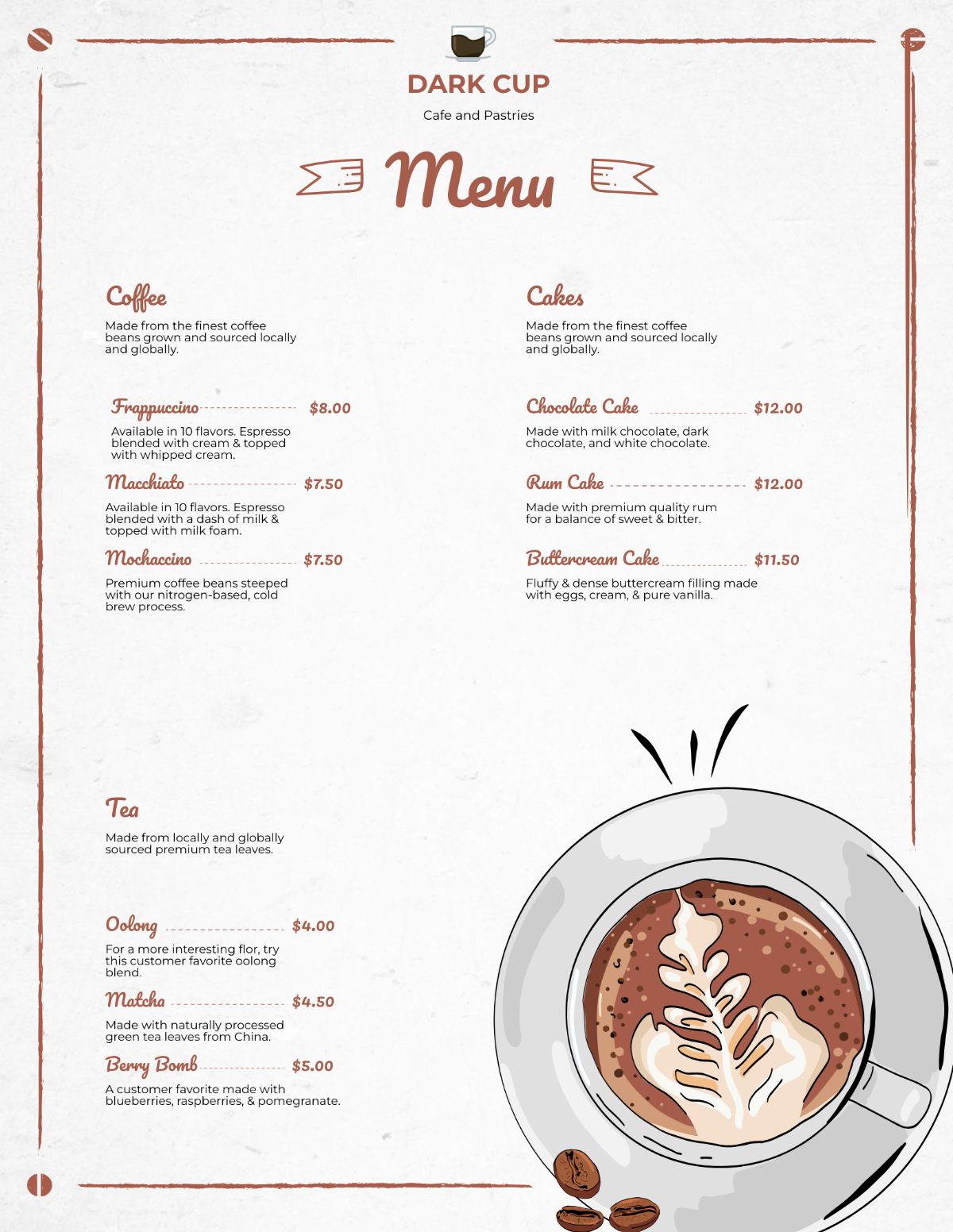
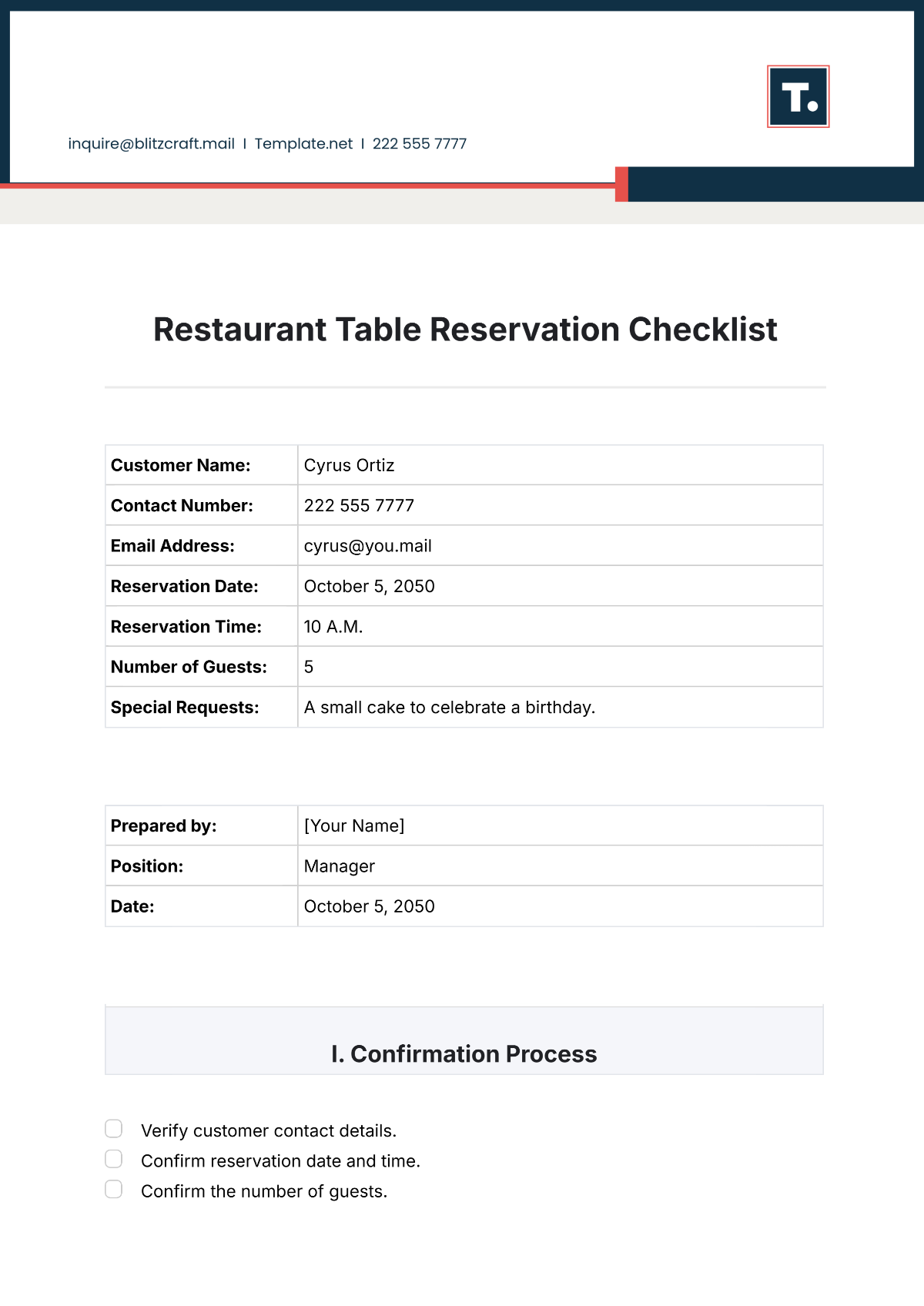
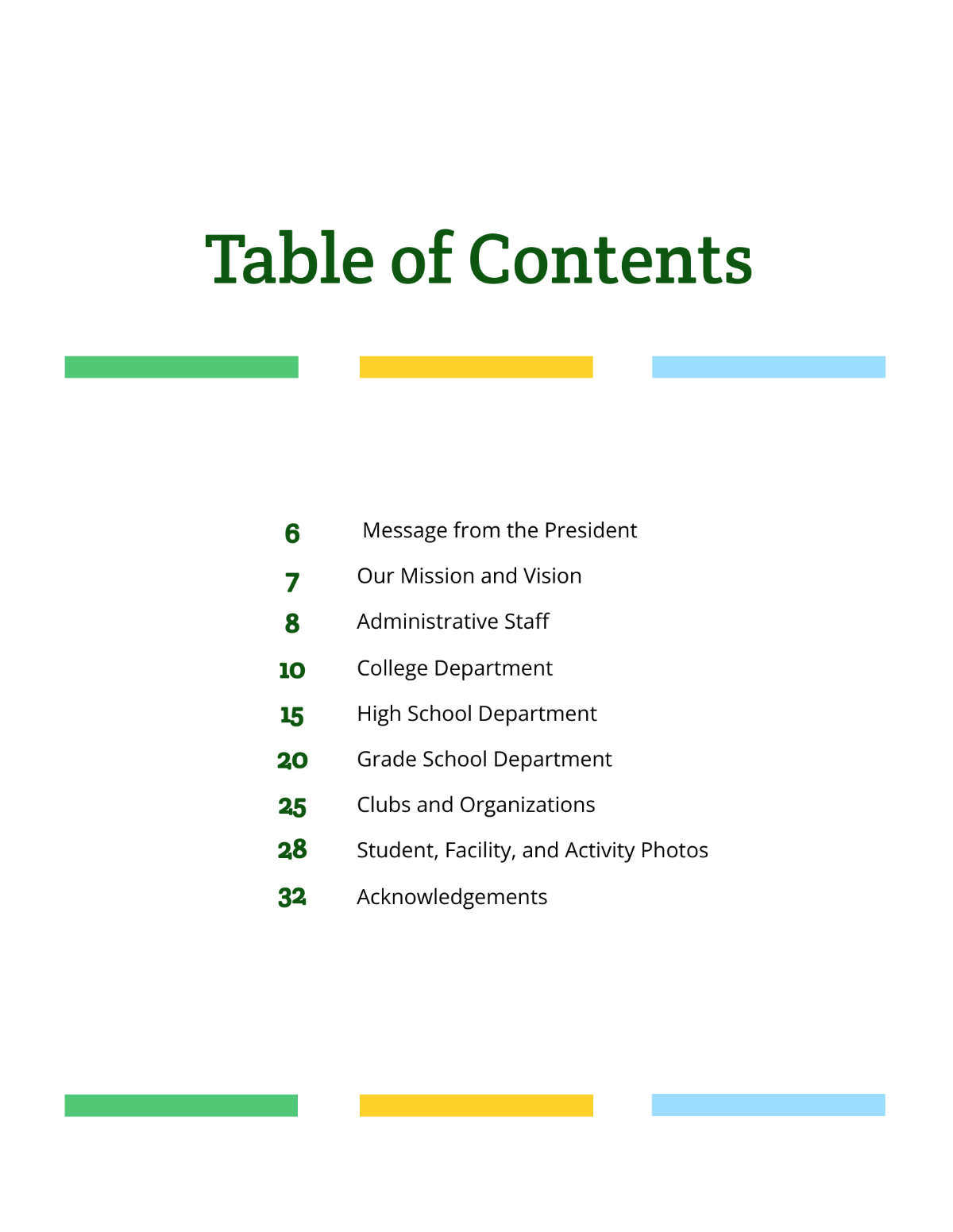
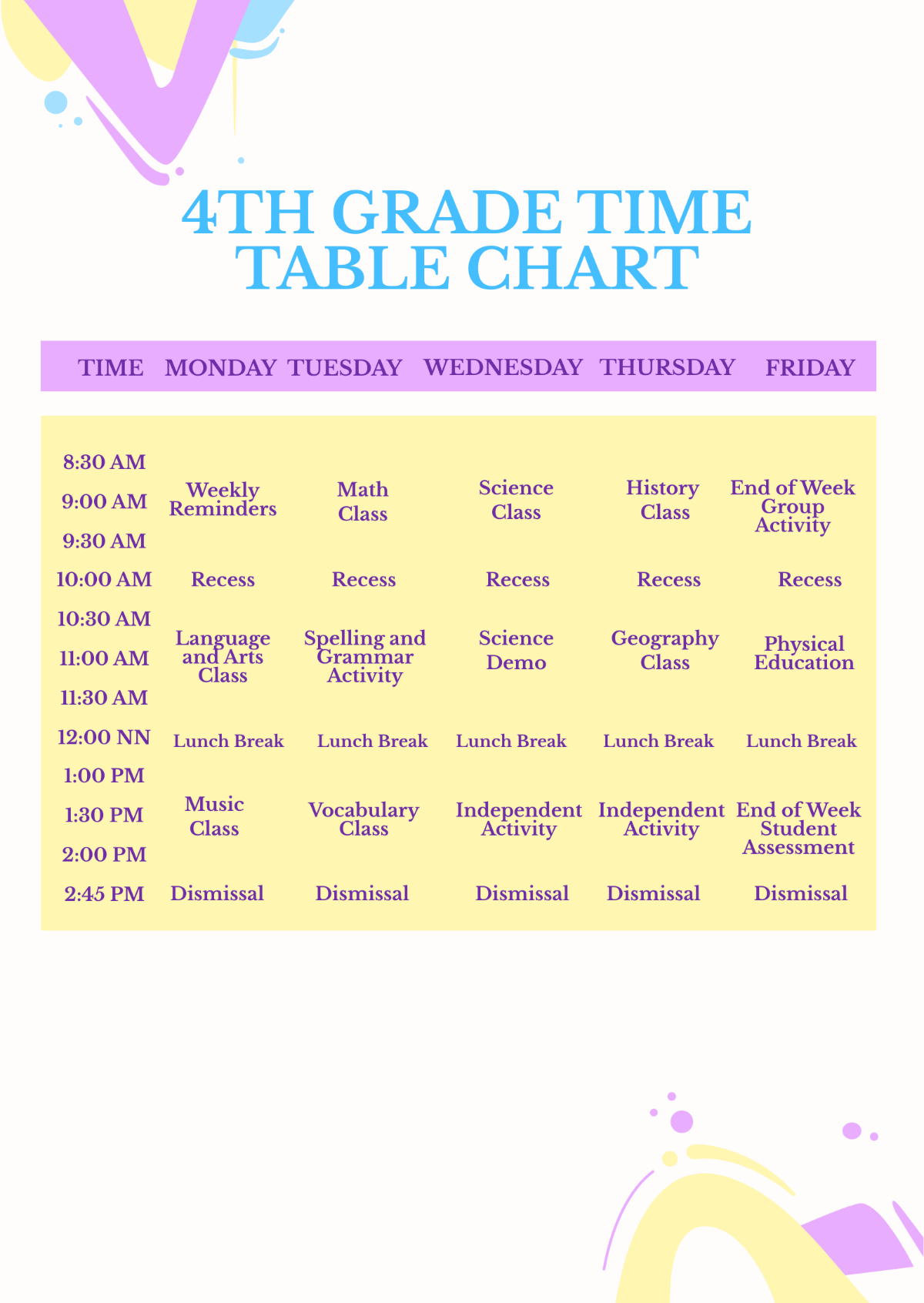
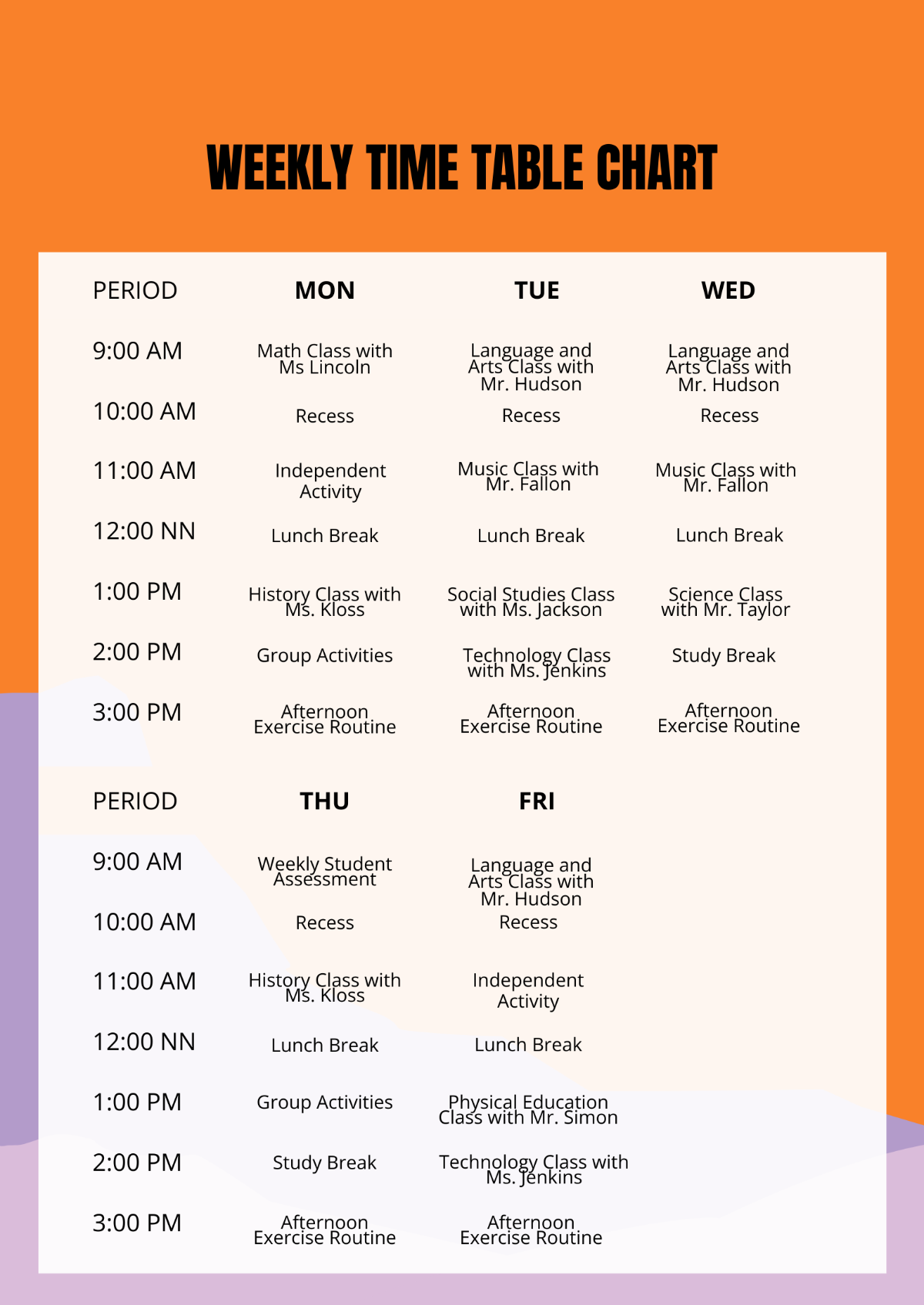
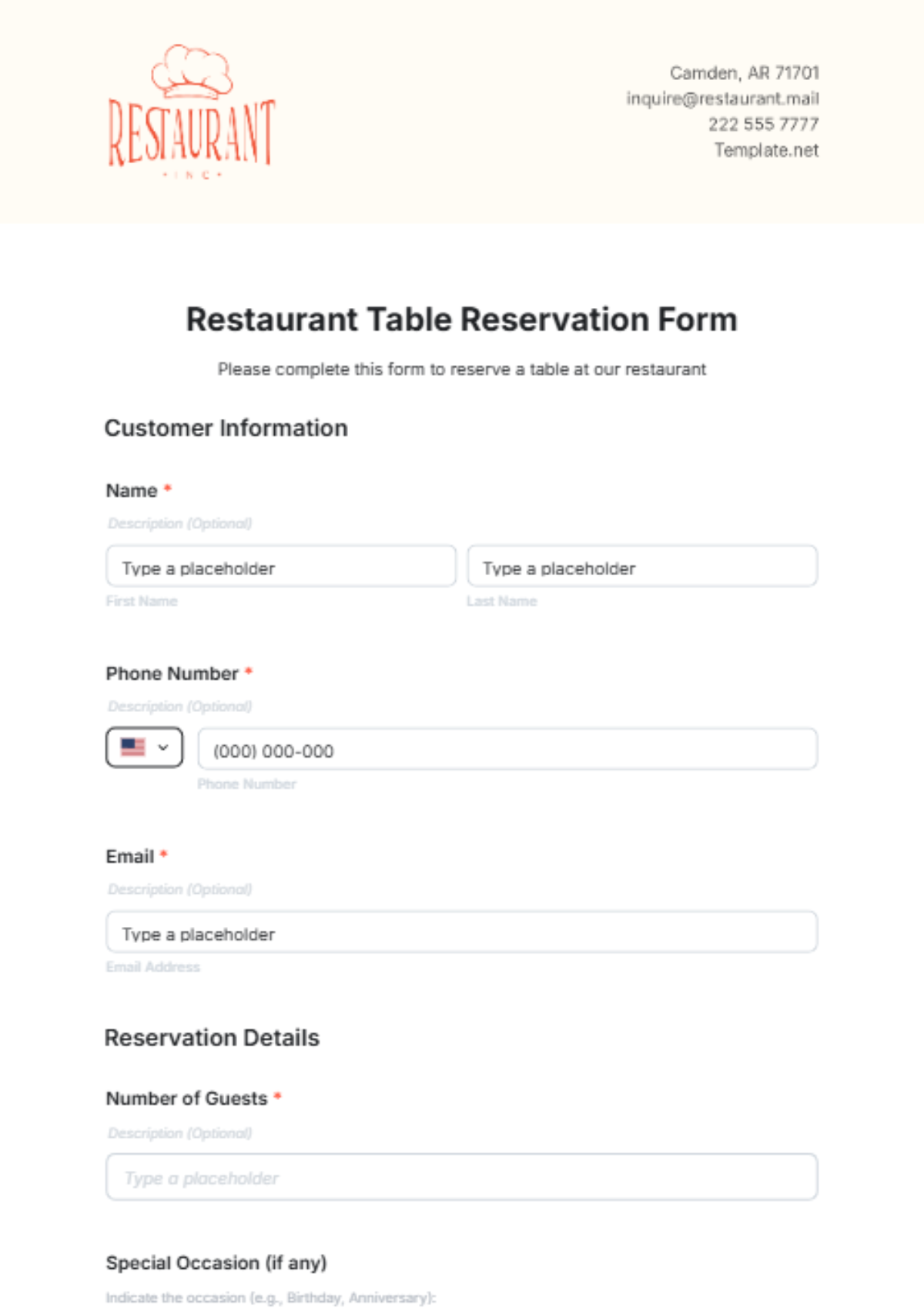
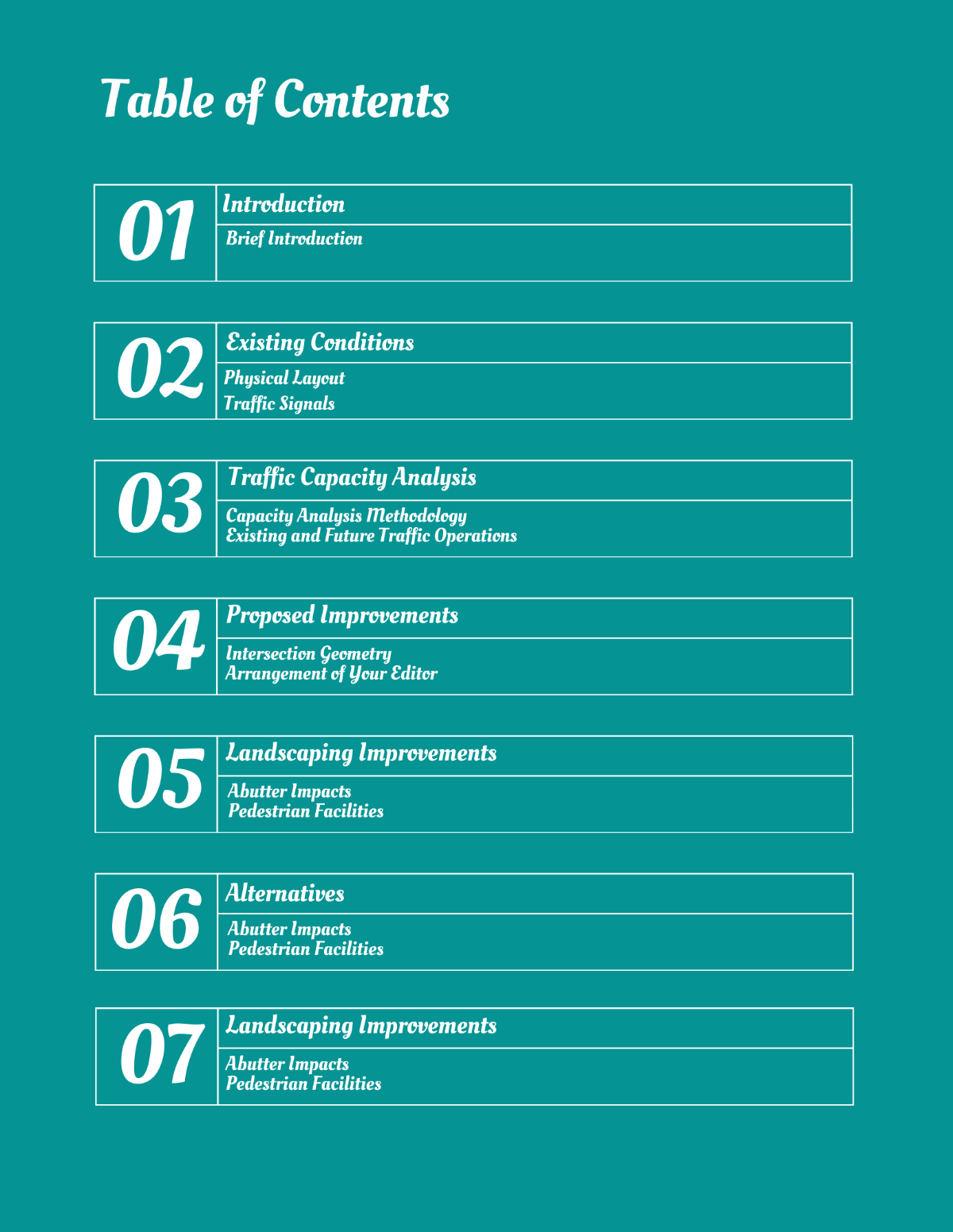
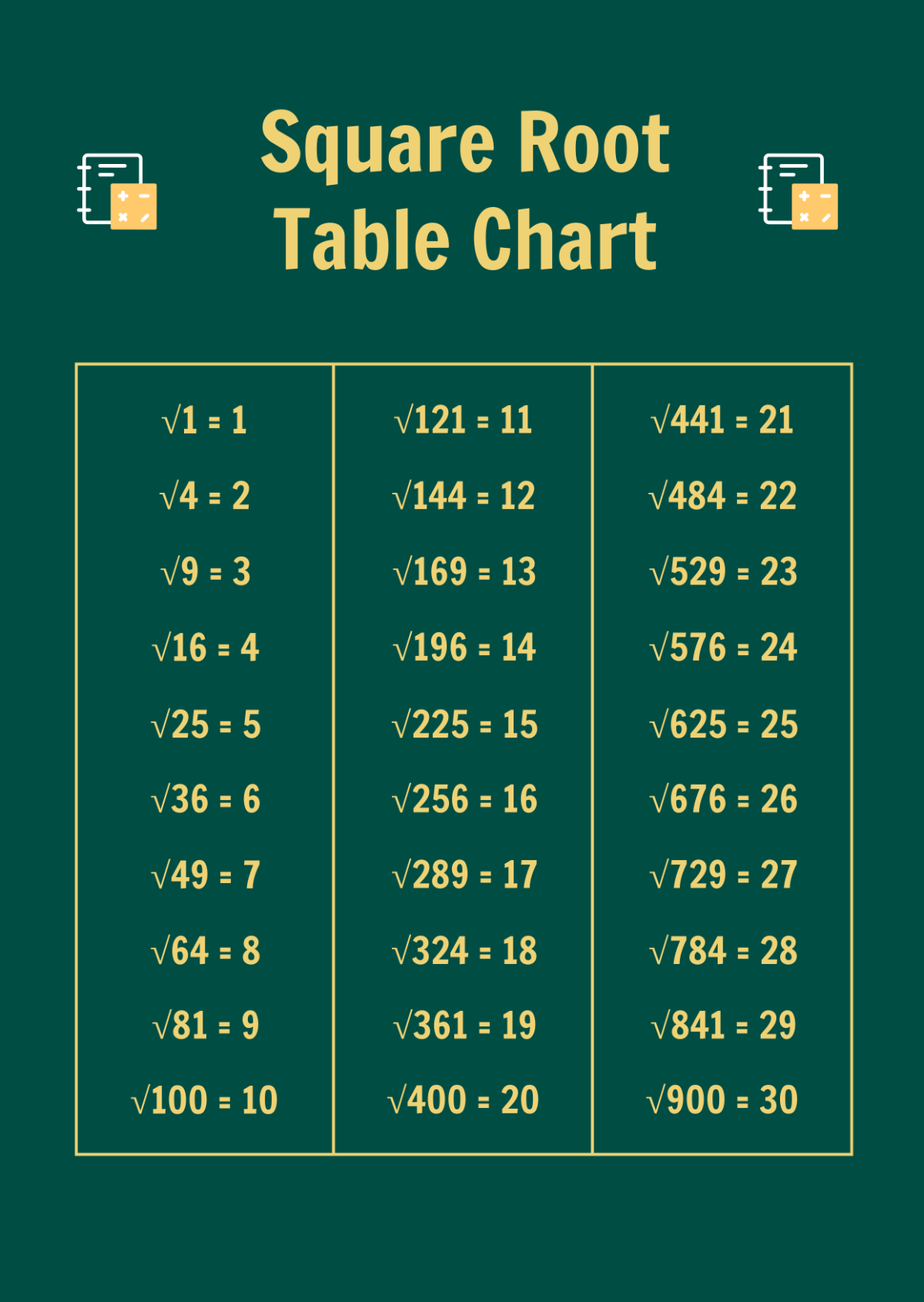
A Table is a structured arrangement of data organized in rows and columns, designed to present information clearly and professionally. Tables help users compare, analyze, and interpret data efficiently in various contexts.
Why should I use a Table?
You should use a Table to display complex information in an organized and accessible format, which improves readability and decision-making. Tables highlight key data points and relationships, making professional presentations clearer and more effective.
Who uses Table?
Table templates are used by professionals across industries such as business analysts, educators, marketers, and designers who need to organize and present data clearly. They support workflows that require data visualization, reporting, and documentation.
What are the best tips for completing my Table?
To complete your Table effectively, ensure the data is accurate and relevant, use consistent formatting, and label columns and rows clearly. Utilize strong contrast and spacing to enhance readability and tailor the design to your specific professional context.
Can I create a Table using AI?
You can create a Table using AI tools available across Template.net, although this page focuses on editable templates. AI can assist in generating initial layouts or content suggestions, which you can then customize directly in the browser.
What file formats can I download for my Table?
Template.net offers Table templates that support multiple export formats for your convenience. You can download templates in Publisher, Illustrator, PSD, Word, Google Docs, Apple Pages, InDesign, and PDF formats.
What are the essential elements of a Table?
Essential elements of a Table include a clear title, labeled columns and rows, consistent cell formatting, and gridlines or borders to separate data fields. These components ensure the data is understandable and professionally presented.
How does a Table benefit my professional workflow?
A Table streamlines your professional workflow by organizing data into a concise, easy-to-read format. This reduces errors, facilitates communication, and supports data-driven decisions across various business and creative projects.
What are common use cases for Table templates?
Common use cases for Table templates include financial reports, project schedules, inventory tracking, data comparisons, and event planning. They provide a structured way to manage and present information across multiple industries.
