
Free Tattoo Templates













Free Tattoo Templates: Customizable Design Guide, Uses, and Download Formats
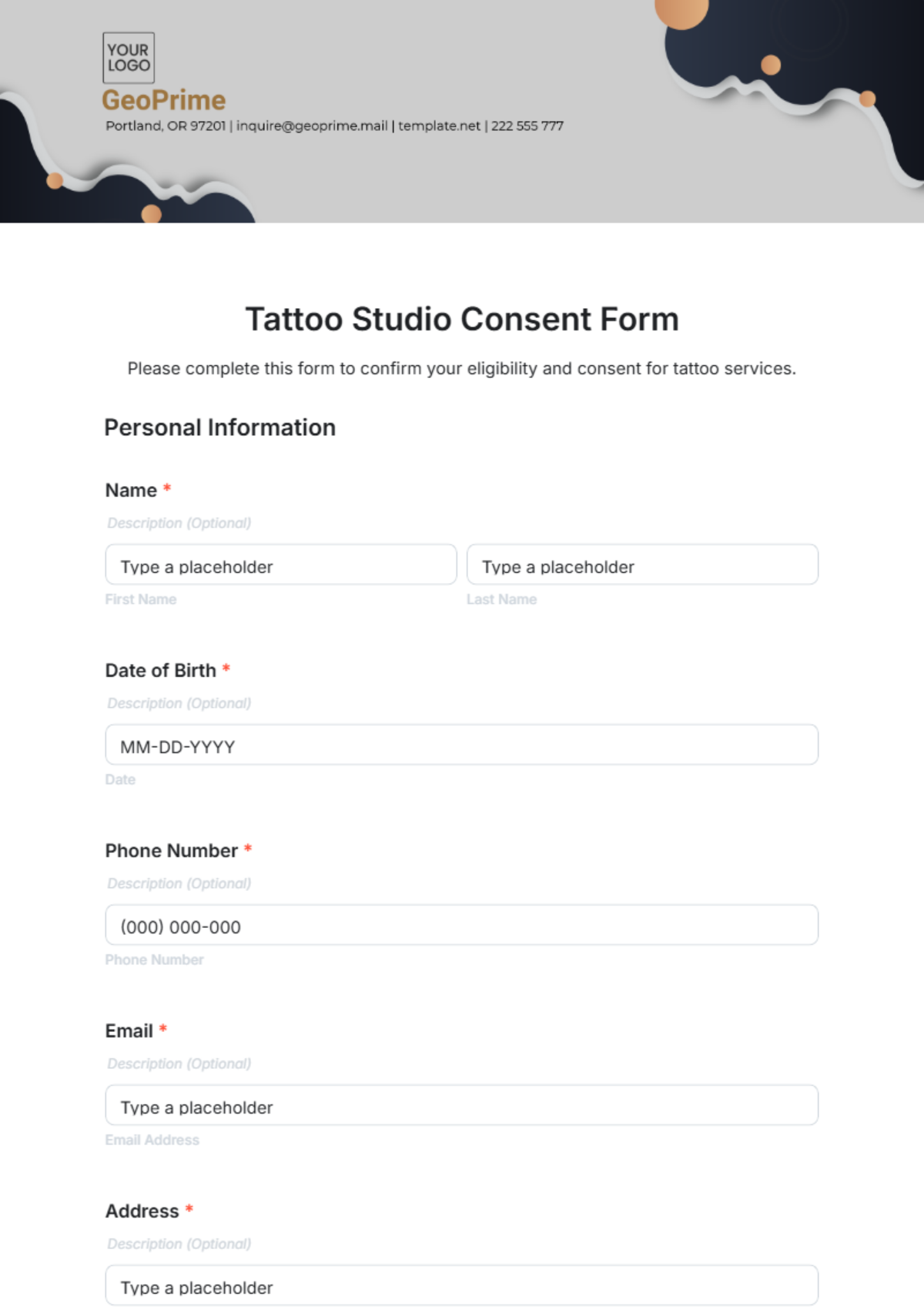
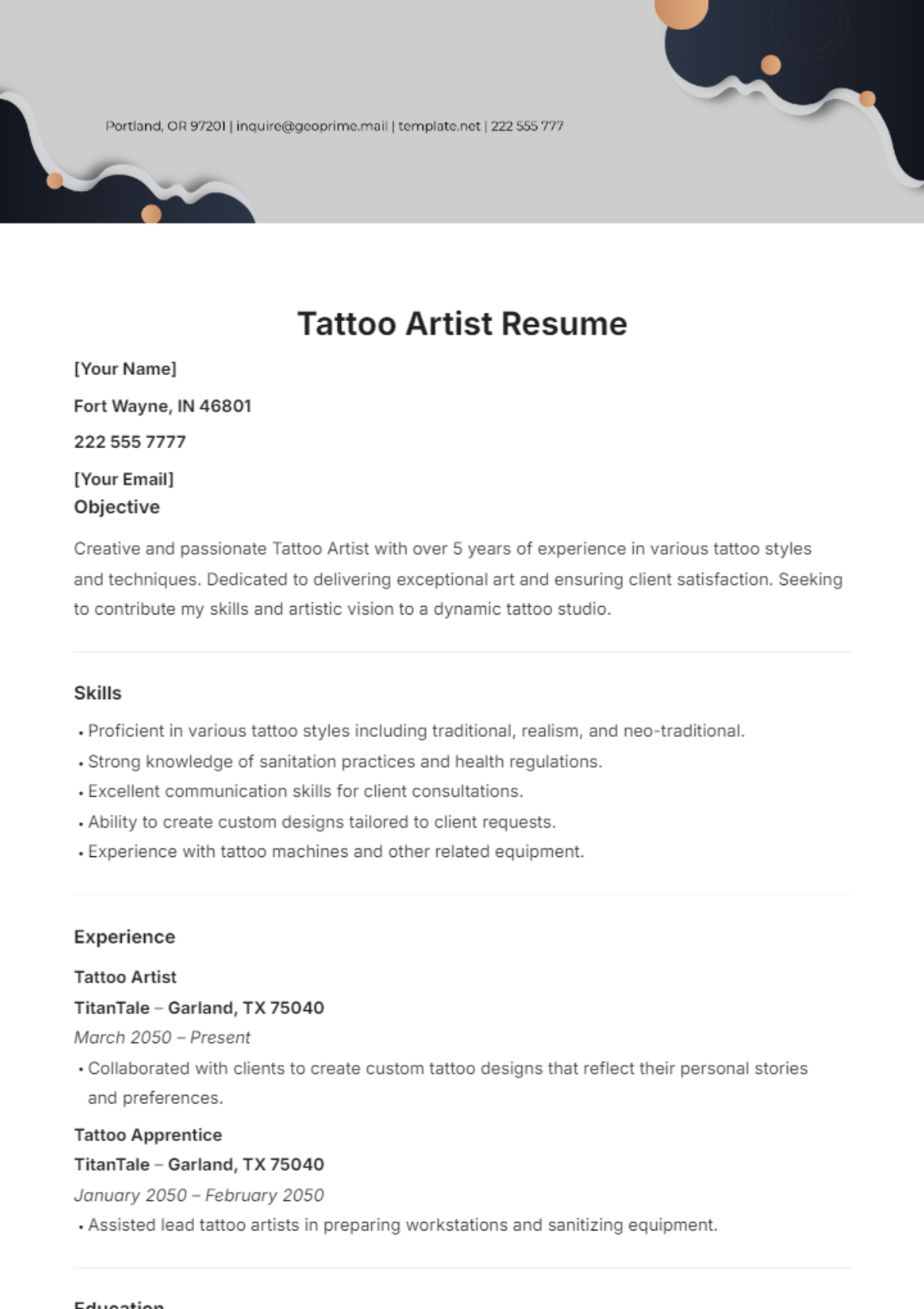
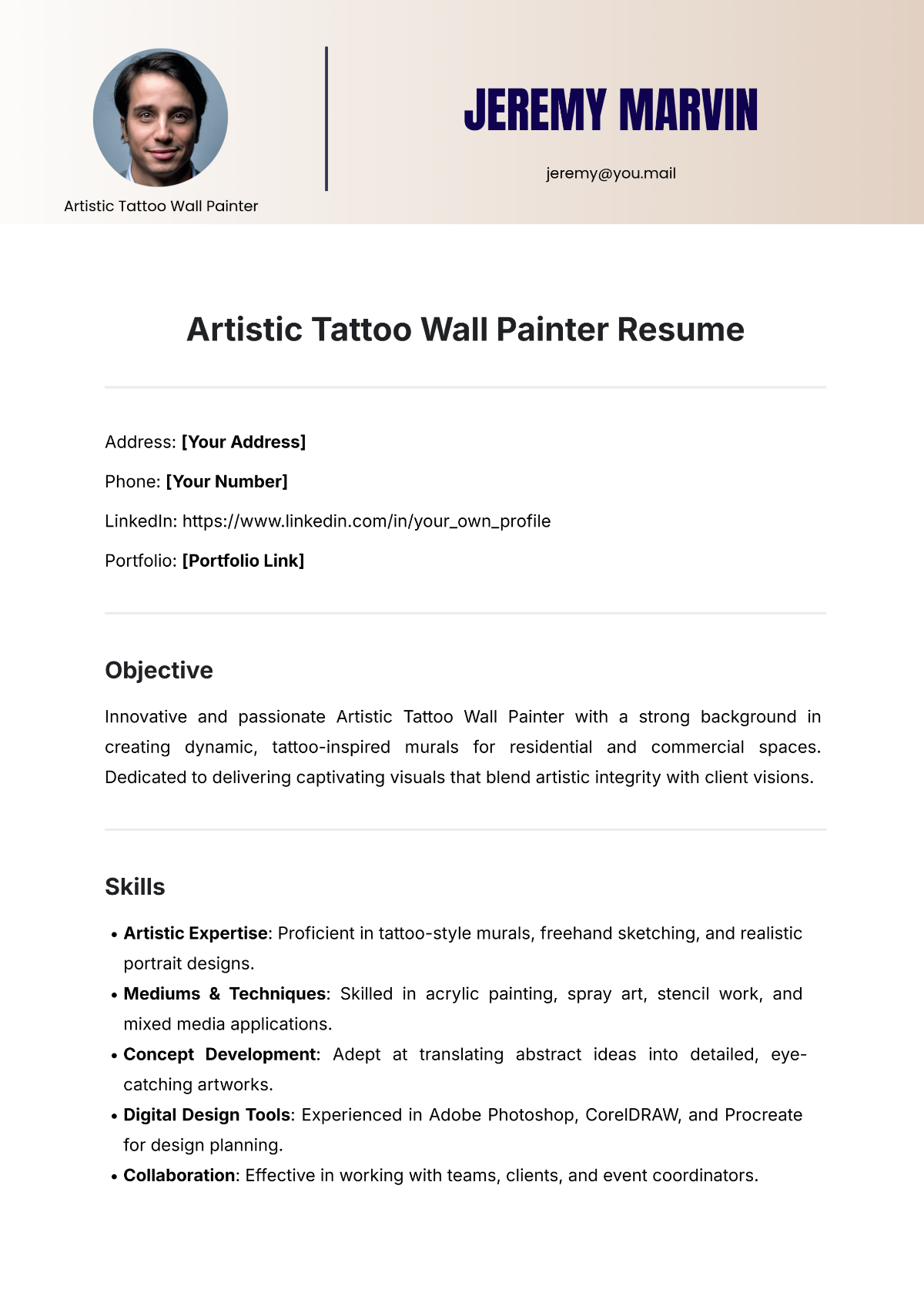
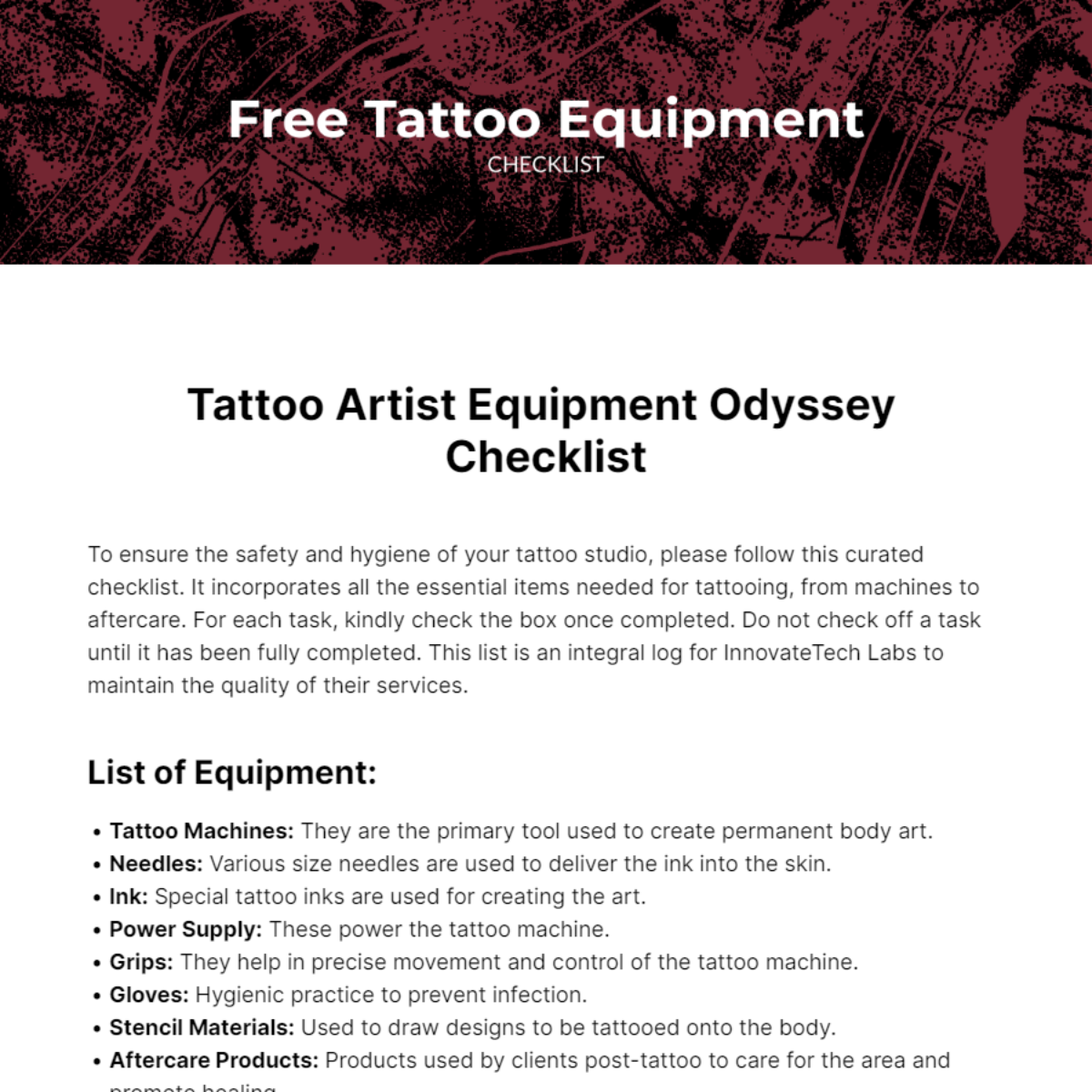
Tattoo templates are professionally designed, fully customizable, and printable resources for creating unique body art designs. Template.net provides online customizable tattoo templates that you can modify or complete directly in your browser.
What is a Tattoo?
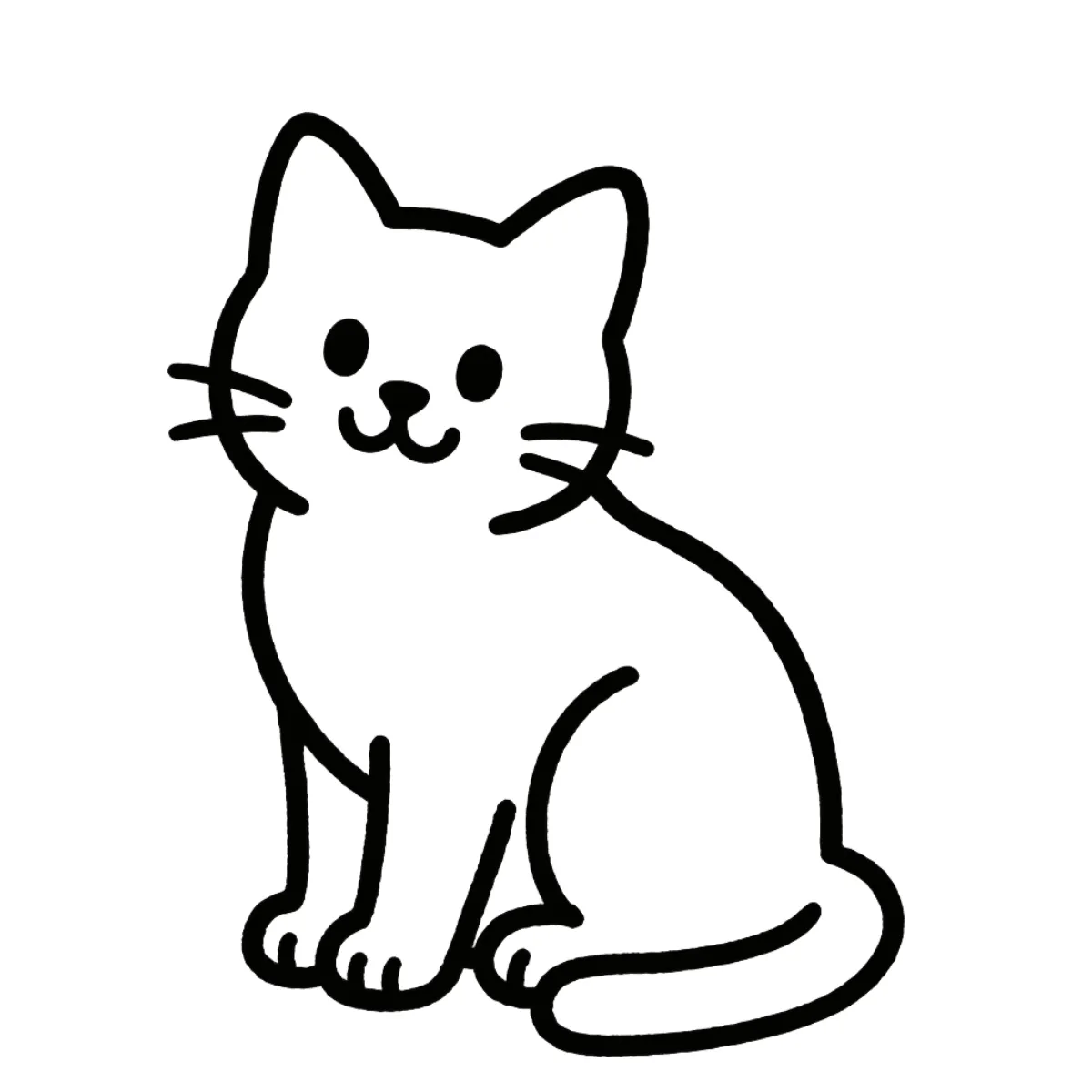
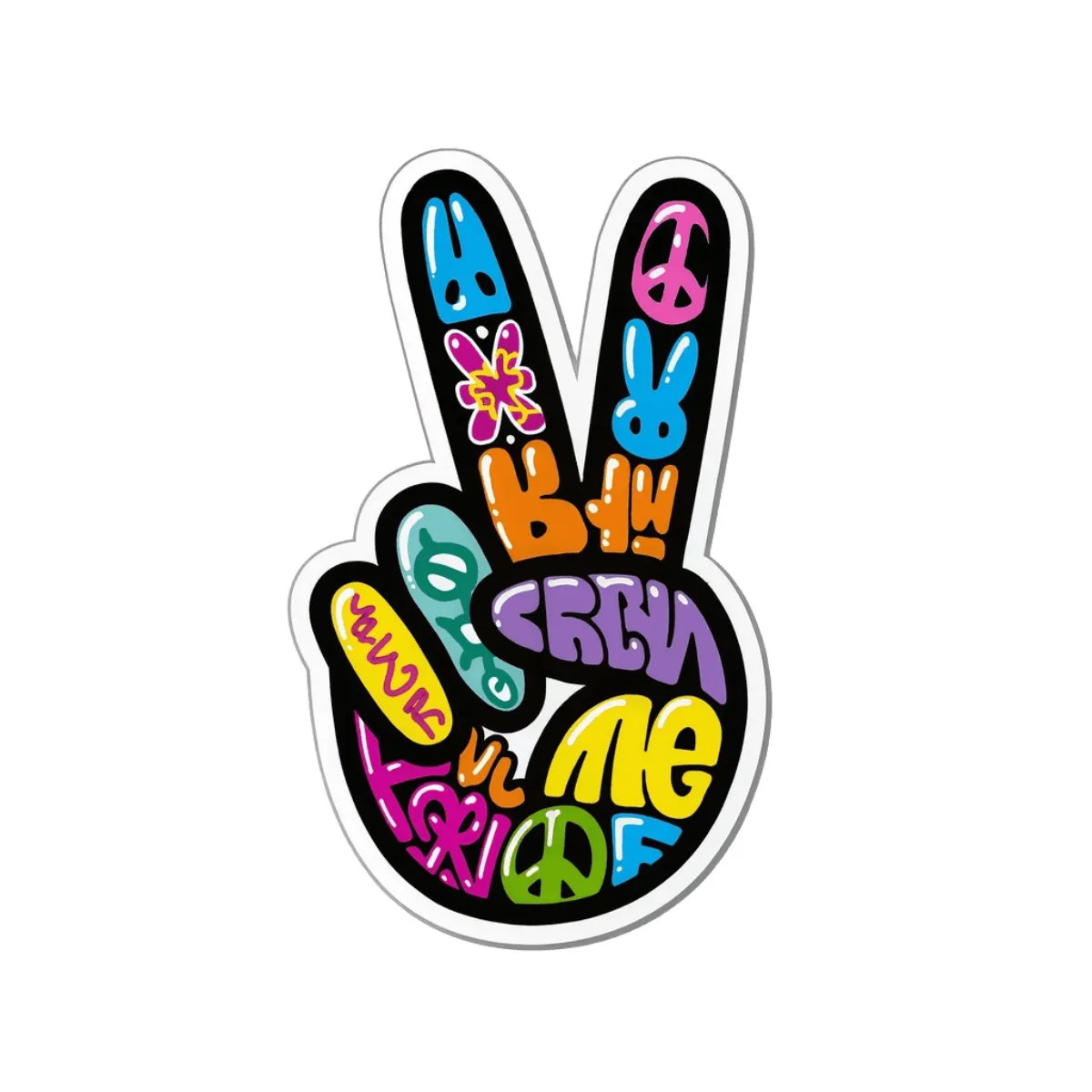
A Tattoo is a permanent or temporary design applied to the skin using ink or other pigments, often representing personal or cultural symbolism. Tattoo templates provide ready-made design layouts that you can customize for body art planning or client presentations.
Why should I use a Tattoo?
Using a Tattoo template helps streamline your design process by offering a professionally crafted starting point that is fully customizable. This allows you to visualize and adjust designs efficiently before inking, ensuring high-quality results.
Who uses Tattoo?
Tattoo artists, designers, and enthusiasts commonly use customizable tattoo templates to create, present, or plan body art. These templates also assist studios and clients in communicating design concepts clearly.
What are the best tips for completing my Tattoo?
To complete your Tattoo effectively, focus on refining line work, shading, and color balance using the customizable template features. Ensure the design fits the intended body placement and consult the client for personalization before finalizing.
Can I create a Tattoo using AI?
You can create a Tattoo using AI by accessing the Tattoo Generator on Template.net, which offers automated design suggestions that you can further customize to your preferences.
What file formats can I download for my Tattoo?
Template.net supports multiple export formats for customizable Tattoo templates, including Illustrator, PDF, PNG, and JPEG formats, facilitating easy use across different design software and printing.
What are the essential elements in a Tattoo template?
Tattoo templates include essential elements such as line art for outlines, shading guides for depth, color palettes for ink selection, and placement guides to fit specific body areas accurately.
How is Tattoo used in professional workflows?
In professional workflows, Tattoo templates are used to present design options to clients, plan precise placements, and ensure the design meets artistic and hygiene standards. These customizable templates facilitate clear communication and reduce errors during inking.
What are common use cases for Tattoo templates?
Common use cases for customizable Tattoo templates include client consultations, portfolio presentations, design brainstorming, instructional guides for tattoo apprentices, and marketing materials for tattoo studios.
