Free Teal Templates















































Teal Templates: Design Guide, Sizes, and Download Formats
What is a Teal template?
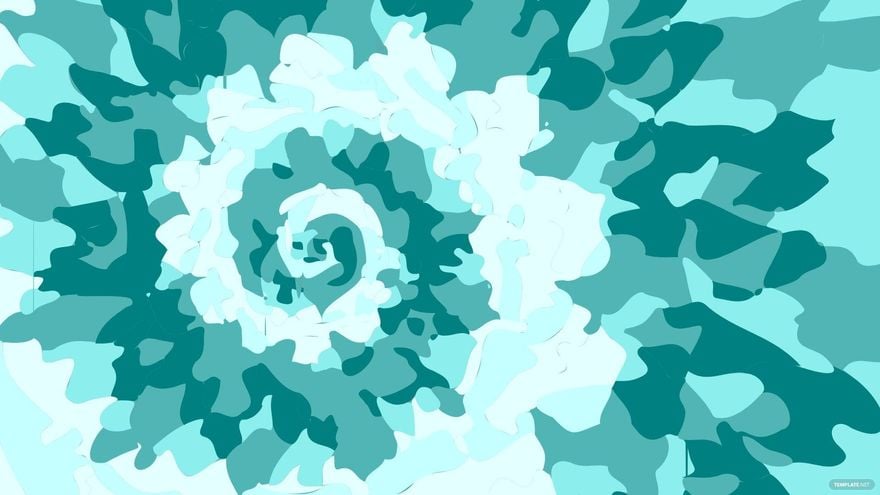
A Teal template is a pre-designed layout that uses a teal color scheme and related visual elements for a cohesive look. These templates contain editable text areas, layered design features, and professional layouts to help users create polished digital or print materials efficiently.
Who typically uses Teal templates?
Teal templates are commonly used by designers, marketers, and business professionals seeking a fresh, calming color theme for presentations, branding, or marketing materials. These users benefit from customizable layouts and easy online editing to produce polished results quickly.
When should I use Teal templates?
Use Teal templates when you want to convey a modern, calm, and professional aesthetic through your designs. These templates are ideal for branding, invitations, reports, and social media graphics that require a consistent teal color theme with easily editable components.
What design tips should I consider for Teal templates?
When using Teal templates, focus on balancing the teal color palette with complementary neutrals or accent colors. Utilize clear headlines, high-quality images, and maintain clean layout blocks to enhance readability and visual appeal.
What are common sizes for Teal templates?
Teal templates come in popular sizes such as 8.5 × 11 inches for documents, 5 × 7 inches for invitations, and 4 × 6 inches for postcards. These standard dimensions ensure compatibility with most printers and digital platforms.
What key elements are included in Teal templates?
Teal templates typically include layered design elements such as editable text fields, image placeholders, graphics, and a consistent color palette. These features allow seamless customization and professional-quality results.
How do I prepare Teal templates for printing?
To print Teal templates effectively, ensure the color settings are set to CMYK and the resolution is at least 300 dpi. Use print-friendly fonts and double-check that all design layers are flattened if required by your printer.
What file formats can I download for a Teal template?
Template.net offers Teal templates in multiple export formats suitable for editing and printing, including Illustrator. These formats provide flexible design layers and high-quality graphics for professional use.
Can I create a new Teal template using AI?
Template.net provides an AI-powered tool capable of generating new Teal template designs to help customize layouts and color palettes based on your prompts. Explore creative options with the Template.net platform for efficient design creation.
