Free Ticket Templates: Customizable Design Guide, Sizes, and Download Formats

Ticket templates are pre-designed documents or digital assets used to grant access or admission to events, transportation, or services. Template.net provides customizable online ticket templates that you can edit directly in your browser for convenience and efficiency.
feature icon

What is a Ticket?

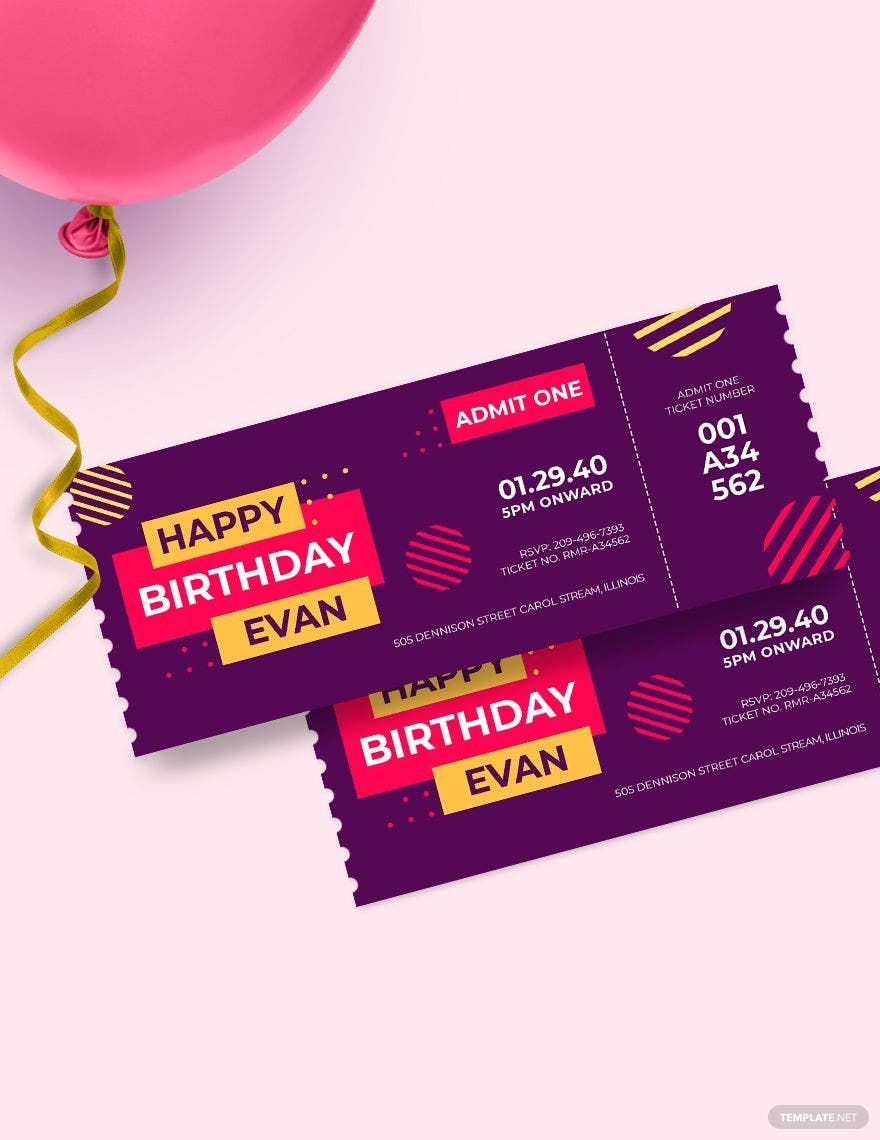
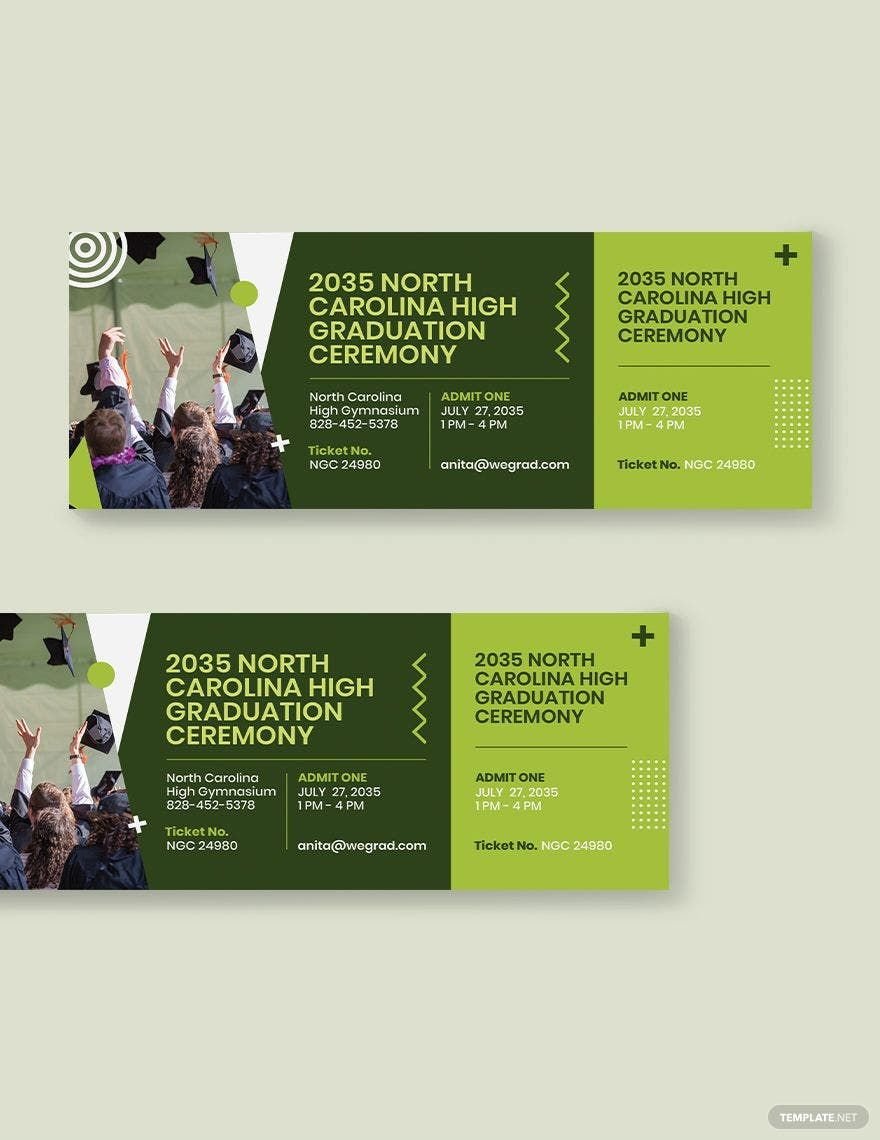
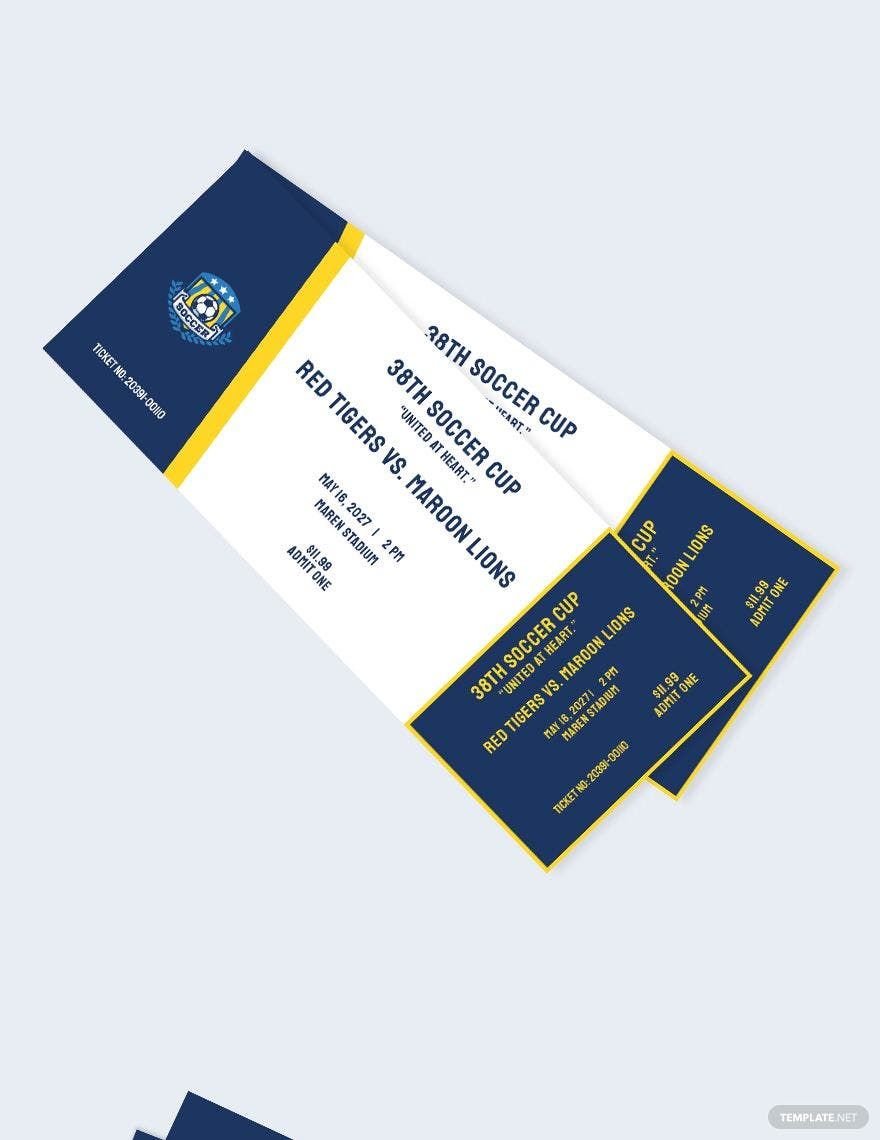
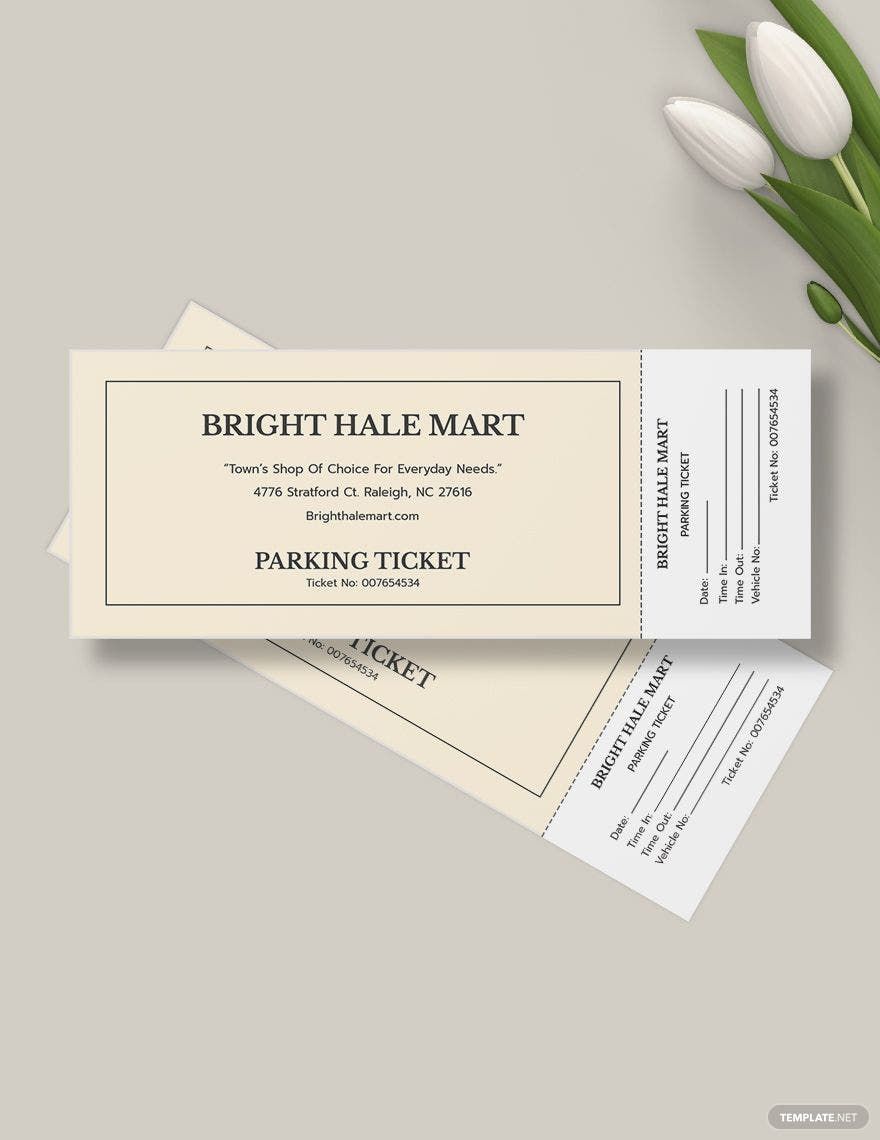
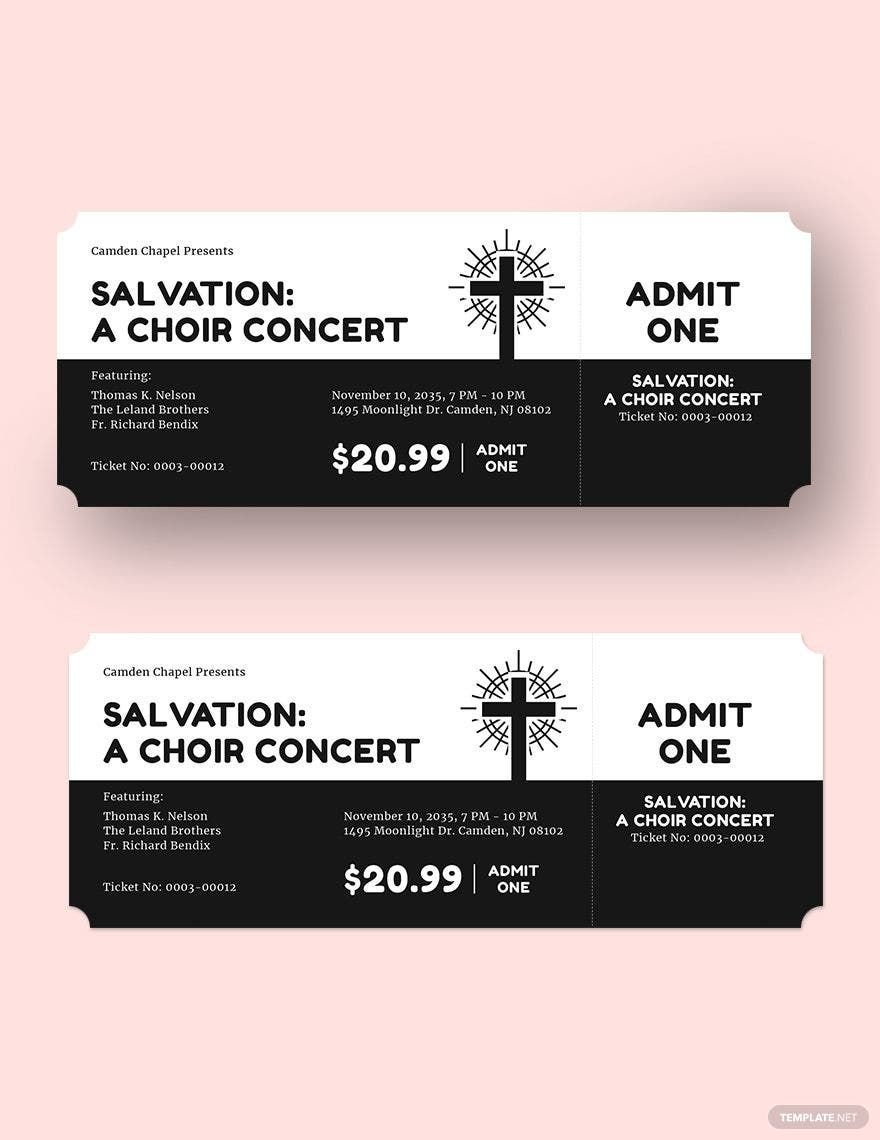
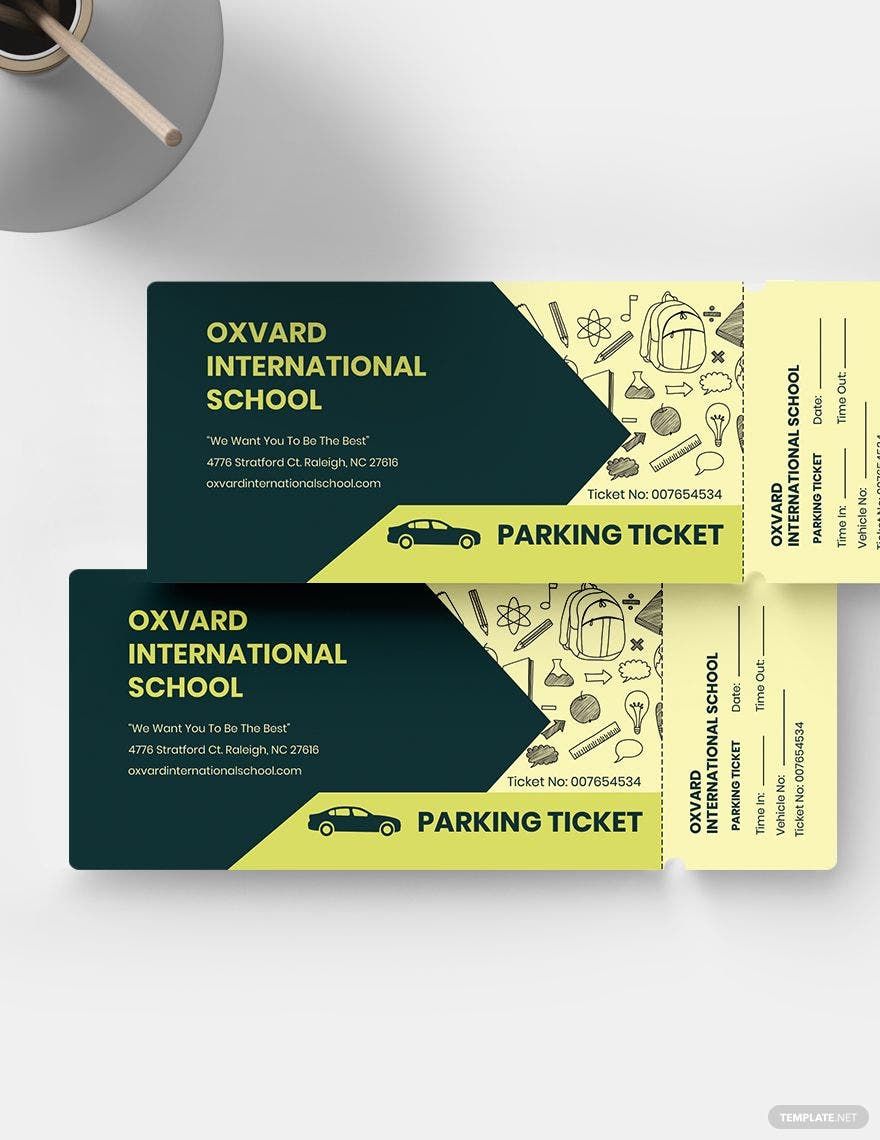
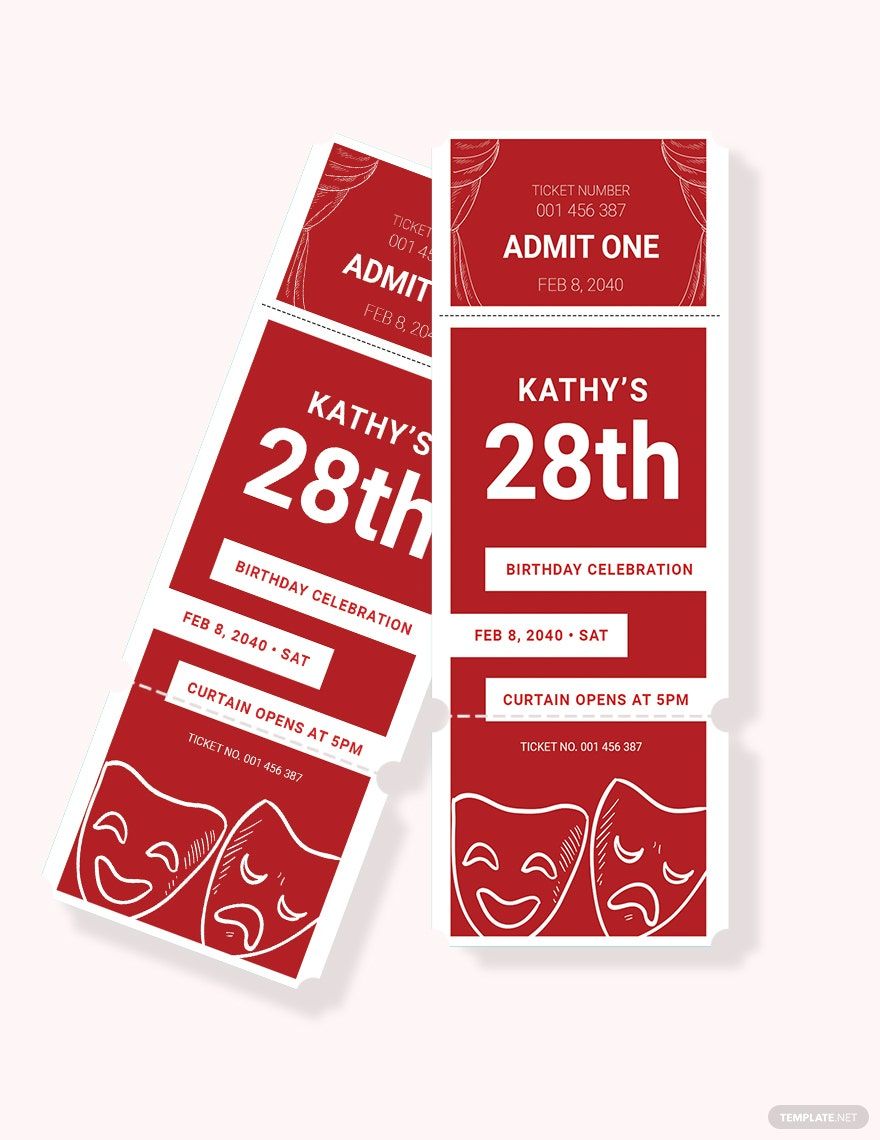
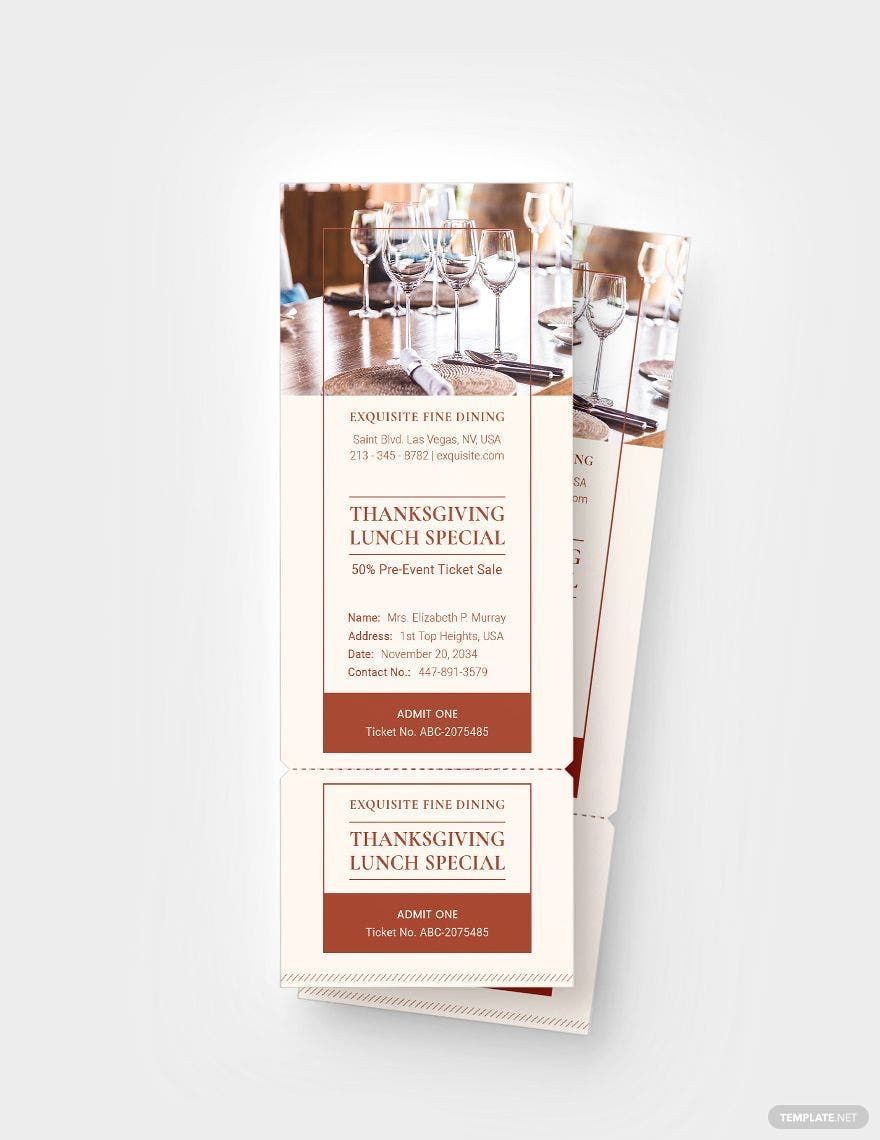
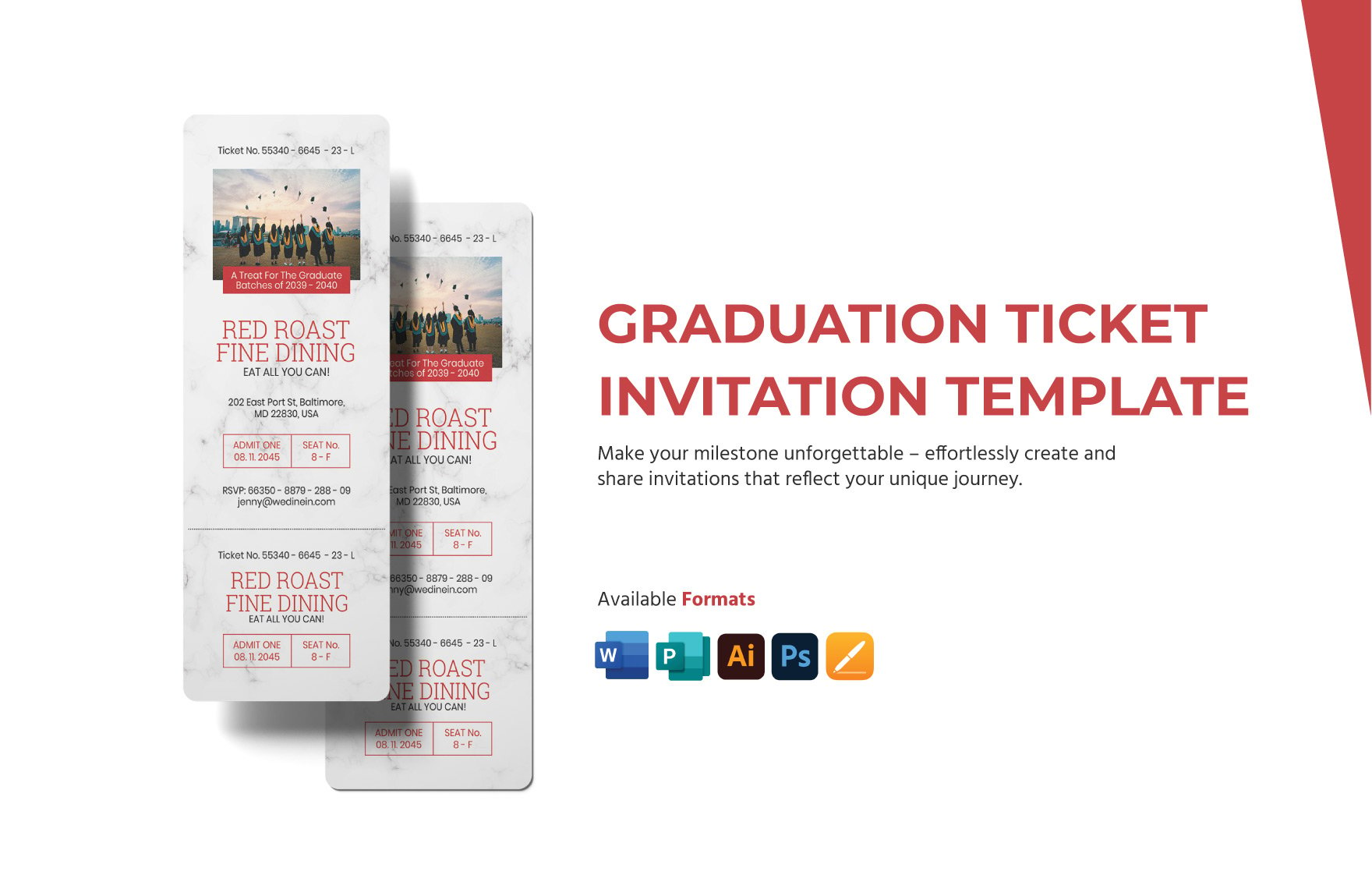
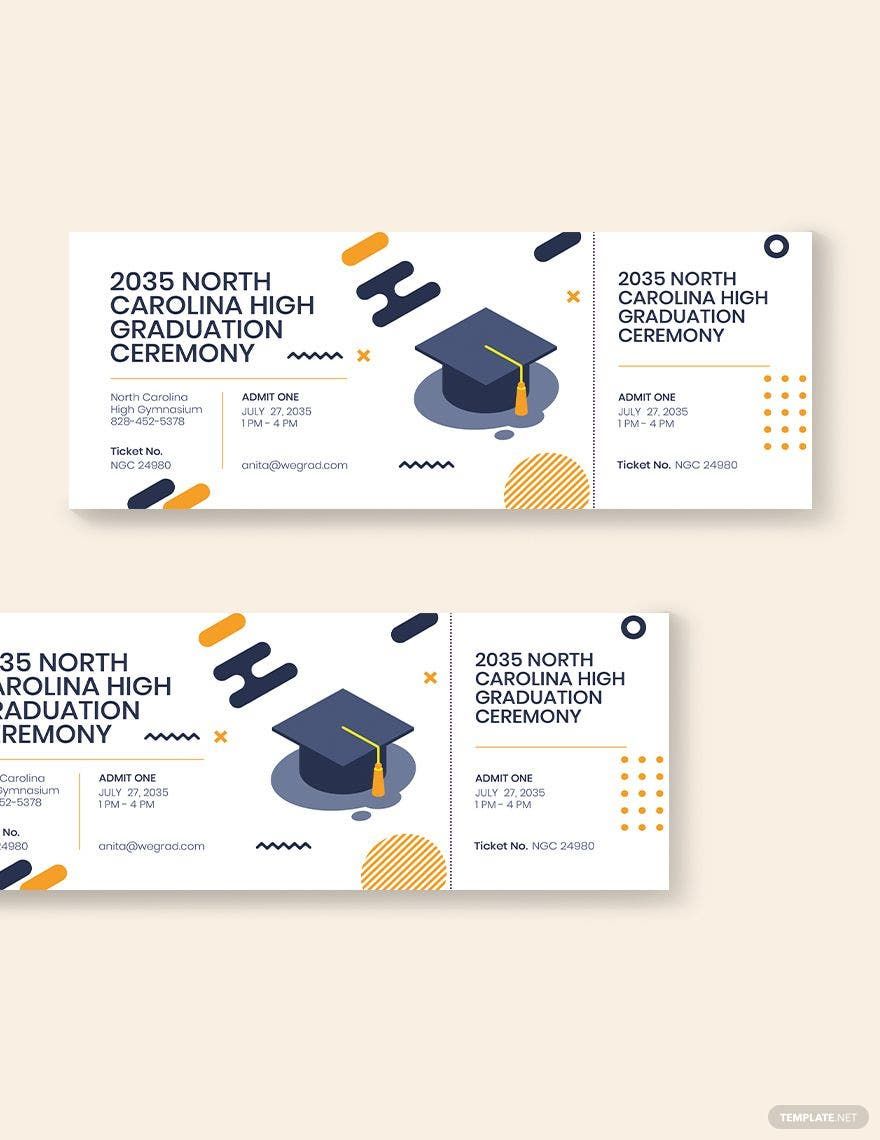
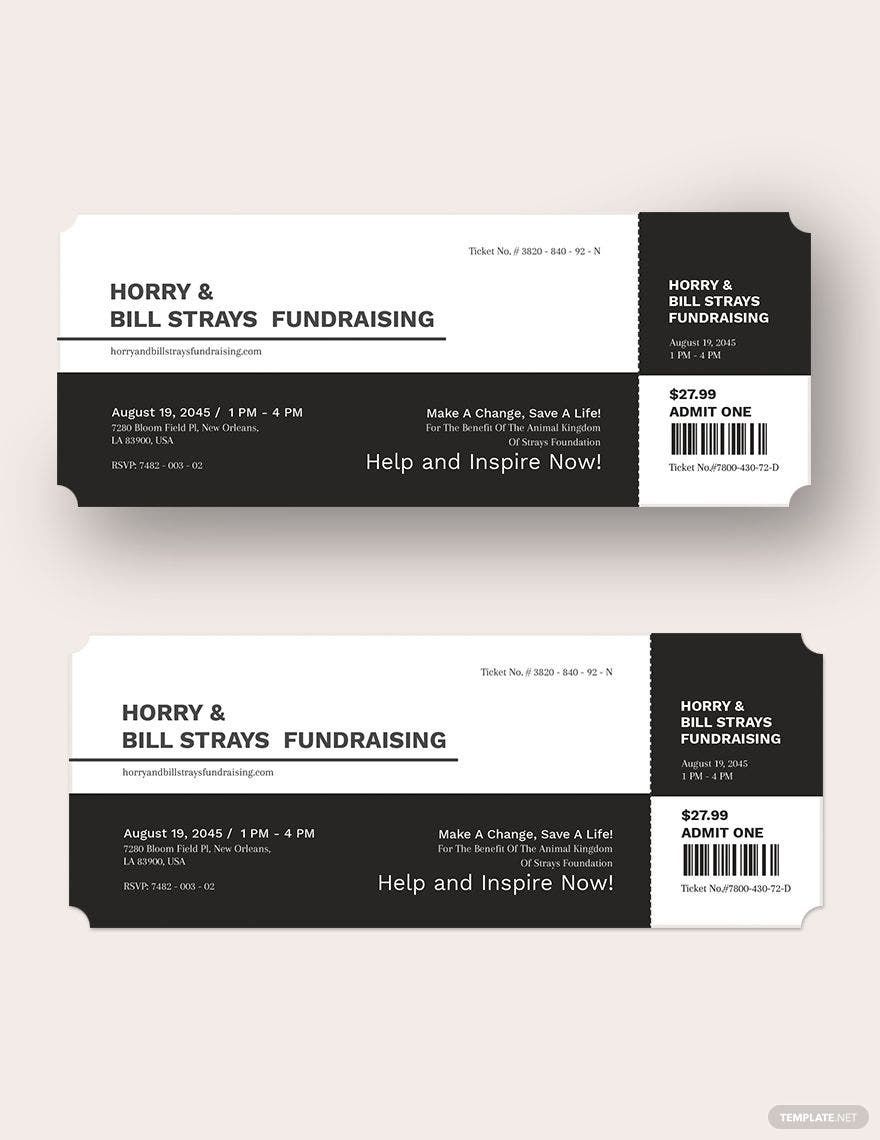
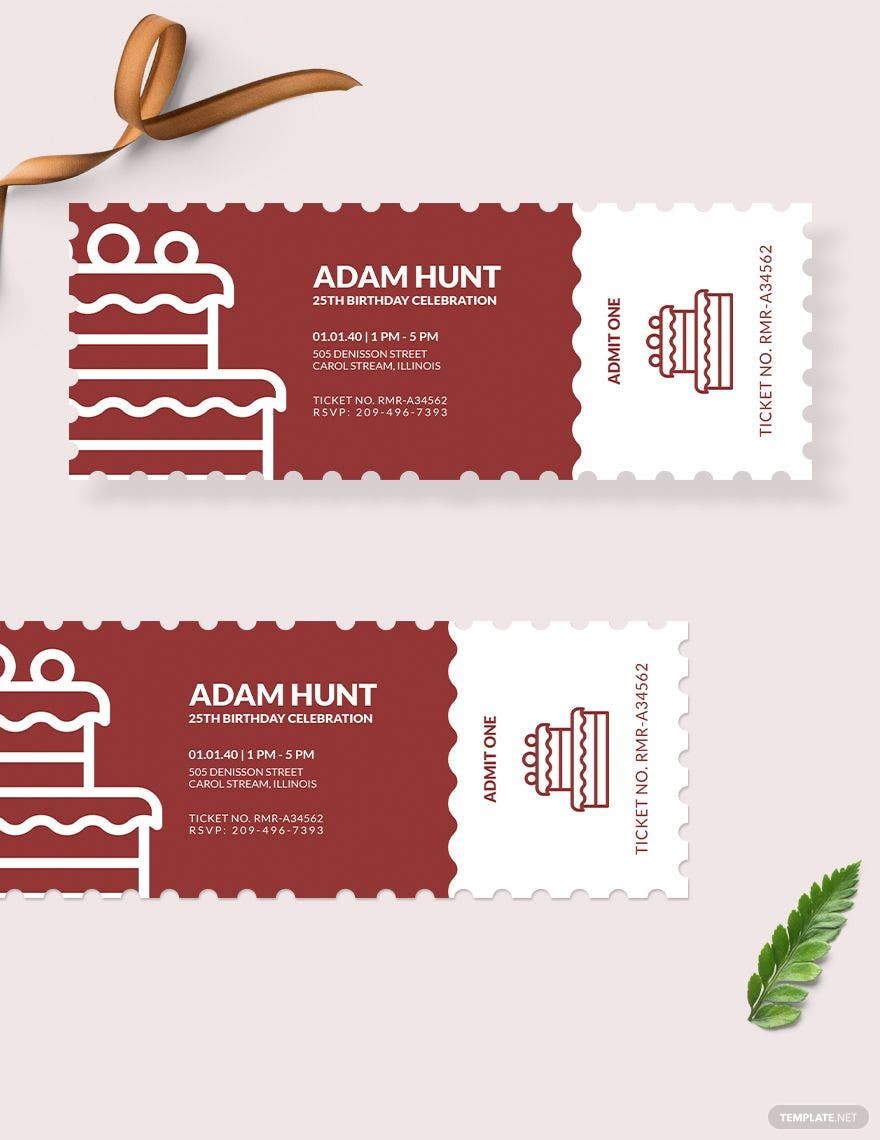
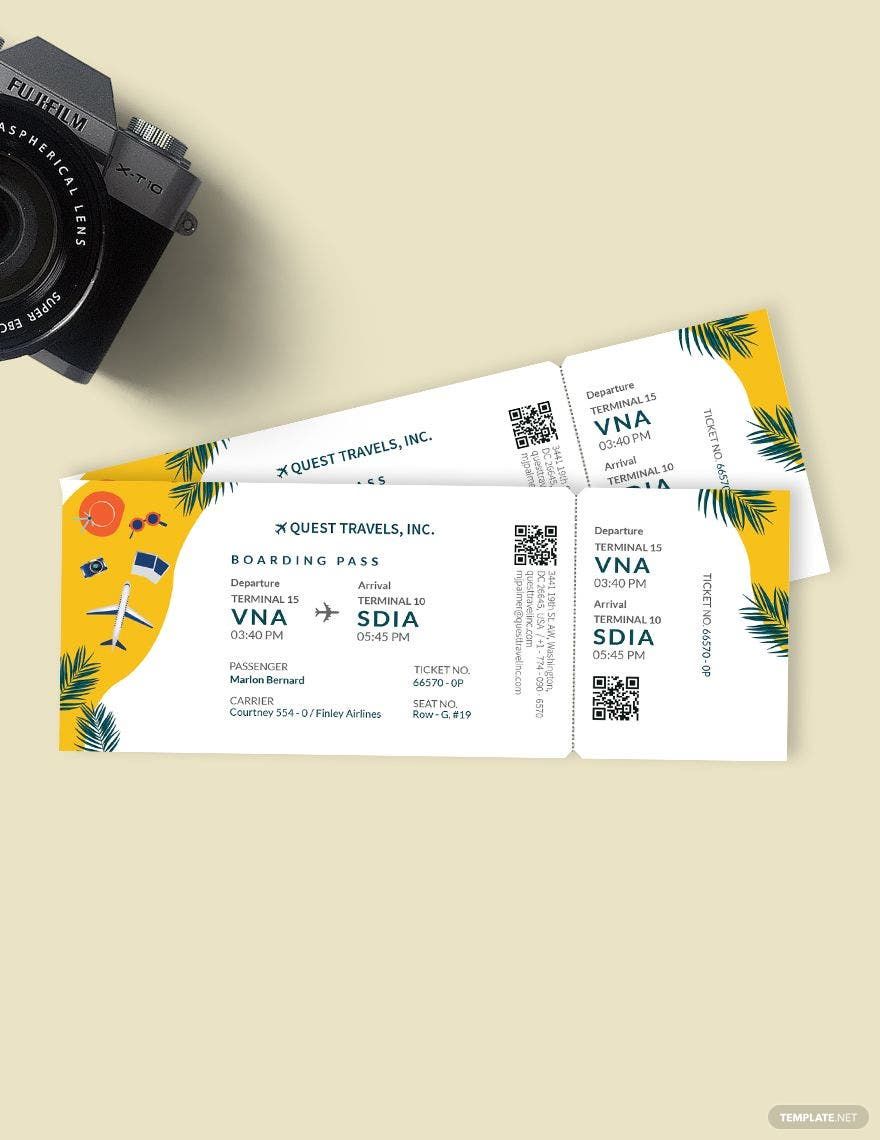
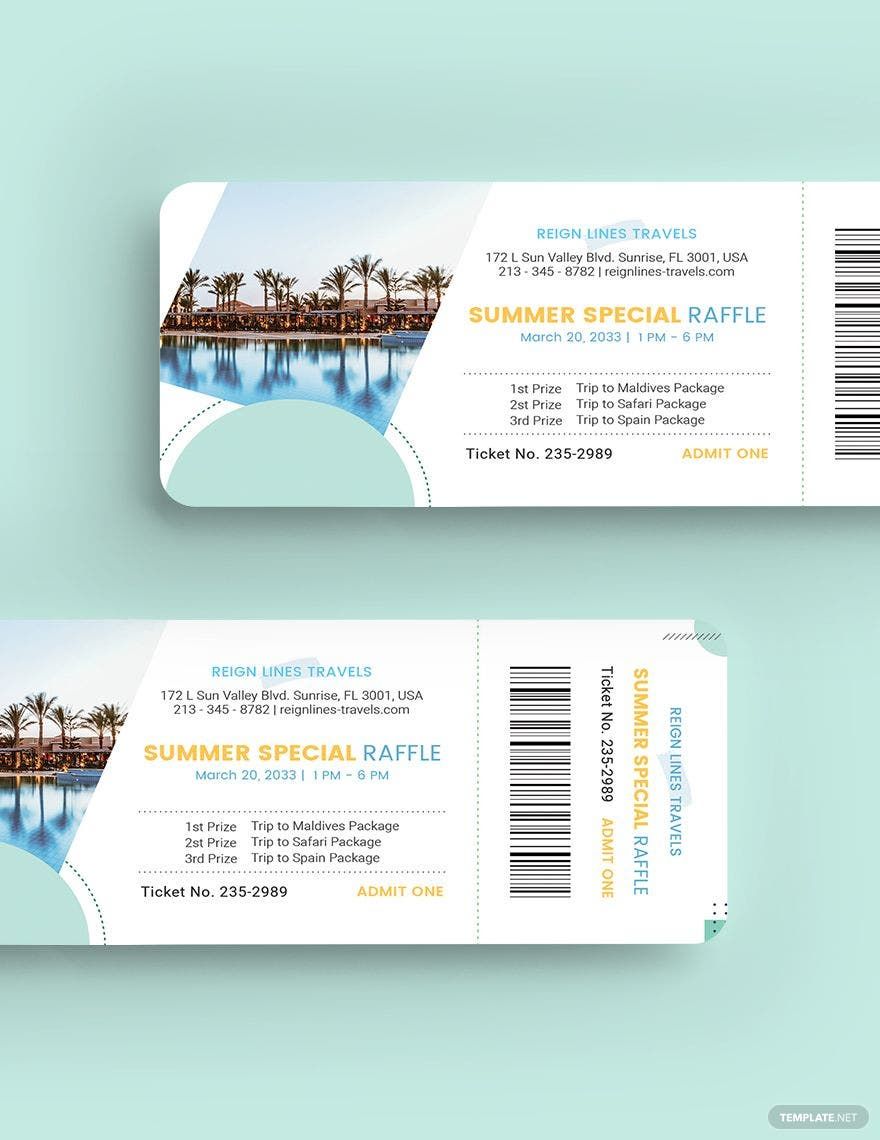
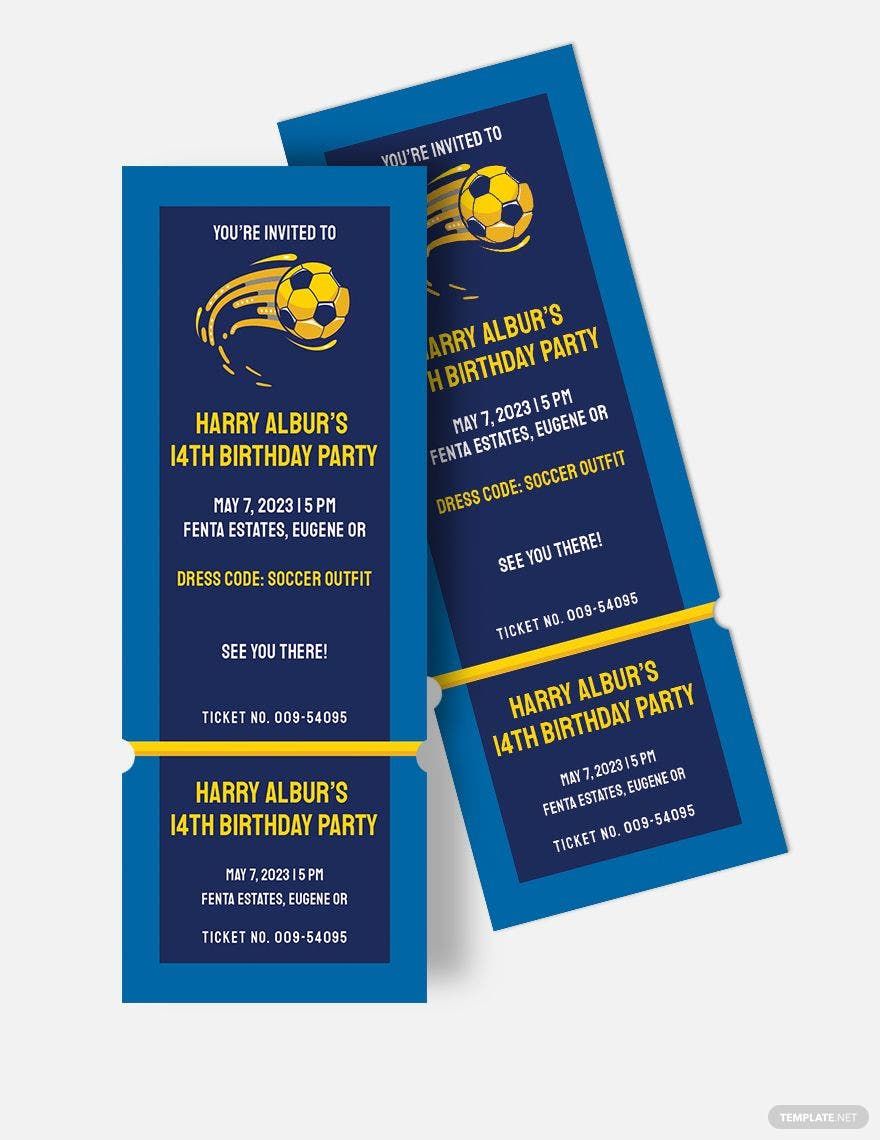
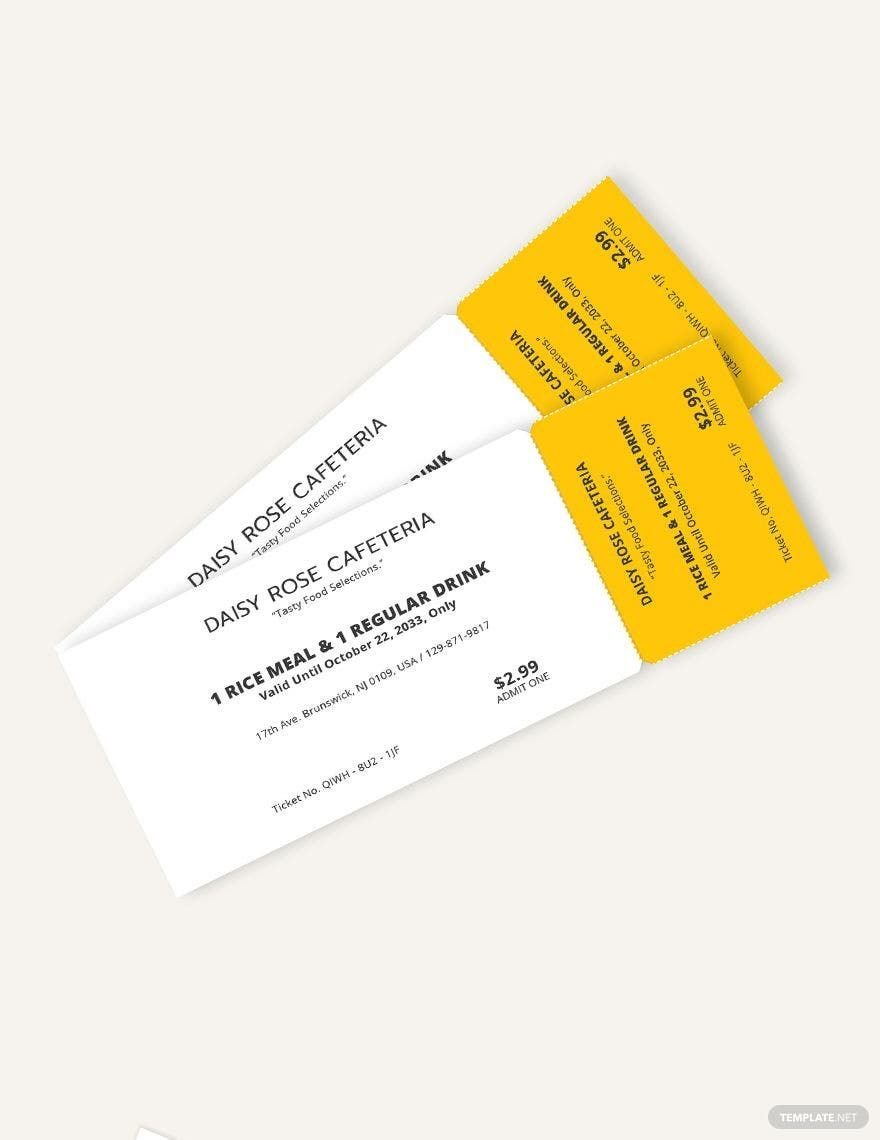
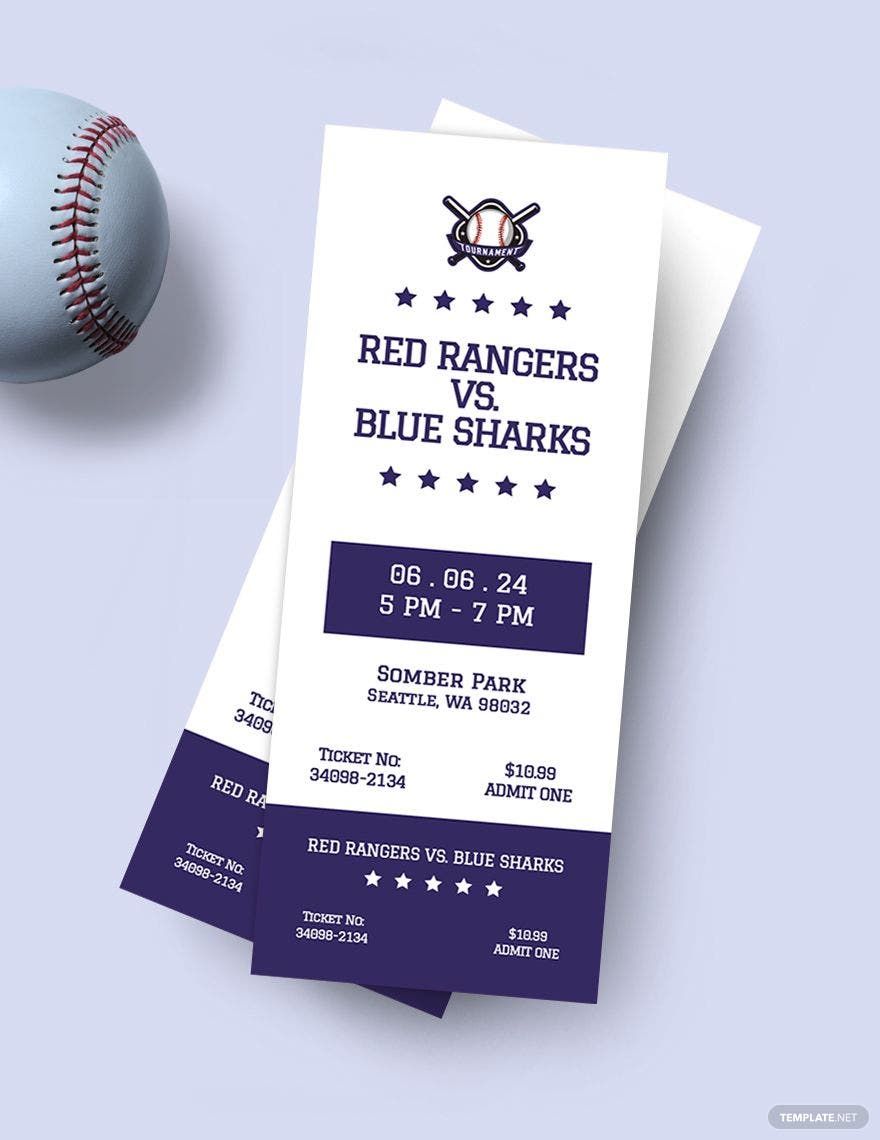
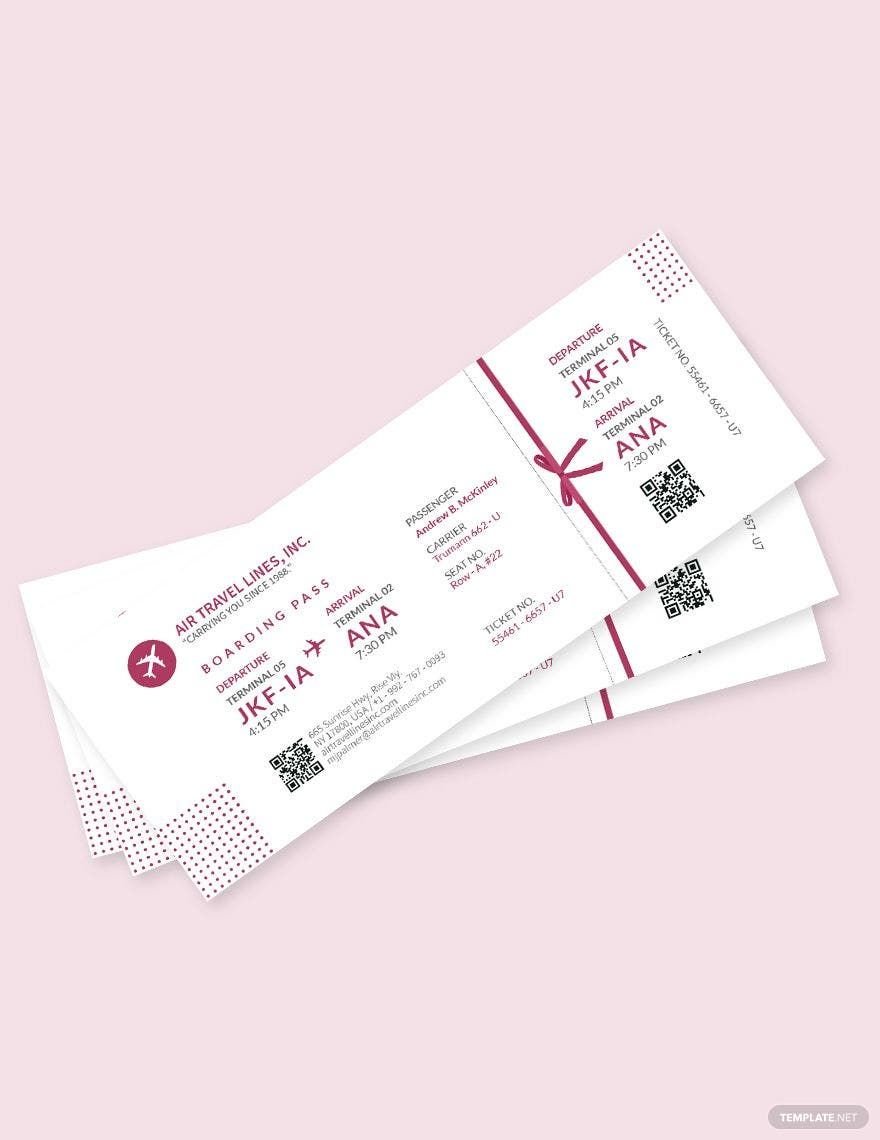
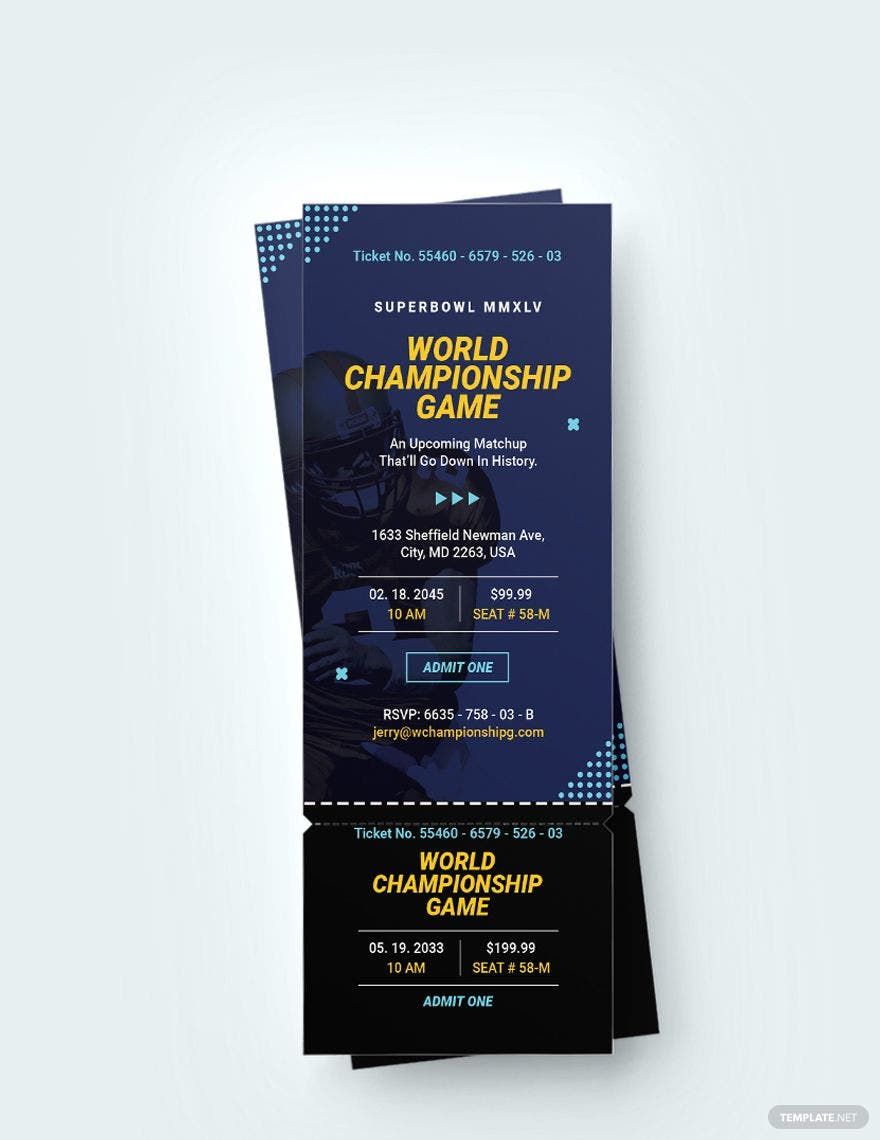
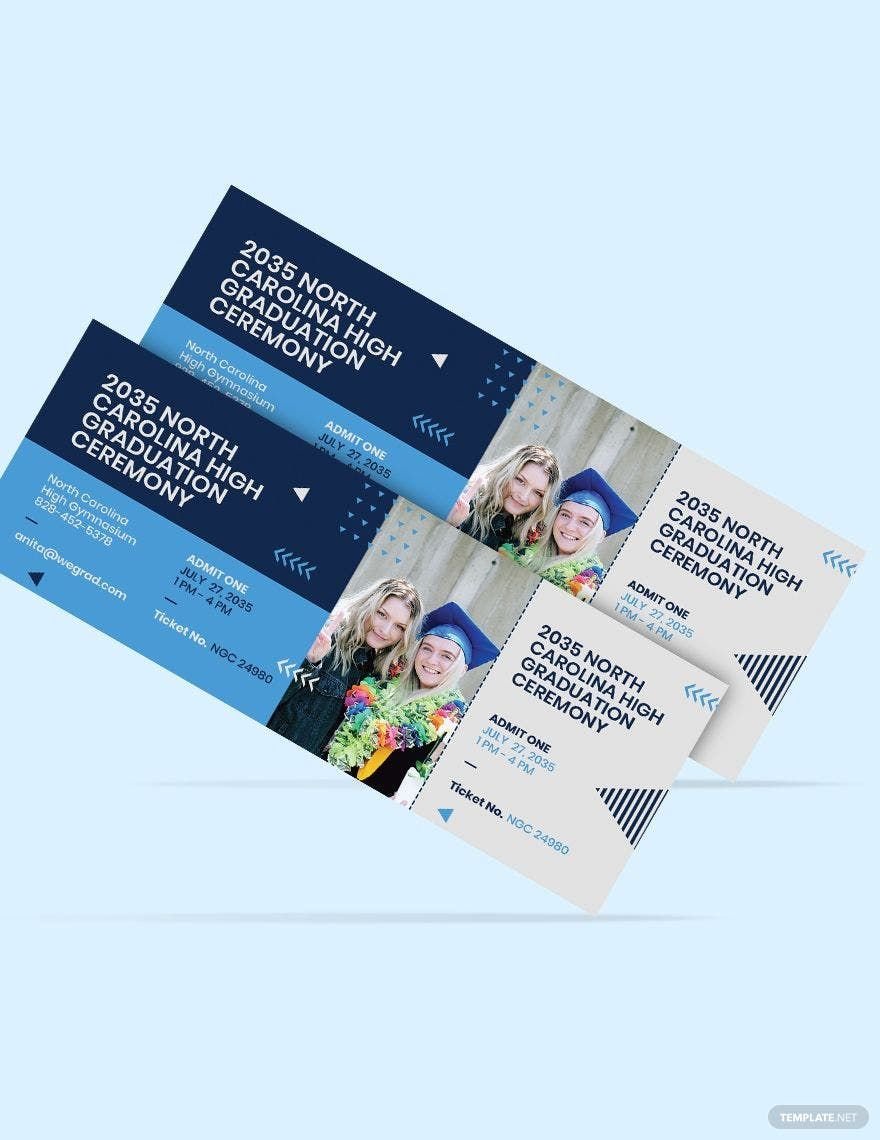
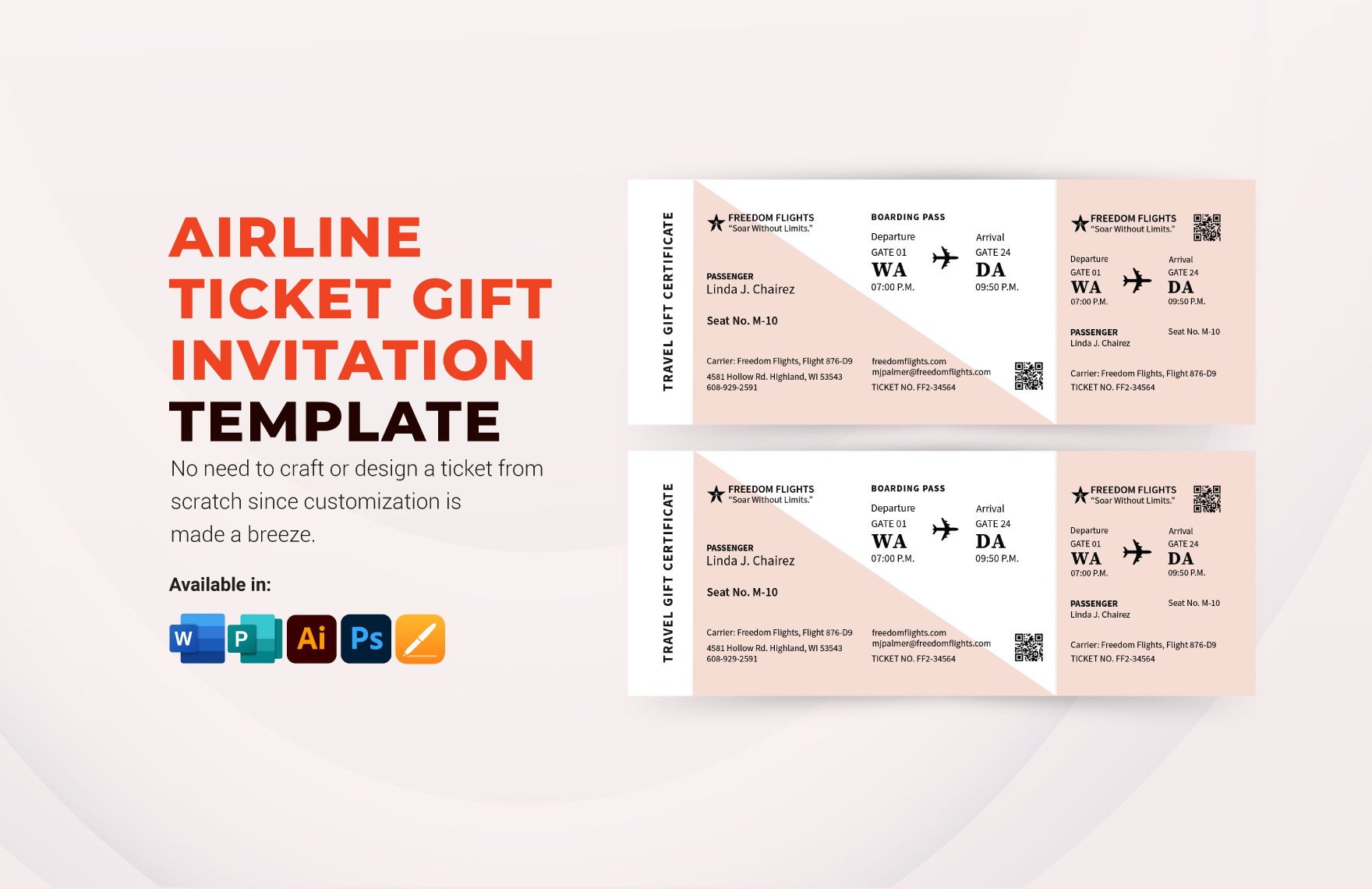
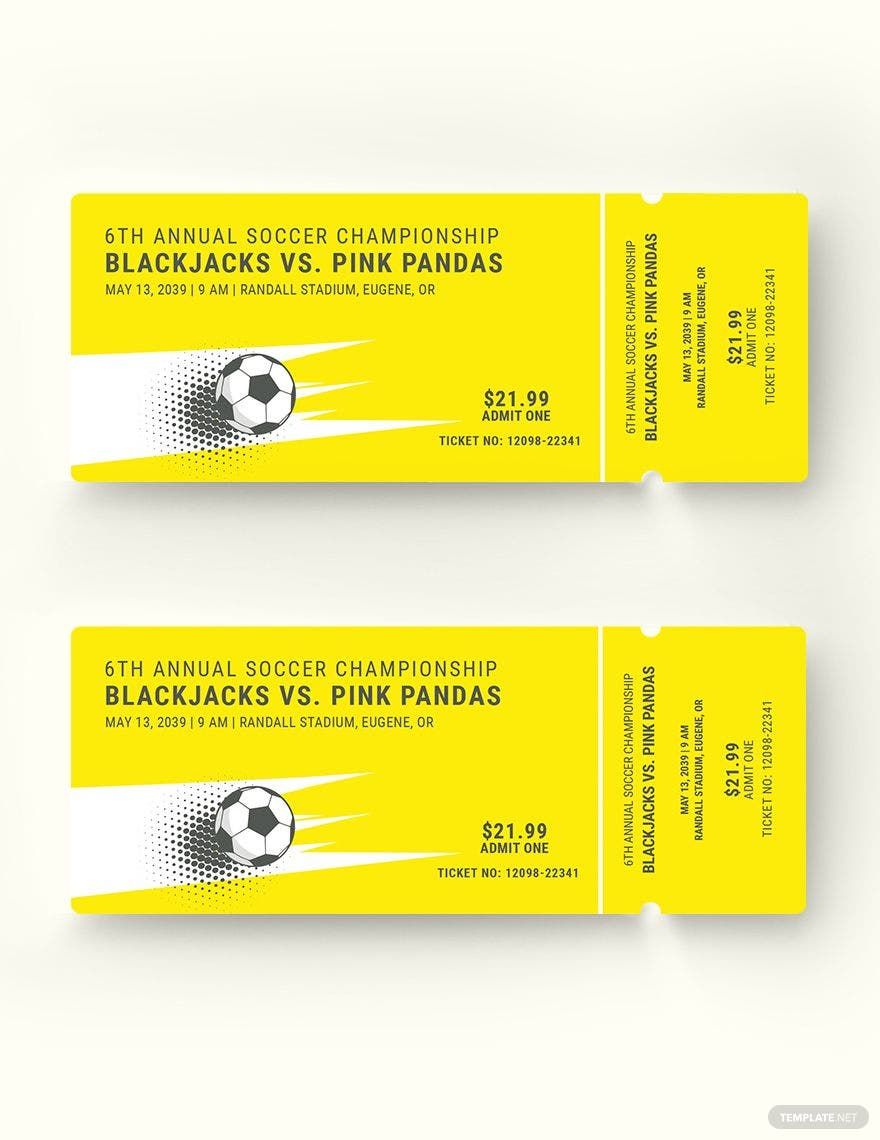
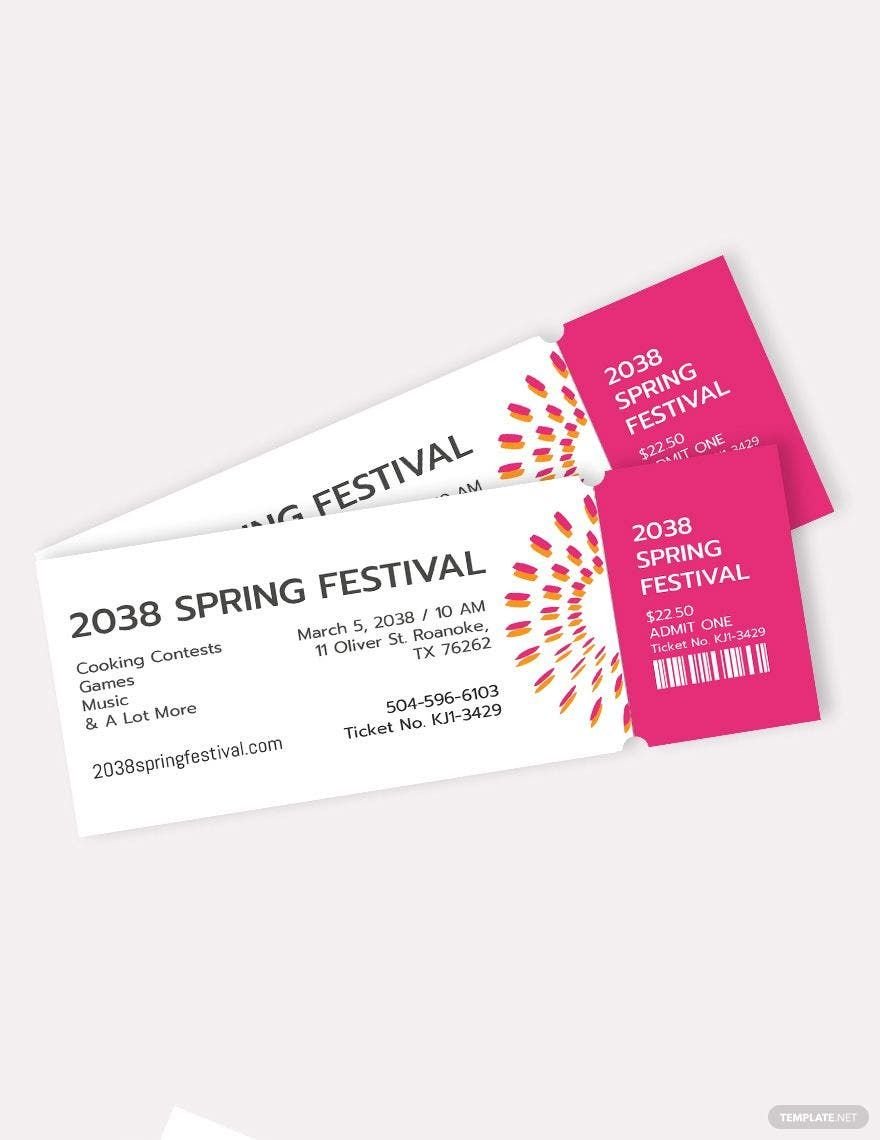
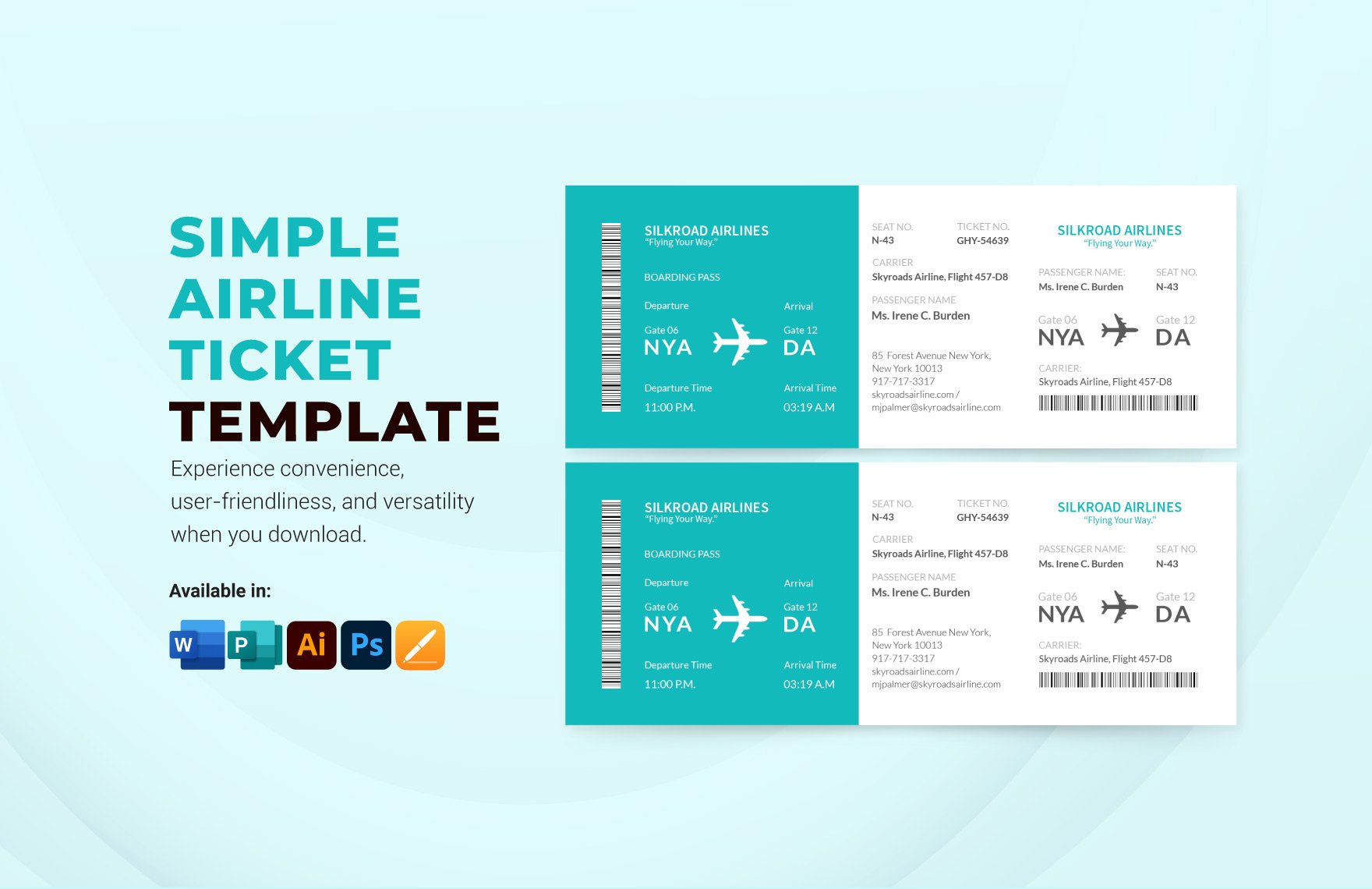
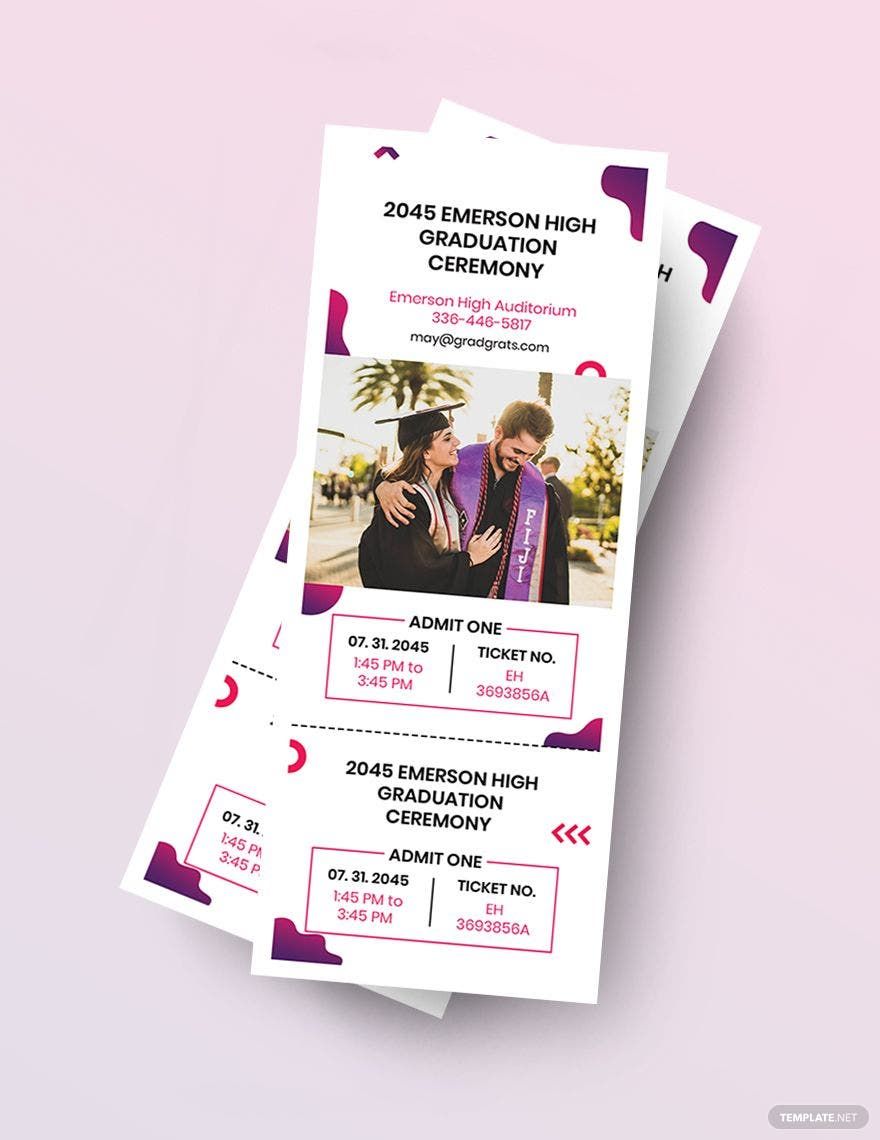
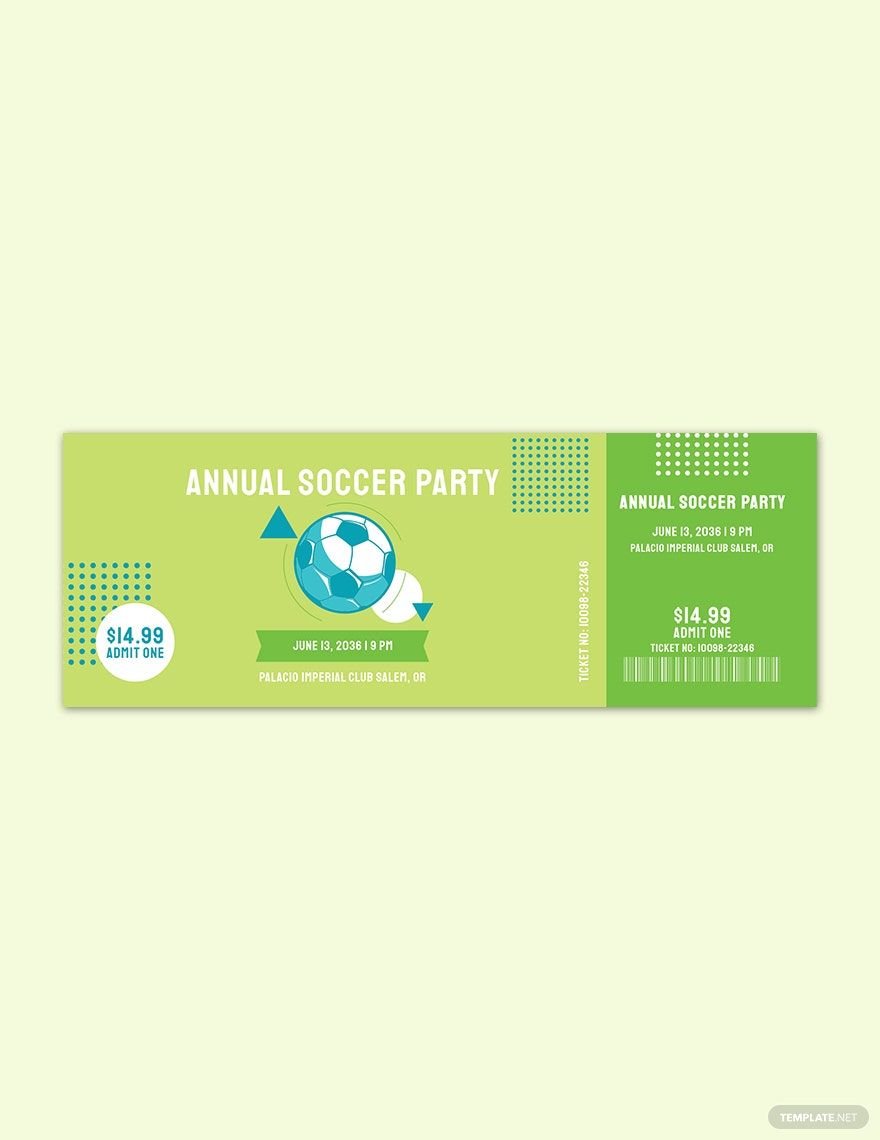
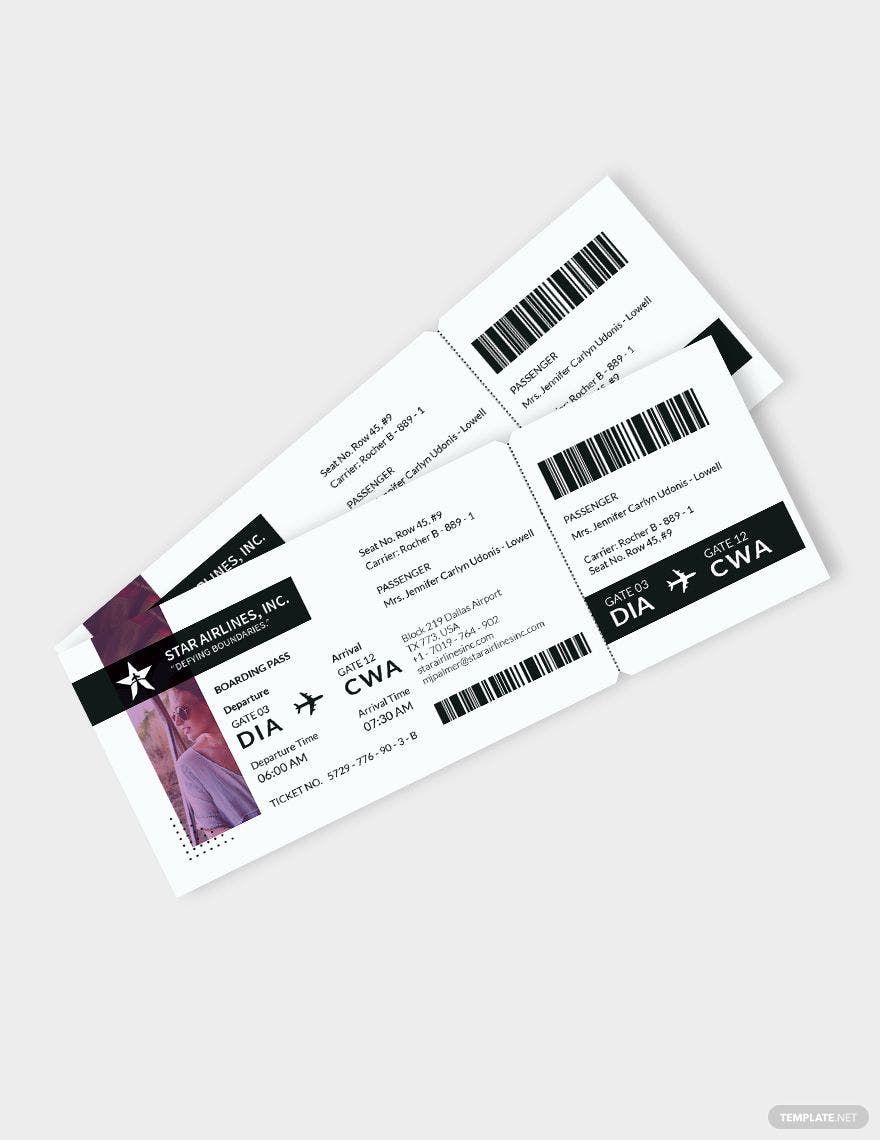
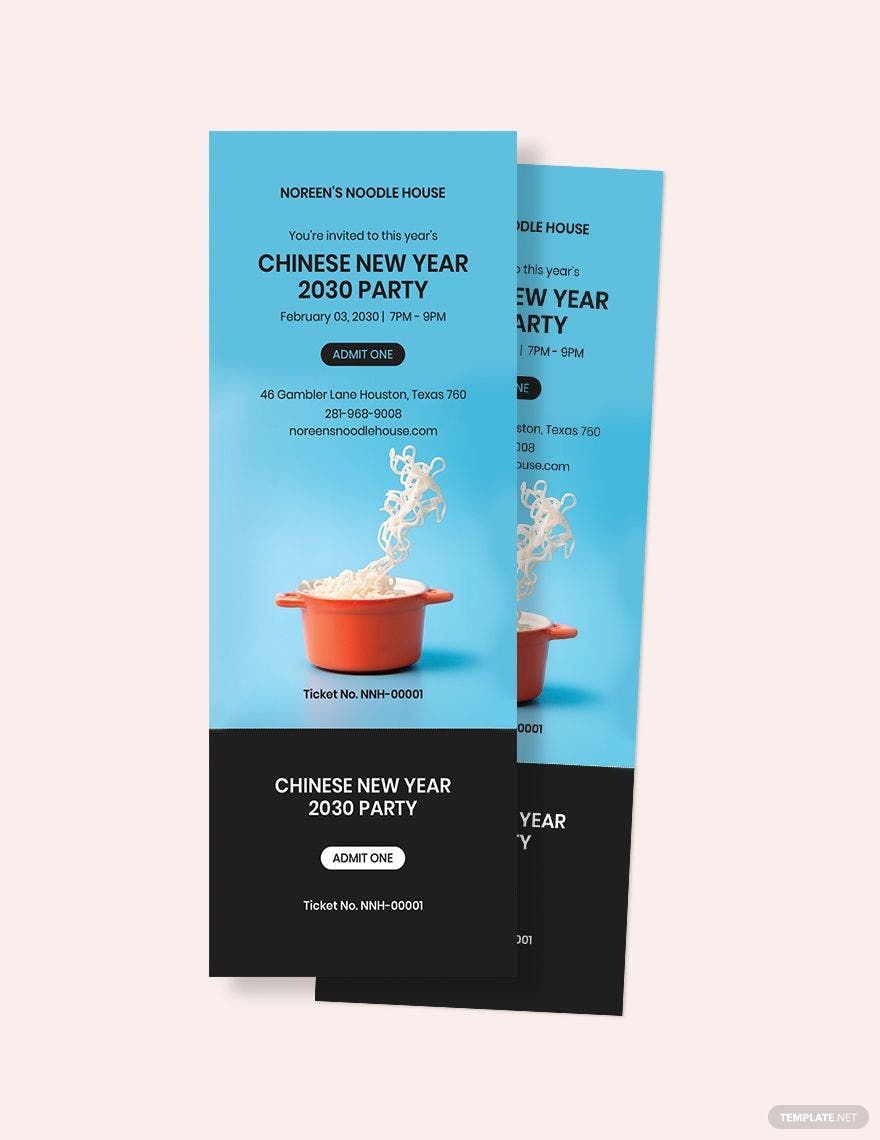
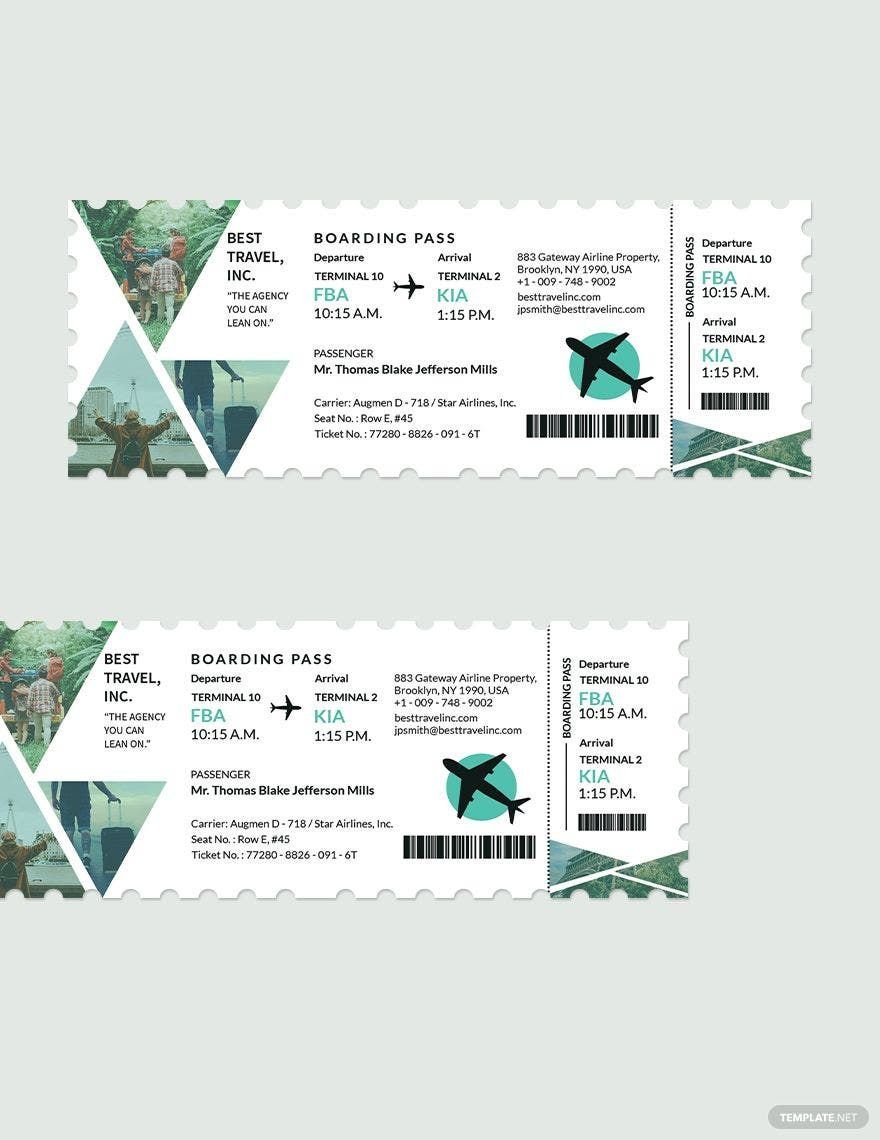
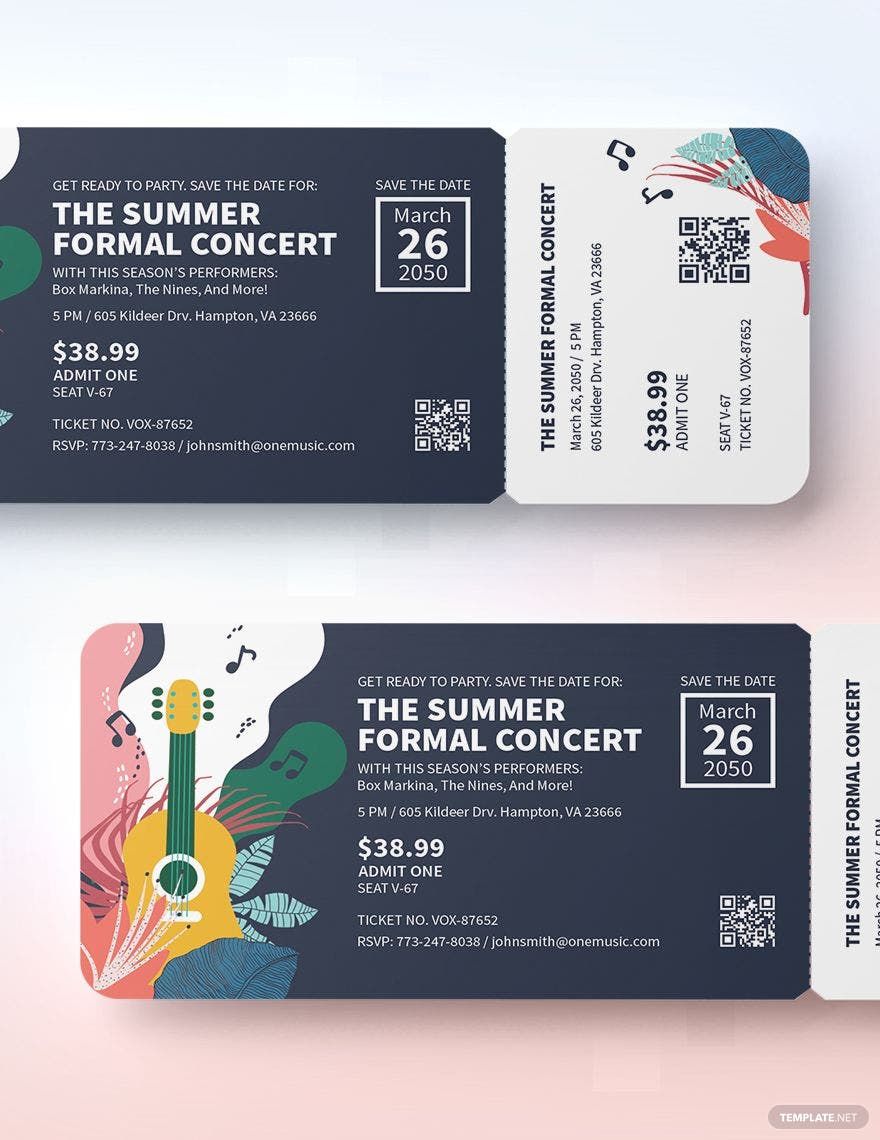
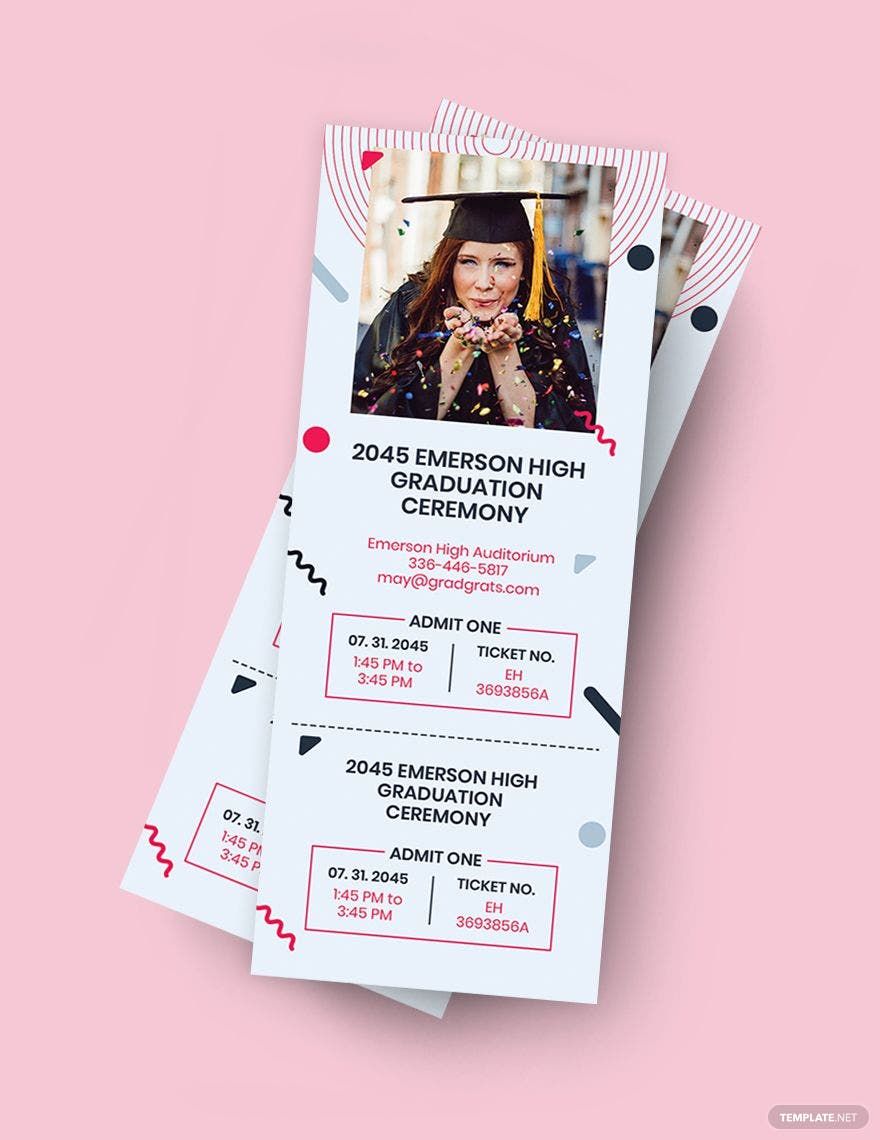
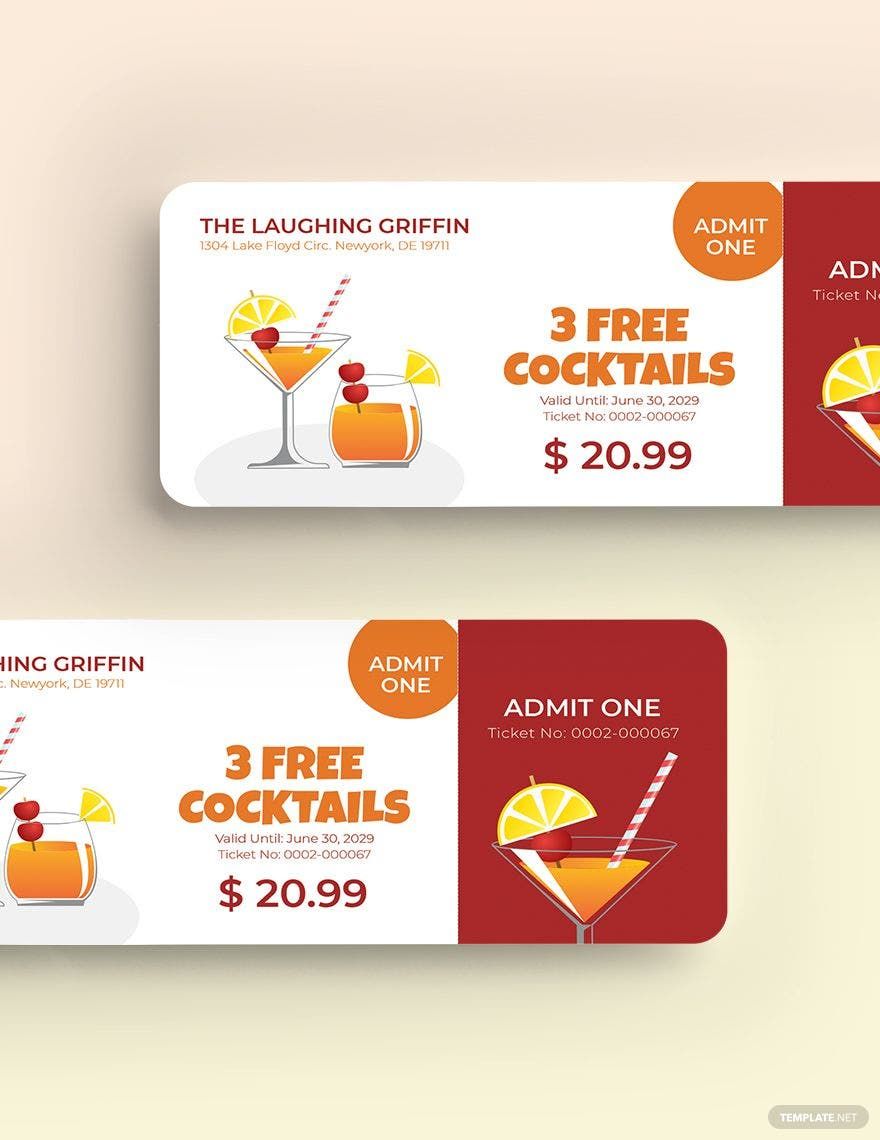
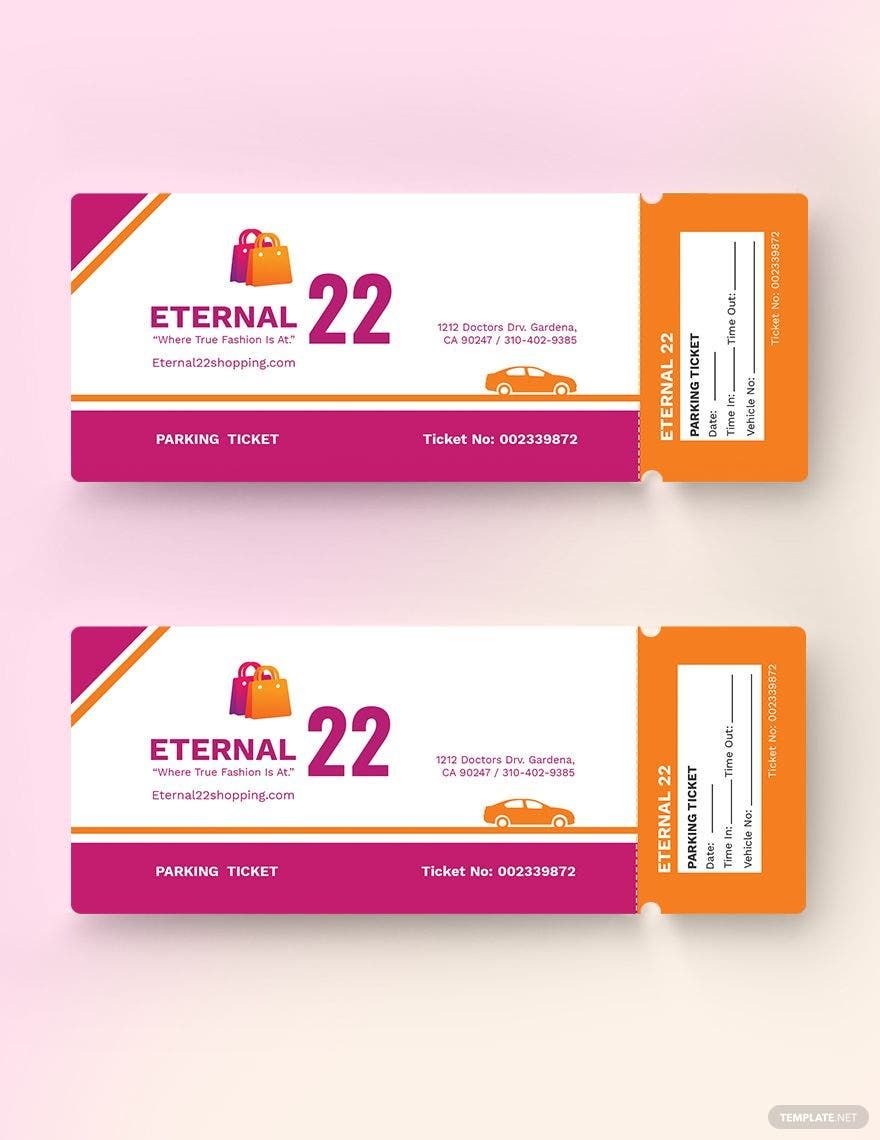
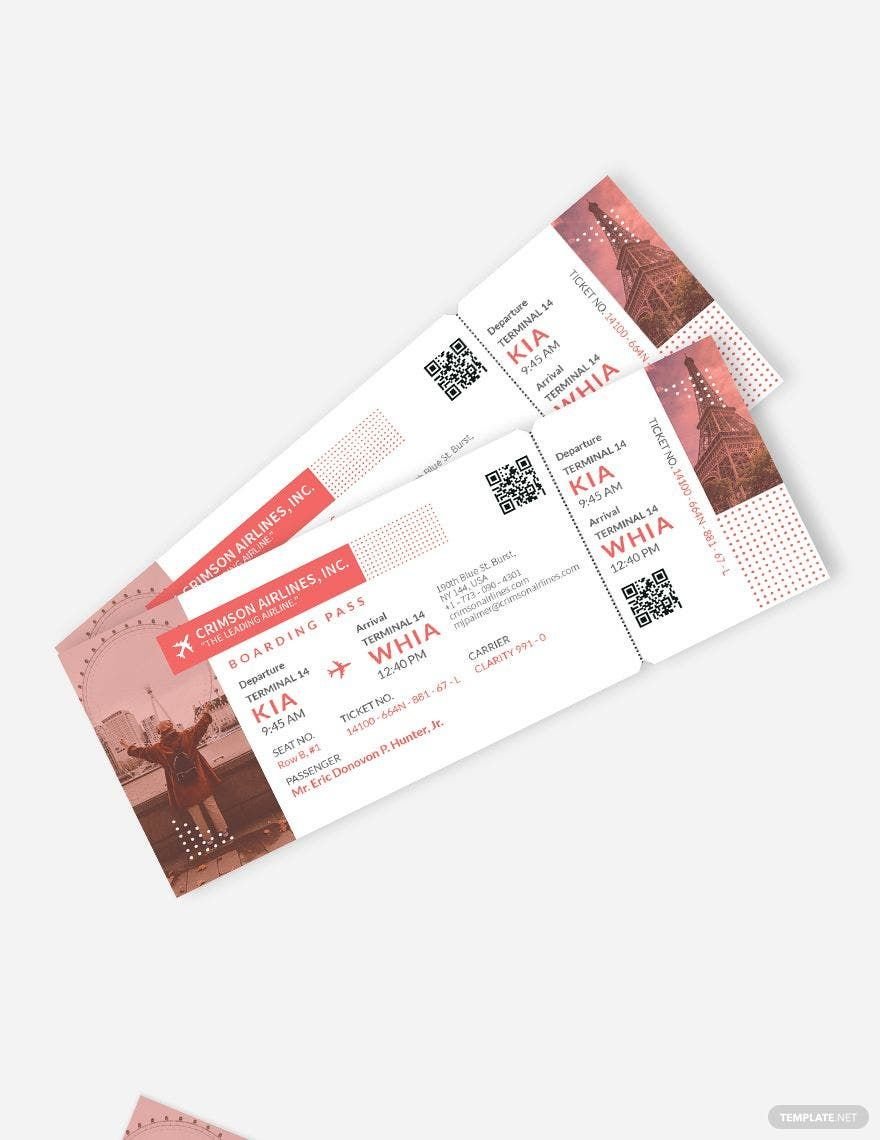
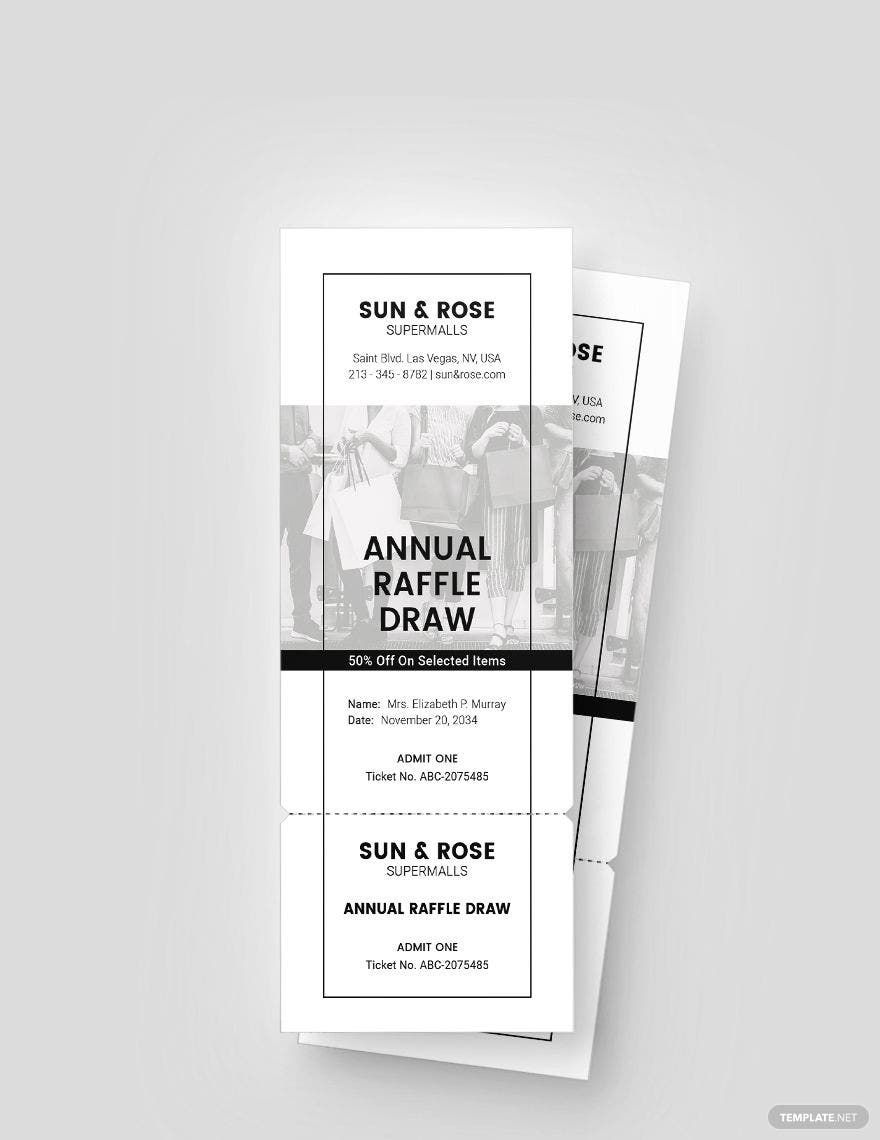
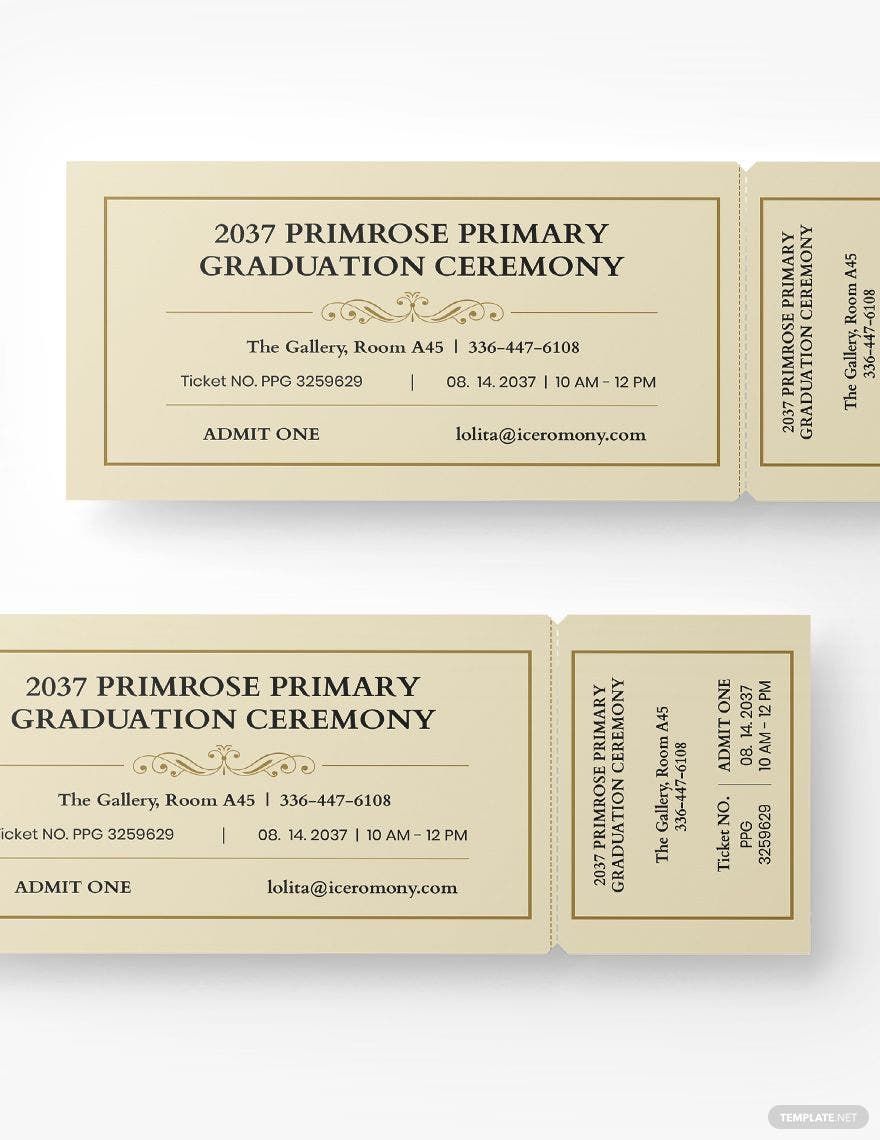
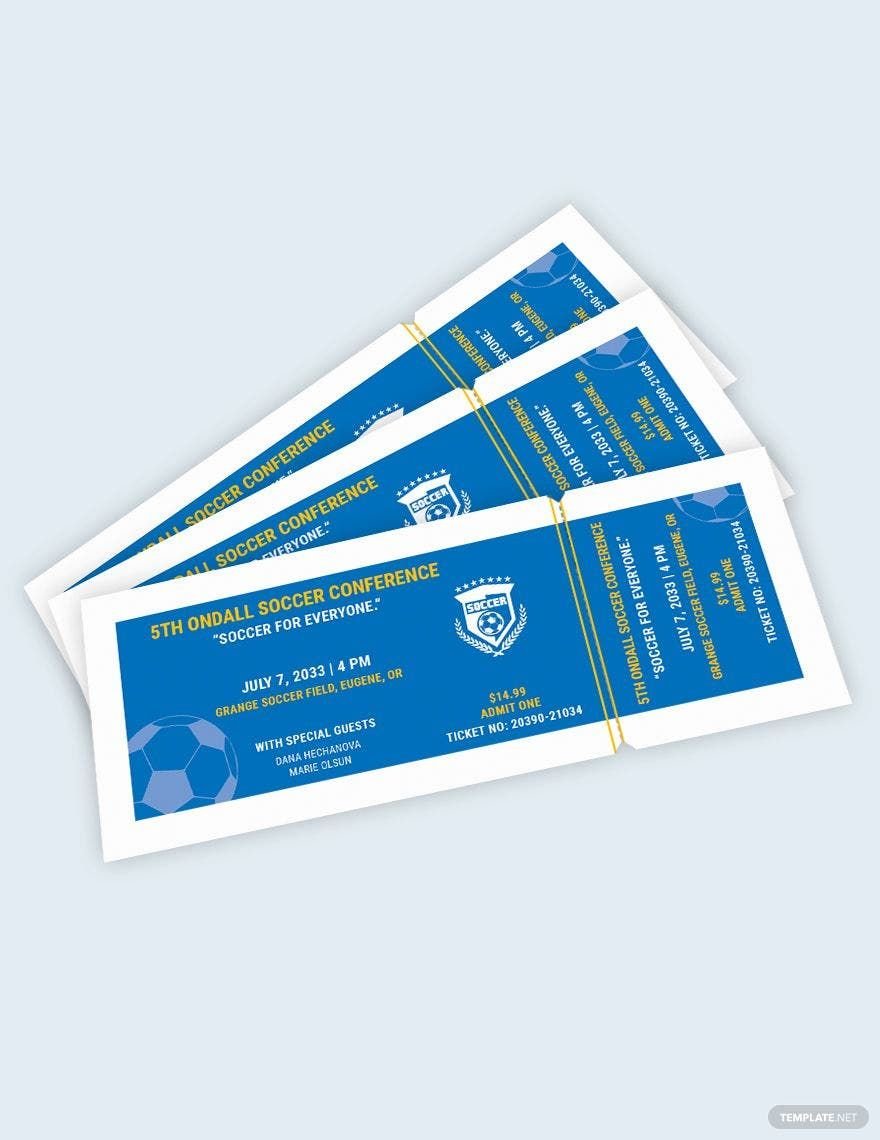
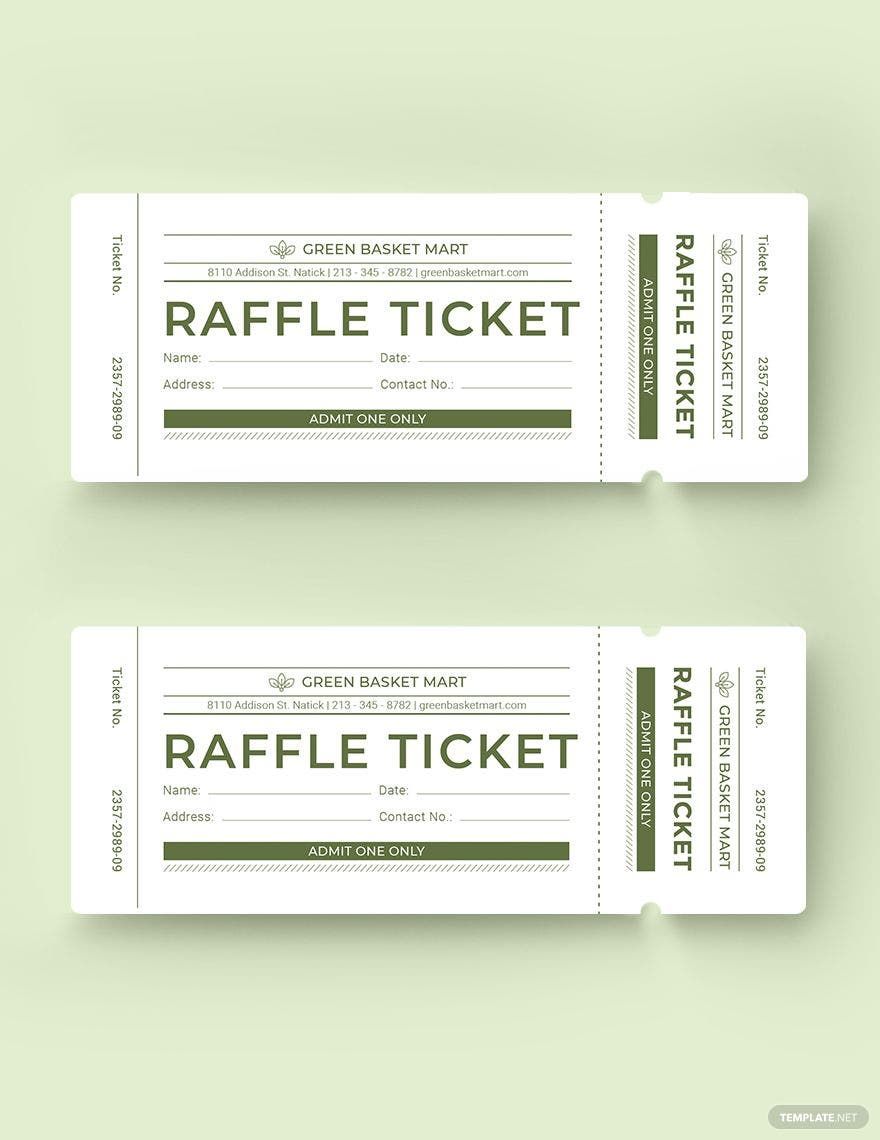
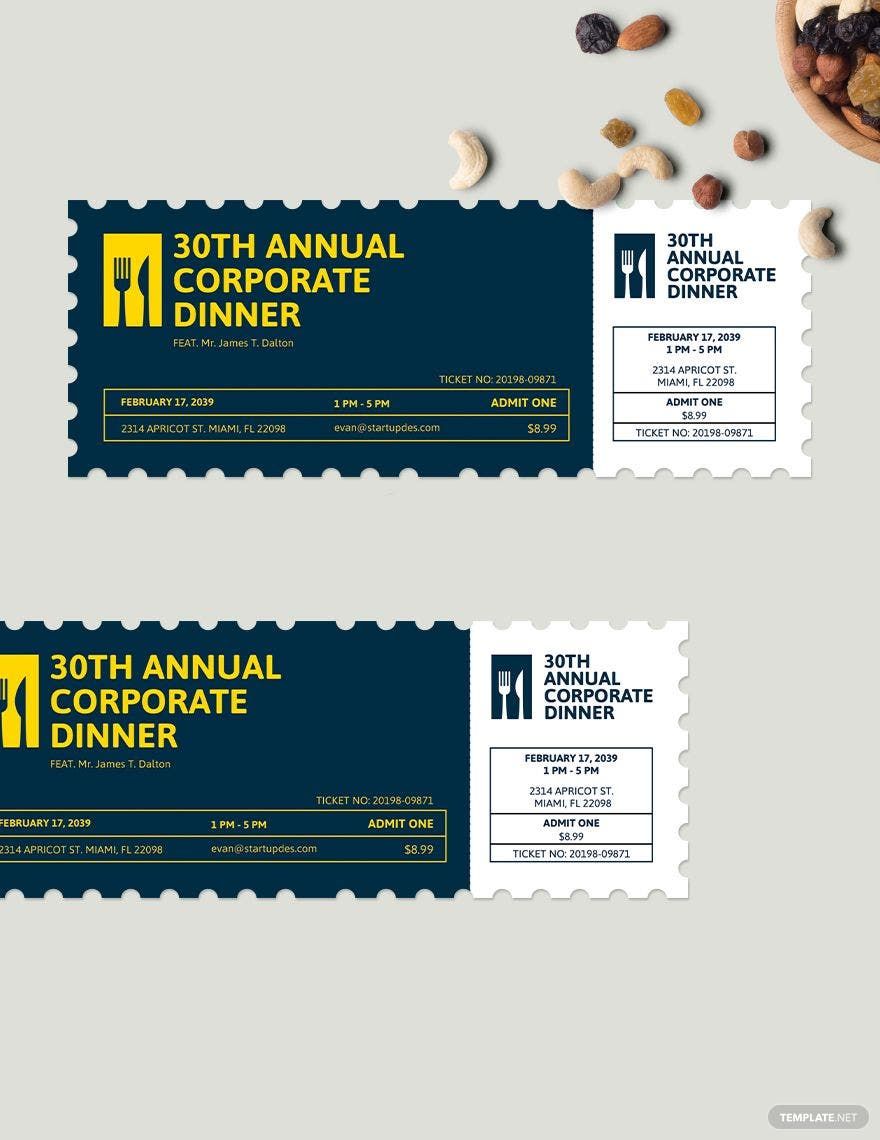
A ticket is a physical or digital document that serves as proof of purchase or entry for events, travel, or services. Tickets often contain details like date, time, seat number, and barcode to authorize access. Using ticket templates simplifies creating consistent and professional access passes.

feature icon

Why should I use a Ticket?

You should use a ticket to provide official proof of admission, manage event attendance, and streamline entry processes. Tickets help verify purchases, control crowd size, and enhance security, making them essential for organizers and attendees alike.

feature icon

Who uses Tickets?

Tickets are used by event organizers, transportation companies, venues, and service providers to grant access and confirm reservations. Individuals attending concerts, sports games, theaters, or traveling also rely on tickets for entry and validation.

feature icon

What are the best tips for designing my Ticket?

When designing your ticket, consider these key tips to ensure clarity and appeal:

  • Use clear typography for readability.
  • Include essential details like event name, date, and seat info.
  • Incorporate your brand colors for recognition.
  • Add security features such as barcodes or QR codes.
  • Maintain balanced layout with whitespace.
  • Use high-quality images or logos.
  • Ensure proper dimensions for printing or display.
  • Choose contrasting colors for legibility.
  • Keep design consistent across all tickets.
  • Test print samples to verify quality.
feature icon

What file formats can I download for my Ticket?

Template.net ticket templates support multiple export formats for editing, printing, and sharing, including PSD, Illustrator, Publisher, InDesign, Apple Pages, Word, Google Docs, and PDF.

feature icon

Can I create a Ticket using AI?

Template.net provides an AI-powered tool that generates new Ticket designs from prompts to help you create customized tickets quickly and easily. Use the Ticket Generator to get started.

feature icon

What are the standard sizes for printing Tickets?

Tickets typically come in standardized sizes for easy printing and handling. Common print dimensions include:

  • 2 × 5.5 inches (half a US Letter)
  • 2.5 × 6 inches
  • 3 × 7 inches
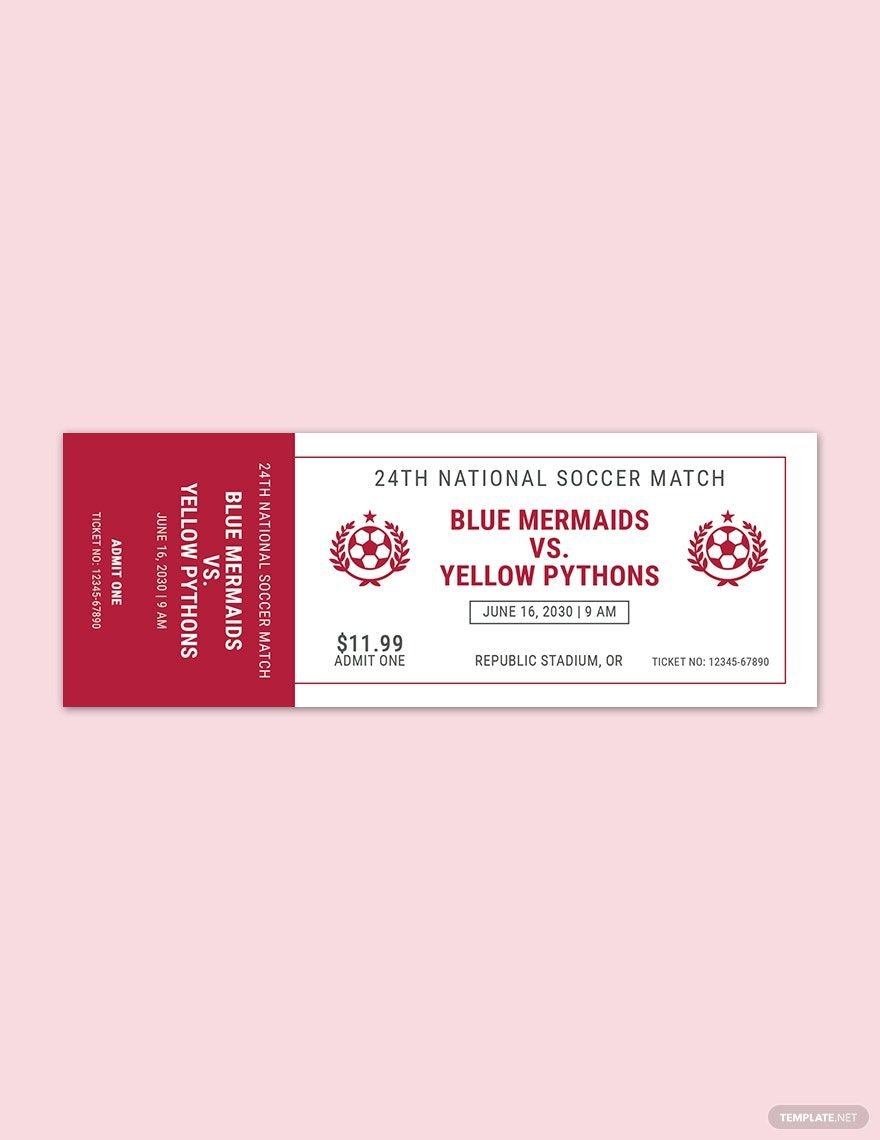
  • 3.5 × 8 inches
  • 4 × 9 inches
  • 3 × 3 inches (square ticket)
  • Custom sizes depending on event or brand needs
feature icon

What essential design elements should my Ticket include?

Your ticket design should include key elements to ensure functionality and clarity:

  • Event or service name
  • Date and time
  • Venue or location
  • Seat or entry number
  • Barcode or QR code for scanning
  • Terms and conditions
  • Price or ticket category
  • Brand logo or sponsor info
  • Contact information
  • Security features to prevent fraud
feature icon

What are the benefits of using Ticket templates?

Using ticket templates offers several benefits that improve your event or service management:

  • Time-saving by using pre-designed layouts
  • Professional appearance that enhances brand image
  • Easy customization to fit specific events
  • Consistency across all tickets issued
  • Cost-effective compared to custom designs
  • Convenience of online editing and downloading
  • Multiple format availability for different uses
  • Improved security with built-in design features
  • Supports both digital and print use
  • Accessibility for users with no design skills