
Free Unicorn Templates












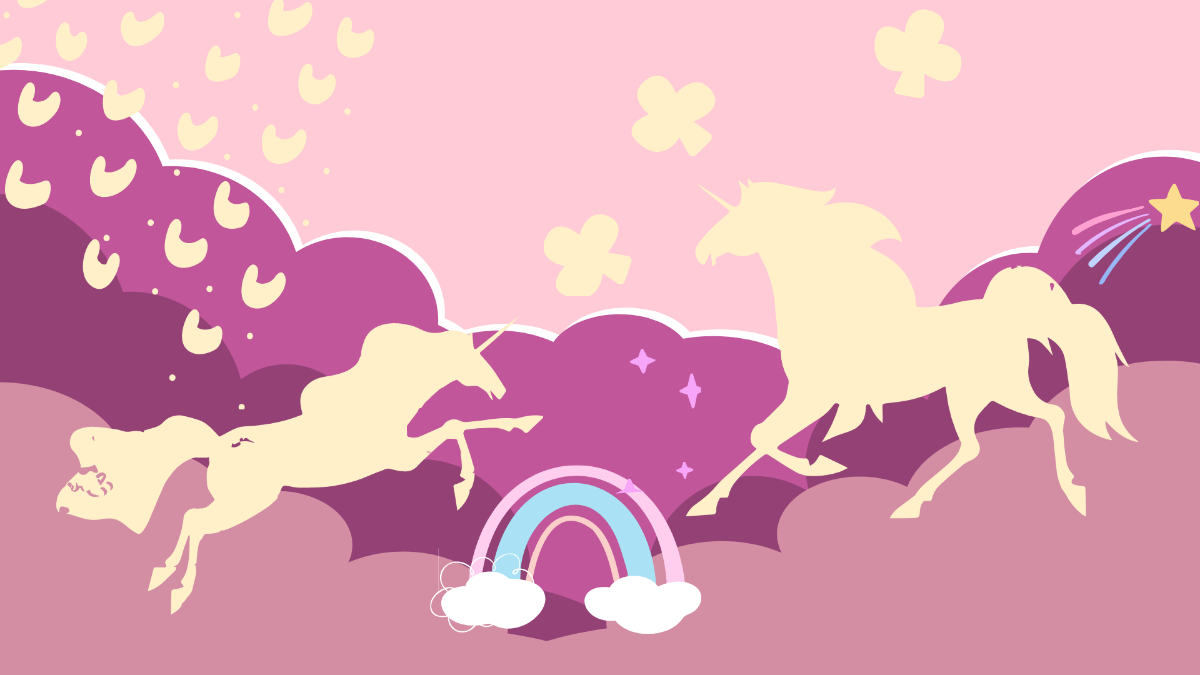



Unicorn Templates: Design Guide, Sizes, and Download Formats
What is a Unicorn template?
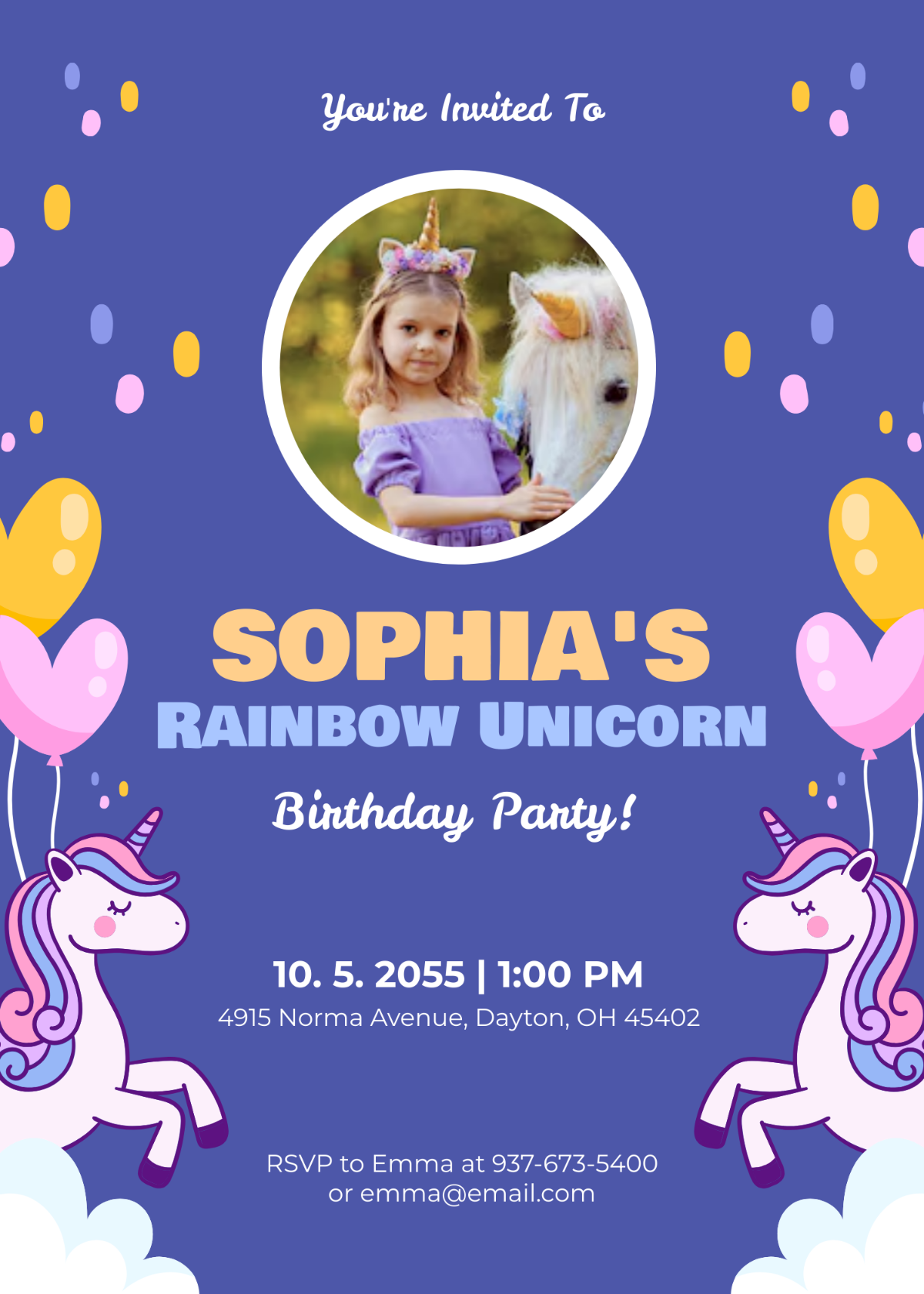
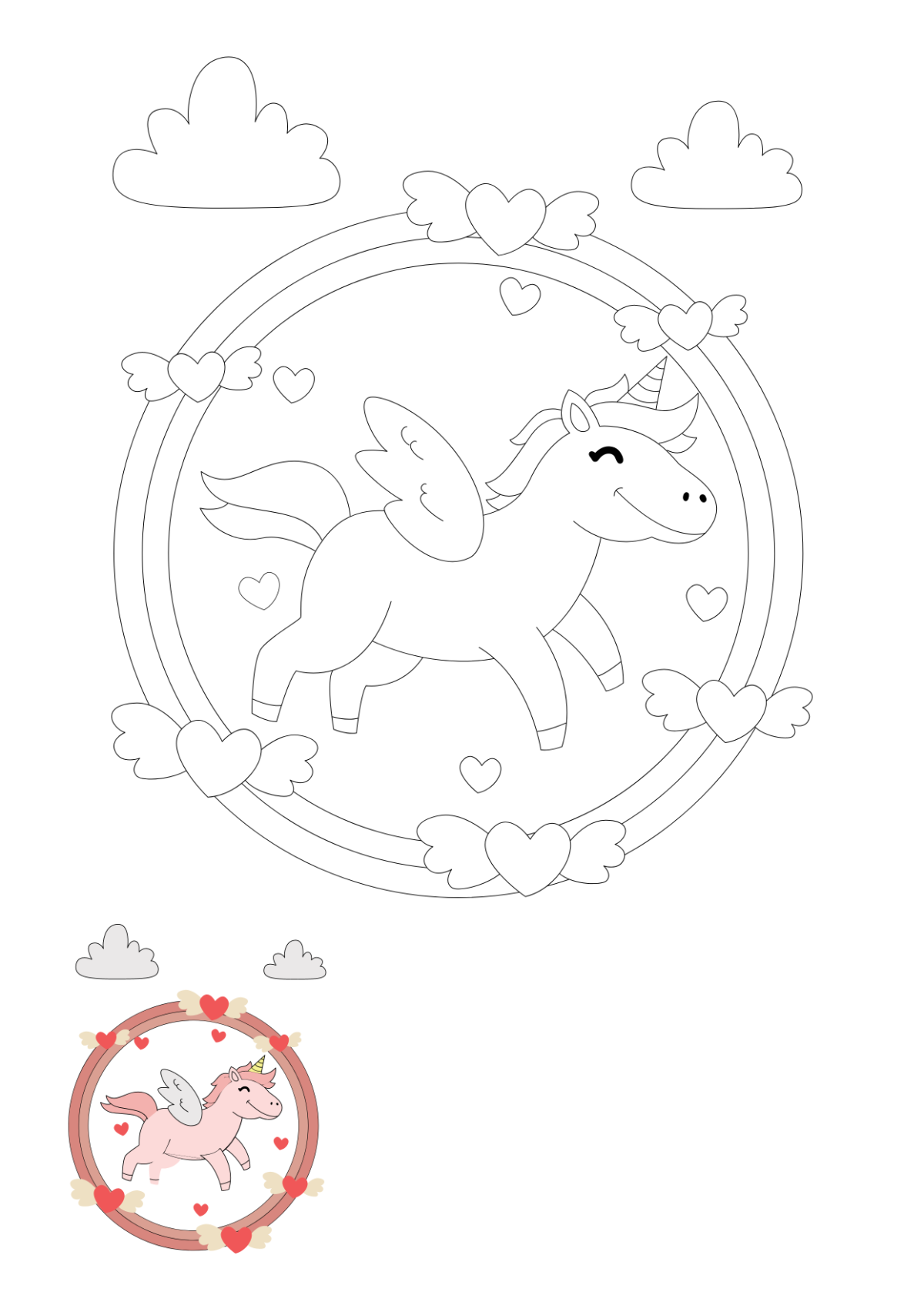
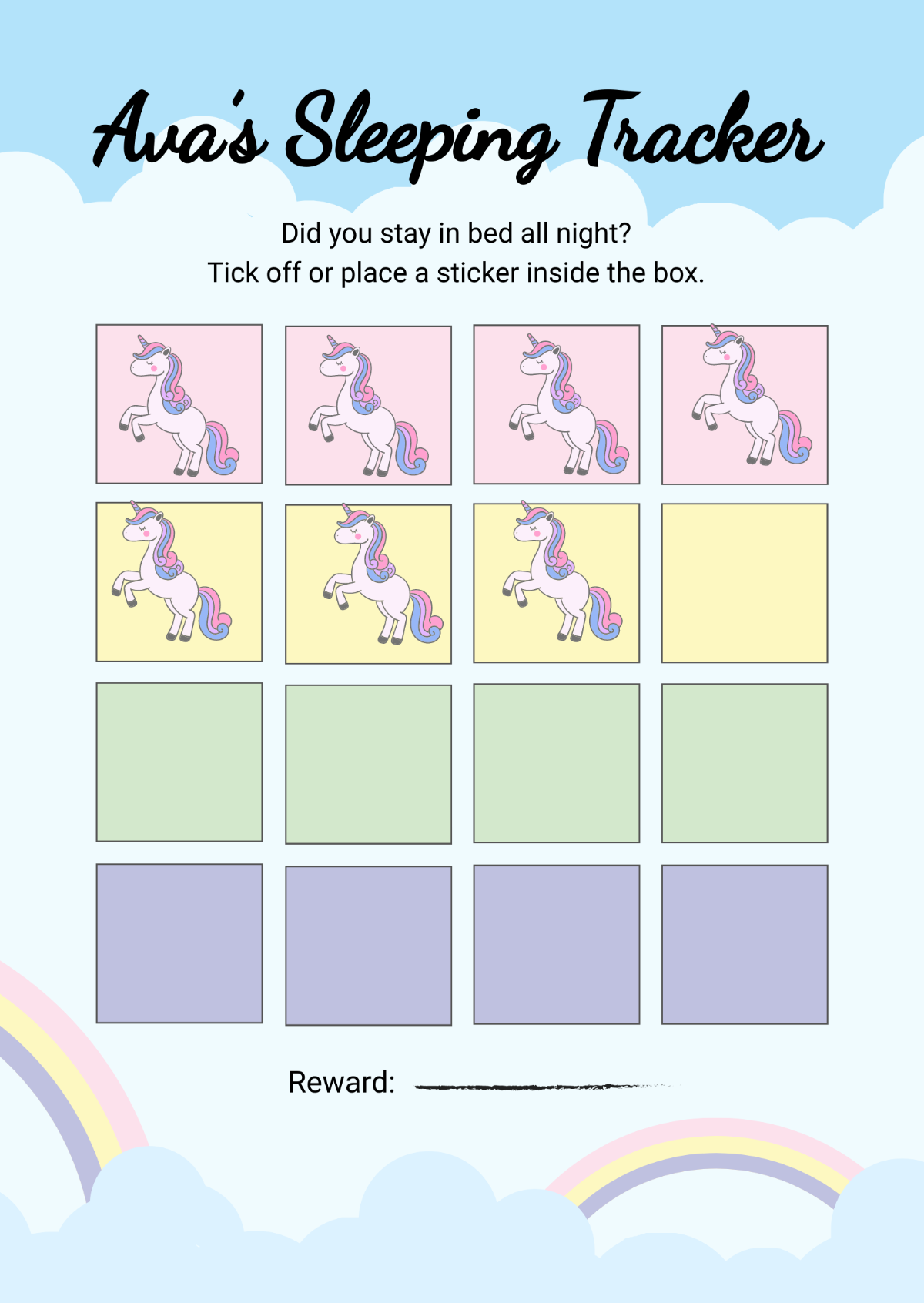
A Unicorn template is a pre-designed layout featuring magical unicorn-themed graphics, pastel color palettes, and playful fonts. These templates provide editable text areas and layered design elements that make customization easy for occasions such as invitations, posters, or social media posts.
Who typically uses Unicorn templates?
Unicorn templates are popular among event planners, teachers, parents organizing children's parties, and creative professionals seeking whimsical and colorful designs. These users benefit from ready-made layouts that speed up design work while maintaining a magical visual theme.
When should I use Unicorn templates?
Unicorn templates are ideal for use in celebrations like birthday parties, baby showers, and fantasy-themed events. They are perfect when a playful and enchanting design is needed quickly, allowing users to deliver professionally styled invitations or promotional materials with minimal effort.
What design tips should I follow for creating Unicorn templates?
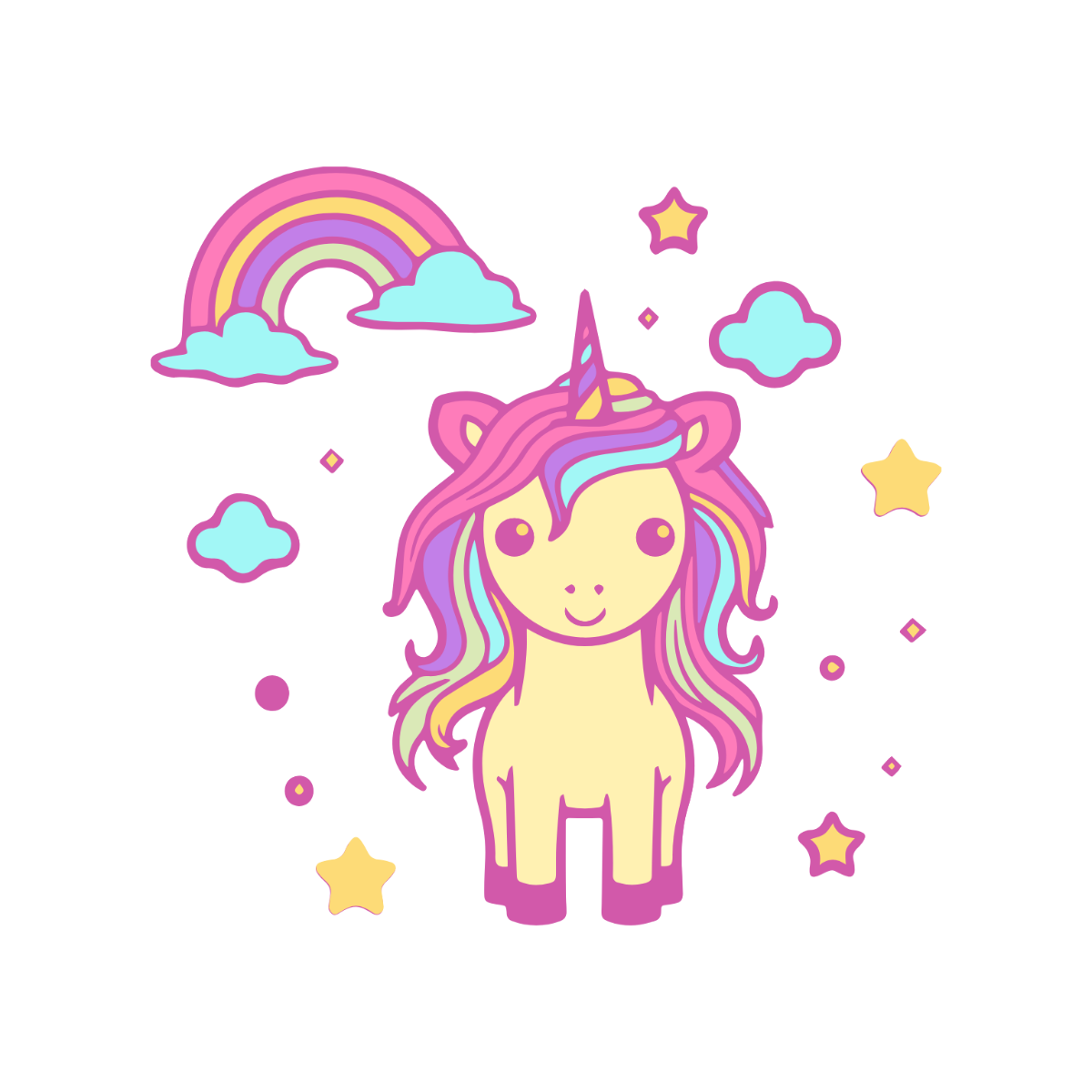
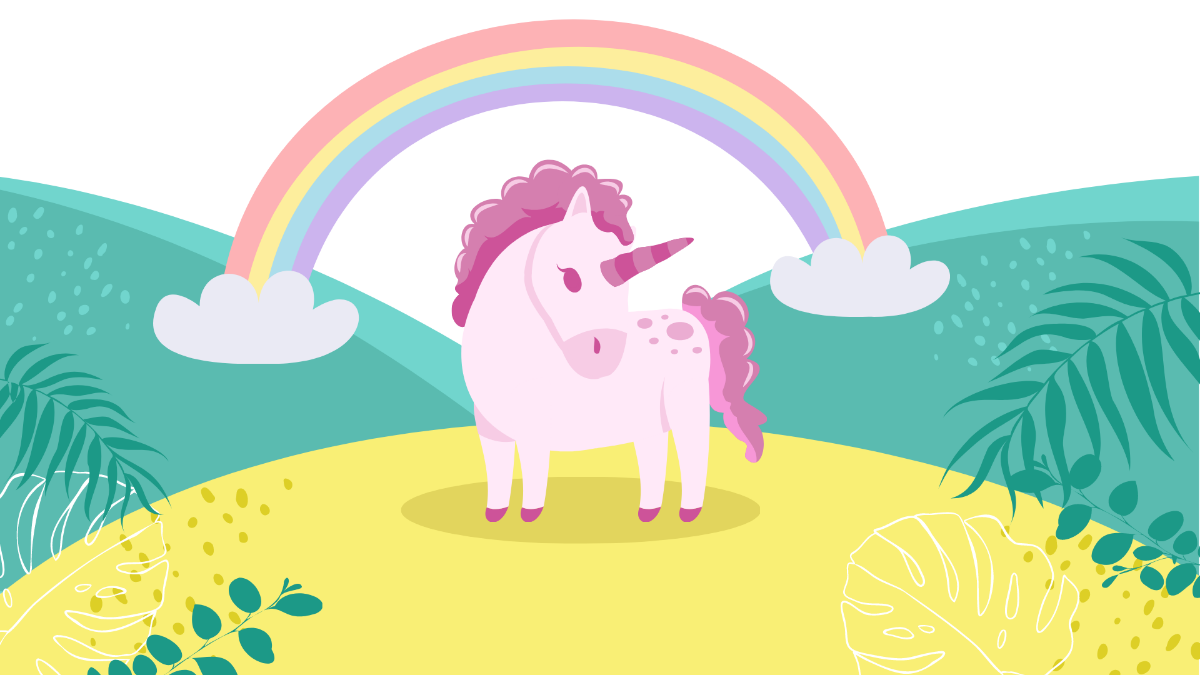
When designing Unicorn templates, focus on a soft pastel color palette combined with magical icons like stars and rainbows. Use layered graphics for depth and ensure editable text areas are clear and readable to enhance customization and visual appeal.
What size should a Unicorn template be?
Unicorn templates commonly come in sizes like 4 × 6 inches for invitations, 5 × 7 inches for greeting cards, and 8.5 × 11 inches for posters. Selecting a size depends on the project, but these standard dimensions support easy printing and online sharing.
What key elements do Unicorn templates typically include?
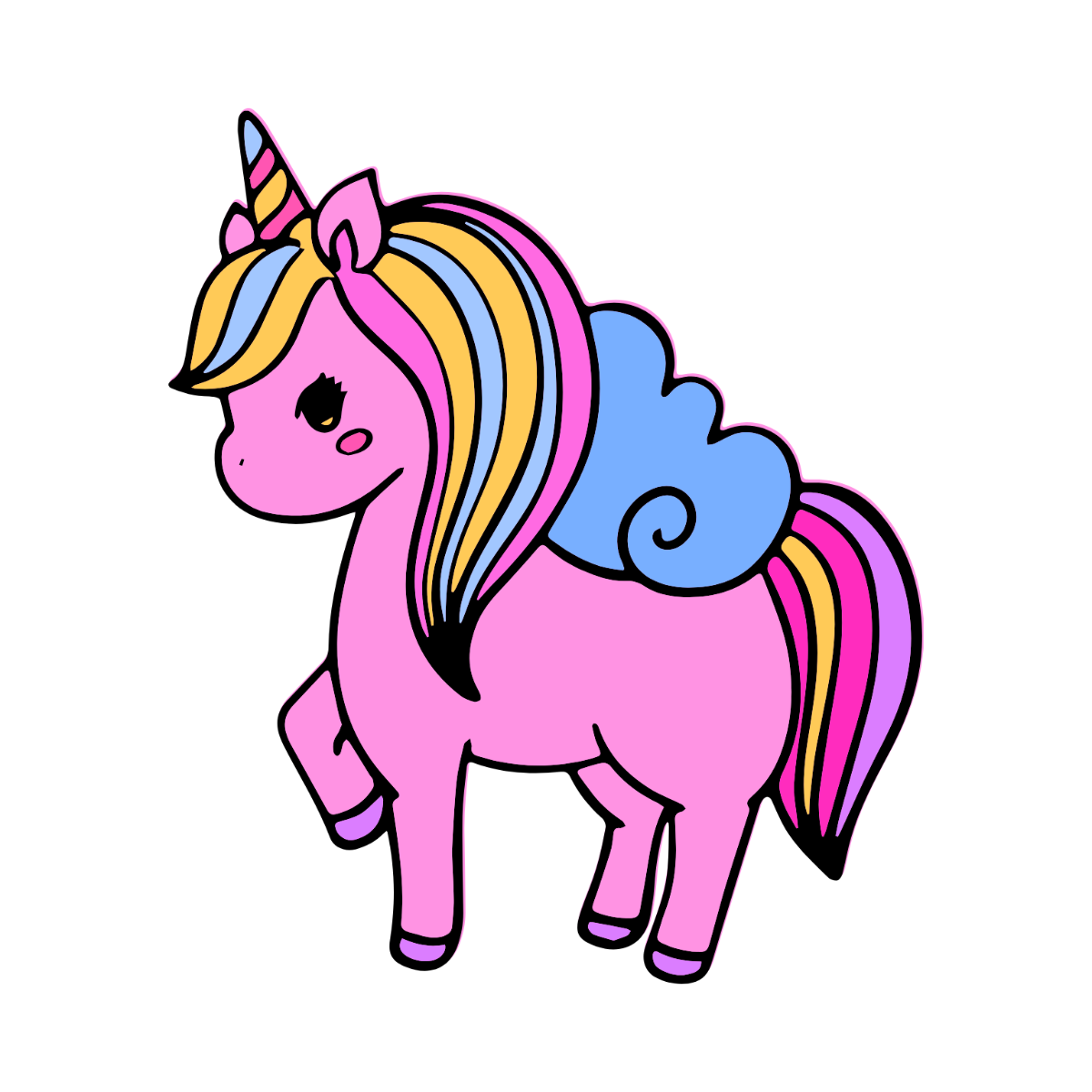
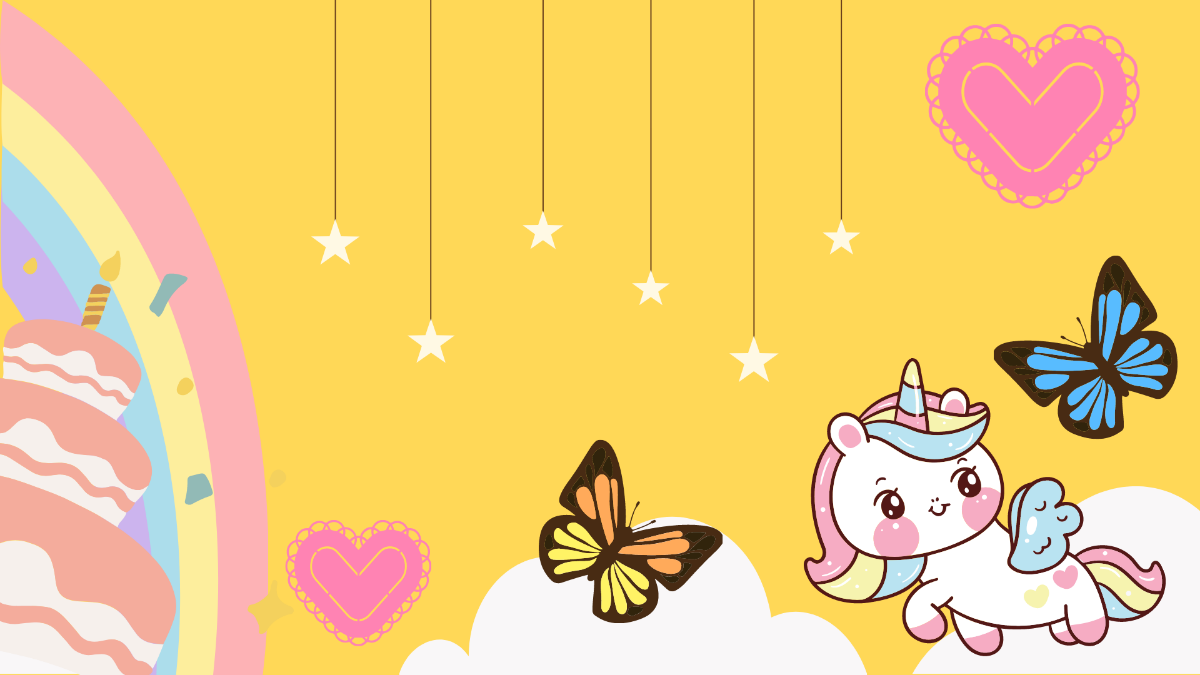
Unicorn templates usually include illustrations of unicorns, sparkling effects, and whimsical backgrounds. They feature editable layout blocks and text areas designed for event details or messaging, enabling seamless personalization.
How can I print a Unicorn template effectively?
To print a Unicorn template effectively, use high-quality paper and select the correct size such as 5 × 7 inches or 8.5 × 11 inches. Ensure the color palette is set to CMYK for vibrant print results and check that images and graphics retain clarity.
What file formats can I download for a Unicorn template?
Template.net supports multiple export formats for Unicorn templates, including Illustrator and PDF. These formats enable easy editing and high-quality printing of professional designs.
Can I create a new Unicorn template using AI?
Template.net provides an AI-powered tool capable of generating new Unicorn template designs from descriptive prompts, streamlining creative workflows. Explore this feature to quickly produce unique and customizable templates with minimal effort via Template.net.
