
Free Violet Templates
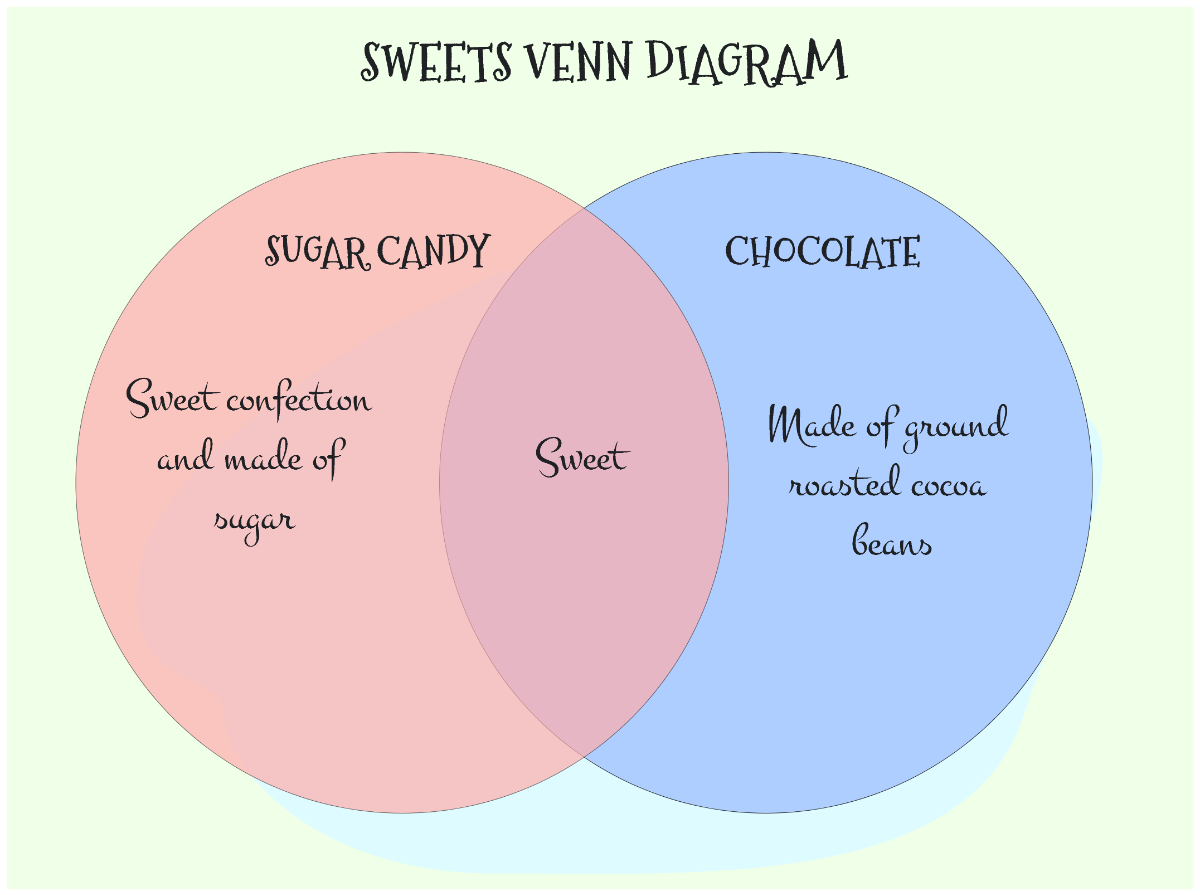
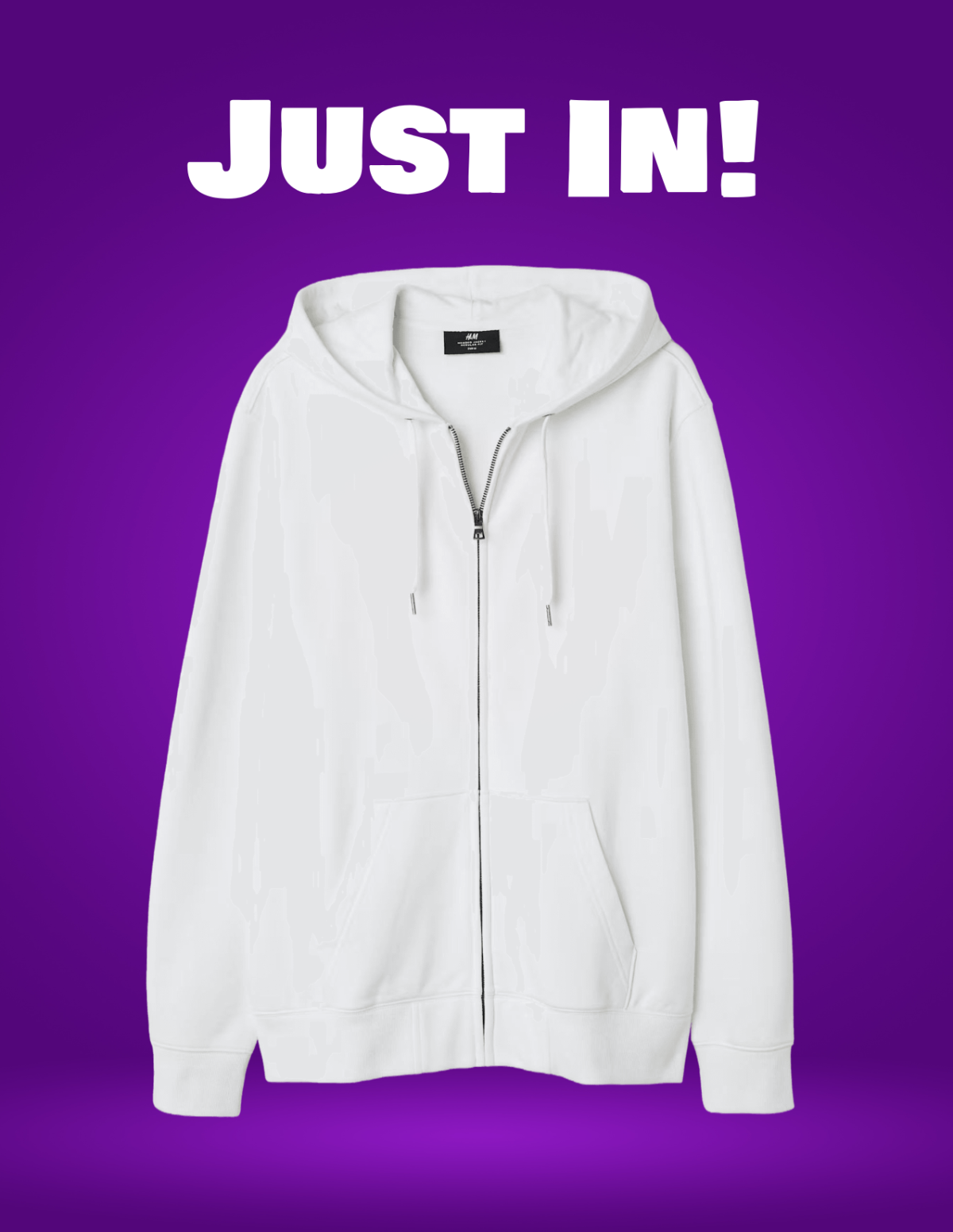



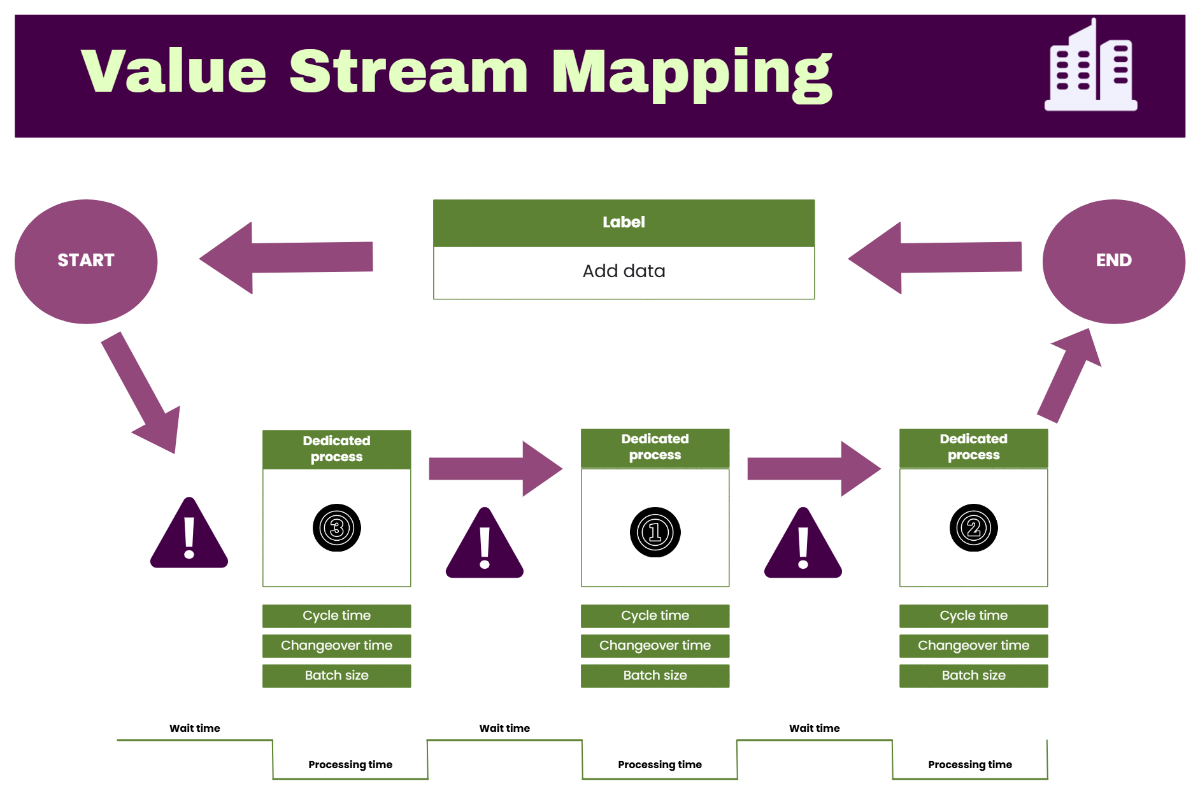




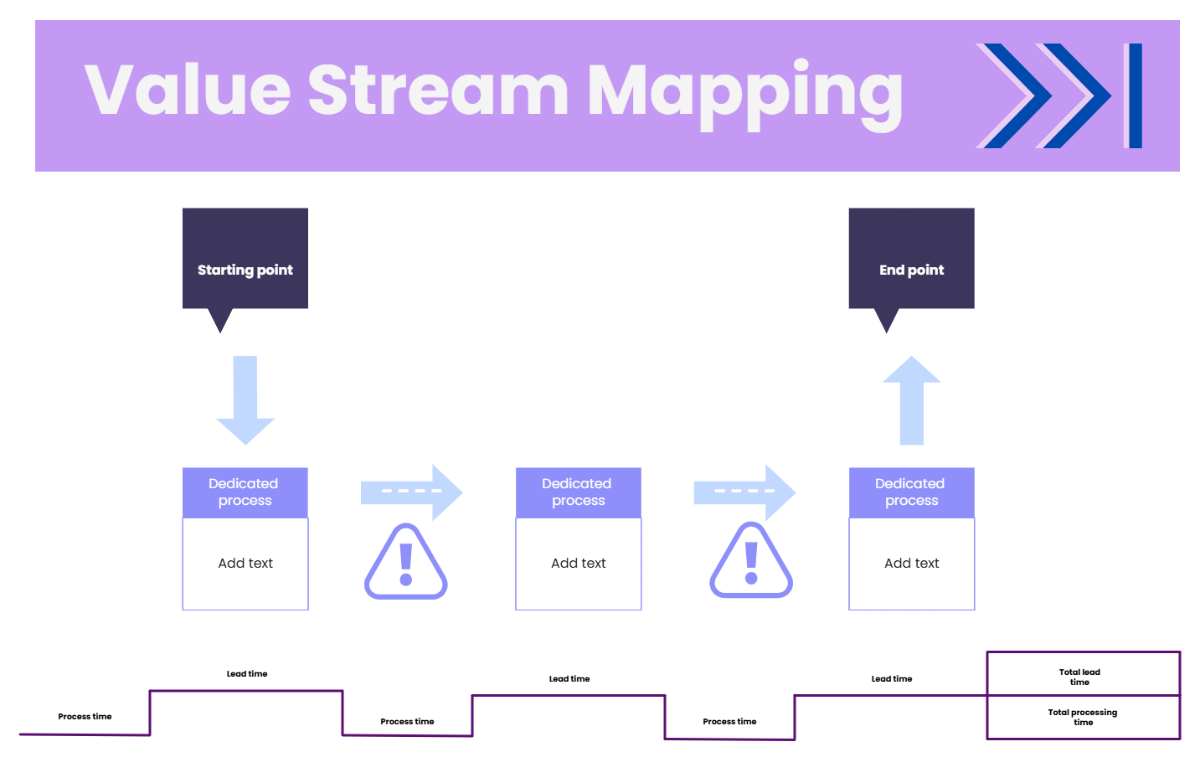


















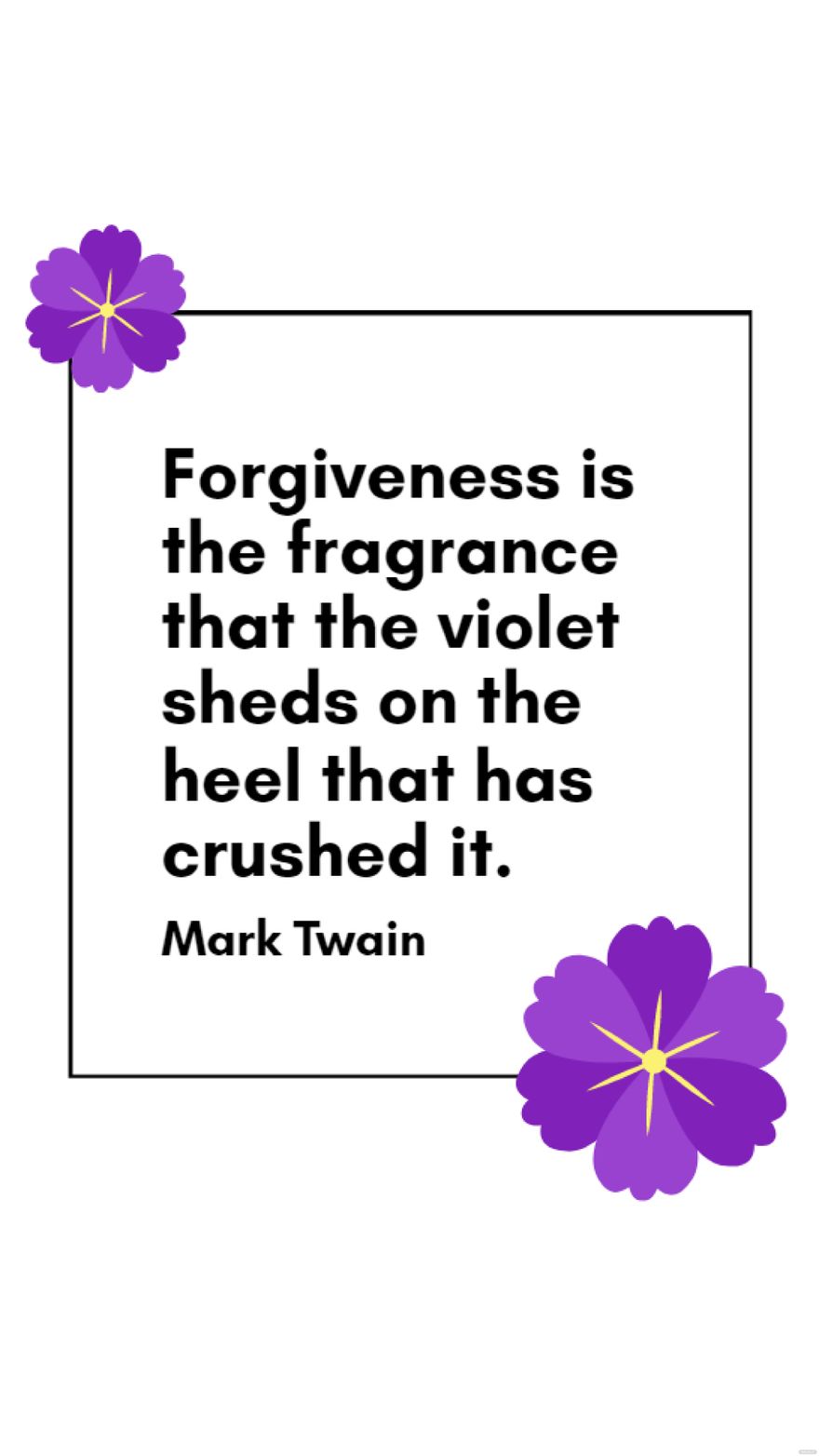
Violet Templates: Design Guide, Sizes, and Download Formats
What is a Violet template?
A Violet template is a pre-designed layout that incorporates the violet color palette and related visual elements to convey elegance and creativity. These templates include editable text areas and layered design blocks for easy customization to fit various projects.
Who typically uses Violet templates?
Violet templates are commonly used by creative professionals, event planners, and small businesses seeking a stylish and refined look. Their professional layouts and customizable design layers make them ideal for marketing materials, invitations, and digital content.
When should I use Violet templates?
You should use Violet templates when aiming for a sophisticated and artistic visual impact, such as for weddings, branding projects, or promotional materials. These templates provide fast and professional results with easy online editing to suit your specific needs.
What design tips should I follow for Violet templates?
Effective Violet templates balance the violet color palette with neutral tones and incorporate high-quality images or graphics. Use clear headlines and maintain layout blocks for readability and visual appeal.
What sizes are common for Violet templates?
Common sizes for Violet templates include 4 × 6 inches for postcards, 5 × 7 inches for invitations, and 8.5 × 11 inches for flyers. These sizes ensure compatibility with standard printing and digital sharing formats.
What key elements are included in Violet templates?
Violet templates typically feature editable text areas, design layers for images and graphics, and a harmonious color palette. These elements allow for flexible customization and a cohesive visual theme.
How can I print Violet templates effectively?
To print Violet templates effectively, use high-resolution files with the correct size dimensions like 8.5 × 11 inches. Ensure colors are set to CMYK mode for accurate color reproduction and select quality paper for a professional finish.
How can I share or collaborate on Violet templates?
Violet templates can be shared online via direct links or exported in various formats. The layered design and editable text areas facilitate collaboration, allowing multiple users to customize designs efficiently within the browser.
Can I create a new Violet template using AI?
Template.net provides an AI-powered tool capable of generating customized Violet template designs based on user prompts. This allows for quick creation of unique designs with editable layers and a professional look. Visit Template.net to explore this feature.
