
Free Watermark Templates











































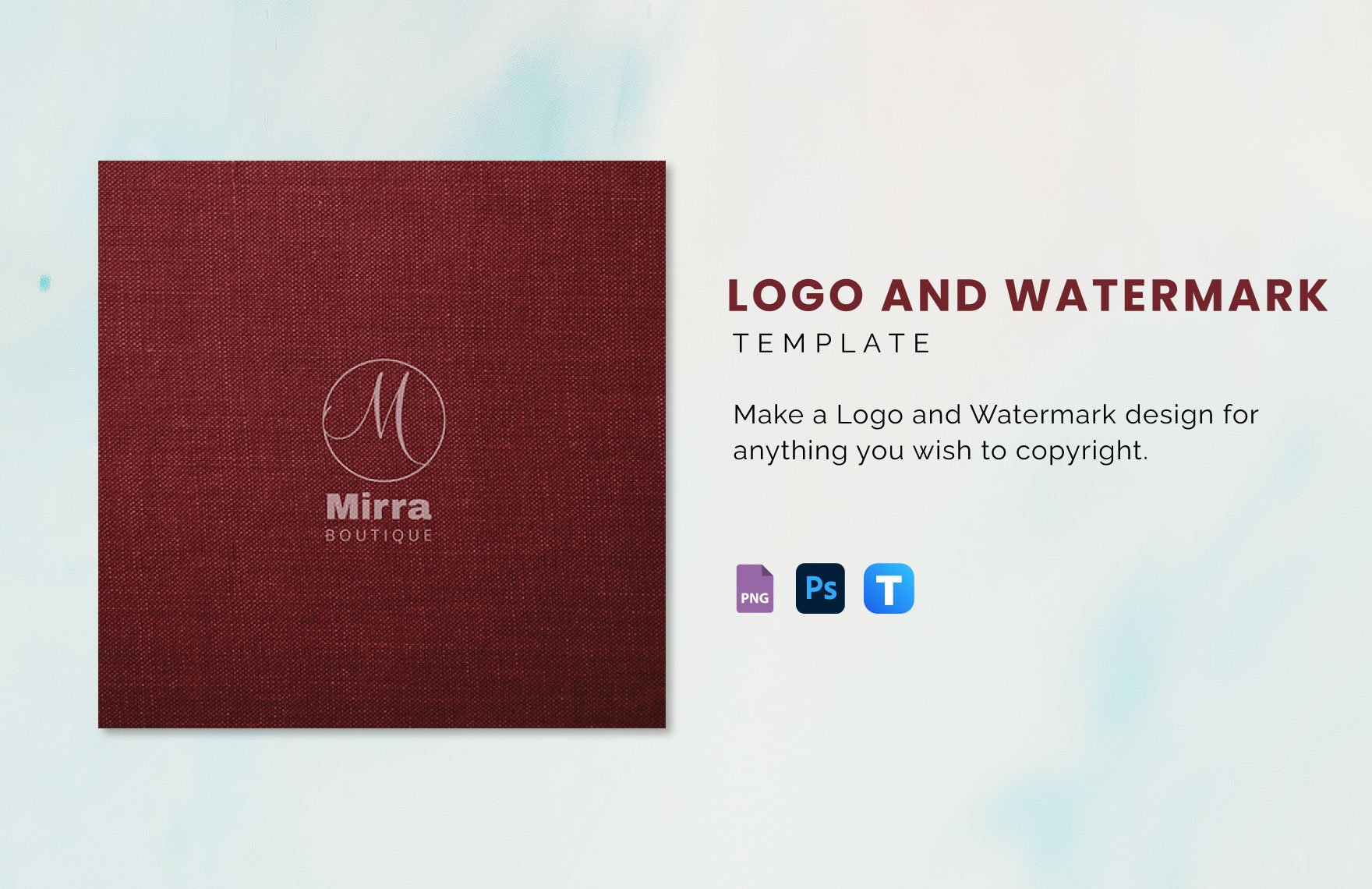


Free Watermark Templates: Editable Customization Guide, Uses, and Download Formats
What is a Watermark?
Watermark is a translucent text or image embedded into a document or design to signify authenticity, ownership, or branding.
Watermarks are commonly used to protect intellectual property and enhance professional presentation.
Why should I use a Watermark?
Using a Watermark helps protect your content from unauthorized use by visibly marking your ownership.
Watermarks also improve brand recognition and add a professional touch to your materials.
Who uses Watermark?
Watermark is used by businesses, photographers, designers, and professionals who want to secure their work and promote their brand identity.
It is especially common among content creators and companies that distribute digital materials.
What are the best tips for completing my Watermark?
When completing your Watermark, consider these tips:
- Visibility balance - Ensure your watermark is visible but not overpowering the main content.
- Placement - Position your watermark strategically to prevent easy removal.
- Consistency - Use your brand colors and fonts for recognition.
- Opacity - Adjust transparency to maintain readability.
Can I create a Watermark using AI?
You can create a Watermark using AI tools that generate custom designs based on your input preferences.
However, Template.net focuses on providing editable Watermark templates you can customize directly in the browser.
What file formats can I download for my Watermark?
Template.net supports multiple export formats for your Watermark templates including PSD.
You can download your customized watermark as PSD and other common formats supported by Template.net.
What are the essential elements of a Watermark?
Essential elements of a Watermark include:
- Text or logo representing the brand or copyright.
- Opacity settings to ensure subtlety.
- Placement for maximum protection and visibility.
- Design consistency with brand colors and fonts.
How does using a Watermark benefit my workflow?
Using a Watermark streamlines your workflow by securing your content before distribution, reducing unauthorized use risks.
Watermarks also save time by avoiding legal disputes and reinforcing brand professionalism.
What are common use cases for Watermark templates?
Common use cases for Watermark templates include:
- Protecting digital images and photos online.
- Branding official documents and presentations.
- Securing marketing materials and reports before sharing.
- Adding copyright information to creative works.
