
Free Whatsapp Templates

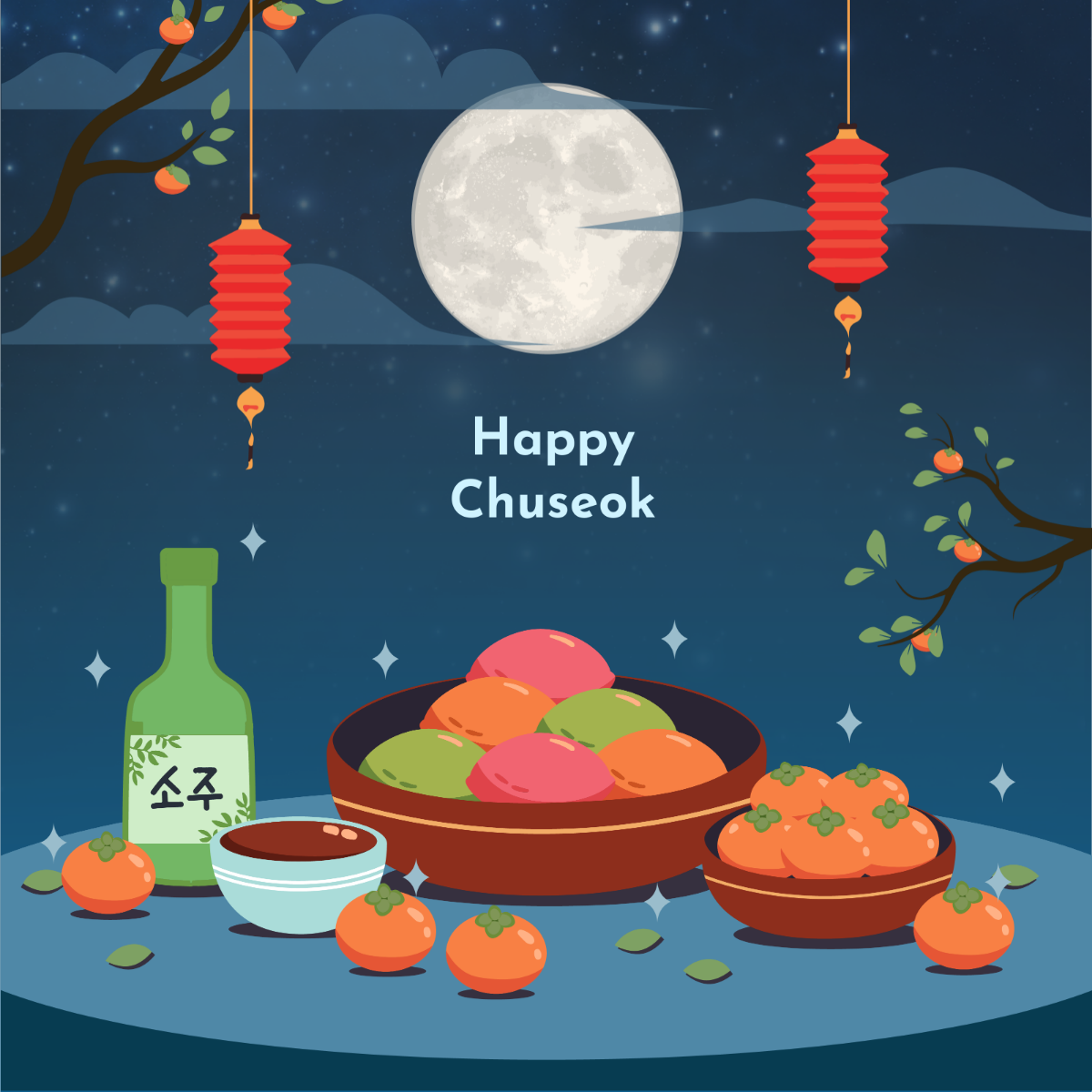

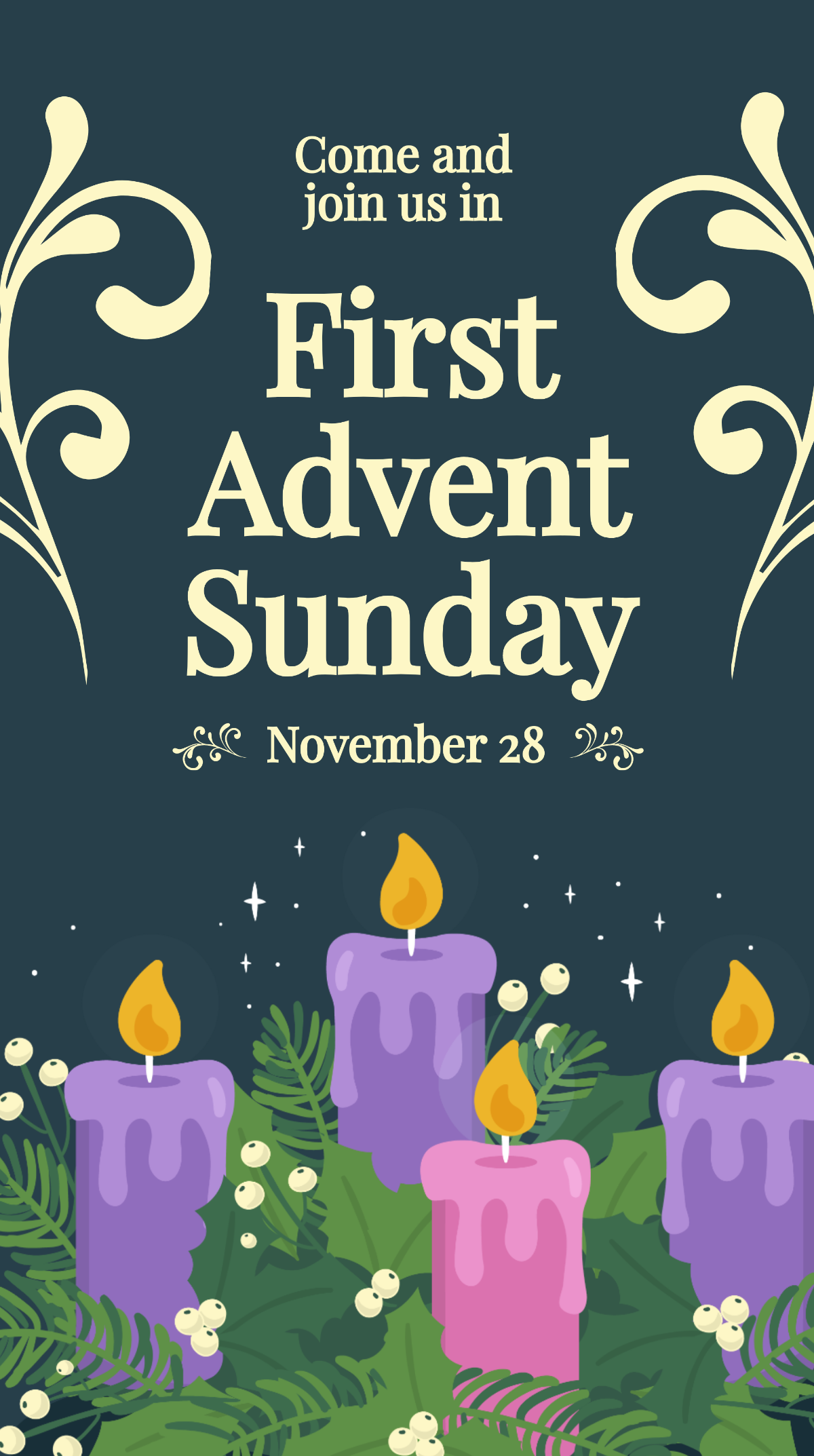
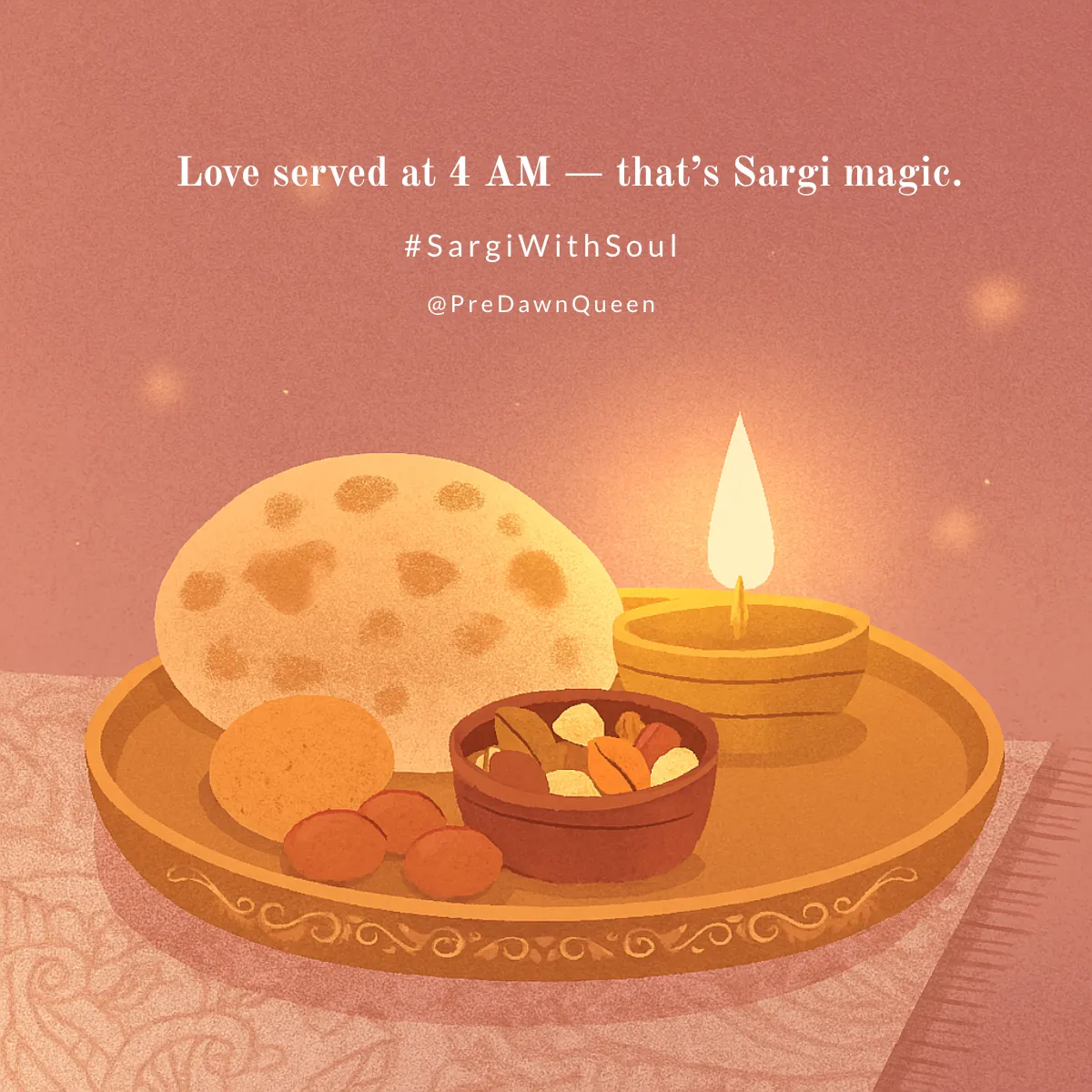
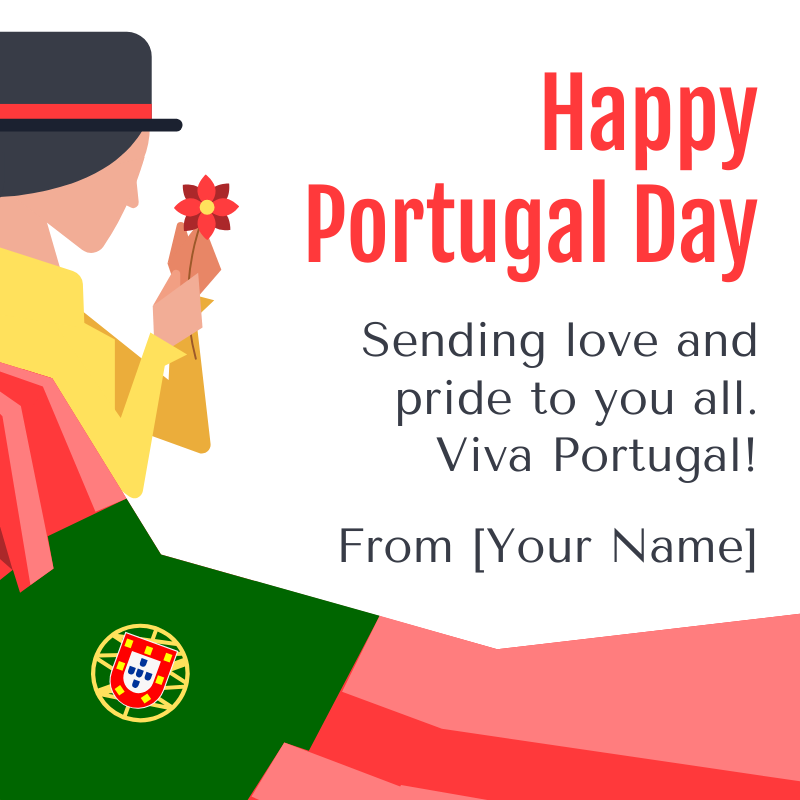

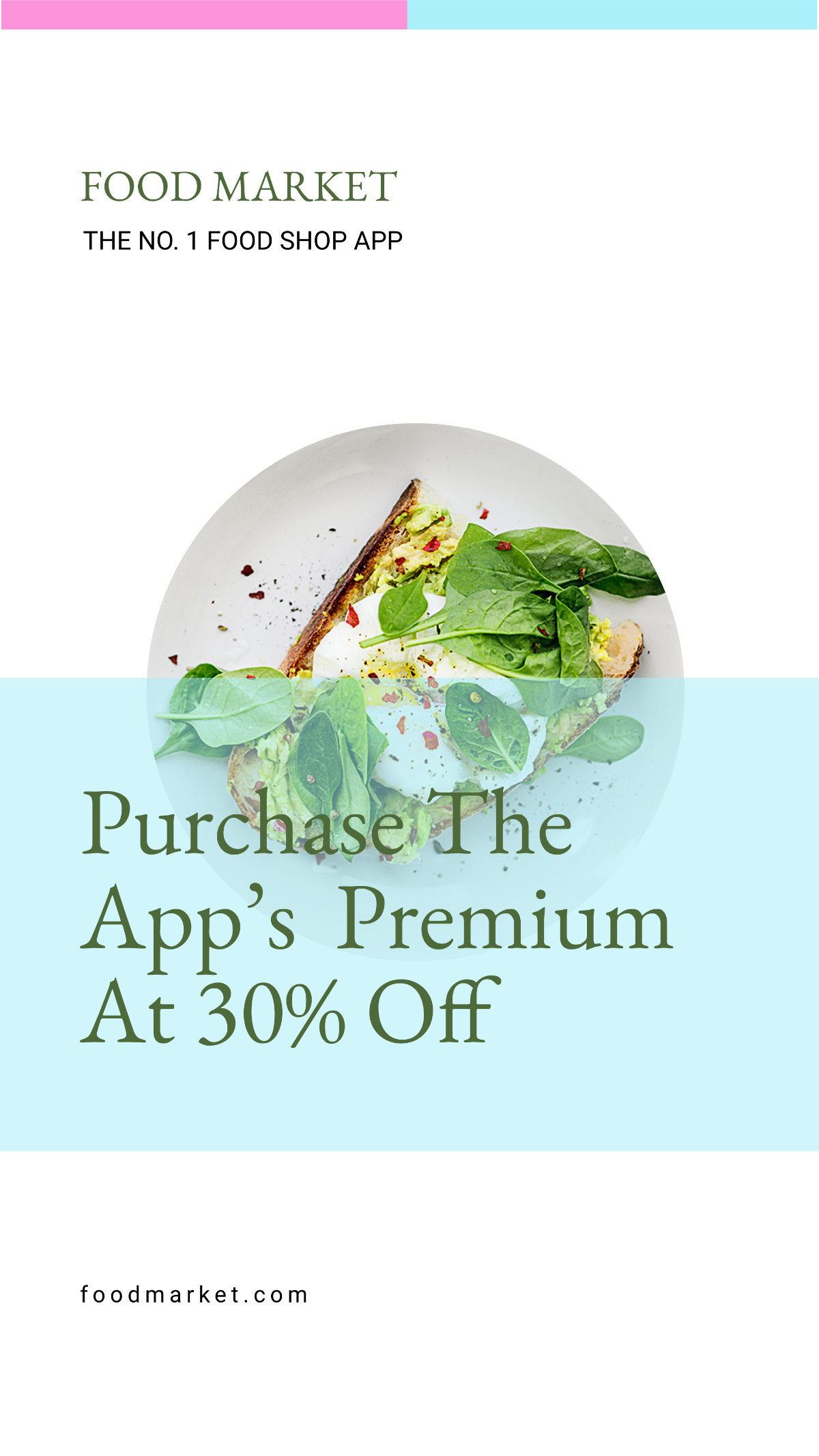




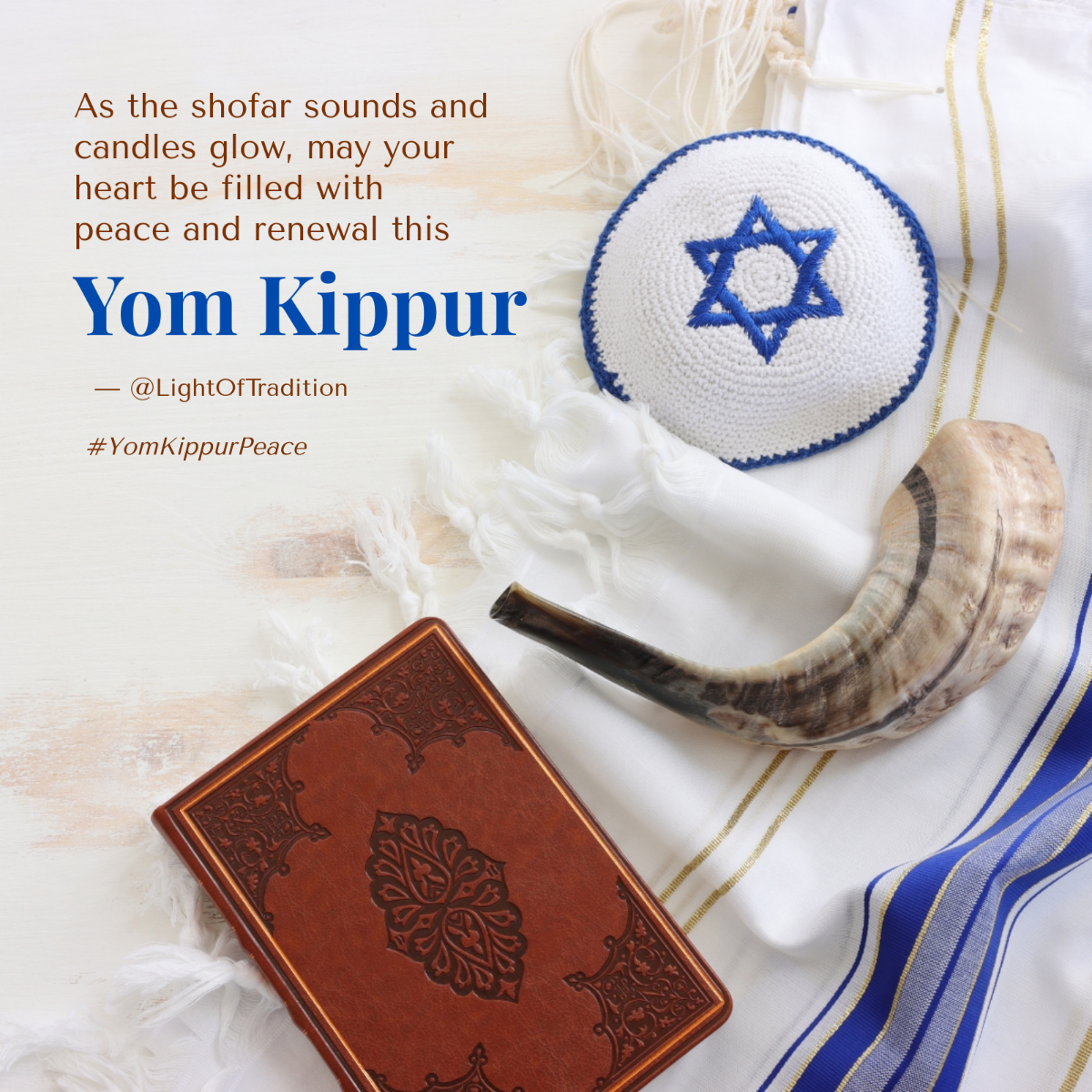


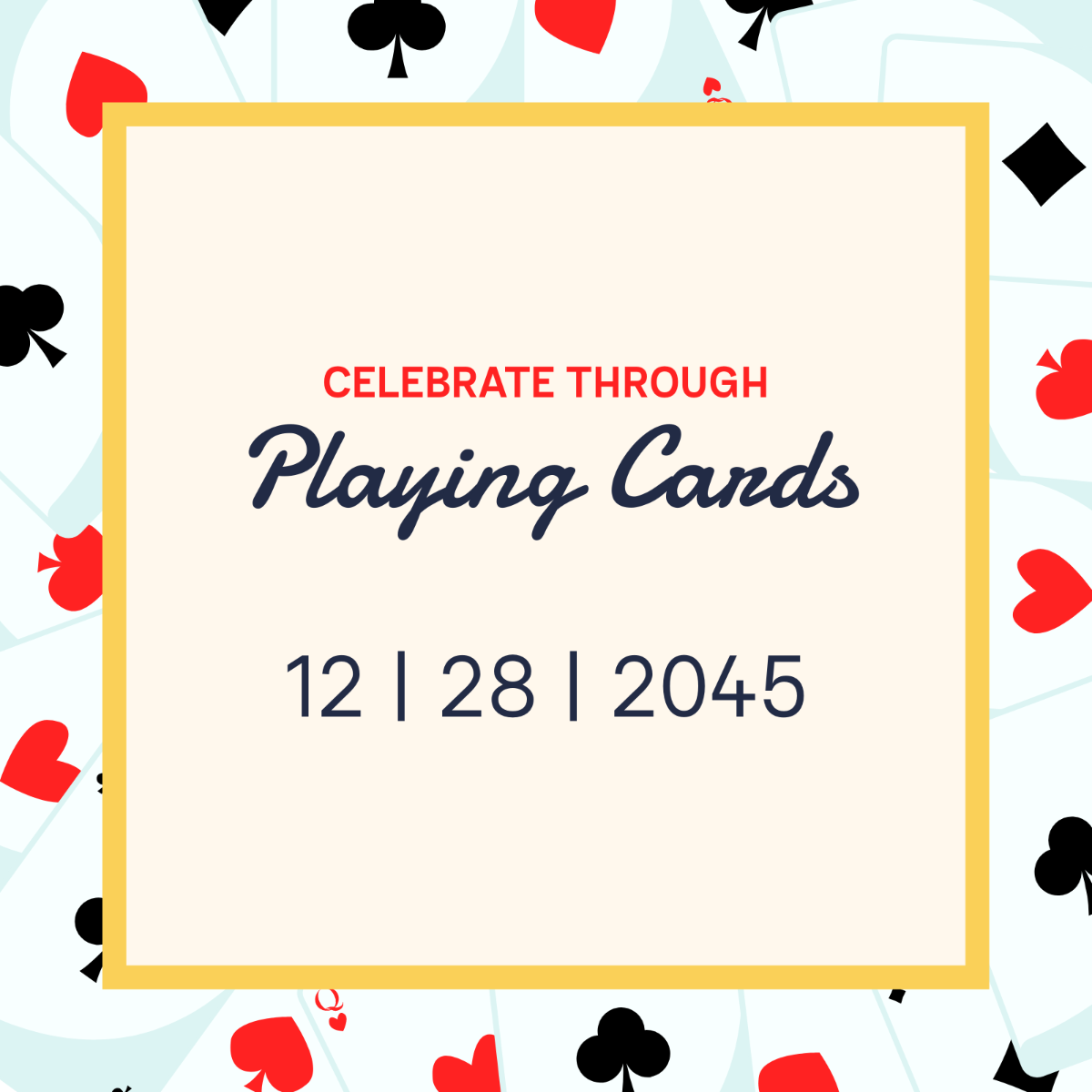



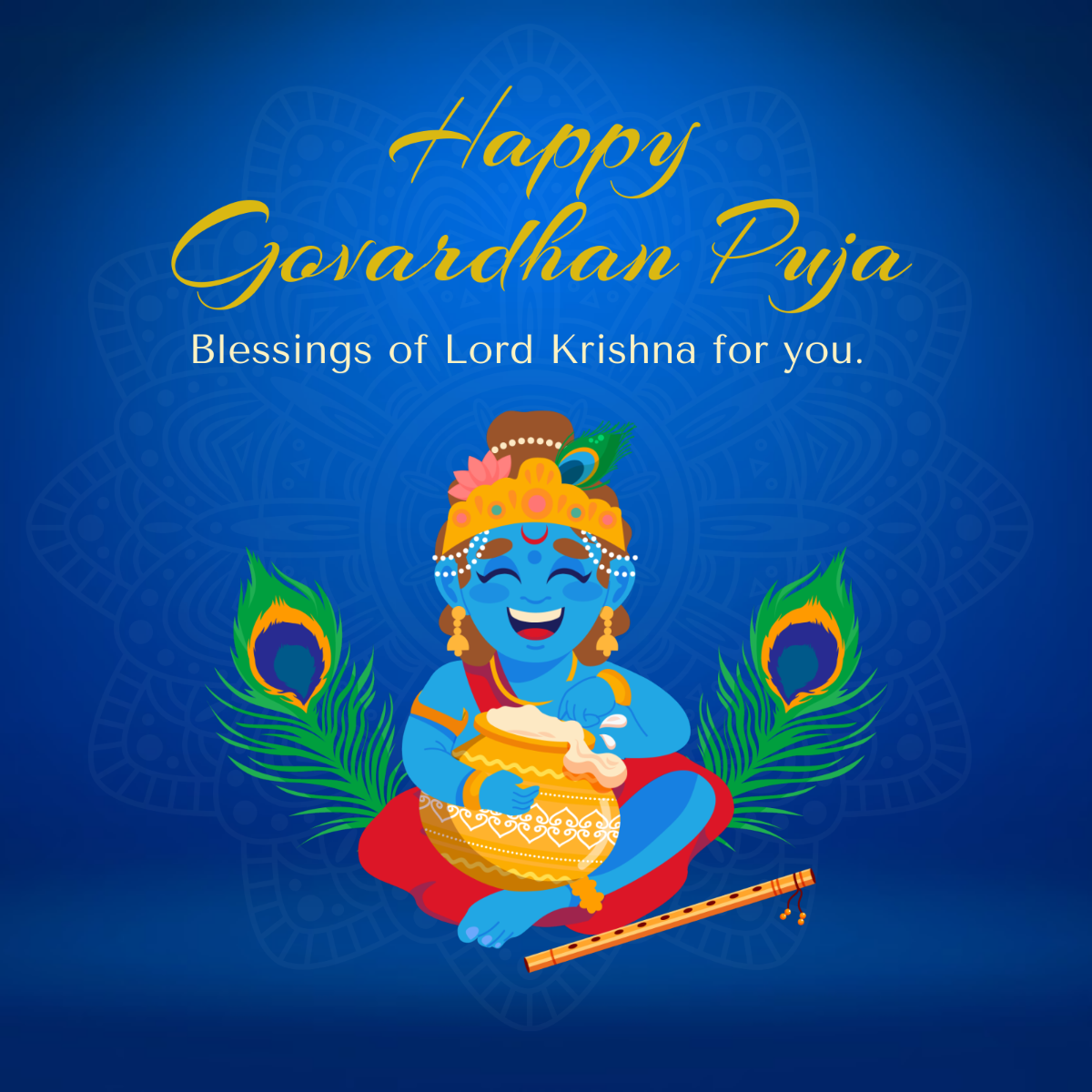




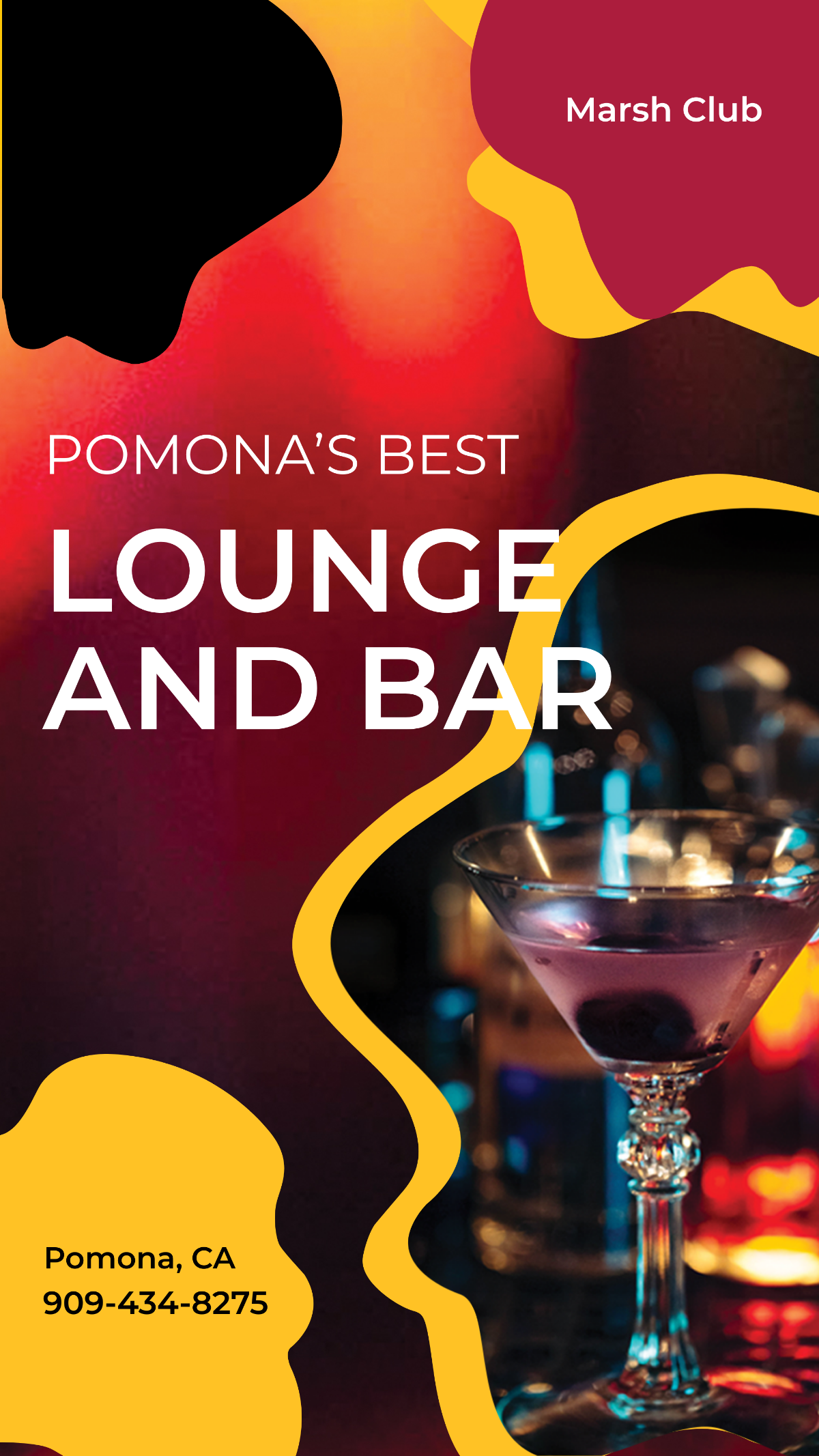
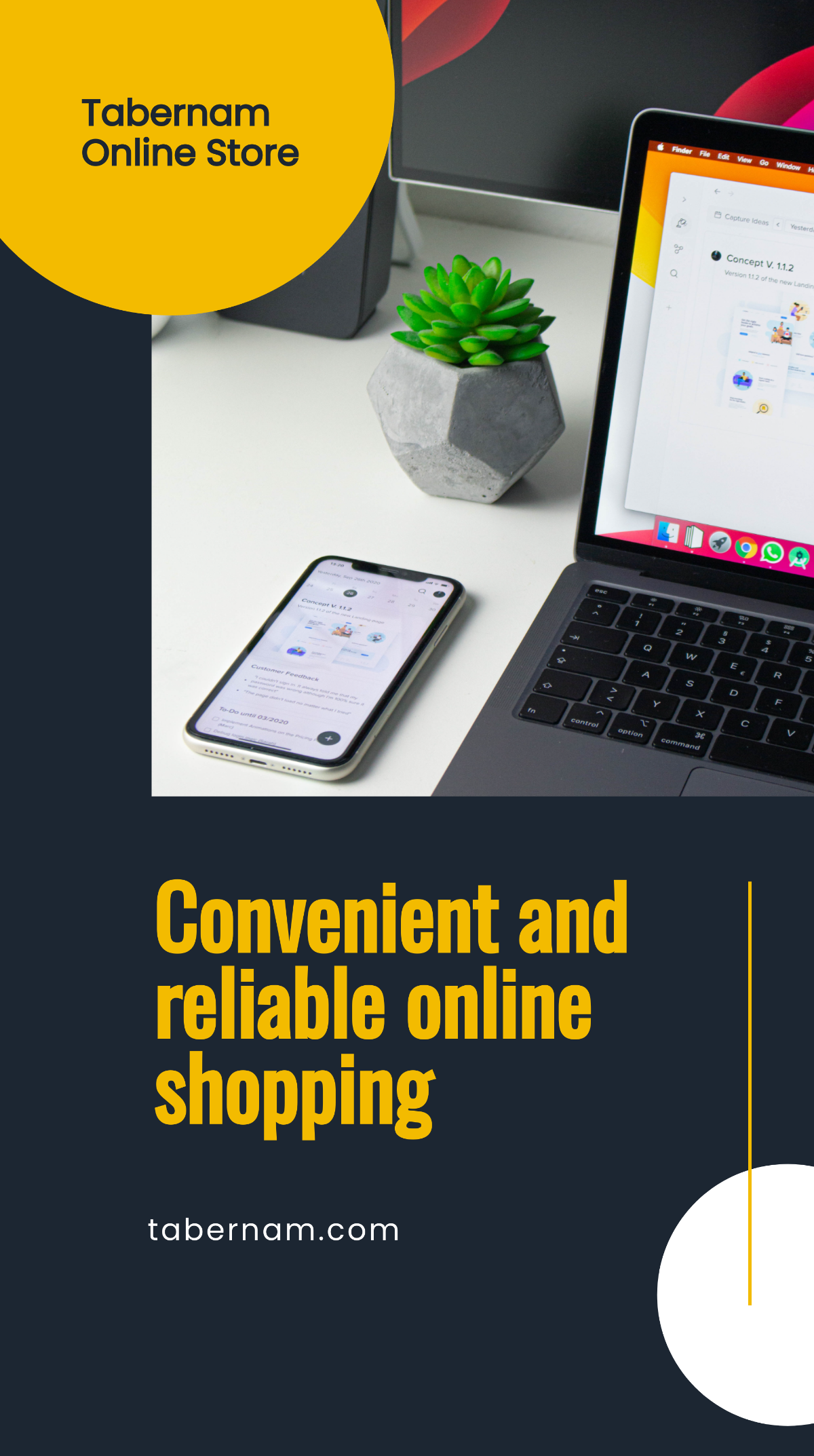

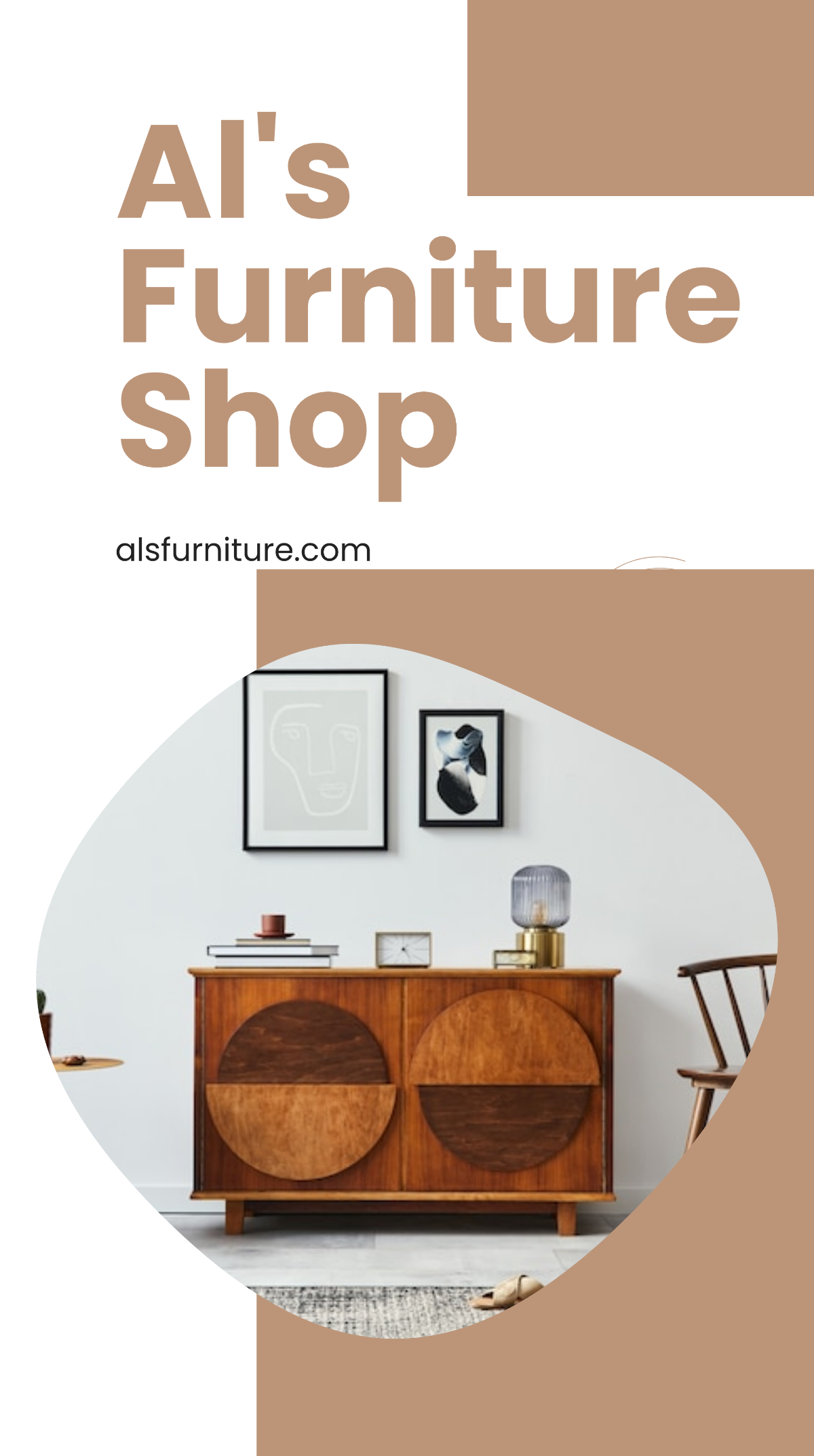

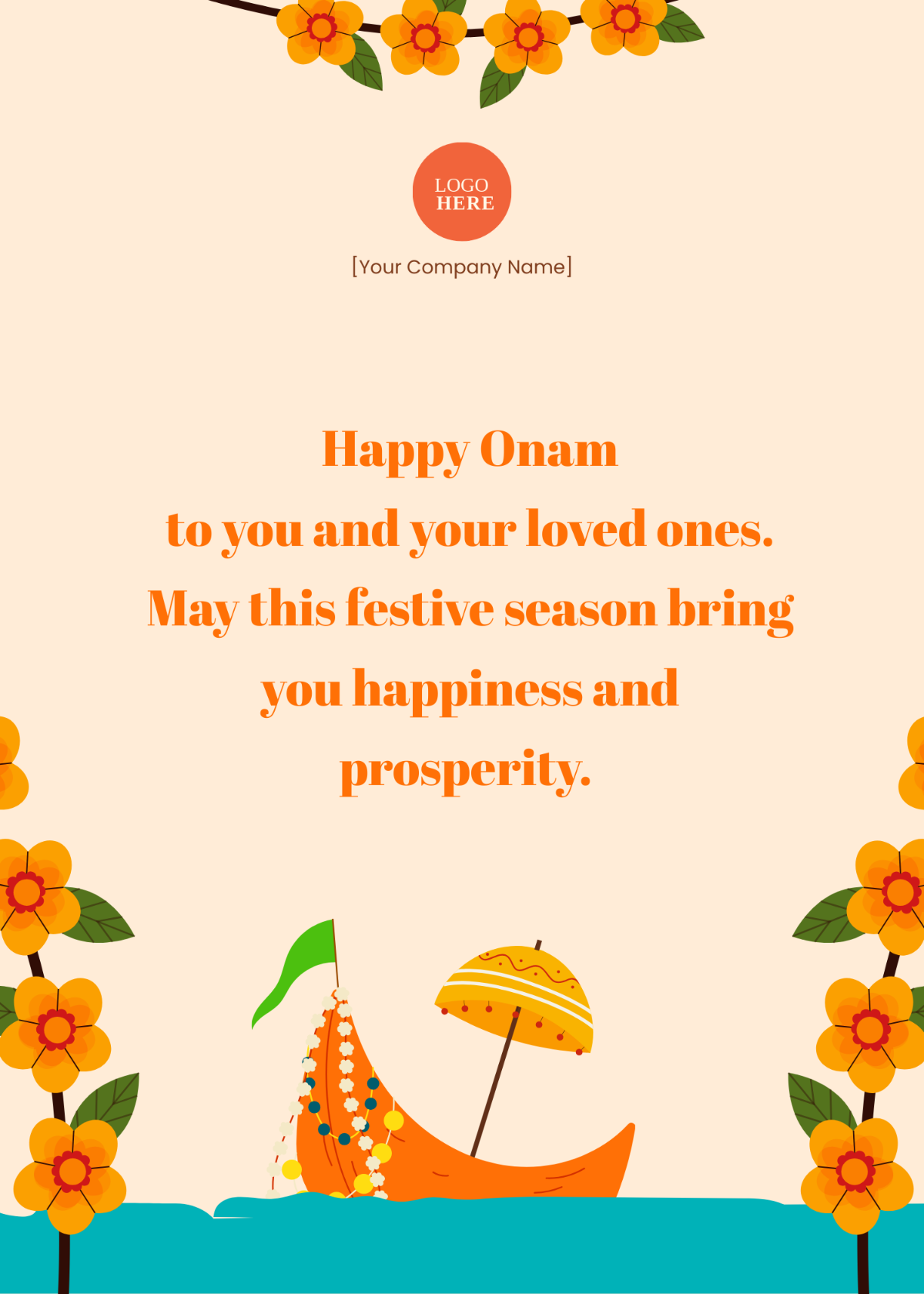

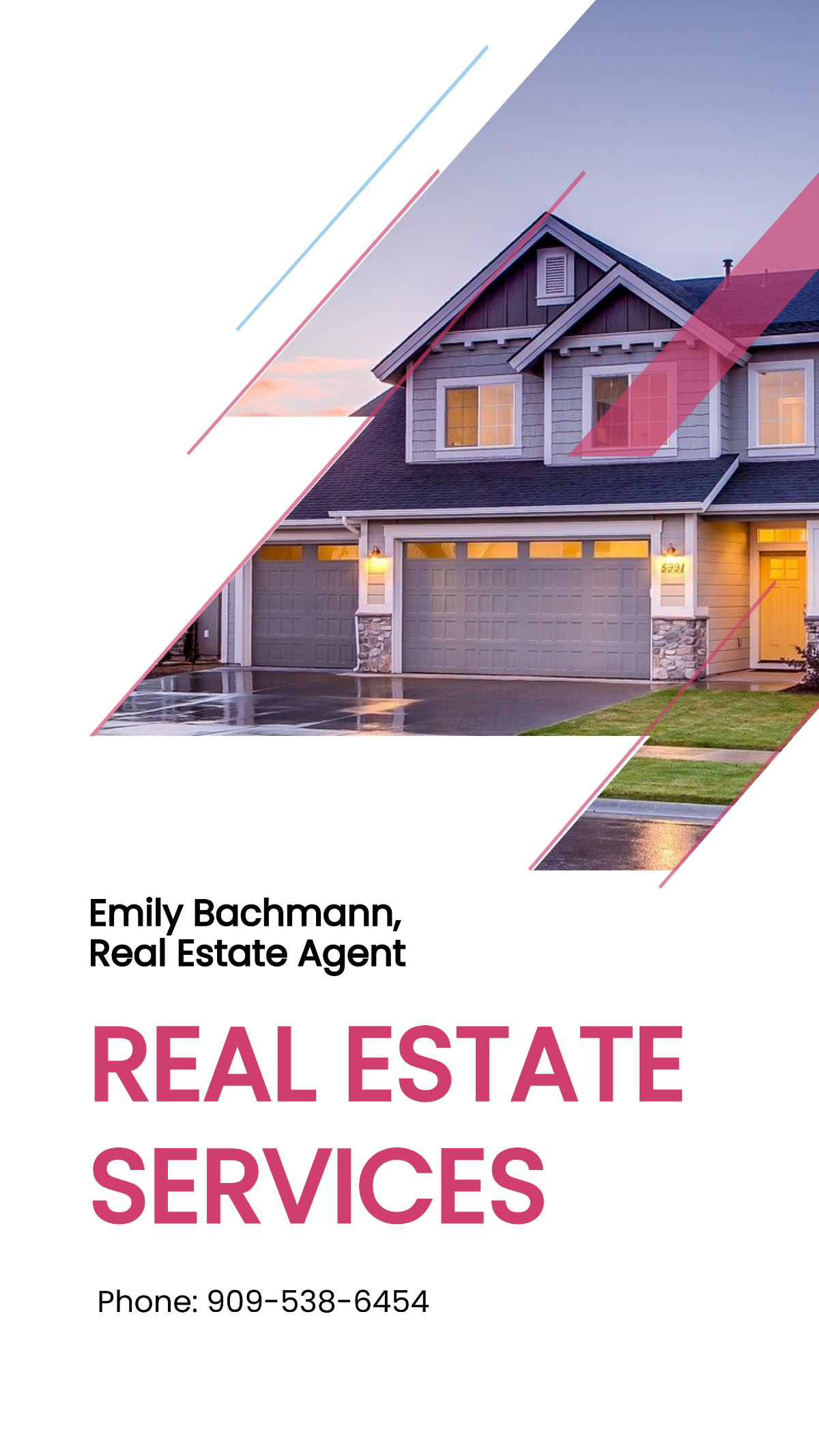
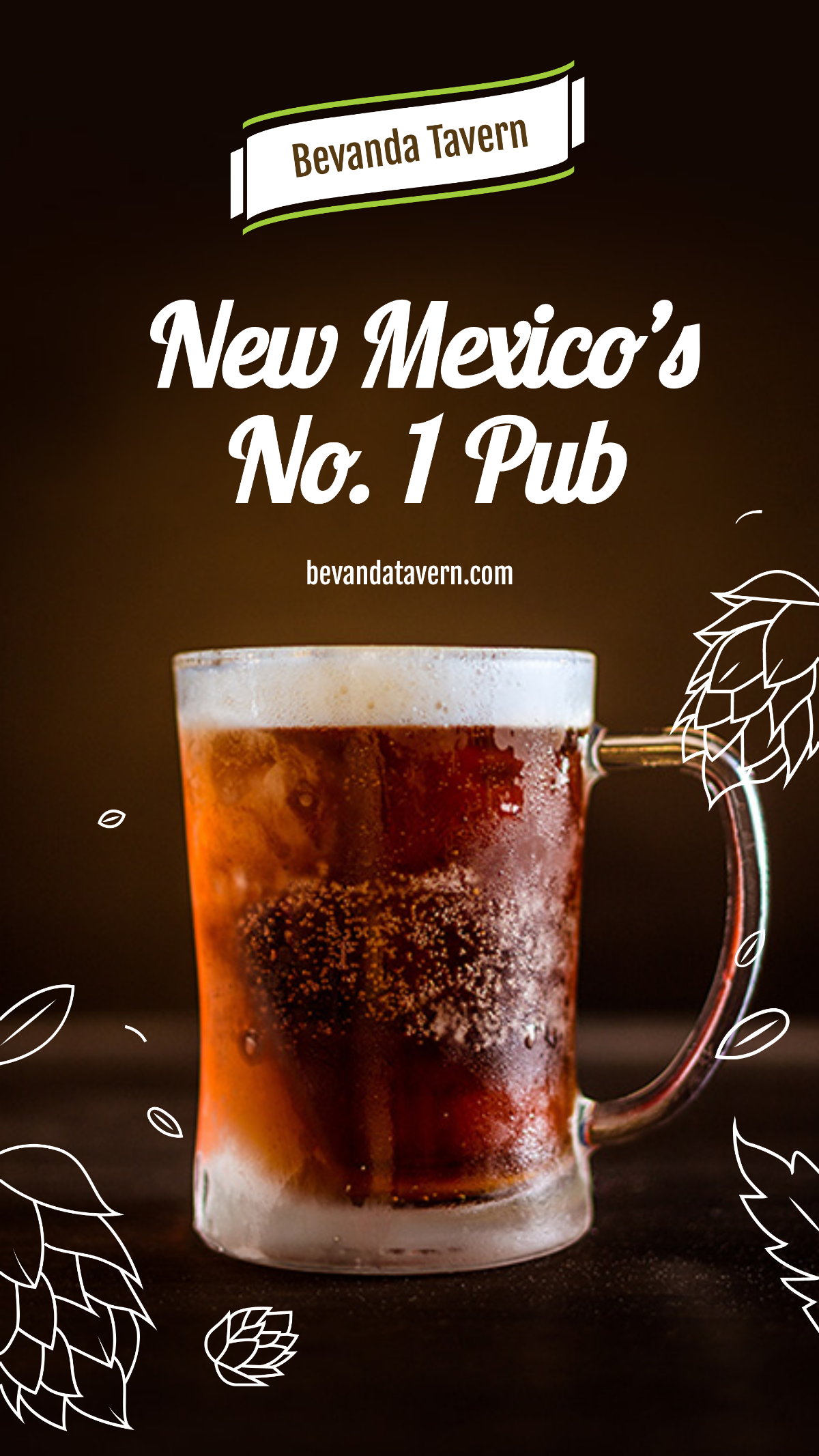
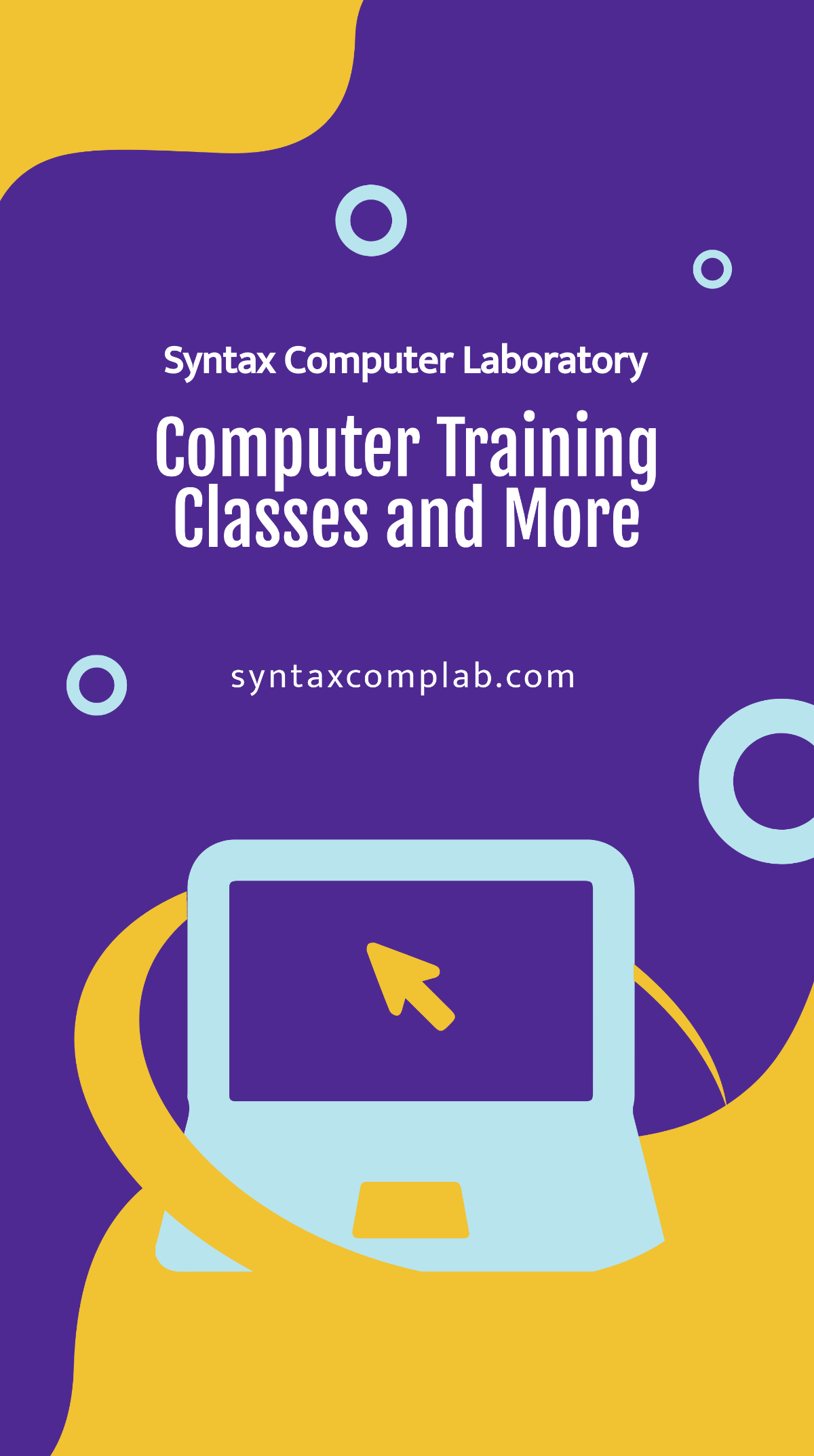
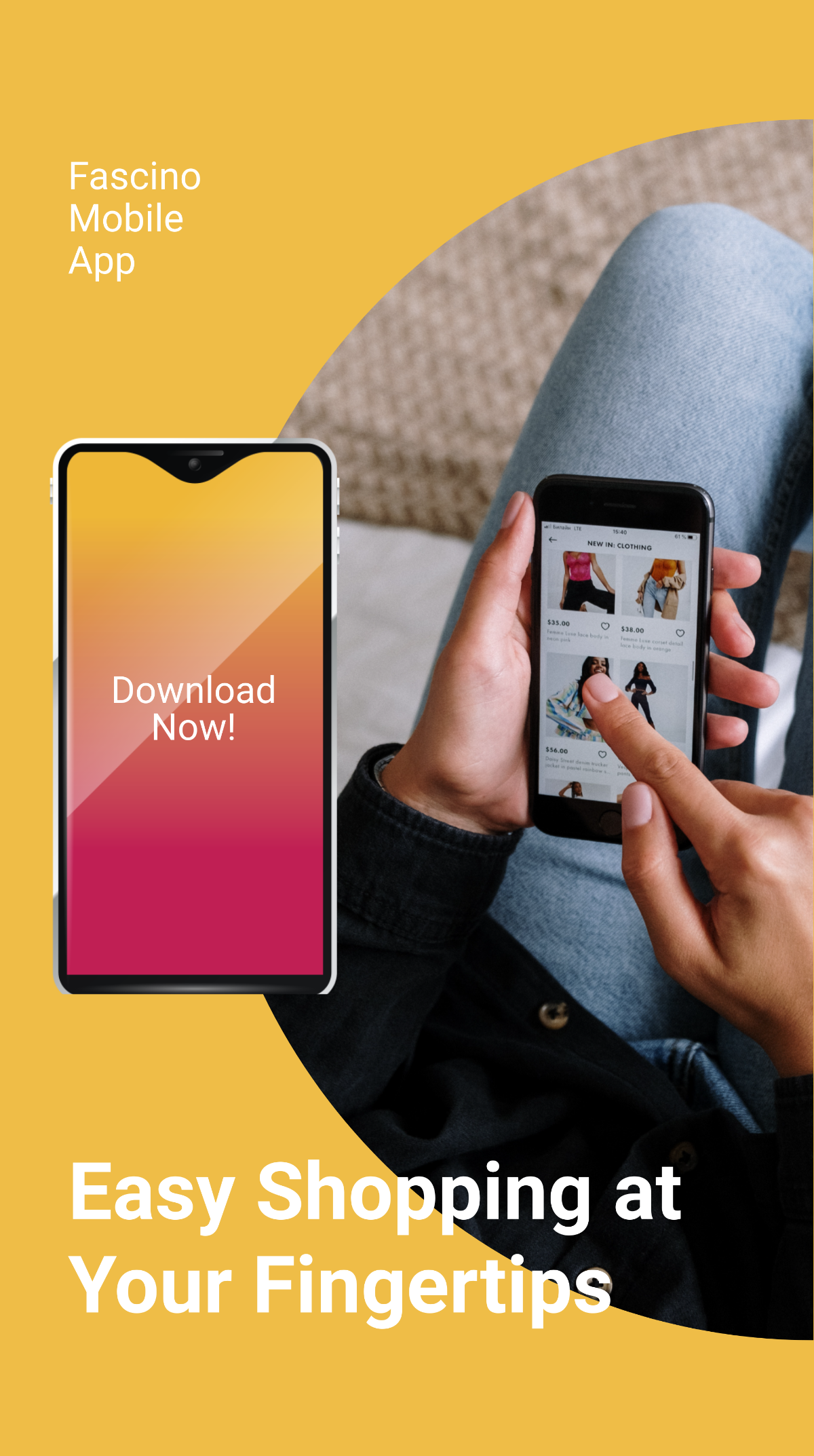
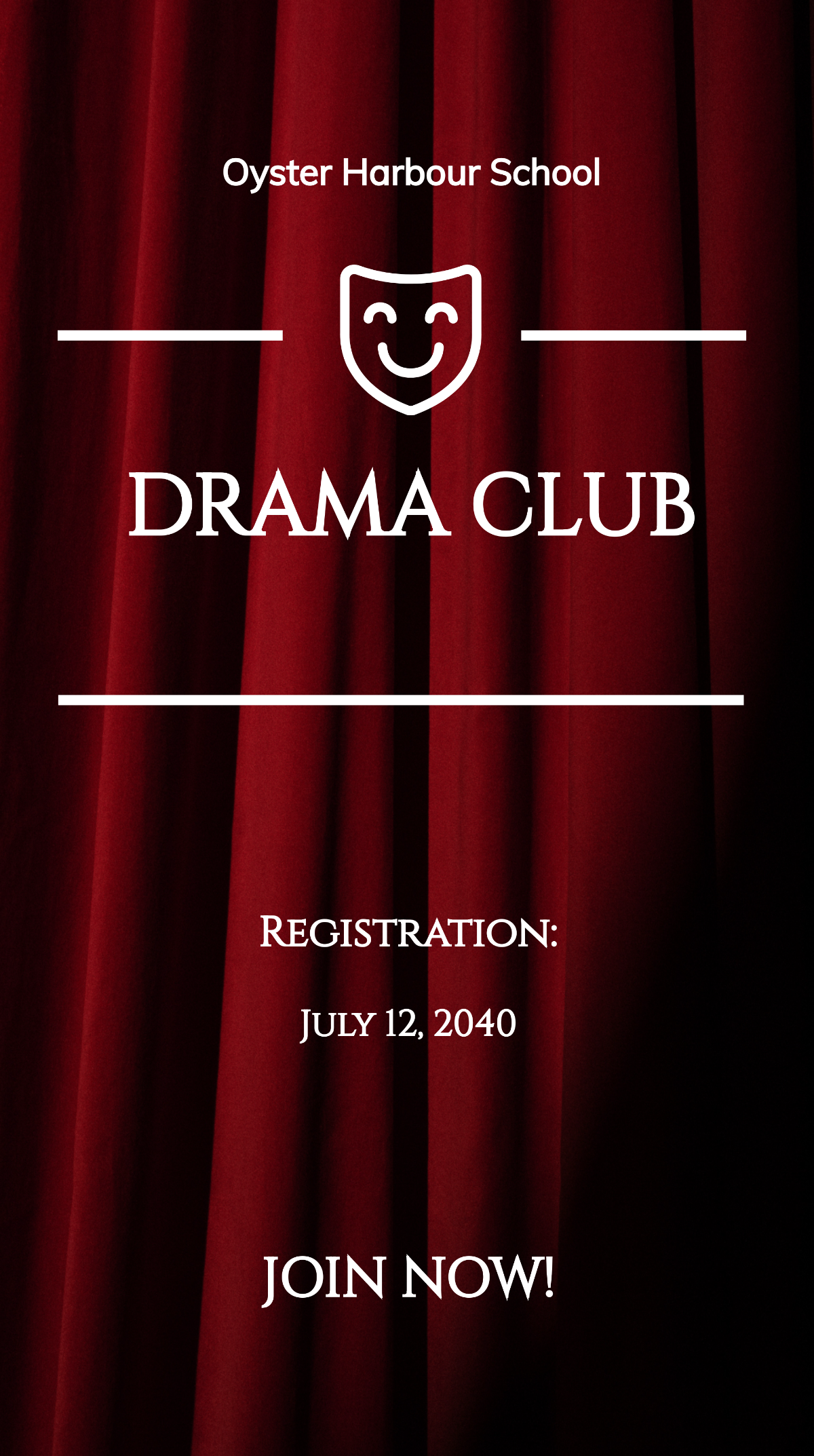
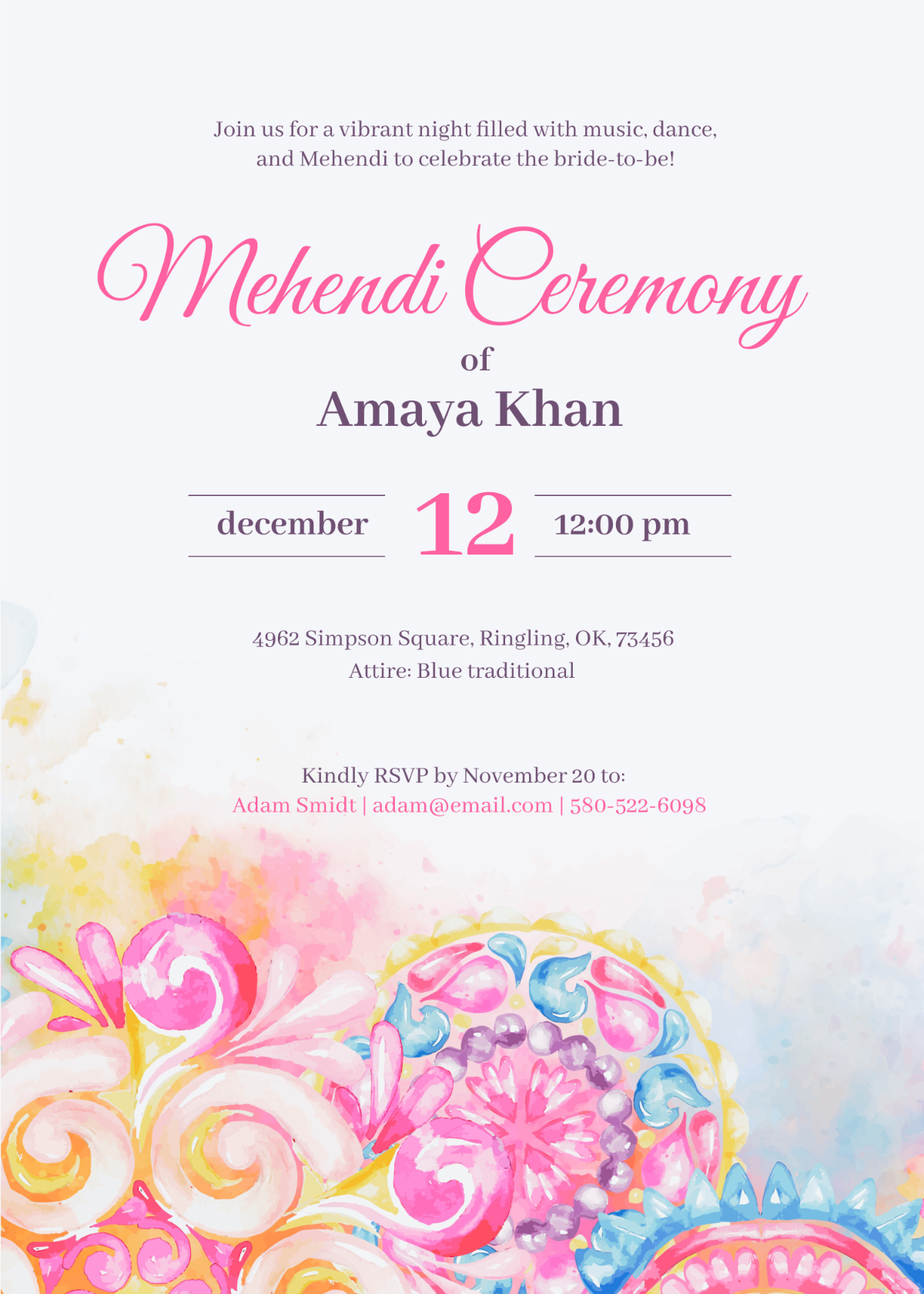



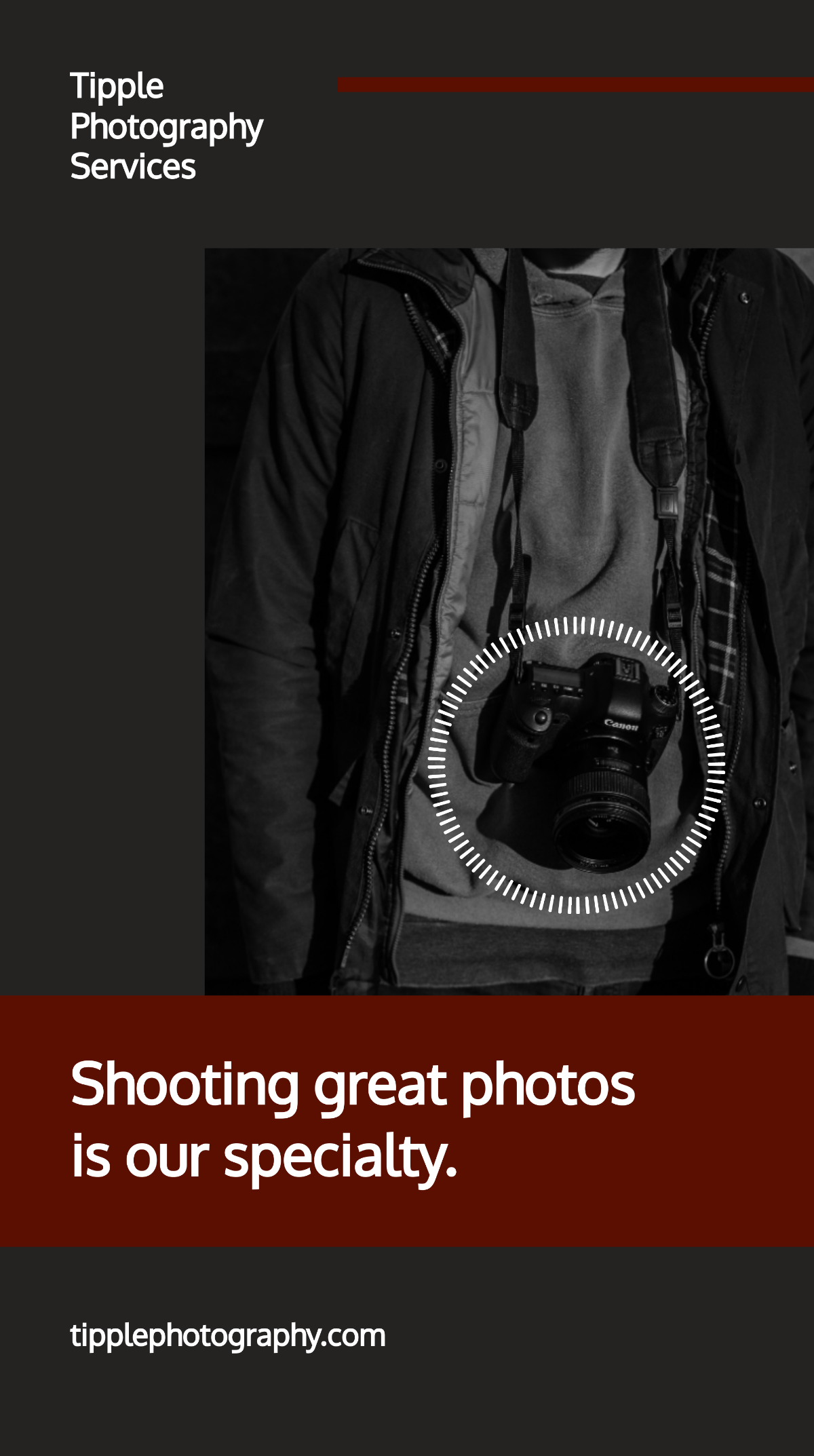
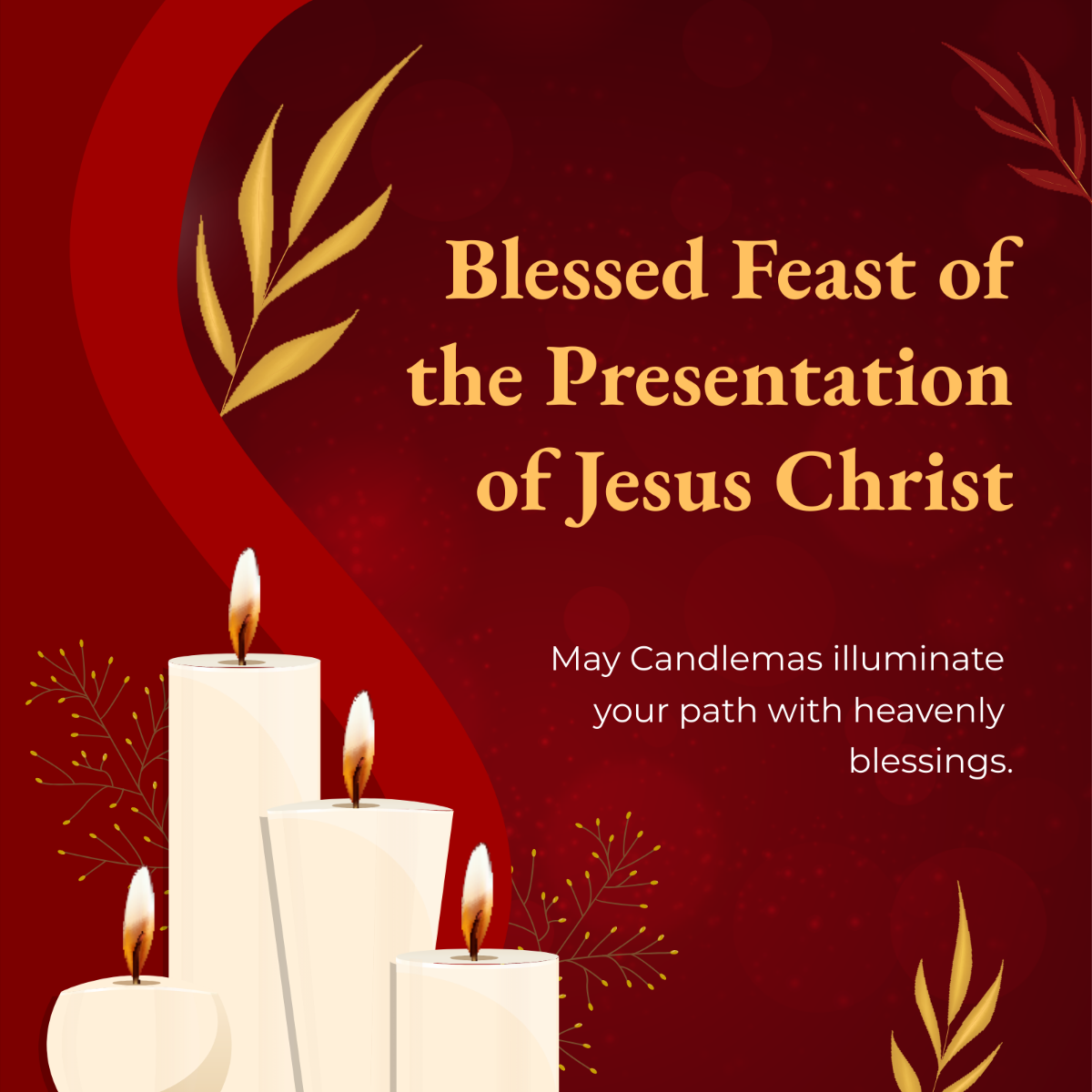


Free Whatsapp Templates: Customizable Design Guide, Sizes, and Download Formats
What is a Whatsapp?
Whatsapp is a widely used messaging application that allows users to send texts, images, and videos instantly. In the context of templates, Whatsapp templates are pre-designed message formats or visuals that you can customize for personal or business communication.
Why should I use a Whatsapp?
You should use a Whatsapp template because it streamlines your messaging process with professional designs and consistent branding. Customizable templates help you save time and maintain engagement with your audience effectively.
Who uses Whatsapps?
Whatsapps are used by individuals, small businesses, and large enterprises who want to communicate quickly and visually. Marketers, customer support teams, and social media managers often rely on Whatsapp templates for streamlined messaging and promotions.
What are the best tips for designing my Whatsapp?
When designing your Whatsapp, consider these essential tips:
- Use clear and concise messaging to capture attention
- Incorporate your brand colors and logo for recognition
- Choose legible fonts that display well on mobile devices
- Include strong call-to-action elements to prompt responses
- Optimize image sizes for fast loading
- Maintain consistency across all Whatsapp templates
- Use high-contrast visuals for readability
- Test your templates on different screen sizes
What file formats can I download for my Whatsapp?
Template.net Whatsapp templates support multiple export formats for easy editing and sharing. You can download your Whatsapp templates in Illustrator.
Can I create a Whatsapp using AI?
Template.net provides an AI-powered tool capable of generating Whatsapp designs. You can explore AI-generated Whatsapp templates to customize creative and unique message formats quickly by visiting Template.net.
What are the ideal pixel dimensions for my Whatsapp?
For digital Whatsapp templates, use standard pixel dimensions to ensure clarity across devices. Consider these common sizes:
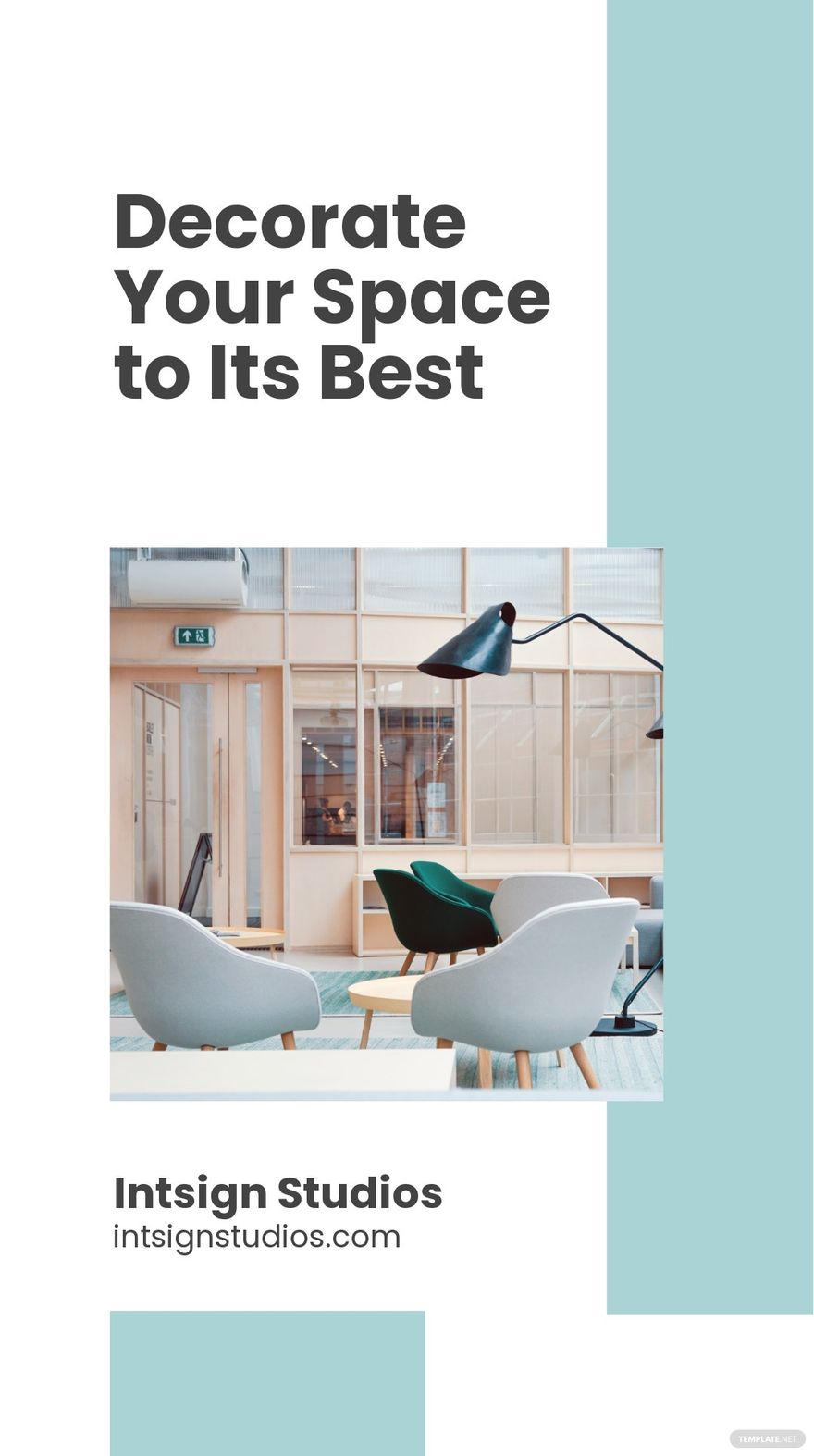
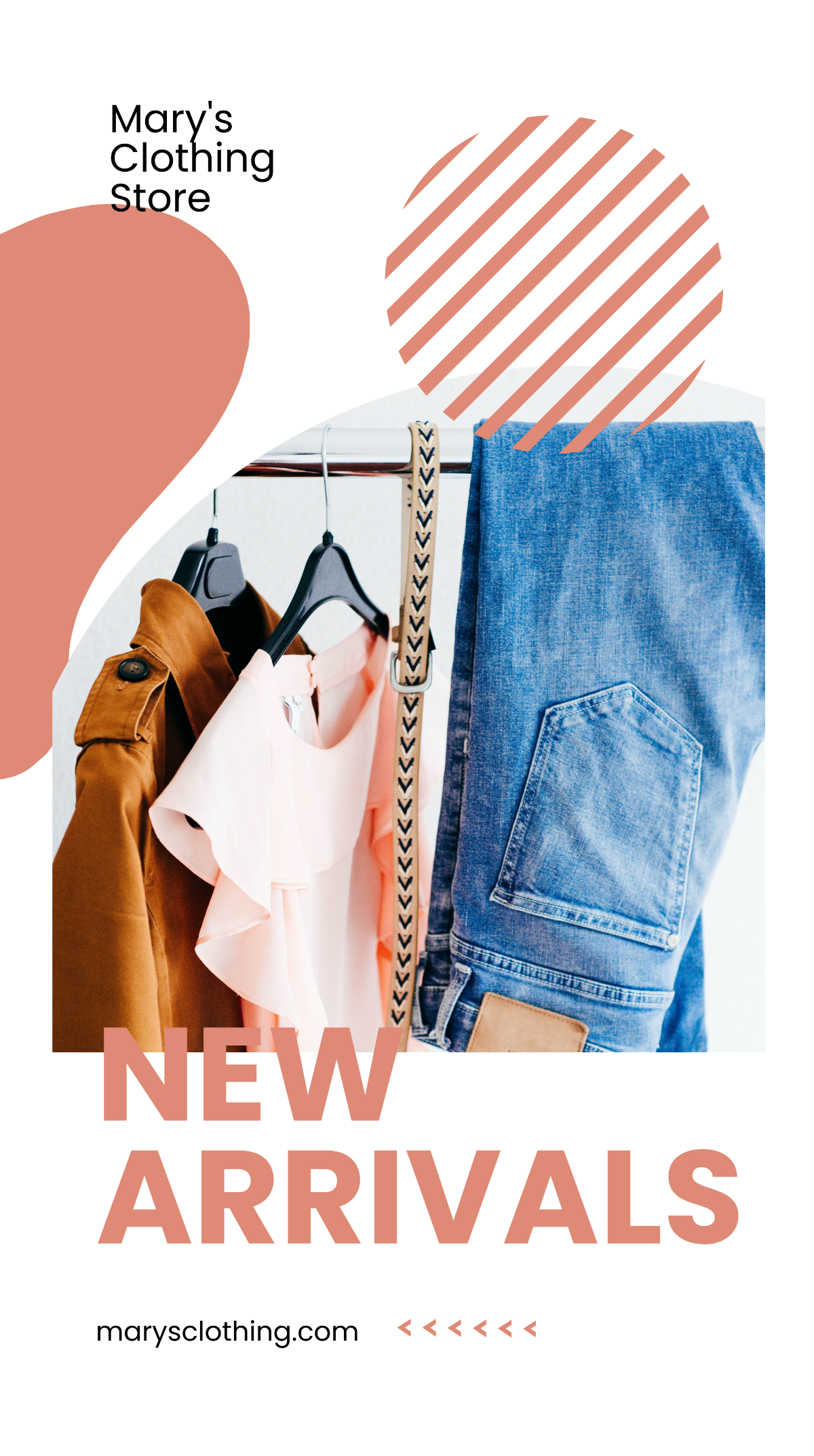
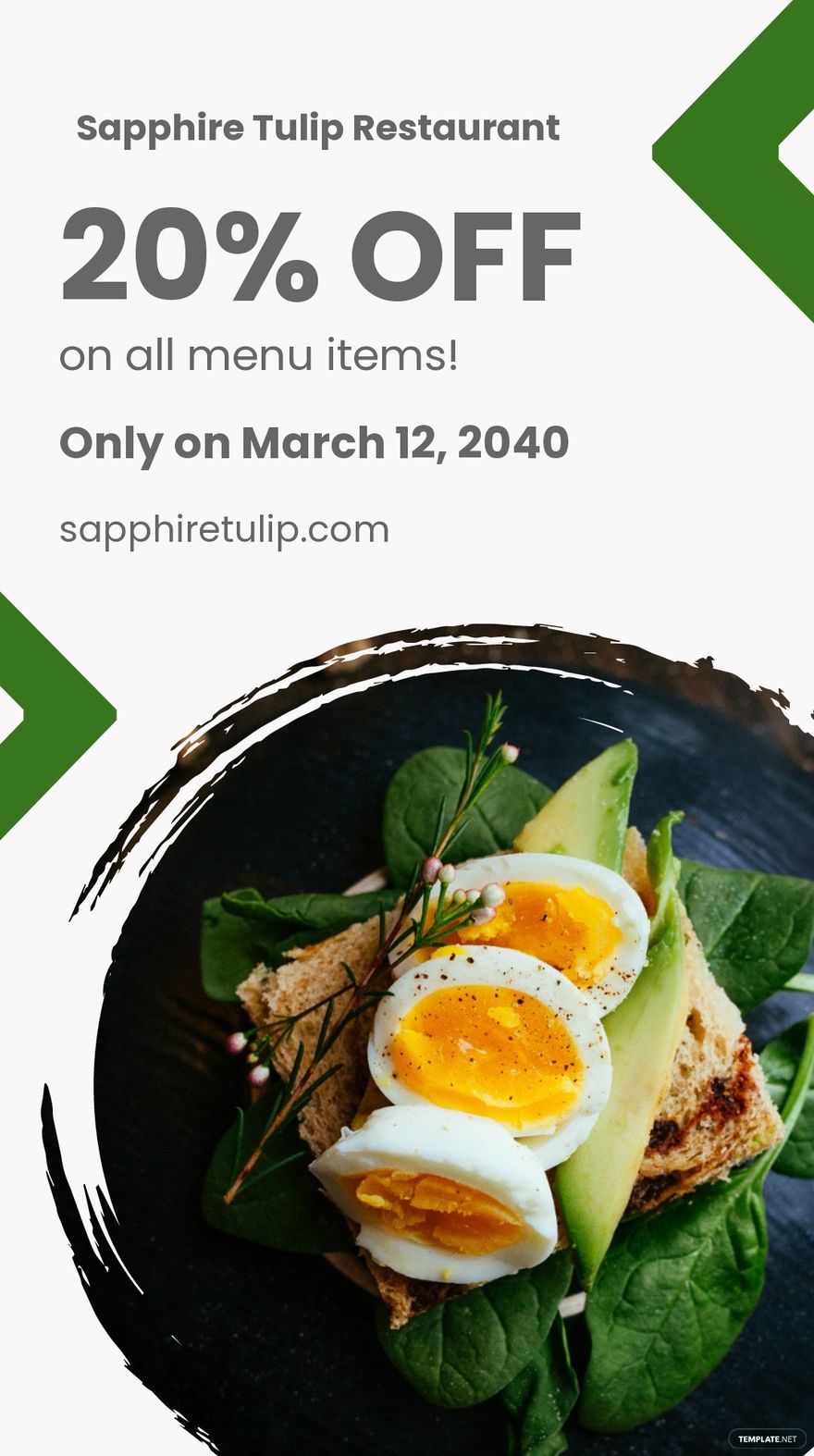
- 1080 × 1920 pixels for vertical status updates
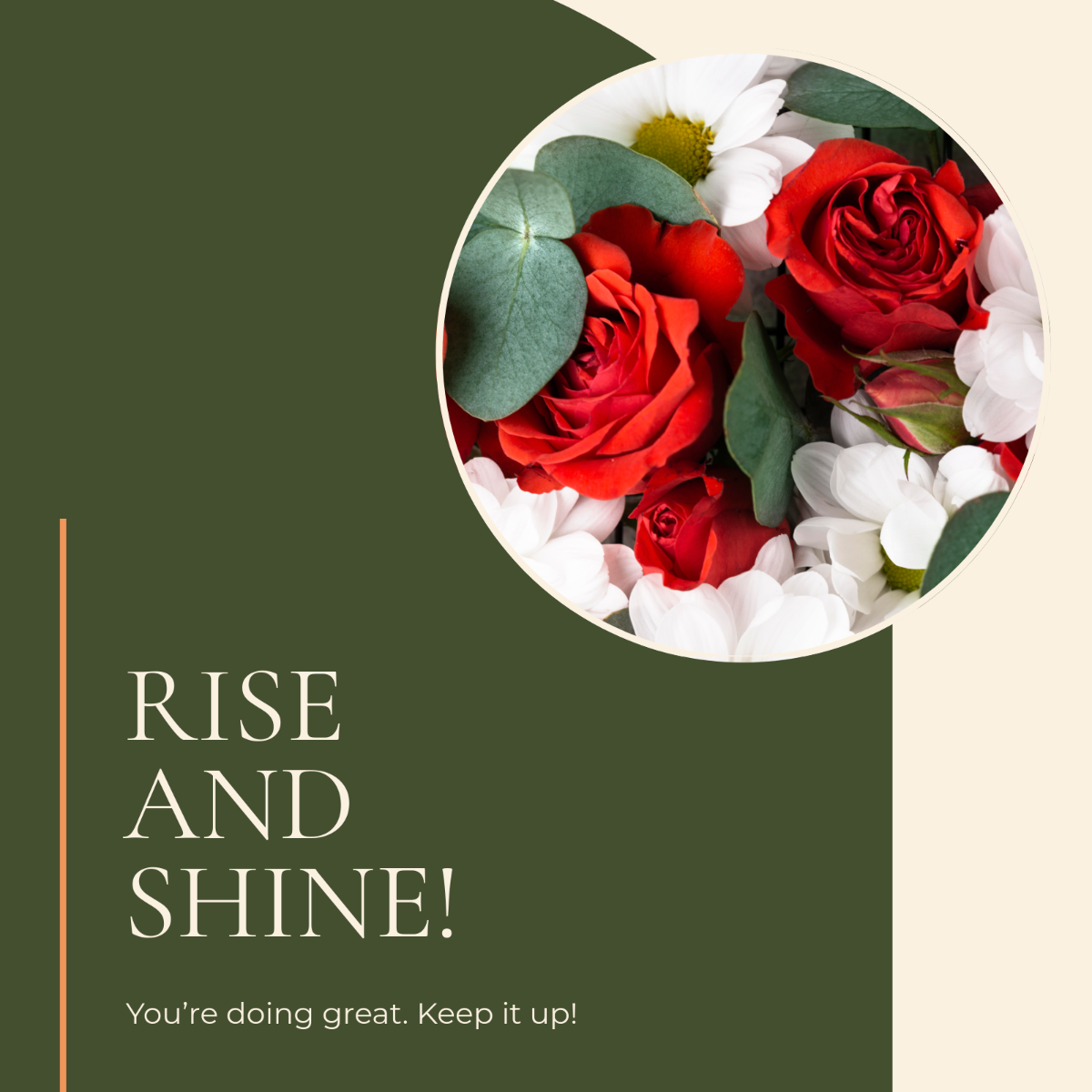
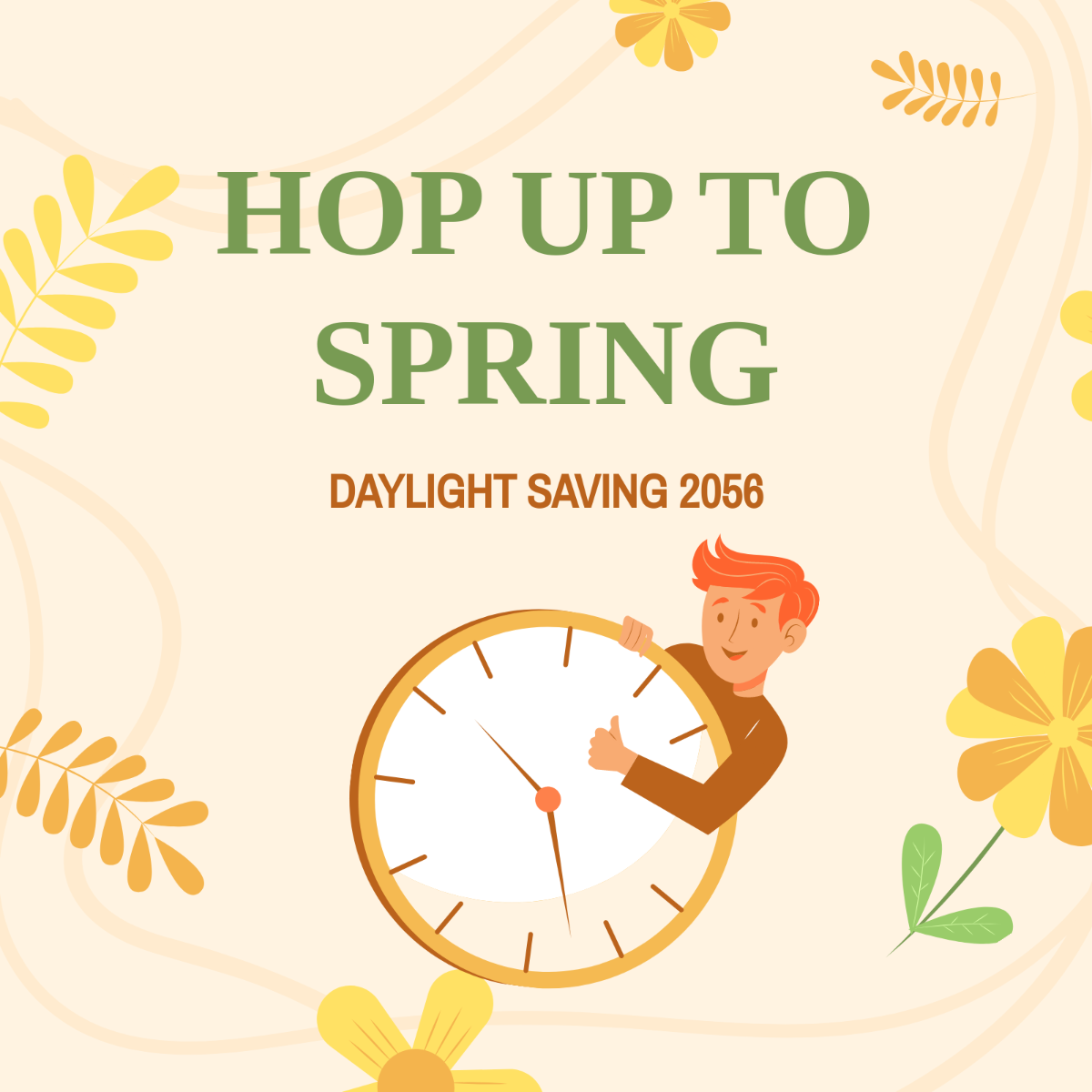
- 1080 × 1080 pixels for square posts
- 720 × 1280 pixels for smaller screen compatibility
- Use scalable vector formats like SVG for logos and icons
What visual elements should I include in my Whatsapp?
Your Whatsapp should include essential visual elements for impact and clarity. These elements include:
- Brand logo and colors to reinforce identity
- Clear typography for readability
- High-quality images or icons relevant to your message
- Call-to-action buttons or text for engagement
- Whitespace to avoid clutter and enhance focus
What are the benefits of using a Whatsapp?
Using a Whatsapp offers multiple benefits for communication and marketing:
- Improved message consistency across users and devices
- Faster template creation with customizable designs
- Enhanced brand recognition through visual elements
- Better audience engagement with professional layouts
- Easy sharing and editing in browser without software
