AI Video Editor

Edit Professional Videos Online with AI Video Editor
Template.net AI Video Editor uses Seedance 2 and multiple AI models to transform uploaded videos into polished, engaging content. Upload your footage, enter a text prompt or use voice input, and let AI understand your requested changes across scenes, visuals, audio, captions, transitions, and effects. Refine backgrounds, objects, pacing, colors, voiceovers, and storytelling to create professional videos for social media, marketing campaigns, presentations, advertisements, tutorials, and digital content. Create and edit videos across desktop, tablet, and mobile devices with plans starting at just $12 monthly.
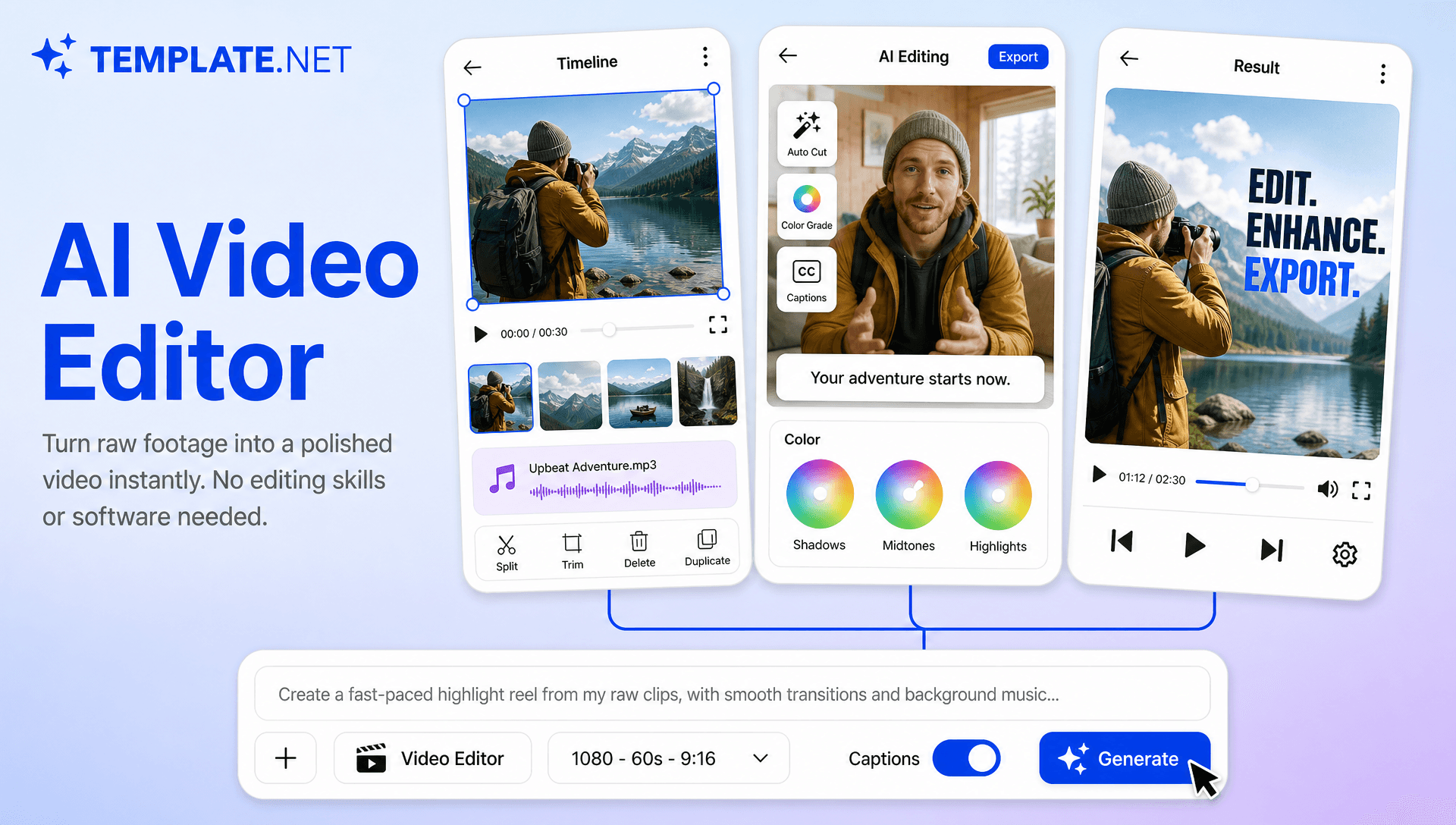
Create Better Videos Faster with Intelligent AI Editing
Everything you need to transform uploaded footage into professional videos with intelligent AI assistance.
AI-Powered Video Editing
Upload your video footage, enter a text prompt or use voice input, and AI applies requested edits to scenes, visuals, audio, captions, transitions, and effects while preserving the overall direction of your video.
Upload Existing Video Footage
Upload recorded videos, promotional clips, interviews, tutorials, product footage, social content, or other video assets and begin editing without rebuilding your project from scratch.
Intelligent Scene Trimming
Identify unnecessary sections, shorten scenes, remove pauses, and improve video pacing to create a cleaner and more engaging viewing experience.
AI Scene Refinement
Improve individual scenes by adjusting composition, visual details, transitions, timing, and creative elements according to your editing instructions.
Background and Object Editing
Change backgrounds, remove unwanted objects, replace visual elements, or enhance selected areas within uploaded footage using natural-language editing instructions.
Visual Style Transformation
Restyle existing footage with different visual treatments, lighting approaches, cinematic looks, and creative aesthetics while maintaining the video's core content.
AI Character and Motion Editing
Apply controlled character changes, movement adjustments, and visual transformations to uploaded footage, supporting workflows such as AI Motion Control and dynamic character-based video creation.
Reference-Based Video Editing
Use reference footage or visual direction to guide the look, movement, pacing, or creative treatment of your uploaded video with Reference Video AI workflows.
AI Voiceover and Audio Enhancement
Improve video narration with AI-generated voiceovers, adjust spoken content, refine audio levels, and create clearer sound for presentations, advertisements, tutorials, and social content.
Music and Sound Design
Add or refine background music, sound effects, audio transitions, and atmospheric elements to create a more immersive video experience.
Automatic Video Captions
Generate synchronized captions and on-screen text to make videos easier to follow while strengthening key messages across social media, marketing, educational, and promotional content.
AI Visual Effects and Transitions
Enhance uploaded footage with smooth transitions, motion effects, visual treatments, and dynamic scene changes that create a more polished final video.
AI Video Variations
Create multiple versions of the same uploaded footage with different pacing, scenes, visual treatments, captions, or messaging for different audiences and platforms.
Multilingual Support
Create and refine video content across 20+ multiple languages, including English, Spanish, French, German, Italian, Portuguese, Hindi, Chinese, Japanese, Korean, Arabic, and more for broader audience reach.
Flexible Resolution and Duration
Create videos in suitable resolutions and durations for different publishing needs, from short social clips and advertisements to longer presentations, tutorials, and marketing videos.
Creative Video Transformation
Combine AI Video Editing with advanced workflows such as AI Character Transfer, Video Character Replacement, Motion Transfer AI, and Character Animation to explore new creative directions from existing footage.
Download or Share Instantly
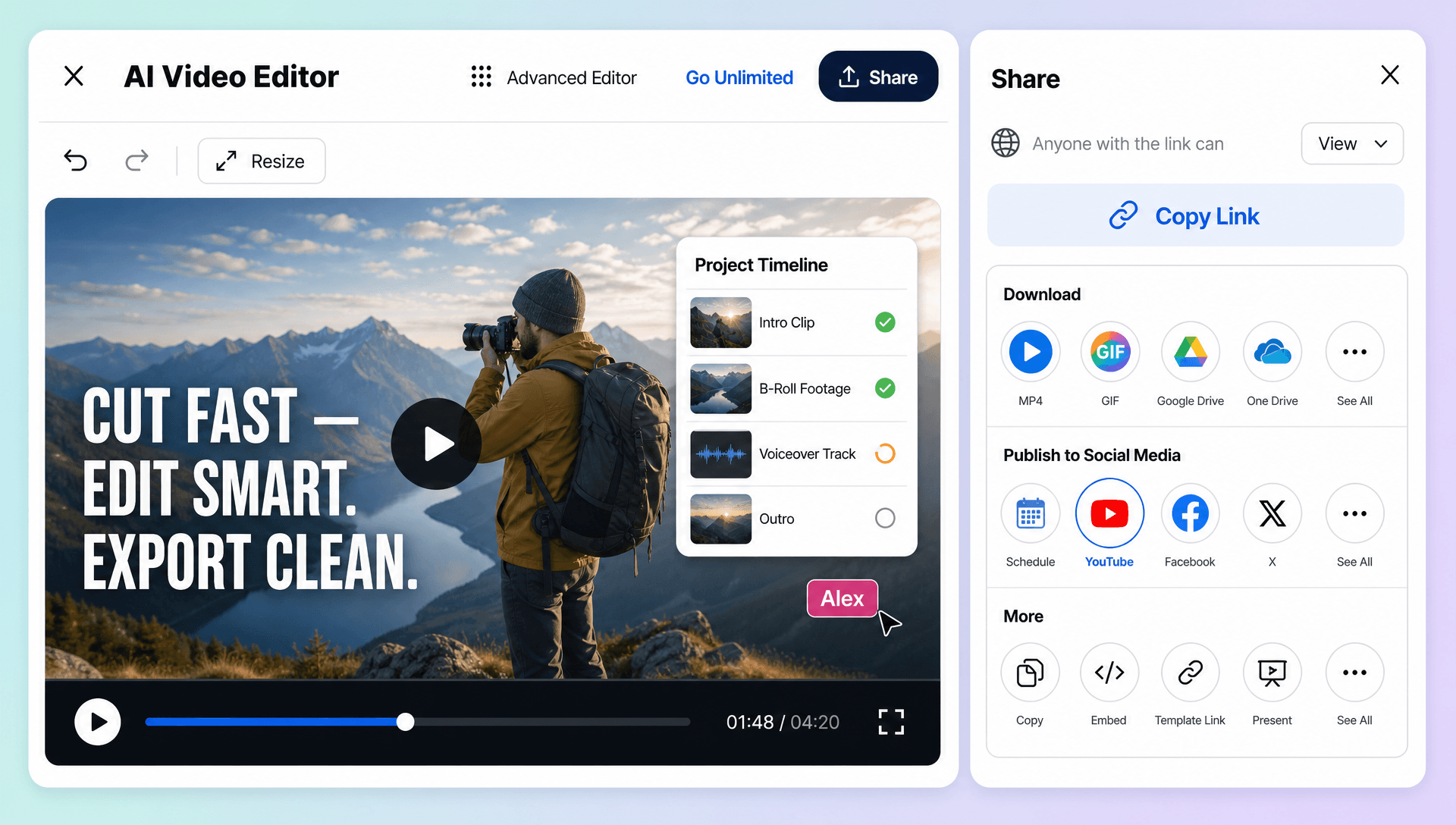
Preview your finished video, download the final version, or share it through Email, LinkedIn, WhatsApp, Facebook, X (Twitter), Pinterest, or a live link or QR code for collaboration and publishing.
Accelerate Your Video Content Workflow
Transform existing footage into polished marketing videos, social media clips, advertisements, tutorials, presentations, product videos, and branded content while reducing repetitive manual editing work.
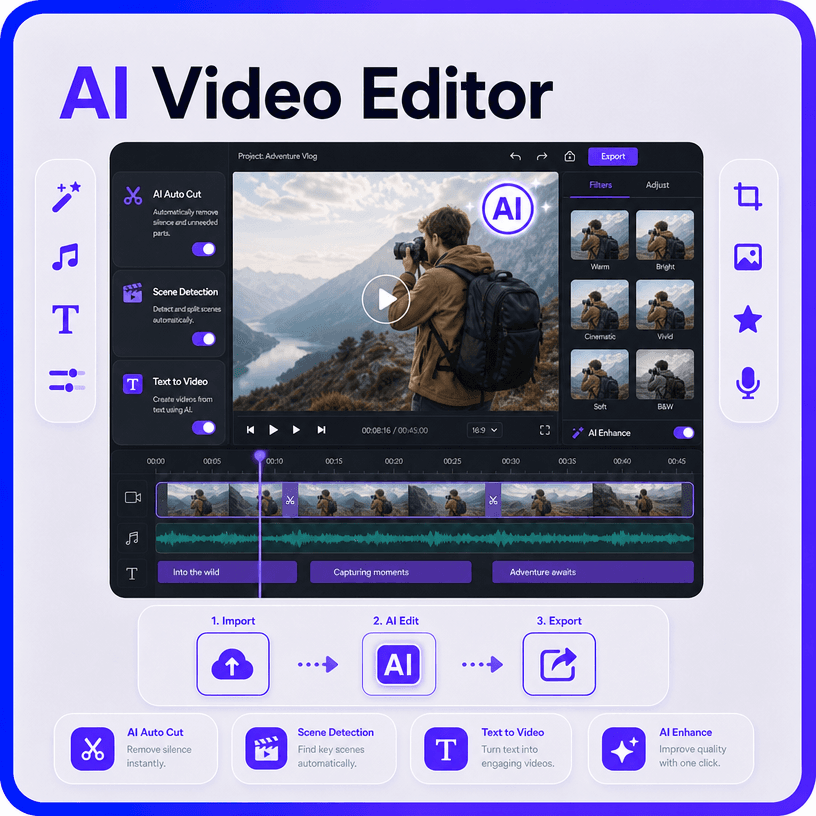
How to Edit Professional Videos with AI Video Editor
Edit uploaded footage in a few simple steps.
Step 1 Upload Your Video and Enter Your Prompt
Upload your existing video footage, promotional clips, interviews, tutorials, product videos, or social media content. Then enter a text prompt or use voice input to describe the edits you want, such as removing unwanted scenes, changing backgrounds, improving visuals, adding captions, or adjusting the pacing.
Step 2 Customize and Refine Your Video
Review the AI-edited video and personalize scenes, captions, audio, transitions, visual effects, branding, duration, resolution, and aspect ratio. Regenerate selected sections or adjust your instructions until the video matches your creative direction.
Step 3 Save, Download, or Share
Preview the completed video, then save it, download it, or share it through Email, LinkedIn, WhatsApp, Facebook, X (Twitter), and Pinterest. You can also generate a live link or QR code for quick collaboration, feedback, and publishing.
Turn Existing Footage into Polished Video Content
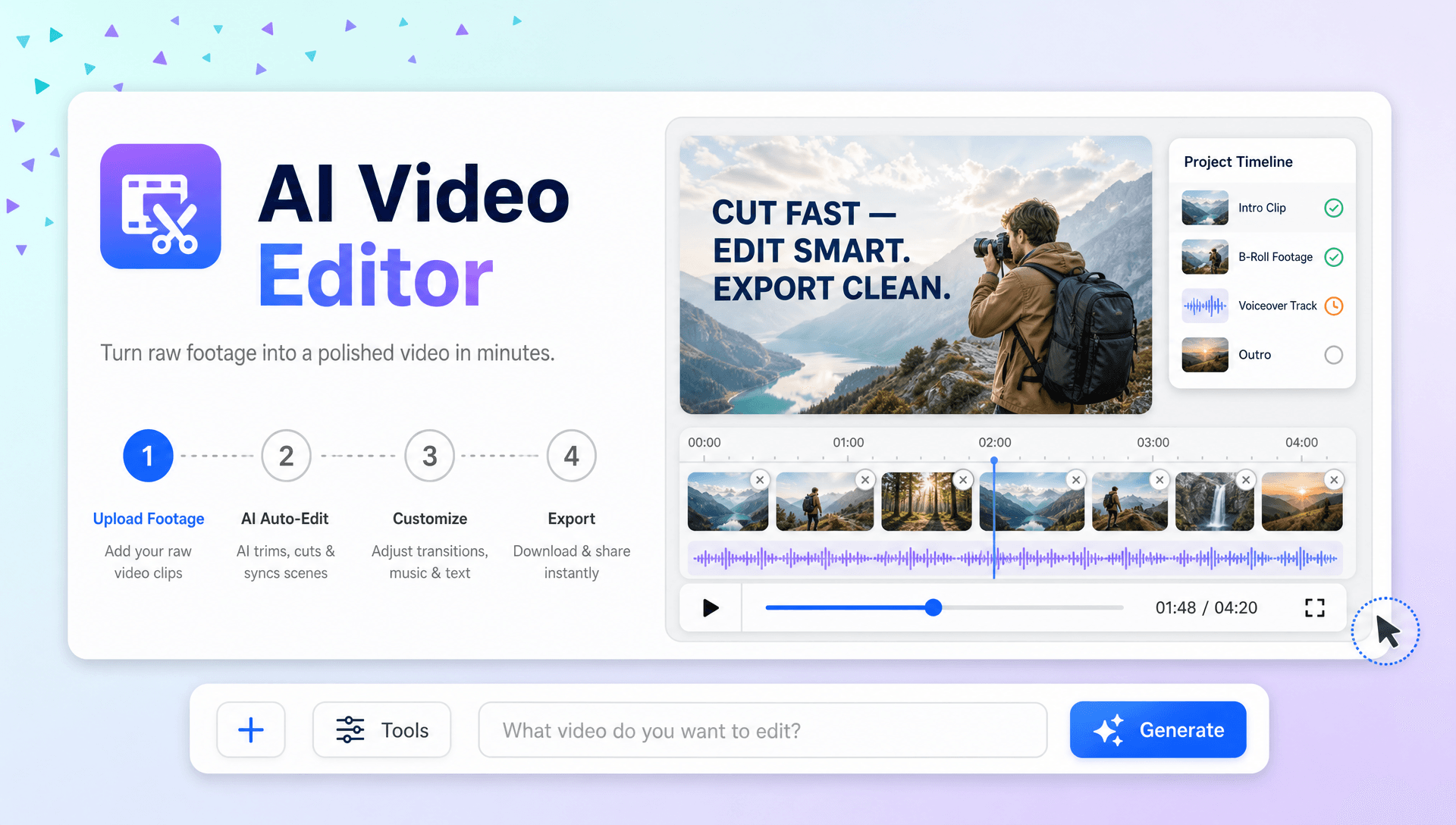
Give Raw Footage a More Professional Finish
Transform uploaded clips with cleaner scenes, smoother transitions, enhanced visuals, captions, audio improvements, and AI-assisted storytelling without rebuilding the entire video manually.
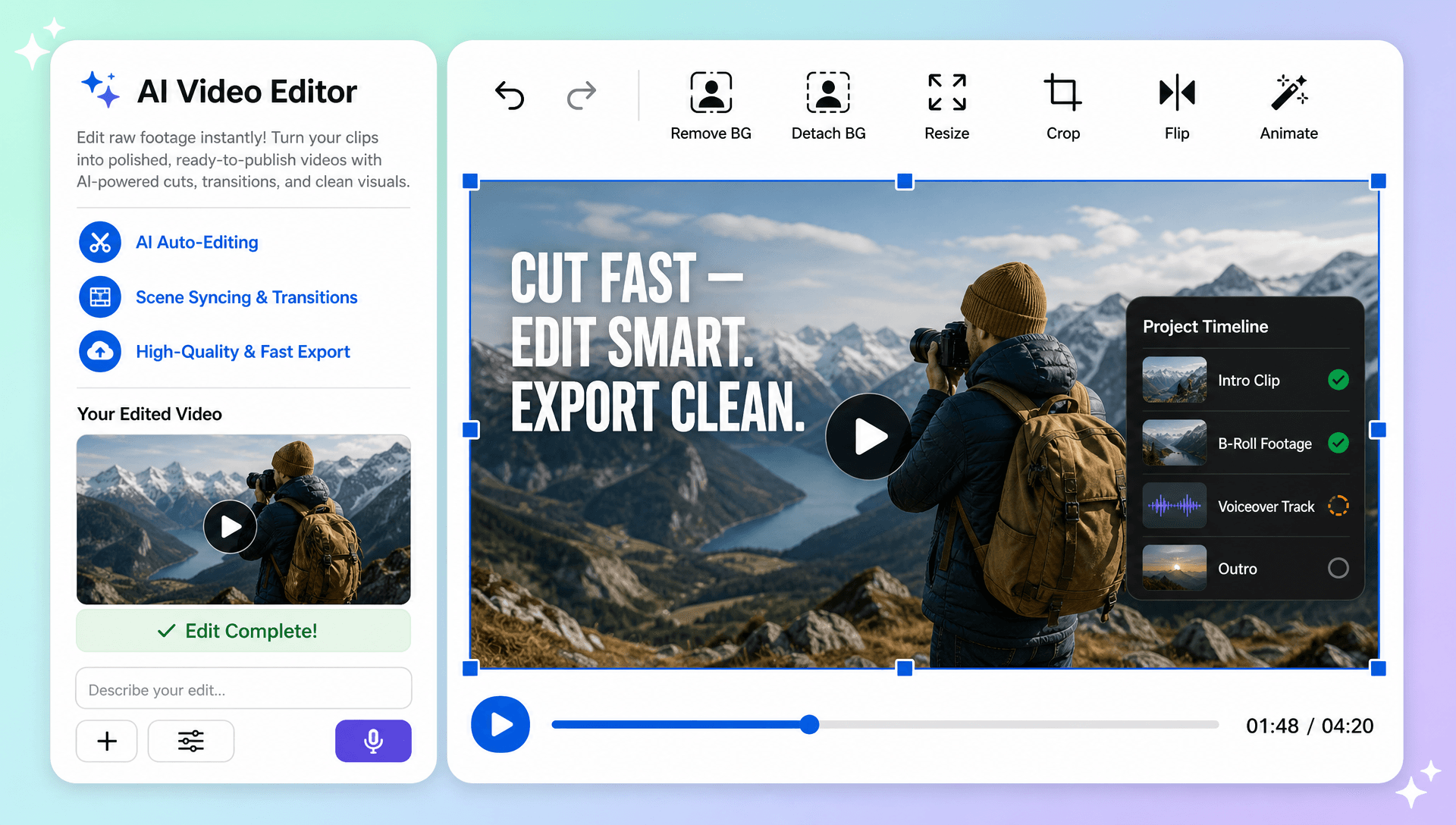
Adapt One Video for Multiple Audiences
Create different versions of your footage for social media, advertisements, websites, presentations, tutorials, and marketing campaigns by changing the format, pacing, messaging, visuals, and captions.
Refresh Visuals Without Reshooting
Modify backgrounds, objects, lighting, styles, and selected video elements directly from existing footage, helping you explore new creative directions without repeating the original production process.
Build a Faster Editing to Publishing Workflow
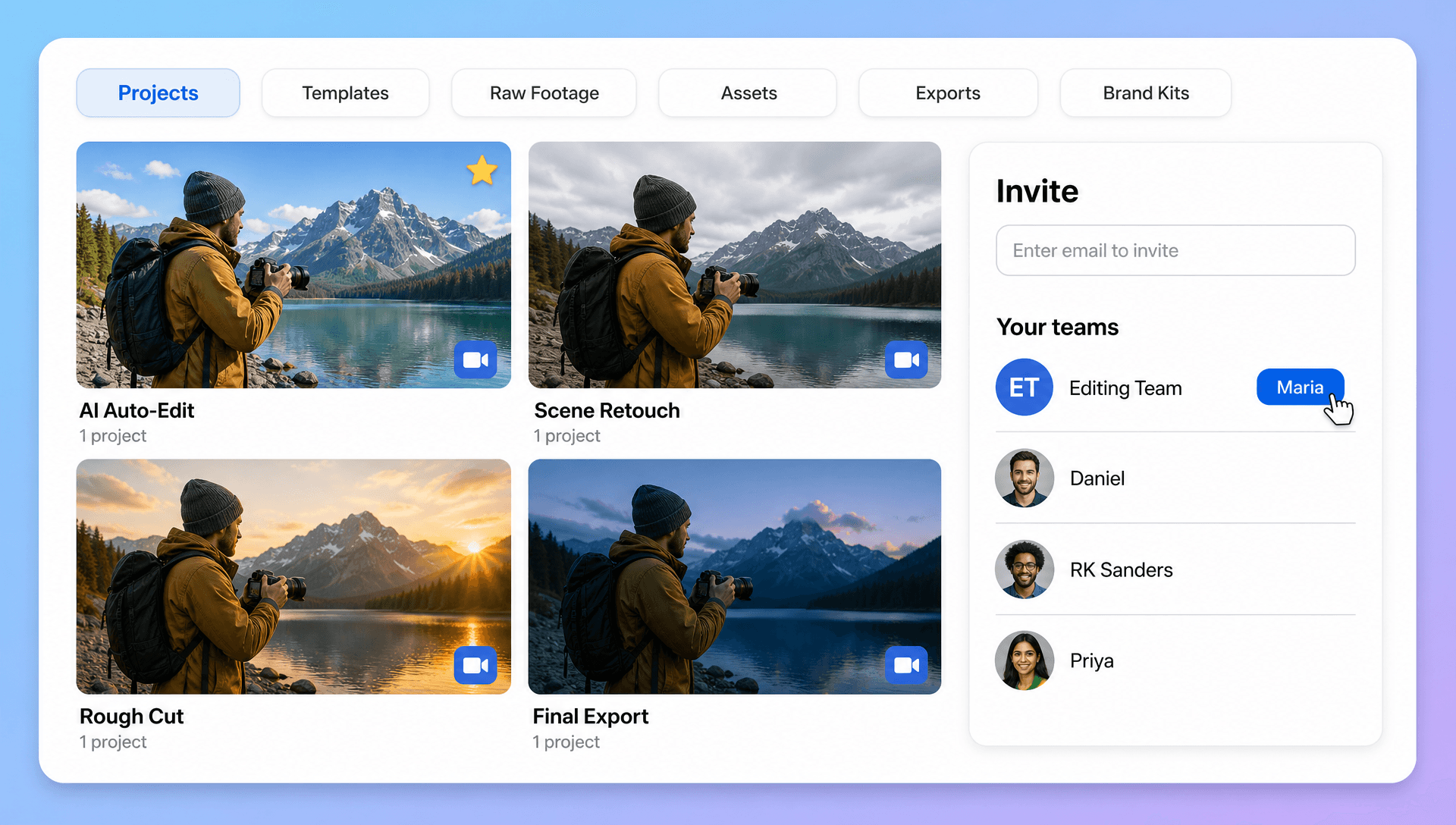
Move from uploaded footage to AI editing, refinement, branding, preview, and publishing within one browser-based workspace, making recurring video production easier to manage.
