Free AI Sketchnotes Generator

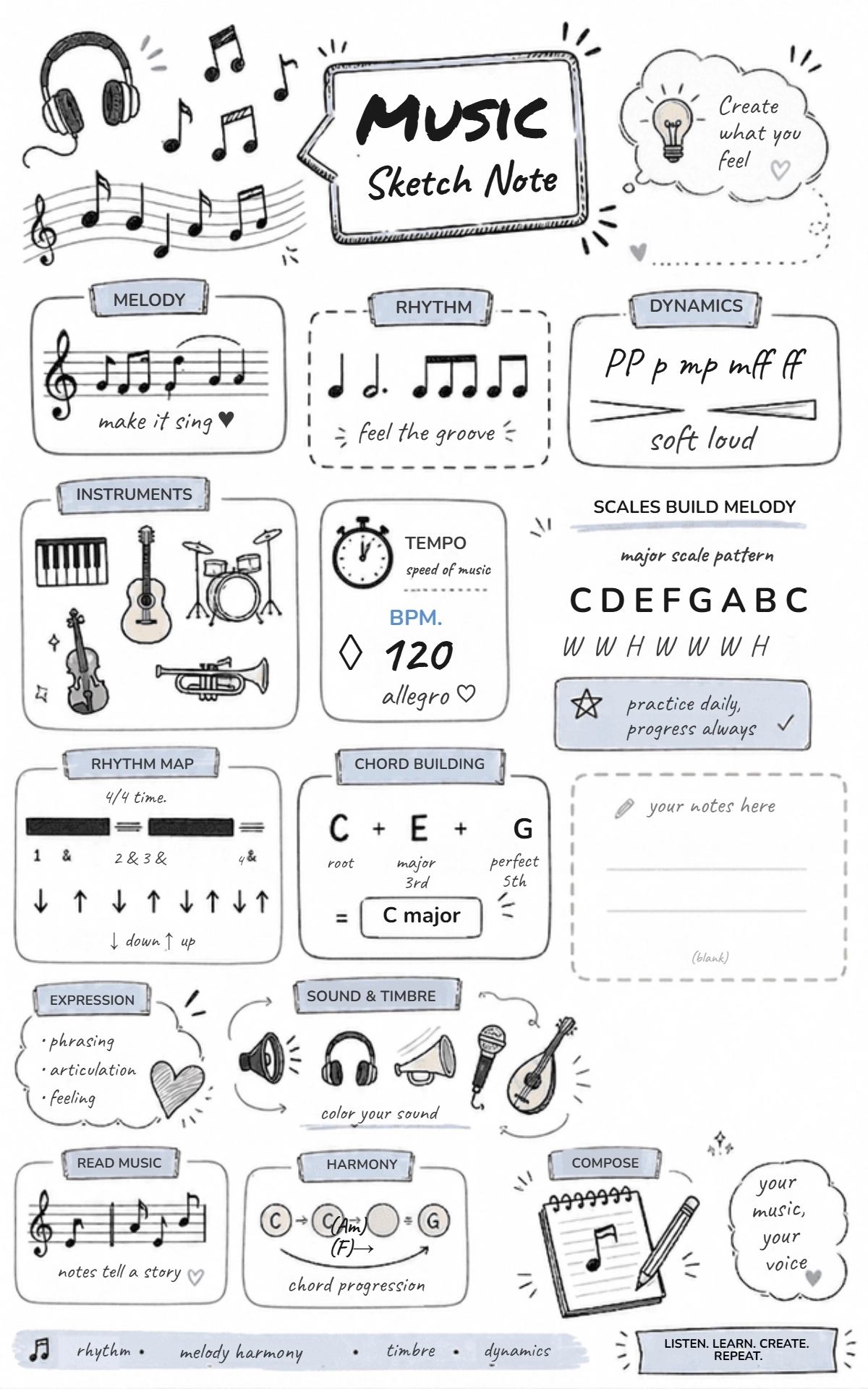
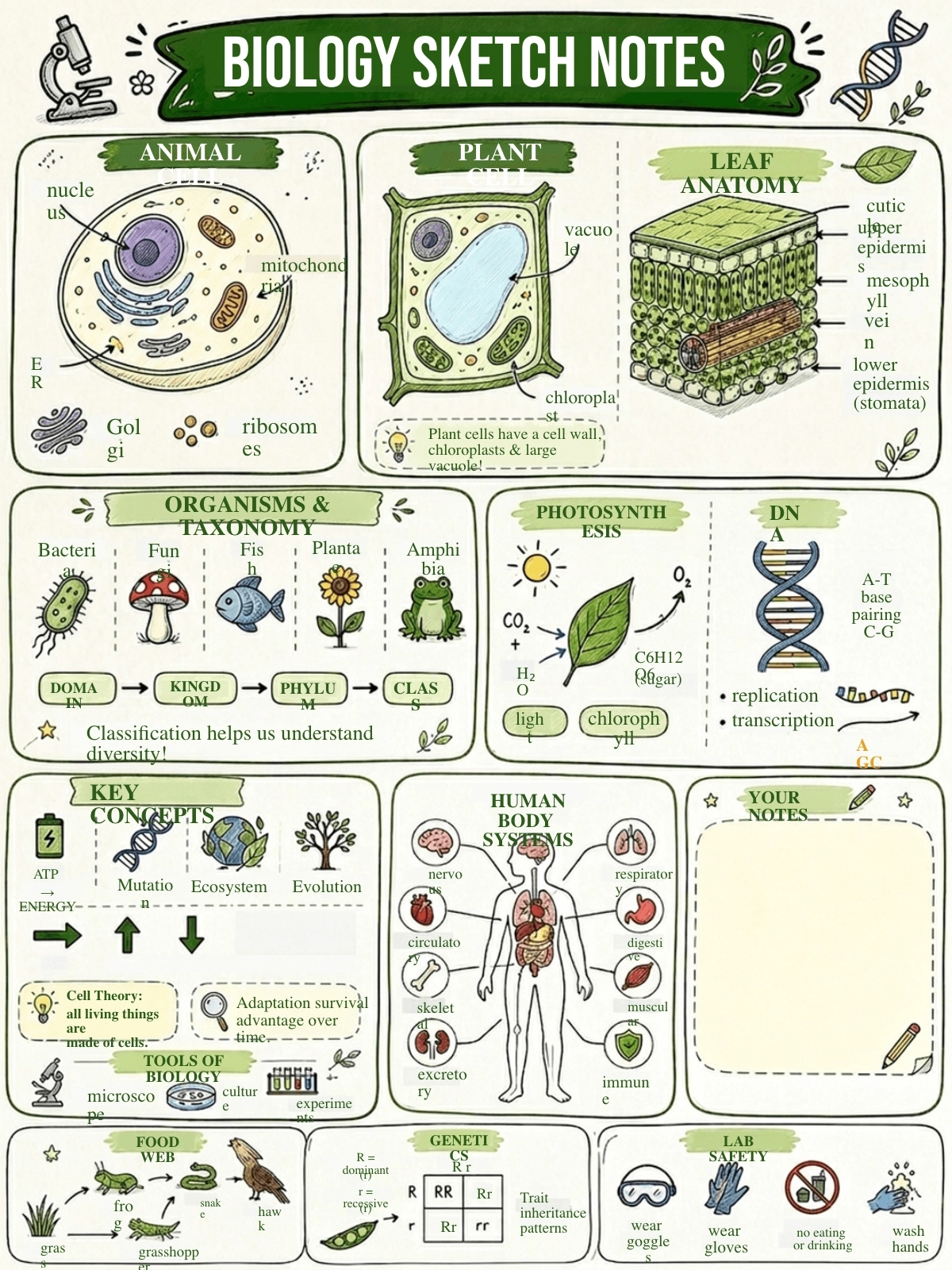
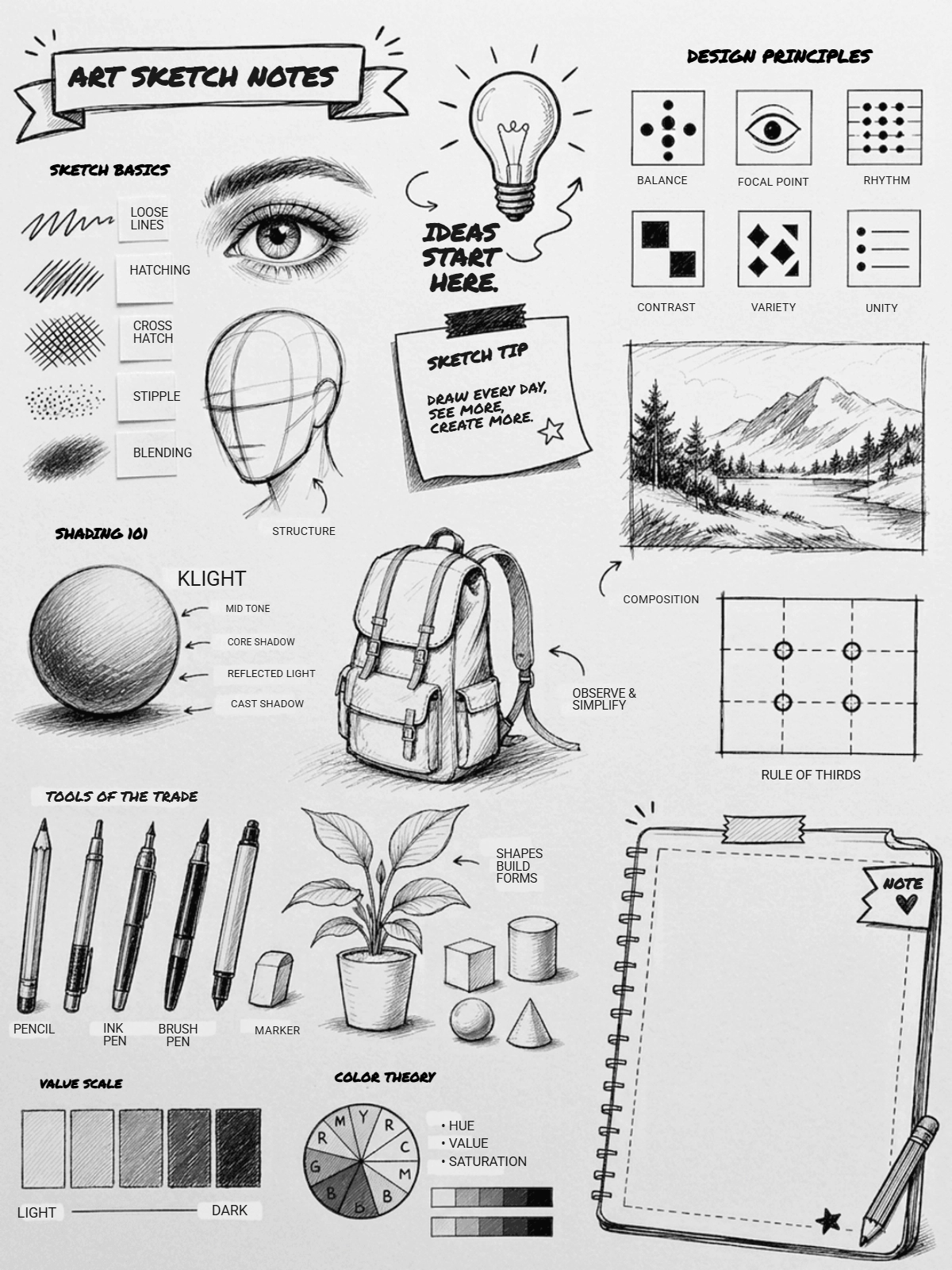
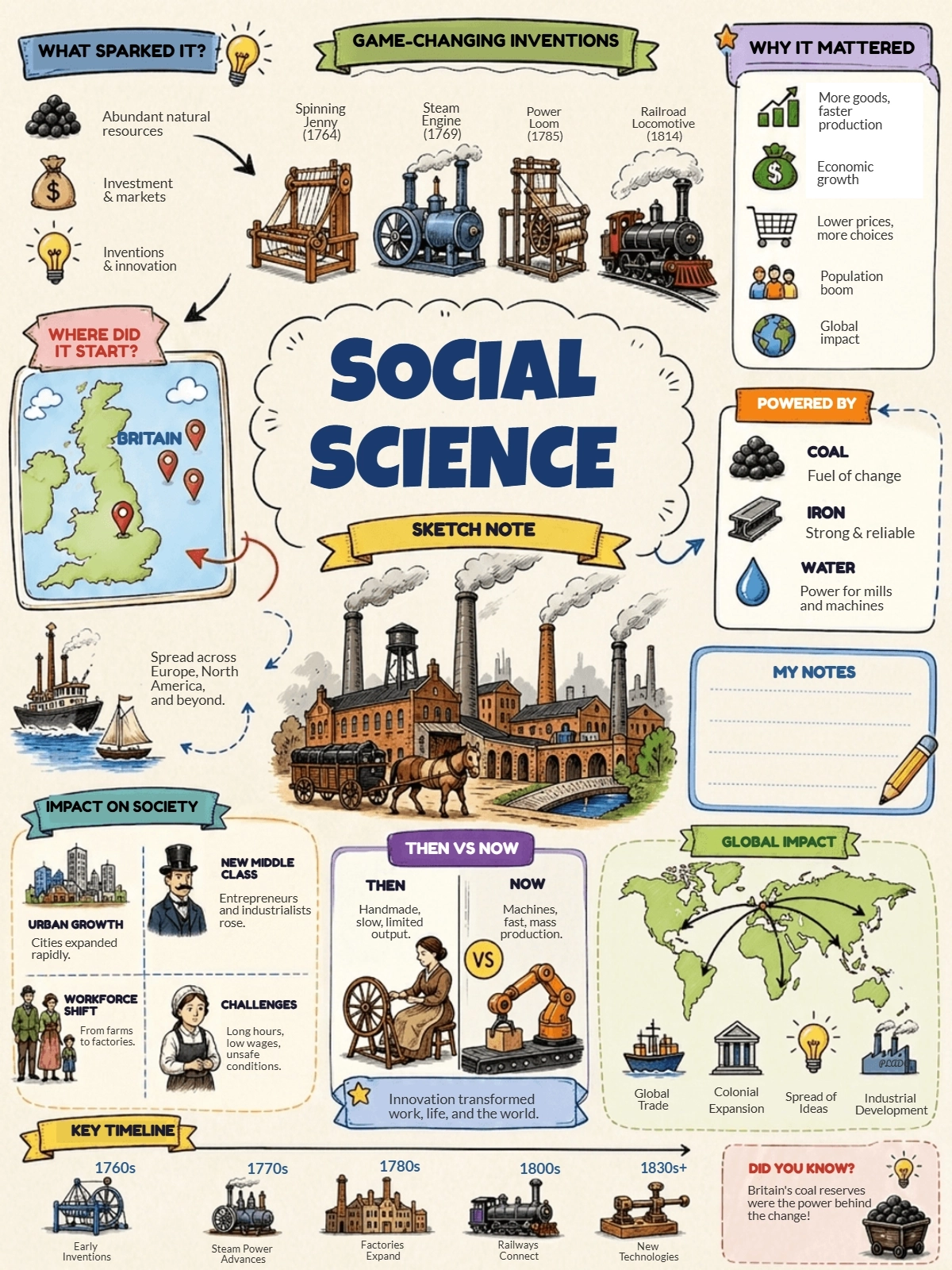
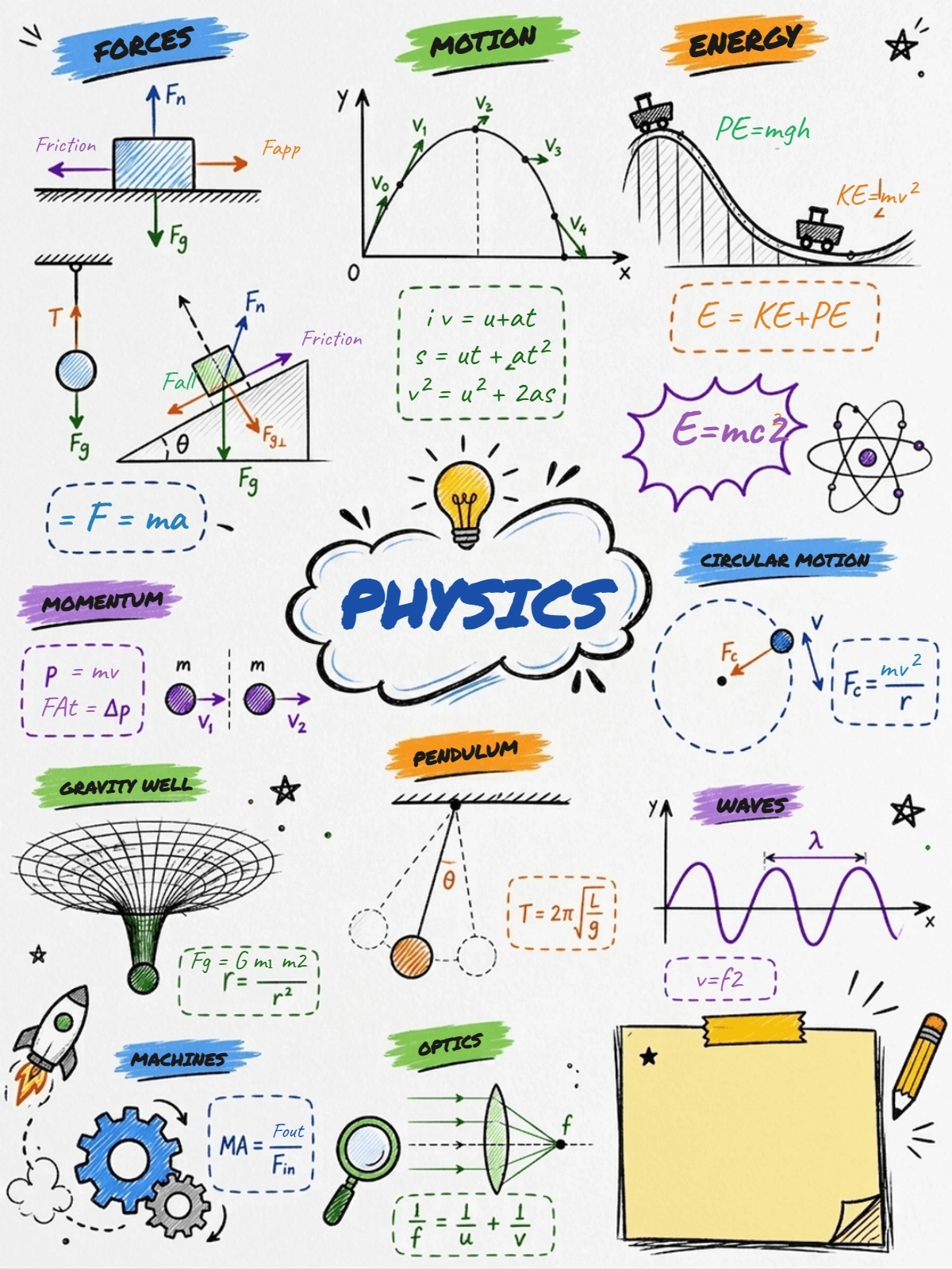
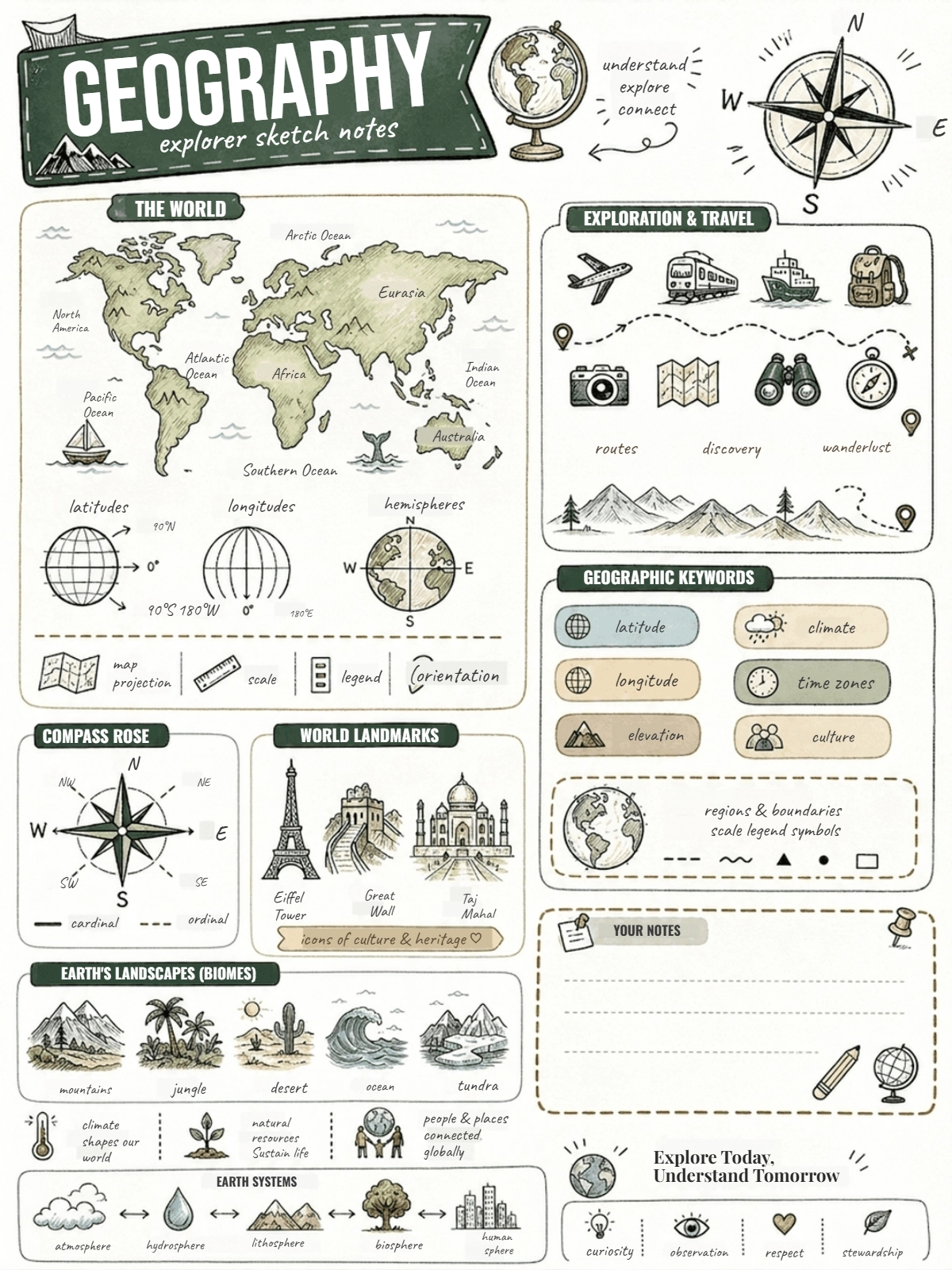
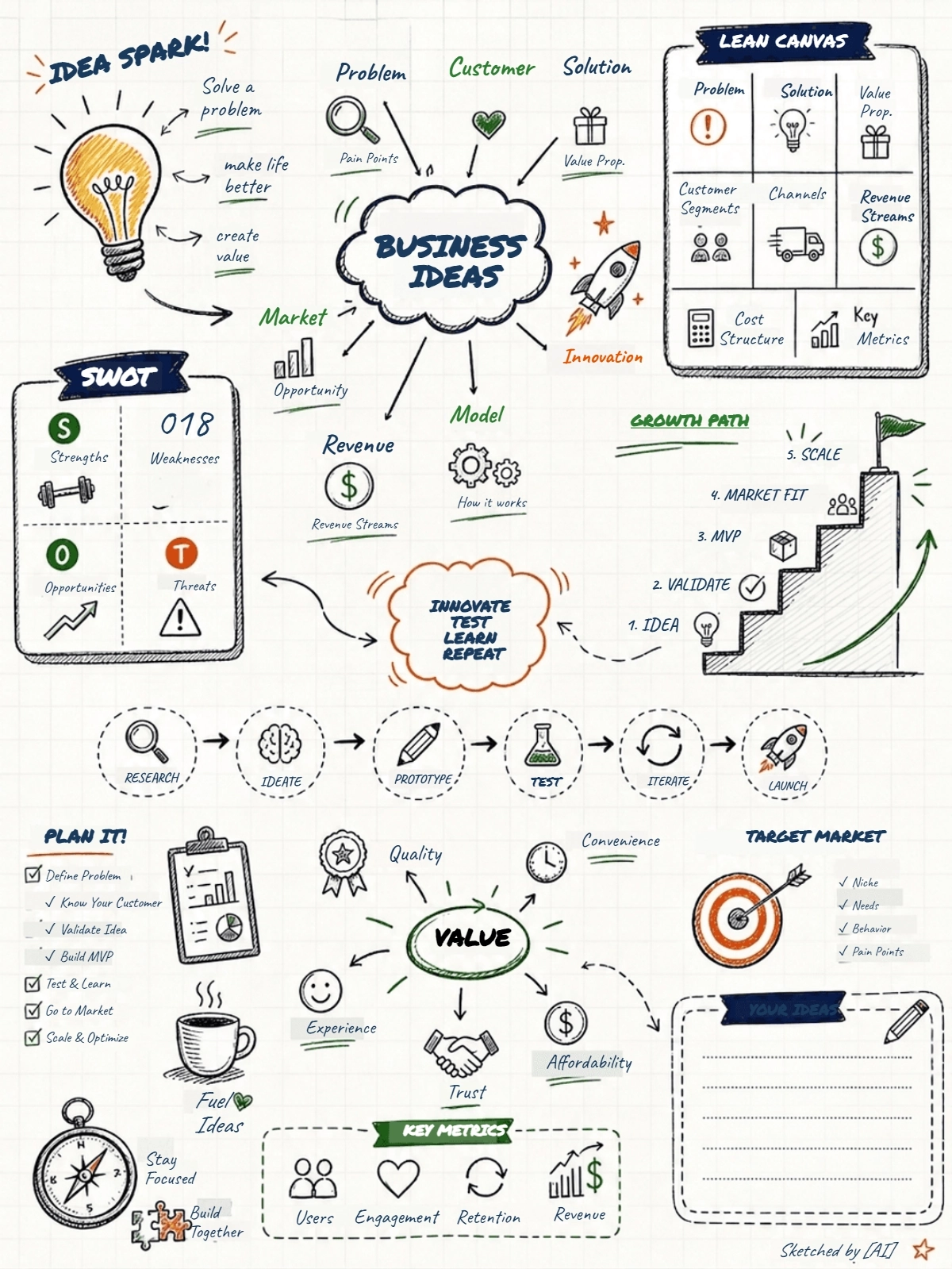
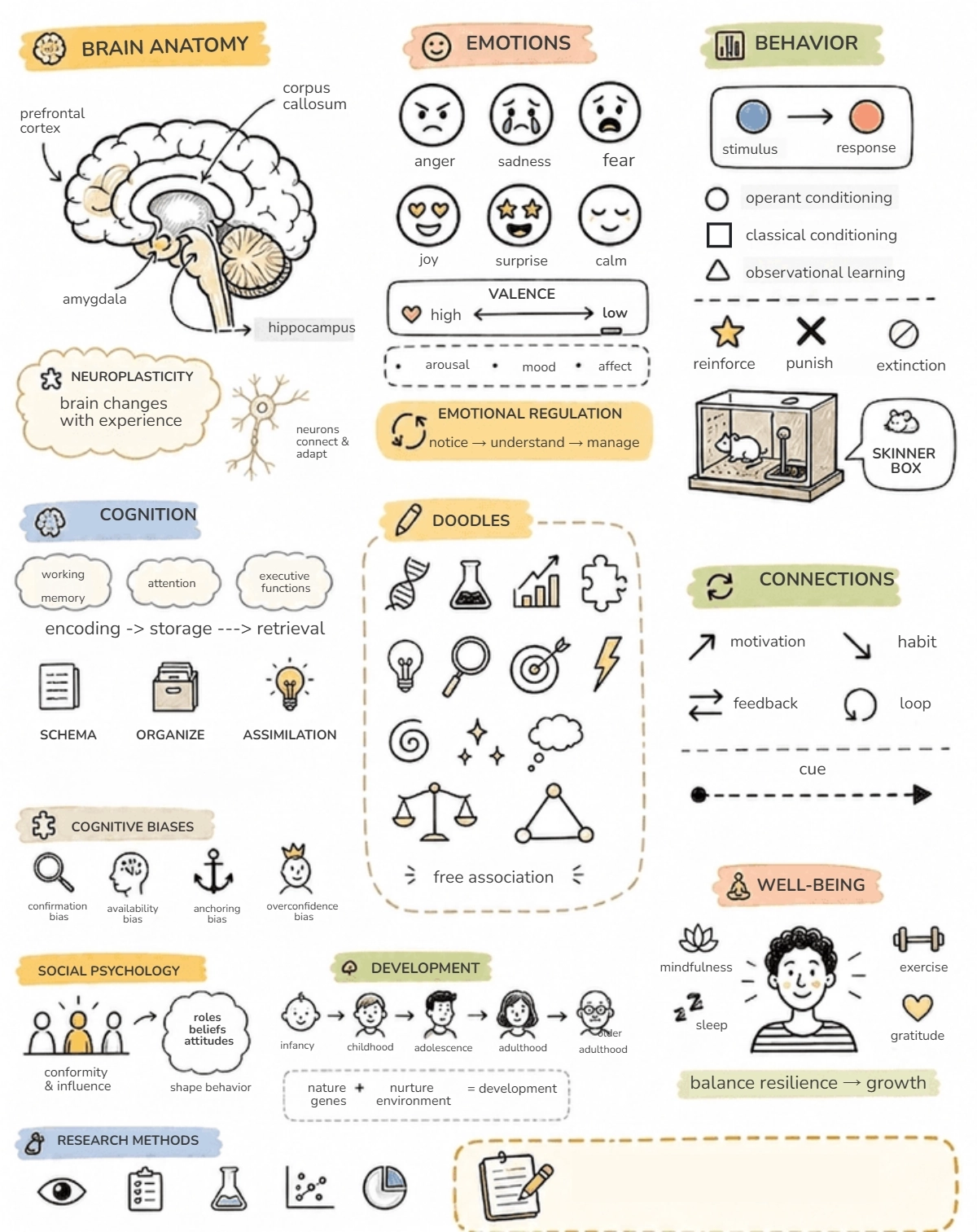
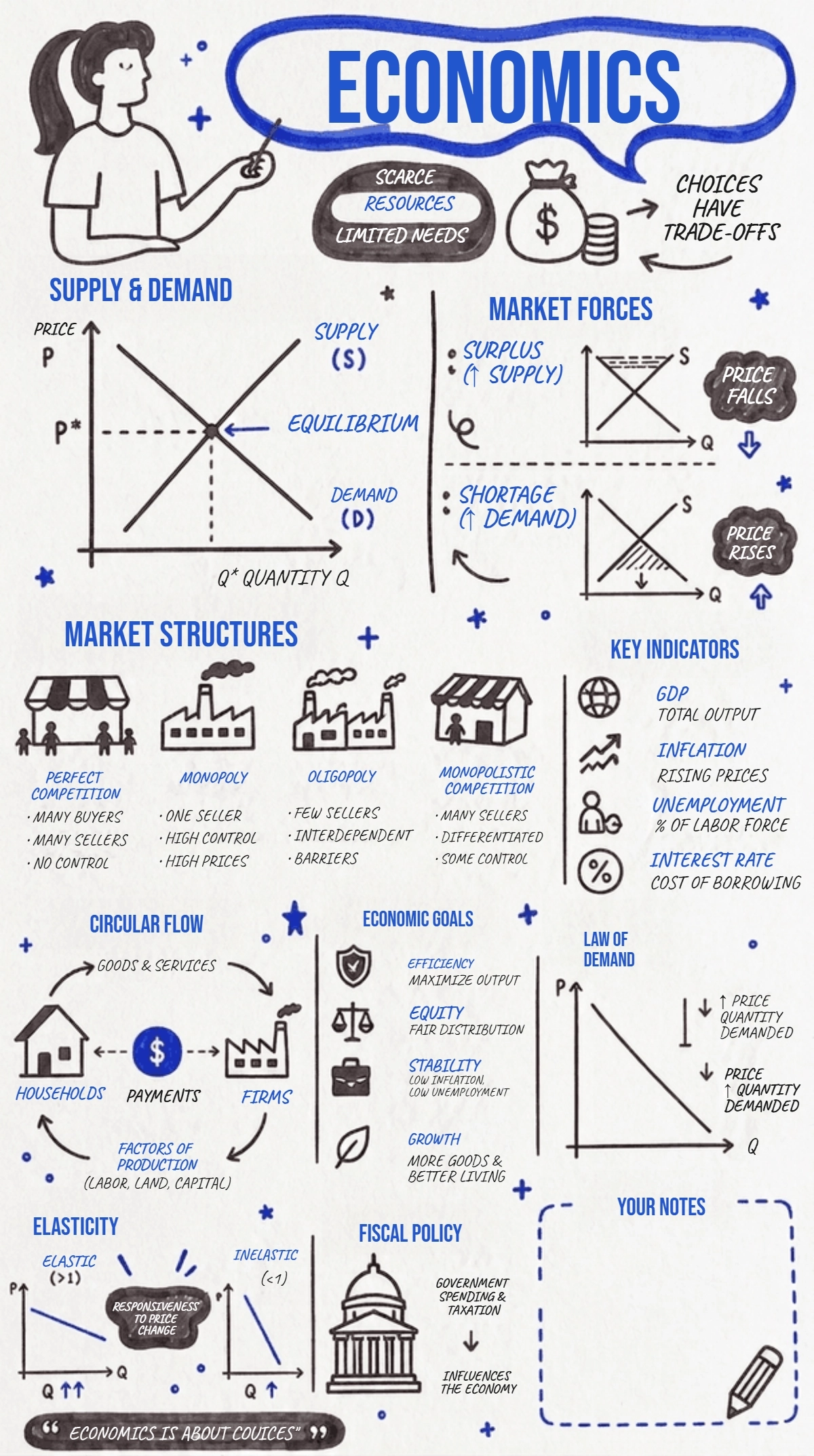
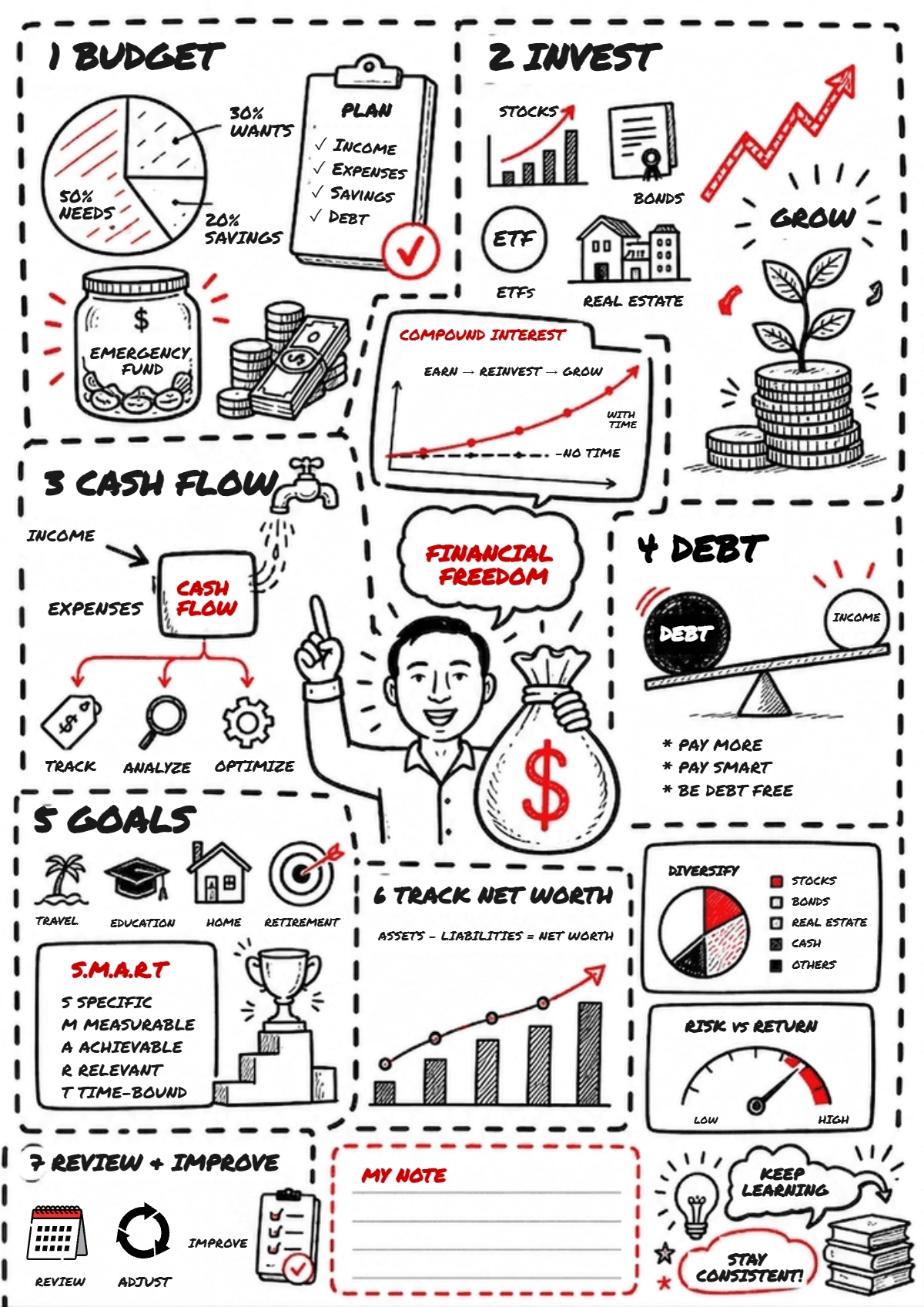
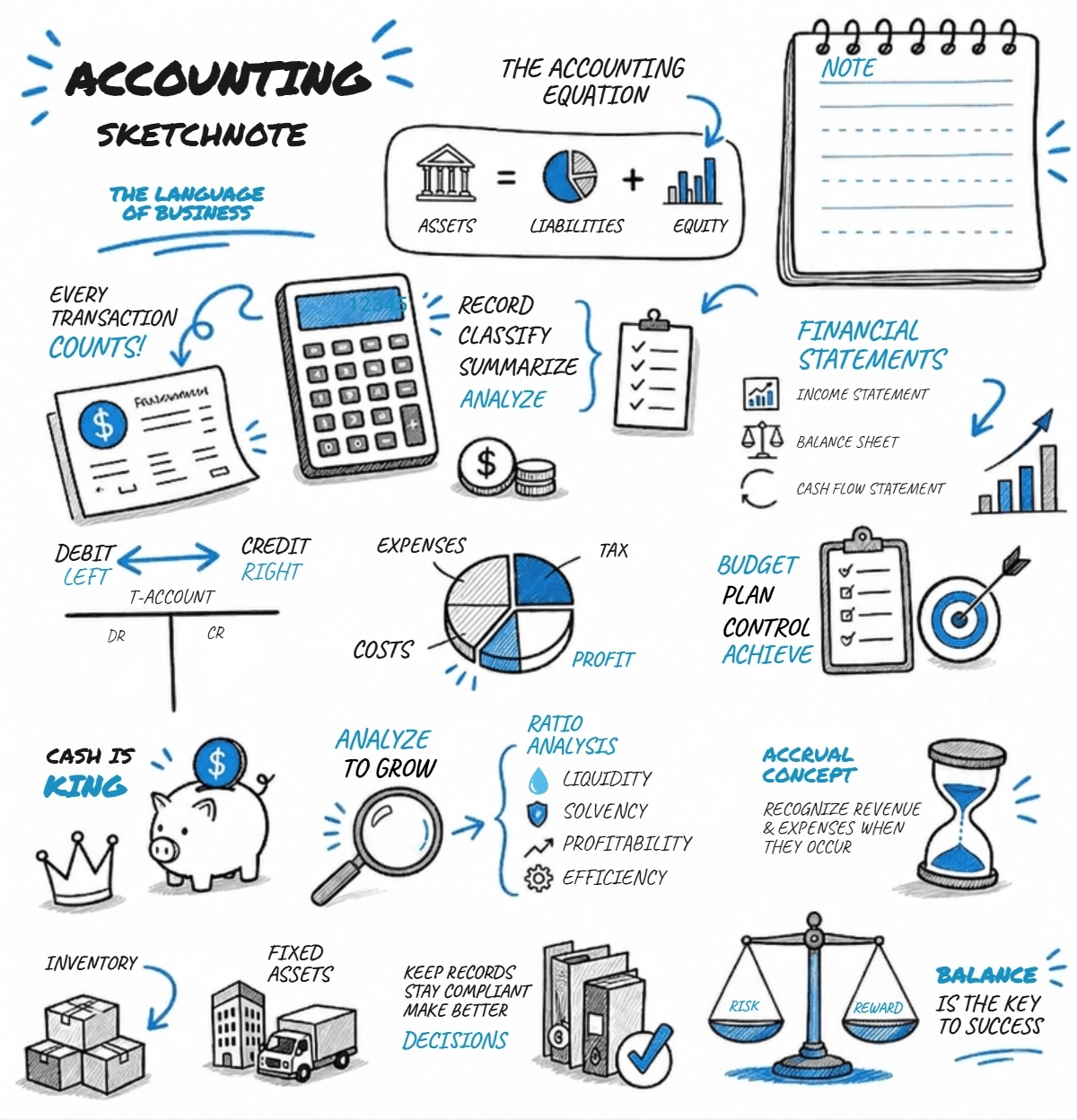
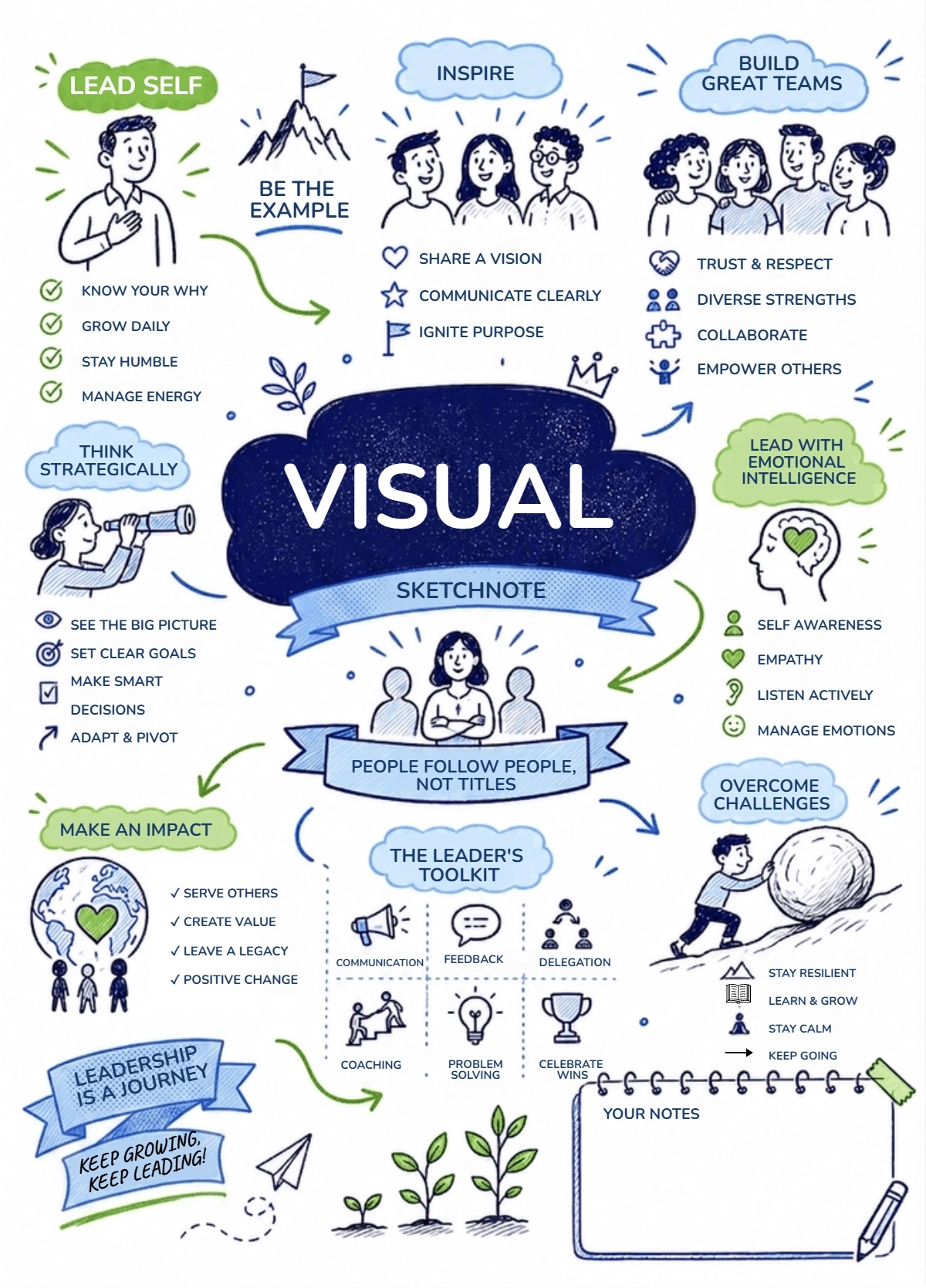
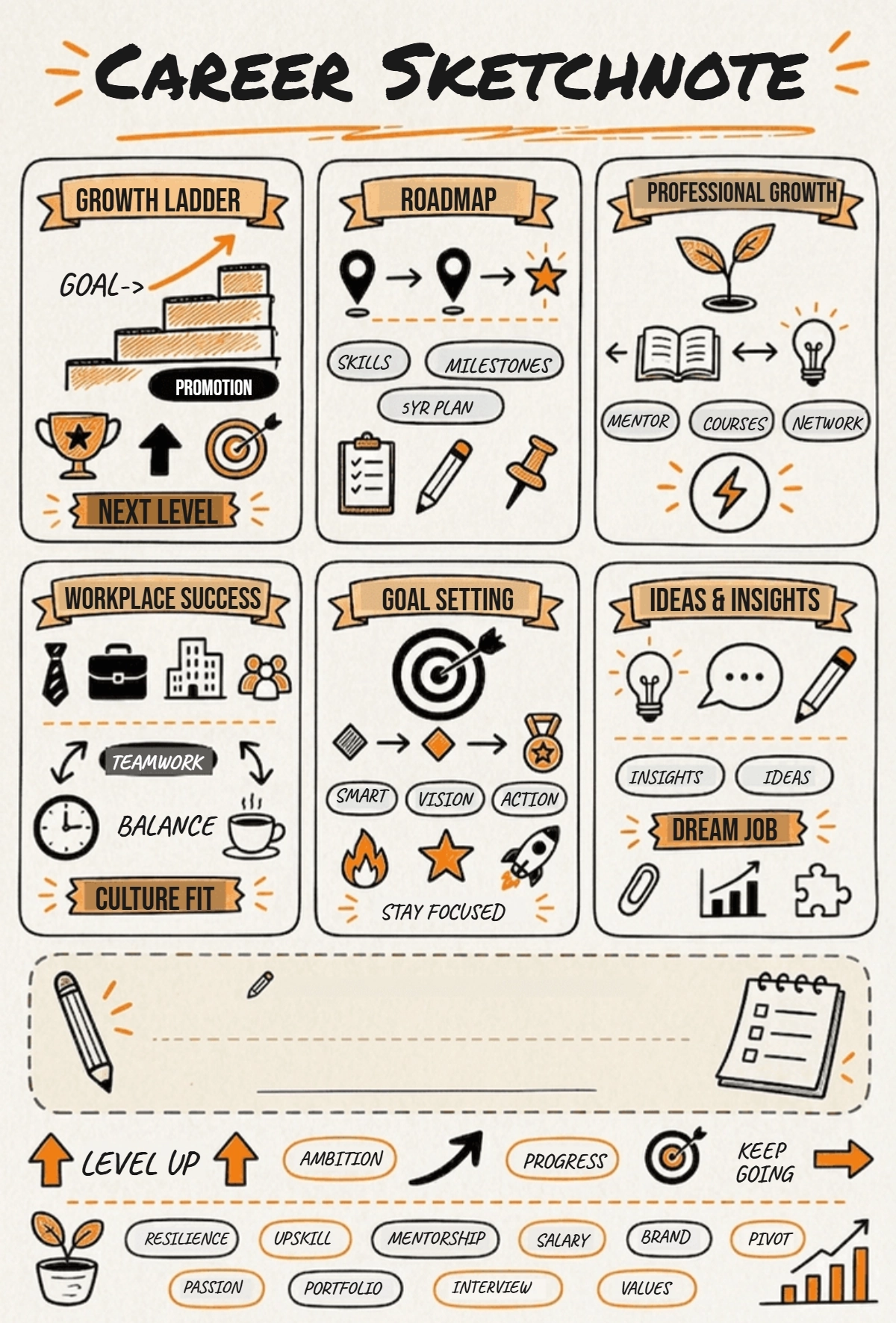
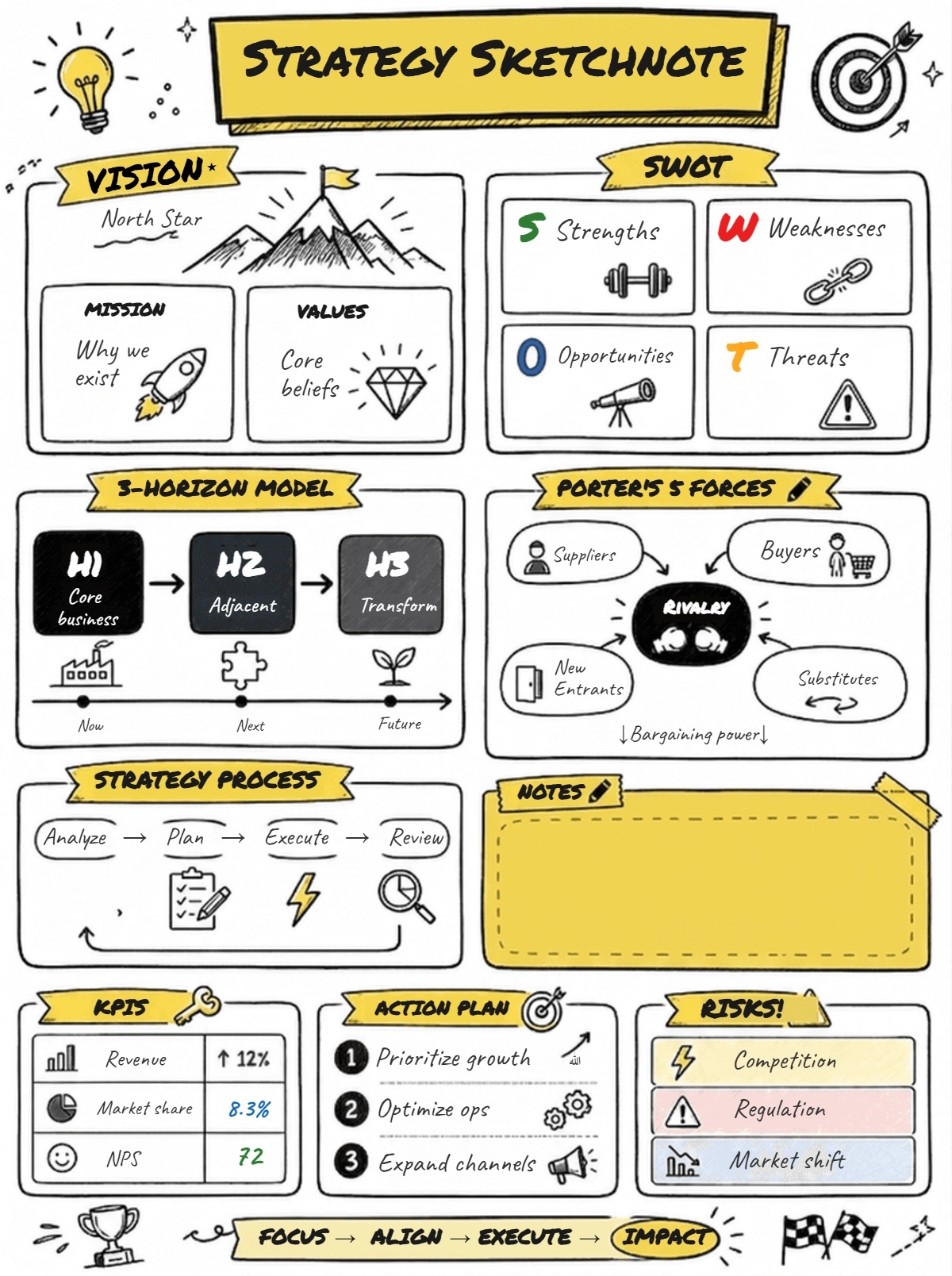
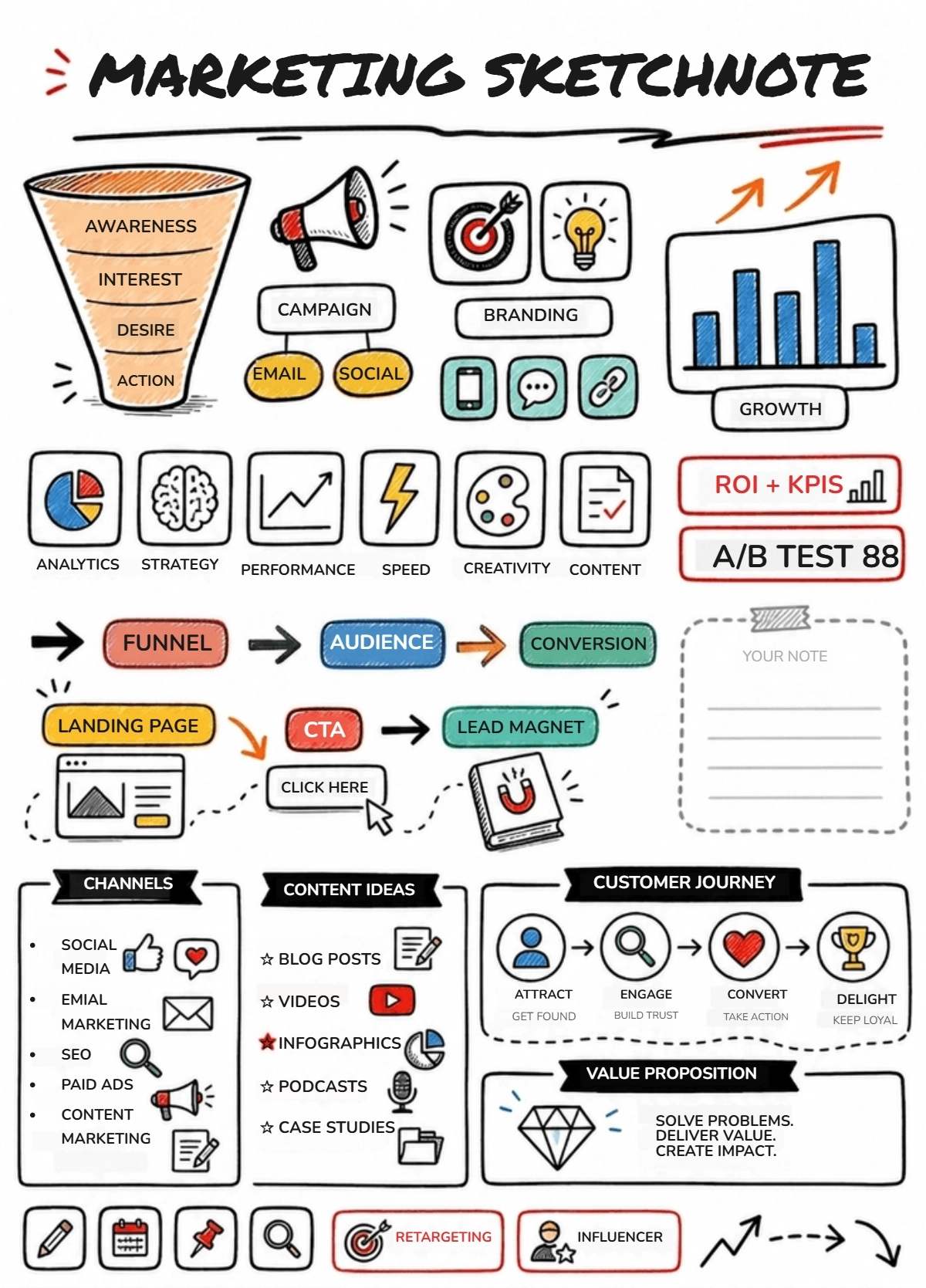
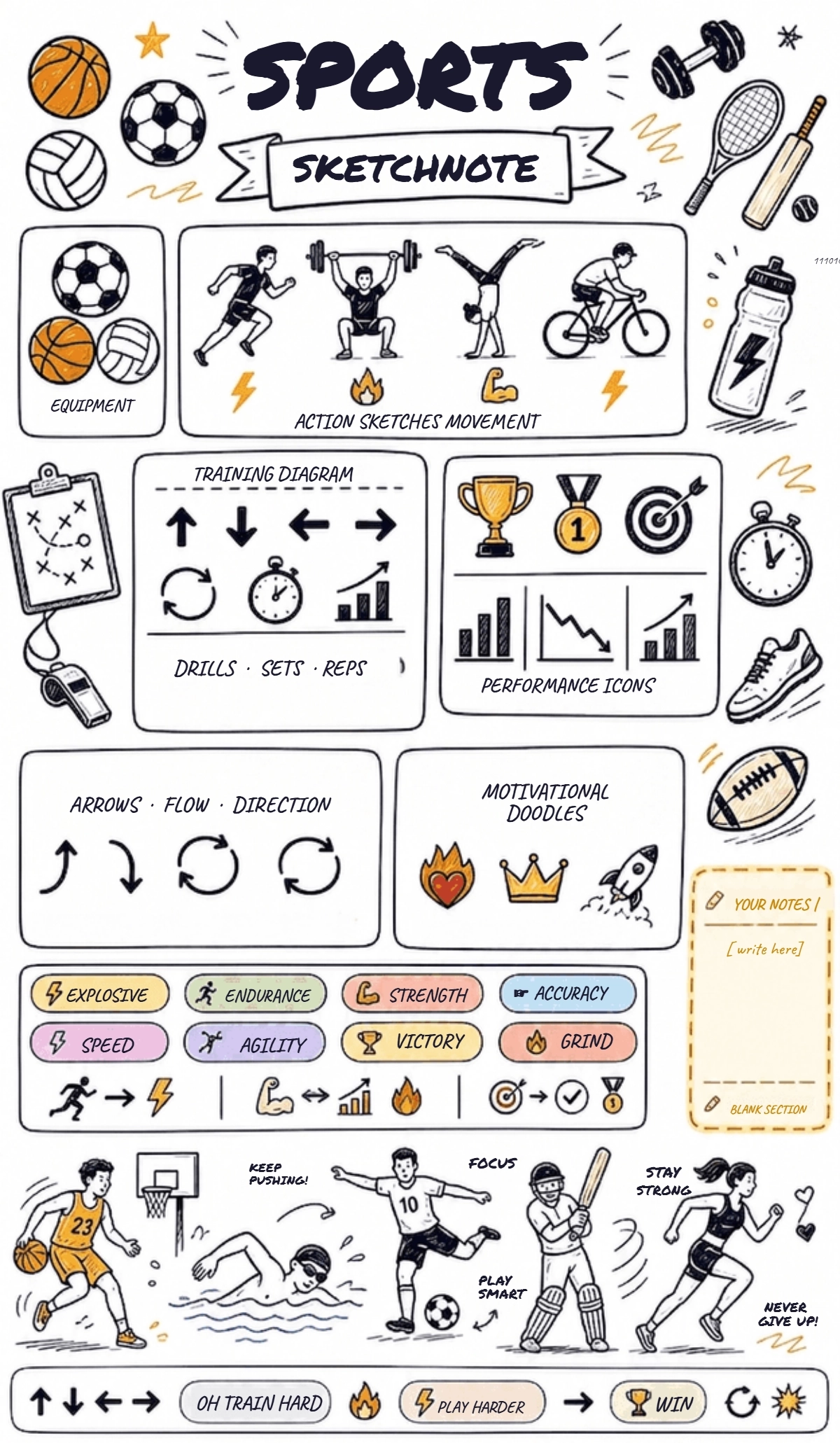
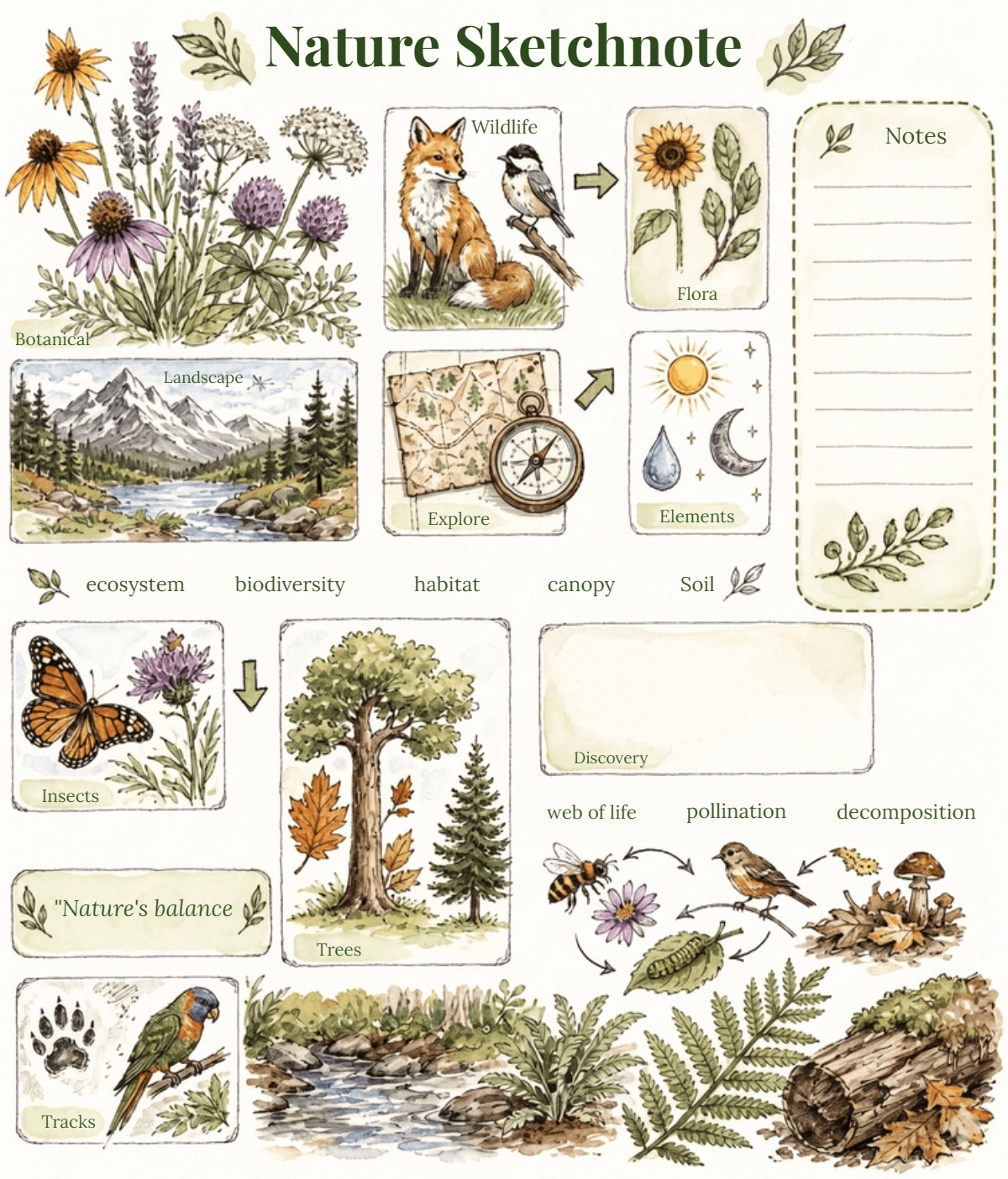
Create Visual Sketchnotes Online with Smart AI Powered Generator
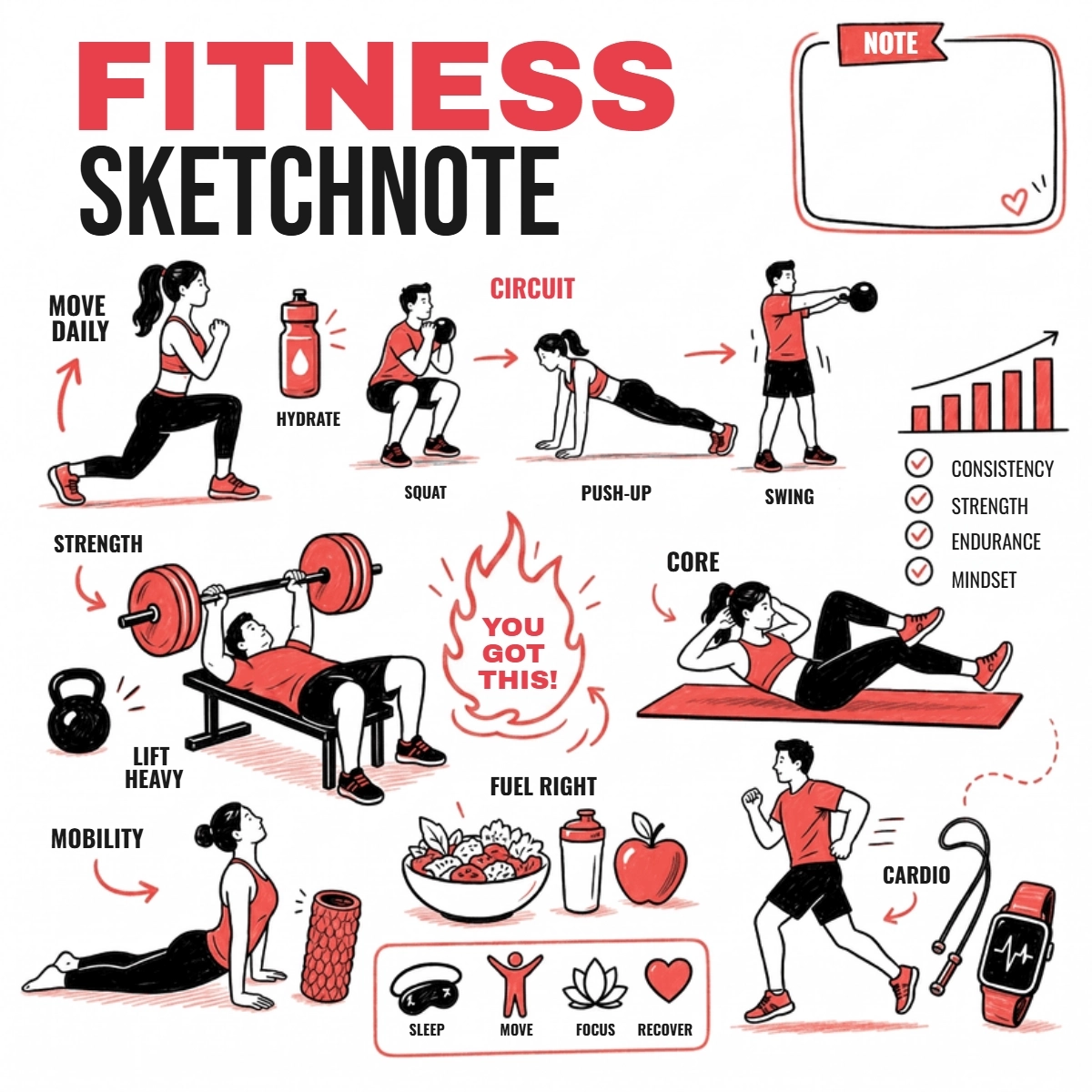
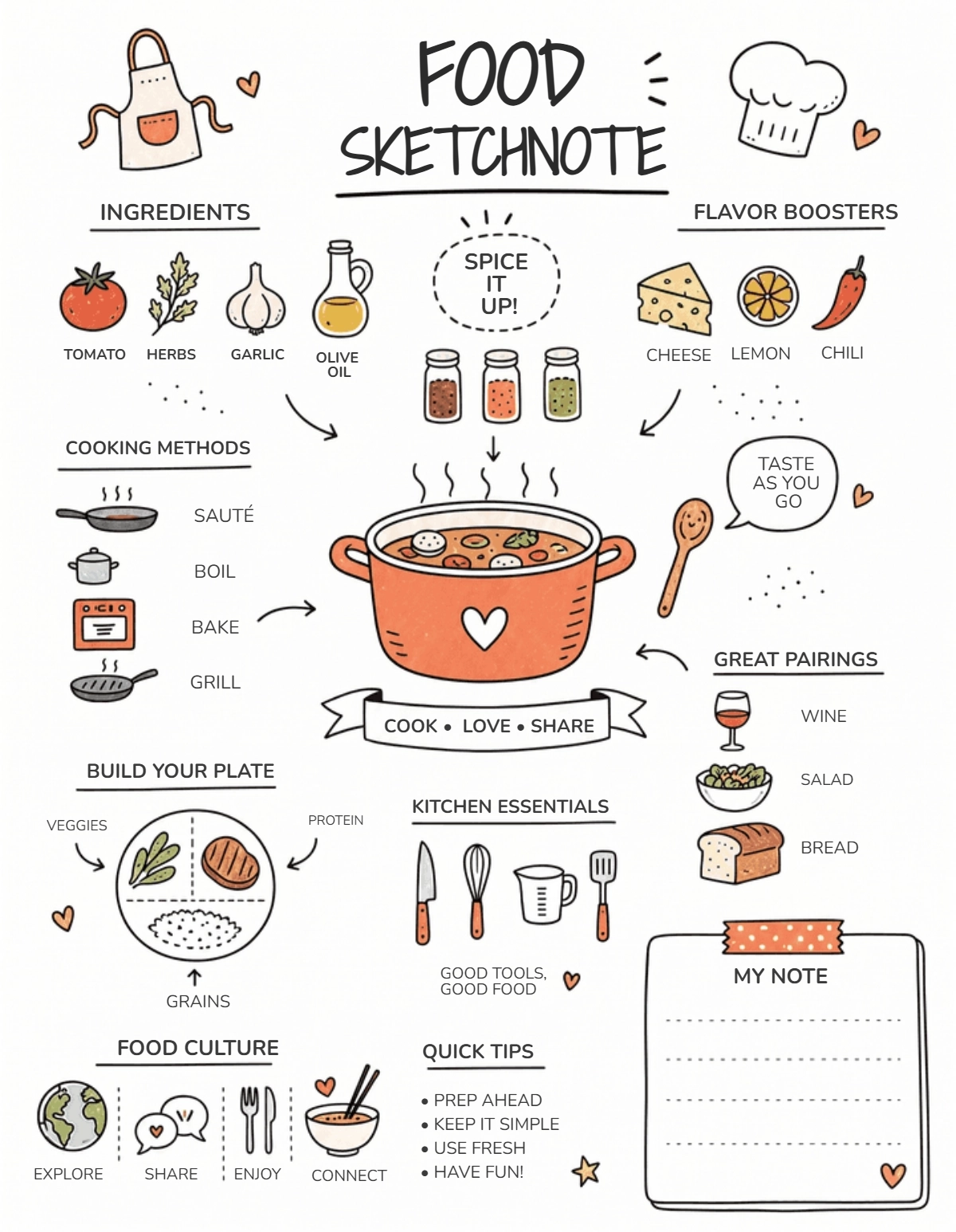
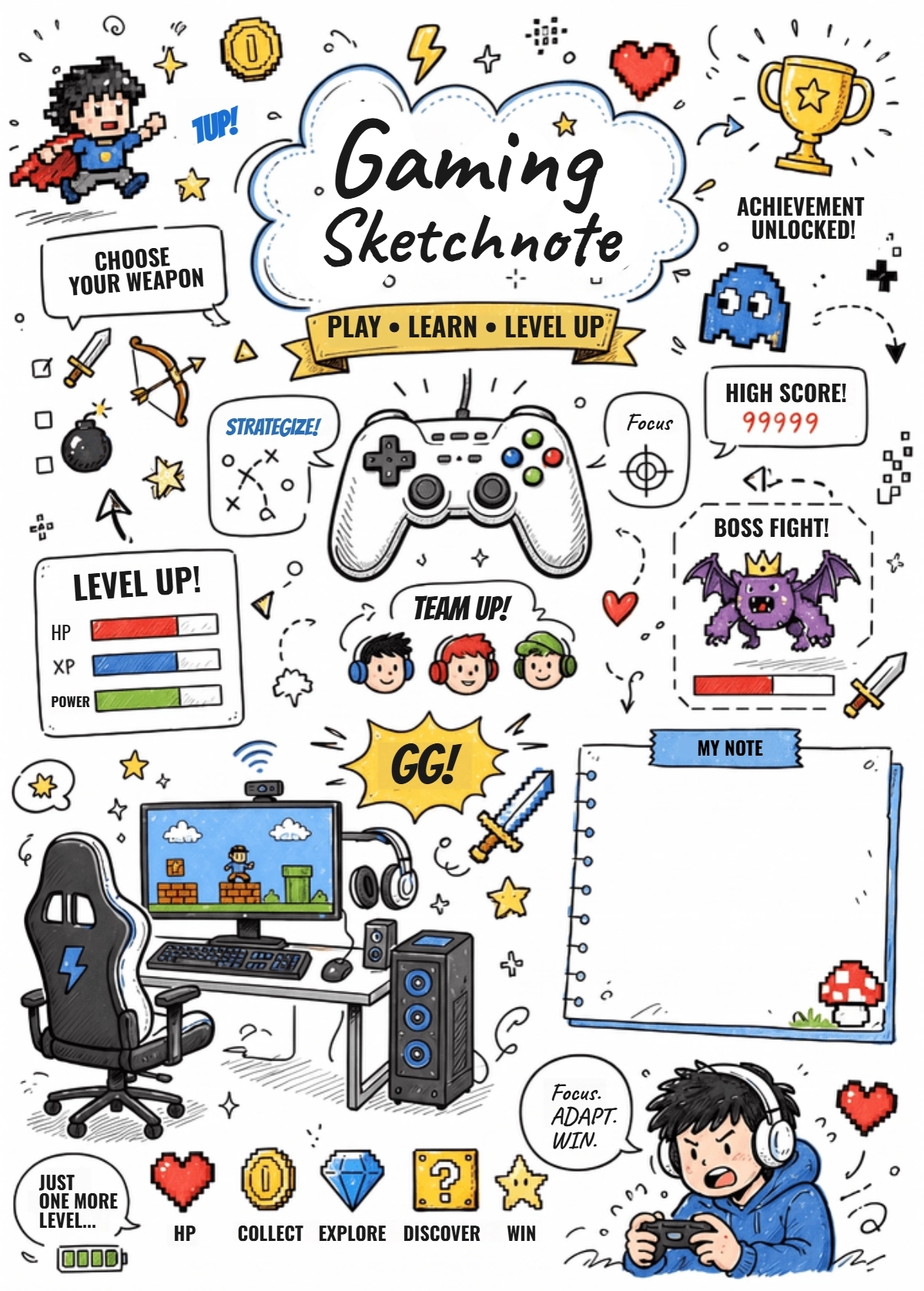
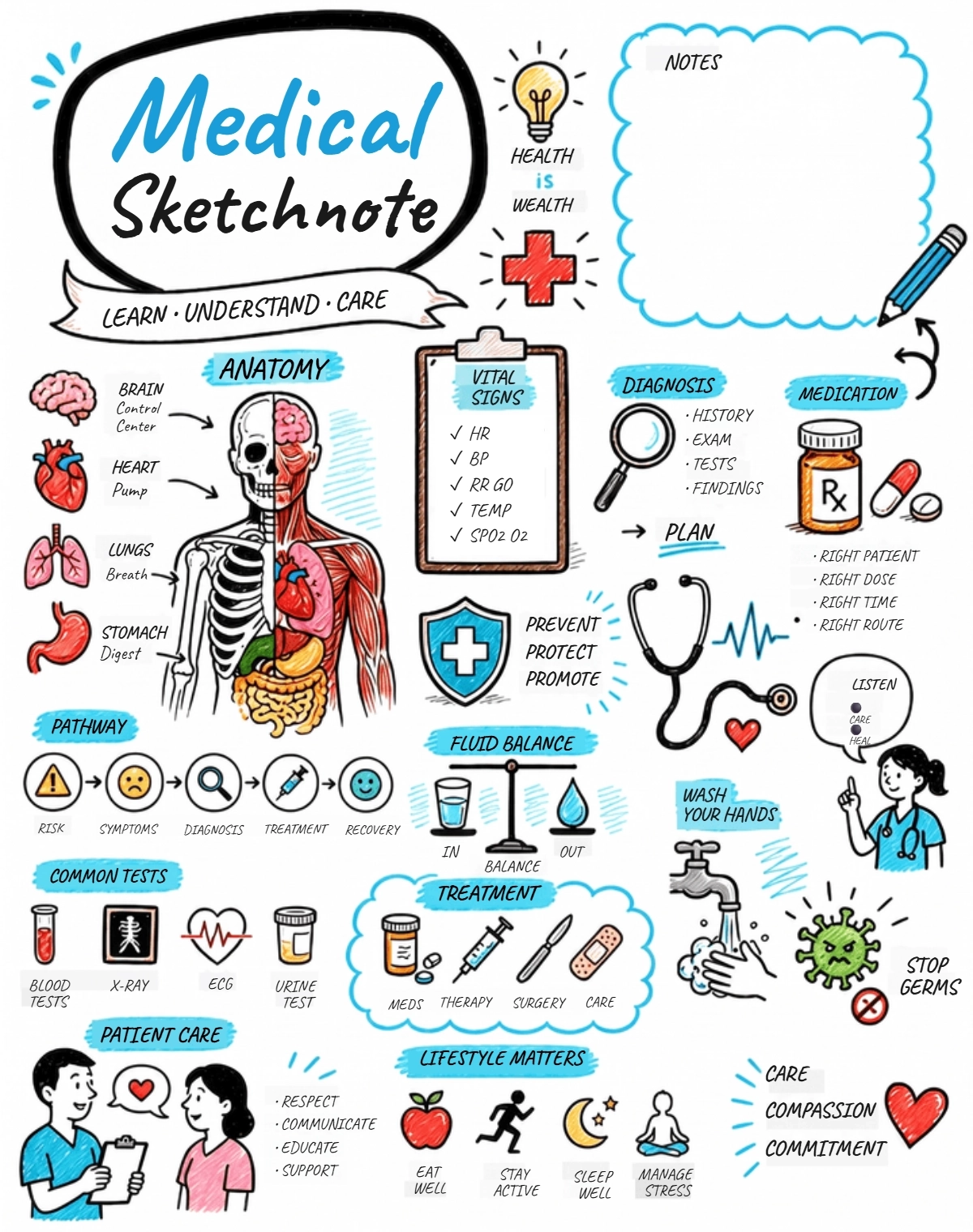
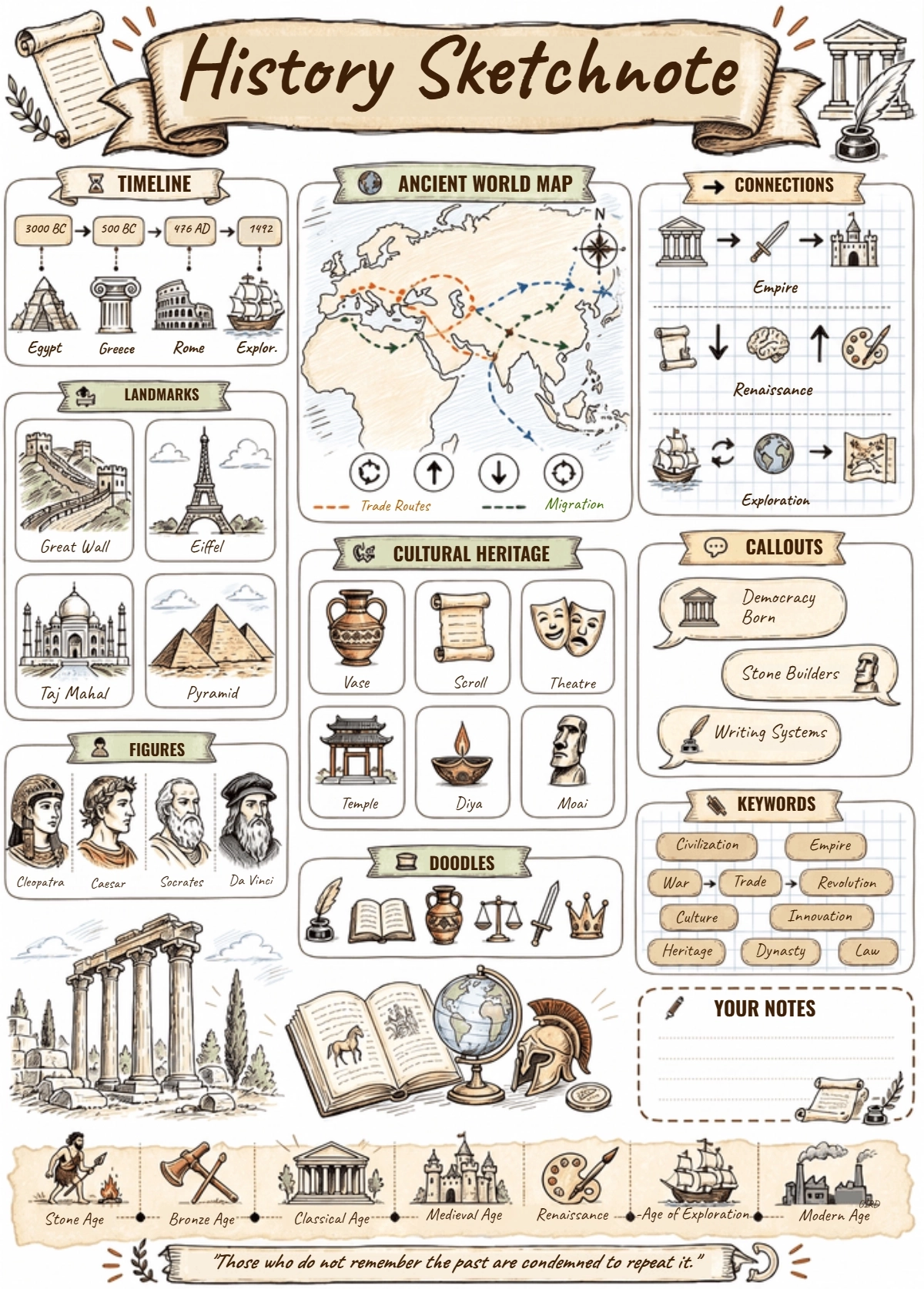
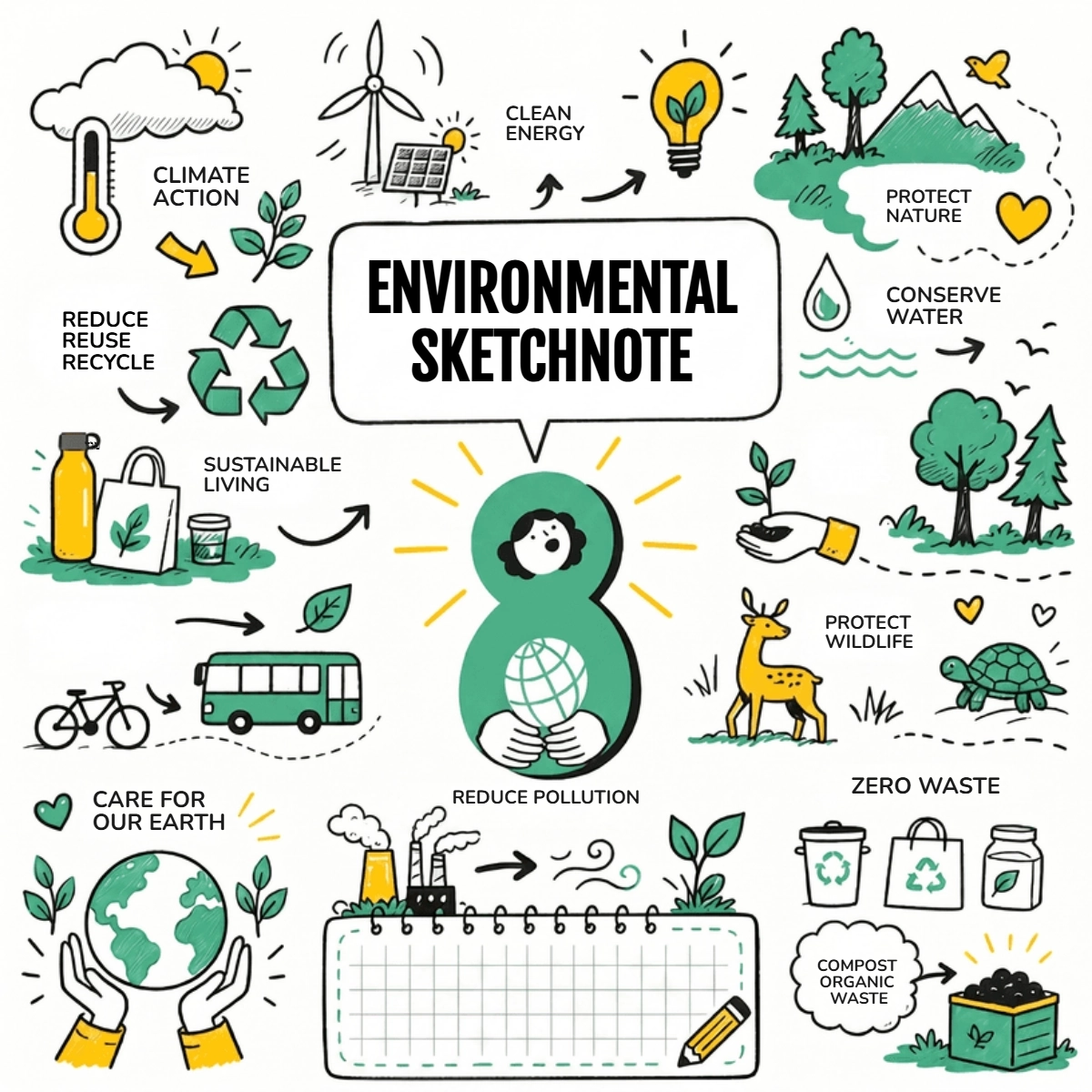
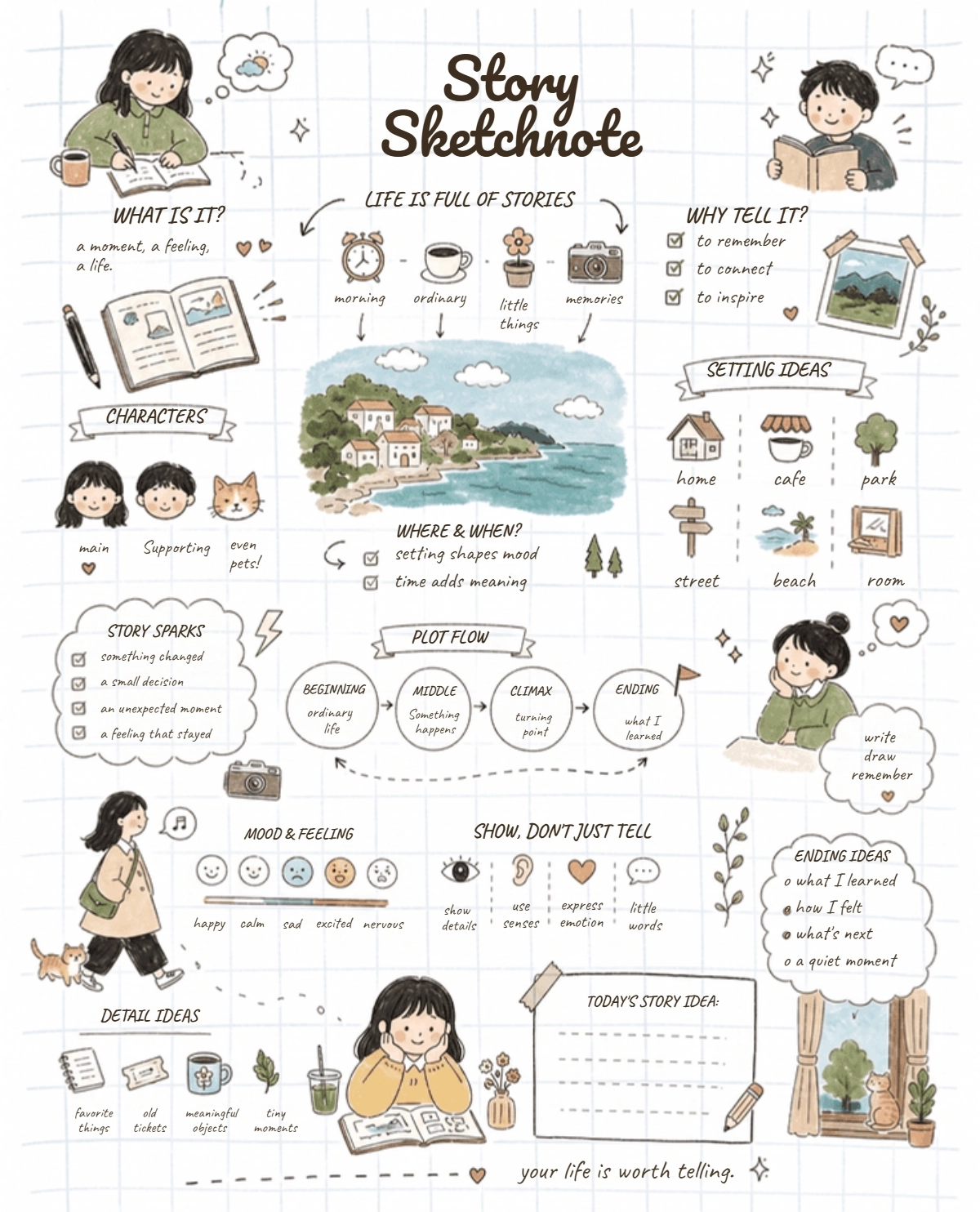
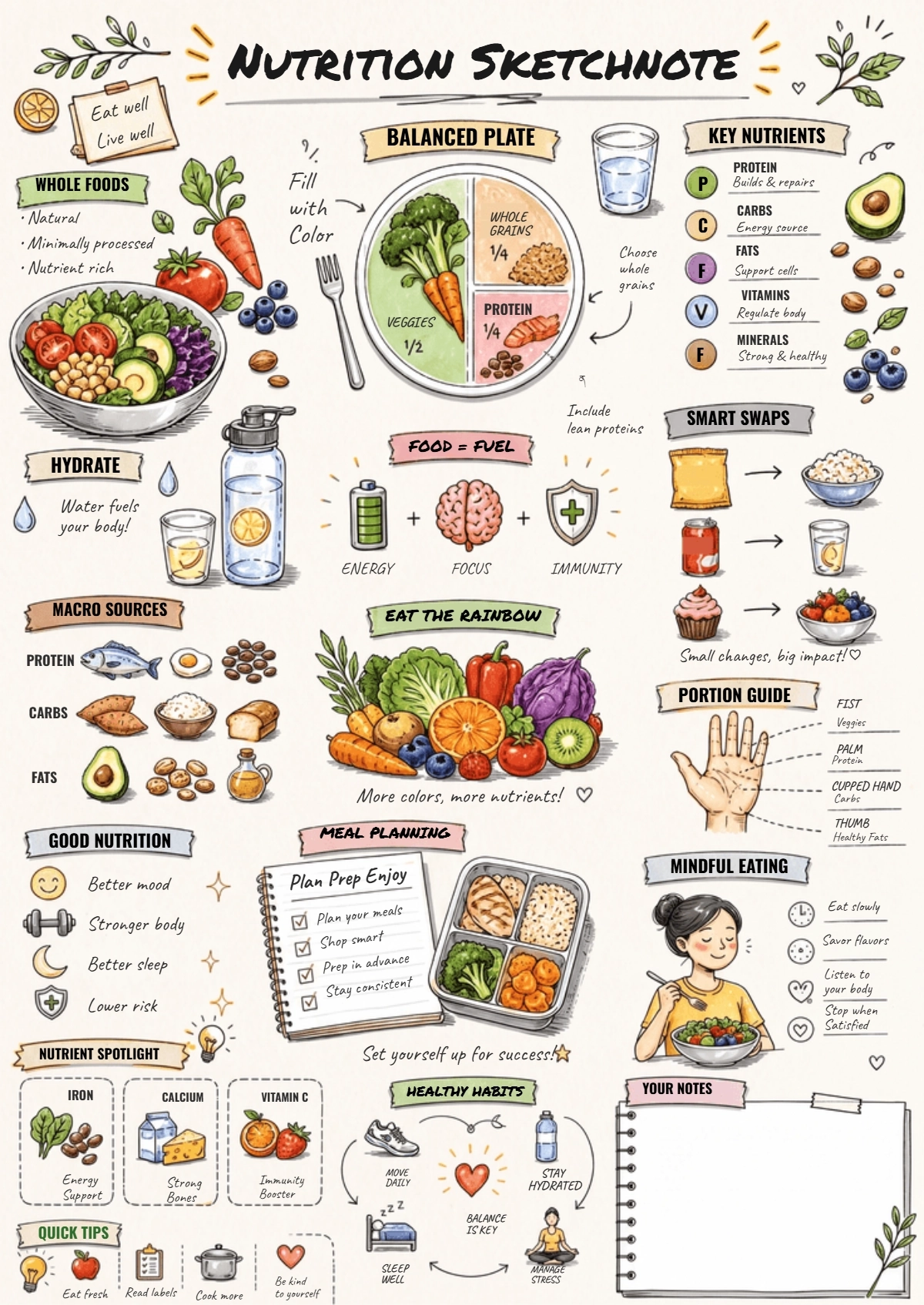
Template.net’s Free AI Sketchnotes Generator helps you turn written ideas, marketing concepts, and information into organized visual notes in seconds. Enter a prompt describing your topic, upload reference content, or choose a template, and the AI creates sketchnotes with hand-drawn elements, icons, headings, arrows, callouts, and visual sections. Create engaging visual summaries for marketing strategies, presentations, content planning, campaign ideas, client discussions, and brand communication. You can also combine sketchnote concepts with an AI Illustration Generator to develop richer visual storytelling for marketing content.
Turn Marketing Ideas into Engaging Visual Sketchnotes with AI
Everything you need to transform complex information and creative ideas into organized, memorable, and visually engaging sketchnotes with flexible styles and fast AI generation.
AI-Powered Visual Sketchnote Creation
Transform text, ideas, and marketing concepts into structured sketchnotes with visual elements, headings, illustrations, icons, and hand drawn details.
Text to Sketchnote Generation
Enter written content, campaign ideas, strategies, or key points and convert them into visually organized sketchnotes that make information easier to understand.
Reference Content Upload
Upload reference images or supporting content and use the information as creative direction for generating customized visual notes.
Template Based Sketchnote Creation
Choose a suitable template and build structured sketchnotes for marketing plans, presentations, brainstorming sessions, campaign concepts, and visual summaries.
Voice Driven Note Visualization
Describe your idea using voice input and transform spoken concepts into organized visual notes without manually typing your content.
Hand Drawn Visual Style Generator
Create sketchnotes with a hand-drawn appearance using illustrated elements, informal lettering, sketches, symbols, and creative visual treatments.
Smart Heading and Section Organization
Organize important information into clear headings, subheadings, sections, and visual blocks to create an easy-to-follow sketchnote structure.
Arrows and Callout Builder
Use visual connectors, arrows, labels, and callouts to show relationships between ideas and guide viewers through important information.
Creative Sketchnote Style Exploration
Explore hand-drawn, infographic-inspired, timeline, blueprint, minimal, playful, and other visual approaches for different marketing and communication needs.
Intelligent Visual Hierarchy
Arrange key ideas, supporting information, icons, and illustrations into a logical hierarchy so important campaign messages are easier to identify.
Multiple Visual Concept Variations
Generate different versions of the same topic and explore alternative layouts, visual styles, section arrangements, and creative directions.
Infographic Style Information Mapping
Transform detailed information into organized visual sections that combine text, illustrations, icons, and connectors for clearer communication.
Timeline and Process Visualization
Represent campaign schedules, project stages, content plans, workflows, and sequential ideas using visually structured timeline-style sketchnotes.
Multilingual Support
Create visual sketchnote concepts in 20+ multiple languages including English, Spanish, Hindi, Arabic, Chinese, Japanese, French, German, Portuguese, Italian, Korean, and more for global marketing and communication.
Brainstorming and Idea Mapping
Turn brainstorming sessions and creative concepts into connected visual notes that help teams organize ideas and identify relationships between them.
Social Media and Content Planning Visuals
Create sketchnotes for content calendars, campaign concepts, social media strategies, creative briefs, and visual storytelling ideas.
Save and Reuse Sketchnote Concepts
Keep useful visual structures and creative concepts for future presentations, campaign planning, content development, and recurring marketing projects.
Download and Share Sketchnotes Instantly
Download completed sketchnotes for presentations, marketing plans, campaign documents, social content, and visual summaries, or share them with clients and teams via Email, LinkedIn, WhatsApp, Facebook, X (Twitter), Pinterest, or generate a live link or QR code.
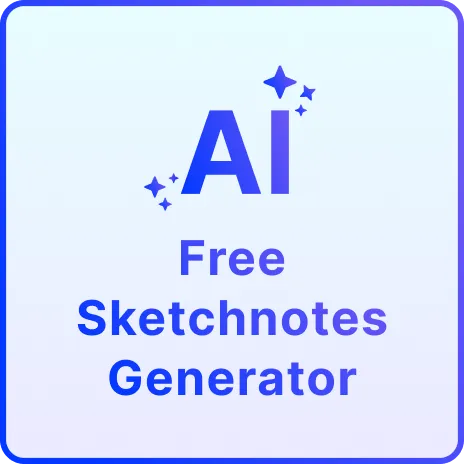
How to Create Visual Sketchnotes Using AI
Generate, organize, refine, and share visual notes for marketing and creative communication with a simple AI workflow.
Step 1 Enter Your Prompt, Upload Content, or Choose a Template
Open the AI Sketchnotes Generator and describe your topic, such as “Create a visual sketchnote for a social media marketing strategy” or “Turn this product launch plan into a hand-drawn visual summary.” You can also use voice input, upload reference content, or choose a template.
Step 2 Generate and Customize Your Sketchnote
The AI transforms your information into a structured visual note with headings, icons, arrows, illustrations, callouts, and organized sections. Select your preferred result and refine it by updating your prompt or creative direction.
Step 3 Save, Download, or Share
Preview your finished sketchnote and save it for future use. Download the visual for presentations, campaign planning, social media, or client communication, or share it instantly with your team and collaborators.
Transform Complex Marketing Ideas into Clear Visual Stories
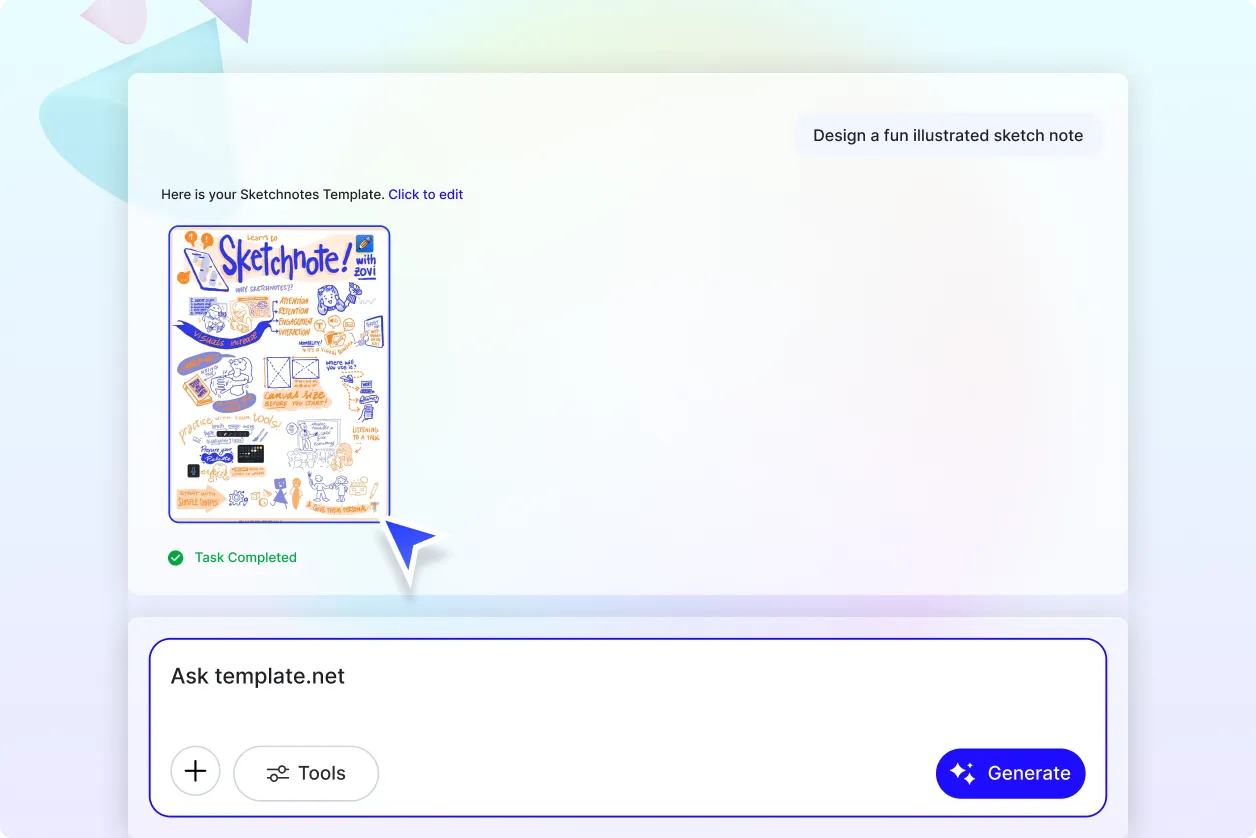
Make Marketing Strategies Easier to Understand at a Glance
Turn campaign objectives, audience insights, content strategies, and marketing plans into organized visual notes. Sketchnotes combine concise information with illustrations, icons, arrows, and visual sections to make complex ideas easier to communicate.
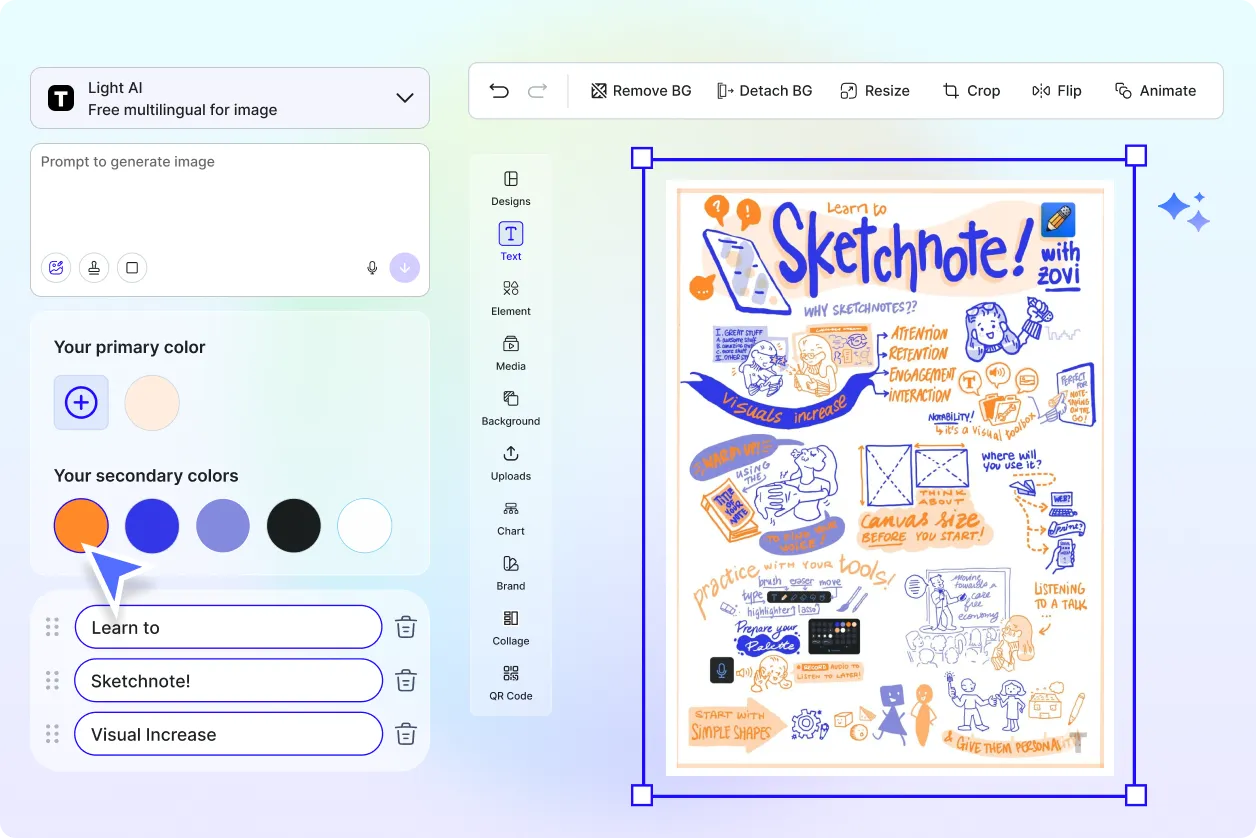
Bring Campaign Concepts to Life with Visual Storytelling
Convert creative briefs, promotional ideas, product concepts, and campaign messages into engaging sketchnote-style visuals. Use visual storytelling to present marketing concepts in a more memorable and accessible format.
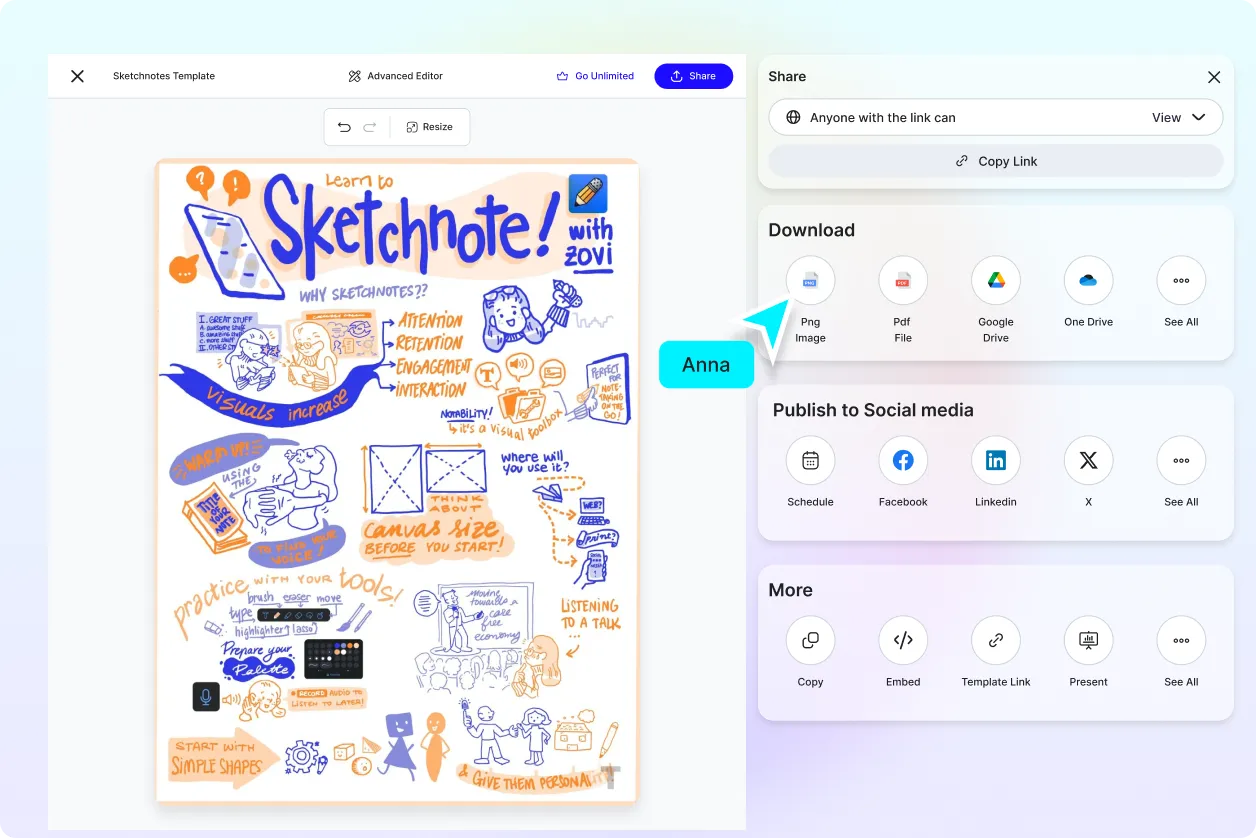
Create Engaging Visual Content for Social and Professional Platforms
Develop sketchnotes for LinkedIn posts, social media campaigns, presentations, content planning, newsletters, and client communications. Pair sketchnote visuals with designs created through an AI Image Generator to build richer marketing content.
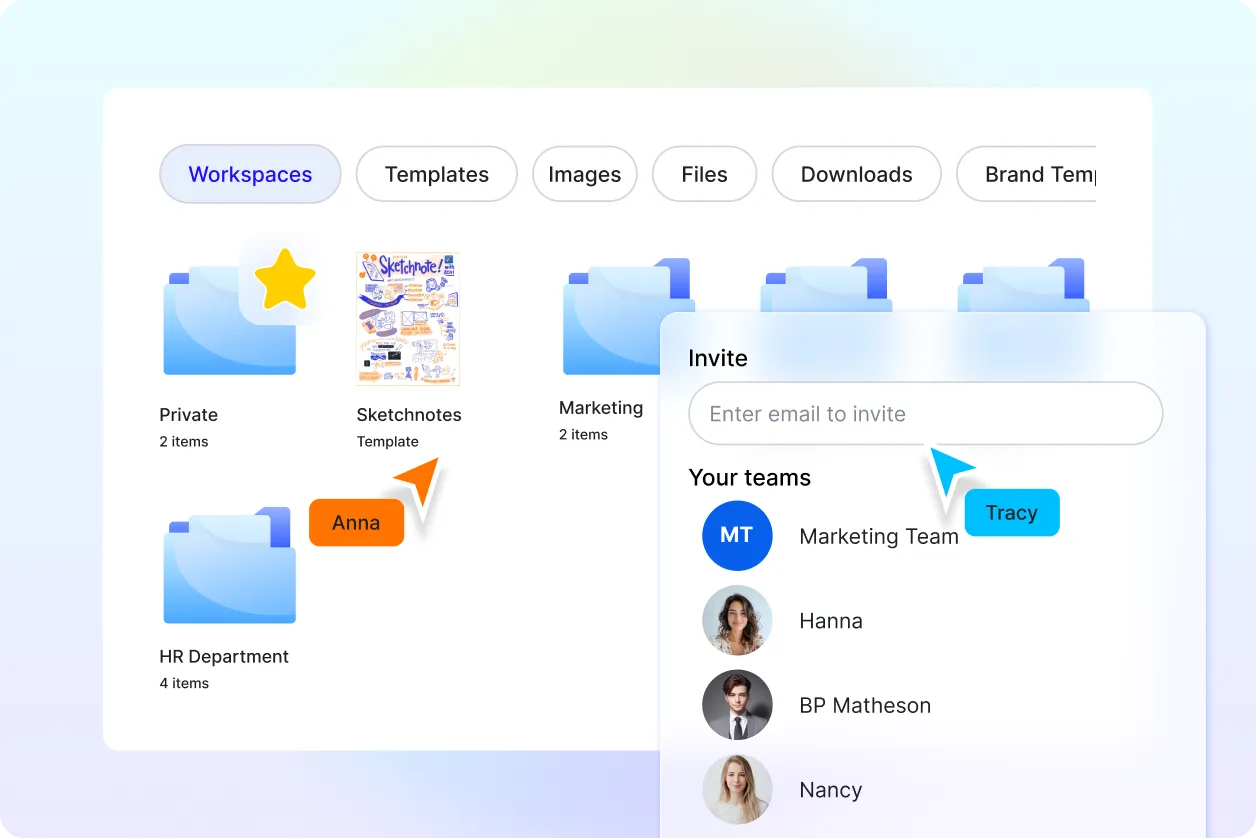
Visualize Brand Planning from Ideas to Execution
Map brand strategies, campaign timelines, content workflows, product launches, and promotional activities through connected visual notes. Use consistent visual styles and messaging to make your marketing planning easier to review and share.
