Free AI Cheat Sheet Generator

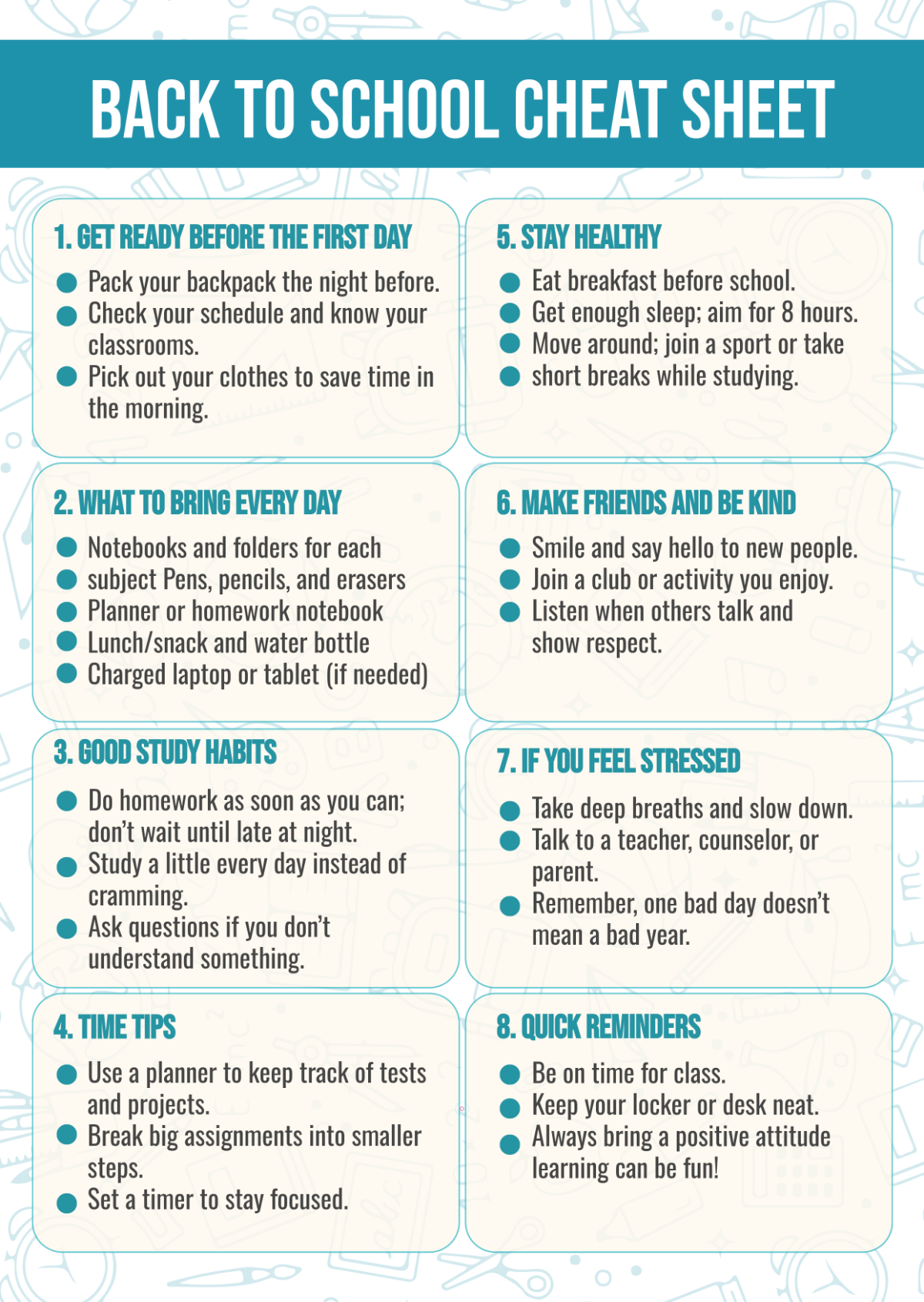
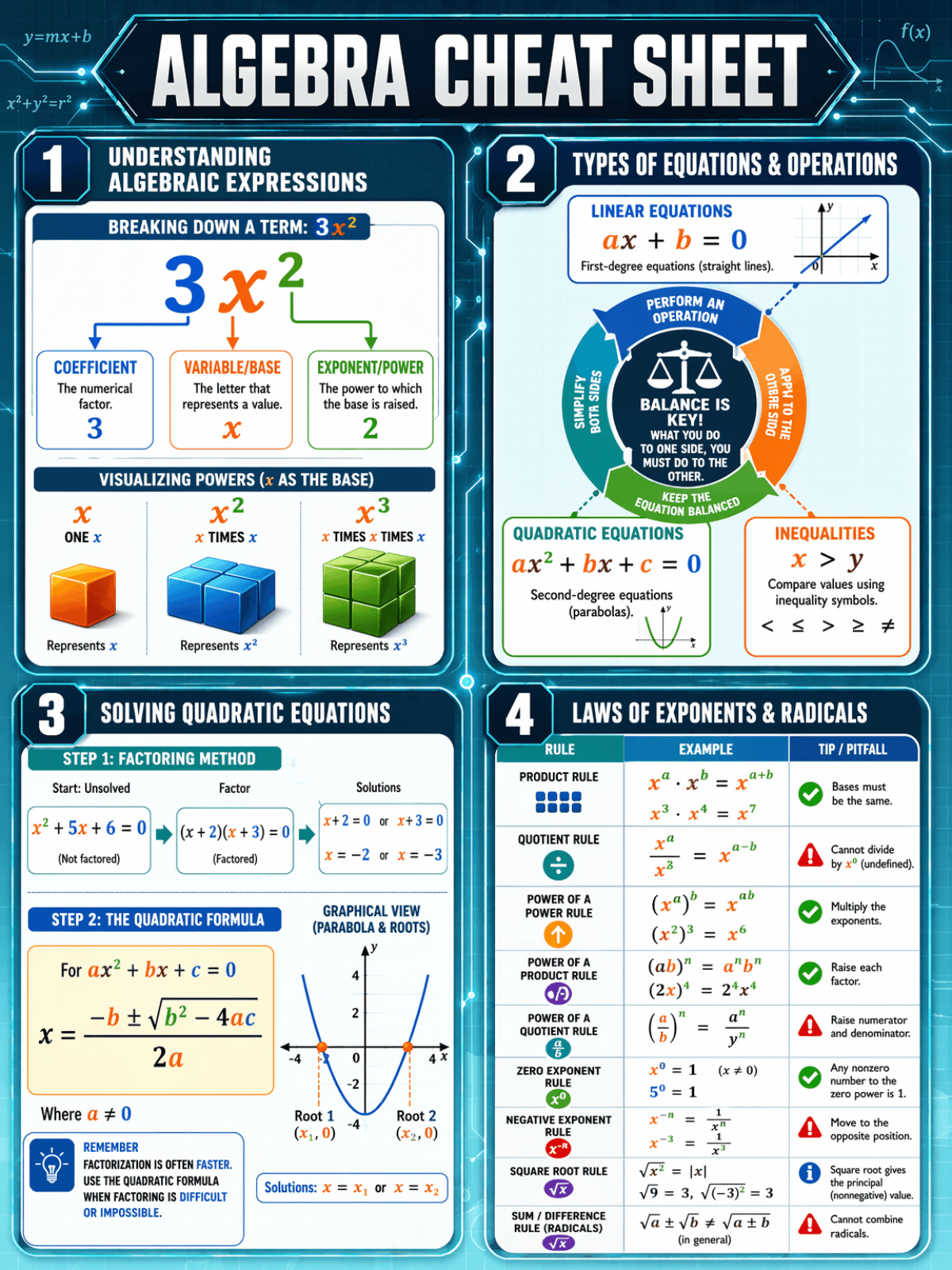
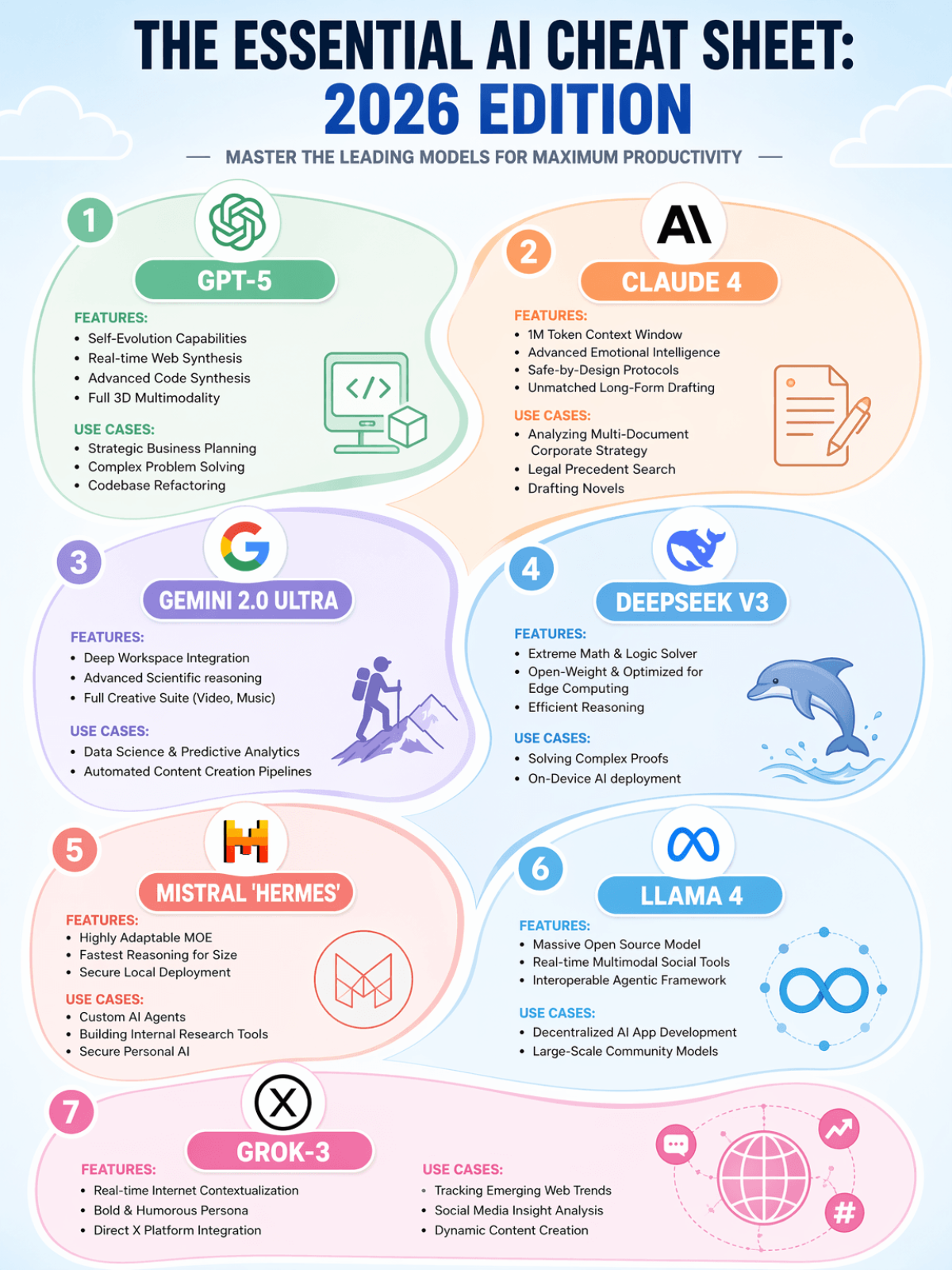
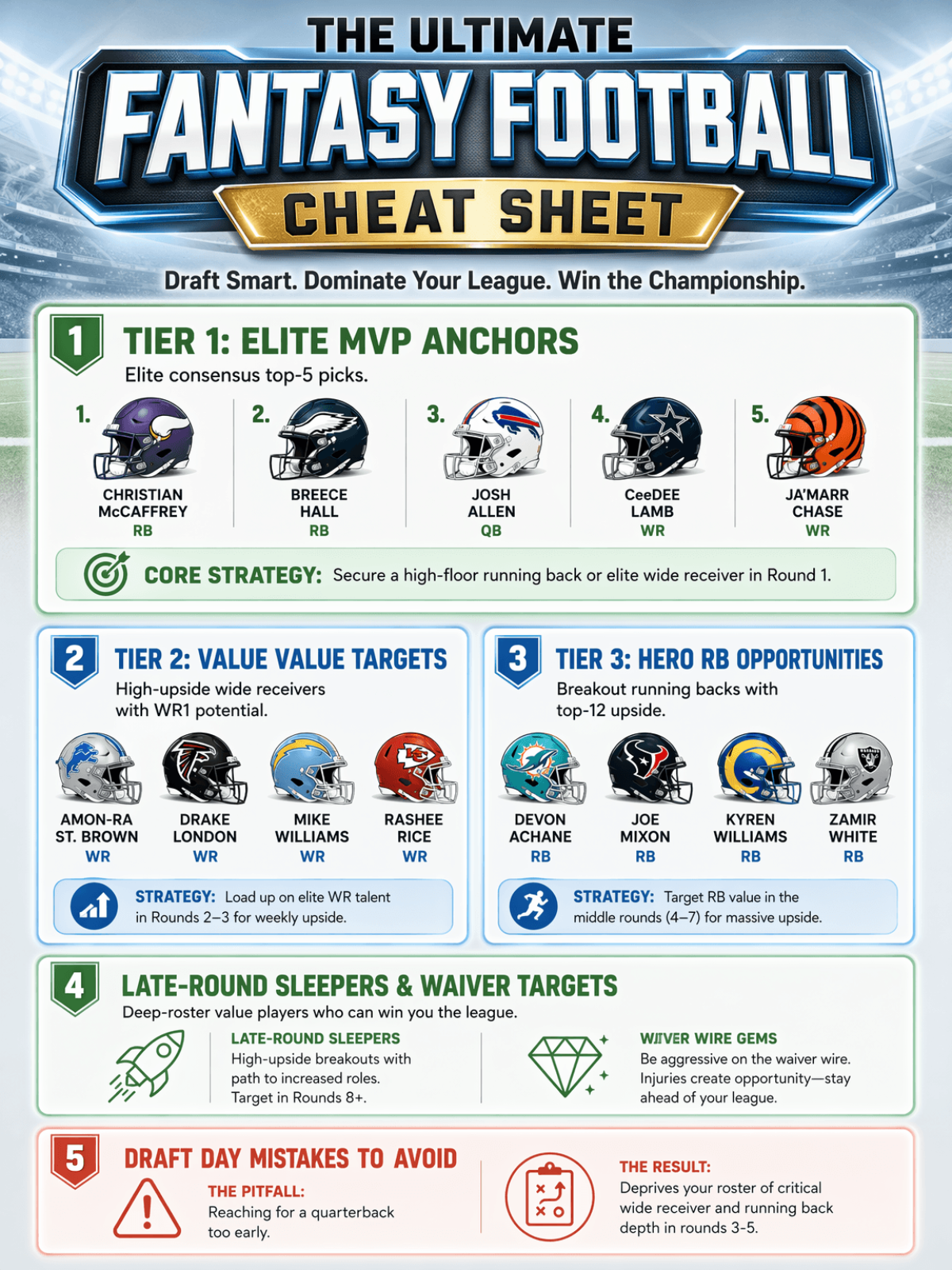
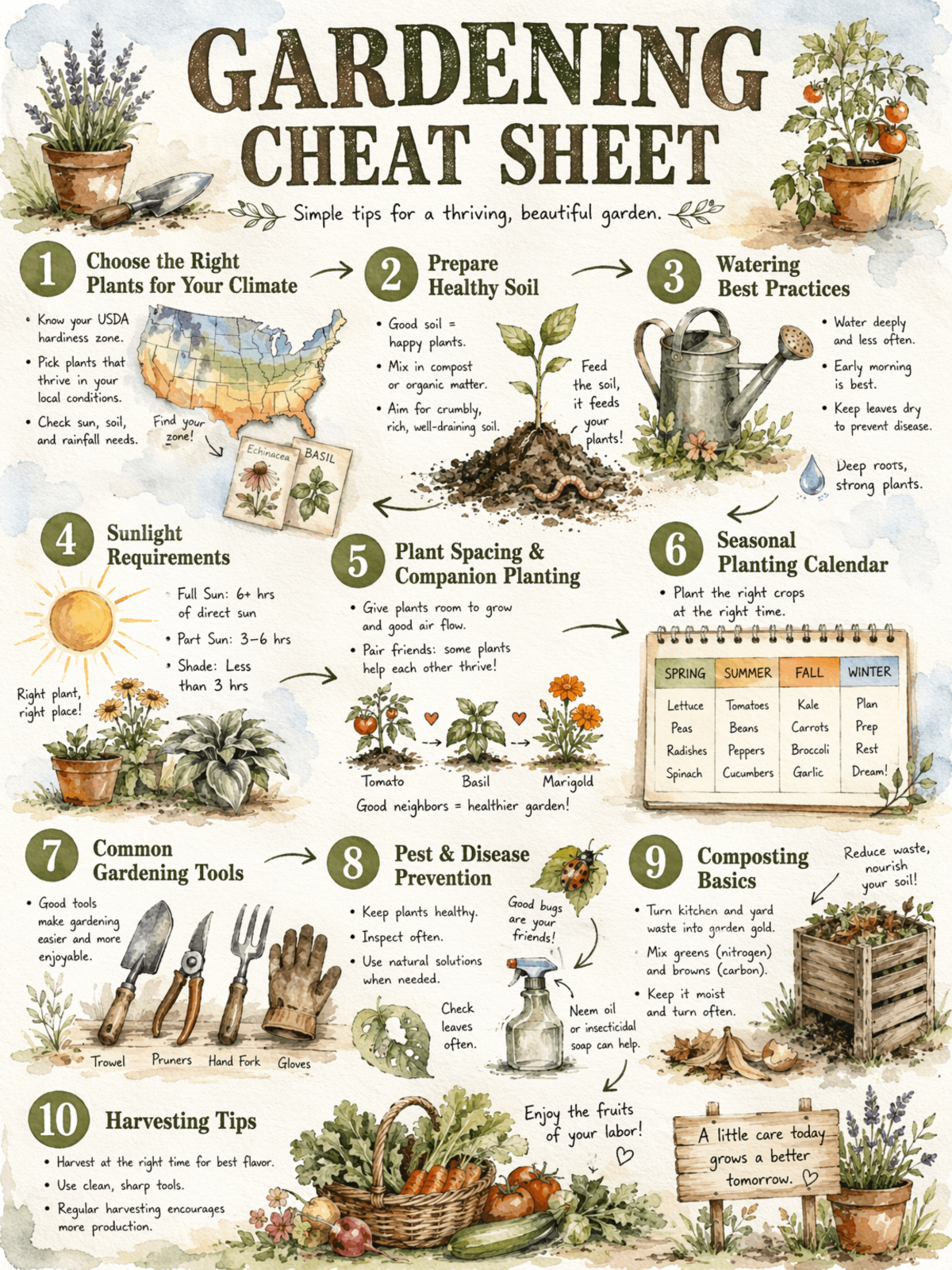
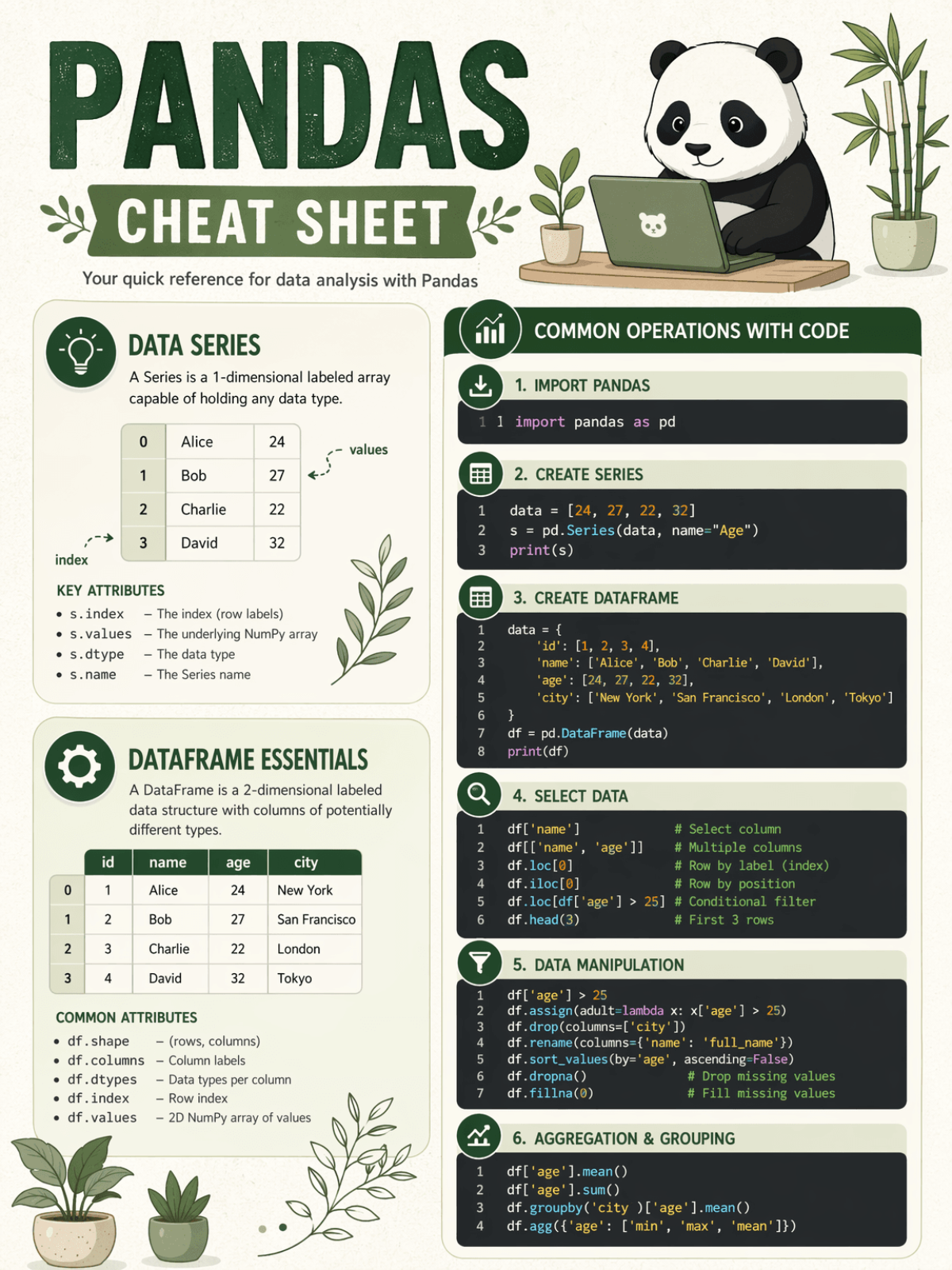
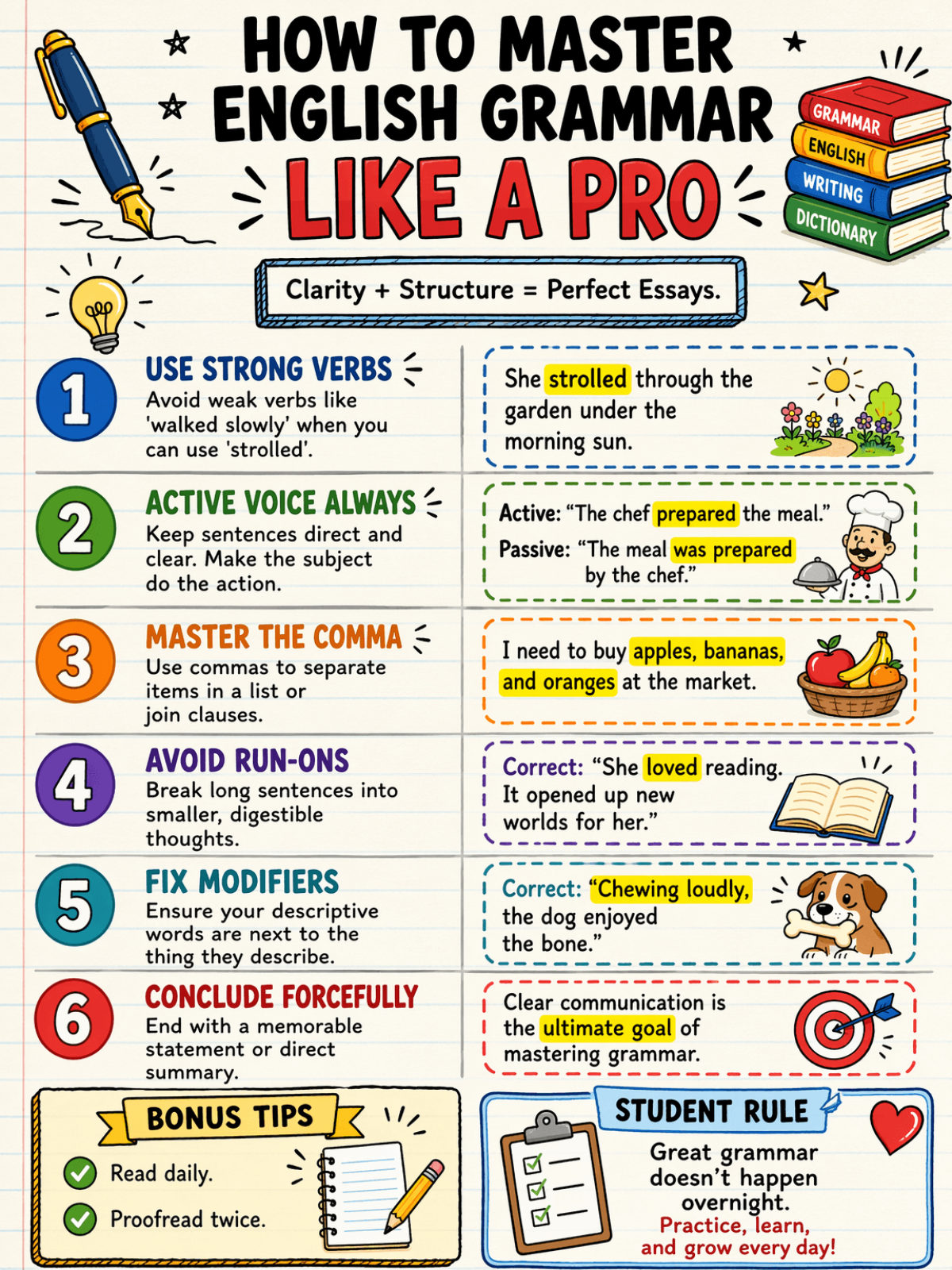
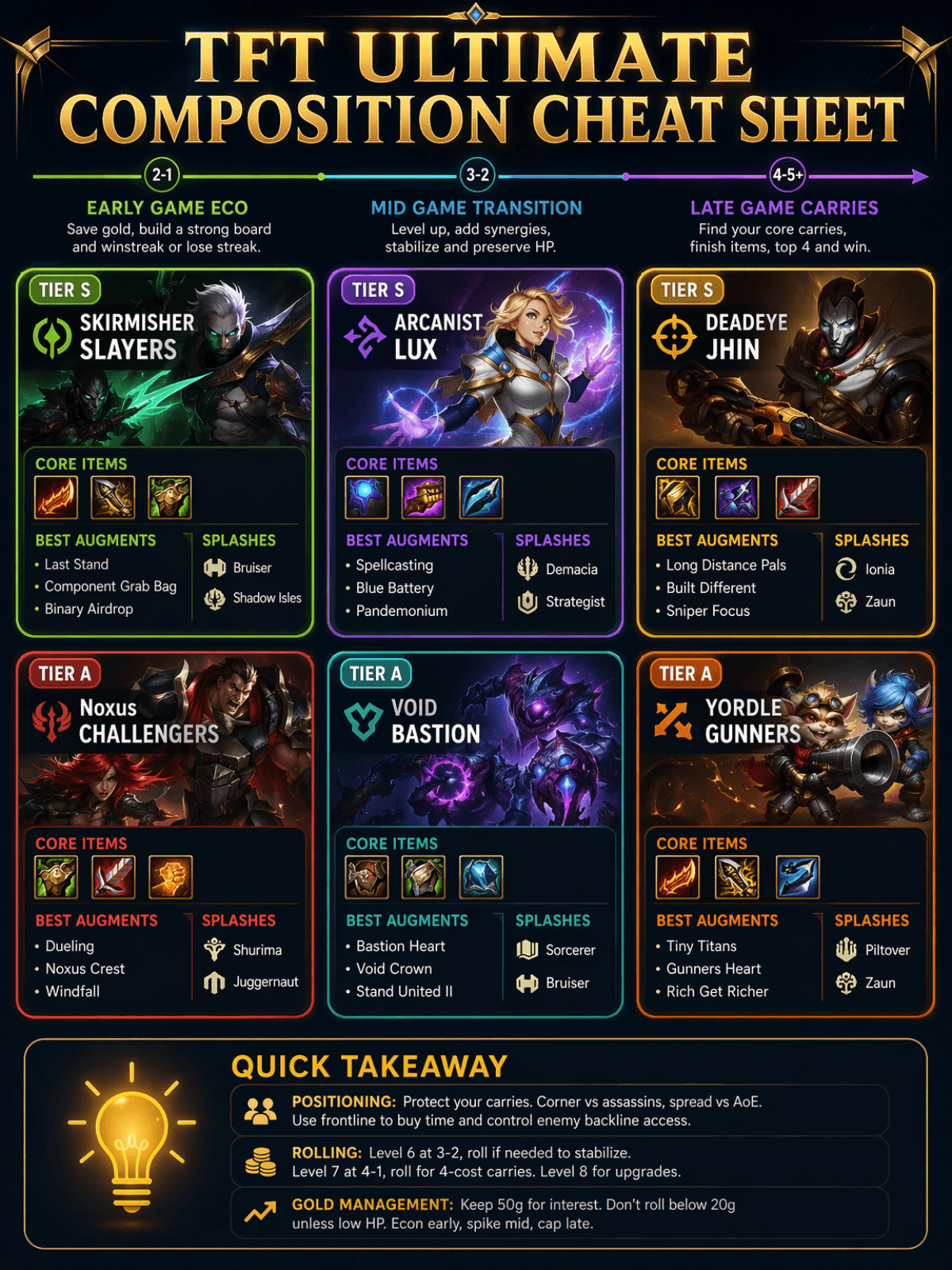
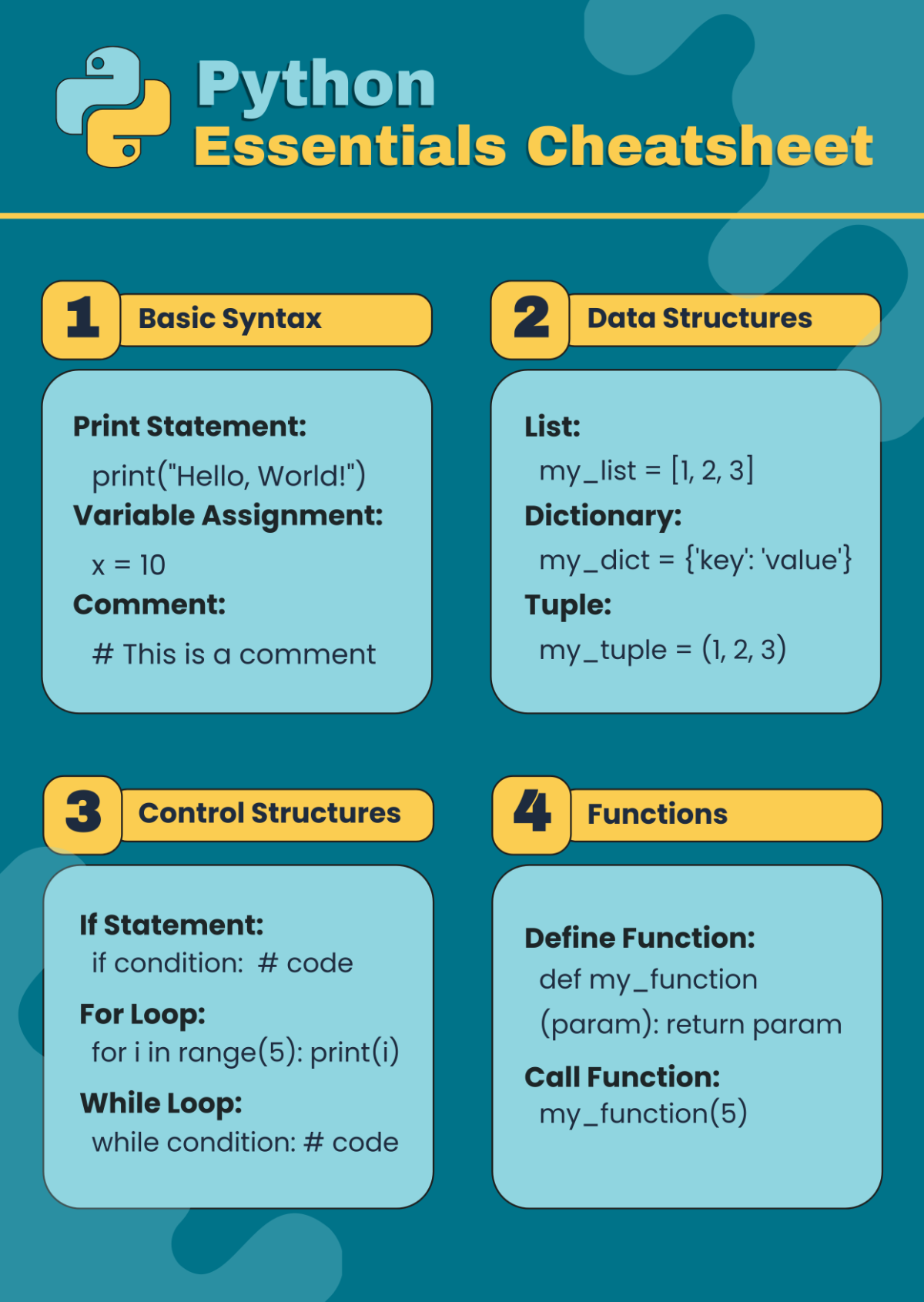
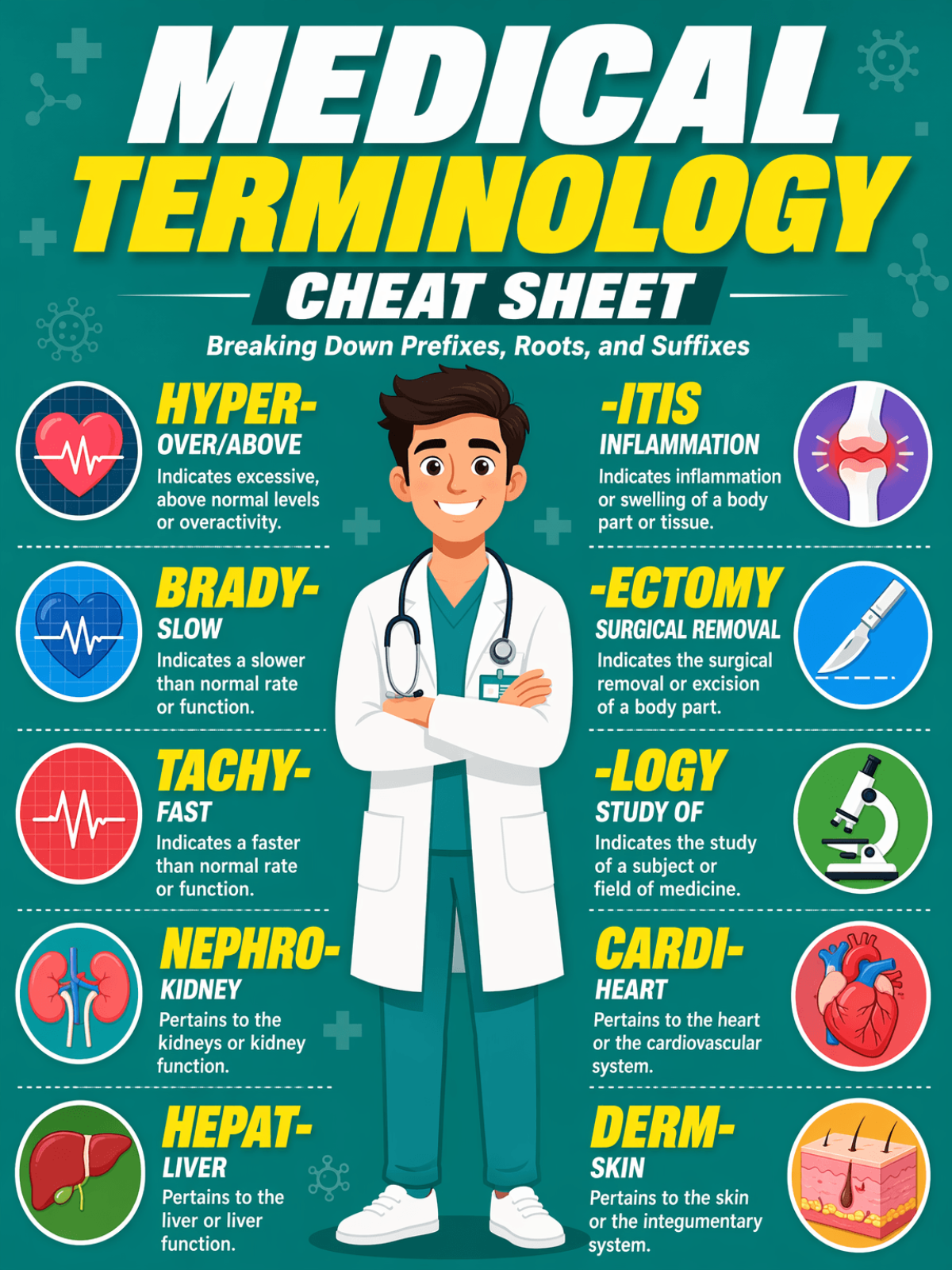
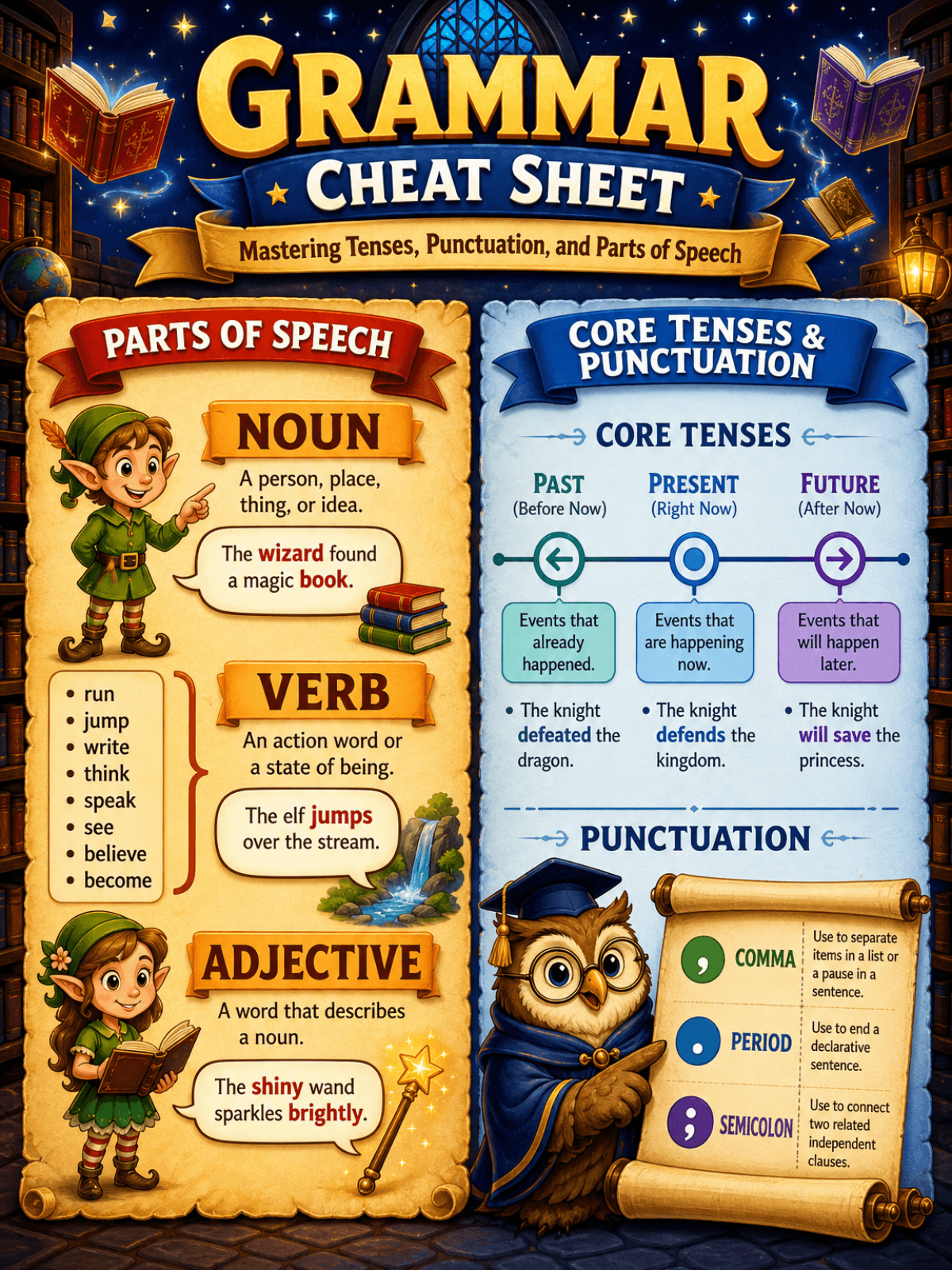
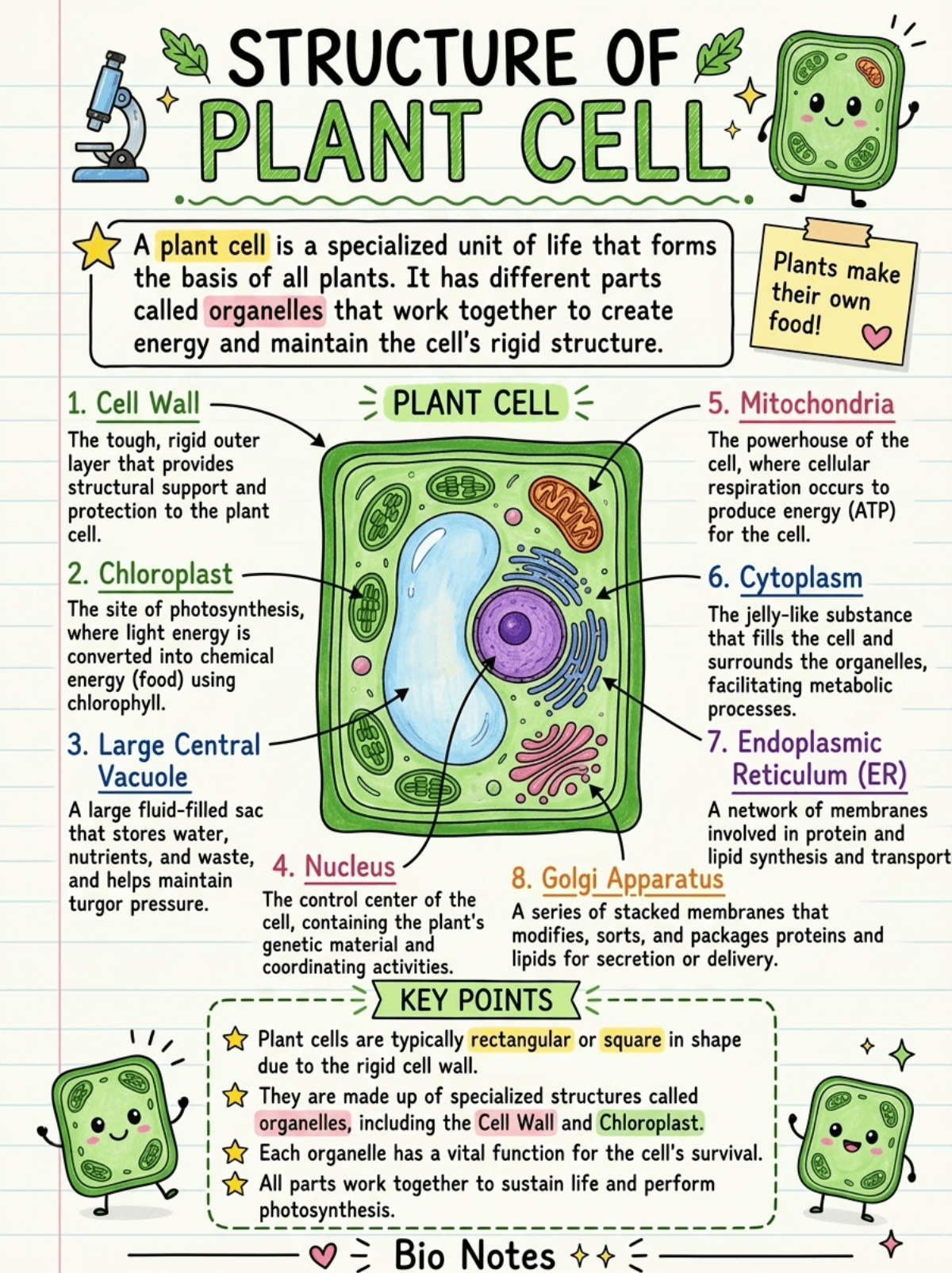
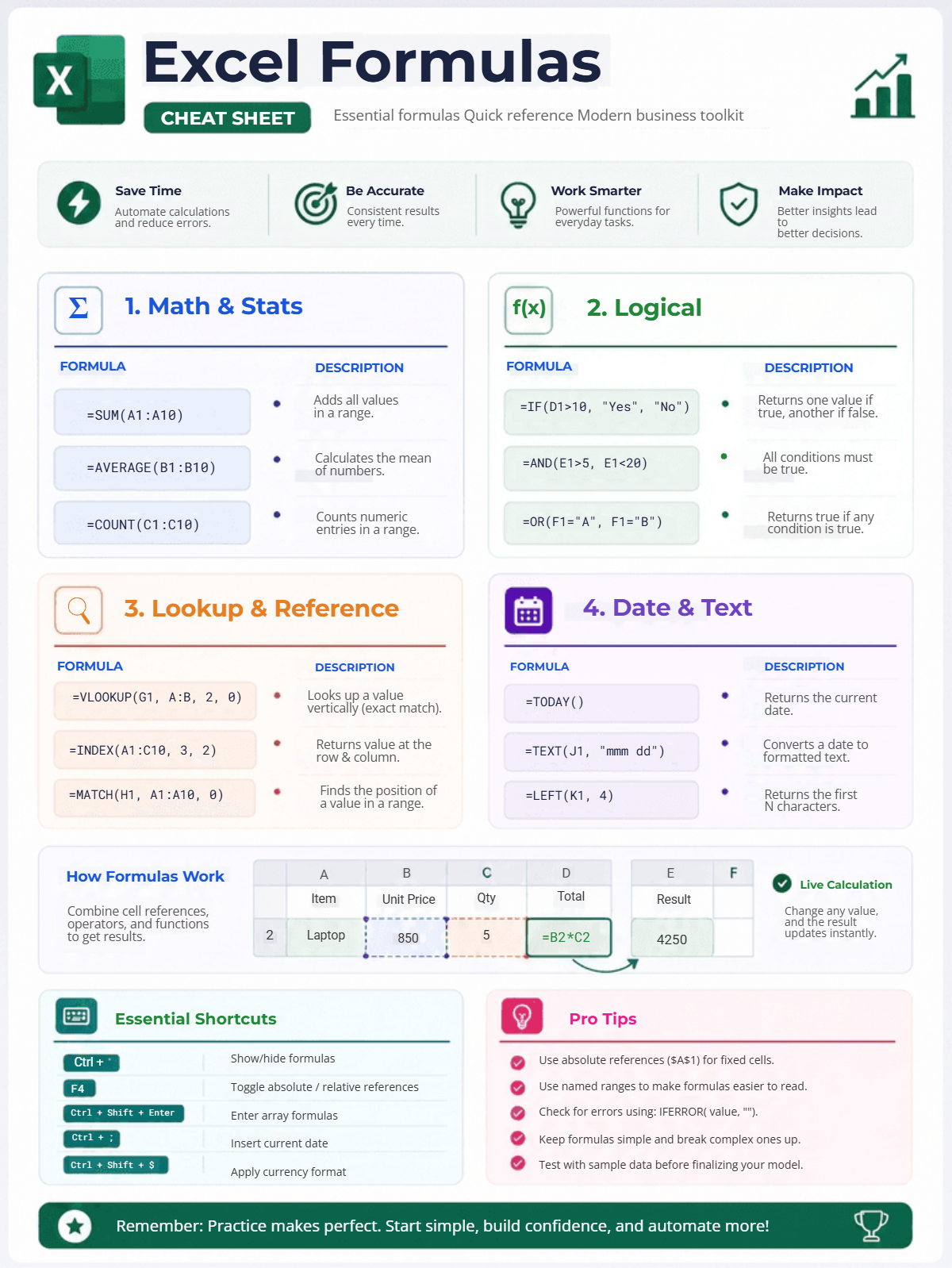
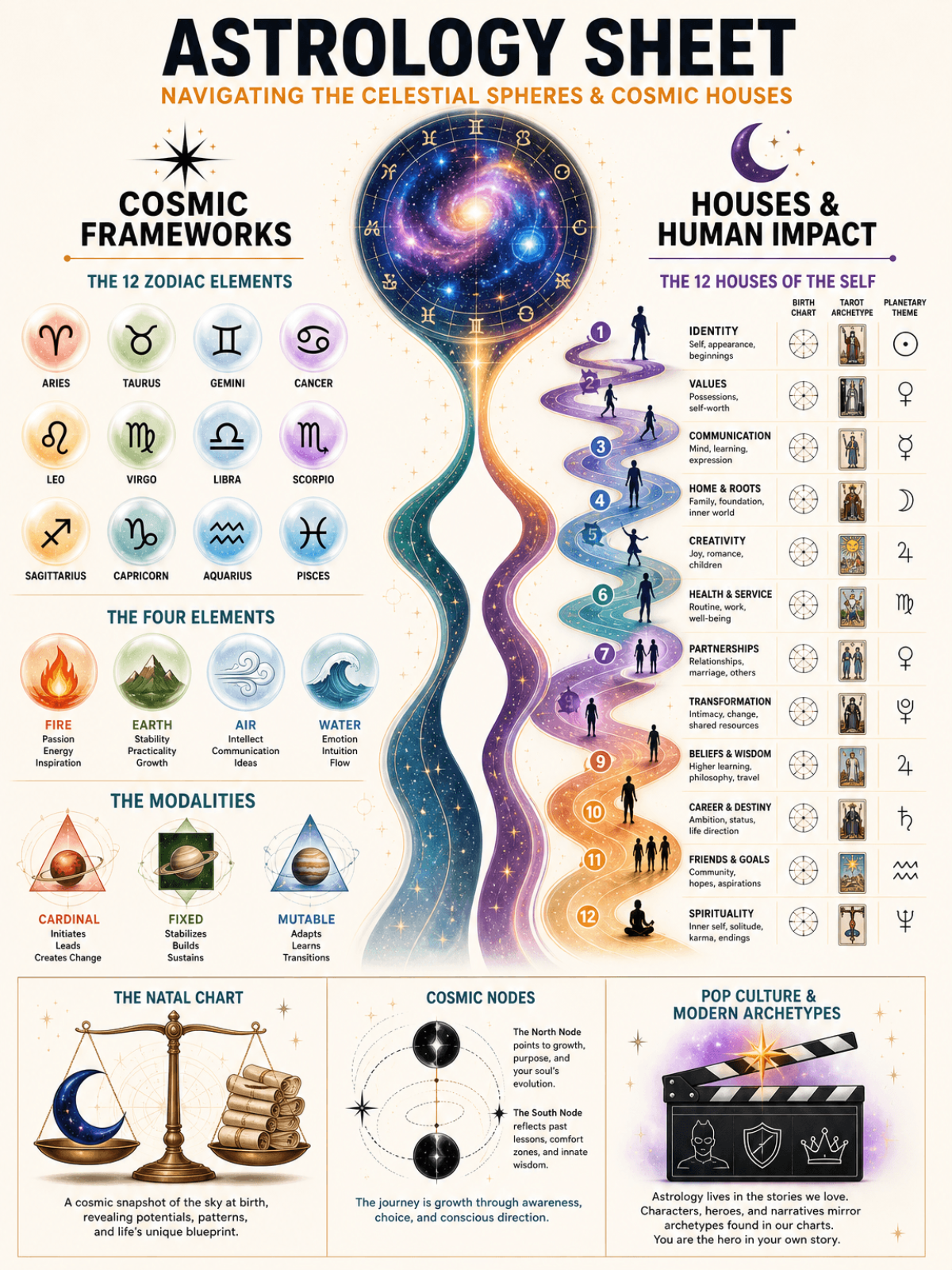
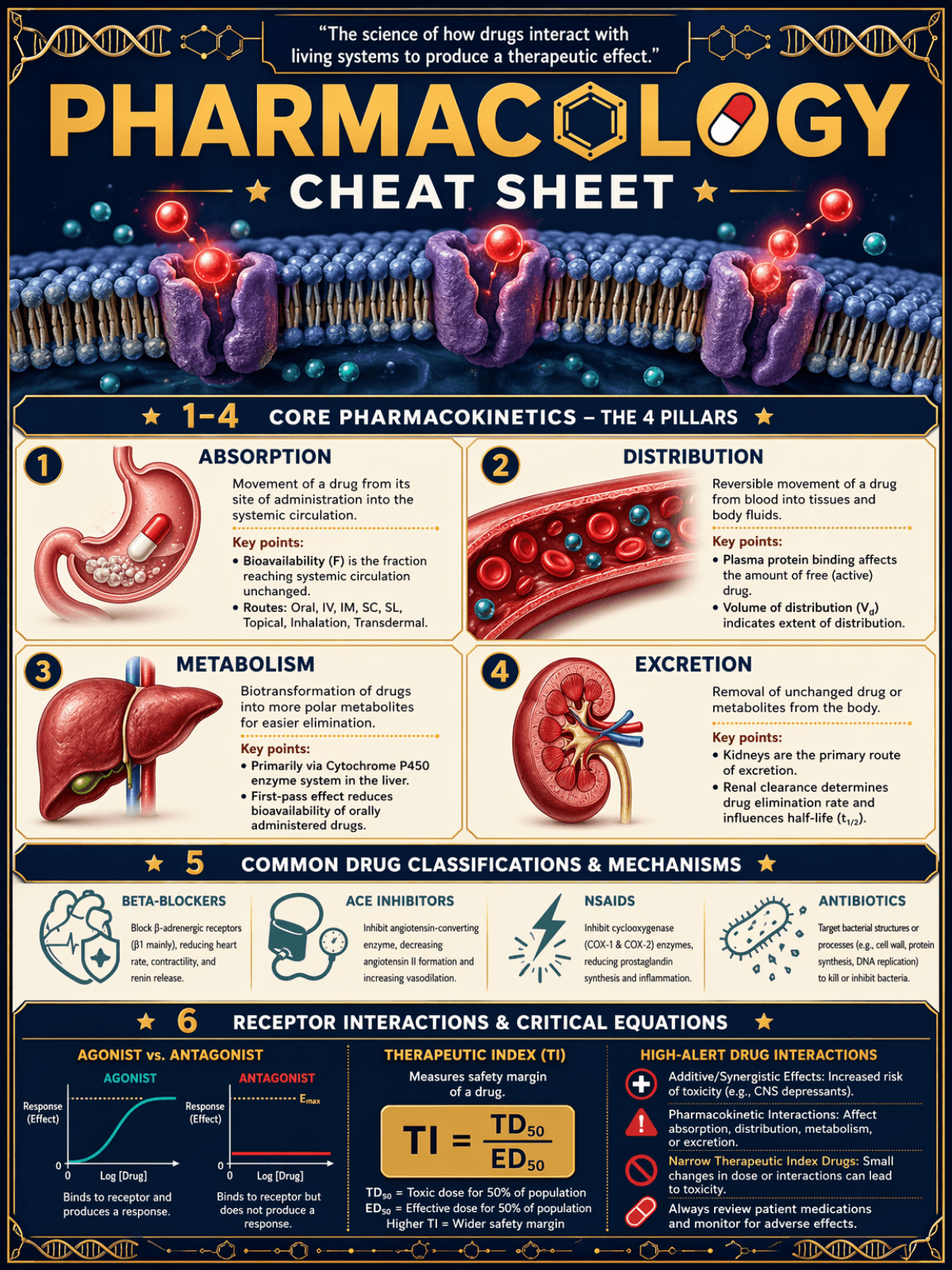
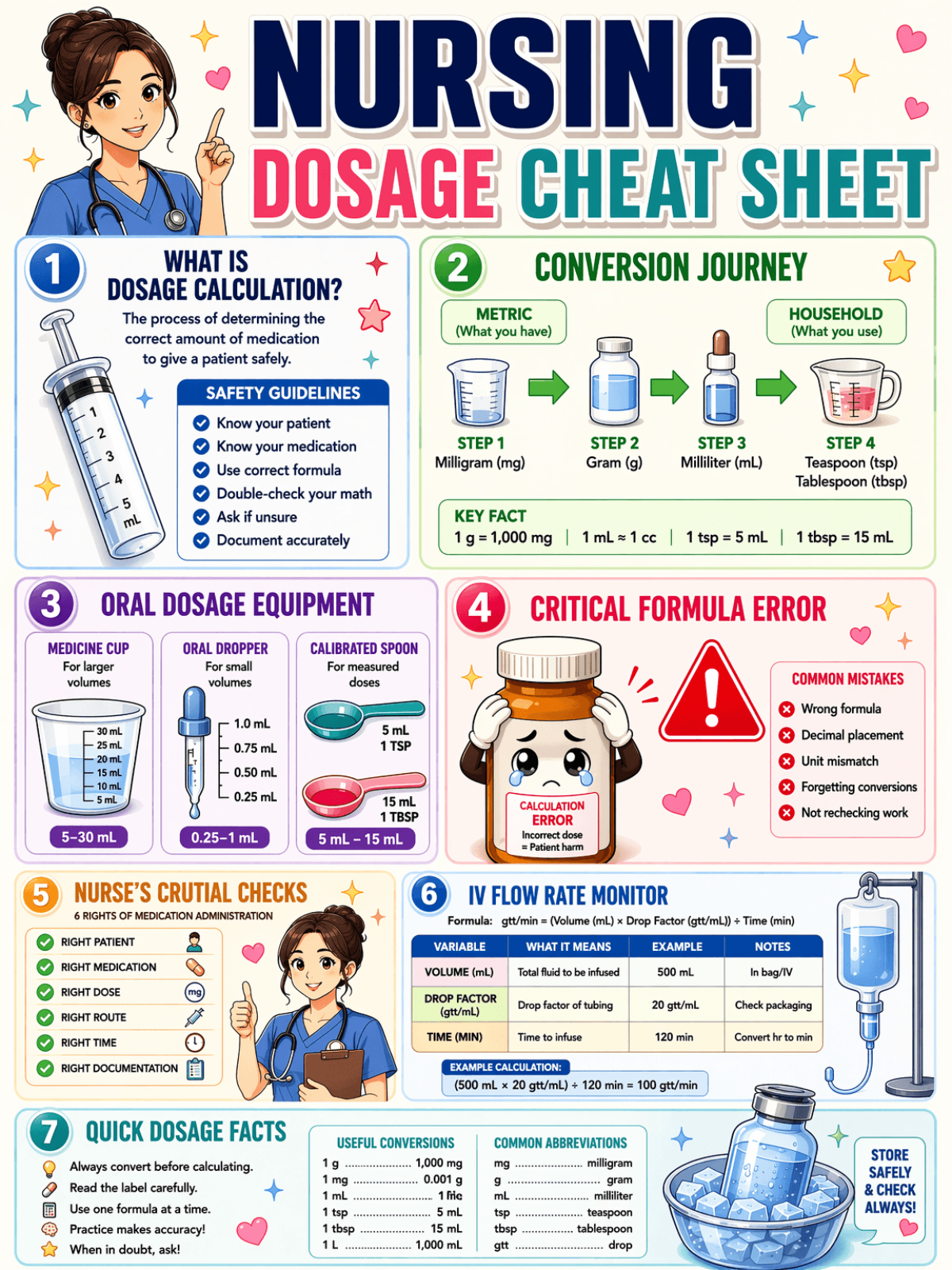
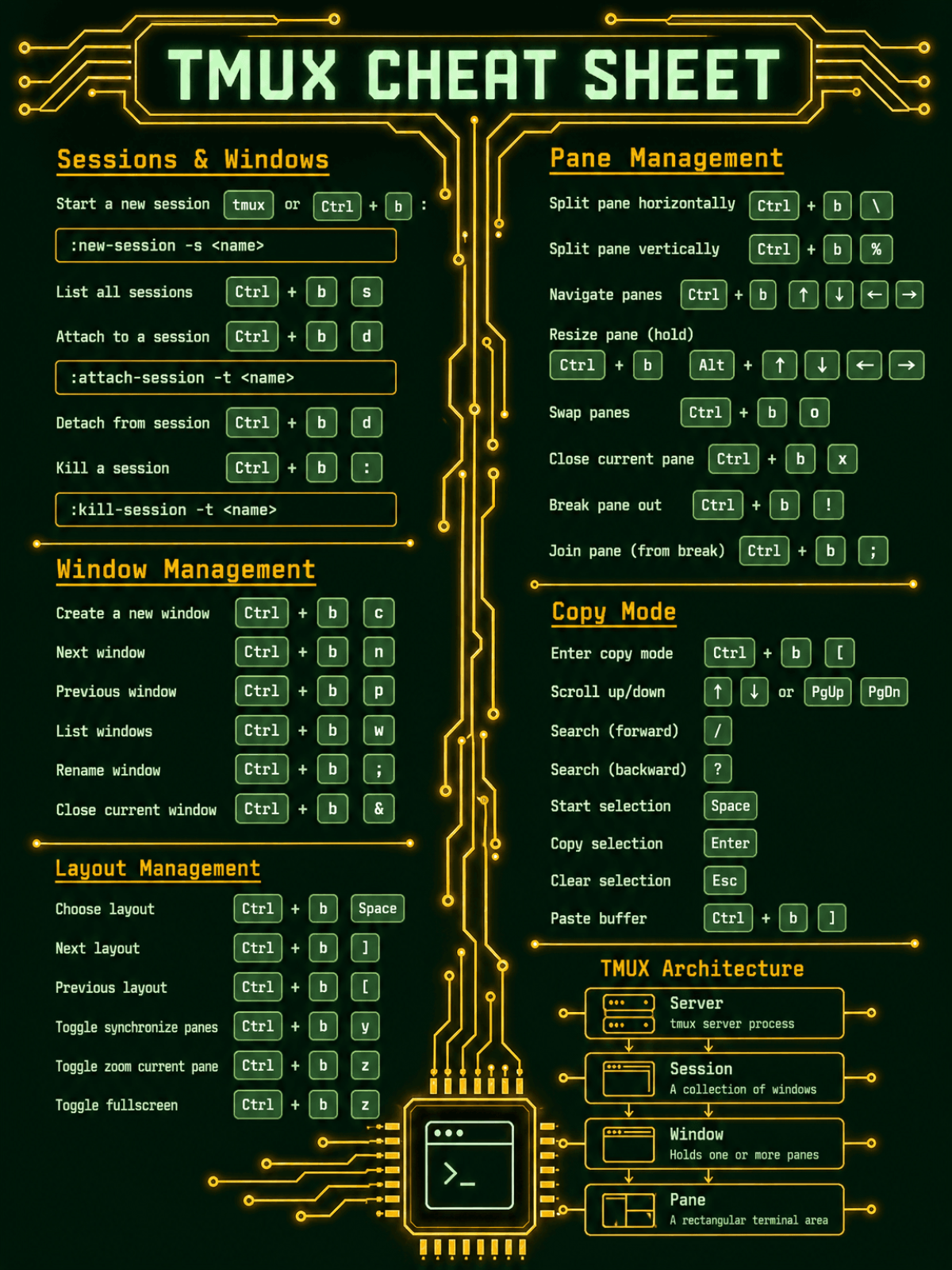
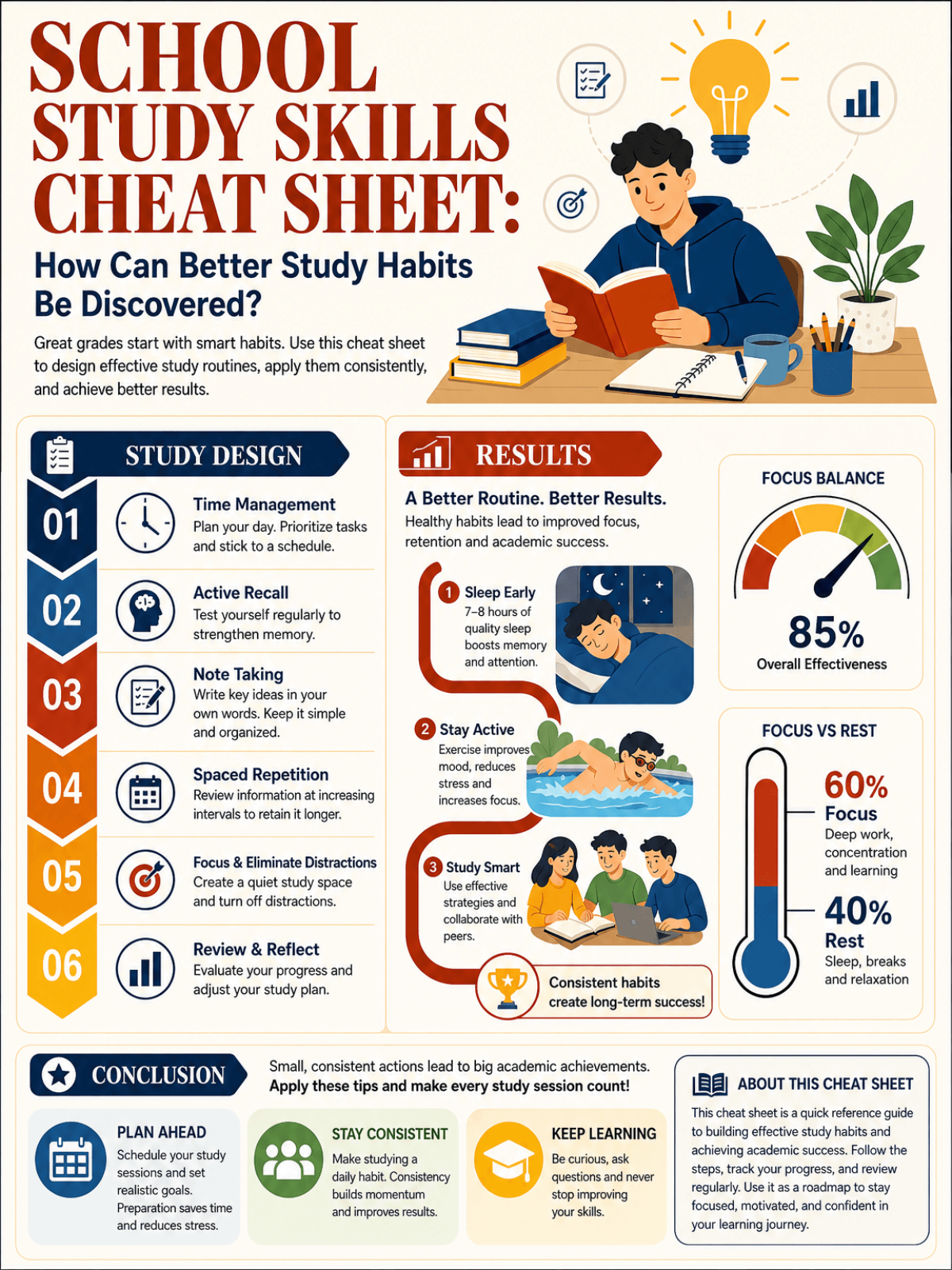
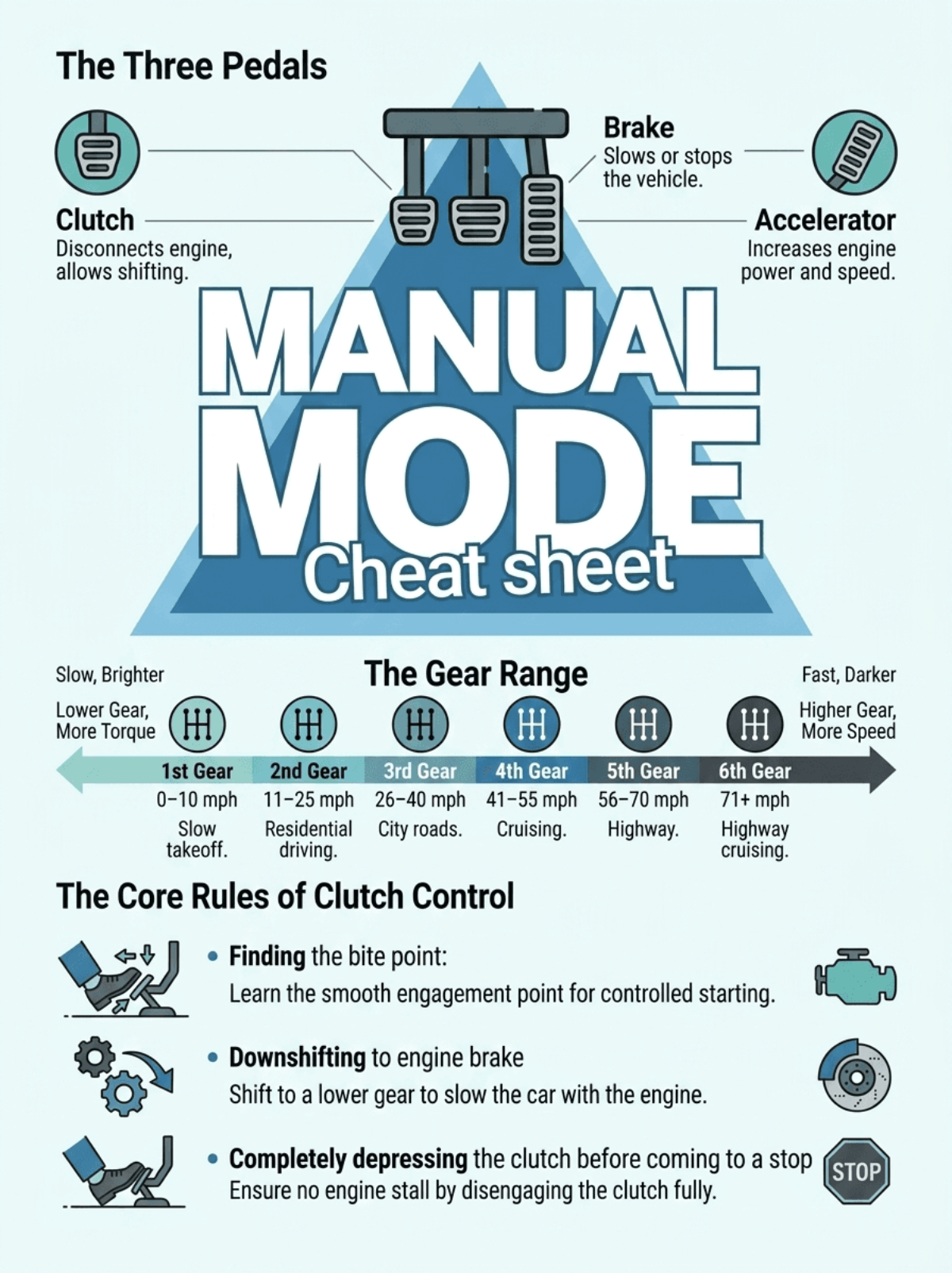
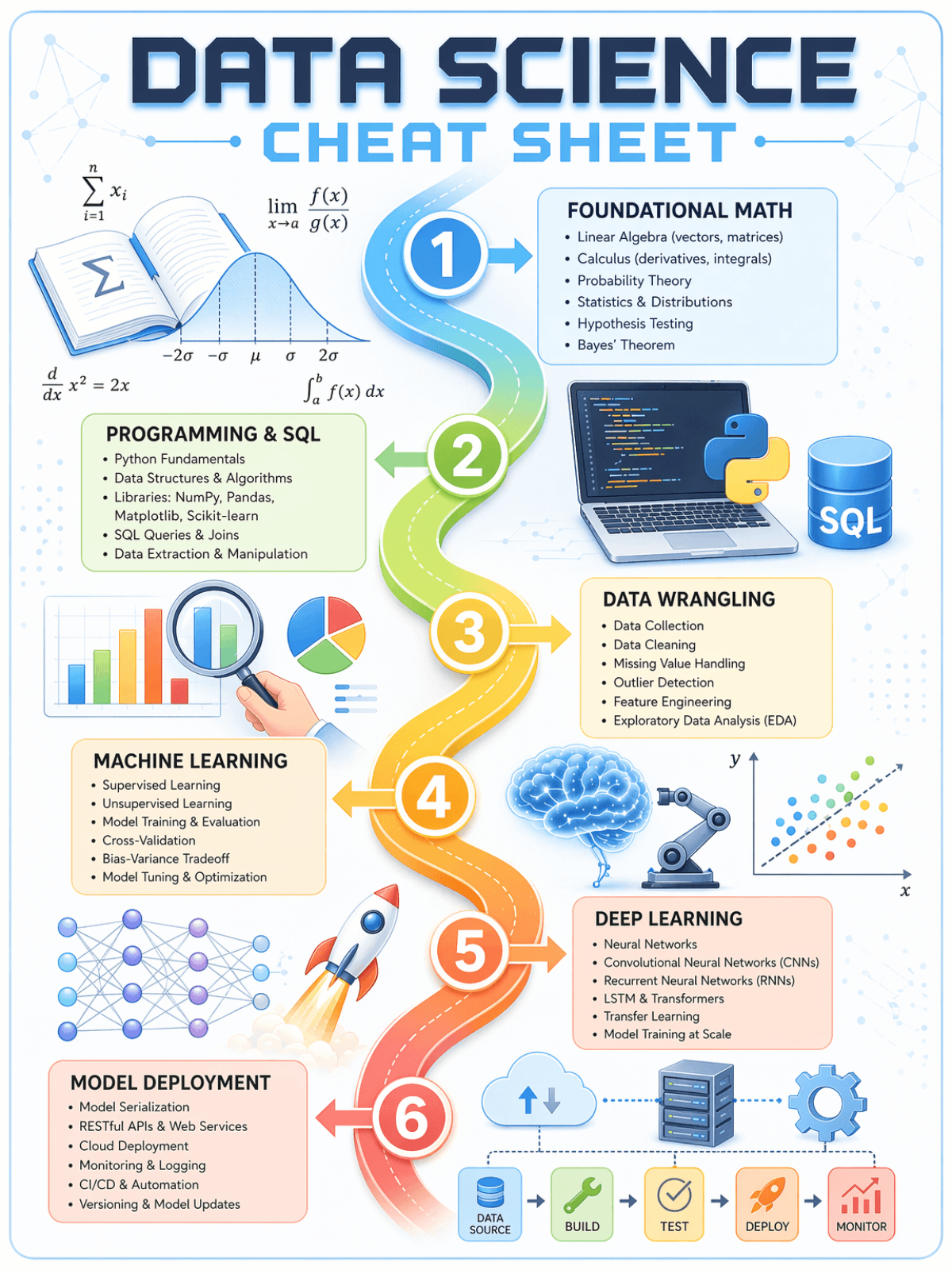
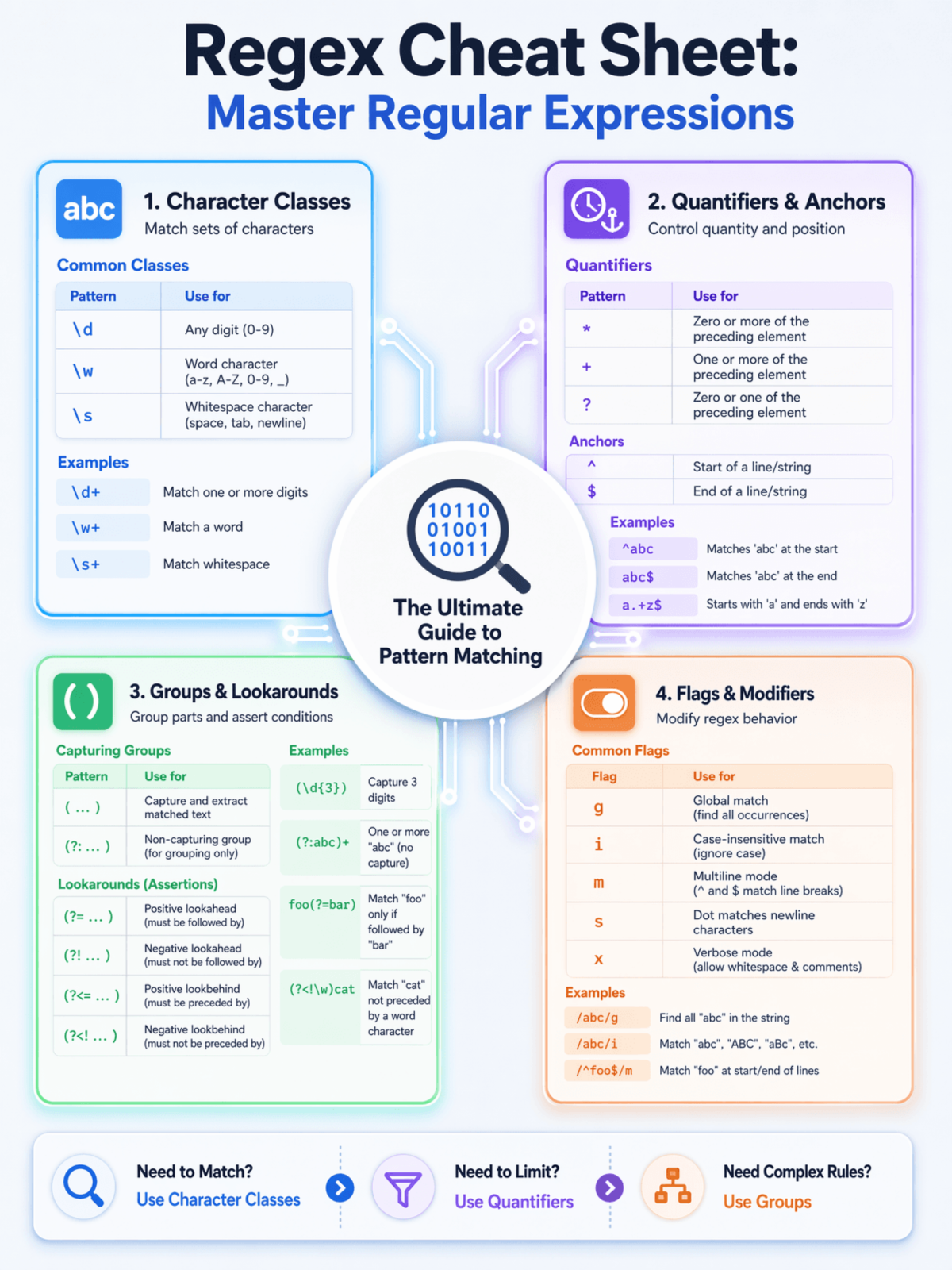
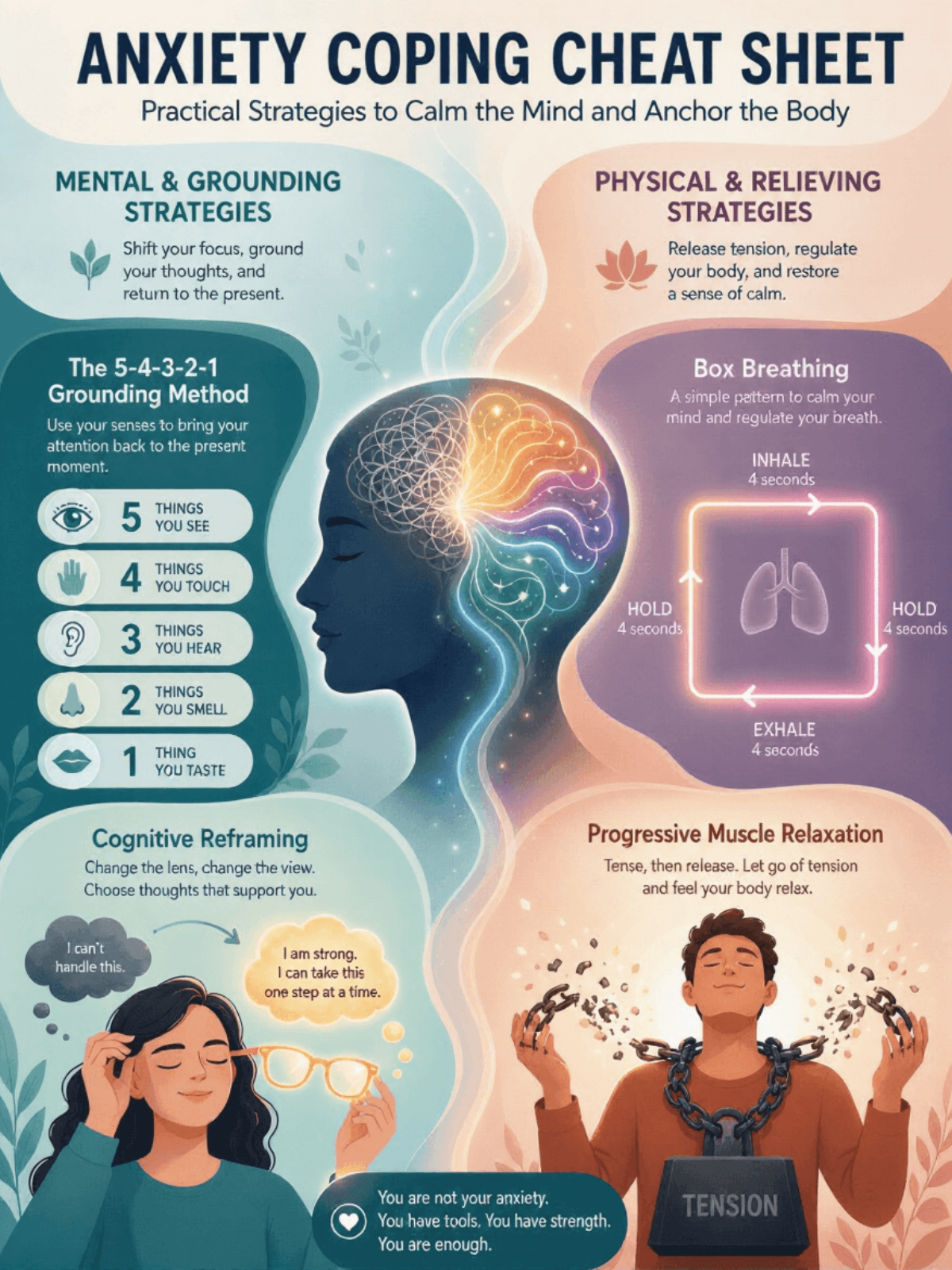
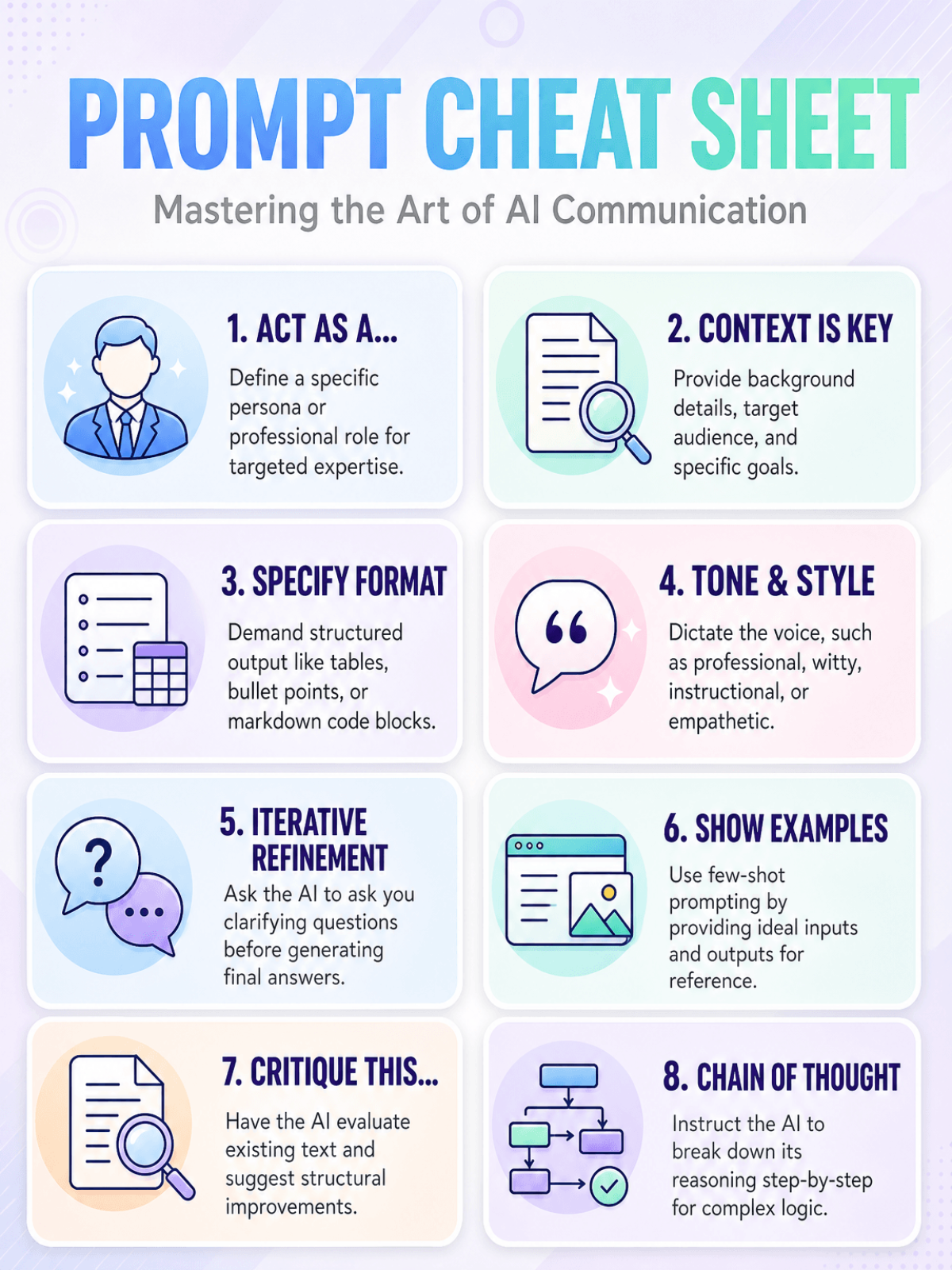
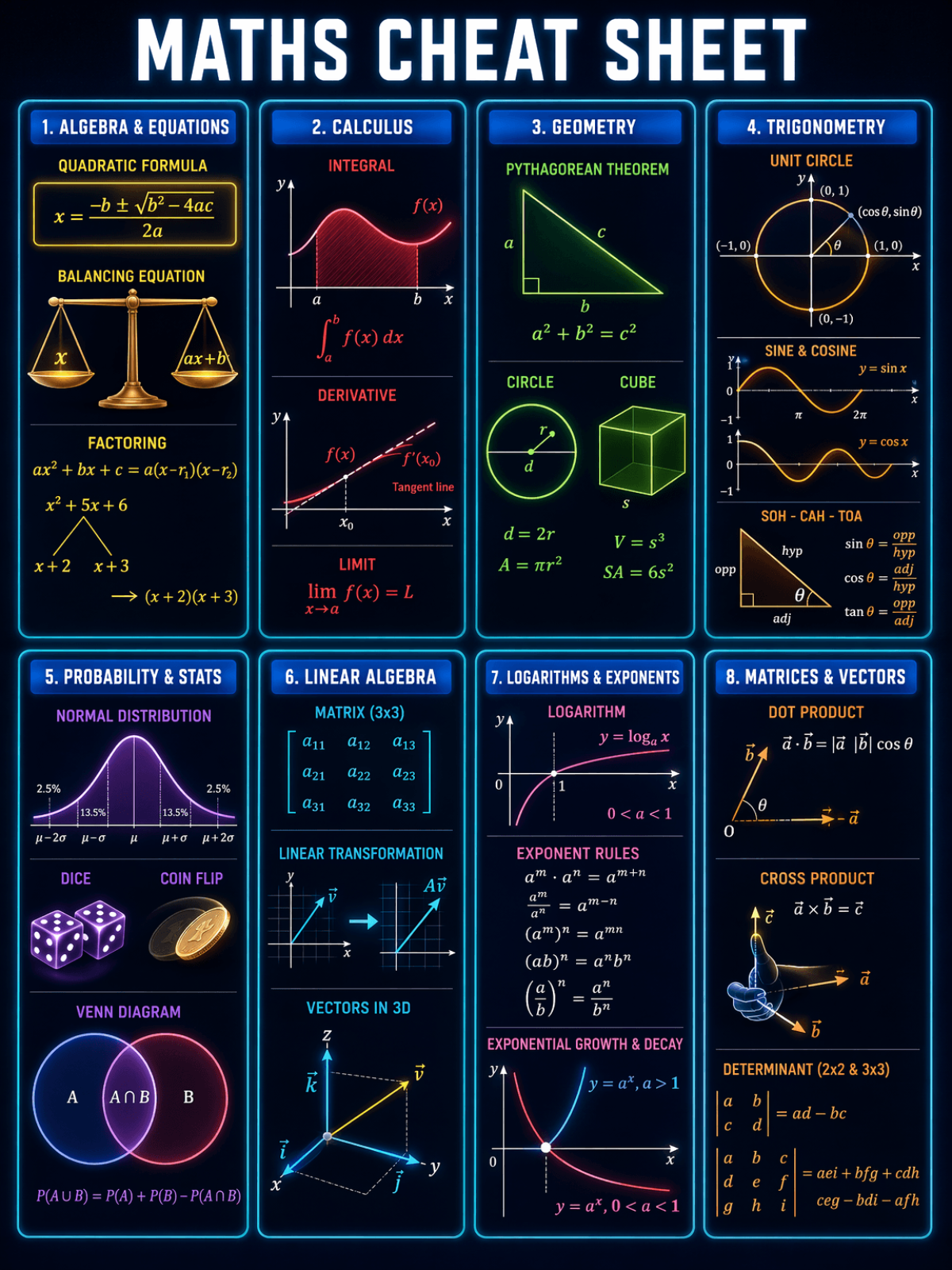
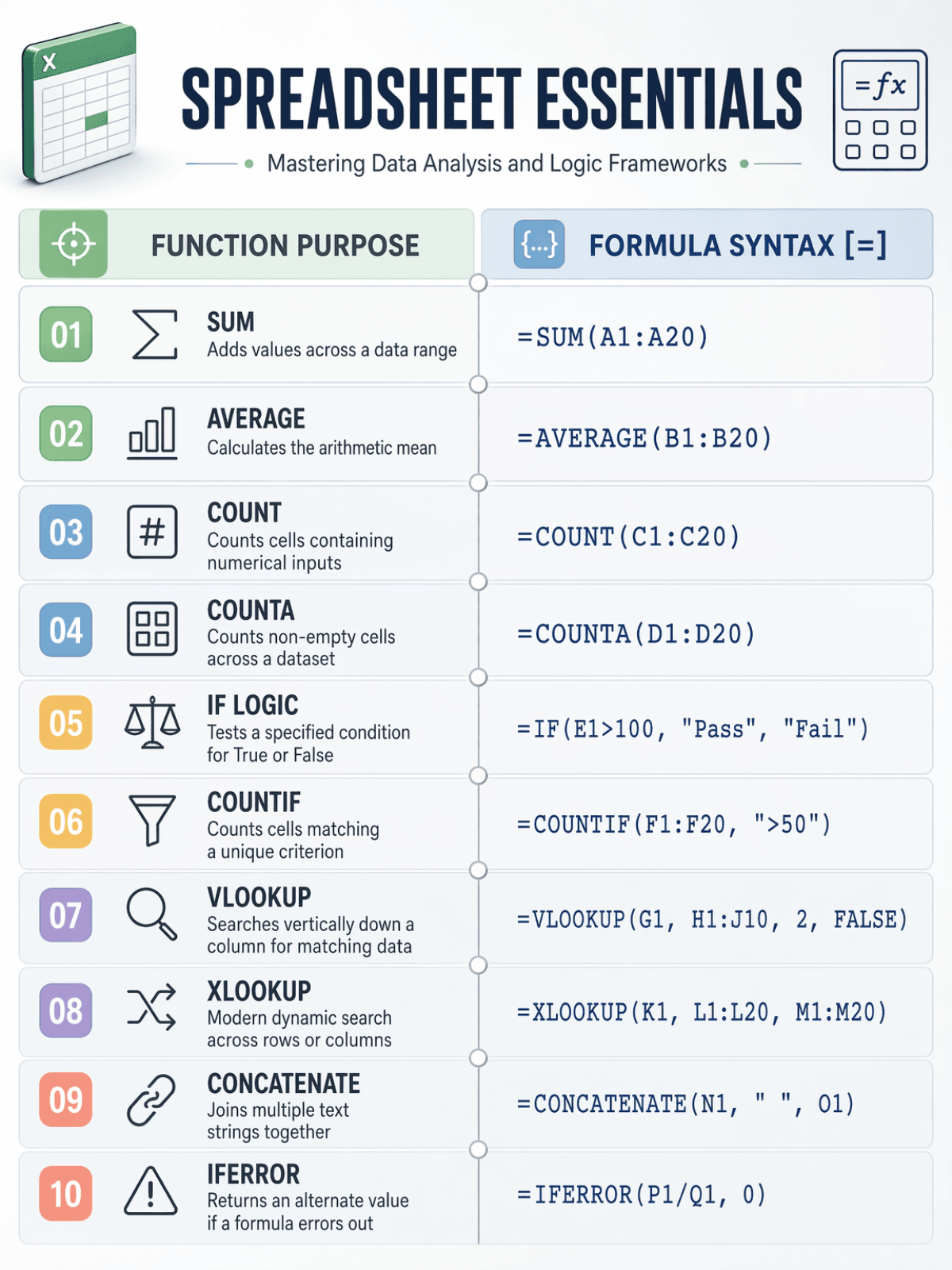
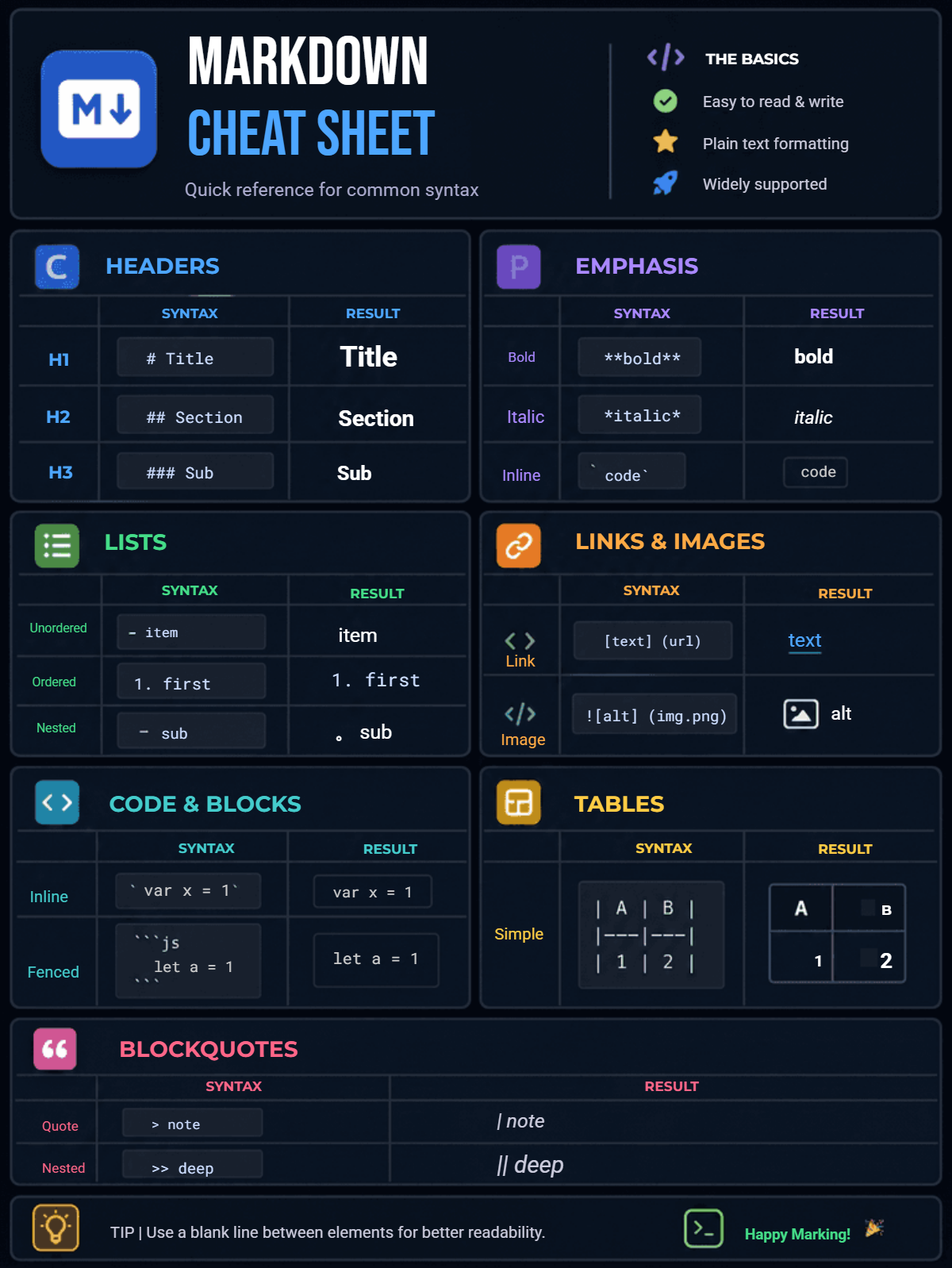
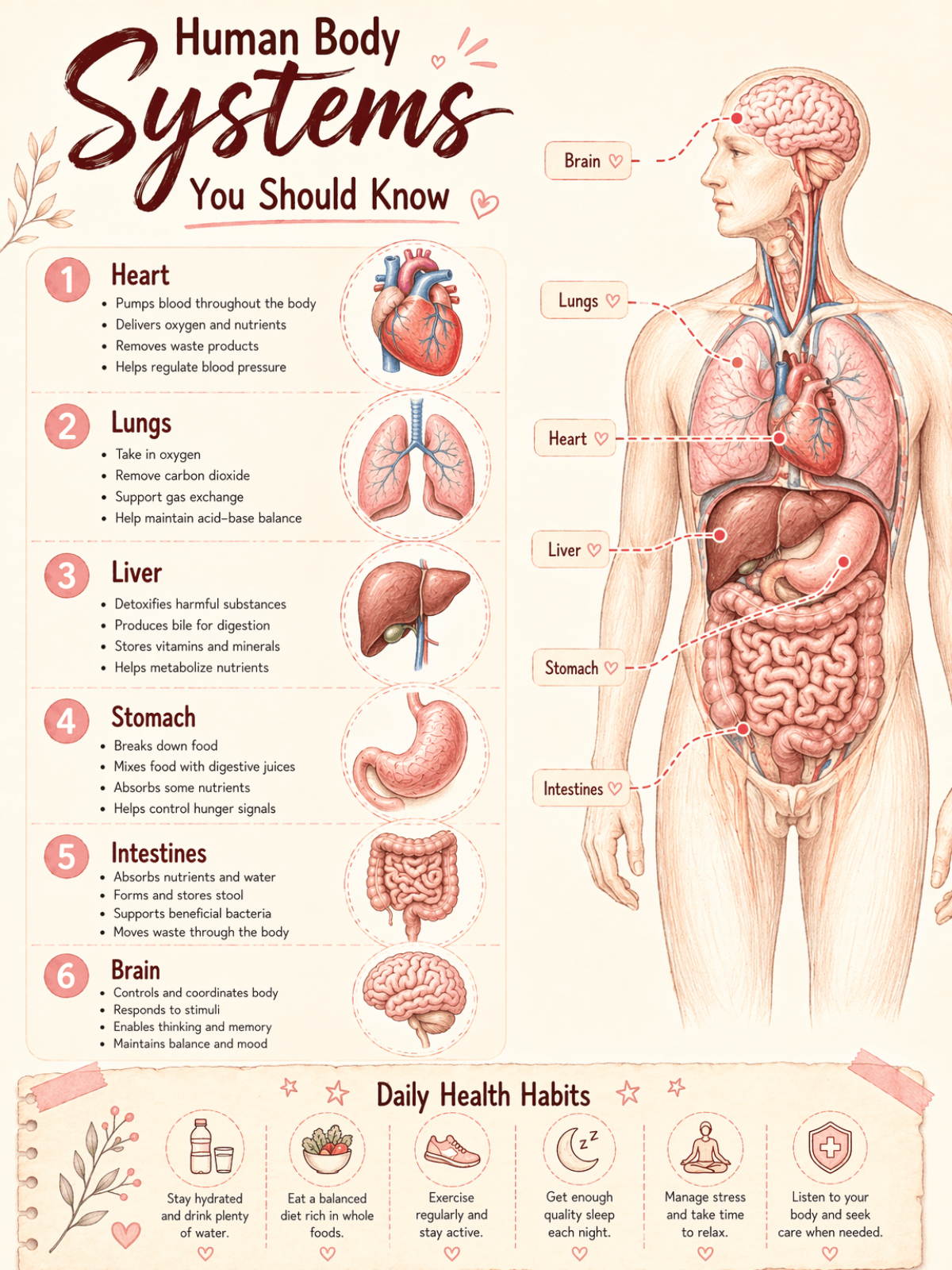
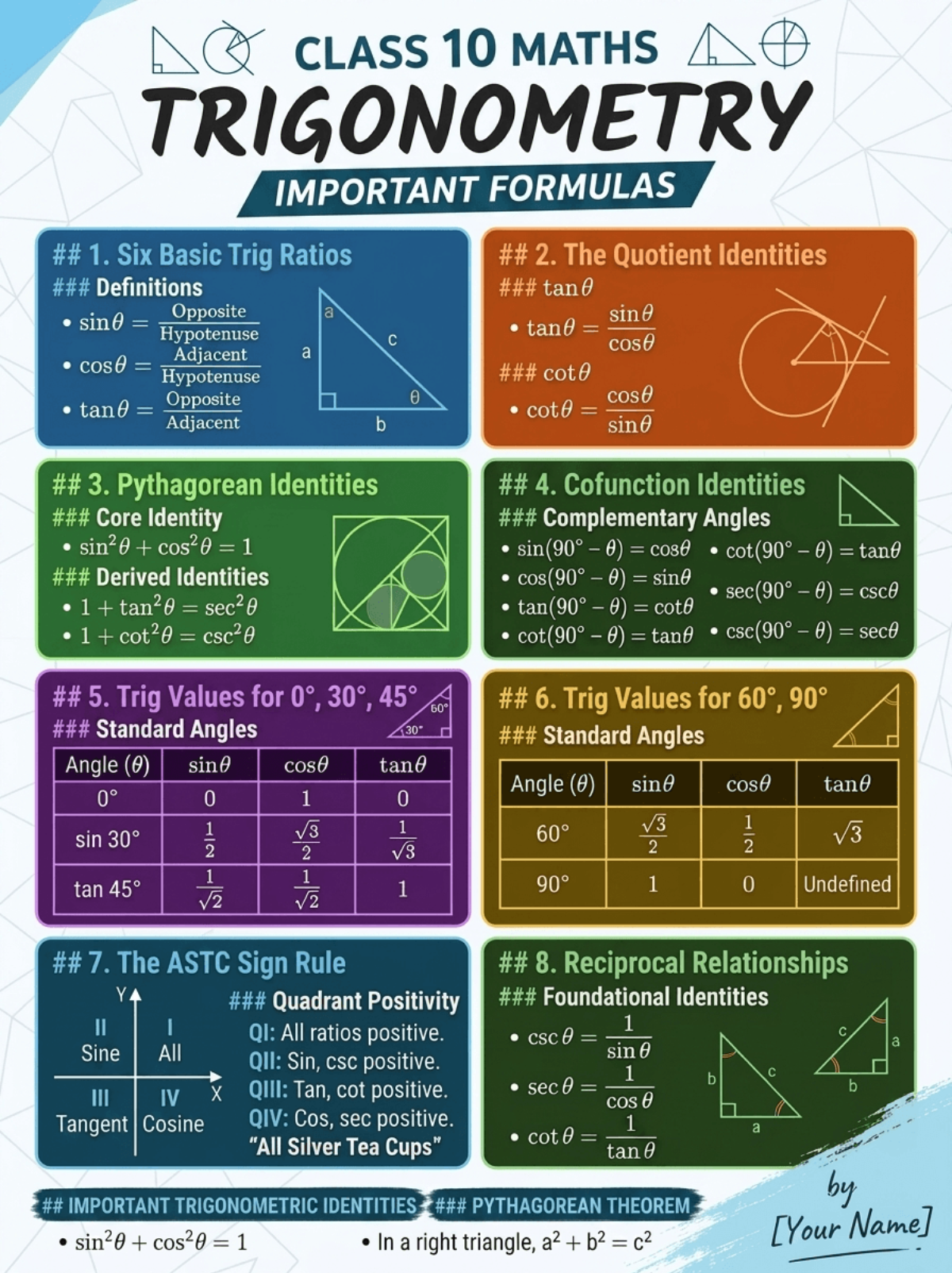
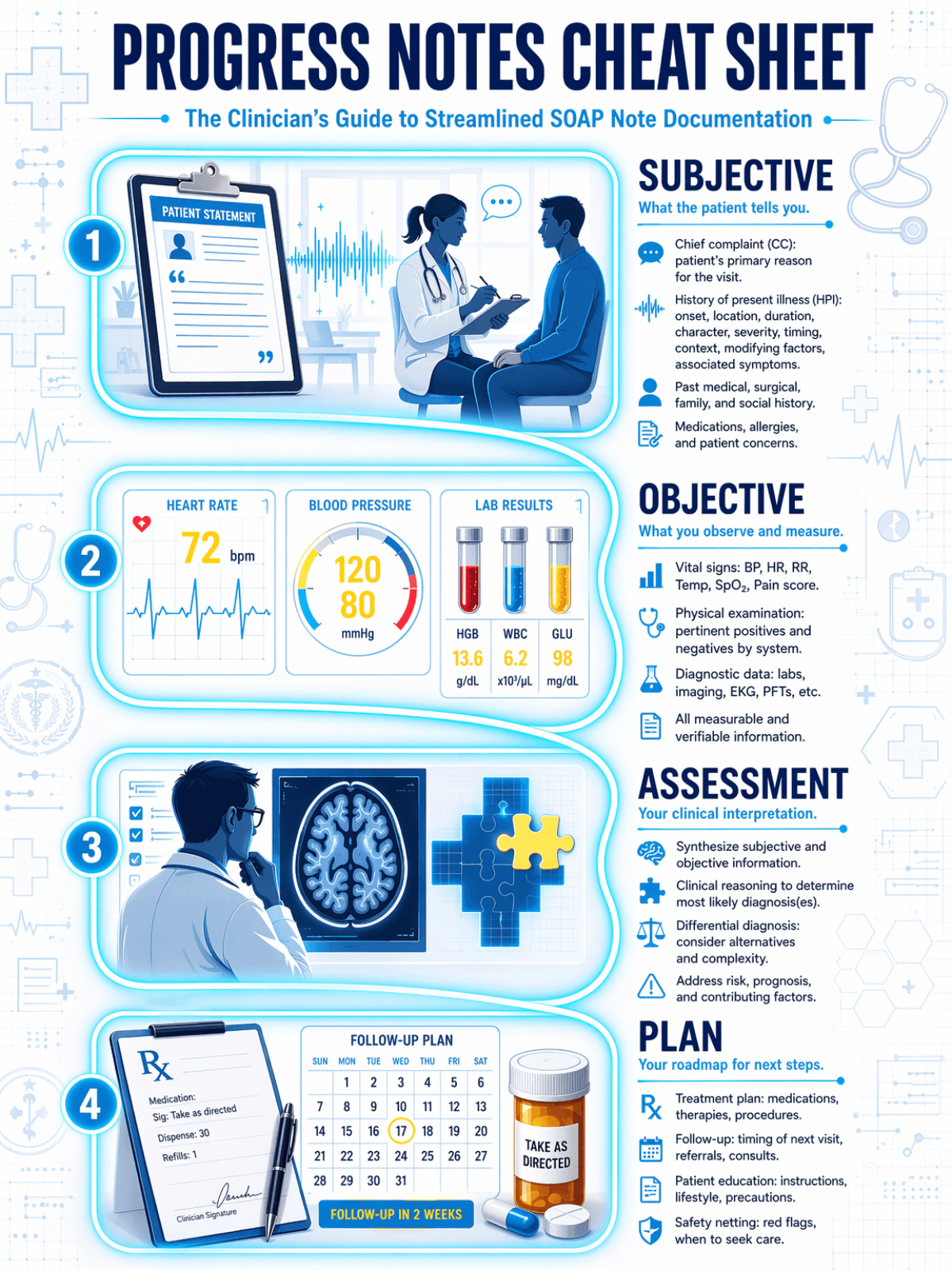
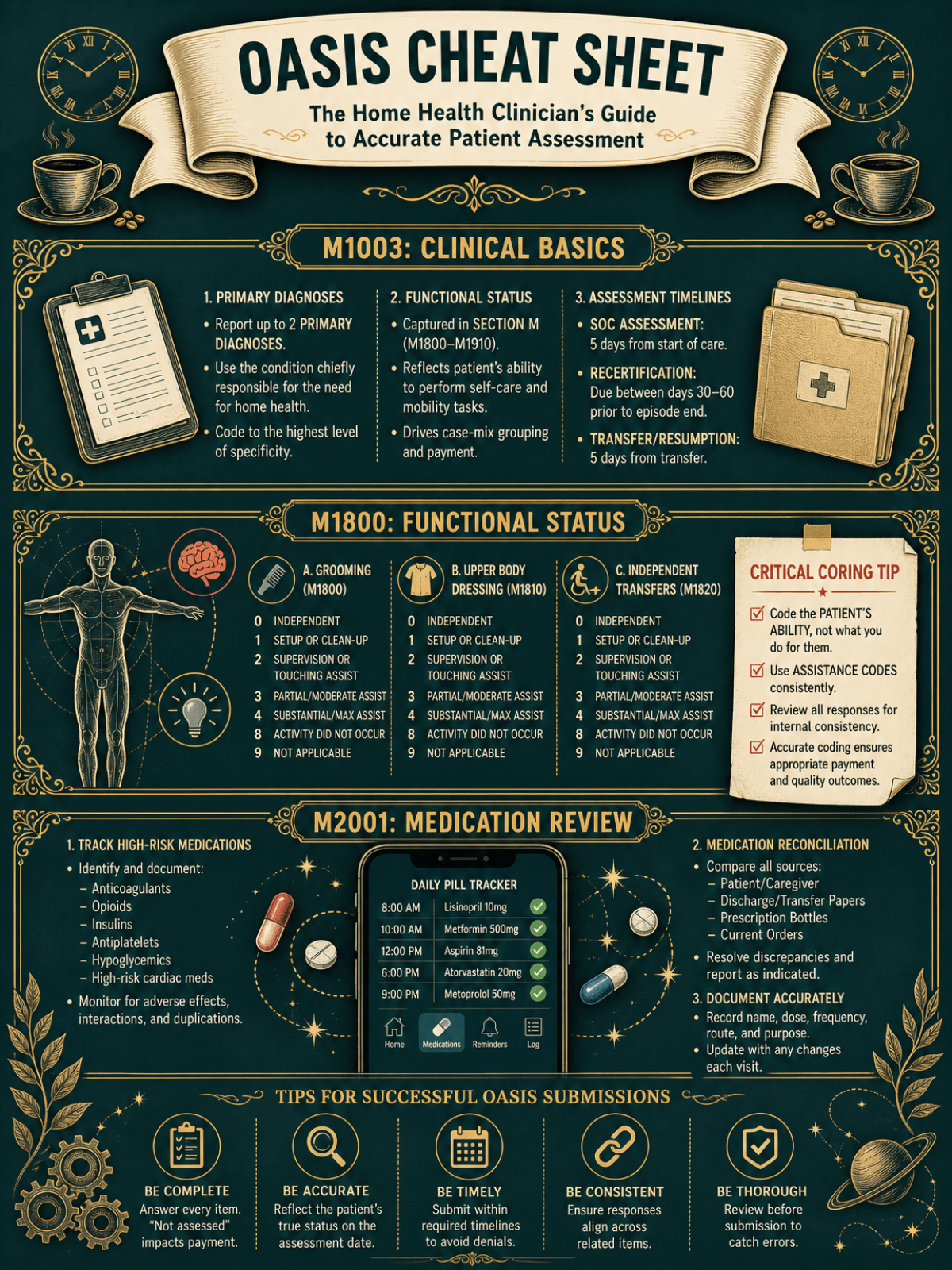
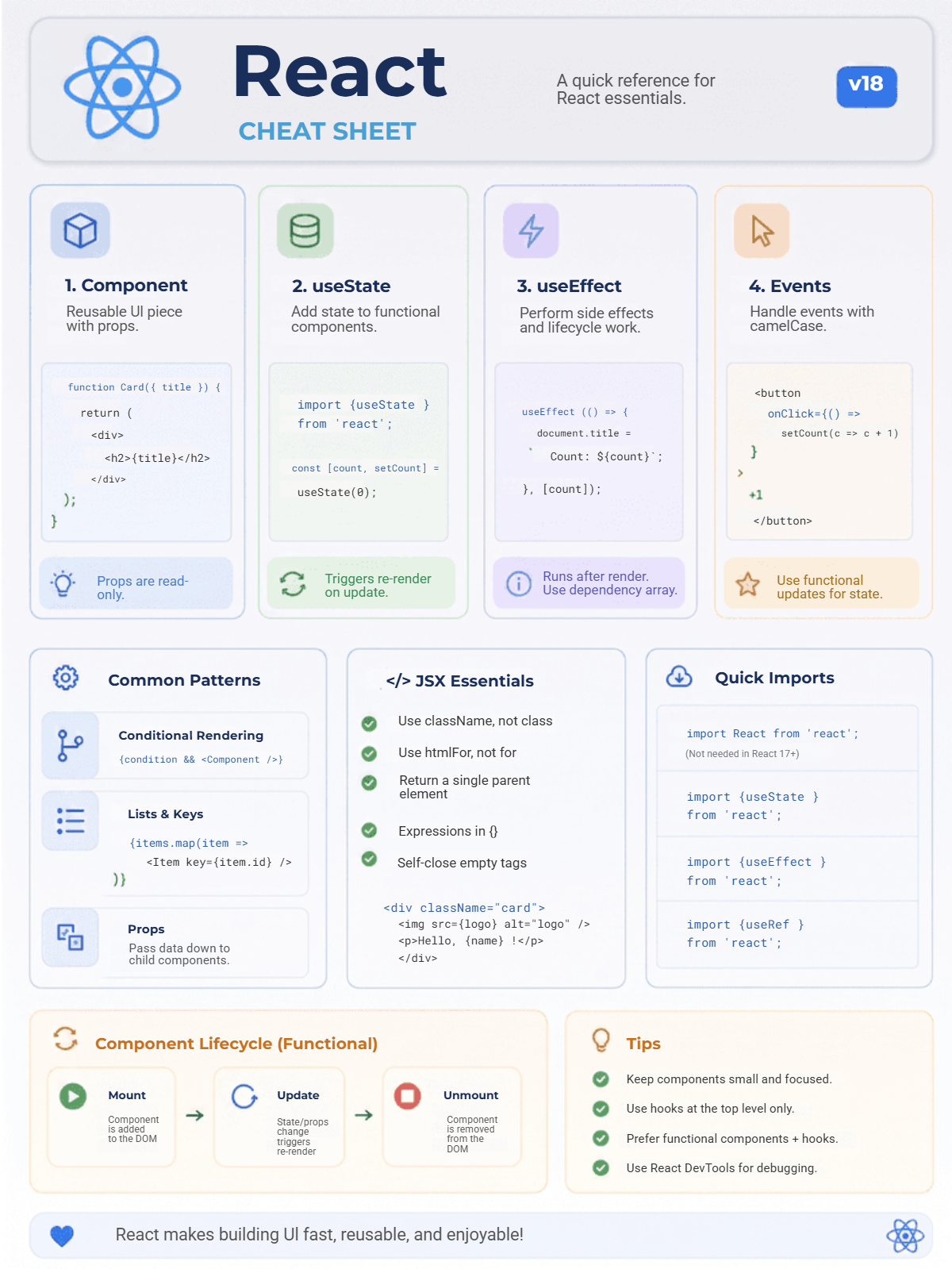
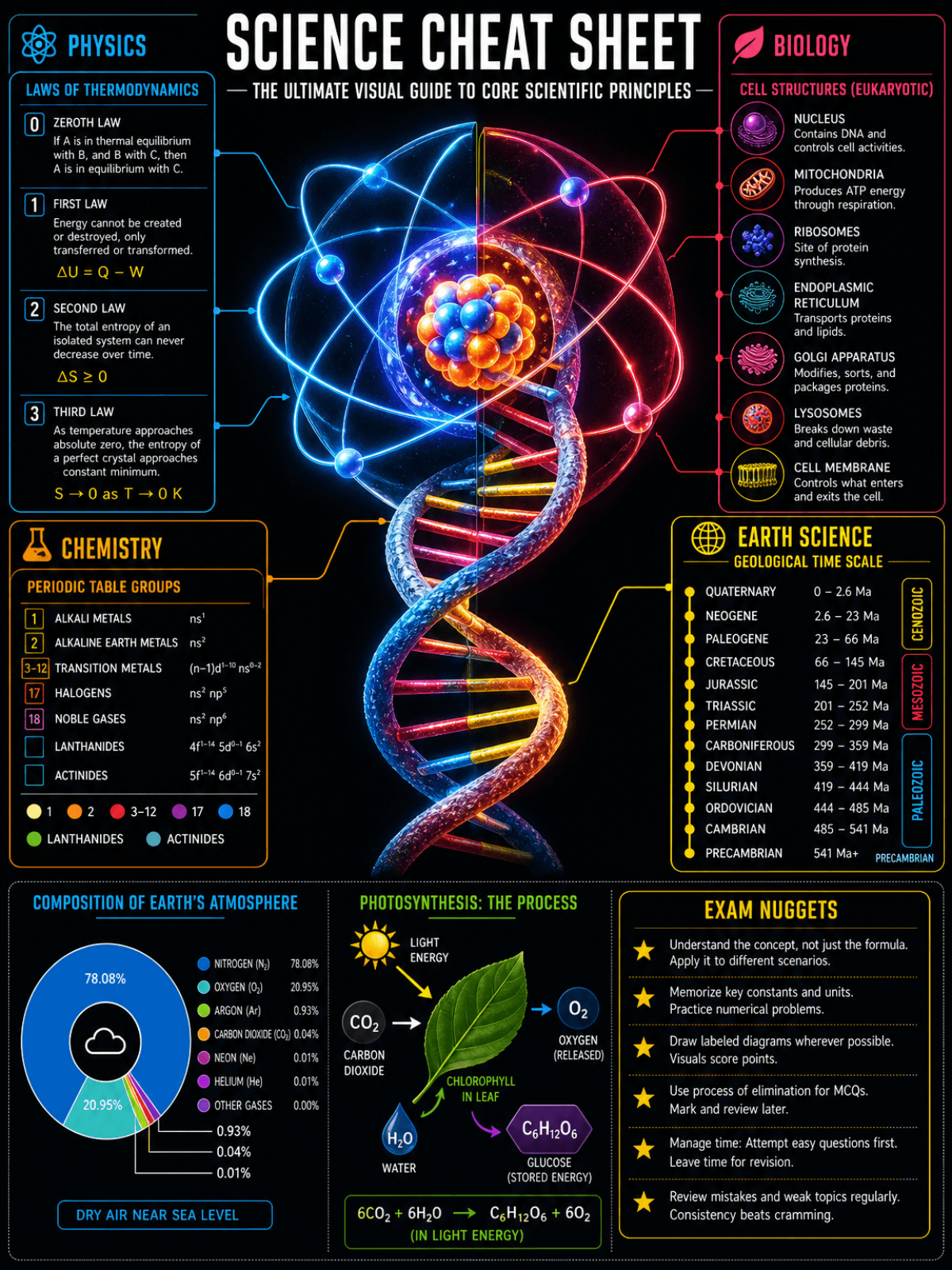
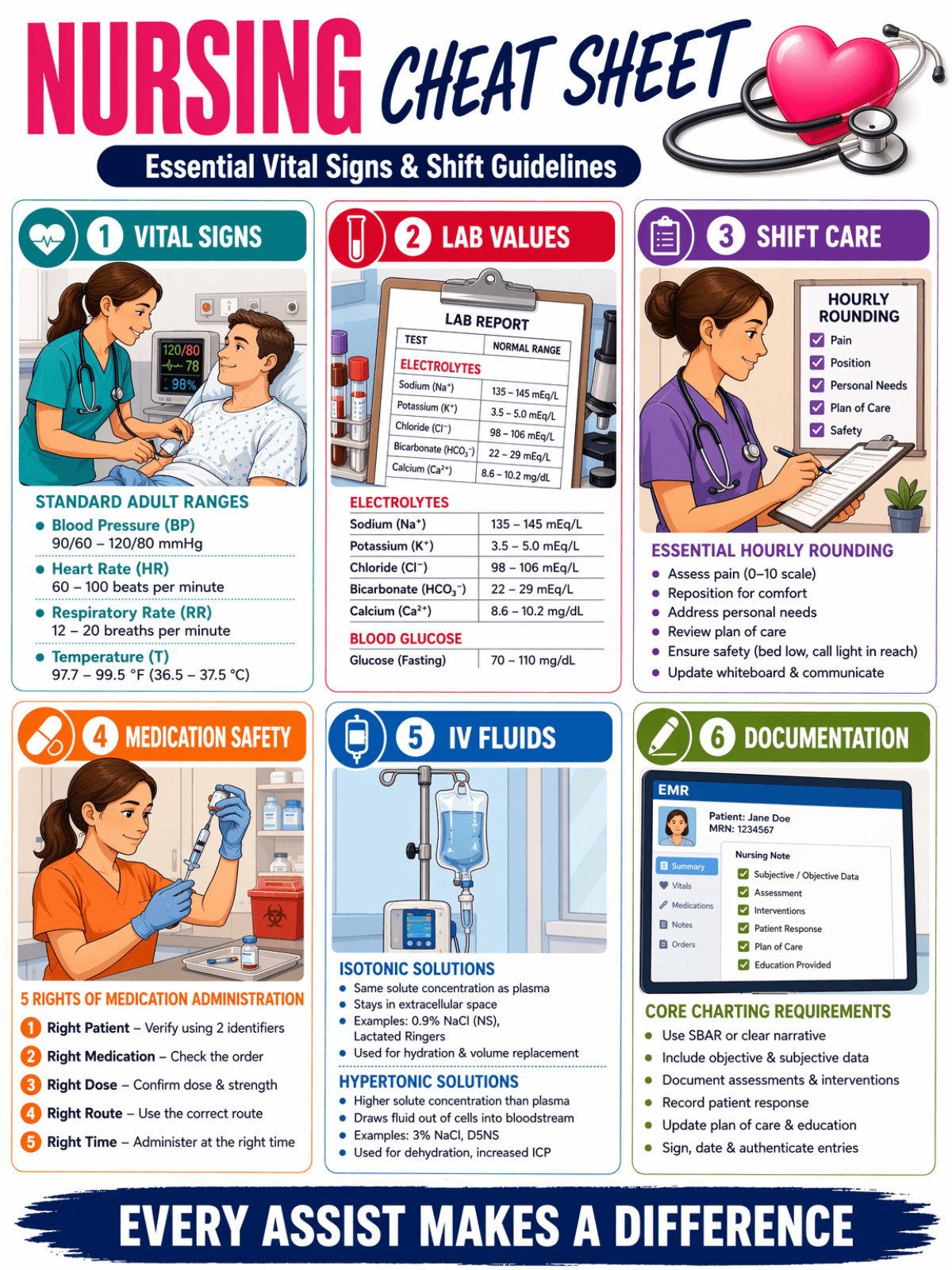
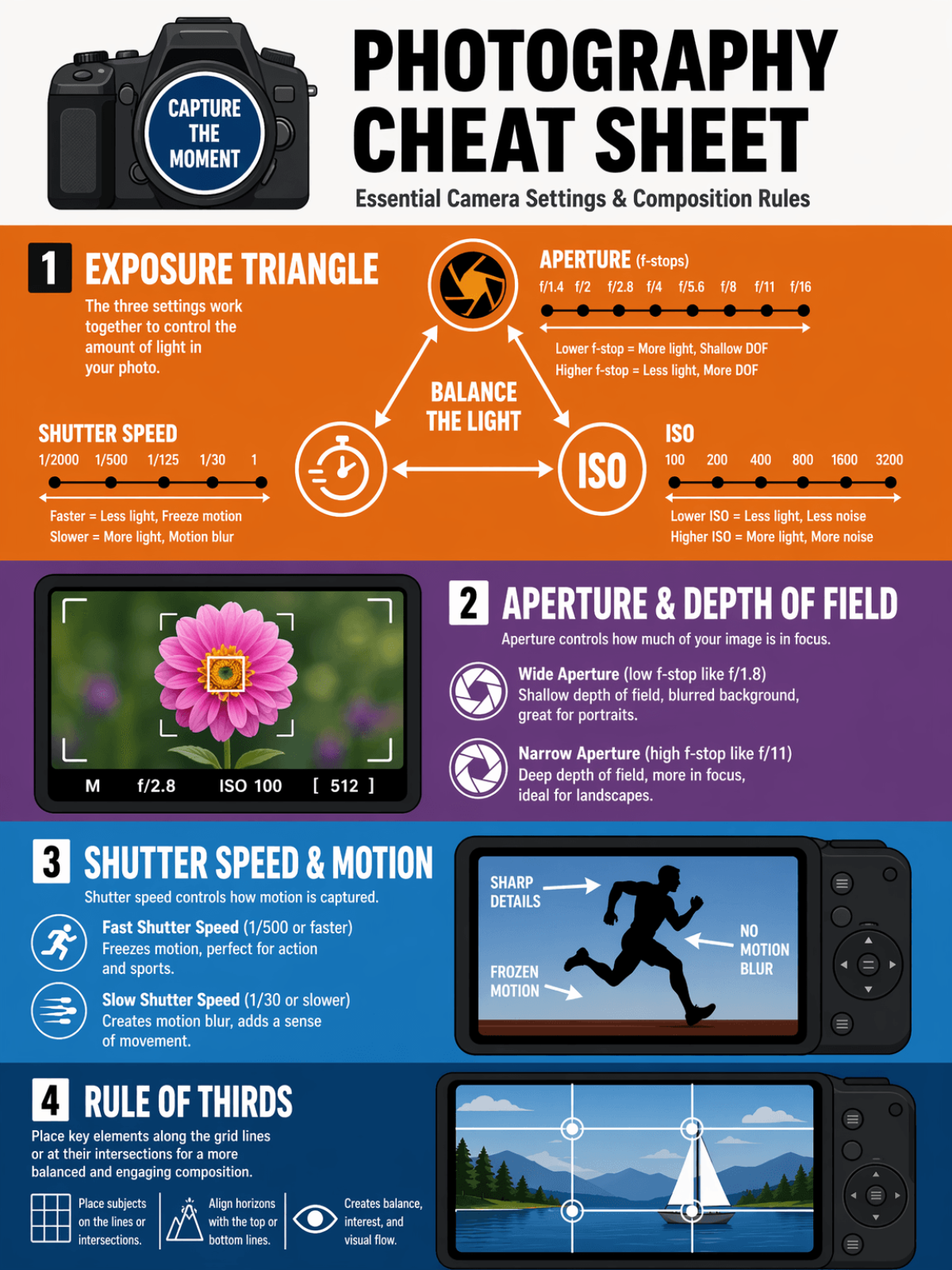
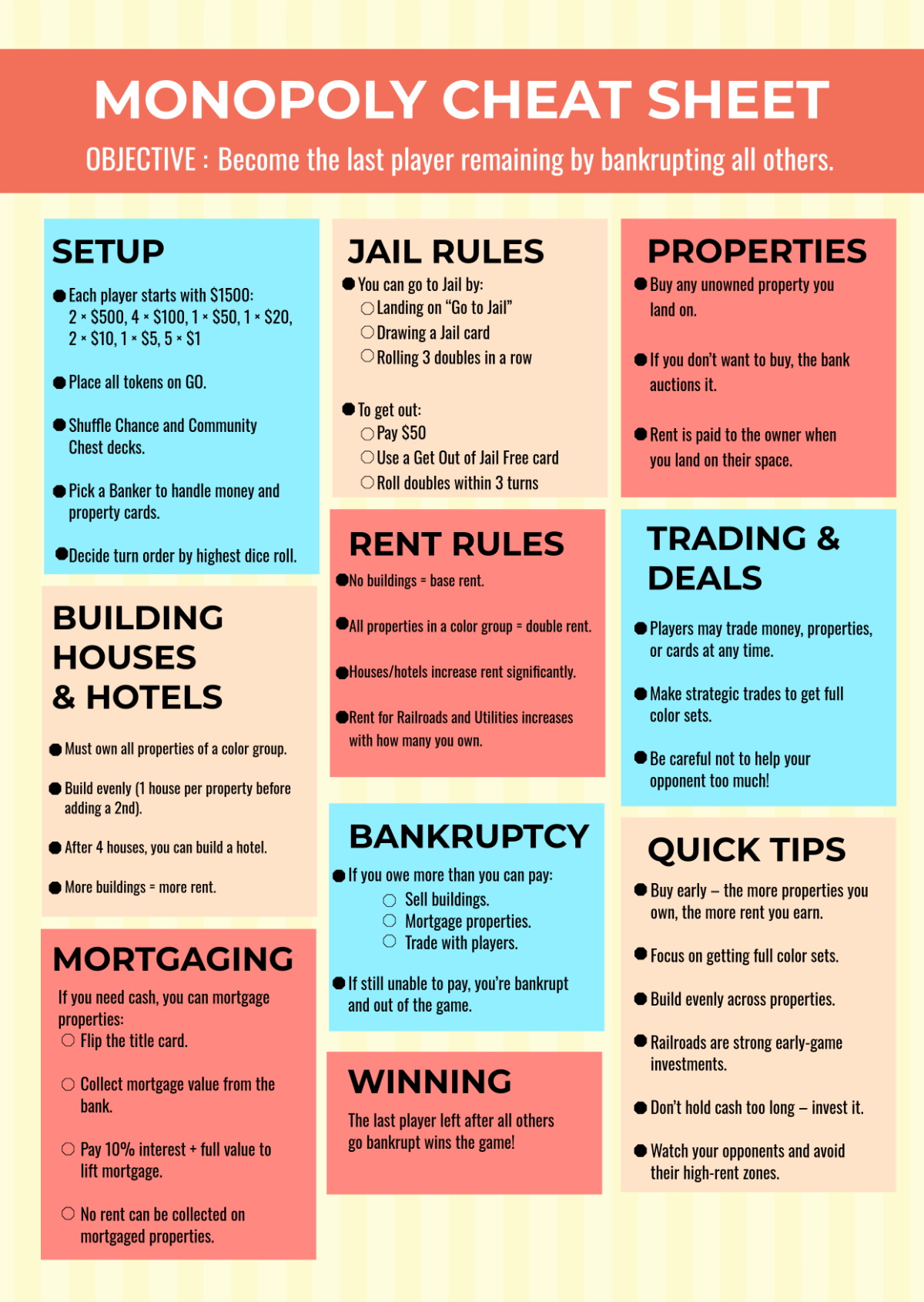
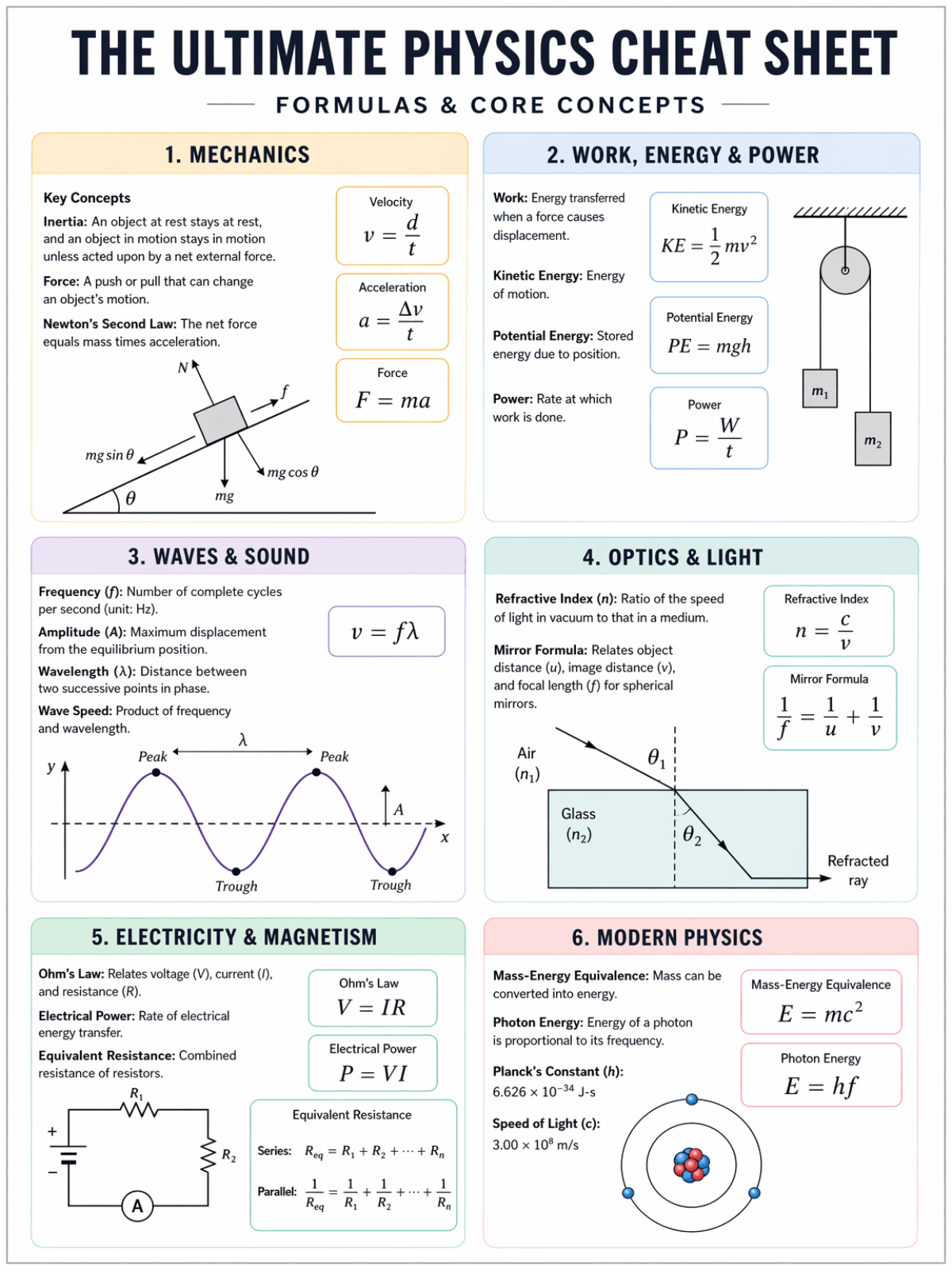
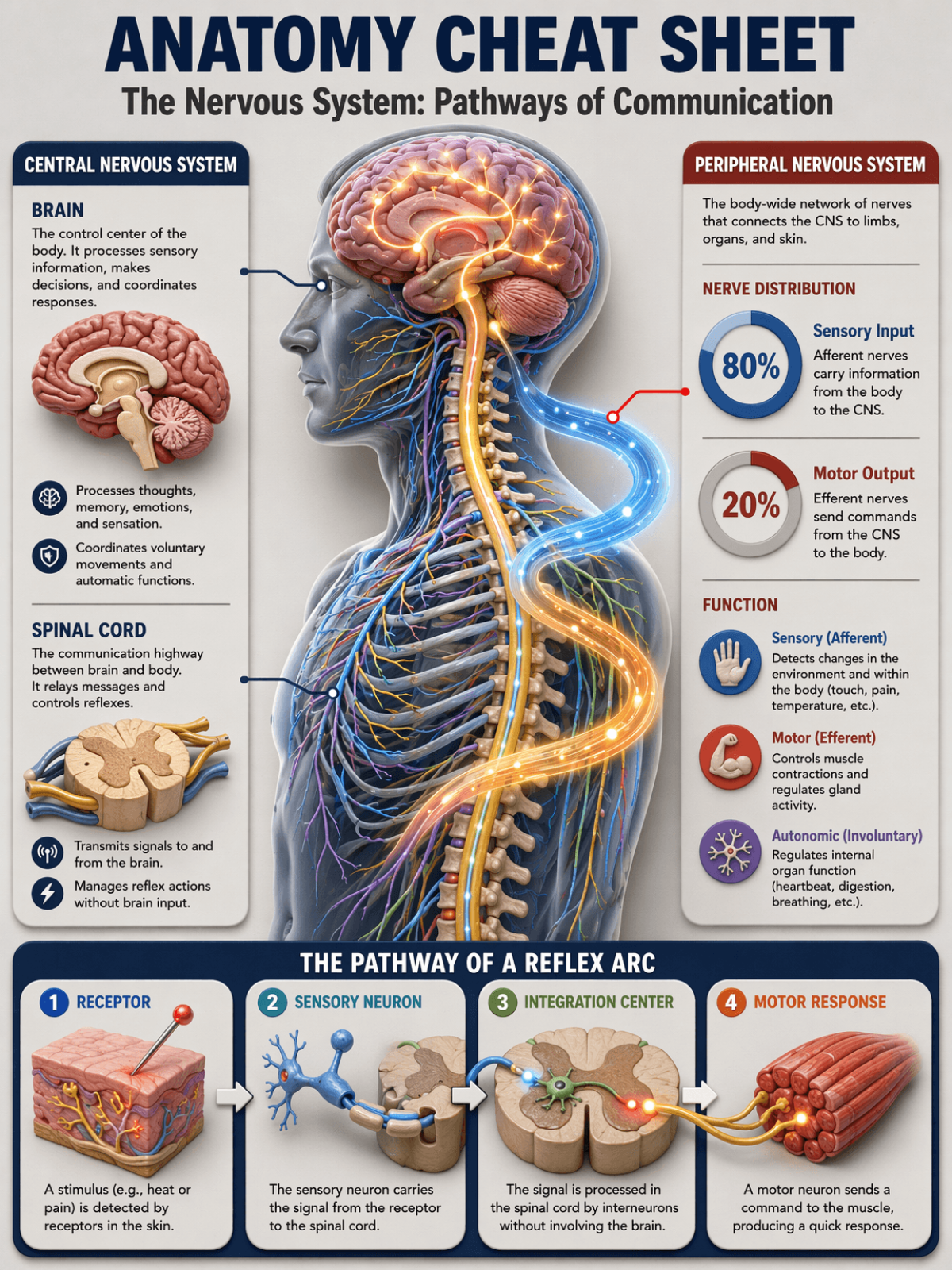
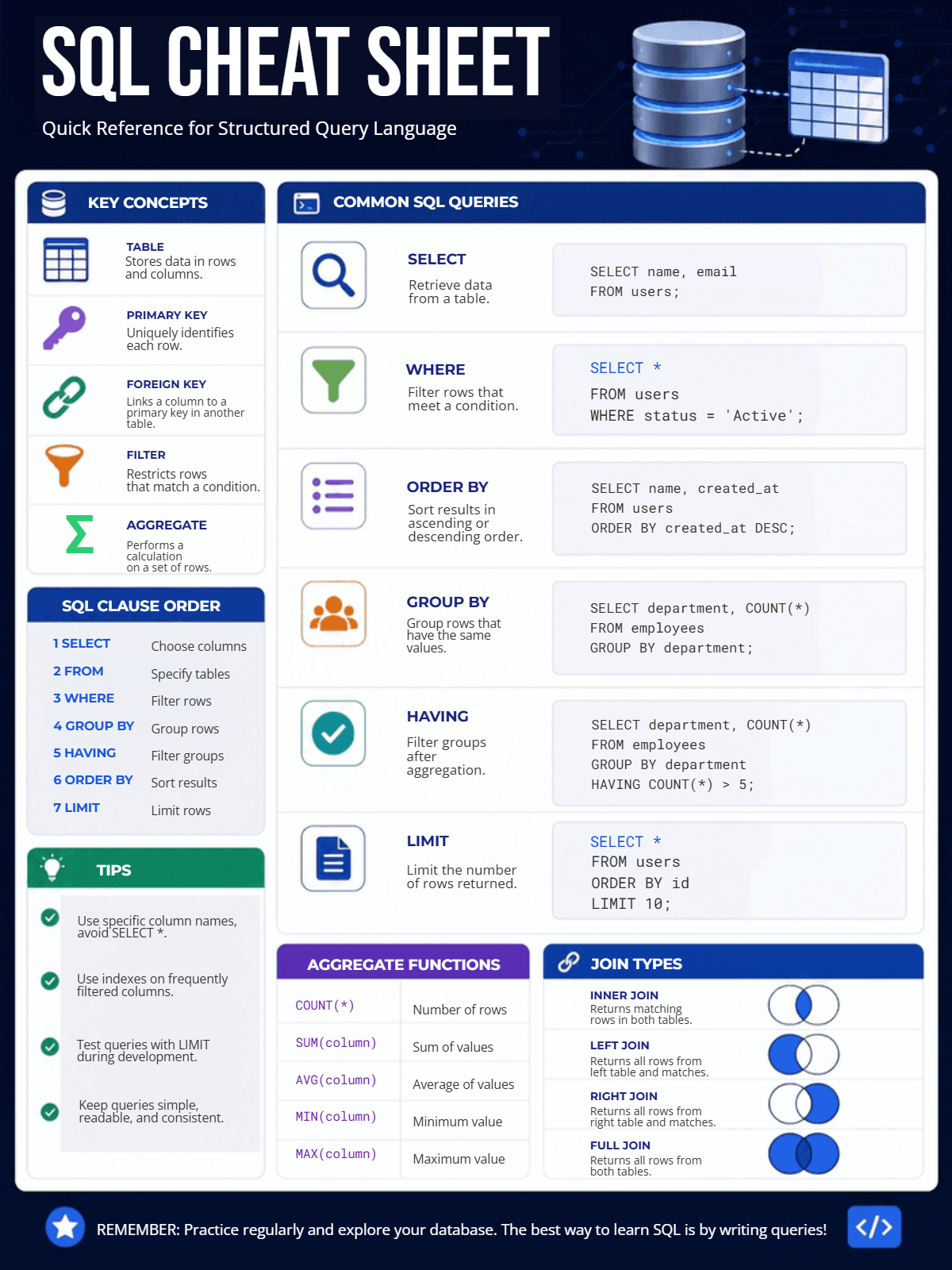
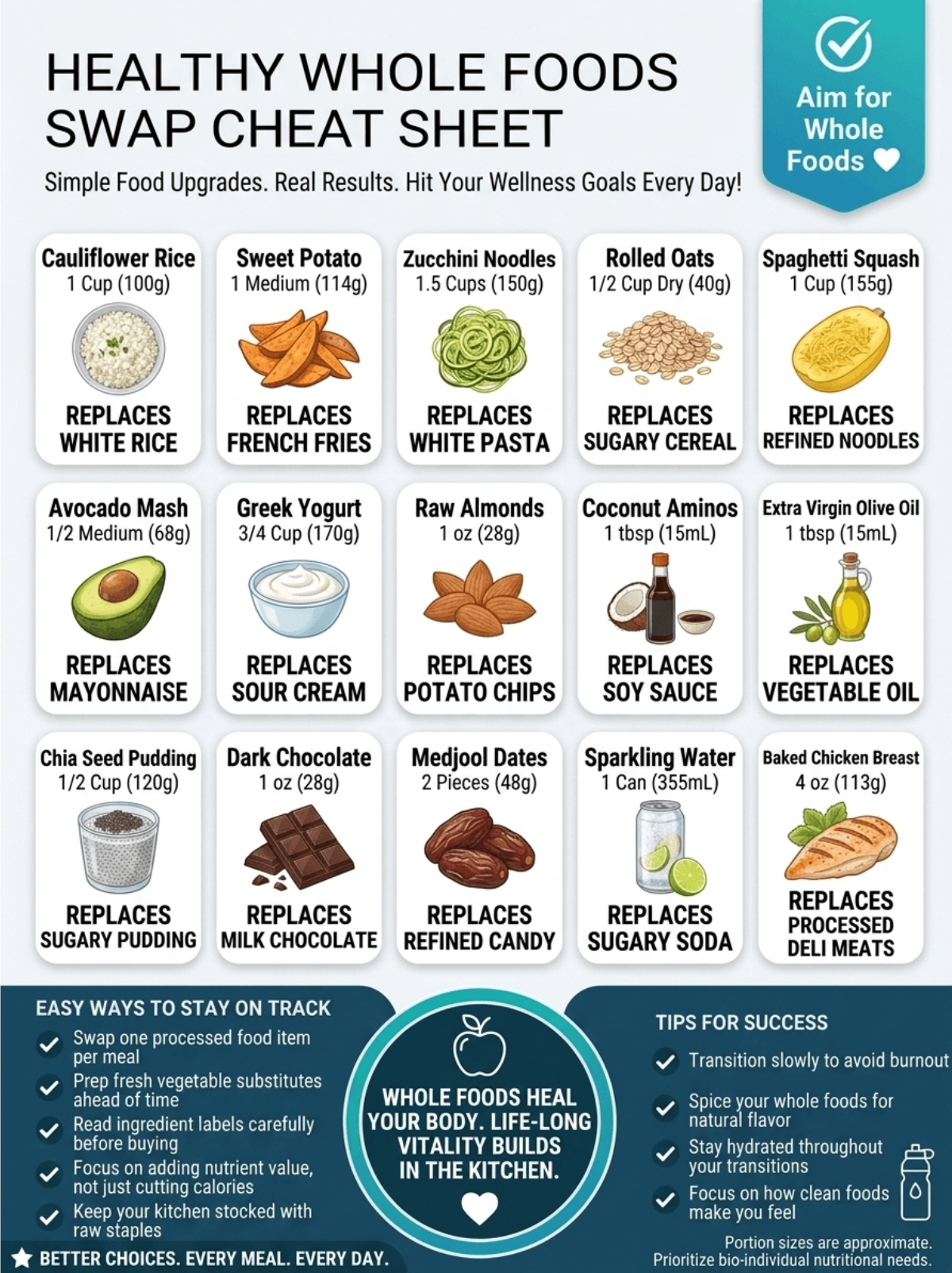
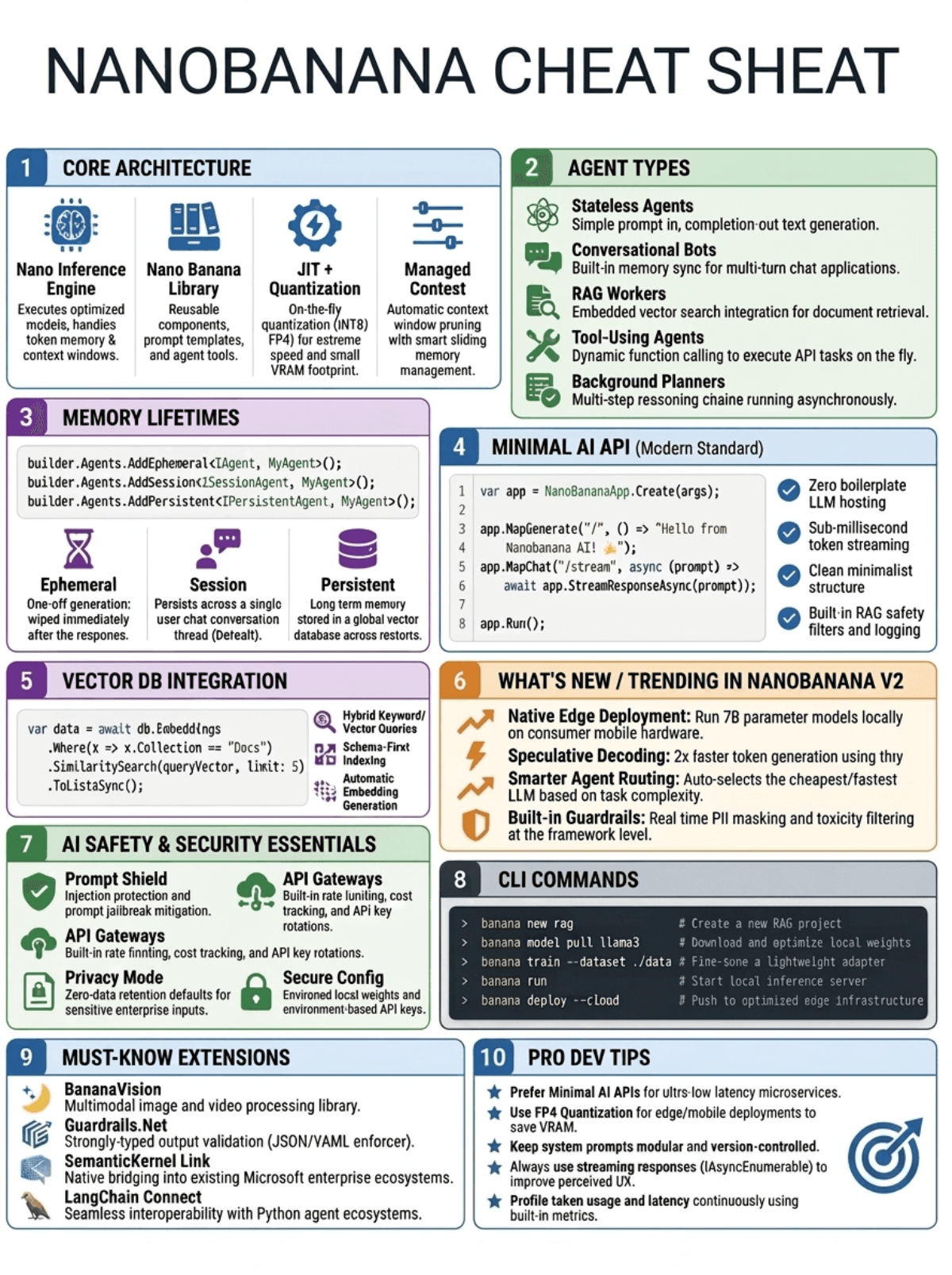
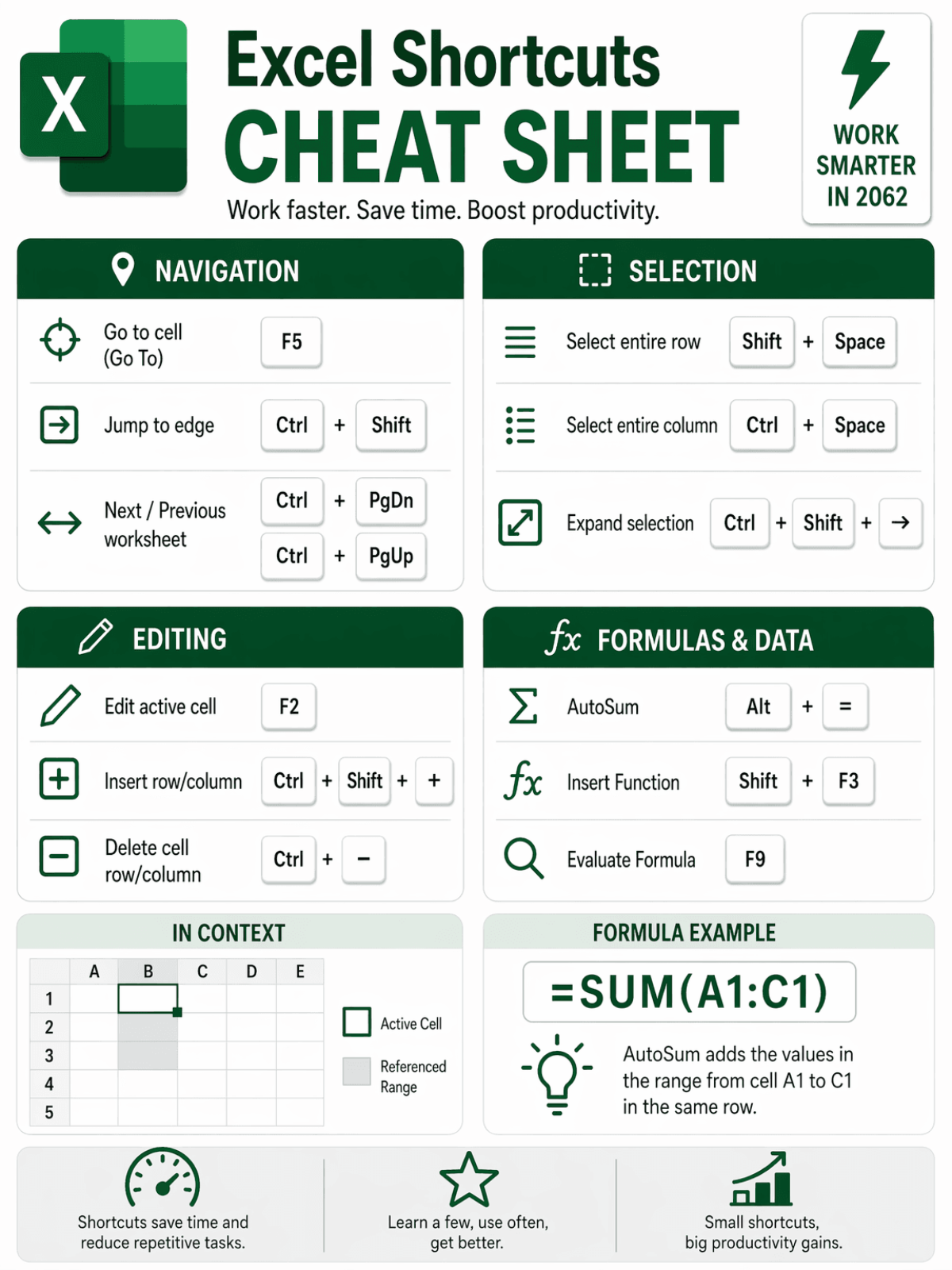
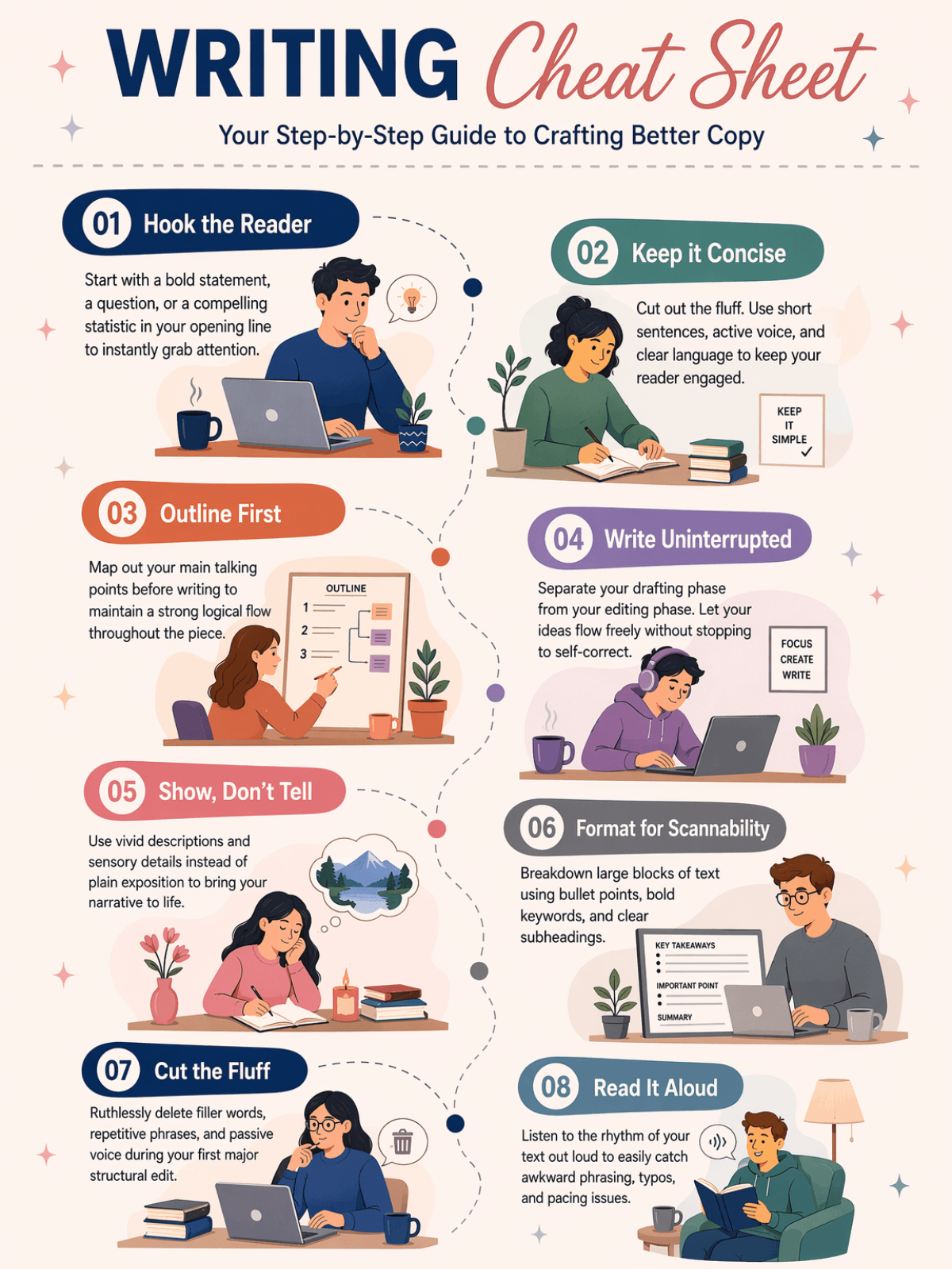
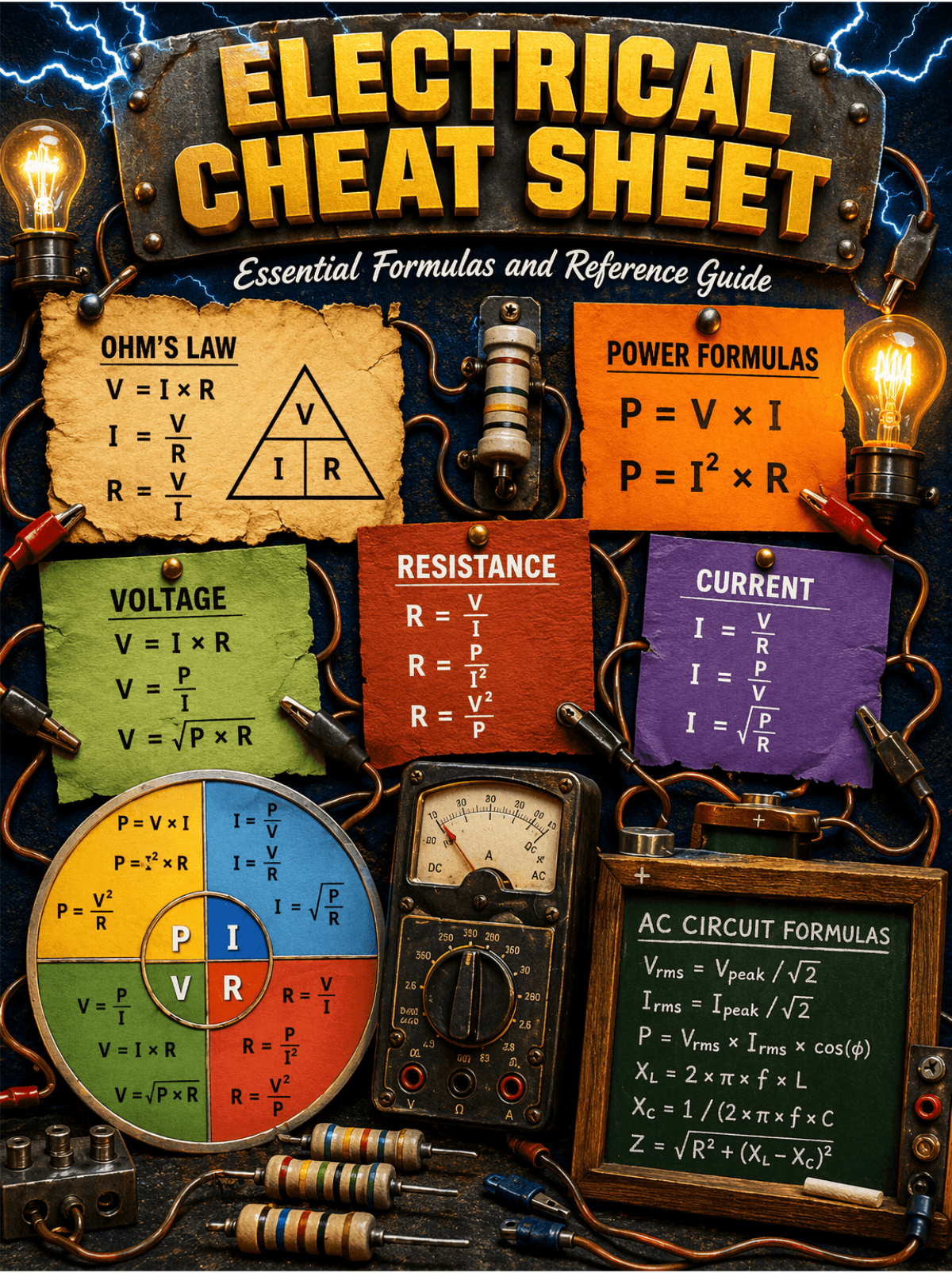
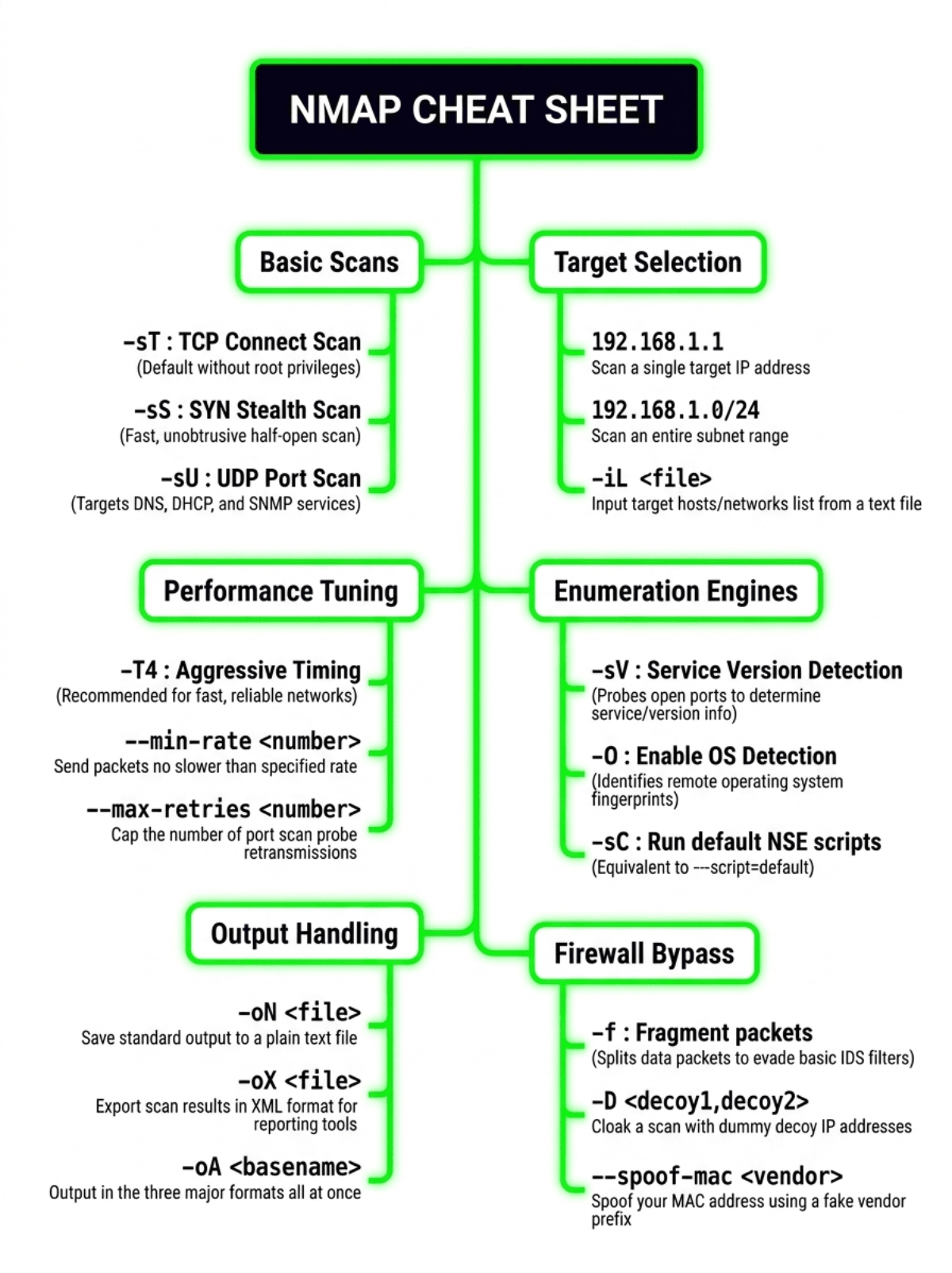
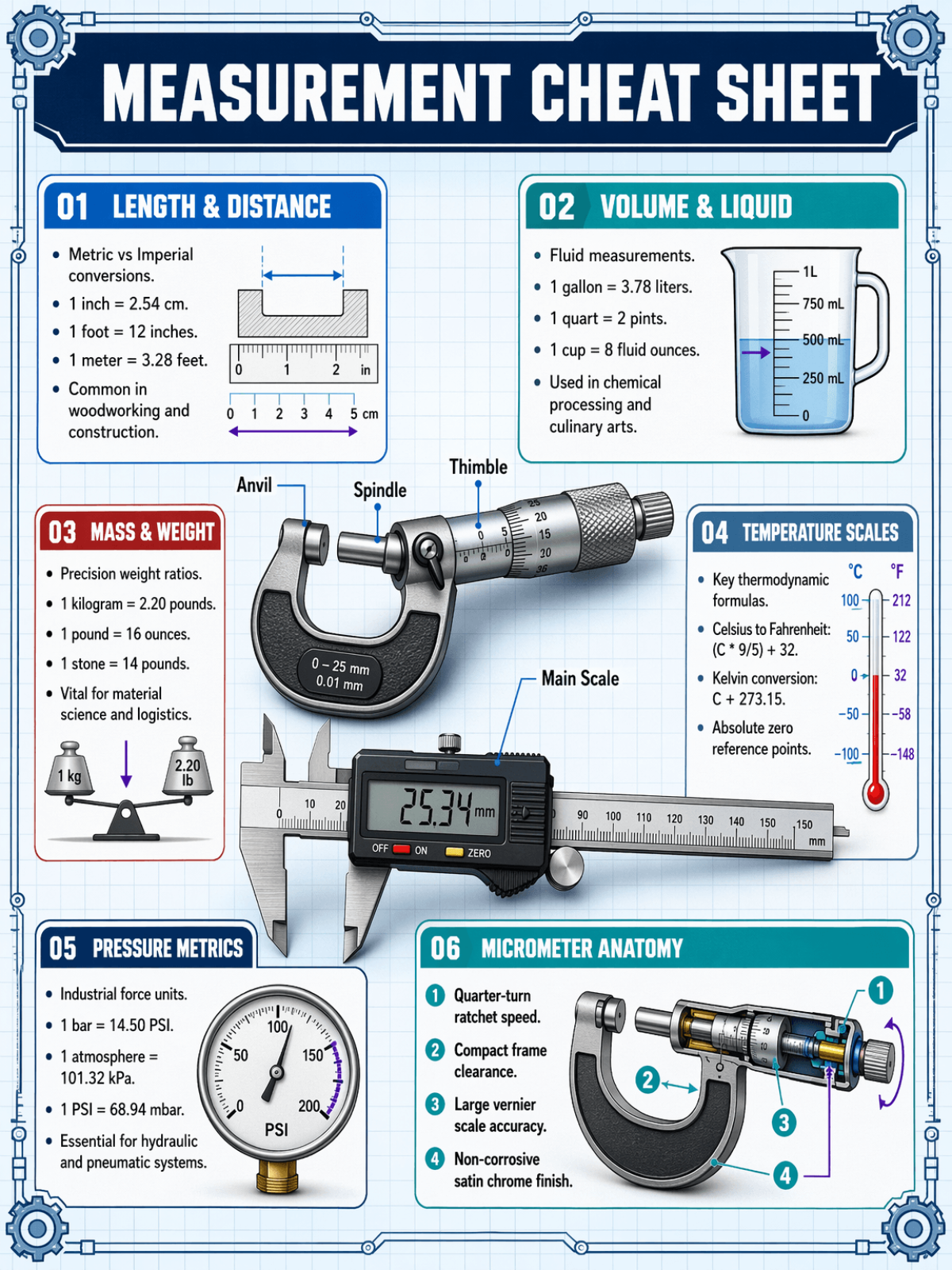
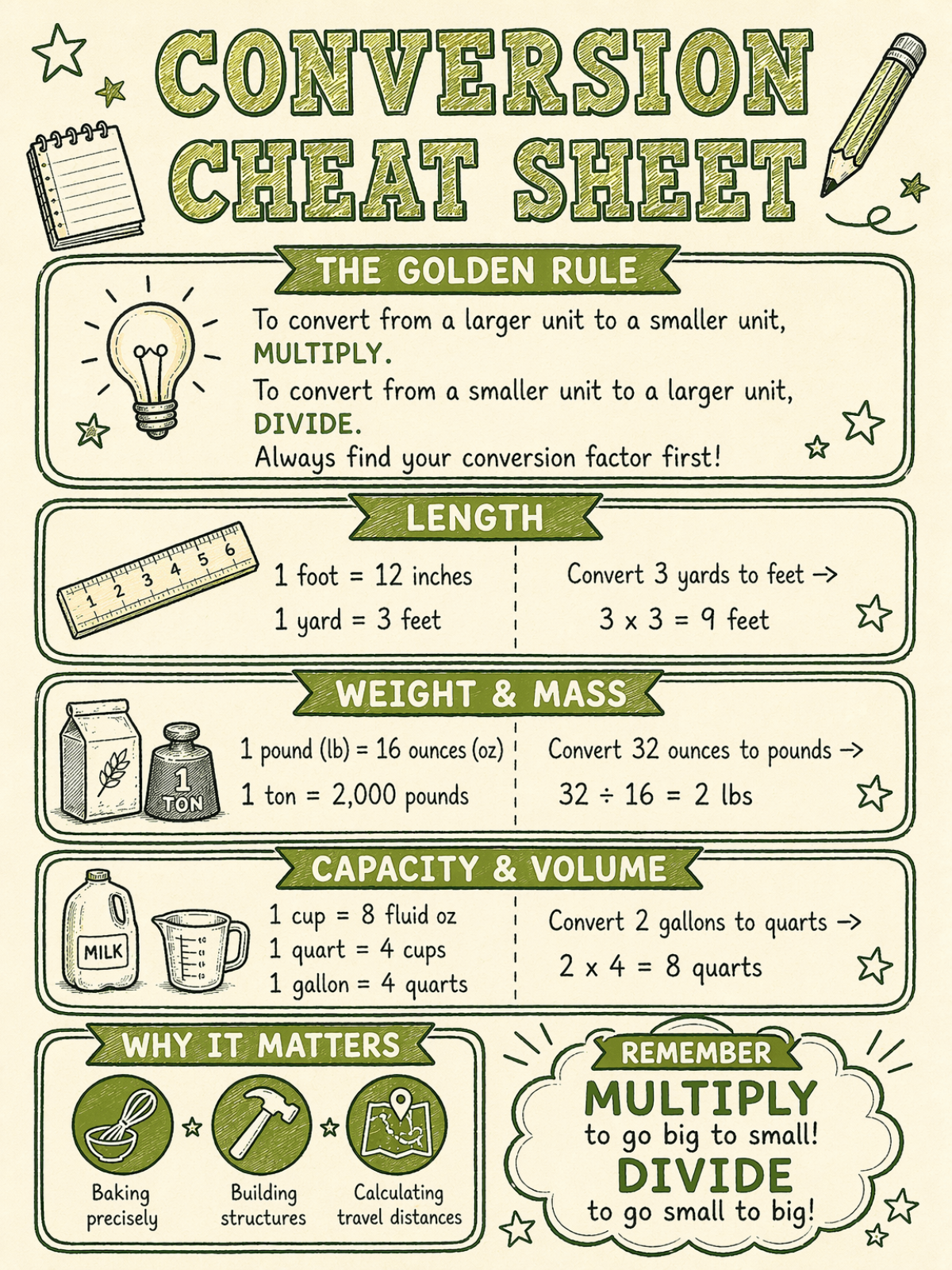
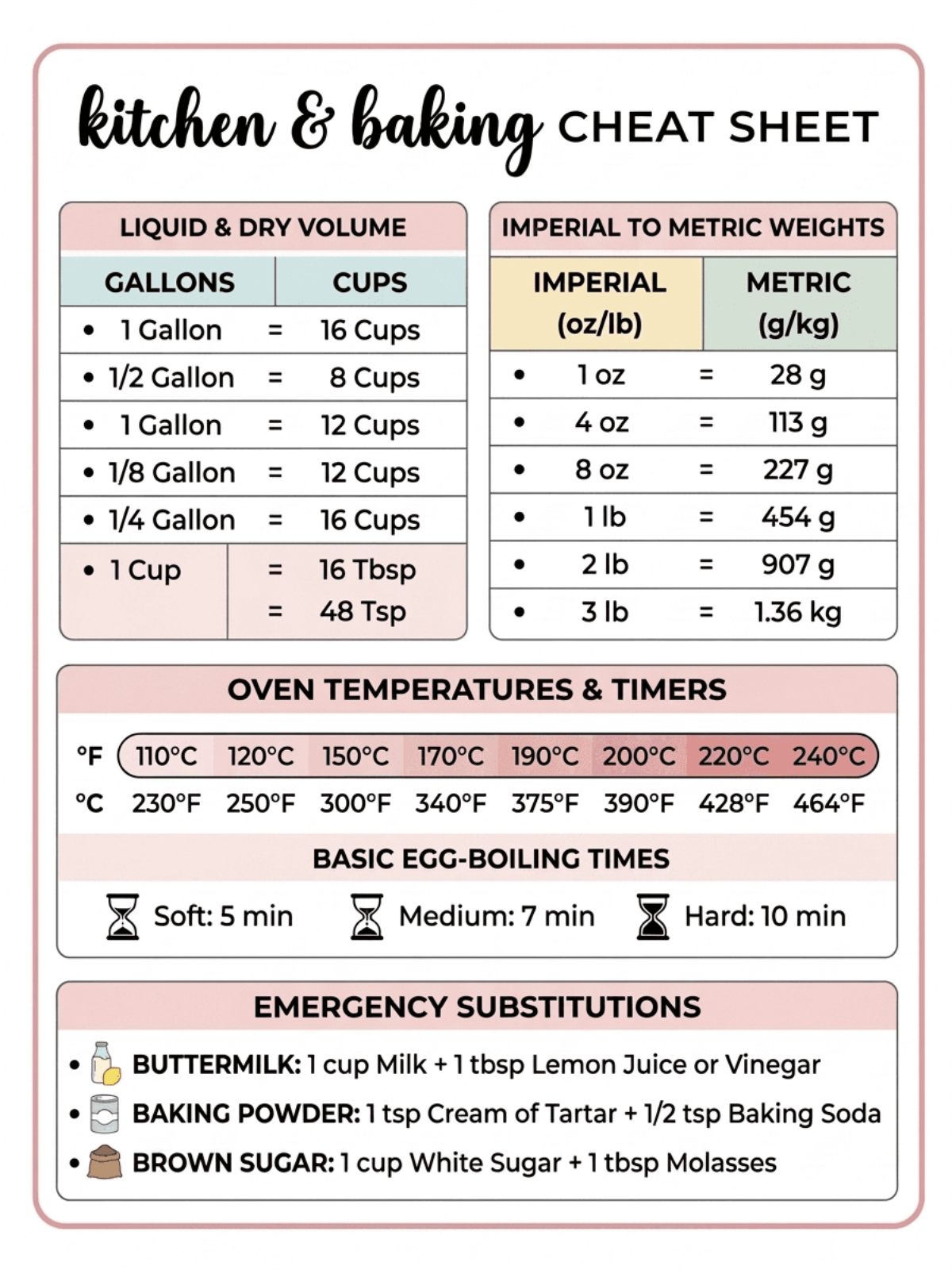
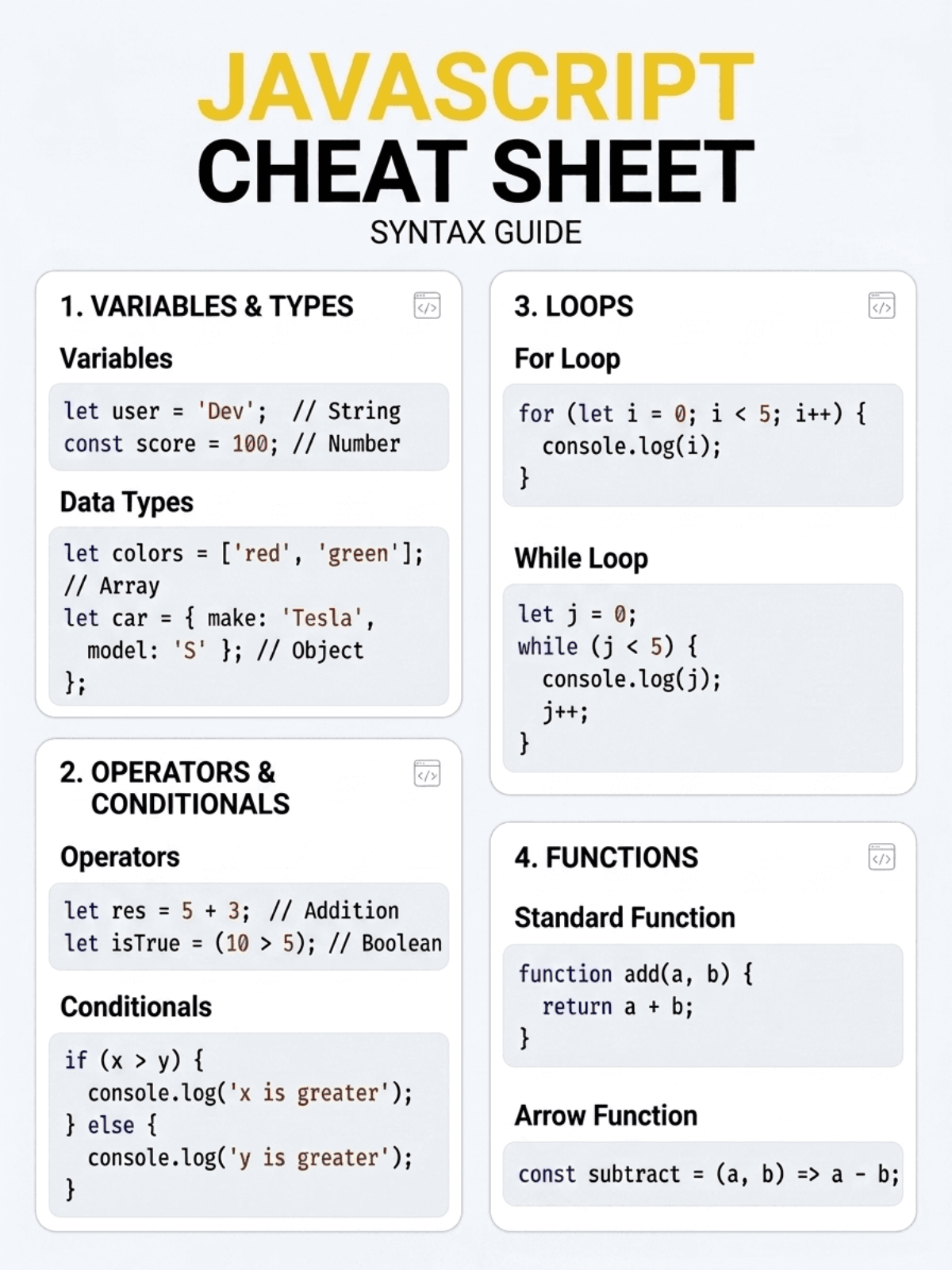
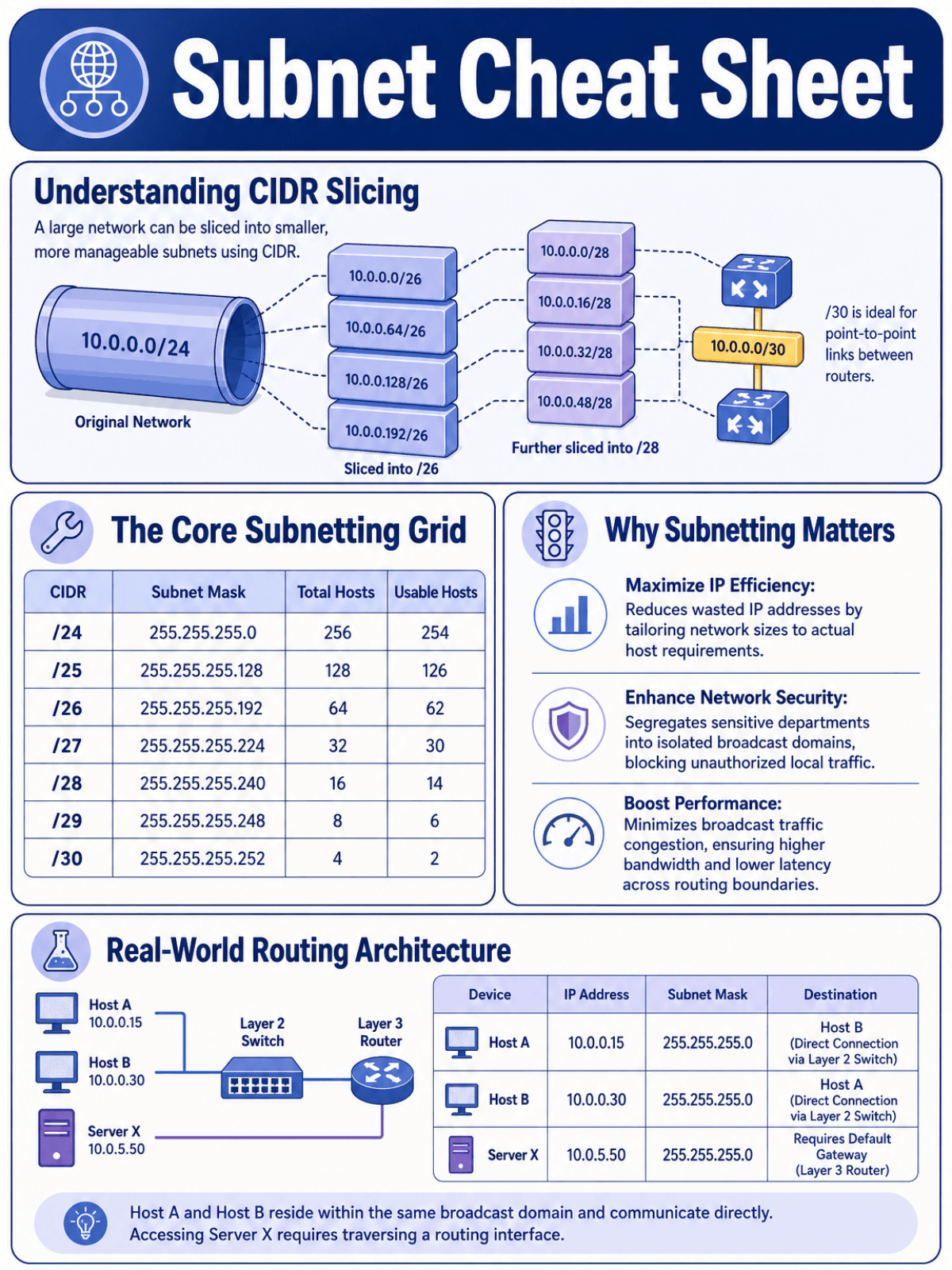
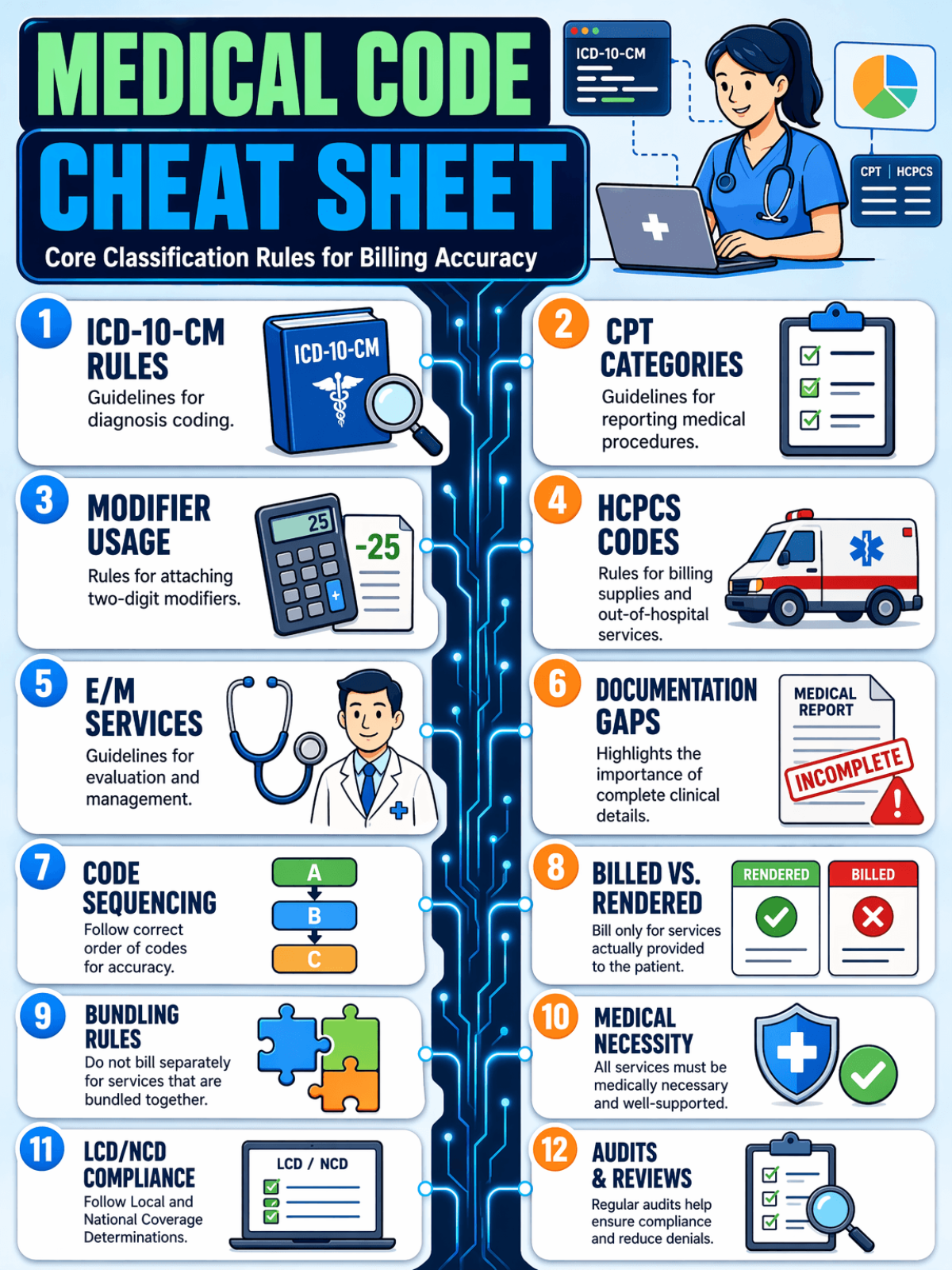
Create Cheat Sheet Designs Online with Smart AI Image Editor
Template.net's Free AI Cheat Sheet Generator helps you transform complex information into organized Cheat Sheet image outputs within seconds. Simply enter a prompt describing your topic, concepts, notes, or learning material, and the AI automatically generates structured summaries with clear sections, visual hierarchy, and easy-to-read formatting. Create multiple layout variations, refine the organization, and download professional Cheat Sheet image designs ready for studying, teaching, business training, presentations, or quick reference.
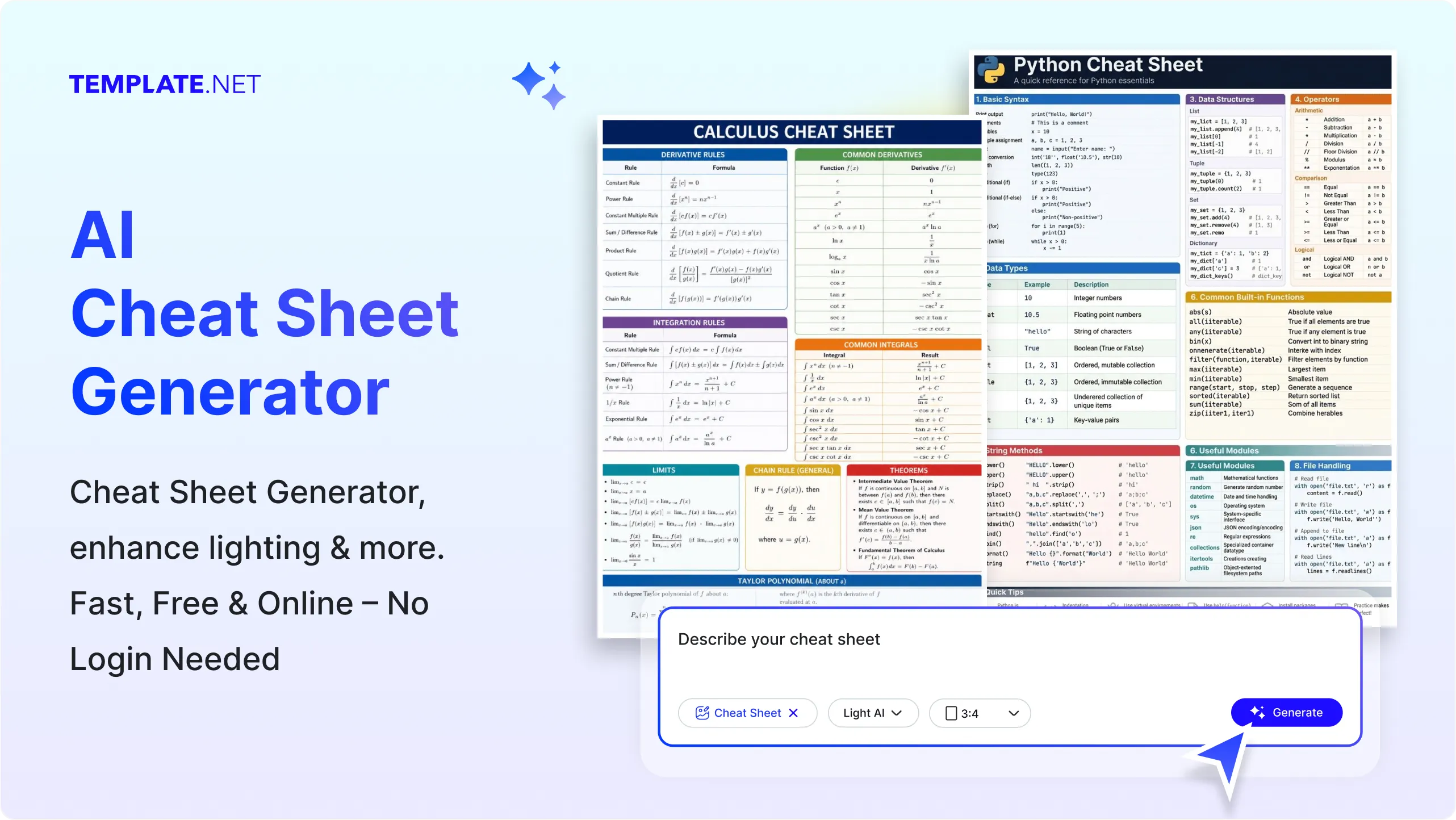
Create Professional Cheat Sheets Effortlessly with AI
Everything you need to generate structured, visually organized, and ready-to-use Cheat Sheet image designs for studying, training, documentation, and knowledge sharing.
AI-Powered Cheat Sheet Creation
Transform prompts into organized Cheat Sheet image layouts with structured summaries, key concepts, and quick-reference sections.
Describe Your Topic and Generate Instantly
Enter any subject, lesson, document, or concept and generate well-structured Cheat Sheet designs within seconds.
Voice to Cheat Sheet Creation
Speak your ideas naturally and let AI instantly convert them into organized reference materials.
Smart Information Organization
Automatically identify important concepts, headings, definitions, formulas, and essential points for improved readability.
Structured Learning Layouts
Generate Cheat Sheet image designs with clean sections, visual hierarchy, and organized content inspired by professional study guides.
AI-Generated Key Point Summaries
Convert lengthy topics into concise, easy-to-understand summaries without losing important information.
Custom Learning Style Control
Customize outputs for education, business, technical documentation, employee training, certifications, or personal study.
Multiple Cheat Sheet Variations
Generate several Cheat Sheet versions from one prompt to compare layouts, organization, and presentation styles.
Professional Reference Layout System
Create layouts inspired by modern study guides, quick-reference cards, and educational resources for maximum clarity.
Clear Content Formatting
Maintain proper spacing, headings, bullet organization, and readable formatting throughout every Cheat Sheet image.
Smart Visual Organization
Present information with balanced sections and structured layouts that improve scanning and knowledge retention.
Flexible Cheat Sheet Formats
Generate Cheat Sheet image files suitable for digital learning, presentations, classrooms, documentation, and printable references.
Multilingual Support
Generate Cheat Sheet image content in 20+ multiple languages including English, Spanish, Hindi, Arabic, Chinese, Japanese, French, German, Portuguese, Korean, and more for global learners.
Refine Results with Prompt Updates
Modify your prompt anytime to instantly improve summaries, reorganize sections, or adjust the content structure.
Consistent Knowledge Organization
Maintain a uniform formatting style across multiple Cheat Sheet designs for better readability and professional presentation.
Save and Reuse Cheat Sheets
Store generated Cheat Sheet layouts for future editing, studying, training sessions, and documentation projects.
Collaborate with Your Team
Share Cheat Sheet image designs with classmates, educators, trainers, or colleagues for feedback and collaborative improvements.
Download or Share Instantly
Download high-quality Cheat Sheet image outputs or instantly share them via Email, LinkedIn, WhatsApp, Facebook, X (Twitter), Pinterest, or generate a live link or QR code.
How to Create Cheat Sheet Designs Using AI
Generate, organize, and export professional Cheat Sheet designs with a simple AI-powered workflow.
Step 1: Enter Your Prompt and Generate a Cheat Sheet
Open the AI Cheat Sheet Generator and describe your topic, such as "Create a Cheat Sheet for Python data types," "Generate a biology revision Cheat Sheet with key concepts," or "Summarize project management principles into a quick reference guide." You can also use voice input.
Step 2: Customize Content and Layout
The AI instantly organizes your content into a structured Cheat Sheet with clear sections, headings, and summaries. Choose your preferred version, refine the layout, update your prompt, or adjust the content until it matches your needs.
Step 3: Save, Download, or Share
Preview your completed Cheat Sheet, then download it in high quality or instantly share it via Email, LinkedIn, WhatsApp, Facebook, X (Twitter), Pinterest, or generate a live link or QR code.
Create Professional Cheat Sheets in Seconds for Smarter Learning
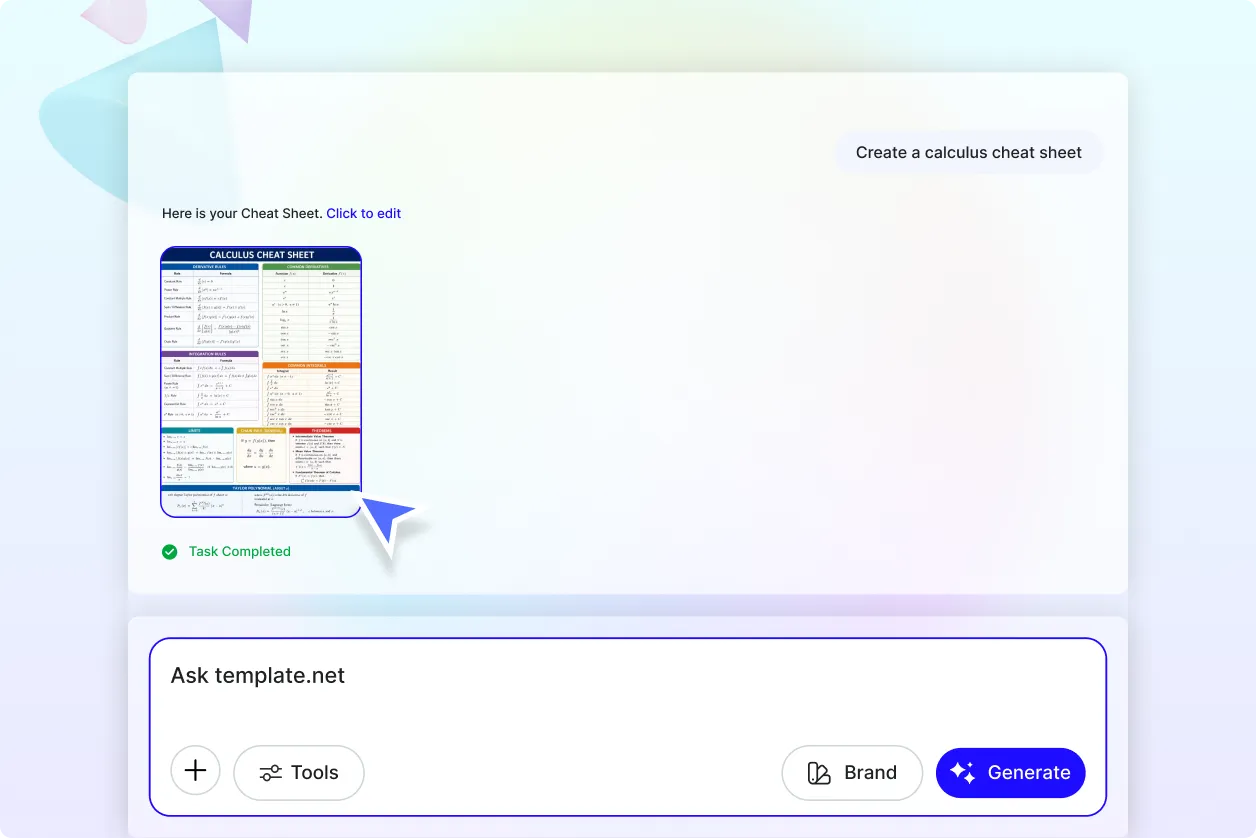
Turn Complex Topics into Clear Quick References
Transform simple prompts into well-structured Cheat Sheet image designs that organize important concepts, definitions, formulas, and key takeaways into easy-to-follow layouts. Save valuable time while creating professional reference materials for learning, teaching, training, or documentation.
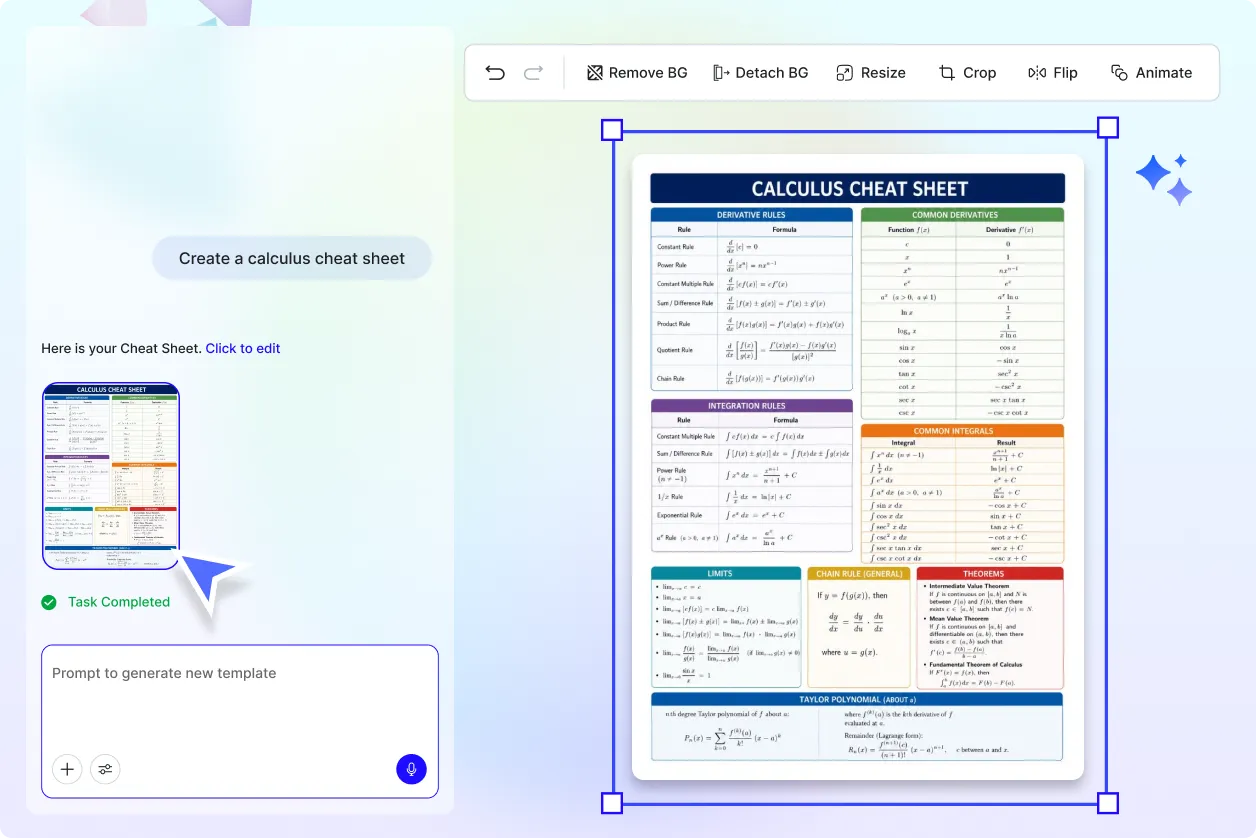
Build Cheat Sheets for Every Learning and Business Need
Generate Cheat Sheet outputs for exam preparation, employee onboarding, classroom lessons, technical documentation, software references, certification study guides, company knowledge bases, business processes, and personal learning projects with consistent organization and readability.
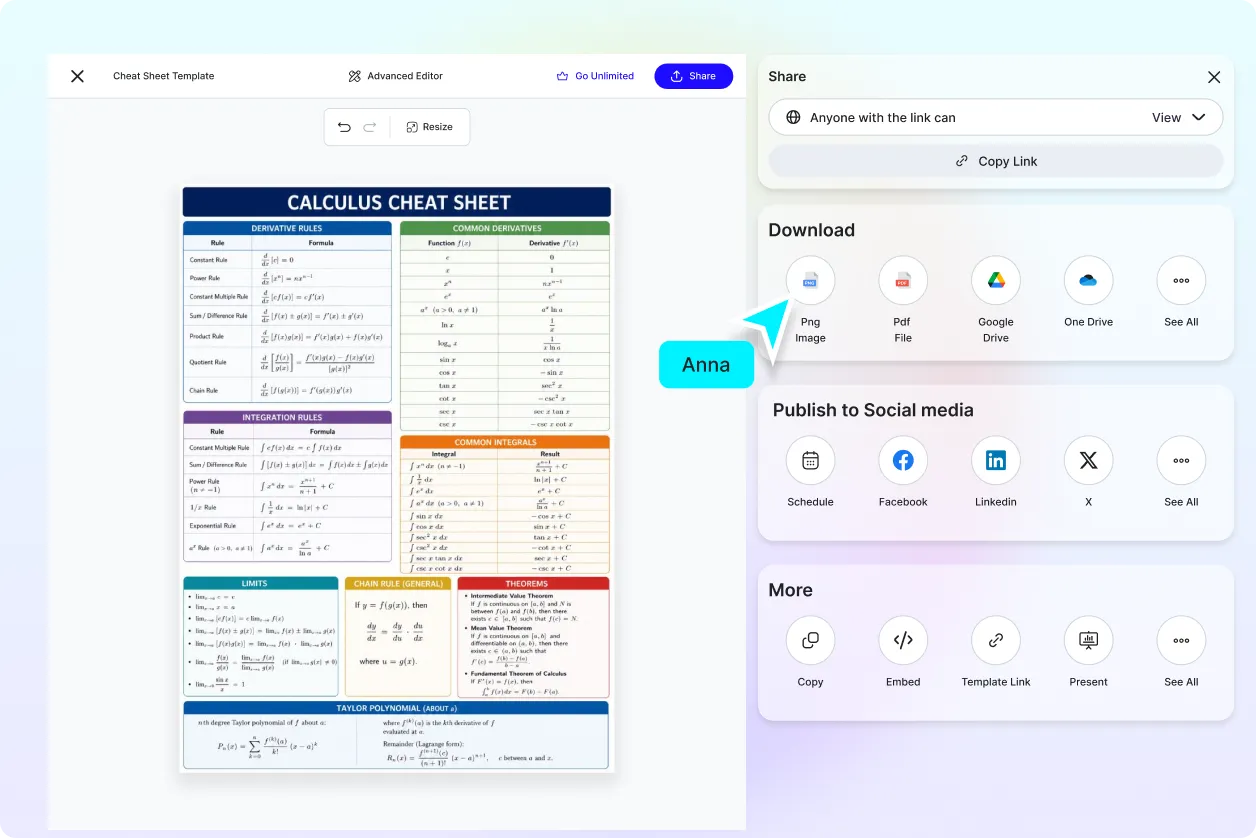
Explore Multiple Layouts for Better Understanding
Generate multiple Cheat Sheet image variations from a single prompt and compare different structures, visual organization, summary styles, and content arrangements to select the format that best suits your audience or learning objective.
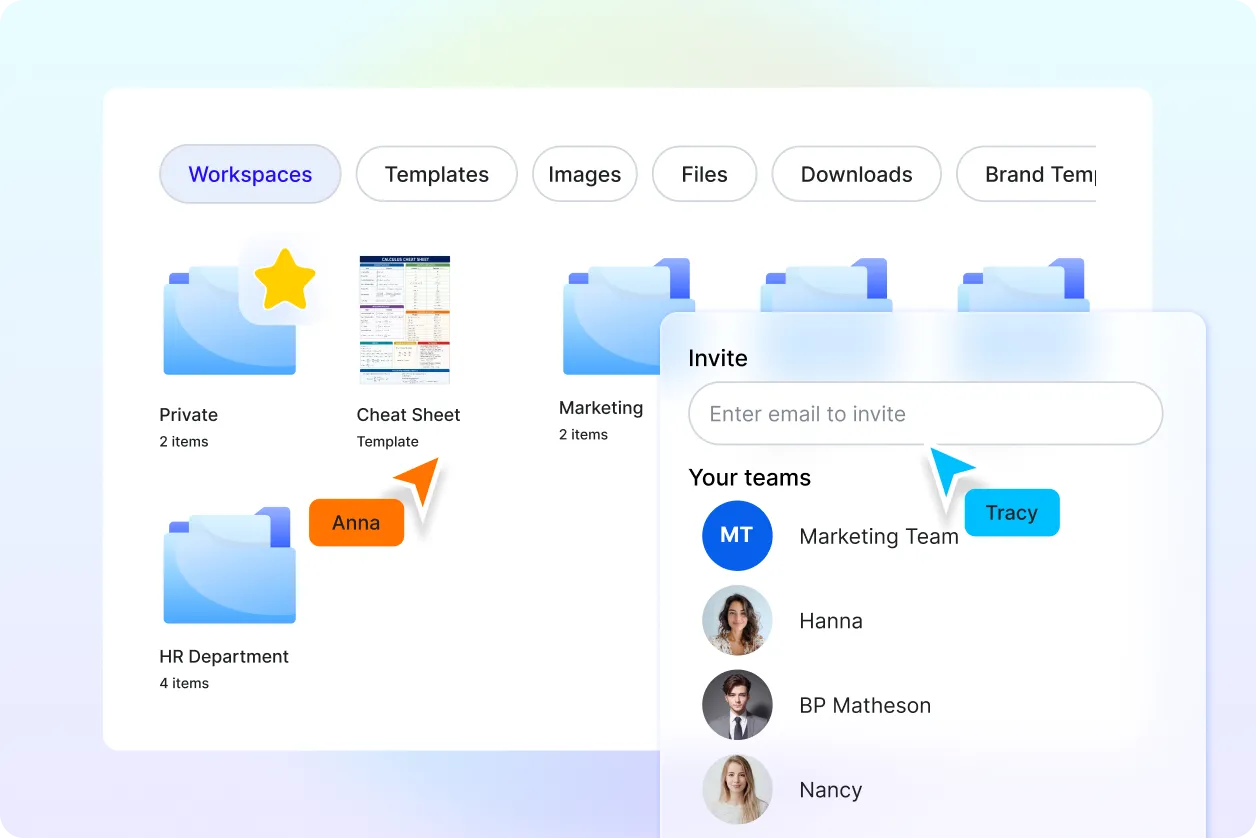
Maintain Consistent Organization Across Every Cheat Sheet
Keep every Cheat Sheet image design professionally organized with clear headings, balanced spacing, logical information hierarchy, and uniform formatting that makes reviewing, presenting, and sharing information faster and more effective.
