Free AI Favicon Generator
























Create Favicon Online with Smart AI Image Generator
Our Free AI Favicon Generator helps you turn ideas into clean and recognizable favicon image outputs in seconds. Enter a prompt describing your brand, symbol, or style and the AI generates simplified visuals optimized for small display. Upload logos, describe concepts, or use voice input to create clear favicon image results. Explore multiple variations, refine styles, and download ready-to-use favicon designs for websites and branding.
Create and Design Favicon Images Effortlessly with AI
Everything you need to generate clean, recognizable, and brand-ready favicon image designs with speed, clarity, and control.
AI-Powered Favicon Generation
Turn your ideas into compact favicon image designs with clean shapes, minimal details, and strong visual clarity suitable for small sizes.
Describe Your Concept and Generate Icons
Enter your brand name, initials, or symbol idea and generate favicon visuals tailored to your identity and use case.
Voice to Favicon Creation
Speak your idea and instantly generate favicon image designs without typing, making creation faster and more intuitive.
Smart Simplification for Small Icons
Automatically simplify complex visuals into clear and readable favicon formats that remain recognizable at smaller display sizes.
Custom Styled Favicon Designs
Generate polished favicon image visuals with clean lines, bold shapes, and modern styling inspired by professional icon design.
Icon-Based Visual Generation
Create unique symbols, shapes, and minimal graphics from prompts to produce distinct favicon visuals.
Brand-Focused Design Control
Customize styles like minimal, bold, flat, or modern to match your brand identity and digital presence.
Multiple Favicon Variations
Generate multiple favicon image options from a single prompt and explore different creative directions easily.
Structured Icon Design System
Use layouts inspired by professional icon standards to ensure your favicon designs look clean and balanced.
Clear and Readable Typography Icons
Generate letter-based favicon designs with strong readability and clarity for initials or short names.
Color and Contrast Optimization
Adjust colors and contrast to ensure your favicon stands out clearly across browsers and devices.
Platform Ready Favicon Outputs
Create favicon image designs optimized for websites, apps, and cross-platform usage.
Save and Reuse Favicon Designs
Store your favicon concepts and reuse them for different projects or updates.
Consistent Brand Icon System
Maintain consistent favicon styles across different platforms for a unified brand identity.
Multilingual Support
Generate favicon image designs using 20+ multiple languages including English, Spanish, Hindi, Arabic, Chinese, Japanese, and more to reach global audiences.
Organize Multiple Icon Concepts
Manage various favicon ideas in one place for easy comparison and selection.
Collaborate on Favicon Designs
Share designs with teams or clients to gather feedback before finalizing.
Download or Share Favicon Images Instantly
Download high-quality favicon images or share instantly via Email, LinkedIn, WhatsApp, Facebook, X (Twitter), Pinterest, or generate a live link or QR code.
How to Create Favicon Designs Using AI
Generate, refine, and export favicon image designs using a simple workflow.
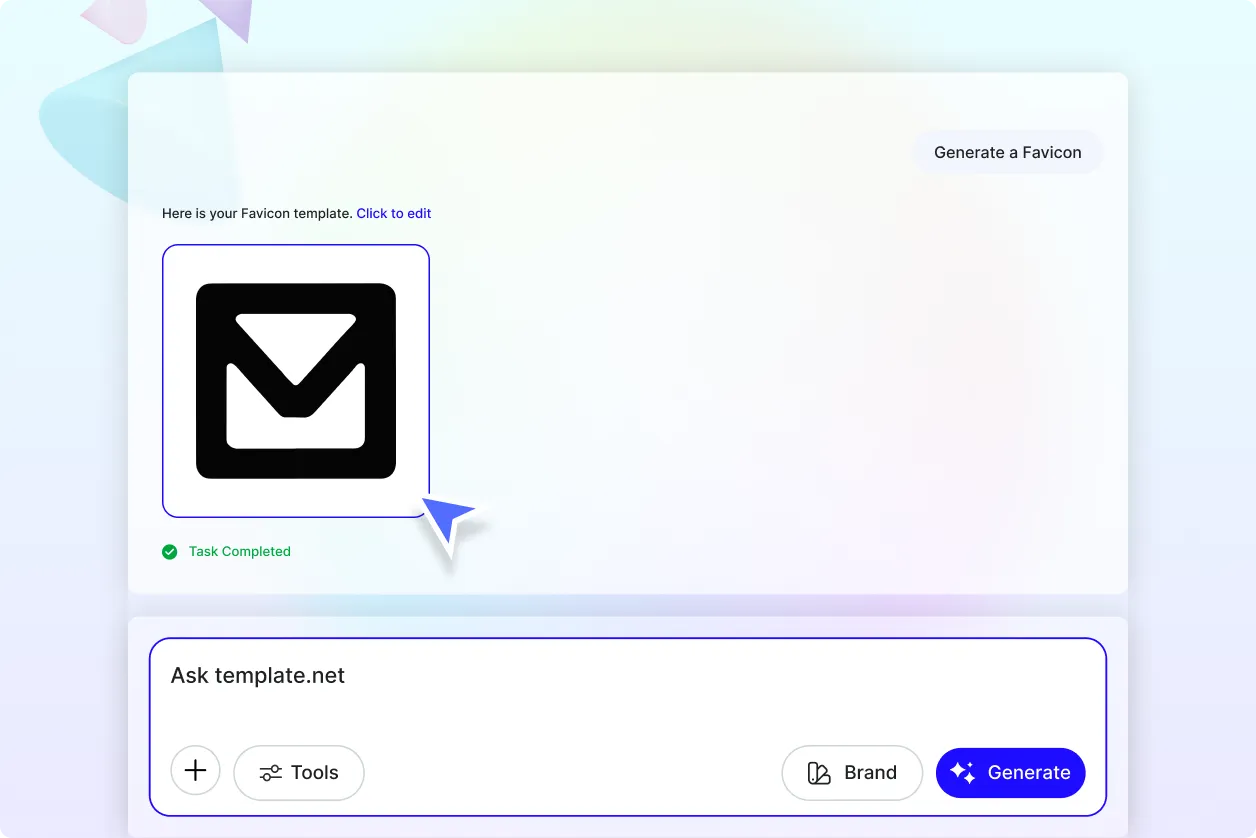
Step 1 Enter Prompt
Open the AI Favicon Generator and describe your idea such as “Create a minimal favicon with bold letter N” or “Generate a modern icon-style favicon with geometric shape.” You can also use voice input for faster creation.
Step 2 Generate and Customize
The AI generates multiple favicon image designs with clean and simplified visuals. Choose your preferred option and refine results by updating your prompt.
Step 3 Save Download or Share
Preview your favicon and download it in high quality or share it instantly for website and branding use.
Create Clean Favicon Designs That Strengthen Brand Identity
Turn Ideas into Recognizable Icons Instantly
Transform simple prompts into clear and compact favicon designs that are easy to recognize even at small sizes. This helps build a strong visual identity across digital platforms.
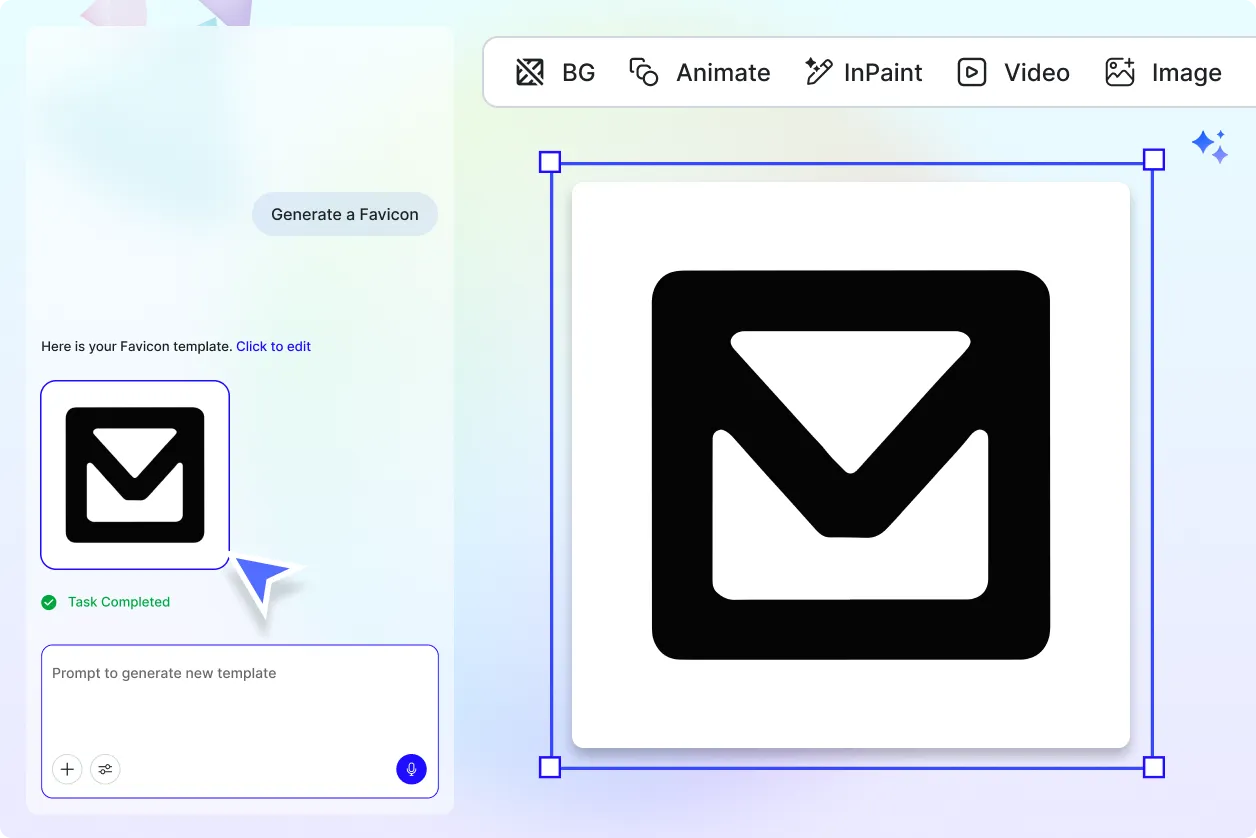
Design Icons for Different Brand Styles
Generate favicon designs tailored to modern, minimal, bold, or professional branding styles. This ensures your favicon matches your website and brand personality.
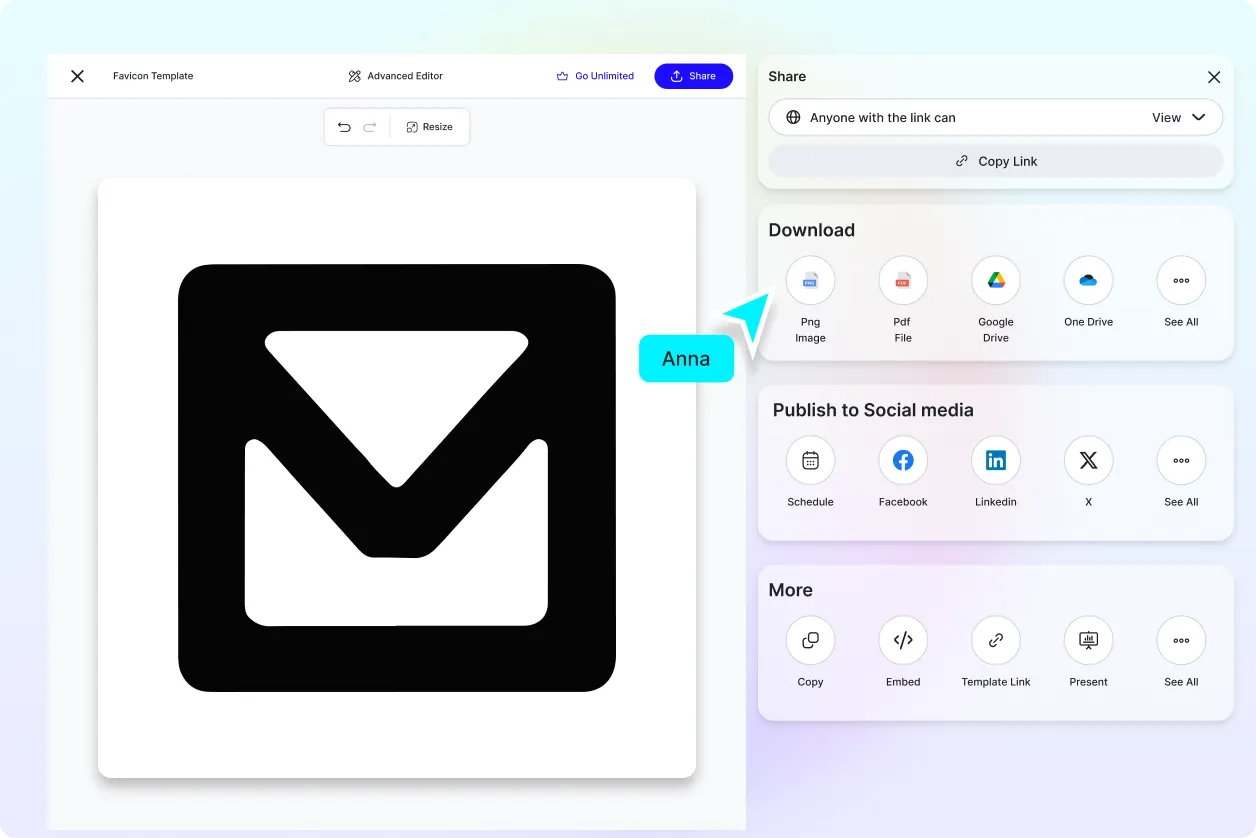
Explore Multiple Icon Variations Easily
Create multiple favicon options with different symbols, shapes, and styles. This allows you to experiment and choose the most effective design.
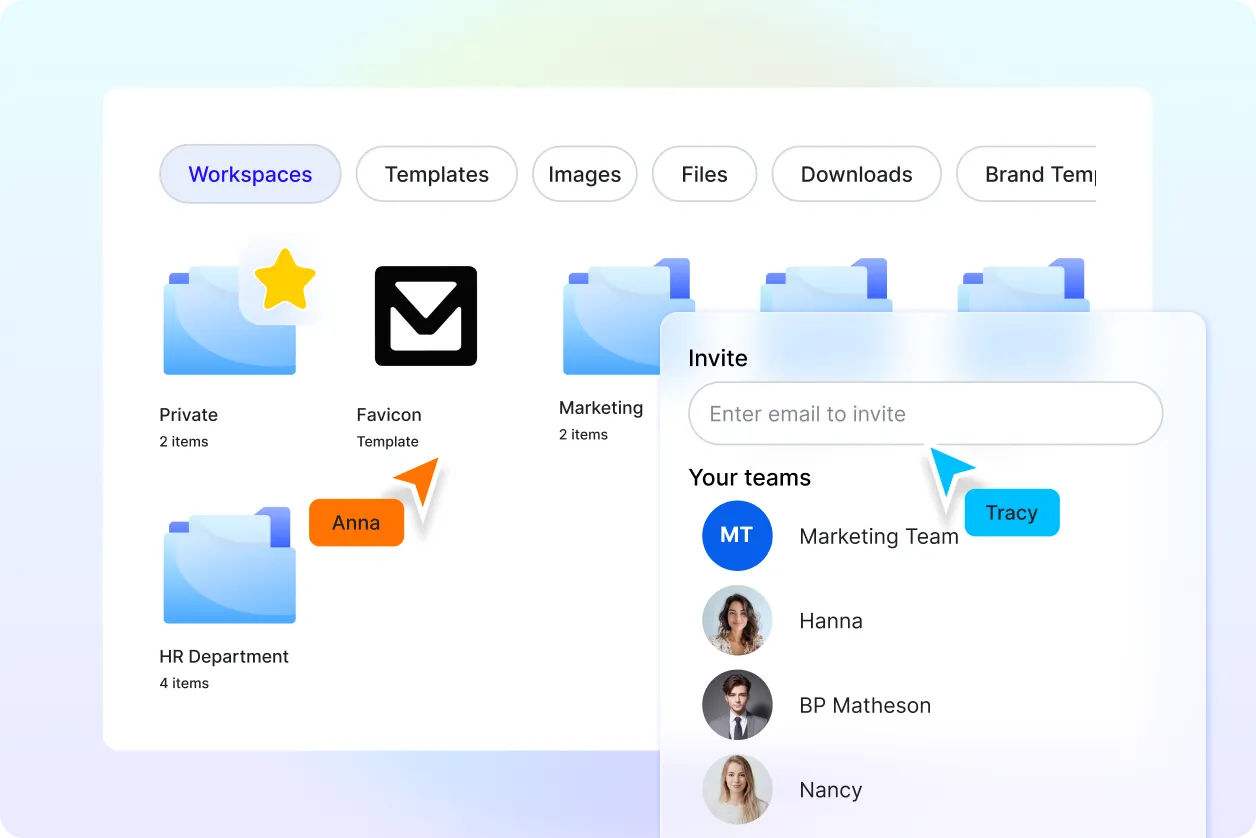
Maintain Consistent Visual Branding
Ensure your favicon designs stay consistent across browsers, apps, and platforms. This helps improve recognition and builds a cohesive brand presence.
