
Free AI Place Card Generator
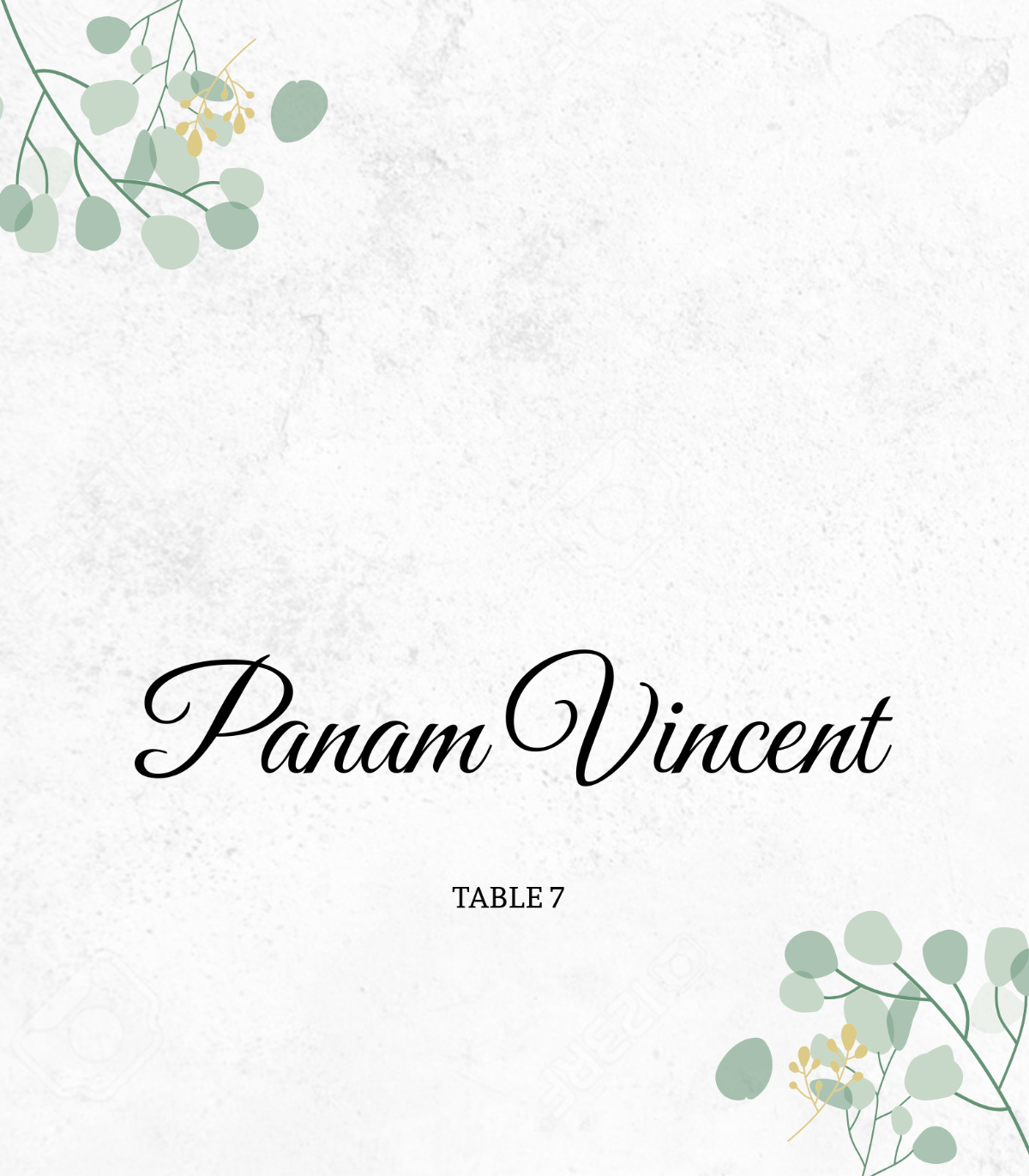
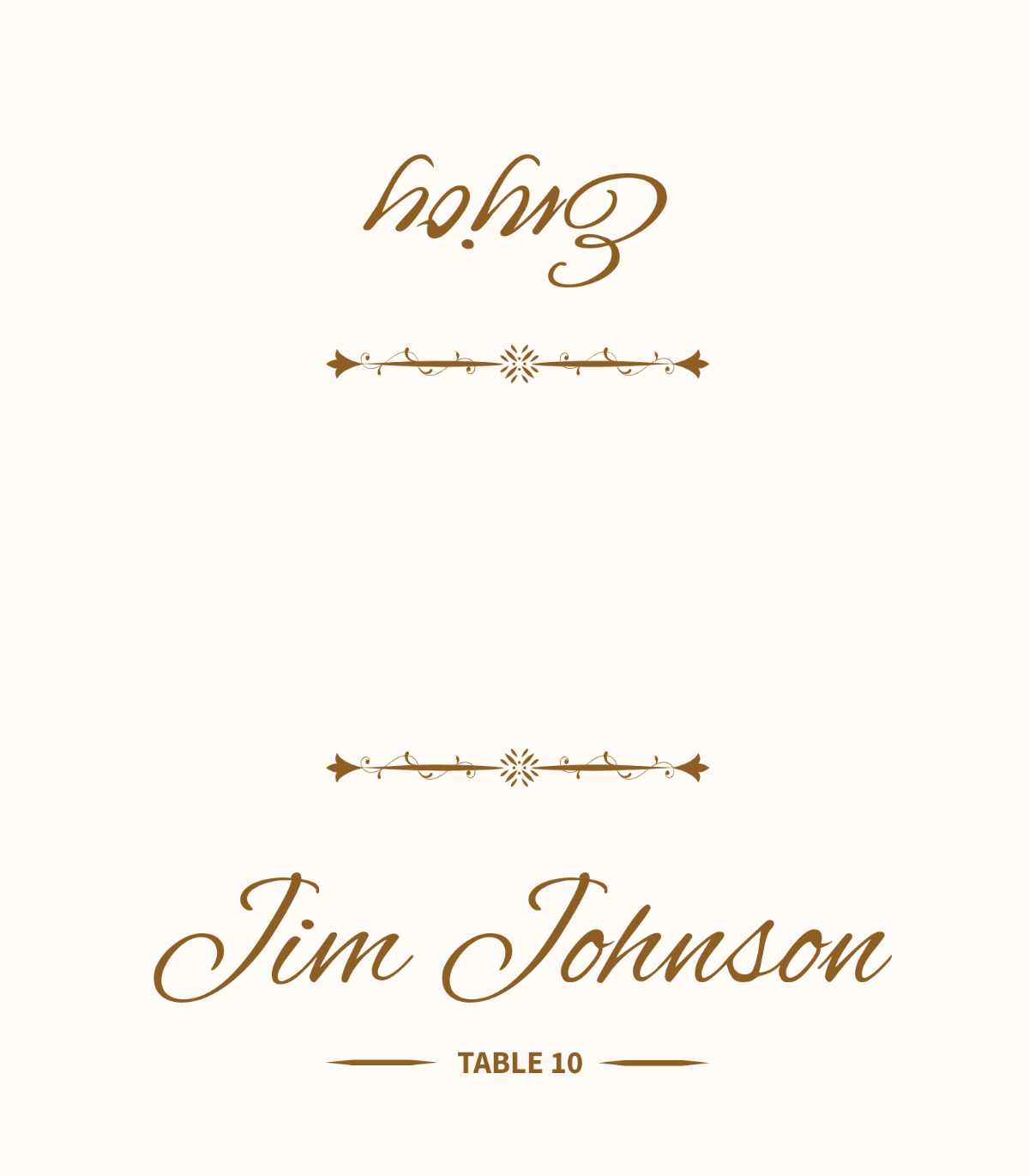


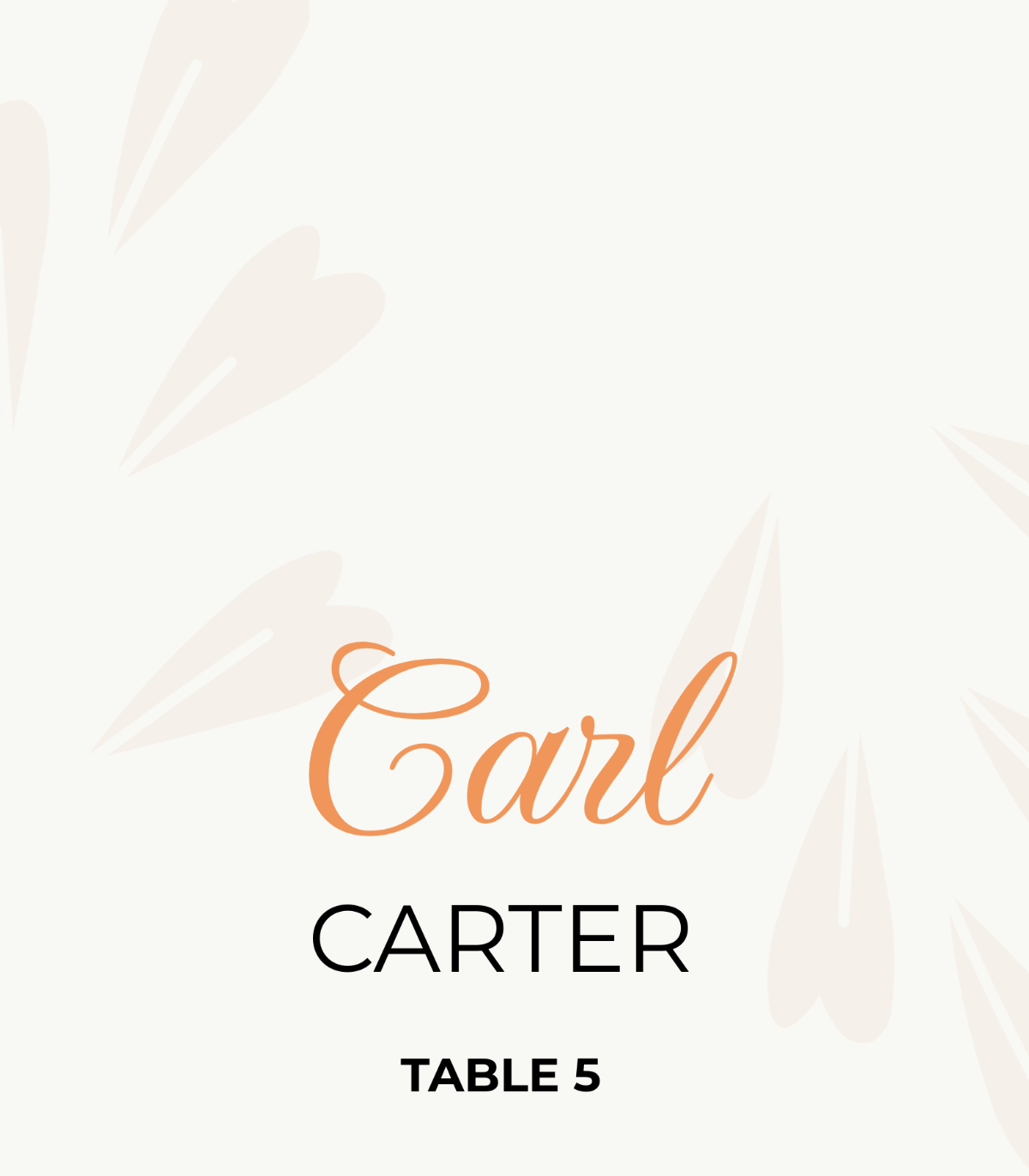
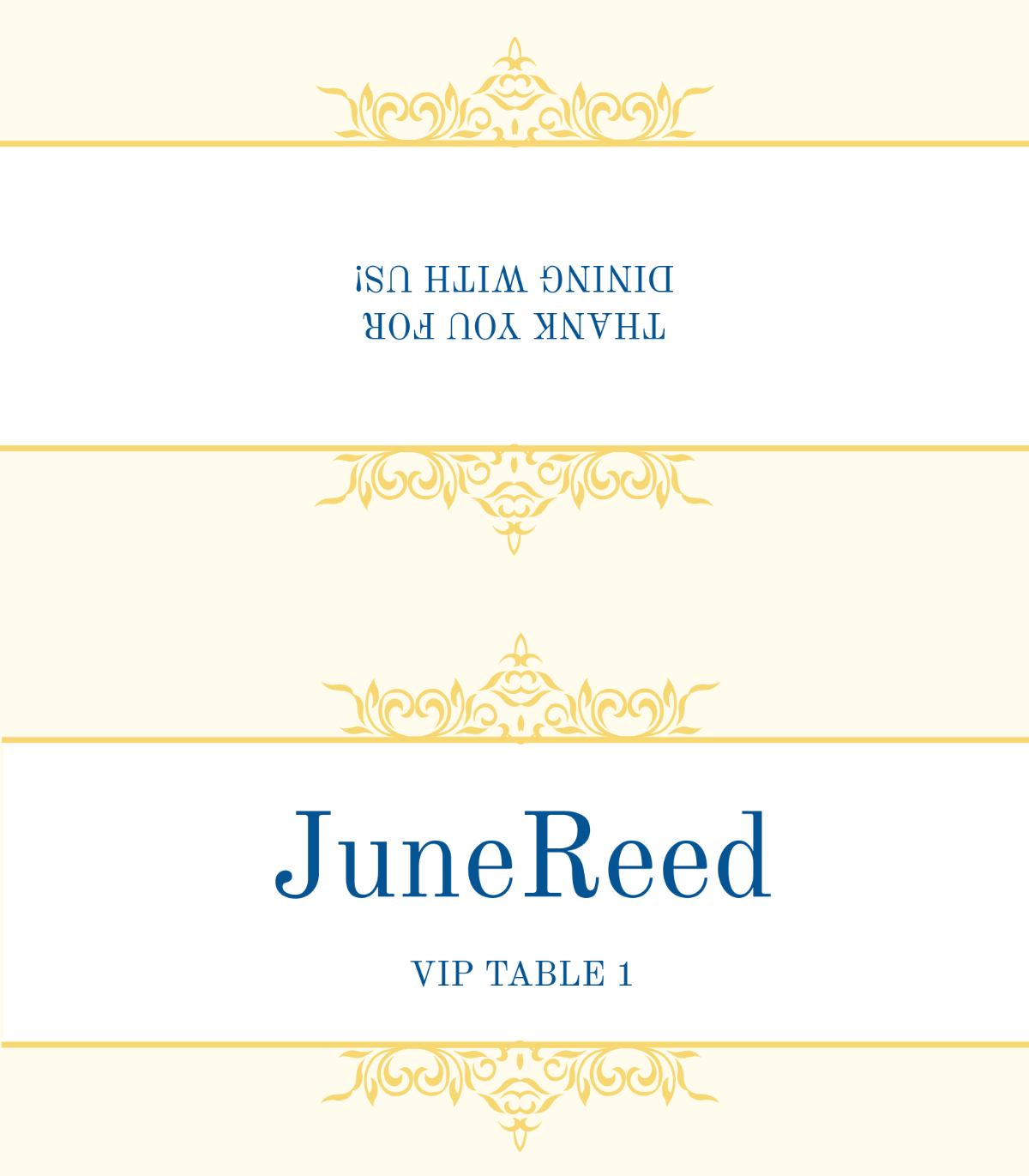

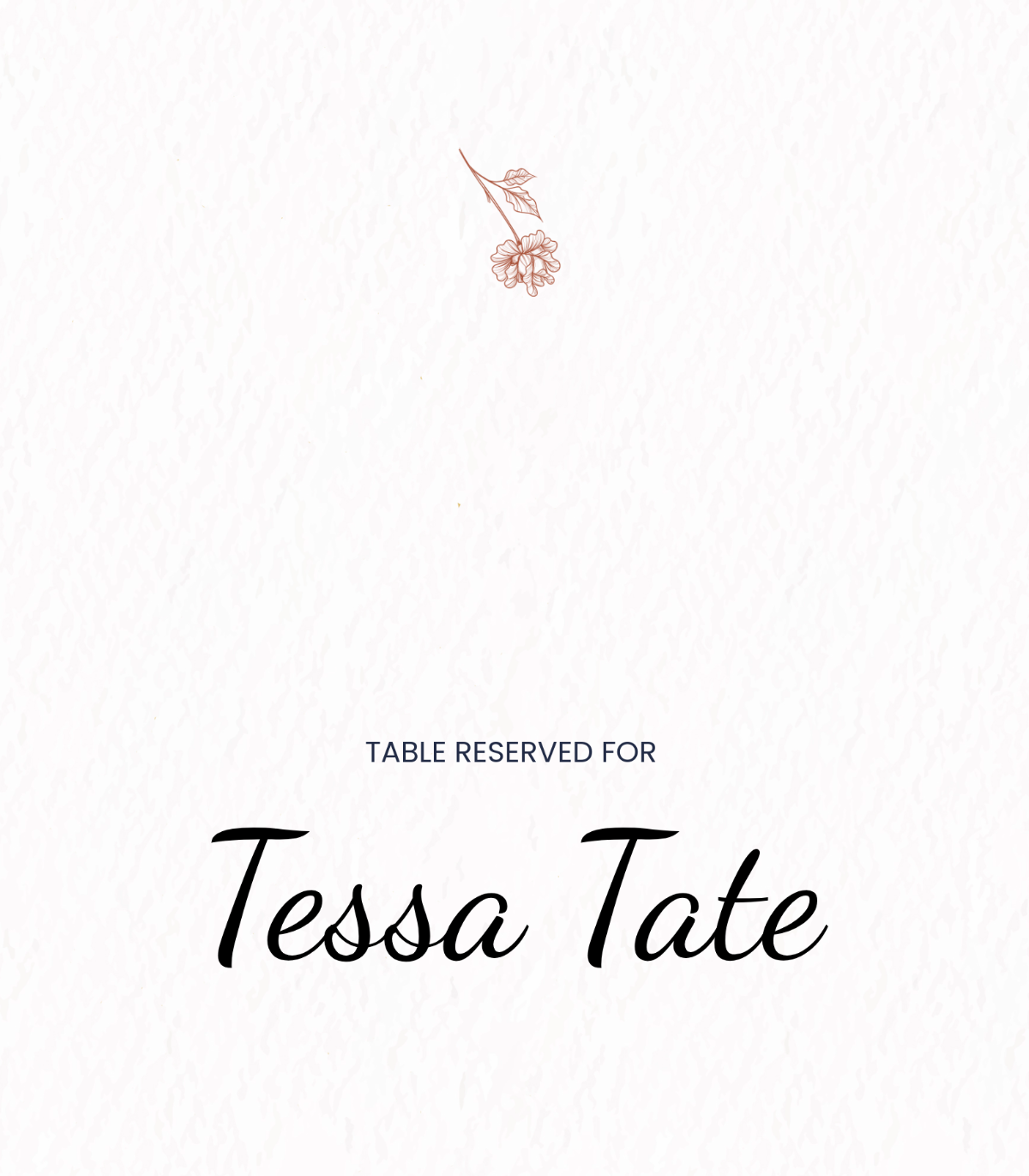
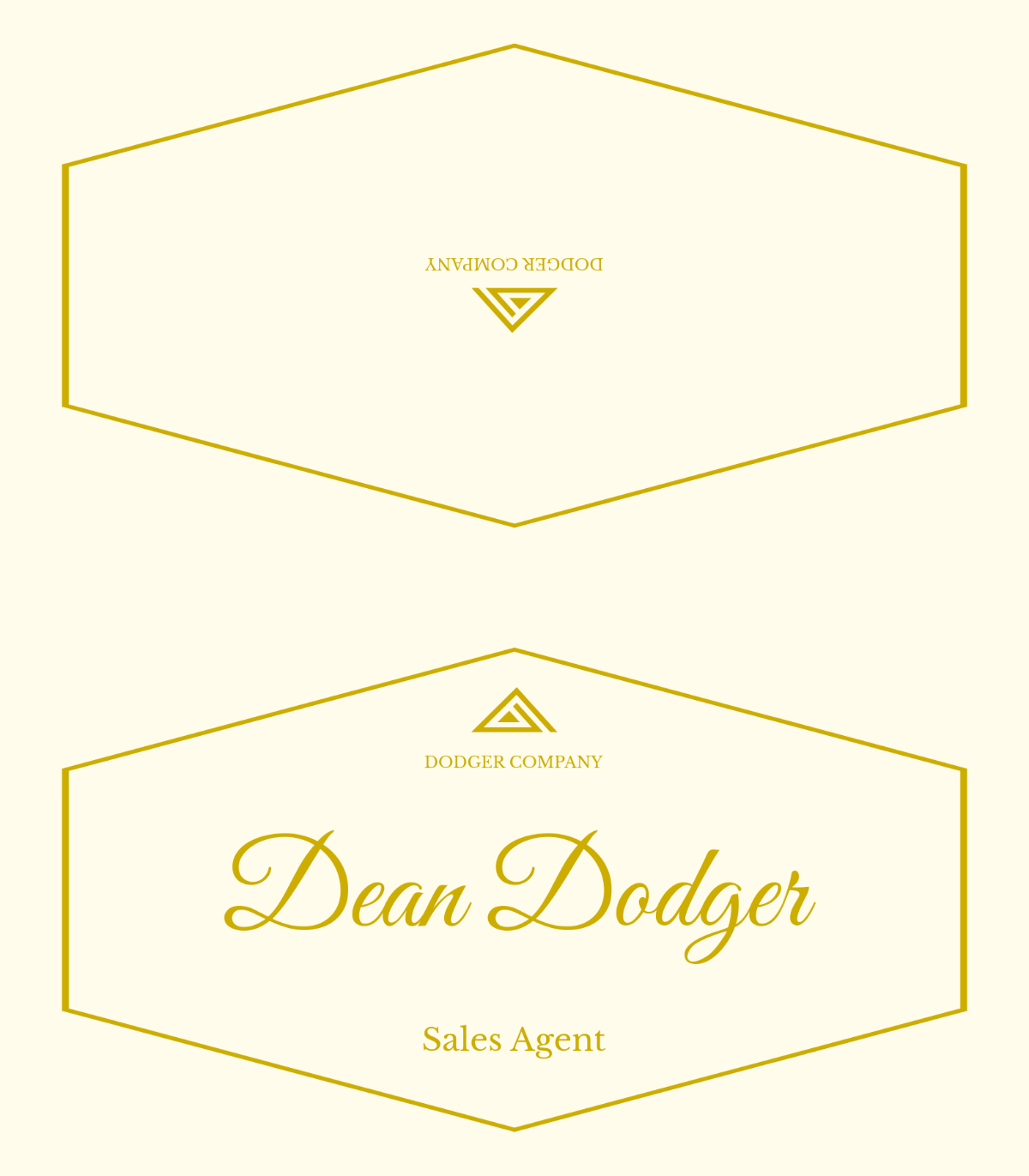
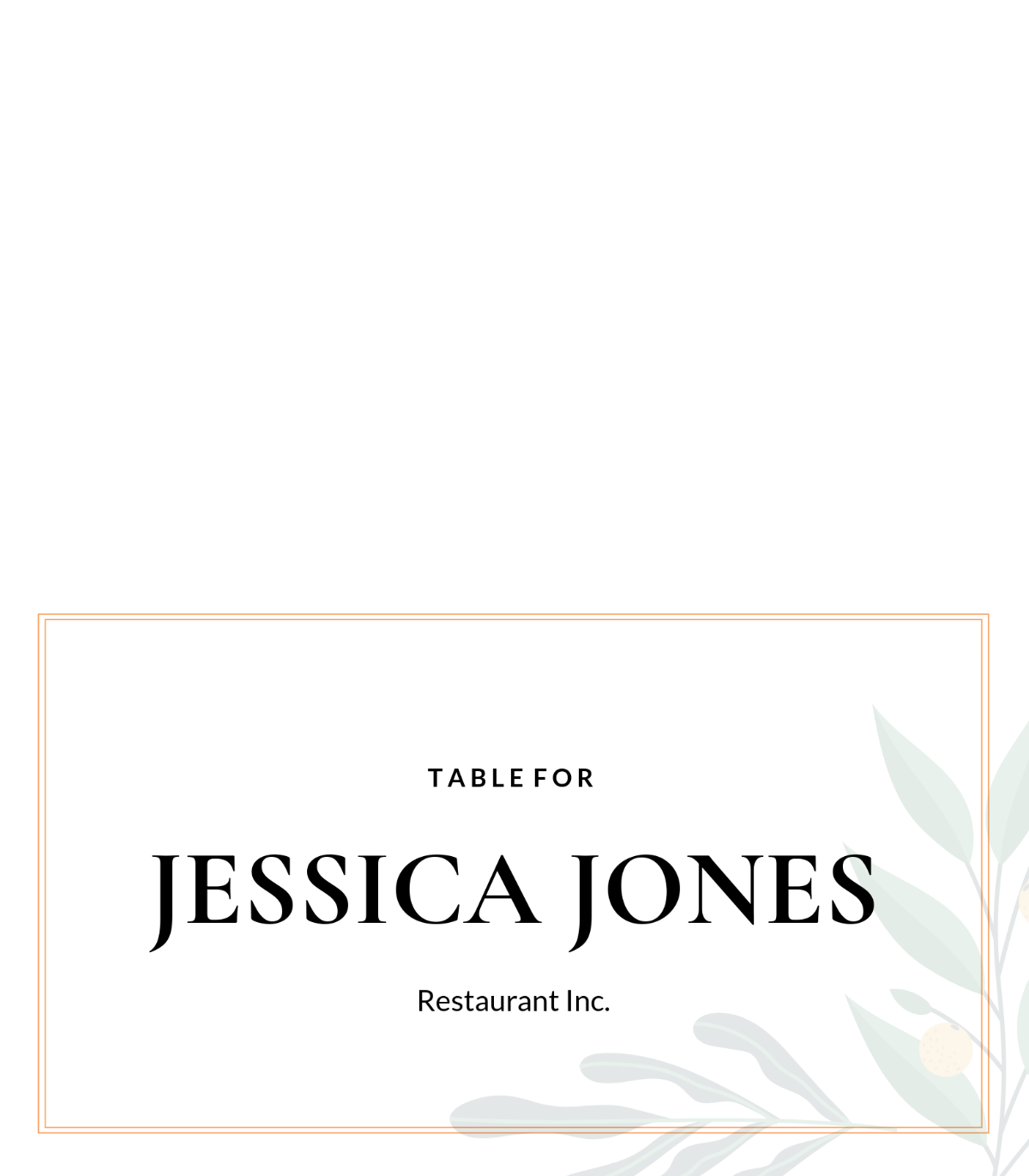
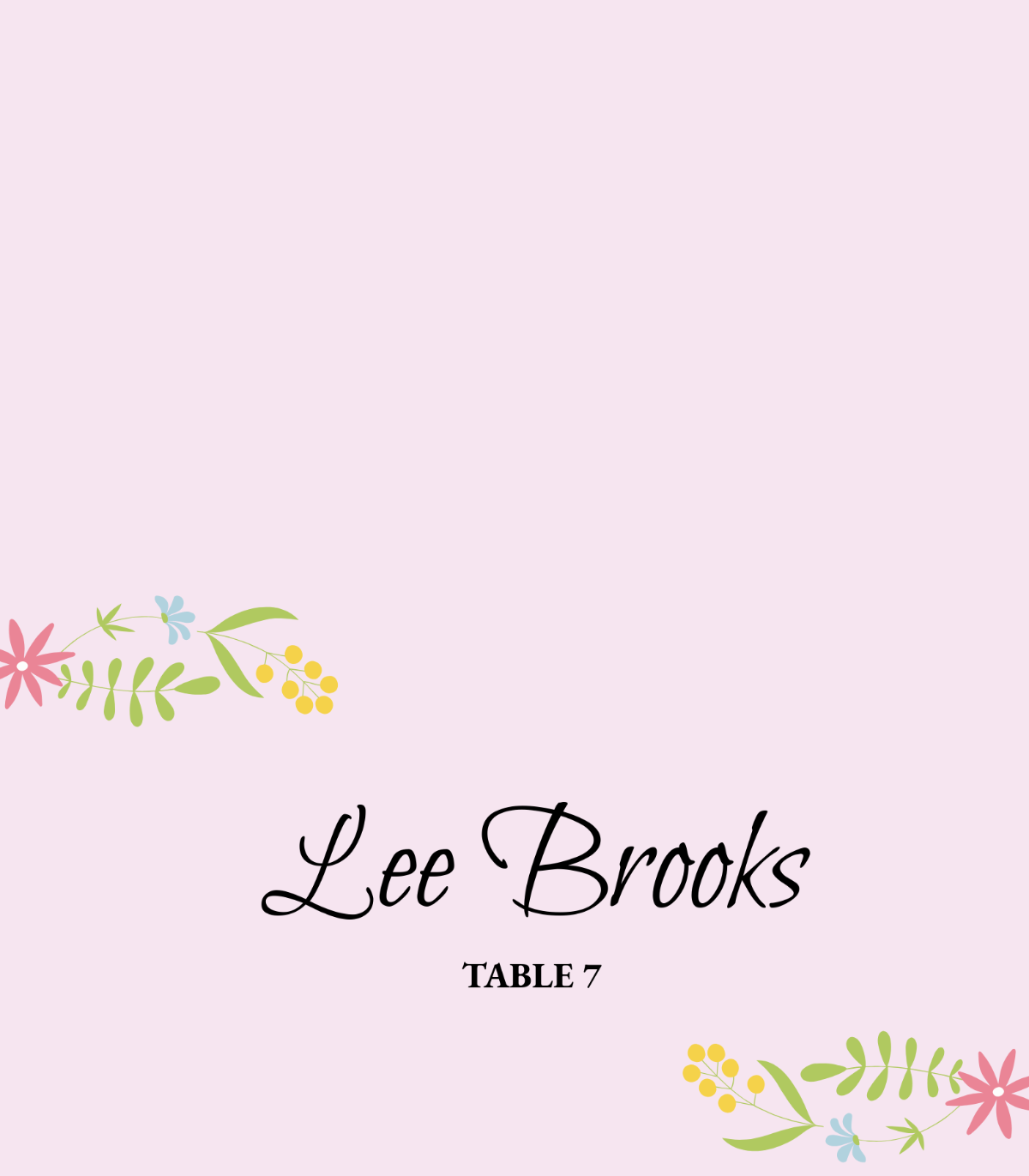
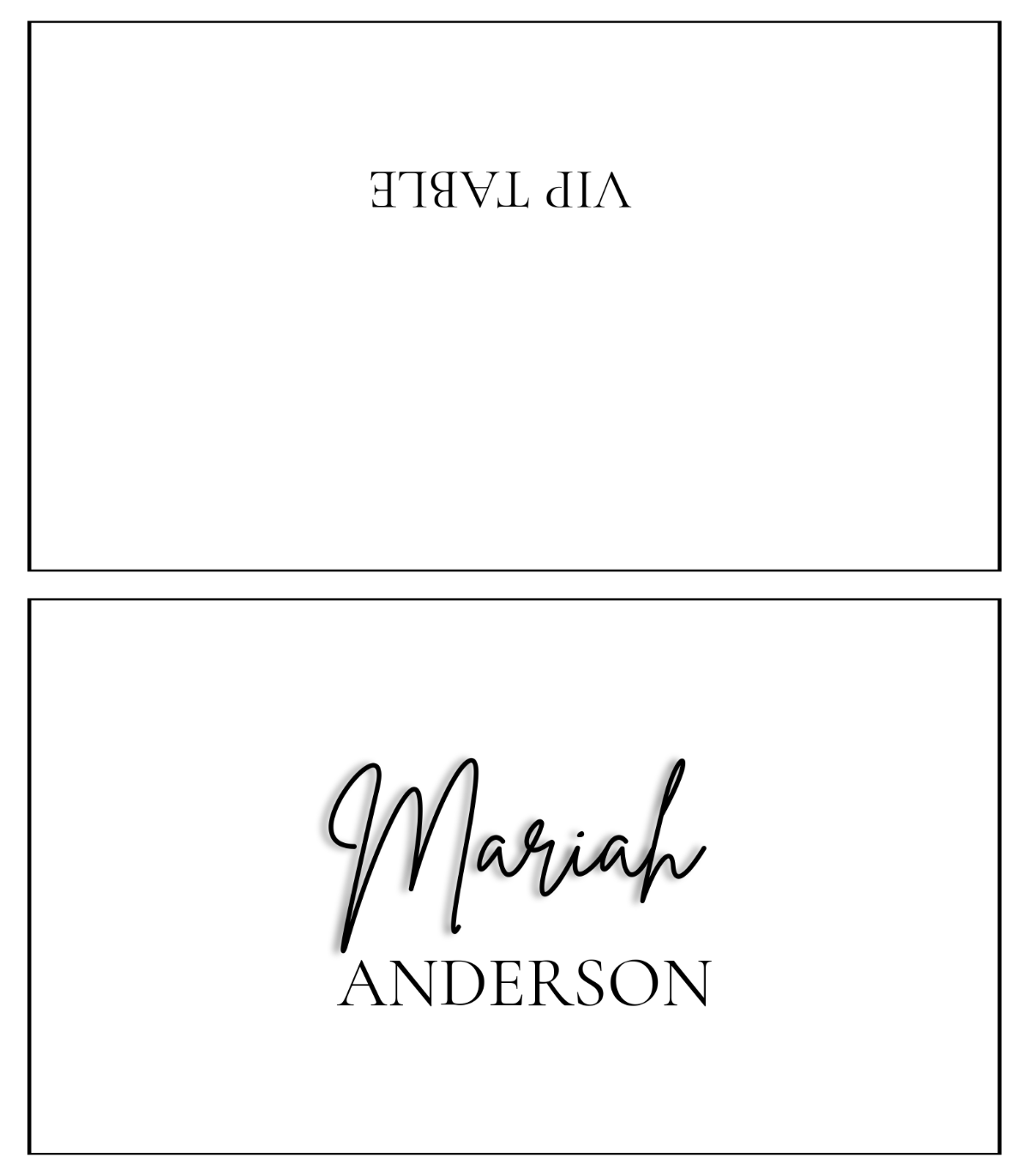
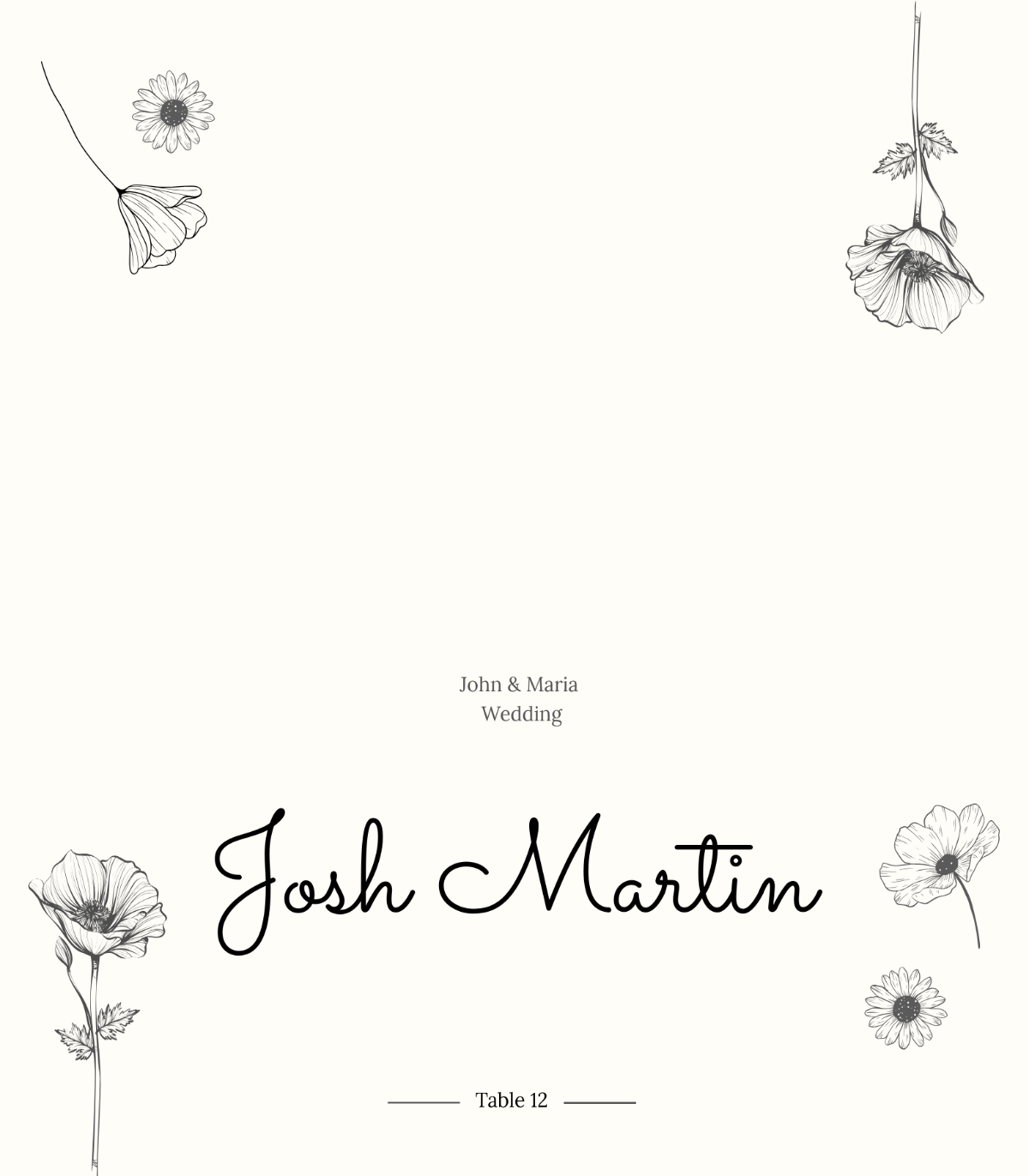
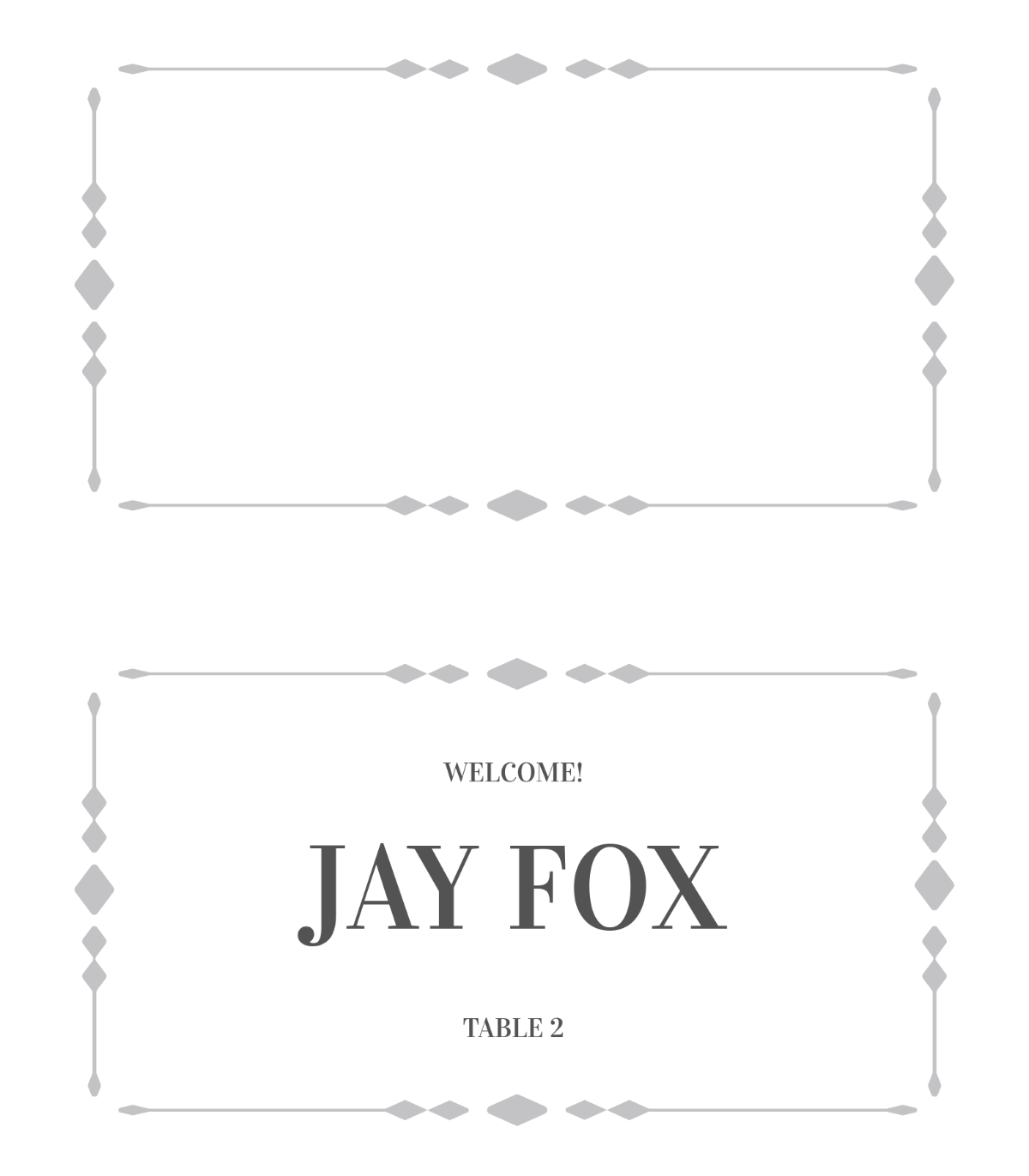
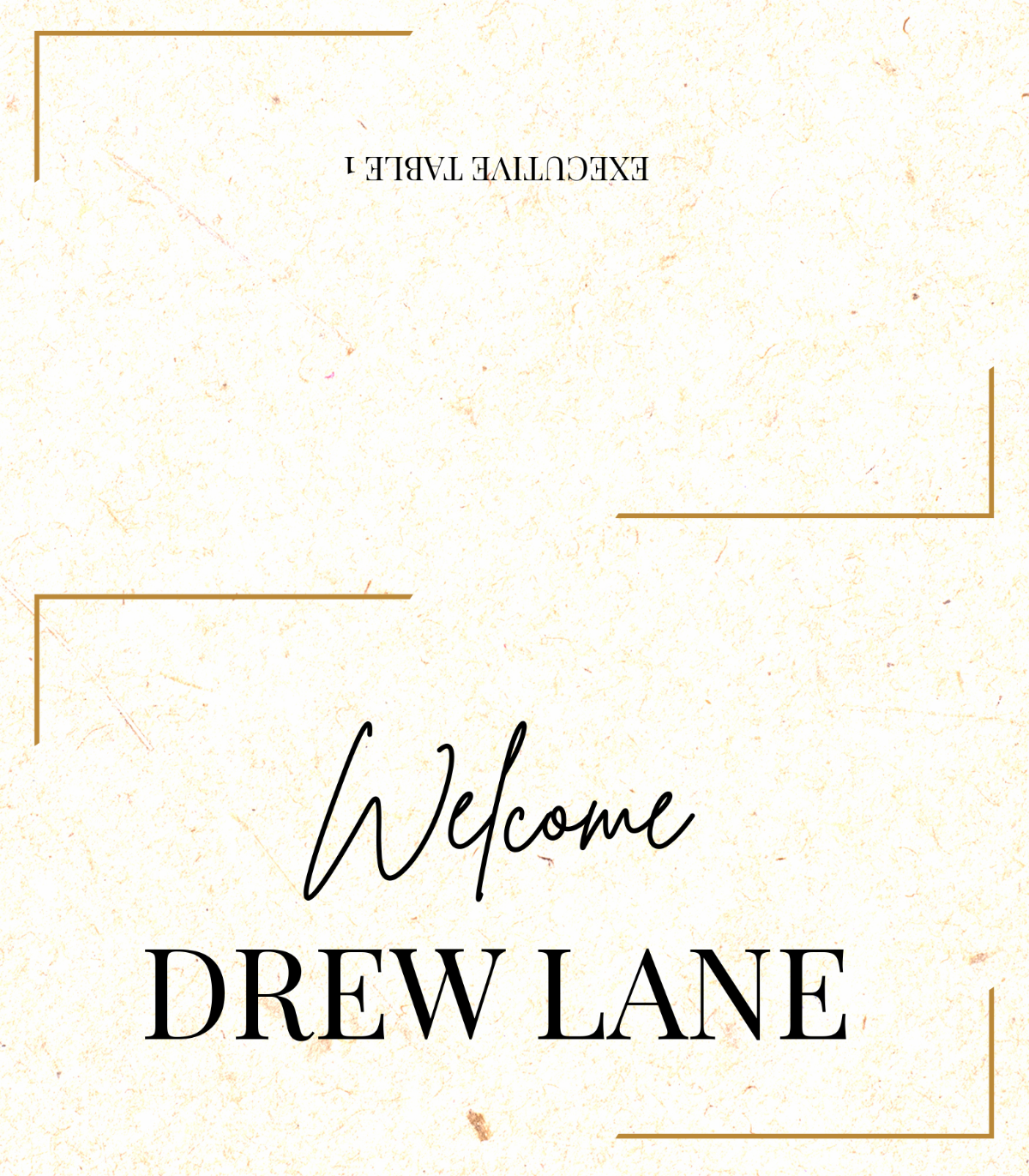
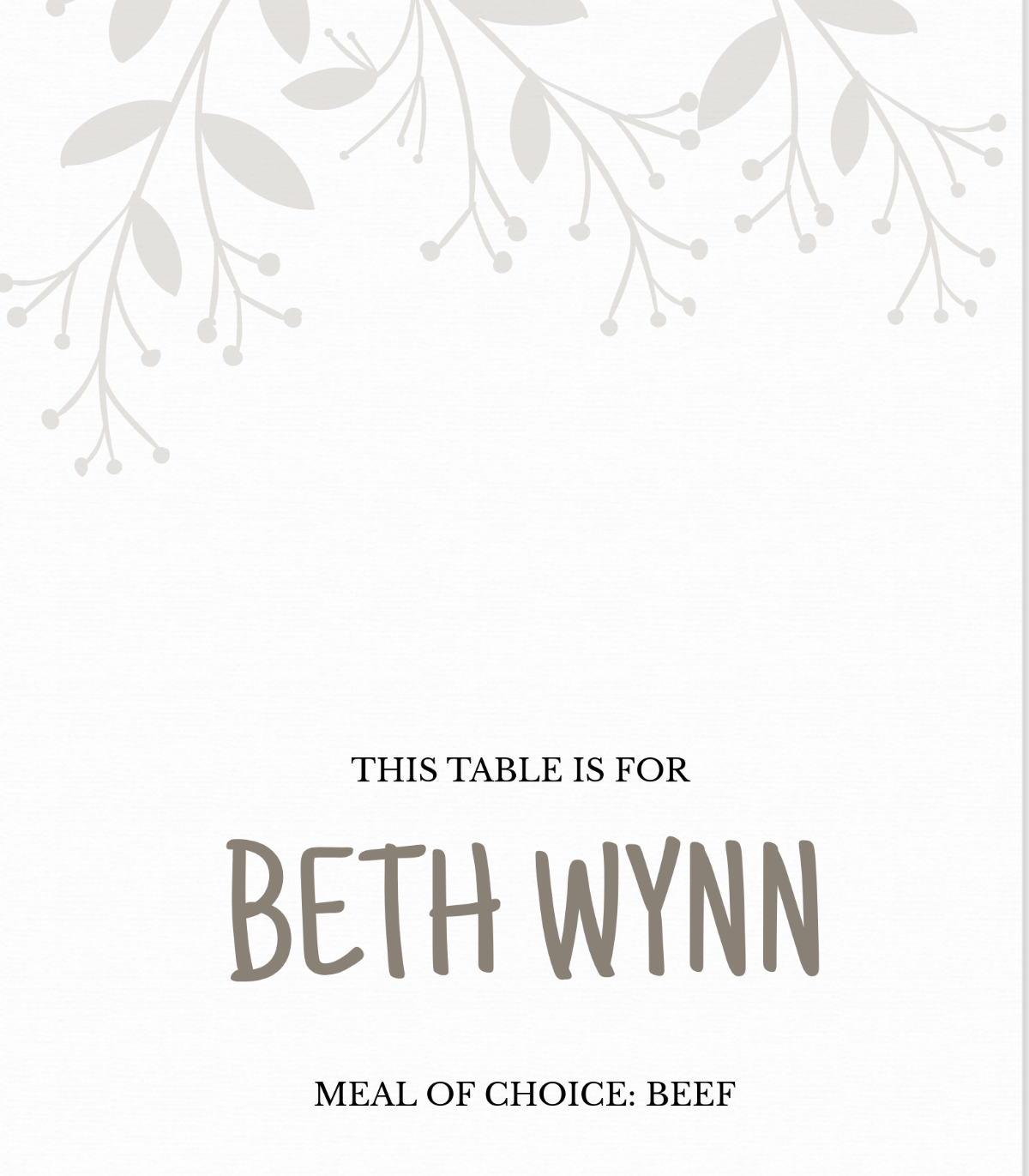
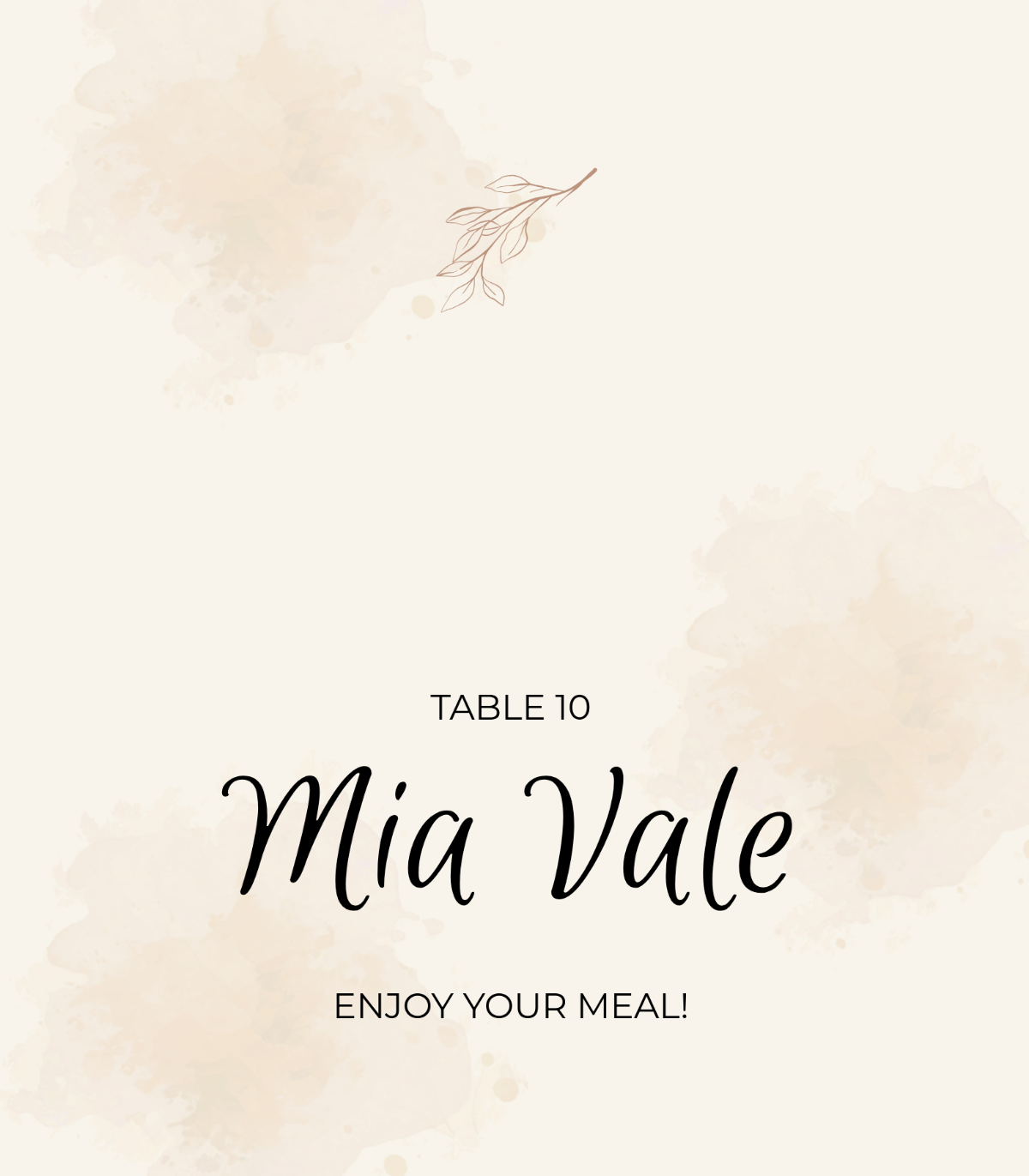
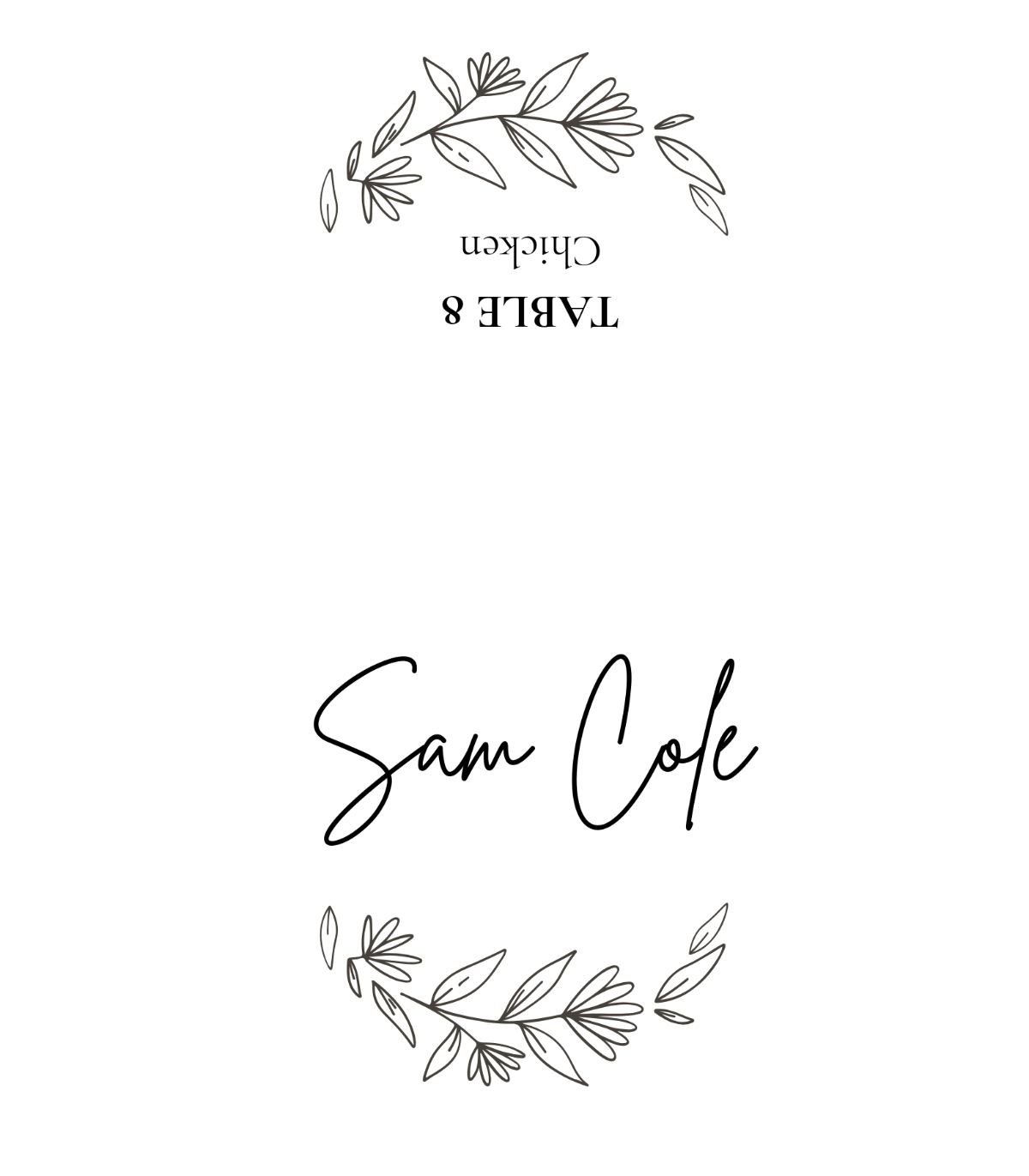
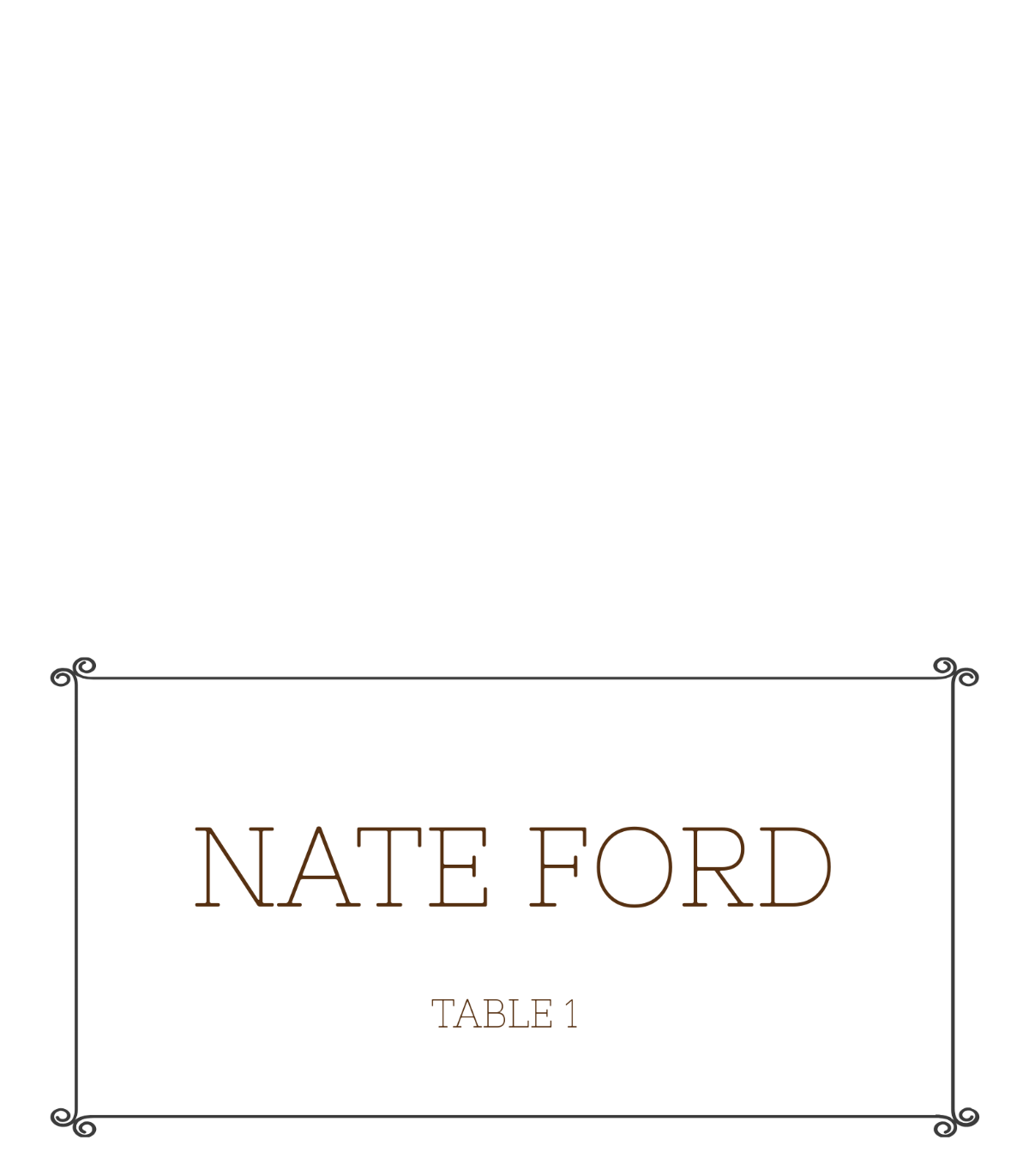
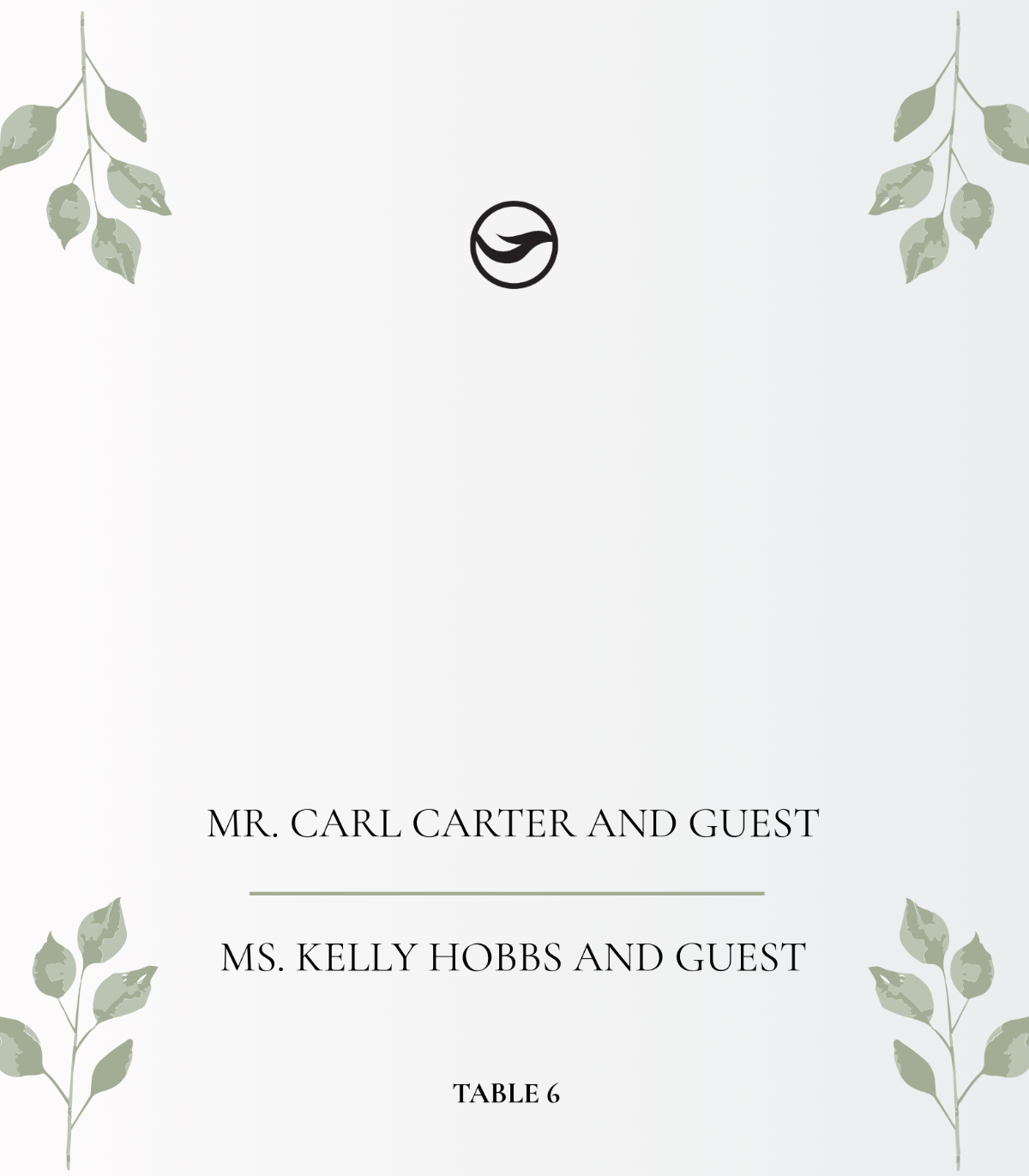
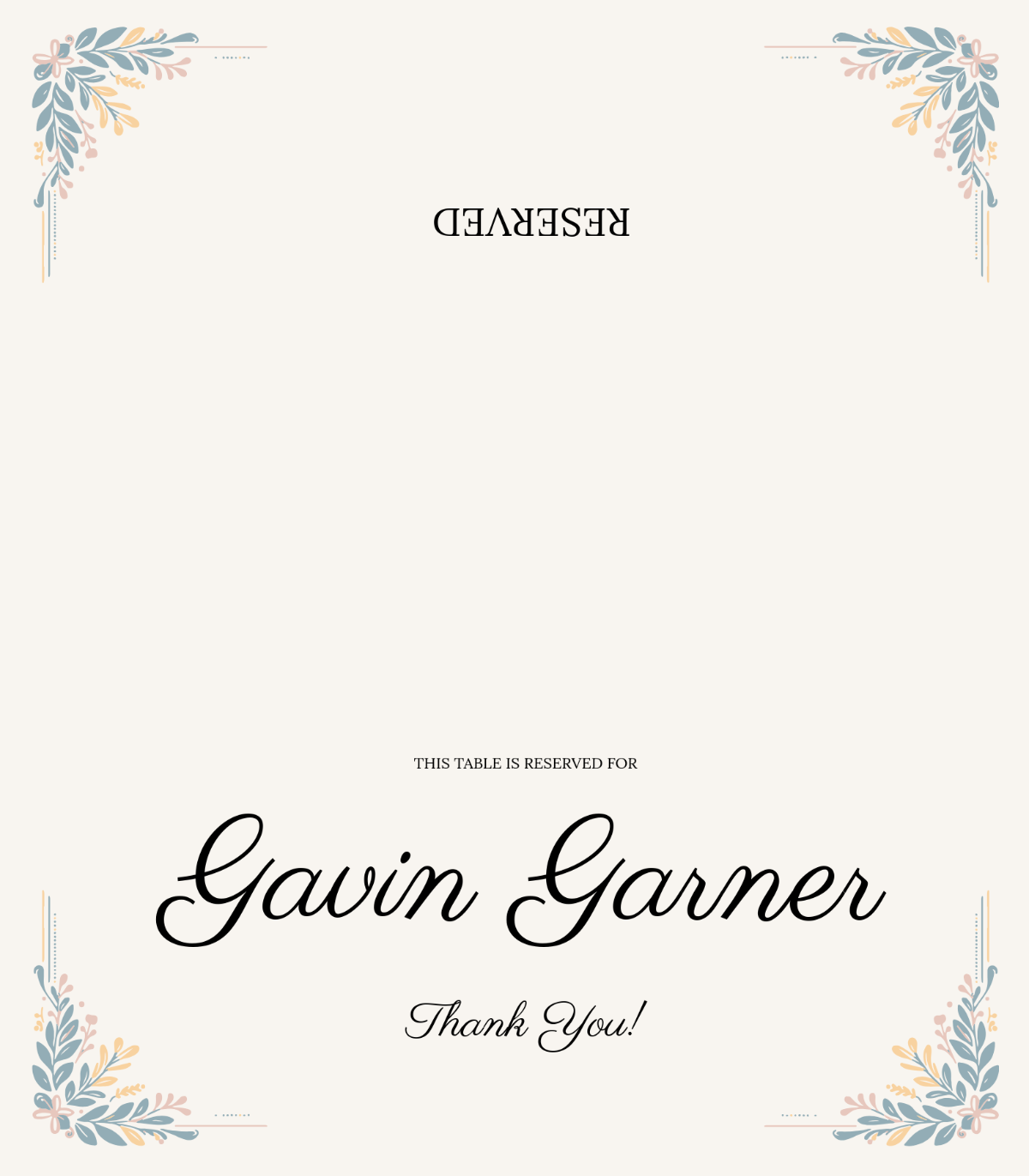
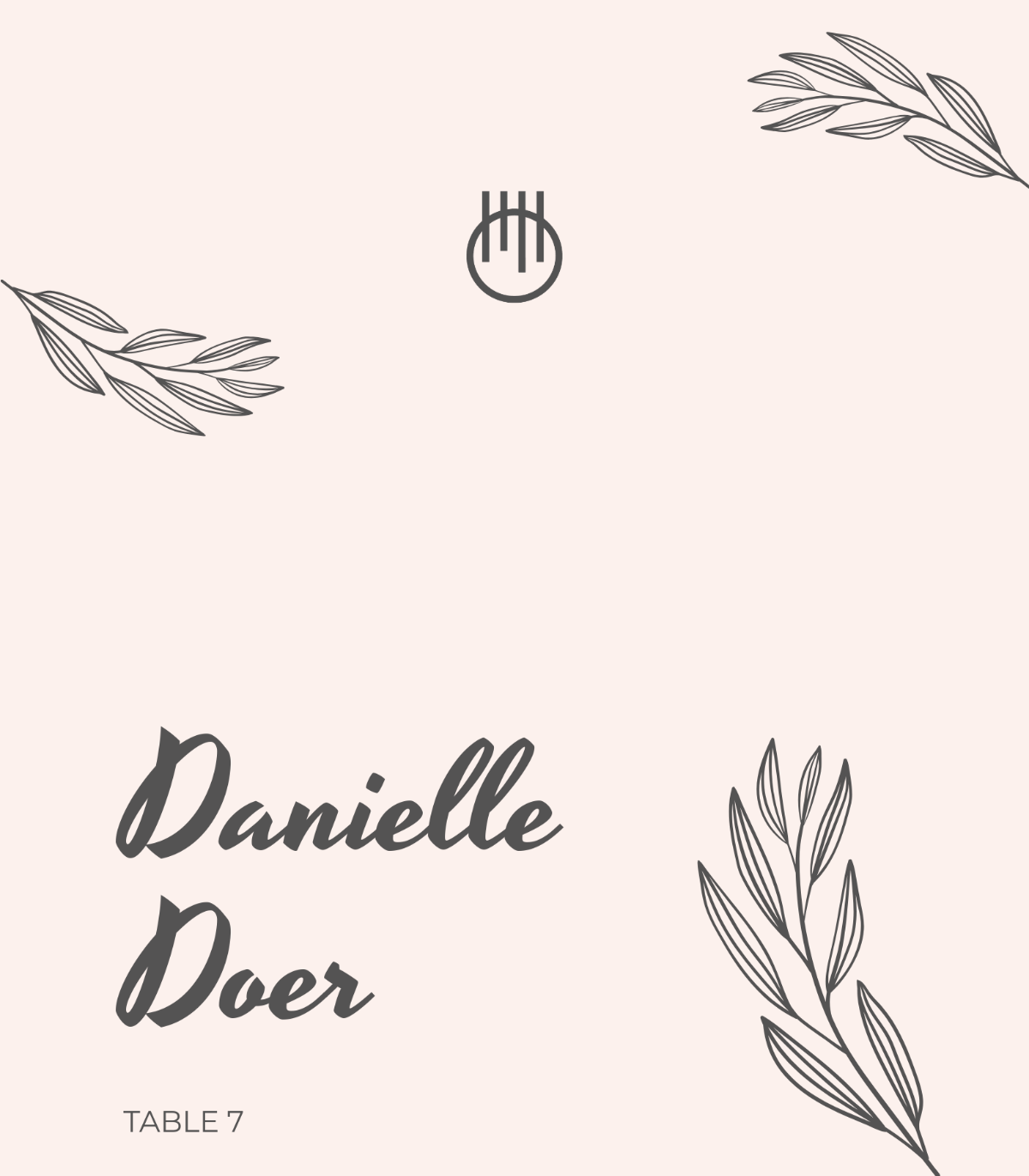
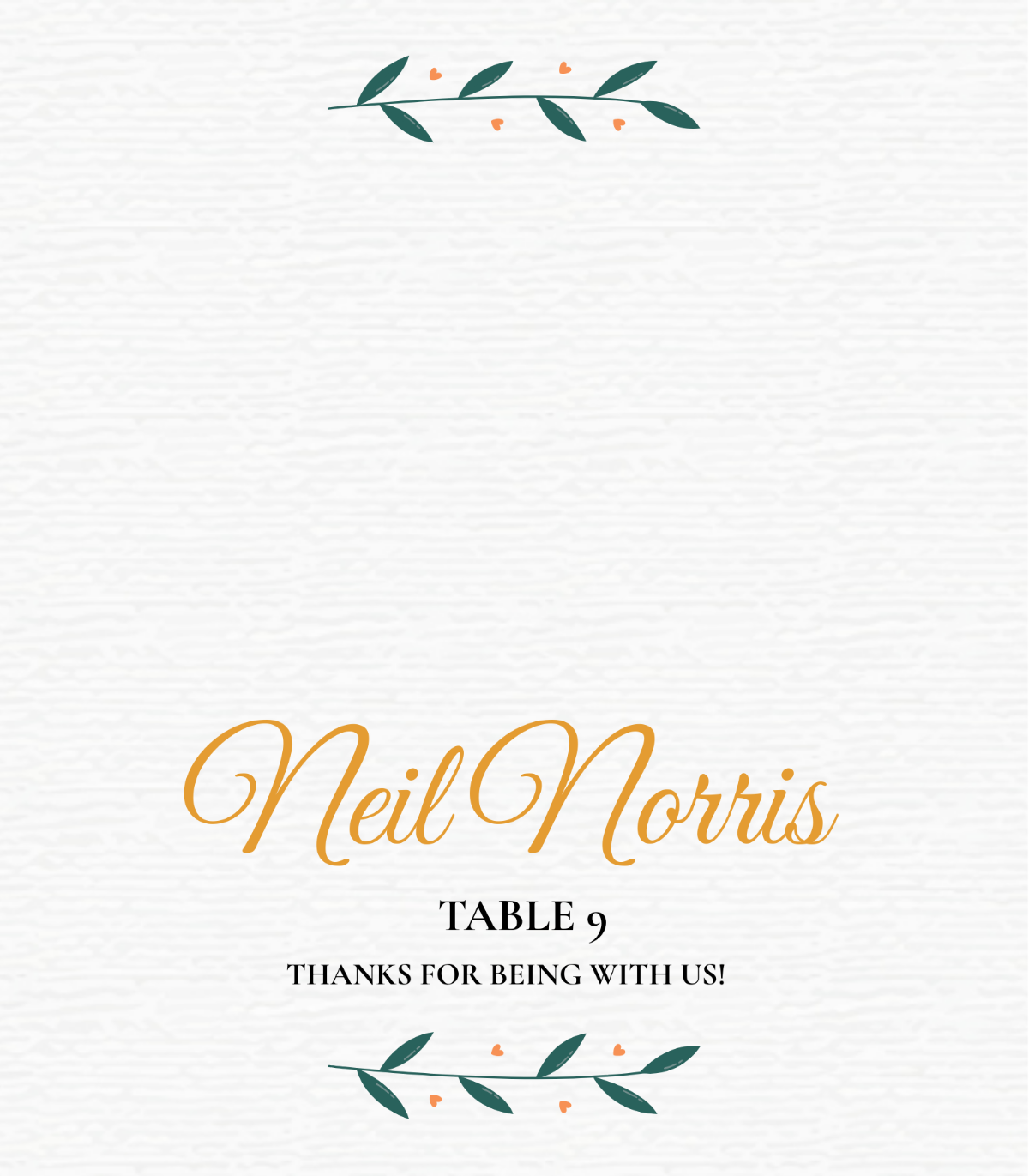
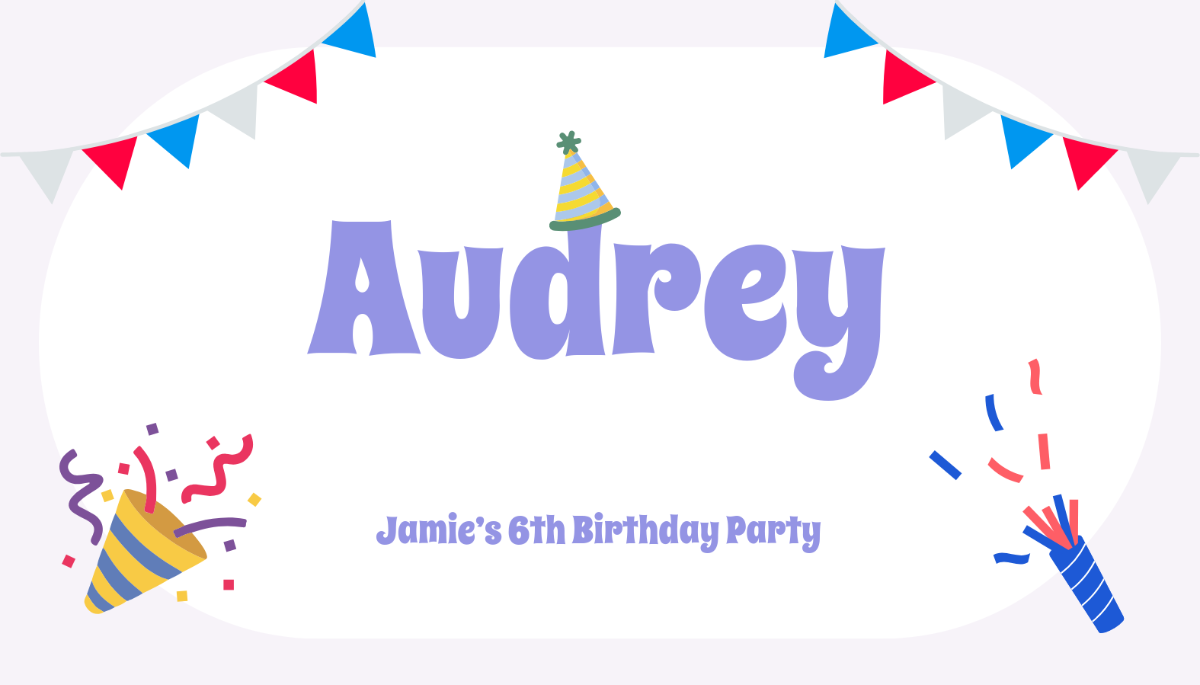
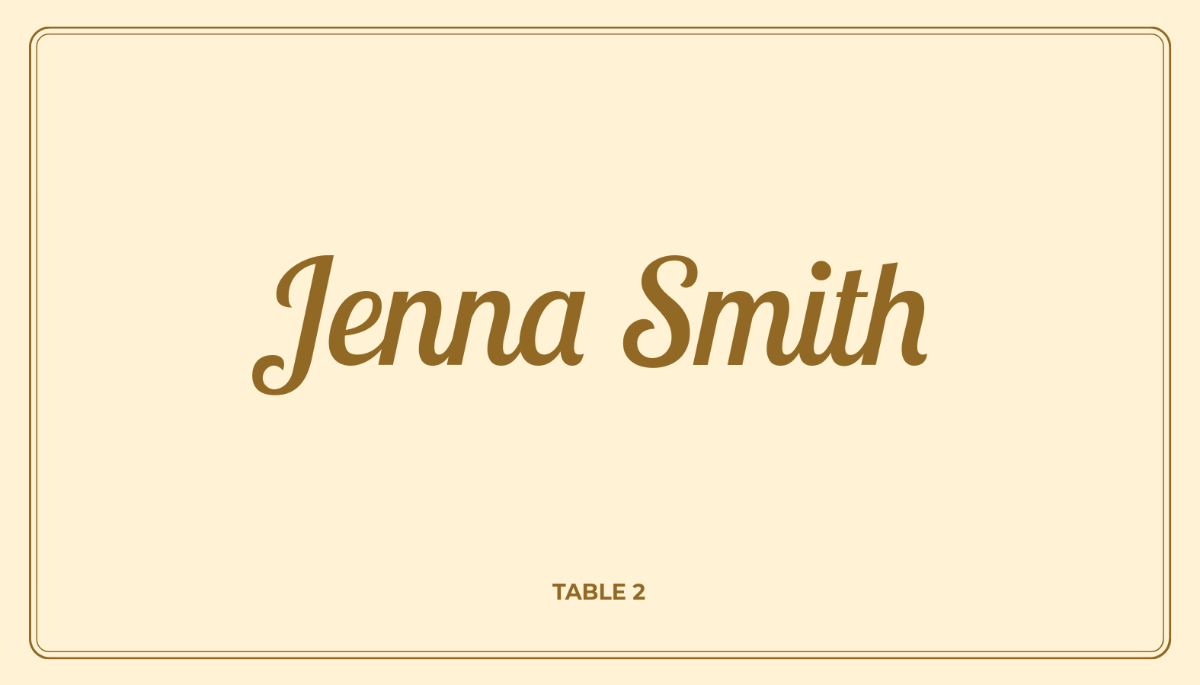
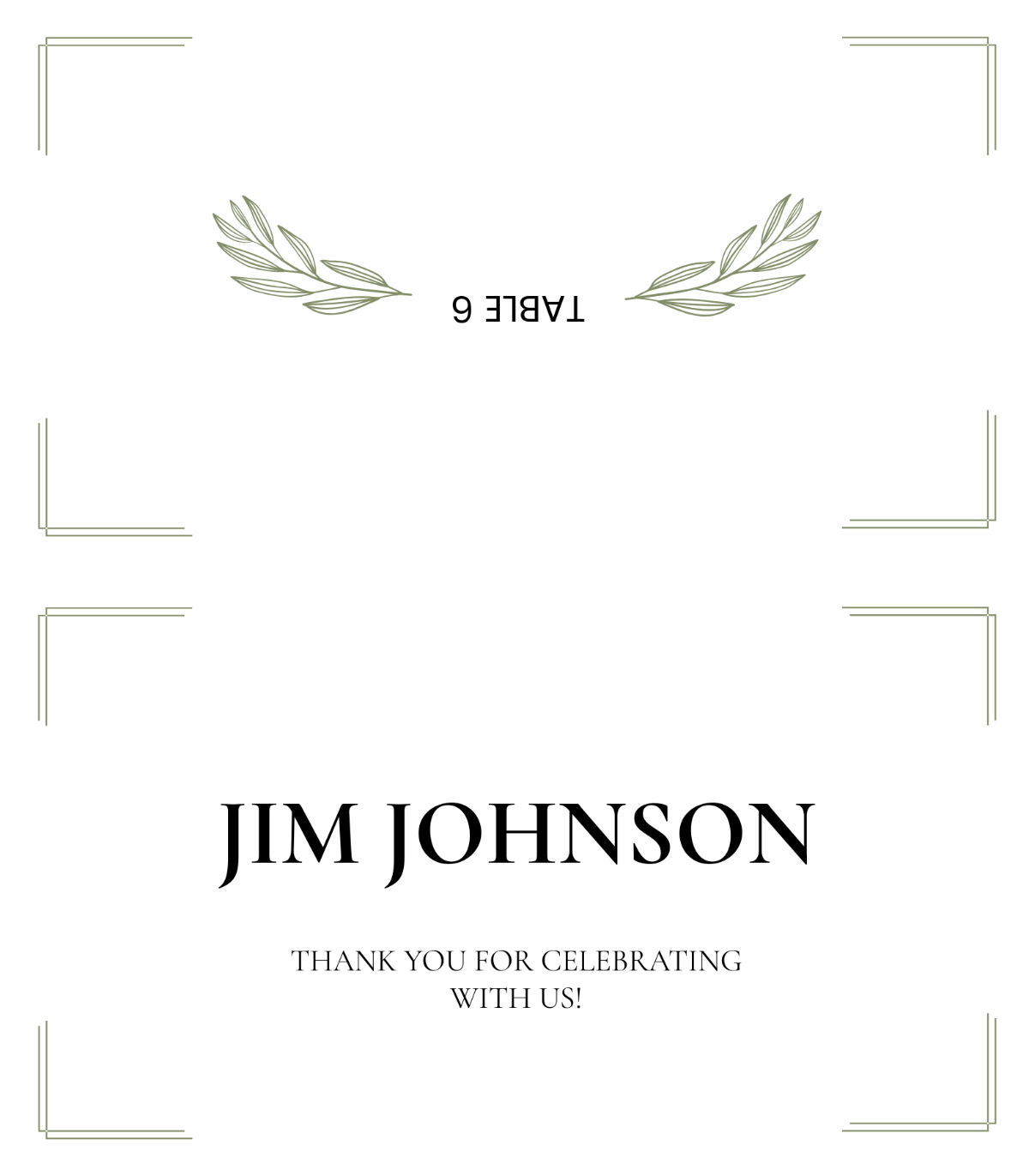

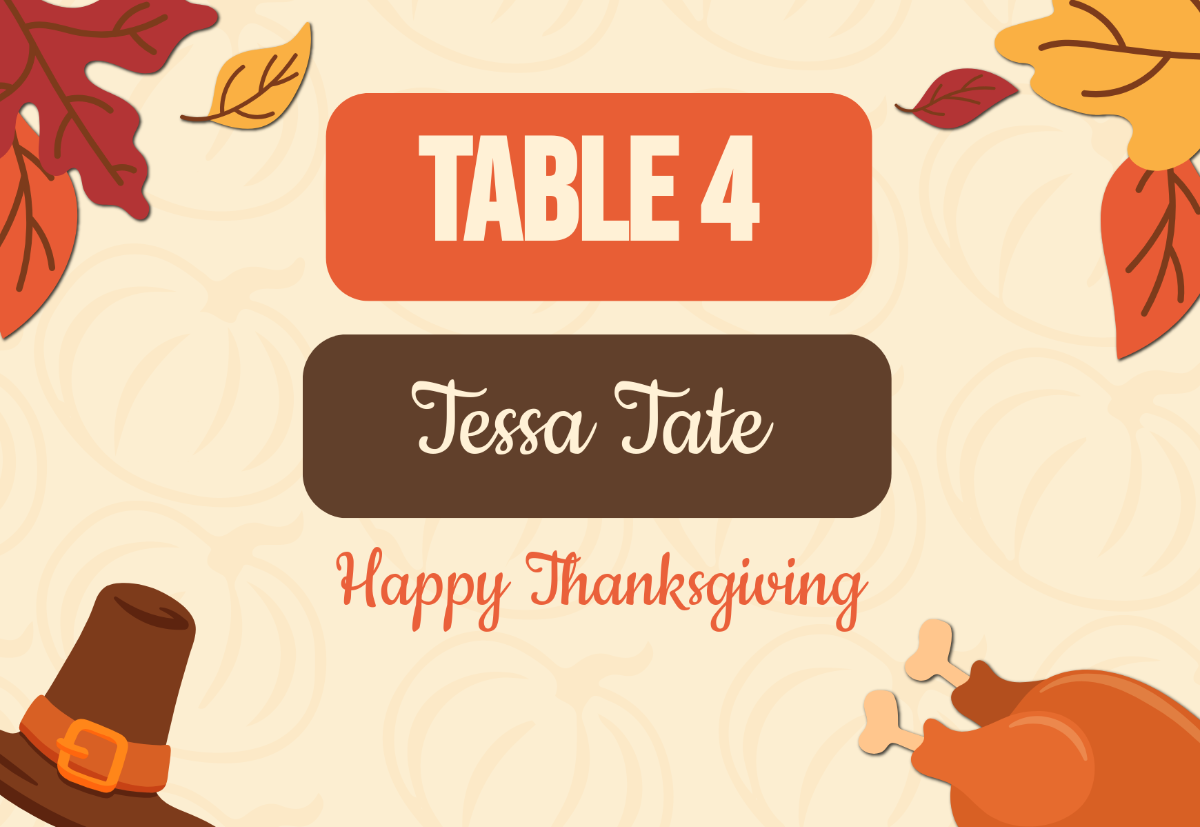
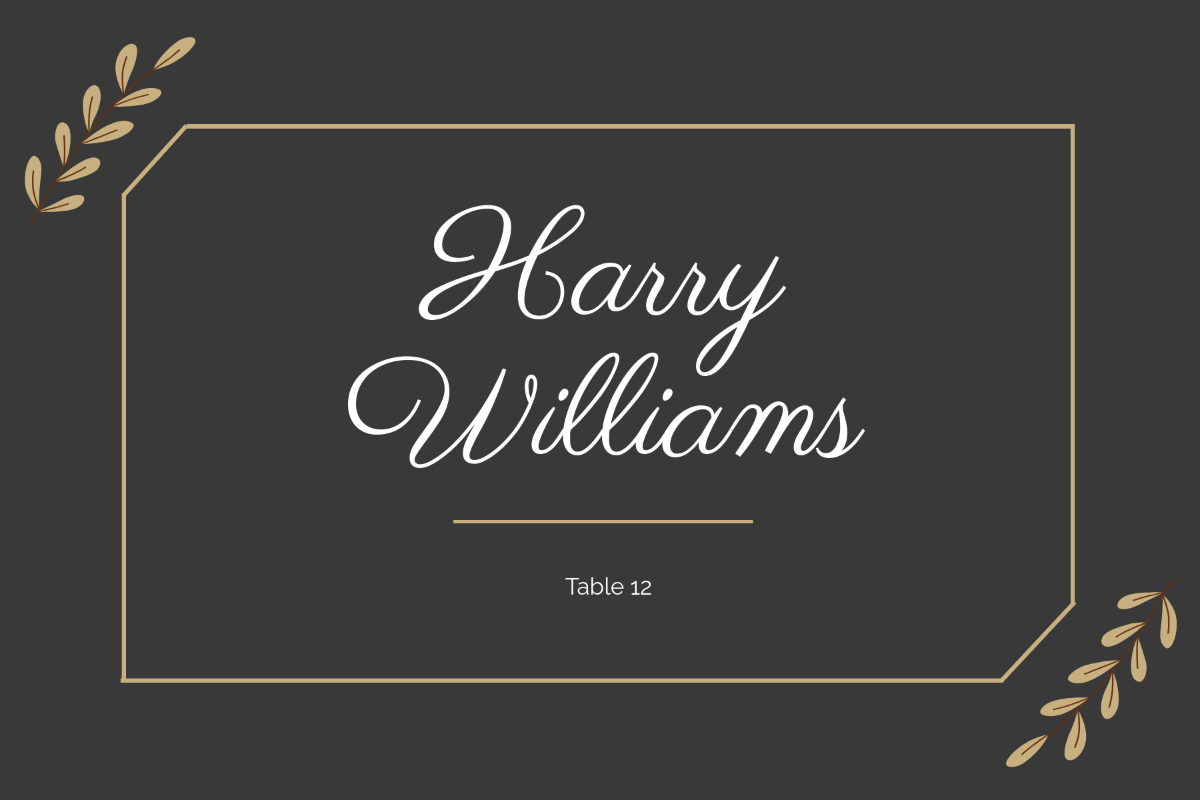
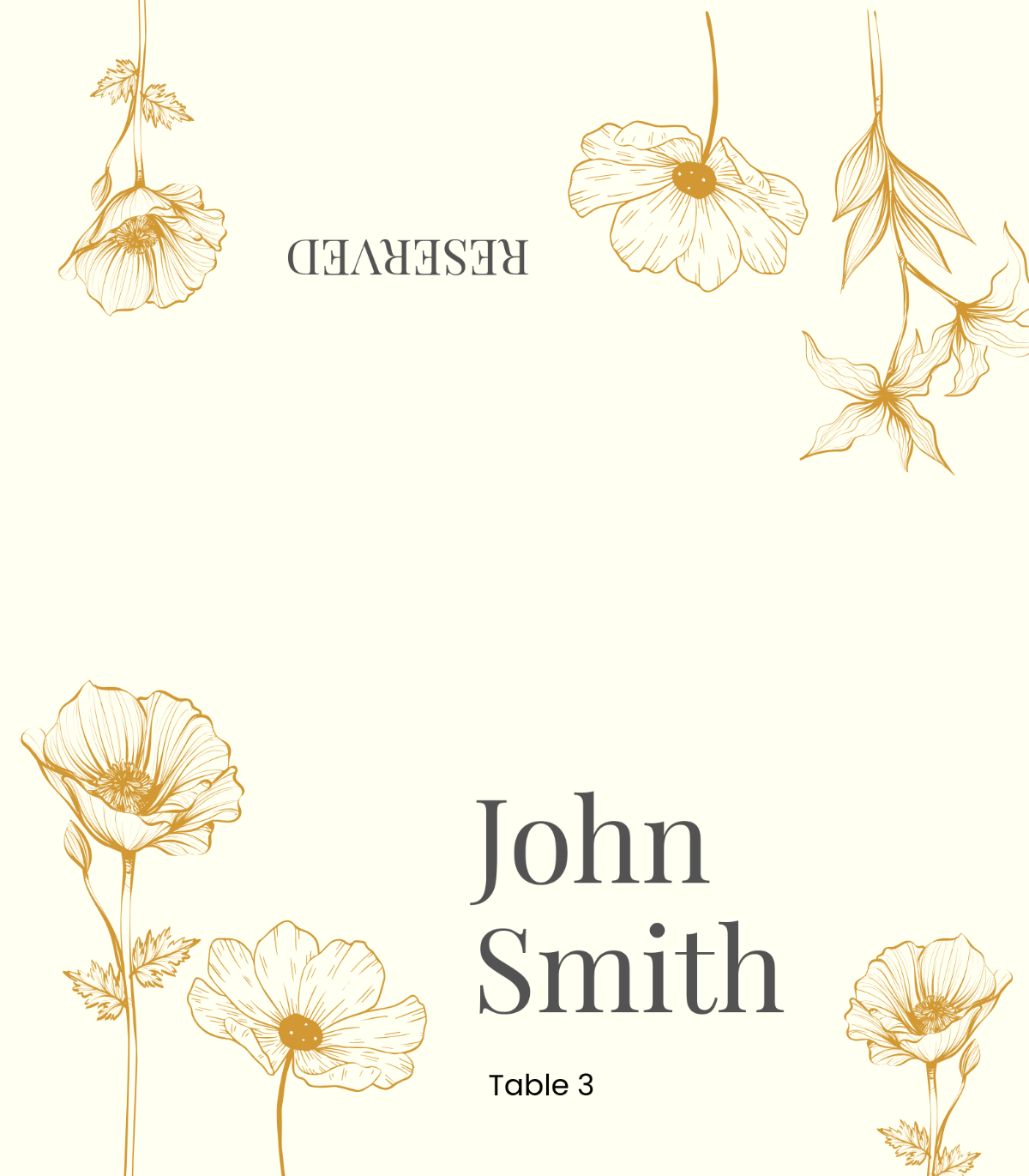



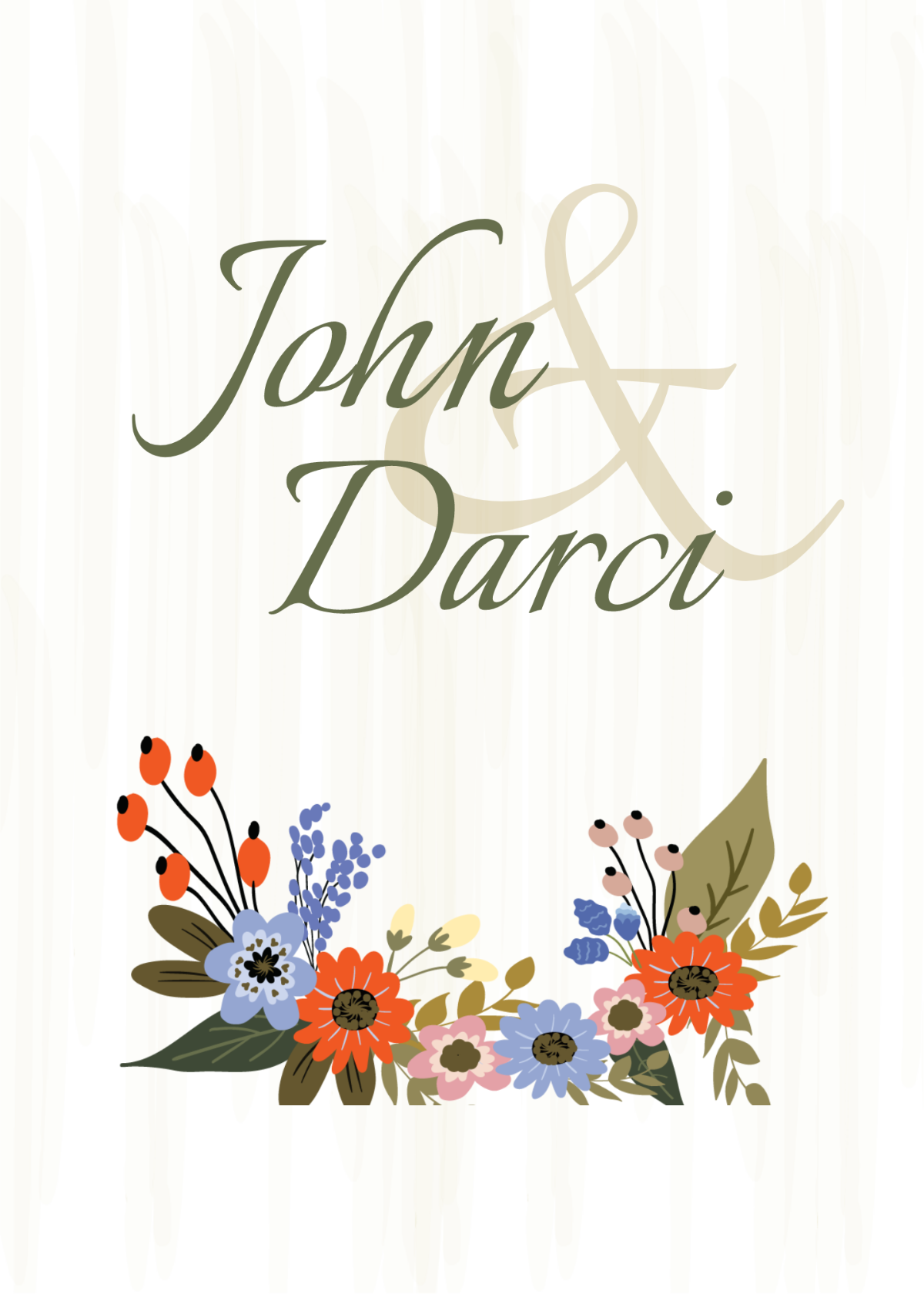
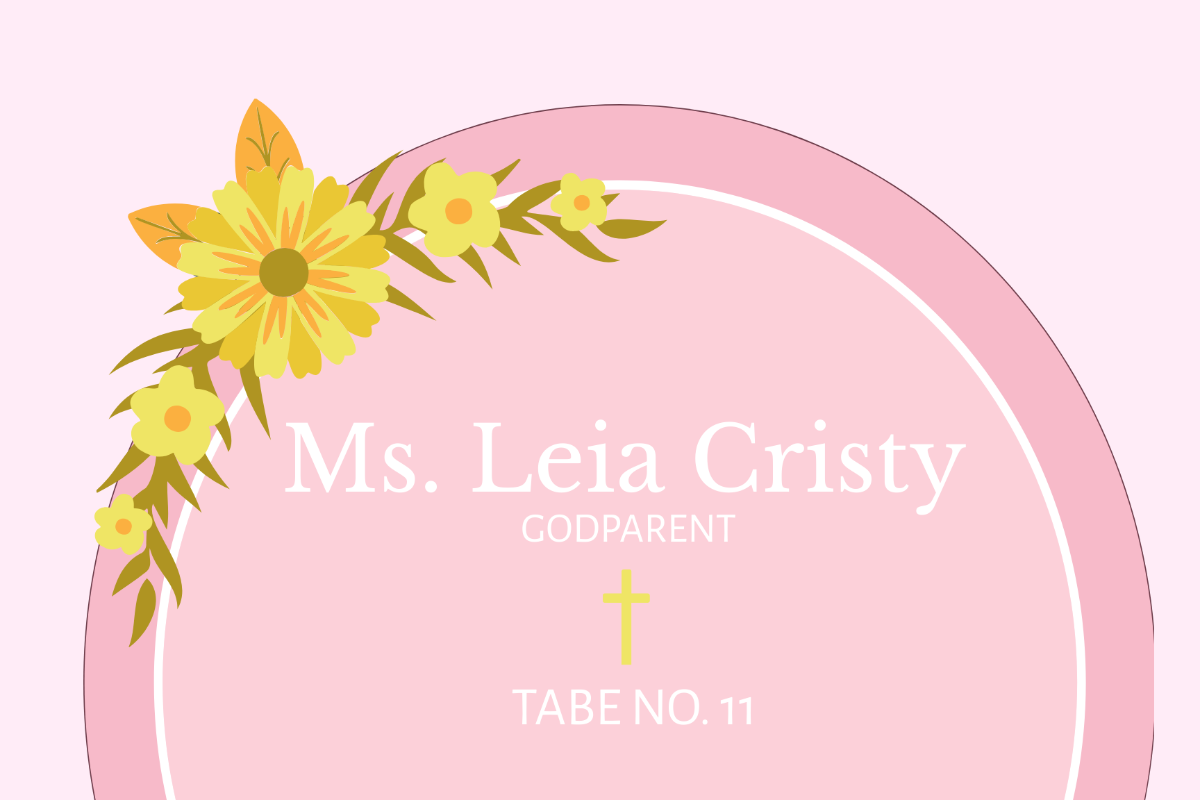
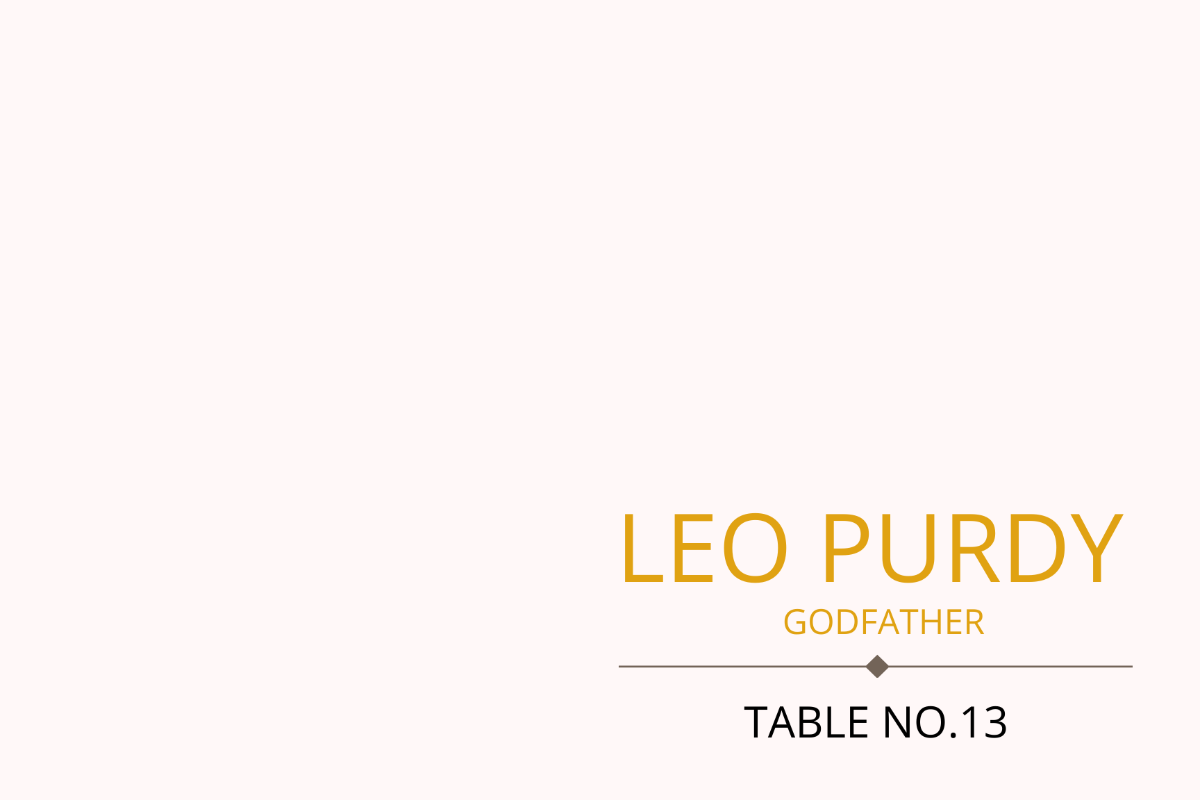
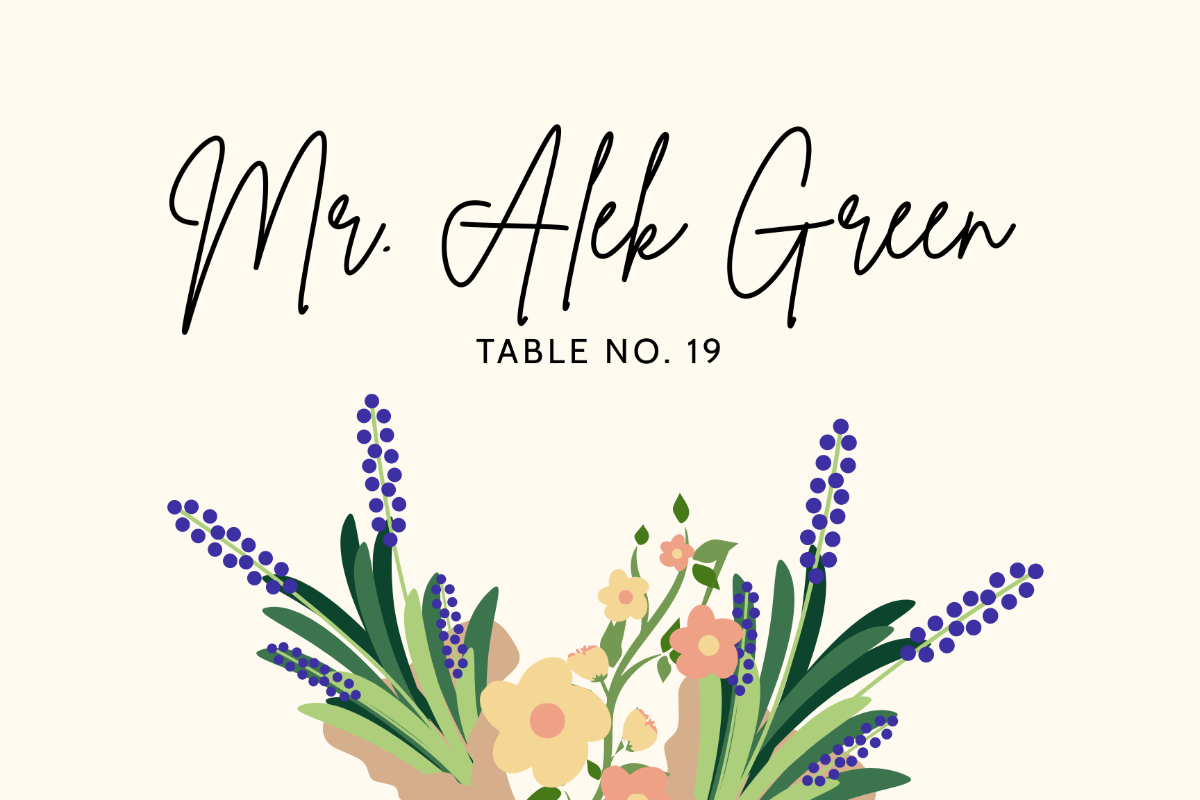
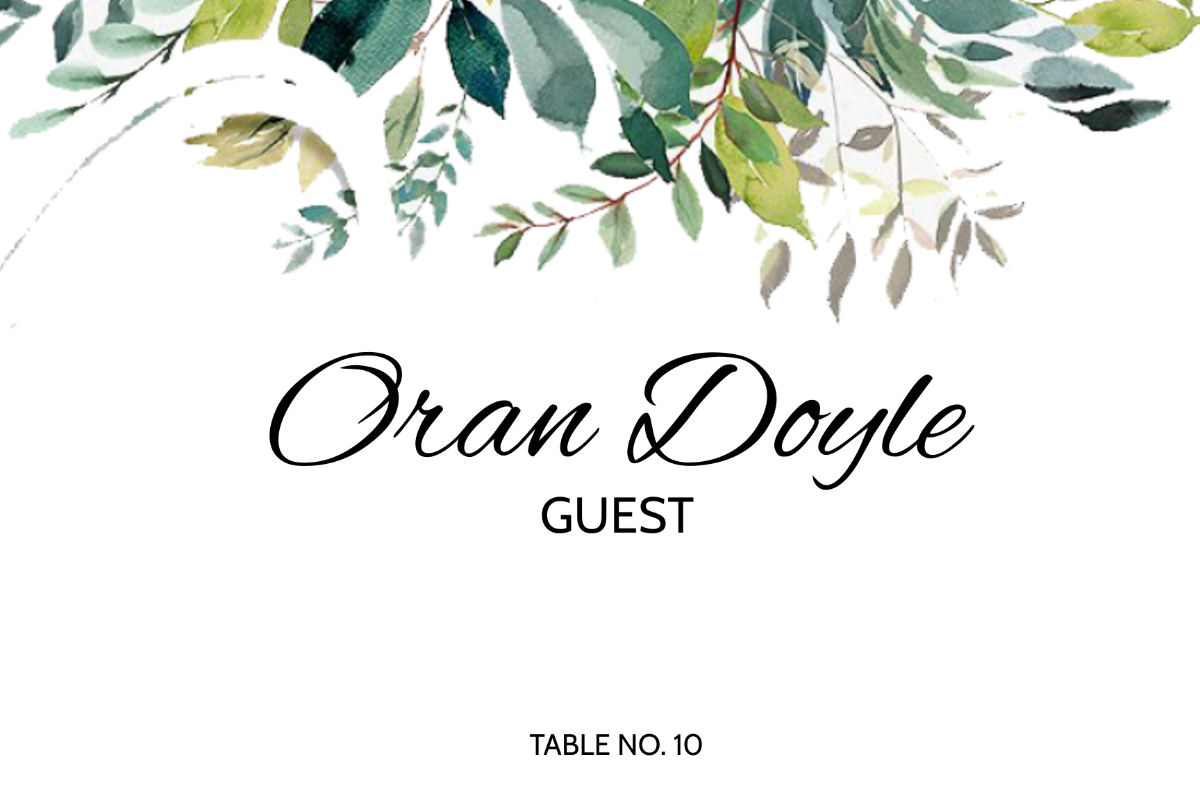
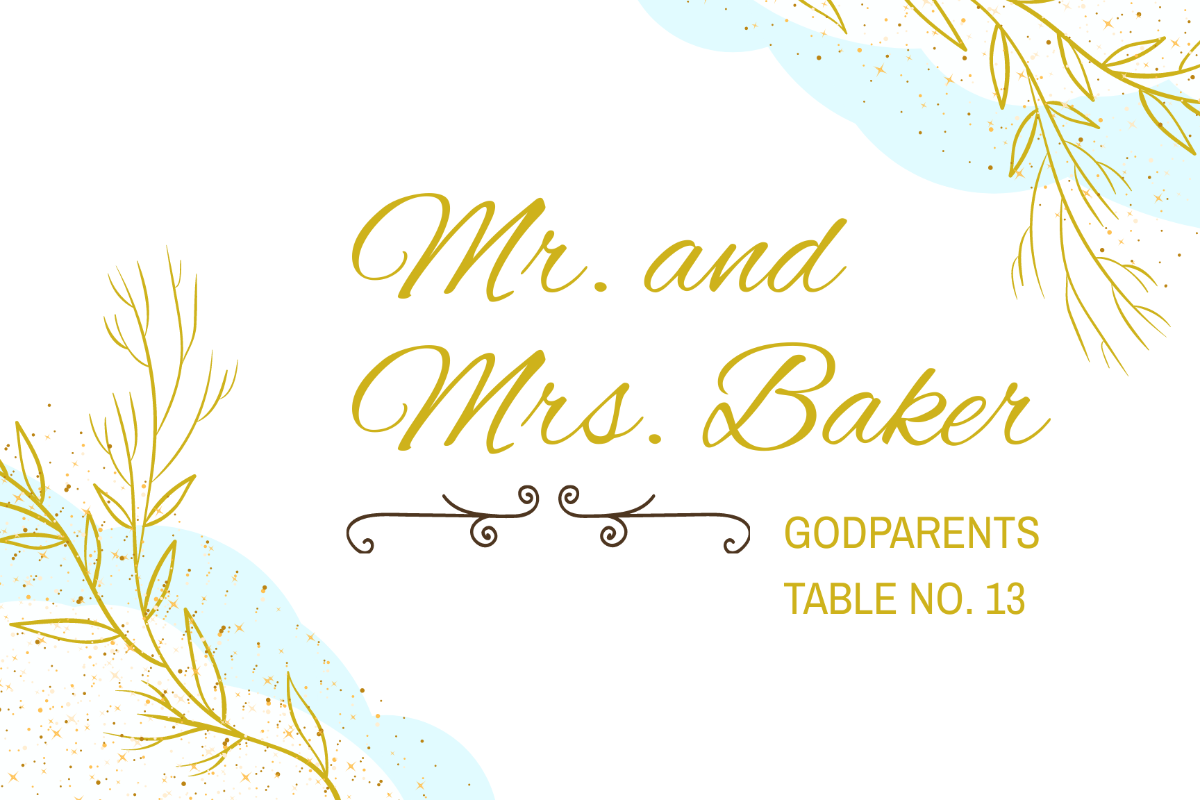
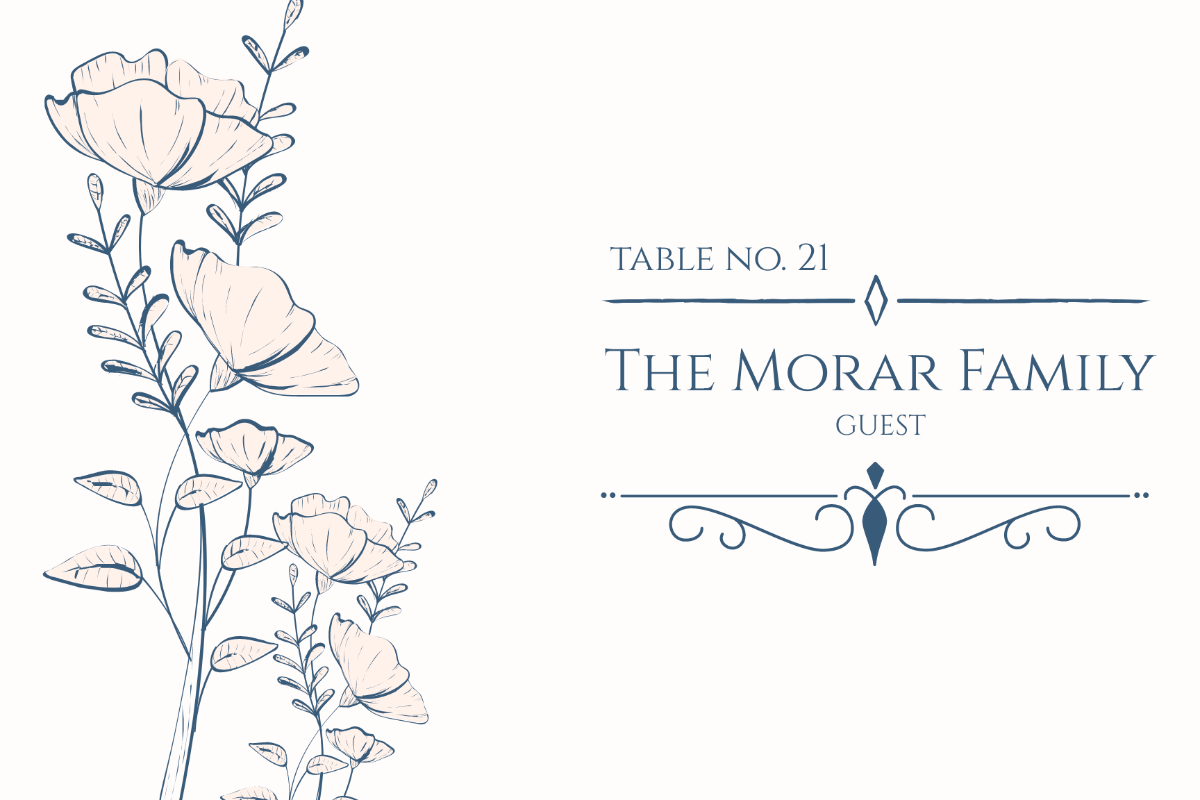
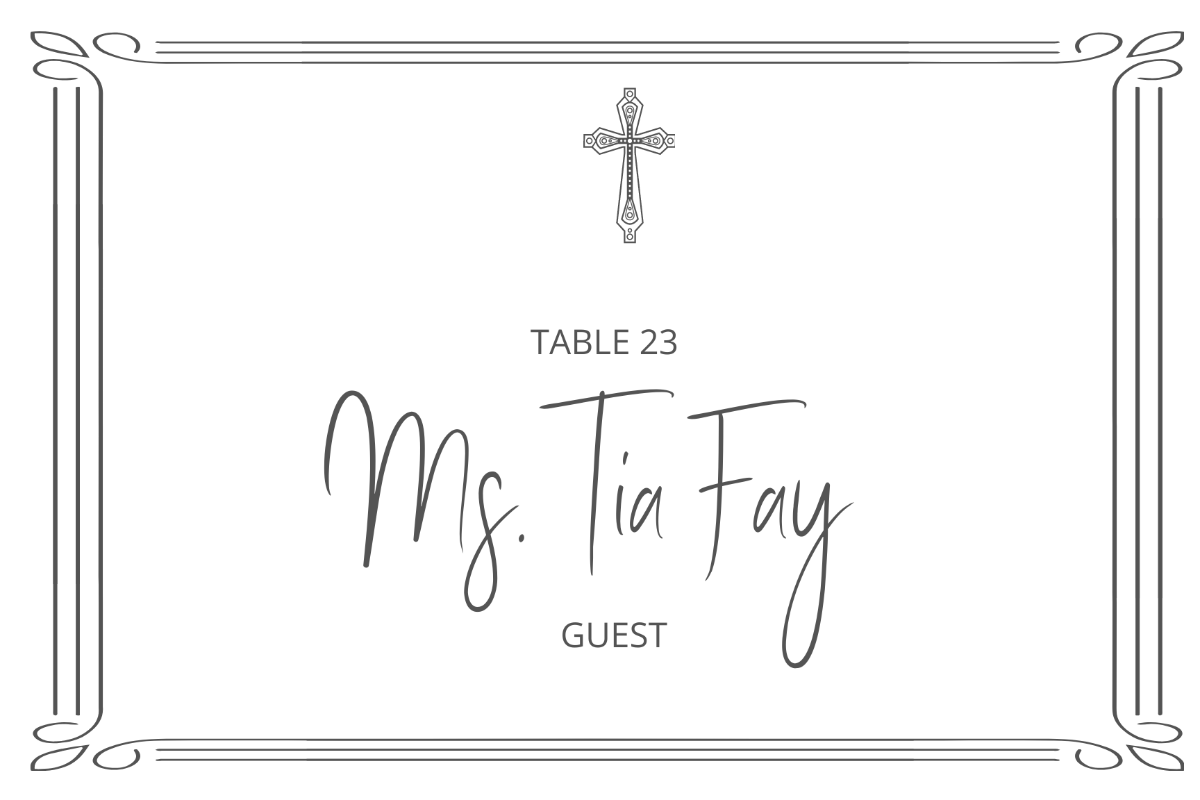
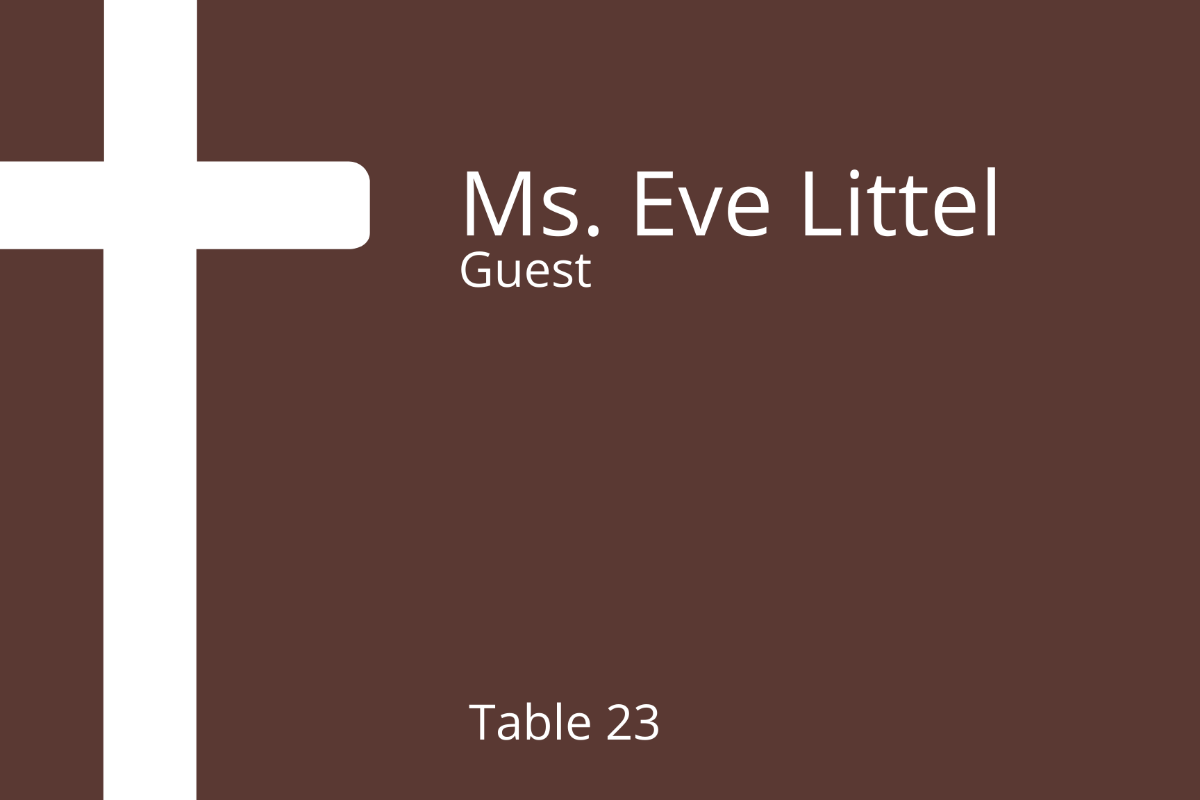
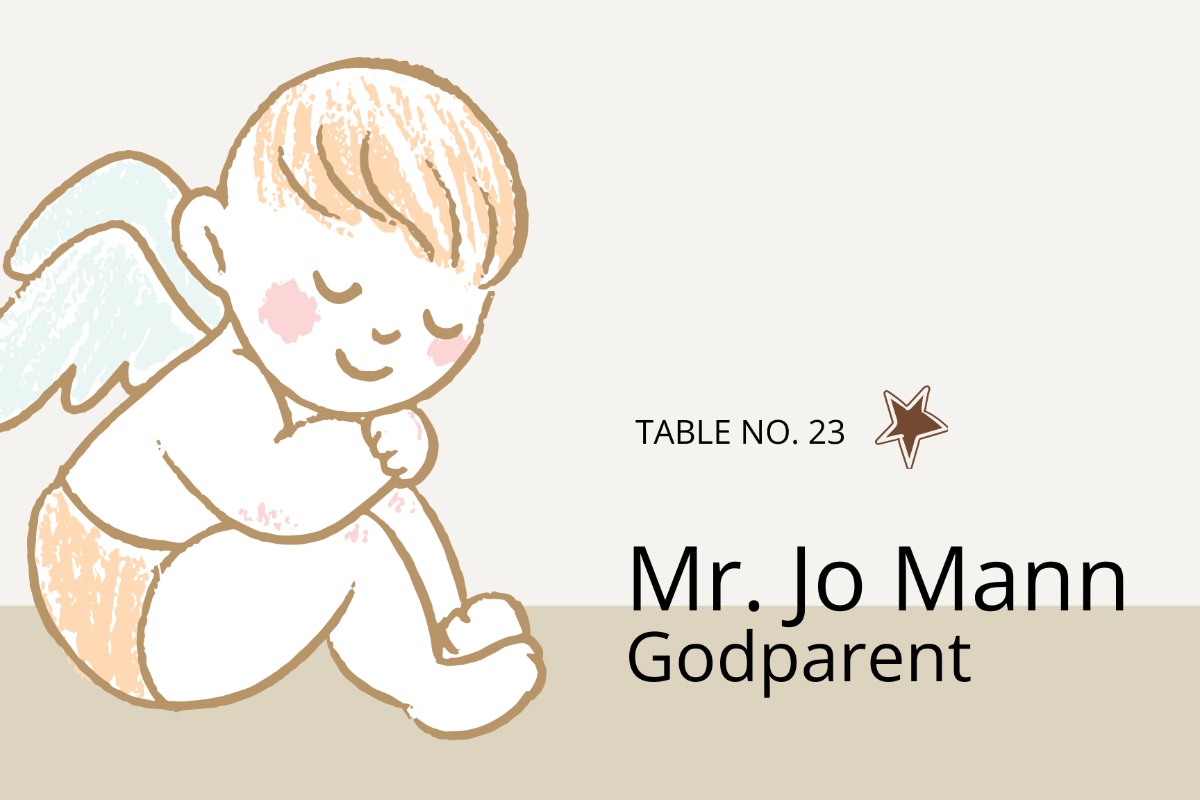
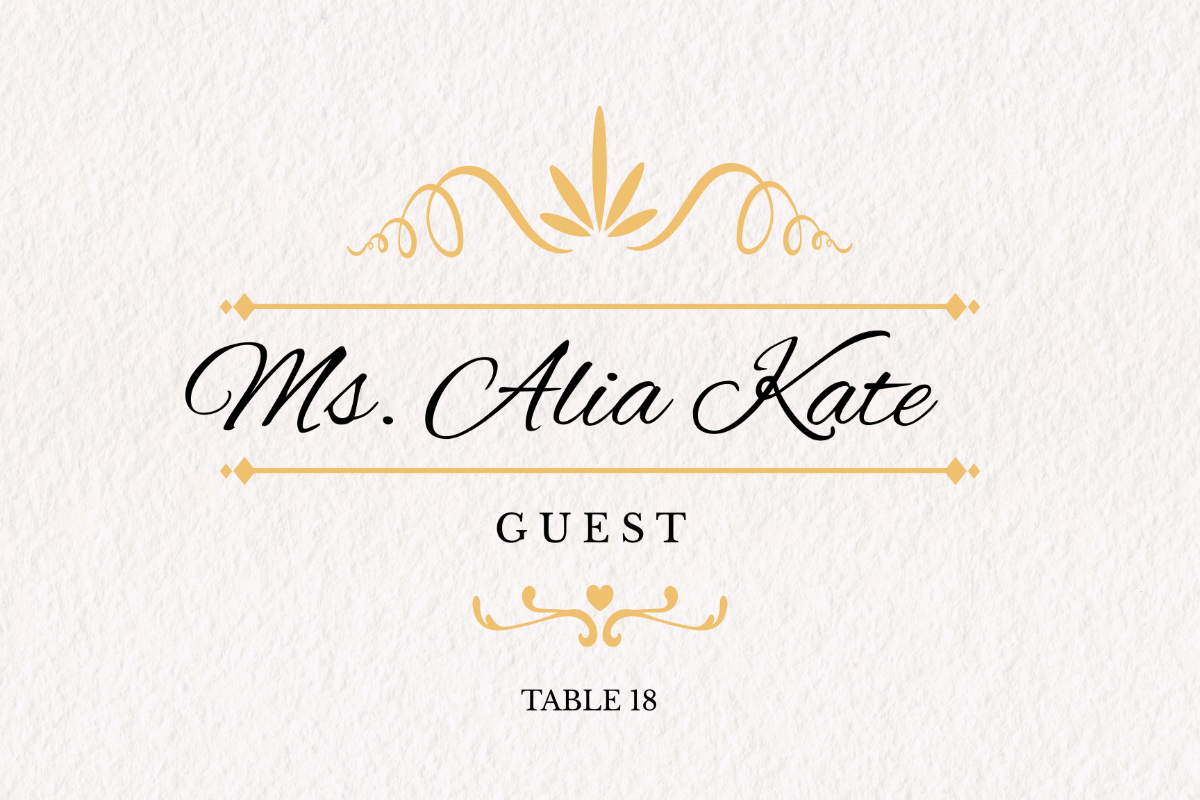
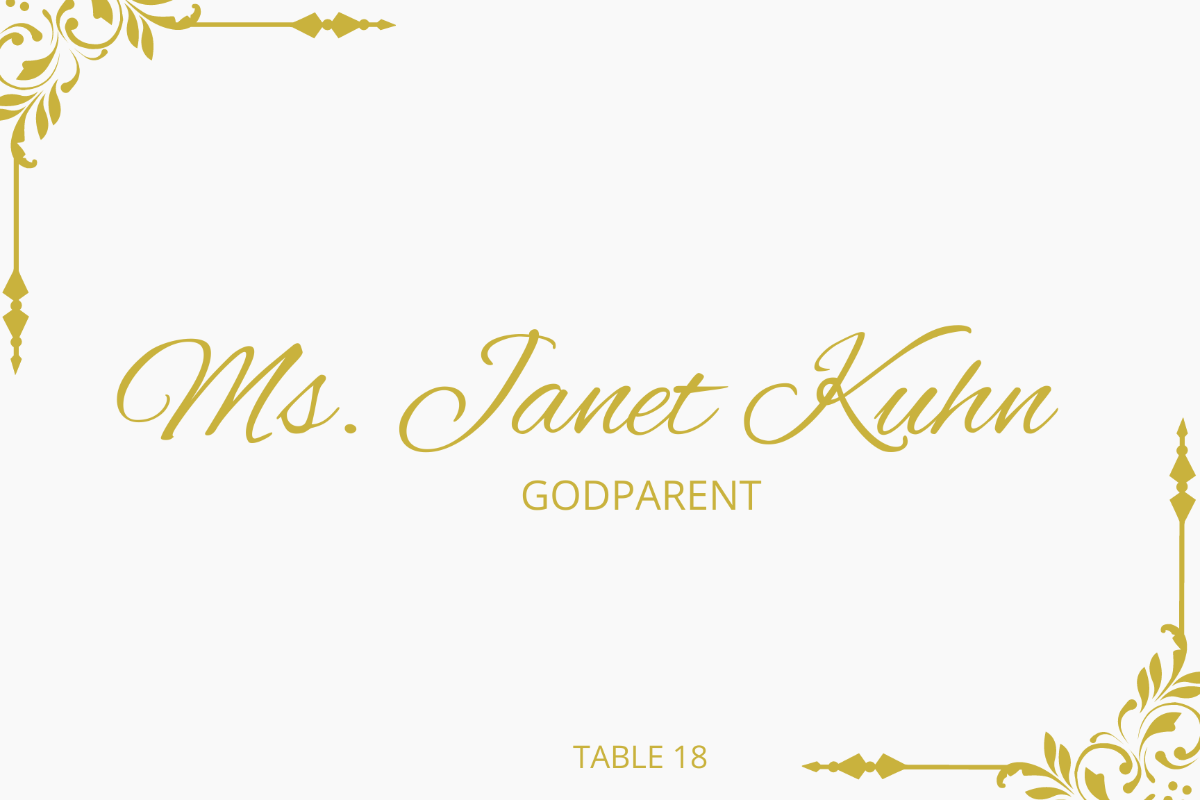
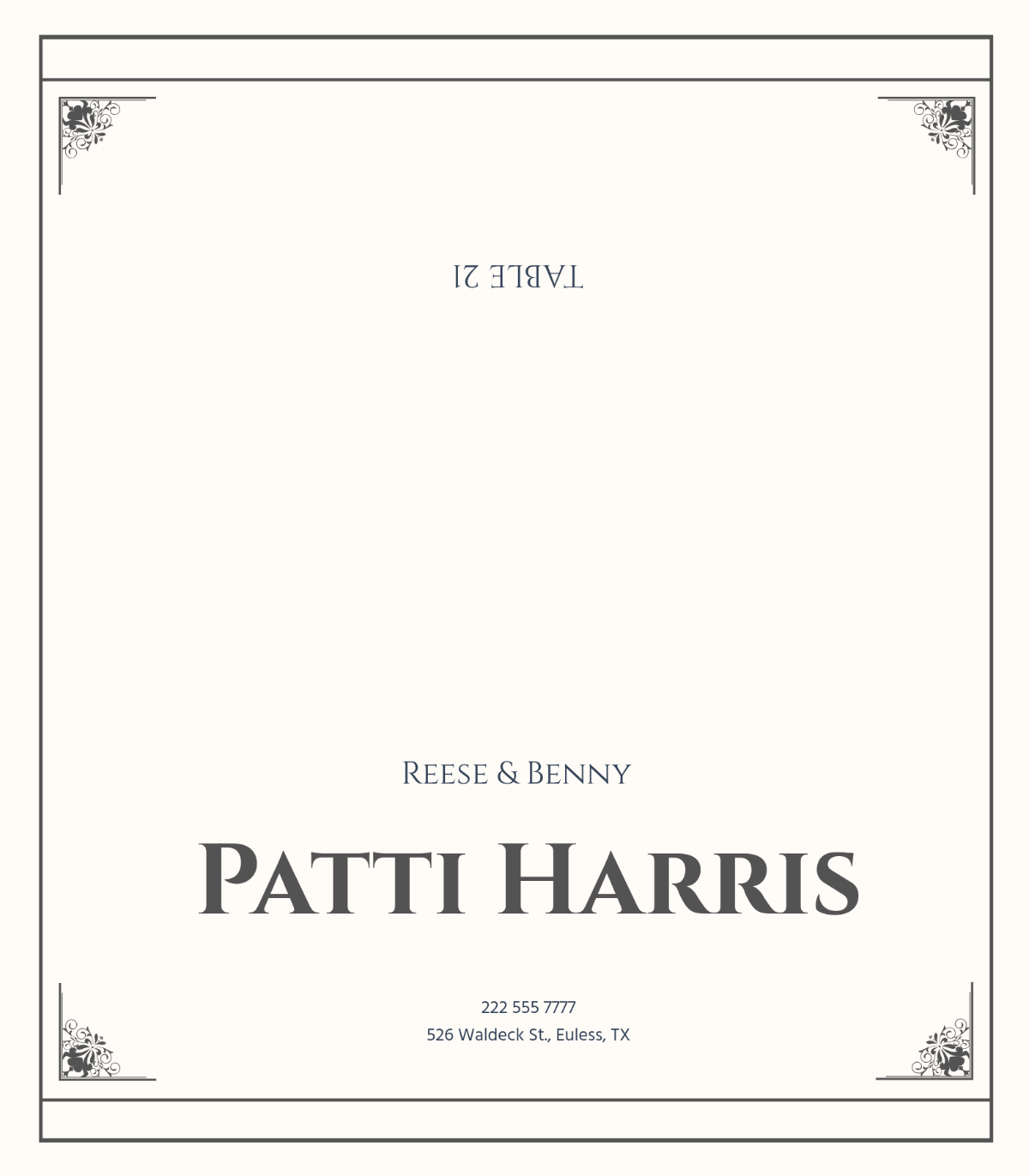
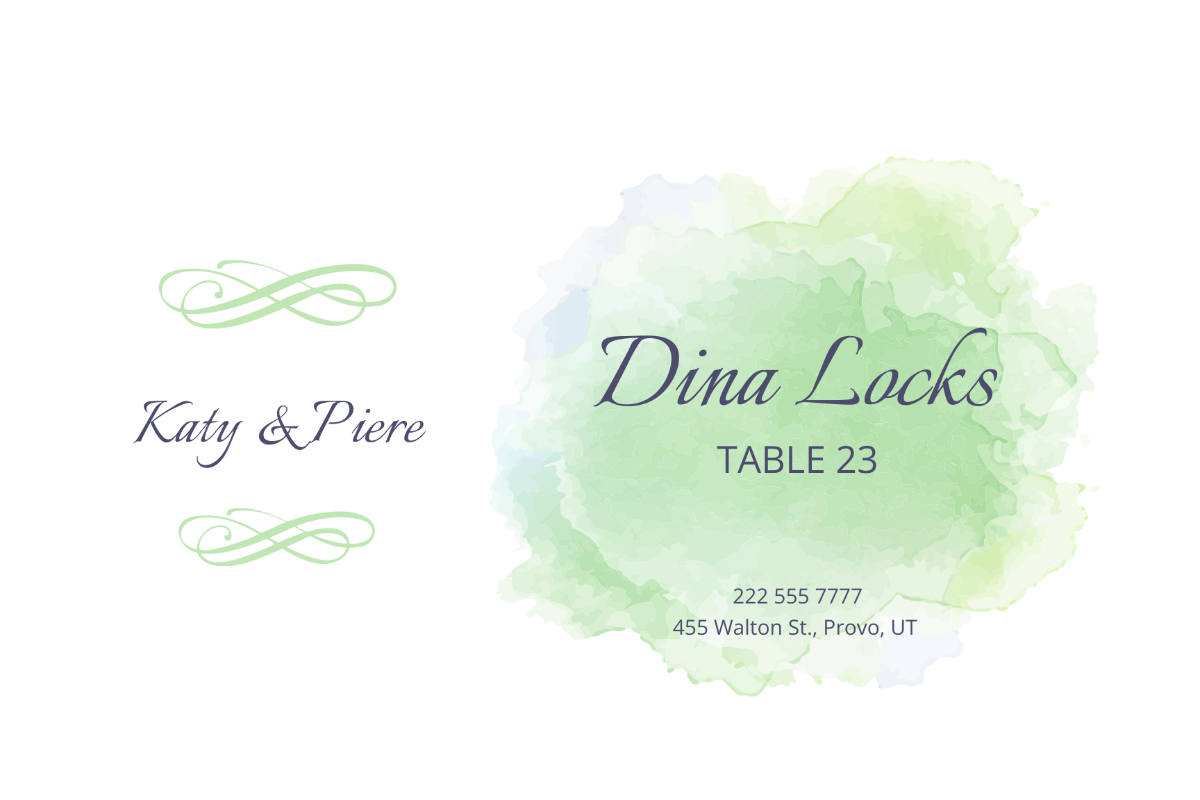

Make Place Cards, Customize Online with Design Editor
Template.net’s Free AI Place Card Generator helps you create beautifully formatted, ready-to-print seating cards in just a few clicks. Whether you're managing guest lists or coordinating table arrangements, our AI organizes the layout based on your input. Edit names, table numbers, themes, fonts, and borders, all from your browser.
![Free AI Place Card Generator, AI Place Card Maker [ No Signup ]](https://images.template.net/generator-images/0-ai-place-card-generator (1).webp)
Design Custom, Printable Place Cards for Free
Everything you need to guide your guests and enhance your table setting.
Ready-Made Place Card Templates
Select from elegant, modern, floral, minimalist, or themed templates for weddings, meetings, galas, holiday dinners, and more. Start fast and personalize effortlessly.
AI-Generated Layouts from Your Prompt
Input your details, and the AI generates a complete place card layout with name placement, table assignment, and decorative styling matched to your occasion.
Drag-and-Drop Place Card Editor
Reposition text, change borders, update fonts, or insert design elements with a user-friendly drag-and-drop interface, no design tools required.
Custom Themes for Every Event
Apply seasonal, formal, rustic, or fun themes with matching fonts, icons, and color schemes. Adjust layout for tent cards, flat cards, or foldable formats.
Include Icons and Logos
Add company logos, monograms, or table numbers to keep your event organized and professional. Highlight VIP guests or roles like “Bride,” “Speaker,” or “Host.”
Standard Print and Digital Sizes
Design for 3.5" × 2" folded cards (standard place card size), or digital formats like 1080 × 1080 px and 1920 × 1080 px for on-screen display or digital seating guides.
Create in 20+ Languages
Generate place cards using text or voice prompts in English, Spanish, Chinese, Hindi, Arabic, Portuguese, Bengali, Russian, Japanese, French, German, Korean, Italian, Turkish, Vietnamese, Urdu, Persian, Polish, Thai, or Punjabi and many more, perfect for multicultural events.
Apply Brand Kits for Formal Events
Use the Brand Kit to apply your event’s or company’s fonts, colors, and logos. Keep all place cards uniform and professional for conferences, galas, or branded functions.
Collaborate in Real Time
Coordinate with event planners, clients, or venue staff to finalize layouts. Review names, approve seating details, and co-edit cards live in a shared workspace.
Save to Cloud and Export in Multiple Formats
Export your cards in SVG, PDF, HTML, or PNG. Save directly to Google Drive, OneDrive, or Dropbox to organize files, print later, or send to clients.
Print or Share Instantly
Print your place cards on-site or send them digitally. Share via WhatsApp, Instagram, Facebook, LinkedIn, Pinterest, X (Twitter), Messenger, or Reddit. Embed digital versions in event guides or guest management tools.
Reuse Templates for Recurring Events
Save your place card layouts and update guest names for repeat events. Maintain visual consistency across weddings, meetings, and dinners with minimal effort.
Custom Background Patterns and Textures
Choose from elegant textures, floral prints, minimalist gradients, or seasonal themes to suit weddings, corporate events, or holiday dinners. Easily adjust opacity and layering for a refined finish.
Table Number and Seating Integration
Automatically add table numbers or seating sections to each card. Great for coordinating large events like banquets or conferences where assigned seating is crucial.
Font Style Pairing and Typography Suggestions
Get professionally curated font pairings that match your event style, classic scripts for weddings, modern sans-serifs for business dinners, or playful fonts for birthdays.
Folded and Flat Card Options
Choose between folded tent-style cards or flat cards depending on your table presentation. Customize dimensions to match standard card holders or paper stock.
Advanced Background Customization
Personalize your place cards with gradient fills, elegant borders, or themed illustrations. Easily adjust background colors, patterns, or transparencies to match your event’s decor and tone.
Icon and Decorative Element Library
Enhance place cards with a curated set of icons, florals, borders, or festive elements. Perfect for adding charm to themed events like weddings, baby showers, or holiday dinners without needing external graphics.
![Free AI Place Card Generator, AI Place Card Maker [ No Signup ]](https://images.template.net/generator-images/5-ai-place-card-generator.webp "Free AI Place Card Generator, AI Place Card Maker [ No Signup ]")
How to Make a Free AI-Generated Place Card
Create and personalize elegant place cards in three simple steps.
Step 1: Enter Your Prompt
Open the AI Place Card Generator and describe your need, like: “Create Wedding Place Card for corporate event reception”. Click Generate, and the AI produces a stylish layout with name placement and space for table assignments or logos.
Step 2: Customize the Card Details
Edit names, table numbers, visual elements, and fonts. Insert logos or monograms, change borders or colors, and select between flat or tented formats. Adjust the card size as needed for print or screen use.
Step 3: Export and Share Anywhere
Download your completed design in SVG, PDF, HTML, or PNG format. Save to Google Drive, OneDrive, or Dropbox. Print cards or share them digitally via WhatsApp, Instagram, Facebook, LinkedIn, Pinterest, X (Twitter), Messenger, or Reddit.
Create Place Cards in Seconds and Start Organizing Your Event
![Free AI Place Card Generator, AI Place Card Maker [ No Signup ]](https://images.template.net/generator-images/1-ai-place-card-generator (1).webp "Free AI Place Card Generator, AI Place Card Maker [ No Signup ]")
Generate Place Cards That Match Your Theme
Whether it’s rustic wedding charm or corporate minimalism, the AI adapts to your event style. Use the Brand Kit to match every detail with your theme and maintain consistency throughout the venue.
![Free AI Place Card Generator, AI Place Card Maker [ No Signup ]](https://images.template.net/generator-images/2-ai-place-card-generator (1).webp "Free AI Place Card Generator, AI Place Card Maker [ No Signup ]")
Customize Layouts for Guests, Tables, or Roles
Adapt one layout for multiple use cases, dinner guests, VIPs, speakers, or special tables. Duplicate, update names, and reassign roles while keeping formatting intact.
![Free AI Place Card Generator, AI Place Card Maker [ No Signup ]](https://images.template.net/generator-images/3-ai-place-card-generator (1).webp "Free AI Place Card Generator, AI Place Card Maker [ No Signup ]")
Share and Collaborate with Your Planning Team
Invite others to review or co-edit cards. Manage final approvals, track changes, and align with hosts or coordinators in real time from any location.
![Free AI Place Card Generator, AI Place Card Maker [ No Signup ]](https://images.template.net/generator-images/4-ai-place-card-generator (1).webp "Free AI Place Card Generator, AI Place Card Maker [ No Signup ]")
Keep Guest Details Organized in Workspaces
Group place card designs by table, category, or role. Use folders and versioning tools to organize, store, and reuse layouts for upcoming events with ease.
