
Free Punch Card Templates
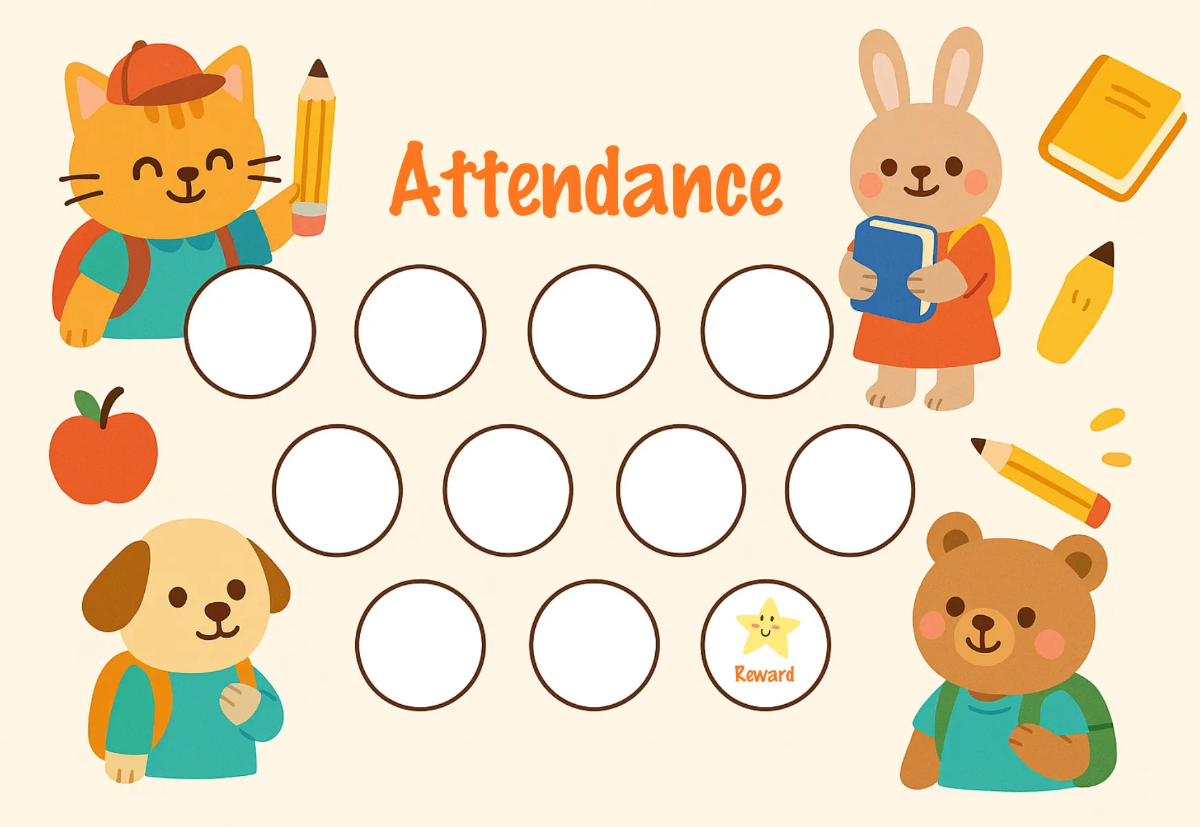
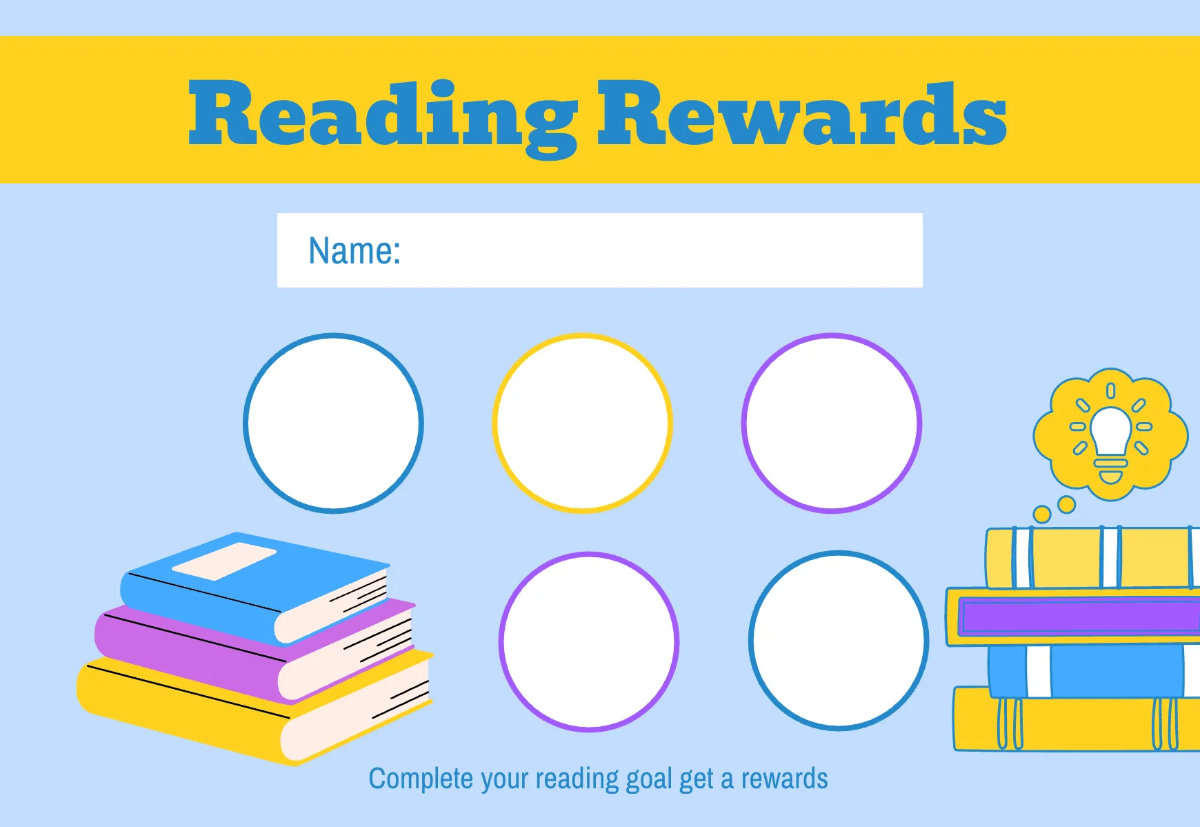
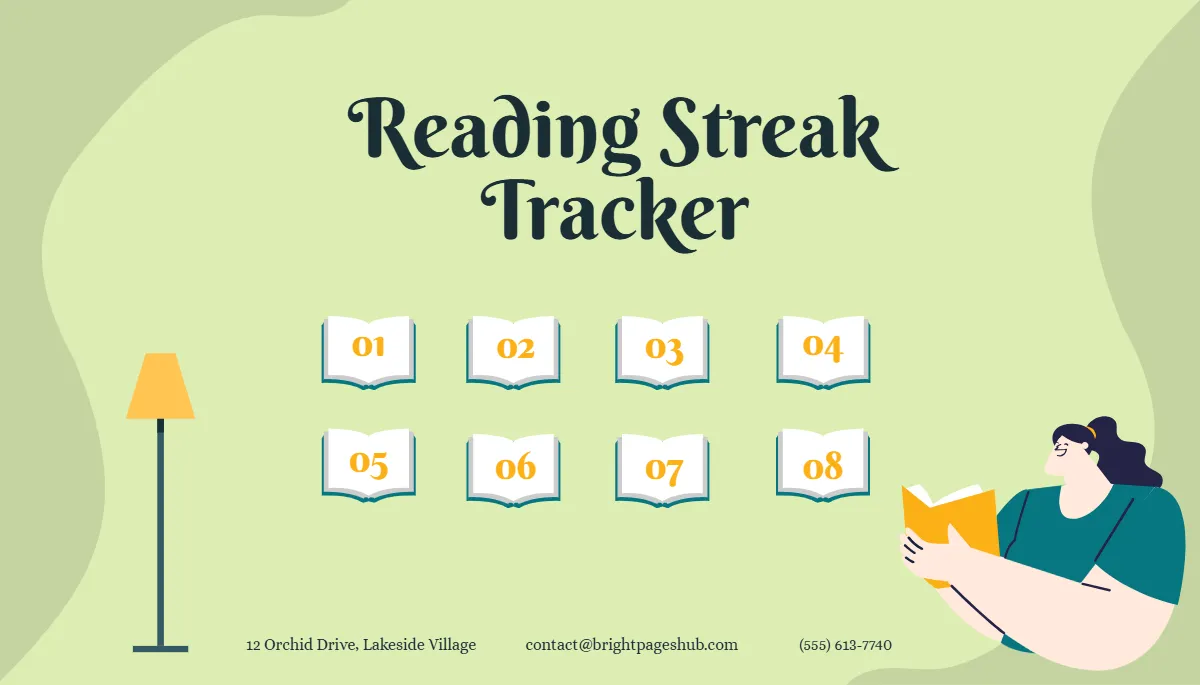
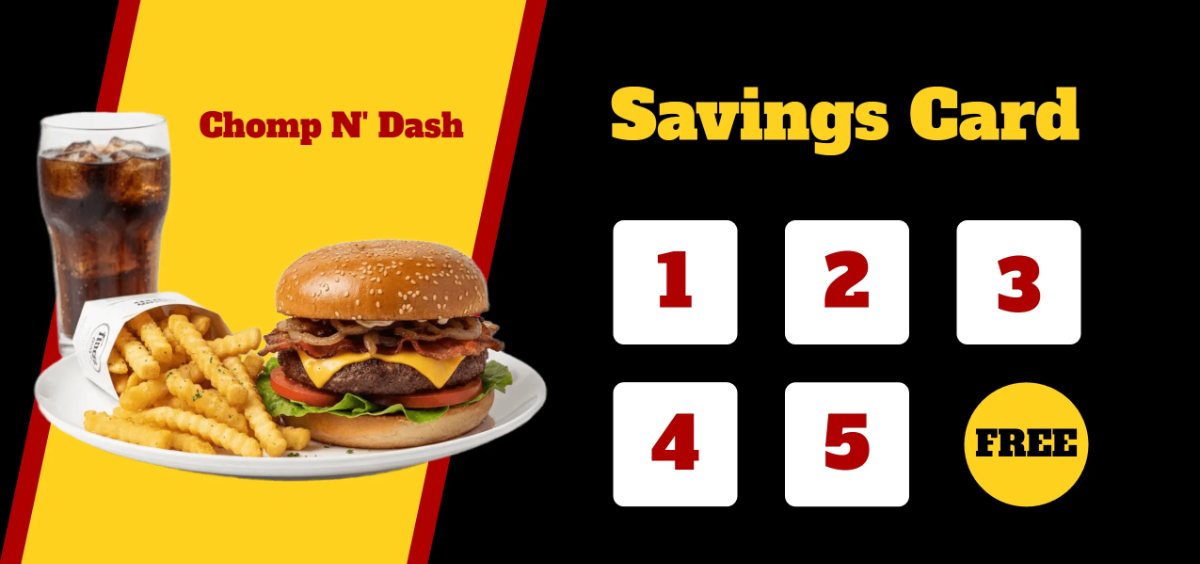


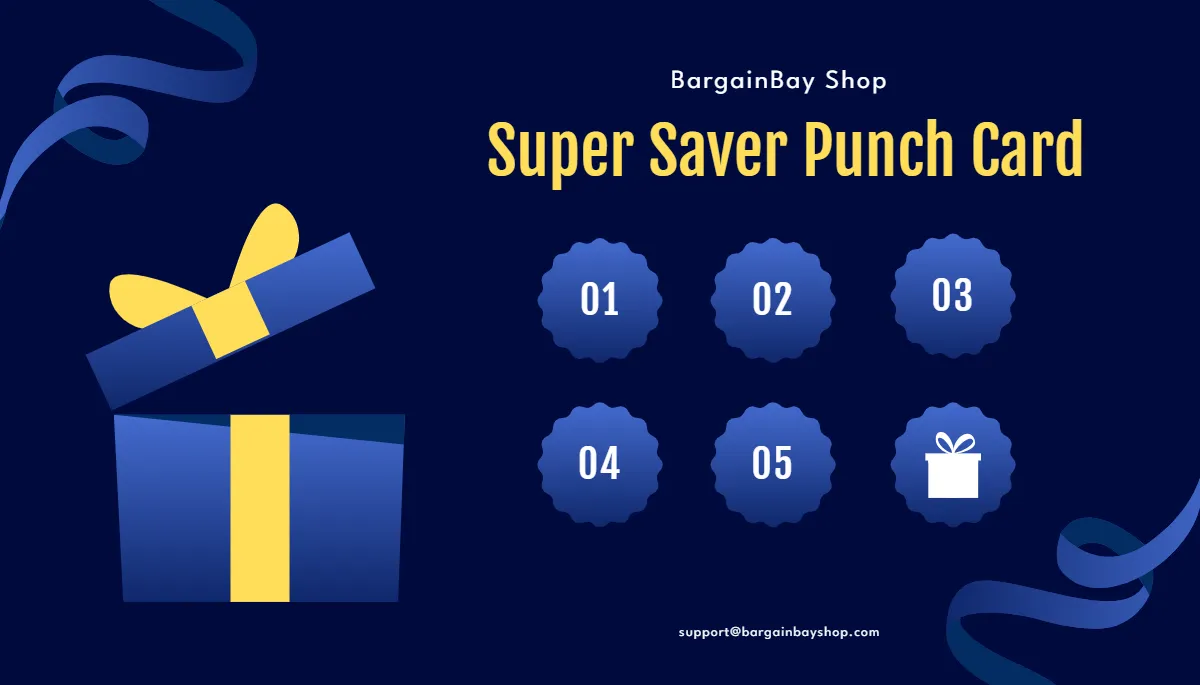
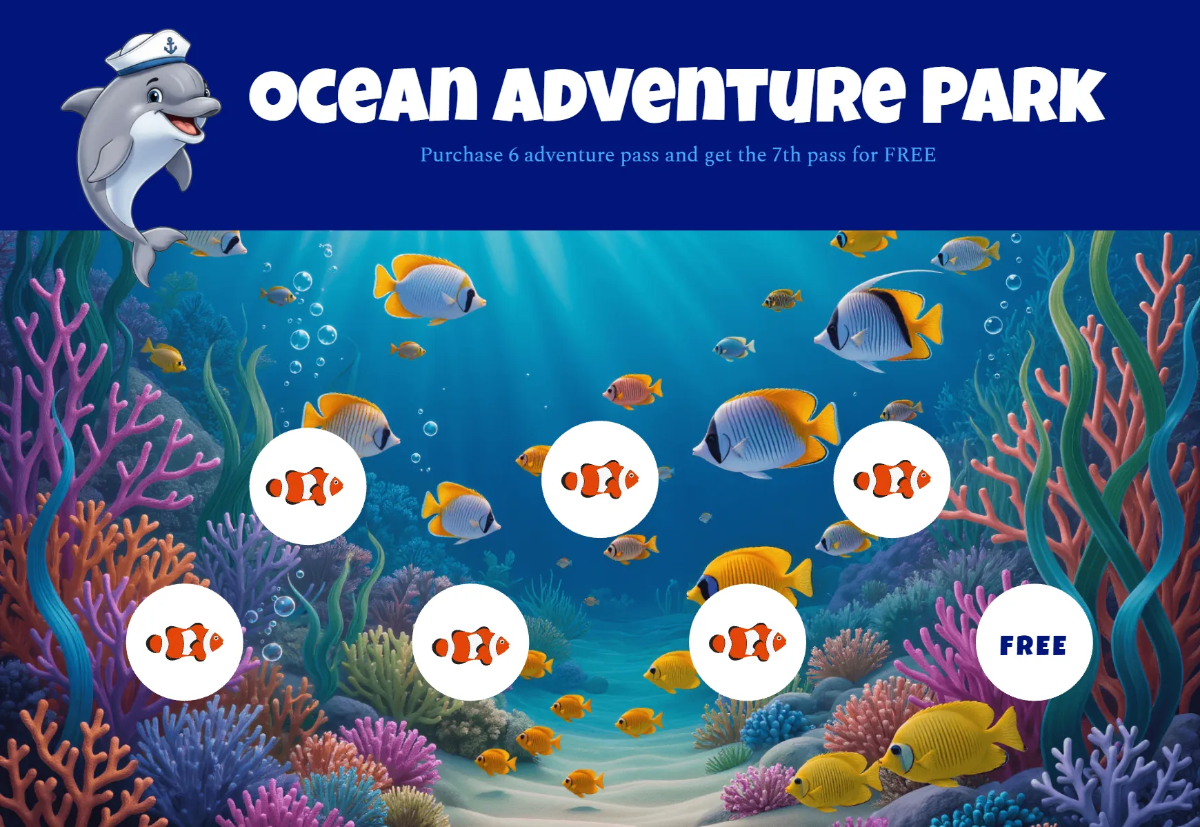
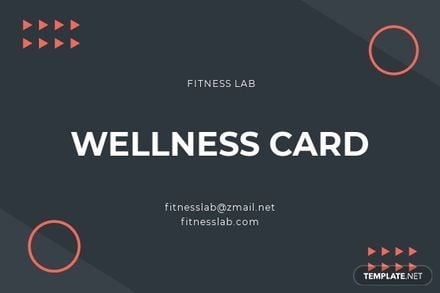
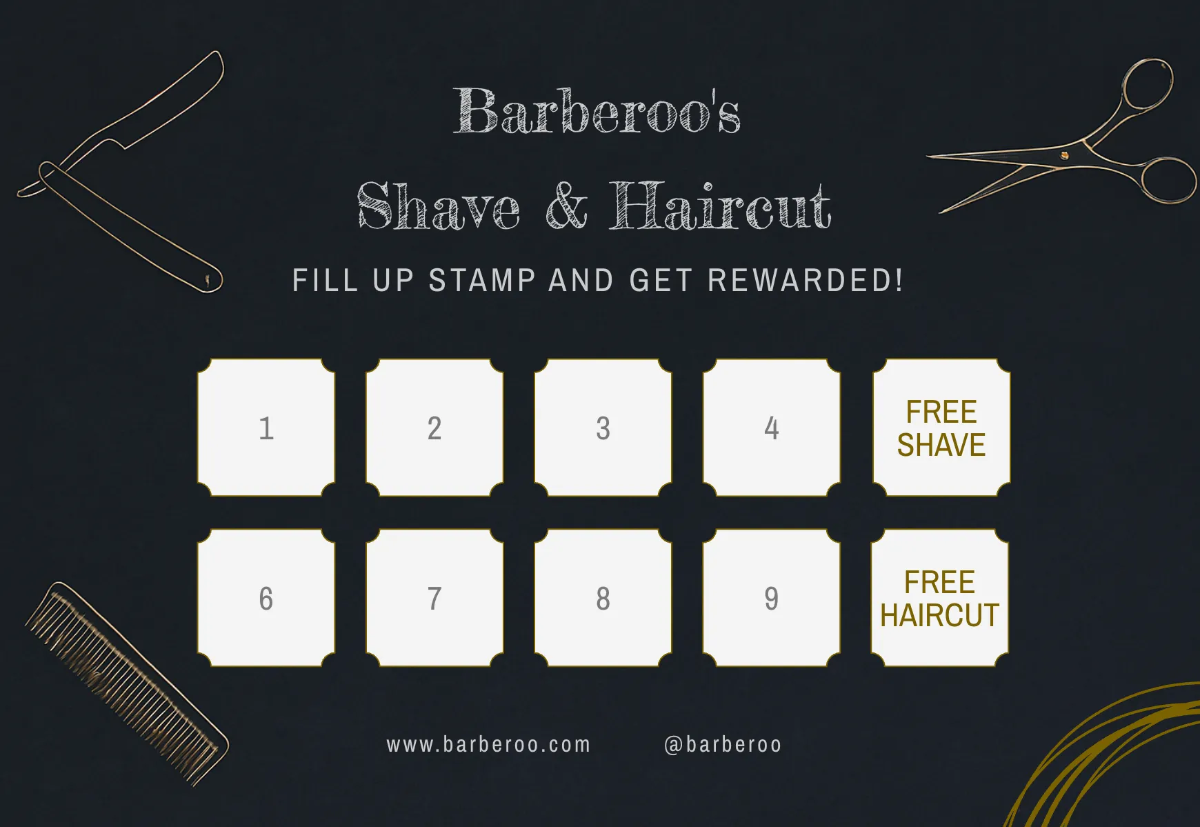
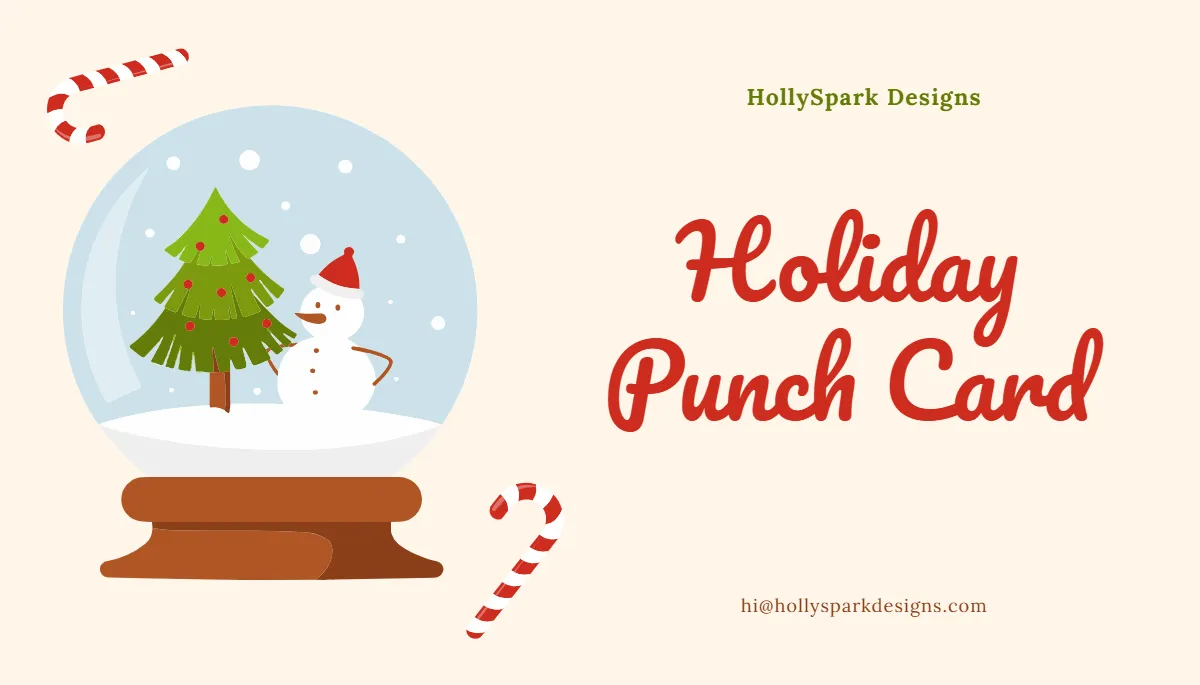
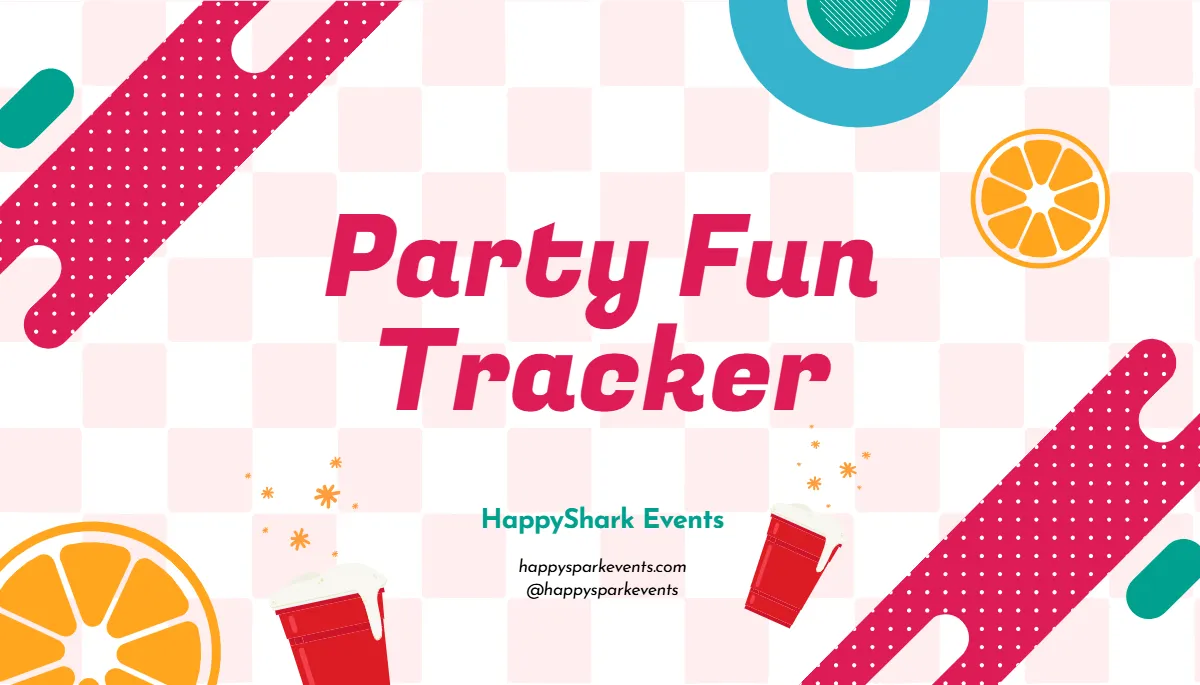





Punch Card Templates: Definition, Uses, and Formats
What is a Punch Card?
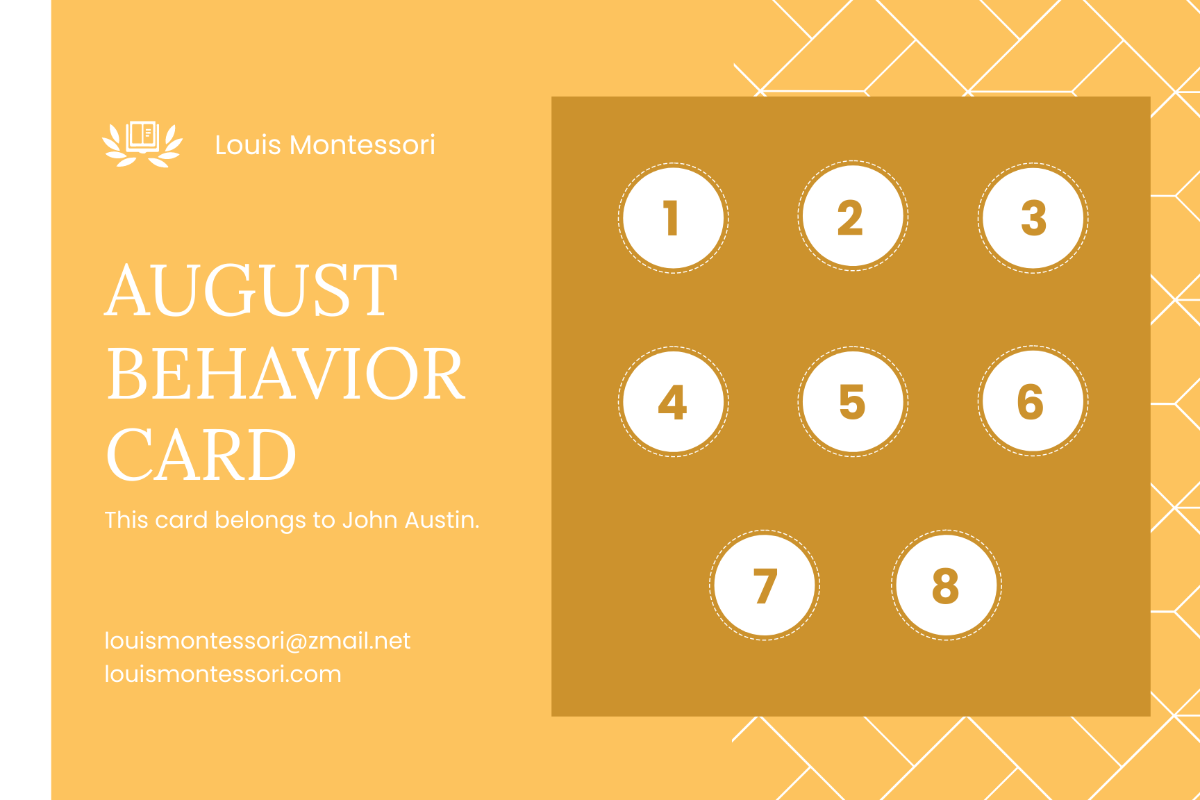
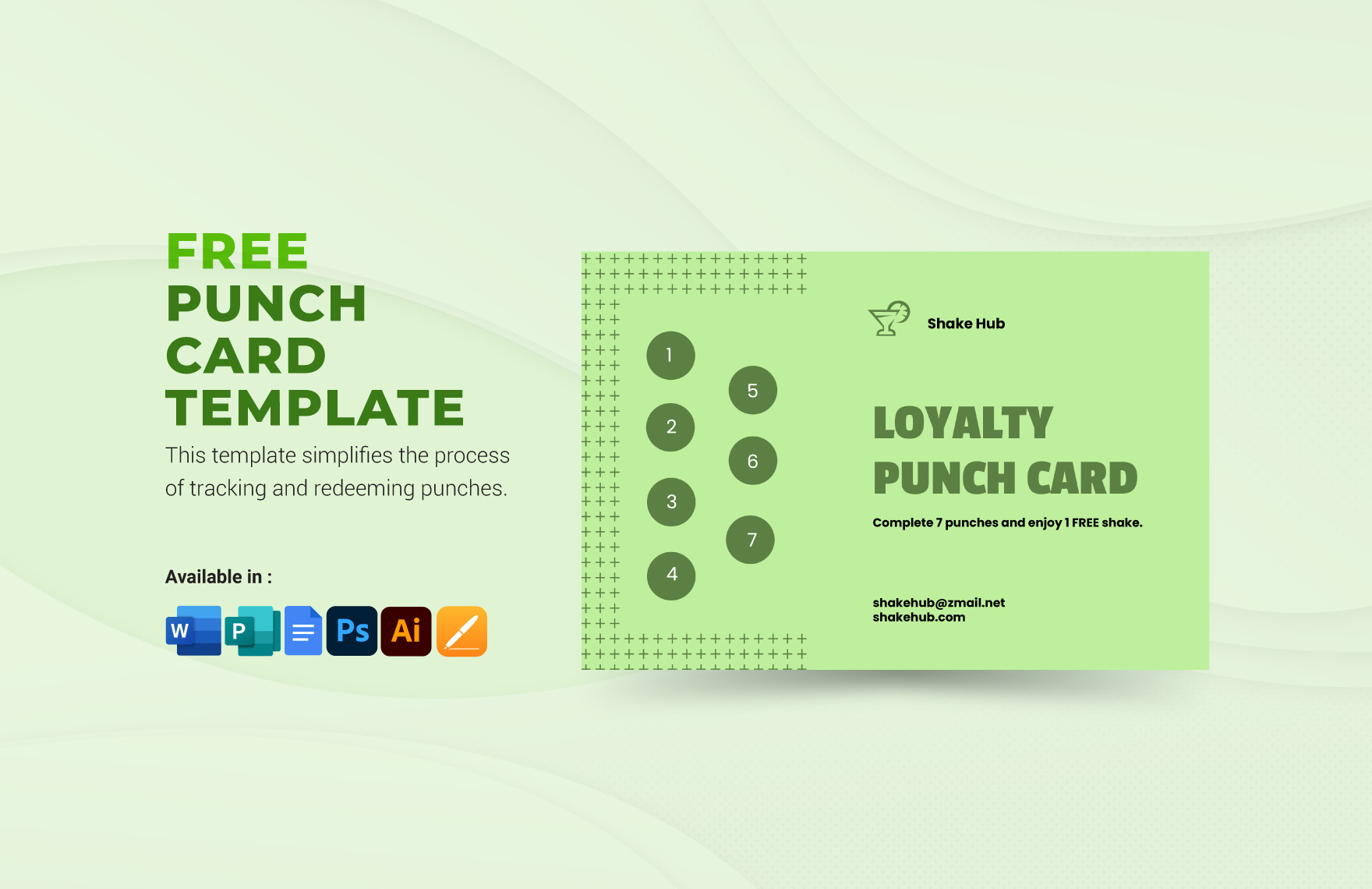
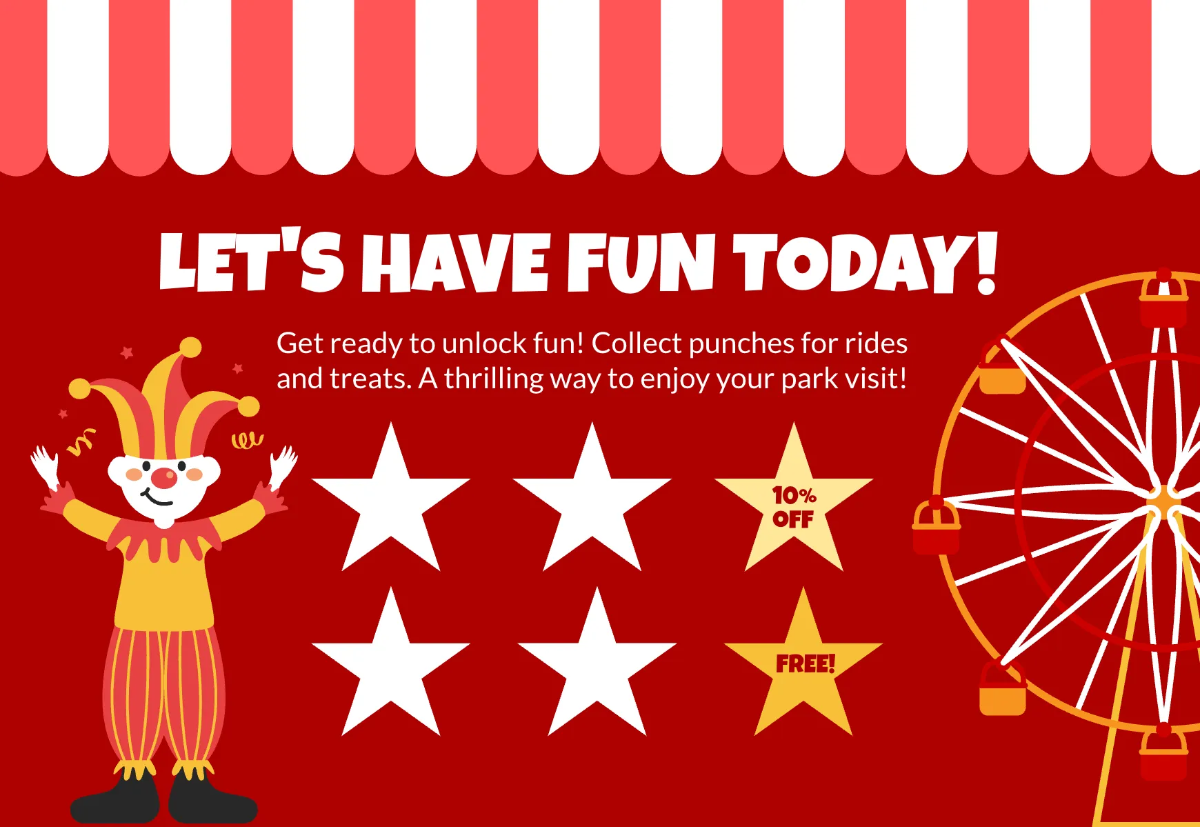
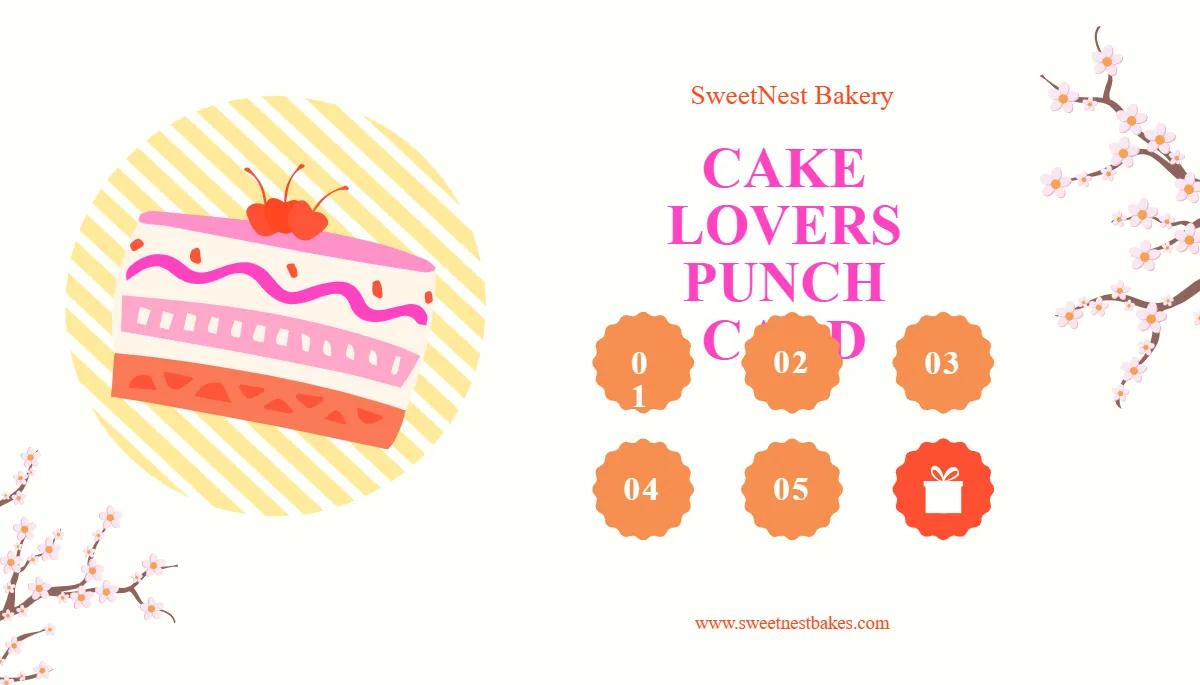
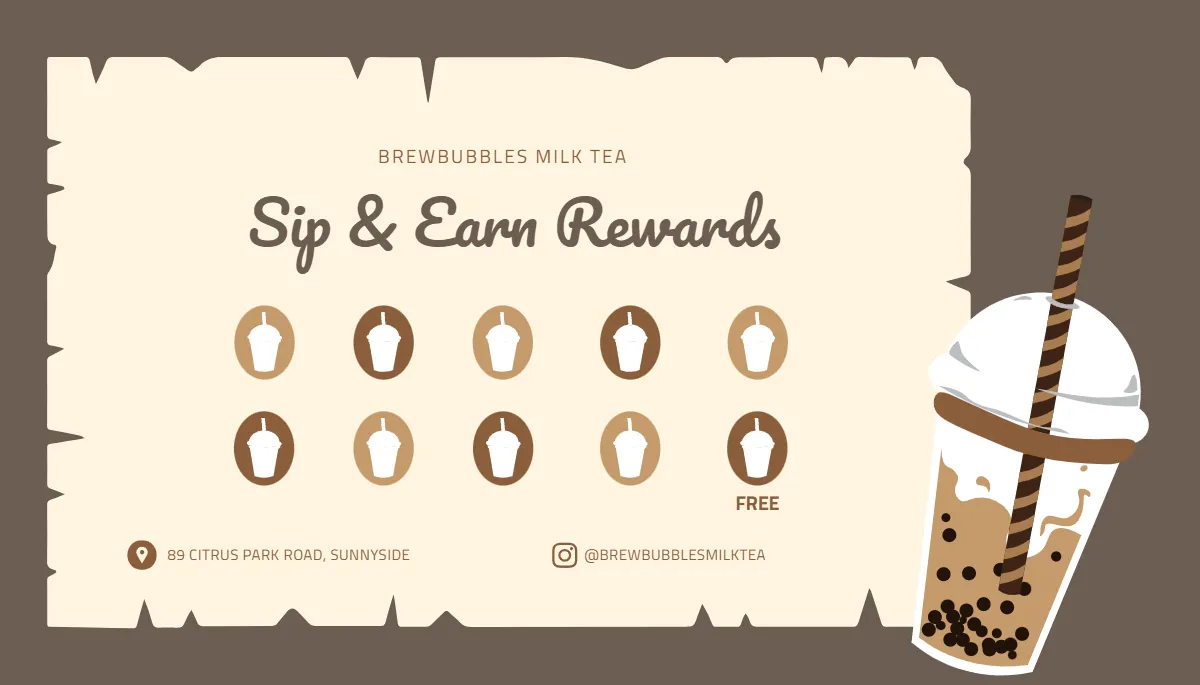
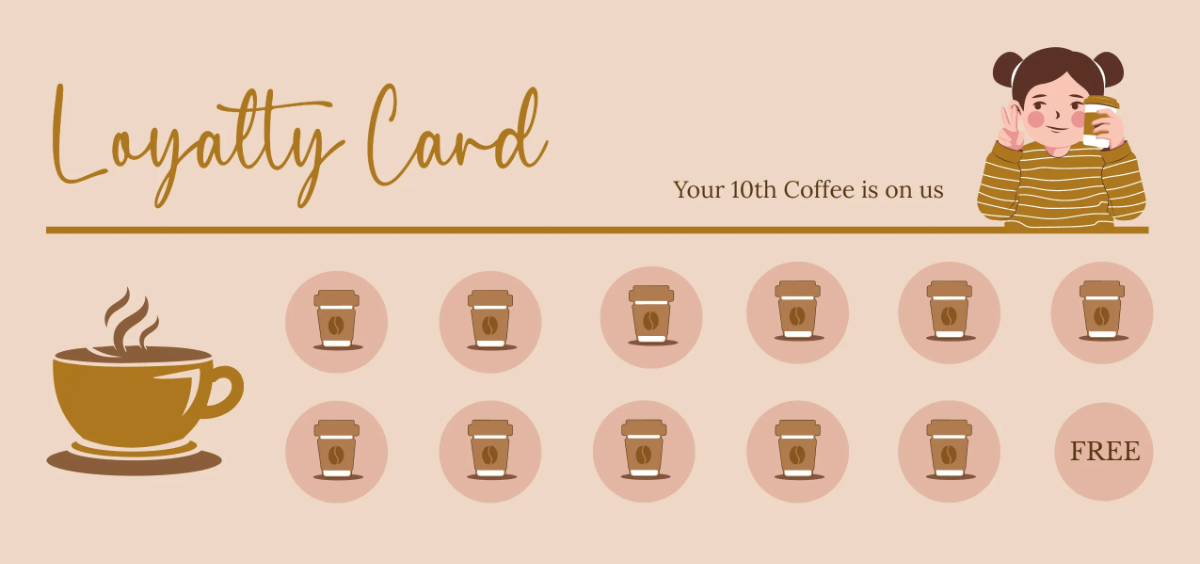
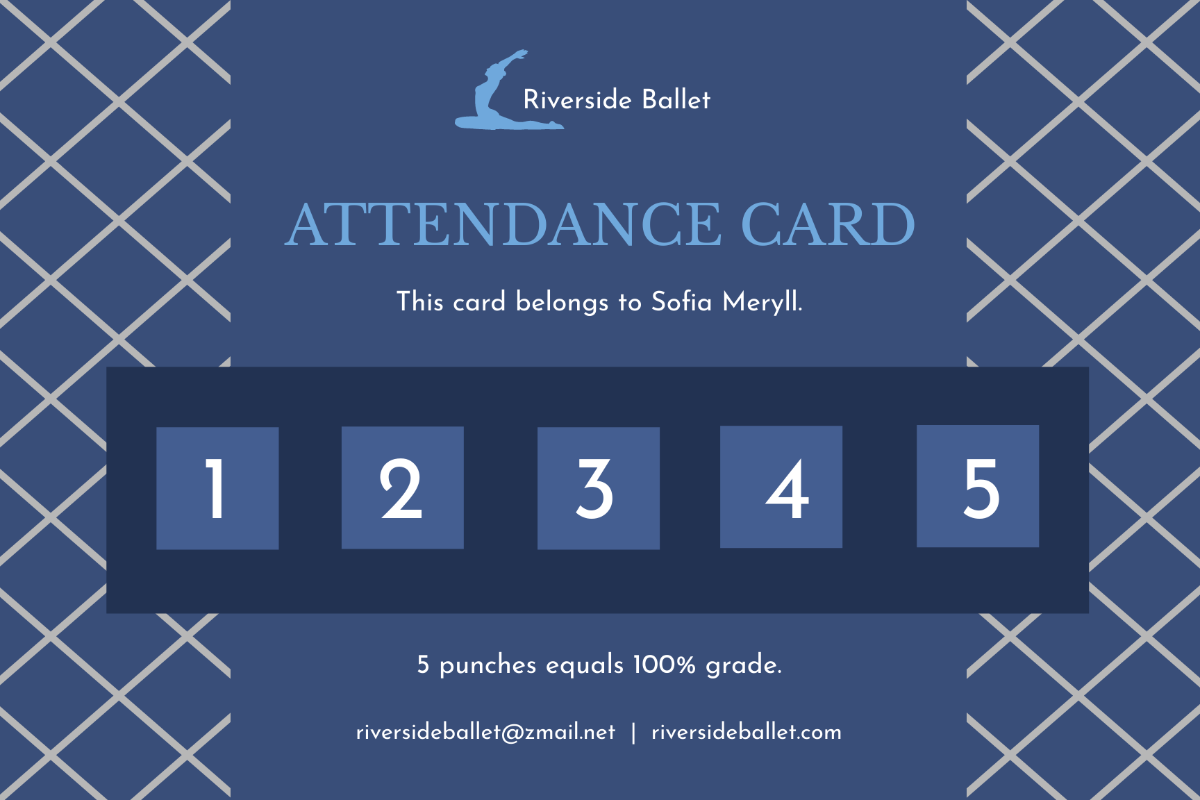
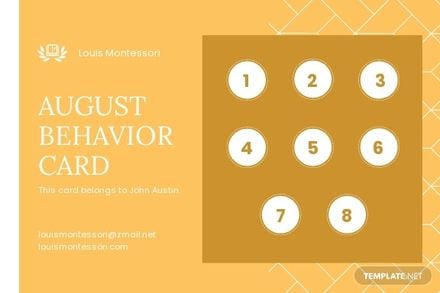
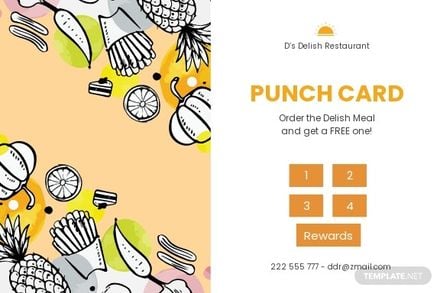
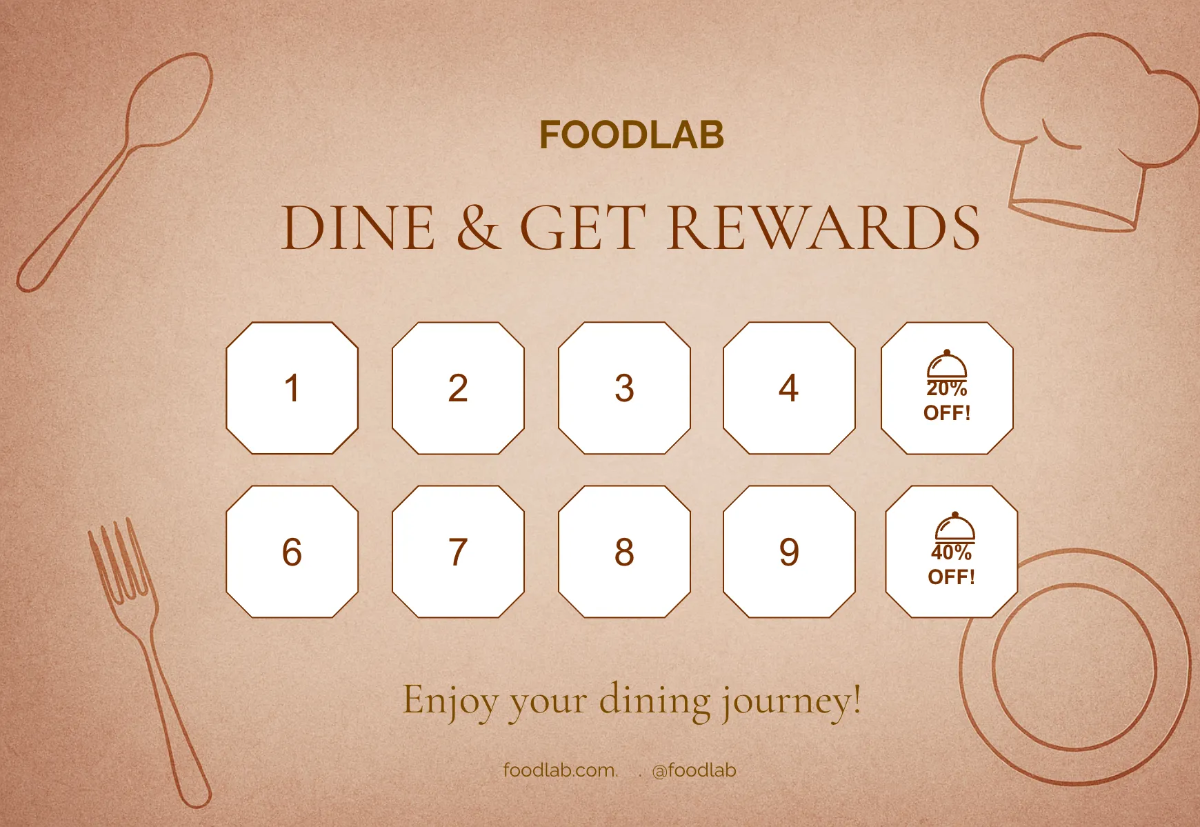
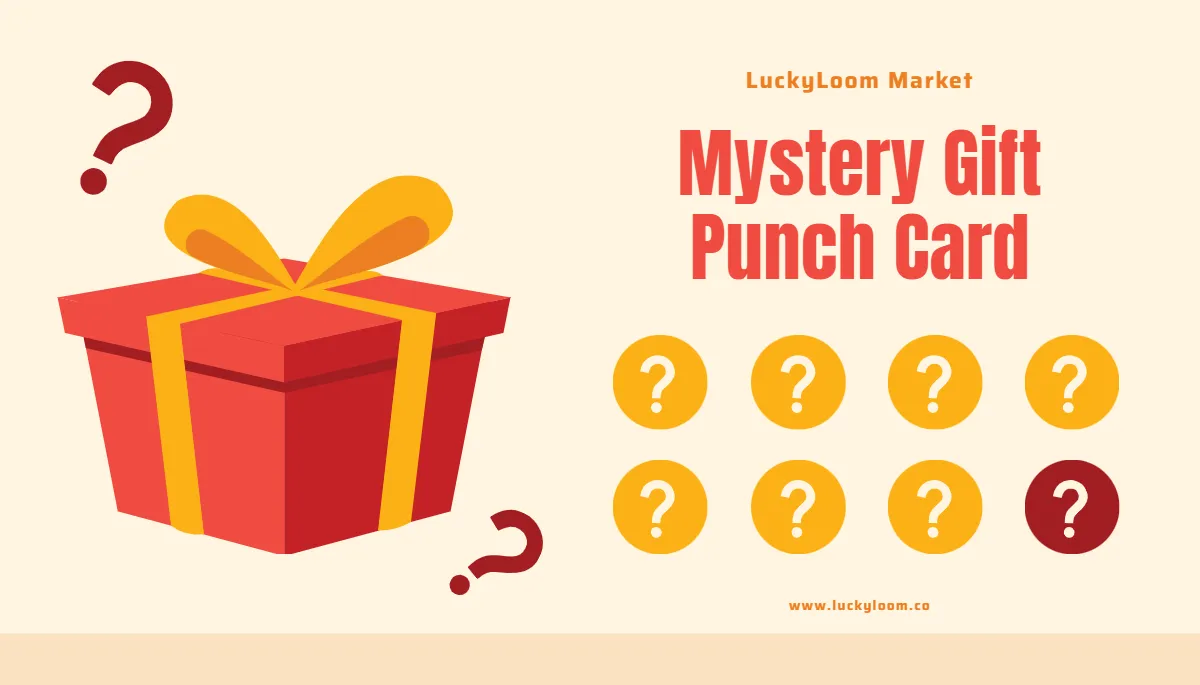
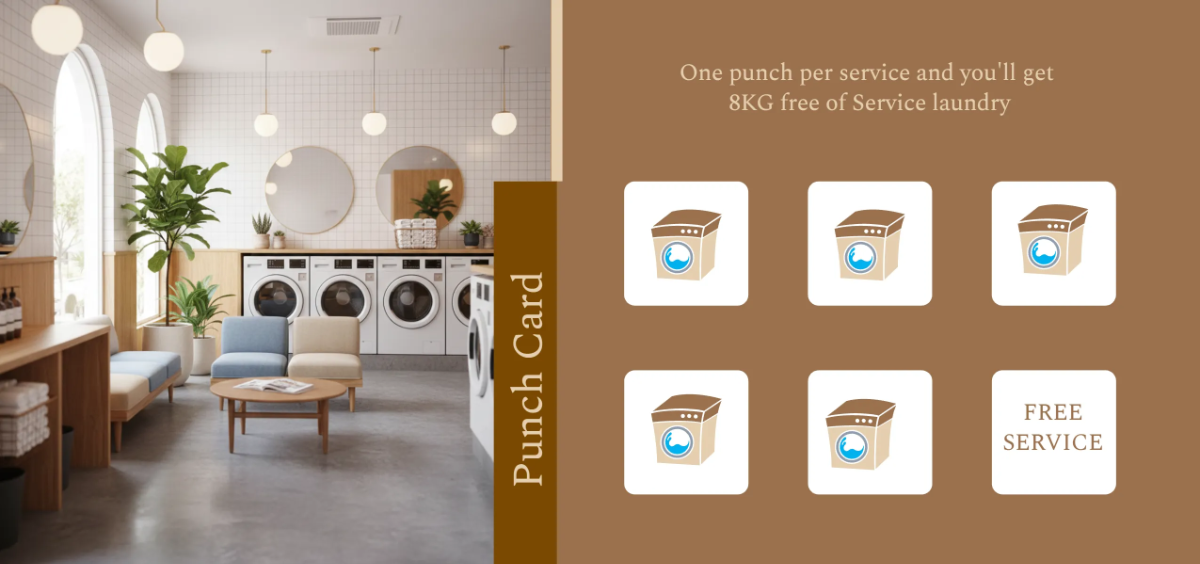
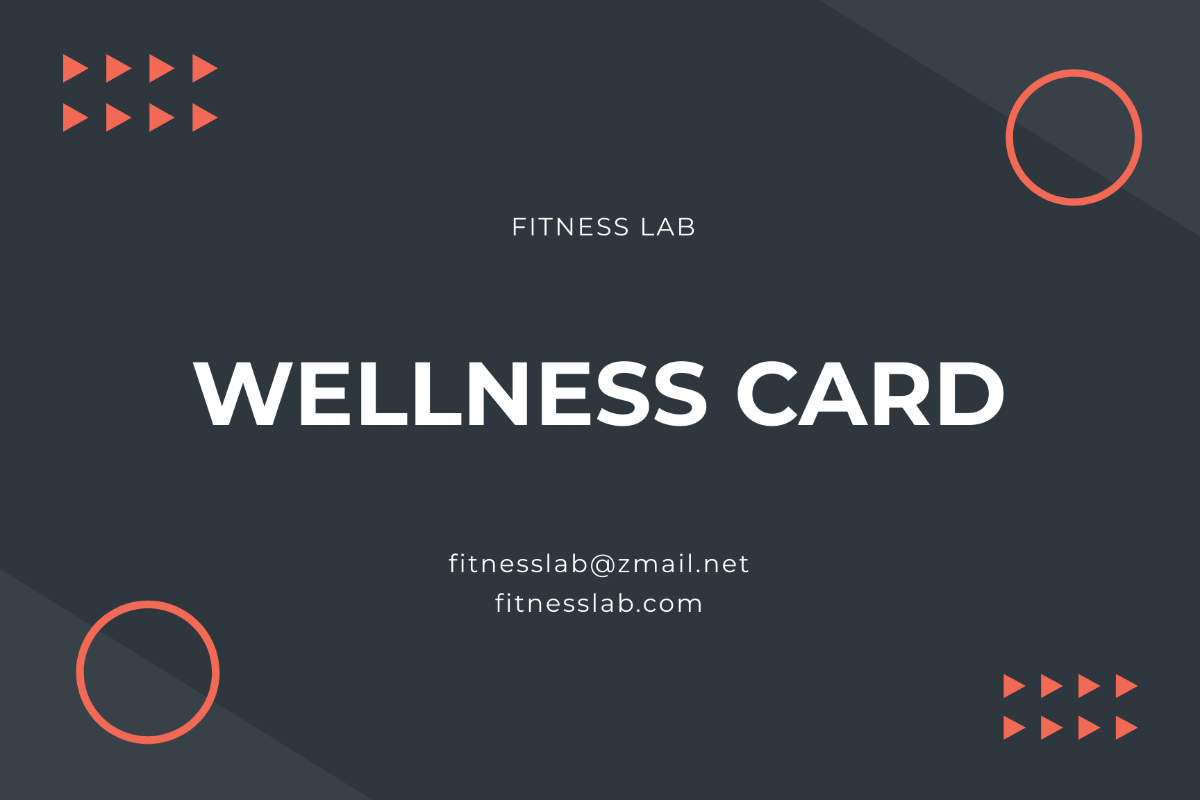
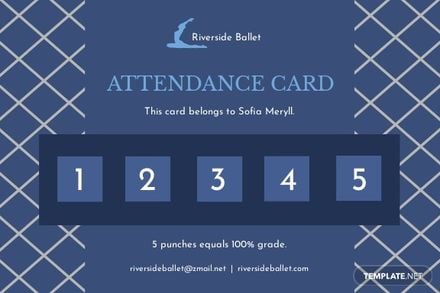
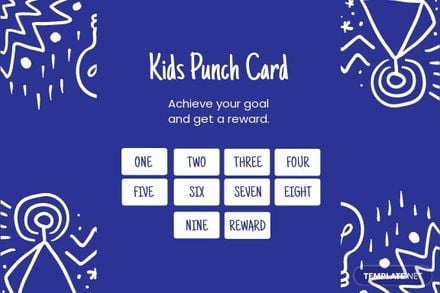
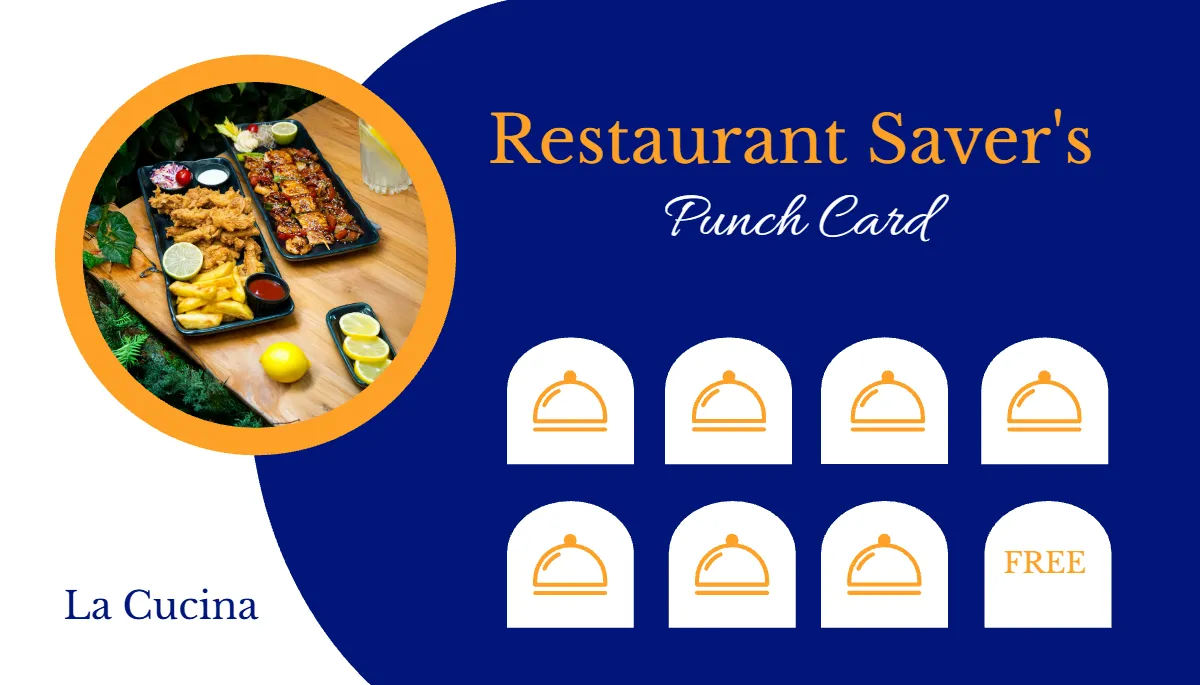
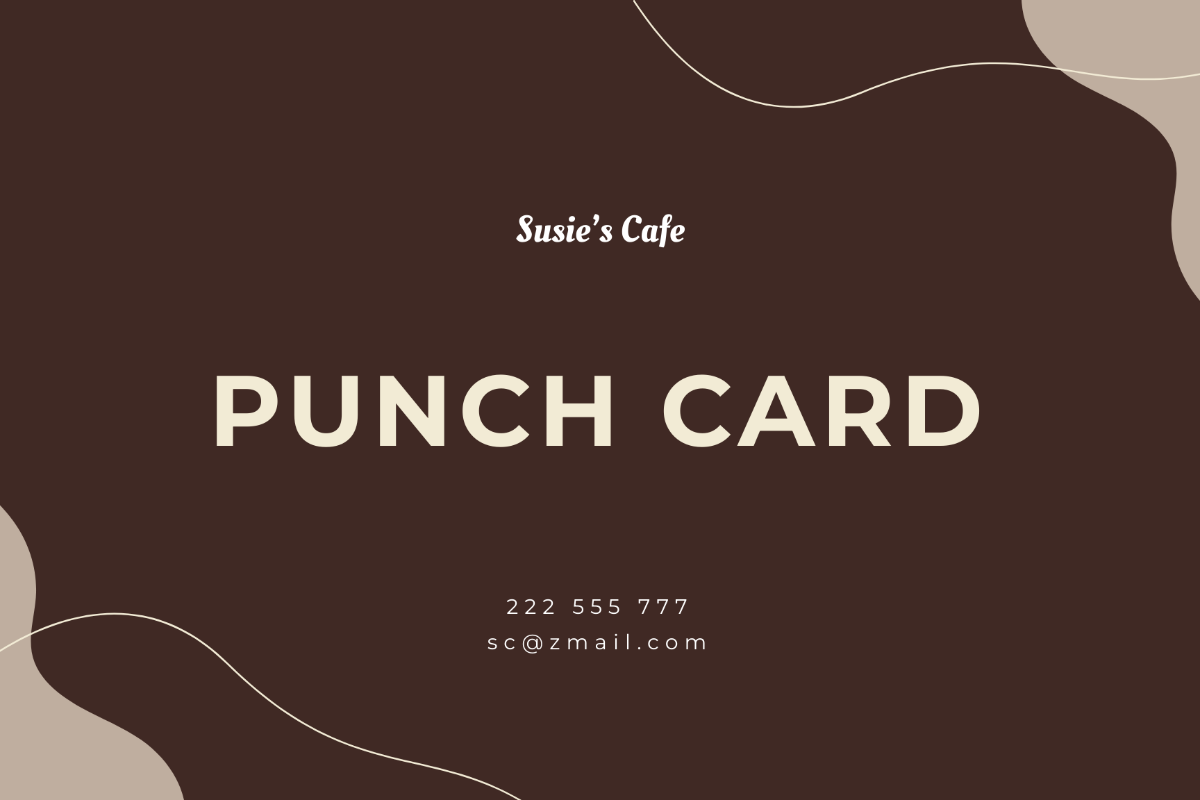
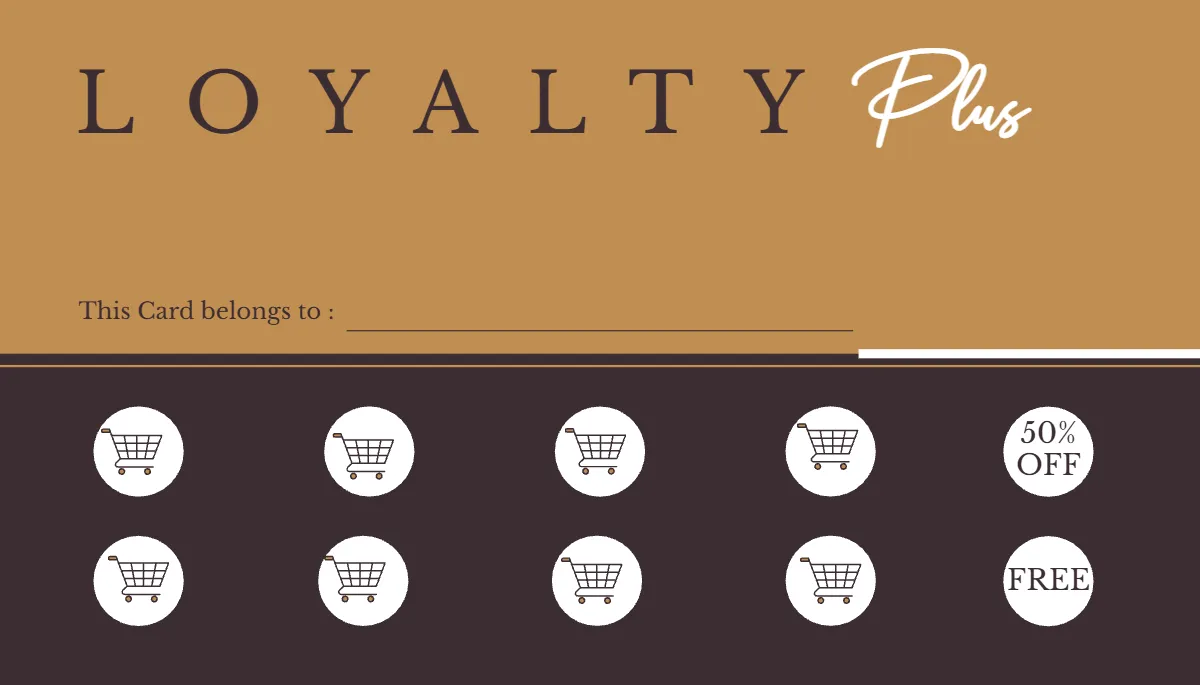
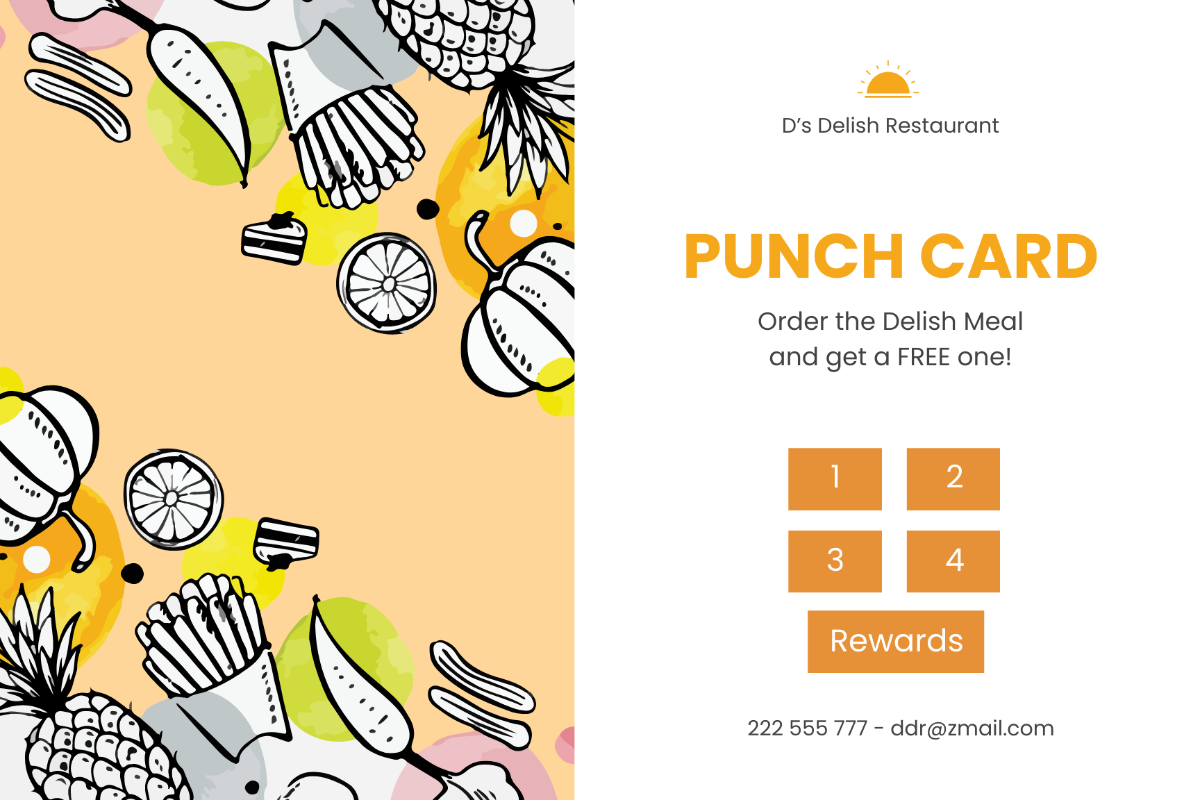
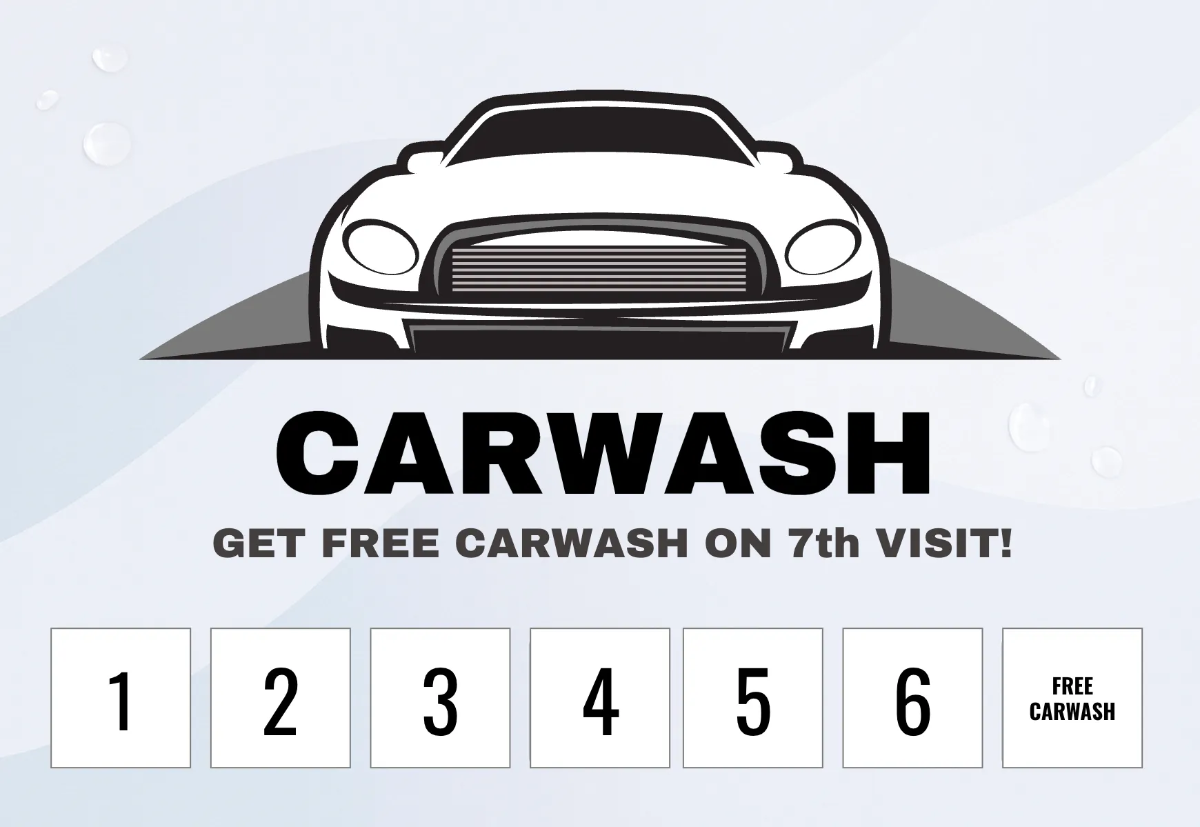
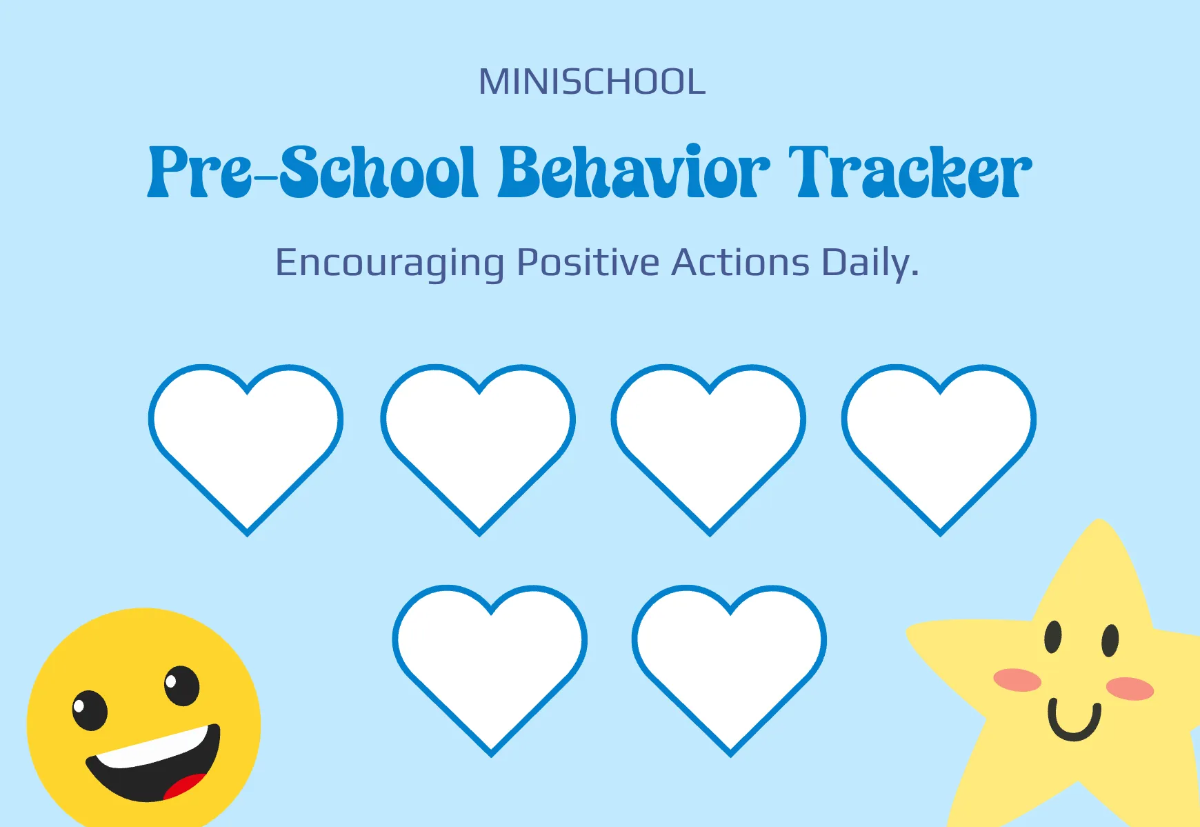
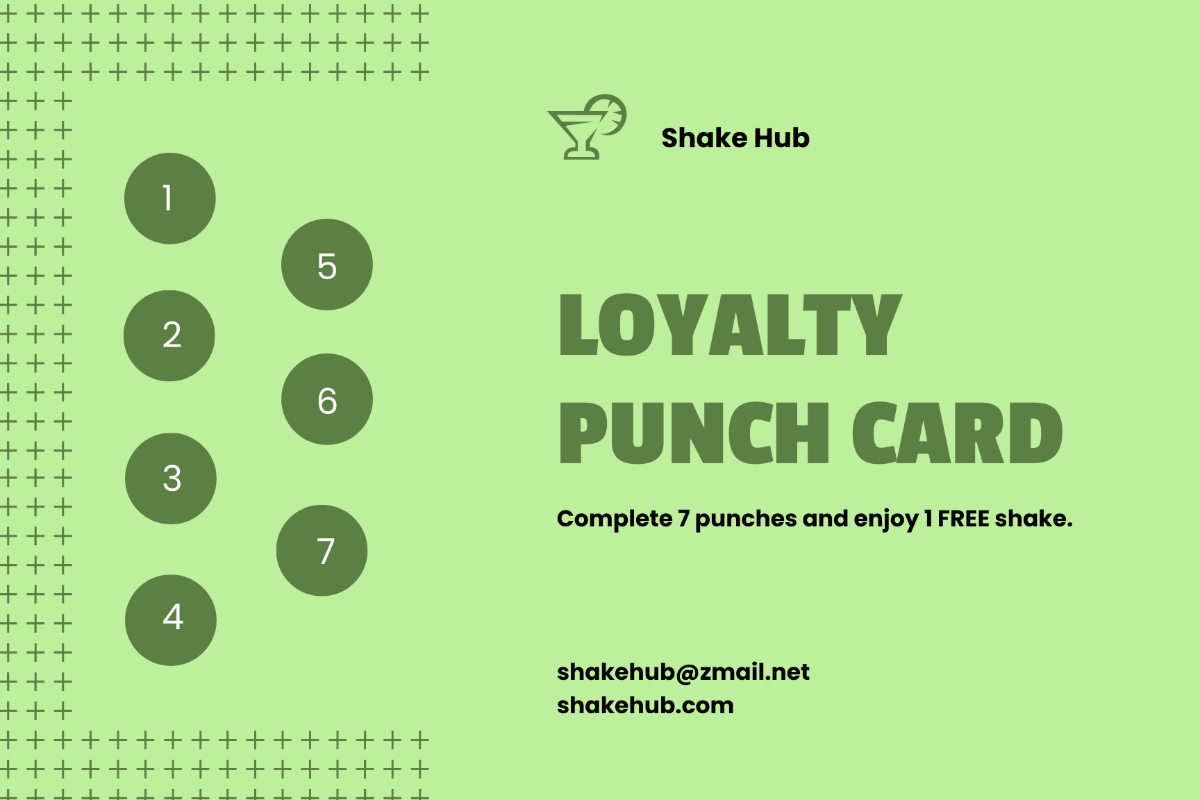
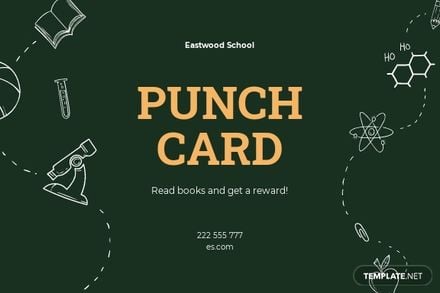
A punch card is a printed card designed with predefined punch areas to track customer activity or attendance. Punch card templates provide editable text areas and design layers that allow businesses to customize loyalty or tracking cards efficiently.
Why use a Punch Card?
Punch cards help businesses encourage repeat visits by offering tangible reward tracking through physical punches or stamps. Using punch card templates ensures professional layouts and easy customization to align with branding and marketing goals.
Who typically uses Punch Cards?
Punch cards are commonly used by retailers, cafes, and service providers to reward customer loyalty. These punch card templates are designed for easy online editing, allowing small businesses to create customized tracking cards with minimal effort.
What size should a Punch Card be?
The ideal punch card size is often 3.5 × 2 inches or 4 × 6 inches to fit wallets or wallets easily. Punch card templates typically come with standardized layout blocks optimized for printing and usability.
What are the best tips for designing a Punch Card?
Effective punch card templates should include a clear headline, call to action, punch spots, and branding elements. Use layered designs for easy customization of colors and text areas to maintain professional appeal.
How do you print a Punch Card?
Punch card templates are designed for high-quality printing on cardstock or thick paper. Export templates in print-ready formats to ensure crisp graphics and accurate punch spot alignment during professional or home printing.
What elements should a Punch Card include?
A punch card should have punch spots, a clear headline, business logo, terms and conditions, and contact information. These elements are organized in editable layers within punch card templates for easy customization.
What file formats can I download for a Punch Card?
Template.net punch card templates support multiple export formats for editing and printing, including Word, PSD, Google Docs, and Publisher.
Can I create a new Punch Card using AI?
Template.net provides an AI-powered tool that generates new Punch Card designs from prompts. Use the Card Generator to create customized punch card templates quickly and easily.
