
Free Resume Cover Page Templates


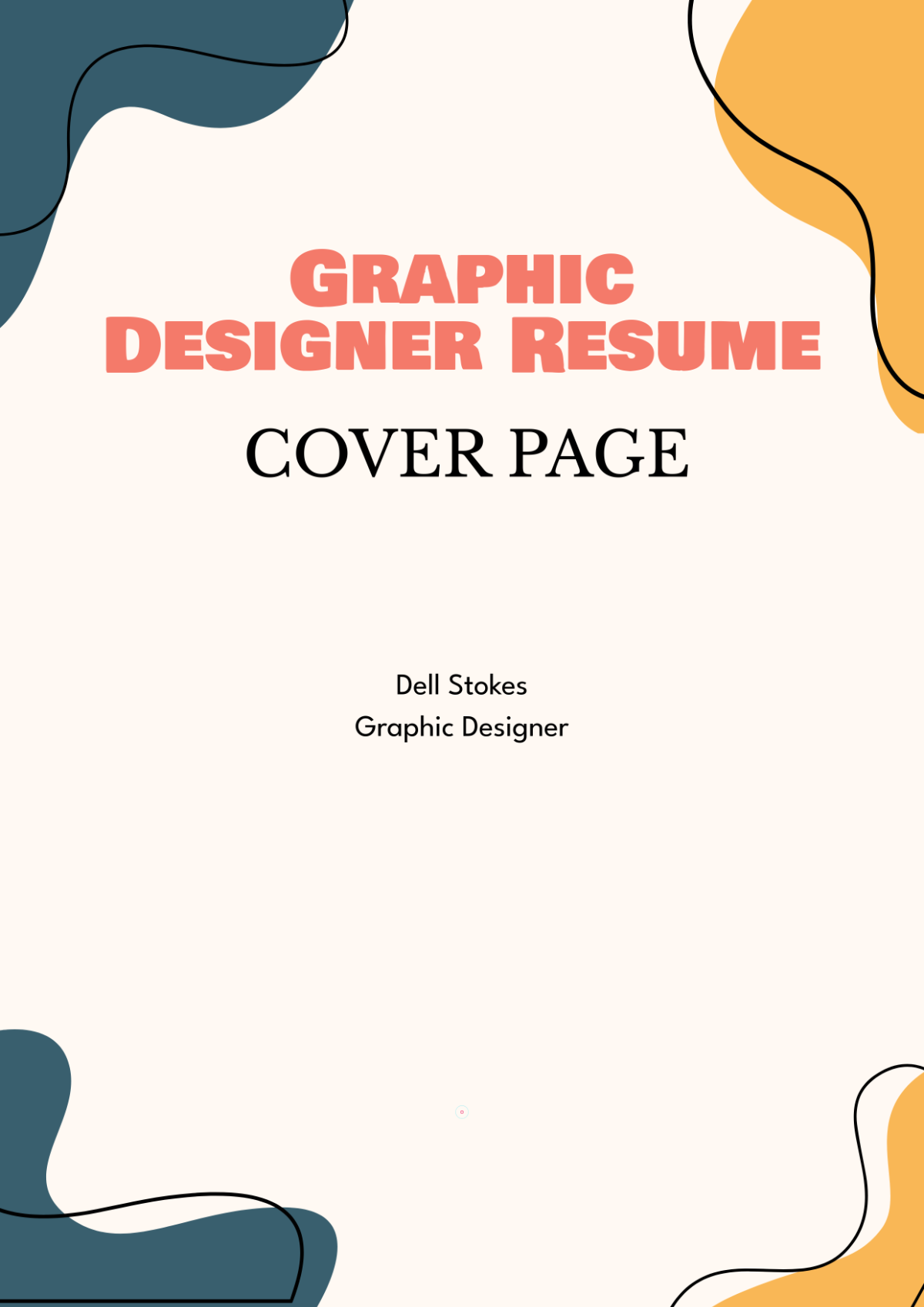




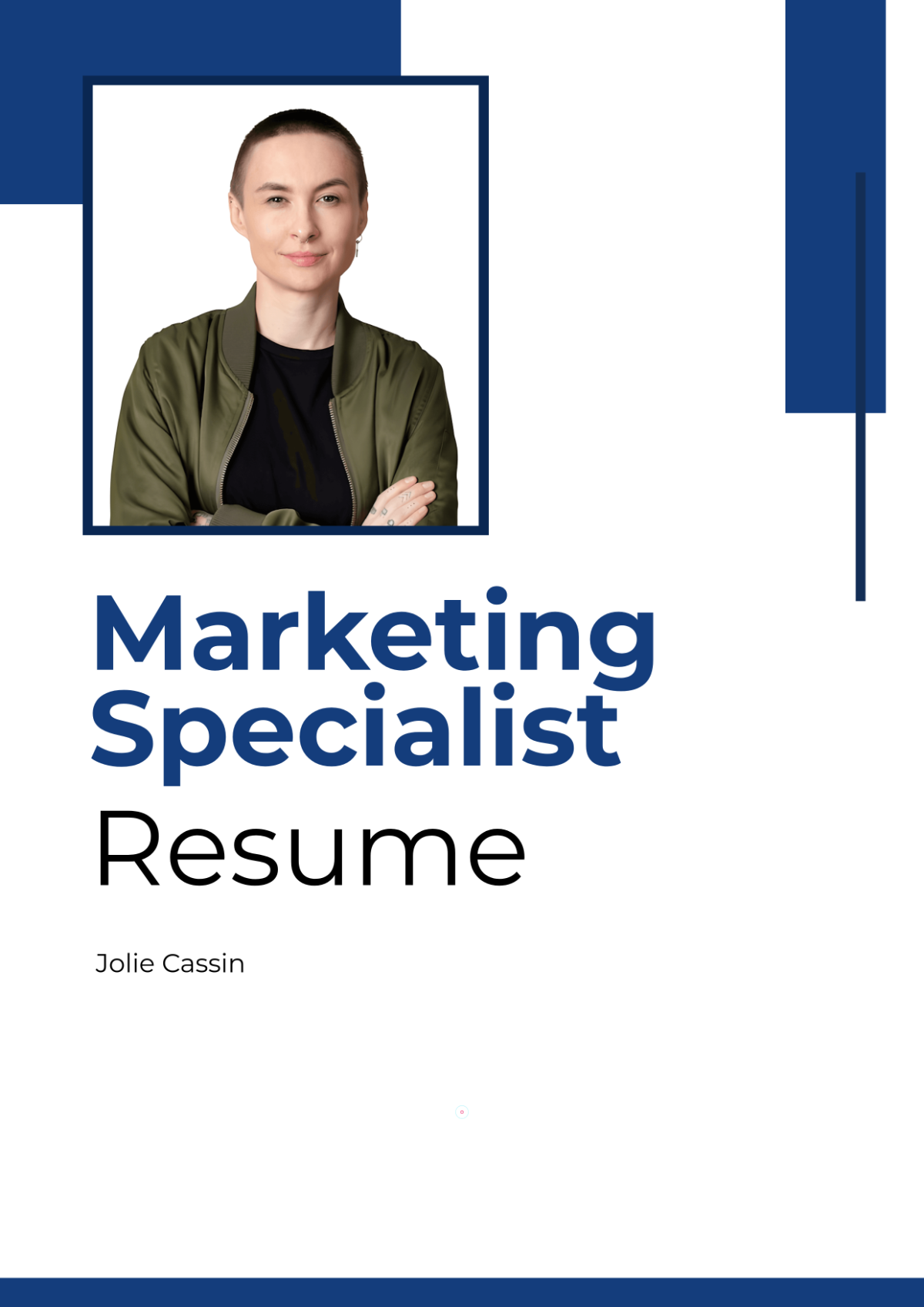
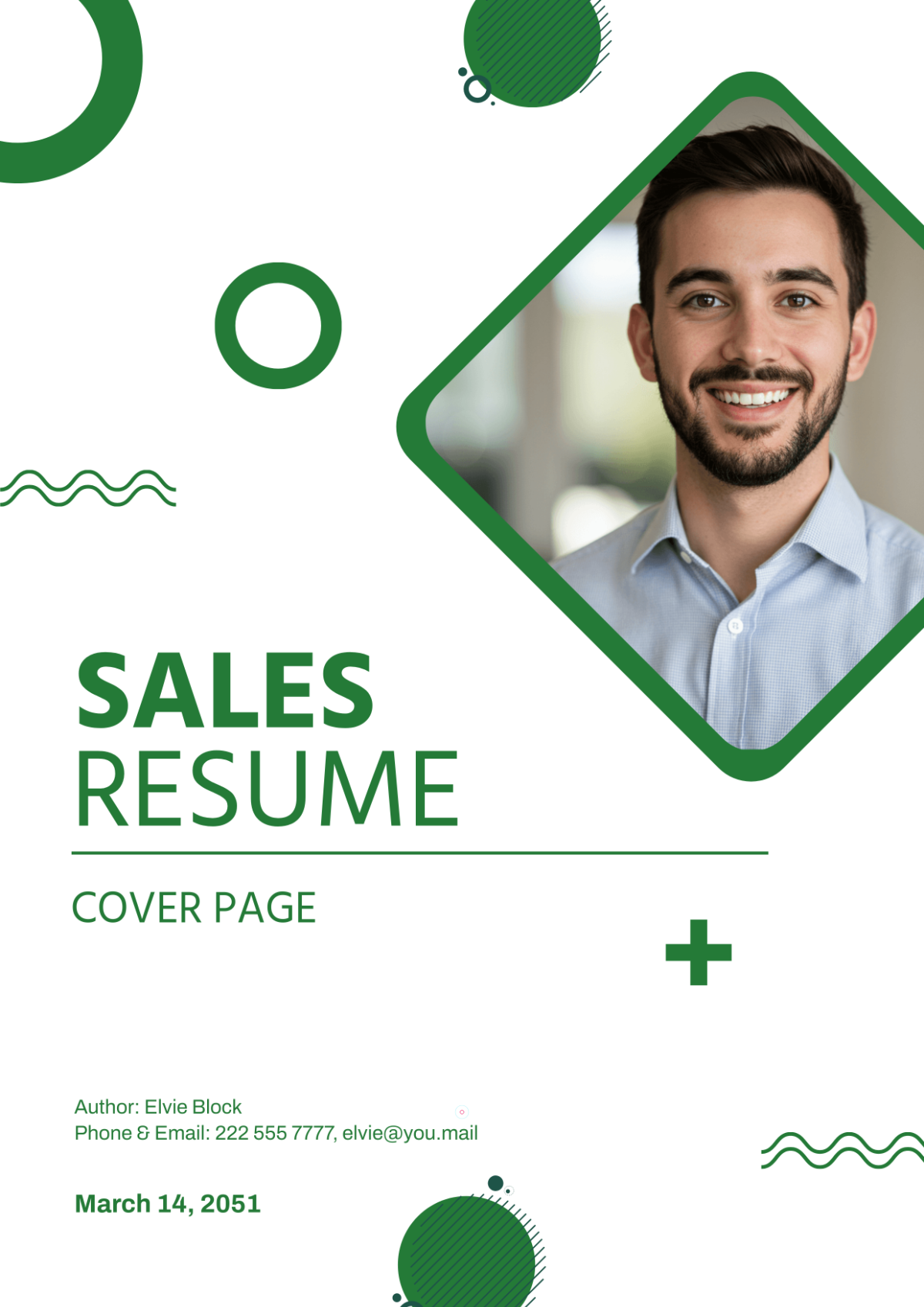


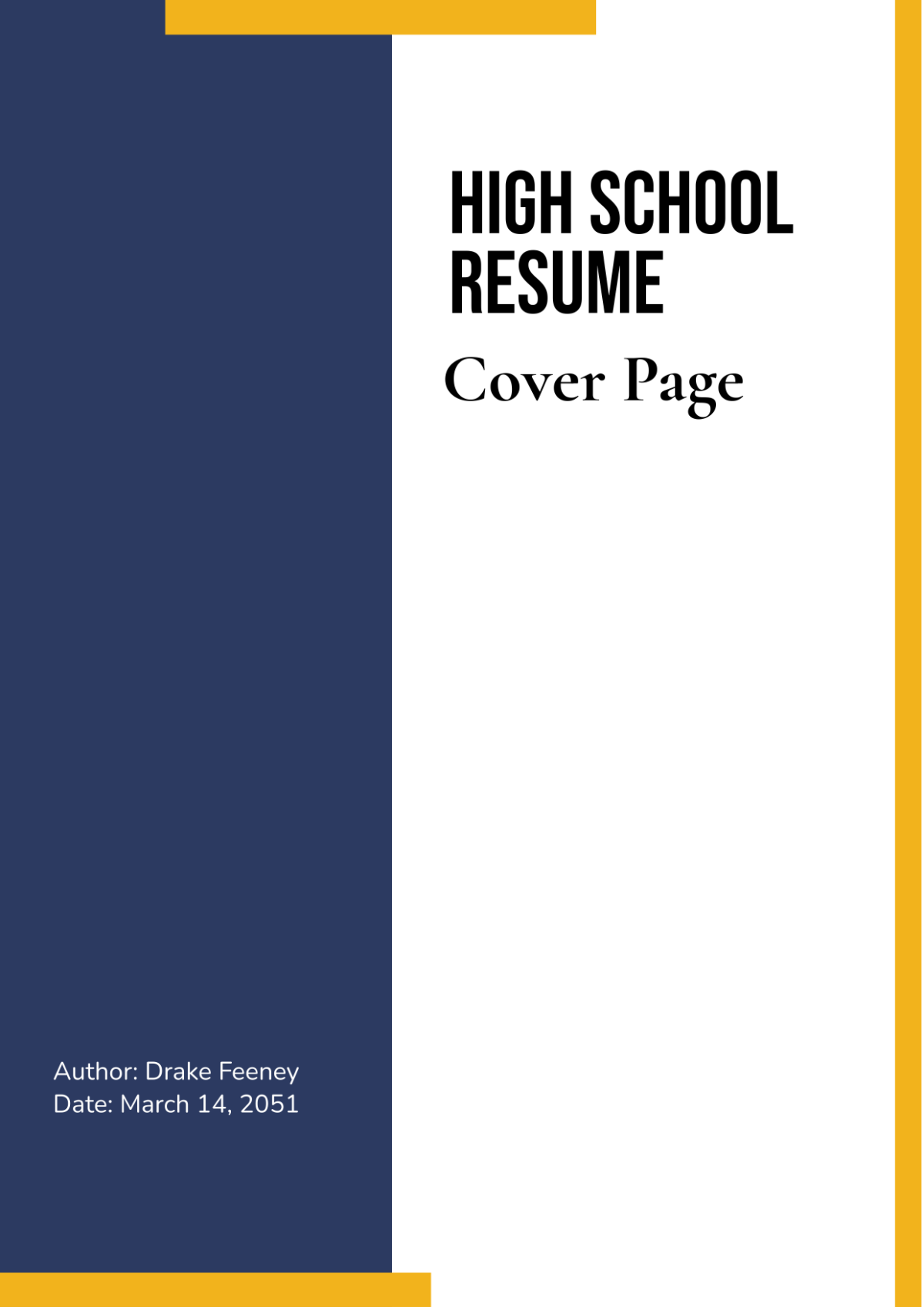




Resume Cover Page Templates: Definition, Uses, and Design Tips
What is a Resume Cover Page?
A resume cover page is a professional document that introduces a job application and highlights key applicant details. These templates feature editable text areas and layout blocks for personal information and contact details. Template.net provides customizable templates for quick, in-browser editing and layered design adjustments.
Why use a Resume Cover Page?
Using a resume cover page helps create a strong first impression by organizing essential applicant information clearly. These templates offer professional layouts with headline sections and call to action elements. Template.net allows fast online editing to produce polished, customized cover pages efficiently.
Who typically uses Resume Cover Pages?
Resume cover pages are typically used by job seekers, professionals, and recent graduates applying for positions. These templates support layered design customization to suit various industries and roles. Template.net’s ready-made templates enable users to edit and tailor designs swiftly online for professional applications.
What size should a Resume Cover Page be?
The standard size for a resume cover page is 8.5 × 11 inches, matching typical resume dimensions. Template.net’s templates adhere to this size and allow easy scaling and adjustment of design layers. This ensures the cover page fits perfectly with the resume and prints professionally.
What are the best tips for designing a Resume Cover Page?
Effective resume cover page designs include a clear headline, concise key information sections, and balanced use of images or graphics. Using Template.net’s layered templates allows easy editing of layout blocks to maintain professionalism and clarity quickly online.
How do you print a Resume Cover Page?
To print a resume cover page, download the template in a print-friendly format and use high-quality paper. Template.net templates support multiple formats optimized for printing. Ensure design layers are intact and margins are correct for professional results.
What elements should a Resume Cover Page include?
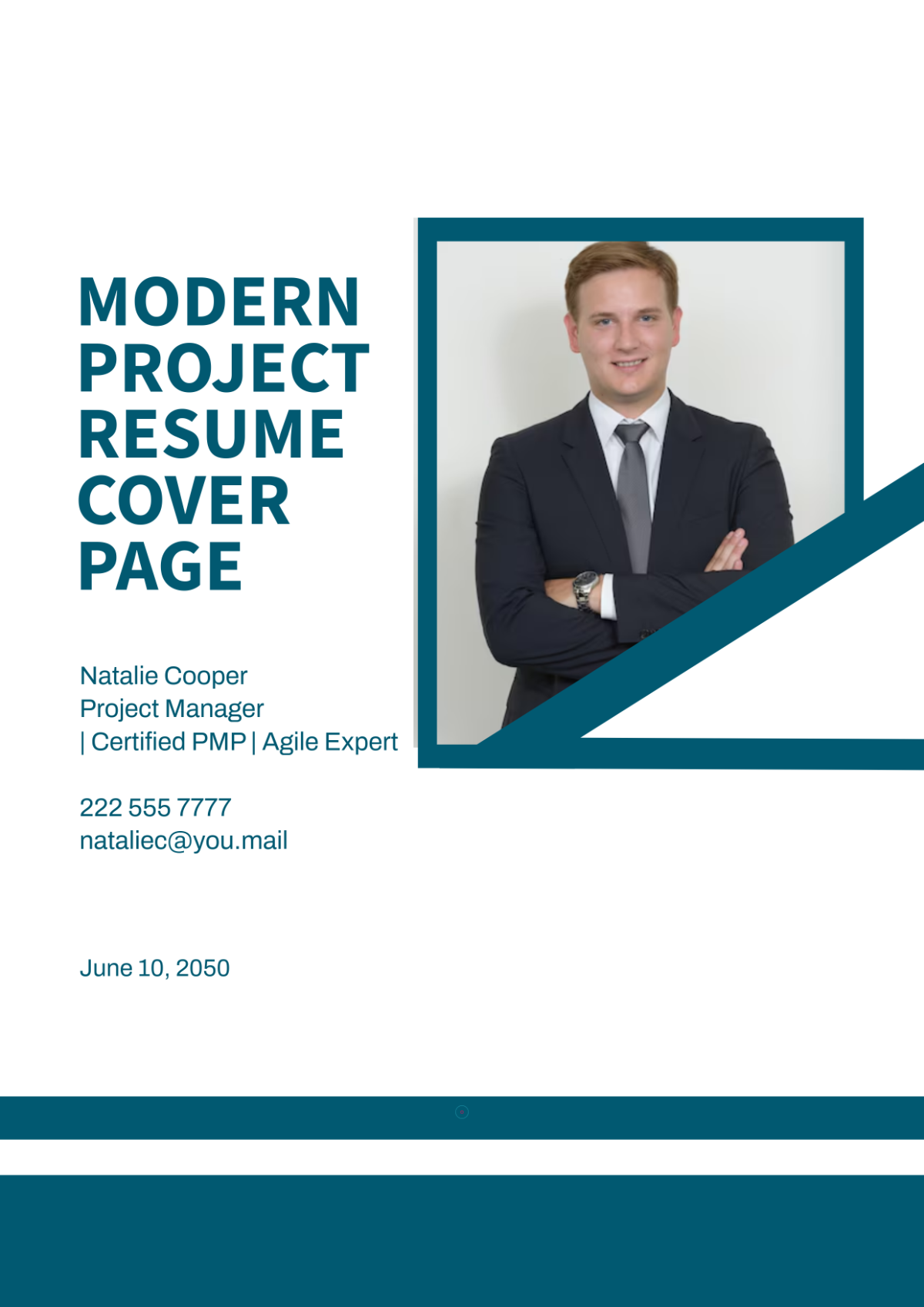
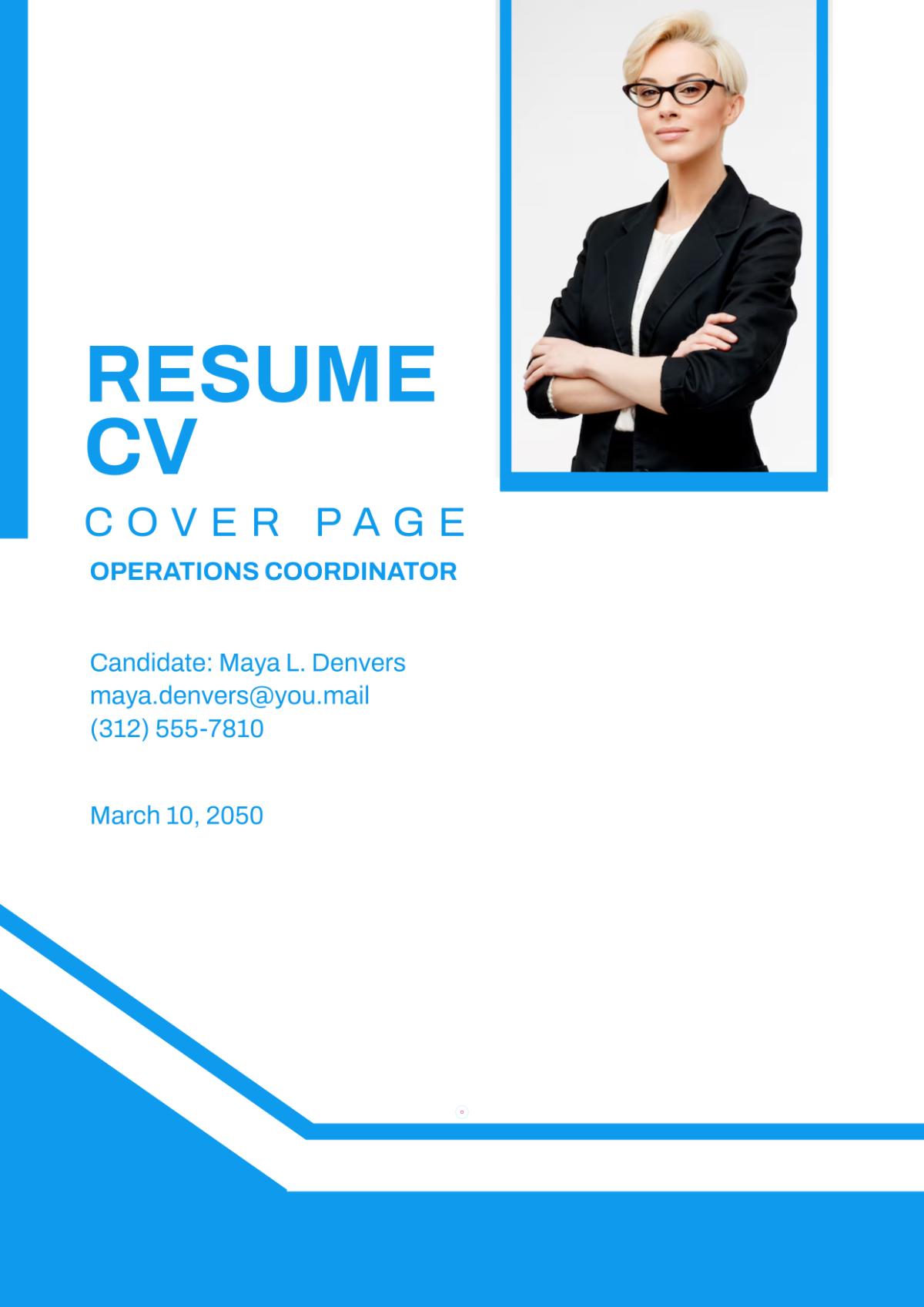
A resume cover page should include a headline, applicant’s name, contact details, position applied for, and a brief introduction. Template.net templates feature editable text areas and design layers that organize these elements clearly and professionally.
What file formats can I download for a Resume Cover Page?
Template.net’s resume cover page templates support multiple download formats ideal for editing and printing, including PDF, Microsoft Word, Adobe Photoshop, and Adobe Illustrator. These formats ensure flexible use across platforms.
Can I create a new Resume Cover Page using AI?
Template.net provides an AI-powered tool that generates new resume cover page designs from prompts, enabling quick, unique layouts. Use the Cover Page Generator to create custom cover pages with AI assistance easily in your browser.
