Free Video Shot List

Written By: [YOUR NAME]
I. Introduction
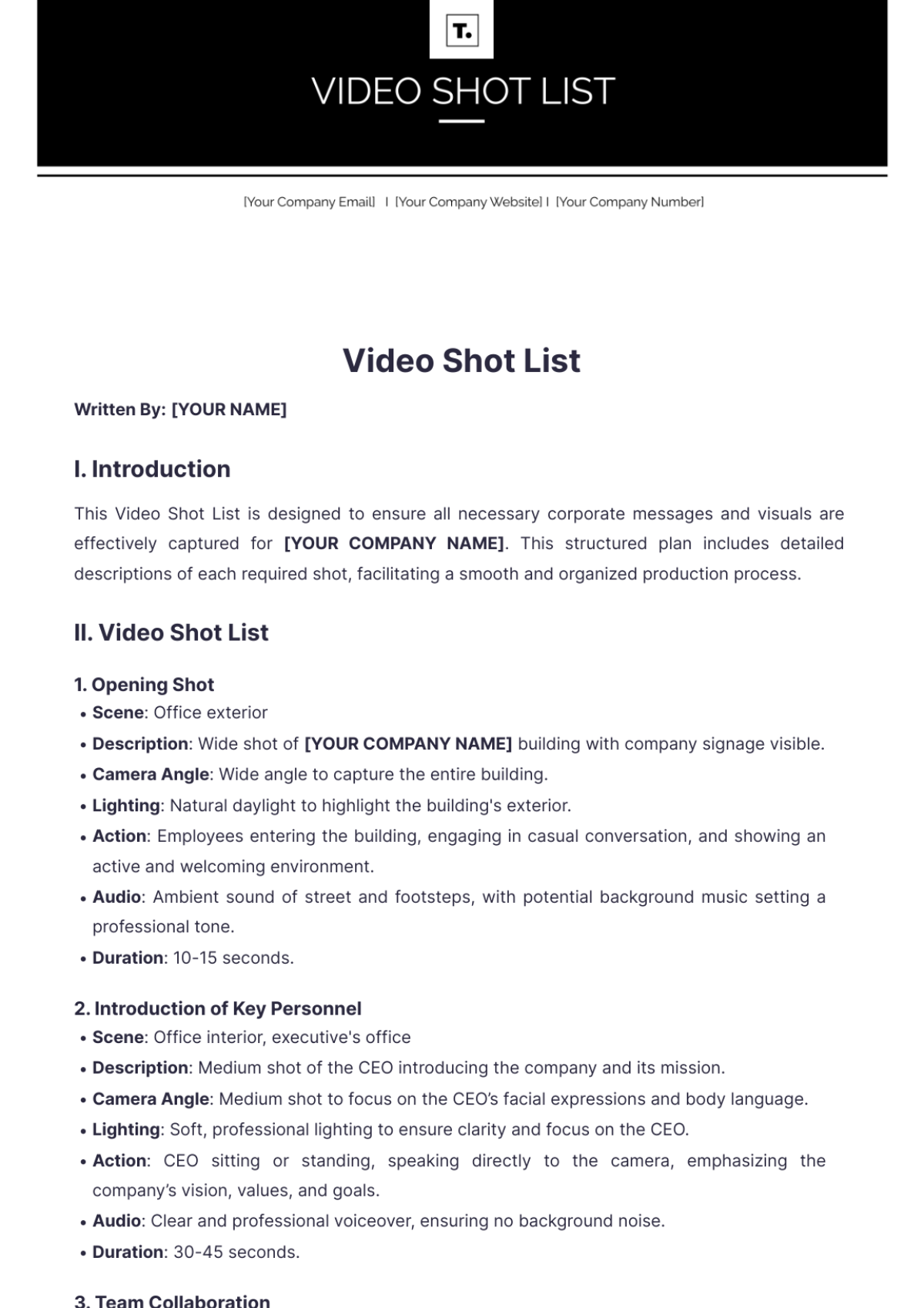
This Video Shot List is designed to ensure all necessary corporate messages and visuals are effectively captured for [YOUR COMPANY NAME]. This structured plan includes detailed descriptions of each required shot, facilitating a smooth and organized production process.
II. Video Shot List
1. Opening Shot
Scene: Office exterior
Description: Wide shot of [YOUR COMPANY NAME] building with company signage visible.
Camera Angle: Wide angle to capture the entire building.
Lighting: Natural daylight to highlight the building's exterior.
Action: Employees entering the building, engaging in casual conversation, and showing an active and welcoming environment.
Audio: Ambient sound of street and footsteps, with potential background music setting a professional tone.
Duration: 10-15 seconds.
2. Introduction of Key Personnel
Scene: Office interior, executive's office
Description: Medium shot of the CEO introducing the company and its mission.
Camera Angle: Medium shot to focus on the CEO’s facial expressions and body language.
Lighting: Soft, professional lighting to ensure clarity and focus on the CEO.
Action: CEO sitting or standing, speaking directly to the camera, emphasizing the company’s vision, values, and goals.
Audio: Clear and professional voiceover, ensuring no background noise.
Duration: 30-45 seconds.
3. Team Collaboration
Scene: Conference room
Description: Wide shot of a team meeting, discussing strategies.
Camera Angle: Wide angle to capture the entire team and their interactions.
Lighting: Overhead, even lighting to ensure all participants are visible.
Action: Team members brainstorming, engaging in discussion, using whiteboards or presentation tools.
Audio: Ambient sound of discussions, possibly overlaid with explanatory voiceover.
Duration: 20-30 seconds.
4. Product Demonstration
Scene: Product showcase area
Description: Close-up shots of products being demonstrated by a representative.
Camera Angle: Close-up and over-the-shoulder shots to highlight product features and usage.
Lighting: Bright, focused lighting on products to enhance visibility and details.
Action: Representative handling products, demonstrating key features, and explaining benefits.
Audio: Clear explanation by the representative, with background music if appropriate.
Duration: 30-60 seconds.
5. Customer Testimonials
Scene: Various locations (customer offices or virtual setup)
Description: Medium shots of customers sharing their positive experiences.
Camera Angle: Medium shots to capture customers’ expressions and sincerity.
Lighting: Natural or professional lighting to ensure visibility and a professional look.
Action: Customers speaking about their satisfaction and benefits from [YOUR COMPANY NAME], possibly holding products or using services.
Audio: Clear and authentic testimonials, ensuring clarity and impact.
Duration: 45-60 seconds per testimonial.
6. Office Environment
Scene: Various office areas
Description: B-roll footage of employees working, interacting, and using office facilities.
Camera Angle: Mix of wide and medium shots to show different aspects of the office environment.
Lighting: Natural and artificial lighting as required to maintain consistency.
Action: Employees working at desks, collaborating in open spaces, using office amenities.
Audio: Ambient office sounds, with potential background music to create a dynamic and positive atmosphere.
Duration: 20-30 seconds.
7. Closing Statement
Scene: Office interior, executive's office
Description: Medium shot of the CEO summarizing the company's goals and inviting viewers to engage.
Camera Angle: Medium shot to maintain focus on the CEO’s message.
Lighting: Soft, professional lighting to ensure clarity and emphasis.
Action: CEO delivering a closing message, highlighting the call to action and expressing appreciation.
Audio: Clear and professional voiceover, with no background noise.
Duration: 30-45 seconds.
Notes and Reminders
Ensure all shots maintain consistency in lighting and framing.
Capture additional B-roll footage for flexibility during editing.
Confirm audio quality for all speaking segments.
Keep the message concise and aligned with [YOUR COMPANY NAME]’s branding.
Review the shot list with the production team before filming begins.
For any questions or additional details, please contact [YOUR NAME] at [YOUR EMAIL] or visit [YOUR COMPANY WEBSITE].
- 100% Customizable, free editor
- Access 1 Million+ Templates, photo’s & graphics
- Download or share as a template
- Click and replace photos, graphics, text, backgrounds
- Resize, crop, AI write & more
- Access advanced editor
Capture every shot with precision using our Video Shot List Template from Template.net. This customizable and editable tool is perfect for organizing your filming schedule efficiently. Designed with an intuitive AI Editor Tool, it ensures seamless planning and execution of your video production projects. Streamline your workflow and achieve professional results effortlessly.