Free Corrective Action Report Log

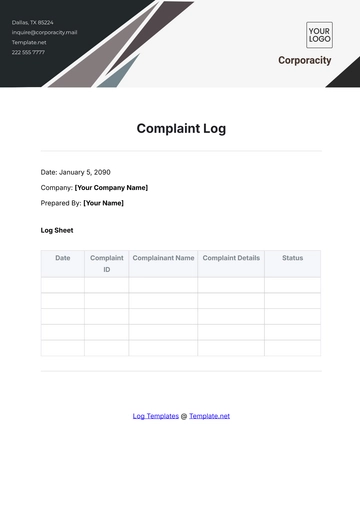
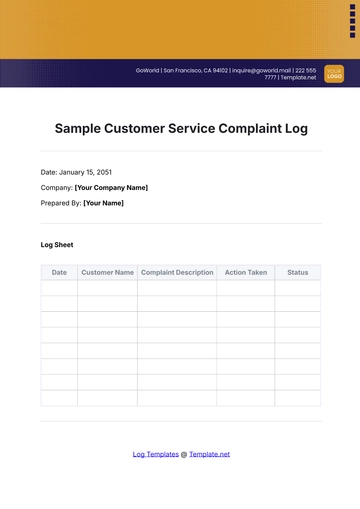
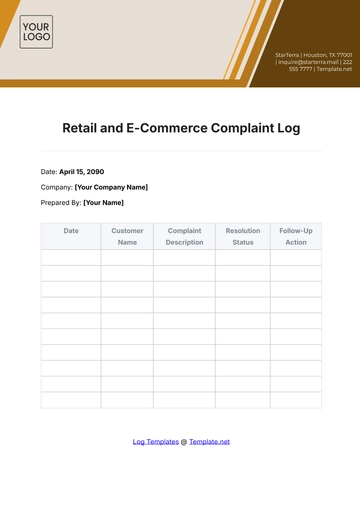
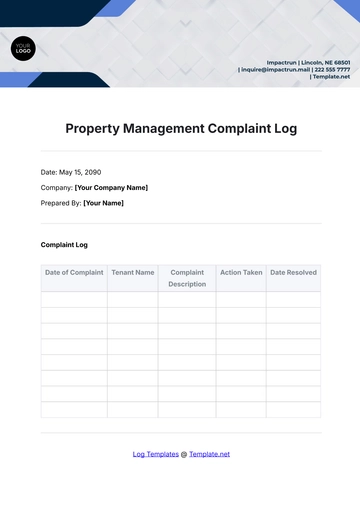
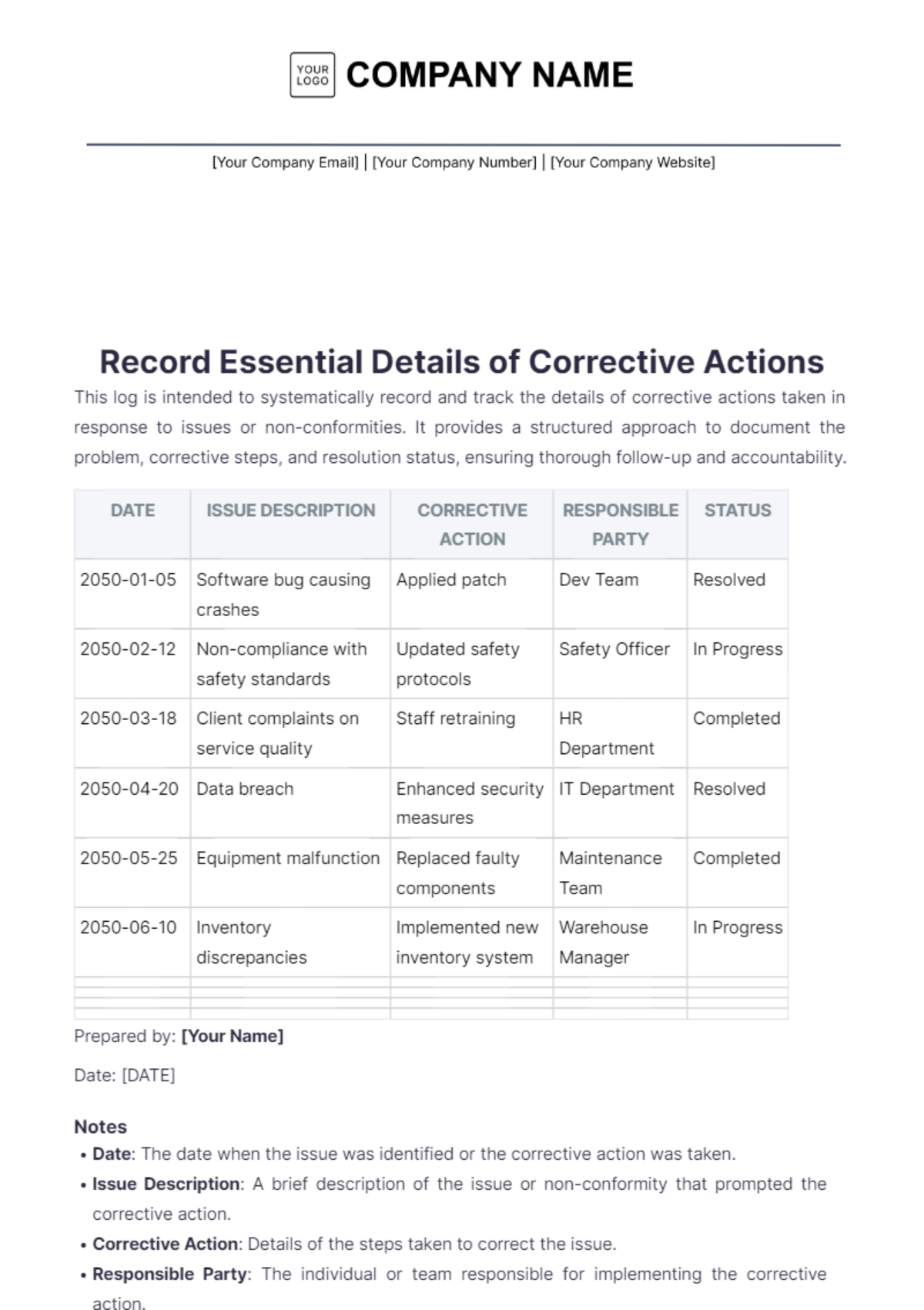
This log is intended to systematically record and track the details of corrective actions taken in response to issues or non-conformities. It provides a structured approach to document the problem, corrective steps, and resolution status, ensuring thorough follow-up and accountability.
DATE | ISSUE DESCRIPTION | CORRECTIVE ACTION | RESPONSIBLE PARTY | STATUS |
|---|---|---|---|---|
2050-01-05 | Software bug causing crashes | Applied patch | Dev Team | Resolved |
2050-02-12 | Non-compliance with safety standards | Updated safety protocols | Safety Officer | In Progress |
2050-03-18 | Client complaints on service quality | Staff retraining | HR Department | Completed |
2050-04-20 | Data breach | Enhanced security measures | IT Department | Resolved |
2050-05-25 | Equipment malfunction | Replaced faulty components | Maintenance Team | Completed |
2050-06-10 | Inventory discrepancies | Implemented new inventory system | Warehouse Manager | In Progress |
Prepared by: [Your Name]
Date: [DATE]
Notes
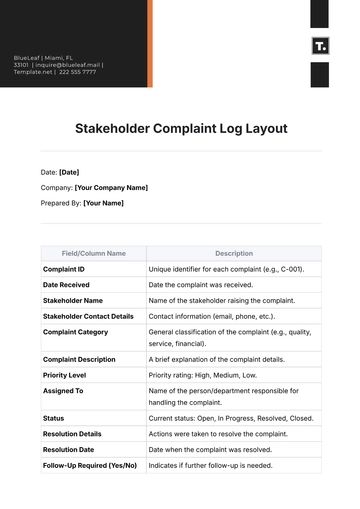
Date: The date when the issue was identified or the corrective action was taken.
Issue Description: A brief description of the issue or non-conformity that prompted the corrective action.
Corrective Action: Details of the steps taken to correct the issue.
Responsible Party: The individual or team responsible for implementing the corrective action.
Status: The current status of the corrective action (e.g., Resolved, In Progress, Completed, Pending).
- 100% Customizable, free editor
- Access 1 Million+ Templates, photo’s & graphics
- Download or share as a template
- Click and replace photos, graphics, text, backgrounds
- Resize, crop, AI write & more
- Access advanced editor
Manage corrective actions effectively with the Corrective Action Report Log Template from Template.net. Fully customizable and editable in our AI Editor Tool, this template helps you document issues, actions taken, and resolutions systematically. Maintain clear and organized records with this practical and user-friendly log.