Free Workflow Template
Download this Free Workflow Template Design in Canva Format. Easily Editable, Printable, Downloadable.
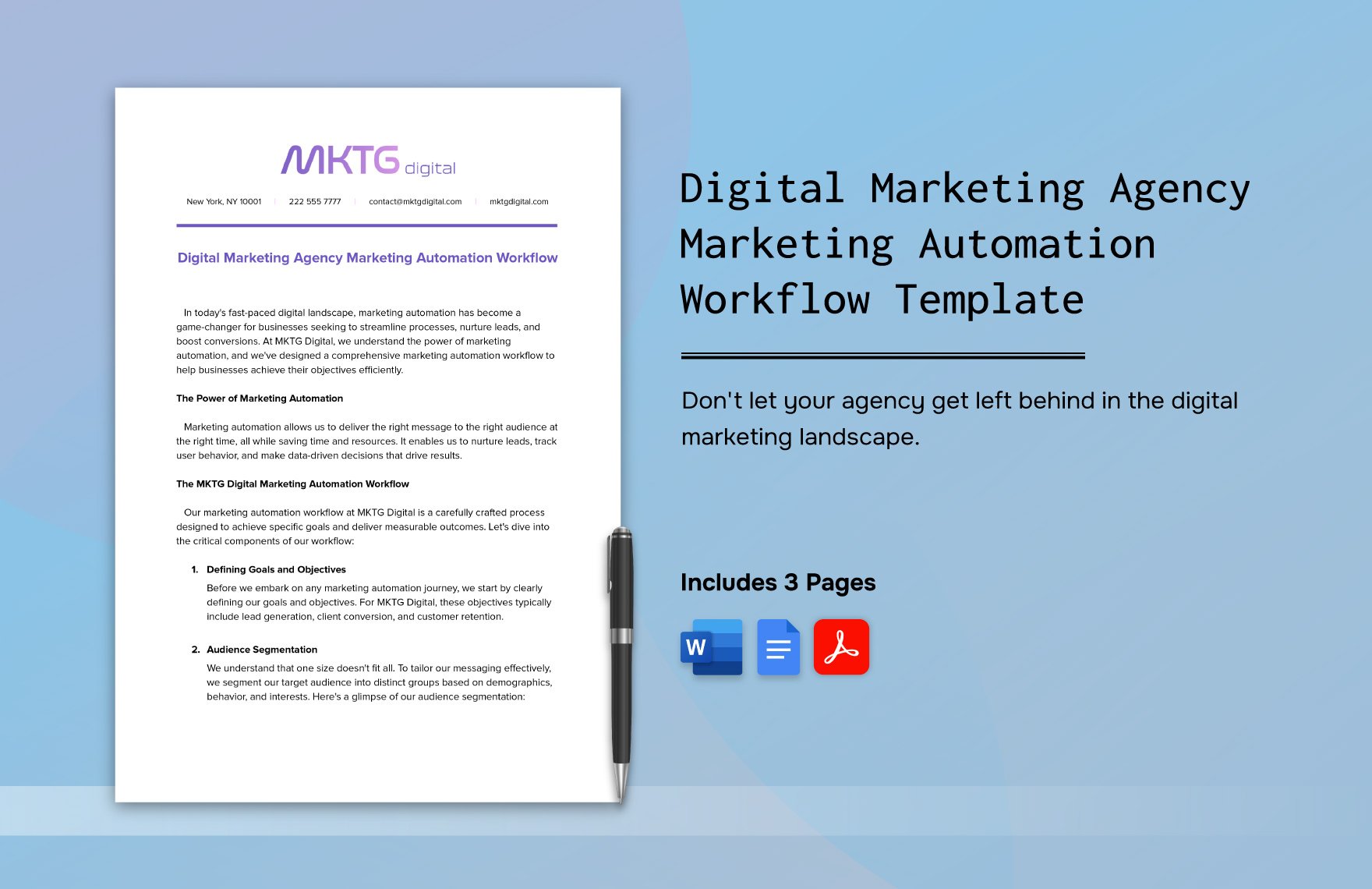
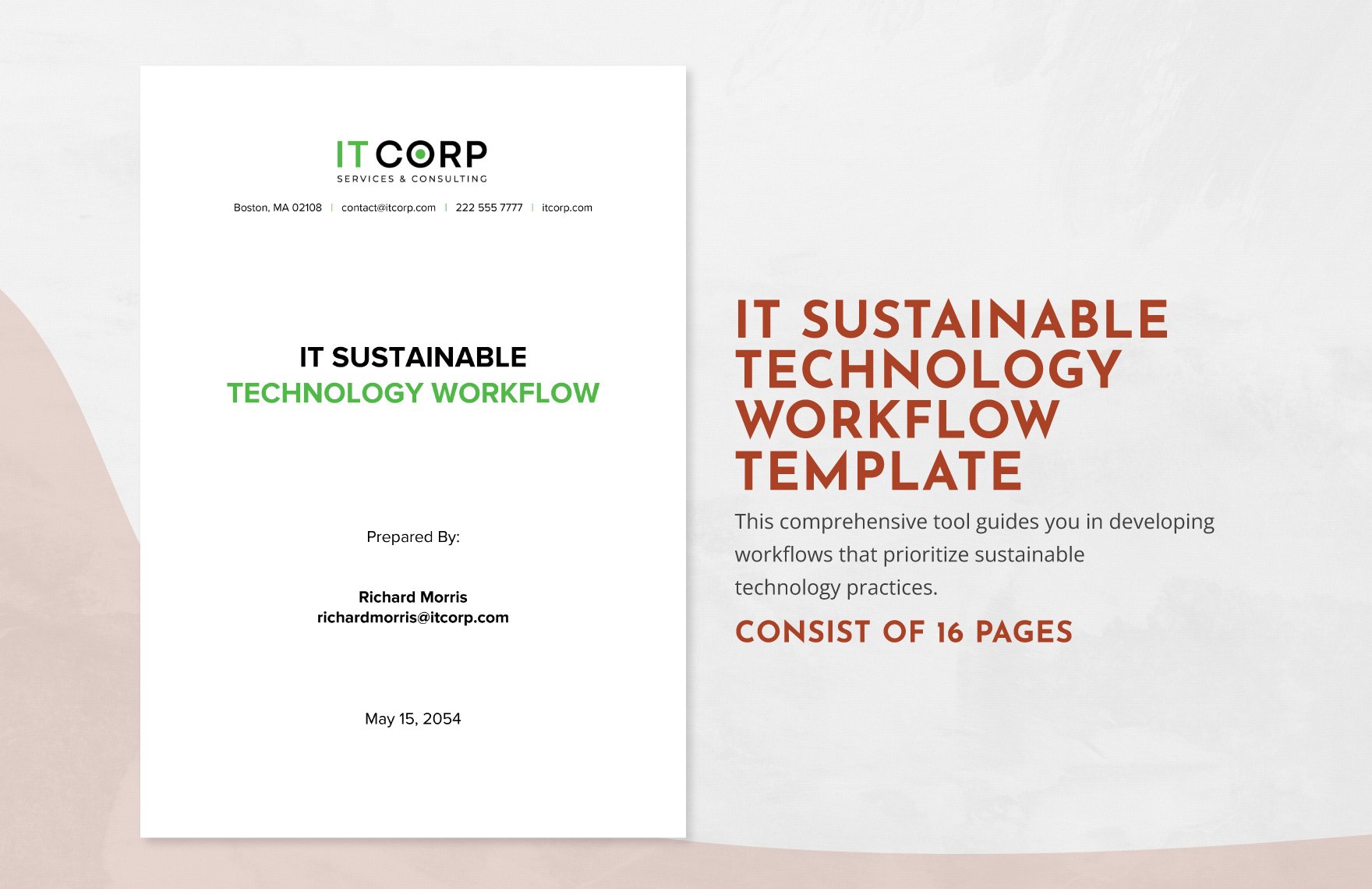
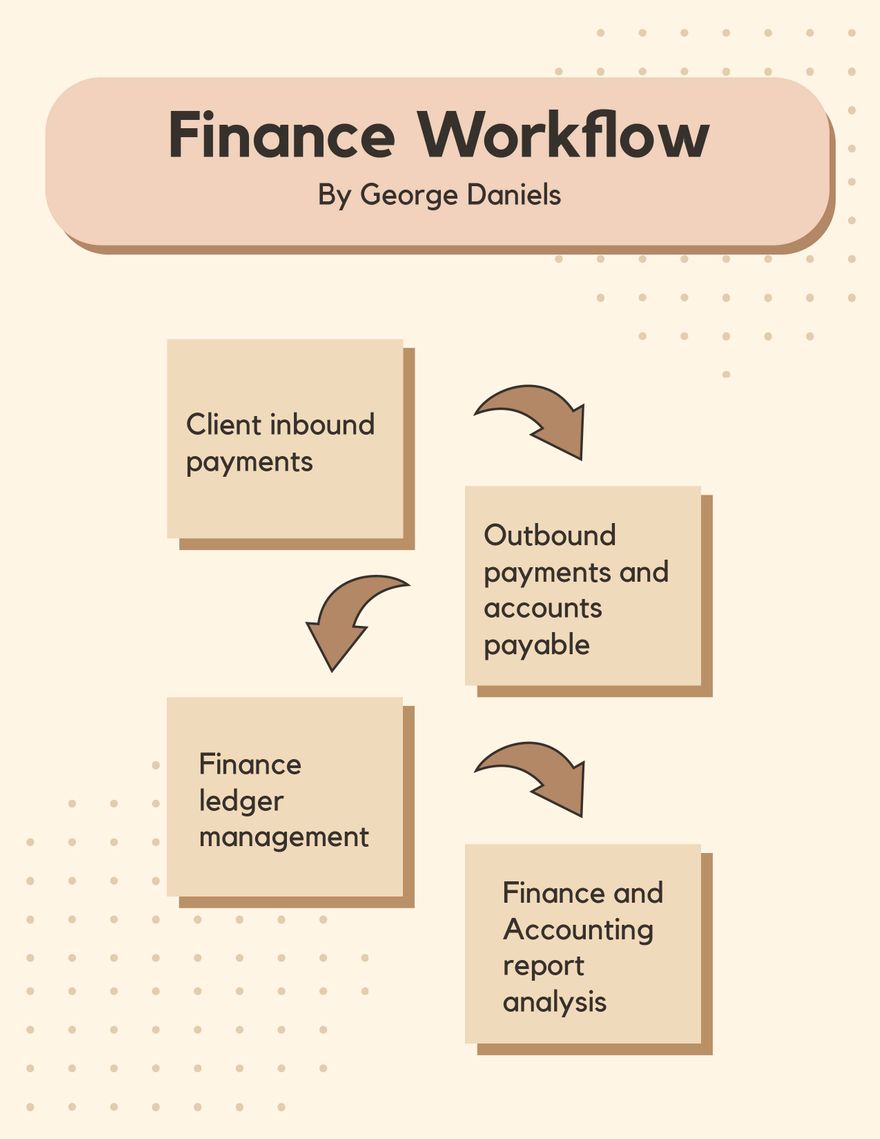
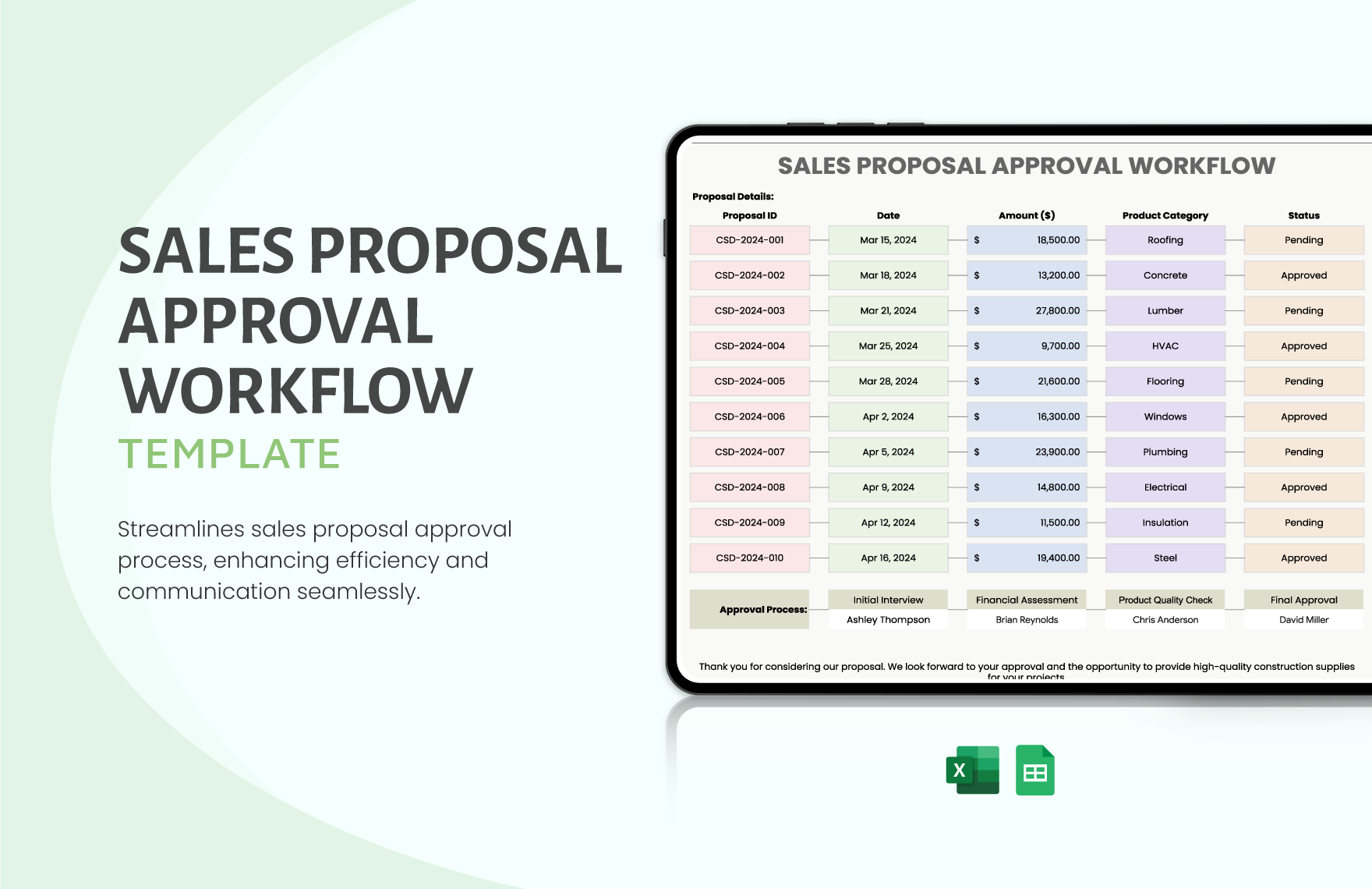
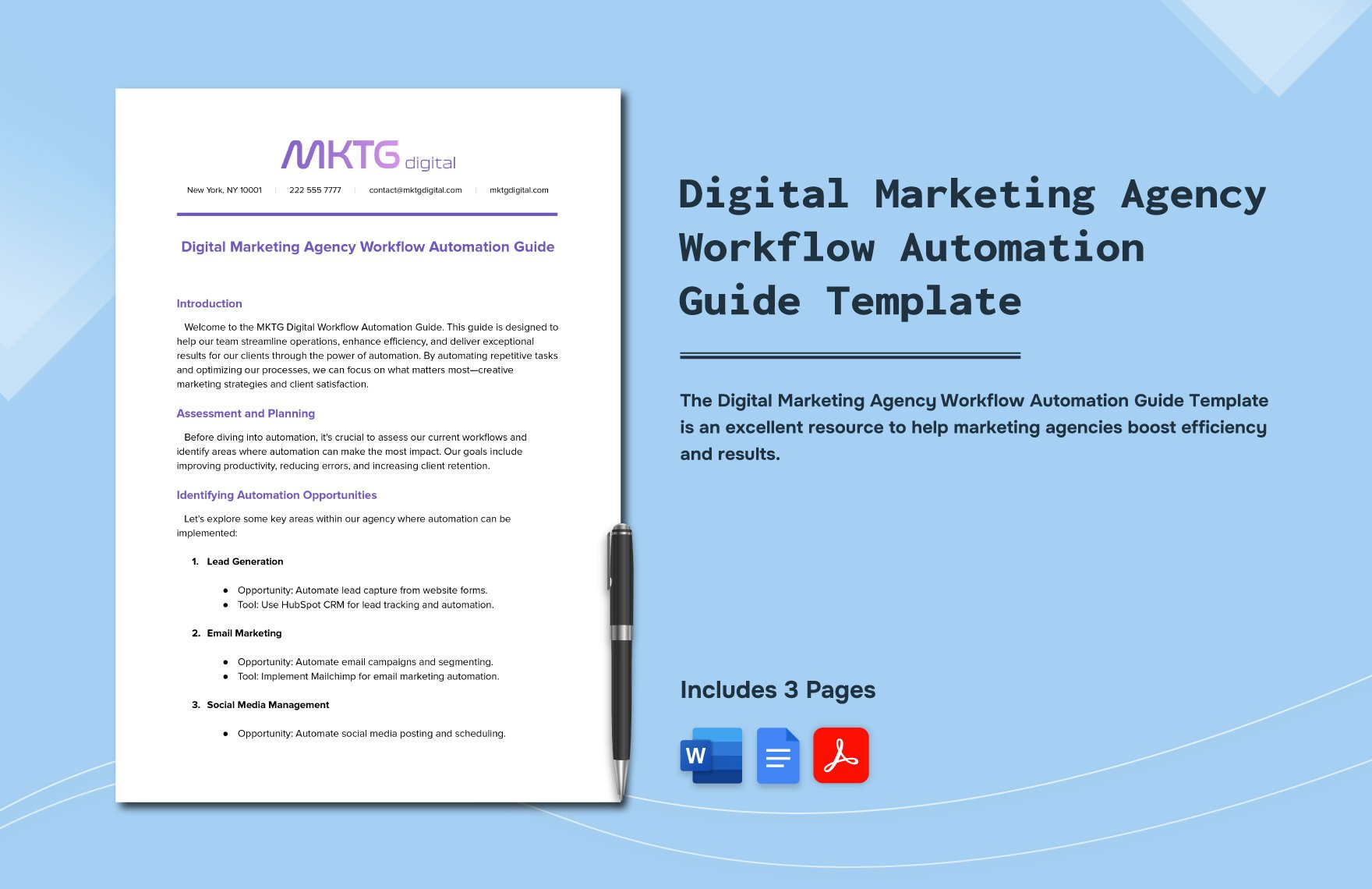
Map out your operations with clarity using the Free Canva Workflow Template. These easy-to-edit layouts help individuals and teams document tasks, visualize steps, and communicate workflows more effectively—no design skills required.
Why Use Canva Workflow Templates?
-
Makes Processes Transparent – Visually outlines task progression and dependencies.
-
Improves Efficiency & Coordination – Helps teams understand responsibilities and timelines.
-
Perfect for Any Industry – Use it for marketing, IT, HR, education, finance, and more.
-
Fully Customizable – Adjust text, shapes, flow directions, and levels with just a few clicks.
-
Ideal for Onboarding & SOPs – Simplifies internal documentation for seamless adoption.
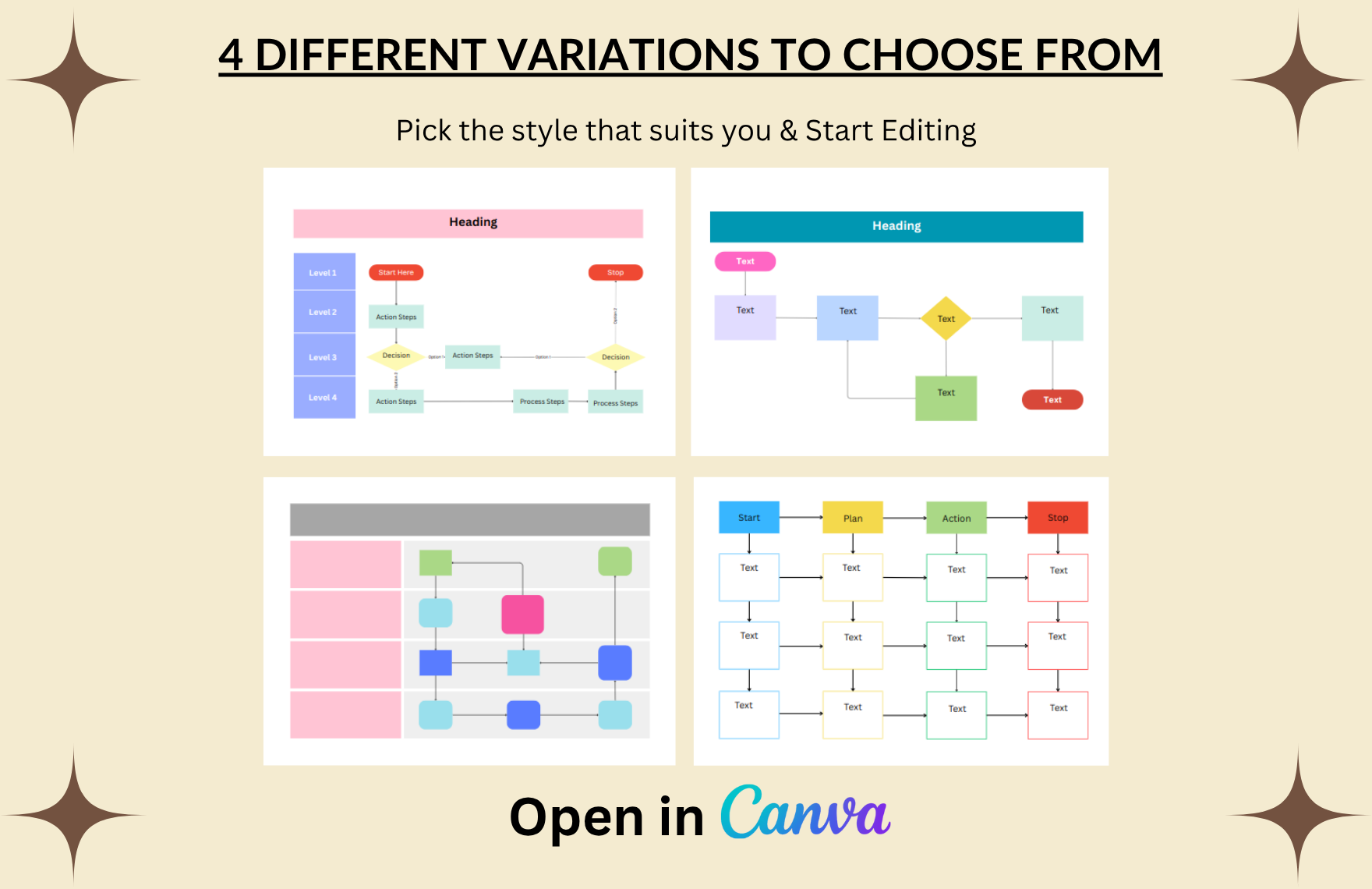
4 Workflow Layouts to Choose From
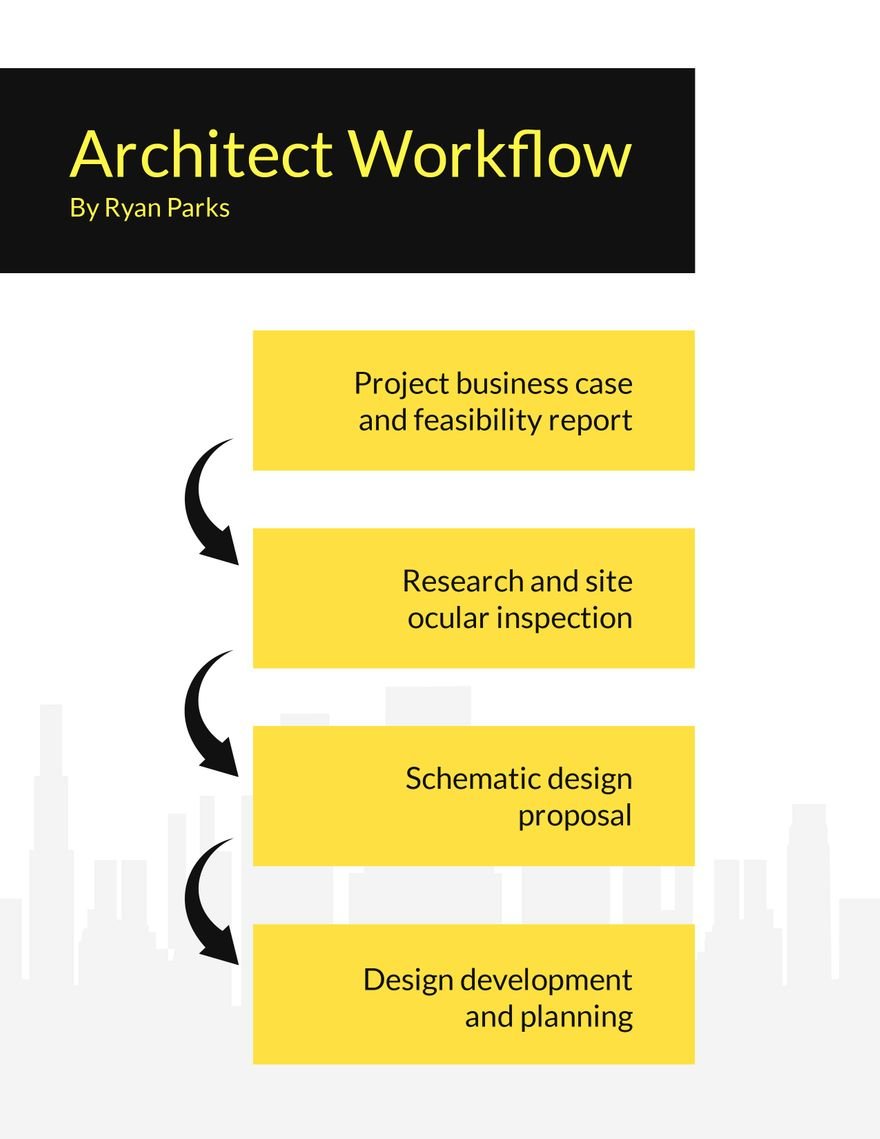
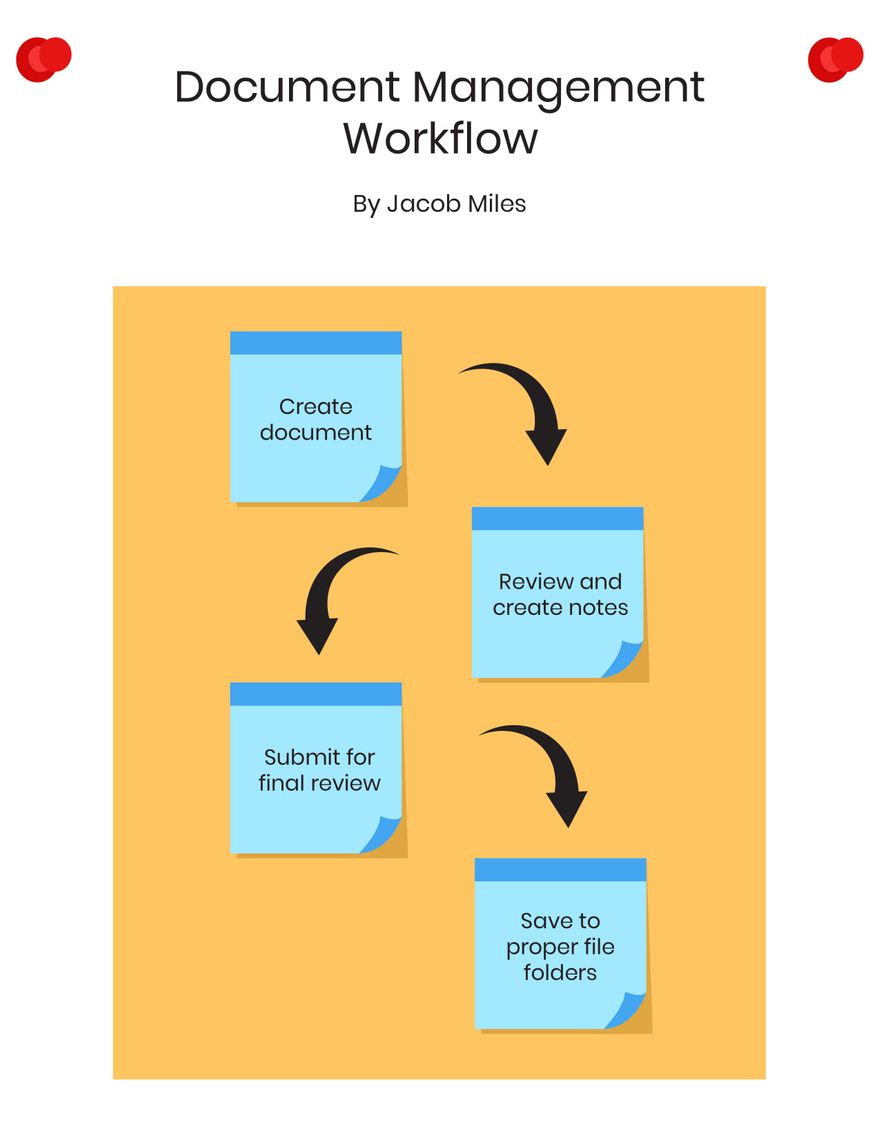
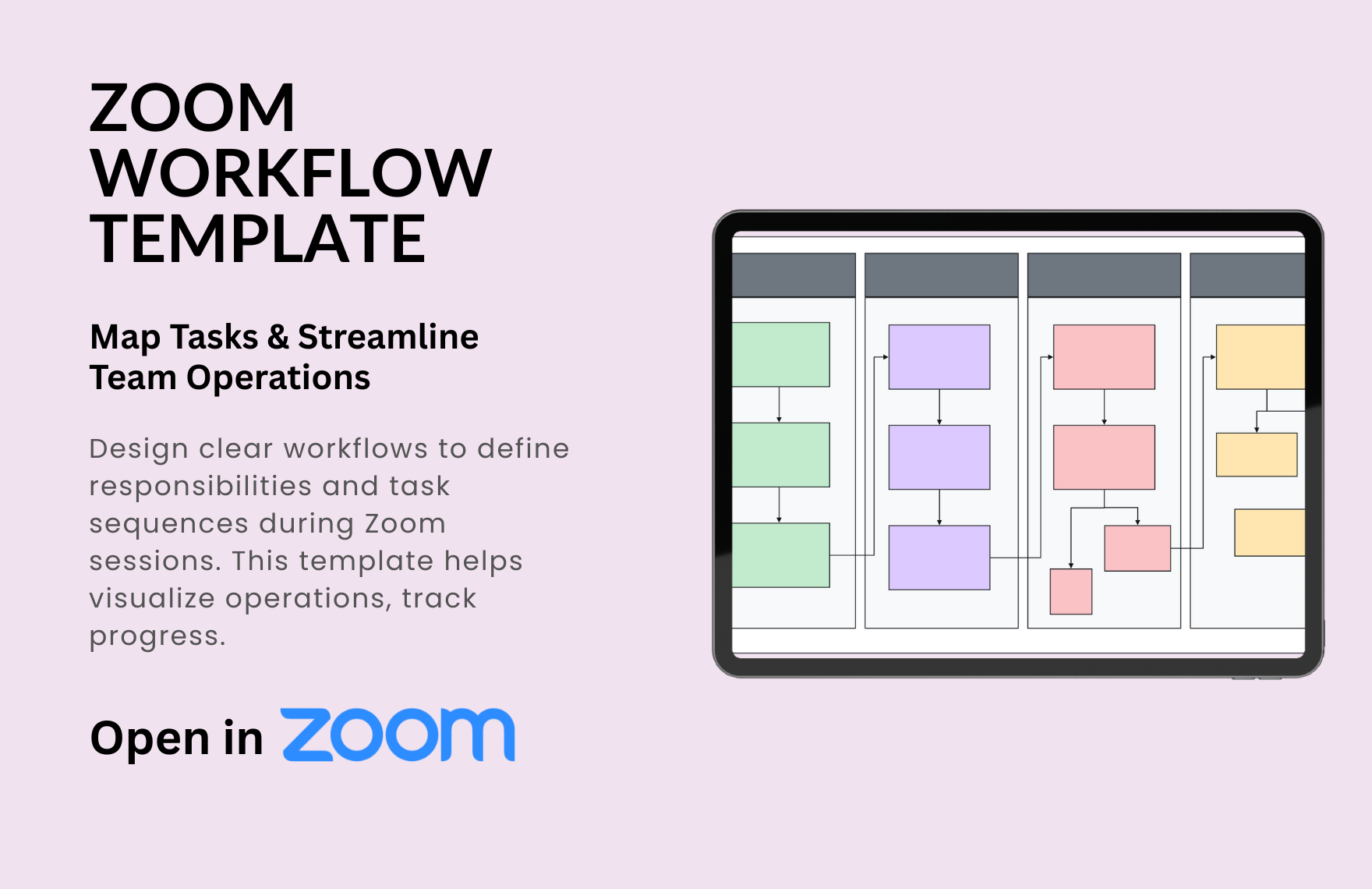
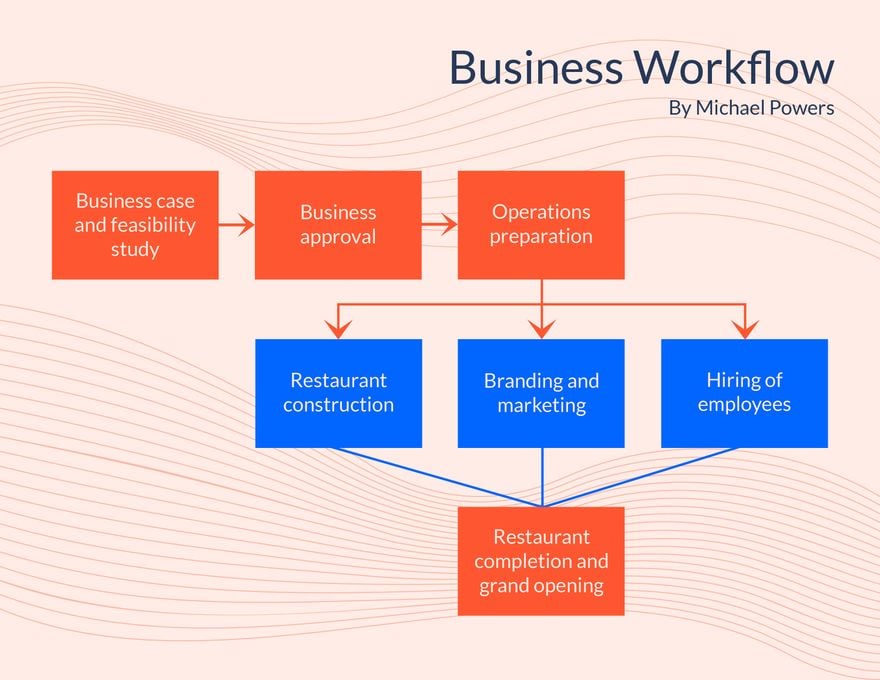
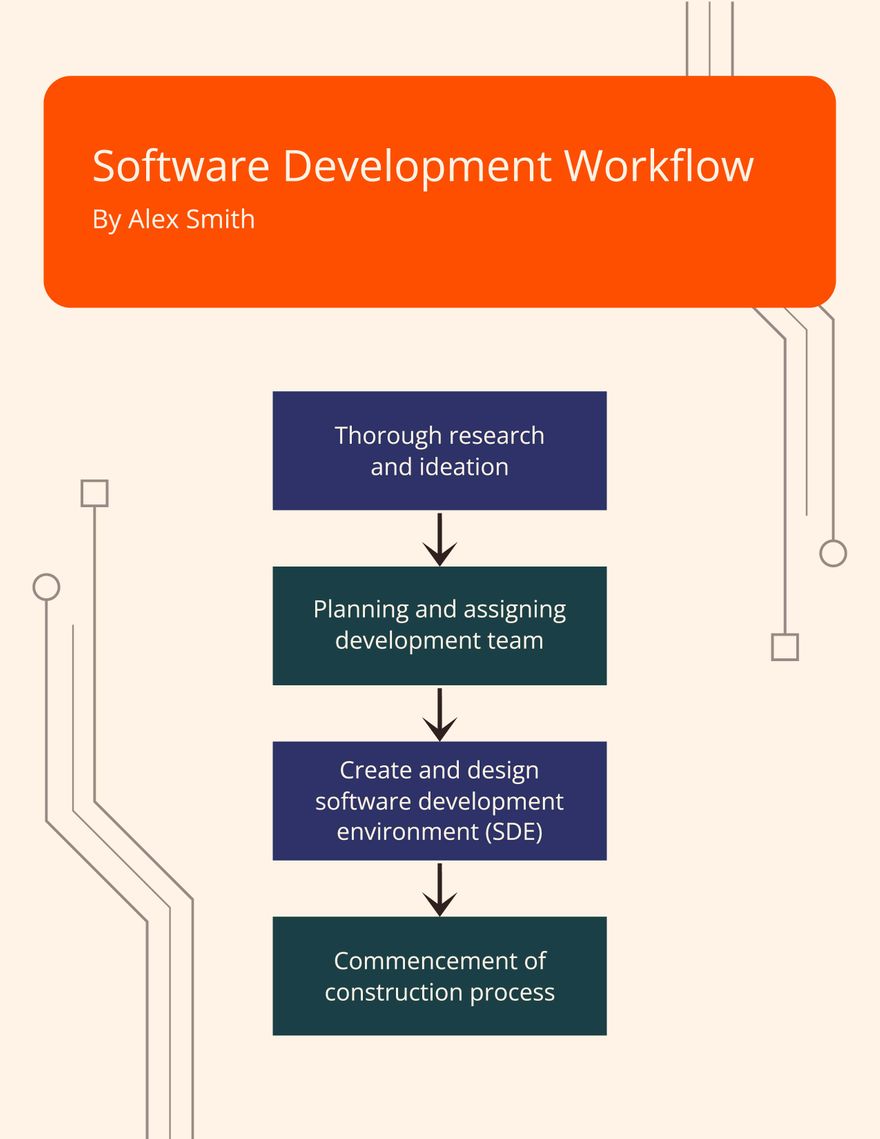
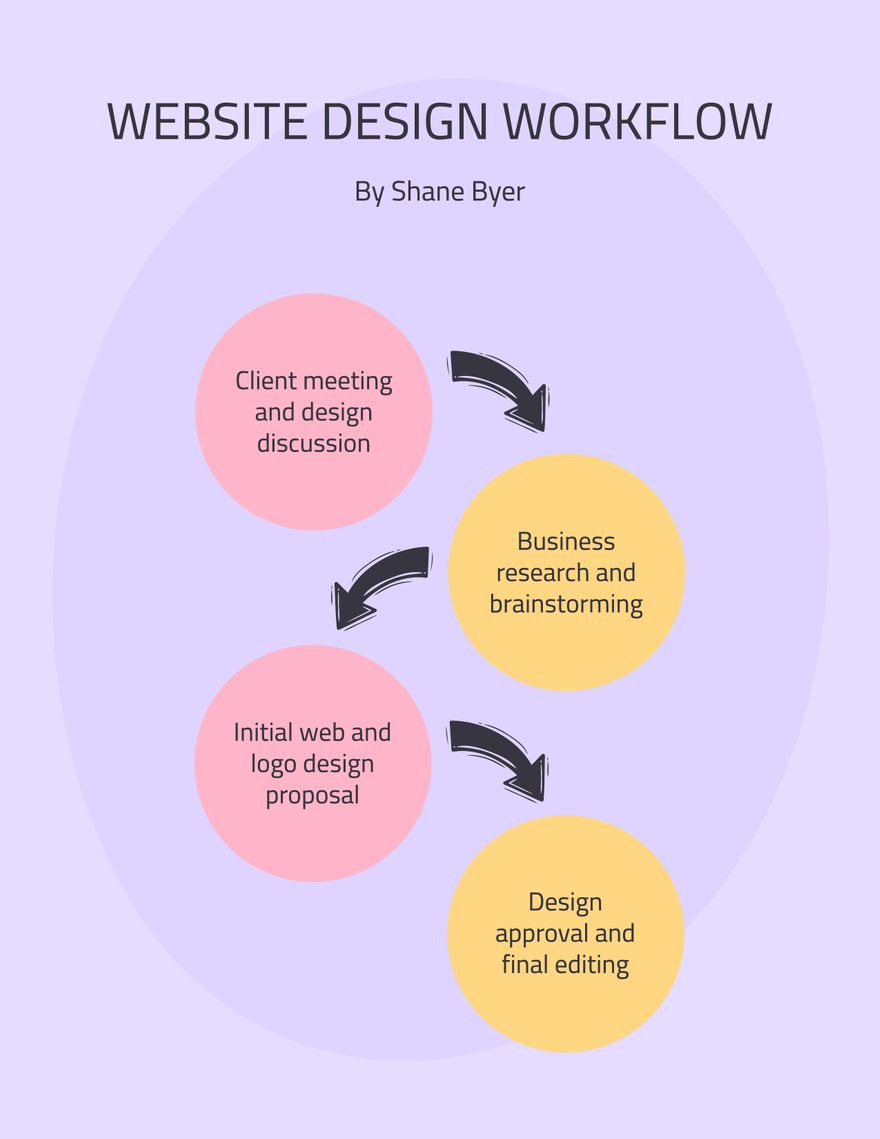
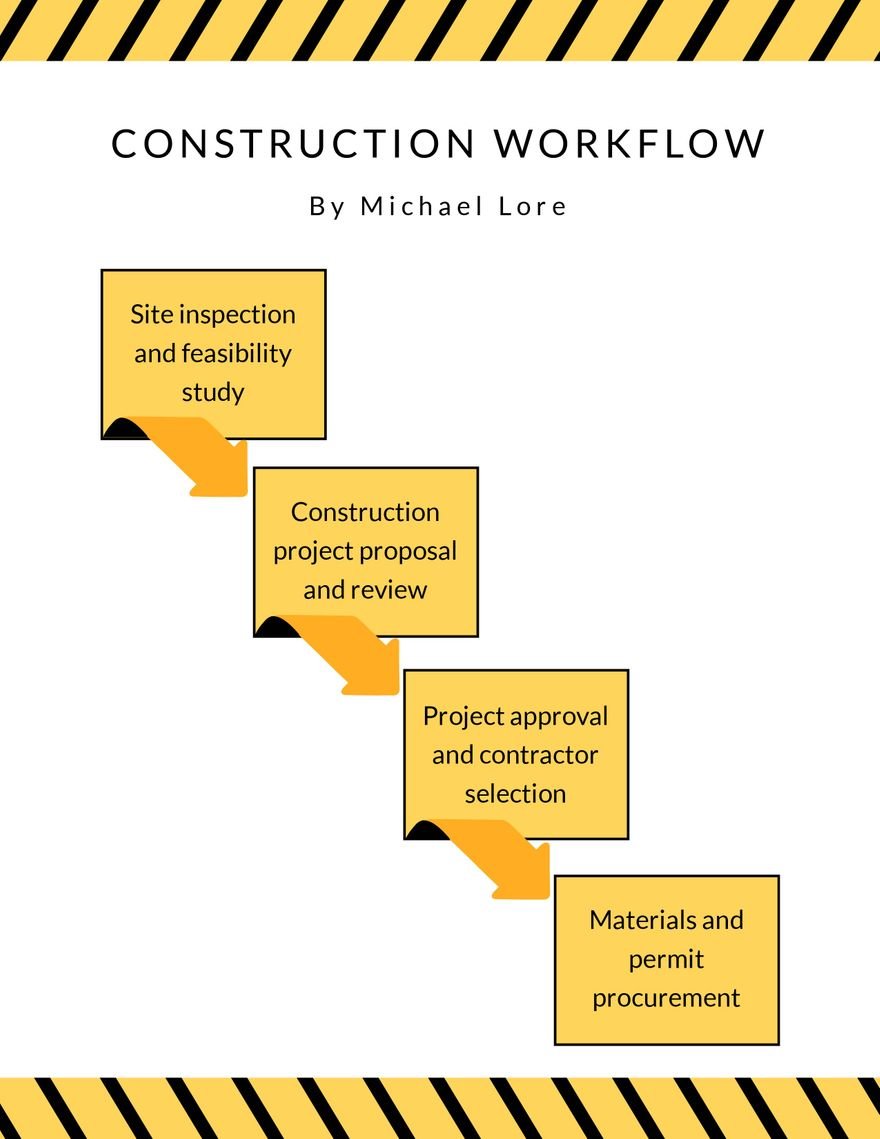
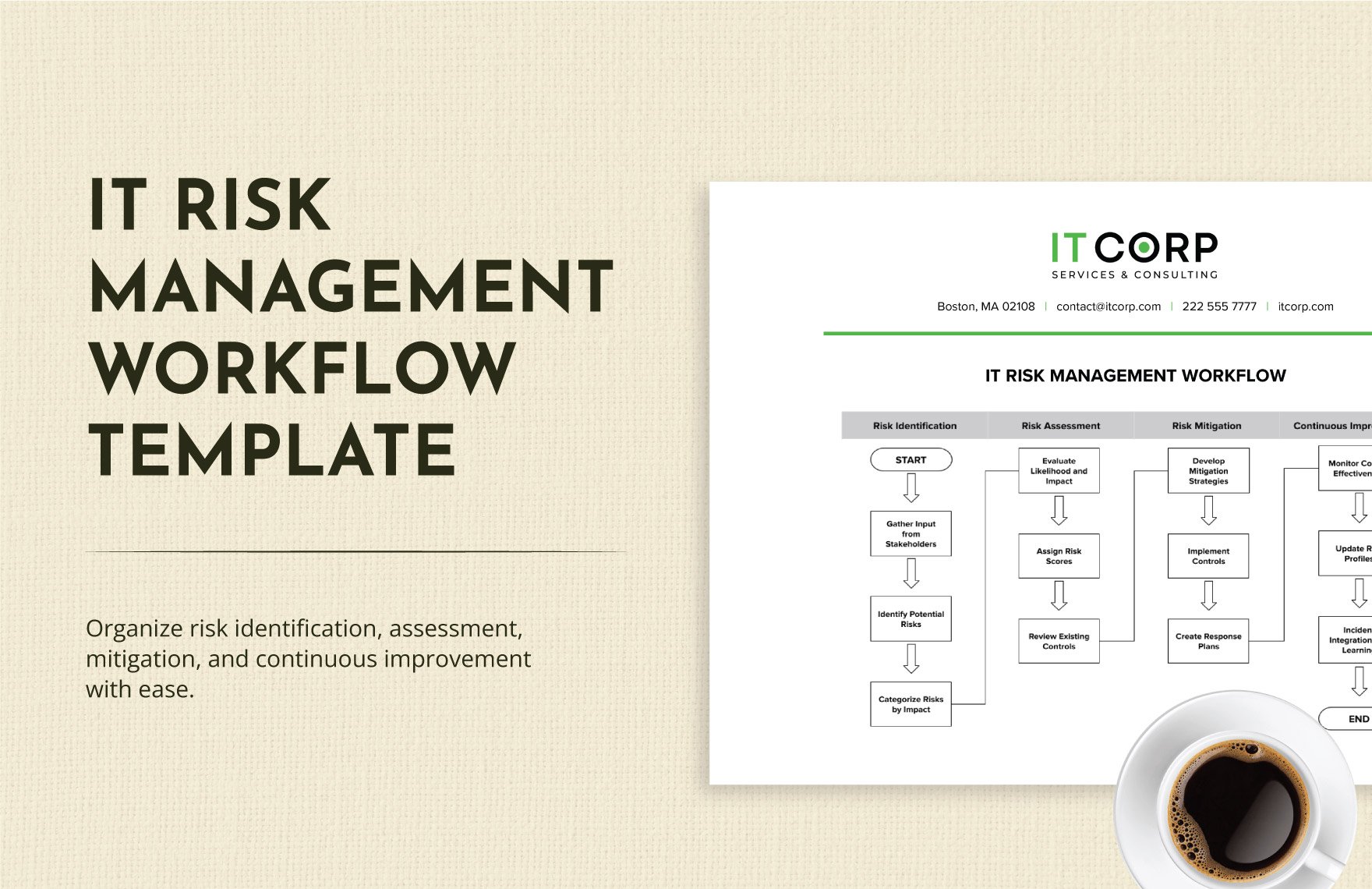
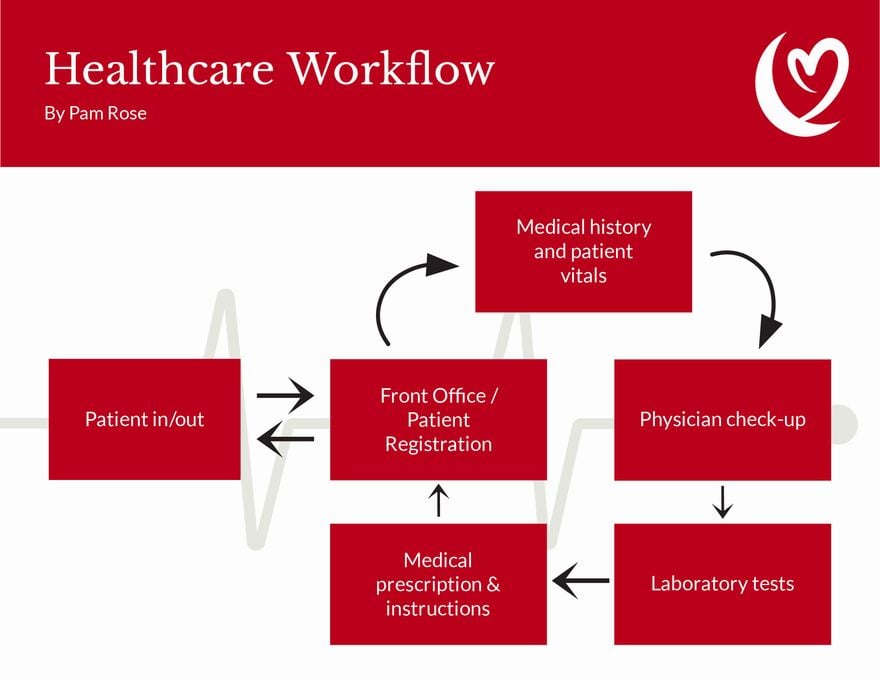
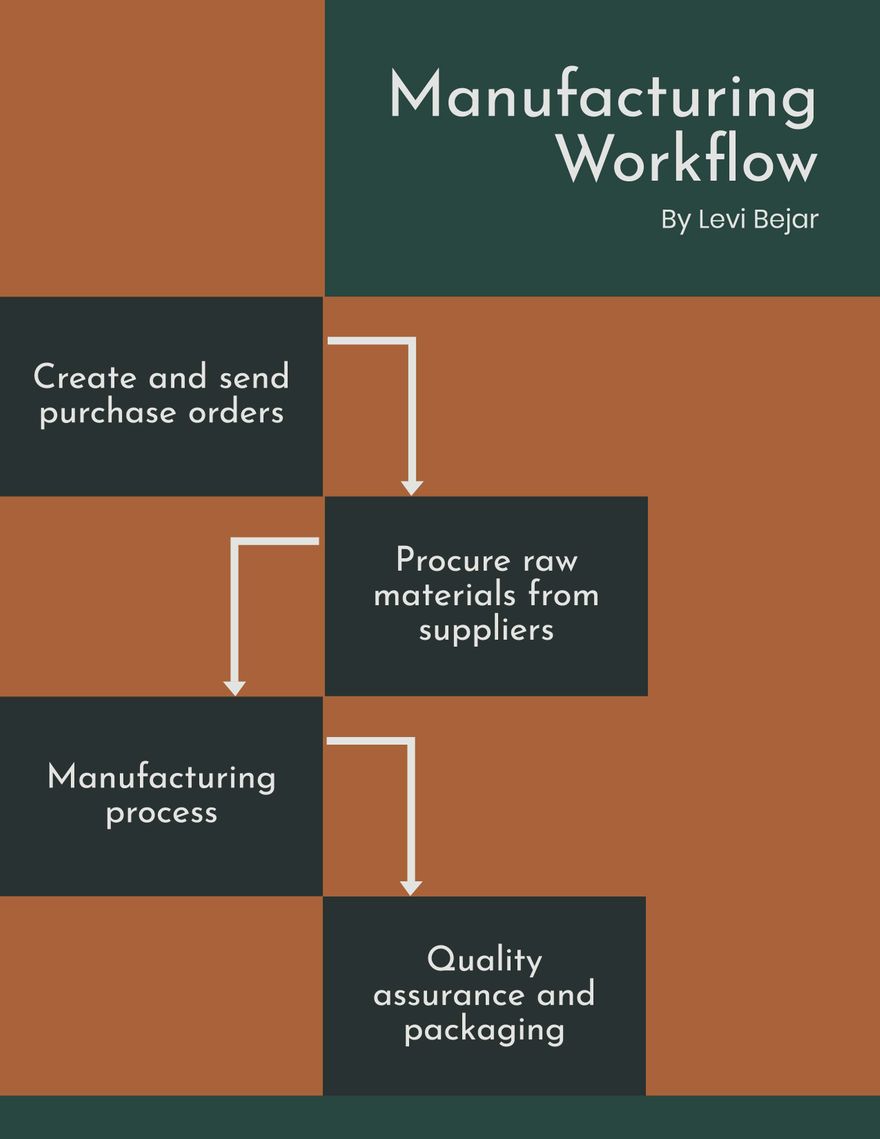
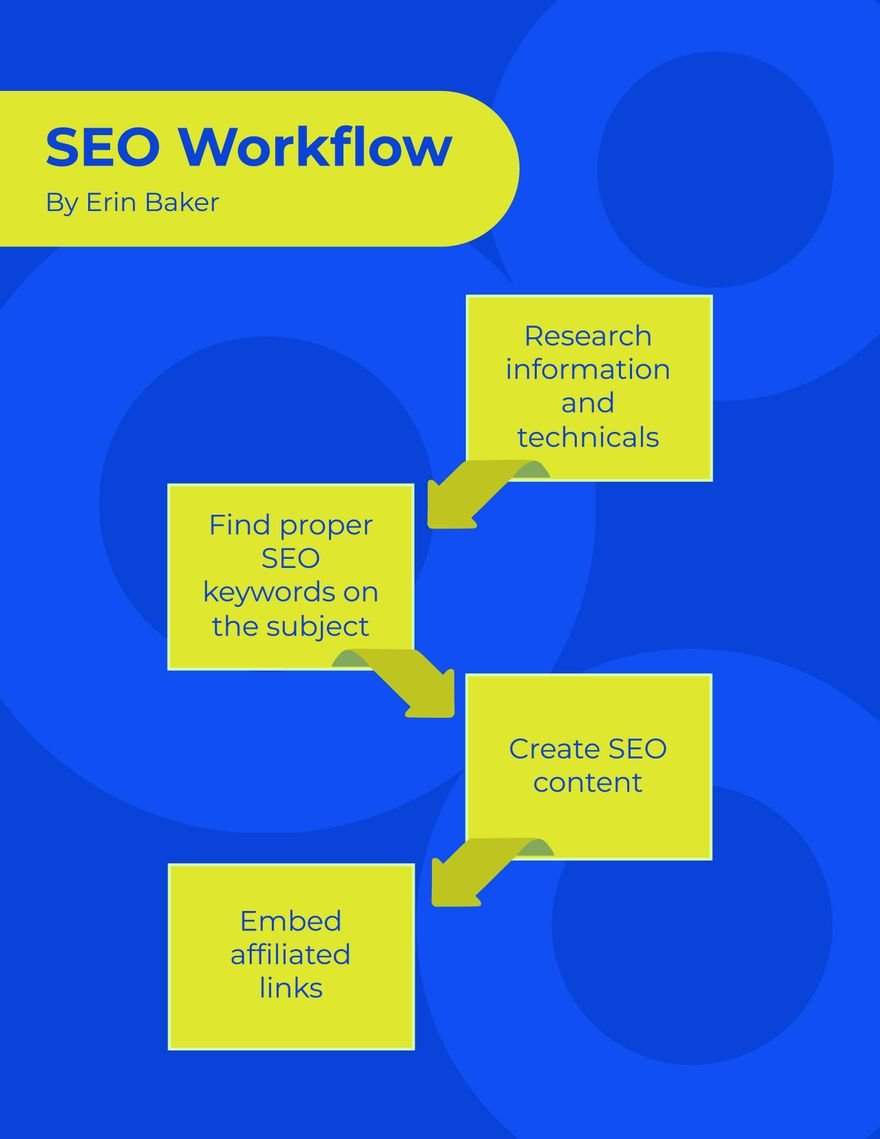
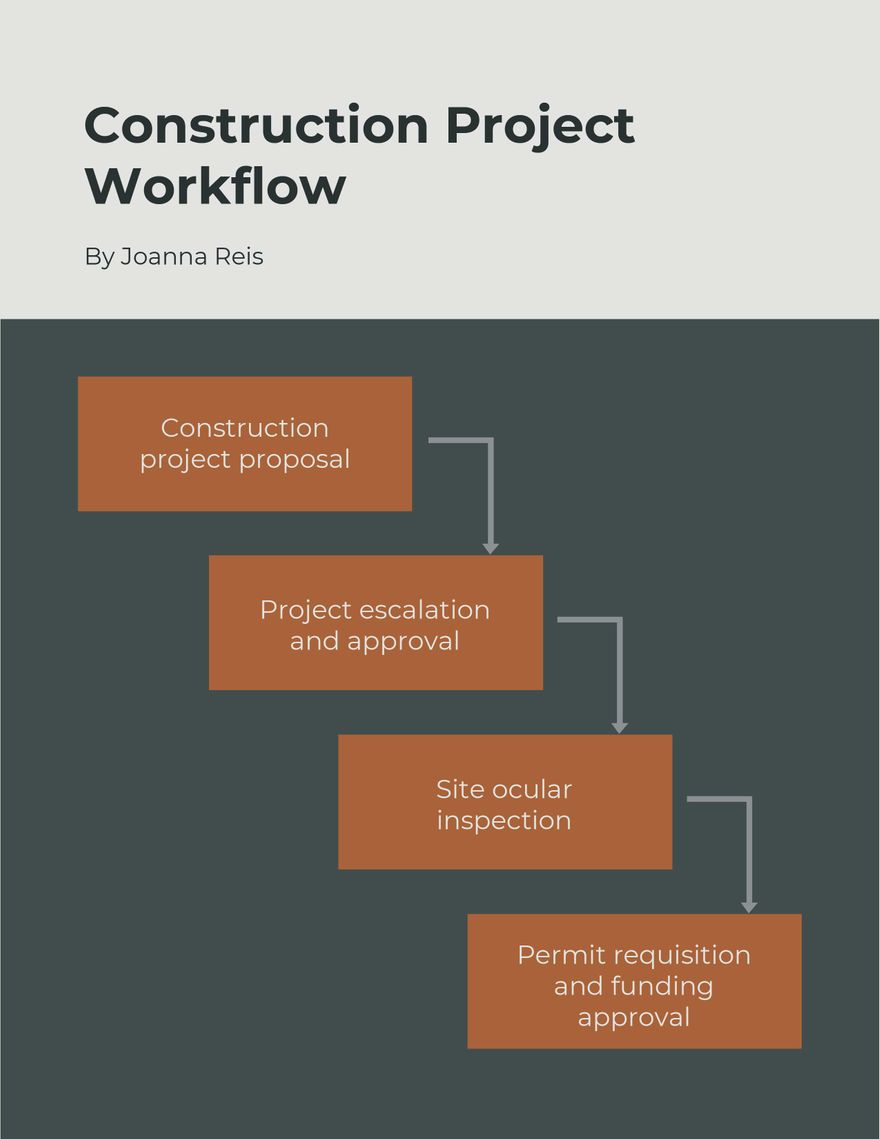
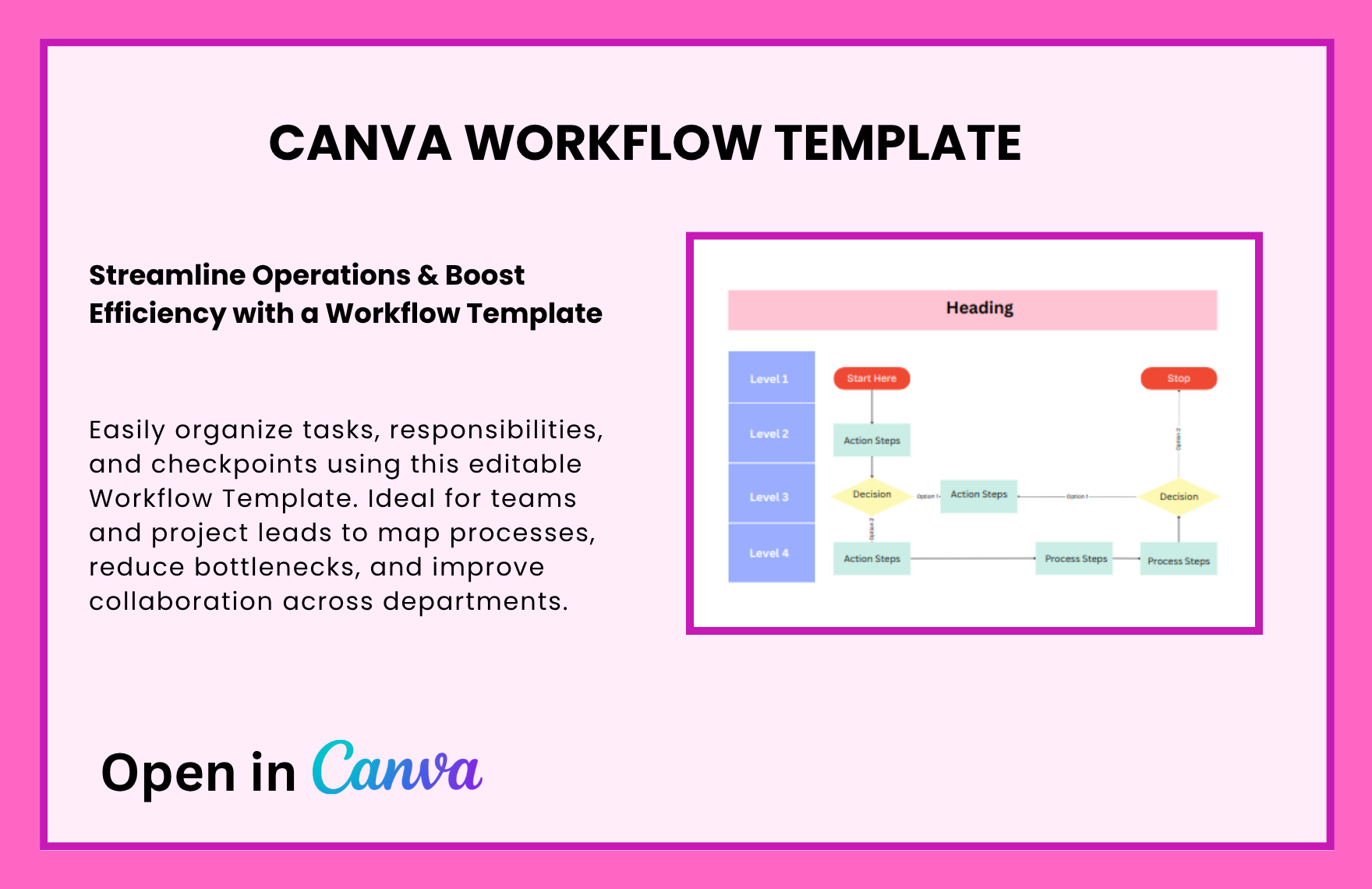
1. Hierarchical Process Flow
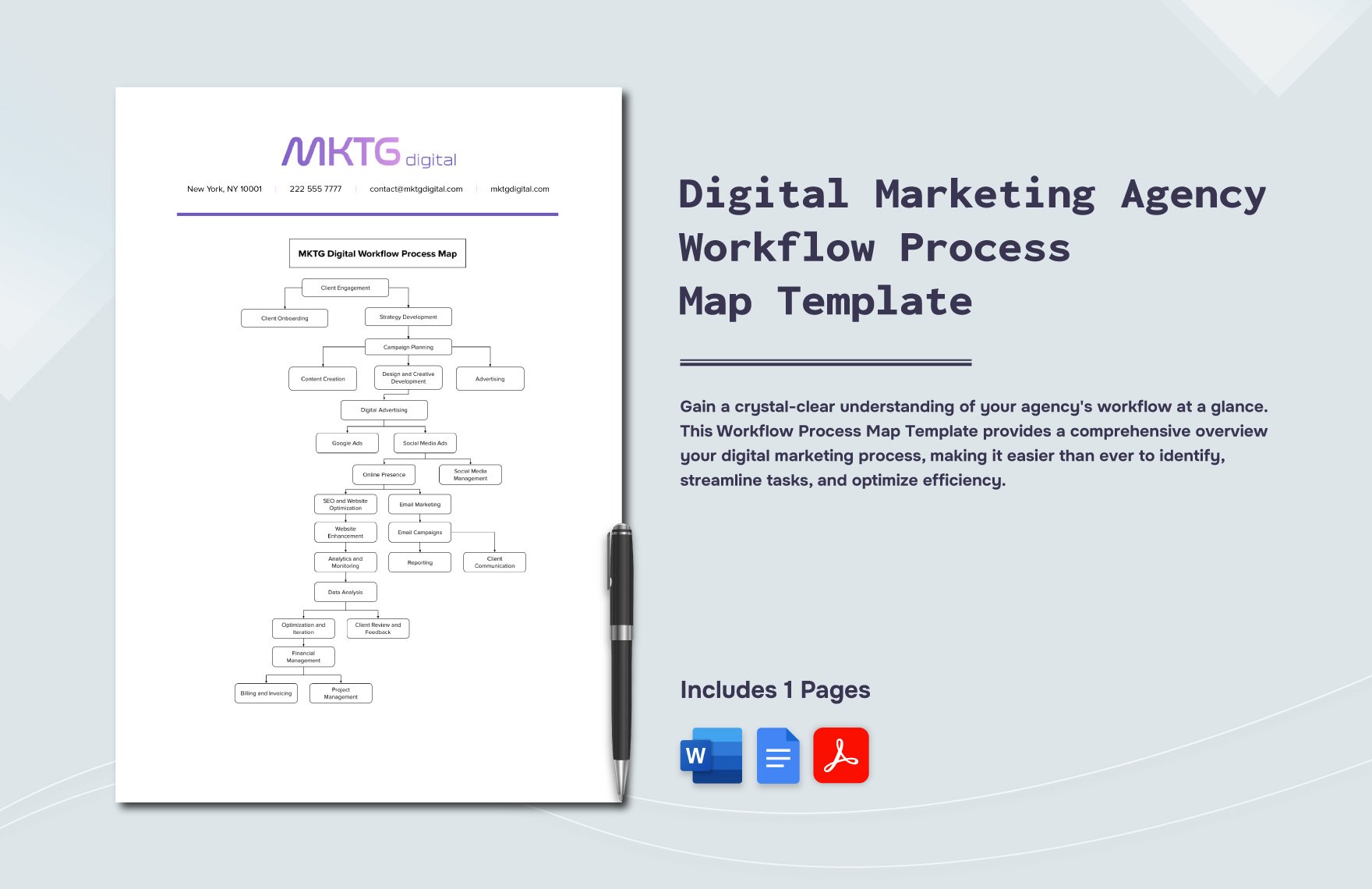
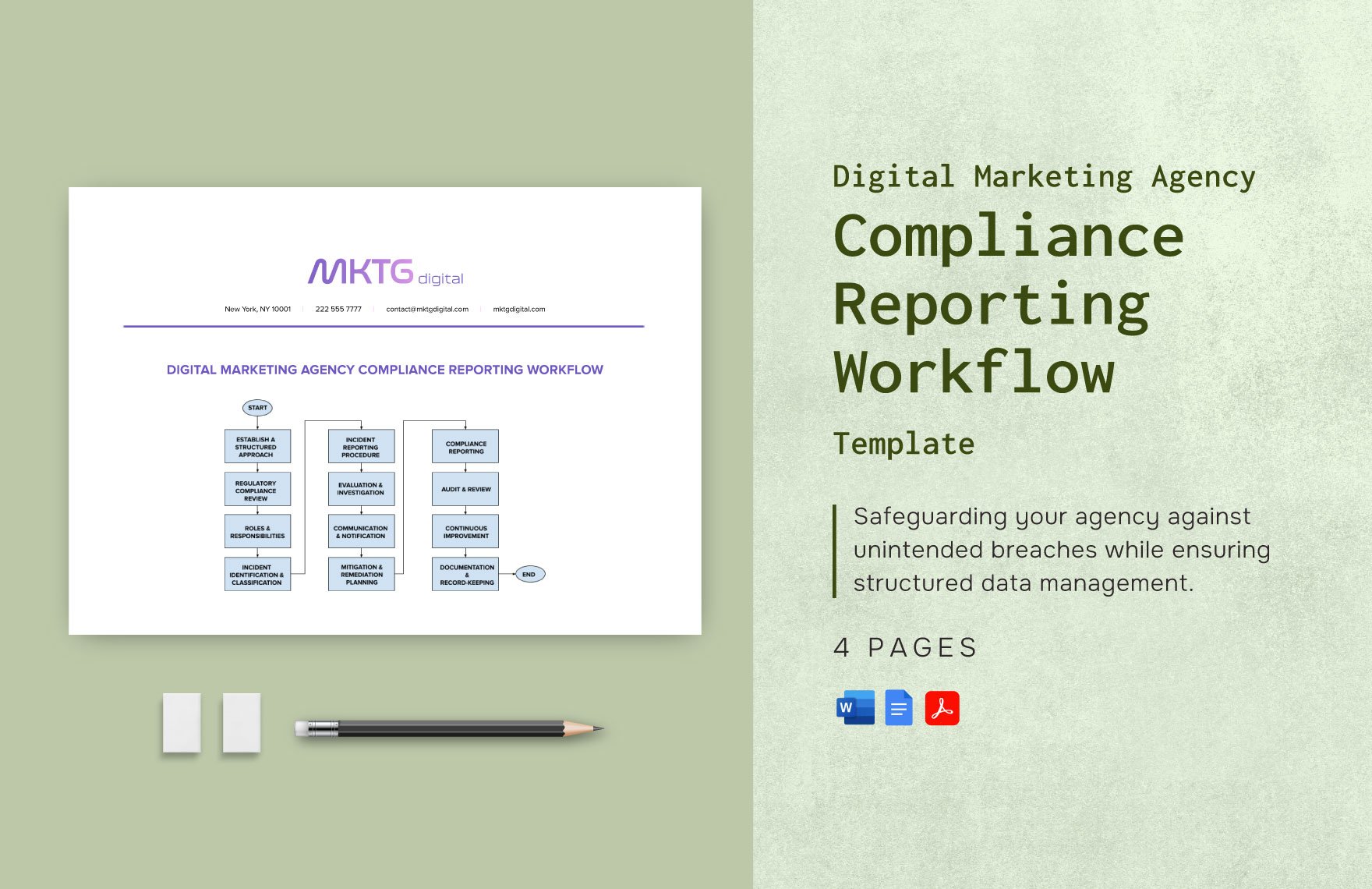
A top-down approach with multiple levels and steps—ideal for corporate processes, project hierarchies, or department workflows.
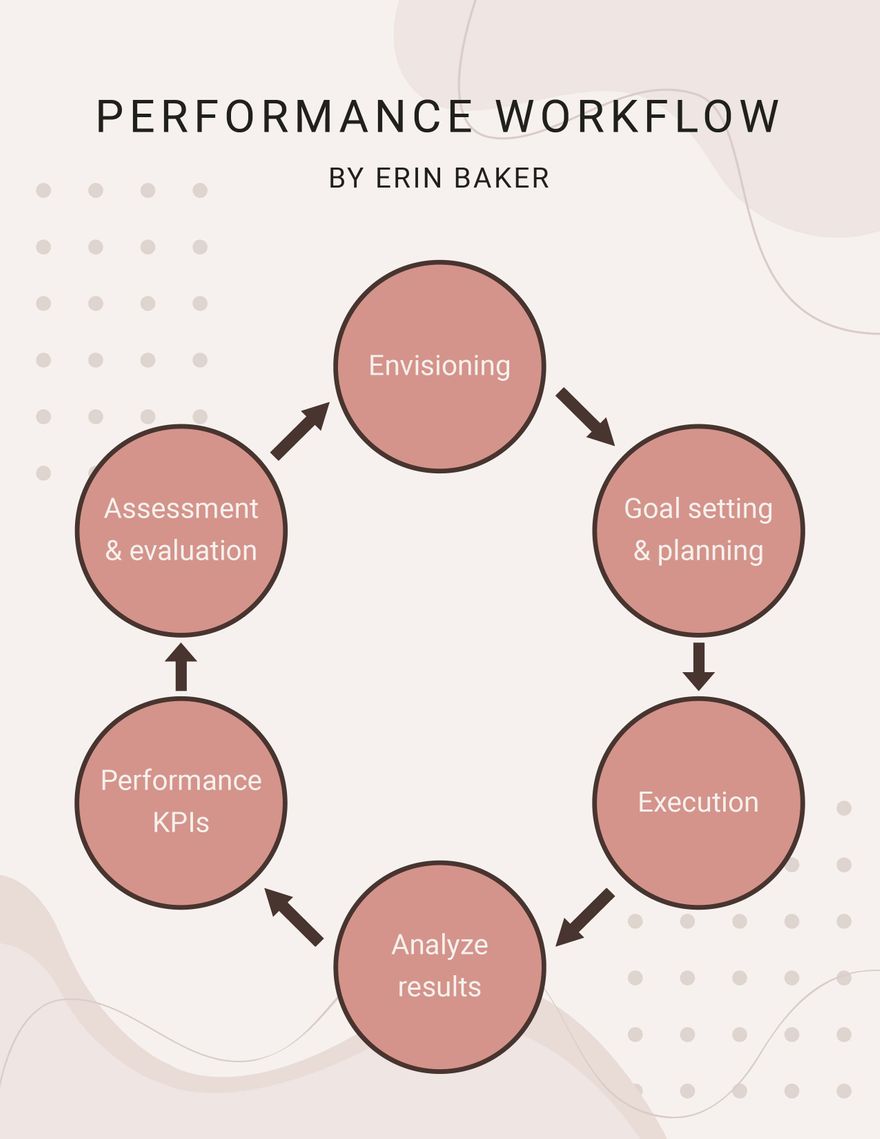
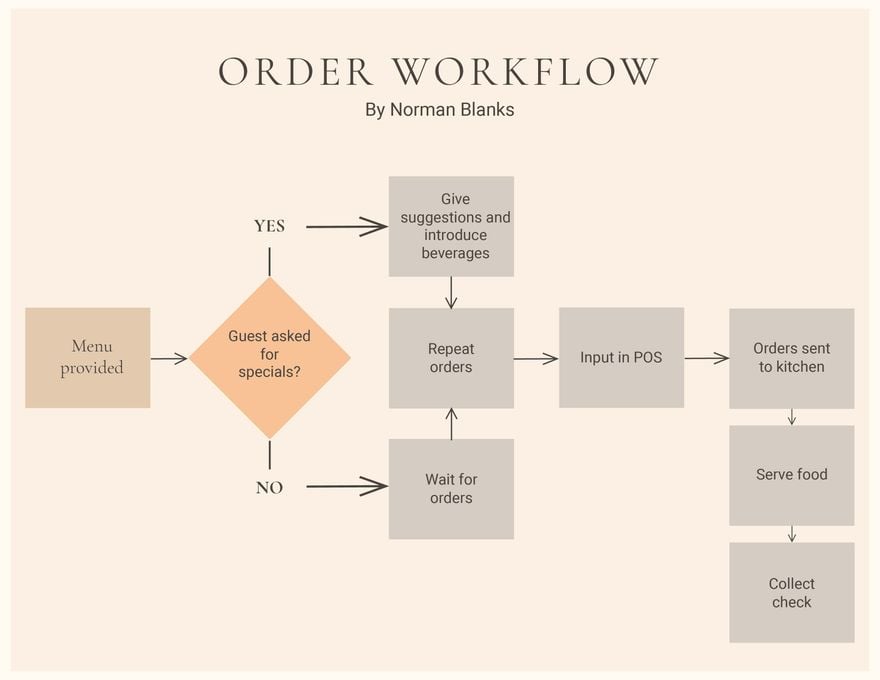
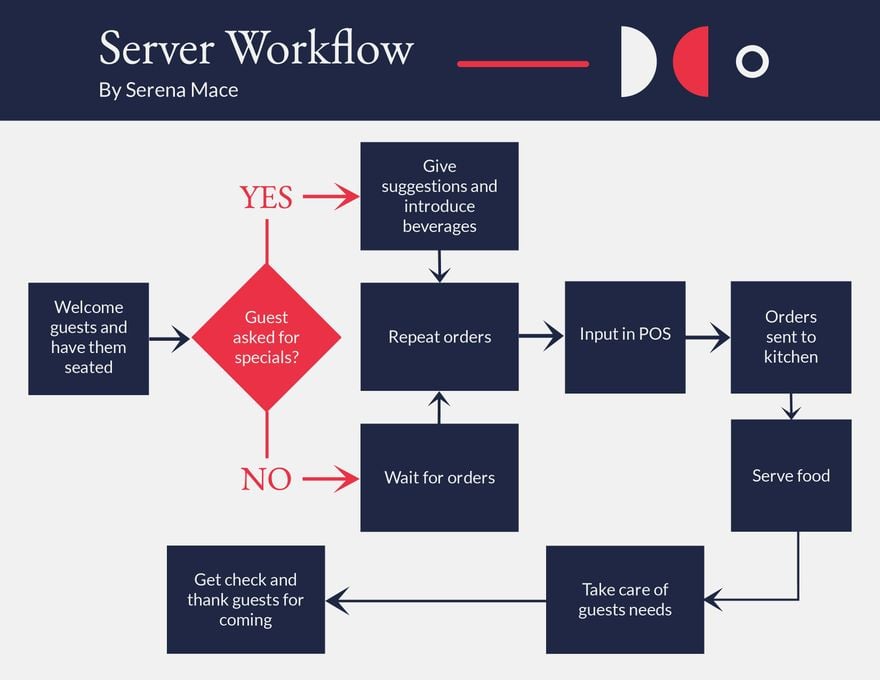
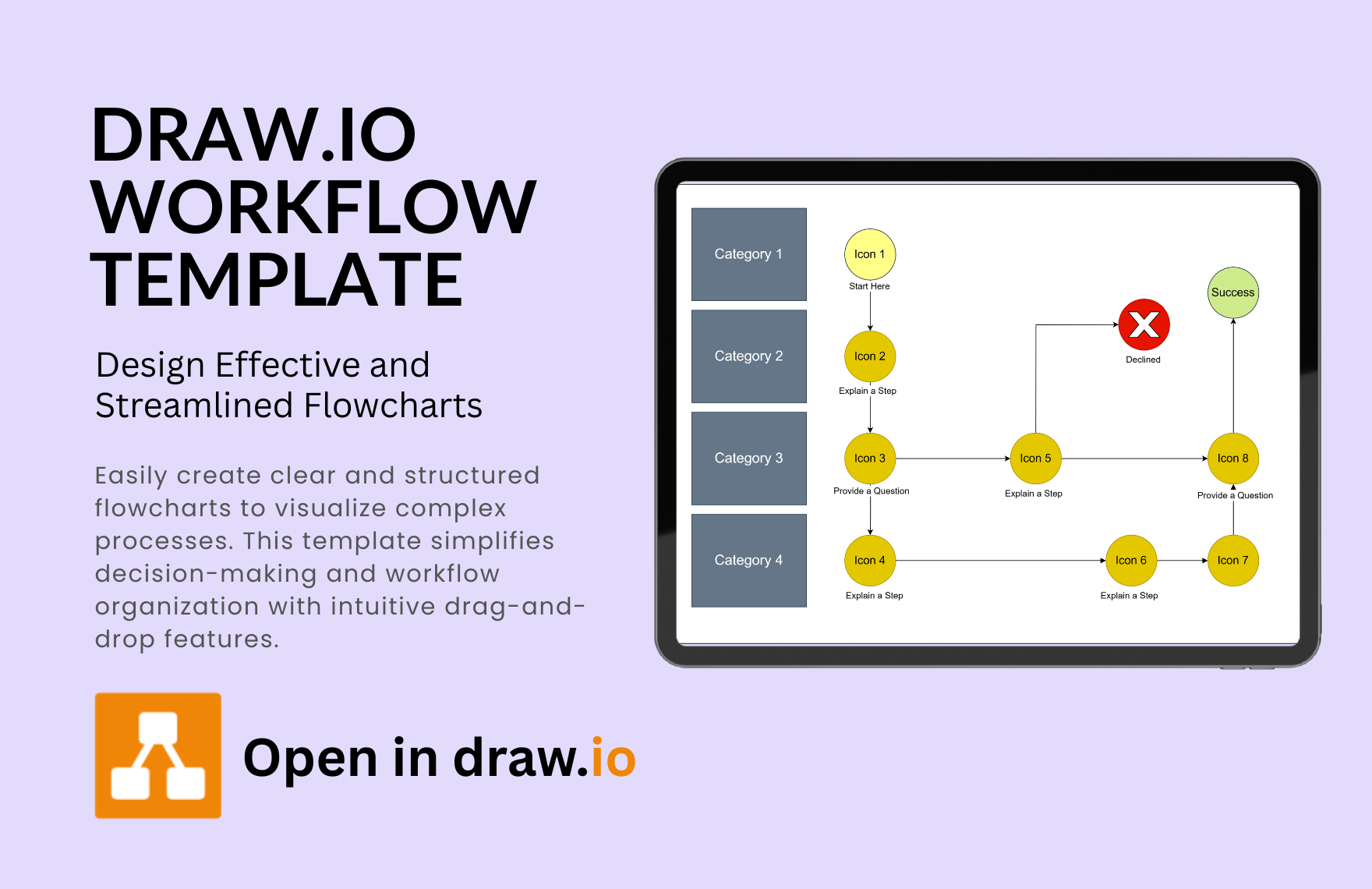
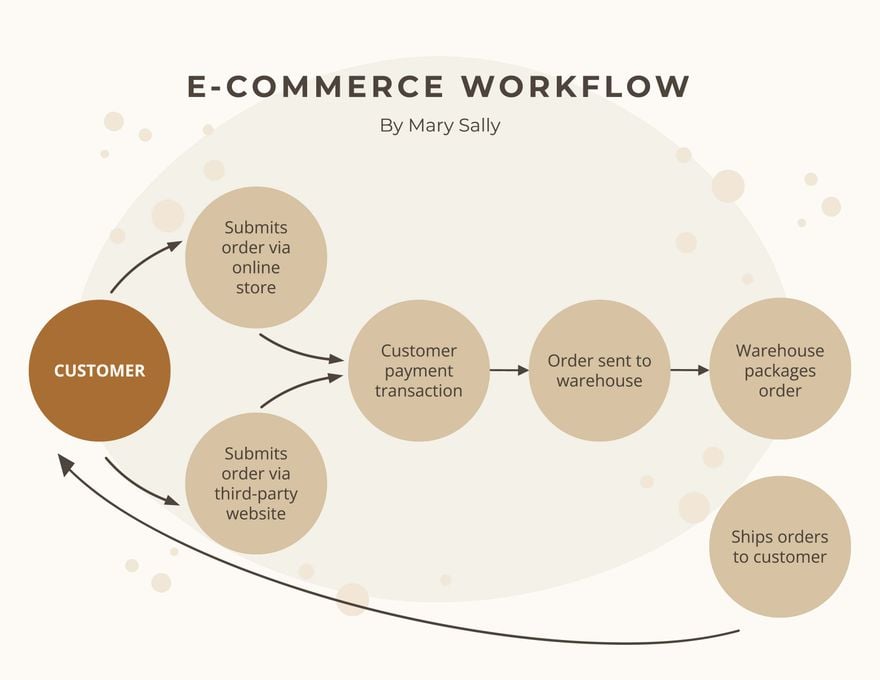
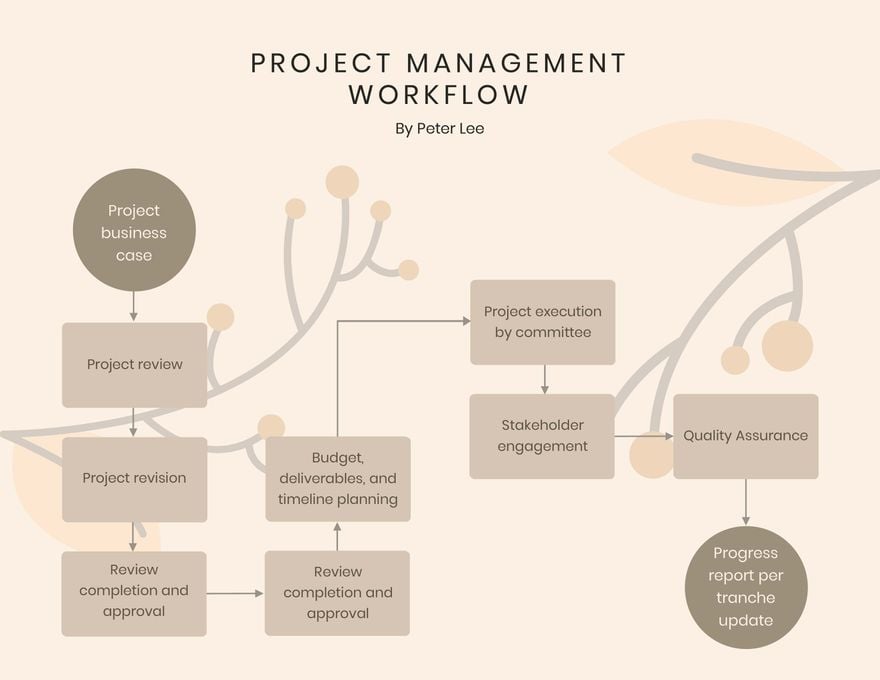
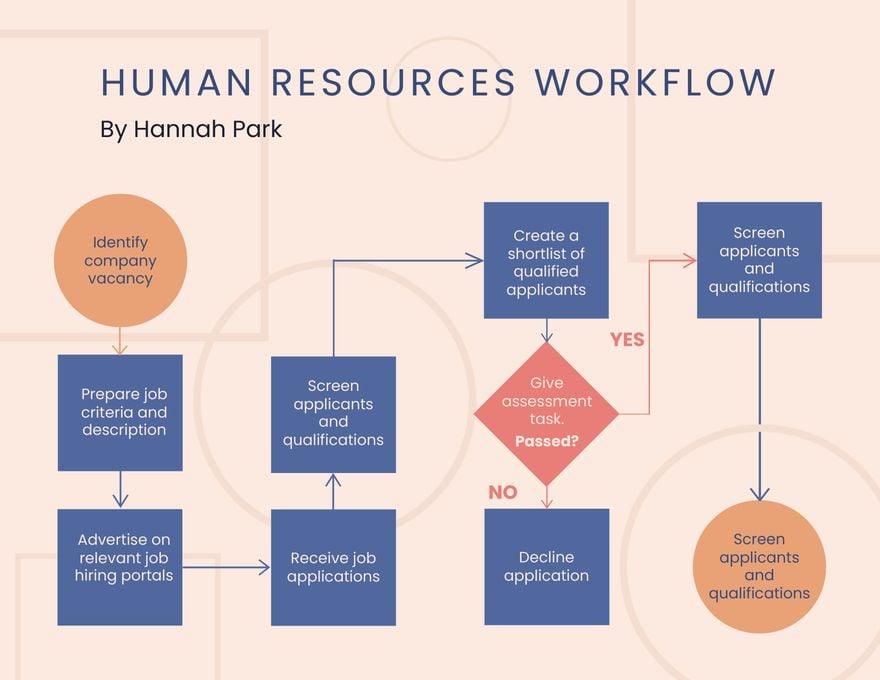
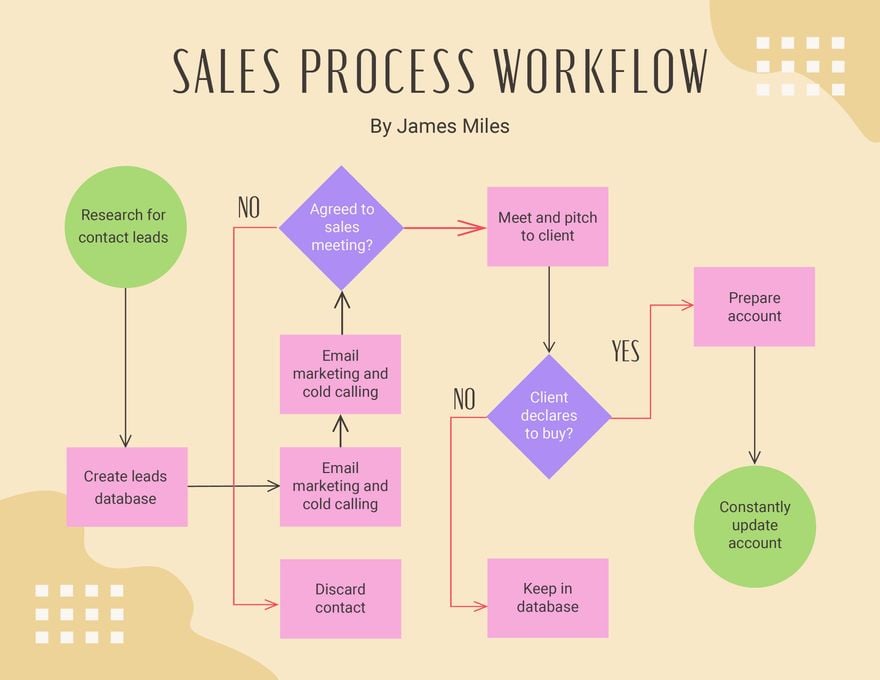
2. Decision-Oriented Workflow
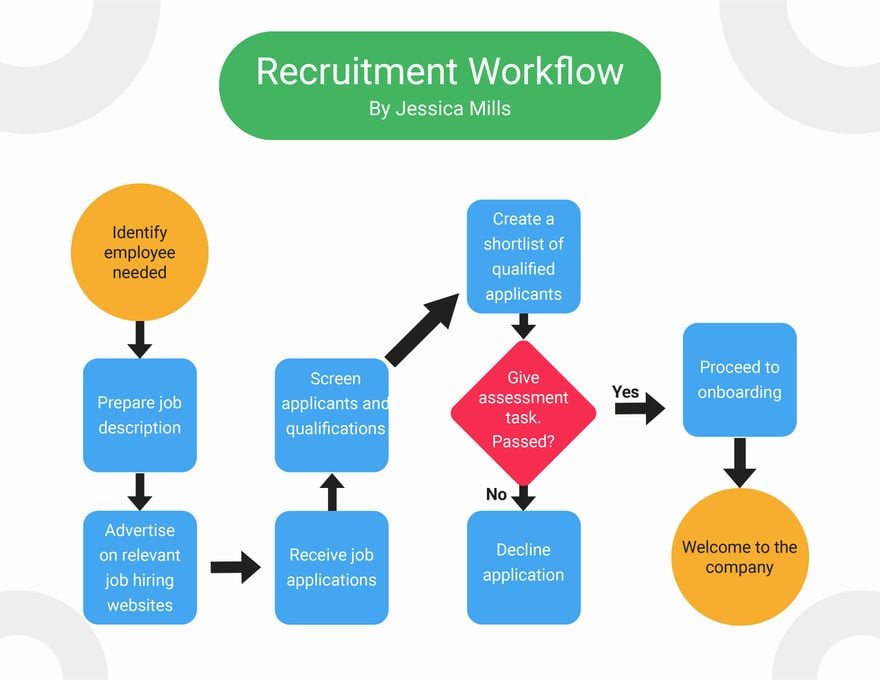
Includes conditions and directional flow between decision nodes—perfect for approval processes or conditional procedures.
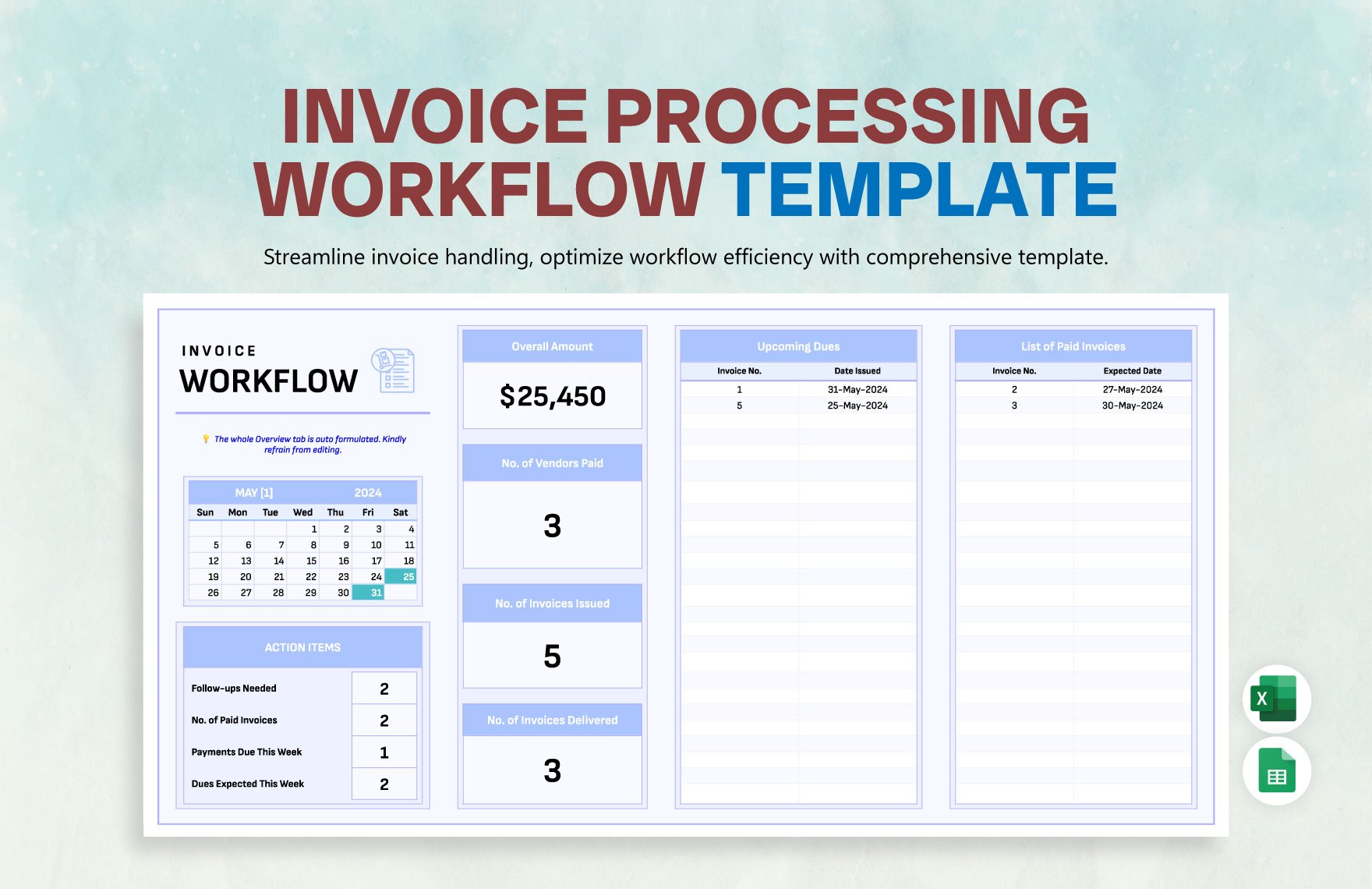
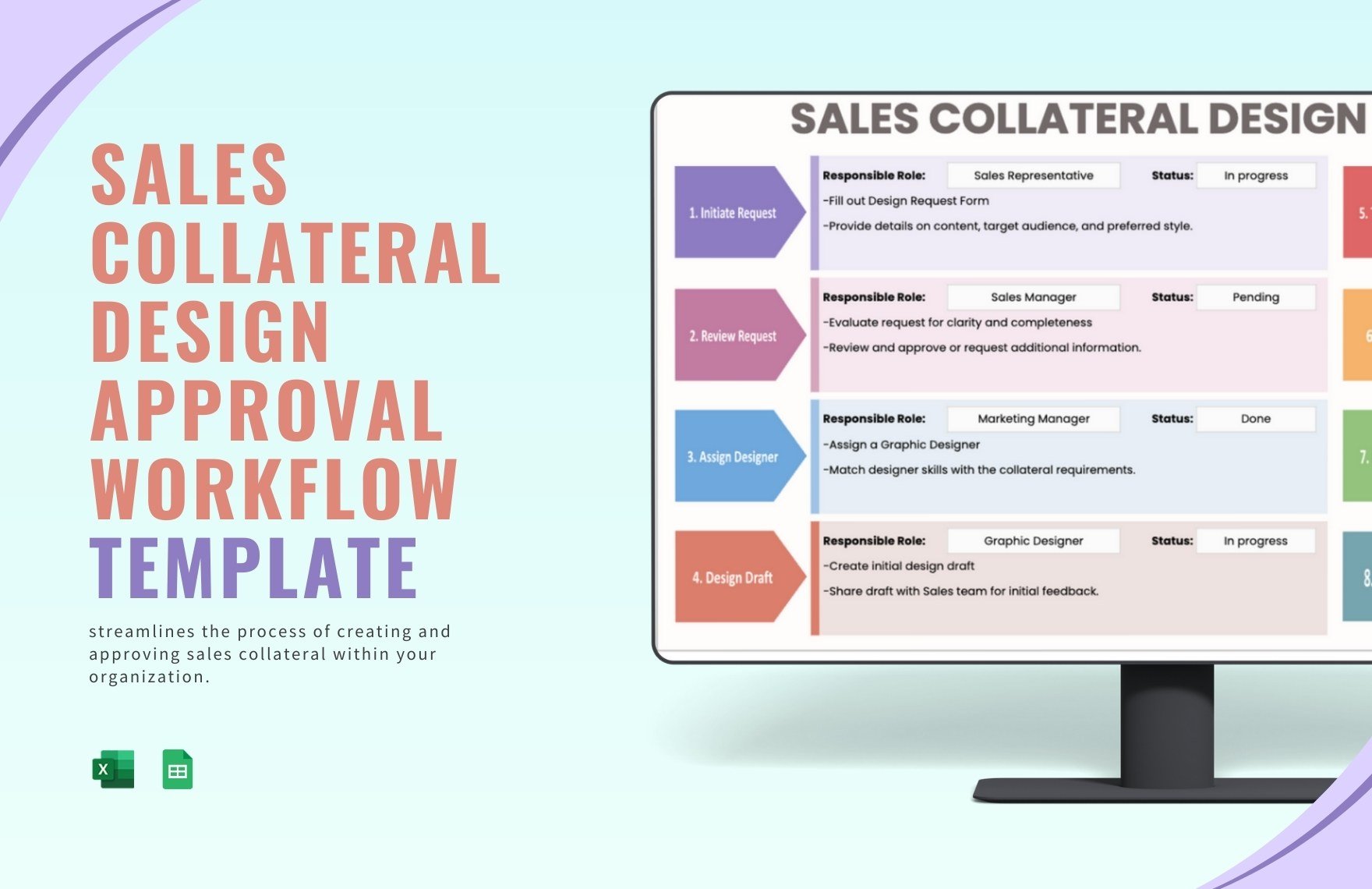
3. Grid-Based Workflow Map
Color-coded grid design with aligned steps—great for scheduling, matrix workflows, or time-based sequences.
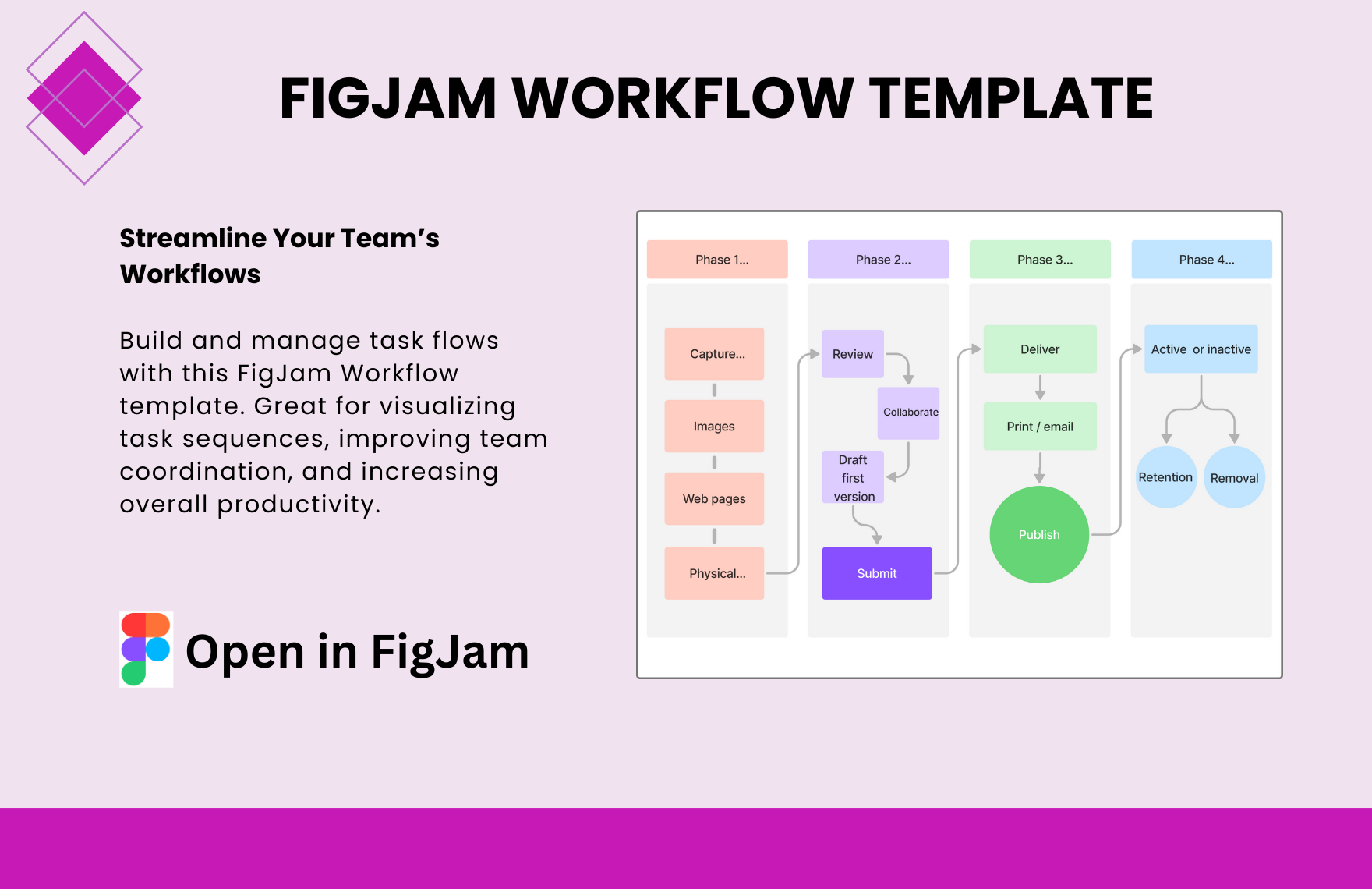
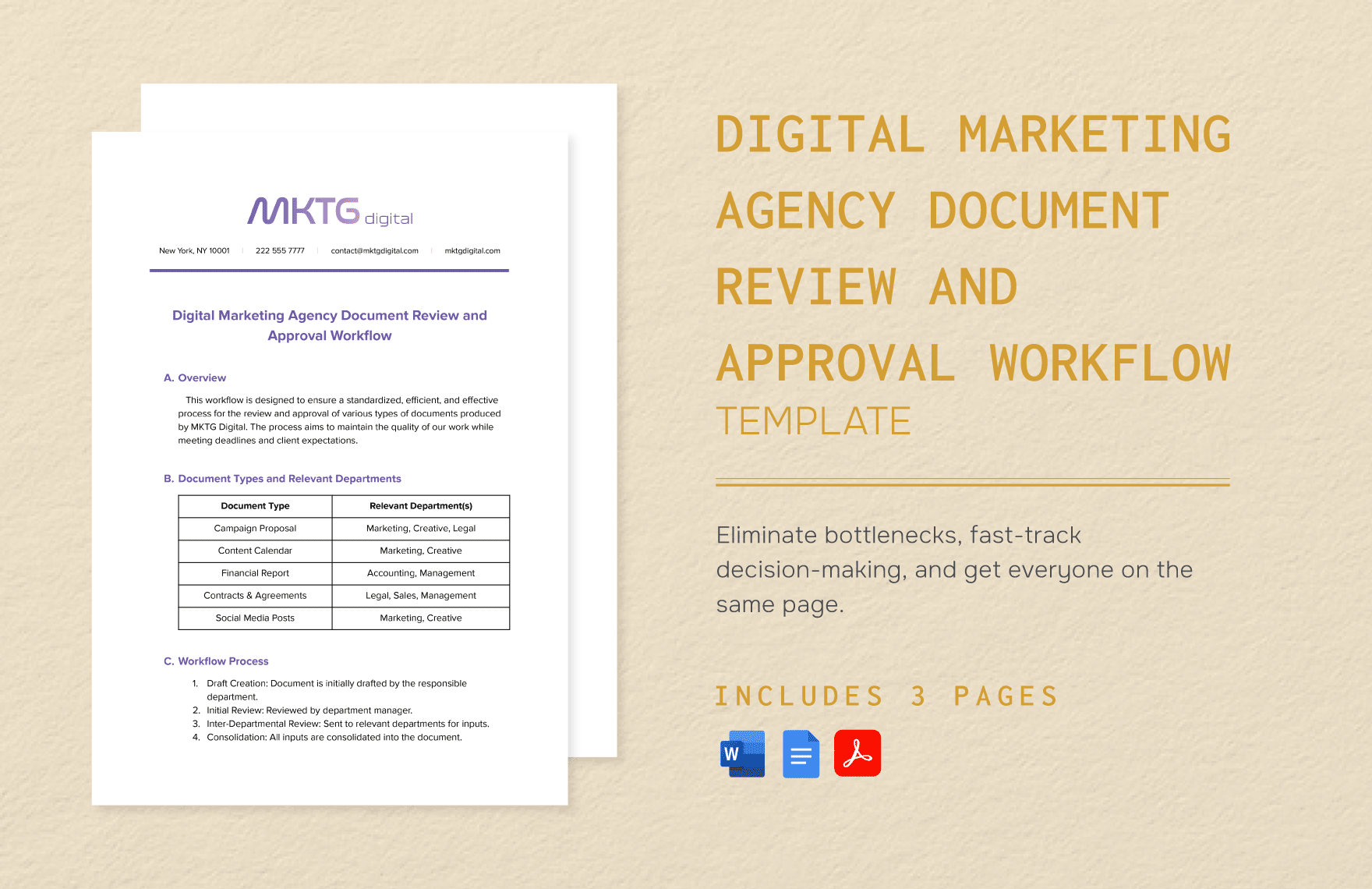
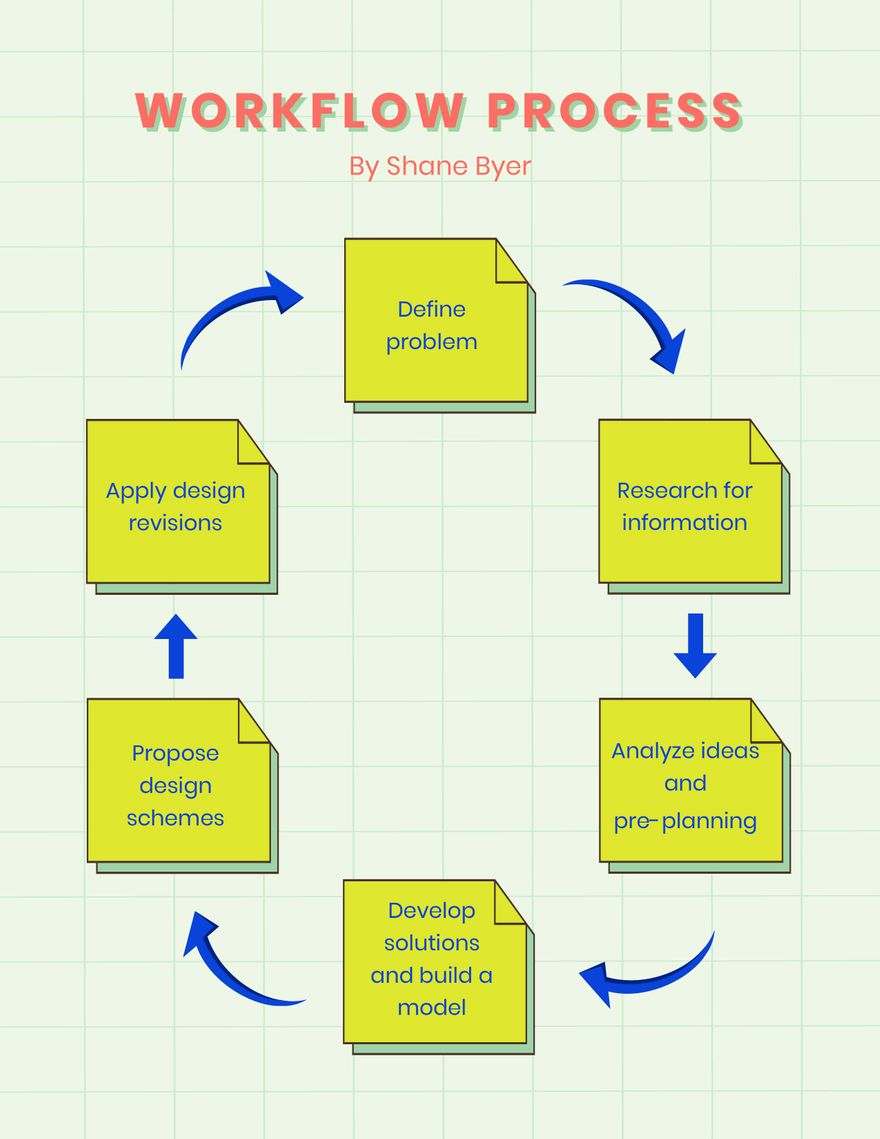
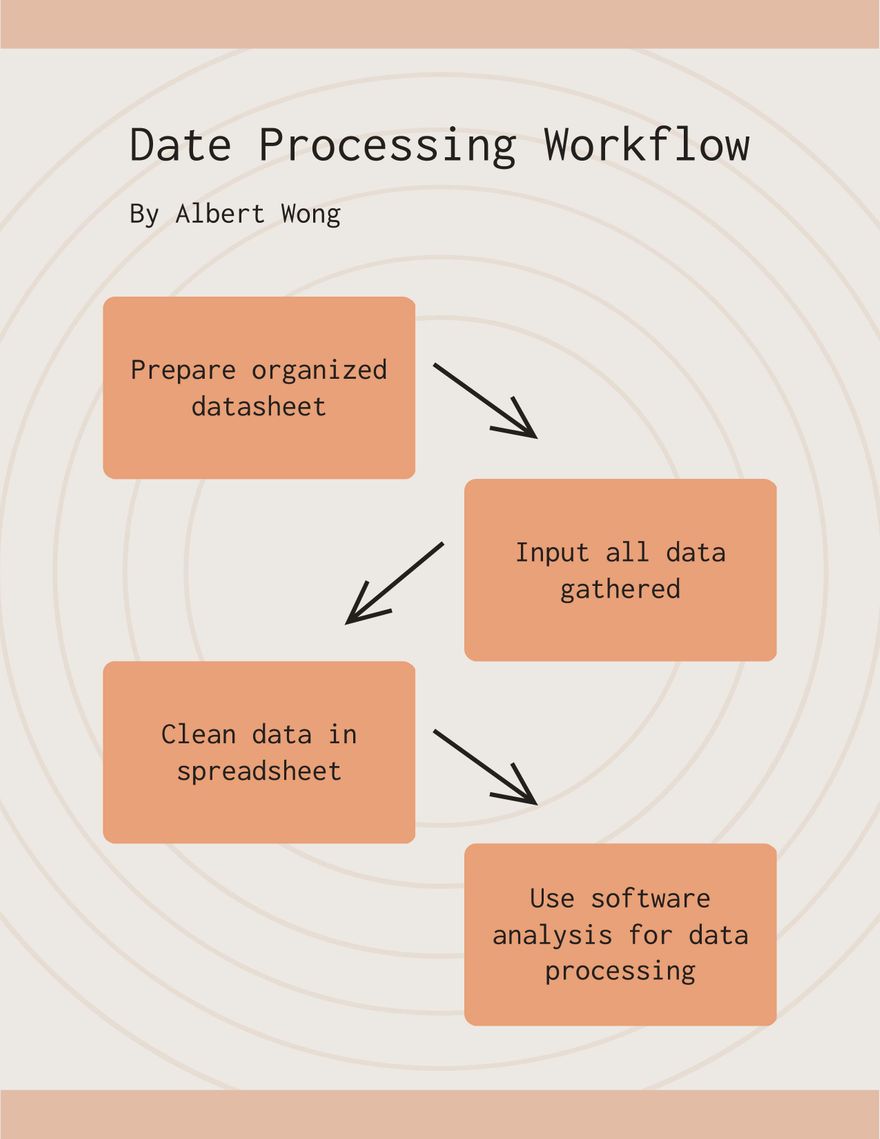
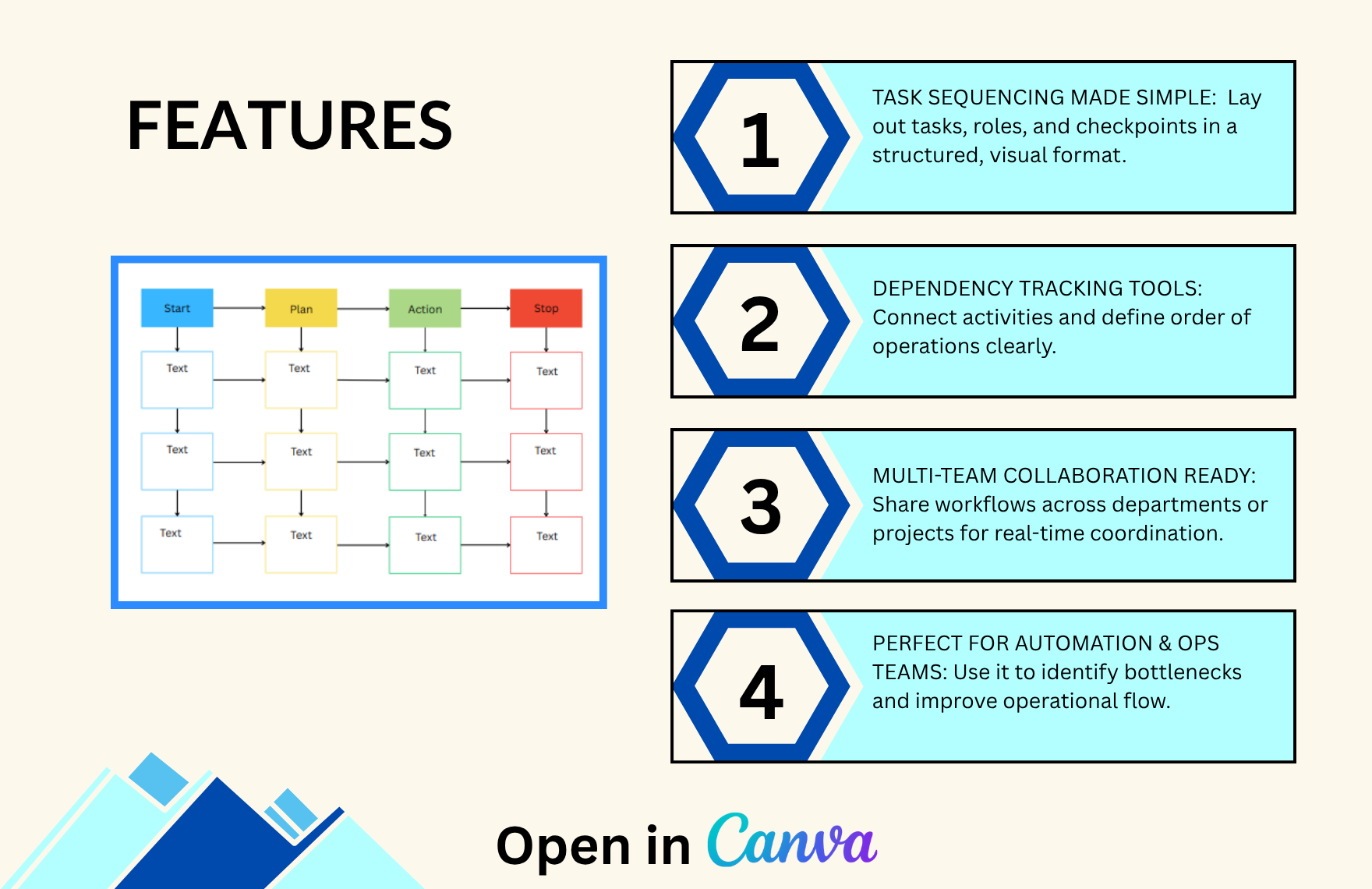
4. Input–Plan–Action–Stop Model
A modular layout categorized by phases—suitable for agile planning, design sprints, and execution strategies.
Best Use Cases for These Templates
-
Process documentation
-
Employee onboarding journeys
-
Approval pipelines
-
Agile workflow visualizations
-
Customer service steps
-
Educational process diagrams
Integration with Canva
-
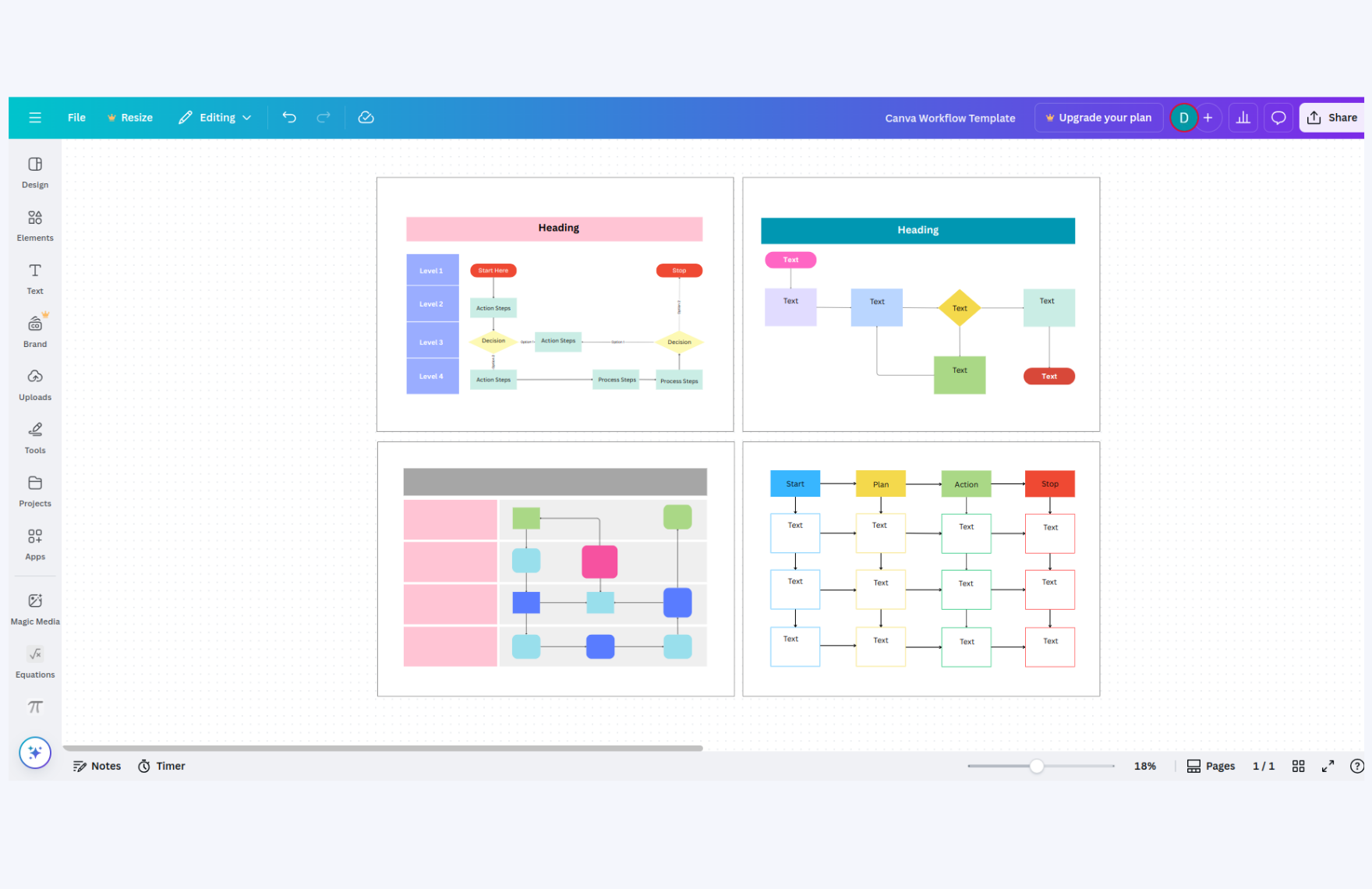
Editable with Drag & Drop – Rearrange boxes, change shapes, or add your custom stages instantly.
-
Collaborate Live with Teams – Share editable links with coworkers and clients for real-time input.
-
Brand-Friendly Customization – Change fonts, icons, and color schemes to match your brand.
-
Export in Multiple Formats – Download in PNG, JPG, or PDF or present directly from Canva.
You may also like