Free Network Diagram Template
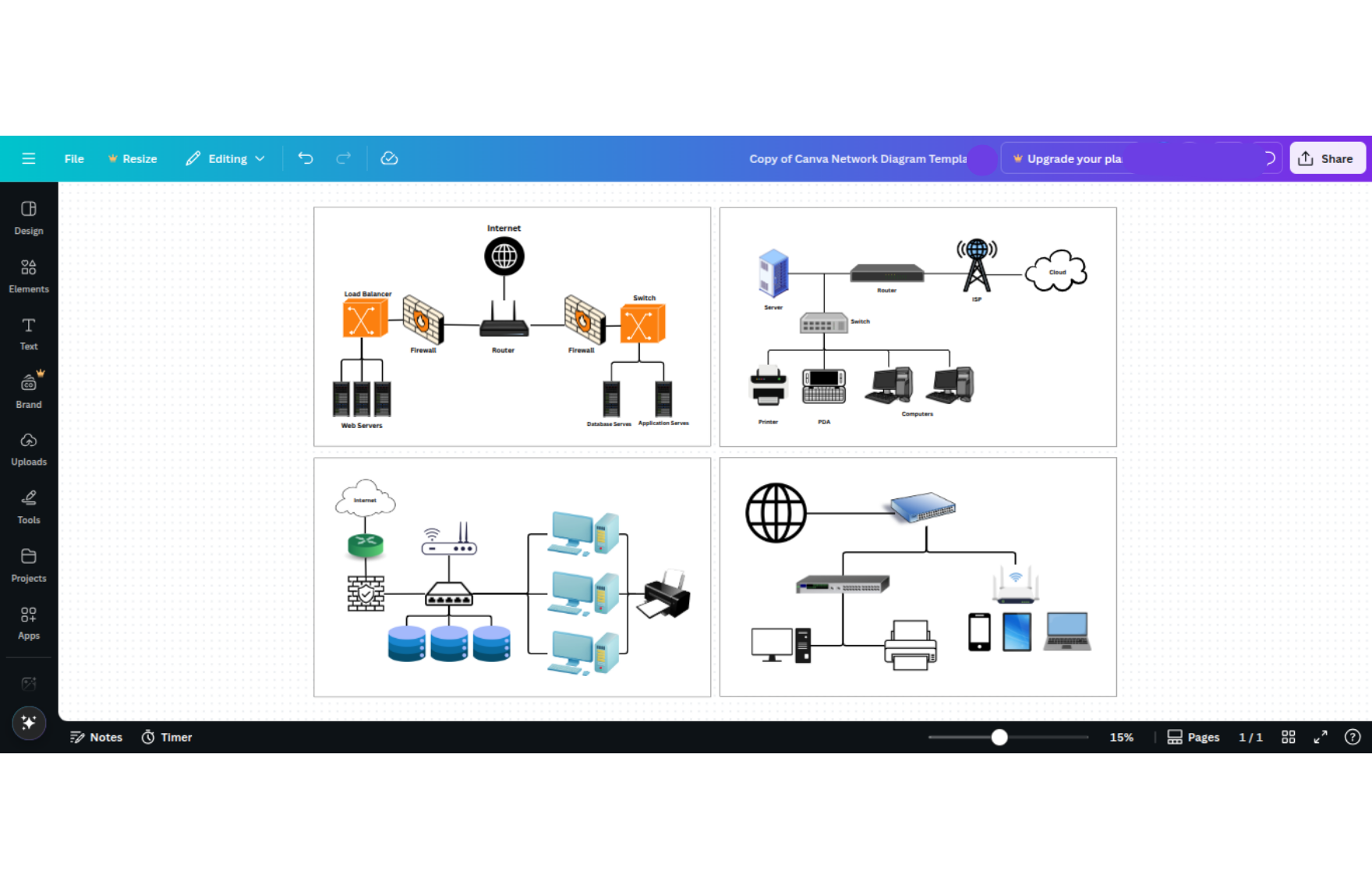
Download this Free Network Diagram Template
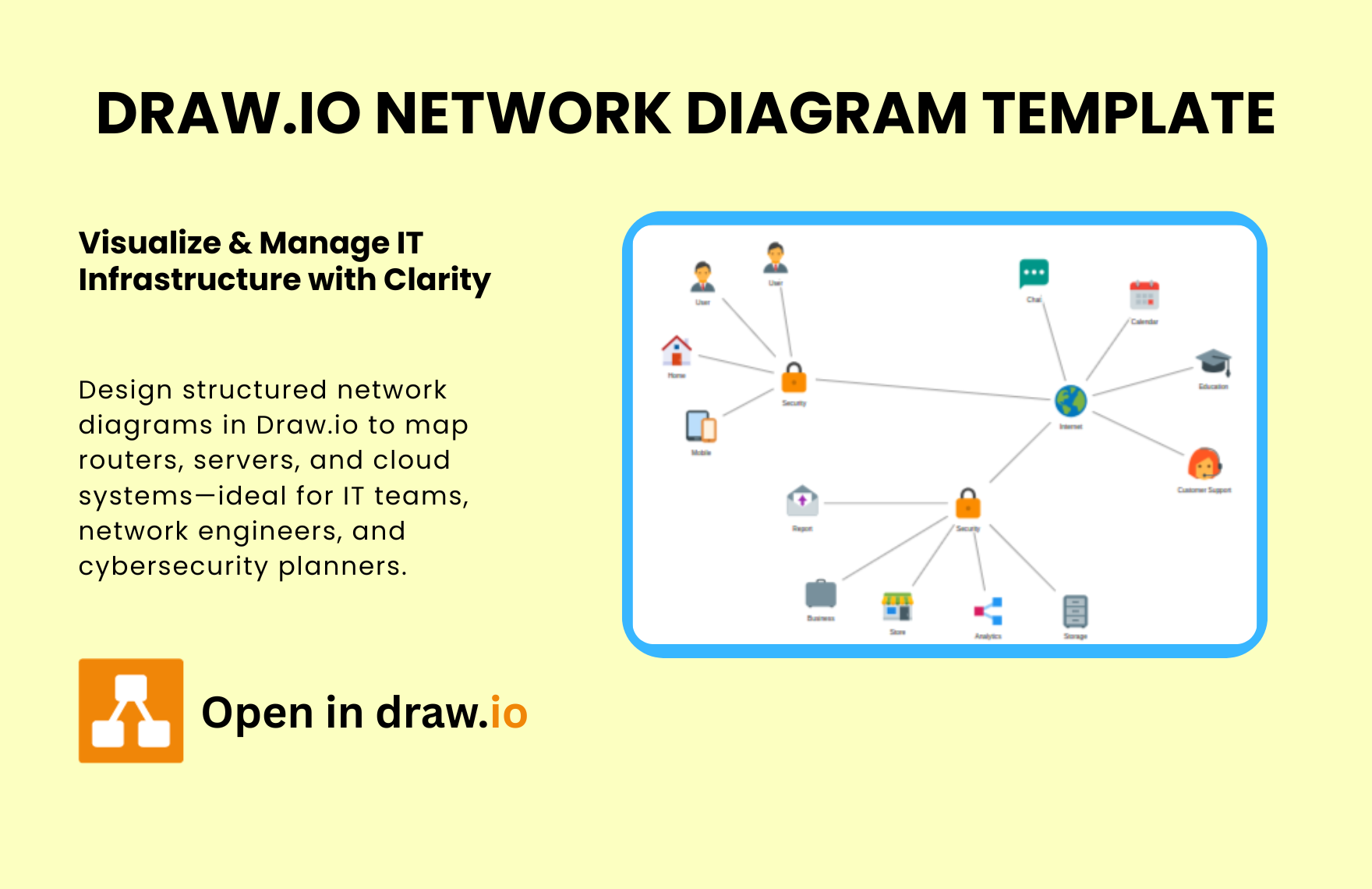
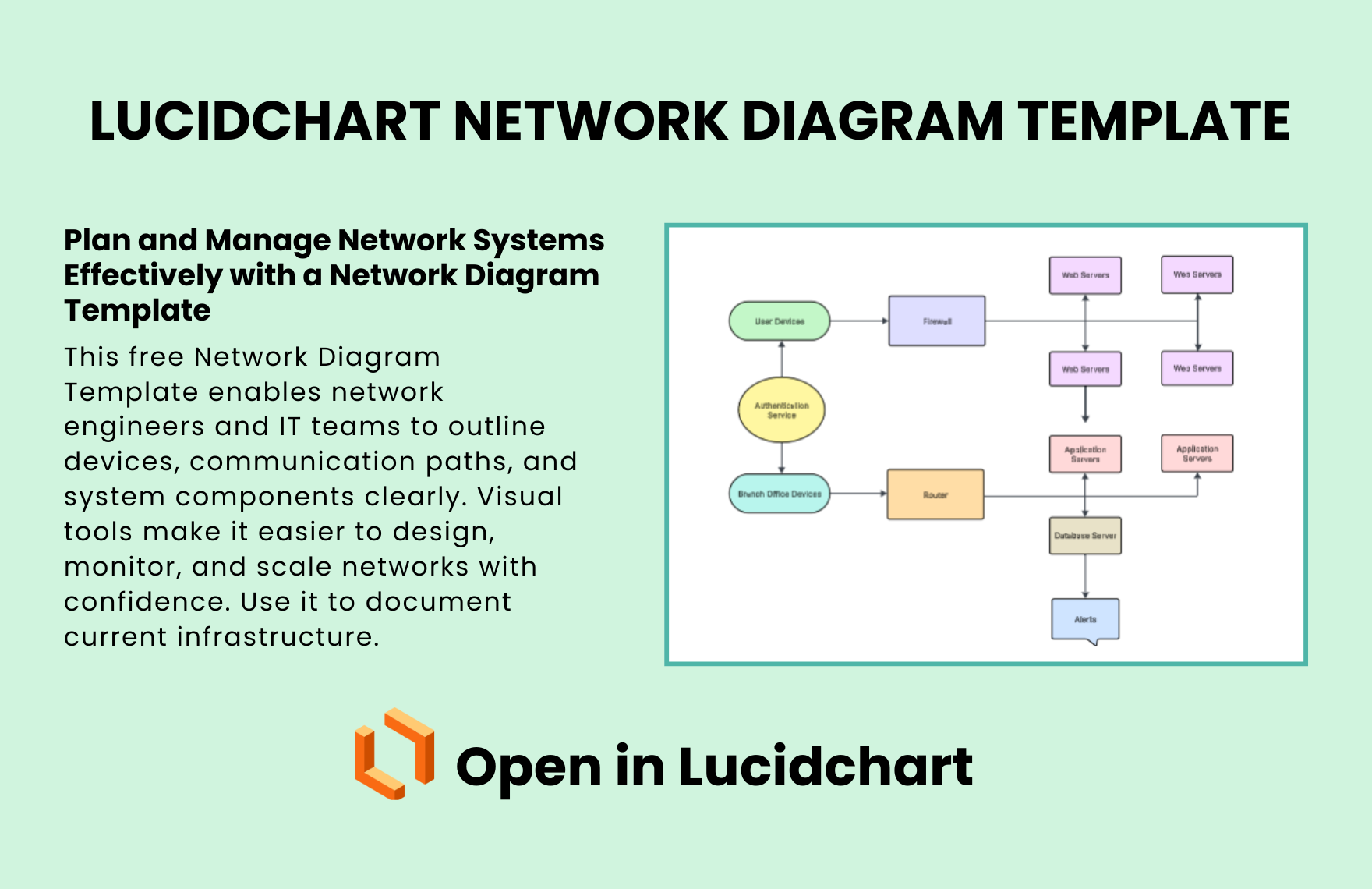
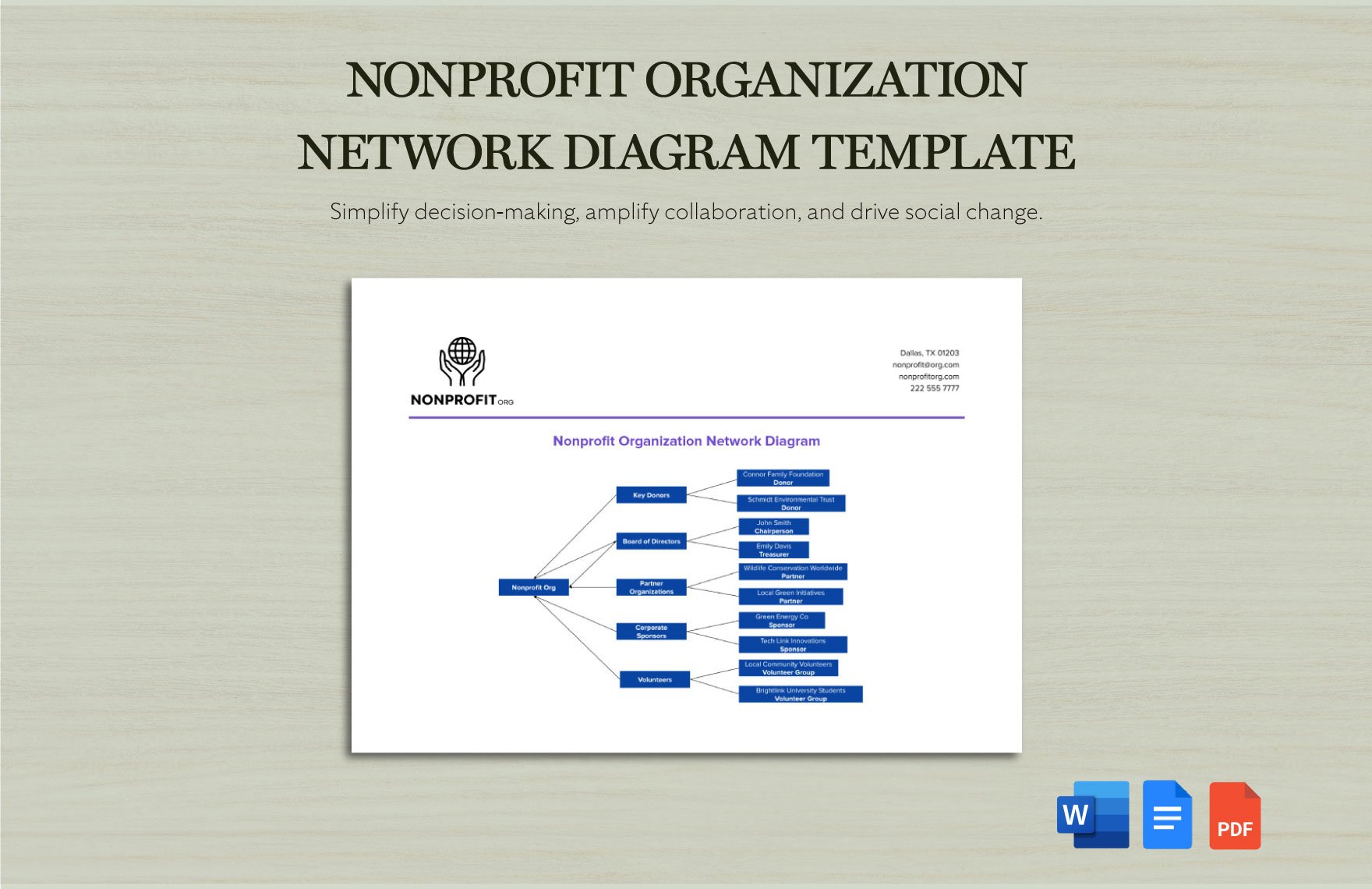
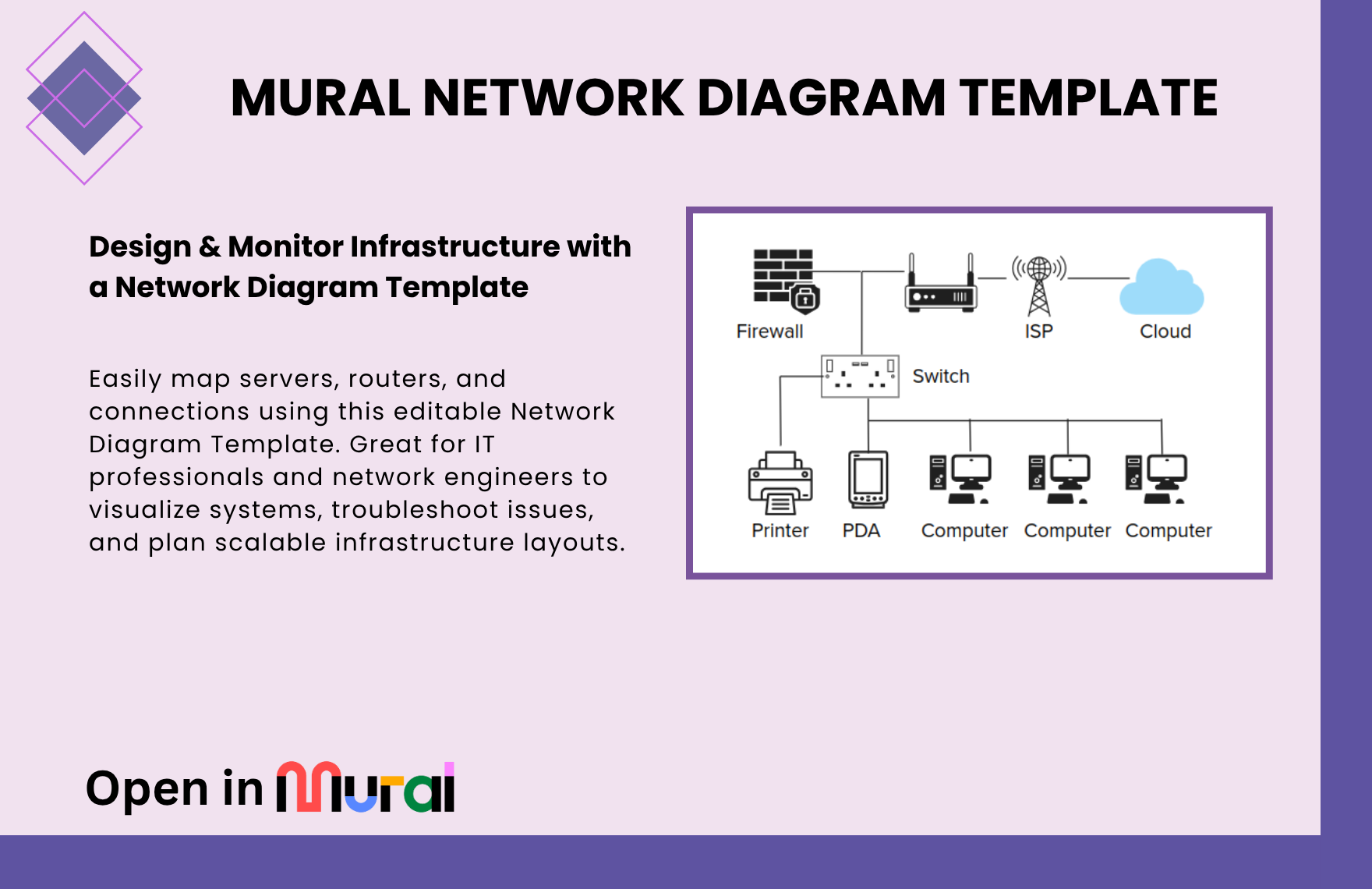
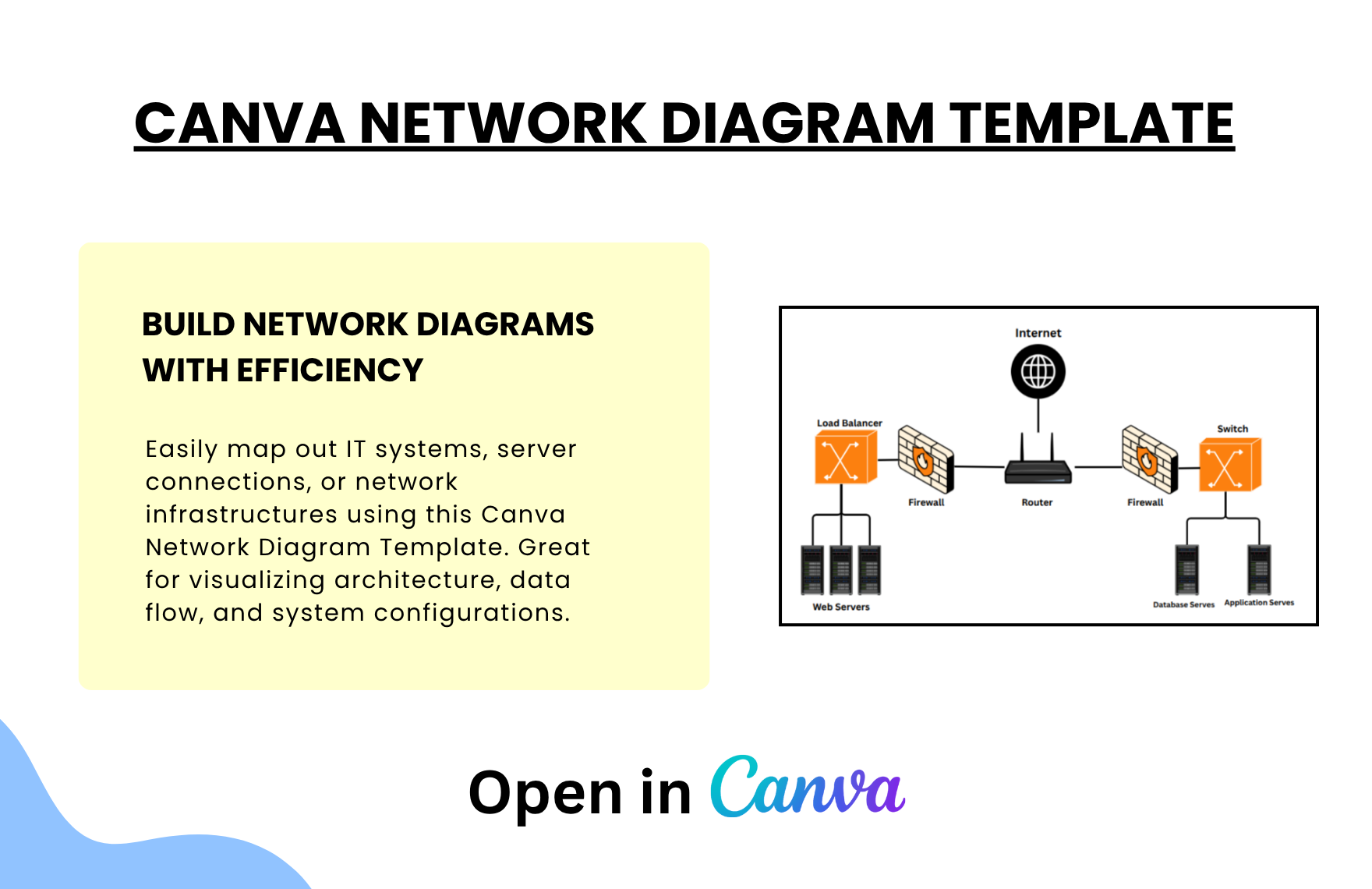
Plan your IT infrastructure with our Free Canva Network Diagram Template. Tailored for system administrators and network engineers, these templates simplify the design of computer networks, including servers, routers, and connections. Visualize network topologies and optimize system architecture with clarity and control.
Why Use Canva Network Diagram Templates?
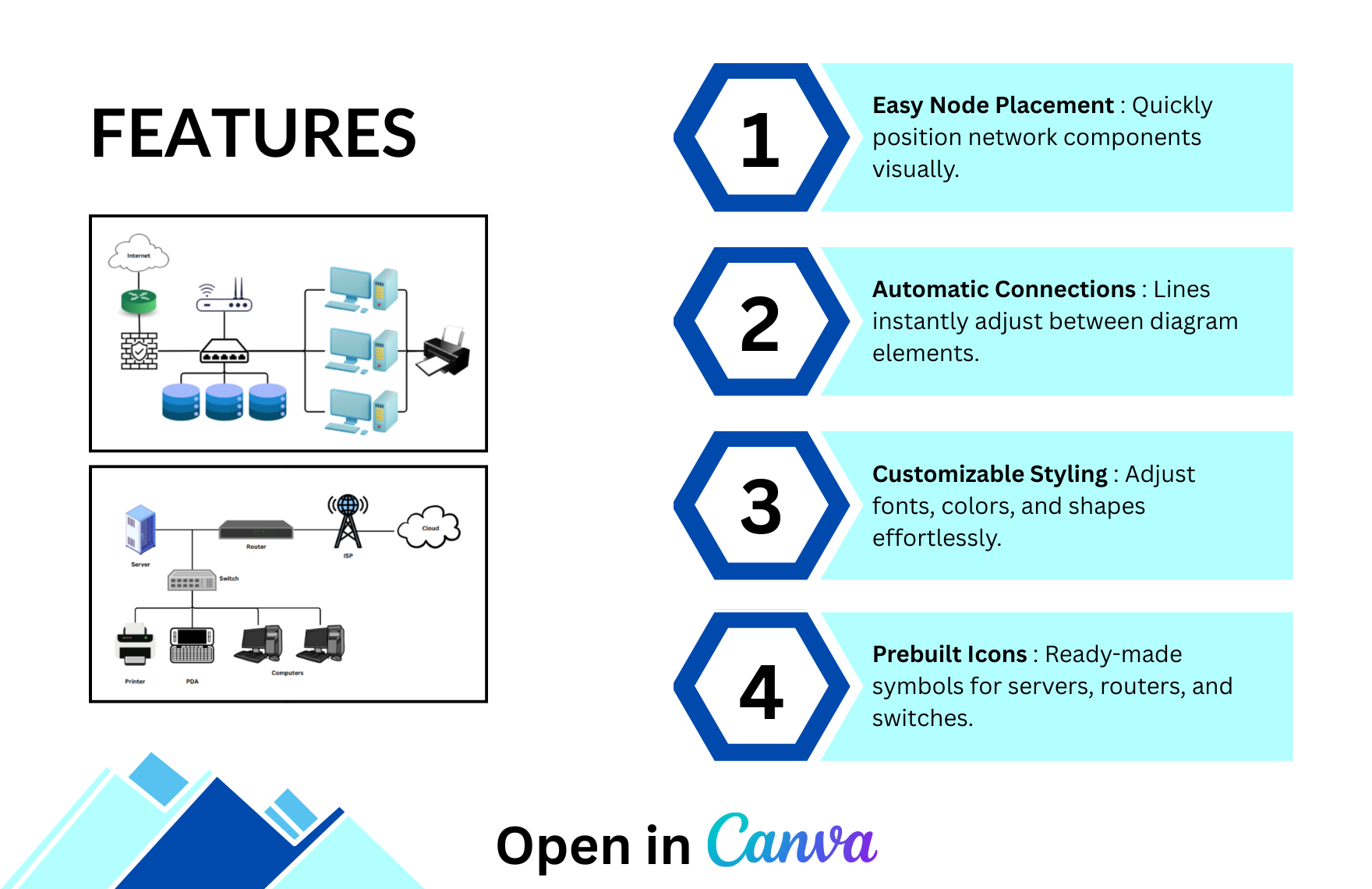
- Visualize IT Infrastructures – Map routers, servers, and network paths with precision.
- bAdd and update components quickly using Canva’s intuitive interface.
- Great for Planning & Audits – Perfect for network layout, planning, or troubleshooting.
- Team Collaboration – Collaborate with IT teams and security experts in real time.
- Professional Output – Export and share high-quality files in multiple formats.
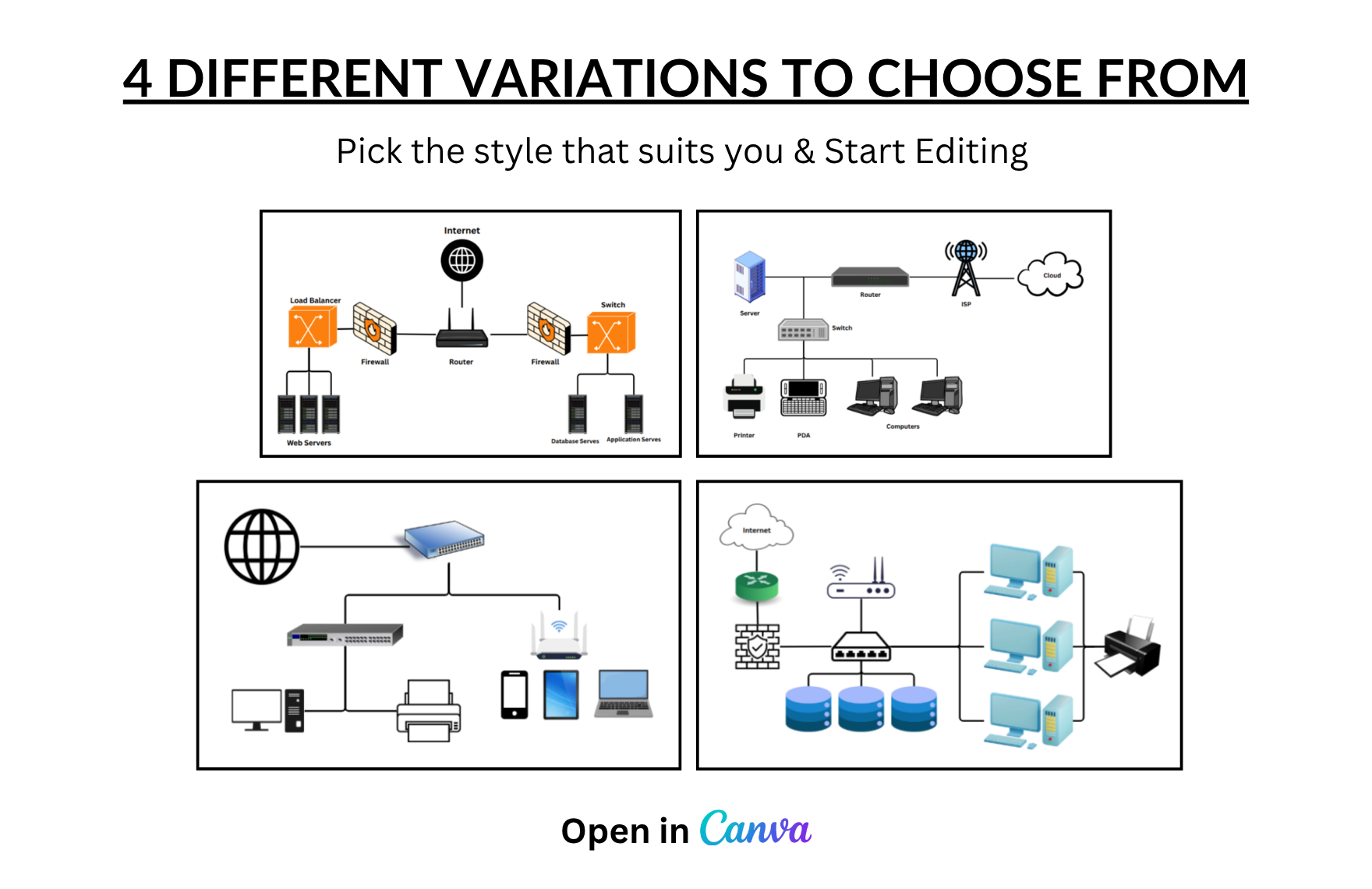
4 Network Diagram Layouts Structures to Simplify Choices
1. Enterprise Network Topology
Illustrates a secure corporate setup with firewalls, routers, load balancers, and dedicated servers. Ideal for explaining high-level IT infrastructure.
2. Basic LAN Configuration
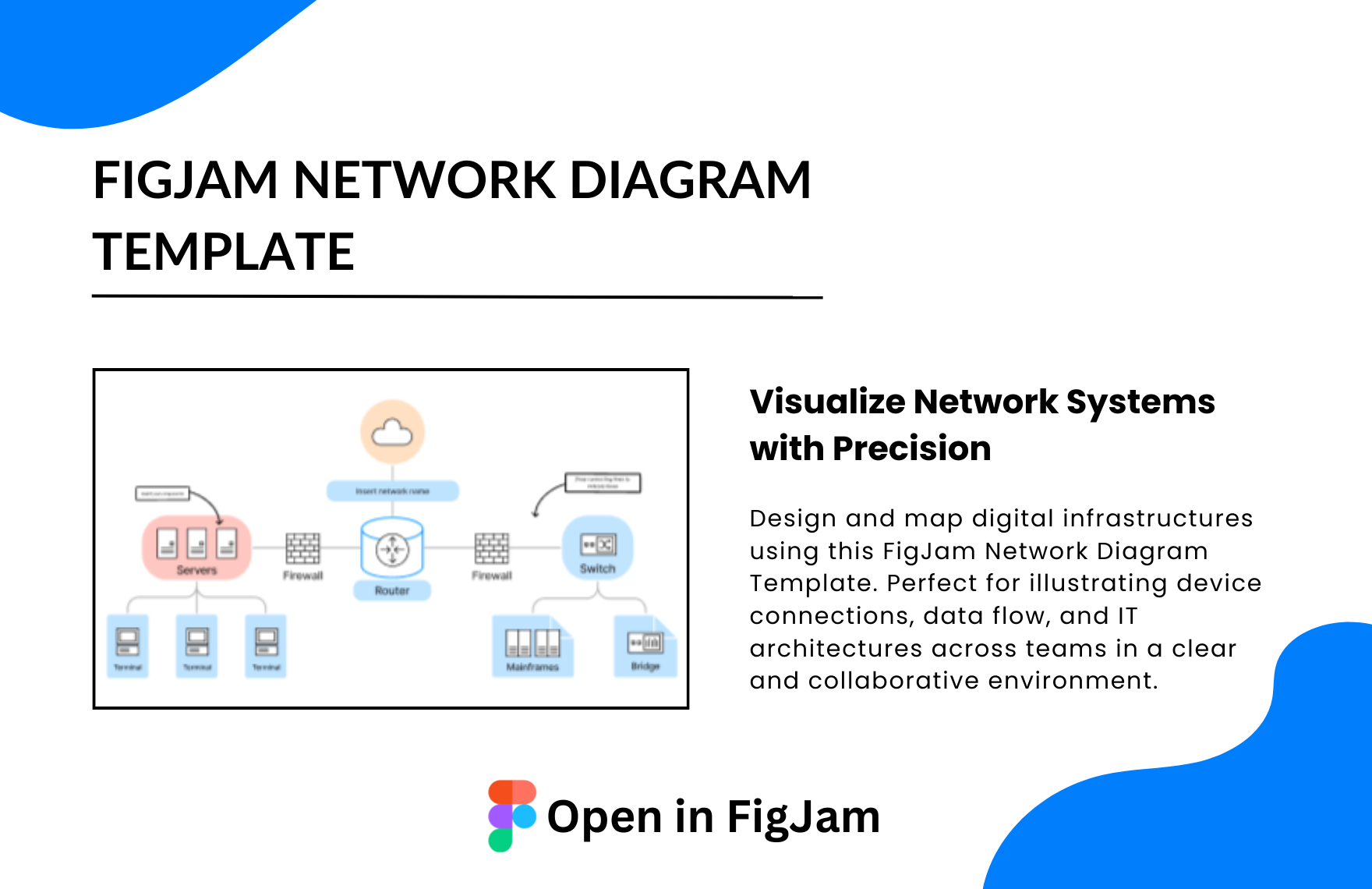
Shows how a local server connects with routers, switches, cloud, and client devices like printers and computers. Great for small business networks.
3. Office Network Infrastructure
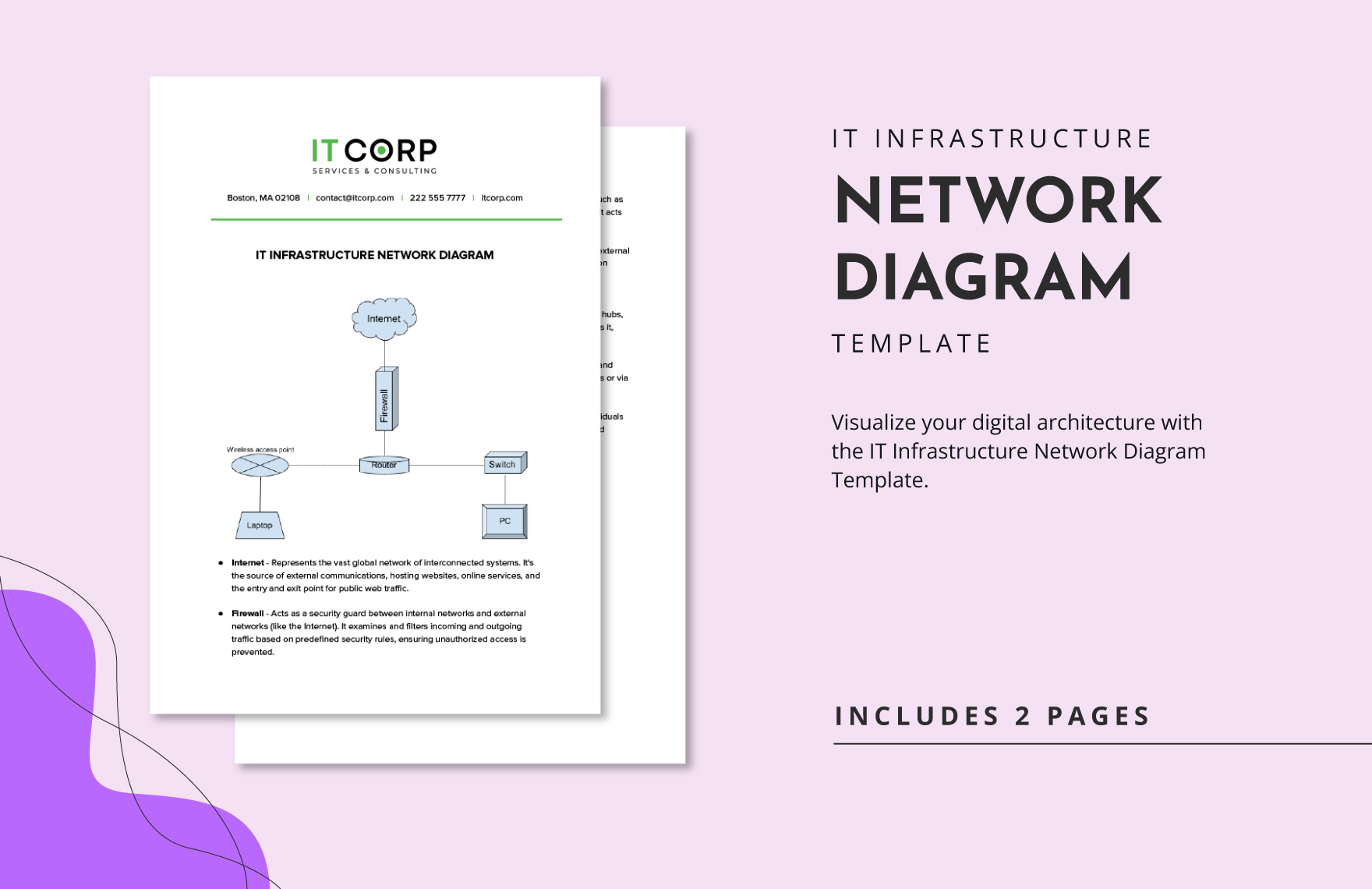
Detailed layout from the internet to internal systems—covering firewalls, routers, databases, PCs, and printers—perfect for operations or IT manuals.
4. Hybrid Connectivity Map
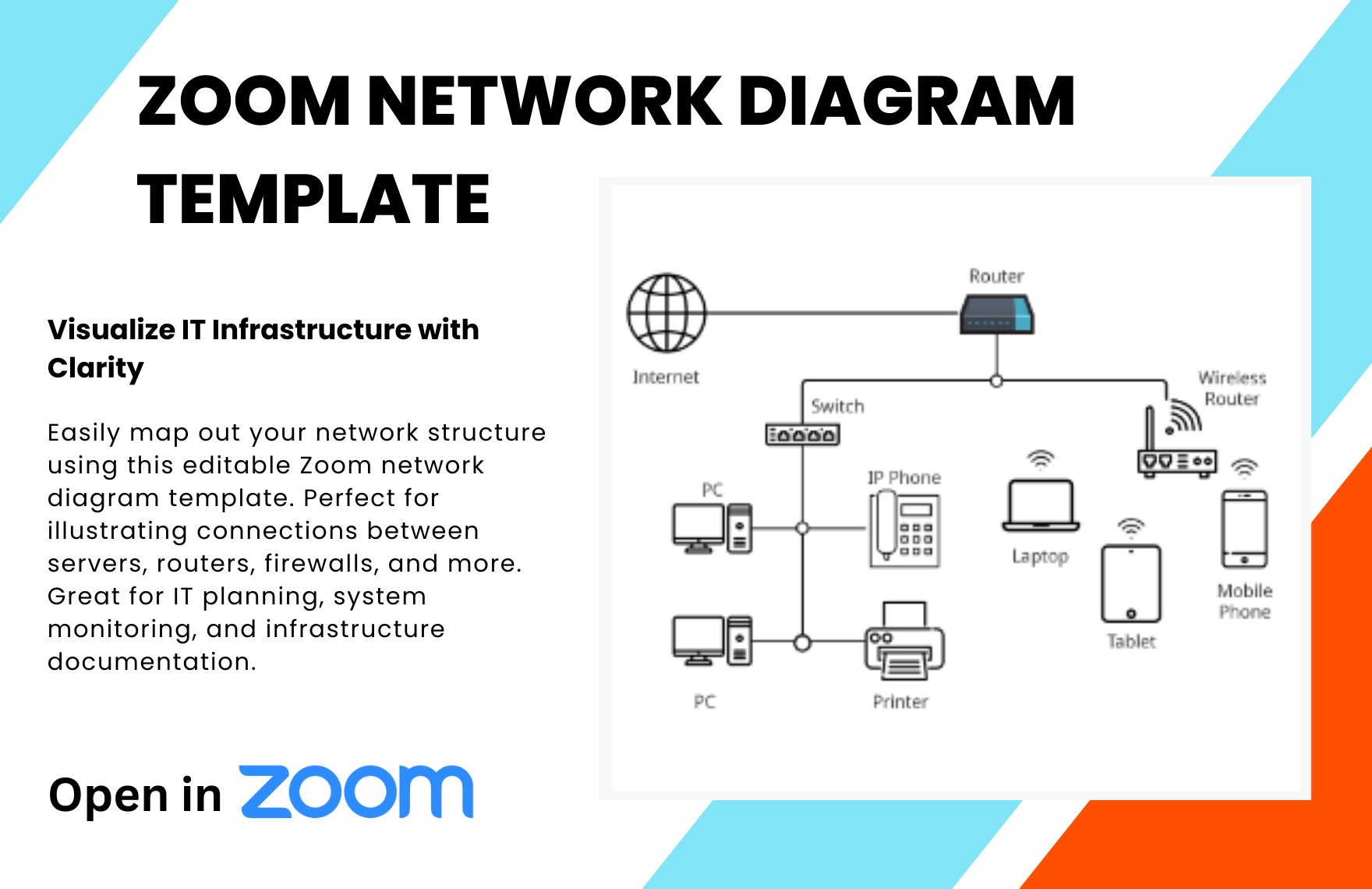
Combines wired and wireless elements including laptops, phones, switches, and internet gateways. Use it for cloud-based or remote access setups.
Ideal Scenarios for These Templates
- Designing small office or enterprise network infrastructures
- Planning home automation or IoT device layouts
- Visualizing cloud architecture and server connections
- Troubleshooting IT setups with clear network flow
- Training new IT staff on system structure
Integration with Canva
-
Tech-Specific Icons – Use standard symbols for routers, switches, and cloud services.
-
Custom Path Editing – Visualize LAN, WAN, or VPN routes with editable lines.
-
Live Collaboration with IT Teams – Map networks while getting team input.
-
Export for Audits & Reports – Generate clear visuals for presentations or reviews.
You may also like