
Free Book Label Templates





Book Label Templates: Definition, Uses, Sizes, and Formats

What is a Book Label?
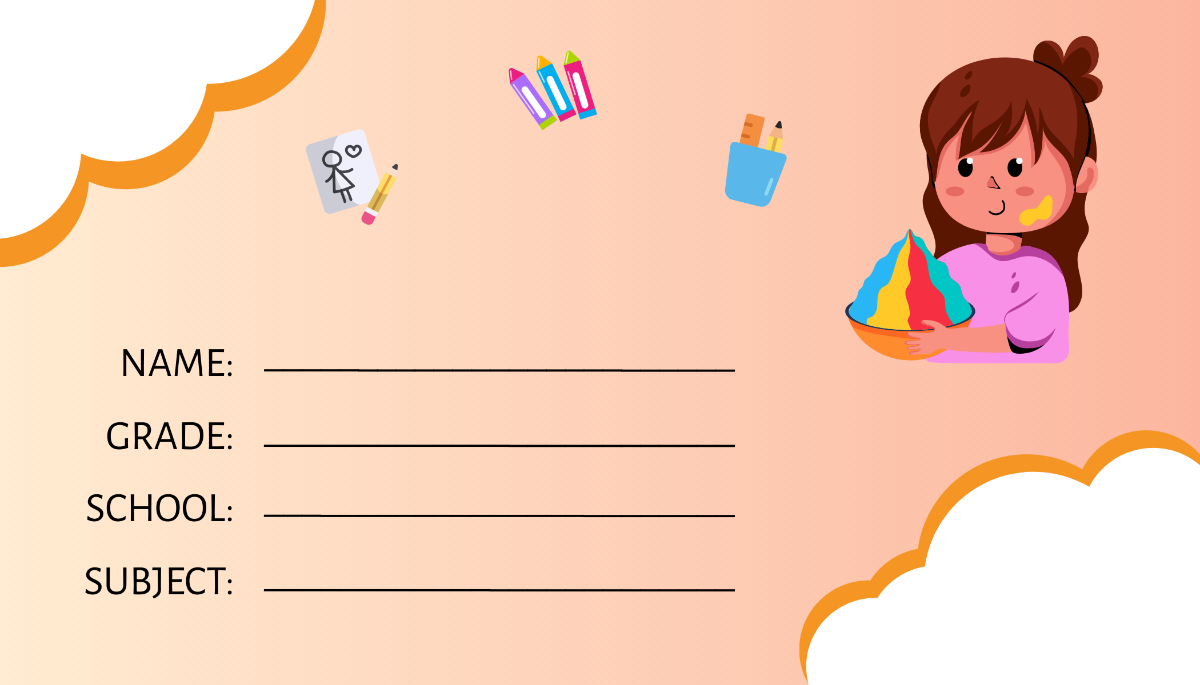
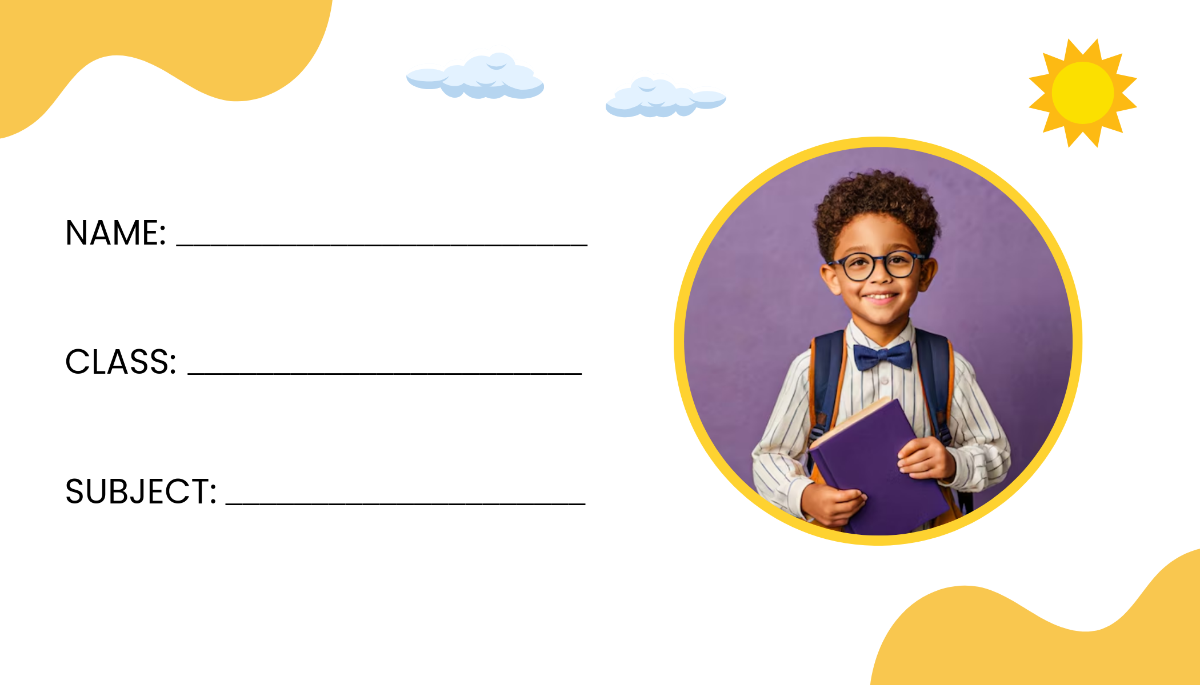
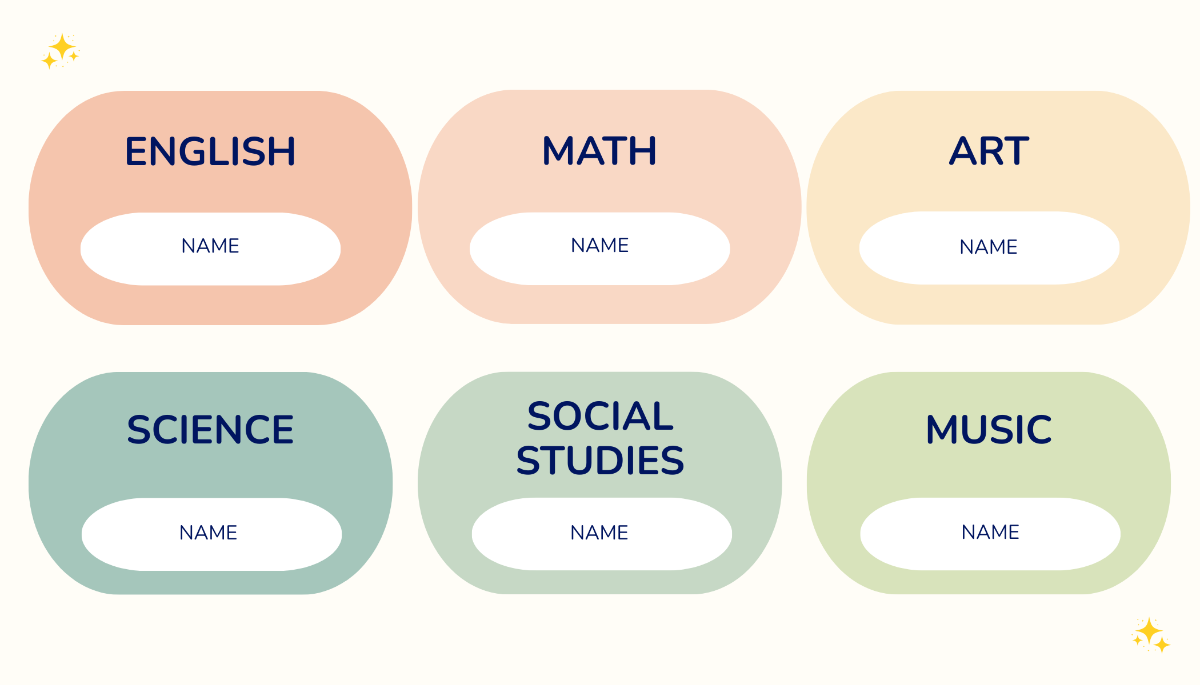
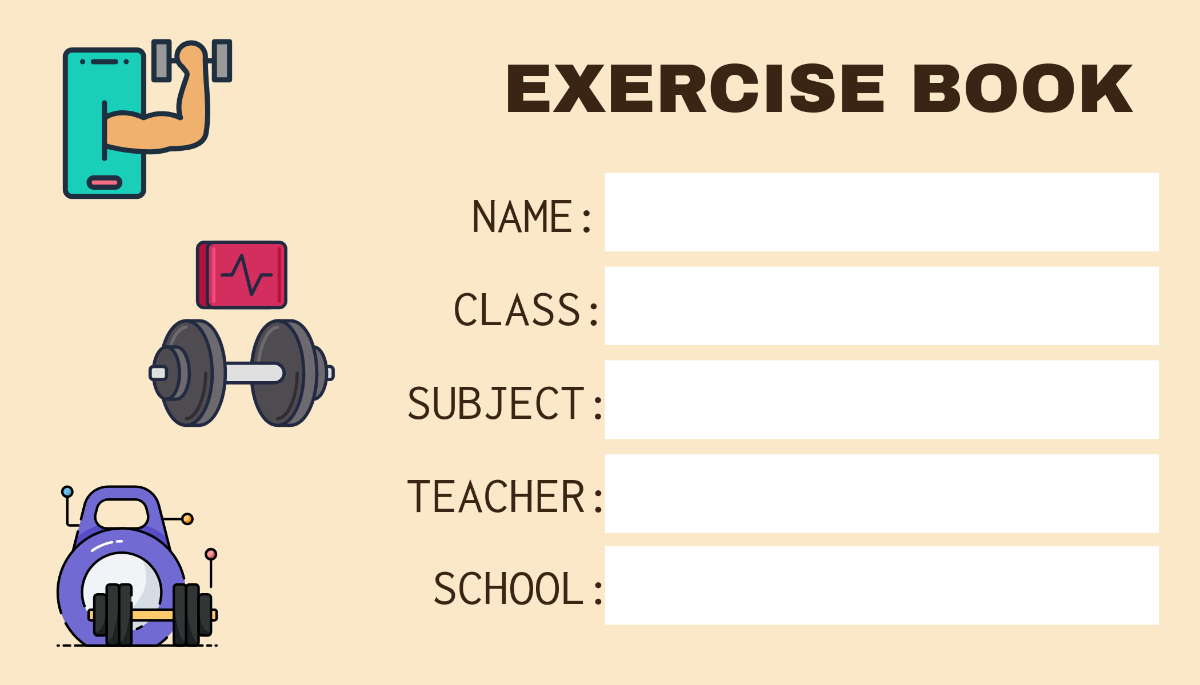
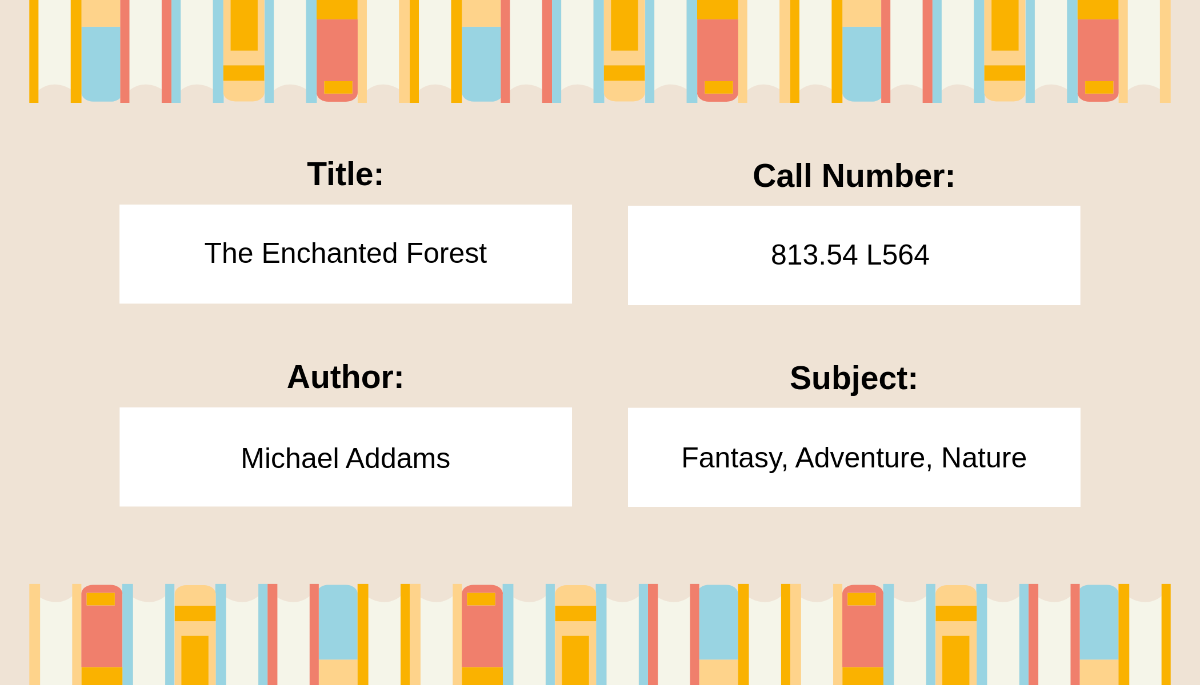
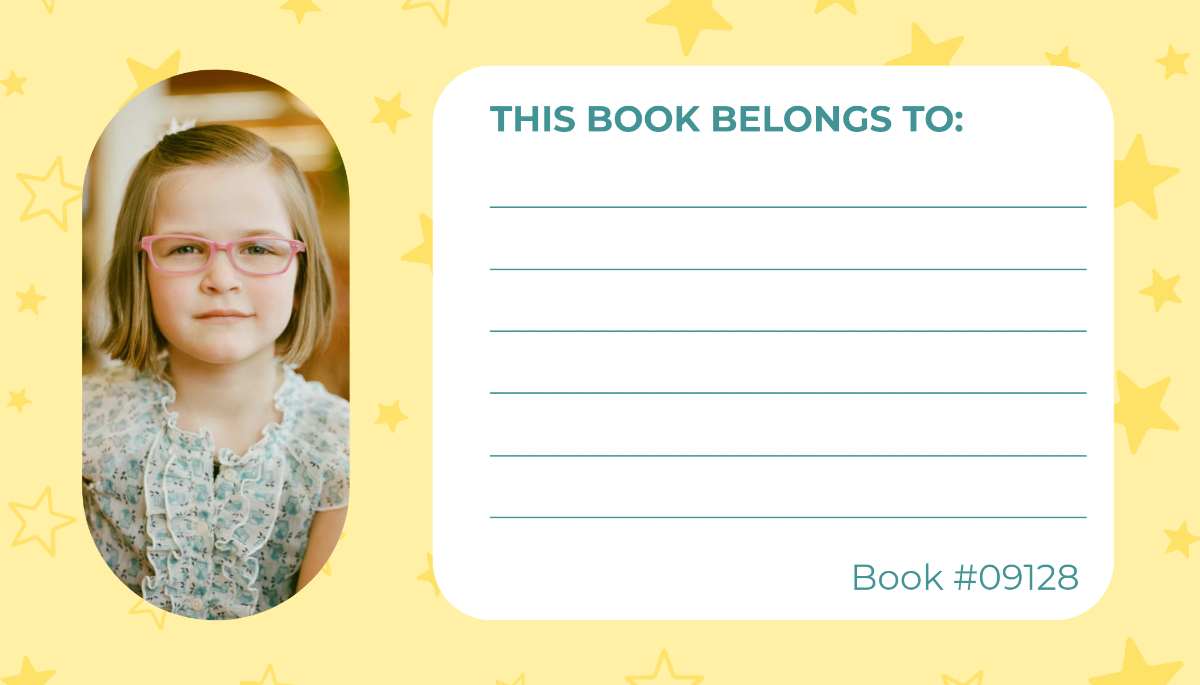
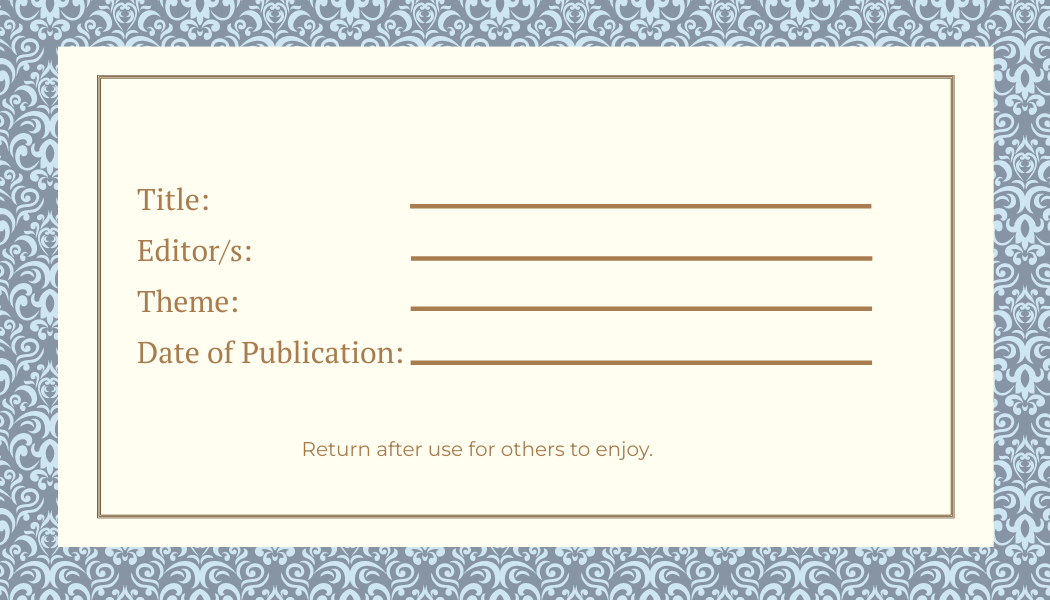
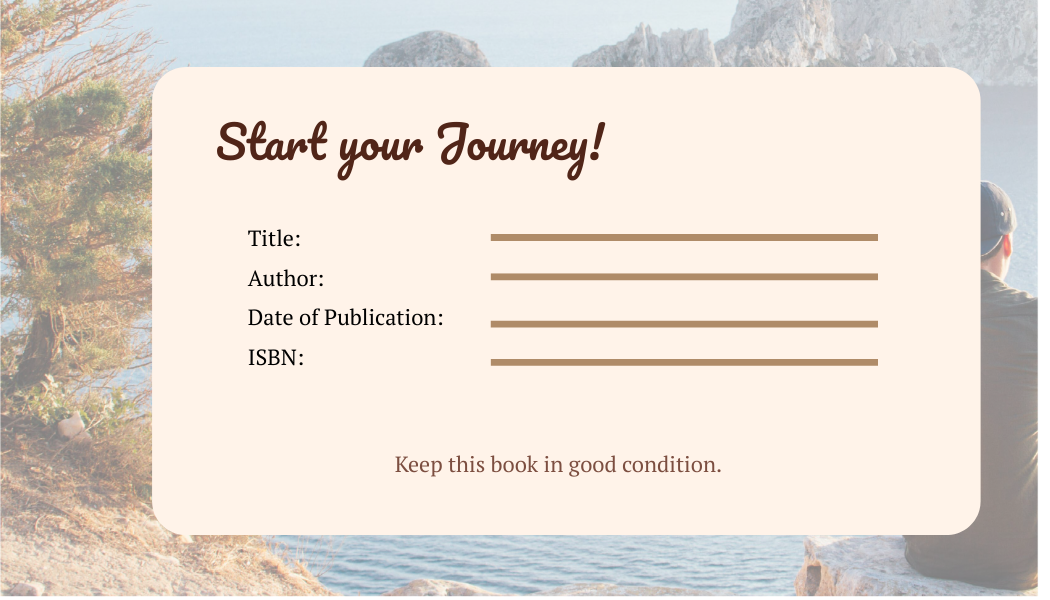
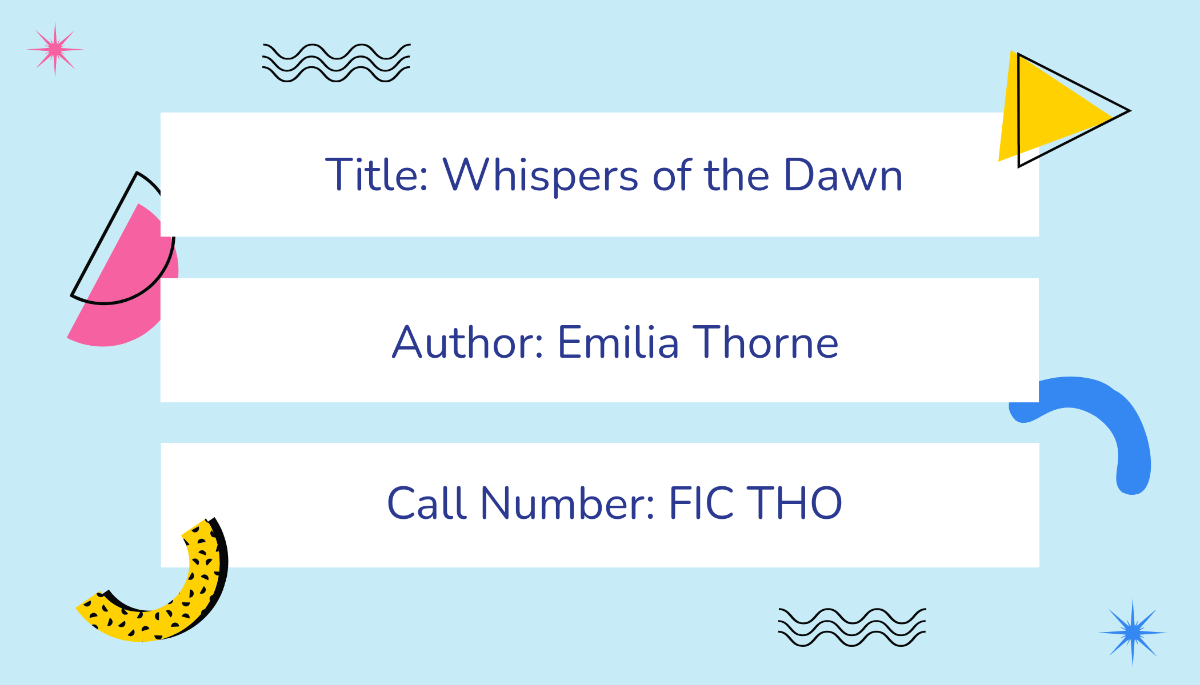
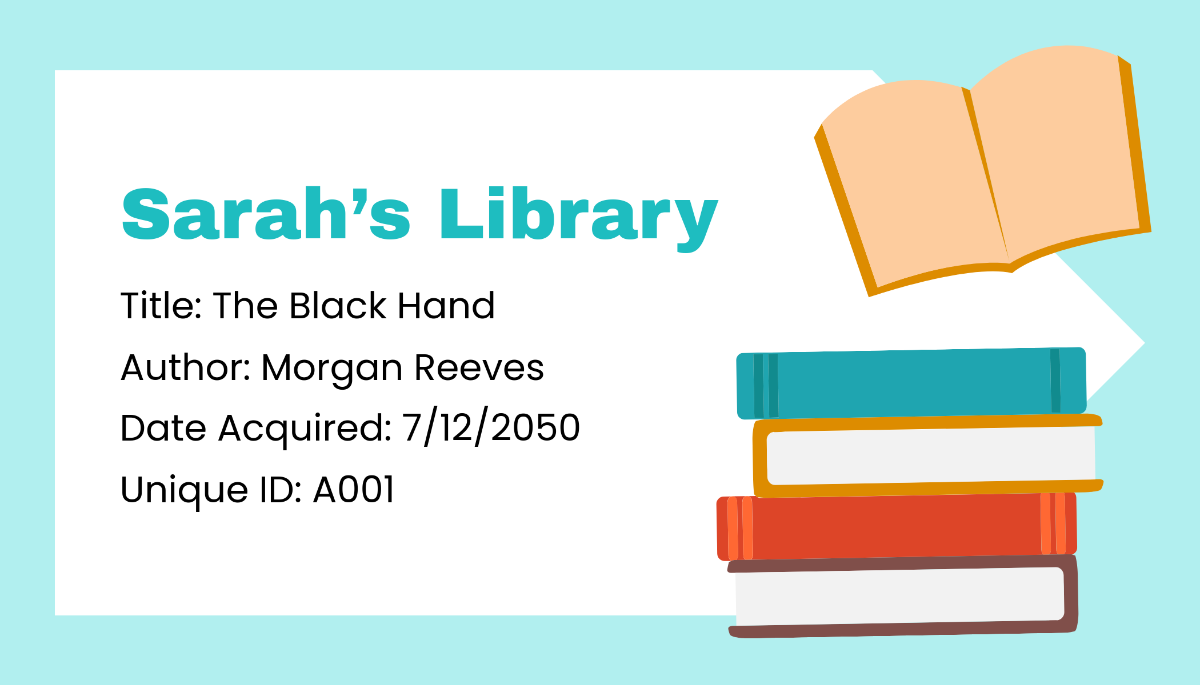
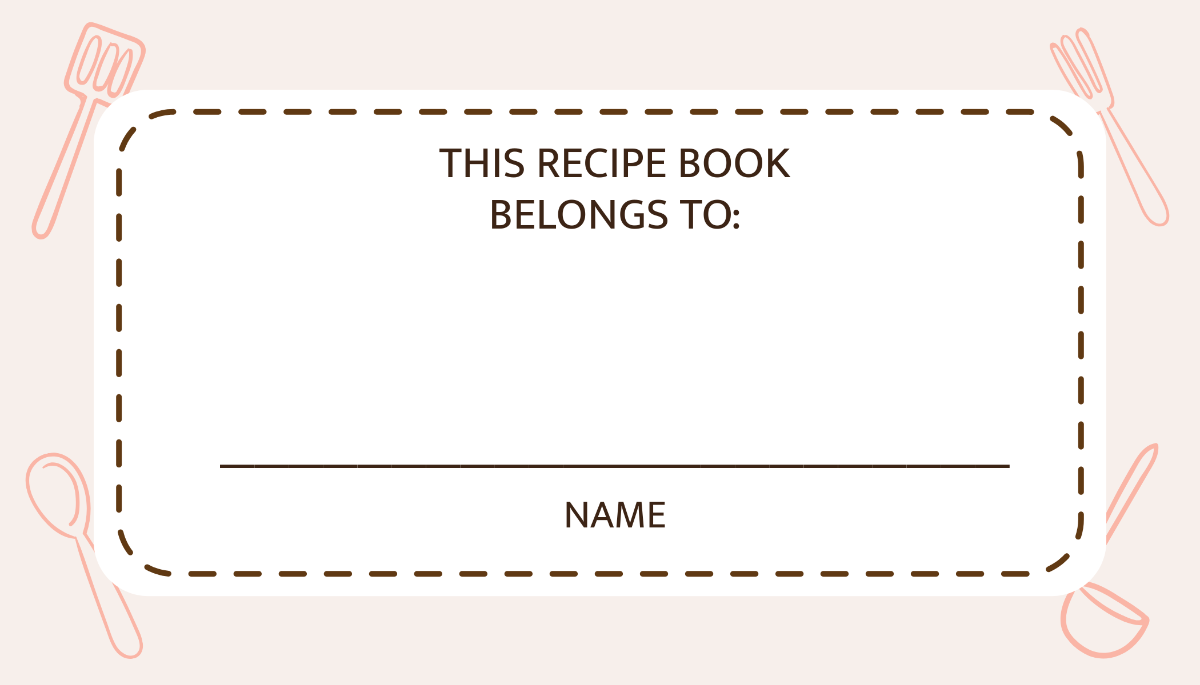
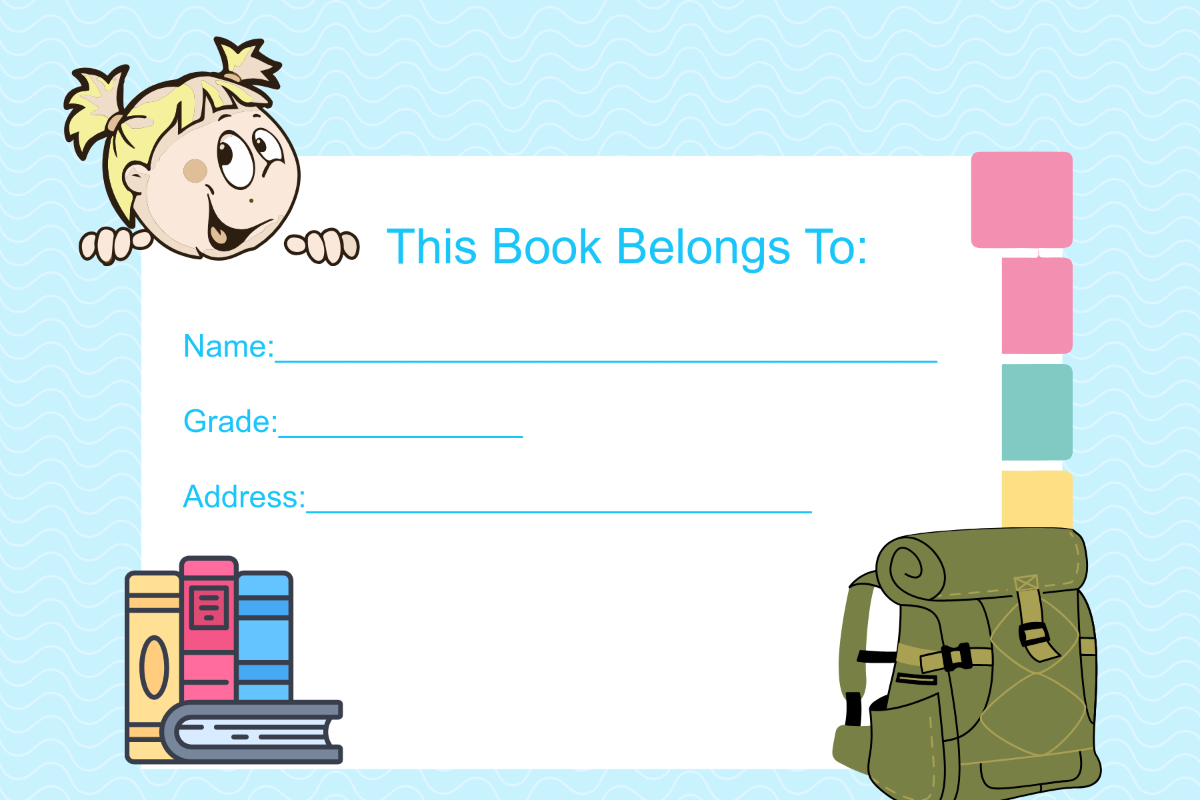
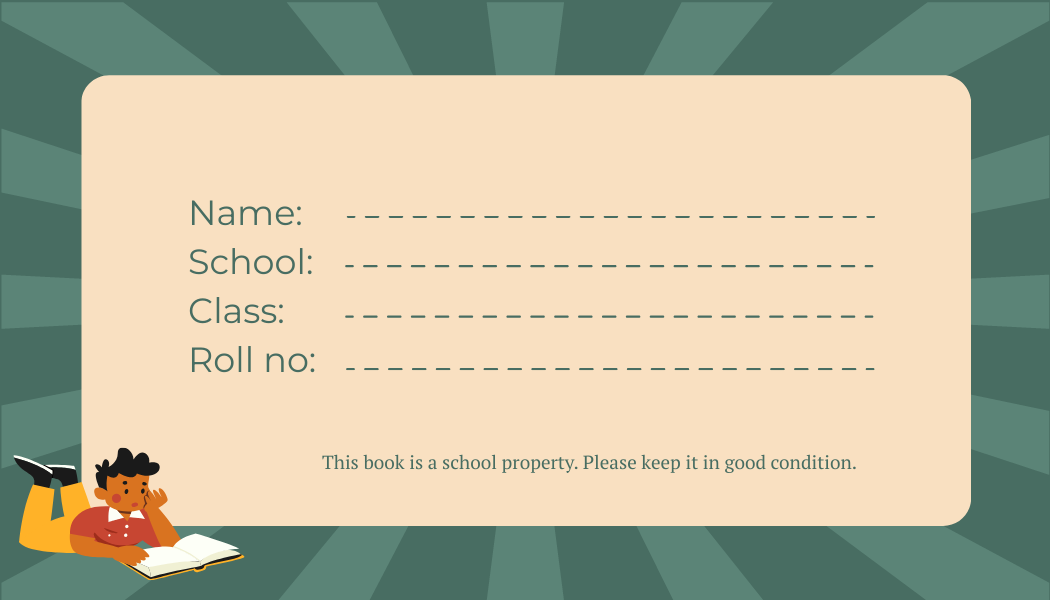
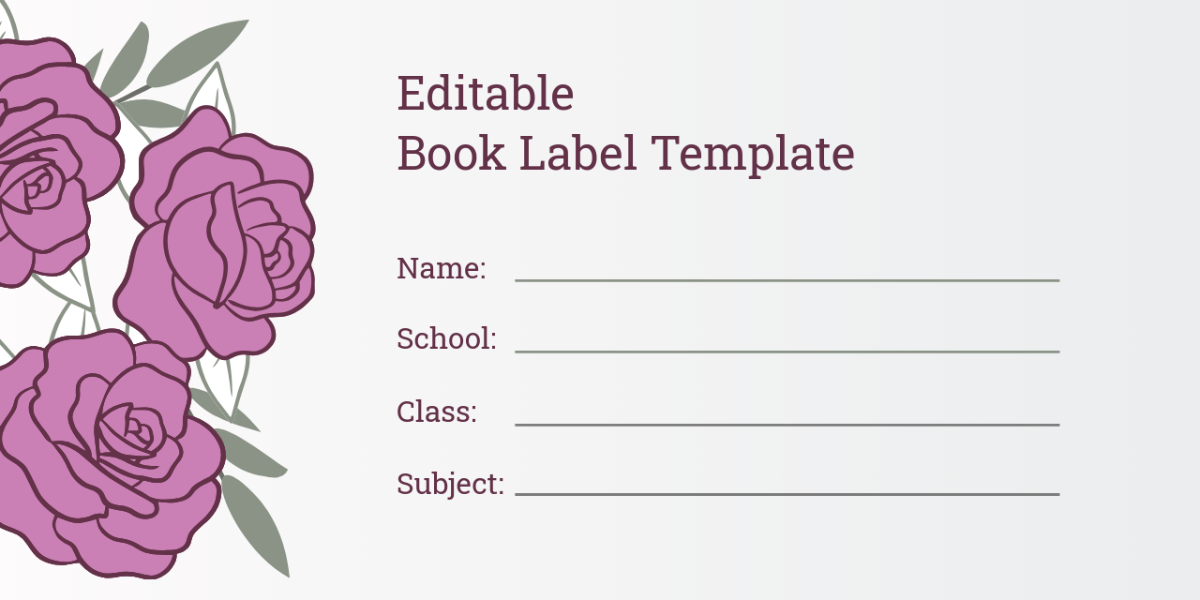
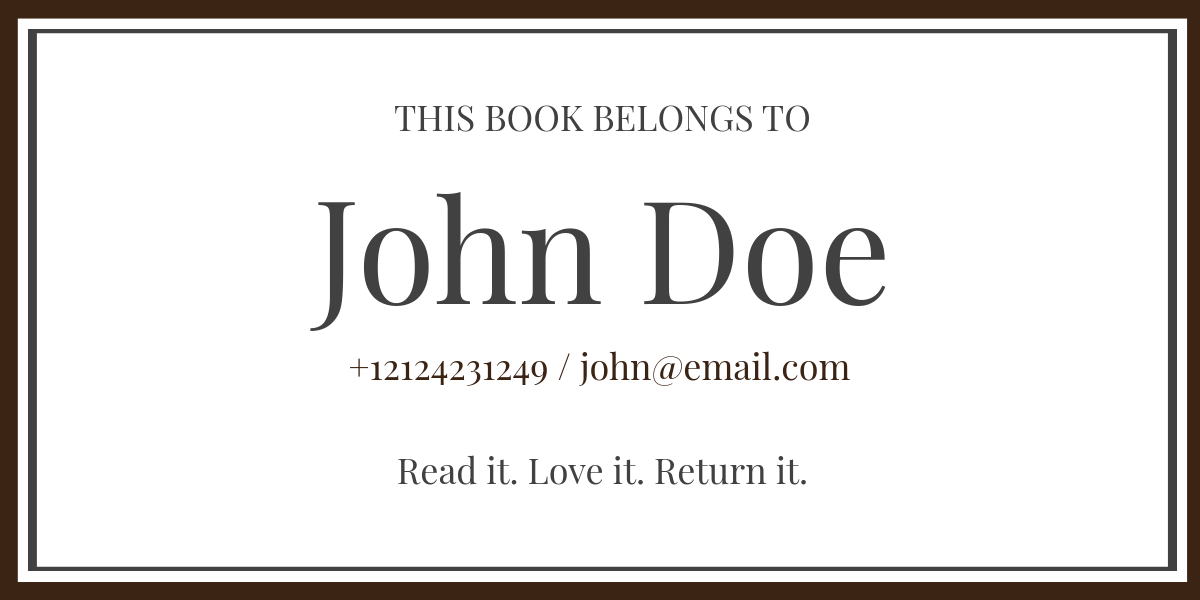
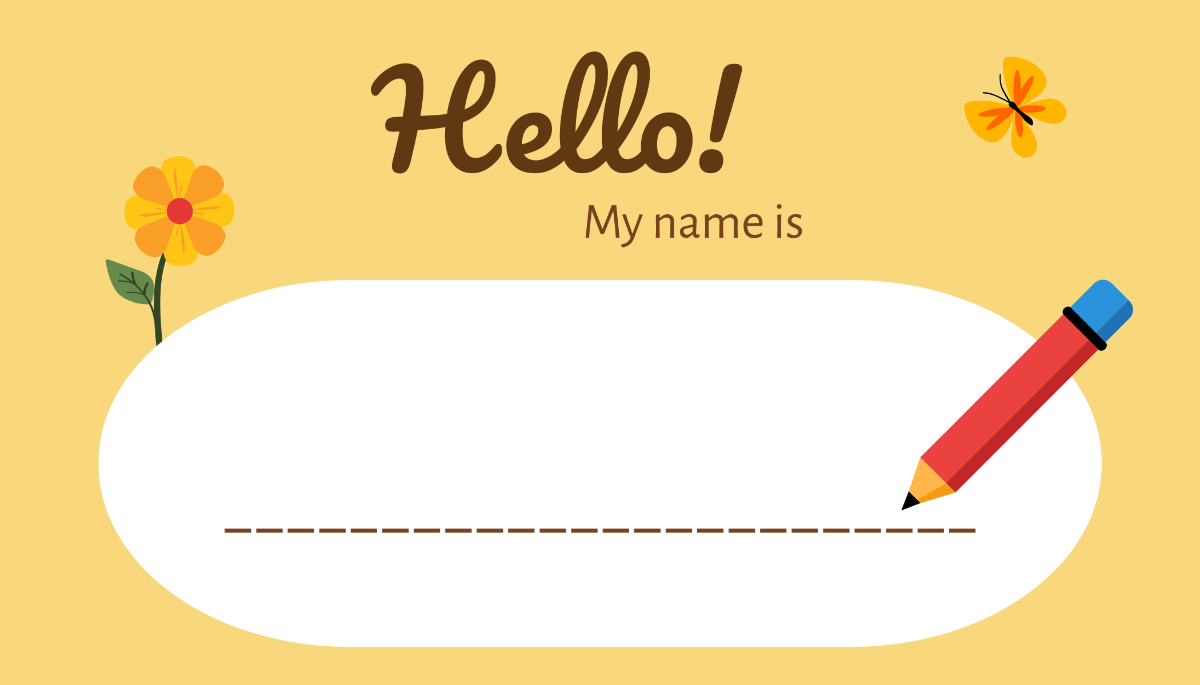
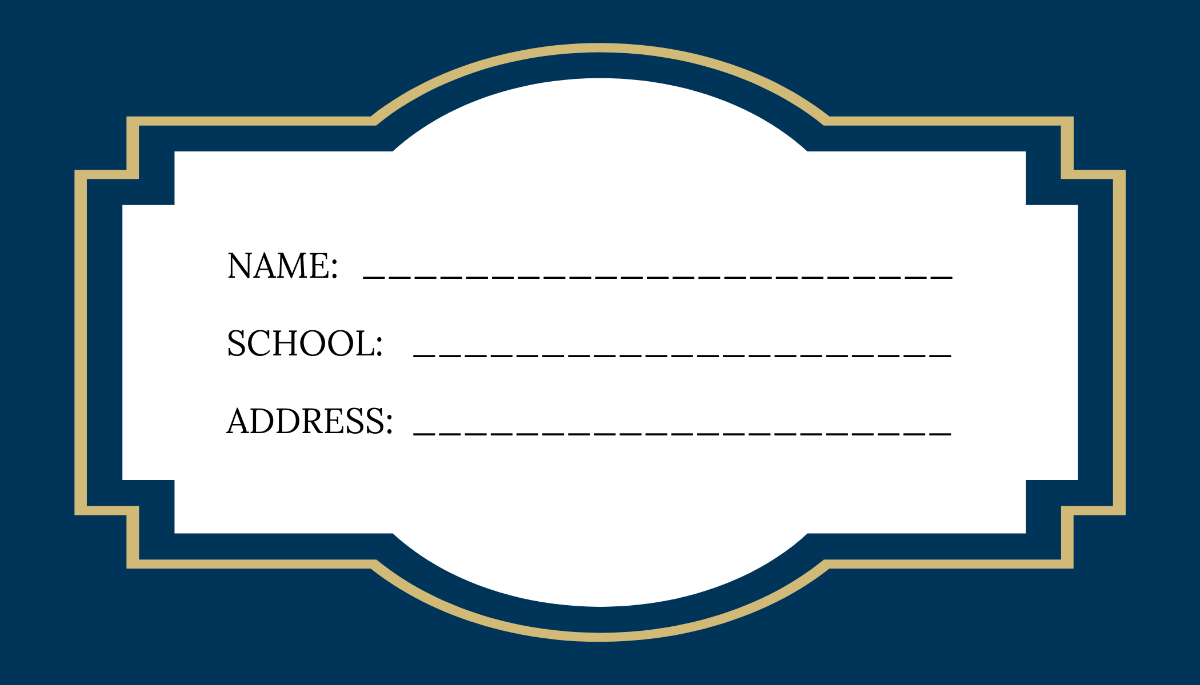
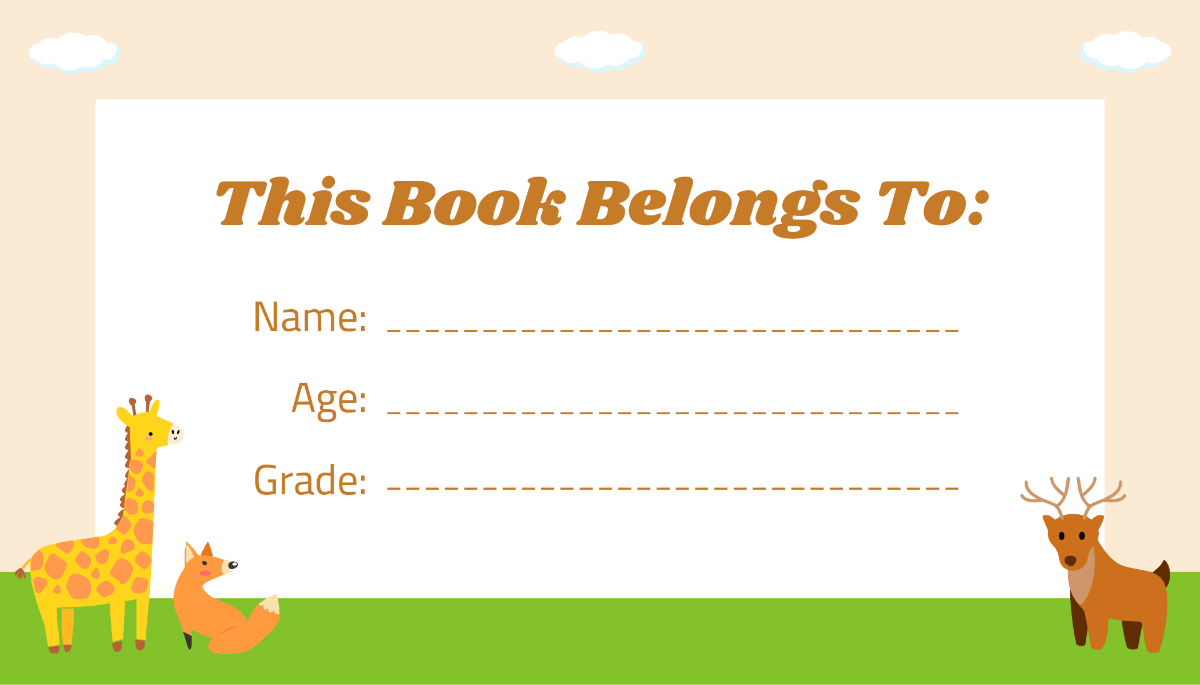
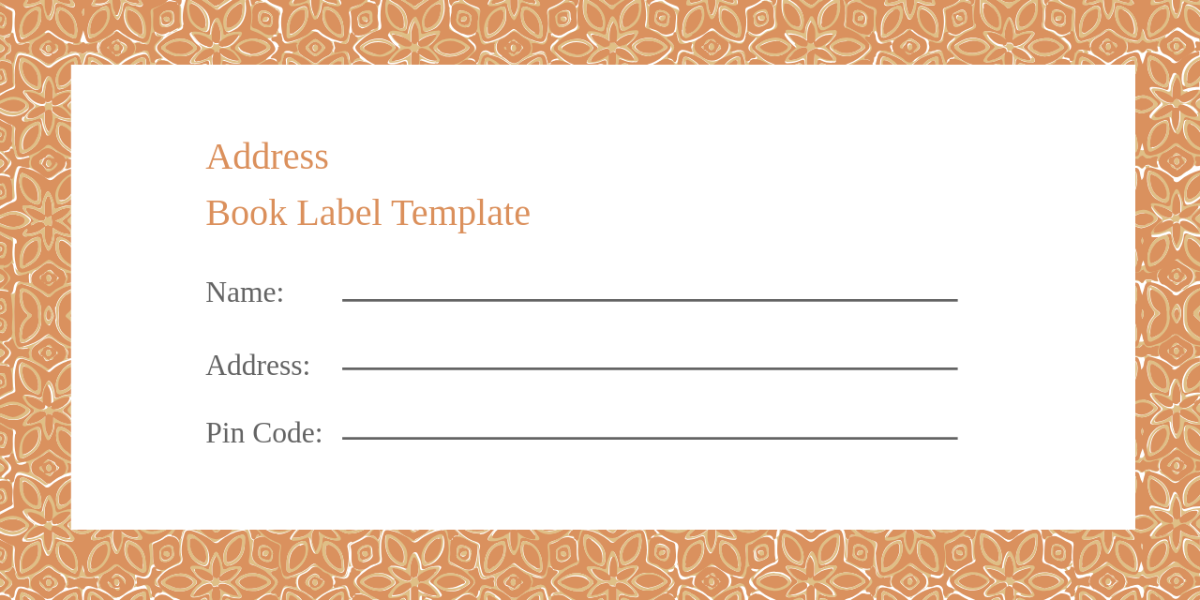
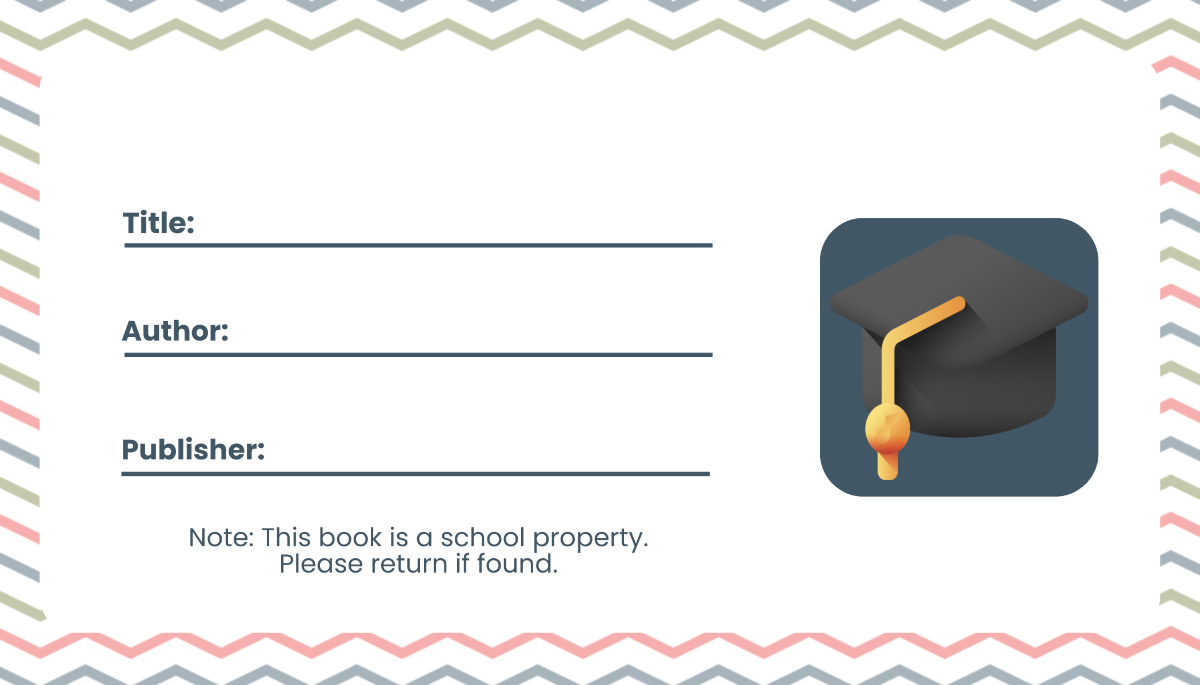
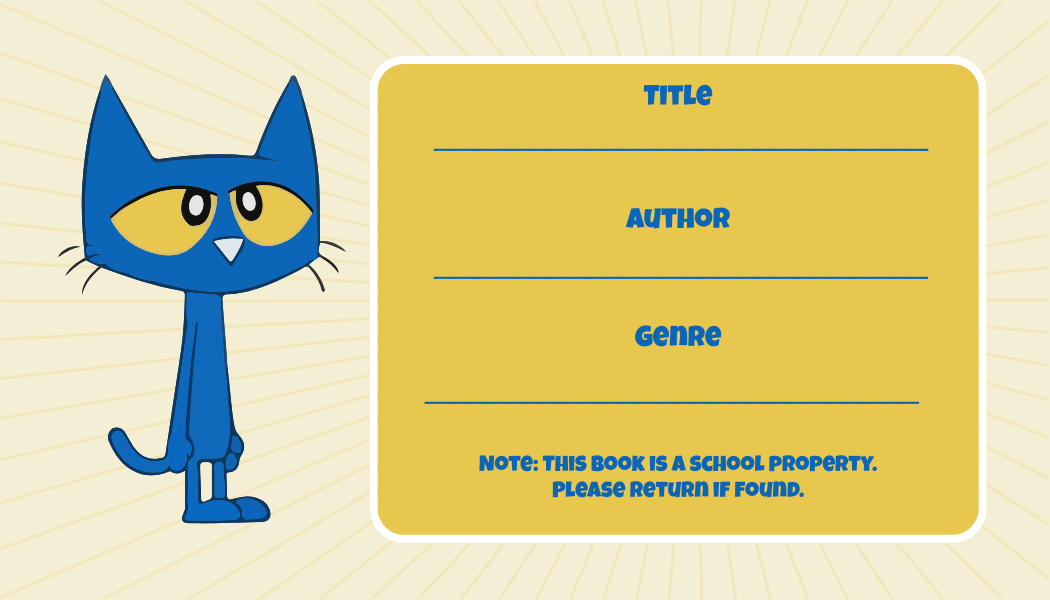
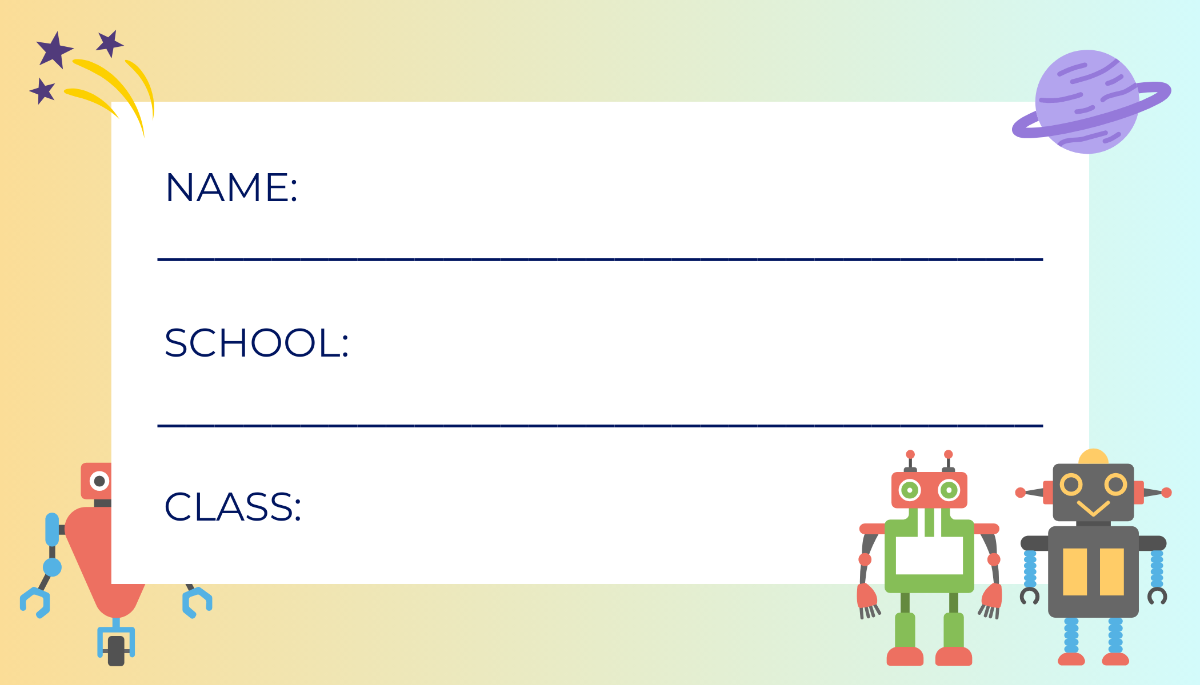
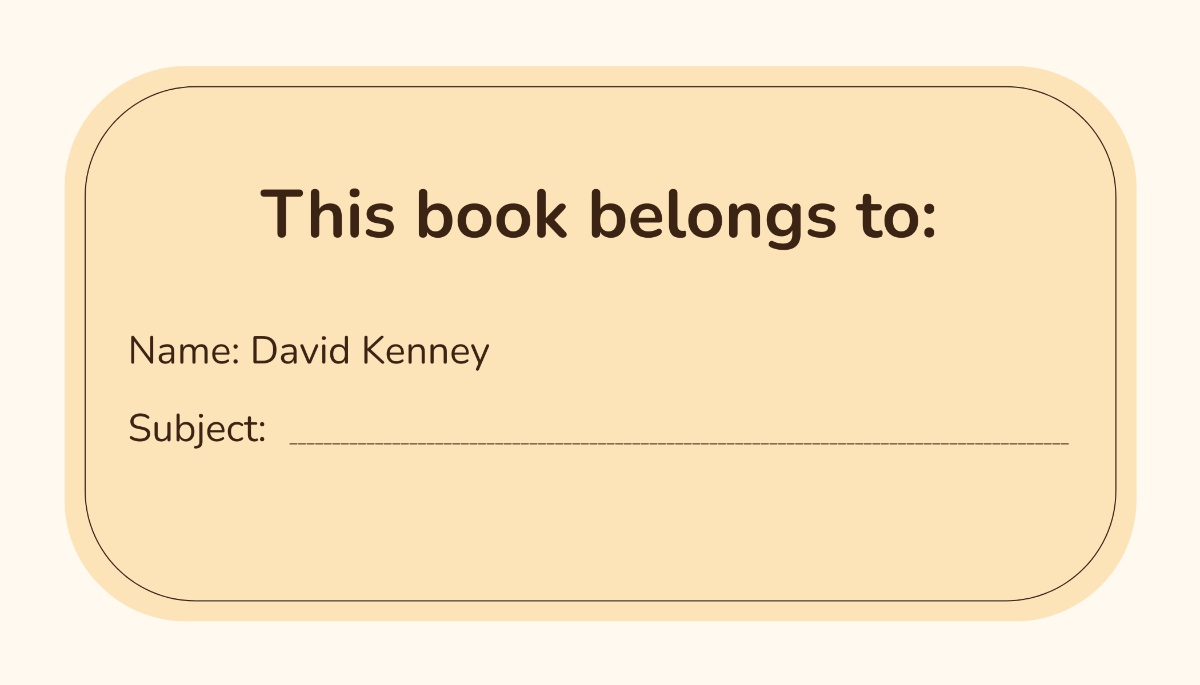
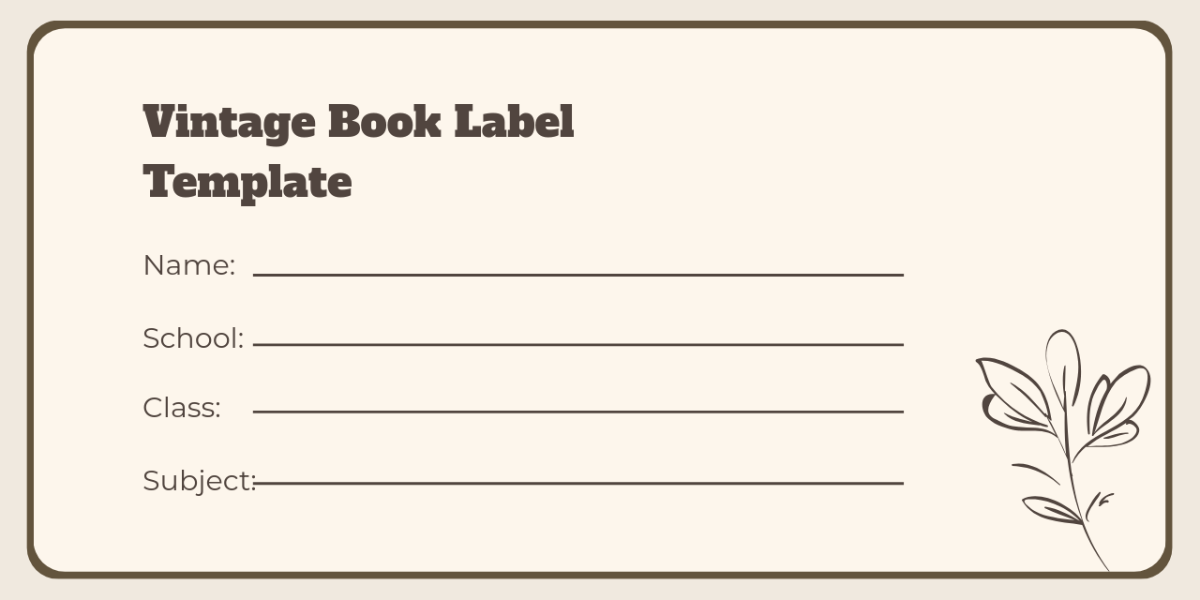
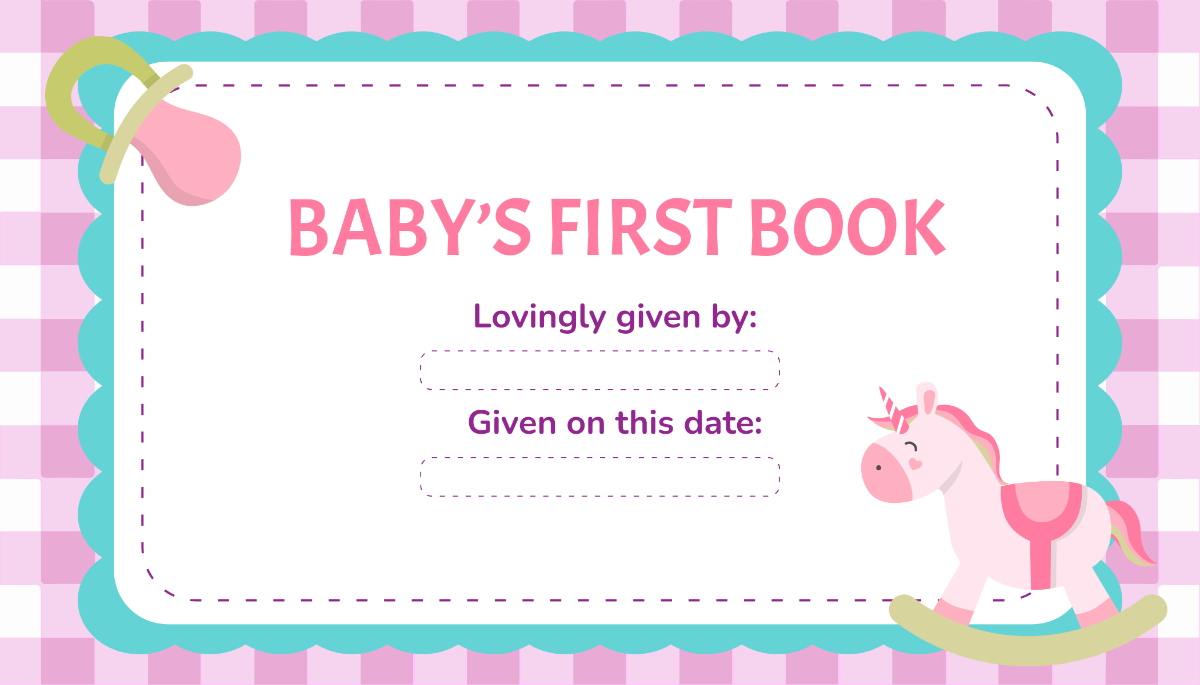
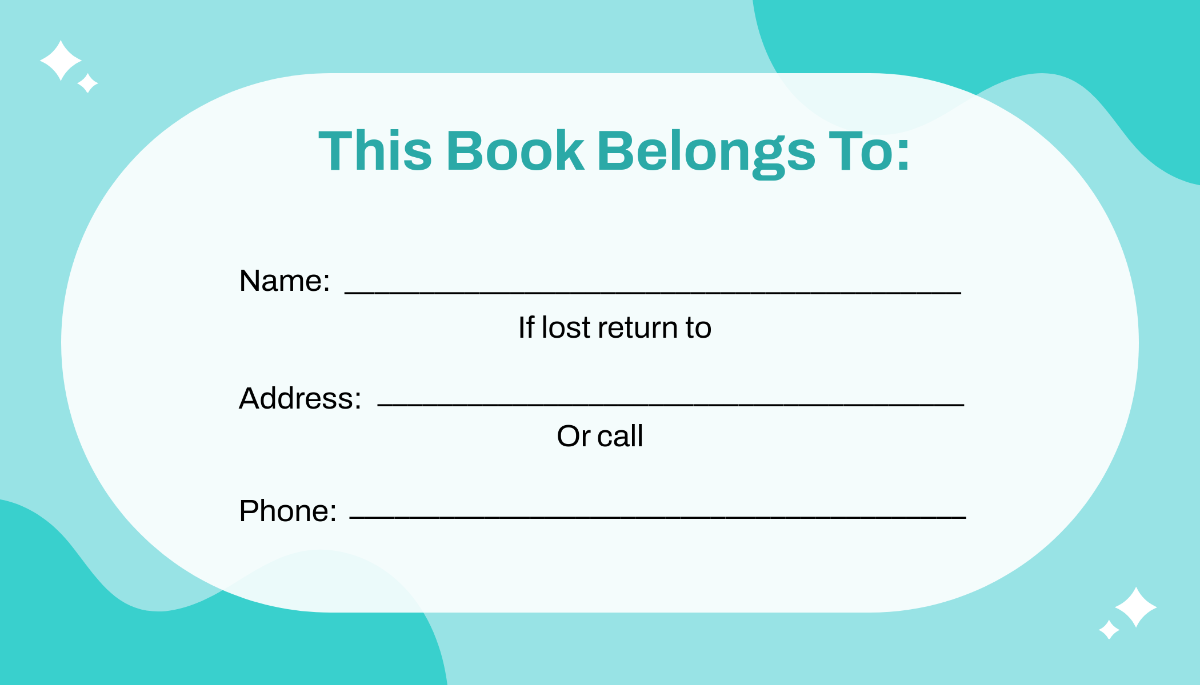
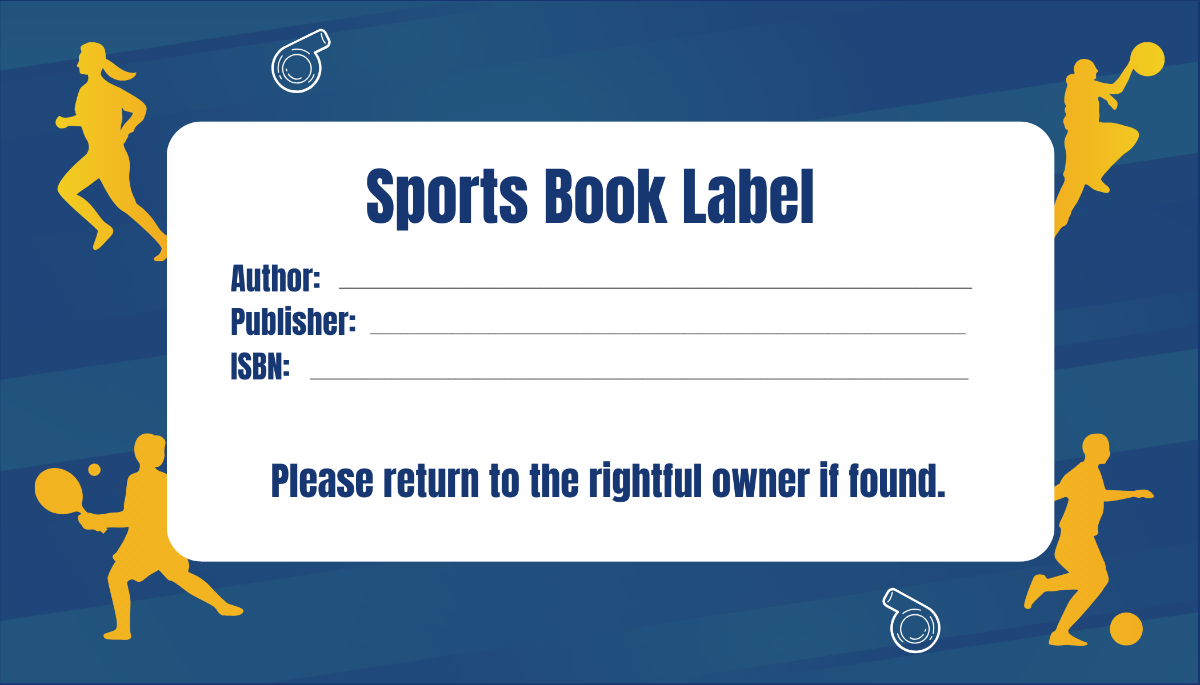
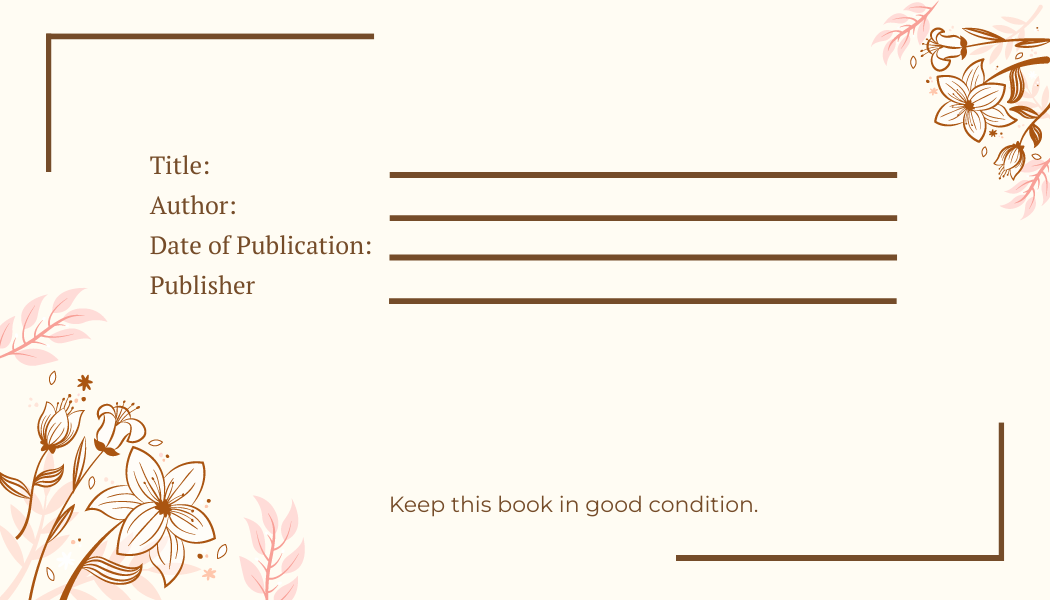
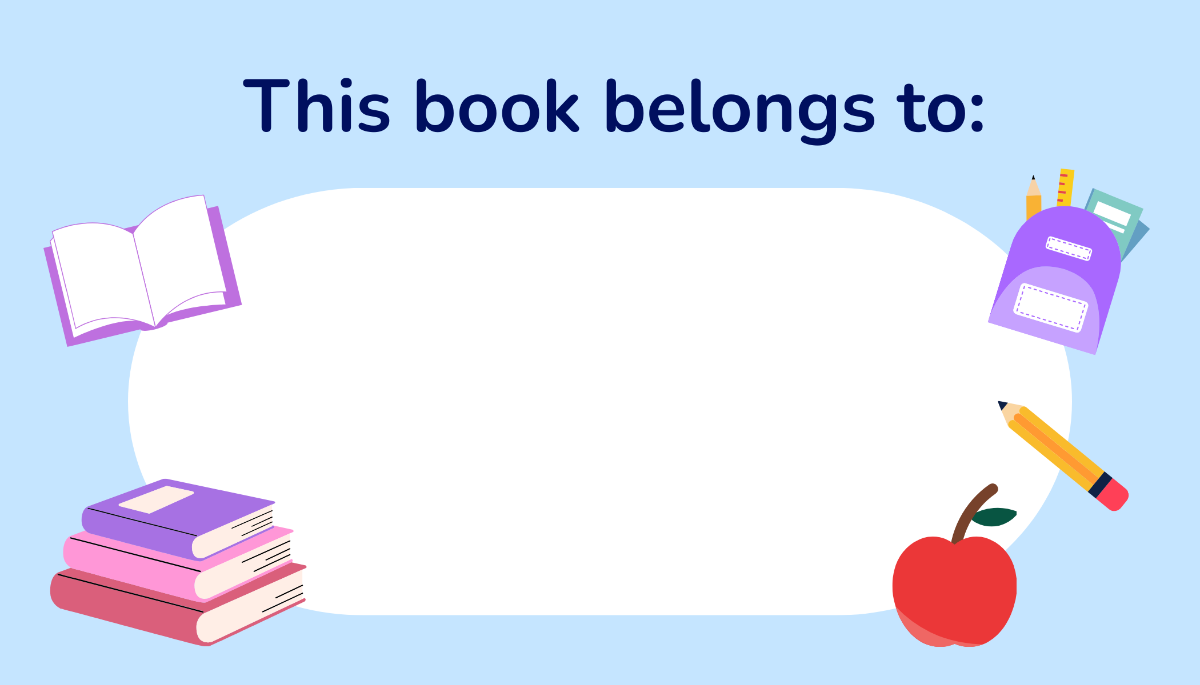
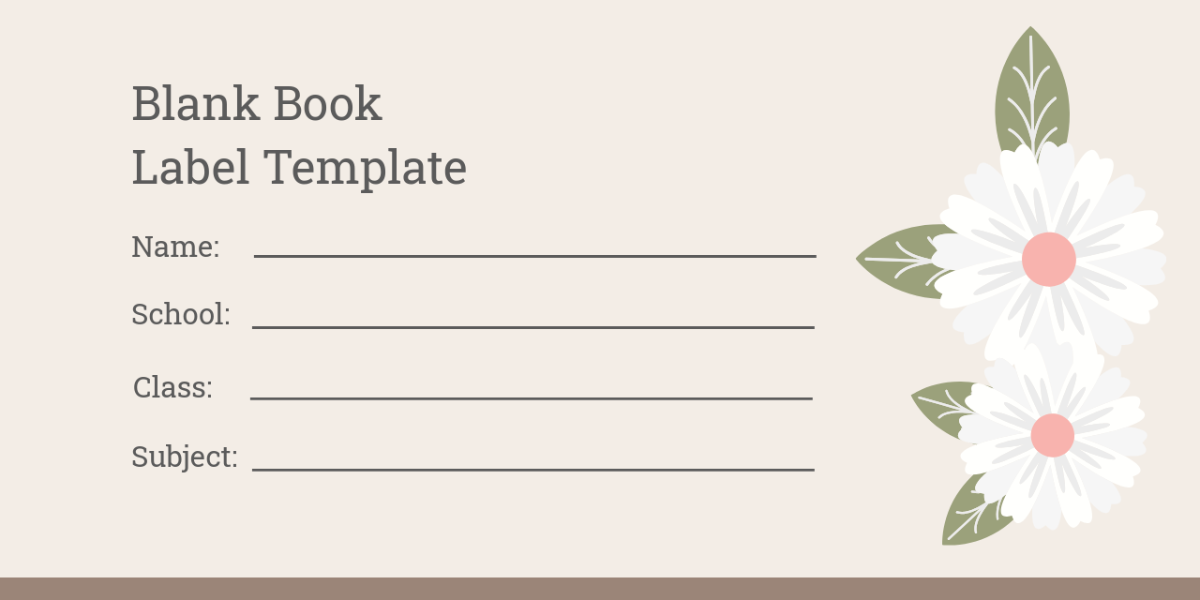
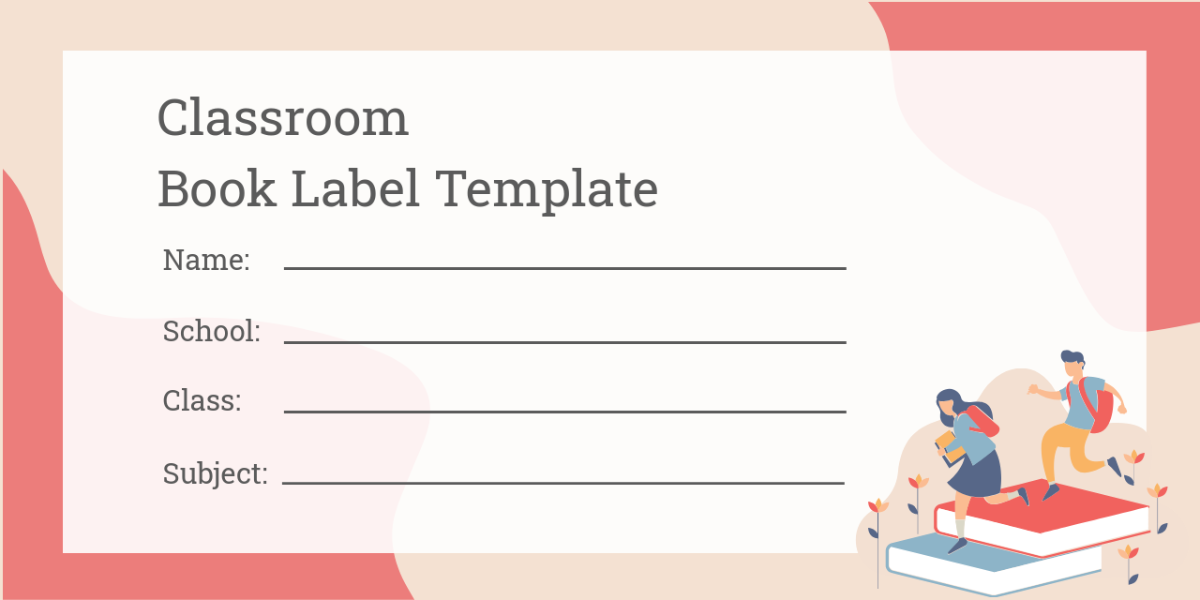
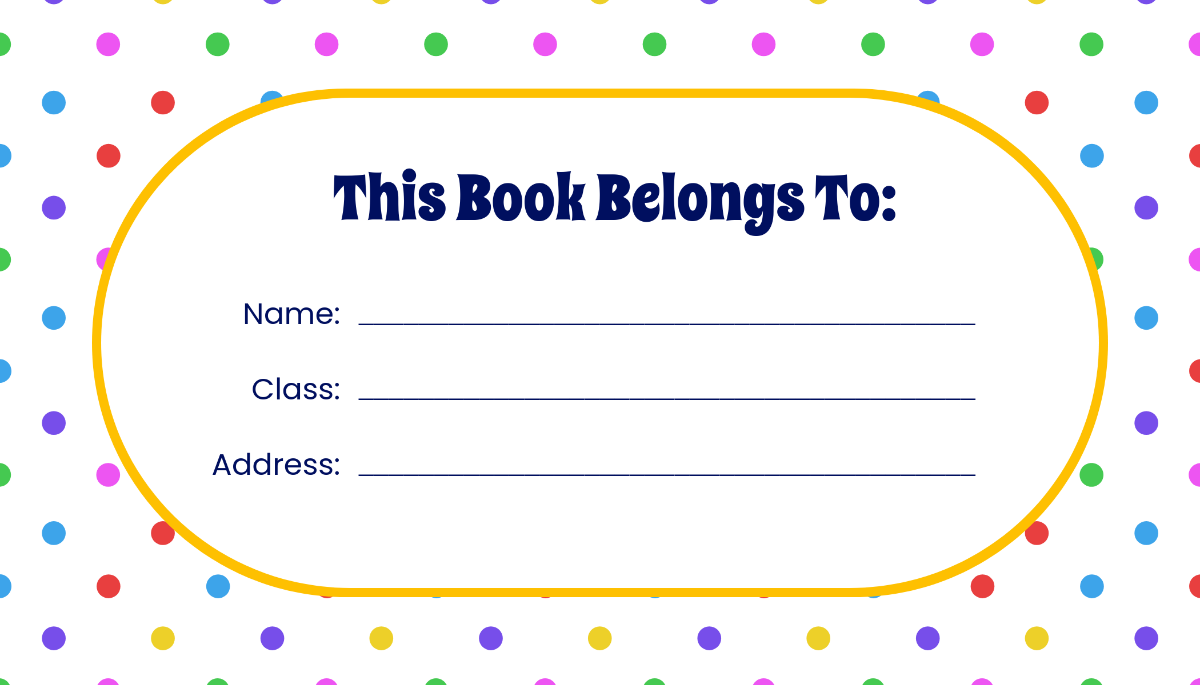
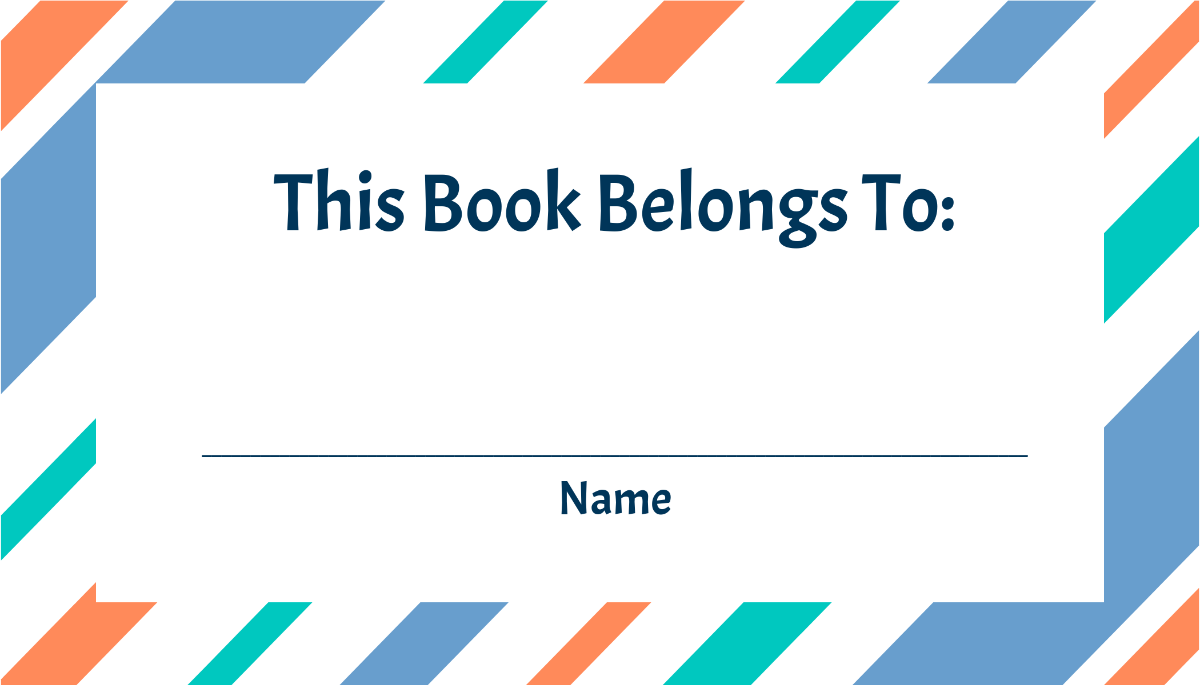
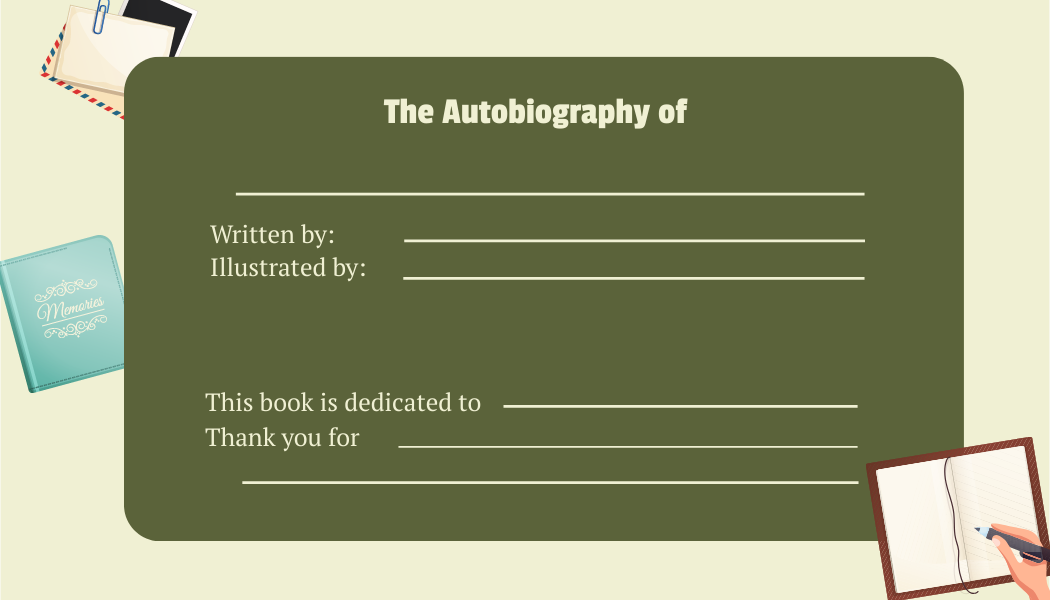
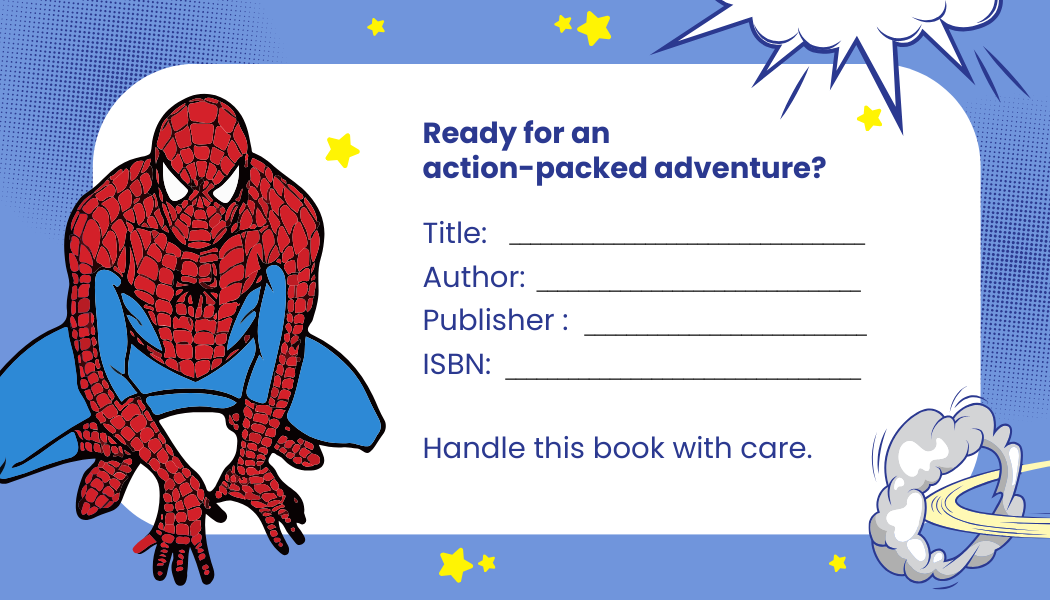
A book label is a pre-designed template used to identify, classify, or brand books through editable text areas and graphics. Book label templates offer layered design customization allowing users to personalize details like headlines and images to suit organizational or branding needs.

Why use a Book Label?
Using book labels helps maintain organized collections and enhances book identification with professional layouts. Book label templates from Template.net save time by allowing online editing and quick customization to produce consistent, high-quality labels suitable for libraries, schools, or personal collections.

Who typically uses Book Labels?
Book labels are typically used by librarians, educators, bookstores, and collectors who need to organize or brand books efficiently. Template.net's book label templates support these users with customizable online designs that streamline the creation of professional labels tailored to various organizational purposes.

What size should a Book Label be?
Book labels commonly range in size from 2 × 3 inches to 4 × 6 inches, depending on the book size and label purpose. Template.net provides ready-made templates in standard sizes that you can edit online to fit perfectly on book spines, covers, or inside pages with precise layout blocks.

What are the best tips for designing a Book Label?
Effective book label design includes a clear headline, visible images or graphics, and concise key information sections. Use Template.net's layered templates to customize layout blocks and editable text areas for clarity and visual appeal in your book label templates.

How do you print a Book Label?
Book labels can be printed using standard inkjet or laser printers on adhesive or sticker paper. Template.net's book label templates are optimized for printing and allow users to download designs in formats suitable for high-quality print output with professional layouts and design layers.

What elements should a Book Label include?
A book label should include editable text areas for titles or codes, graphics like logos or icons, layout blocks for alignment, and key information sections for classification details. Template.net’s book label templates incorporate these essential elements with layered design customization.


Can I create a new Book Label using AI?
Template.net provides an AI-powered tool that generates new book label designs from prompts, enabling quick and unique customization. Use the Book Label Generator to create professional book labels with ease and speed.
