
Free Bottle Label Templates
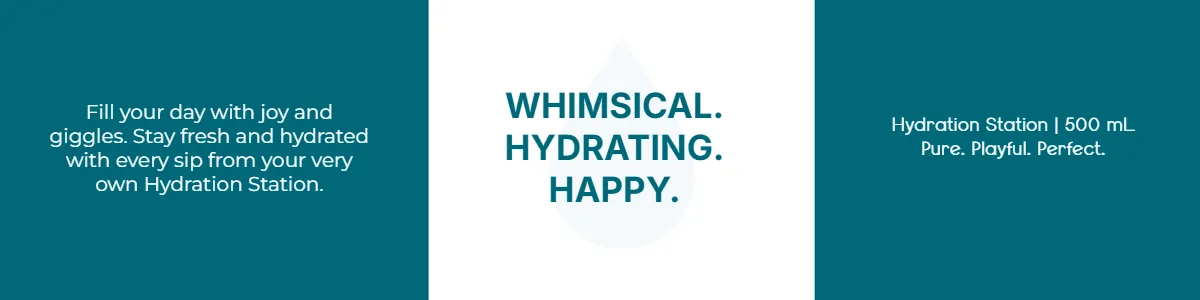
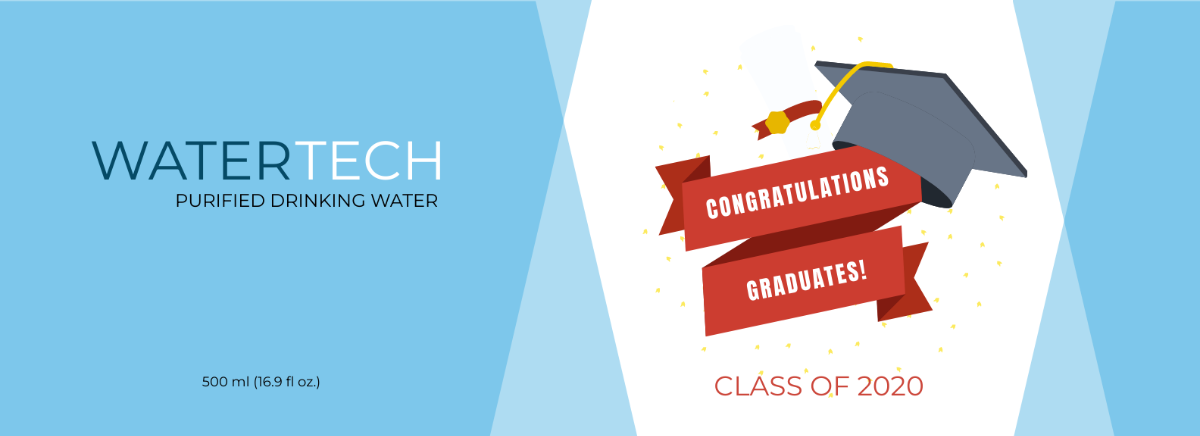
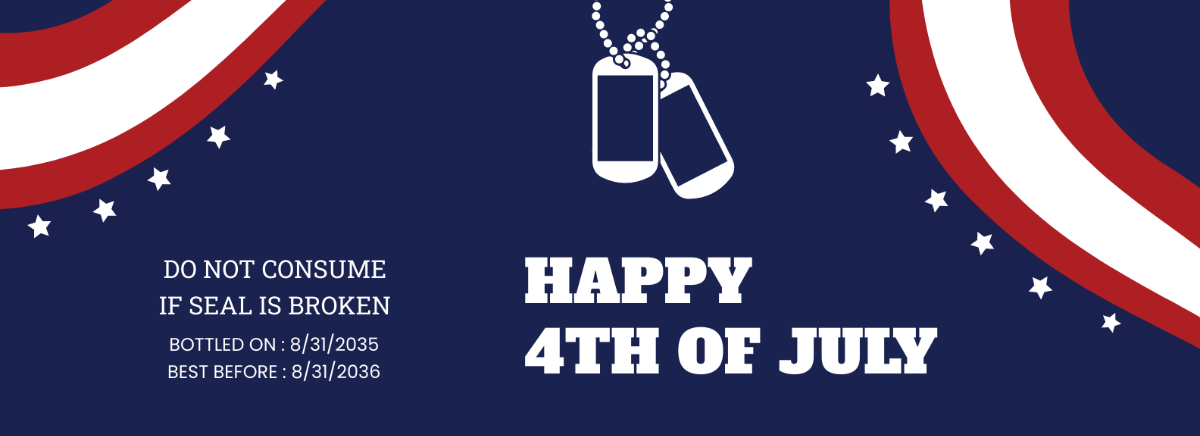
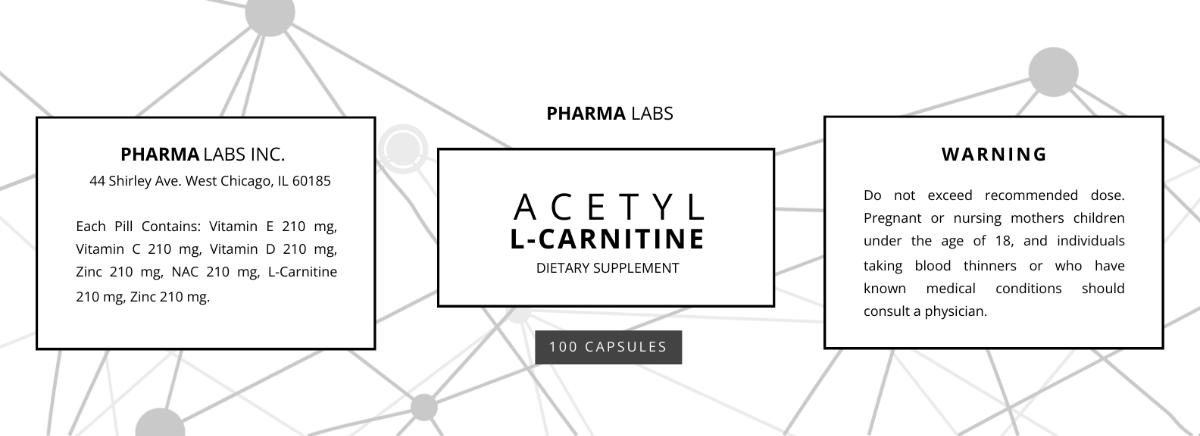
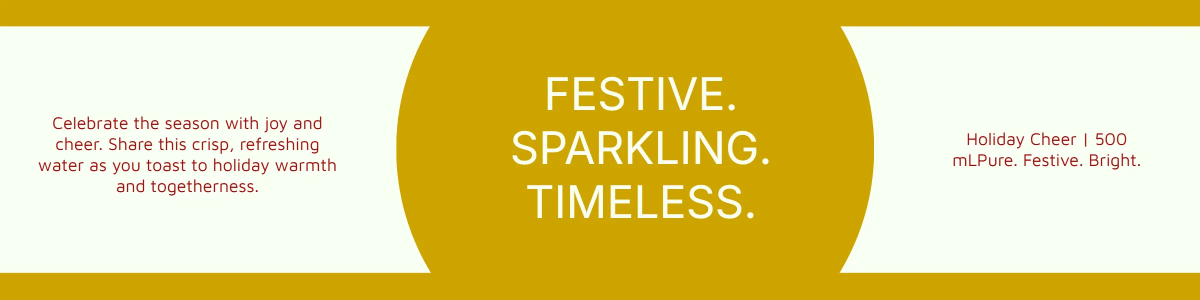
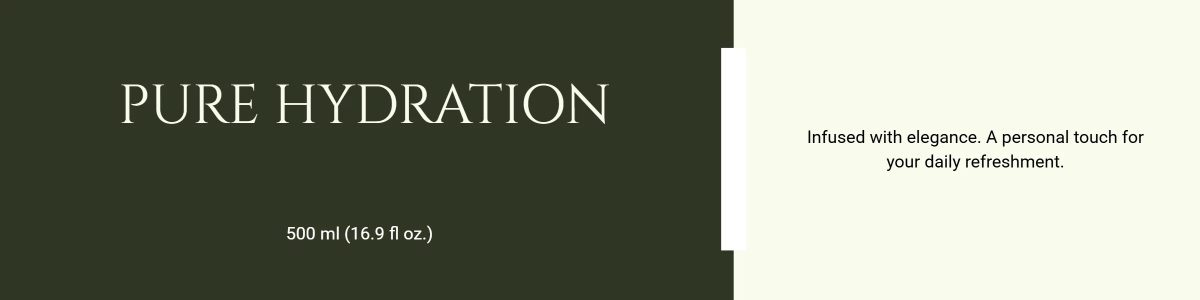
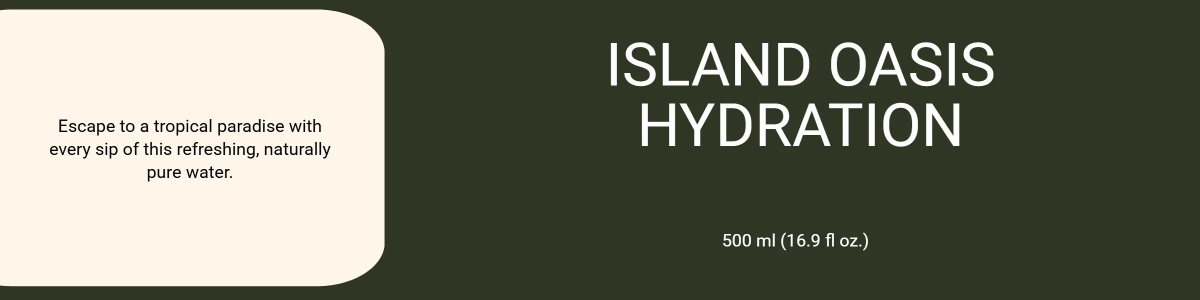
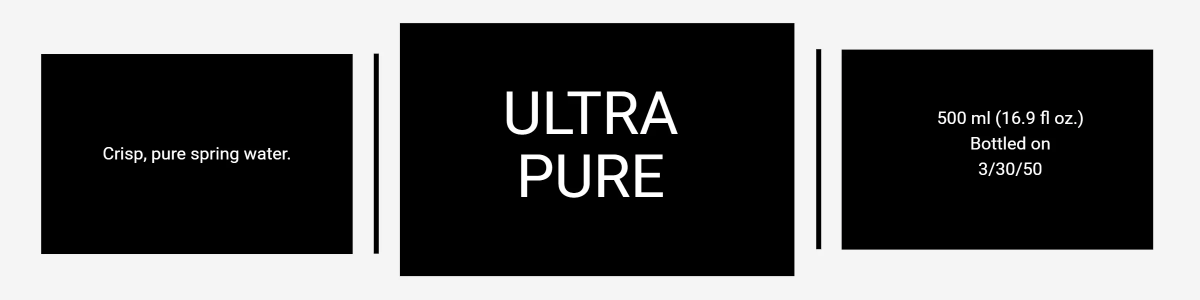
Bottle Label Templates: Definition, Uses, Sizes, and Formats
What is a Bottle Label?
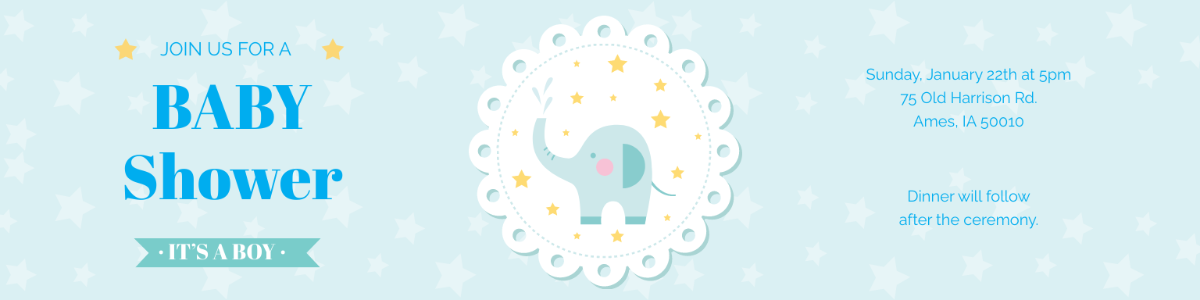
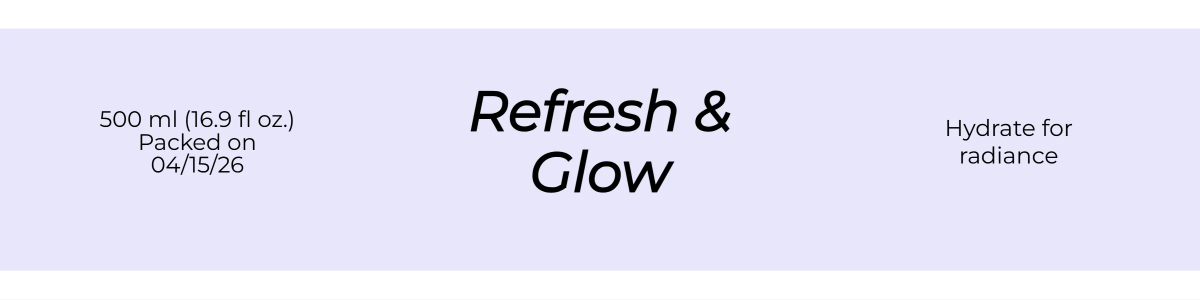
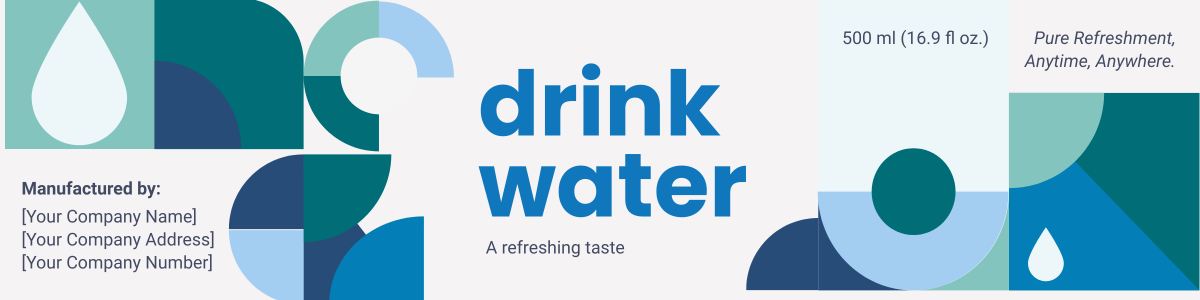
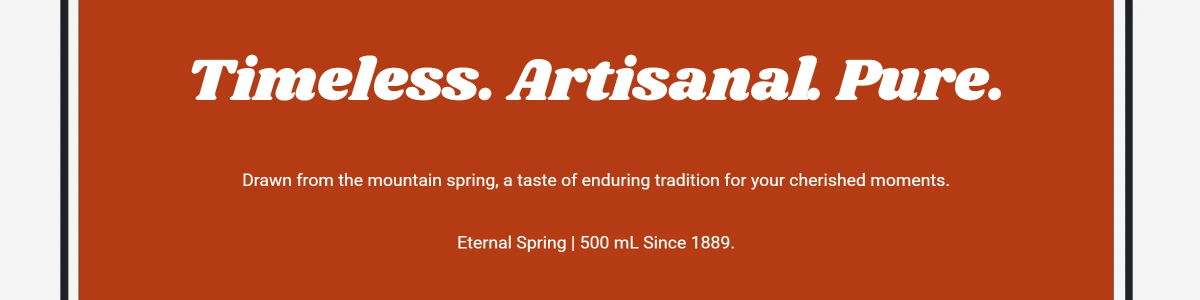
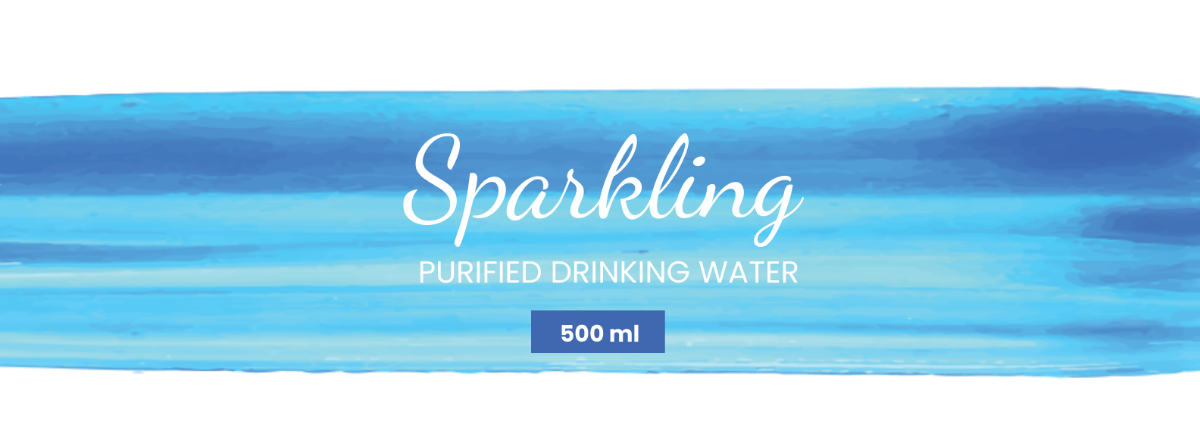
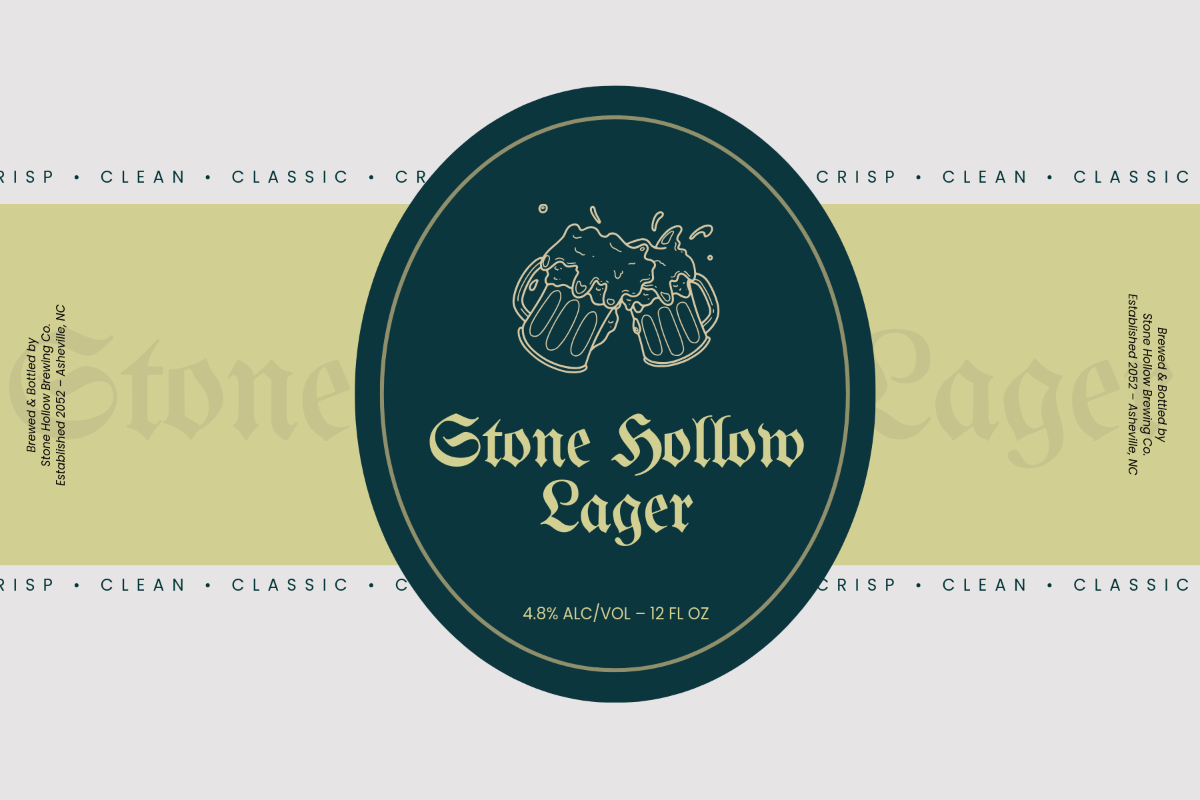
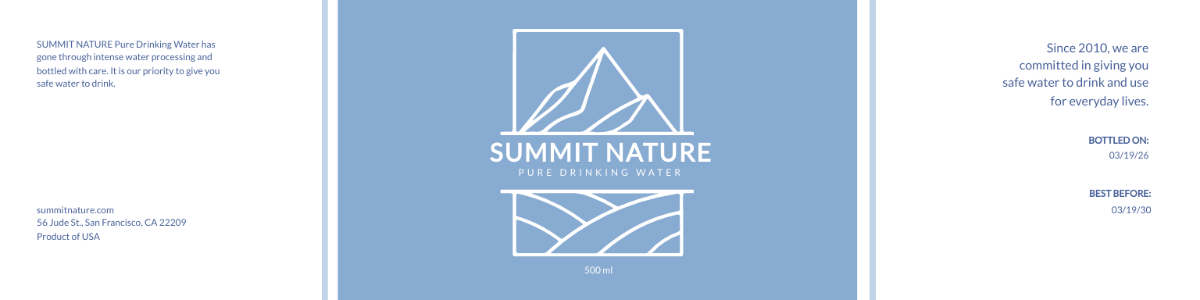
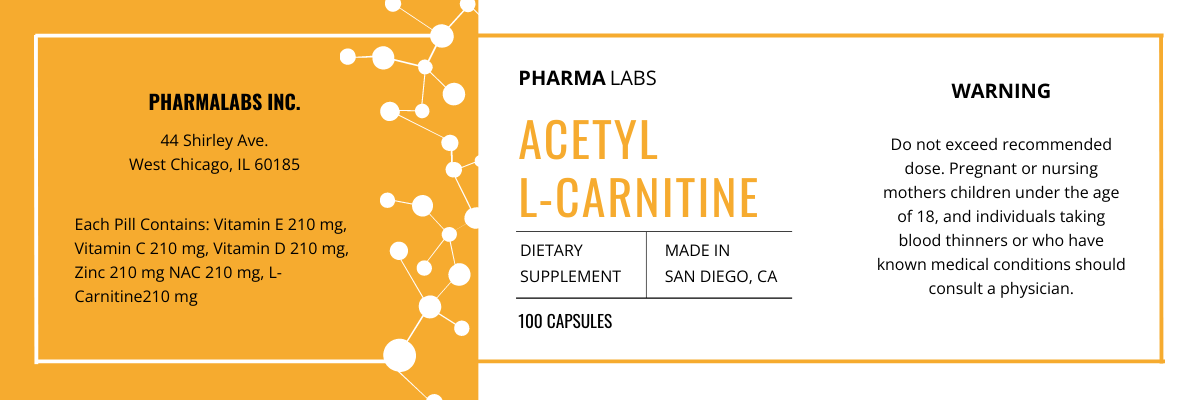
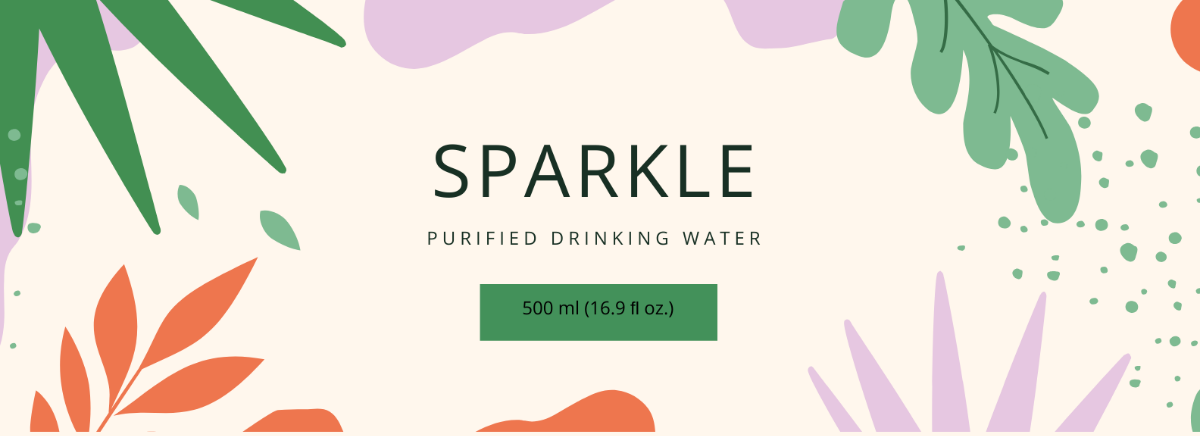
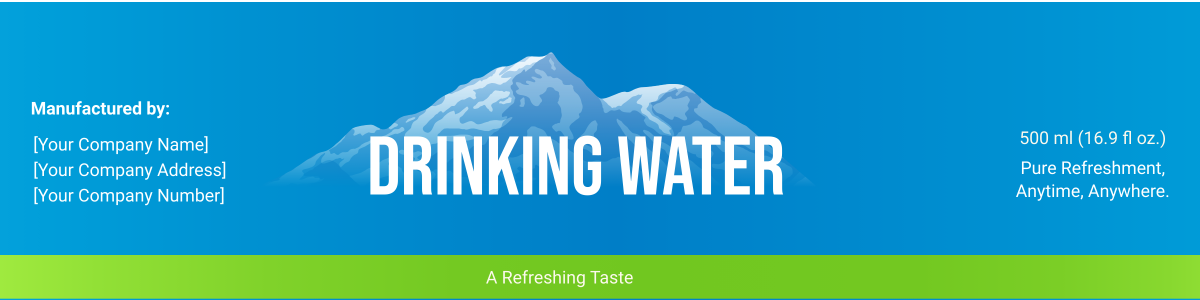
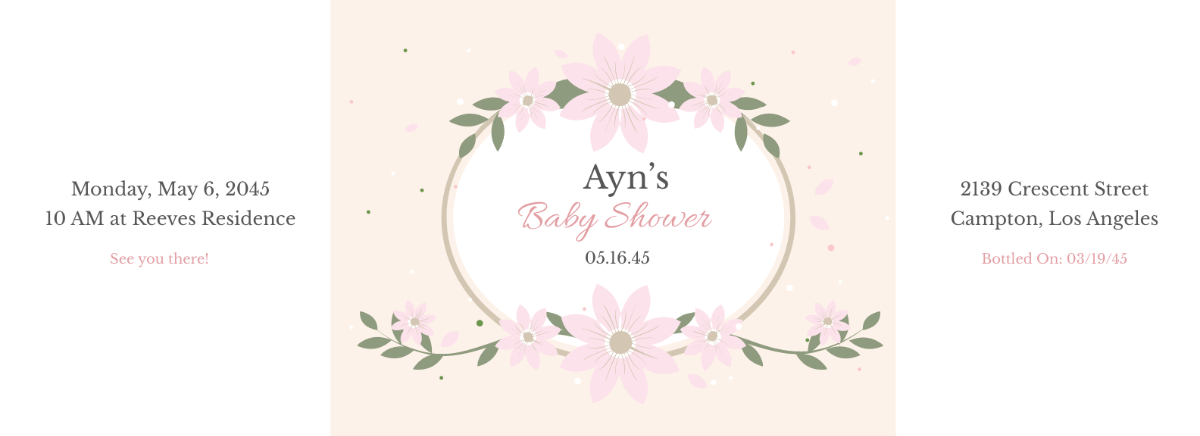
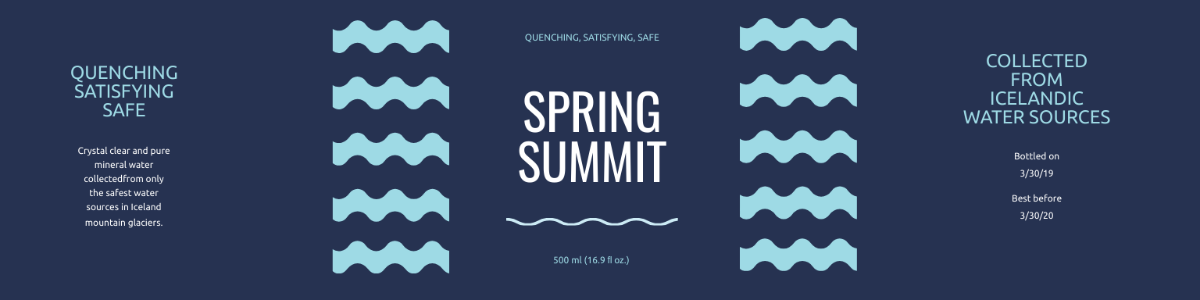
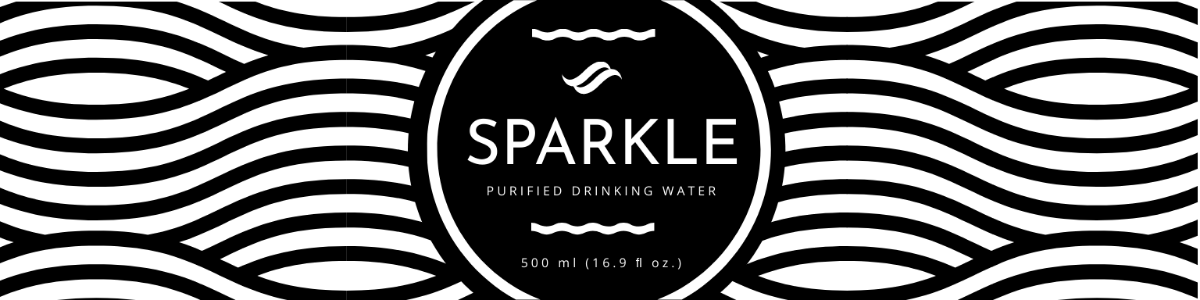
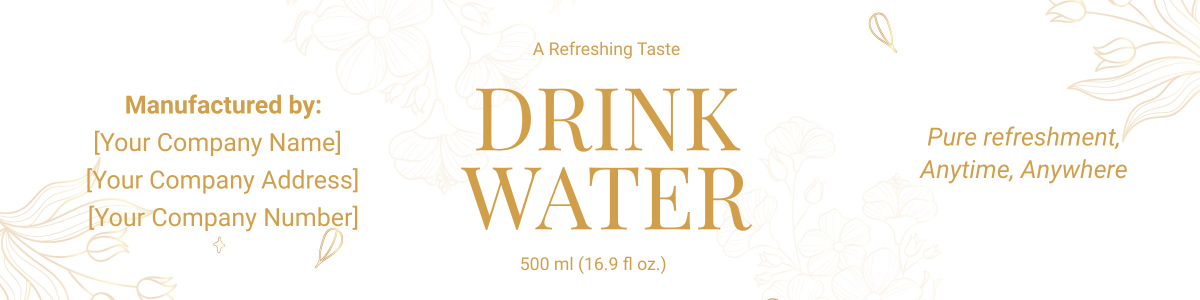
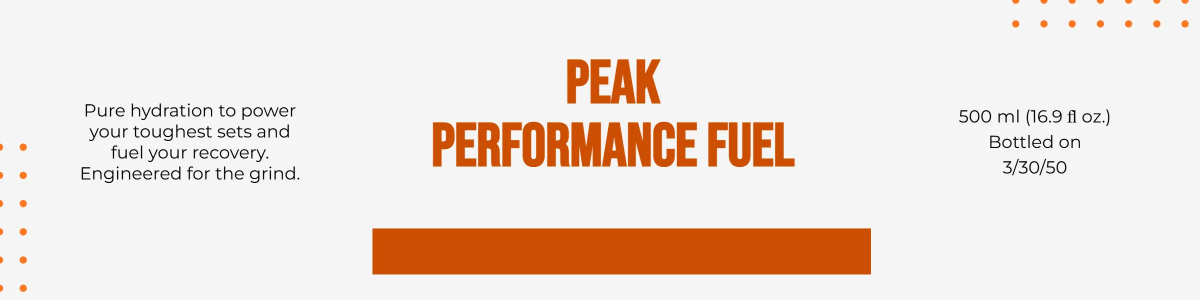
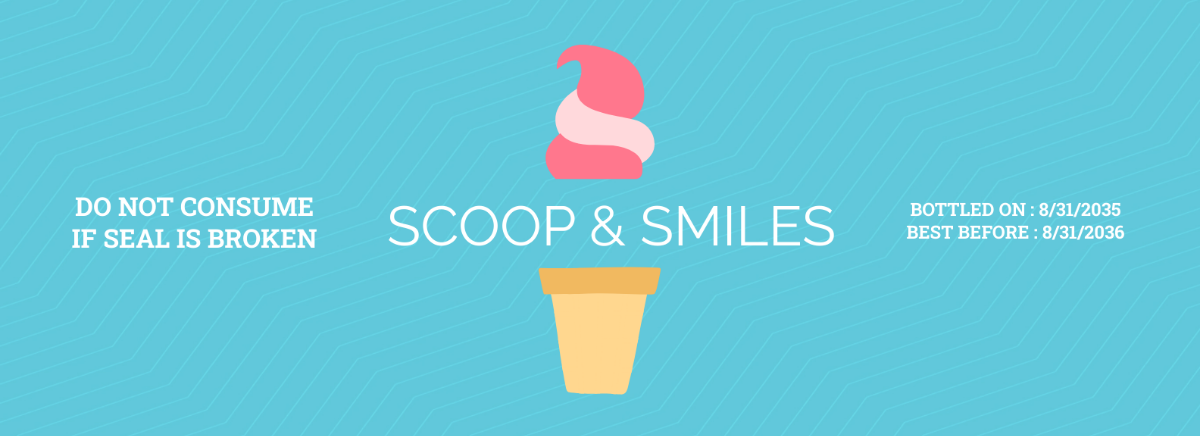
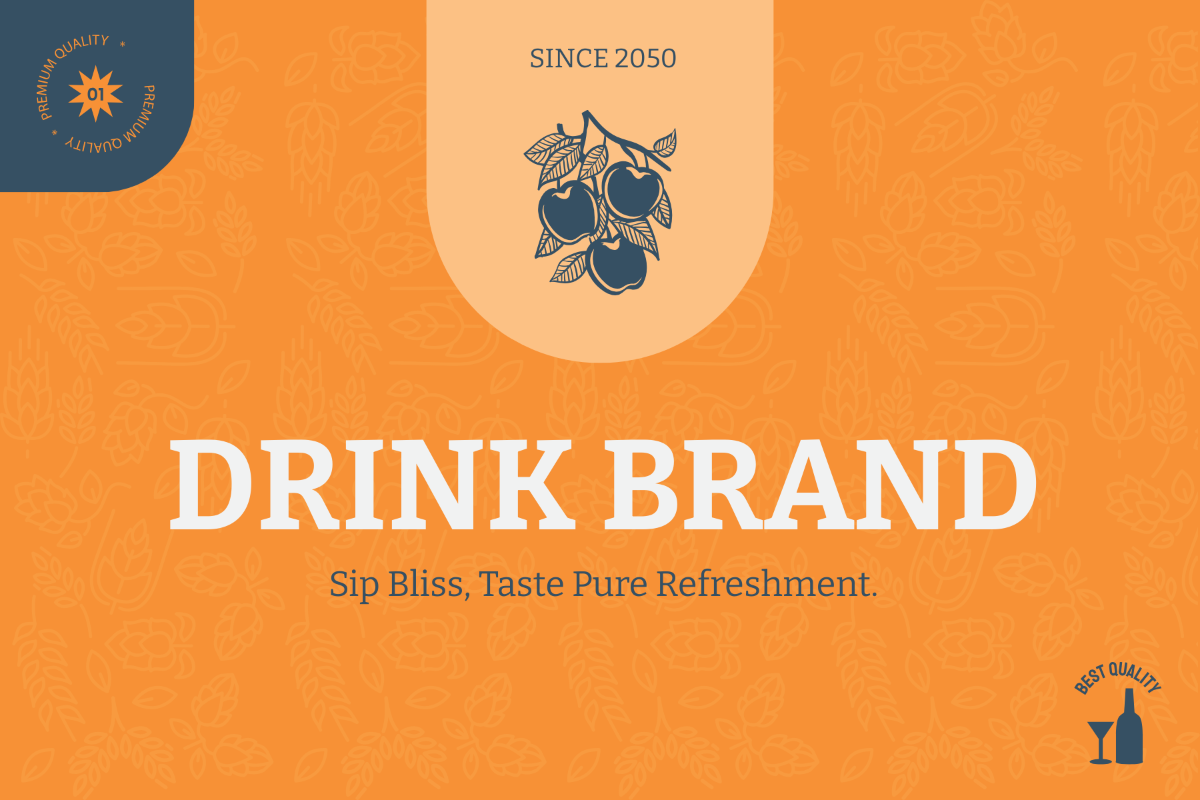
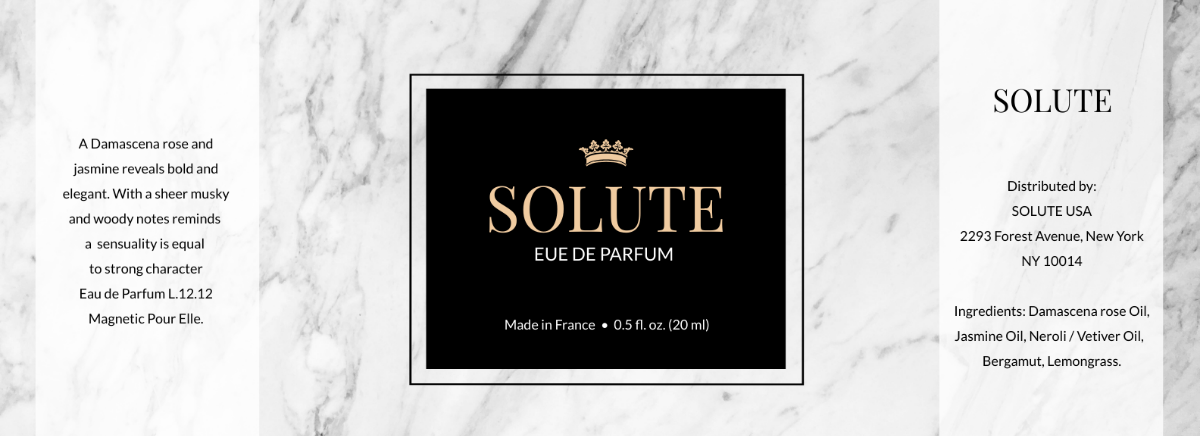
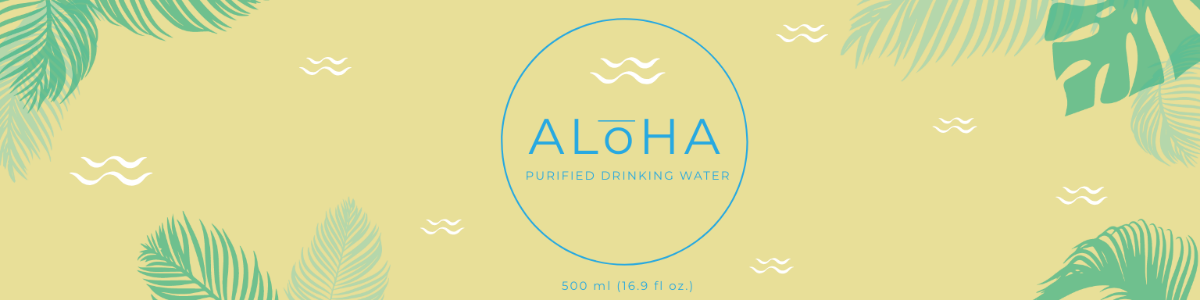
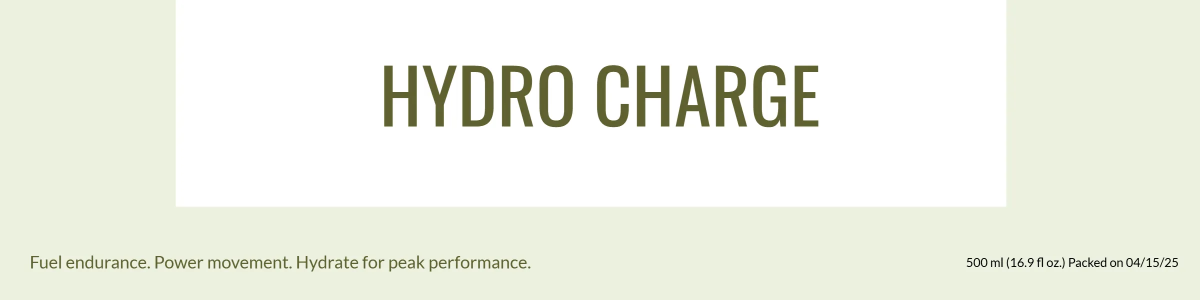
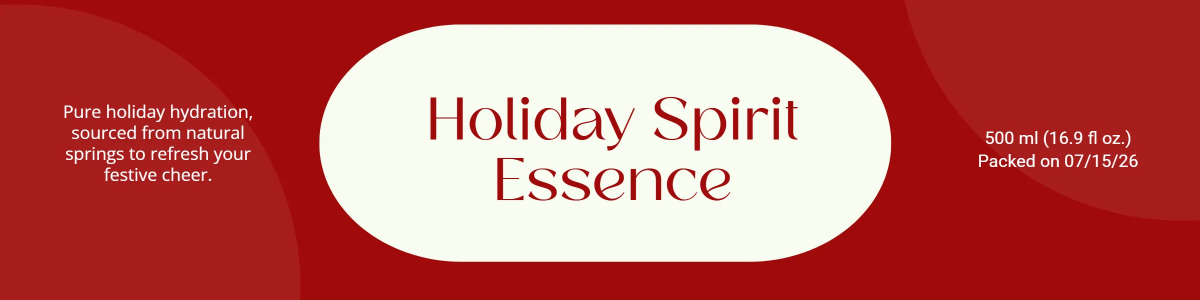
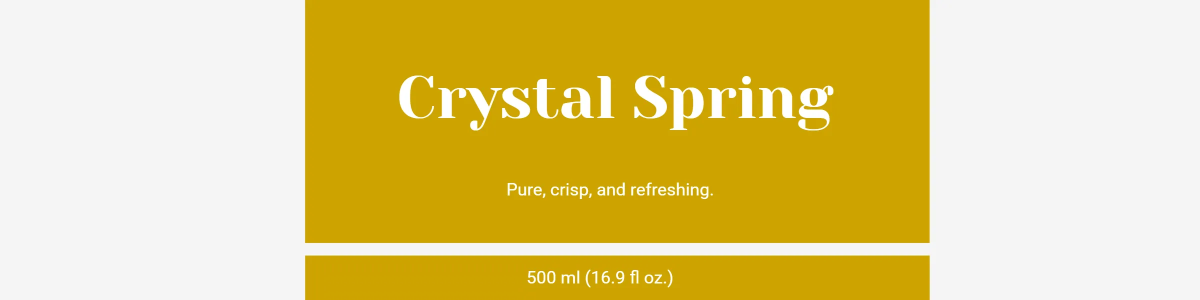
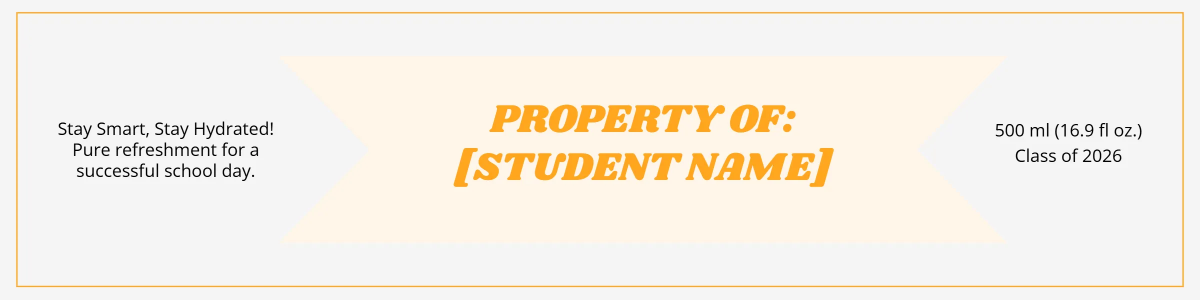
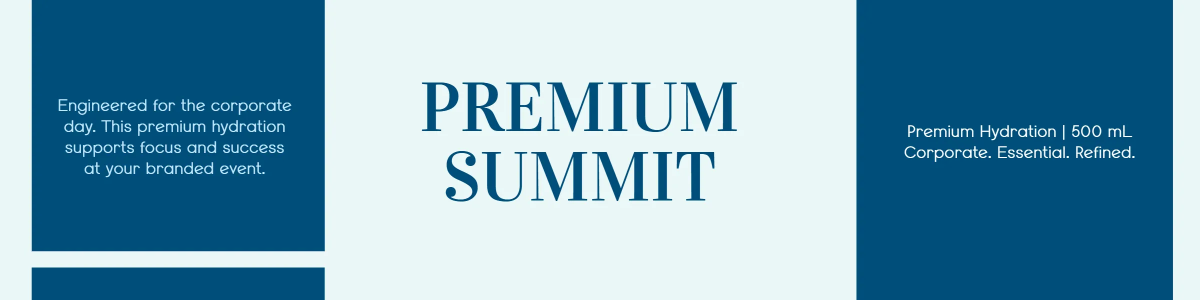
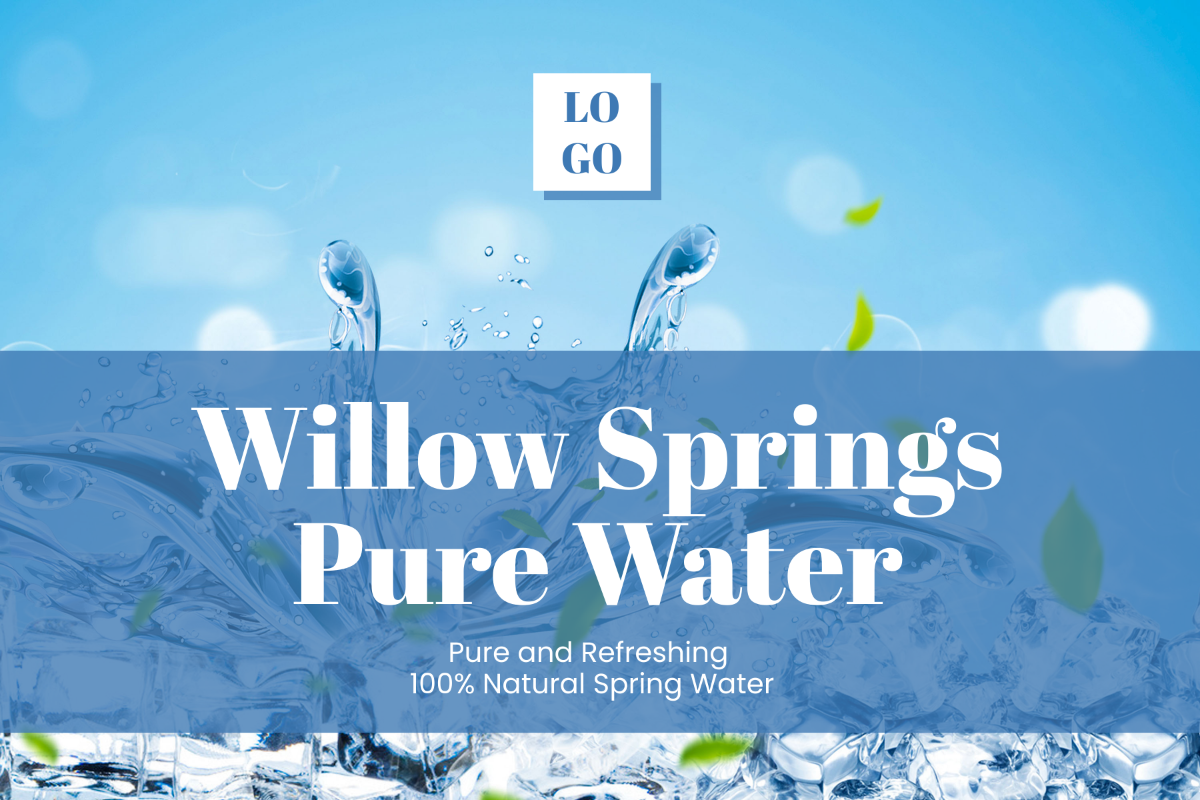
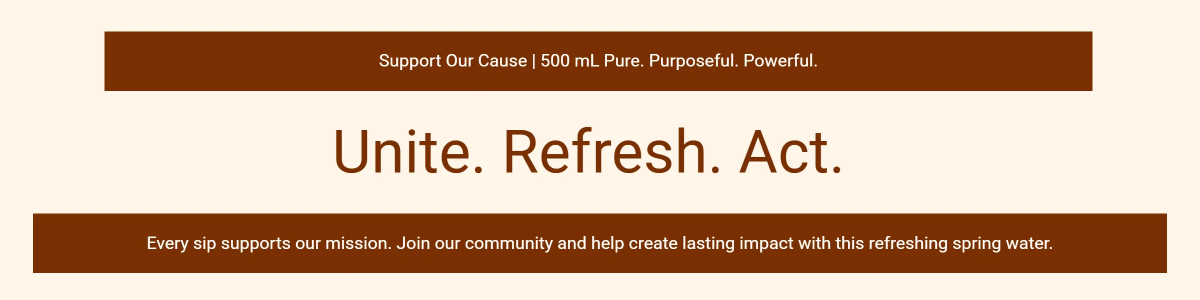
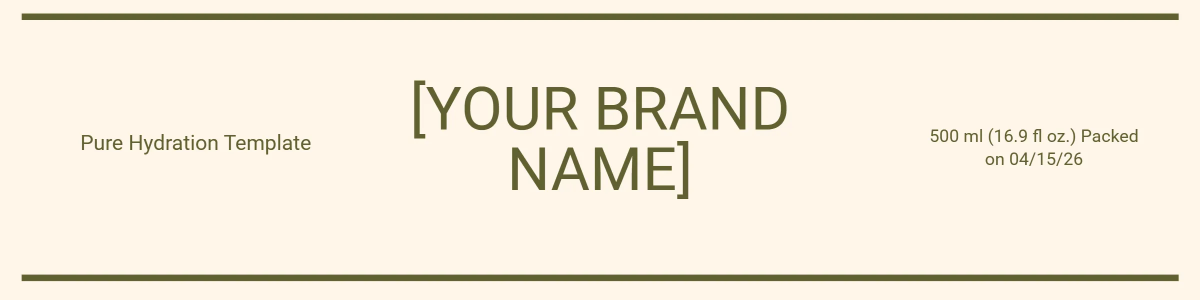
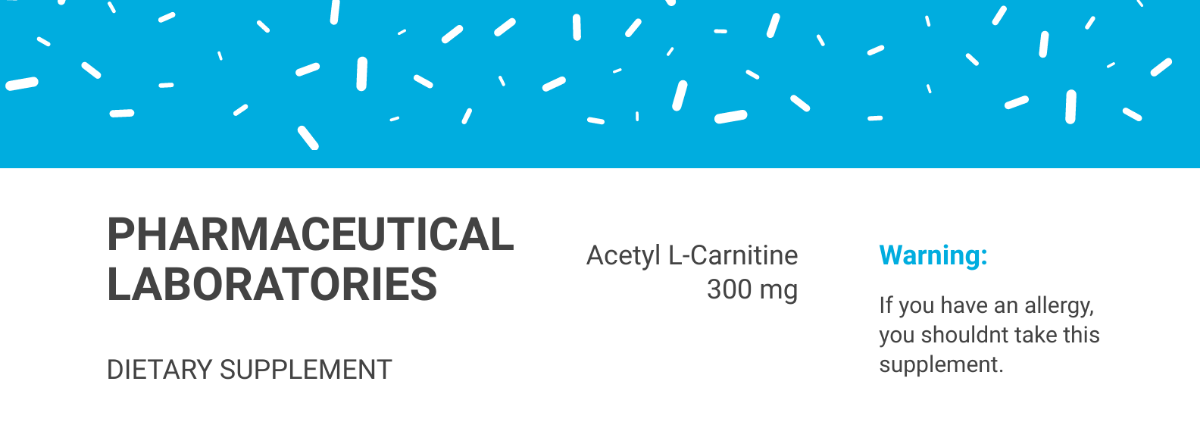
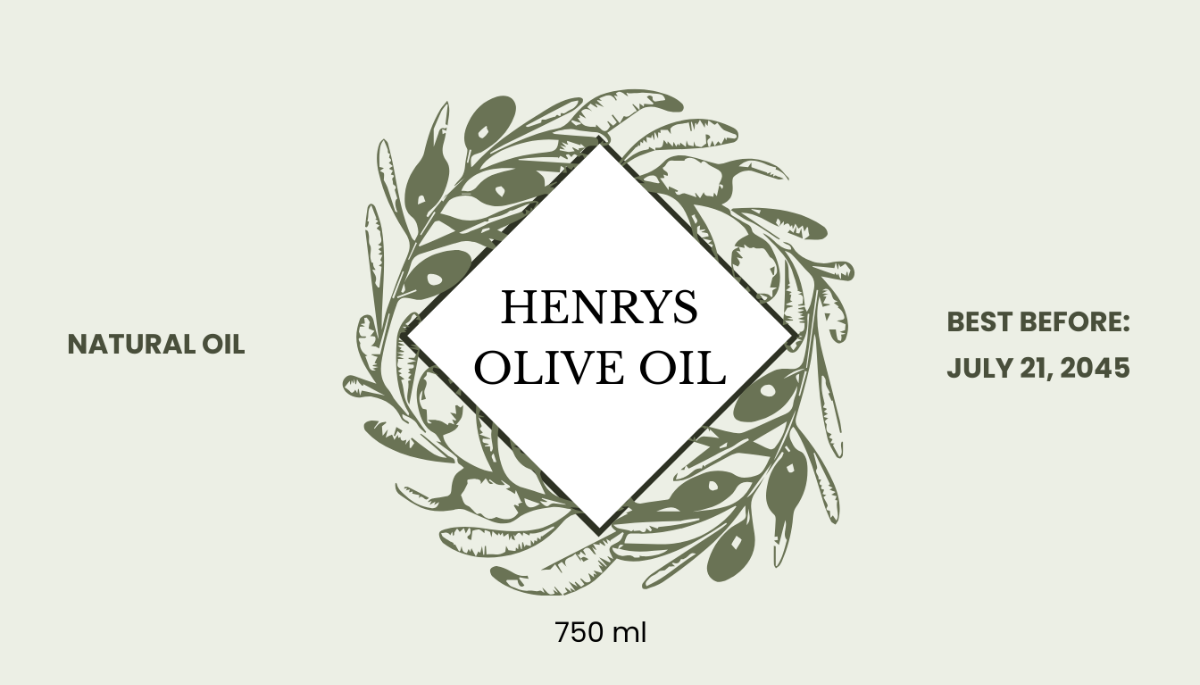
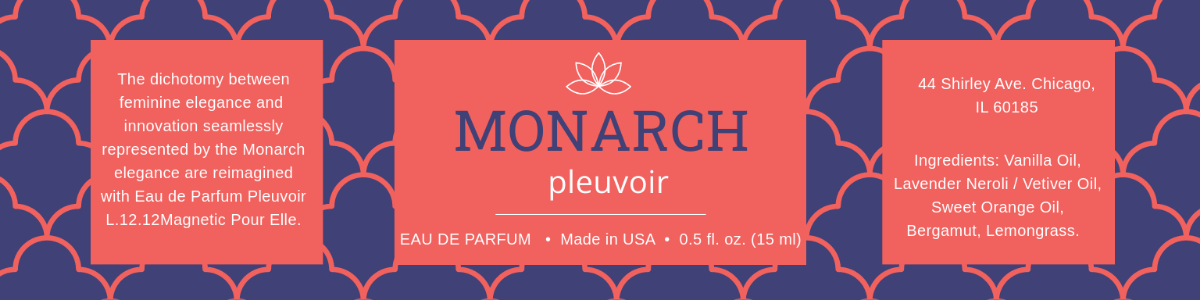
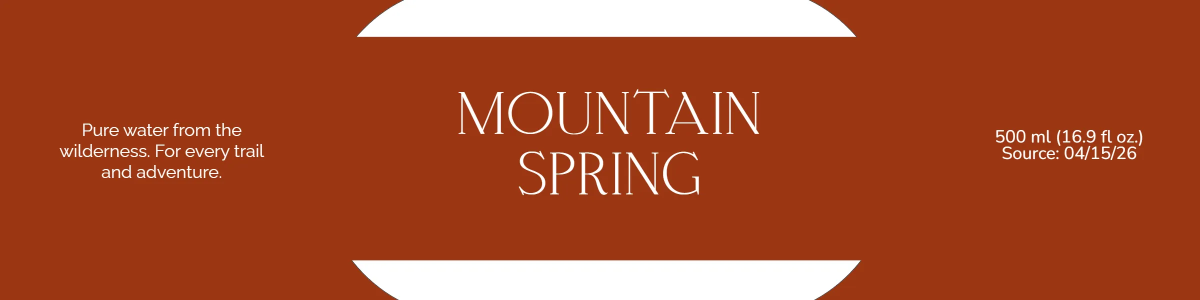
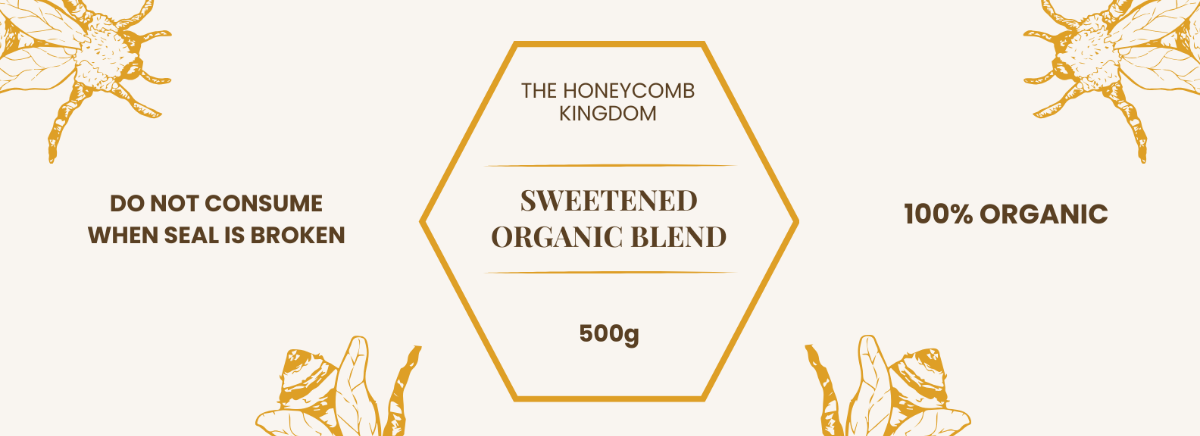
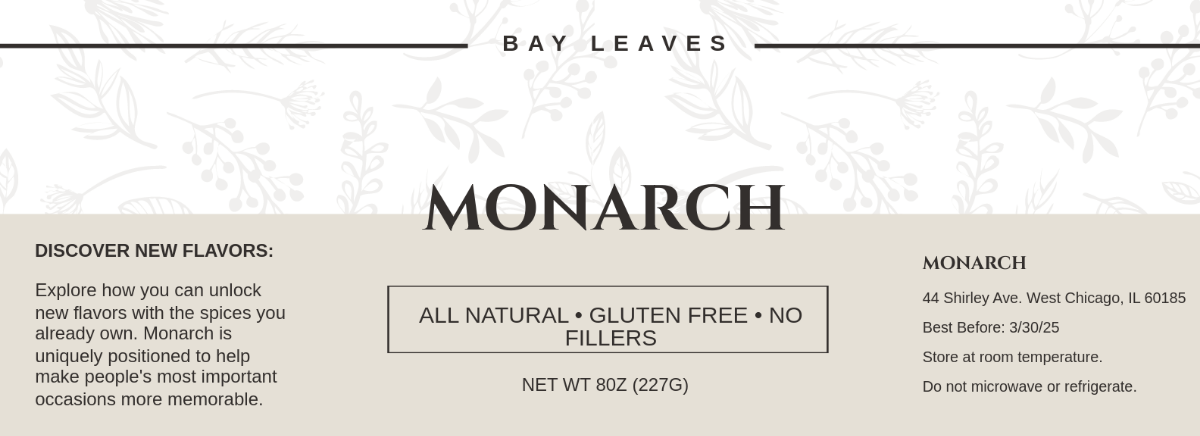
A bottle label is a customizable design template applied to bottles for branding, identification, and information purposes. Bottle label templates include editable text areas, graphics, and layout blocks to create professional and attractive packaging. These templates are ready-made and designed for easy online editing.
Why use a Bottle Label?
Bottle labels enhance product recognition and convey important details like ingredients and branding. Using bottle label templates ensures consistent design layers, professional layouts, and fast customization online. This speeds up the design process while maintaining attractive and clear packaging.
Who typically uses Bottle Labels?
Bottle labels are commonly used by beverage companies, cosmetic brands, pharmaceutical manufacturers, and small businesses. These users rely on ready-made templates to create customizable designs that align with brand identity and meet packaging requirements efficiently through online editing tools.
What size should a Bottle Label be?
Bottle label sizes vary depending on bottle shape and purpose, but common dimensions include 2 × 4 inches, 3 × 5 inches, and 4 × 6 inches. Templates offer adjustable layout blocks to fit these sizes, ensuring the label design perfectly wraps the bottle surface.
What are the best tips for designing a Bottle Label?
Effective bottle label design includes a clear headline, high-quality graphics, key information sections, and a strong call to action. Using layered templates allows easy customization of text and images online to maintain a professional appearance.
How do you print a Bottle Label?
To print bottle labels, use high-resolution files from customizable templates that support professional printing. Ensure color accuracy, proper size dimensions, and print-ready formats for the best results. Template.net designs are optimized for printing after online editing.
What elements should a Bottle Label include?
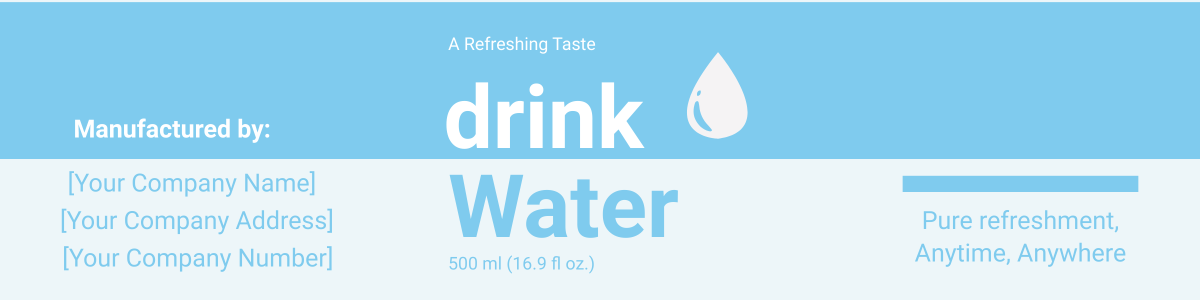
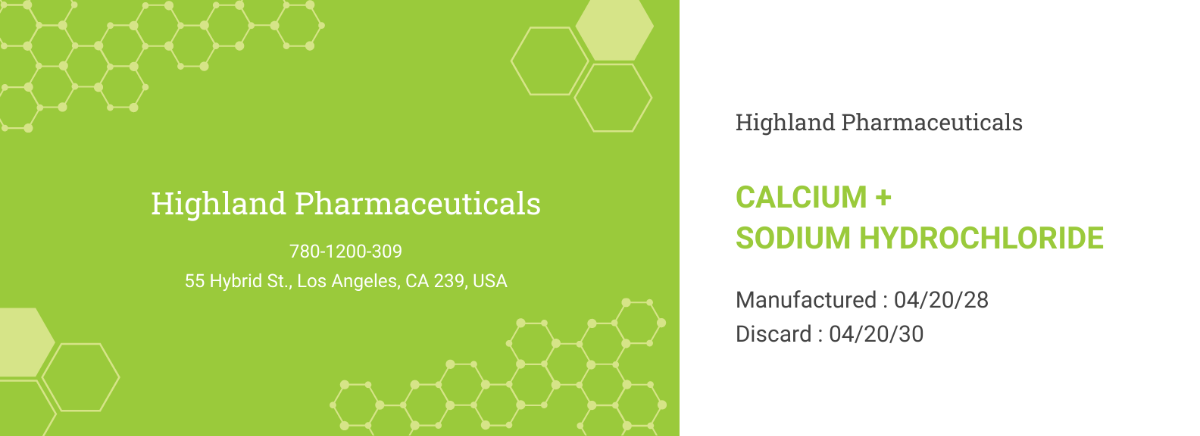
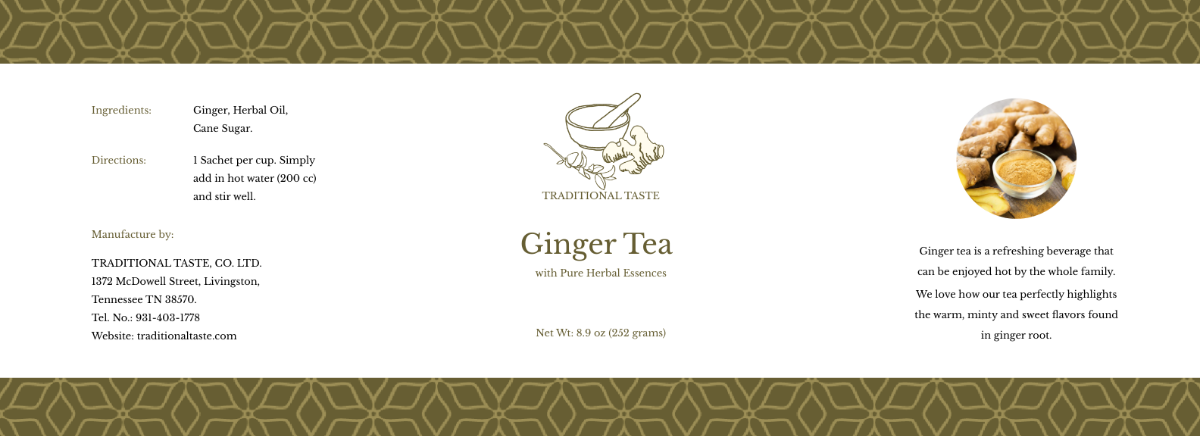
Bottle labels should include a brand logo, product name, ingredient list, barcodes, and contact information. Templates provide layered design elements that users can customize online for a balanced and compliant label layout.
What file formats can I download for a Bottle Label?
Template.net bottle label templates support multiple export formats for editing and printing, including PSD, Illustrator, Word, InDesign, Publisher, and Apple Pages.
Can I create a new Bottle Label using AI?
Template.net provides an AI-powered tool that generates new bottle label designs from your prompts. This tool helps create unique and customizable labels quickly through online editing. Try the Water Bottle Label Generator for instant results.
