
Free Brief Templates
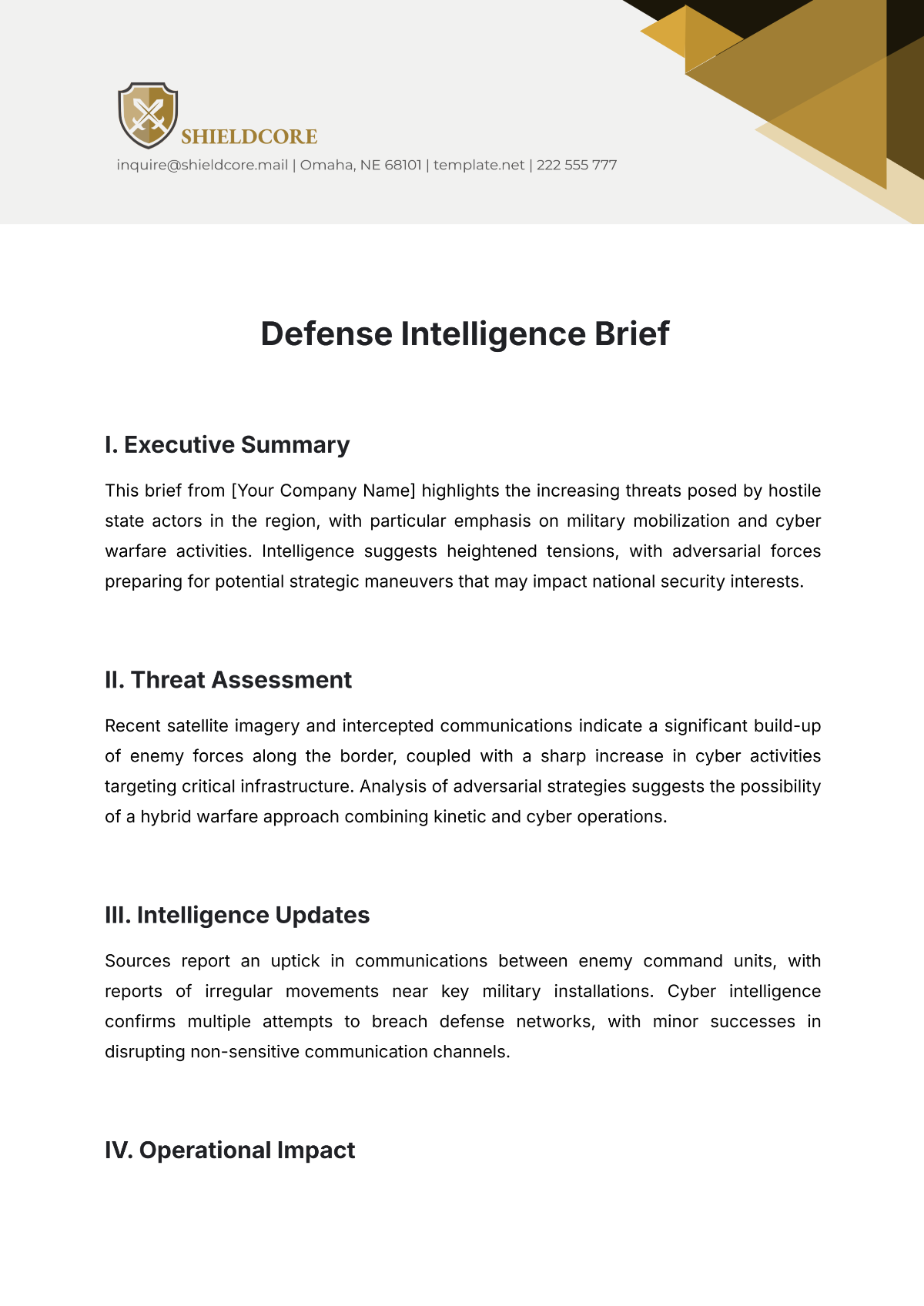
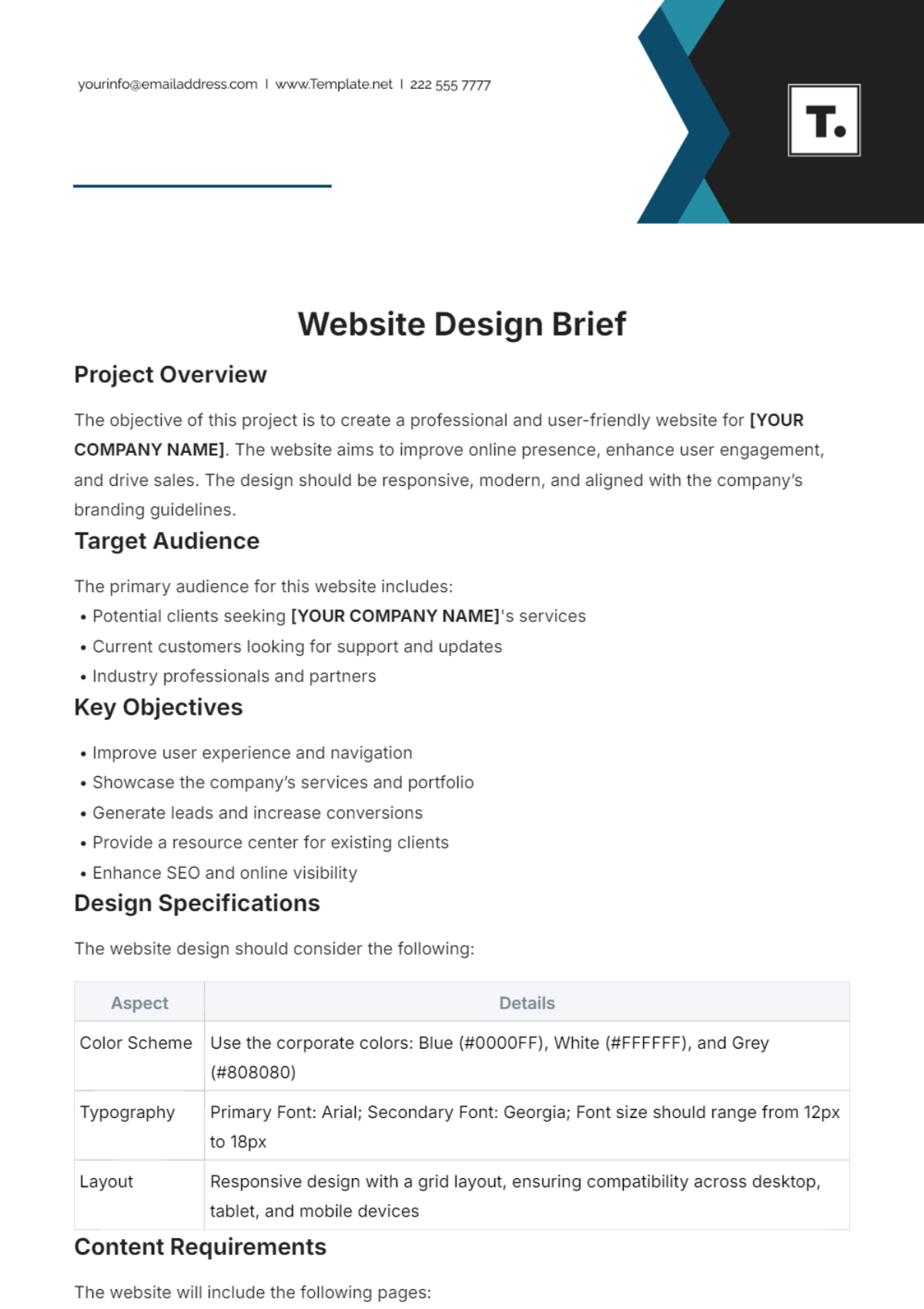
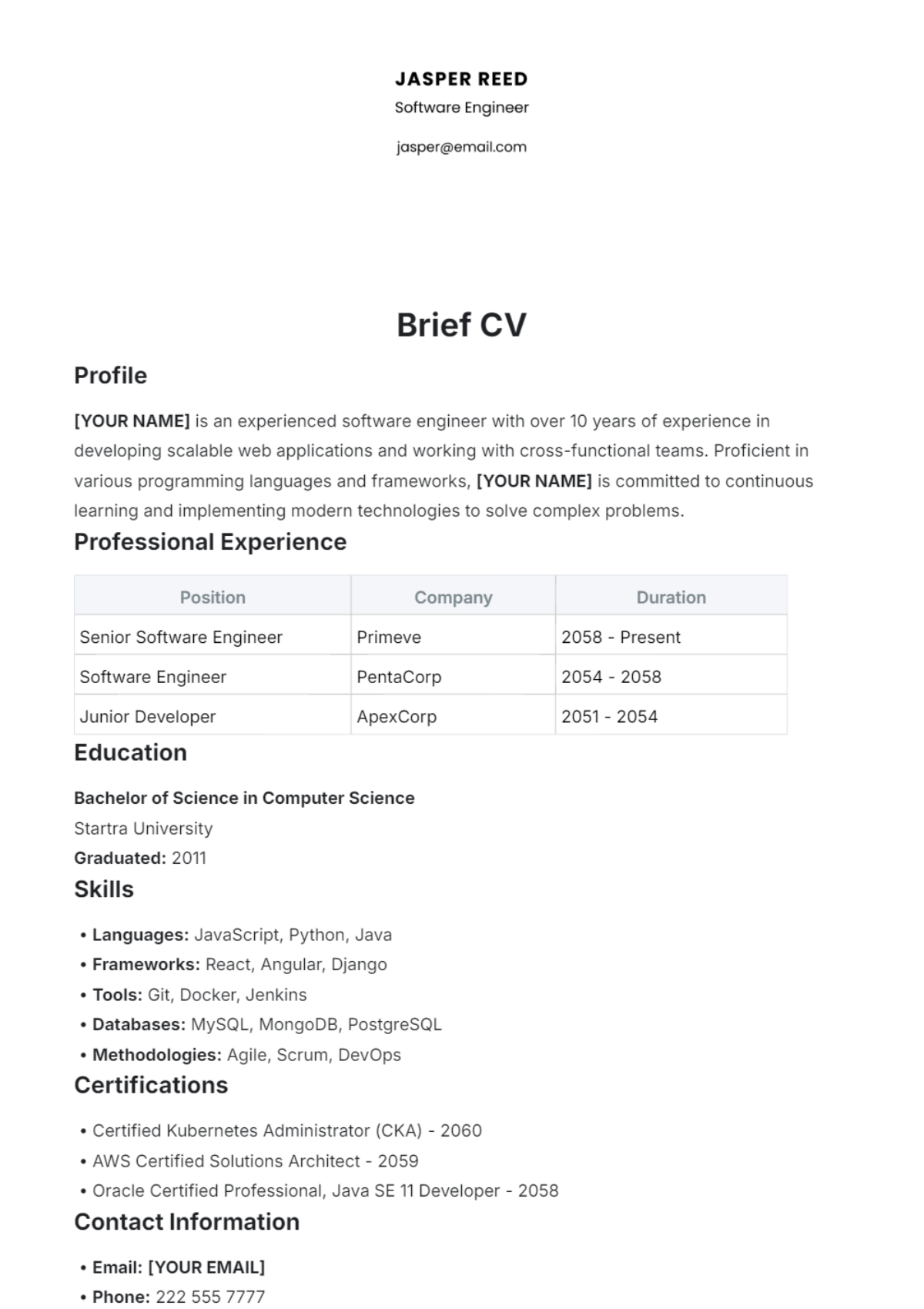
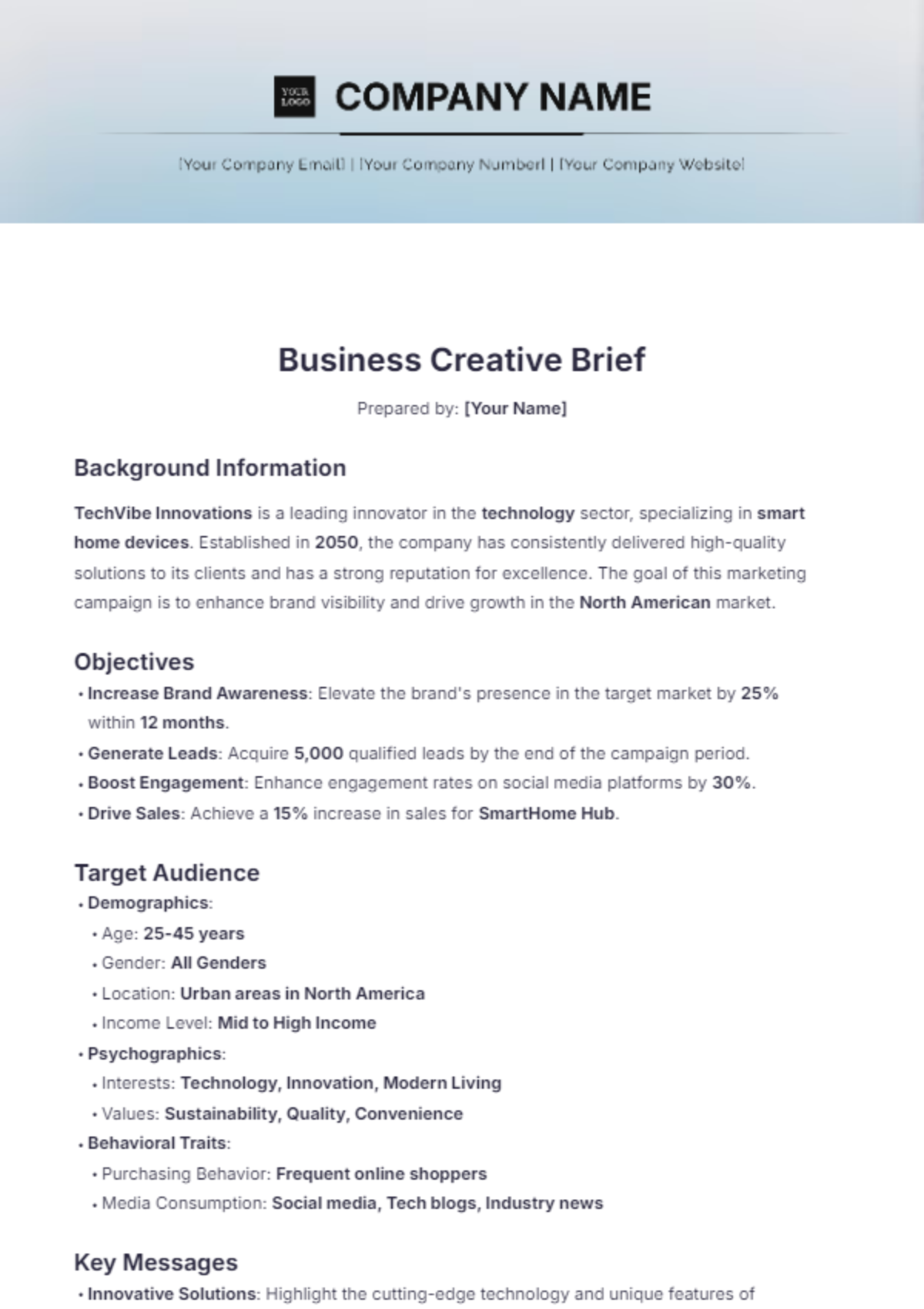
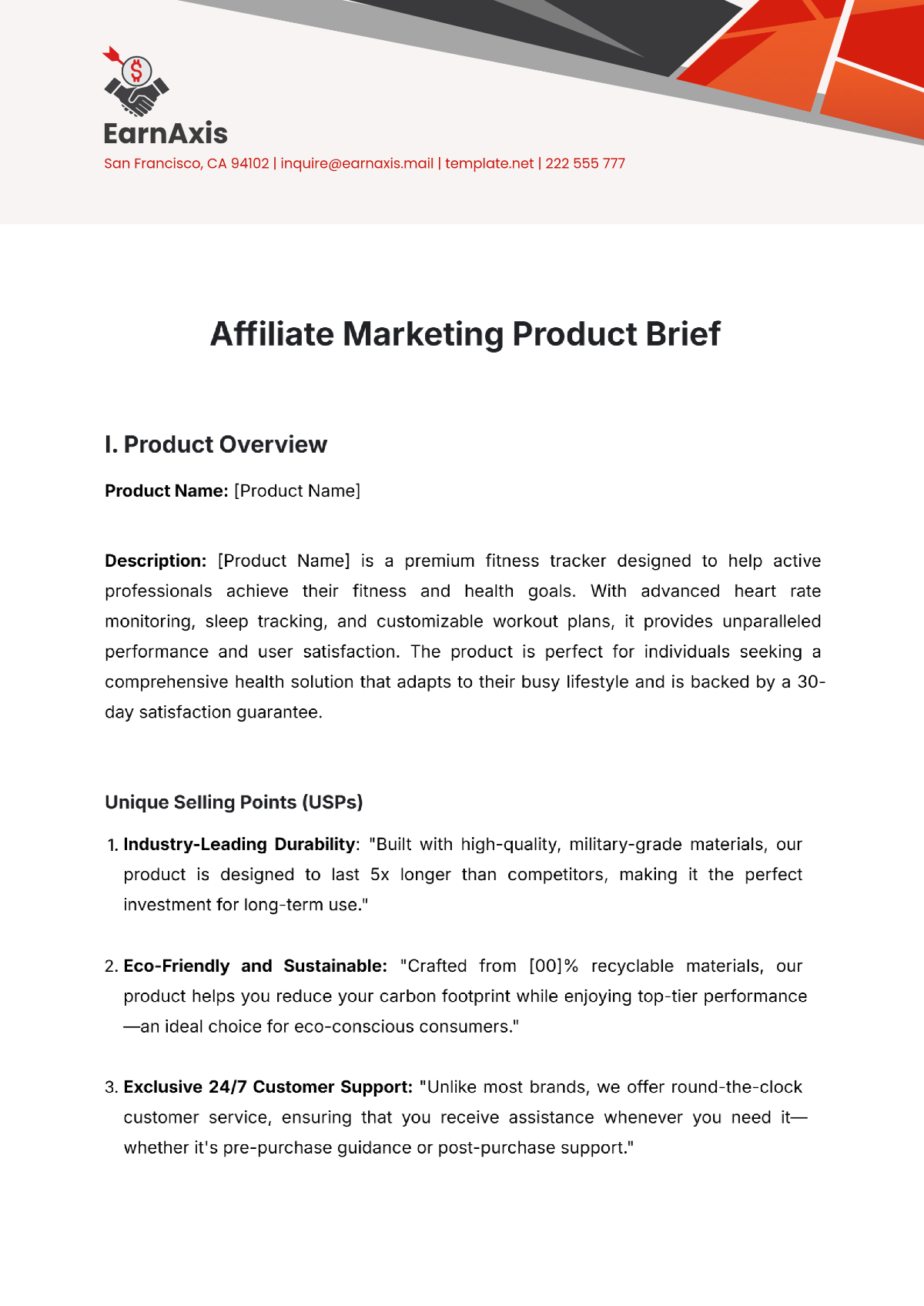
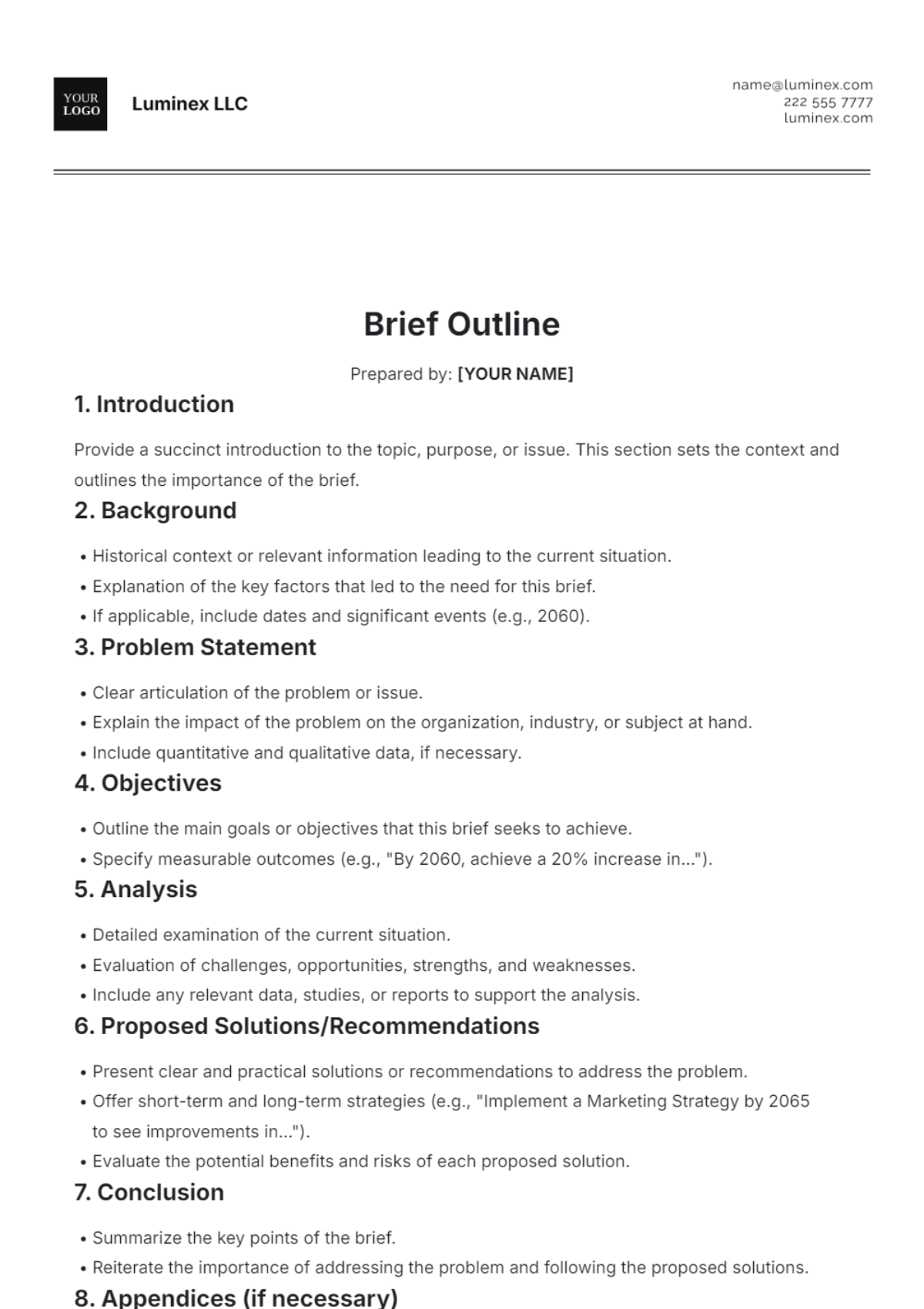
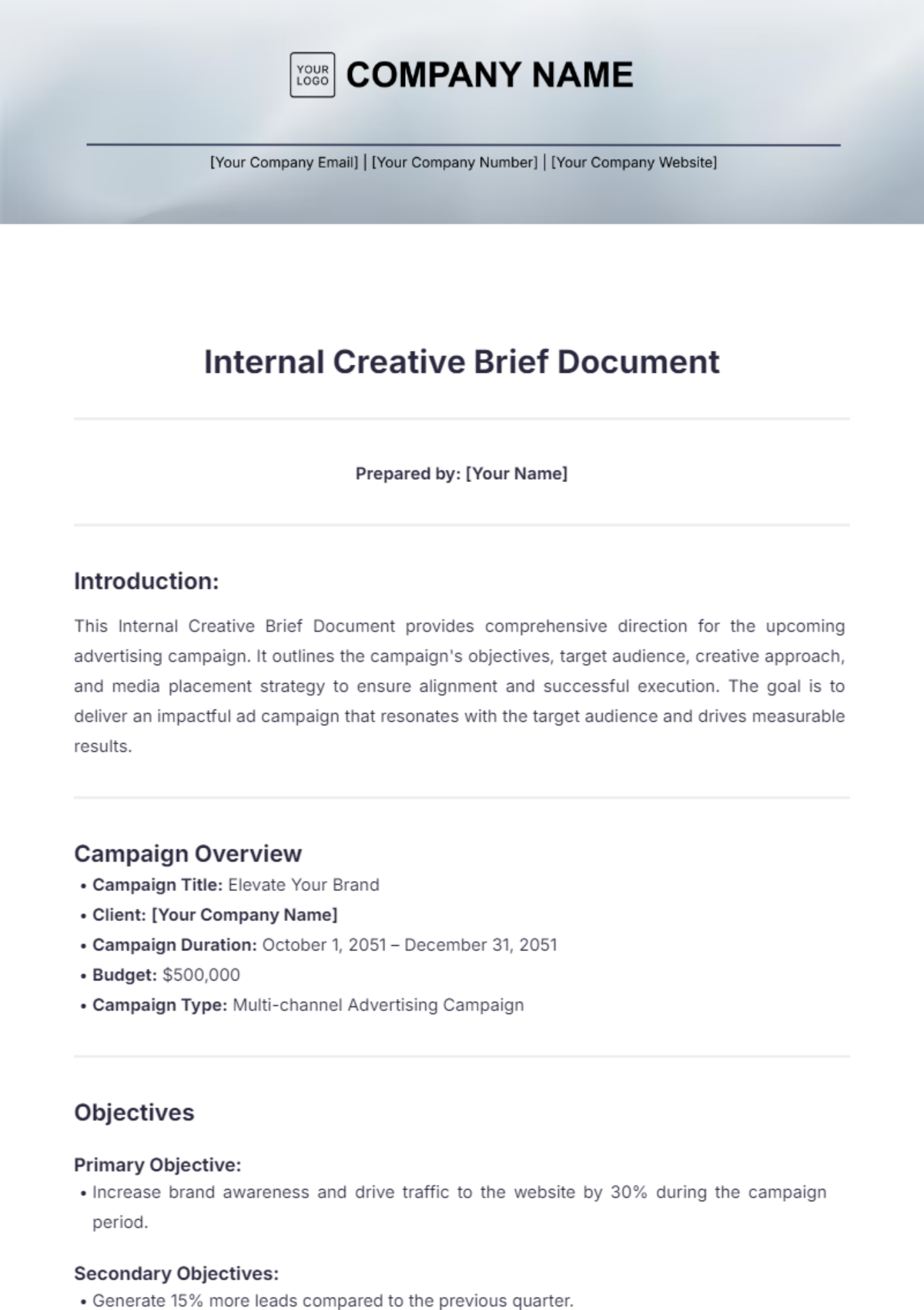
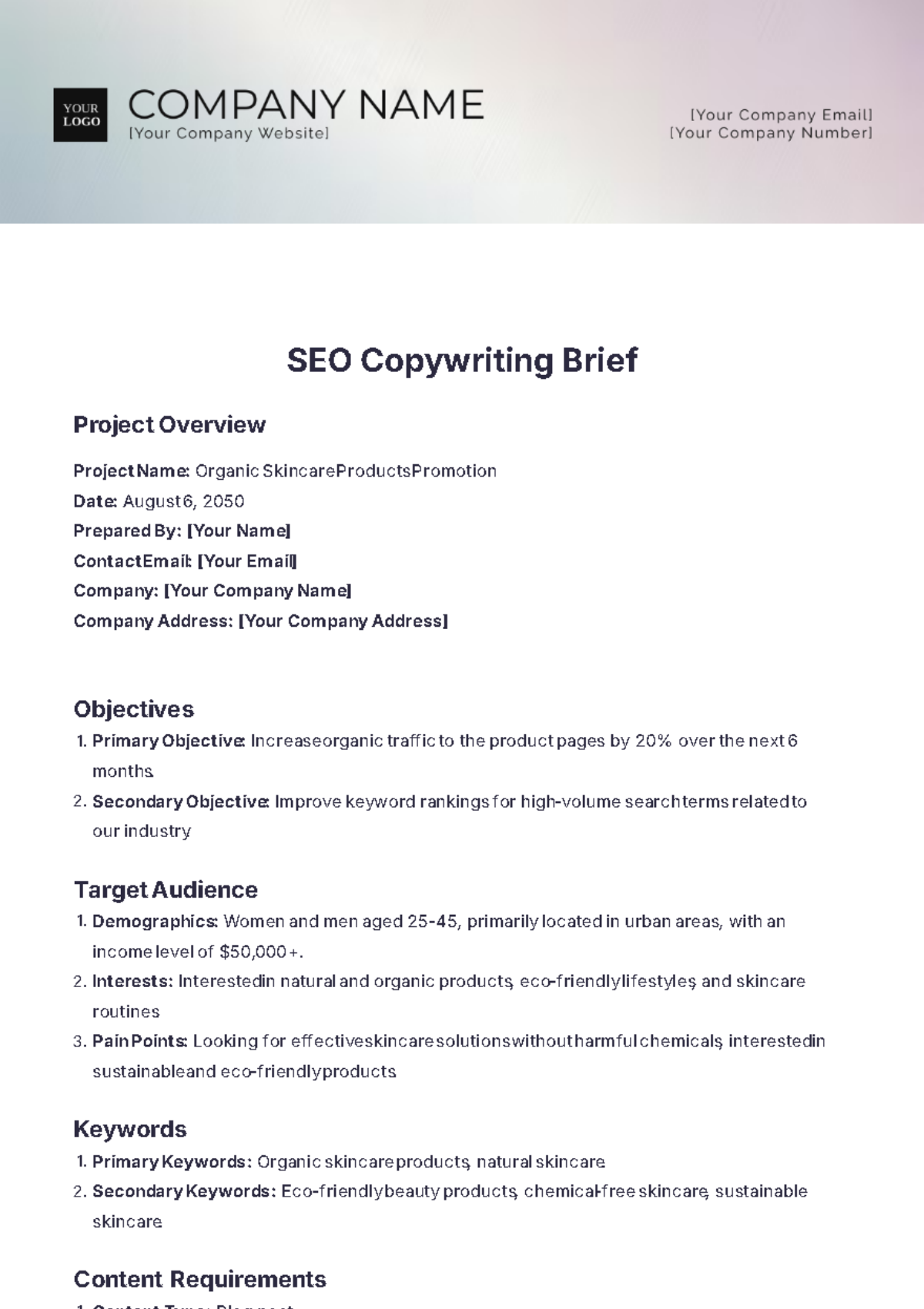
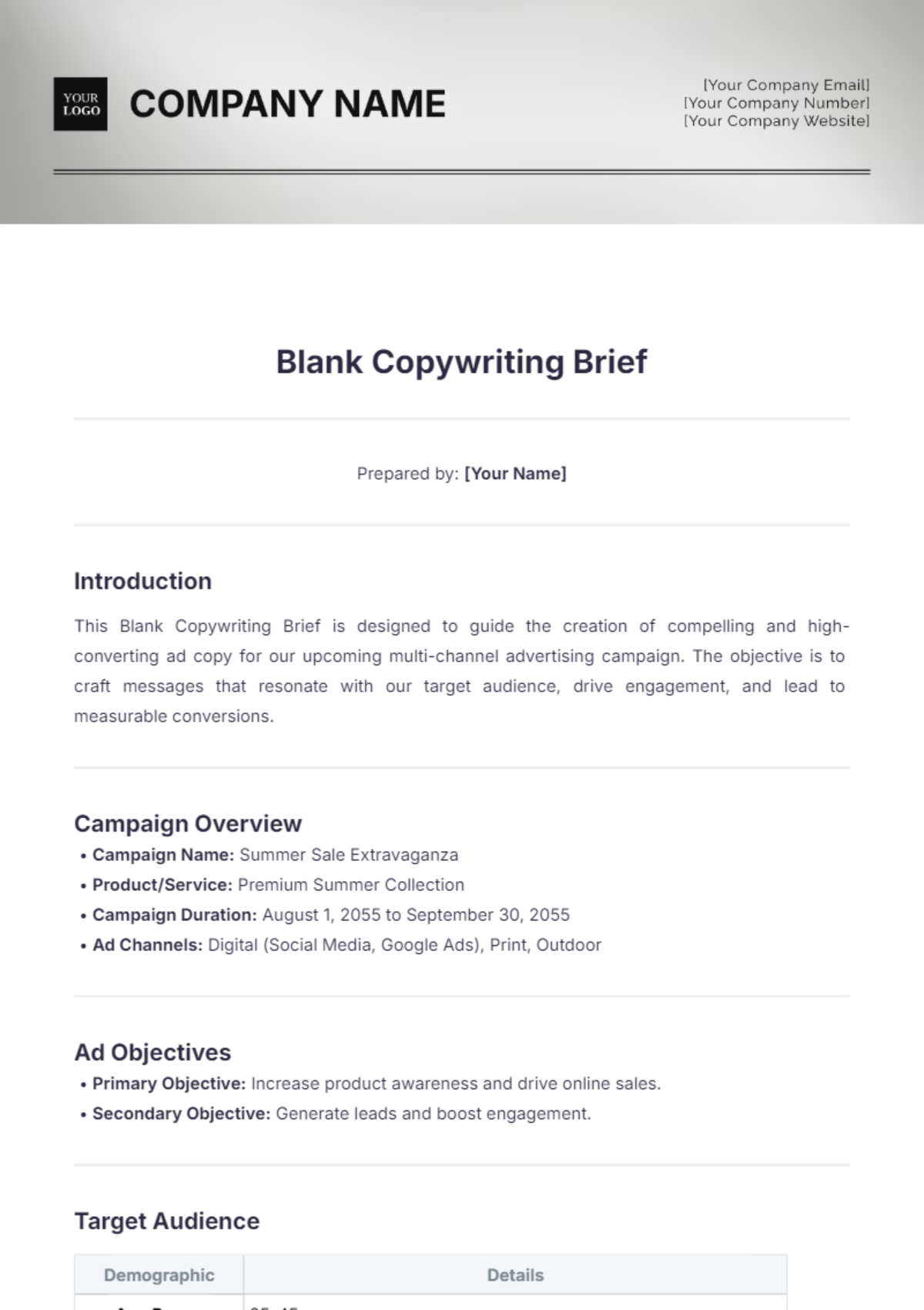
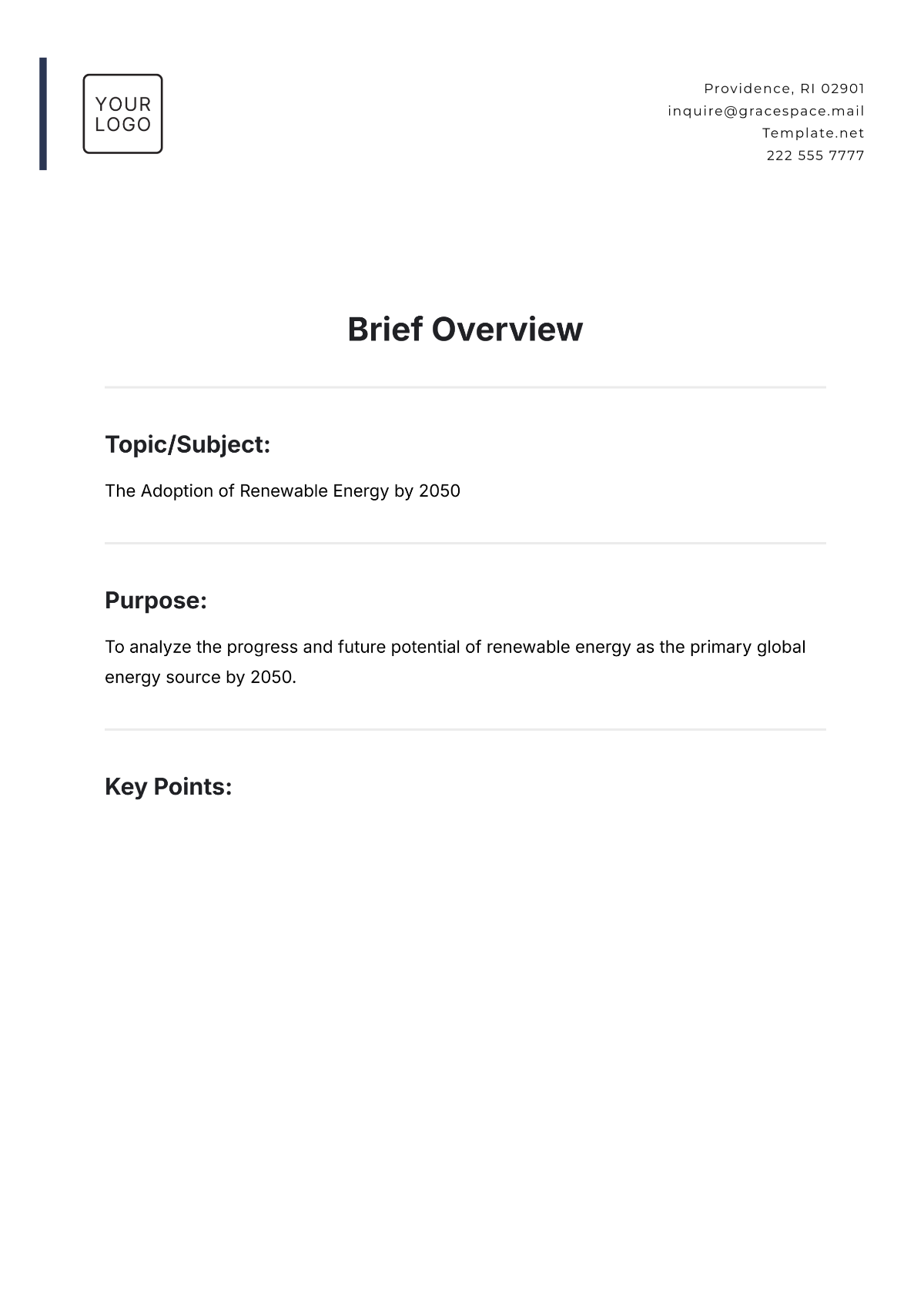
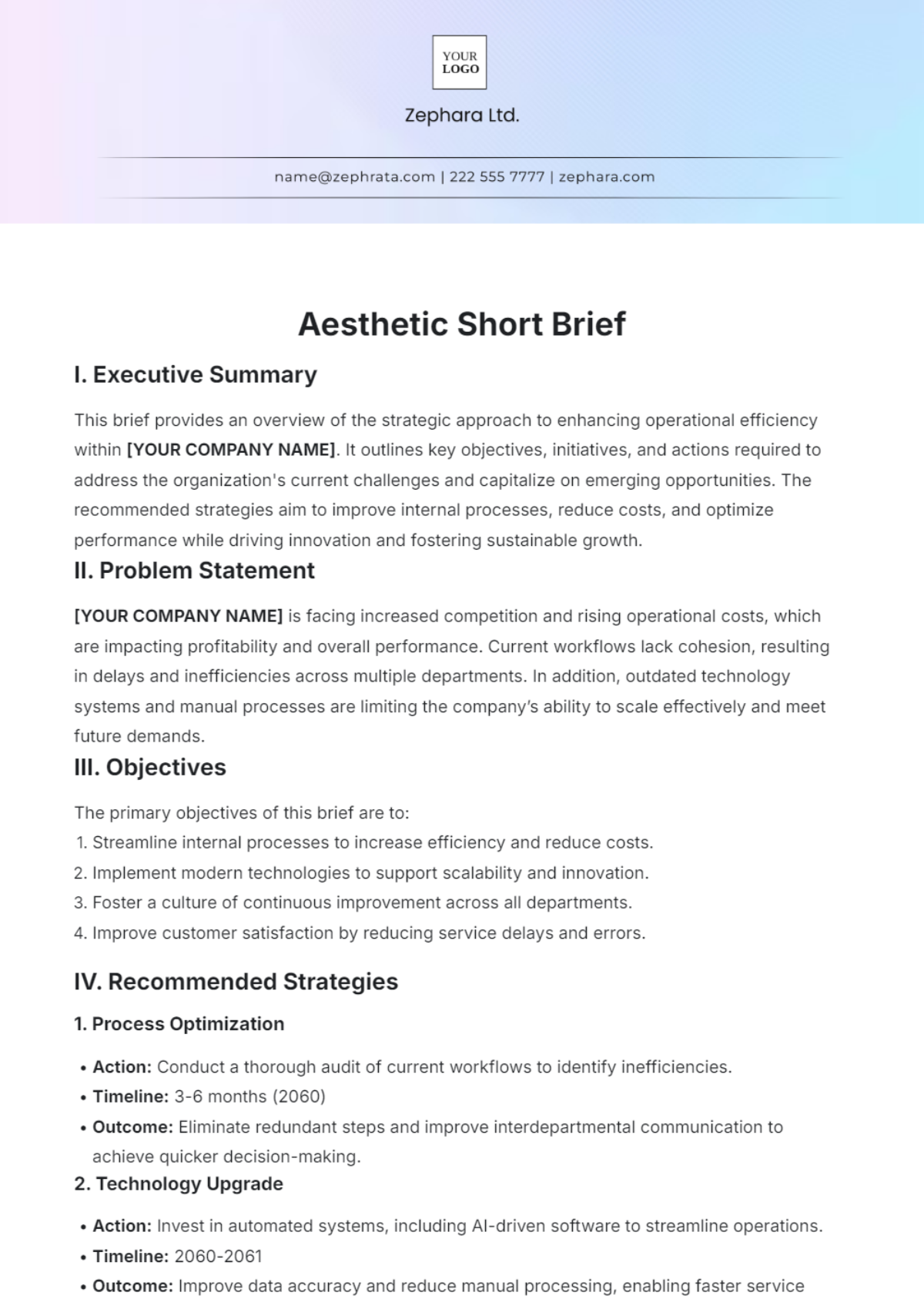
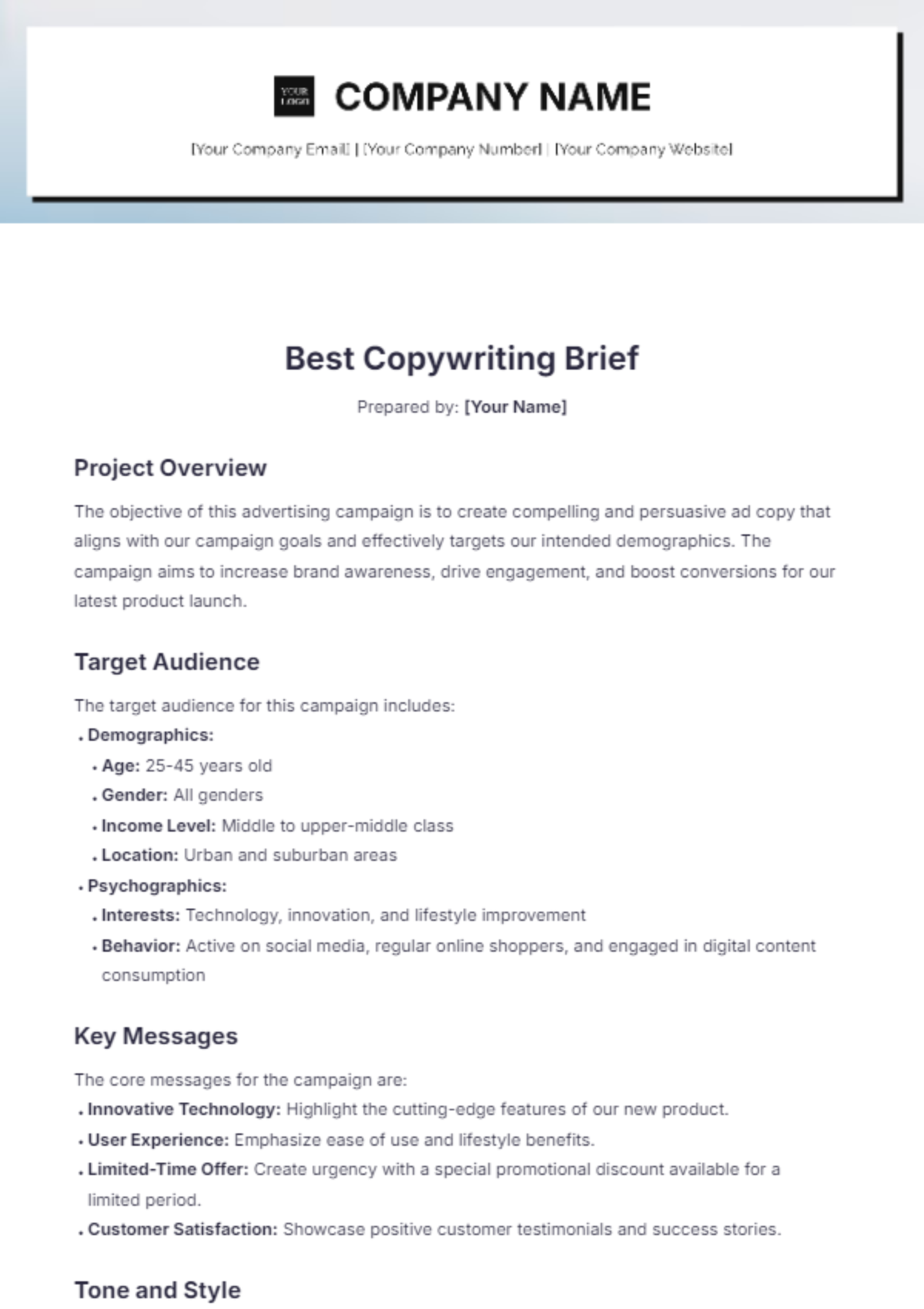
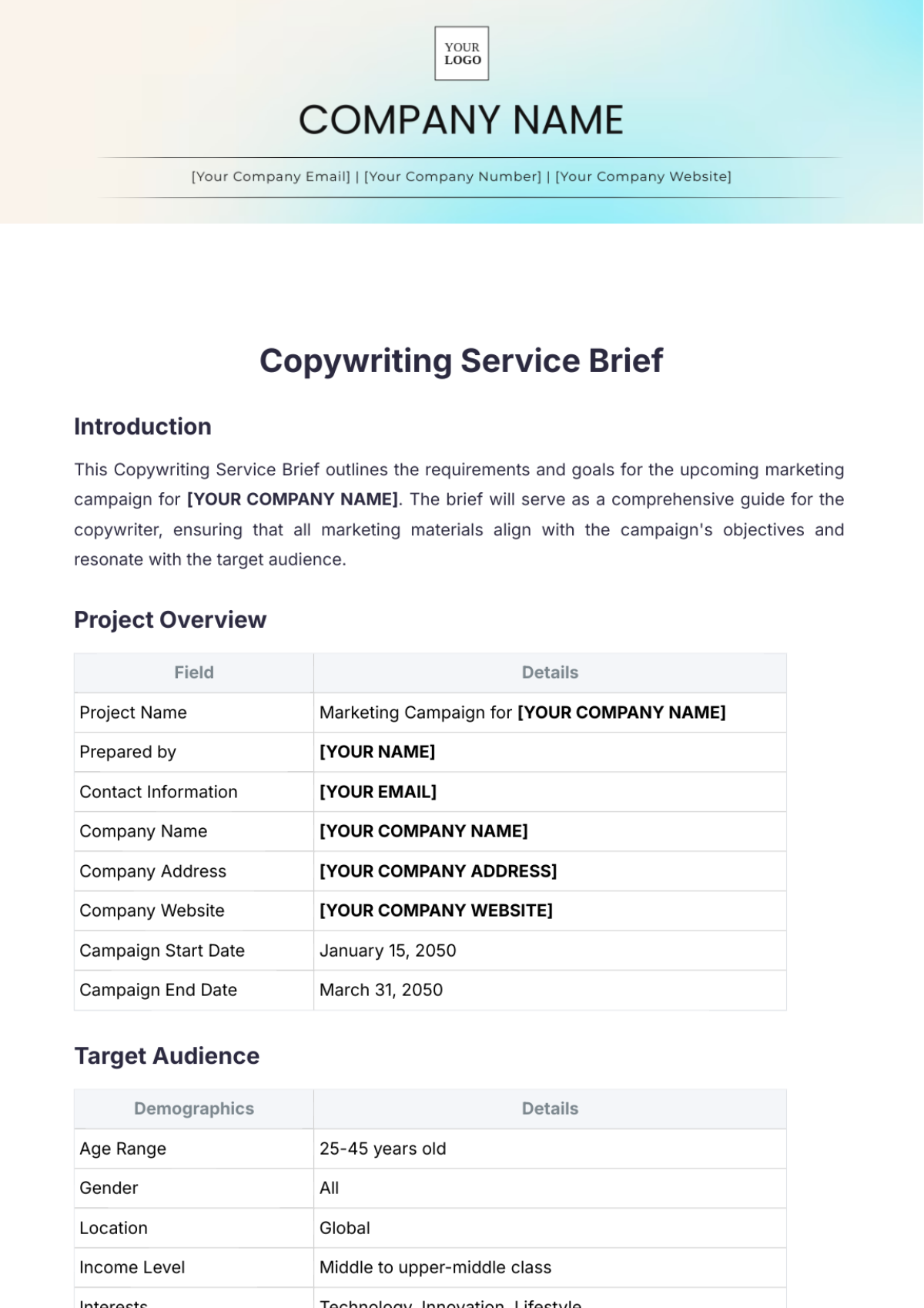
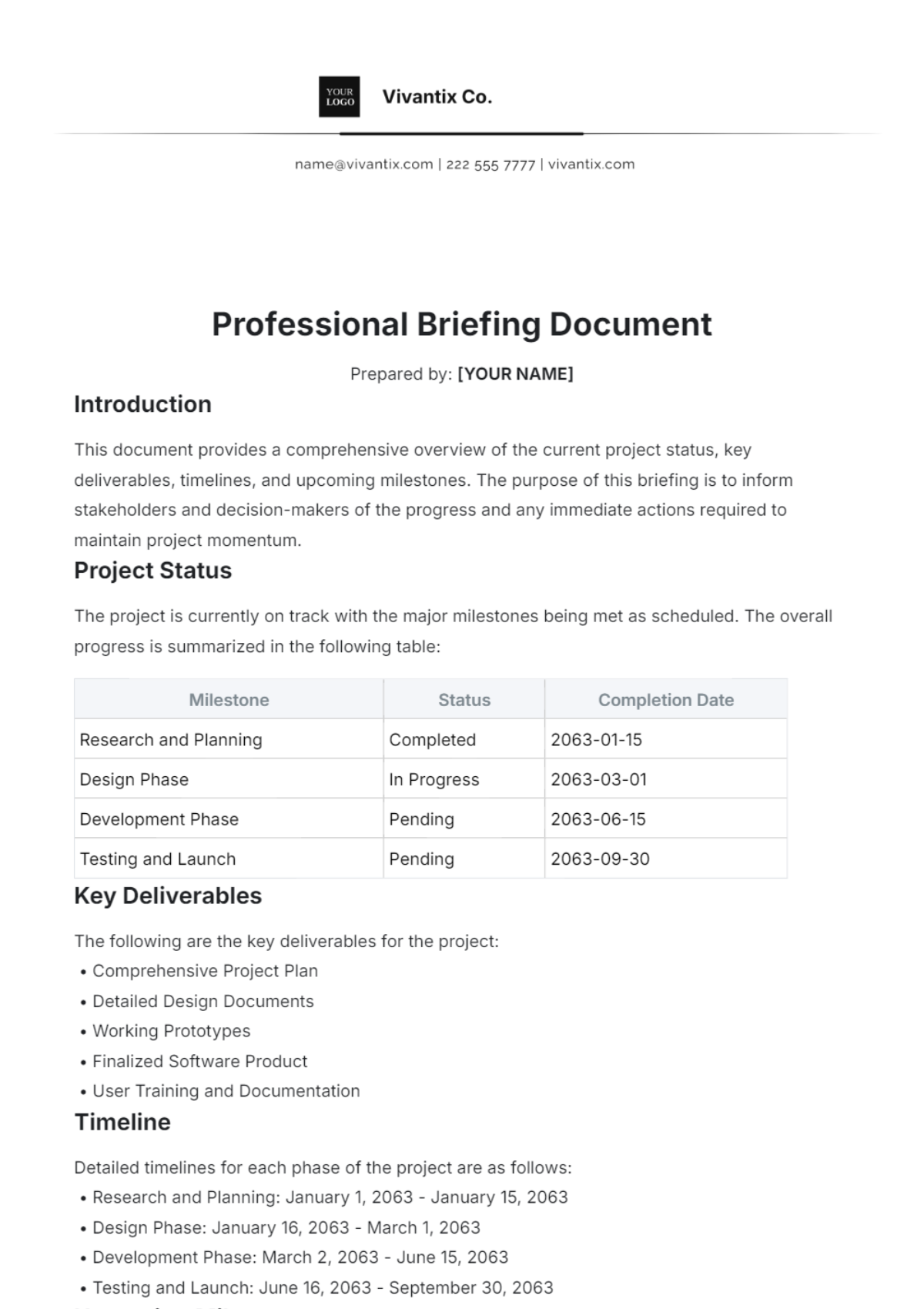
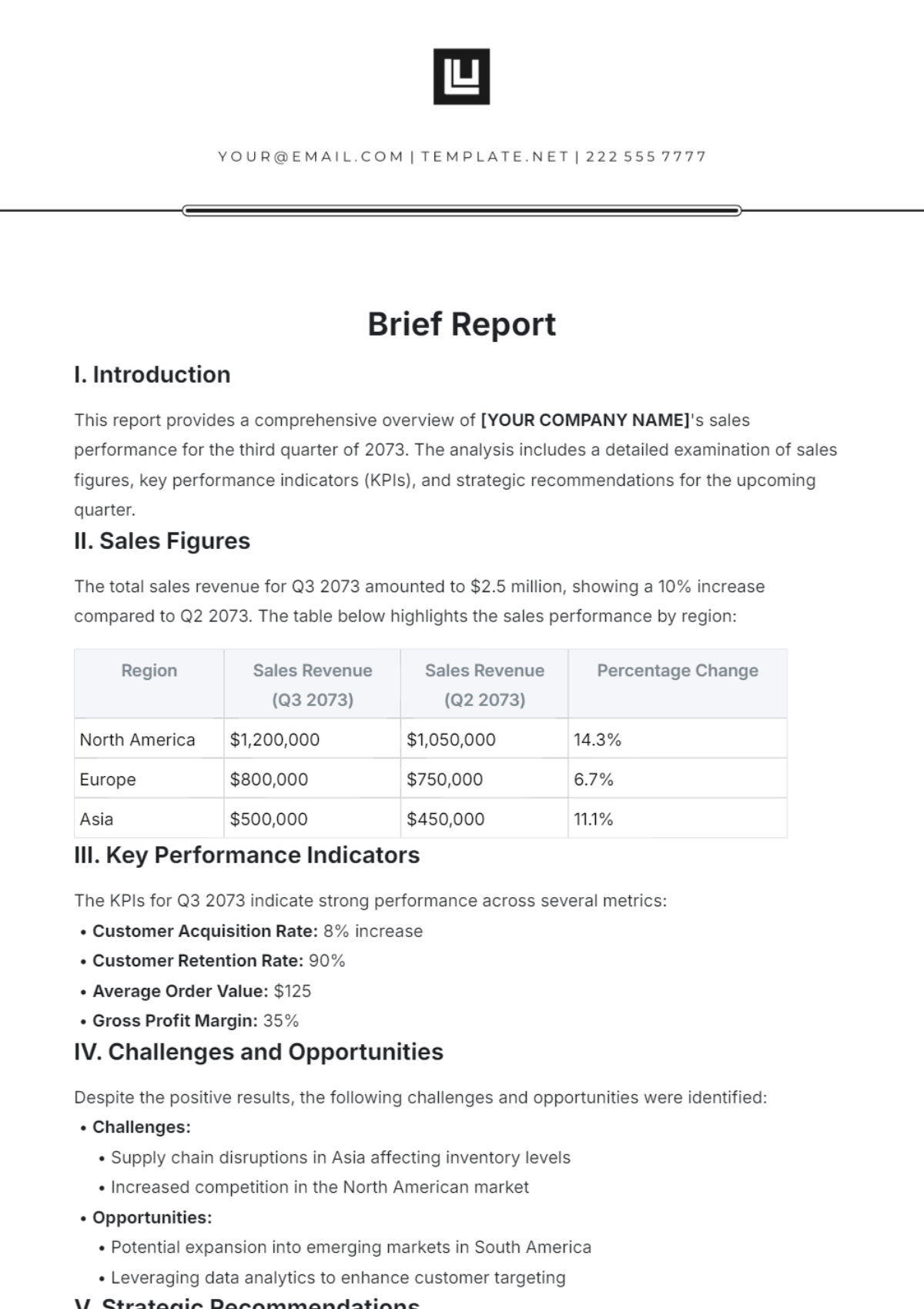
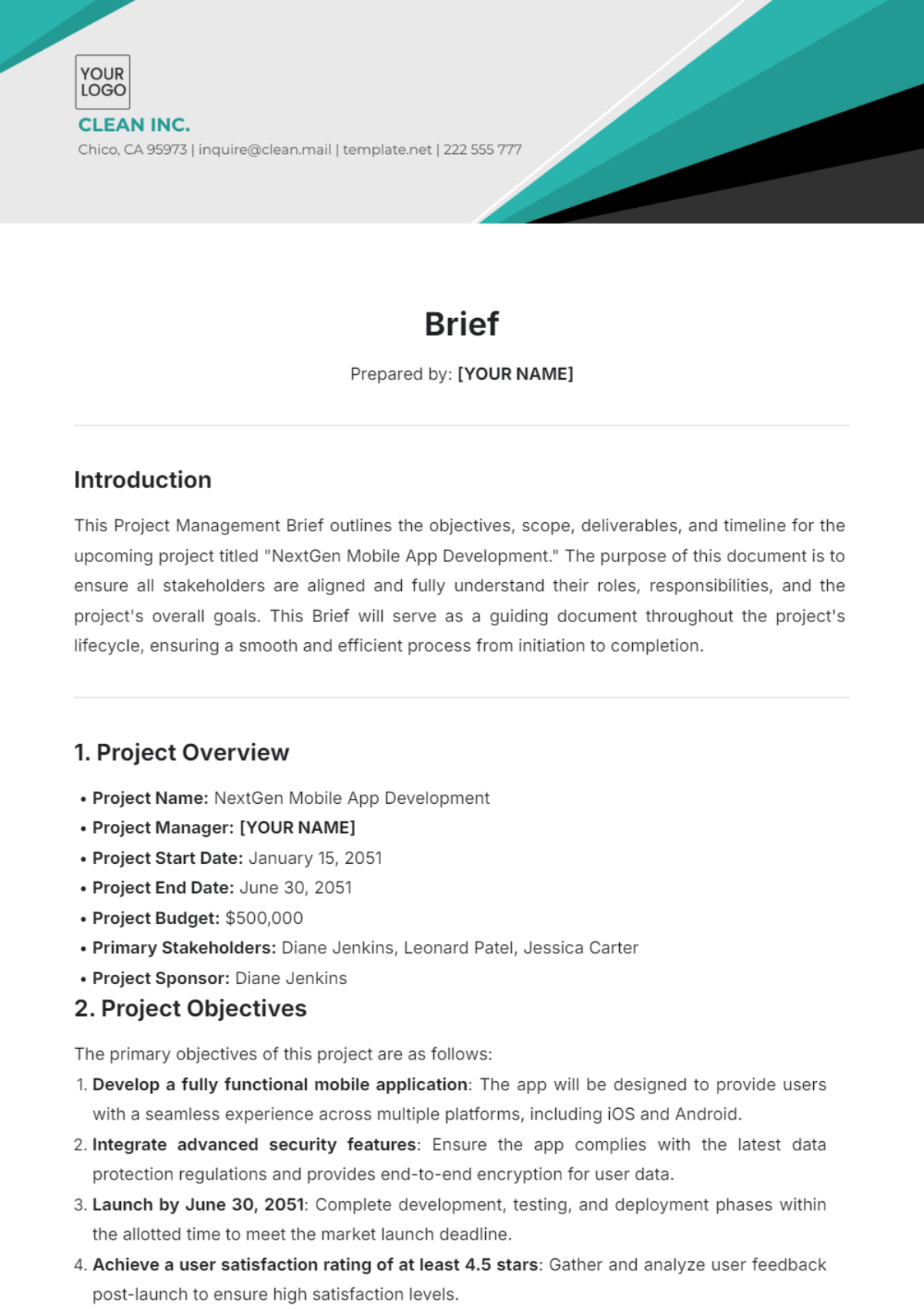
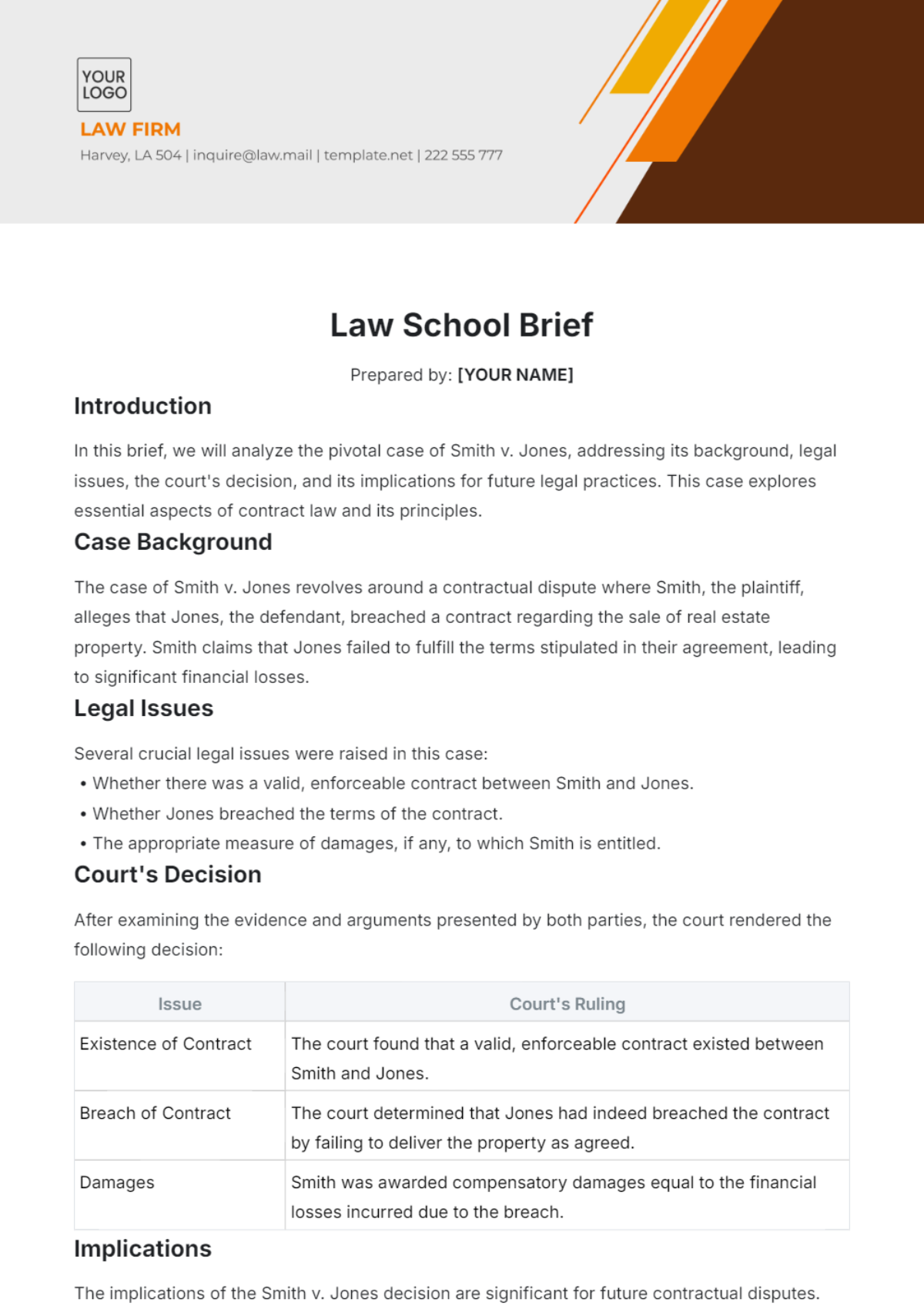
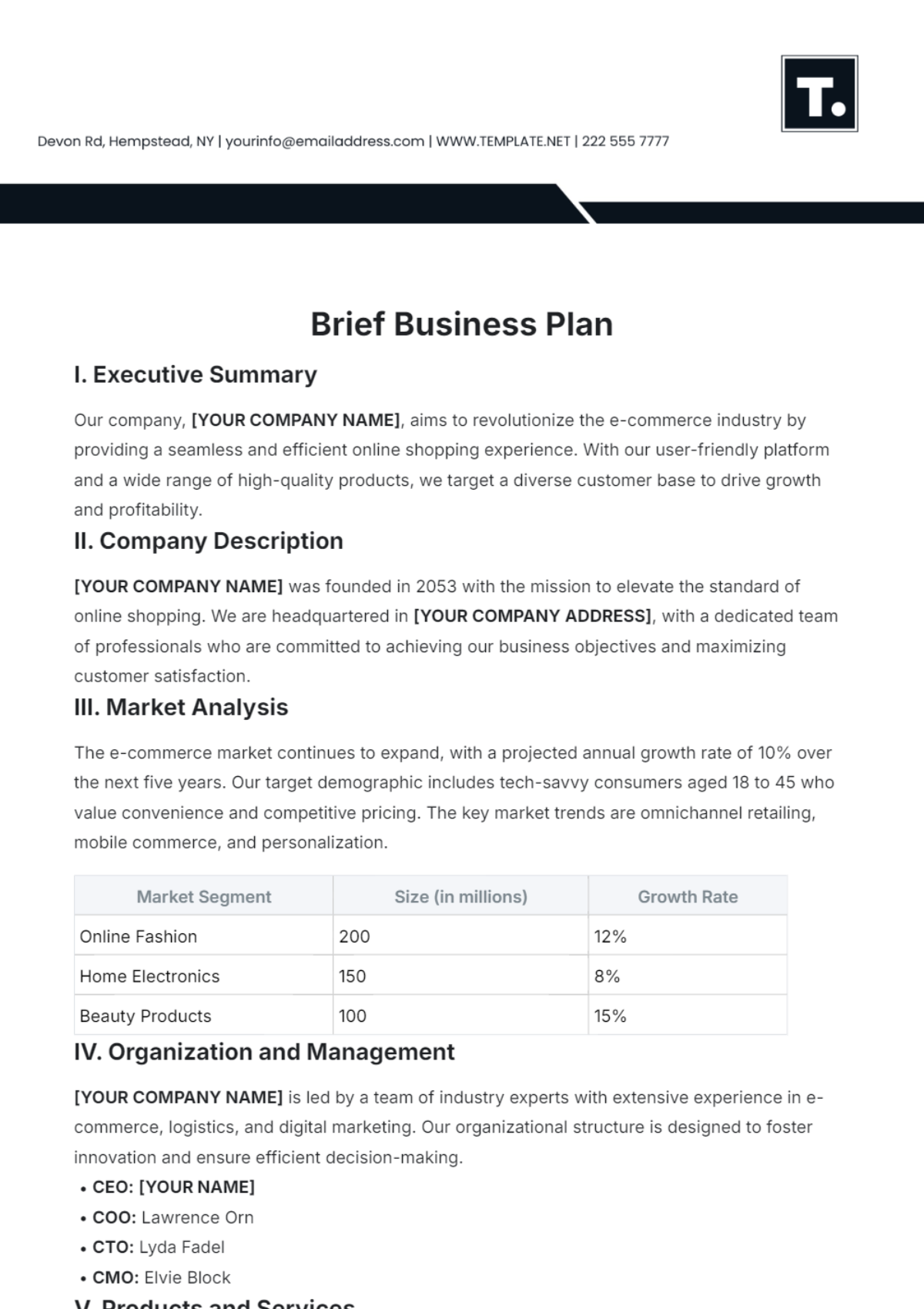

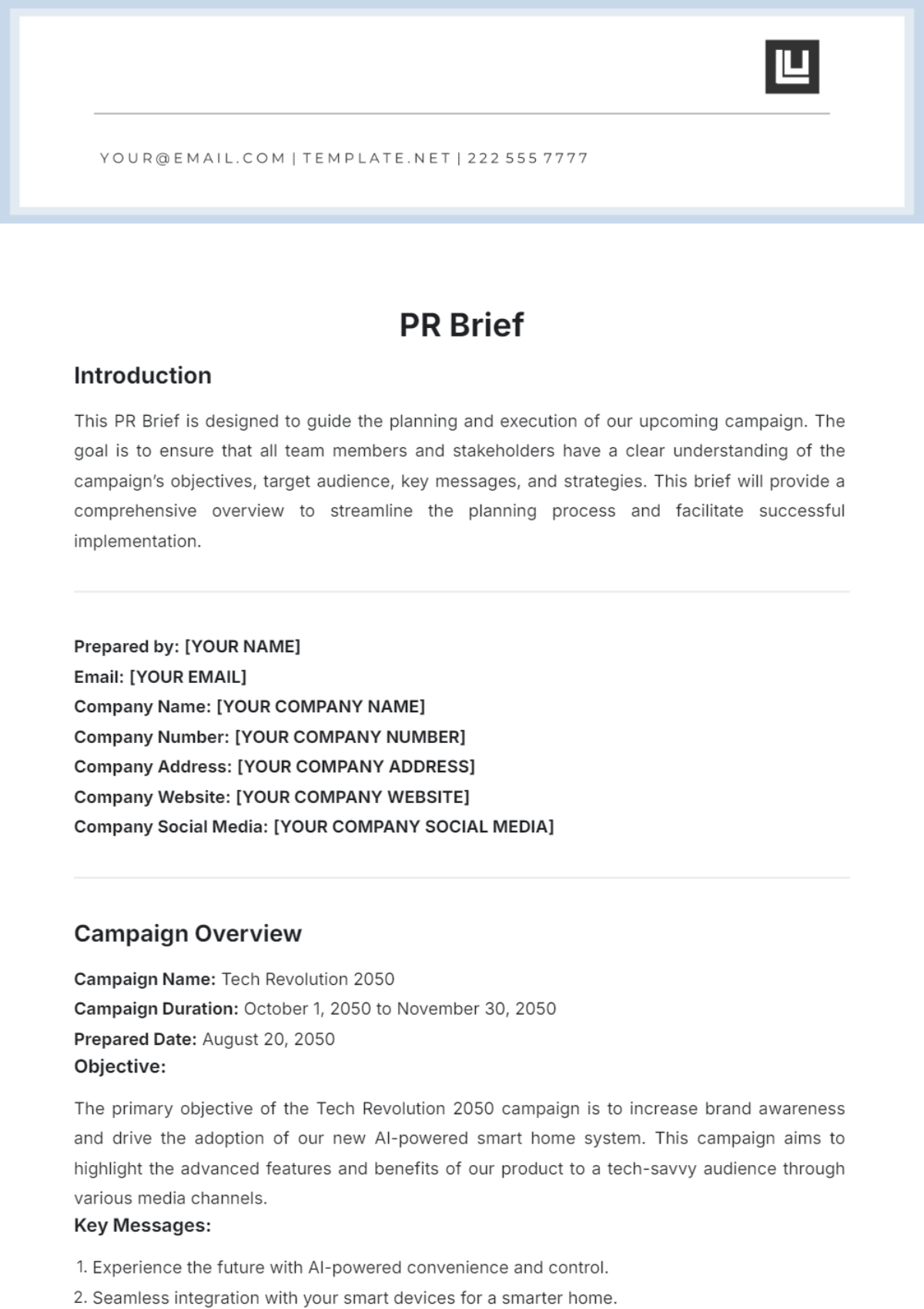
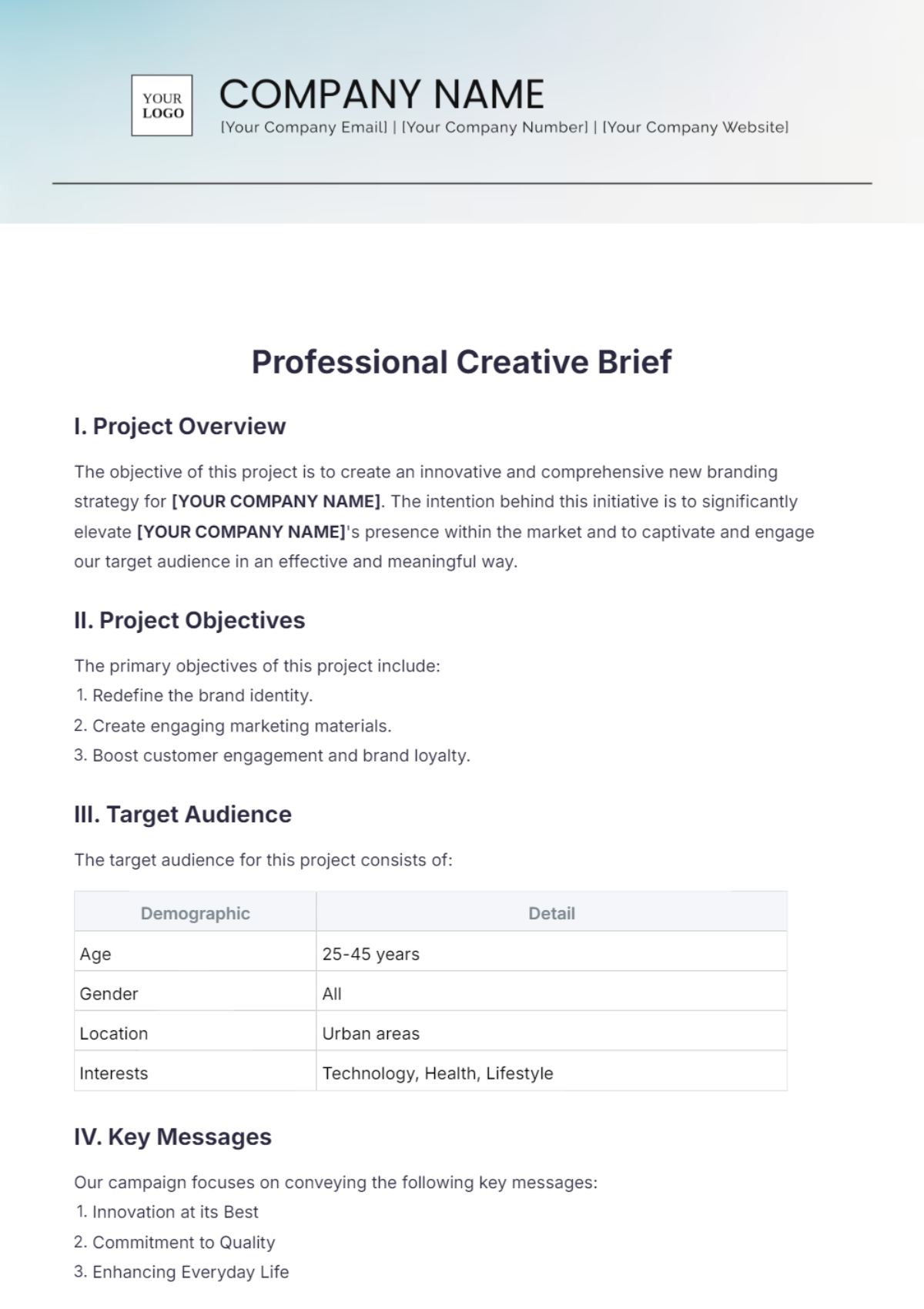
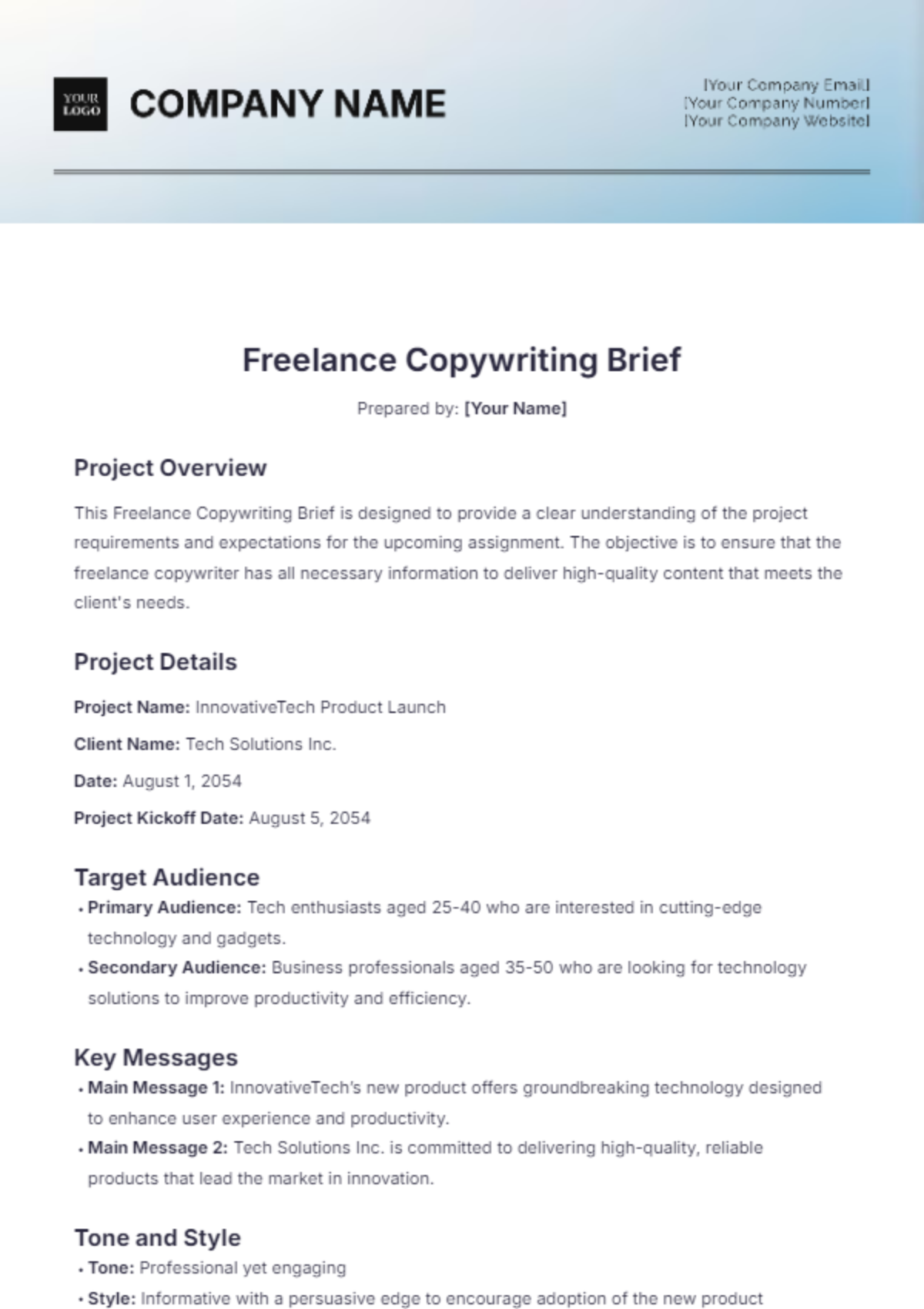
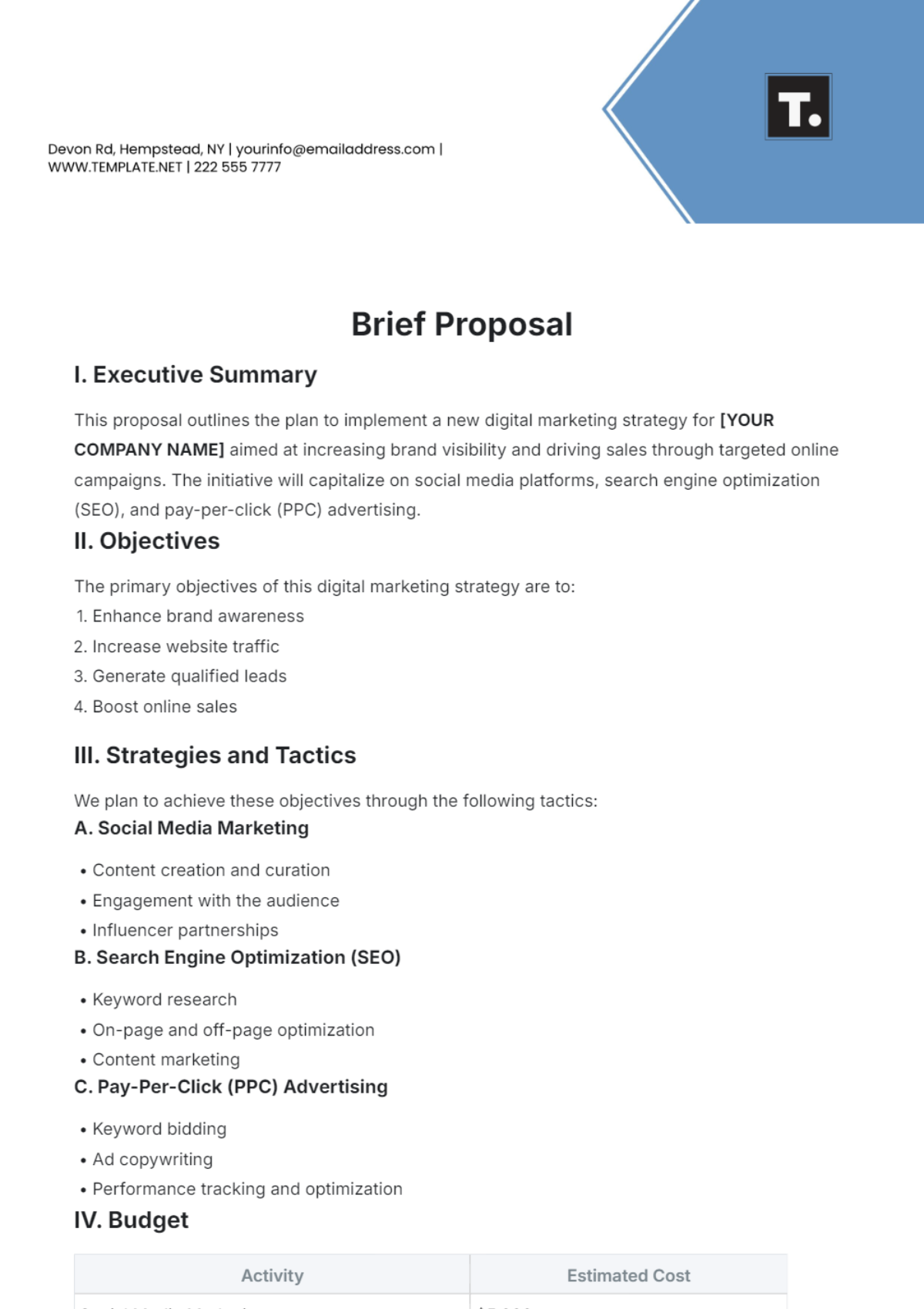
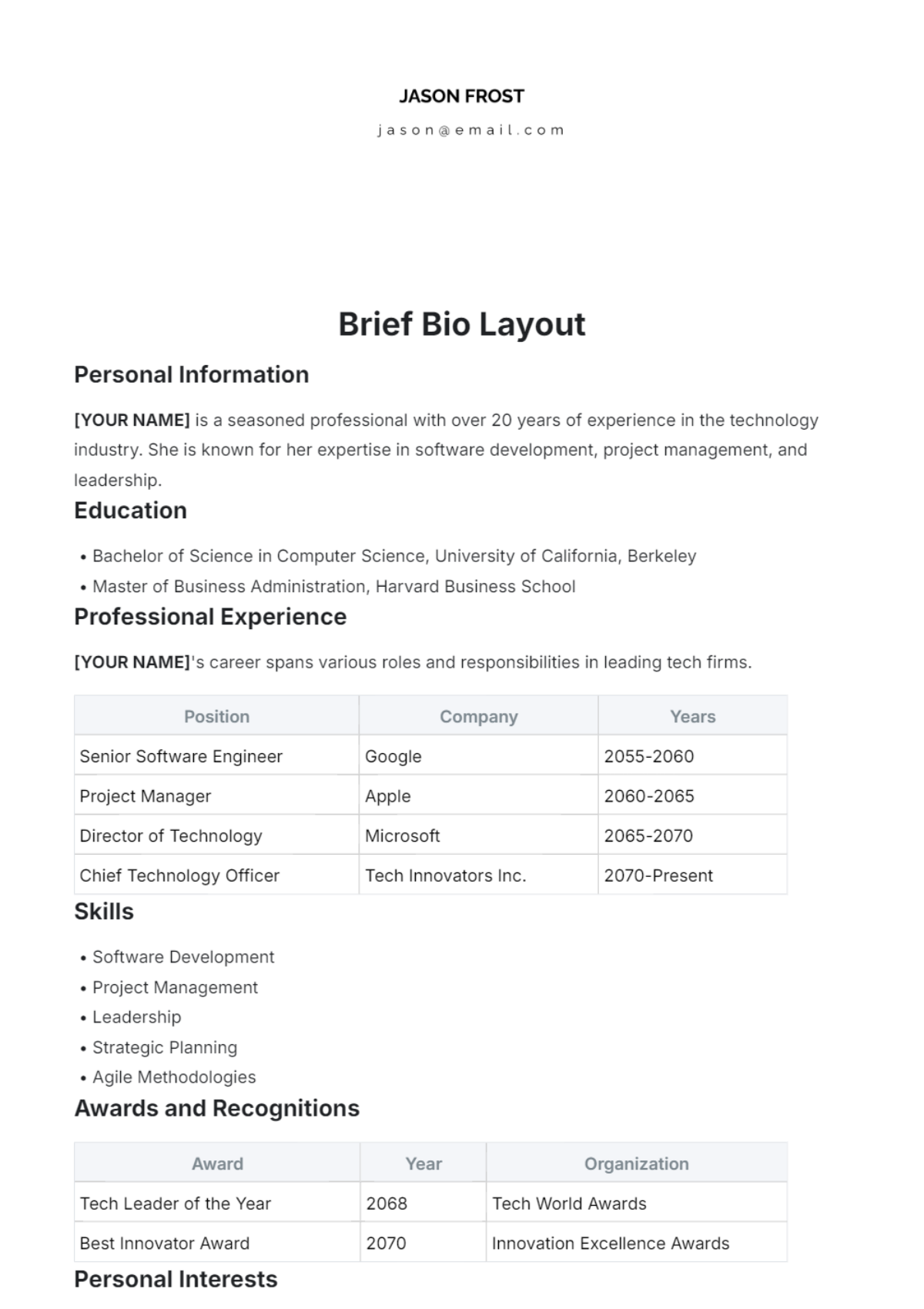
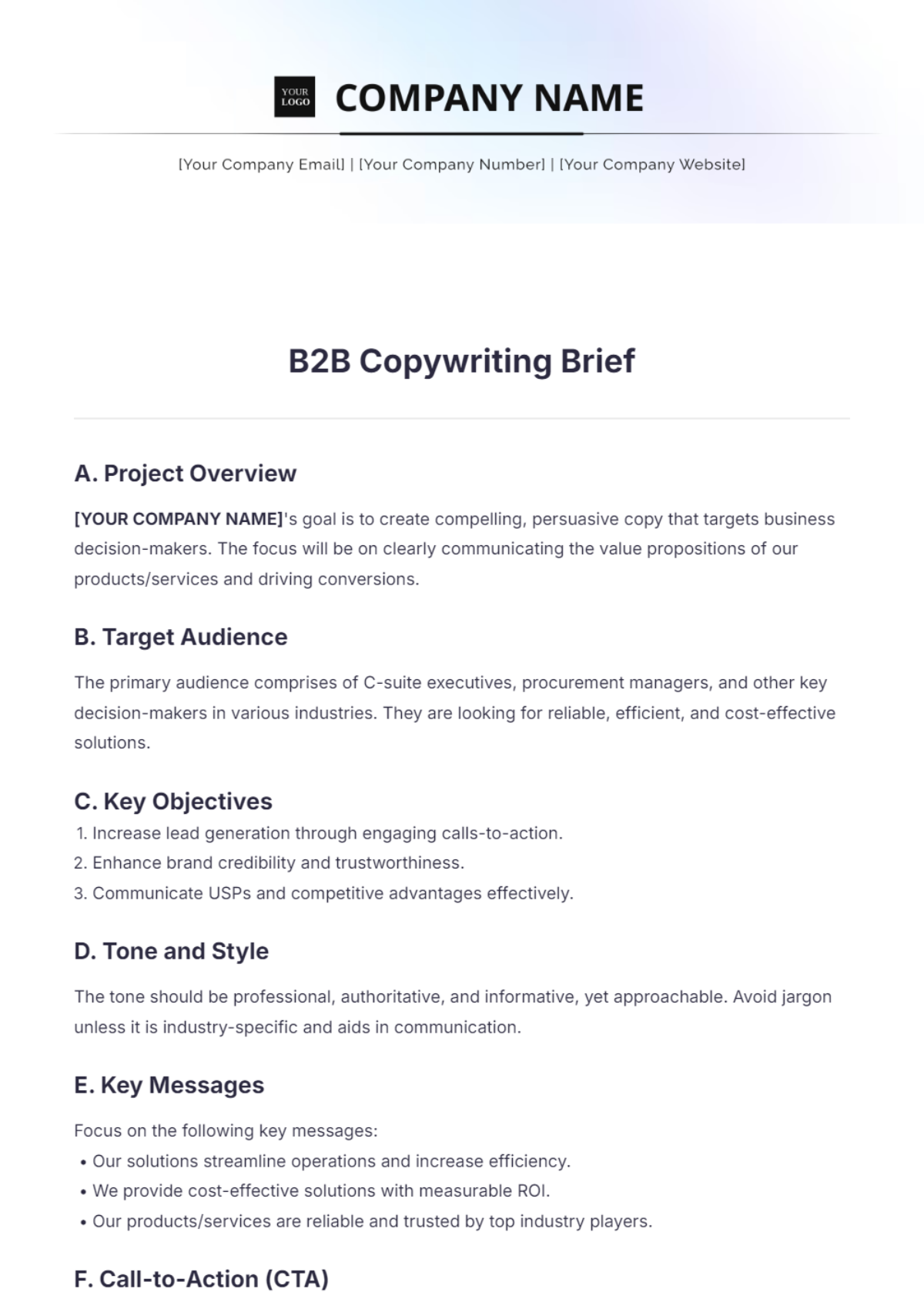
Brief Templates: Definition, Usage, Structure, and Formats
What is a Brief?
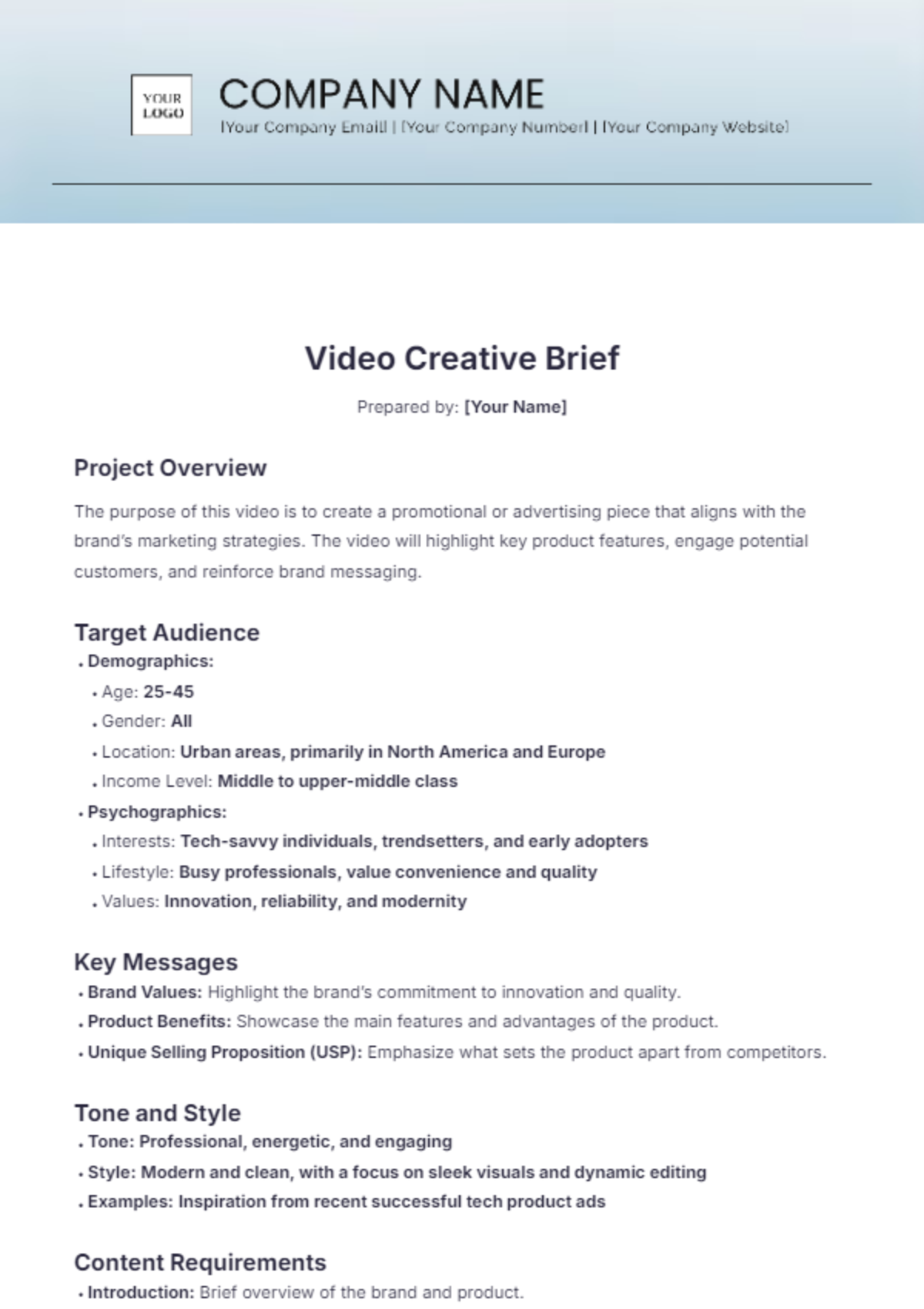
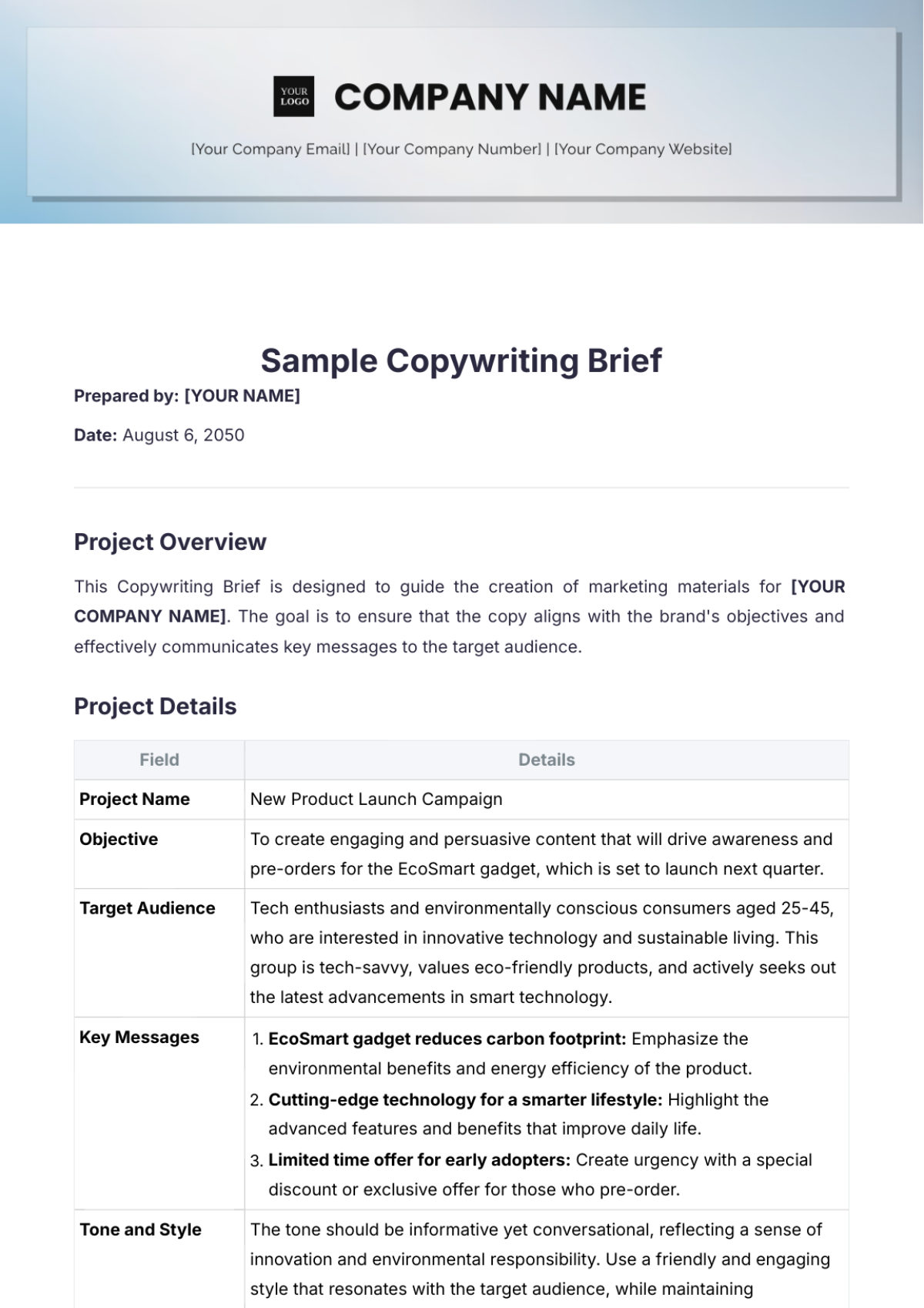
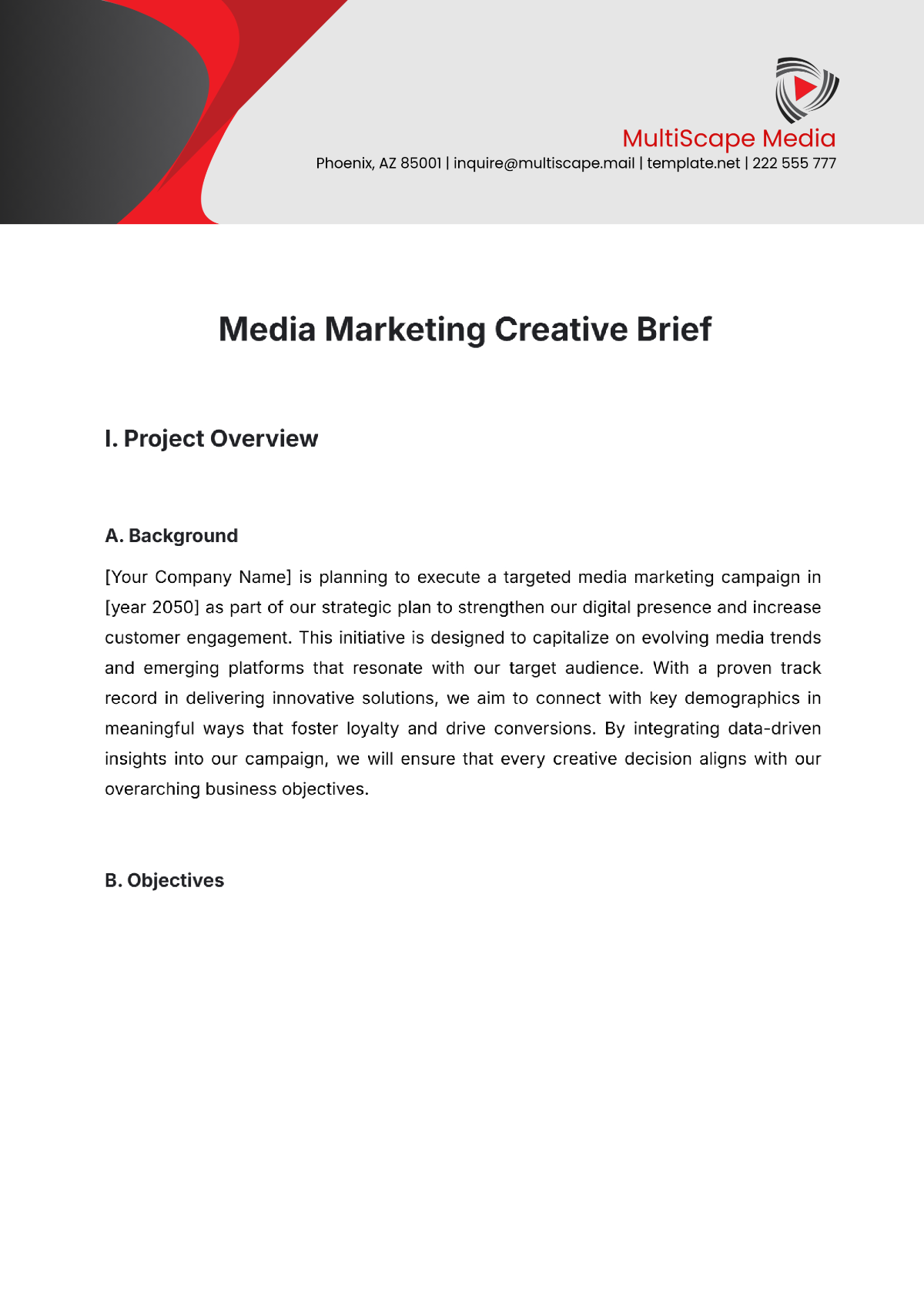
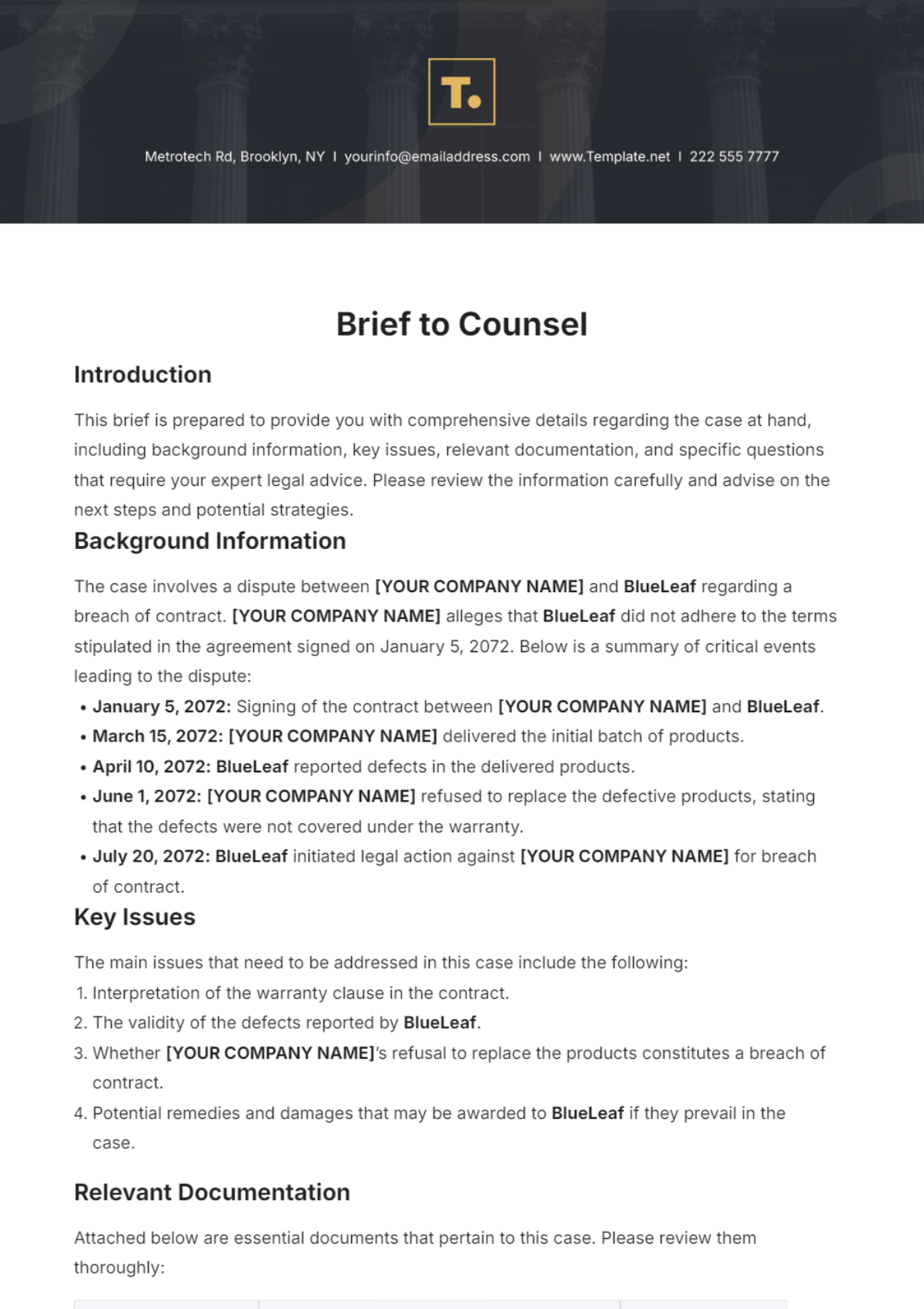
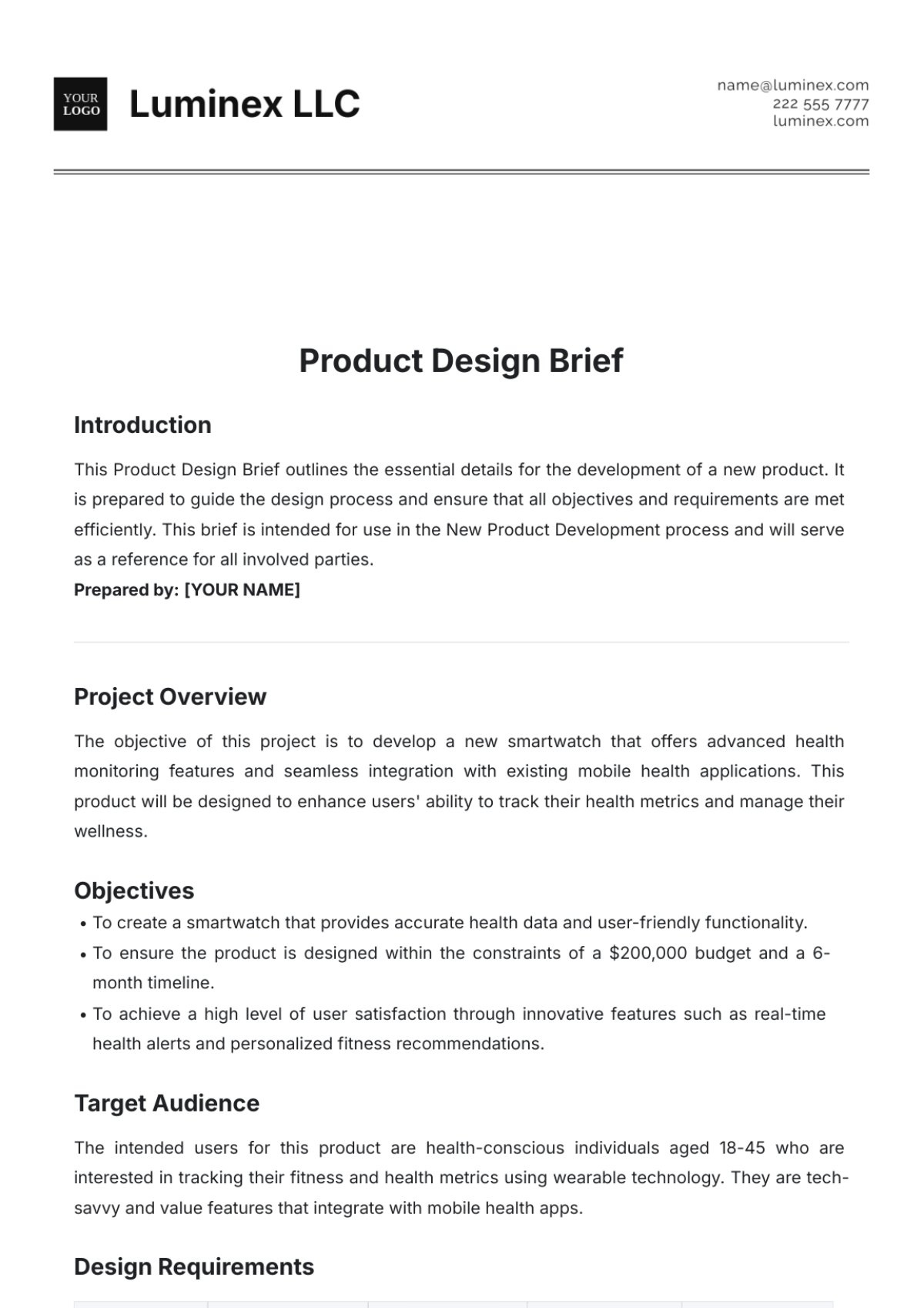
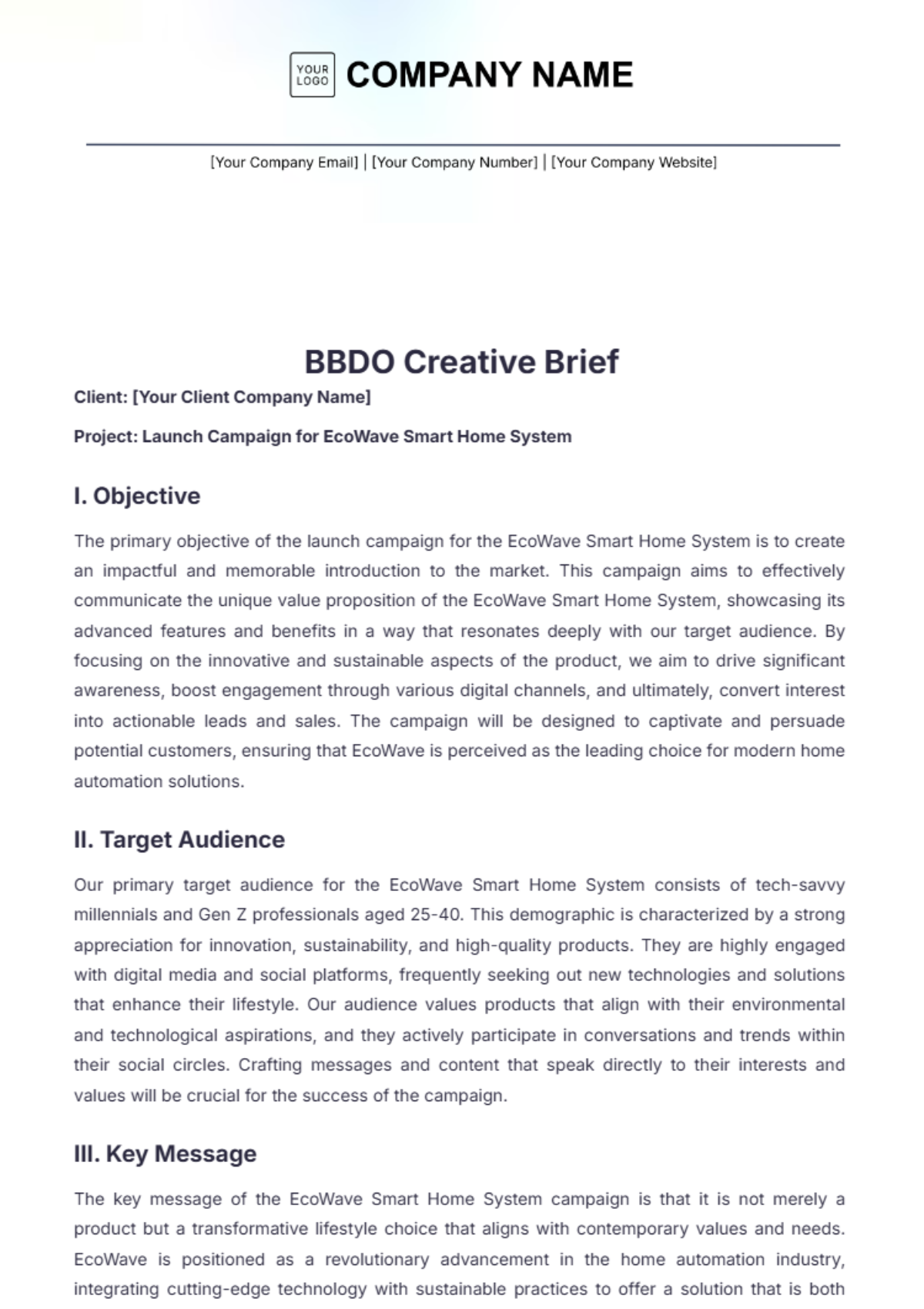
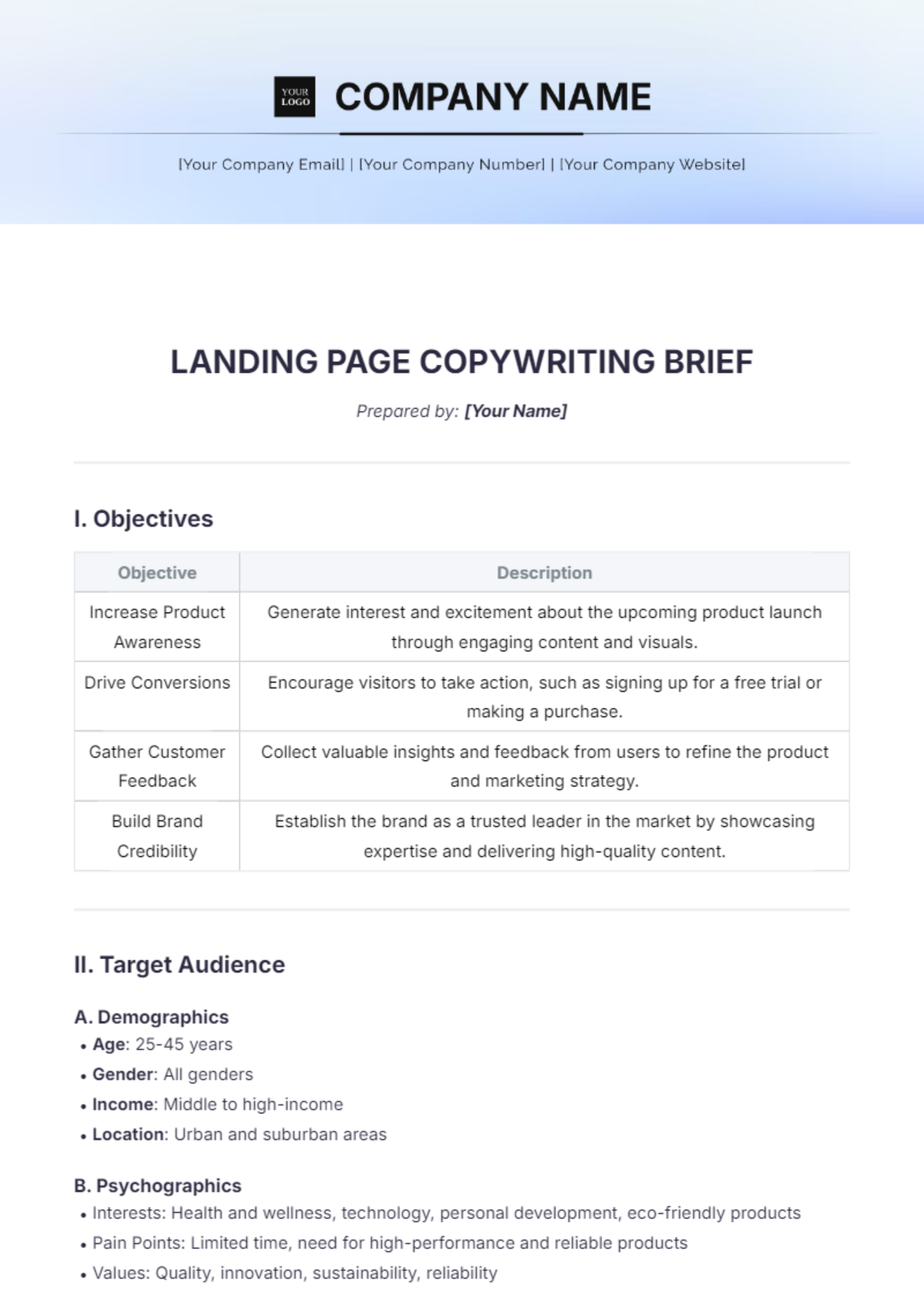
A brief is a concise, structured document designed to summarize key points, objectives, or instructions clearly and efficiently. Brief templates help organize information into sections with a professional layout that supports quick understanding and decision-making.
Why use a Brief?
Using a brief ensures information is presented in a clear, concise way that saves time and improves communication. Ready-made brief templates provide structured formatting for quick editing and professional presentation, making business processes more efficient and reliable.
Who typically uses Briefs?
Briefs are typically used by professionals such as project managers, marketers, legal teams, and executives who need to convey summarized information. These users benefit from ready-made templates that support online editing and business-ready layouts for fast and accurate document creation.
What sections should a Brief include?
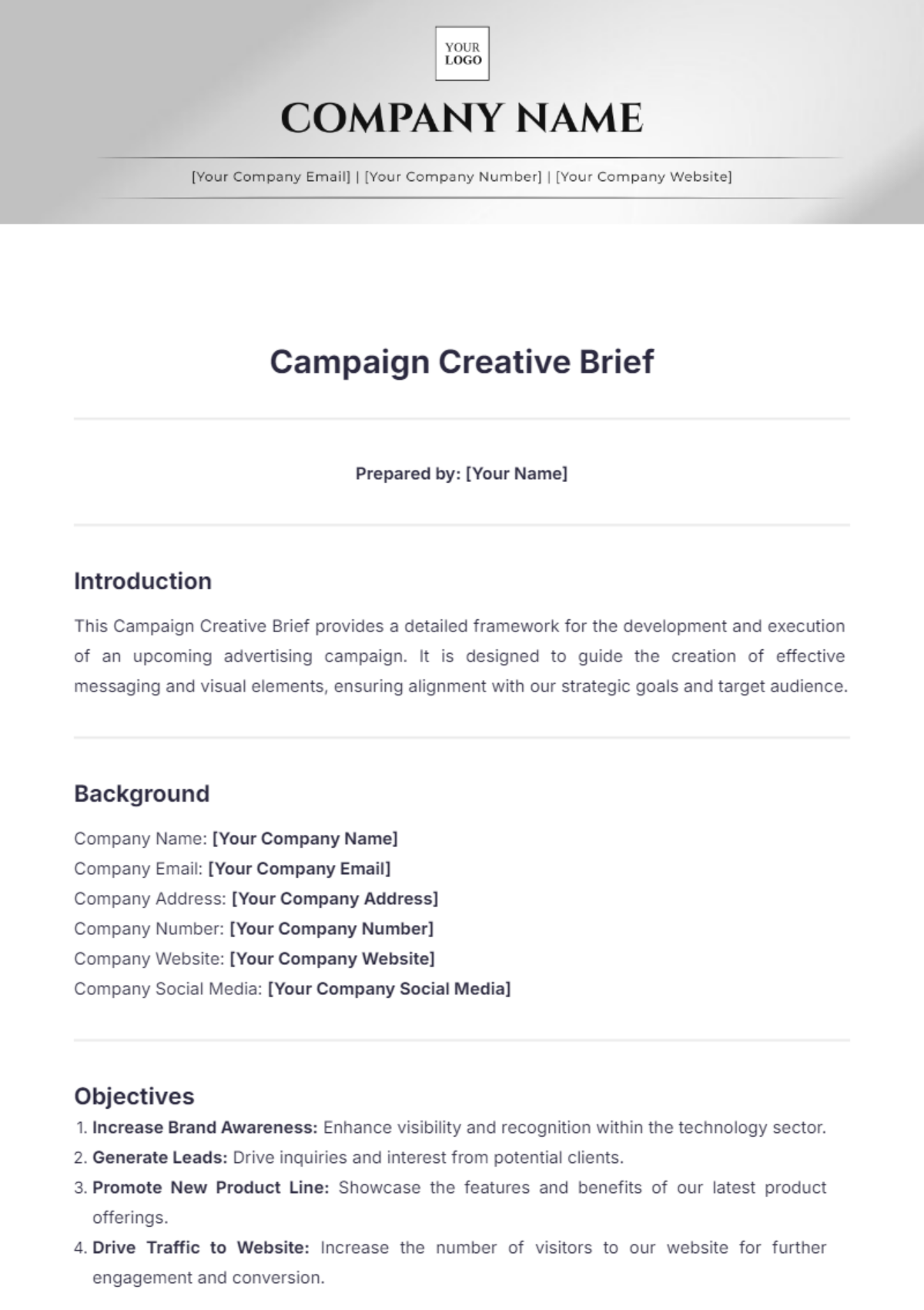
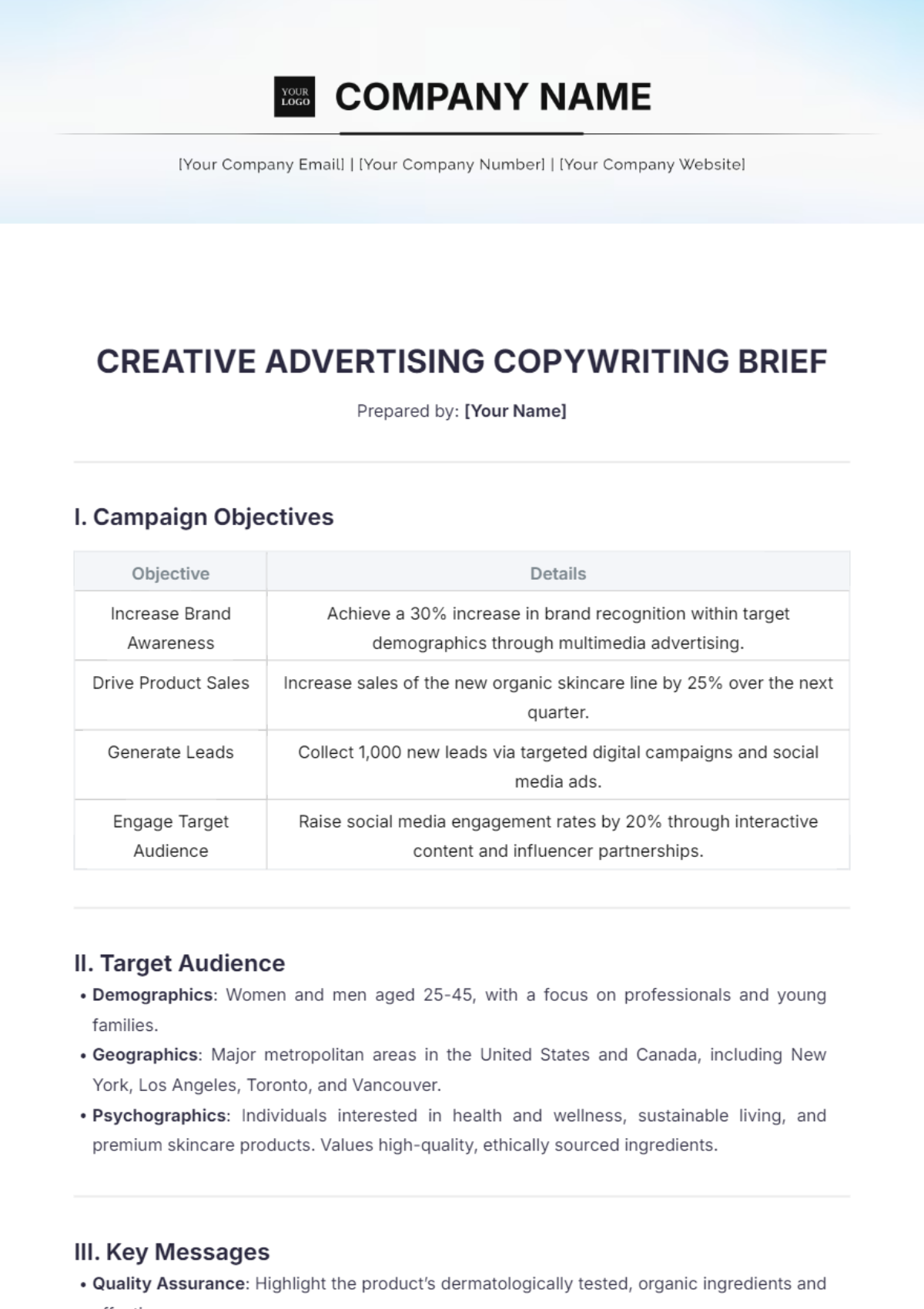
A brief should include a header with contact information, objective or summary, key points or deliverables, and a conclusion or next steps. These structured sections ensure clarity and ease of use within a professional format.
What are the best tips for formatting a Brief?
Best formatting tips for a brief include using clear headings, bullet points for key details, consistent font styles, and ample whitespace. Applying structured formatting enhances readability and ensures the document remains professional and easy to navigate.
How do you print a Brief?
Printing a brief involves exporting it as a print-ready PDF or compatible file, ensuring the layout fits standard sizes such as Letter size 8.5 × 11 inches or A4. Using ready-made templates guarantees a business-ready format optimized for high-quality printing.
Is a Brief legally and professionally acceptable?
A brief prepared with compliance-friendly templates meets professional and legal standards for clarity and structure. Using ready-made brief templates ensures the document is properly formatted, reducing risks and enhancing credibility in official and business contexts.
What file formats can I download for a Brief?
Template.net offers brief templates that support multiple export formats for seamless editing and printing. You can download briefs in Word, Google Docs, and PDF formats, ensuring flexible use across platforms.
Can I create a new Brief using AI?
Template.net provides an AI-powered tool that generates structured brief documents from prompts in three to ten seconds. These AI-generated briefs are ready for online refinement and multi-format export for fast professional use. Explore the Brief Generator.
