
Free Countdown Templates


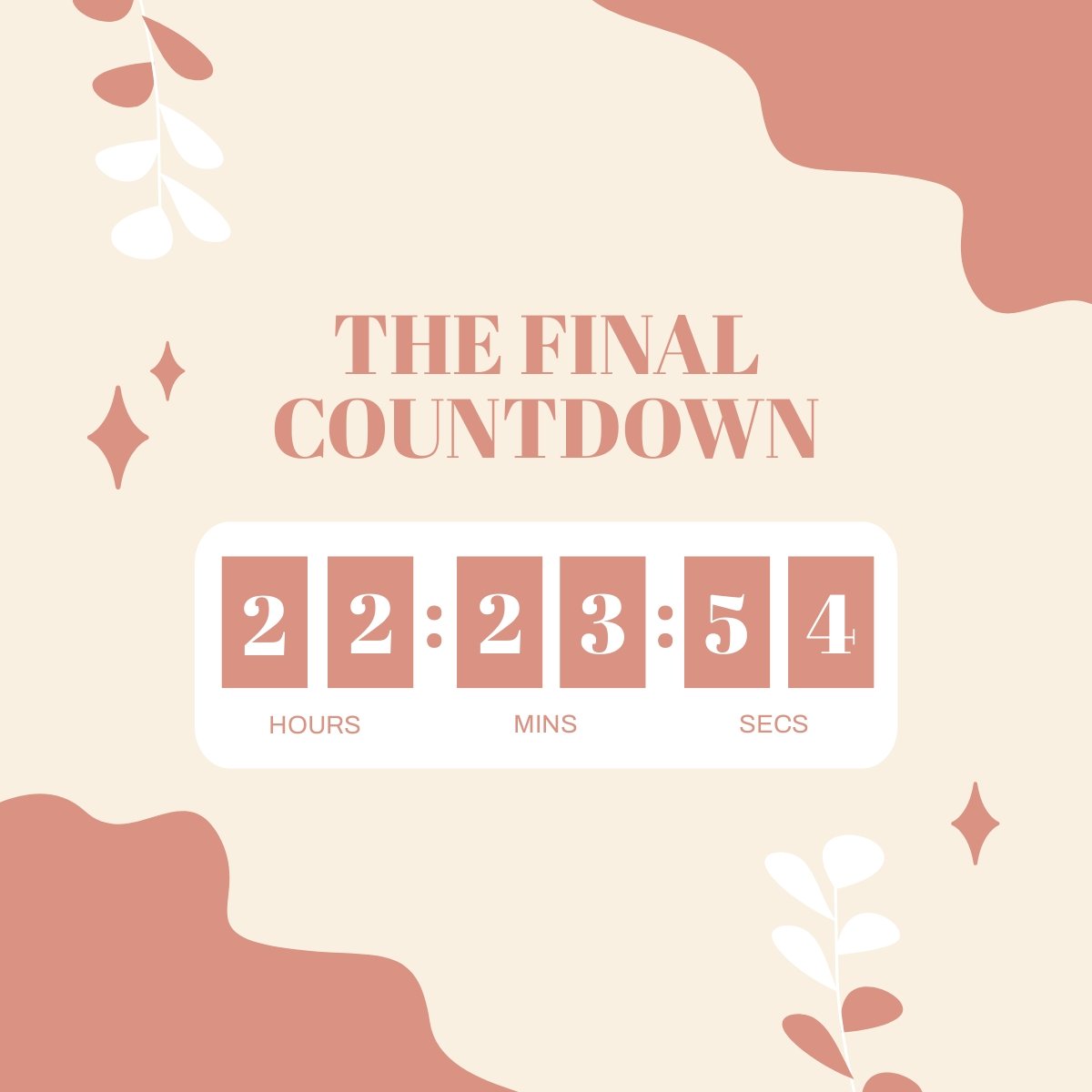













Free Countdown Customizable Templates: Design Guide, Uses, and Download Formats

What is a Countdown?
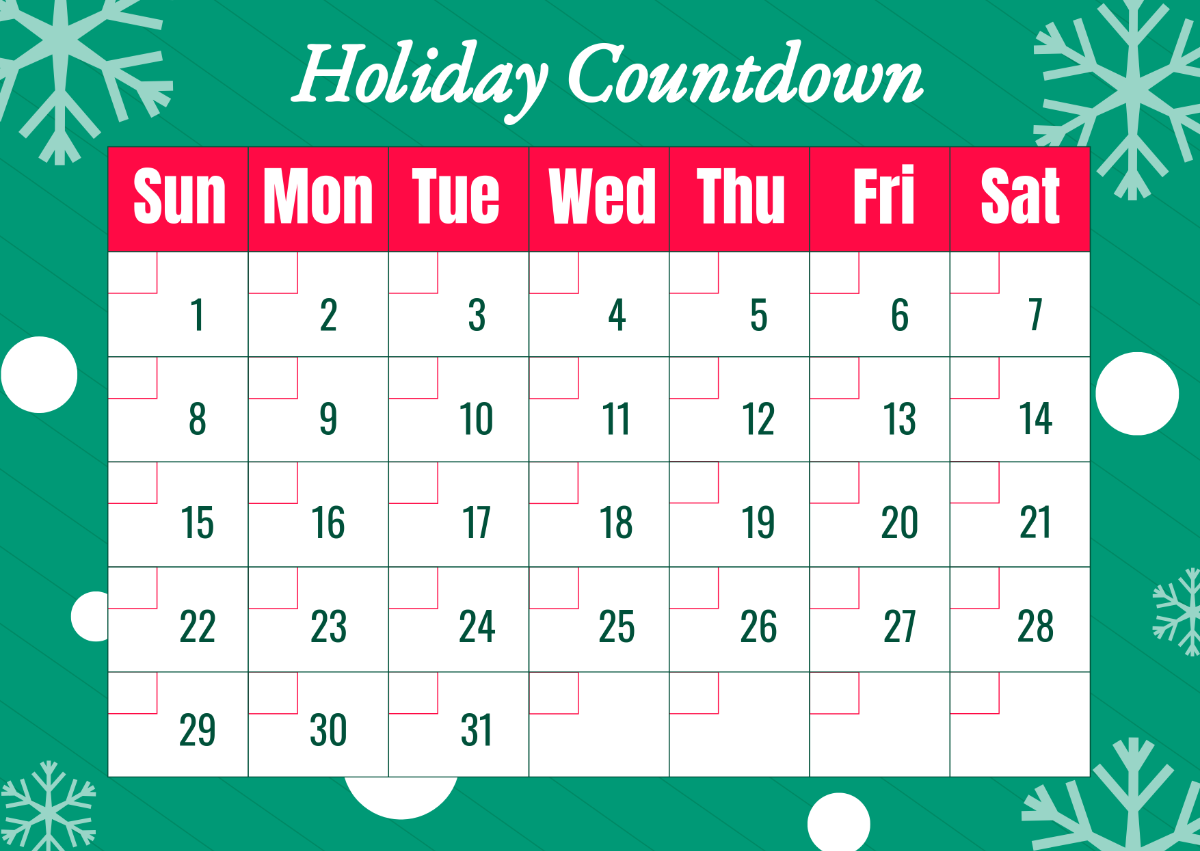
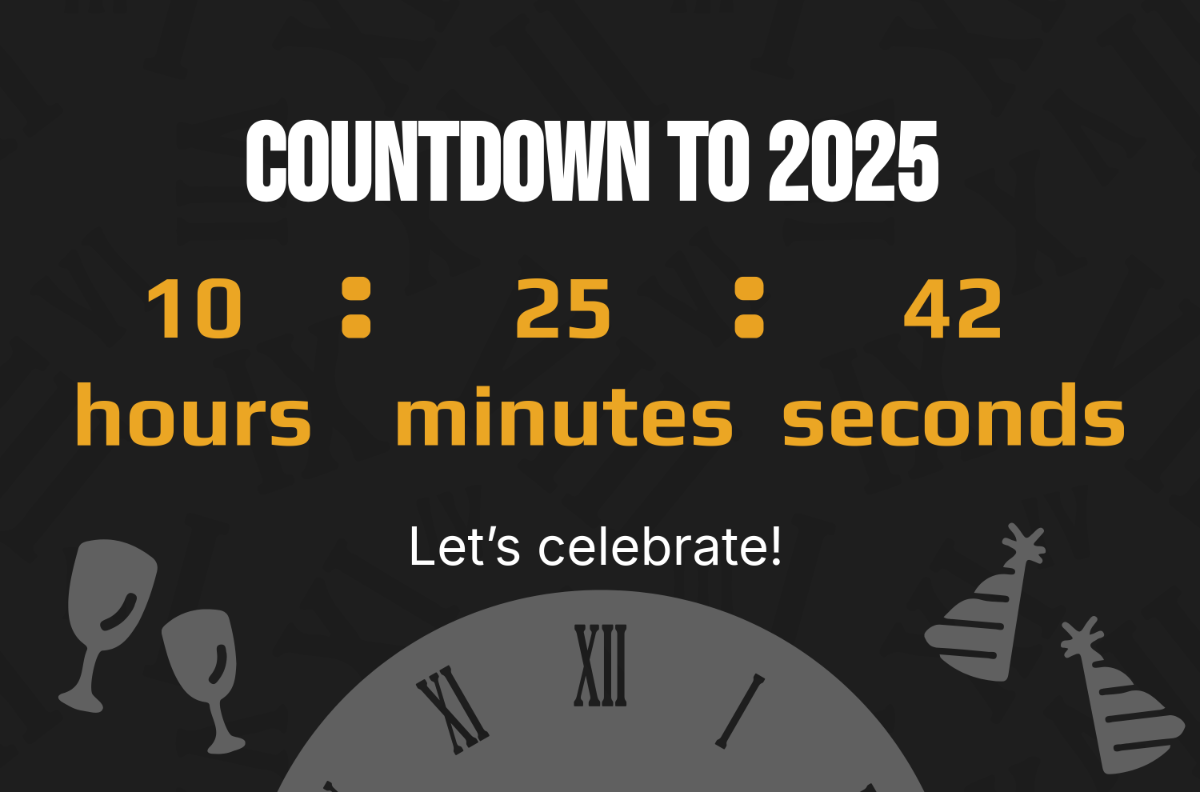
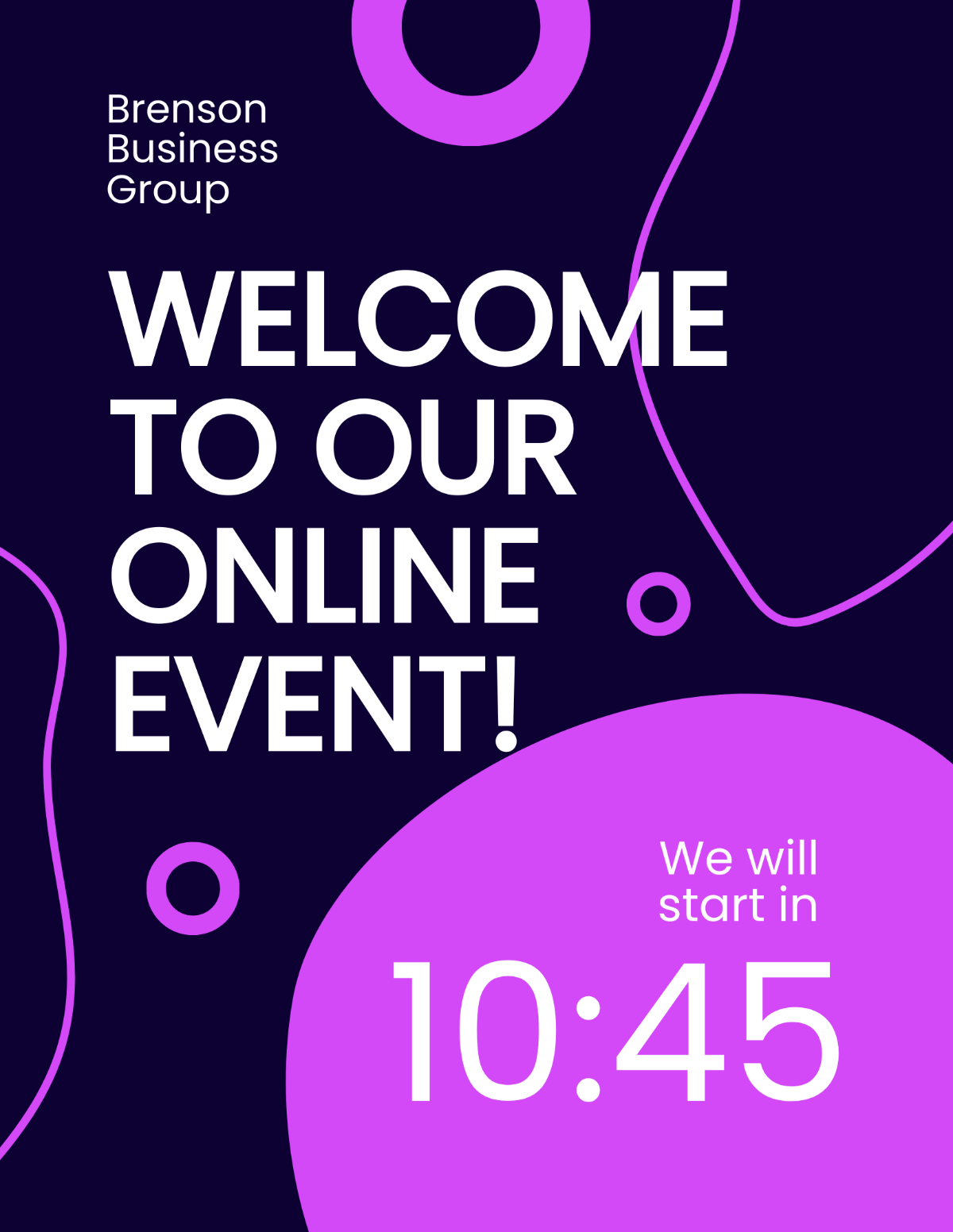
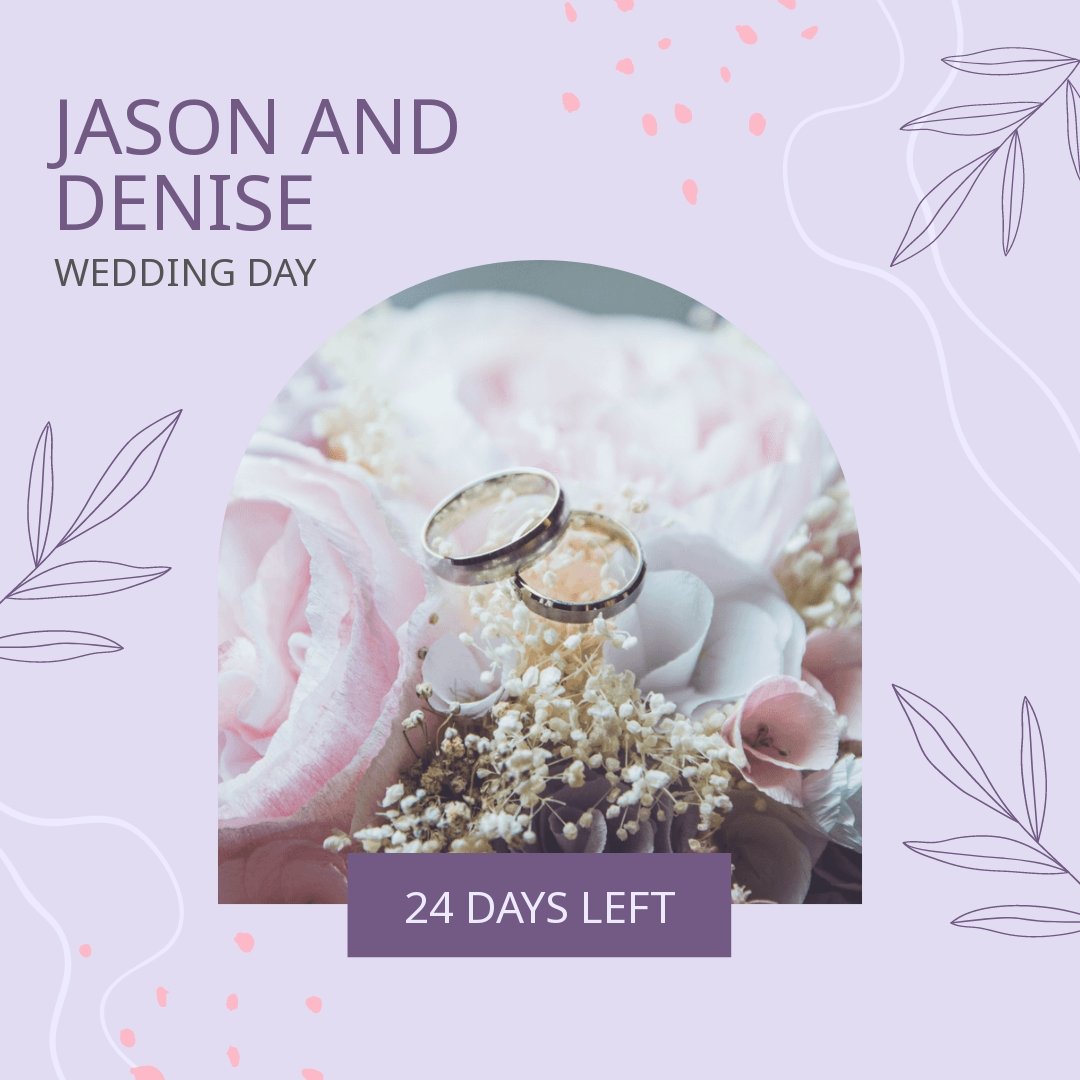
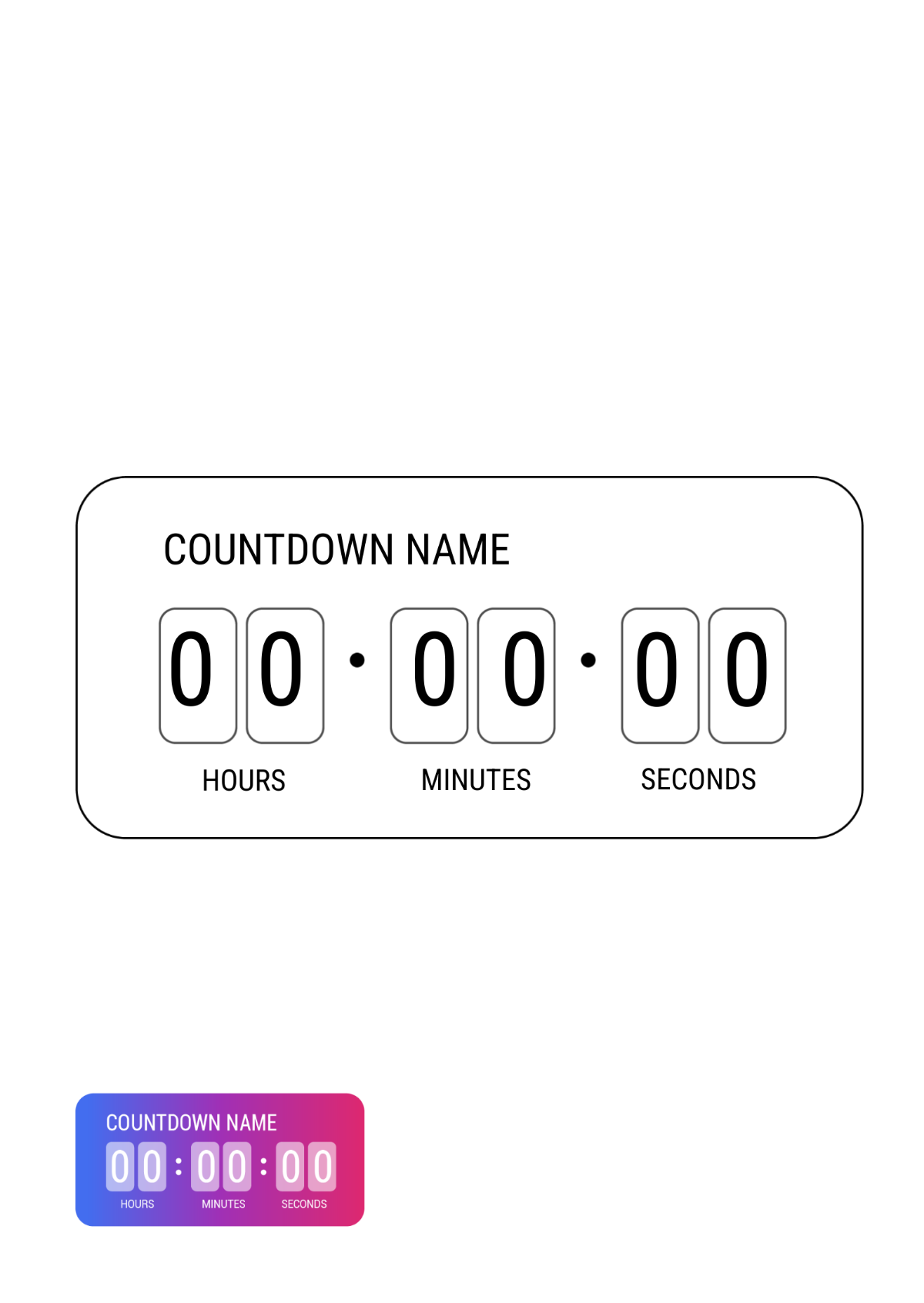
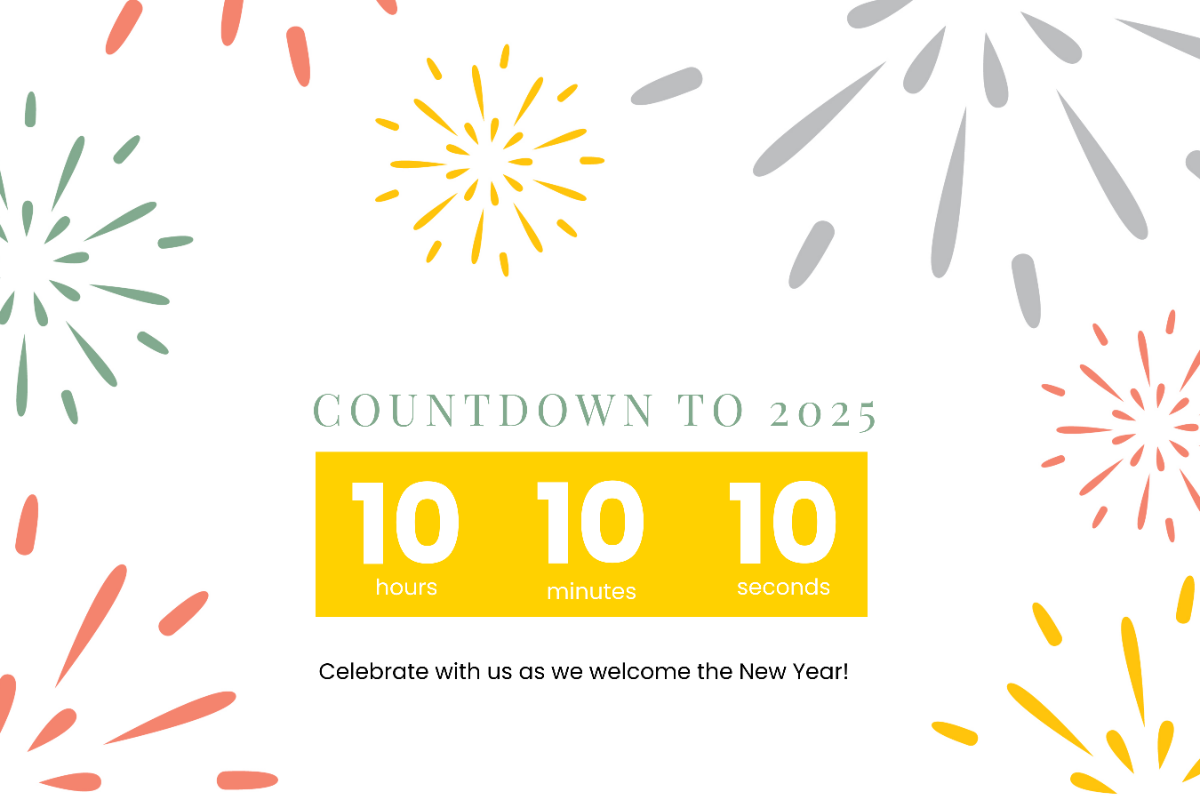
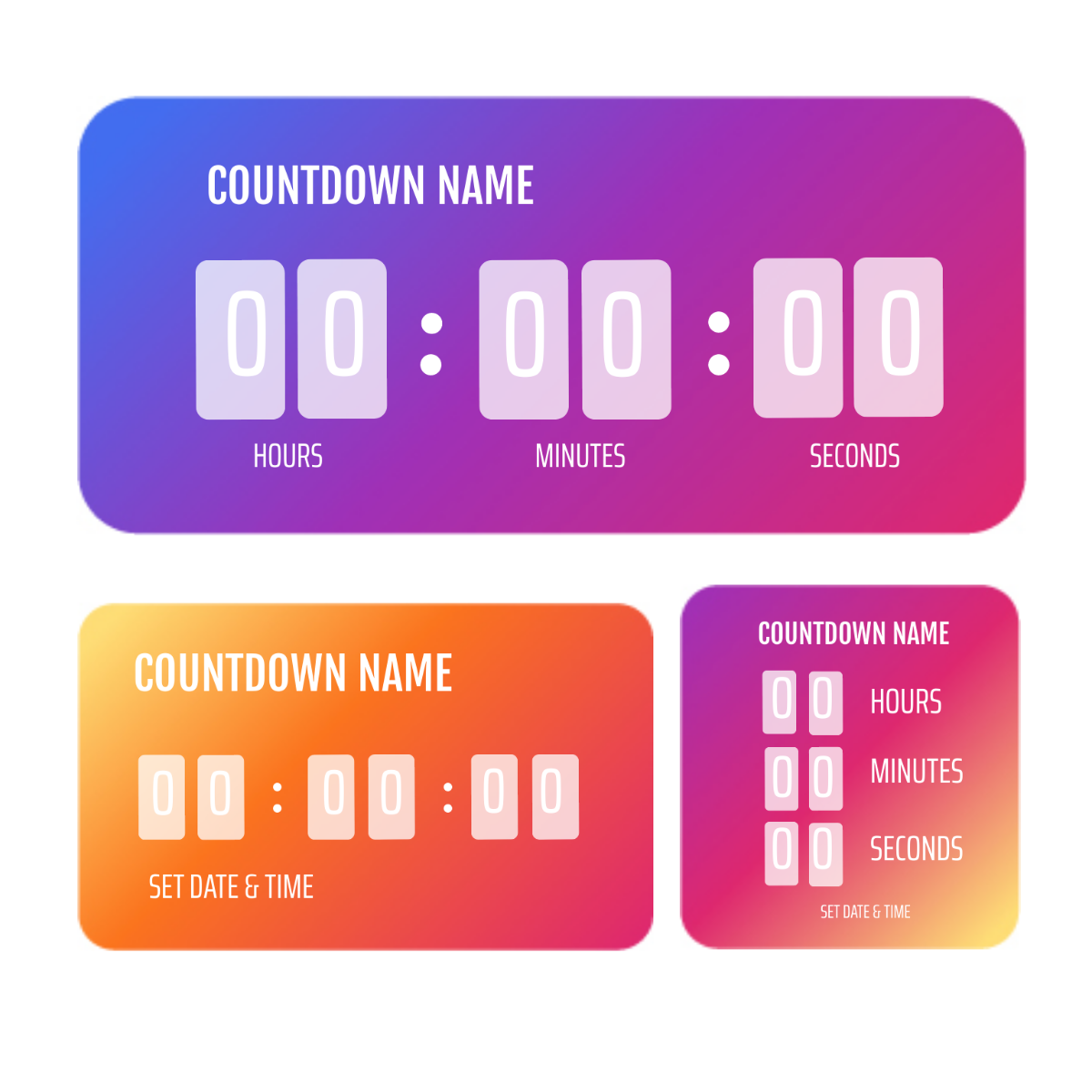
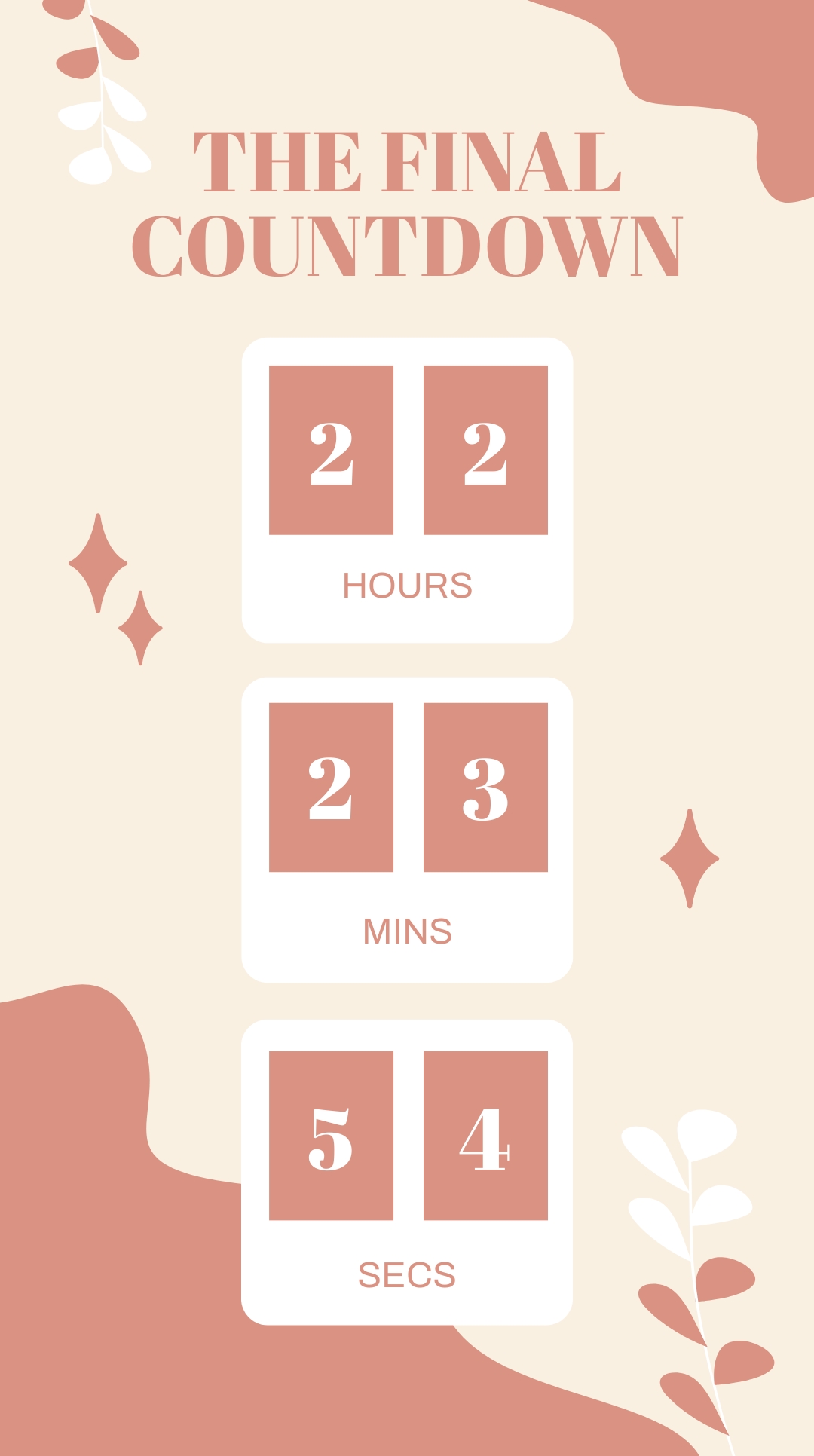
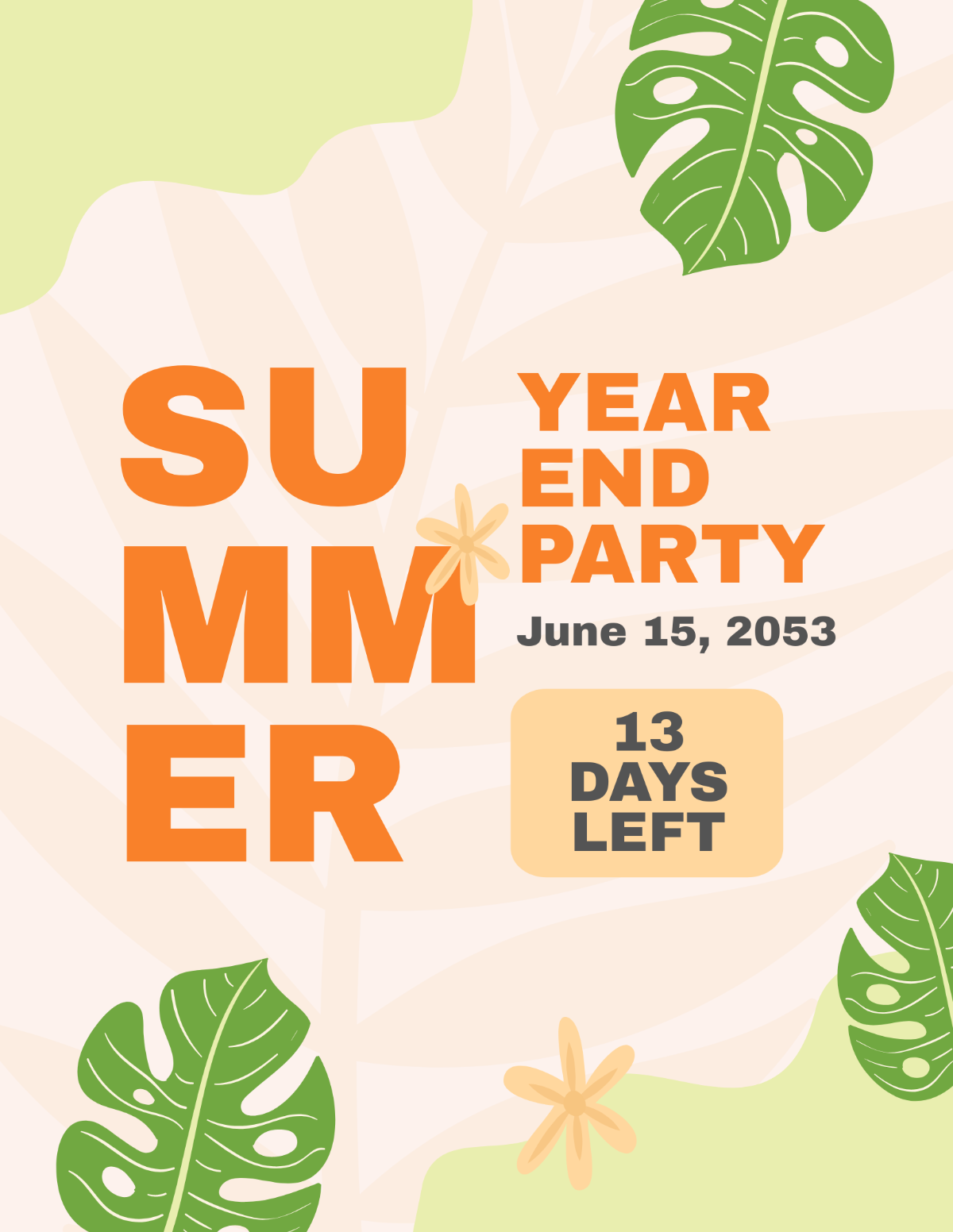
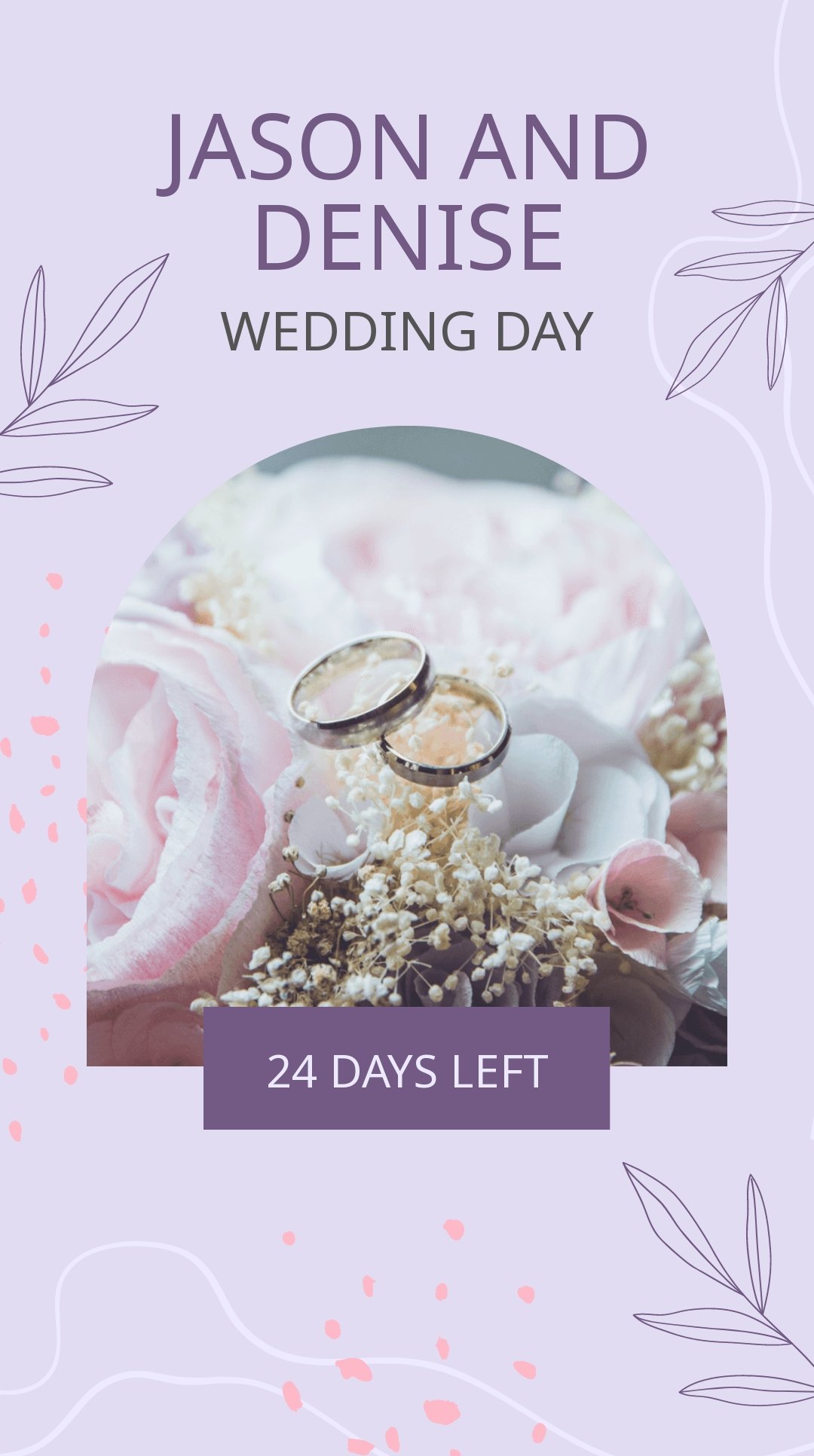
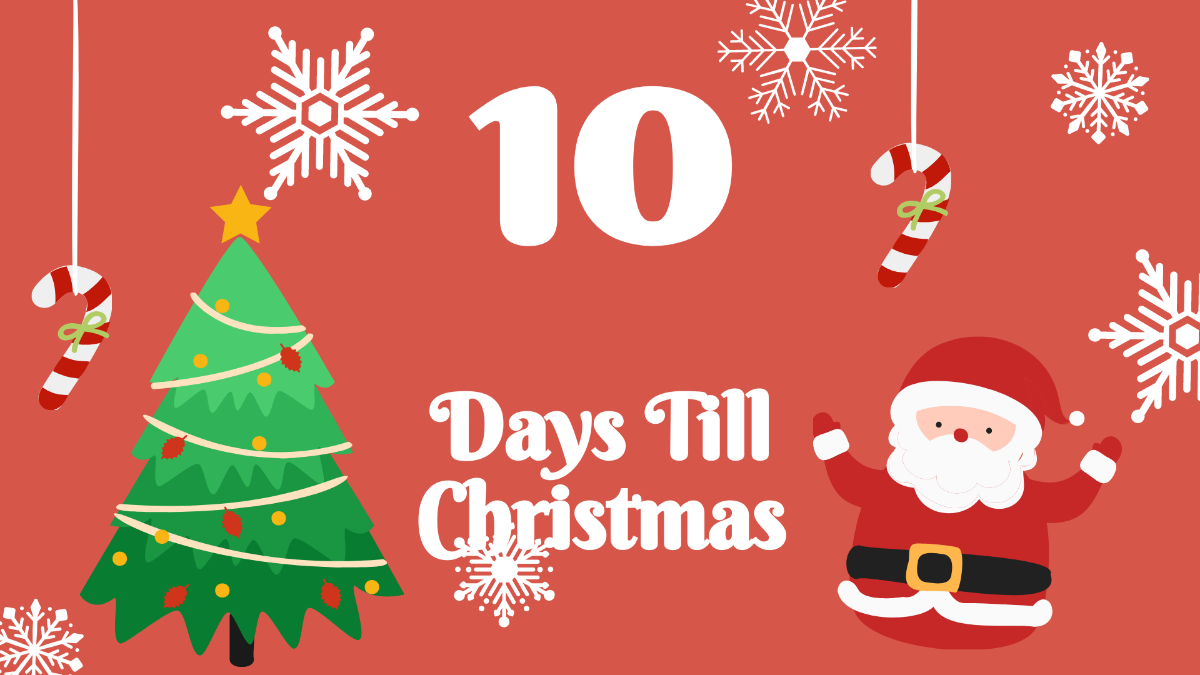
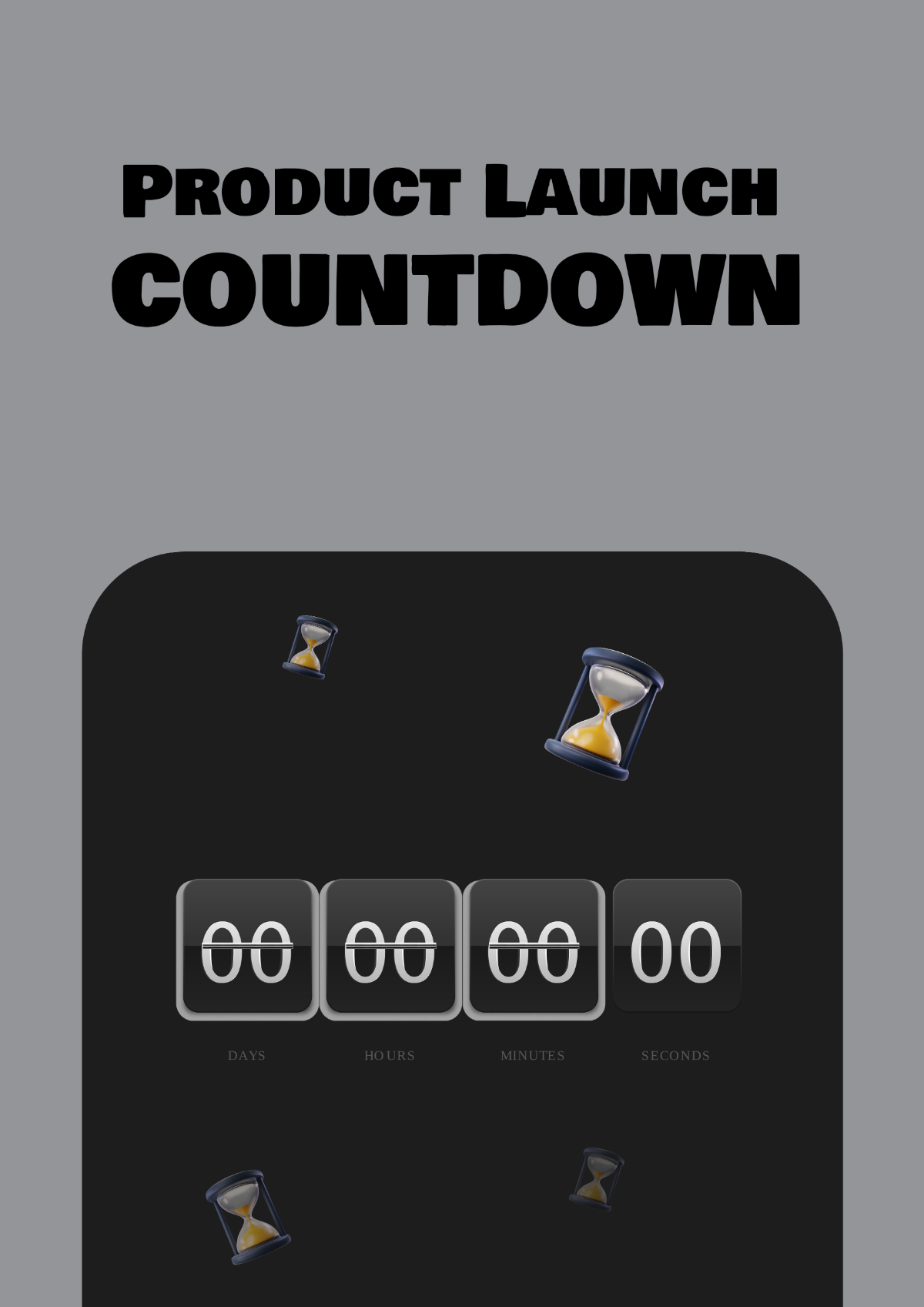
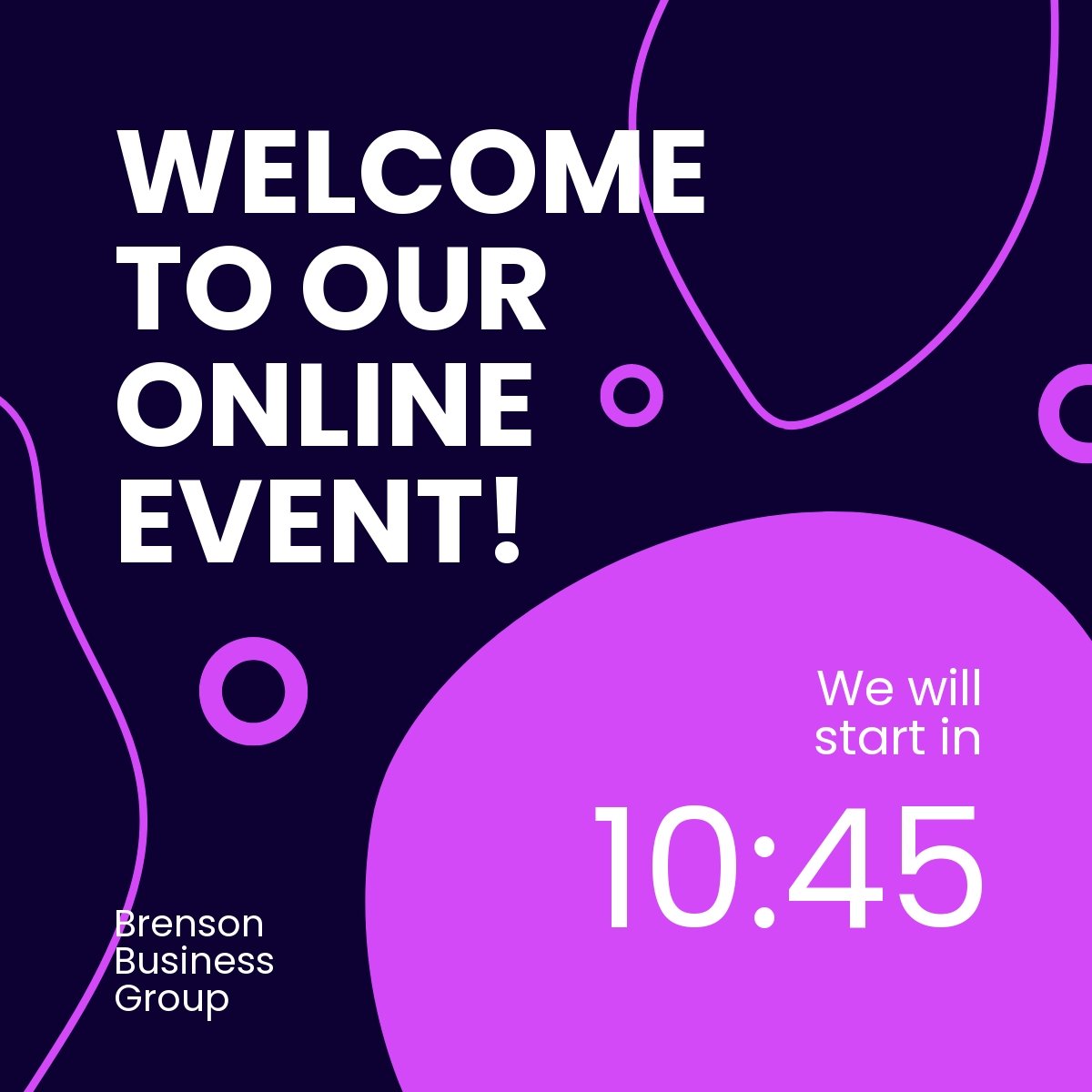
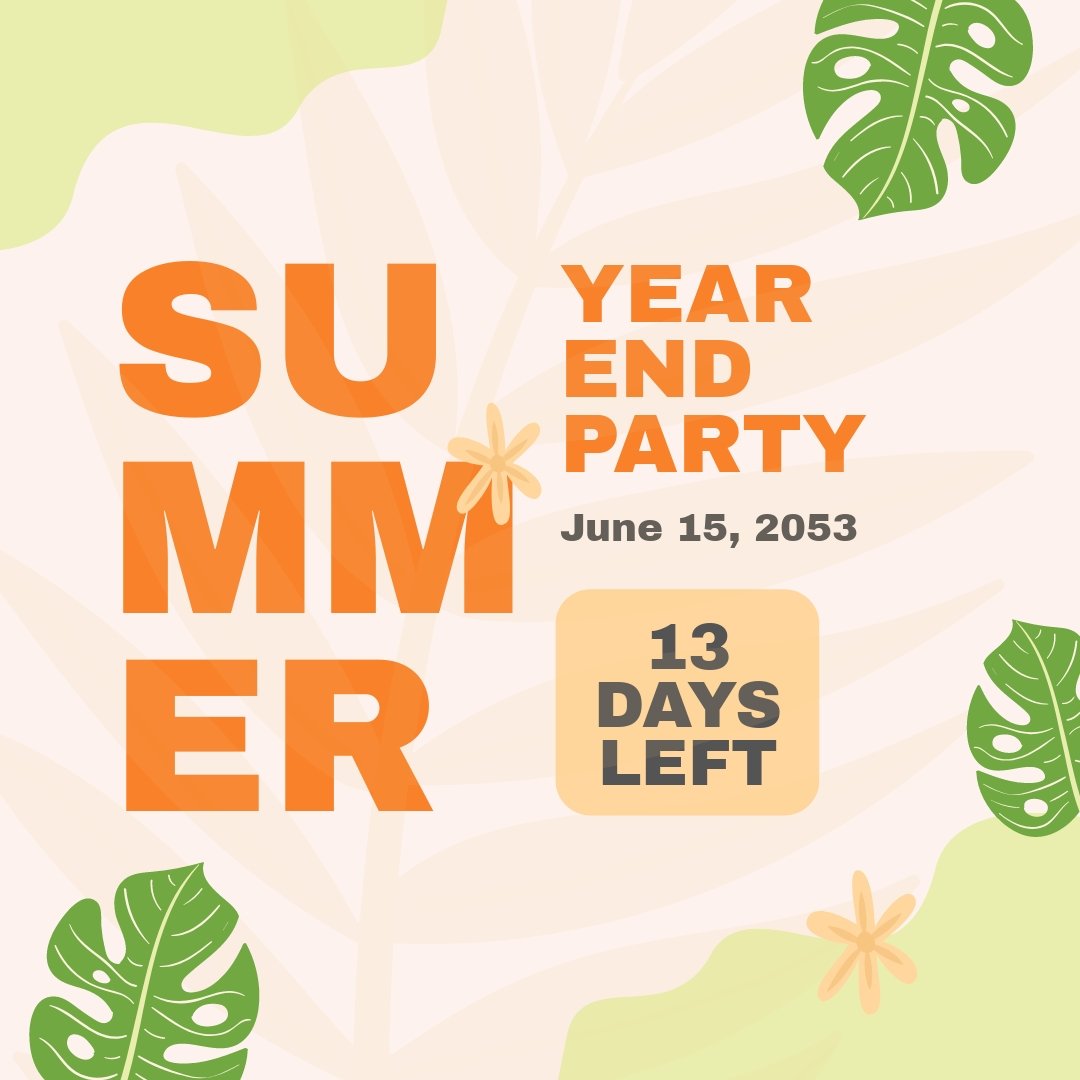
A Countdown is a visual or numerical representation of the time remaining until a particular event or deadline. It helps you track days, hours, minutes, and seconds leading up to an occasion, providing an engaging and clear way to build anticipation or manage schedules.

Why should I use a Countdown?
You should use a Countdown to create urgency, increase engagement, and keep your audience informed about upcoming events or deadlines. Countdowns enhance event planning efficiency and marketing campaigns by clearly communicating the remaining time in an attractive and easy-to-understand format.

Who uses Countdown?
Countdown templates are used by event planners, marketers, educators, social media managers, and businesses that need to highlight important dates or deadlines. These users benefit from customizable designs that fit various professional and personal workflows.

What are the best tips for completing my Countdown?
When completing your Countdown, ensure the target date and time are accurate, customize the design to match your event theme, and keep the layout clear and readable. Using contrasting colors for numbers and labels improves visibility, while adding relevant event details enhances usability.

Can I create a Countdown using AI?
While Template.net features AI-assisted tools elsewhere on the site, the Countdown templates on this page are primarily designed to be customizable directly in the browser without AI generation. You can still manually customize all elements to suit your needs.

What file formats can I download for my Countdown?
Template.net supports multiple export formats for Countdown templates including Word, Google Docs, PSD, and Publisher.

What are the essential elements of a Countdown?
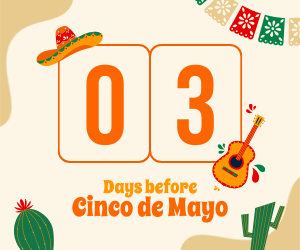
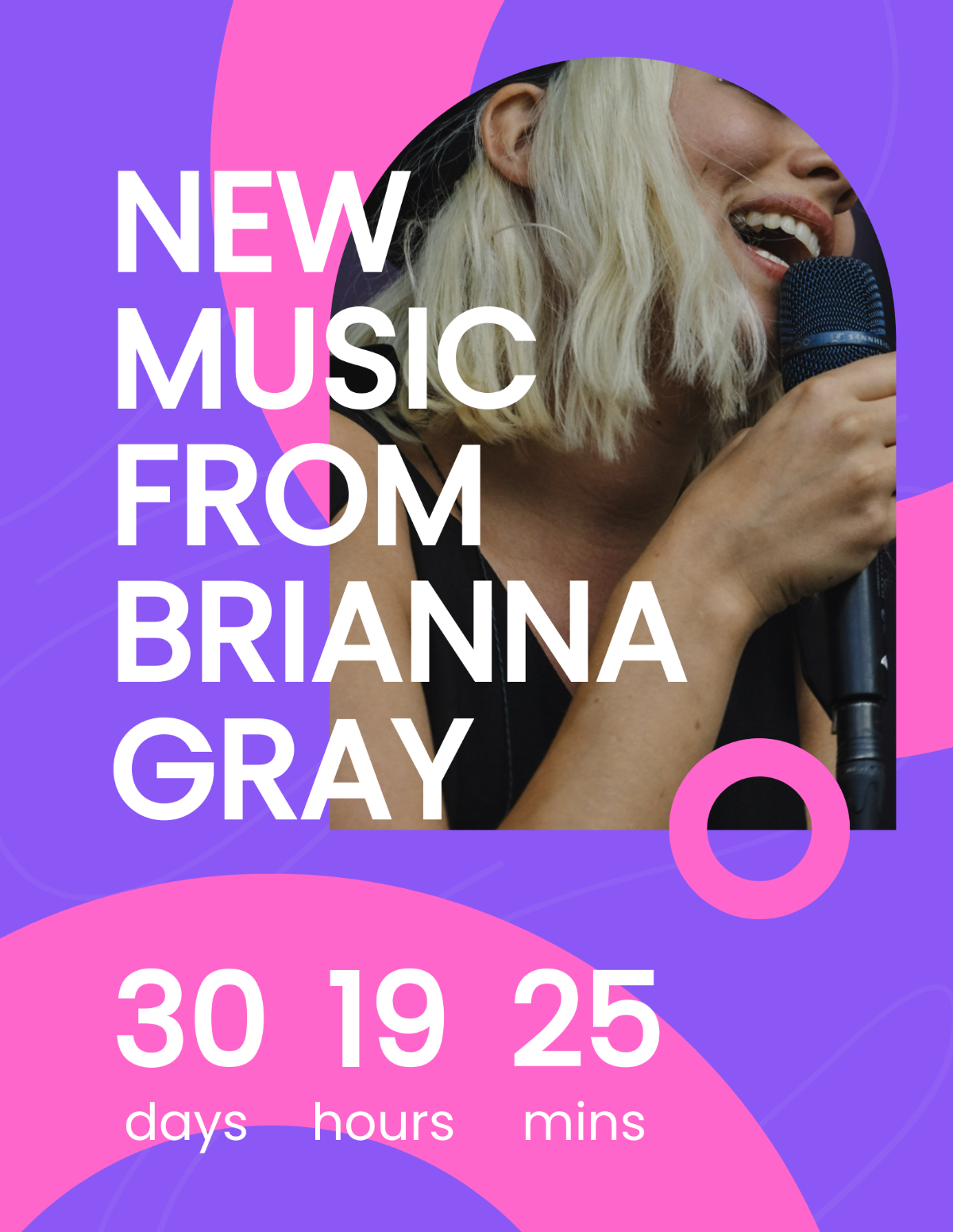
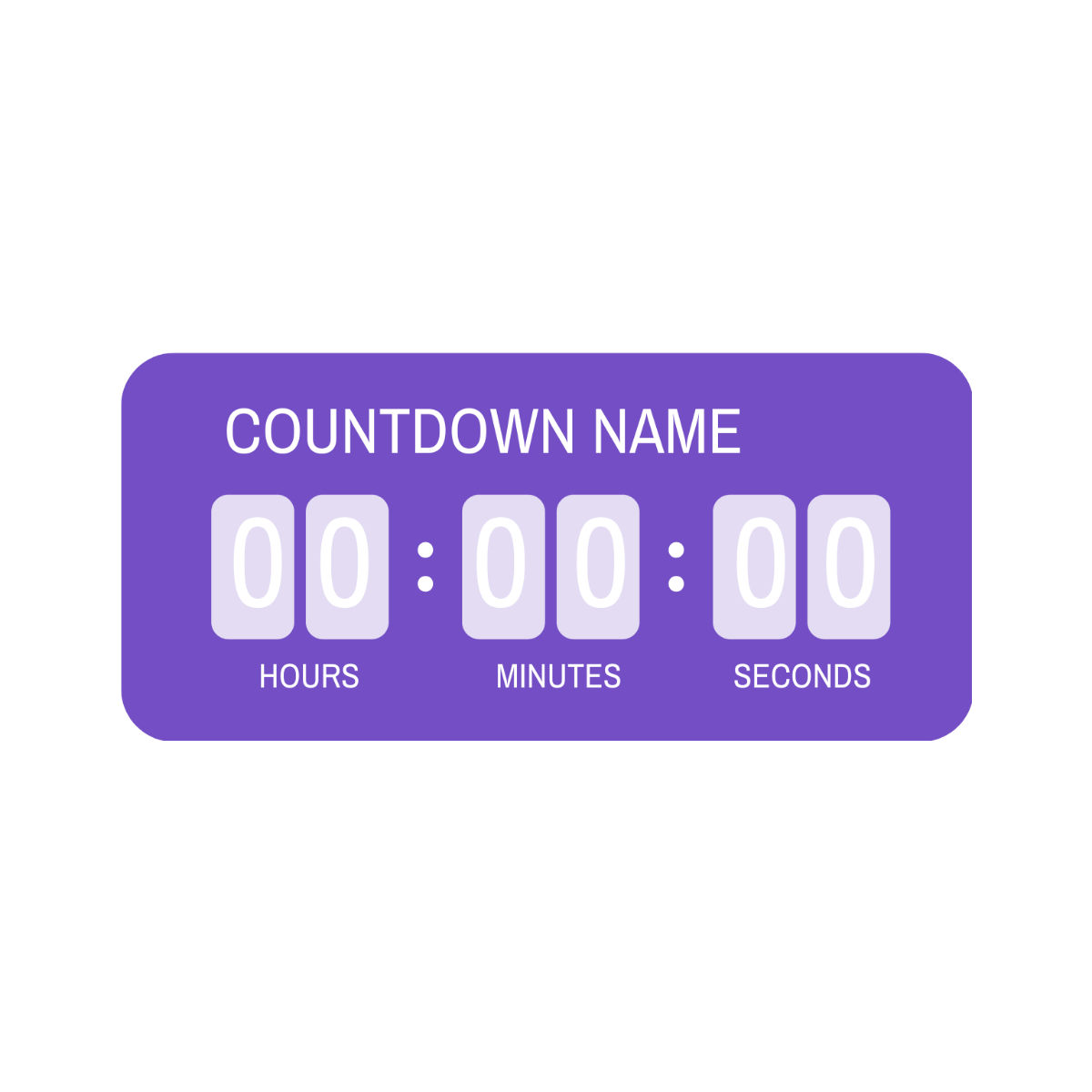
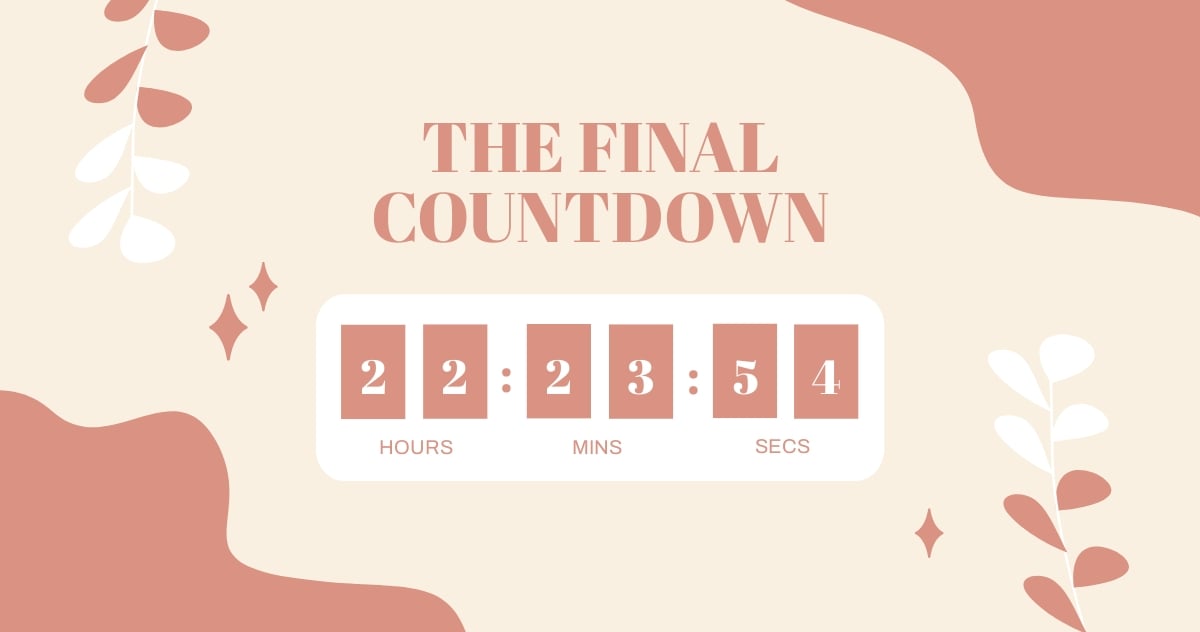
A Countdown typically includes the target date and time, a numeric or graphical display of days, hours, minutes, and seconds remaining, and optional event details or calls to action. These elements ensure the countdown is informative and visually appealing.

How does a Countdown benefit my workflow?
Using a Countdown improves workflow by providing a clear timeline for event deadlines, boosting team awareness, and facilitating better planning. Customizable templates help you quickly update and share countdowns, saving time and enhancing communication.

What are common use cases for Countdown templates?
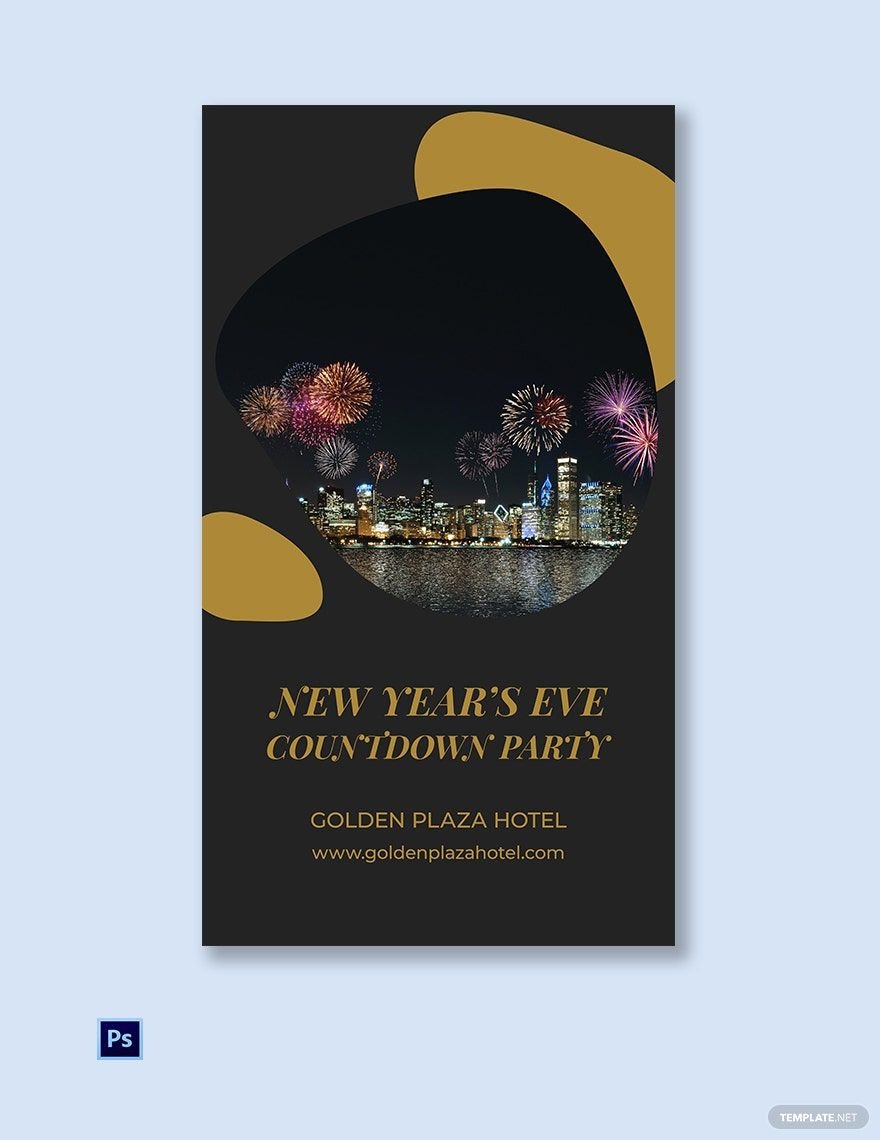
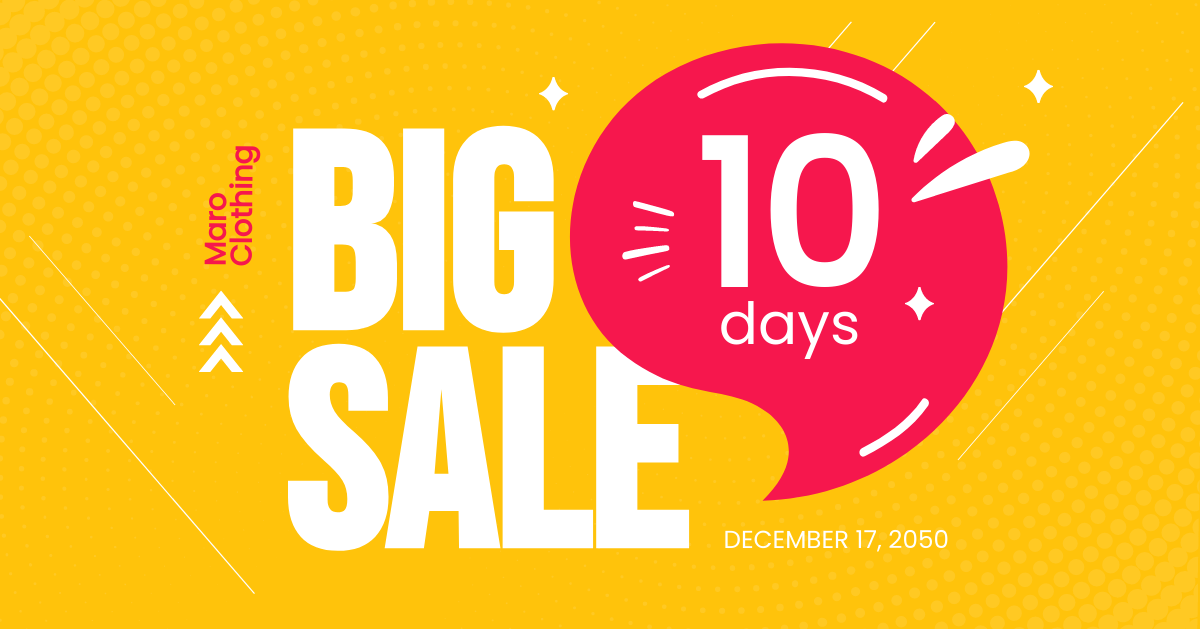
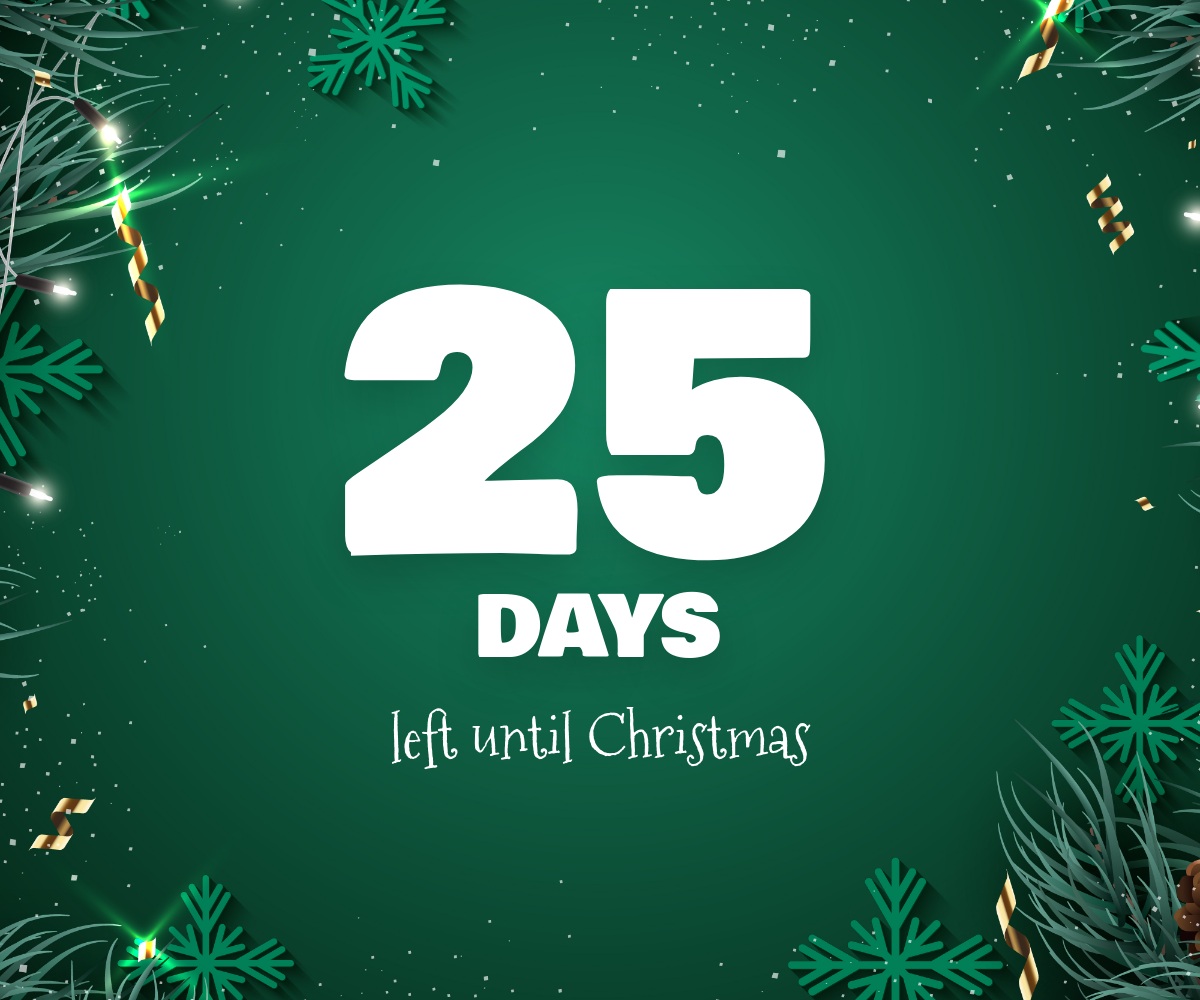
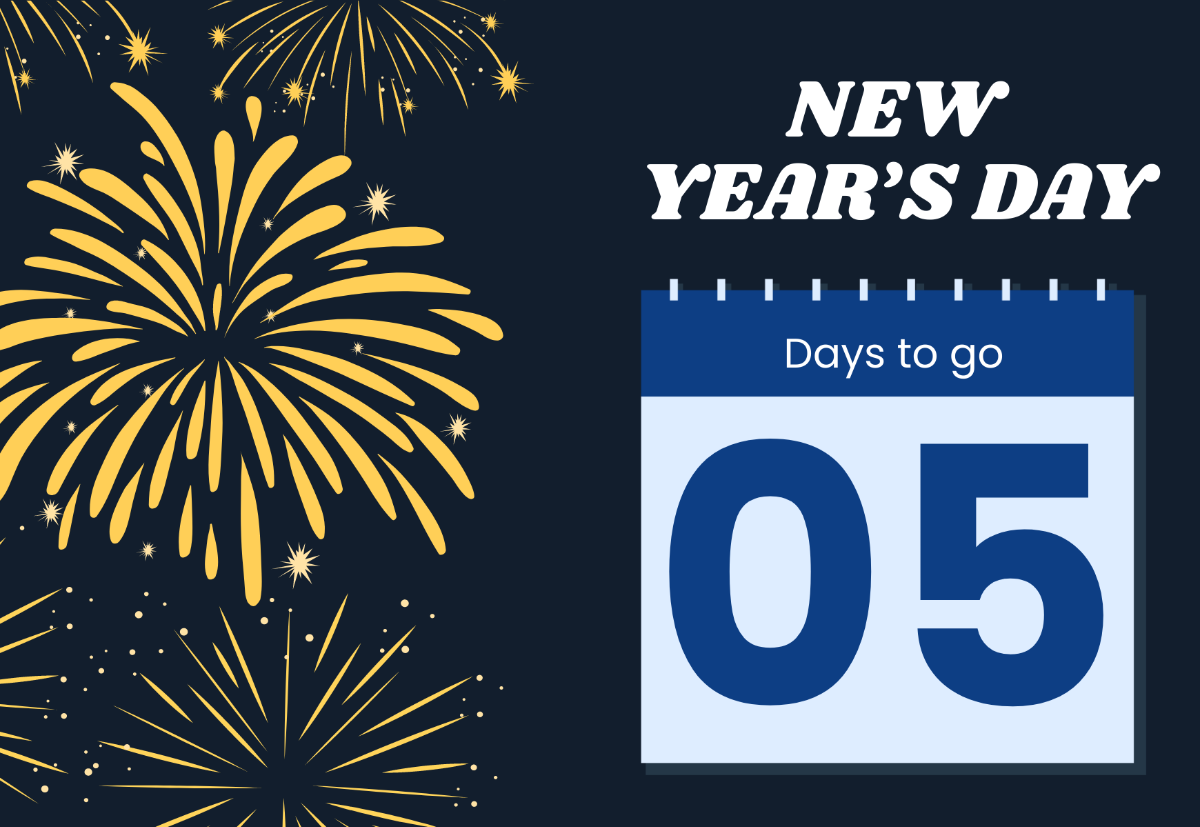
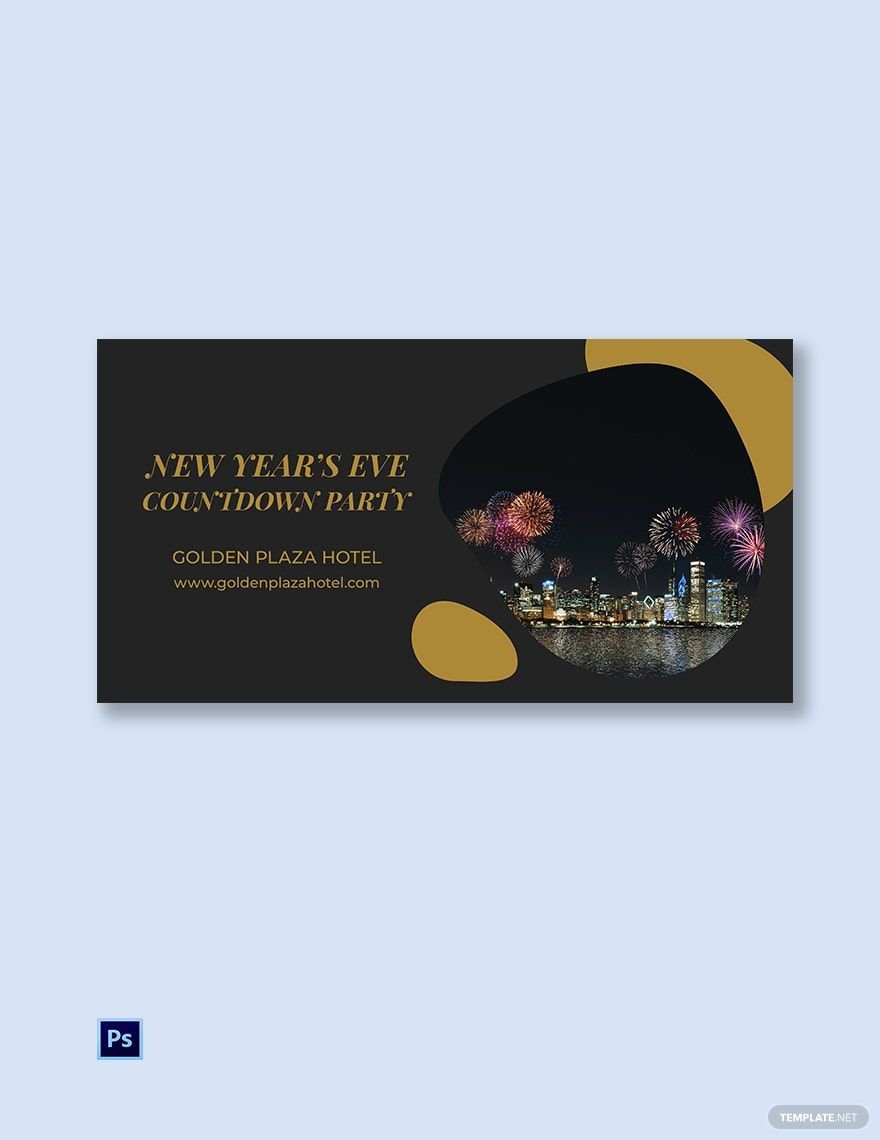
Common use cases for Countdown templates include event launches, product releases, holiday promotions, project deadlines, and webinar reminders. These templates provide a visual tool to engage audiences and keep stakeholders informed.
