
Free Cover Page Templates



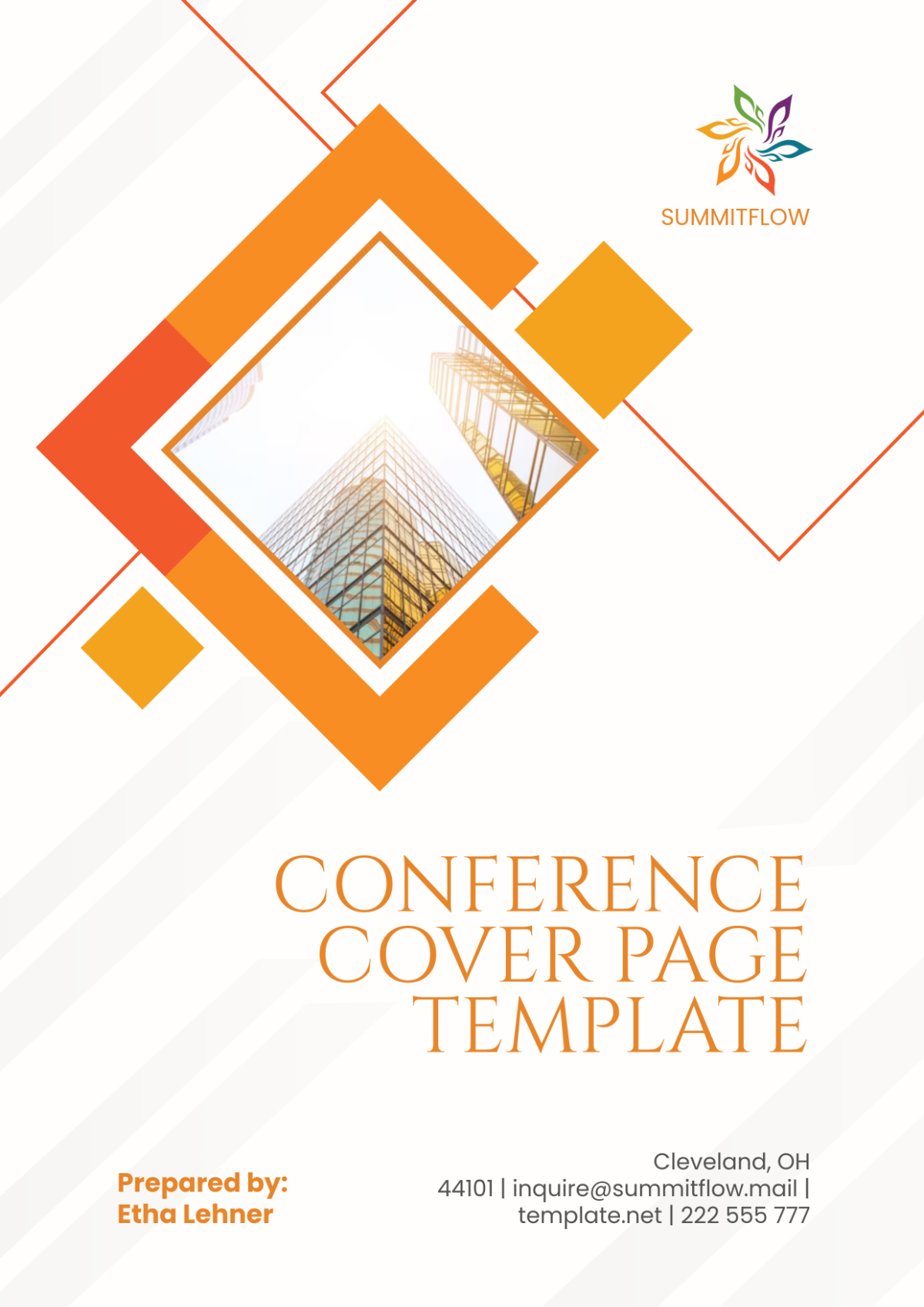
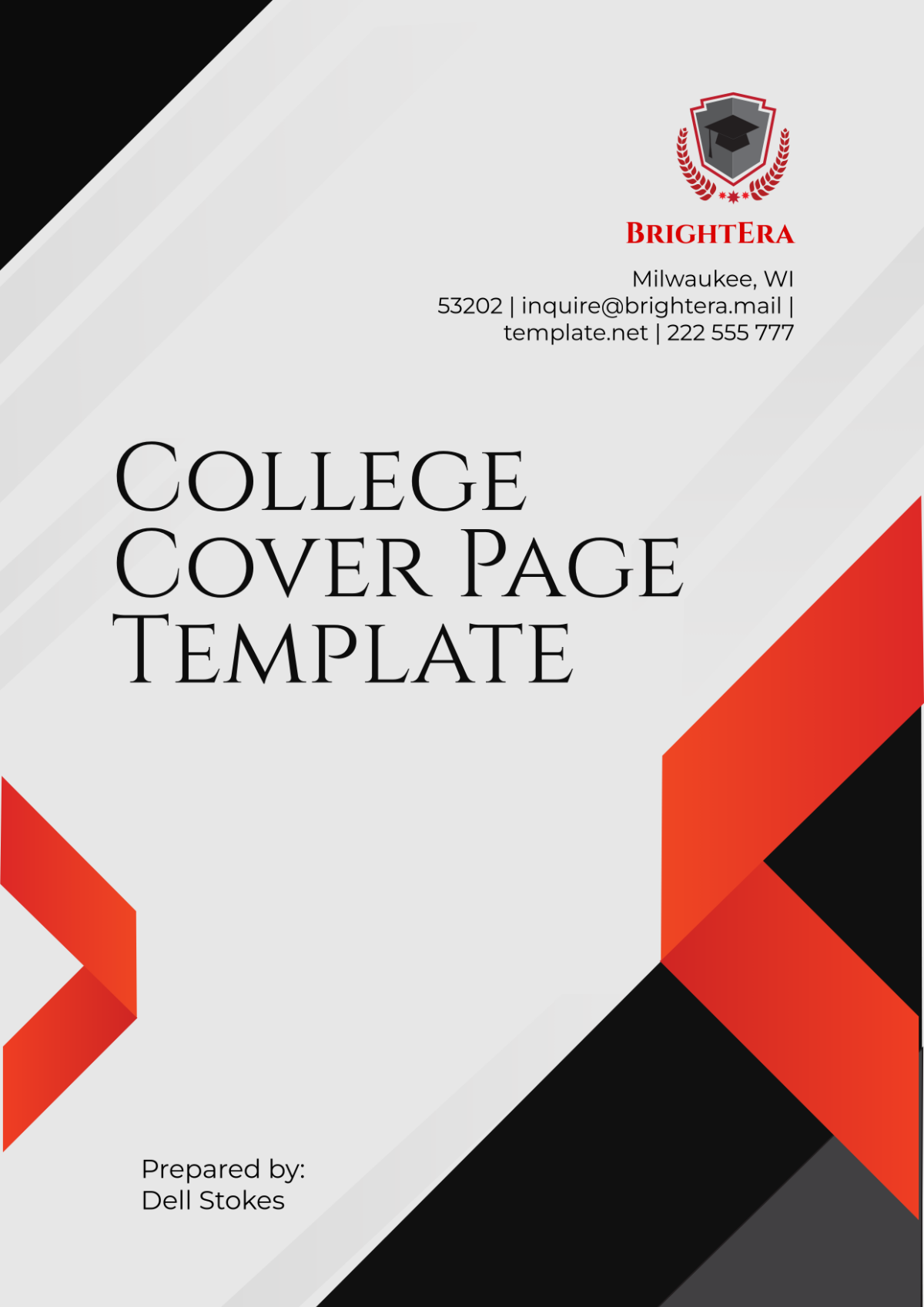
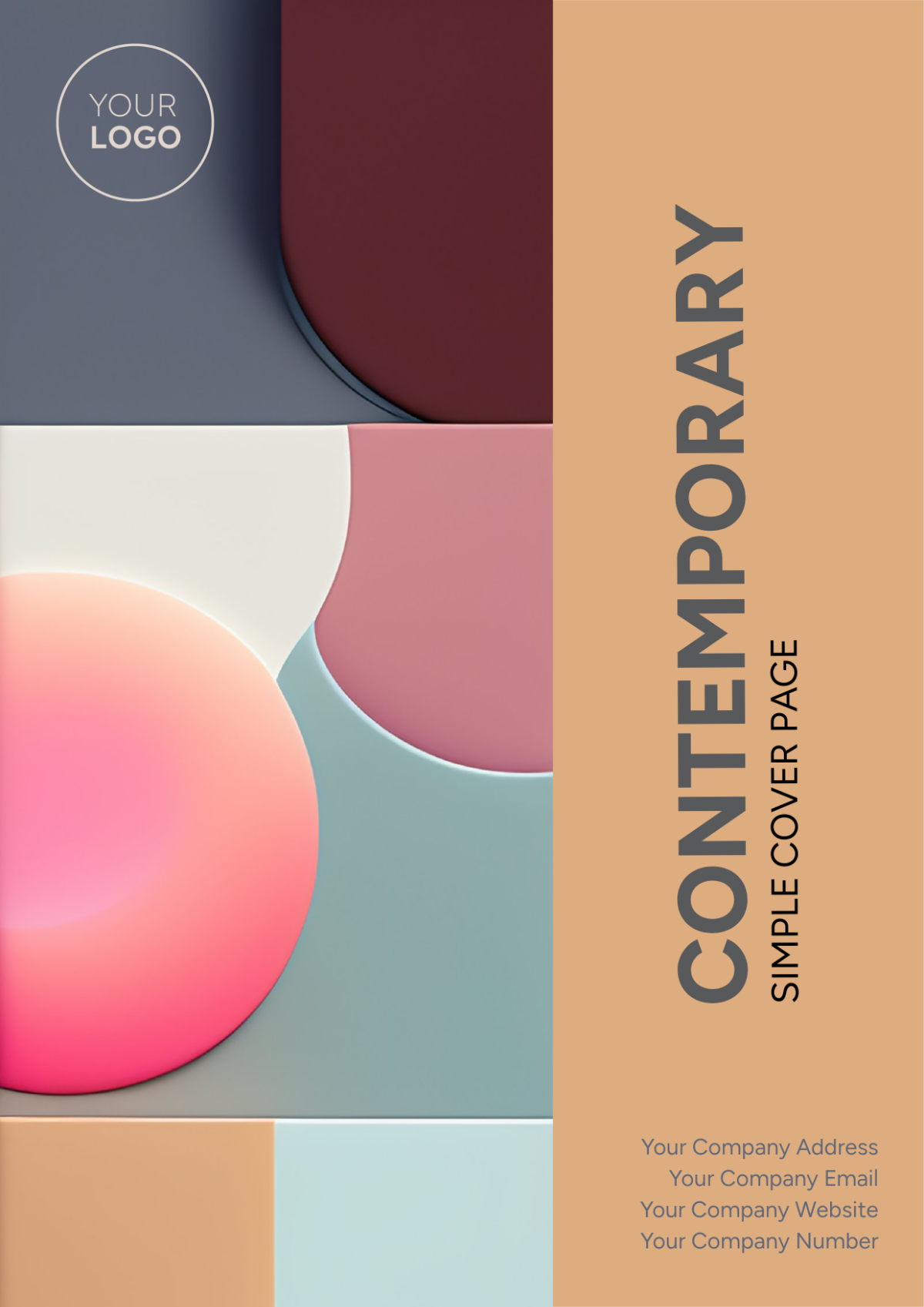





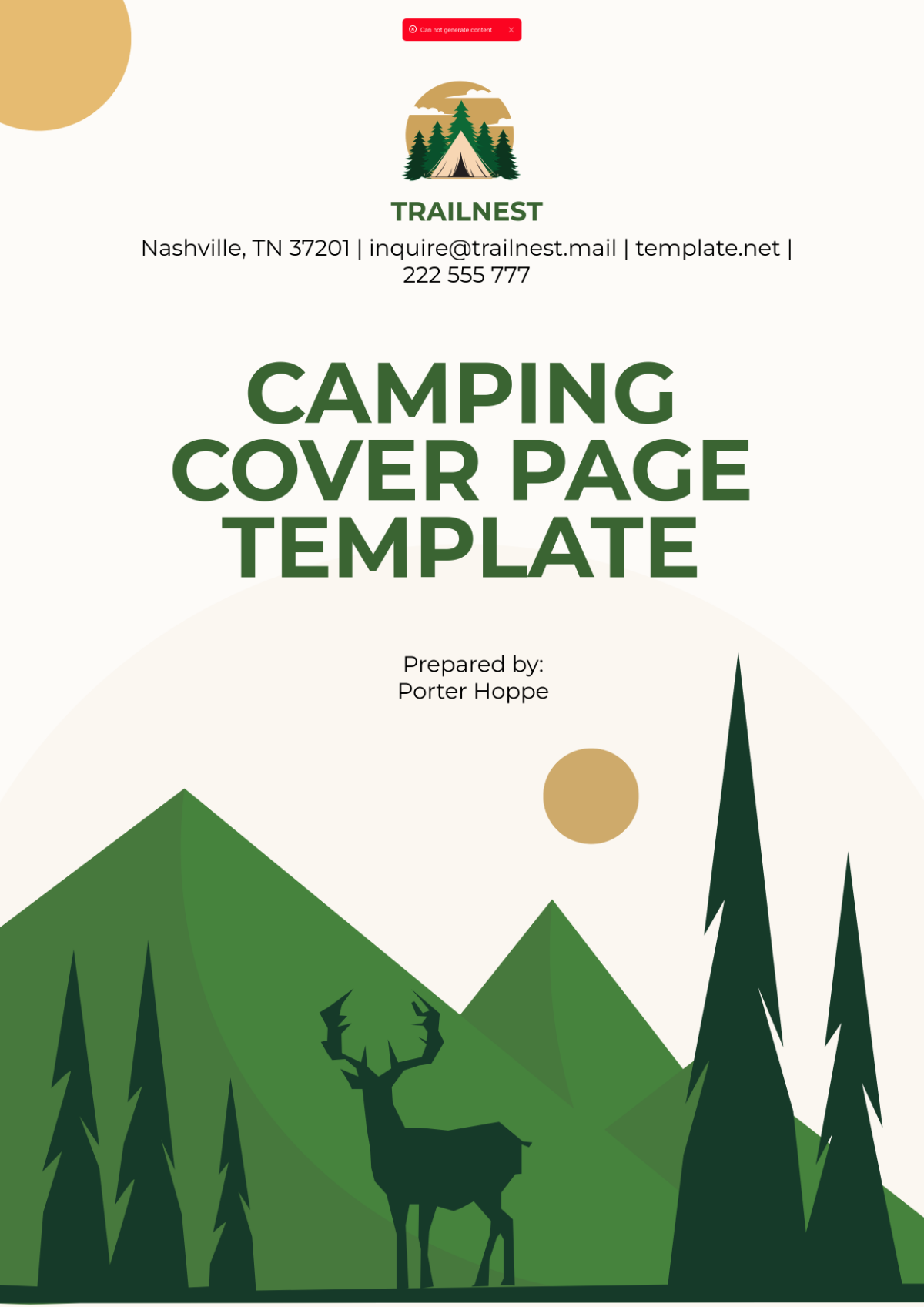





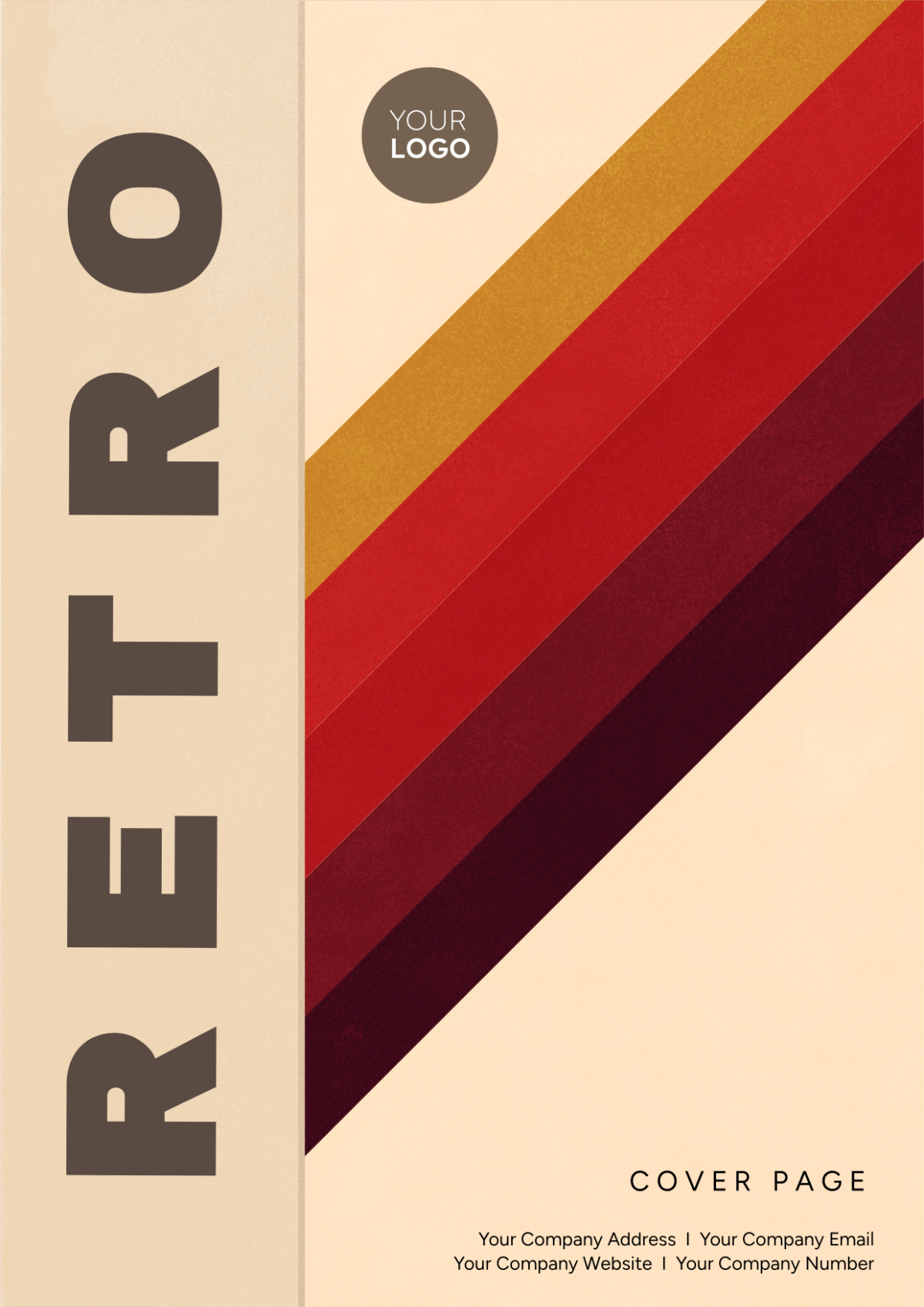

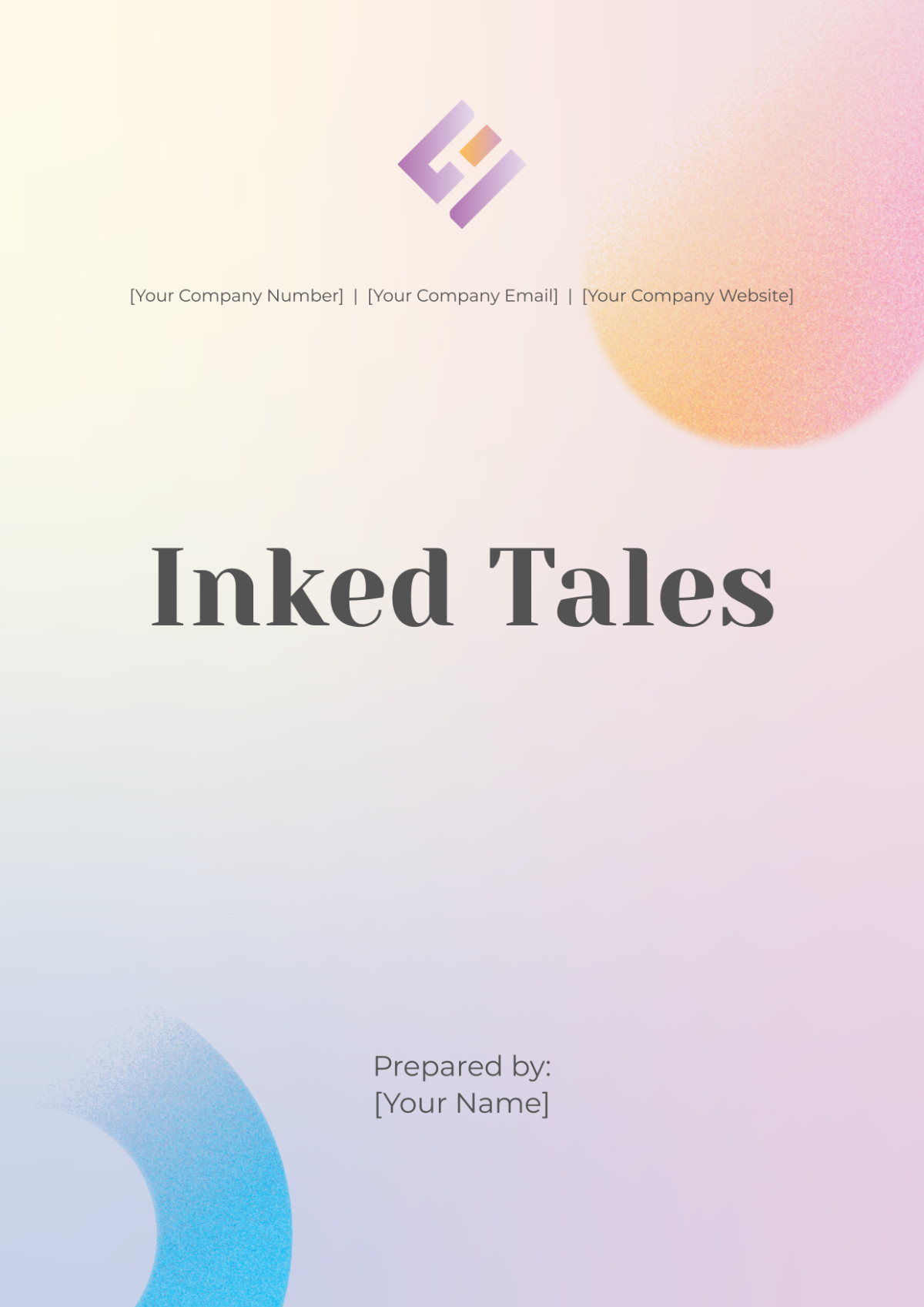


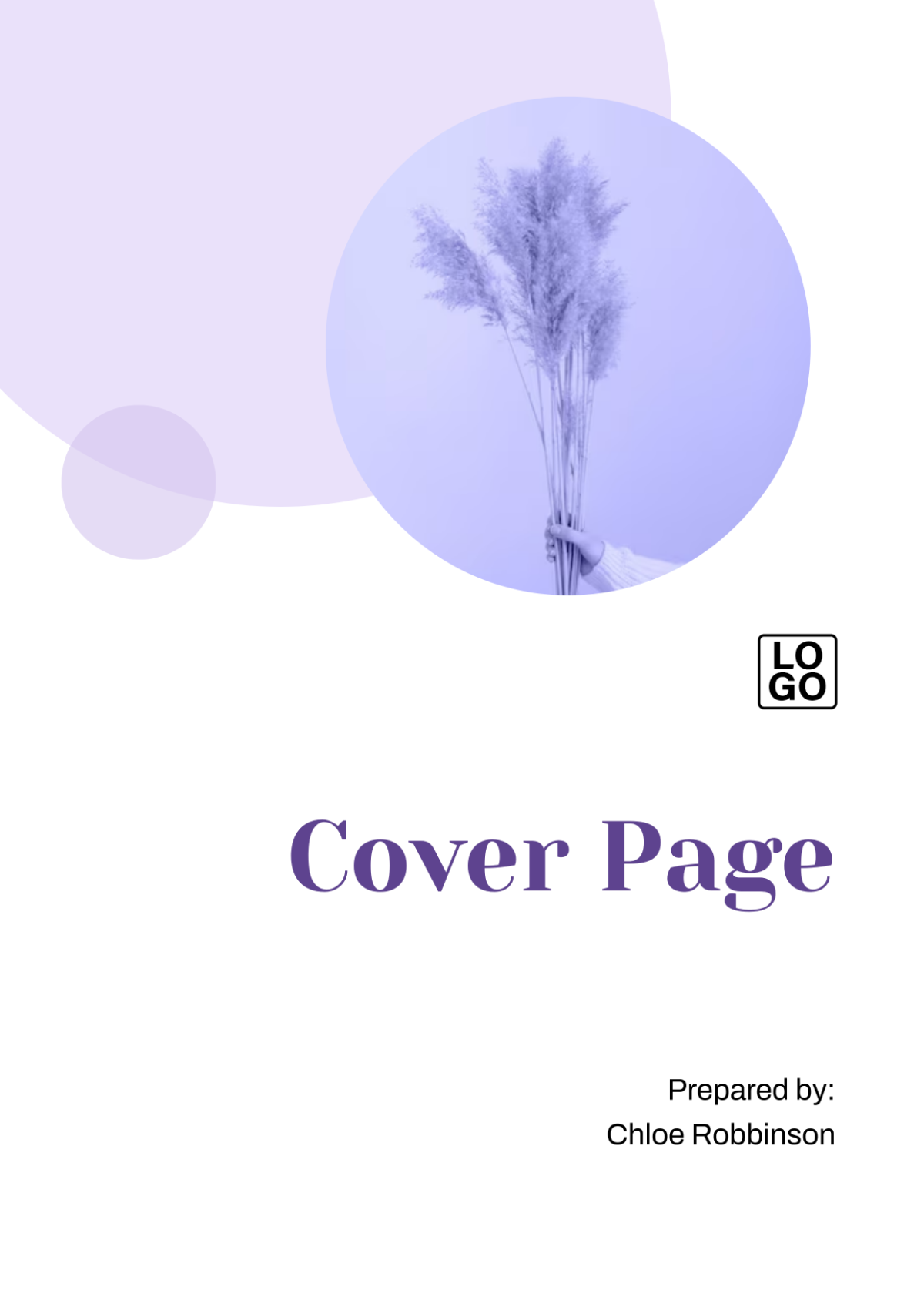
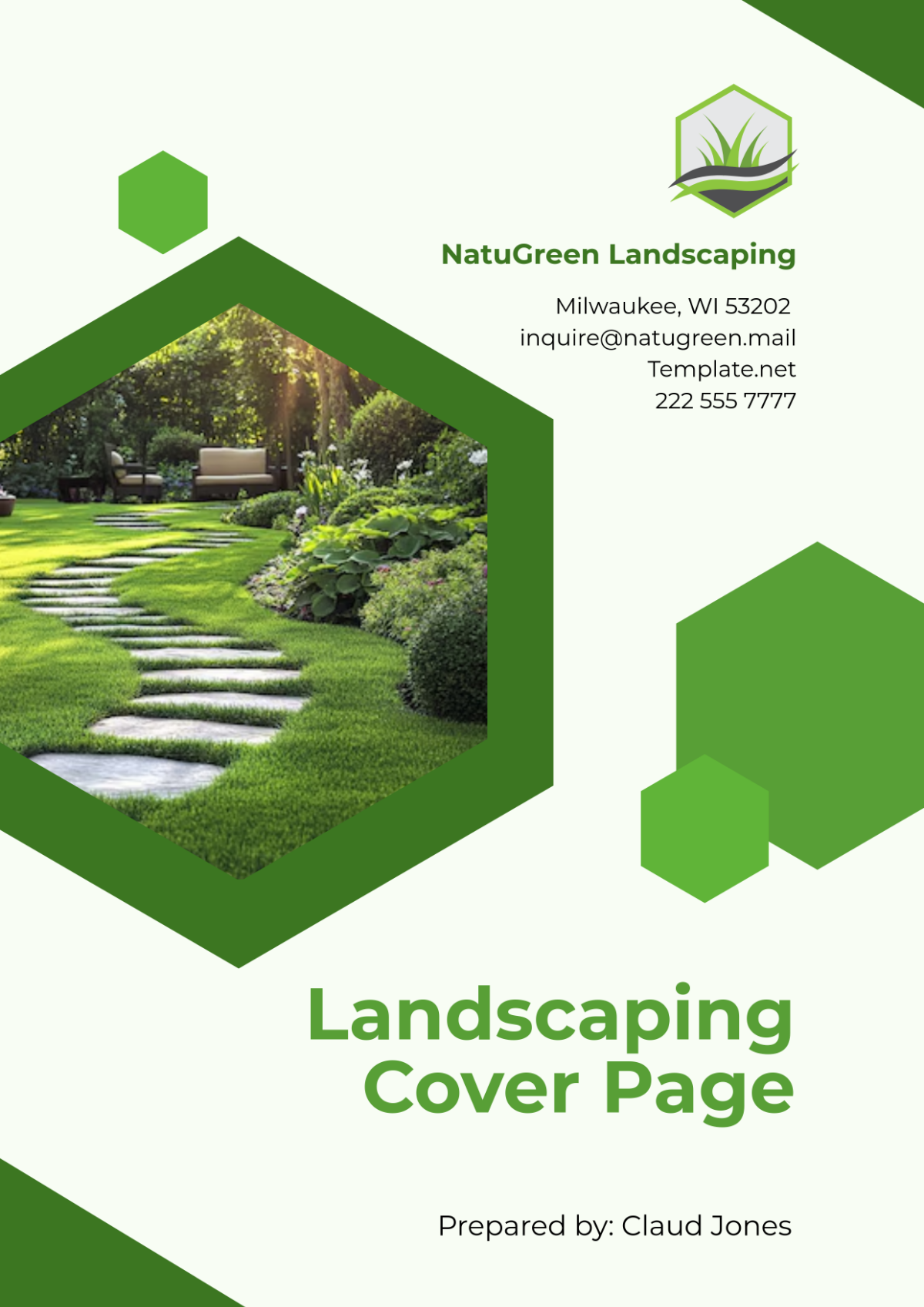
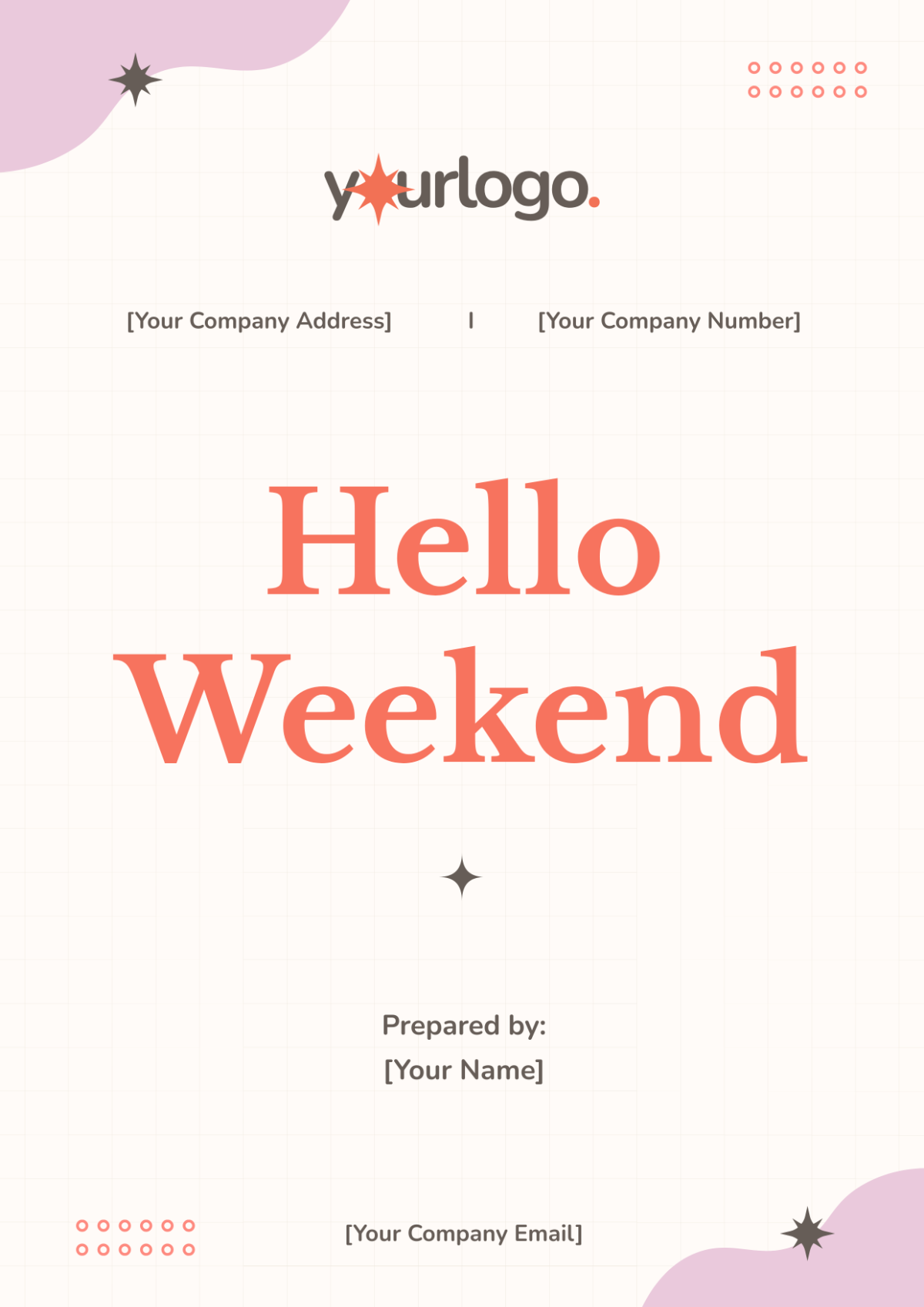
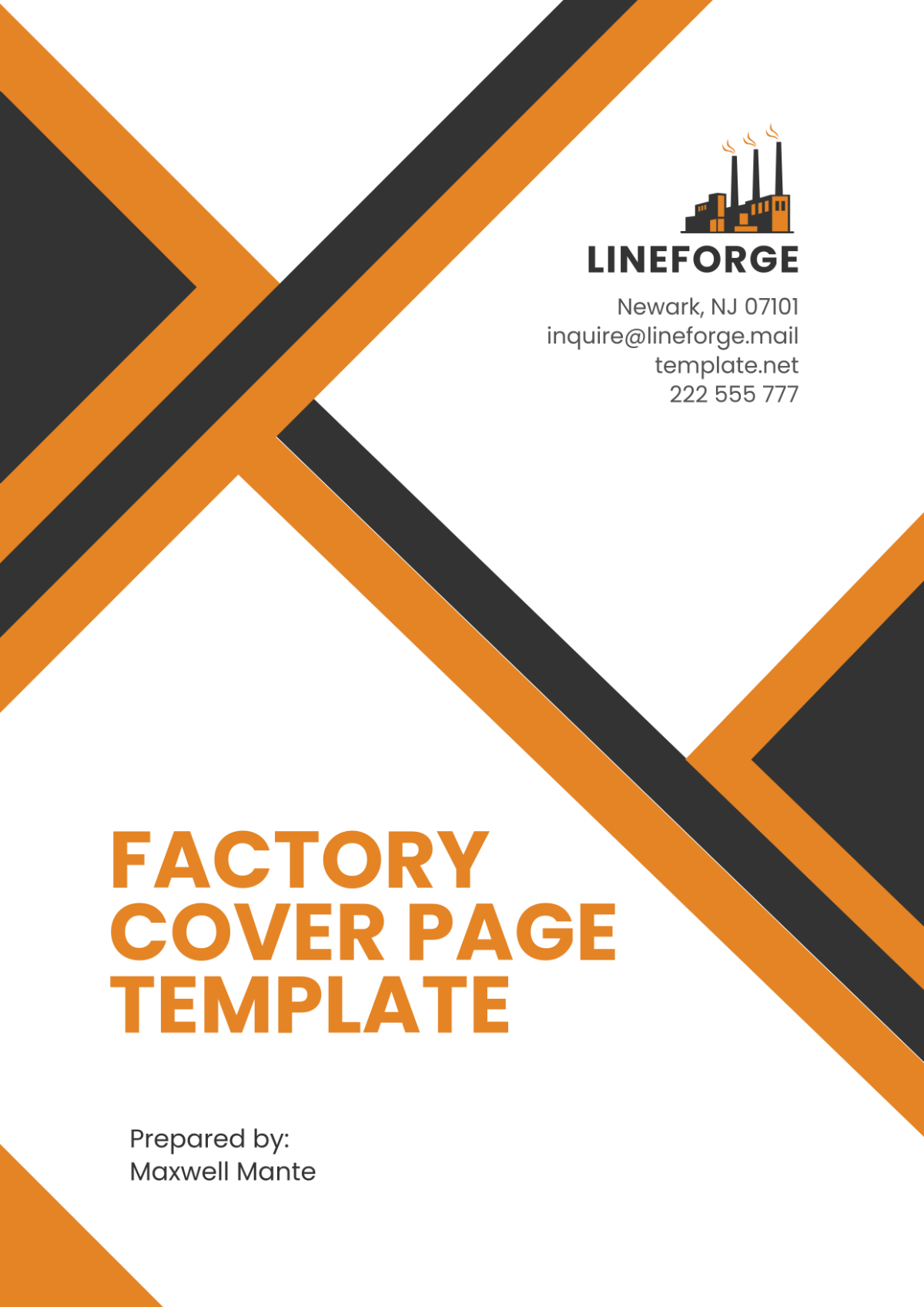
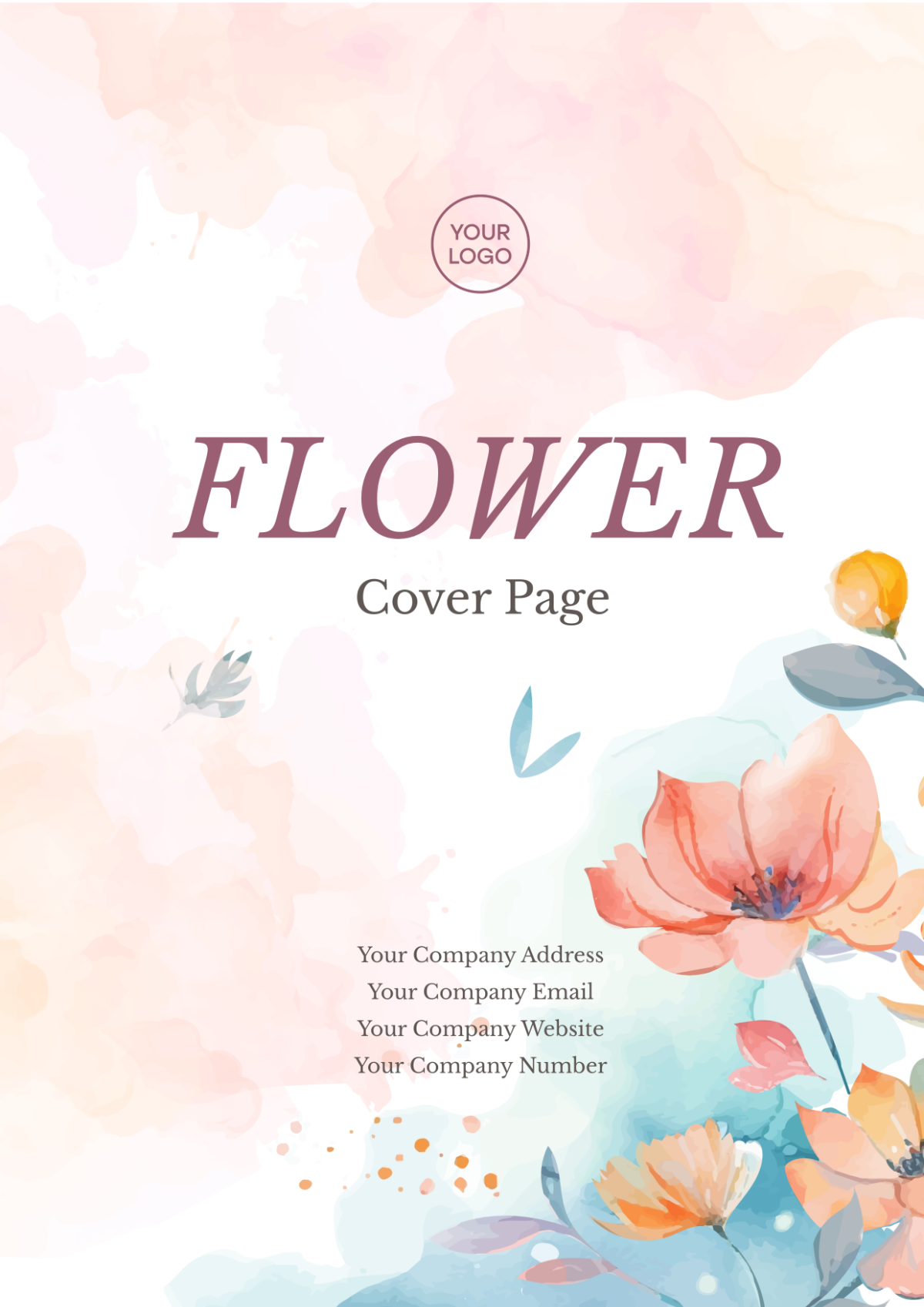



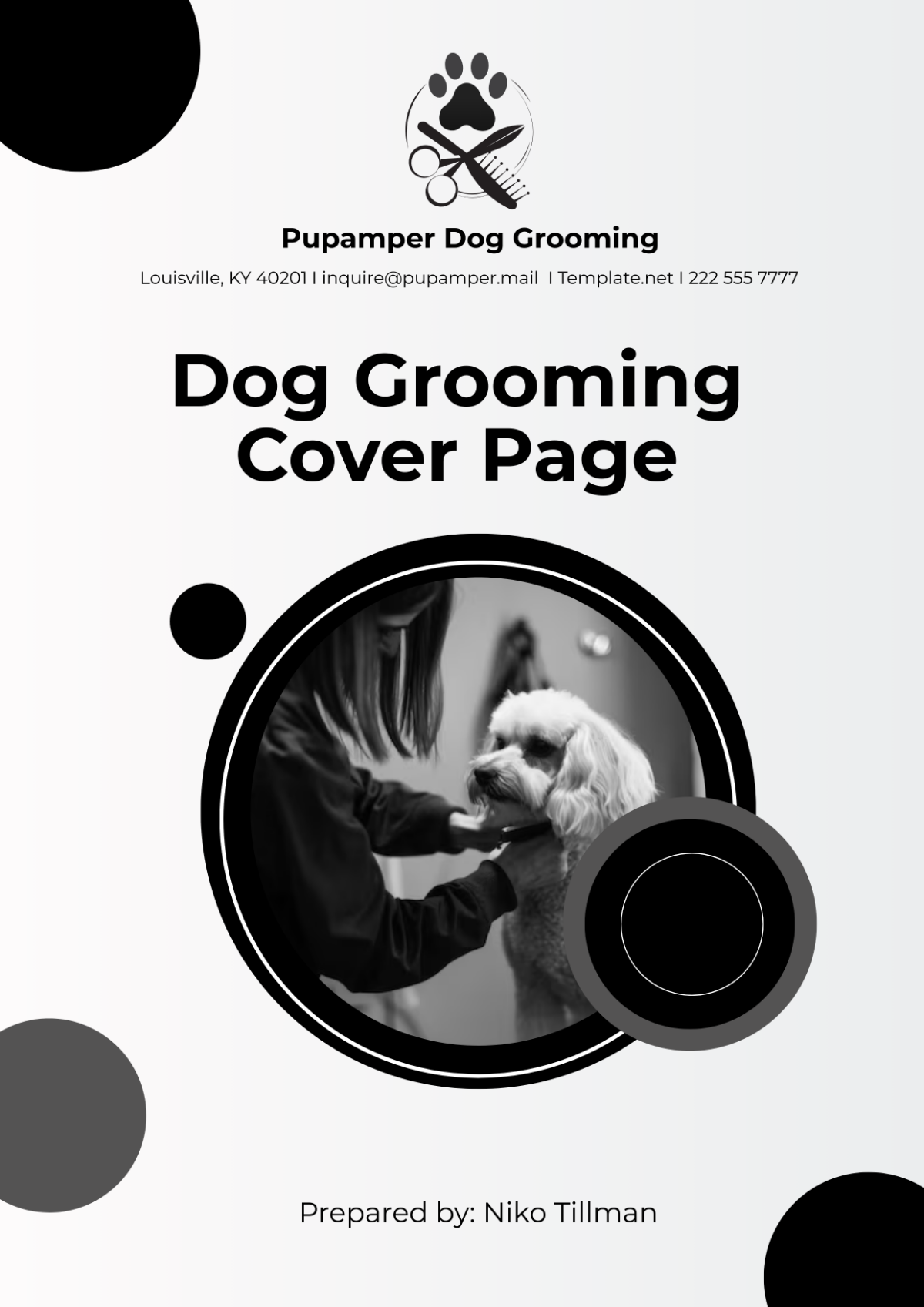
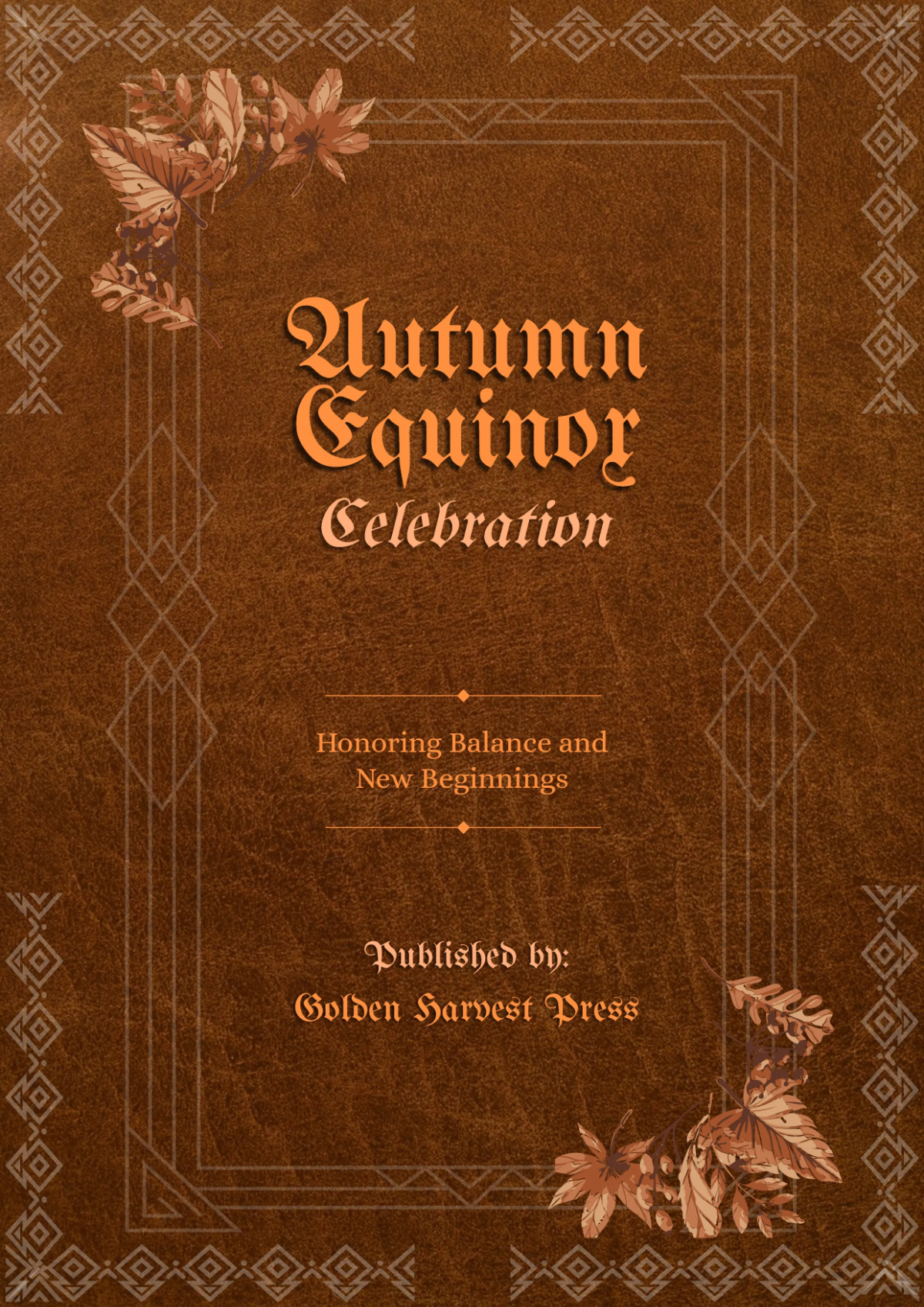
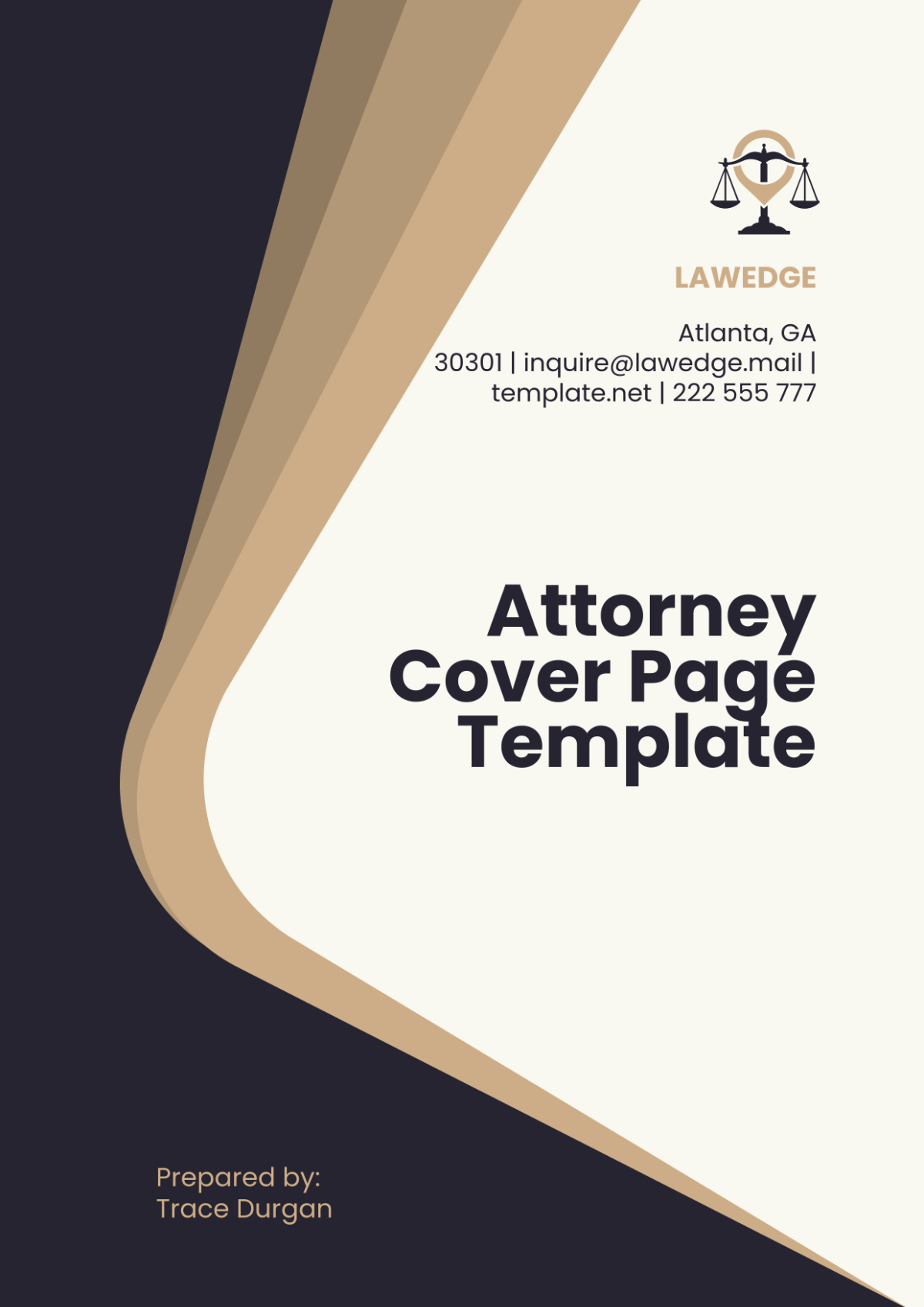





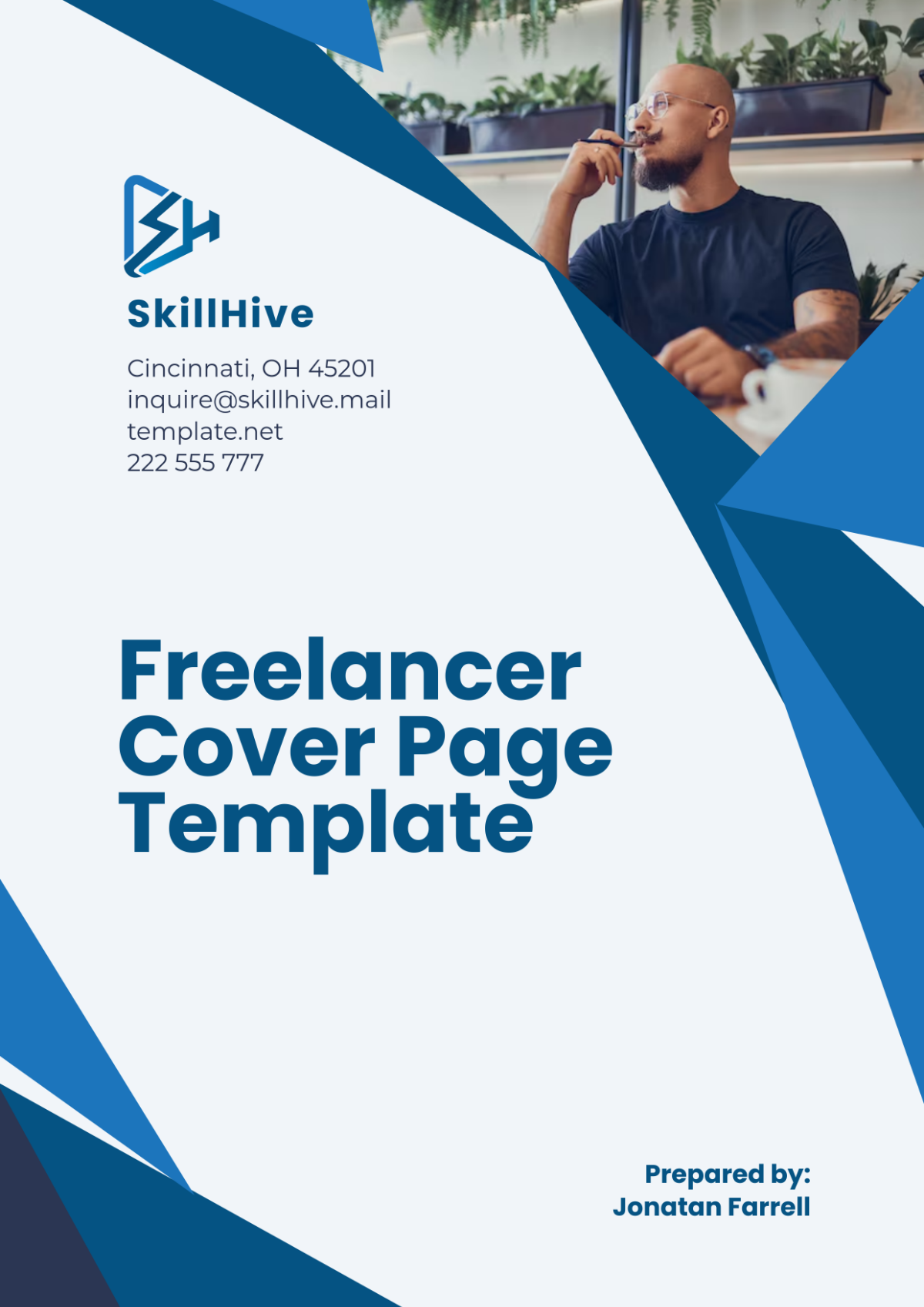



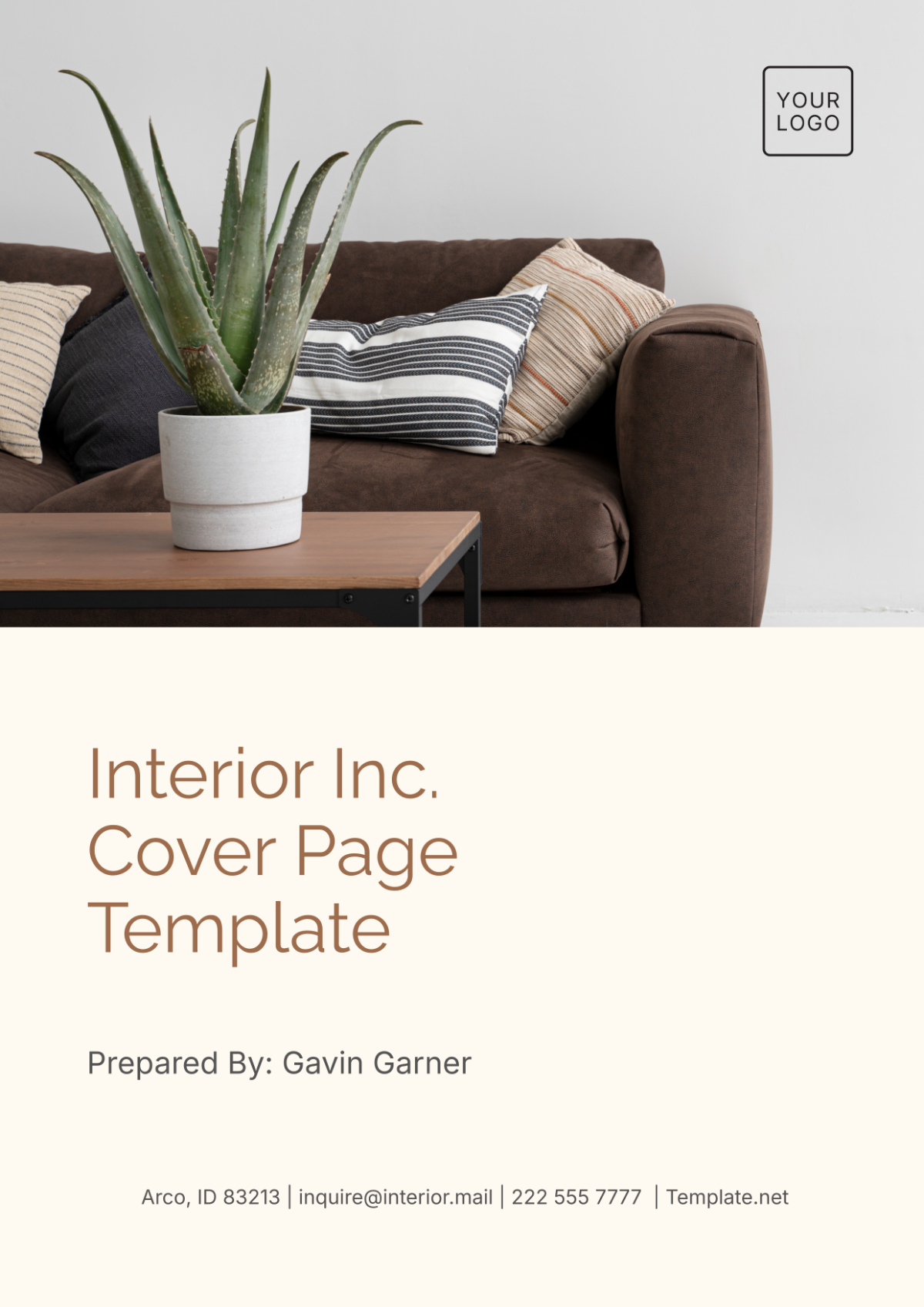

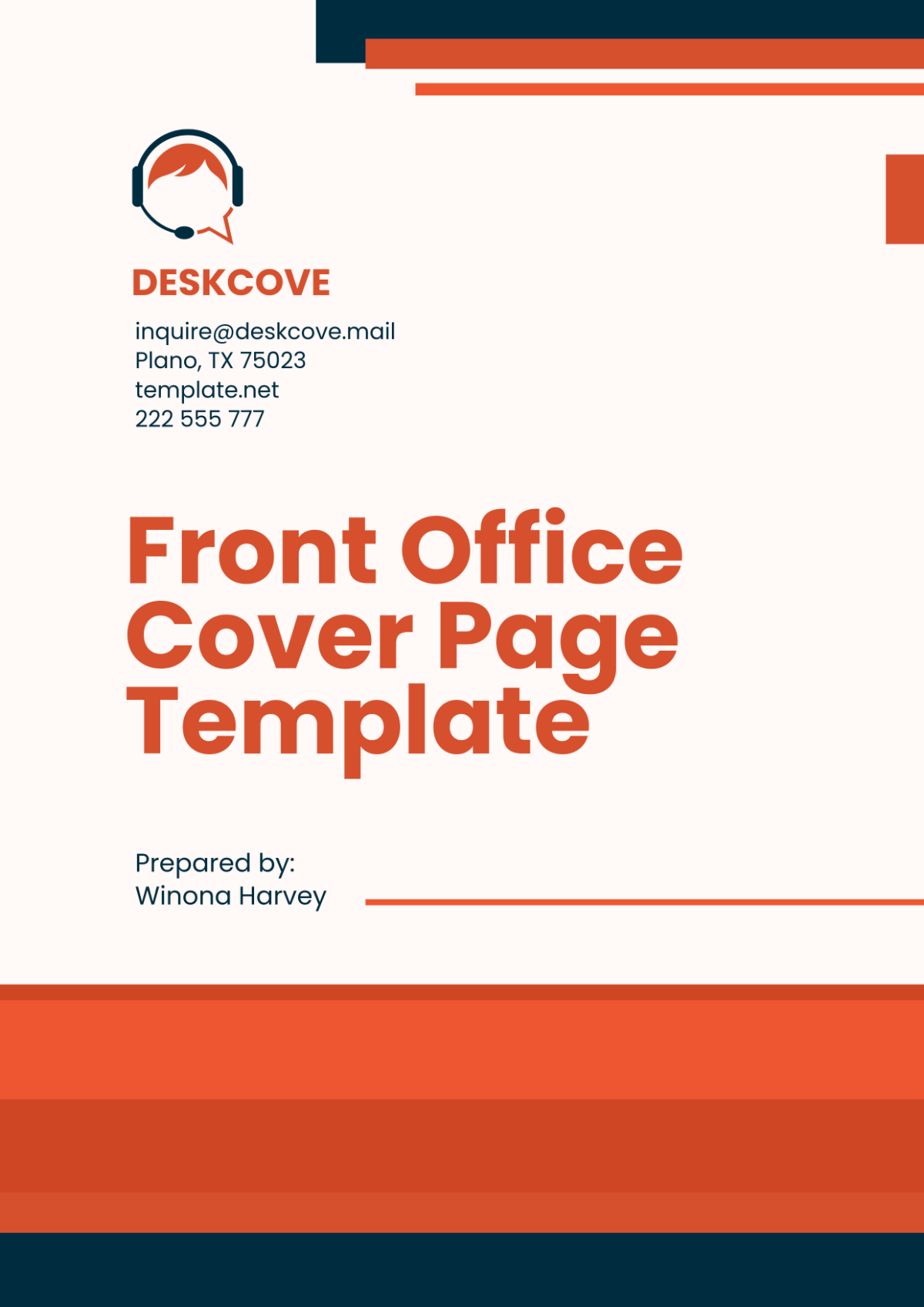
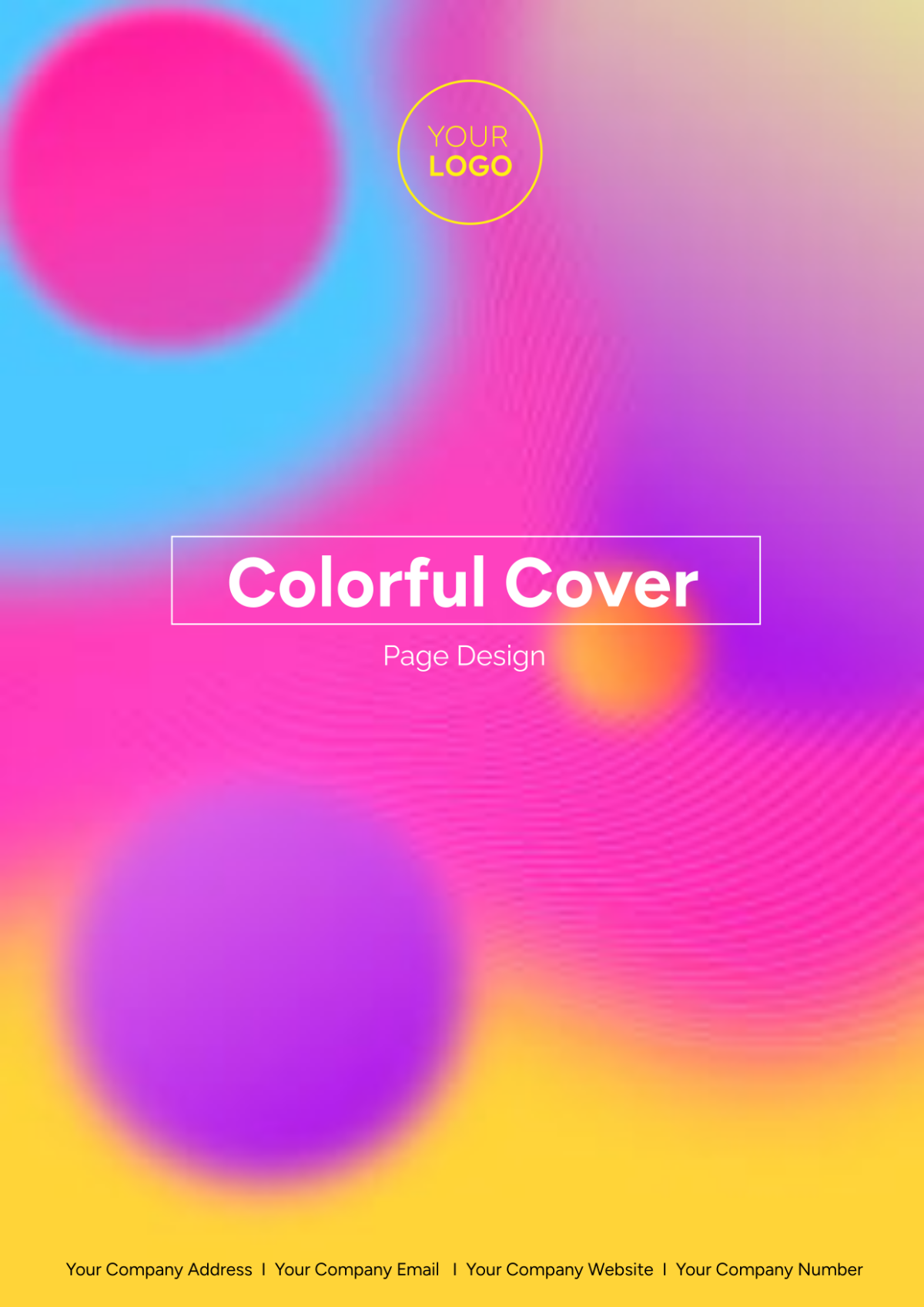
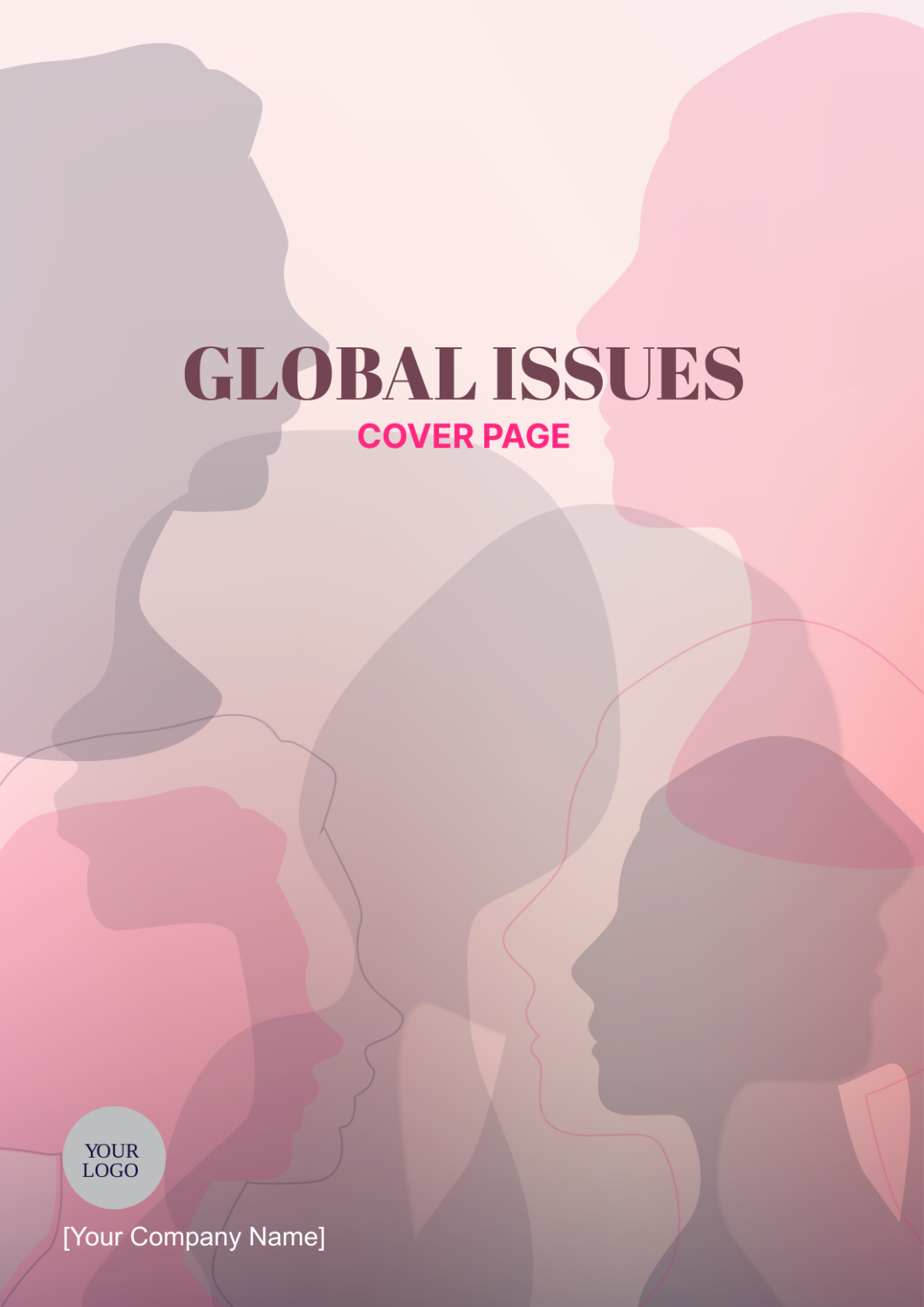


Free Cover Page Templates: Customizable Design Guide, Sizes, and Download Formats

What is a Cover Page?
A Cover Page is the first page of a document that includes essential details such as the title, author, date, and other introductory information. It provides a professional presentation and helps organize the content for readers.

Why should I use a Cover Page?
You should use a Cover Page to create a professional and organized appearance for your document, enhancing its credibility and making it easier for readers to identify the subject and author at a glance.

Who uses Cover Pages?
Cover Pages are used by professionals, students, authors, and businesses who need to present reports, proposals, research papers, or official documents with a clear, professional introduction.

What are the best tips for designing my Cover Page?
Here are the best tips for designing your Cover Page to make it visually appealing and effective:
- Keep it simple and uncluttered
- Use readable fonts and consistent typography
- Include key information like title, author, and date
- Incorporate branding elements if applicable
- Choose a balanced layout with clear hierarchy
- Use colors that complement your content
- Add relevant images or logos thoughtfully
- Align text and elements neatly
- Maintain margin space for clean edges
- Review for errors before finalizing

What file formats can I download for my Cover Page?
Template.net Cover Page templates support multiple export formats for easy editing and sharing. You can download your Cover Page in Word, Google Docs, PDF, PSD, and InDesign.

Can I create a Cover Page using AI?
Template.net provides an AI-powered tool that generates new Cover Page designs from prompts, helping you create personalized designs quickly and easily. Explore the Cover Page Generator to get started.

What are the ideal pixel dimensions for a digital Cover Page?
The ideal pixel dimensions for a digital Cover Page depend on the platform and usage. Common sizes include:
- 1080 × 1920 pixels for vertical presentations
- 1920 × 1080 pixels for horizontal displays
- 1080 × 1080 pixels for social media posts
- 1280 × 720 pixels for online reports
- Custom sizes based on specific digital formats

What visual elements should I include in my Cover Page?
Consider including these visual elements in your Cover Page to enhance its design and clarity:
- Title text prominently displayed
- Subtitle or tagline for context
- Author or company name
- Date or version number
- Logo or branding graphics
- Background images or patterns
- Border or frame to define edges
- Icons or decorative accents
- Whitespace for clean layout
- Color blocks or gradients for emphasis

What are the benefits of using a Cover Page in my documents?
Using a Cover Page offers several benefits for your documents:
- Creates a professional first impression
- Organizes key information upfront
- Enhances document branding
- Improves readability and structure
- Helps differentiate multiple reports
- Increases perceived value of your content
- Facilitates easy identification by readers
- Supports consistent formatting across materials
- Adds visual appeal to otherwise plain documents
- Acts as a reference page for metadata
