
Free Graph Templates
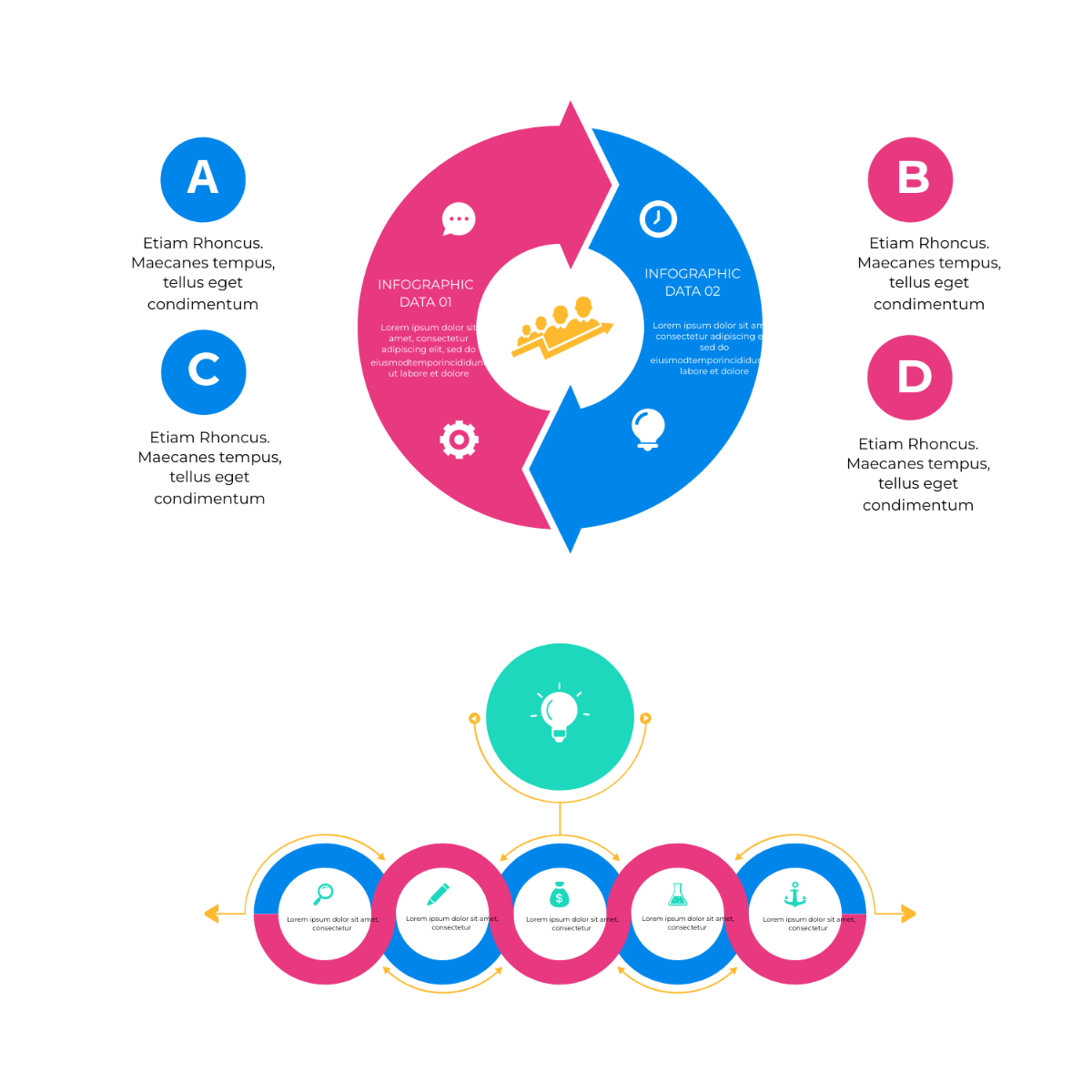
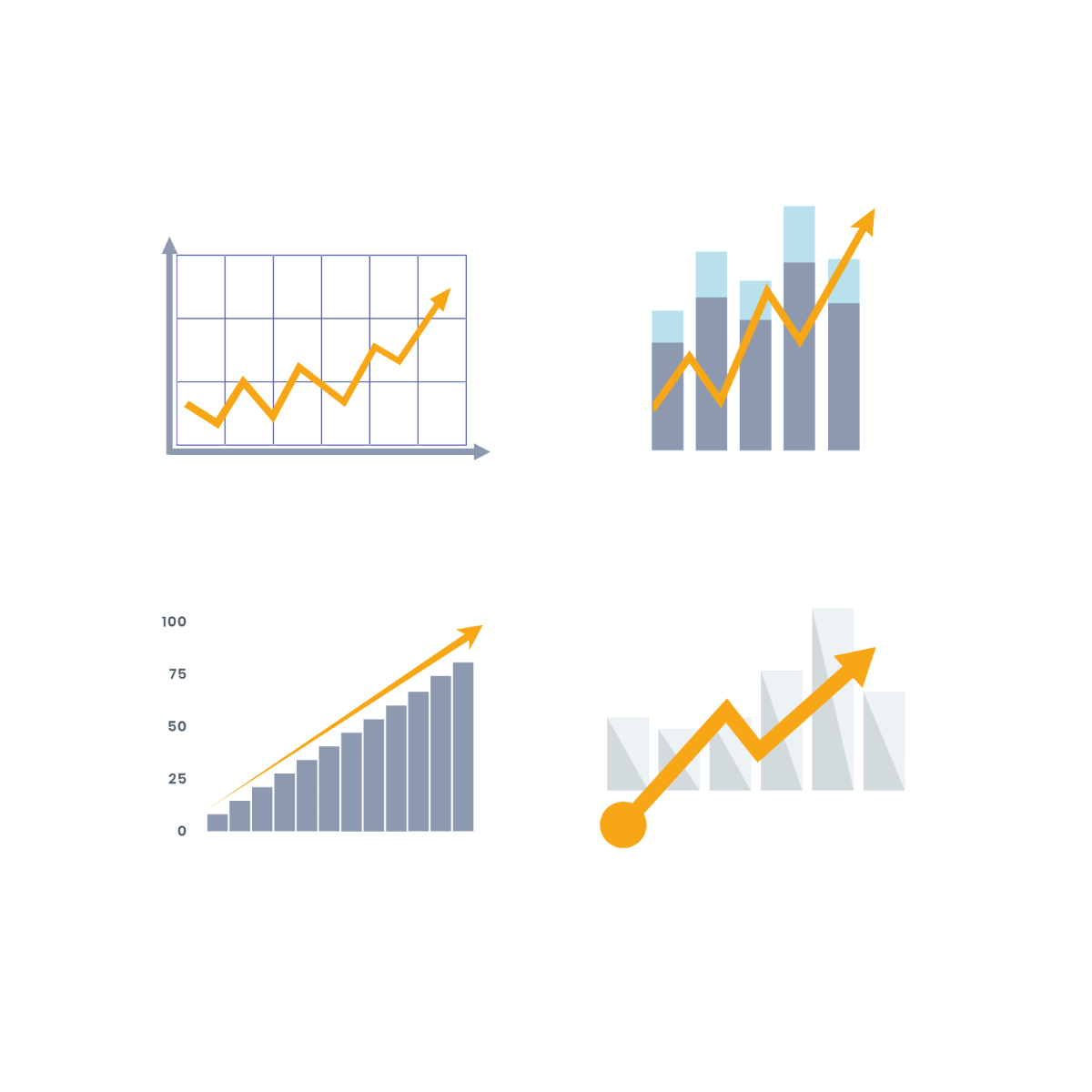
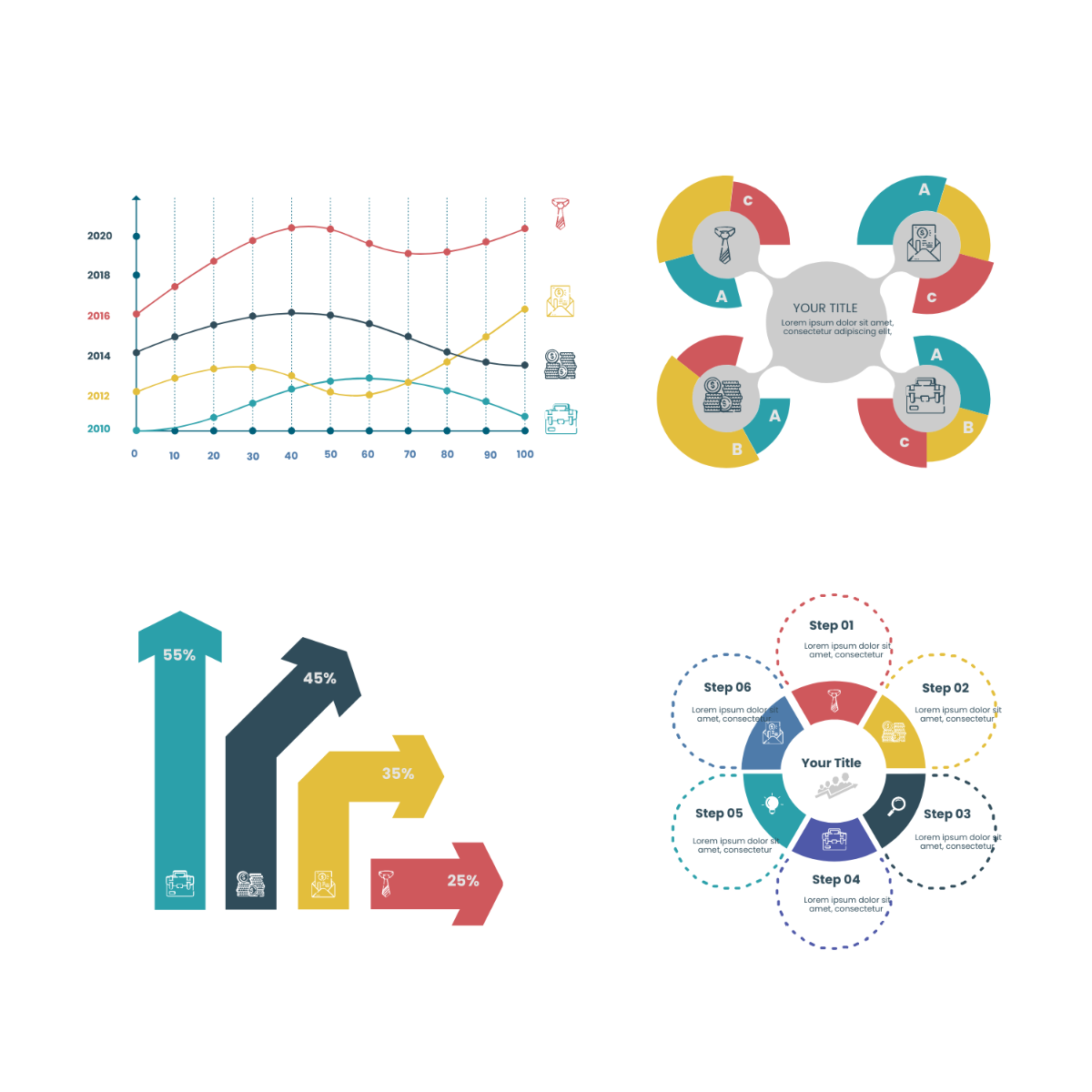
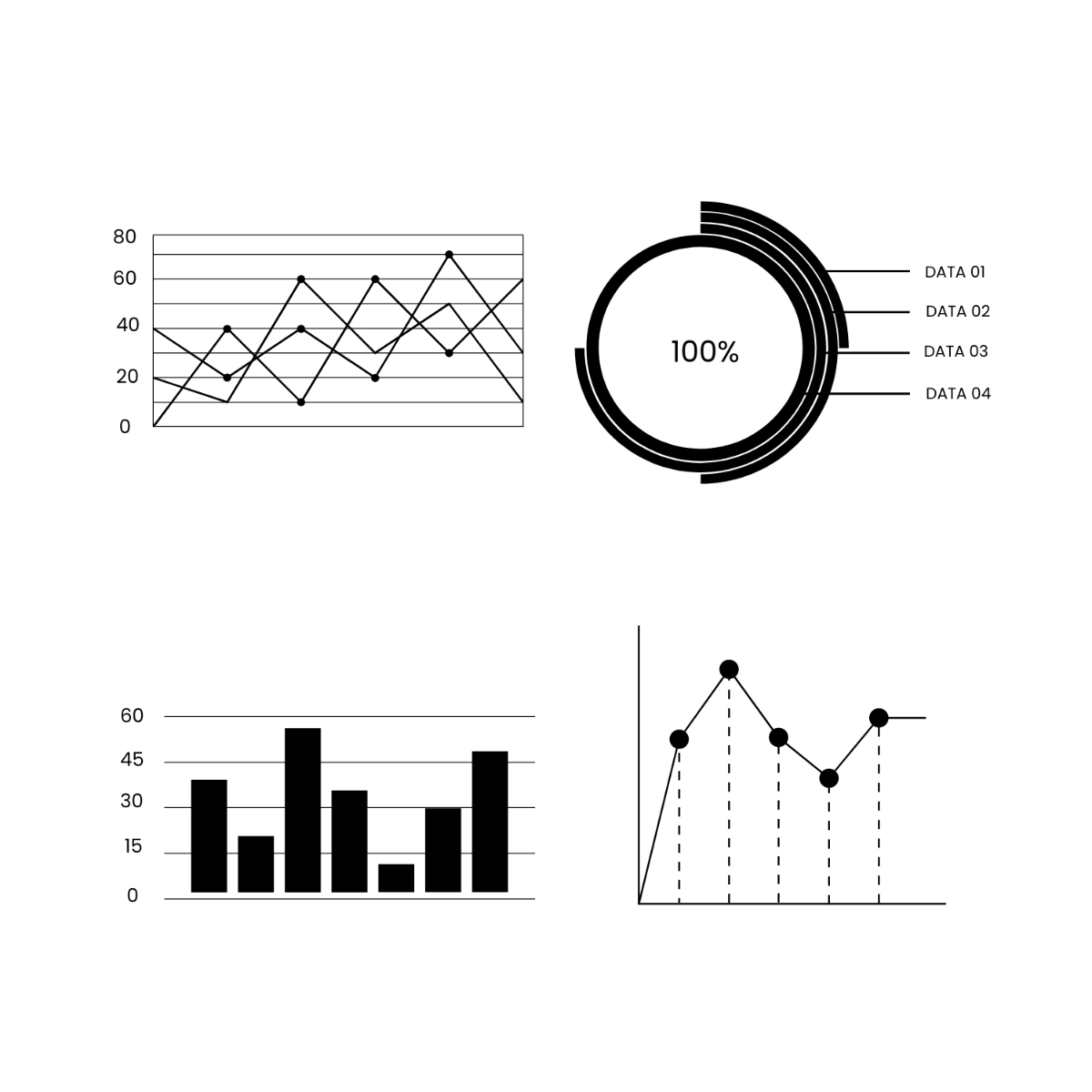





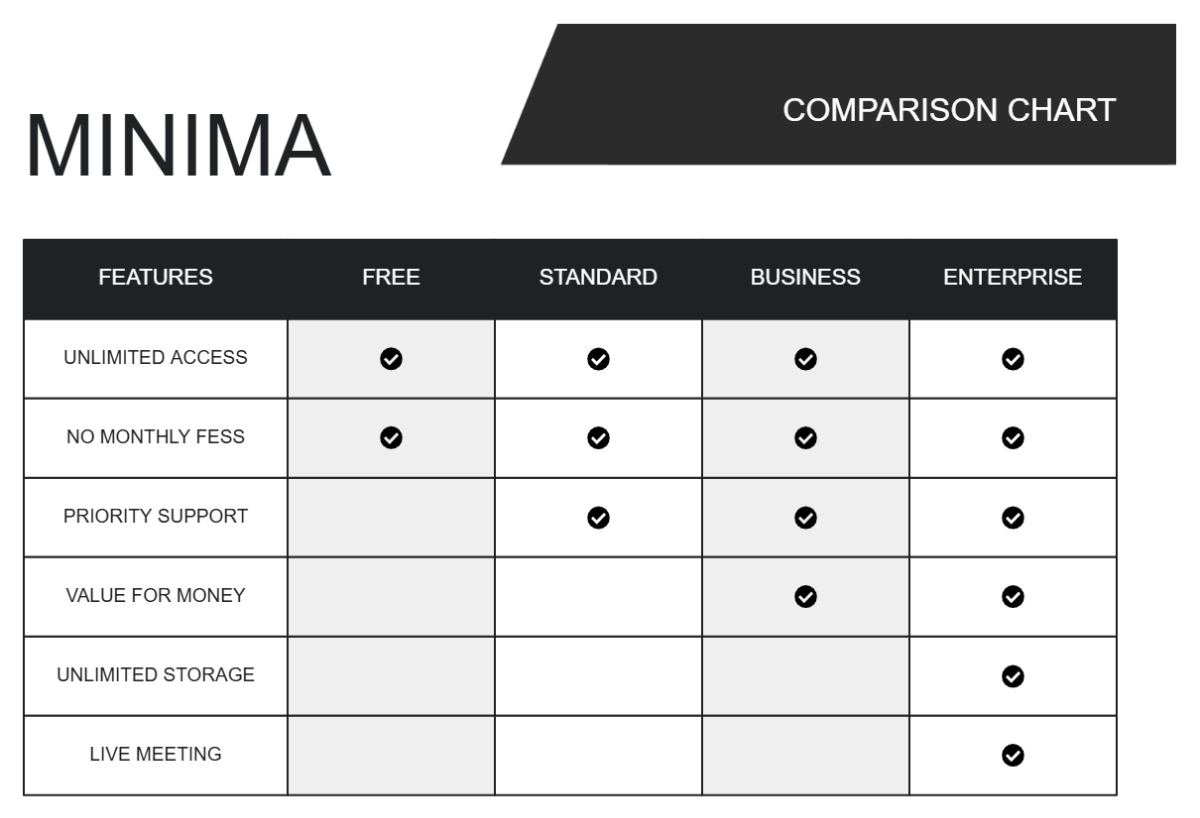
Free Graph Templates: Editable Guide, Uses, and Download Formats

What is a Graph?
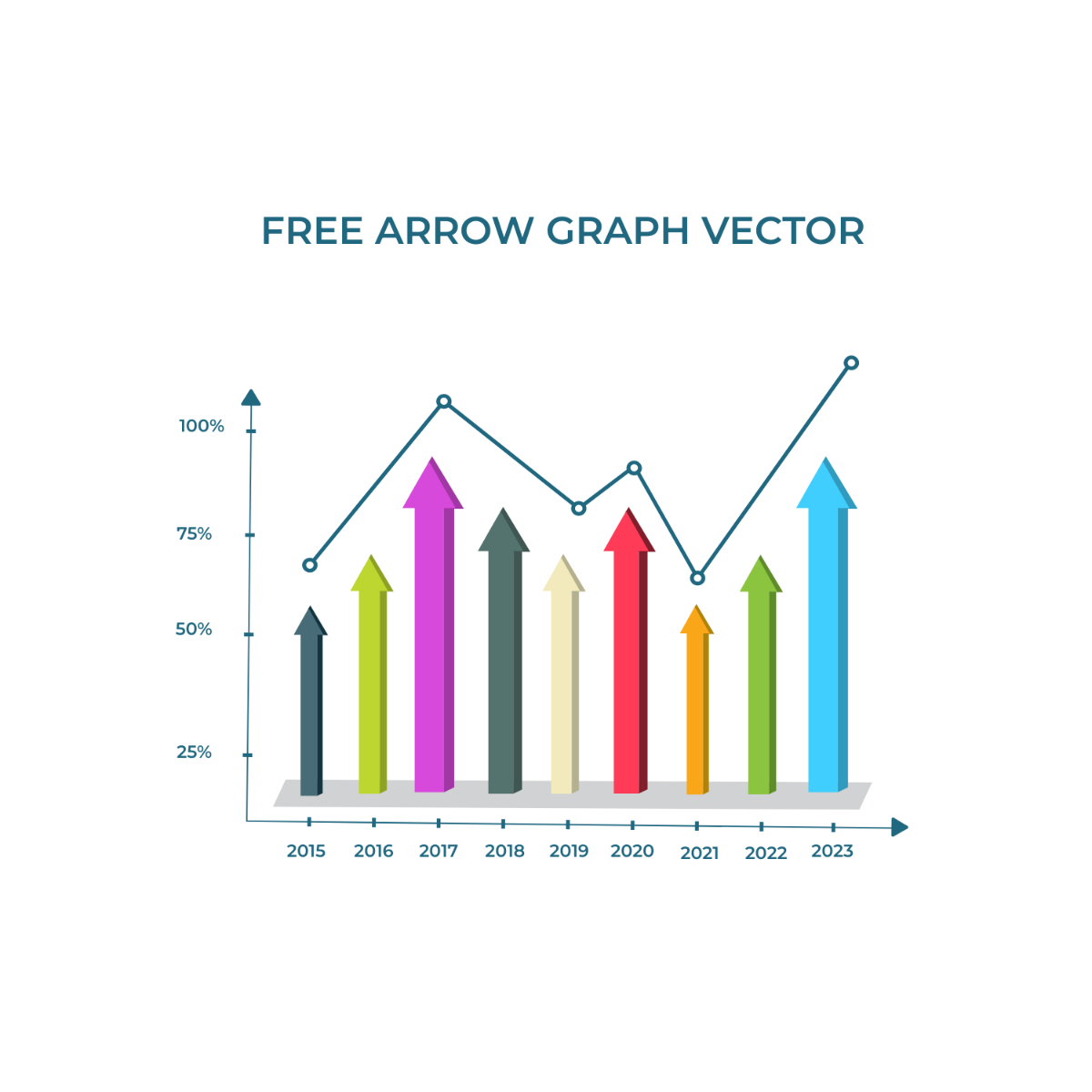
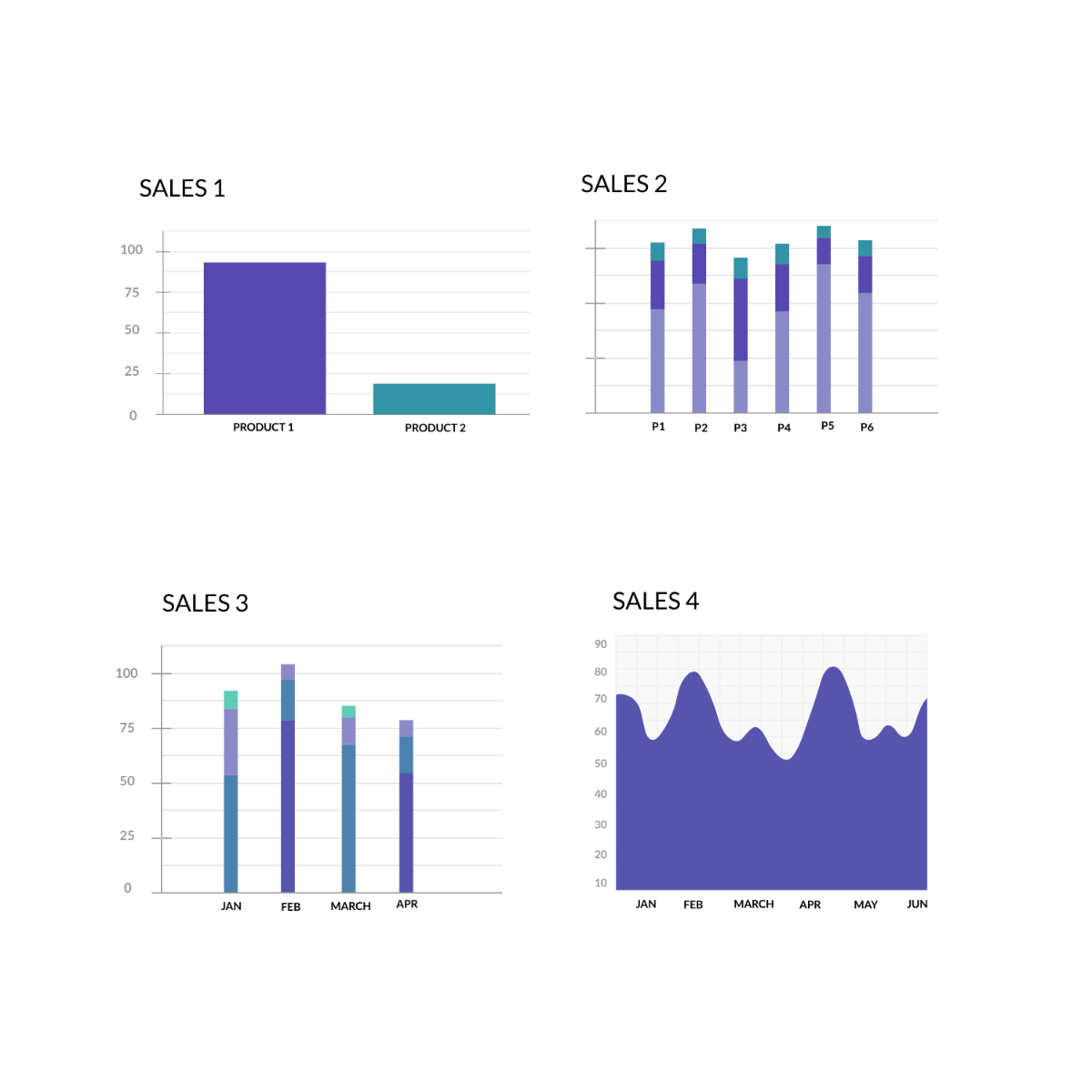
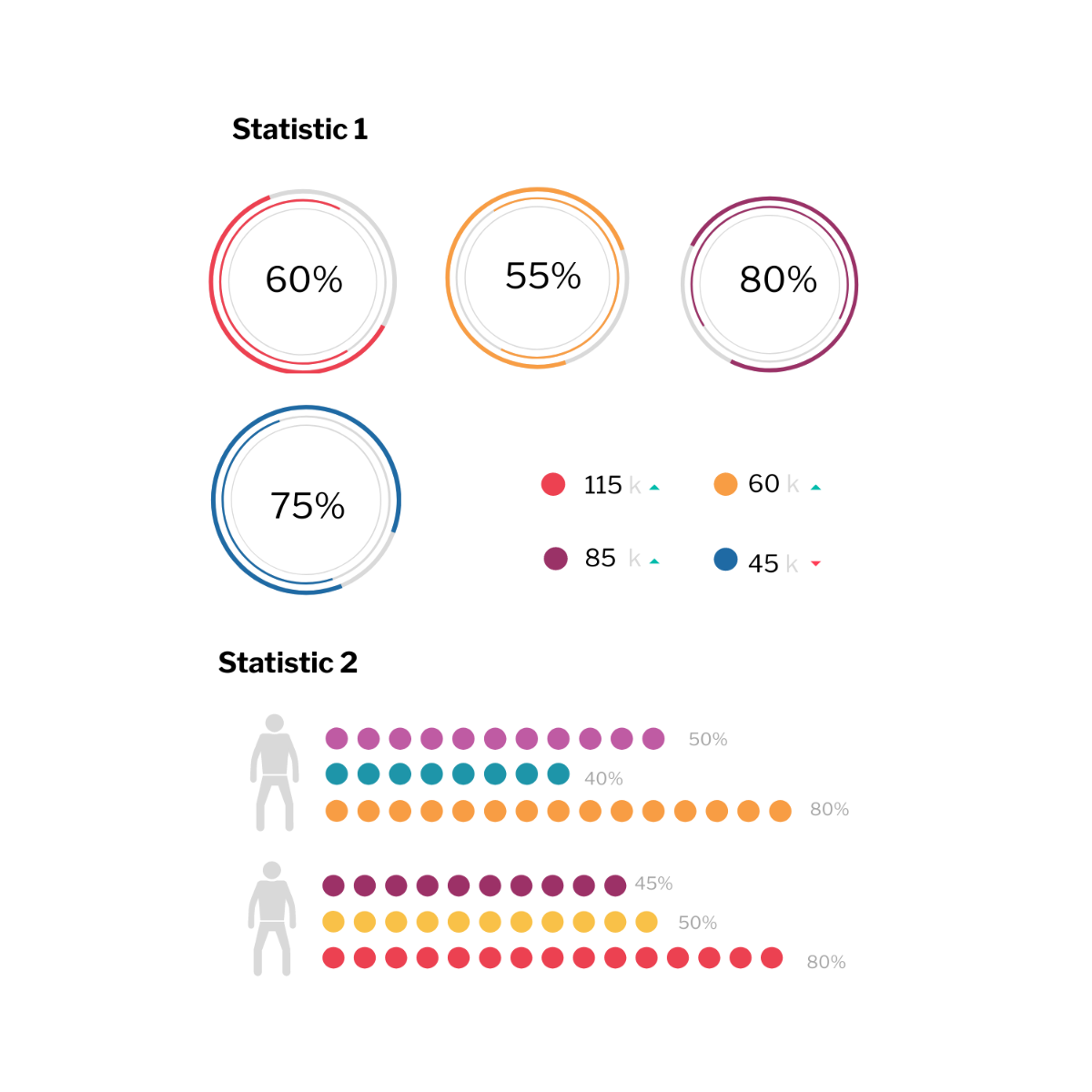
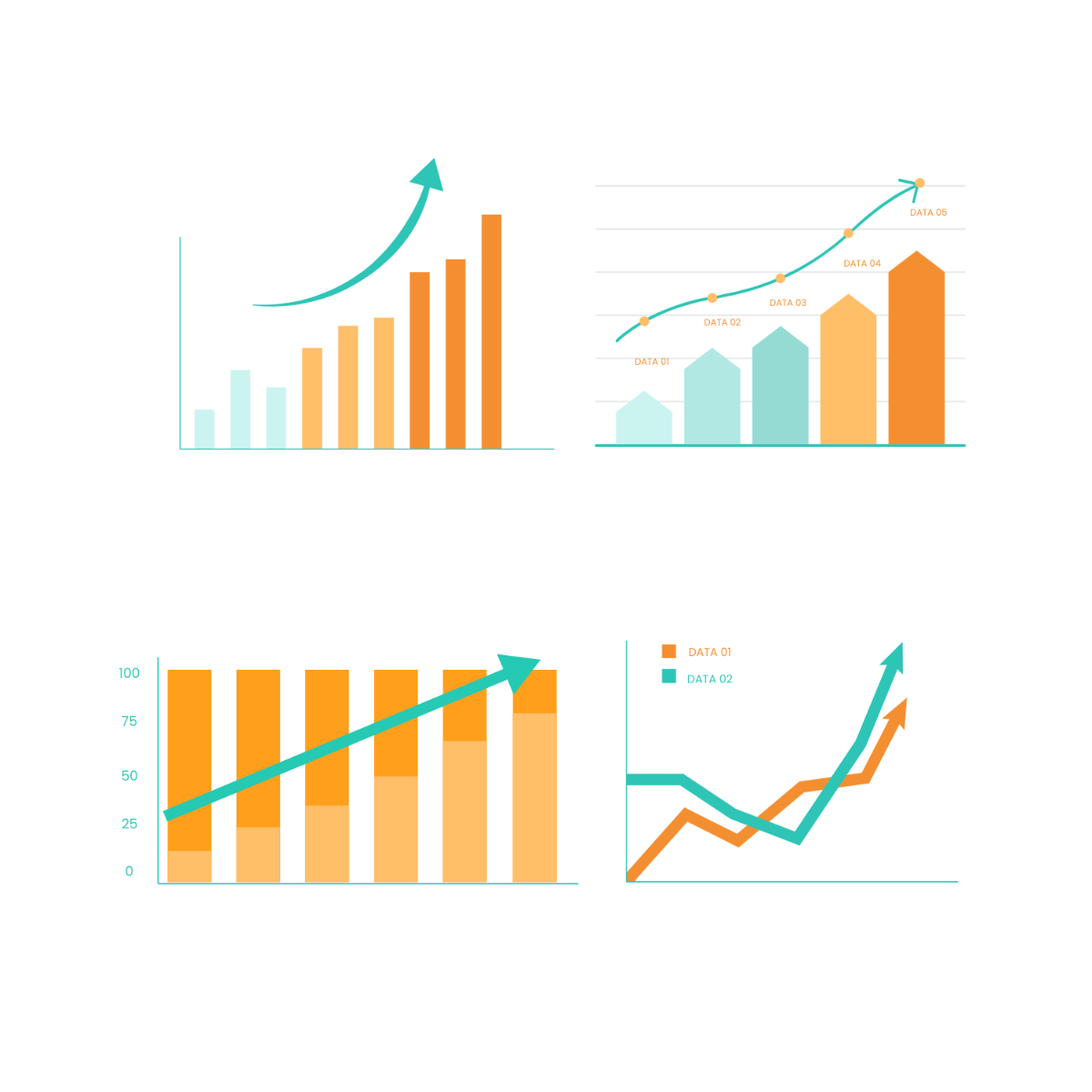
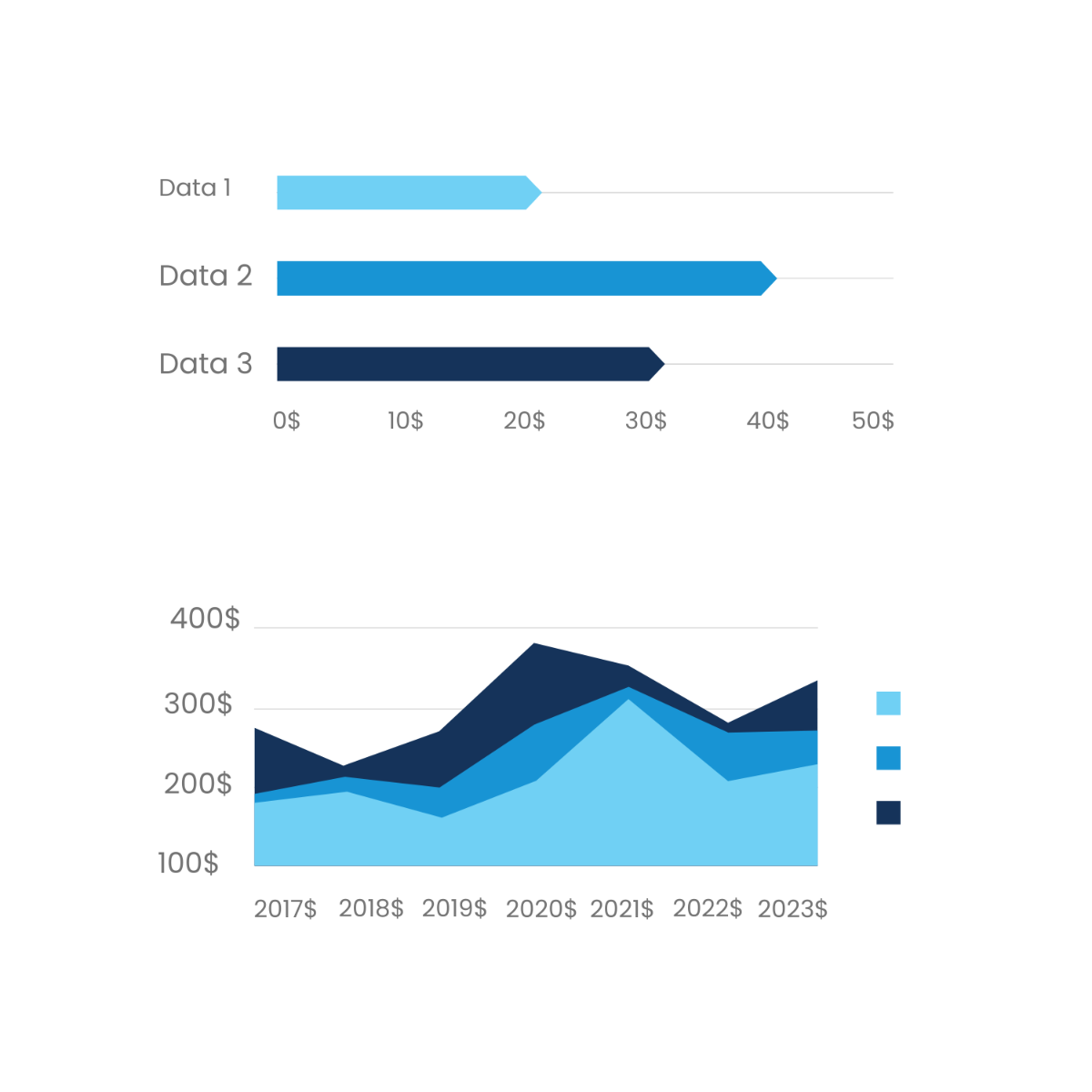
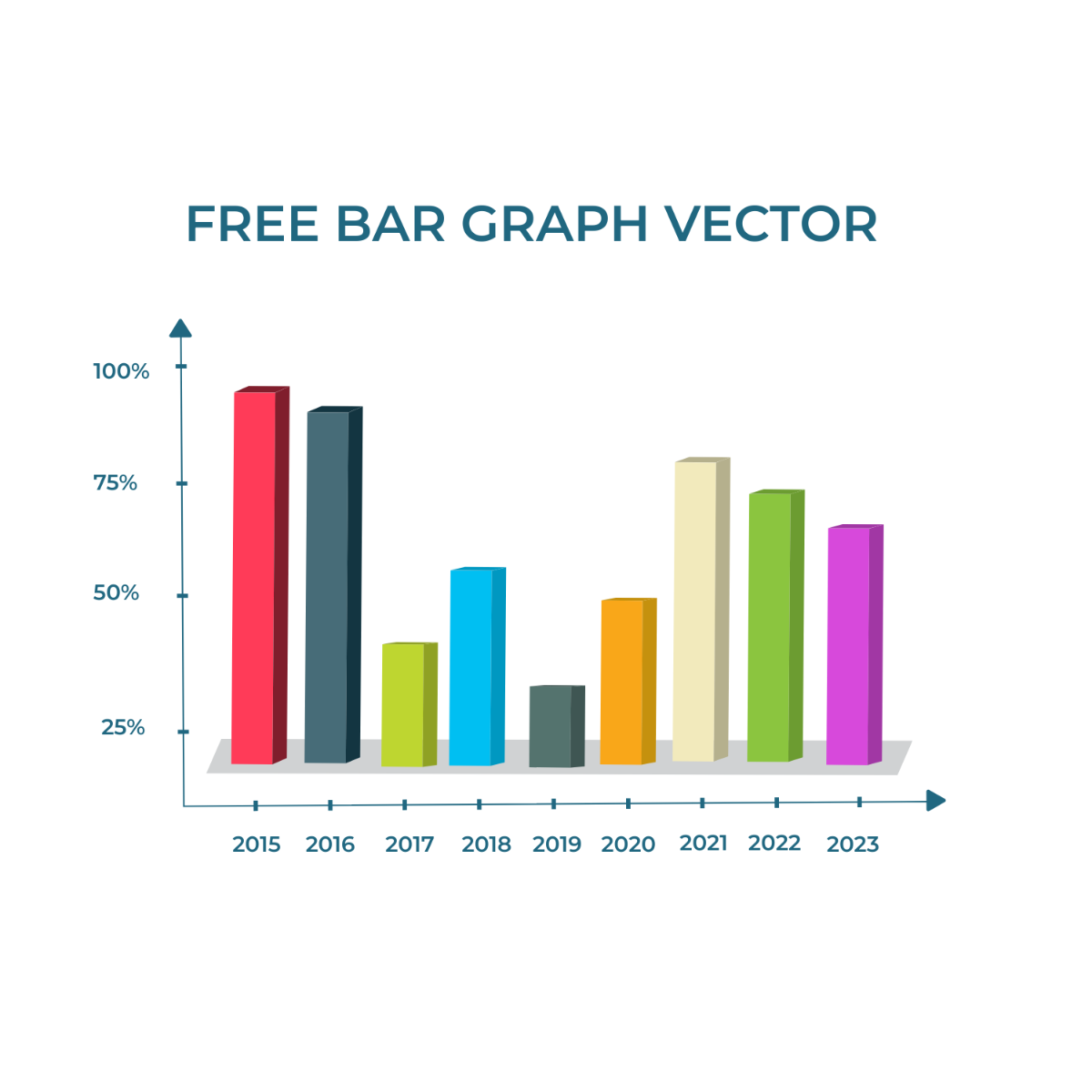
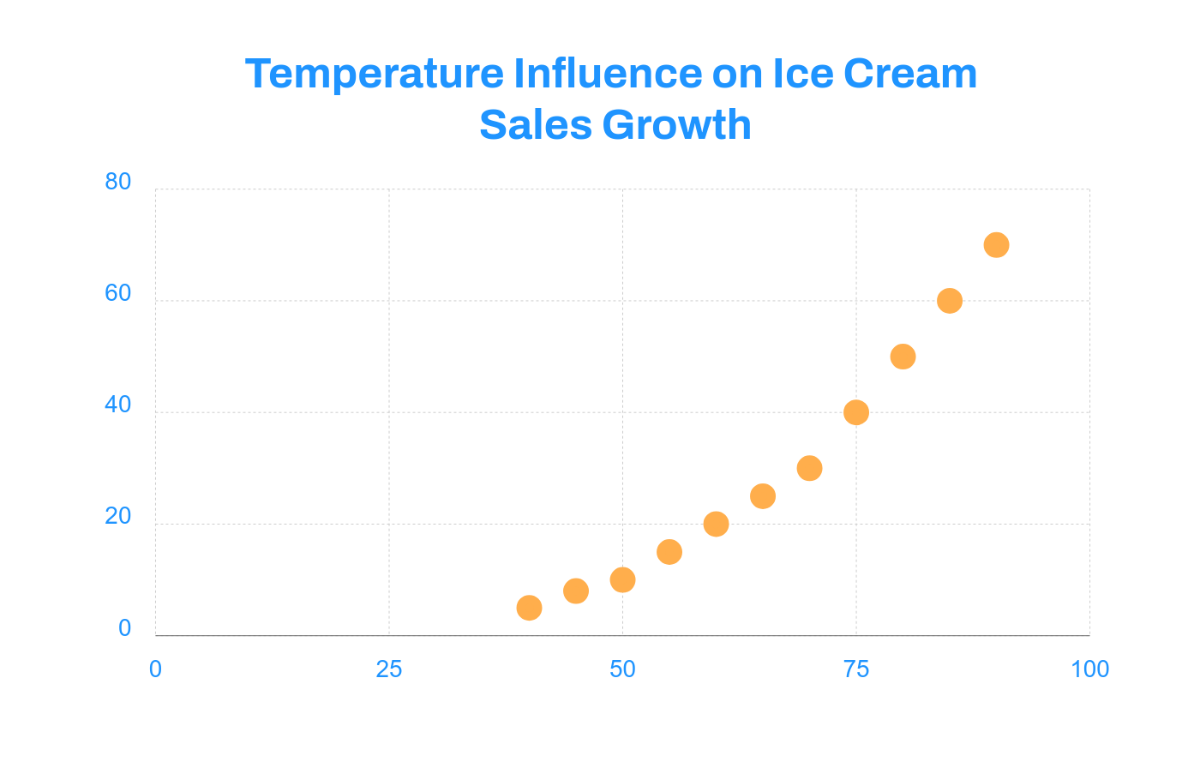
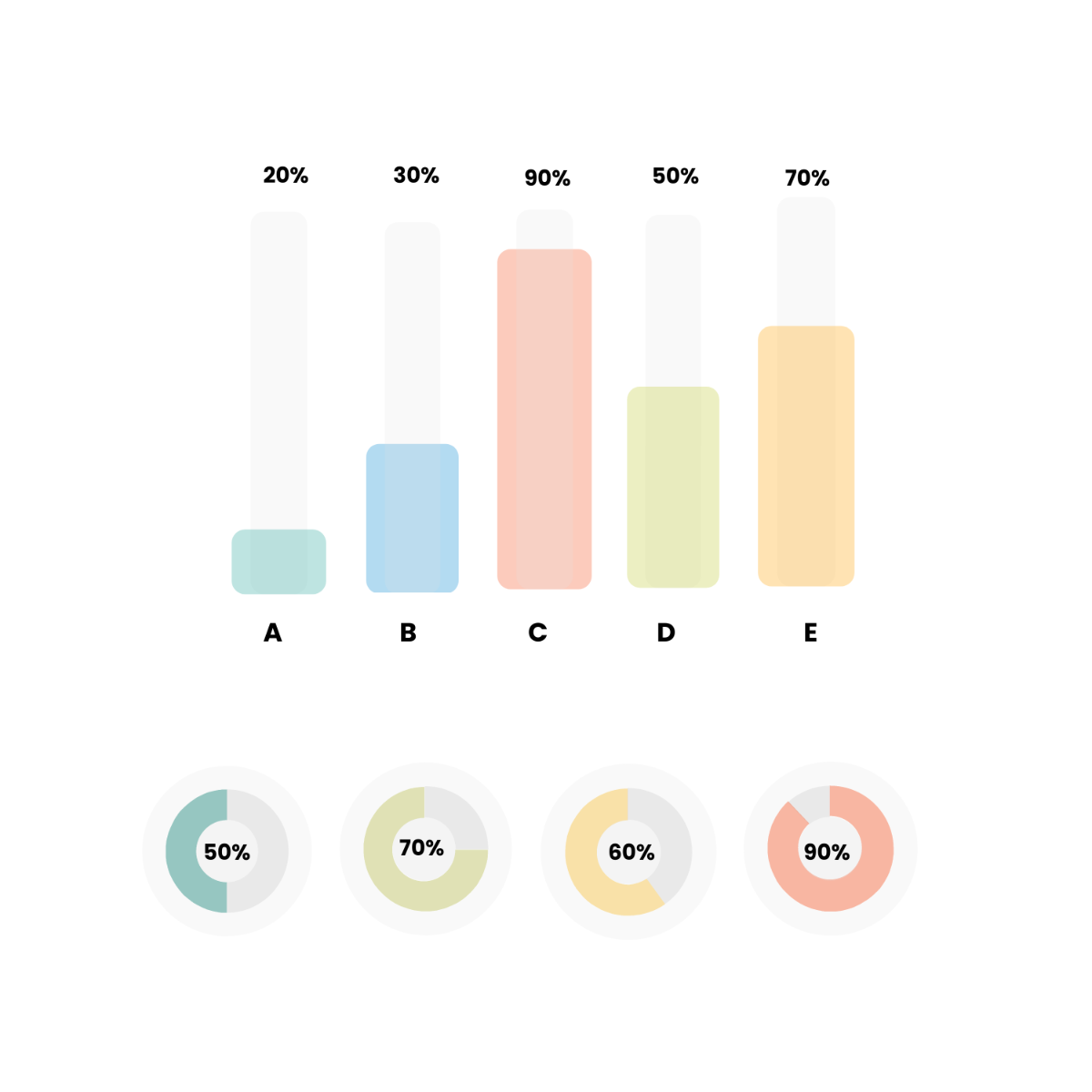
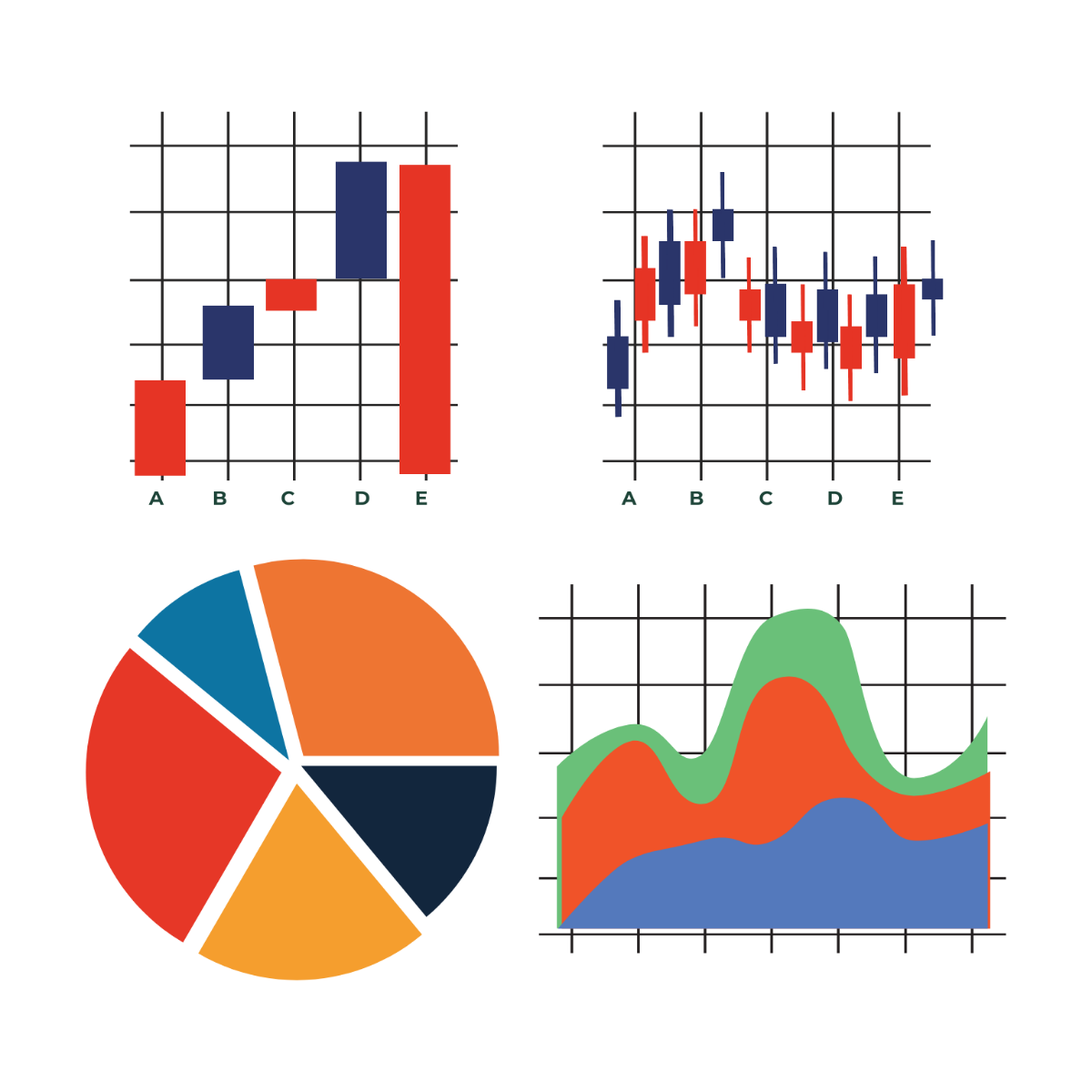
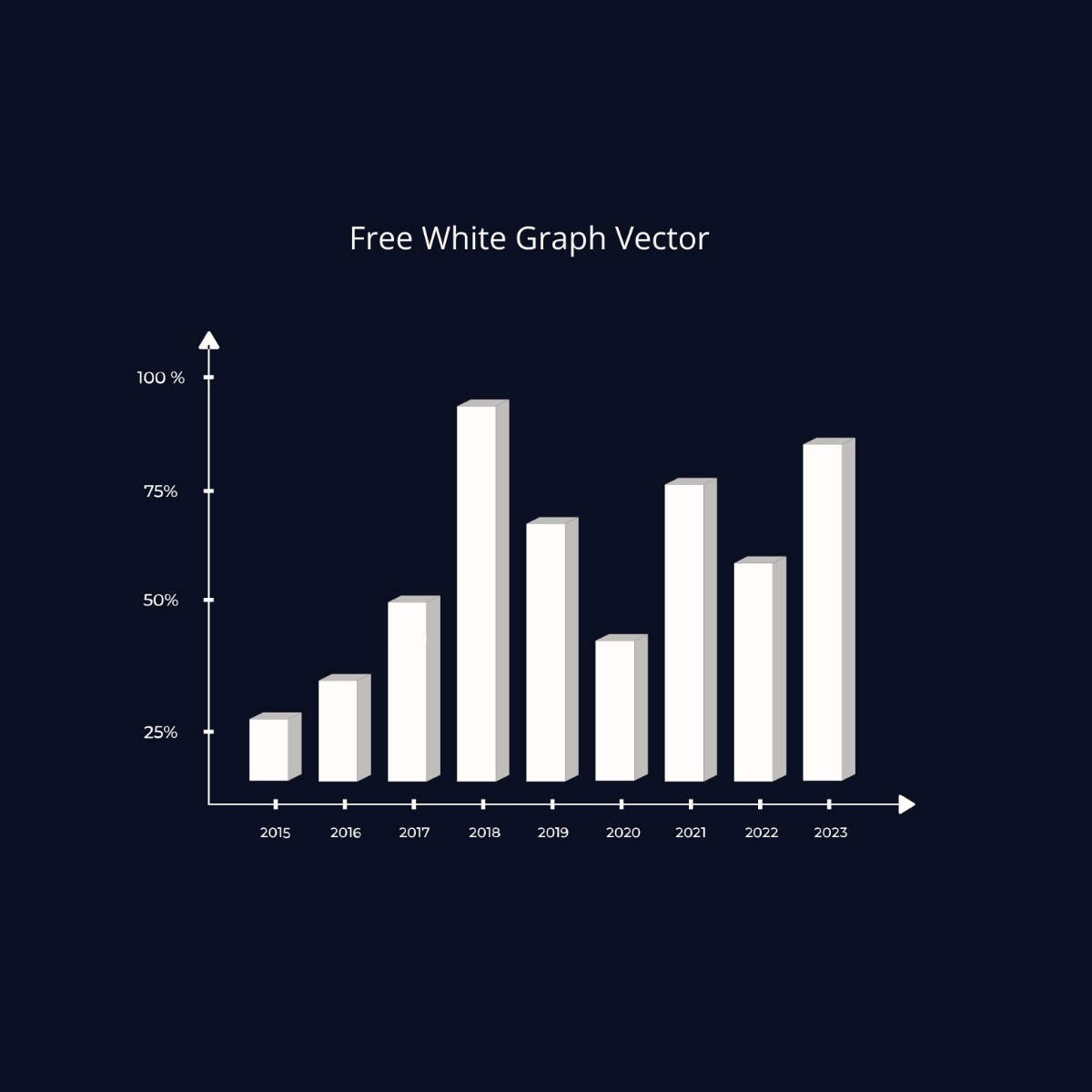
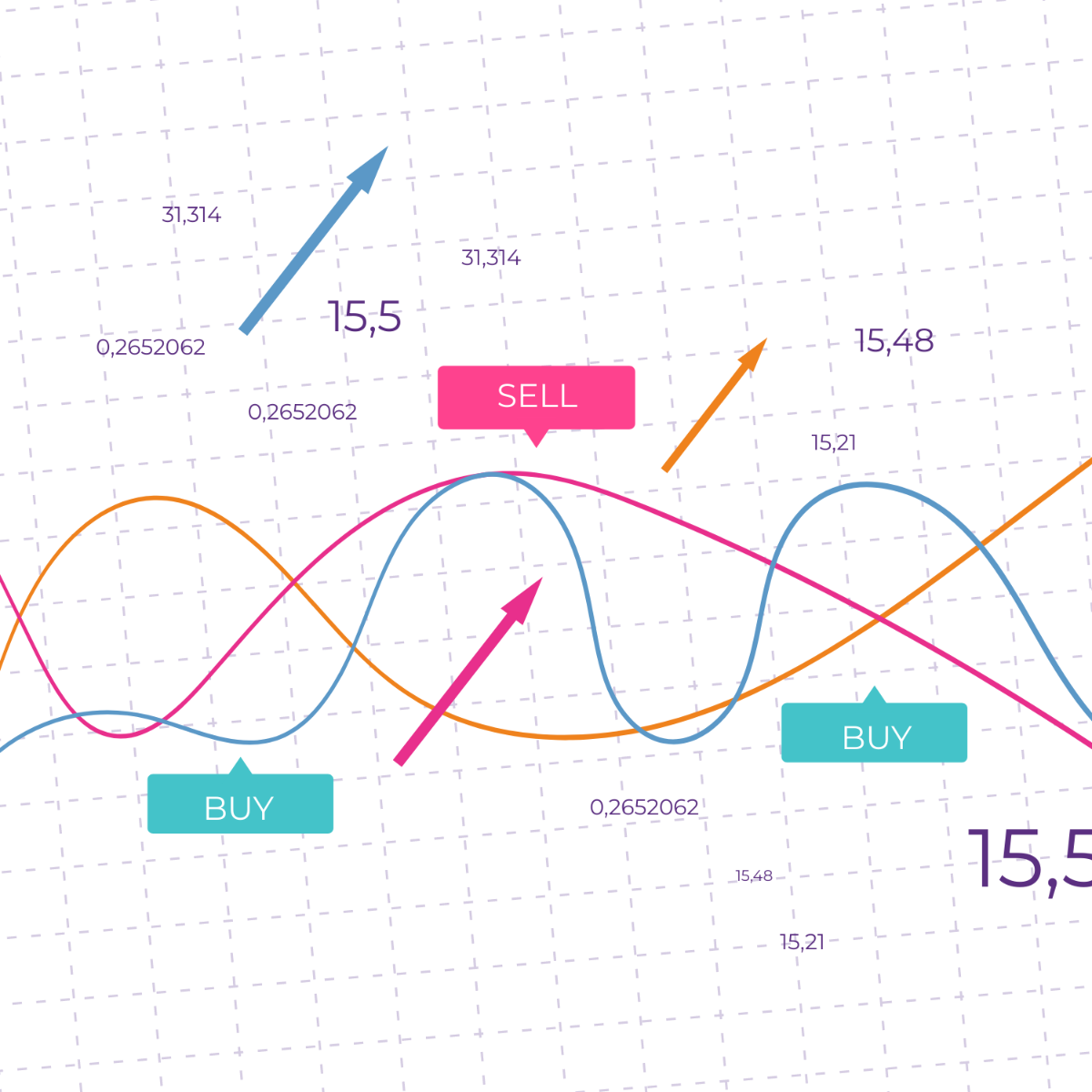
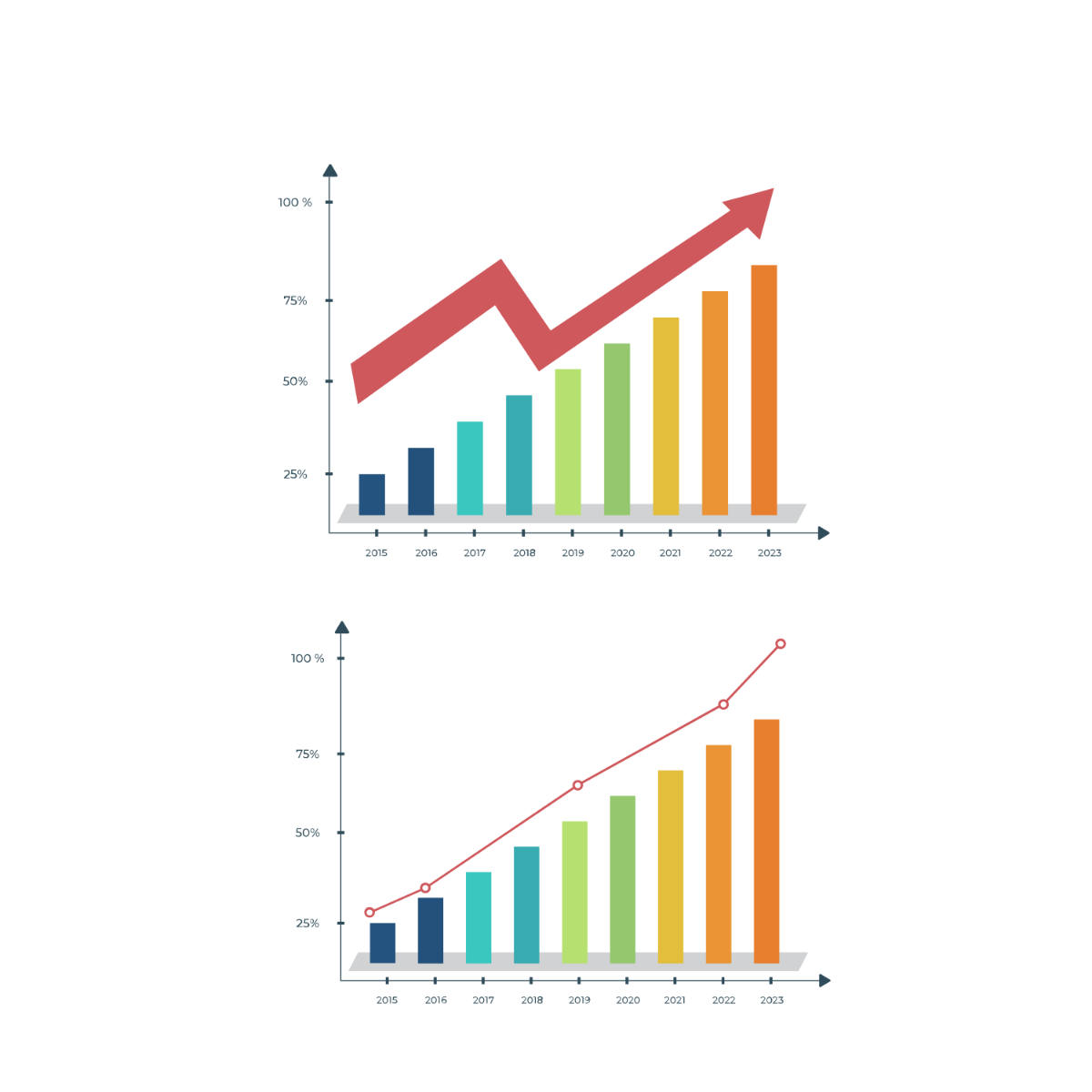
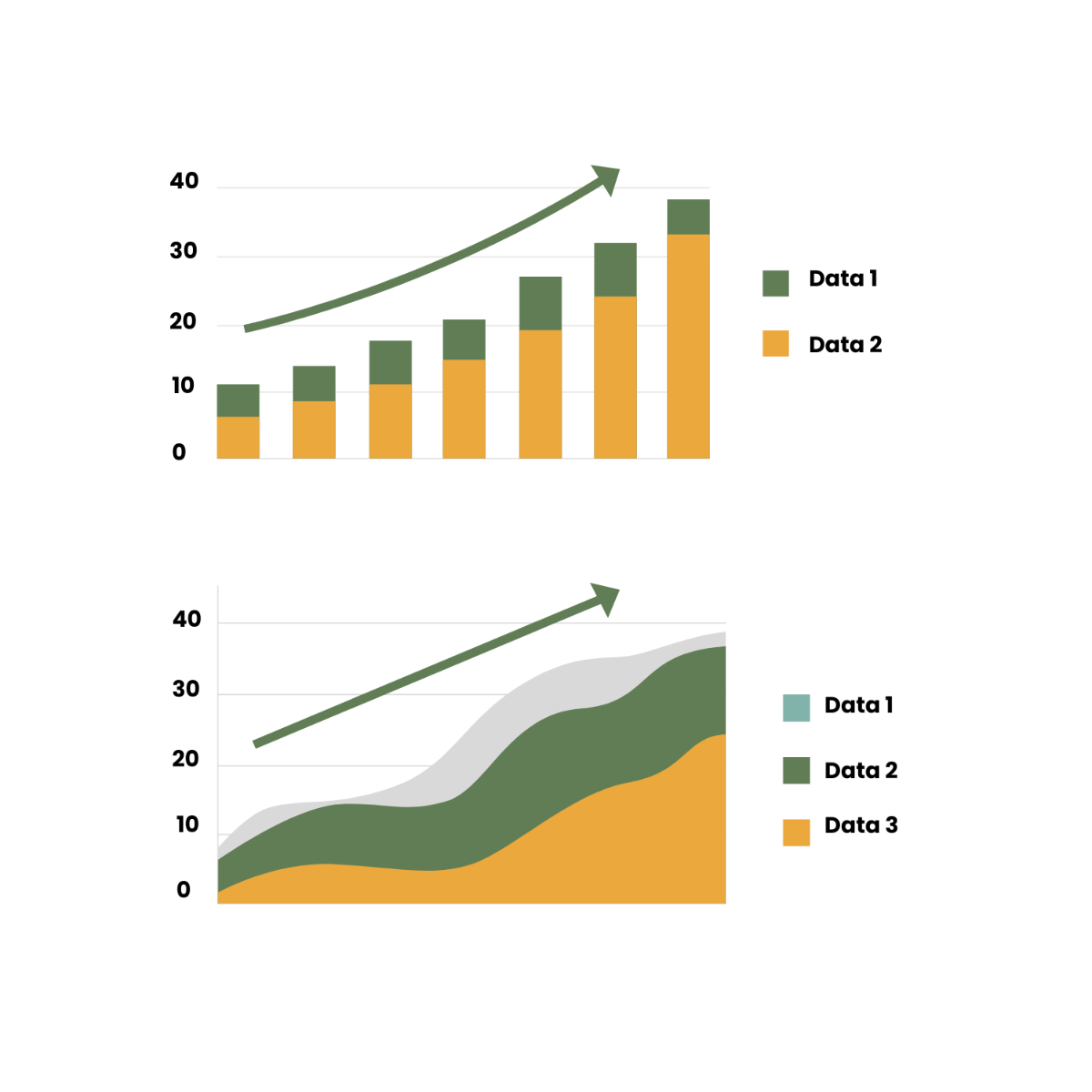
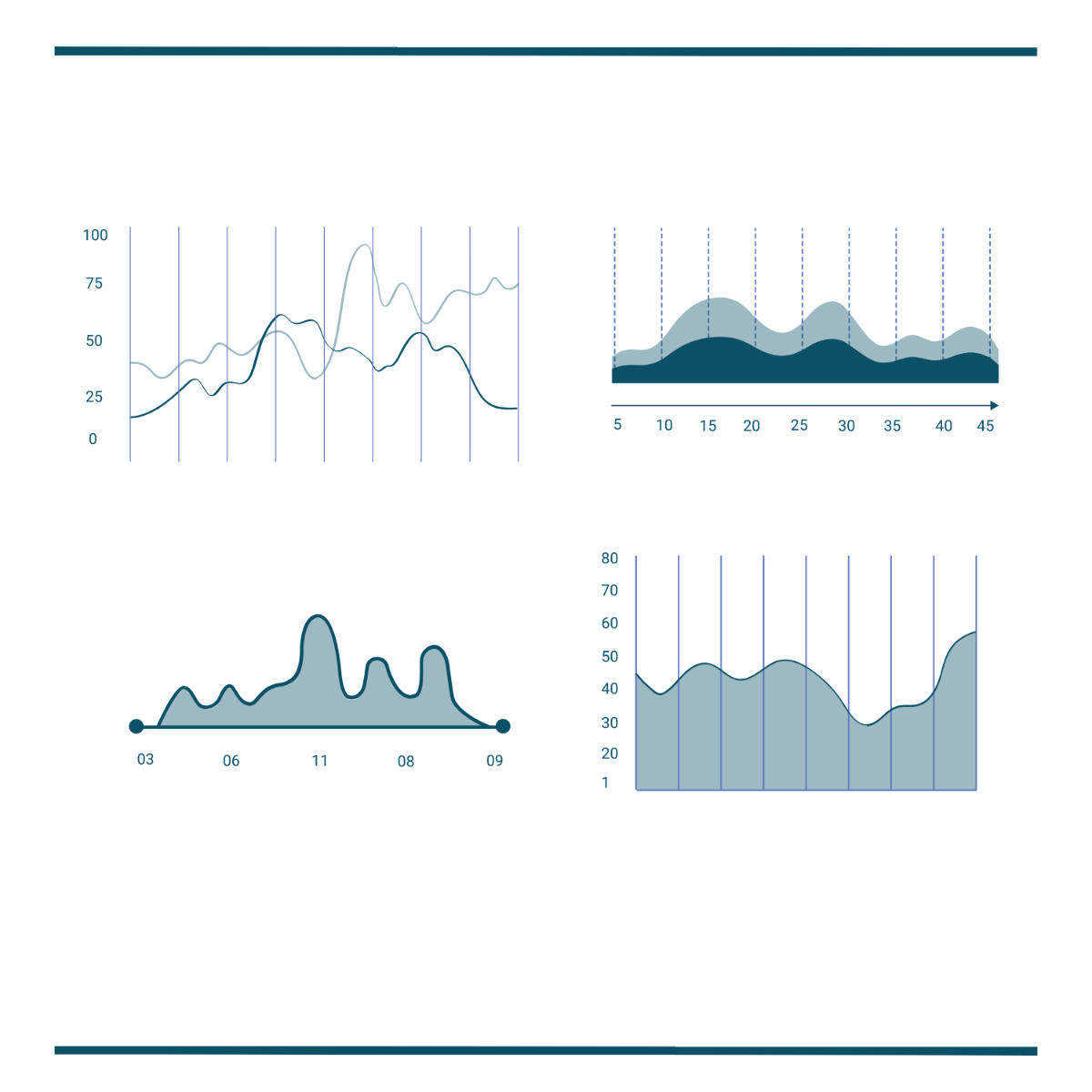
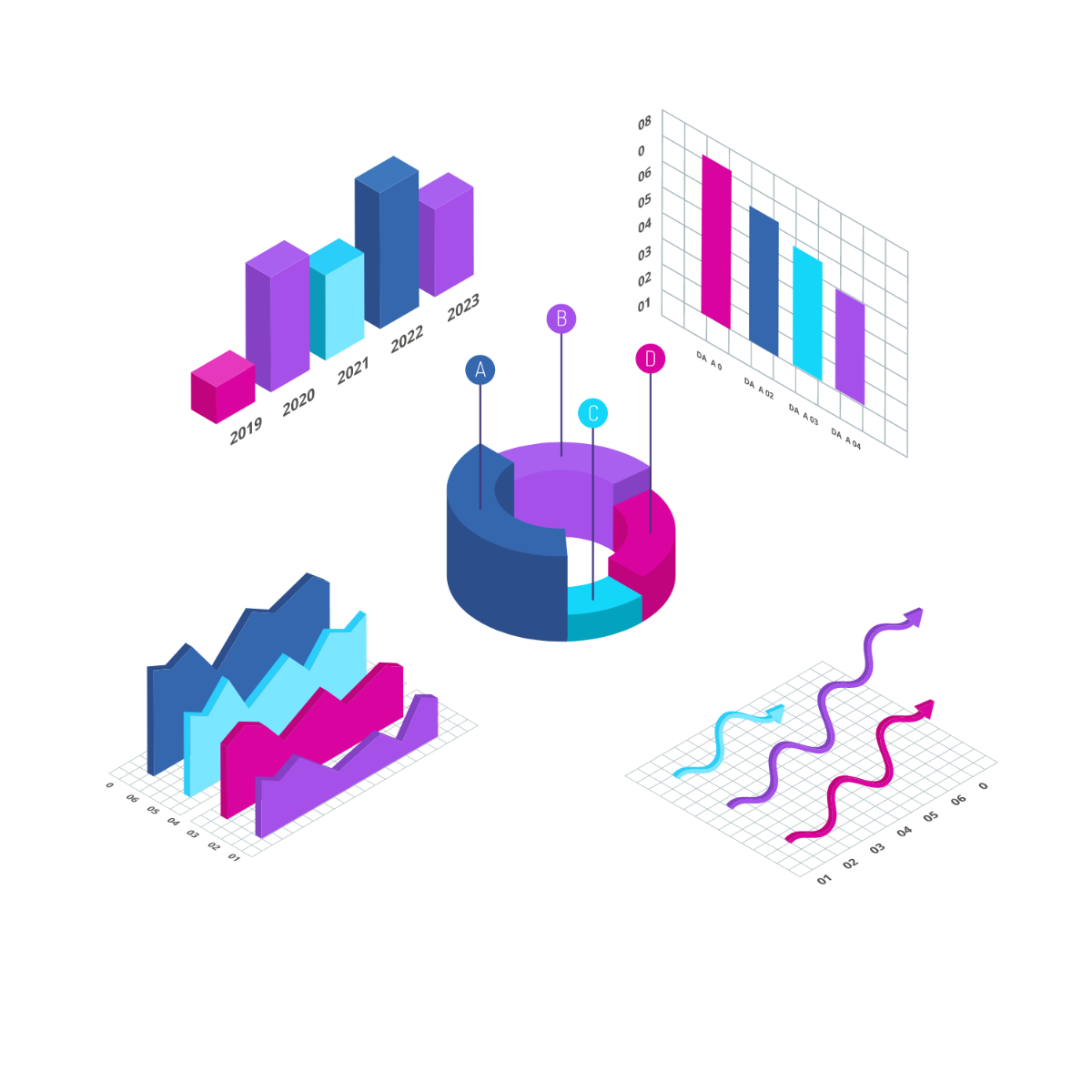
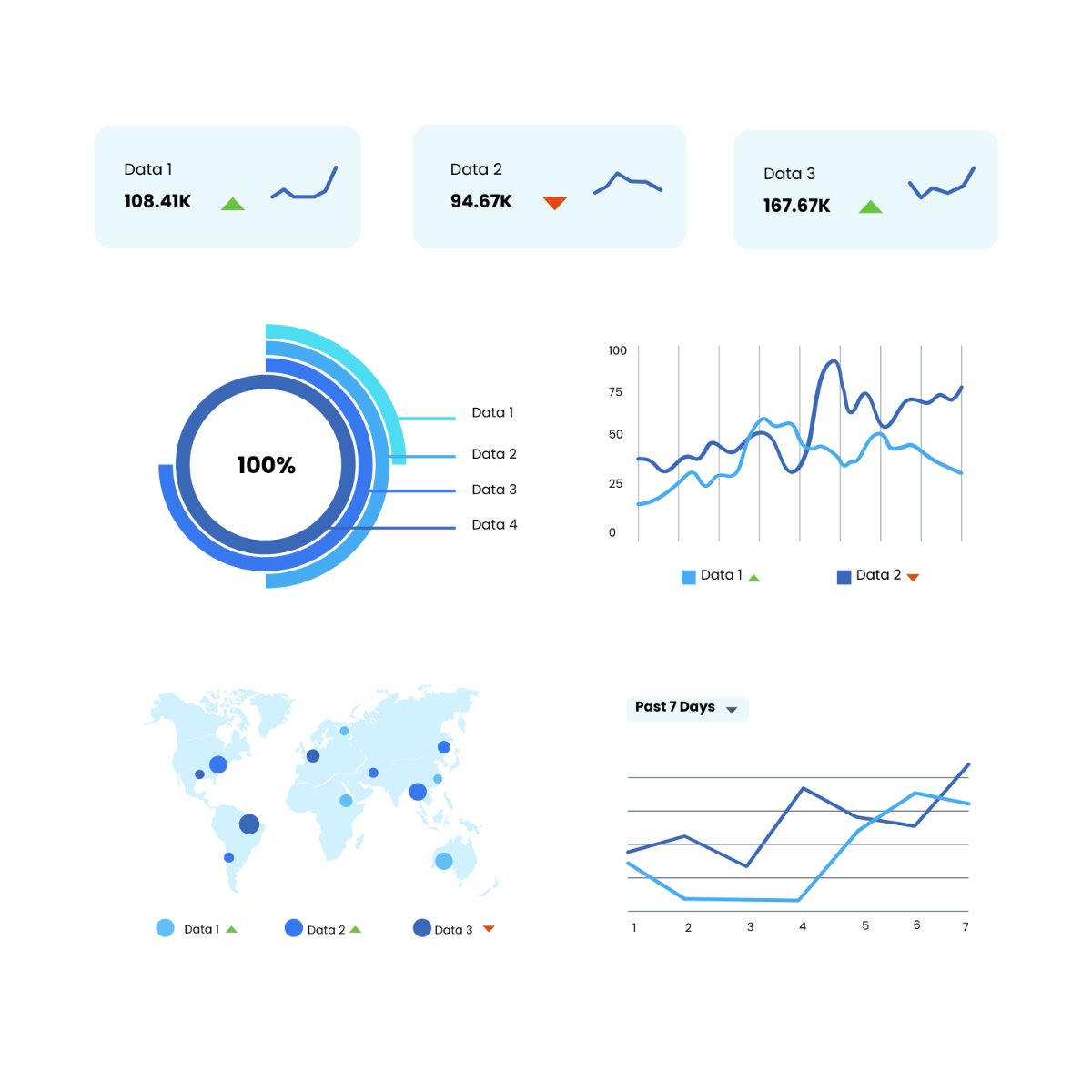
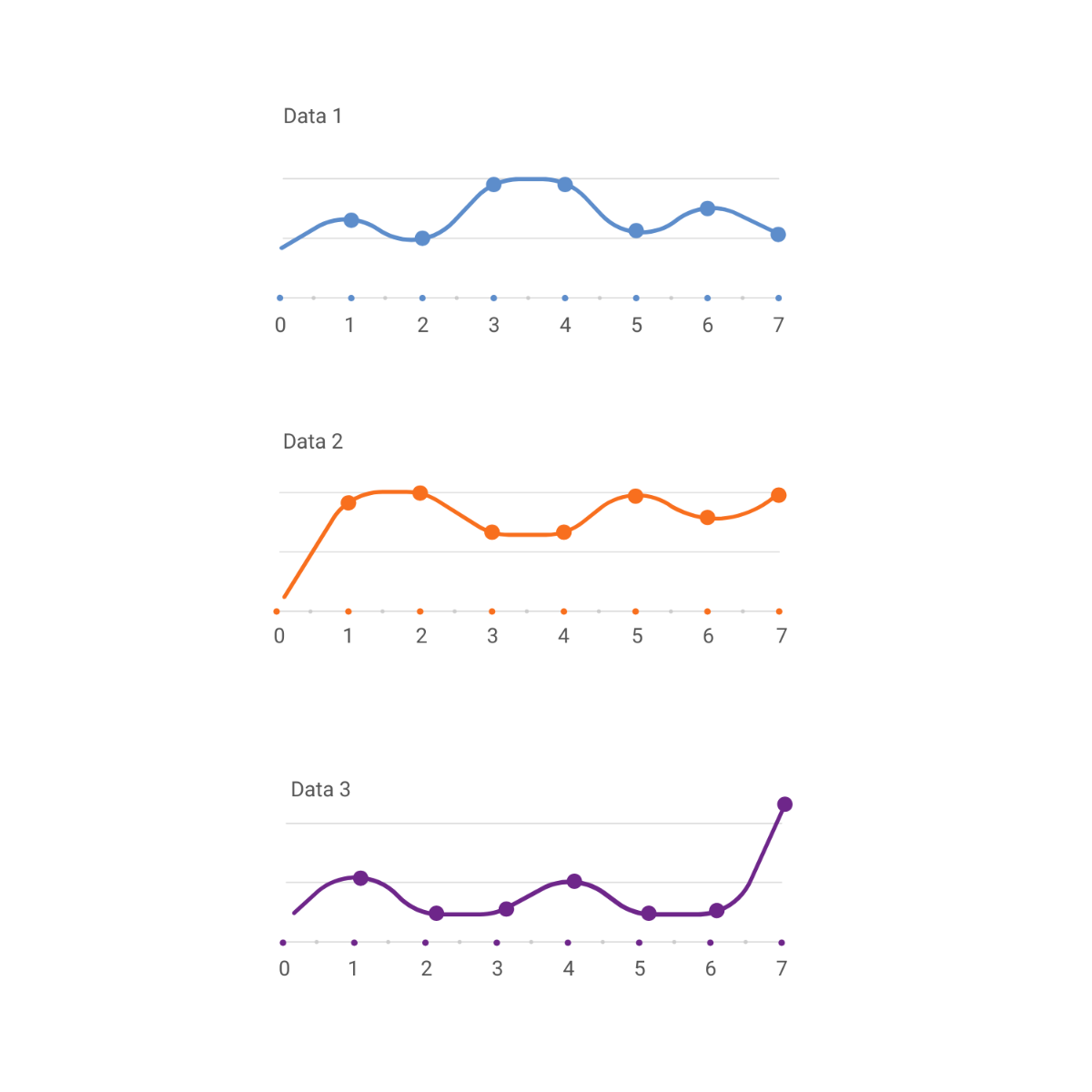
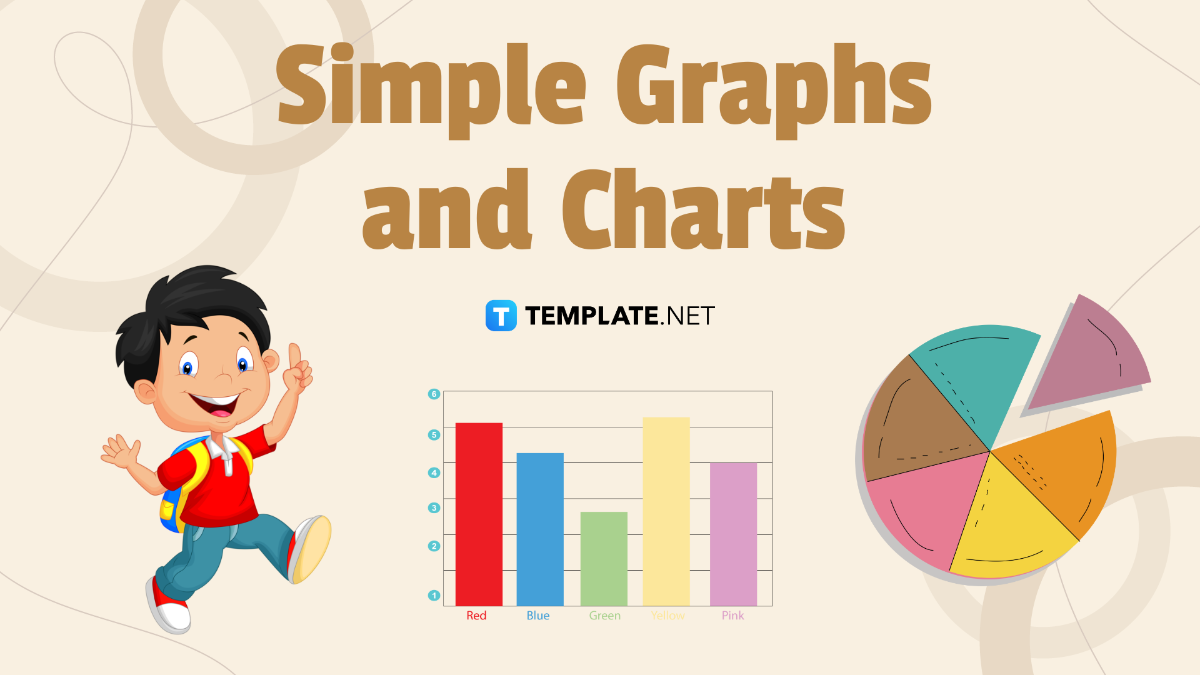
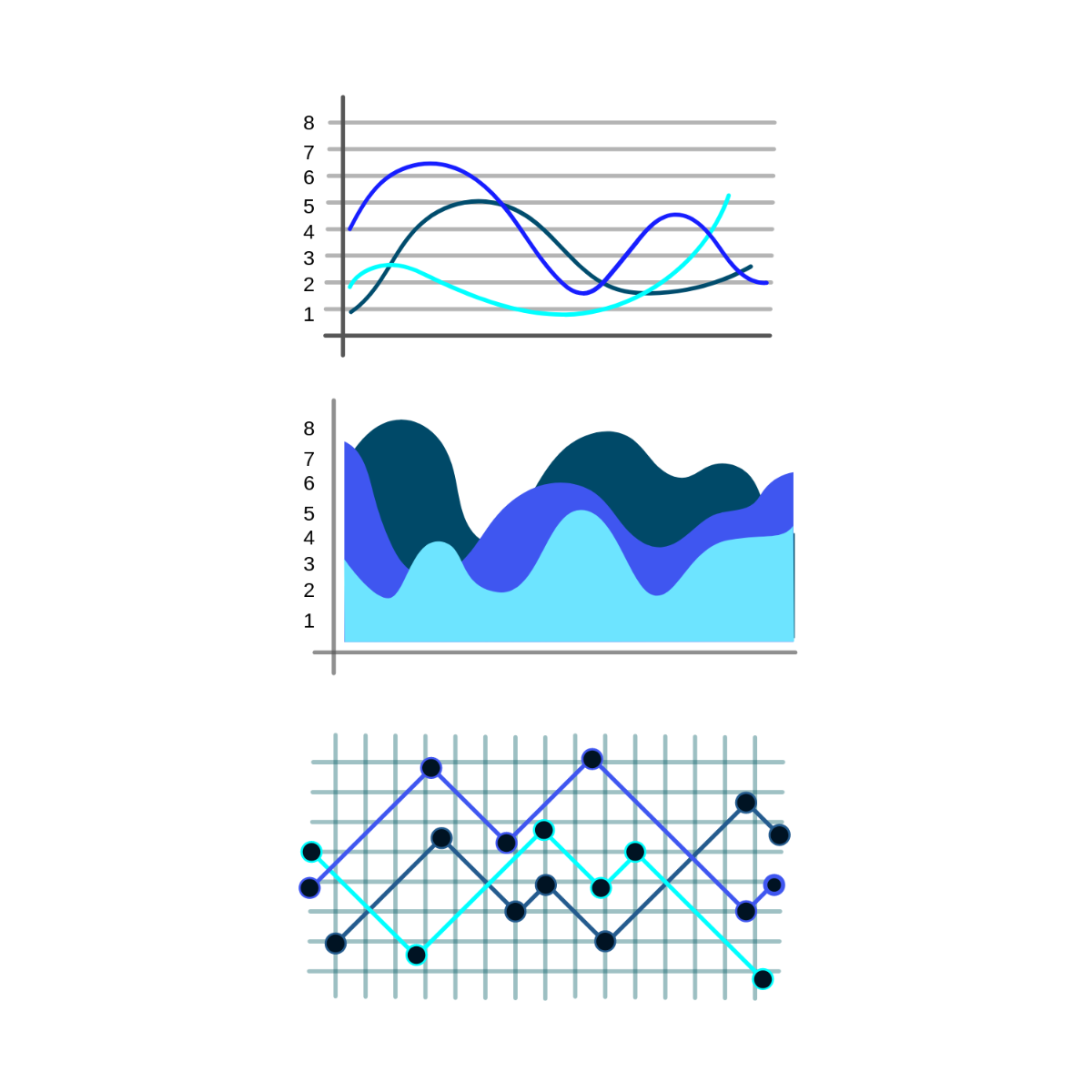
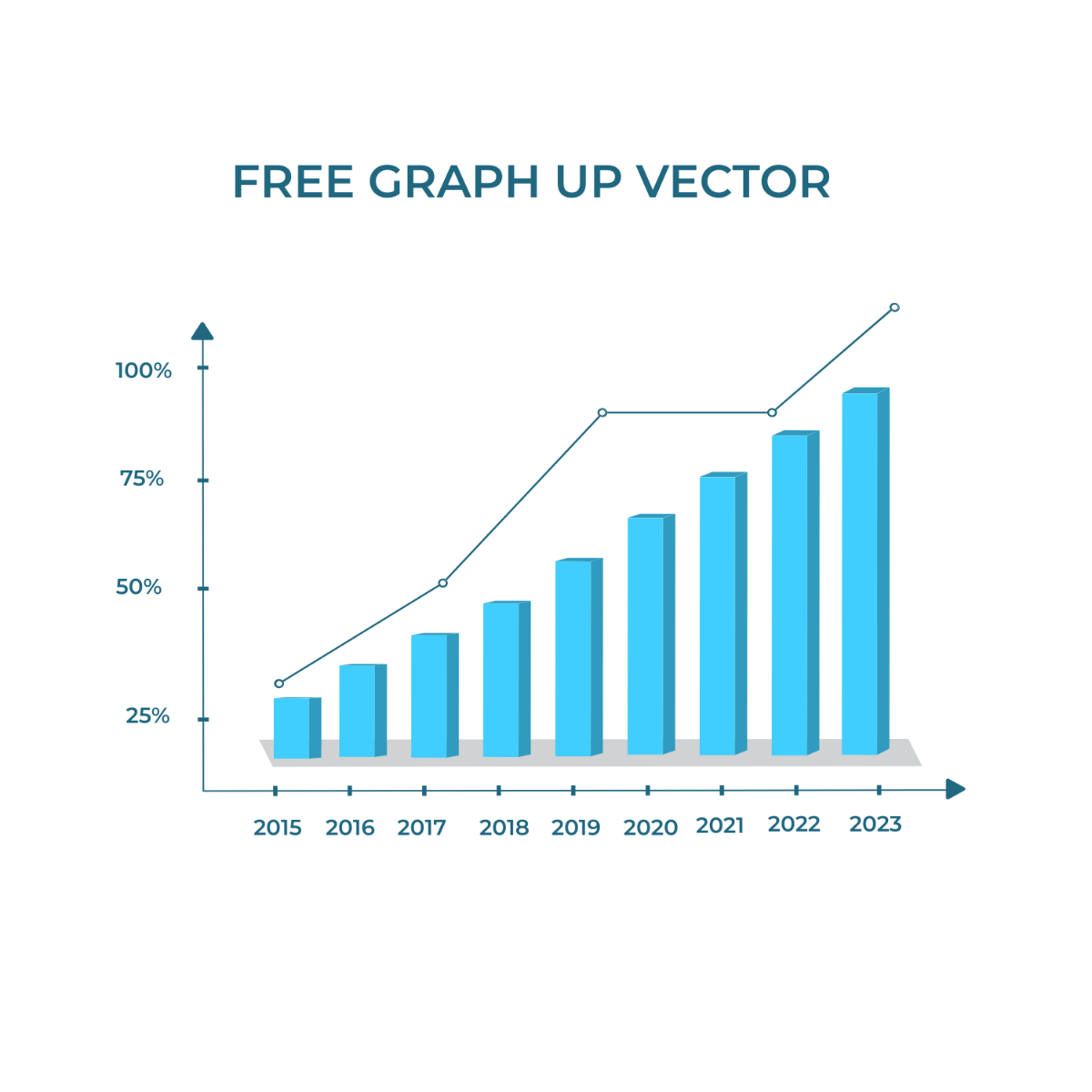
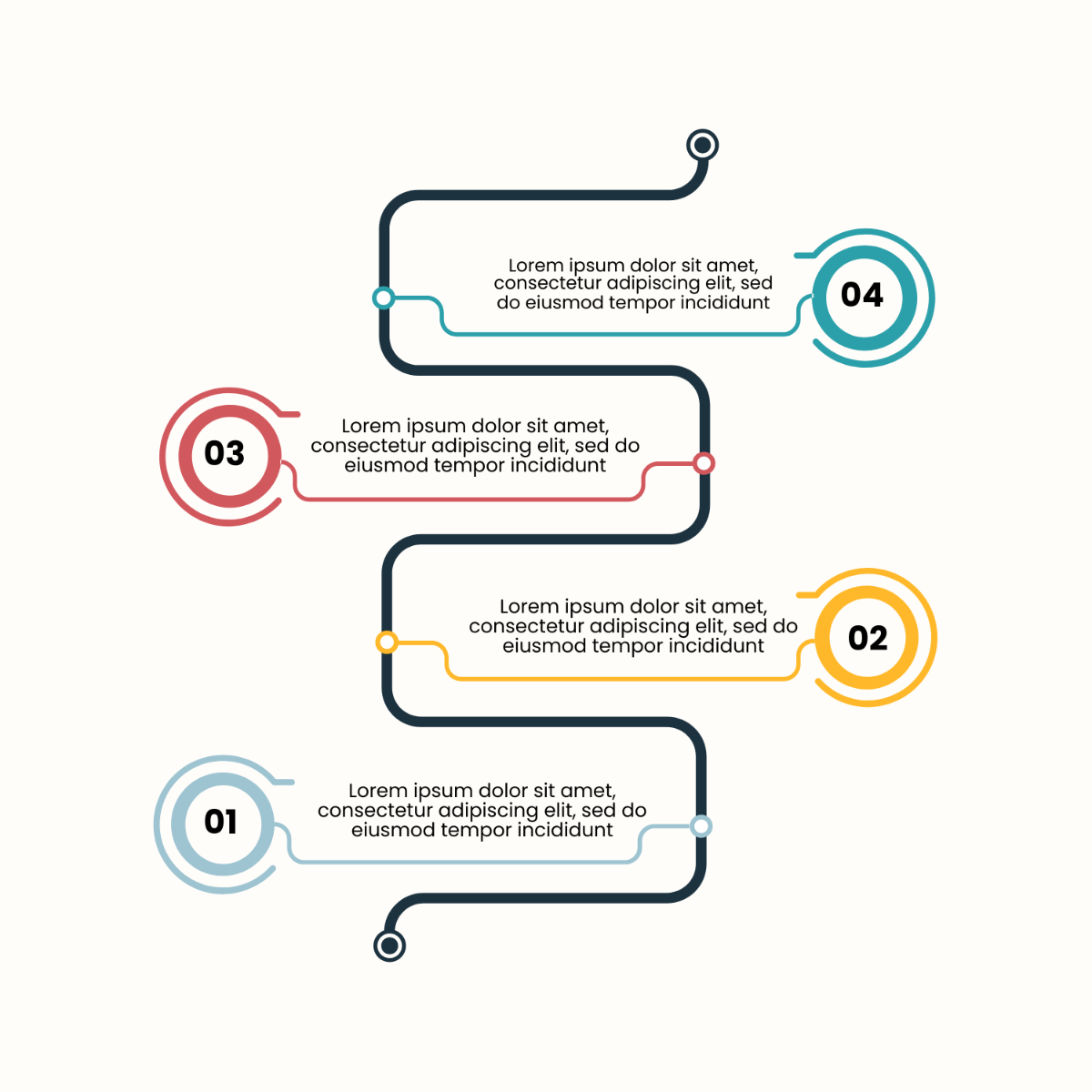
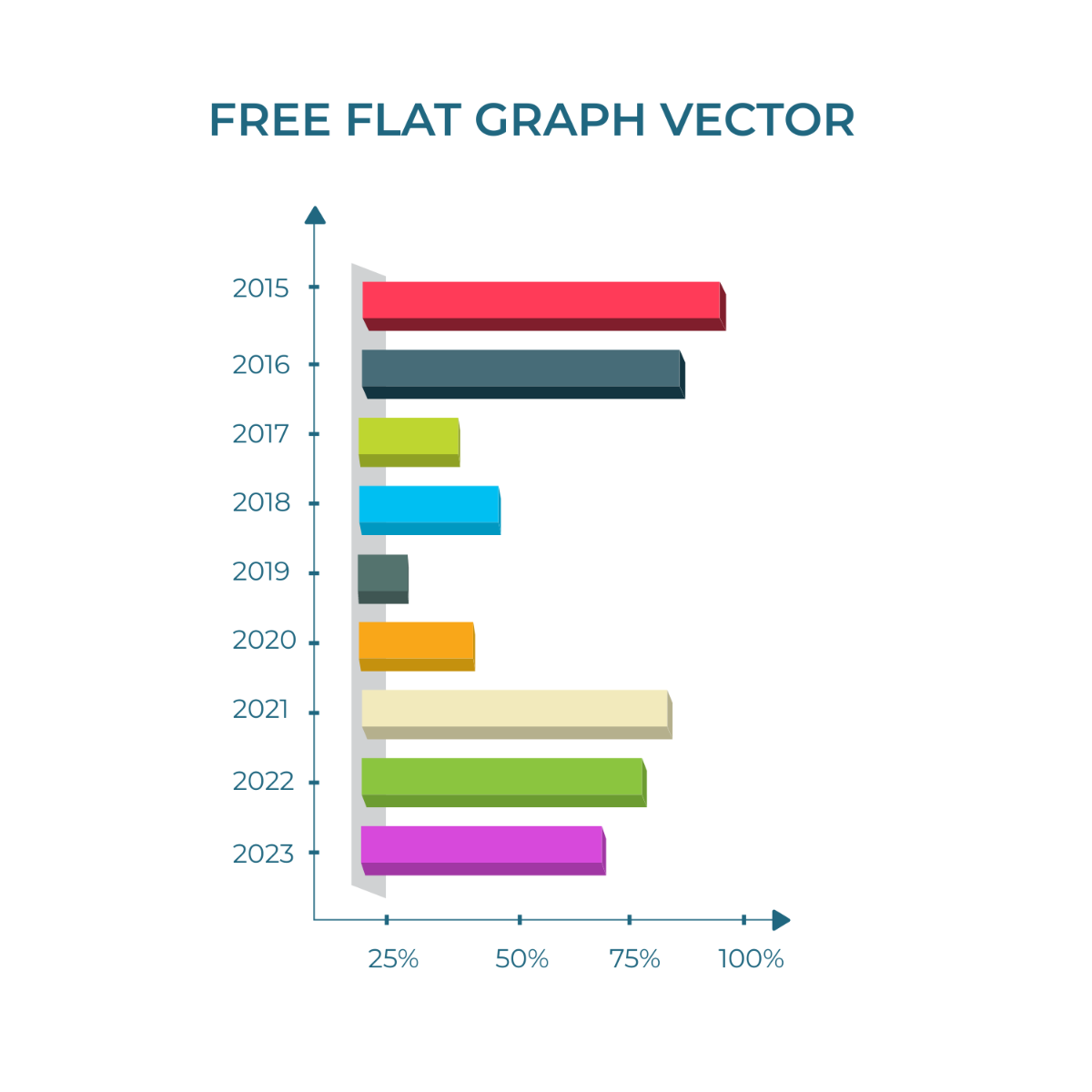
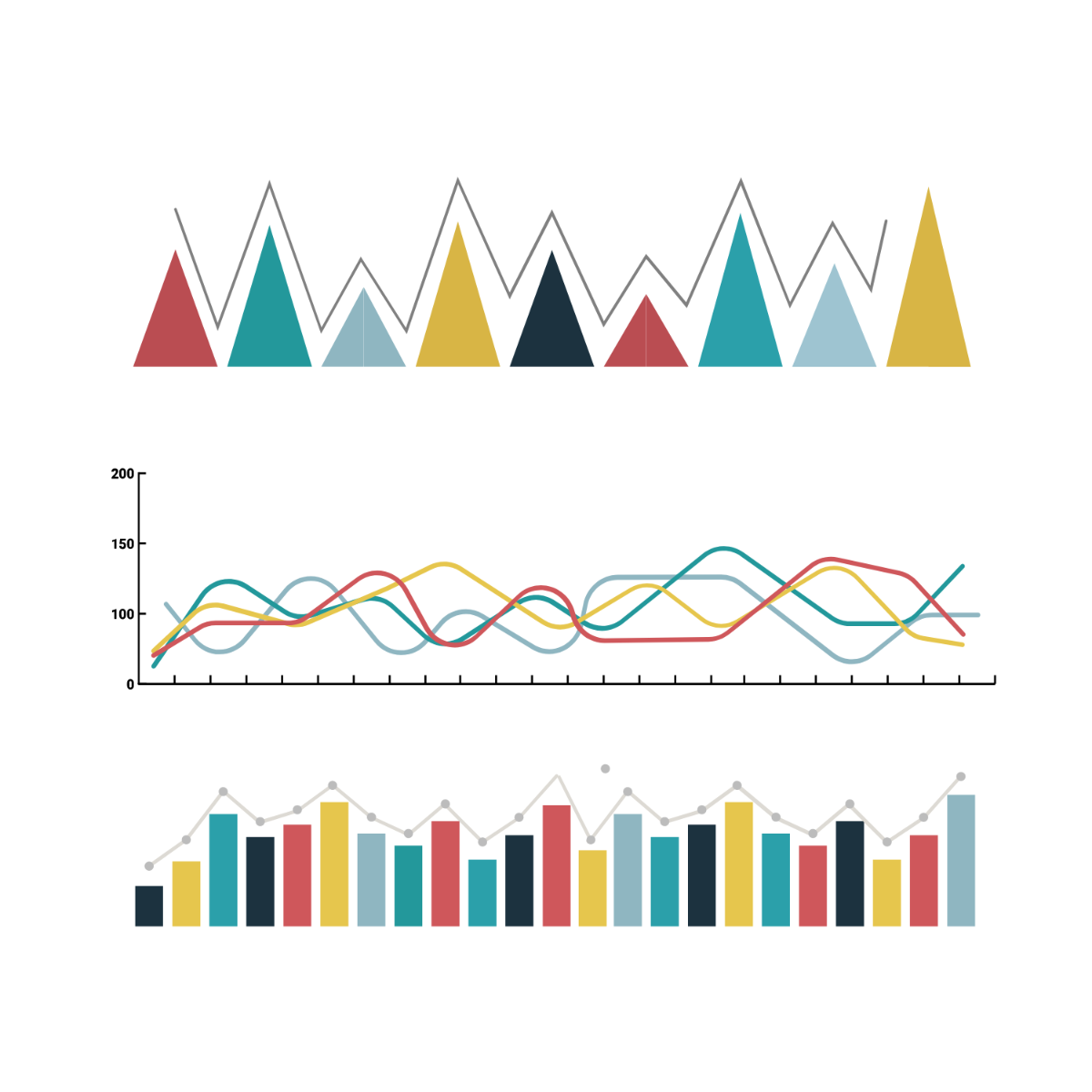
A Graph is a visual tool that displays data points and their relationships to facilitate understanding through charts such as bar graphs, line graphs, and pie charts. Graphs are essential for representing quantitative information clearly and effectively in reports, presentations, and analytics.

Why should I use a Graph?
You should use a Graph to simplify complex data, highlight trends, and make information more accessible and interpretable. Graphs help communicate findings efficiently, enabling better decision-making across professional, academic, and business environments.

Who uses Graph?
Professionals such as analysts, educators, marketers, and researchers use Graph templates to visualize data clearly. Students and business owners also rely on graphs to present information effectively in reports, presentations, and strategic planning.

What are the best tips for completing my Graph?
To complete your Graph successfully, start by selecting the correct graph type for your data, label axes clearly, use consistent scales, and apply colors thoughtfully to enhance readability. Ensure data accuracy and keep the design simple to focus attention on key insights.

Can I create a Graph using AI?
You can create a Graph using AI-driven tools available on Template.net, which assist in generating graphs based on your data inputs. However, this category focuses on editable templates you can customize manually in the browser.

What file formats can I download for my Graph?
Template.net offers Graph templates supporting multiple export formats for your convenience, including Excel, Google Sheets, Illustrator, and Apple Numbers.

What are the essential elements of a Graph?
The essential elements of a Graph include:
- Title that clearly describes the data
- Axes with labels and units
- Data points or bars representing values
- Legend explaining symbols or colors
- Gridlines to improve readability

How is Graph used in professional workflows?
Graph templates are used in professional workflows to visualize financial trends, project progress, survey results, and performance metrics. They facilitate data-driven decision-making by providing clear visual evidence within reports, presentations, and strategic documents.

What are common use cases for Graph templates?
Common use cases for Graph templates include sales performance tracking, market research analysis, academic data presentation, business forecasting, and quality control reporting. These templates help streamline data visualization for diverse industries and projects.
