
Free Note Templates
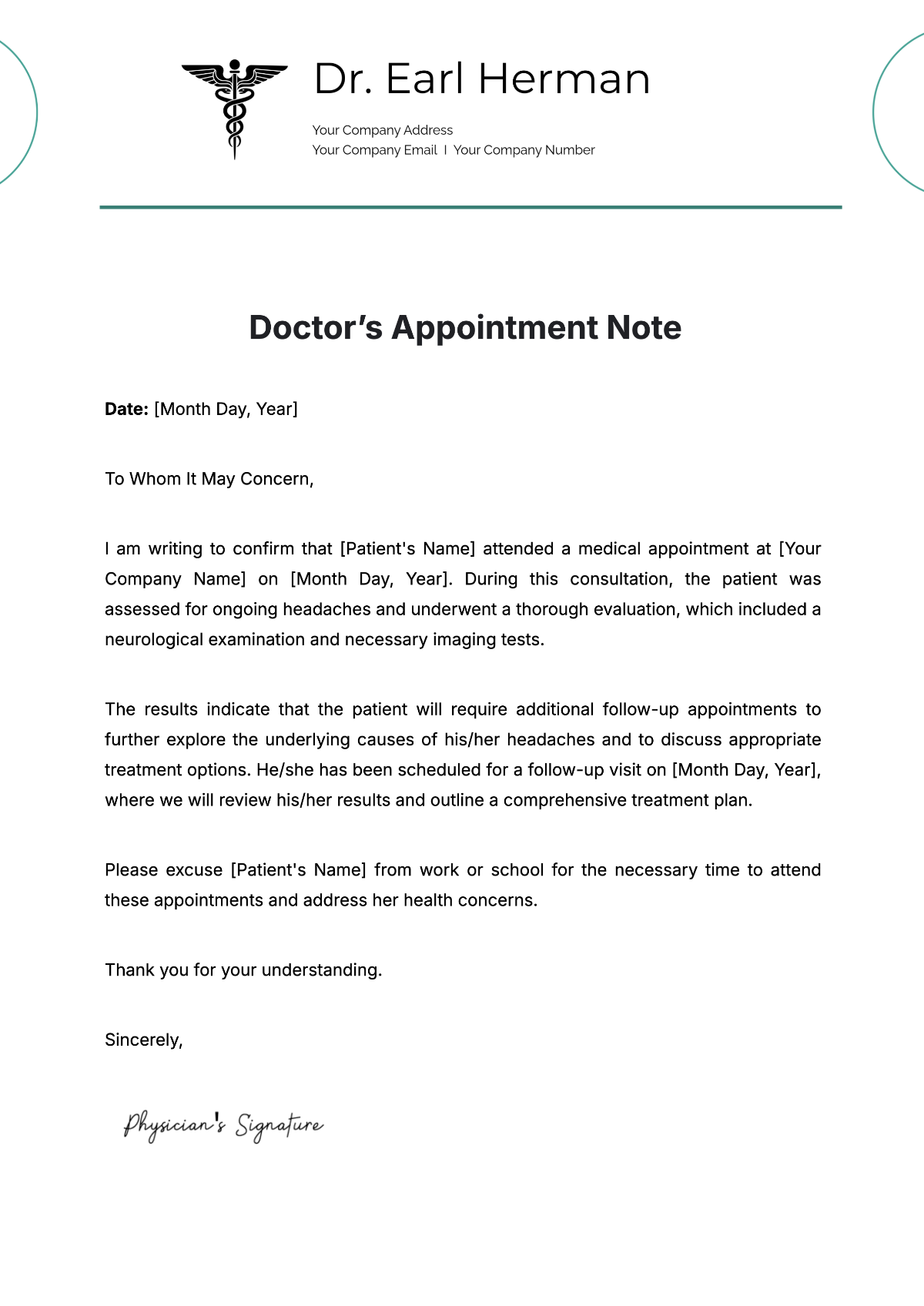
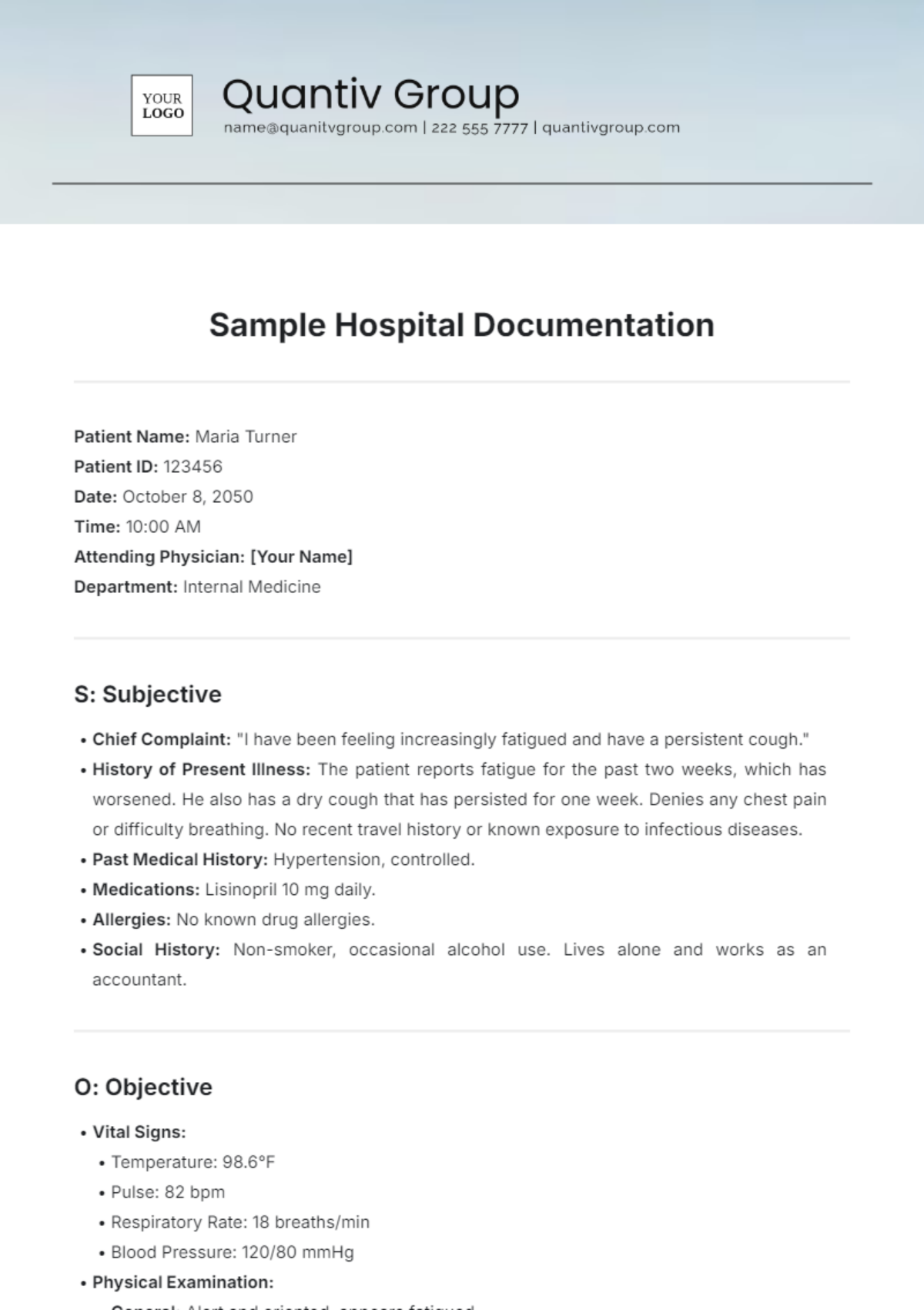
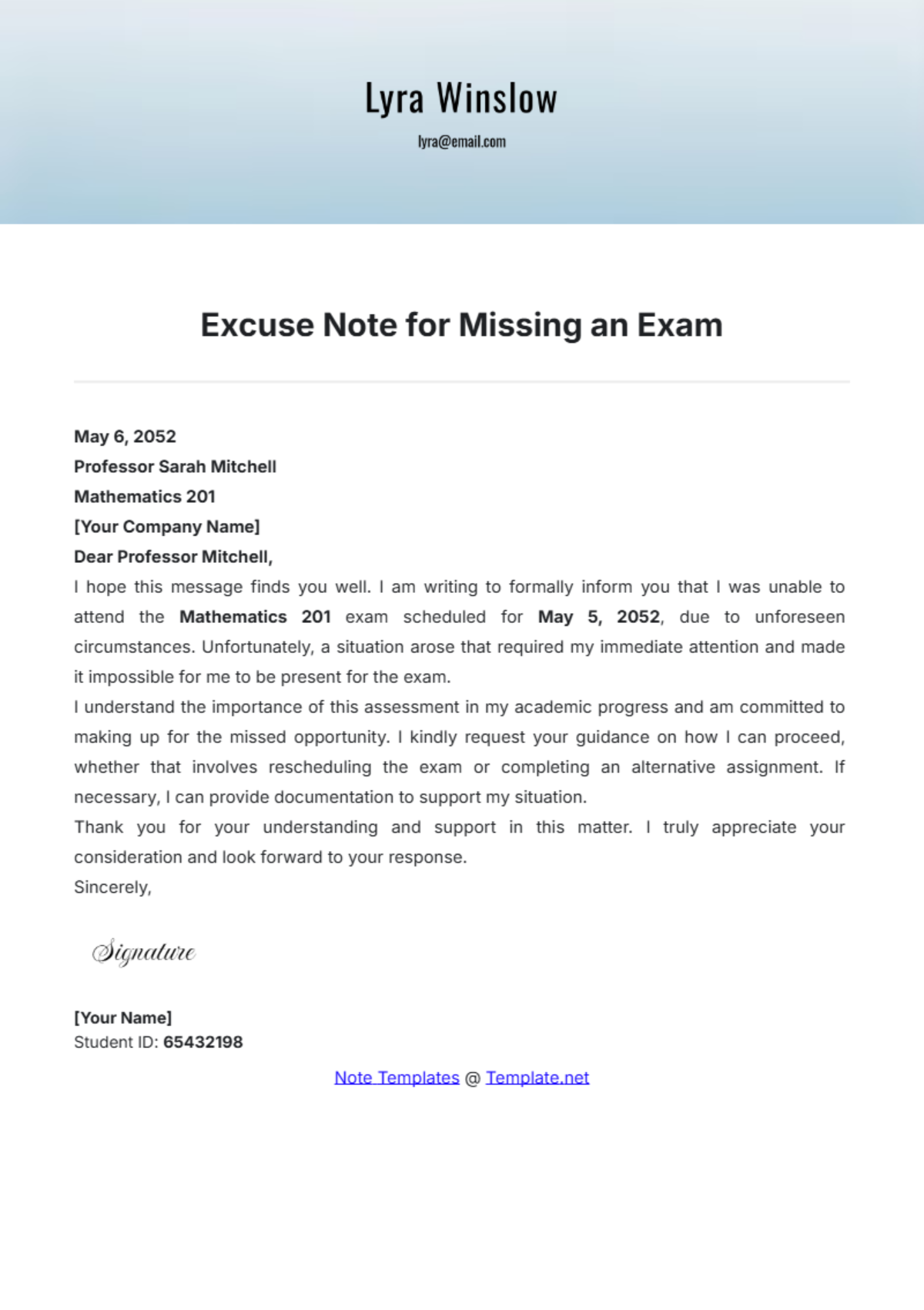
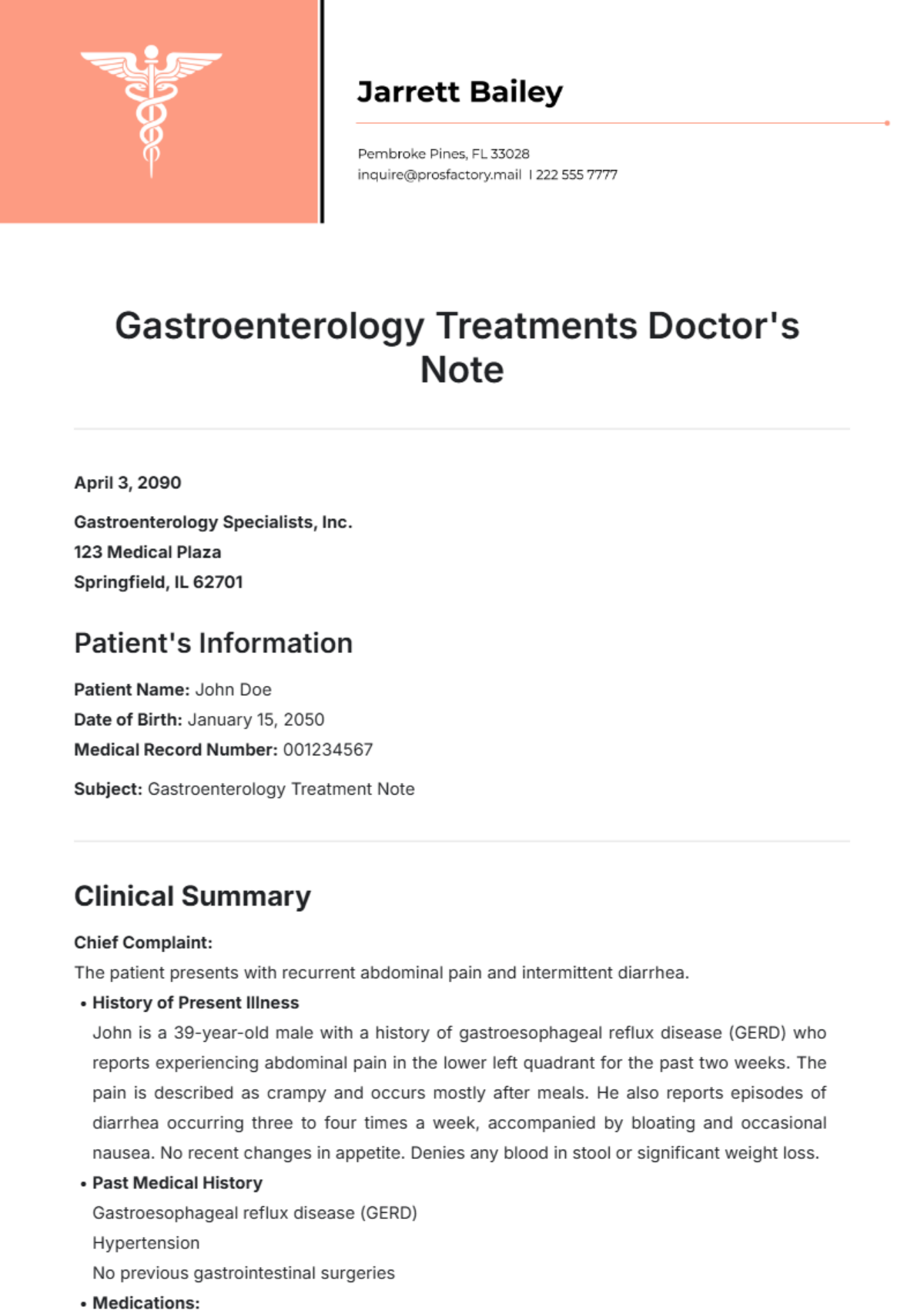

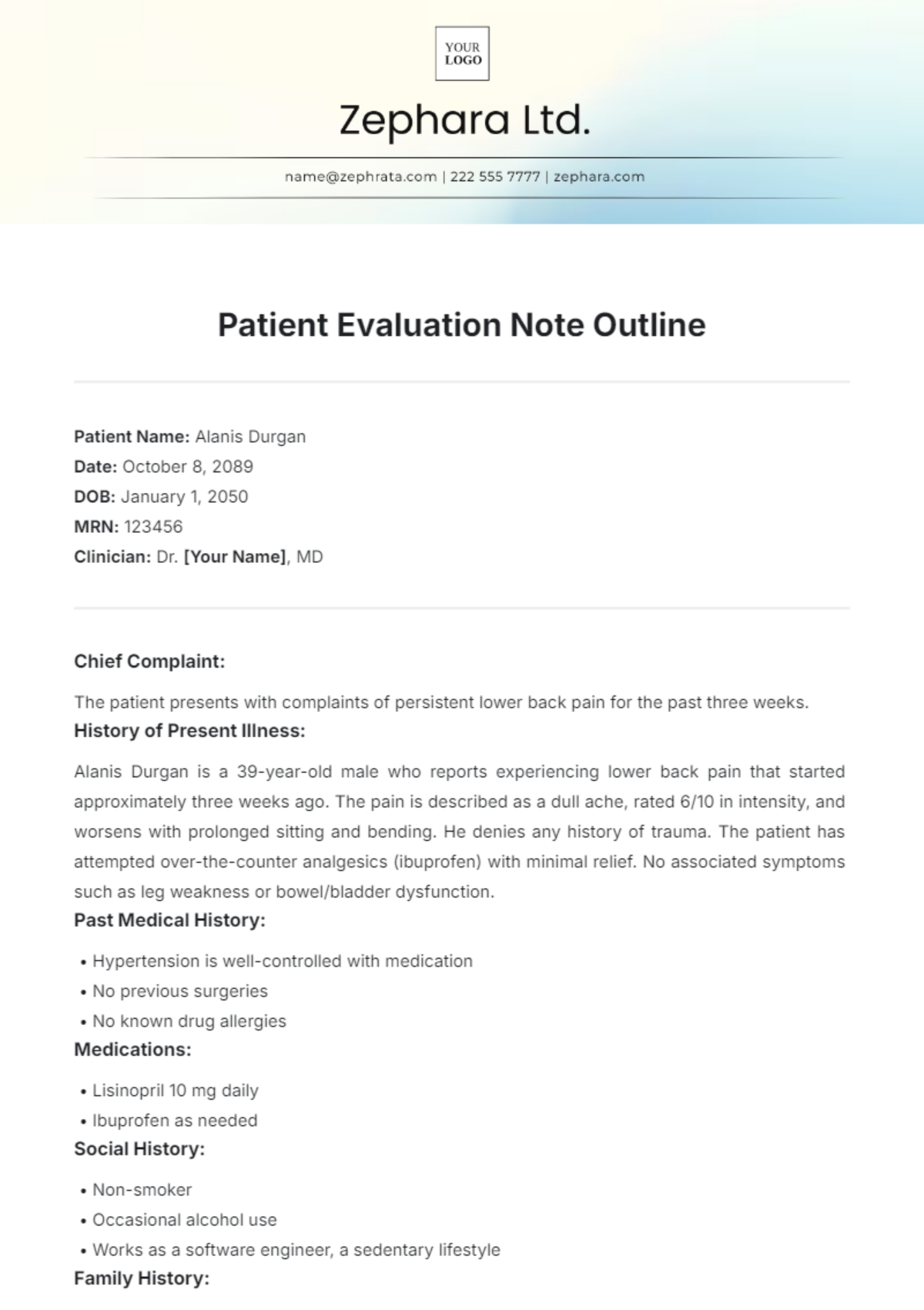
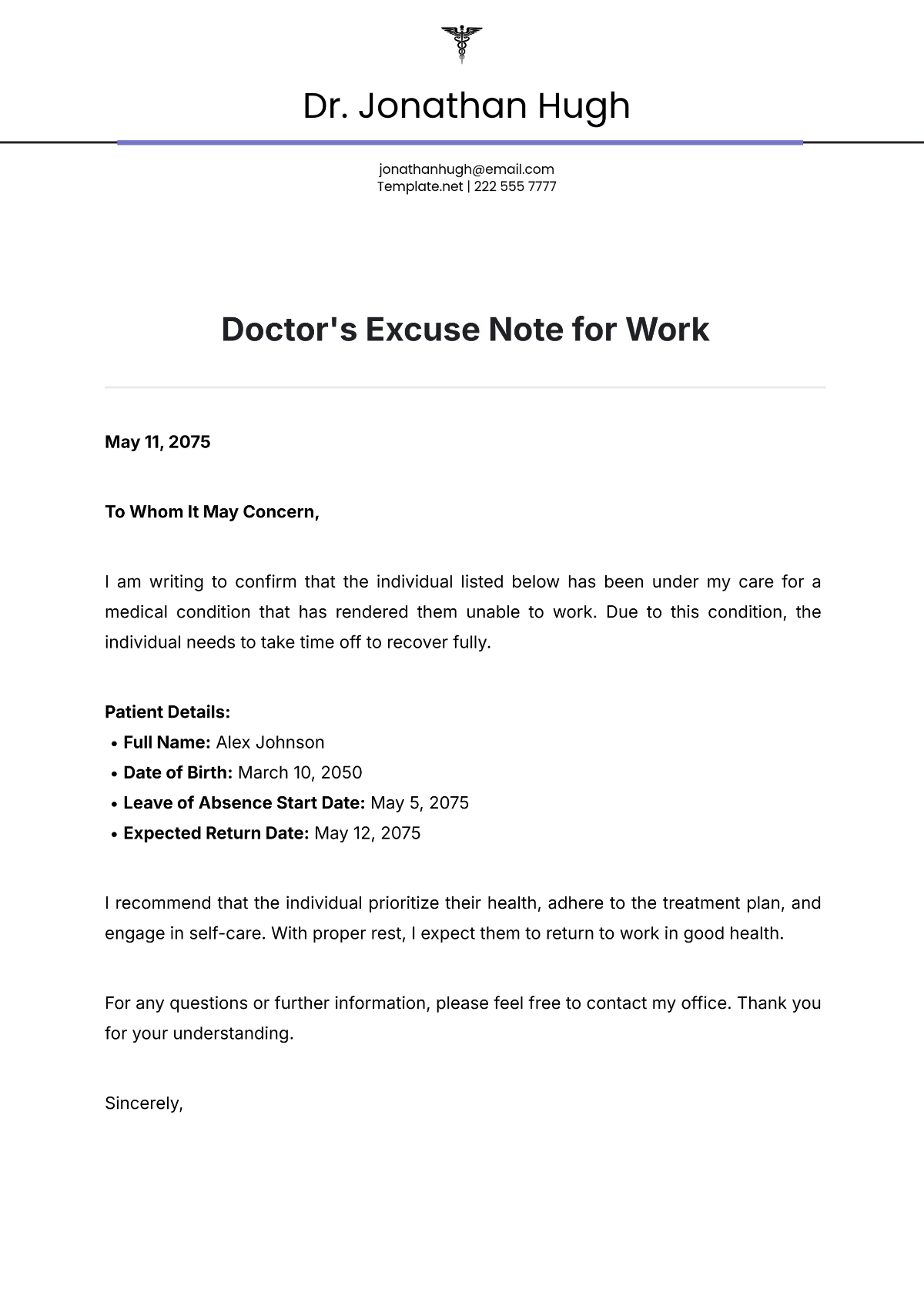
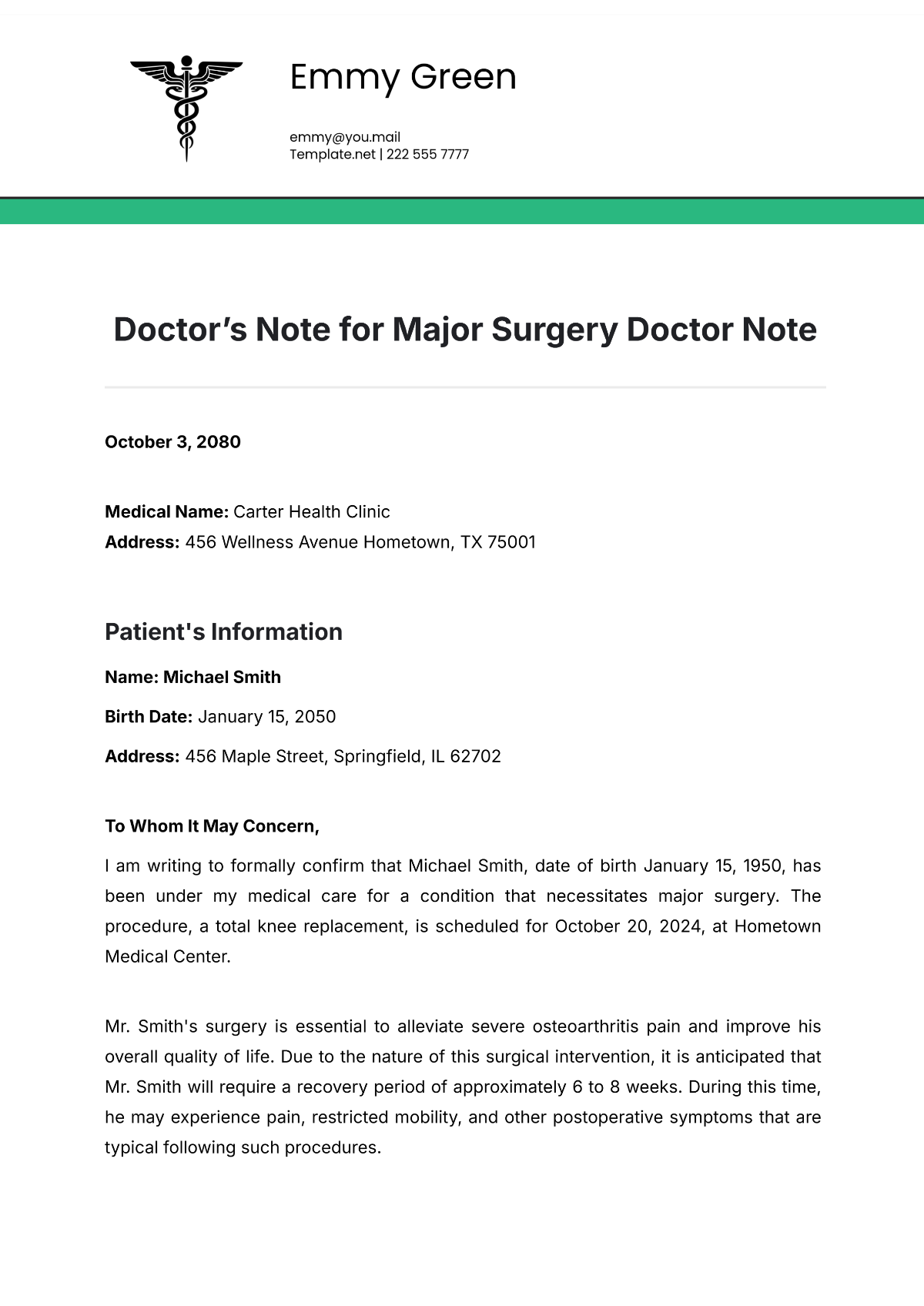
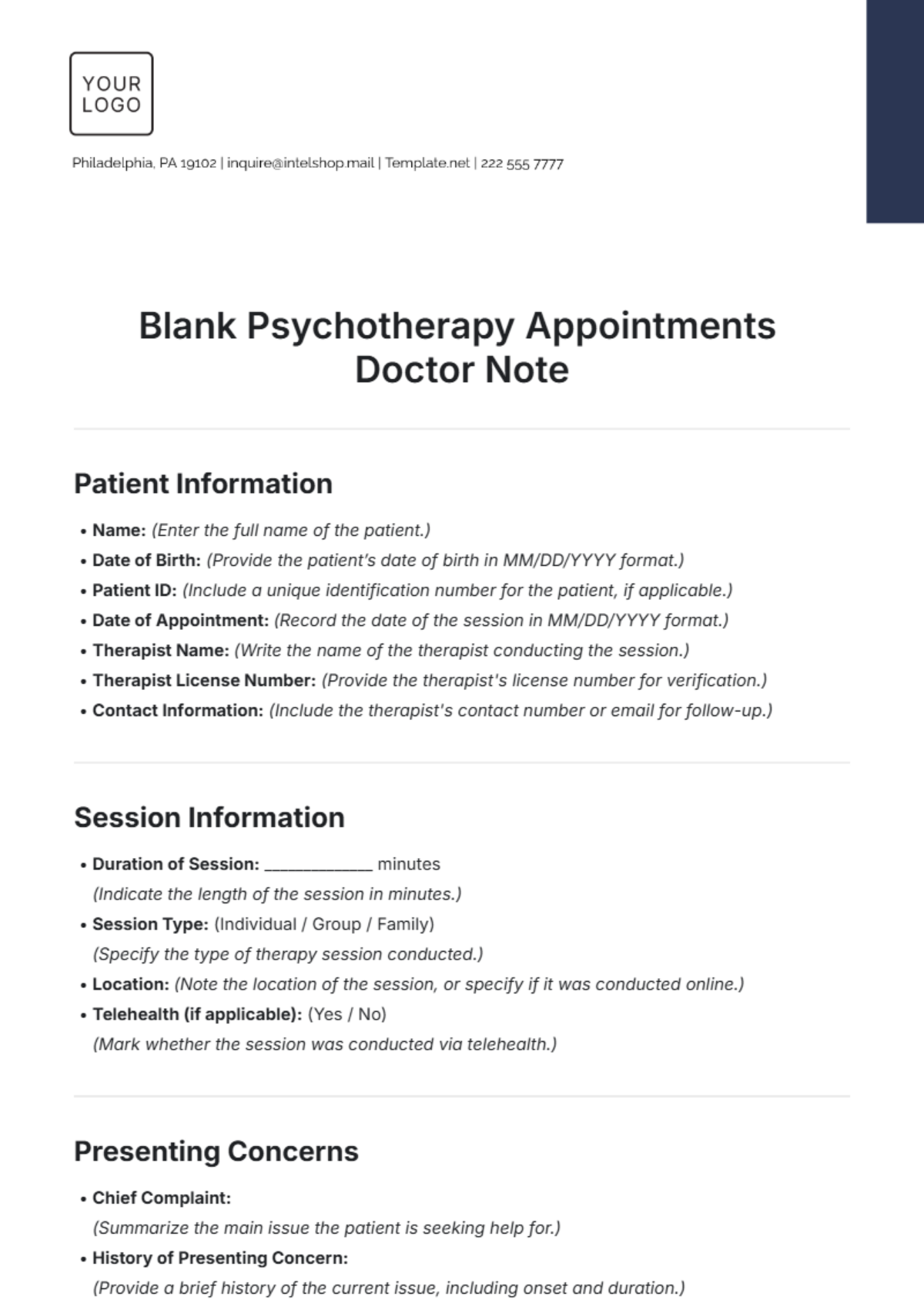
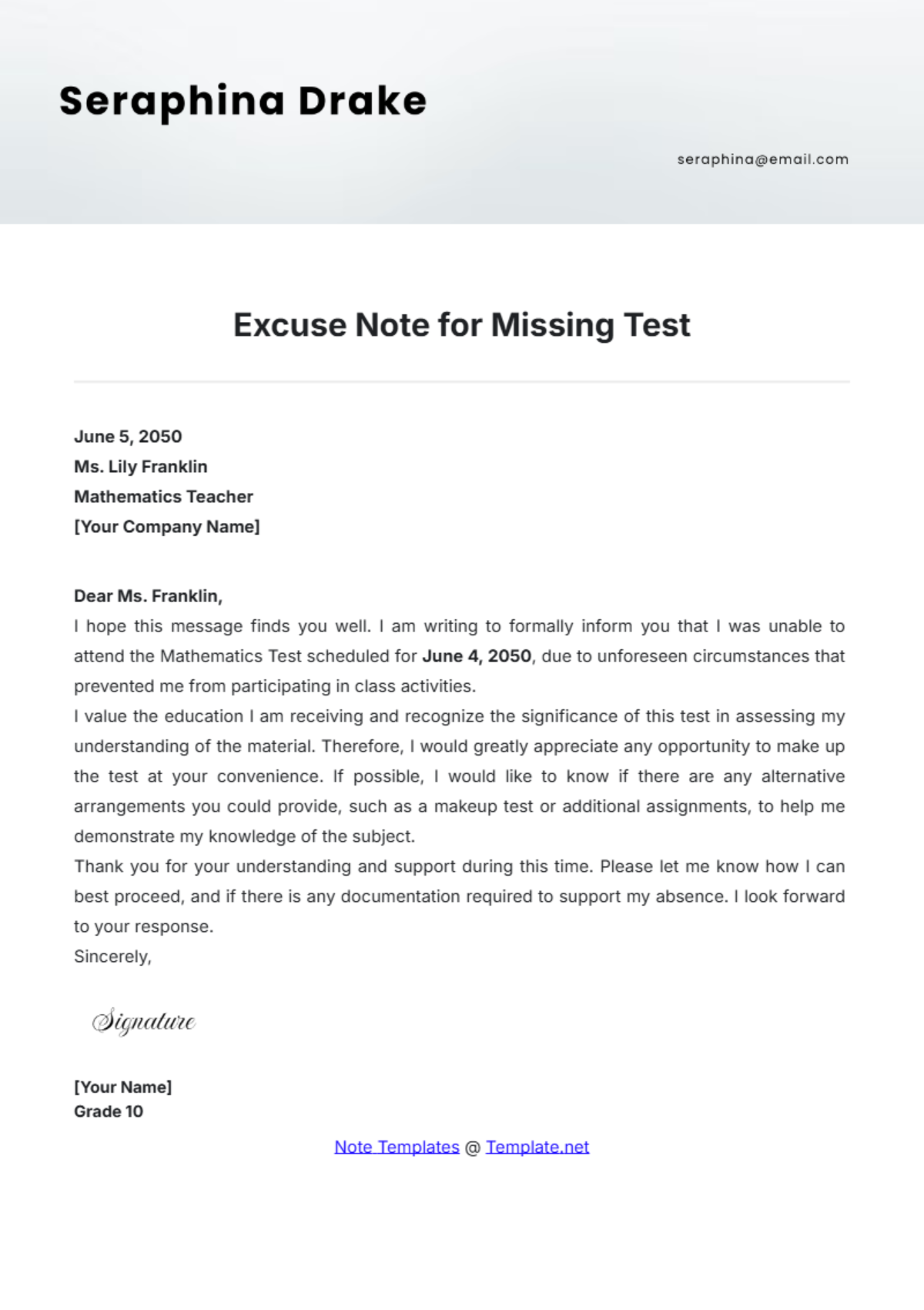
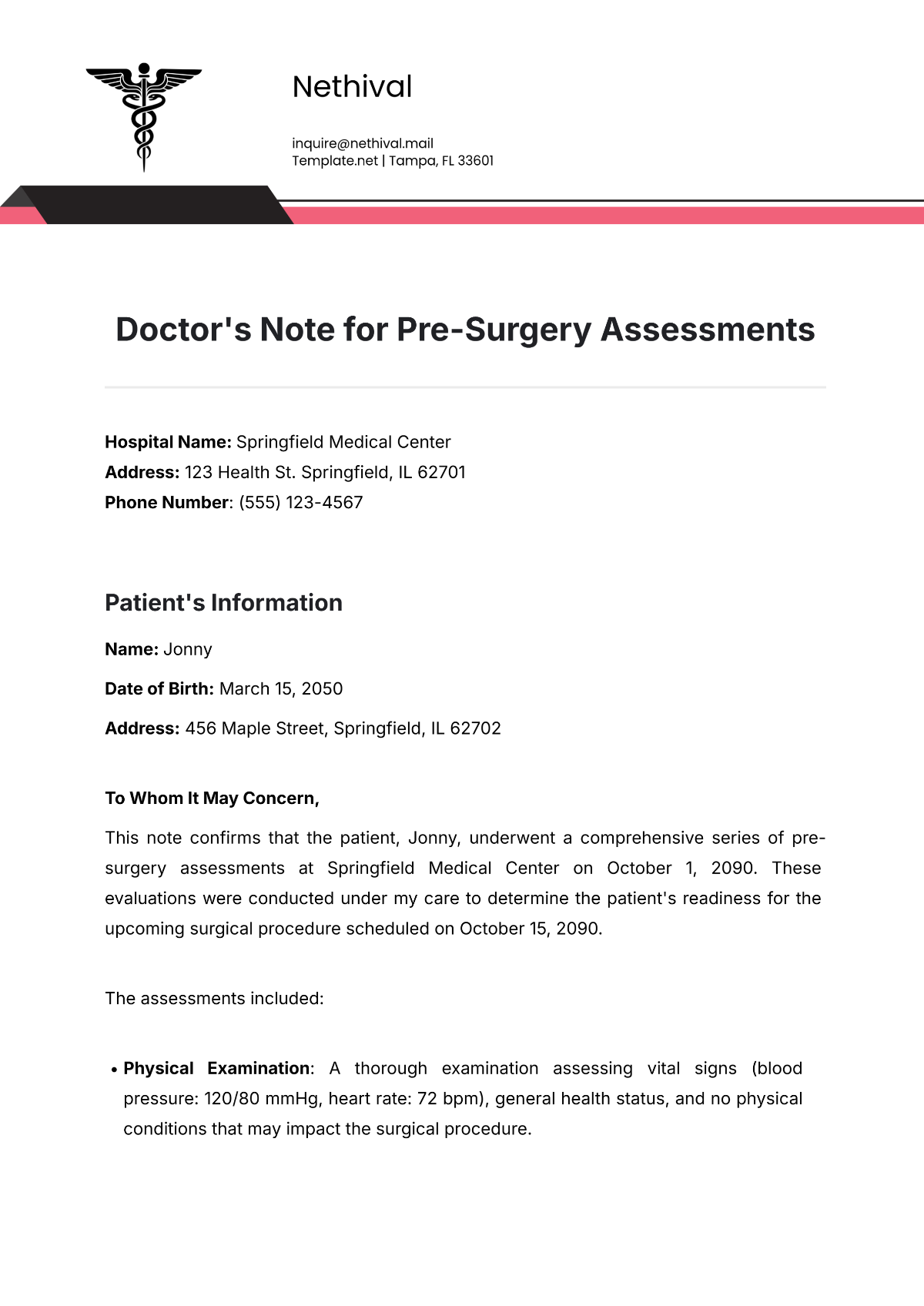
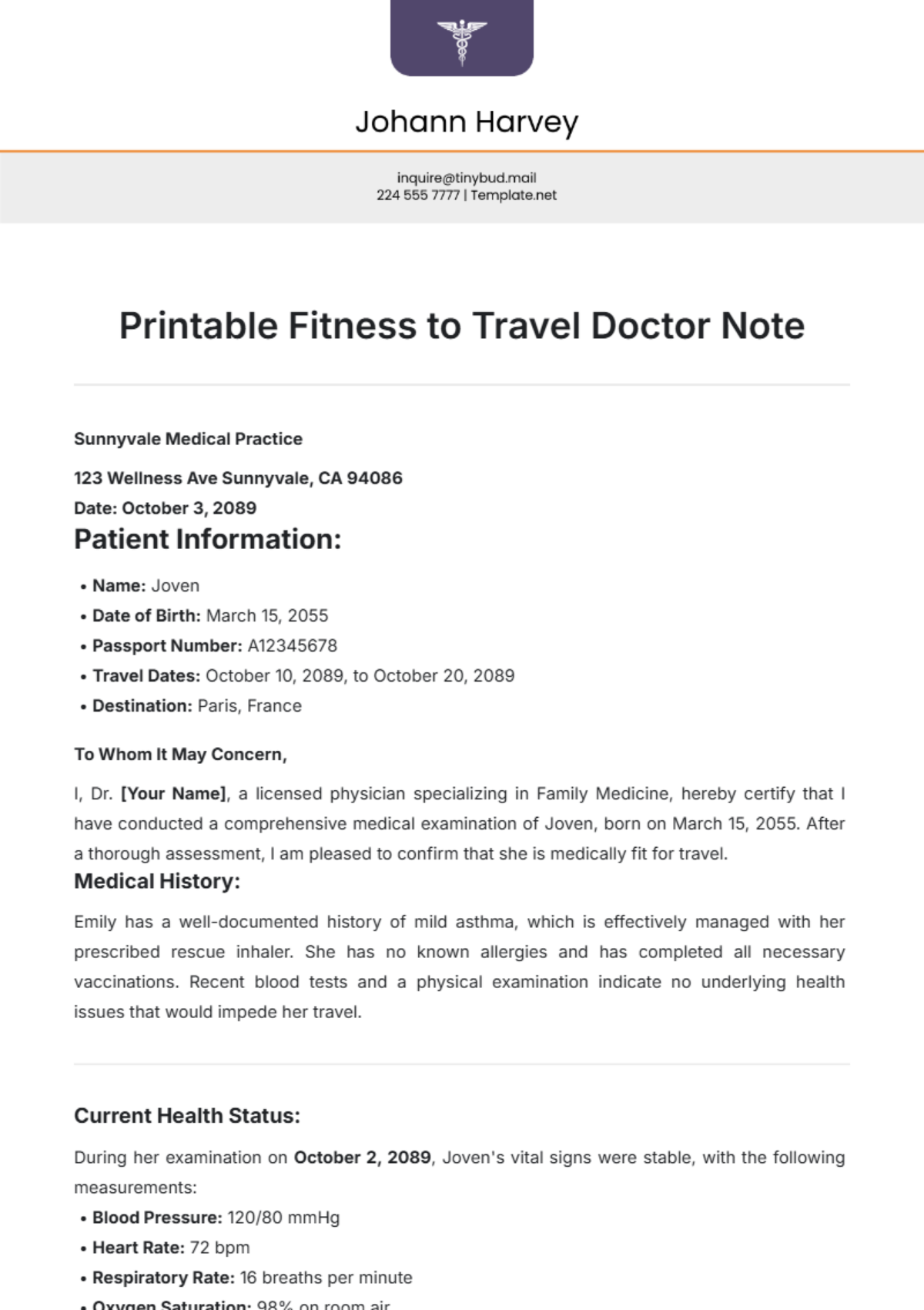
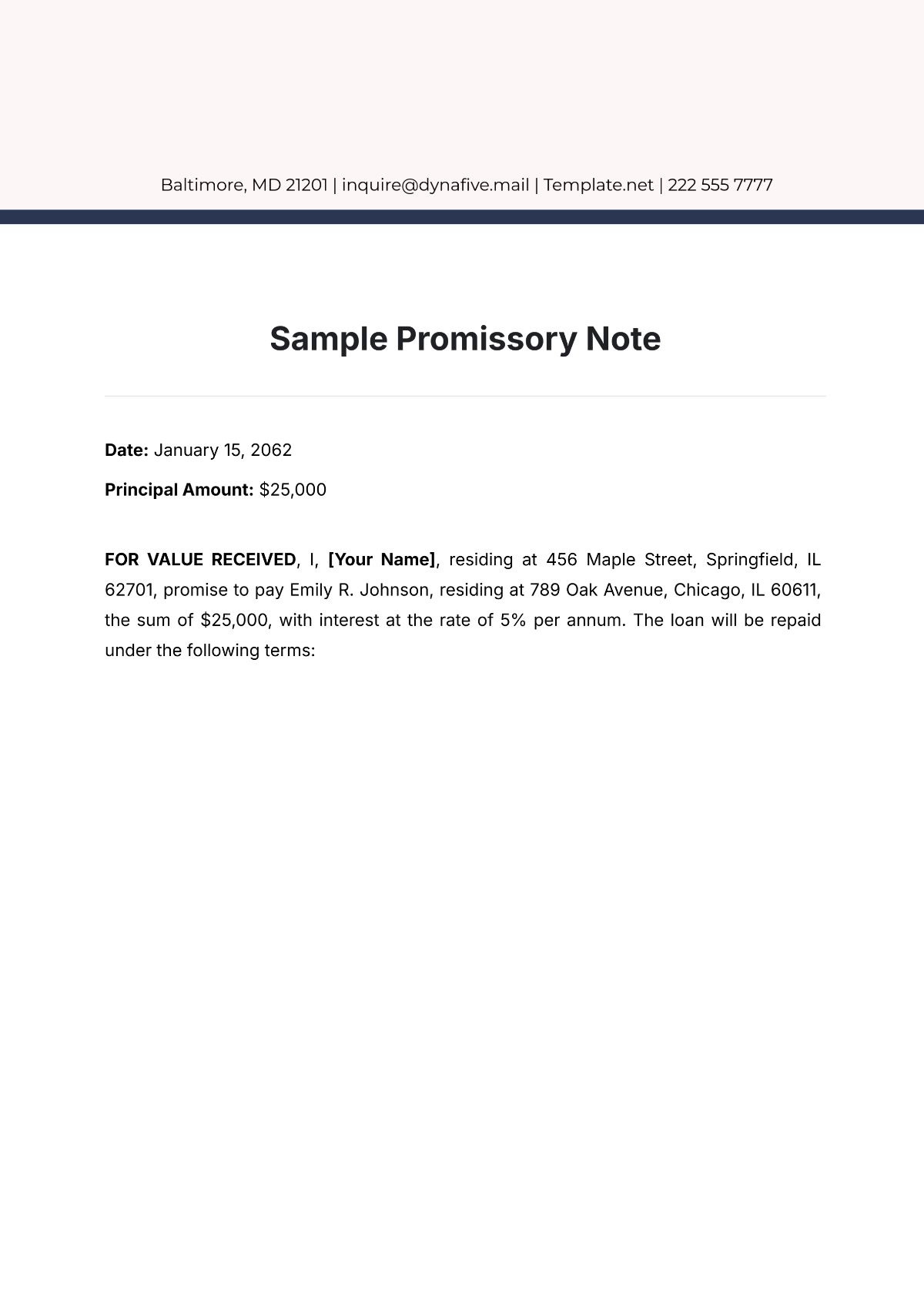
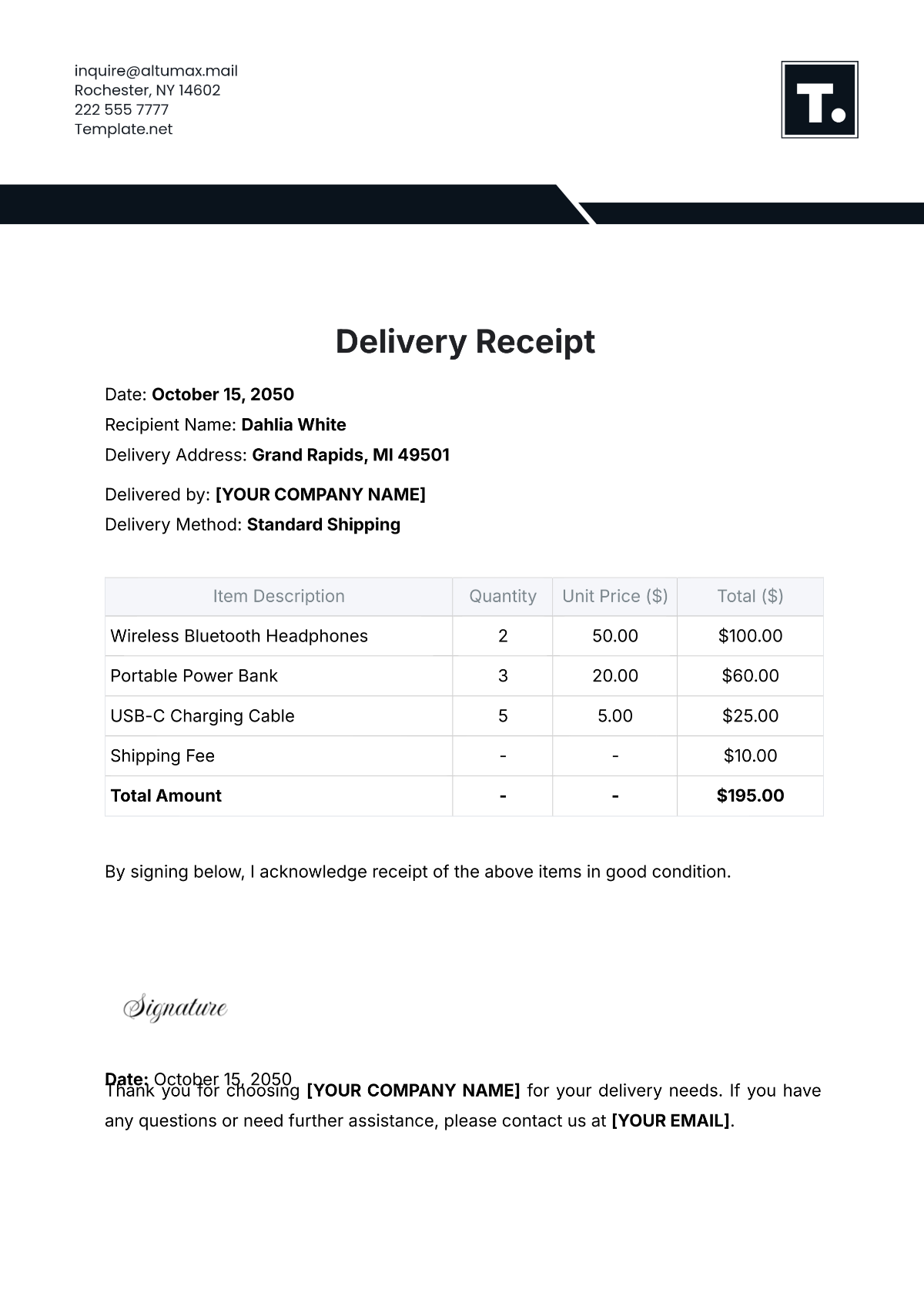
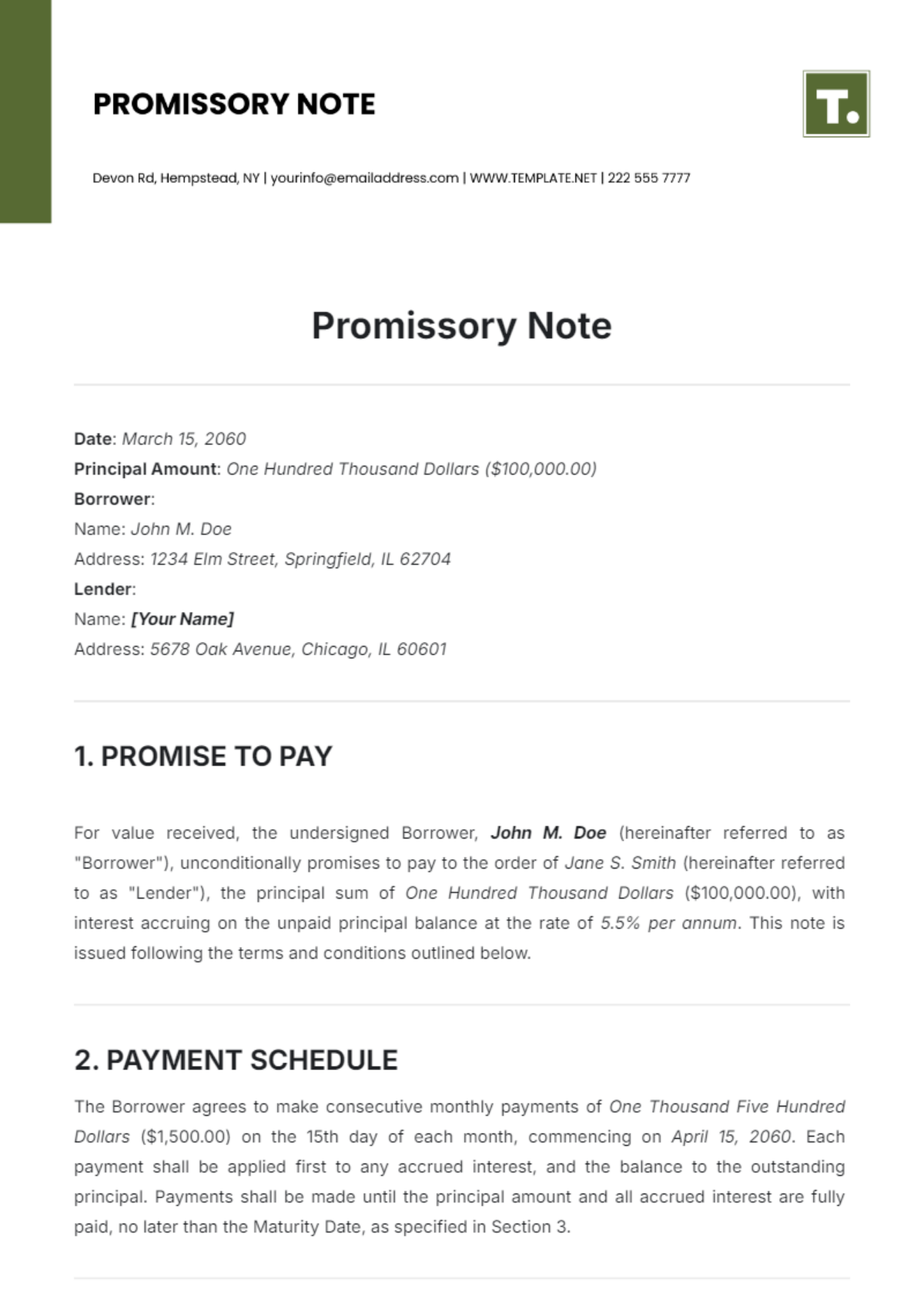
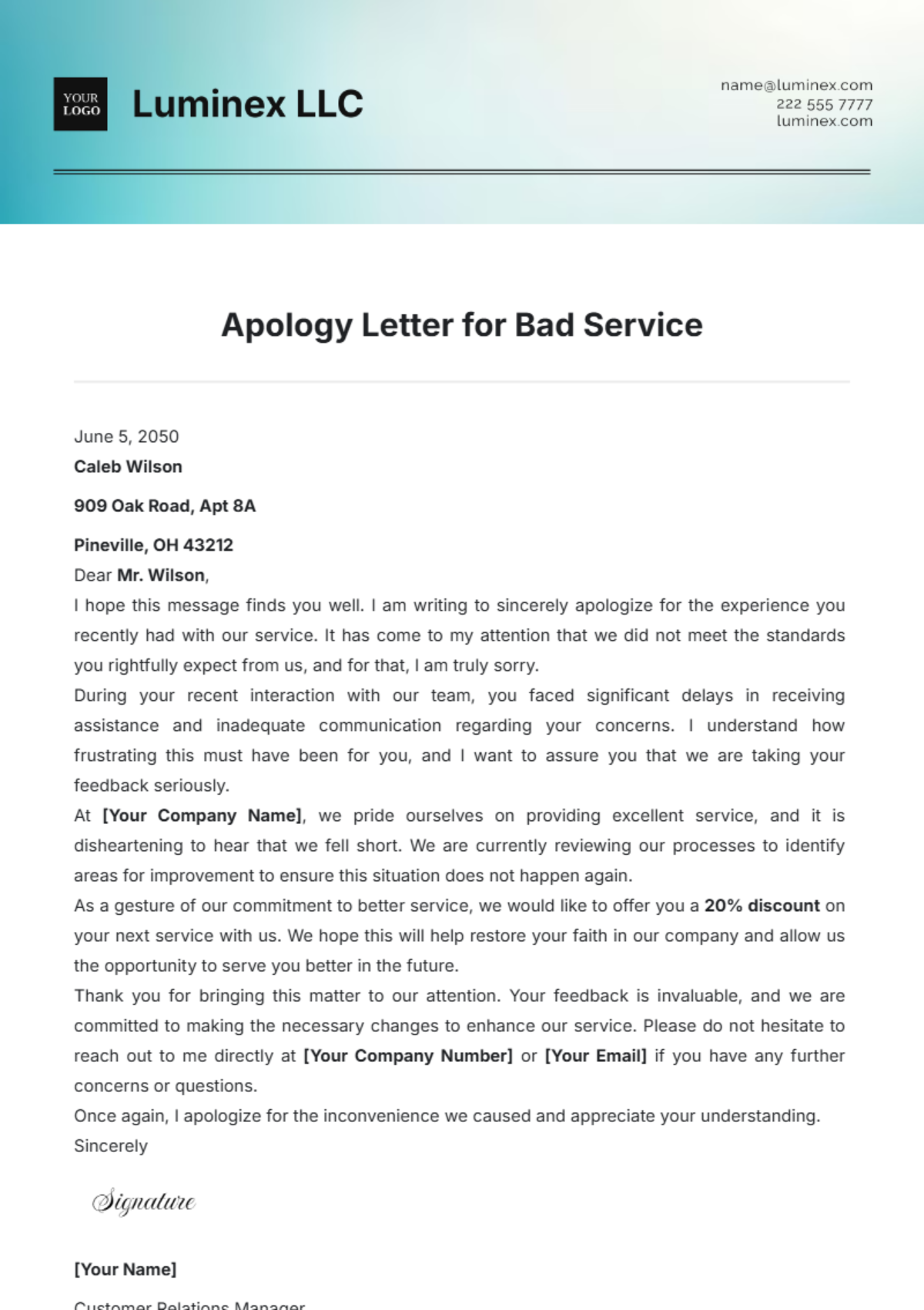
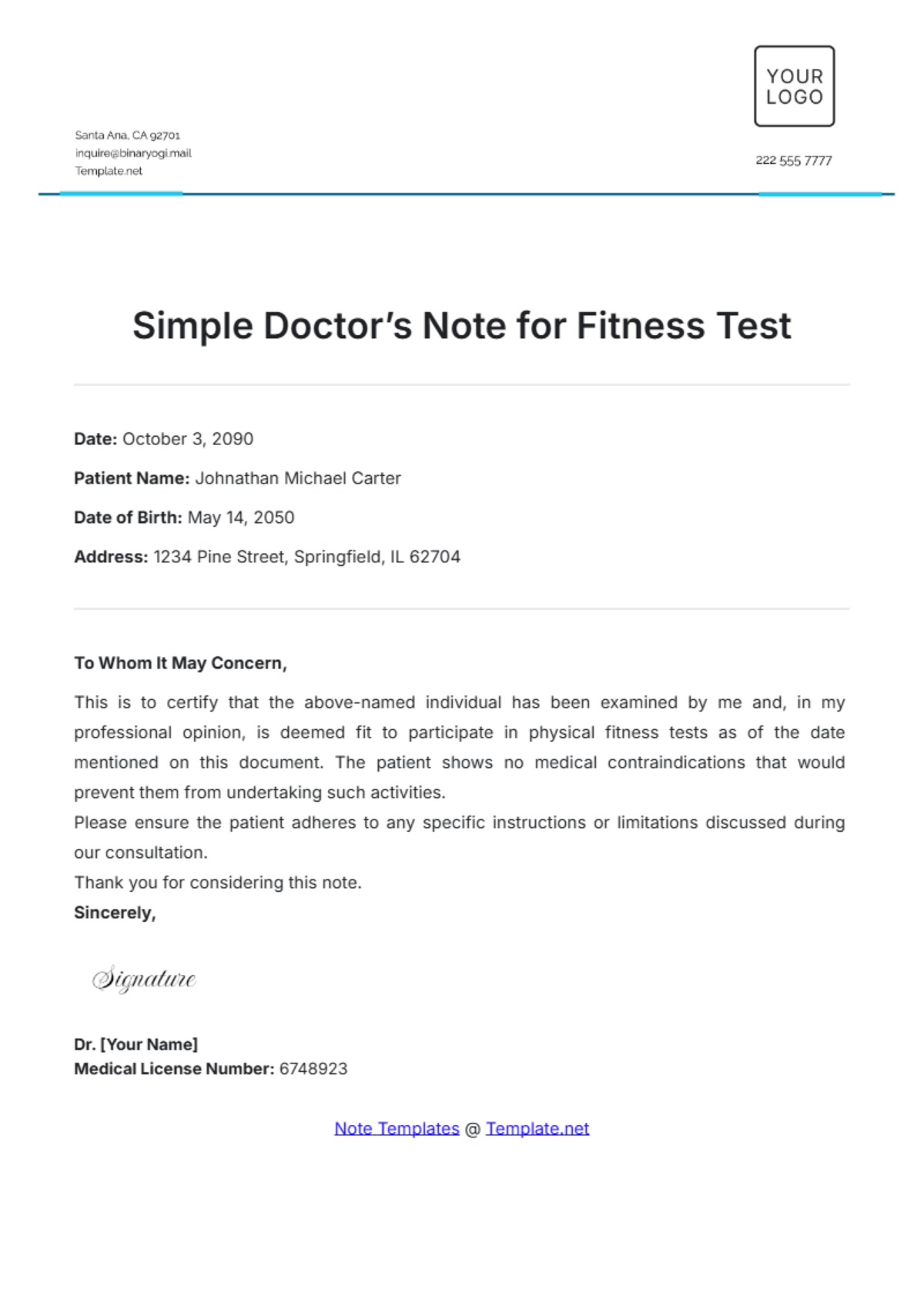


Note Templates: Definition, Uses, and Formats

What is a Note?
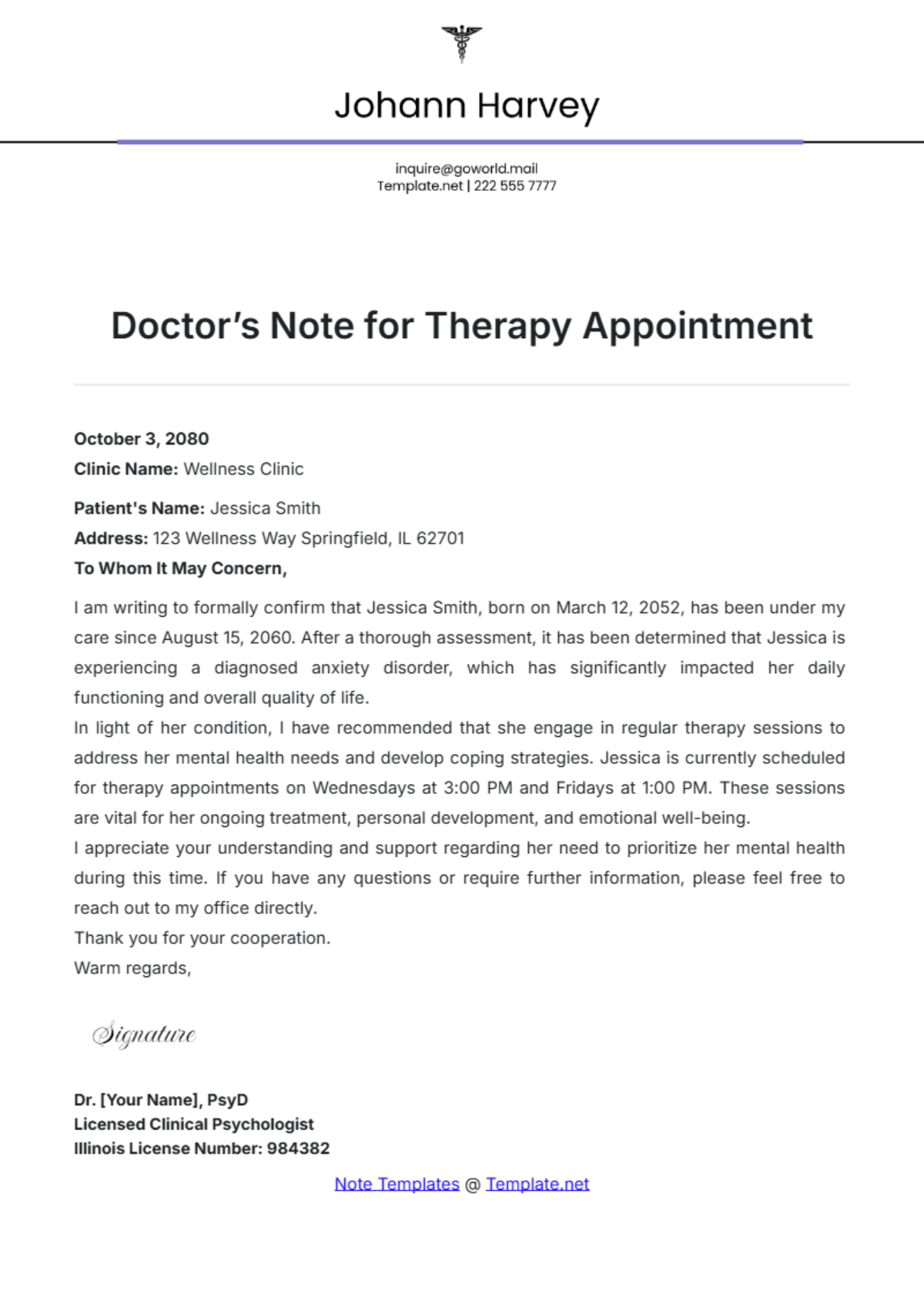
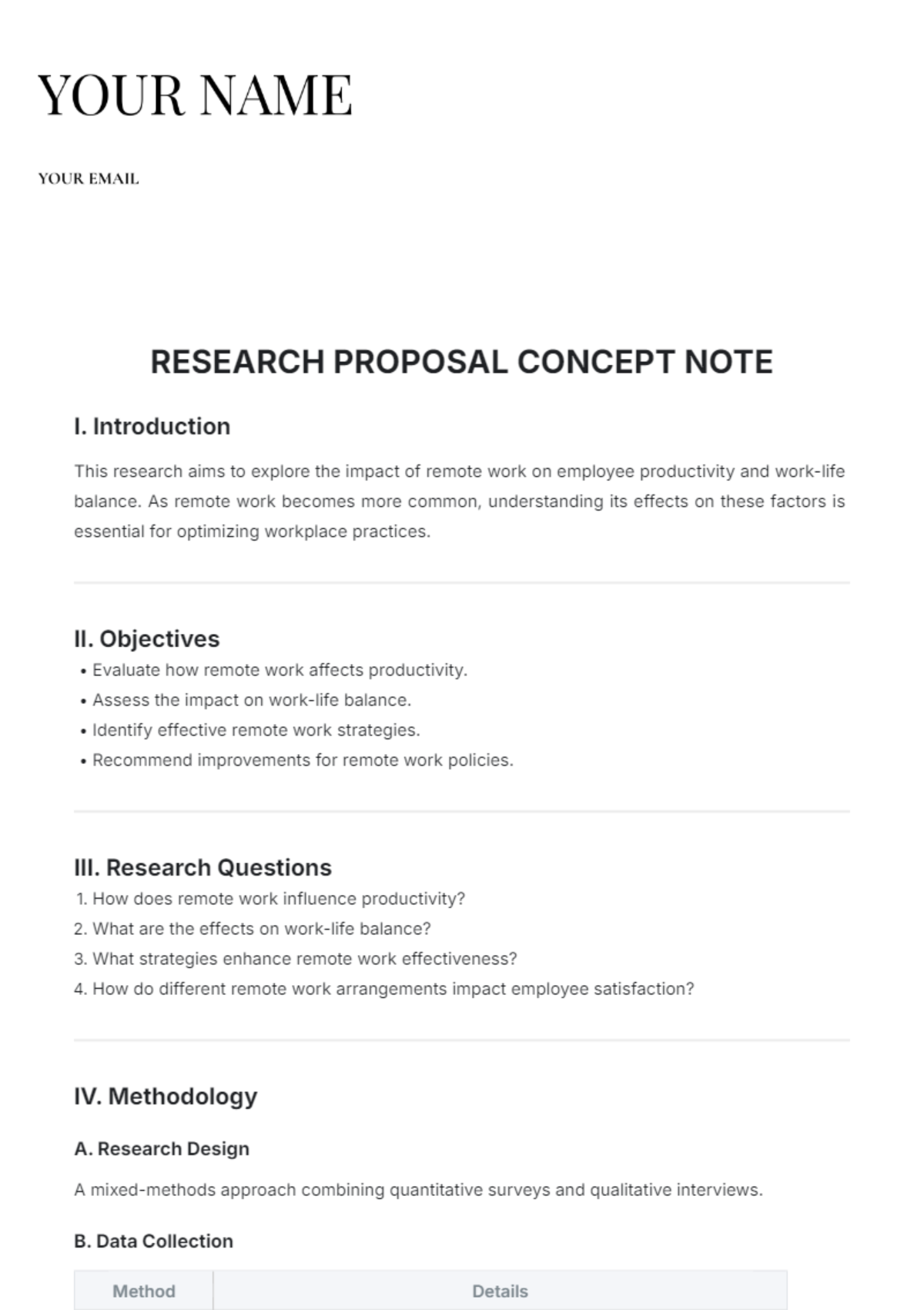
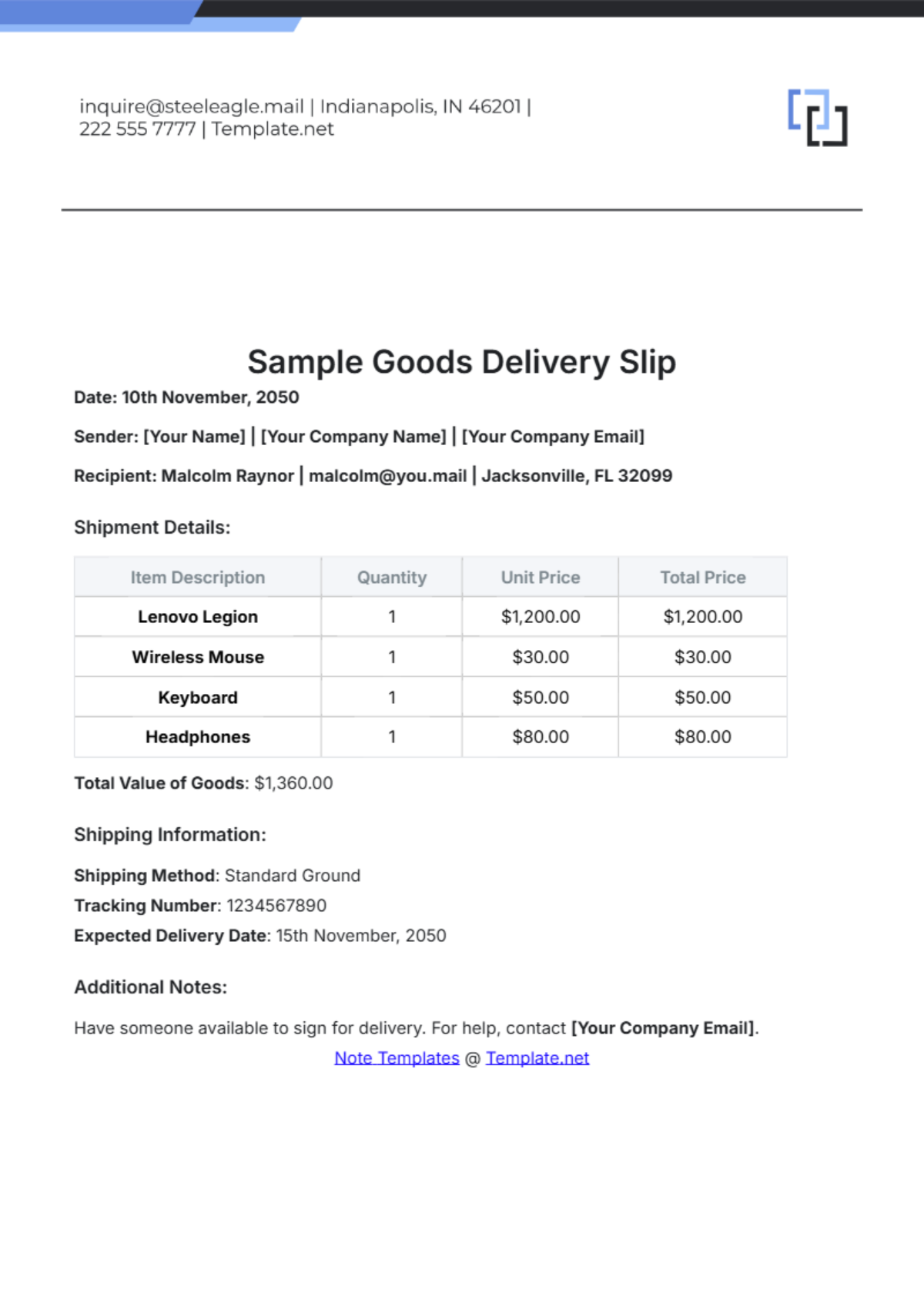
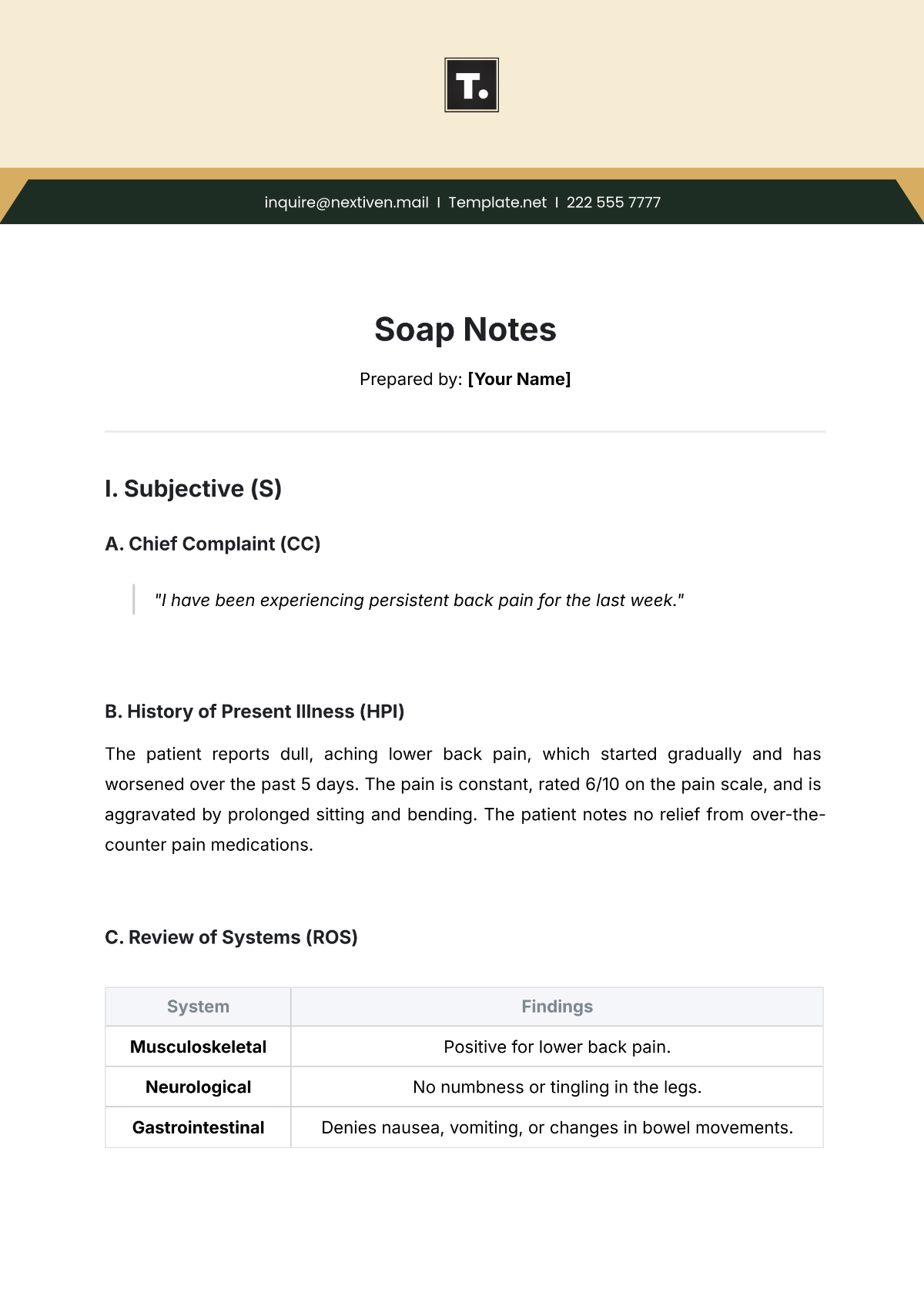
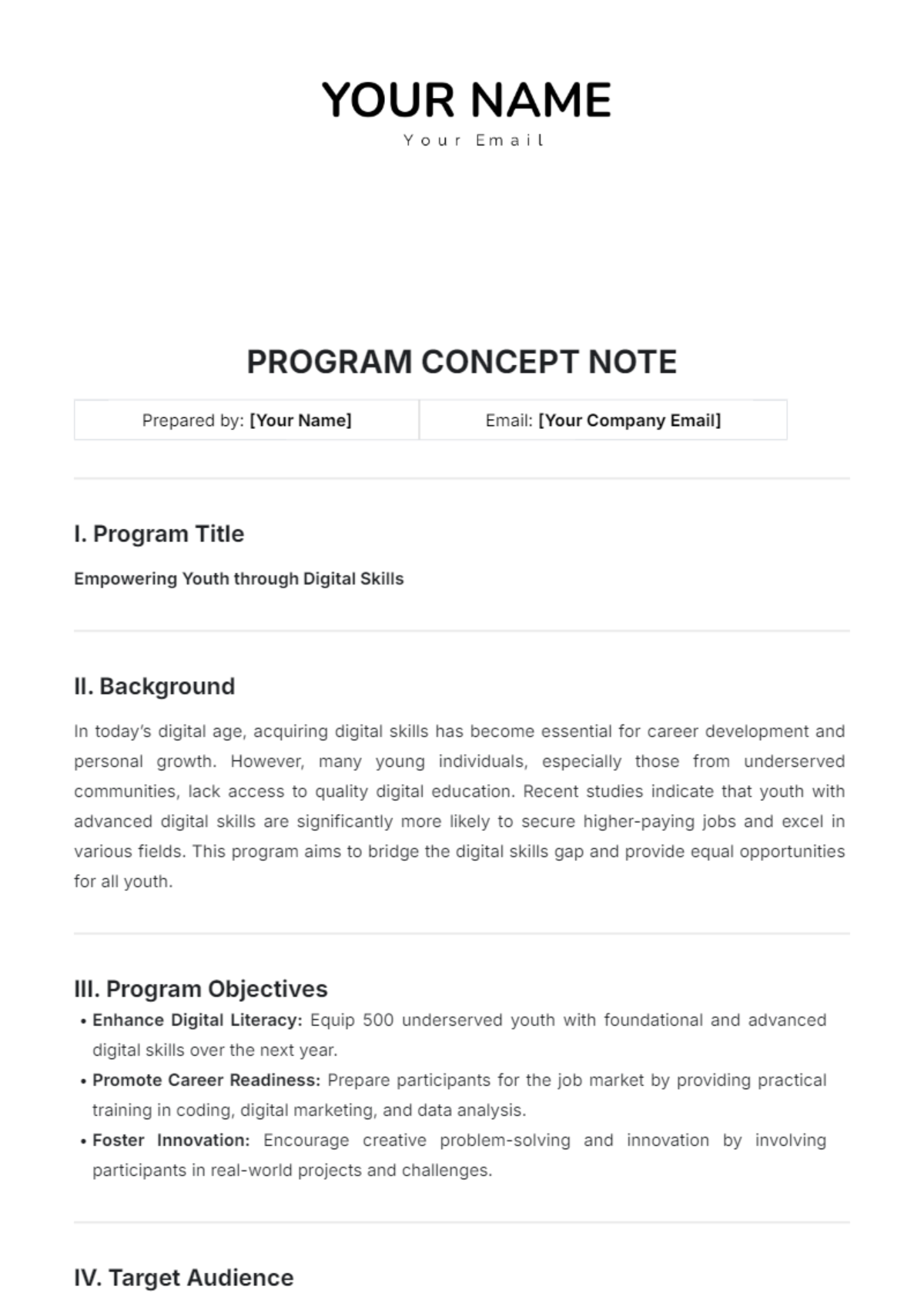
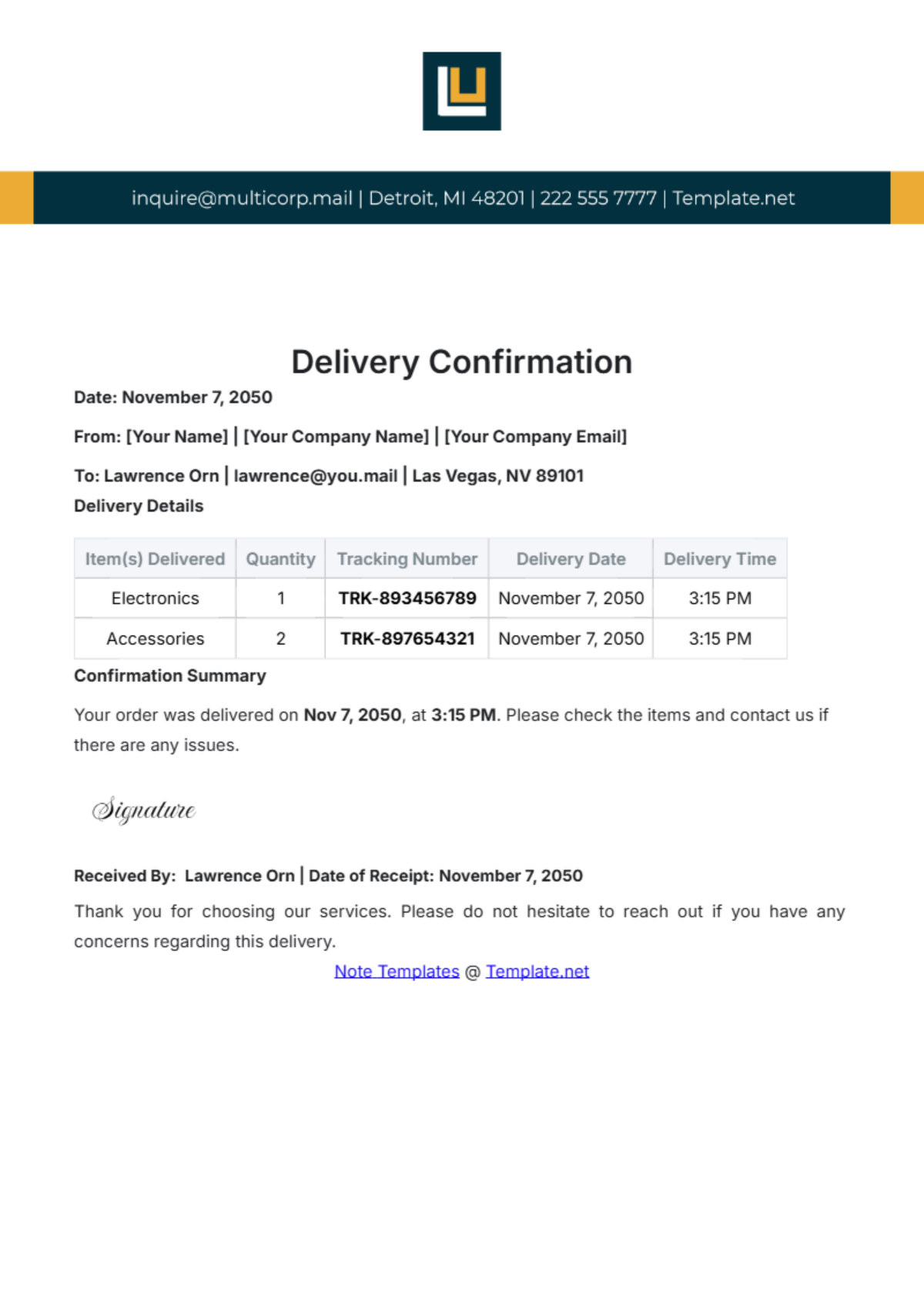
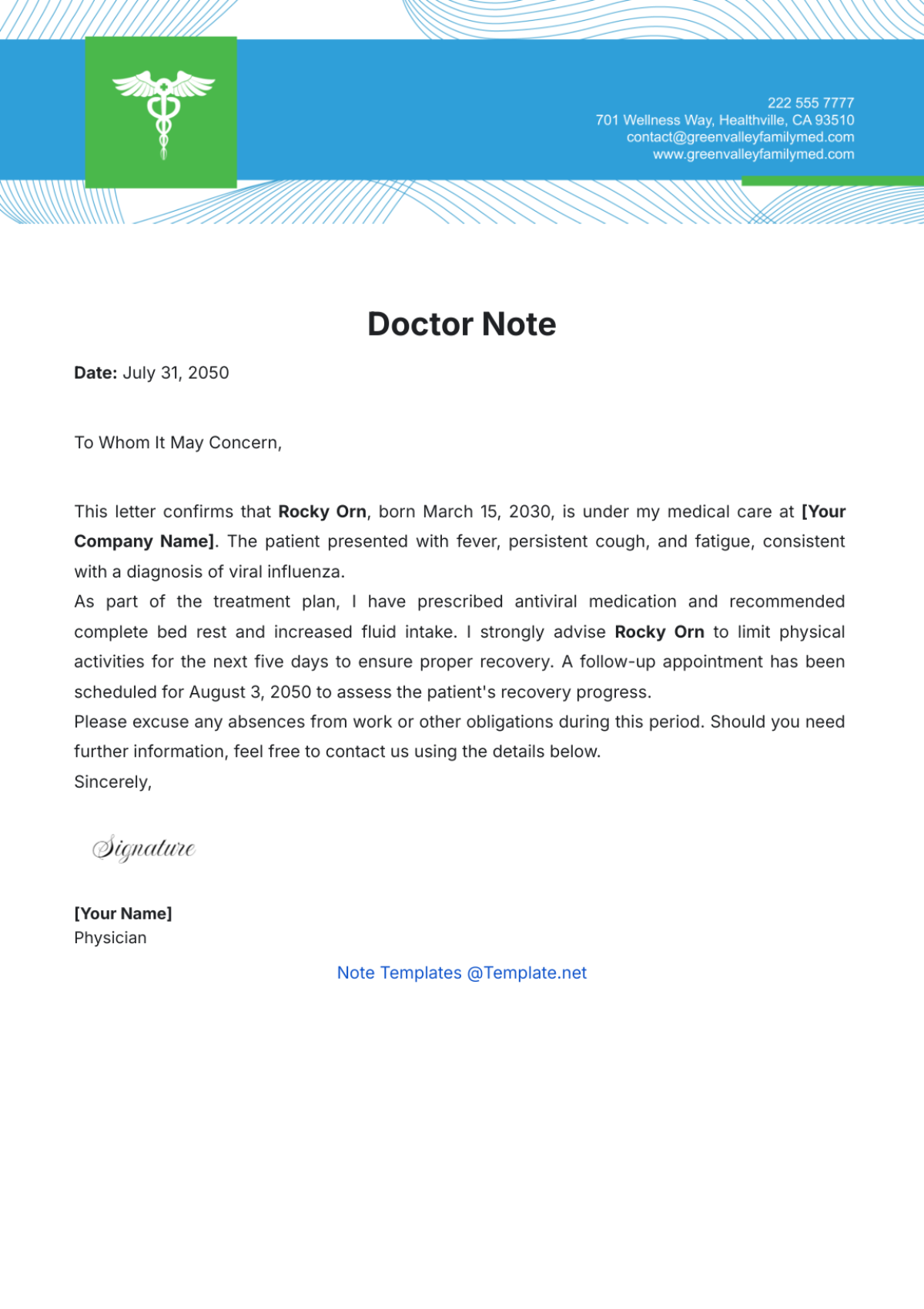
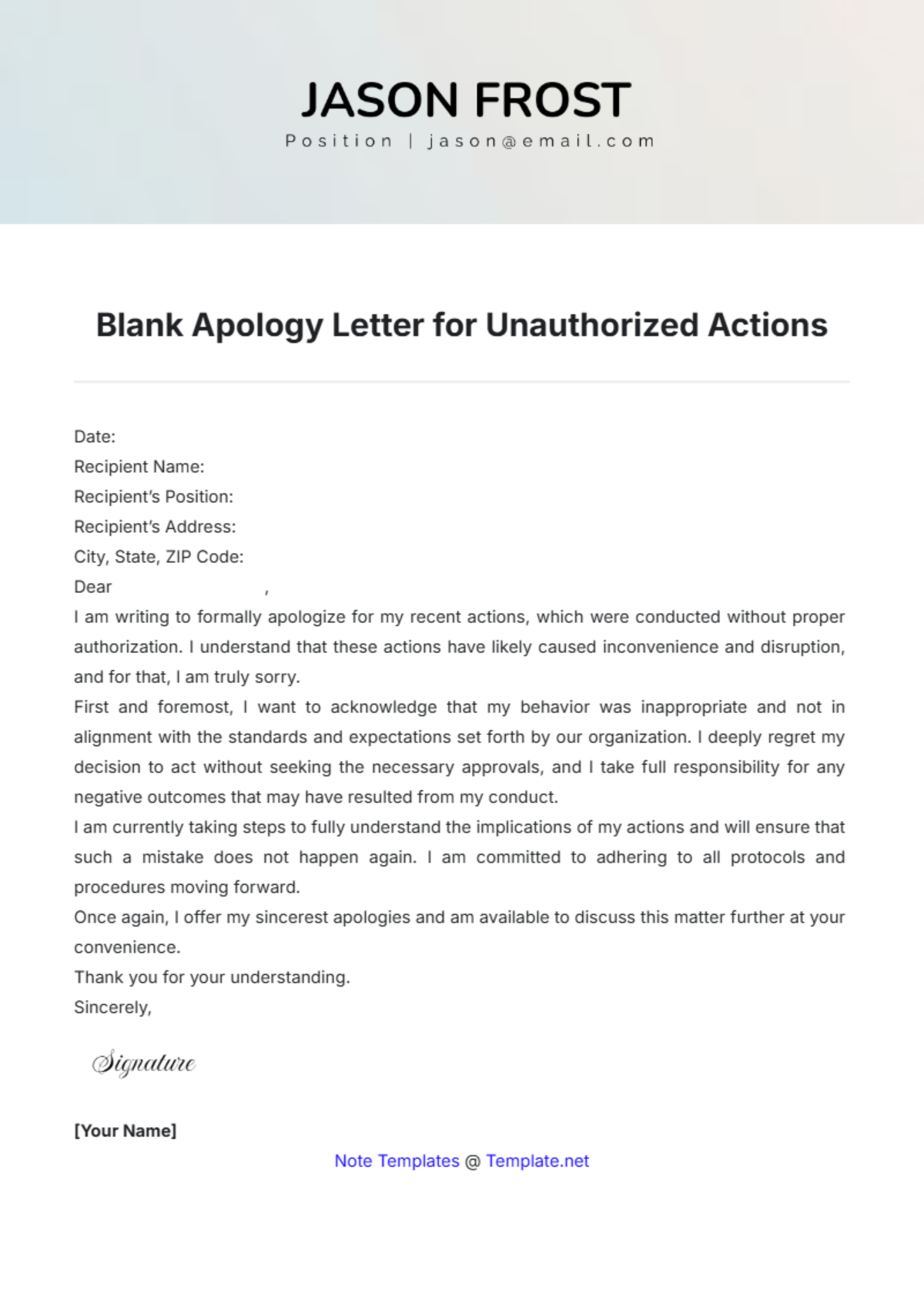
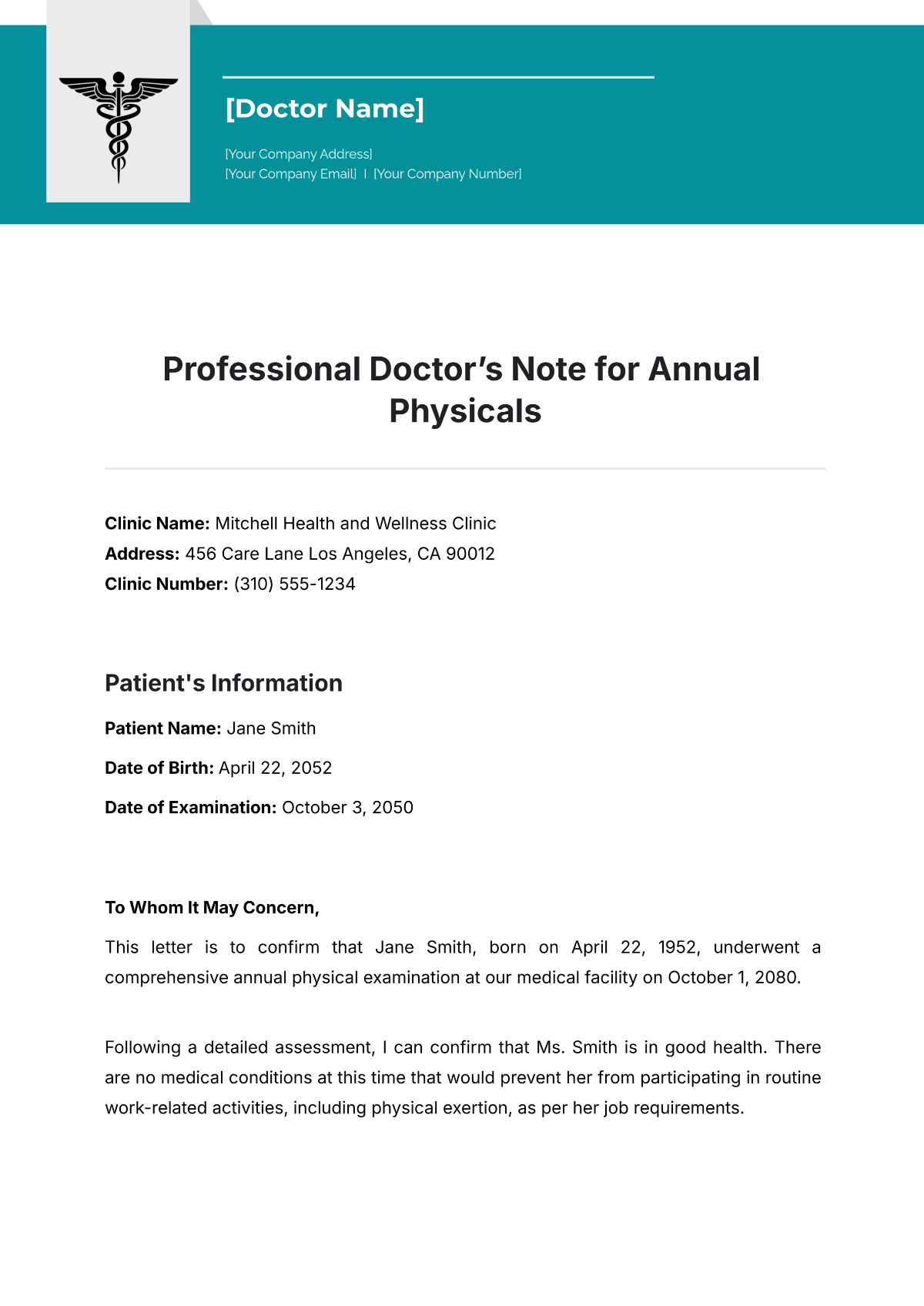
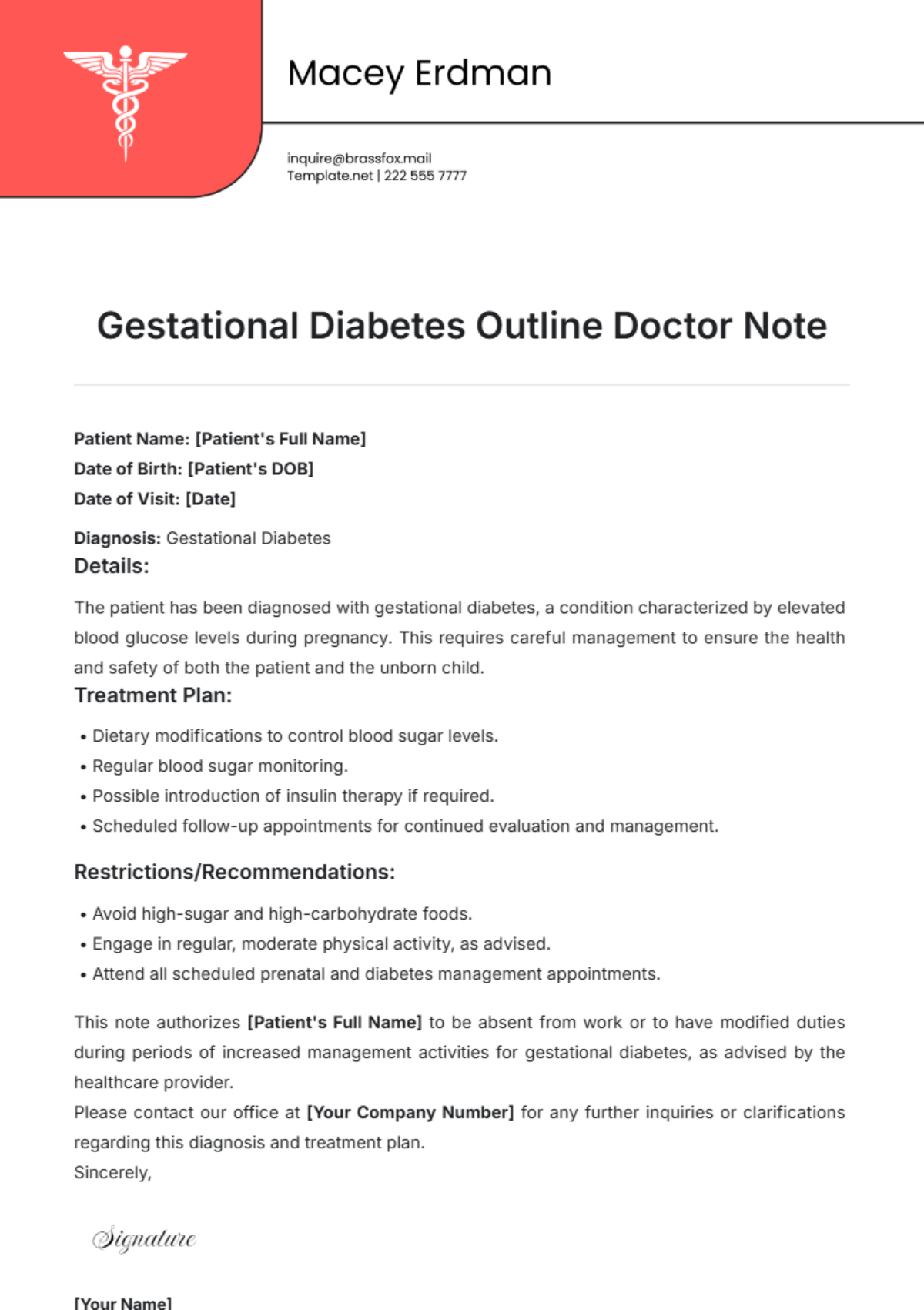
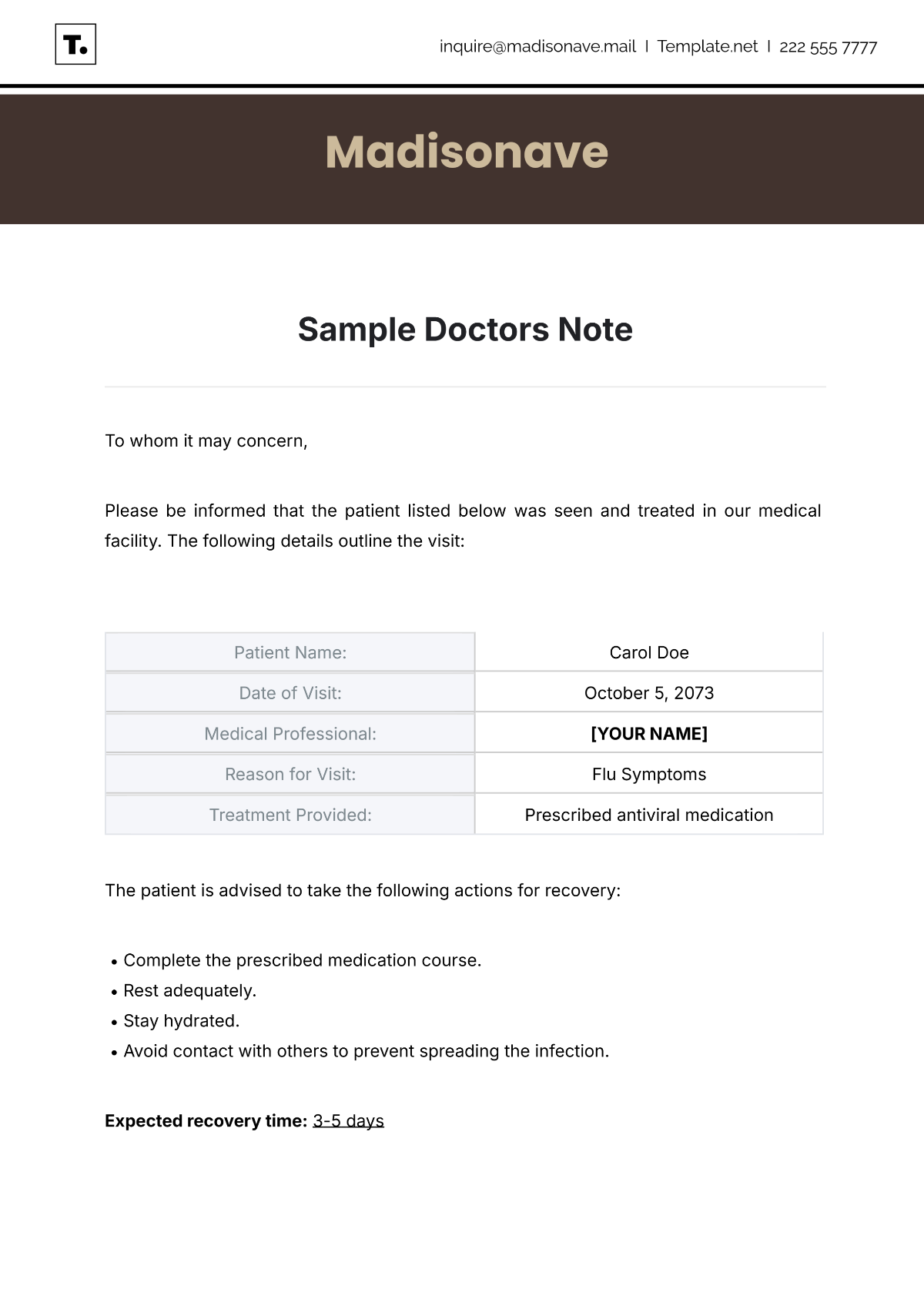
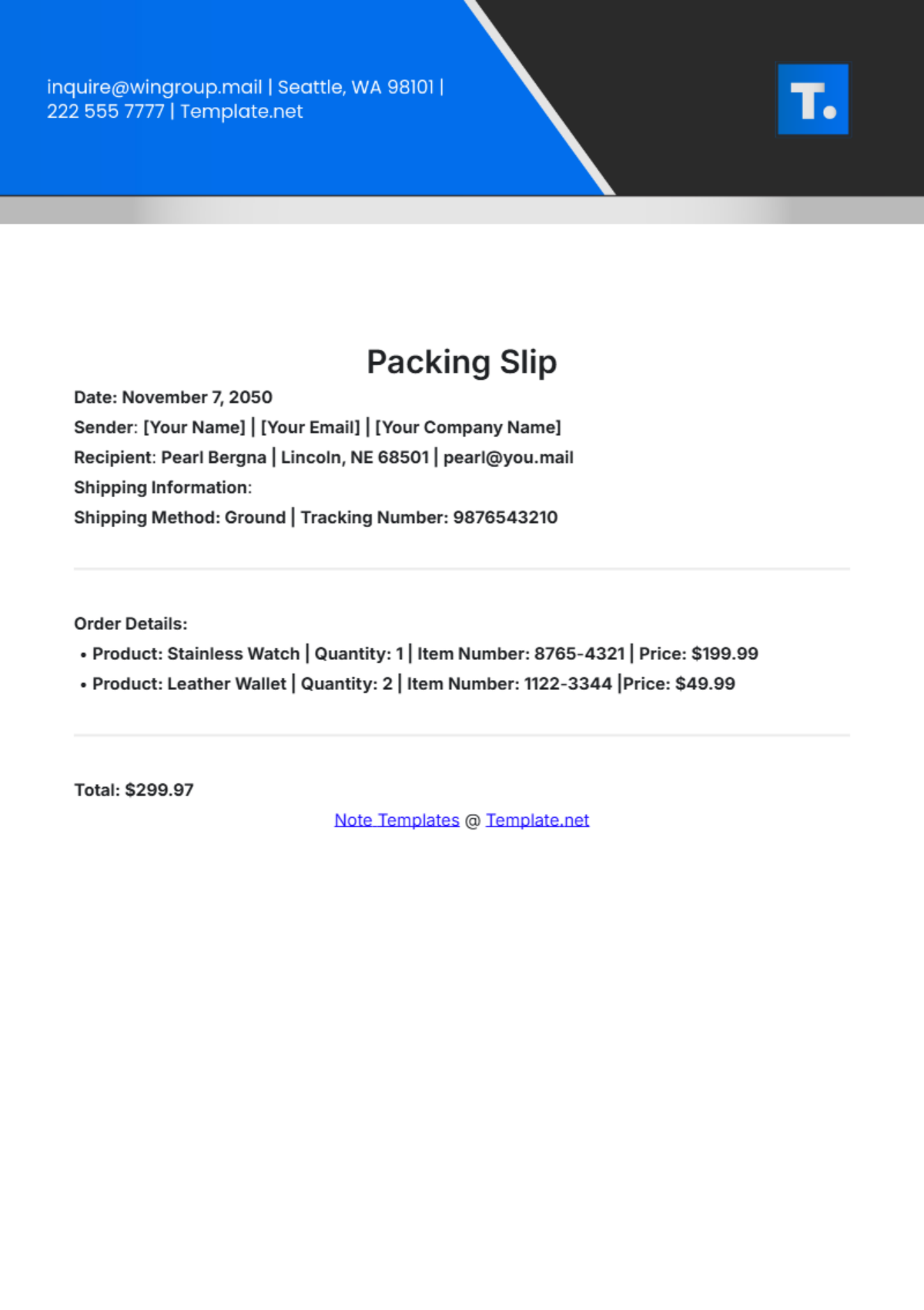
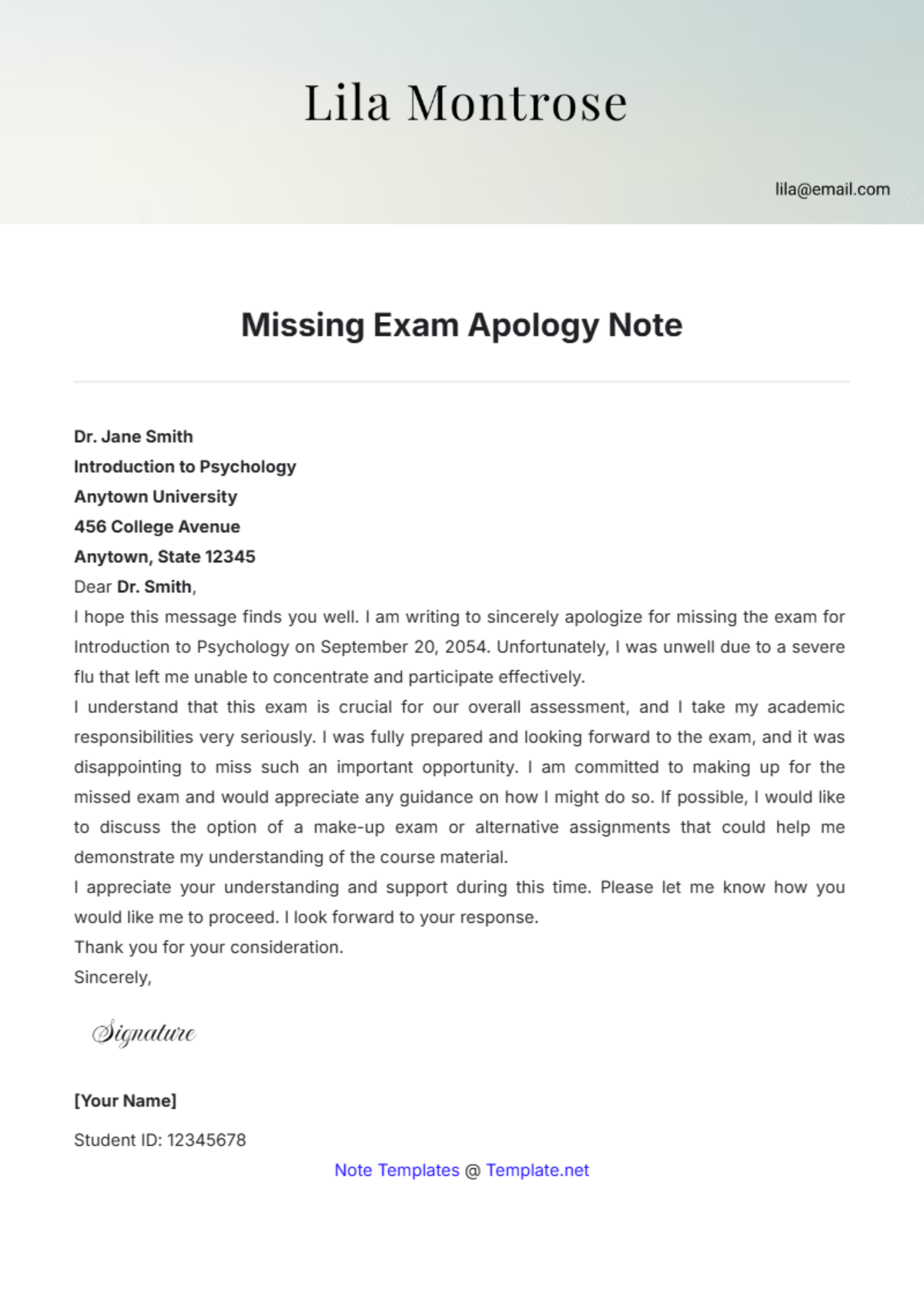
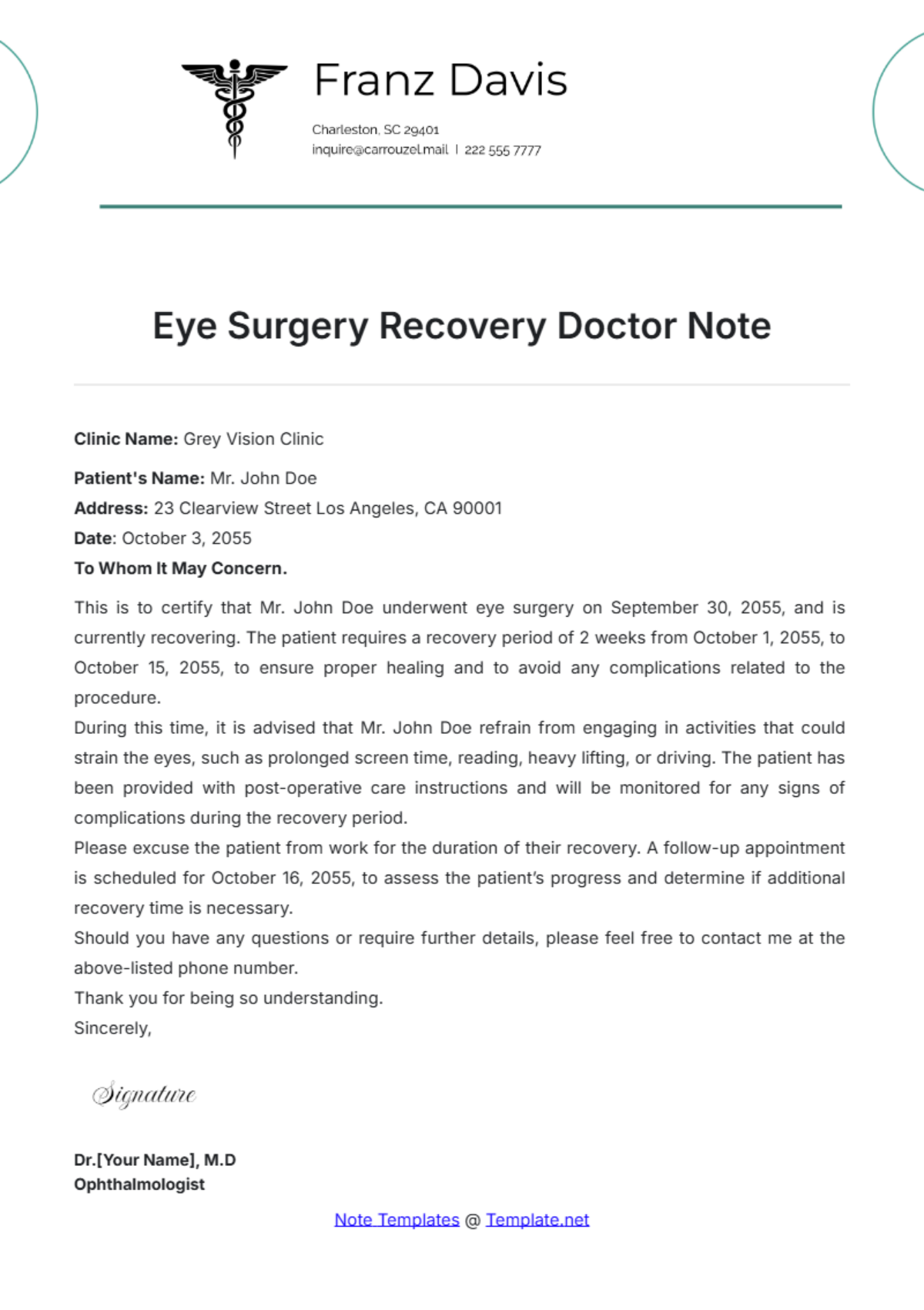
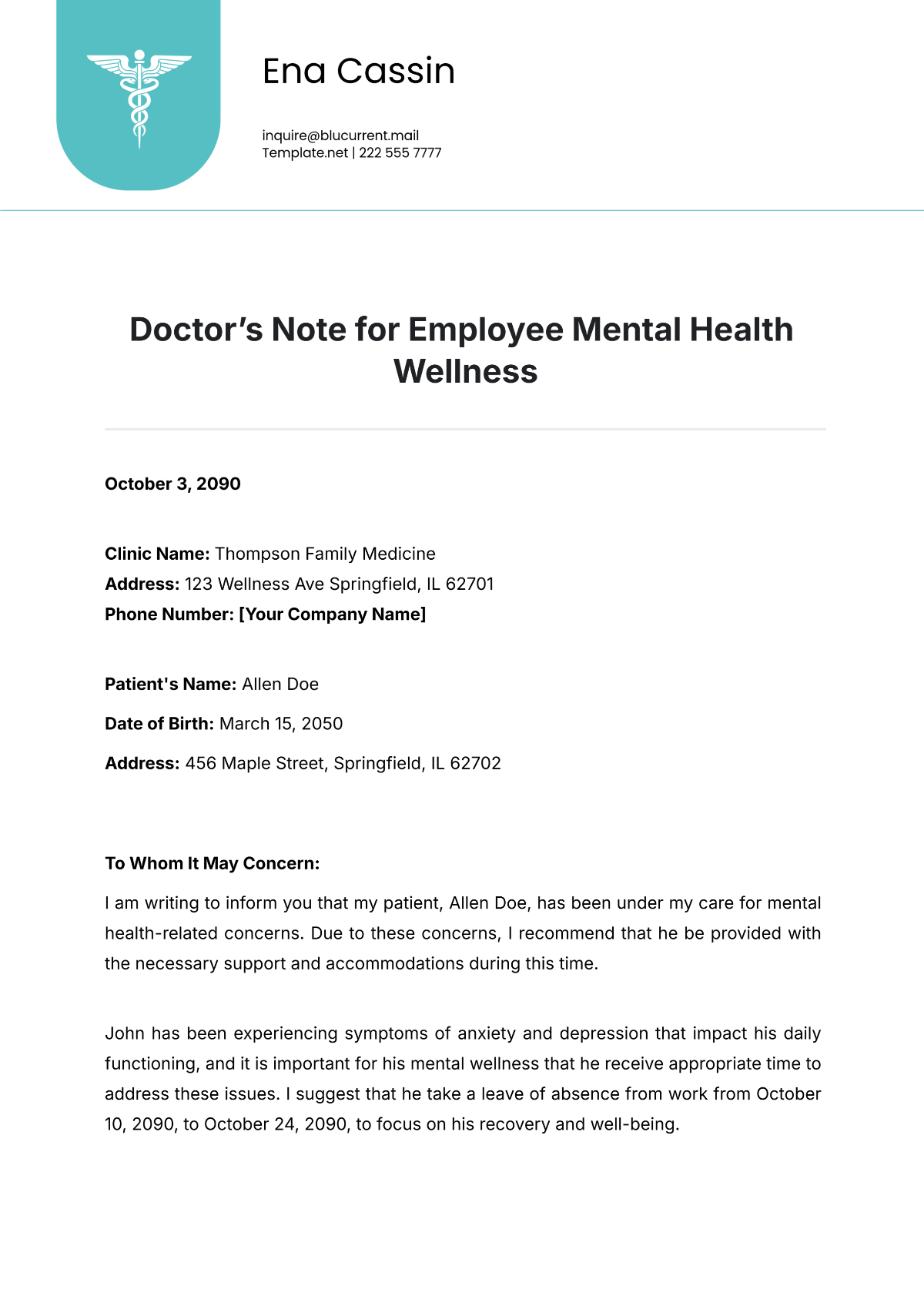
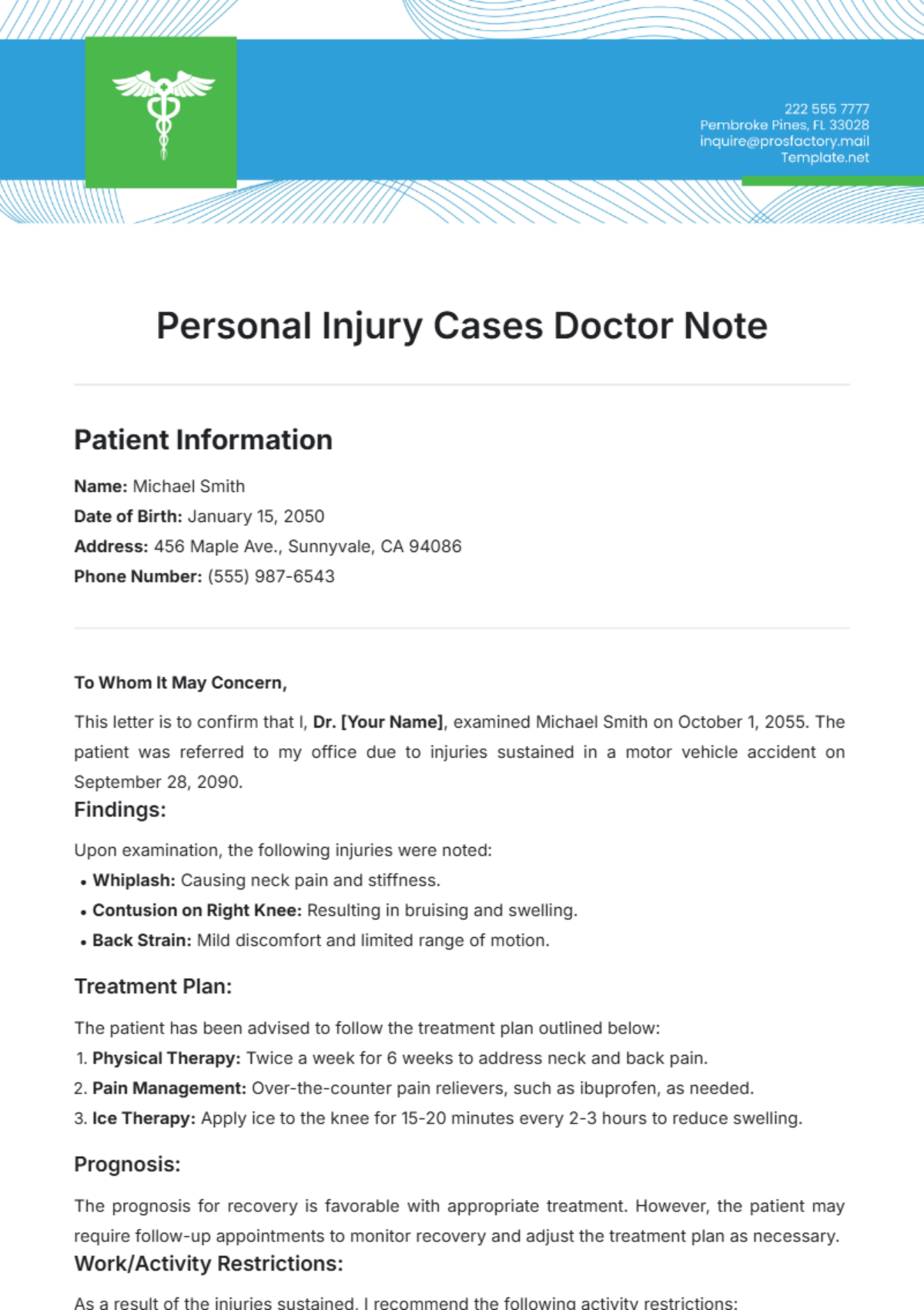
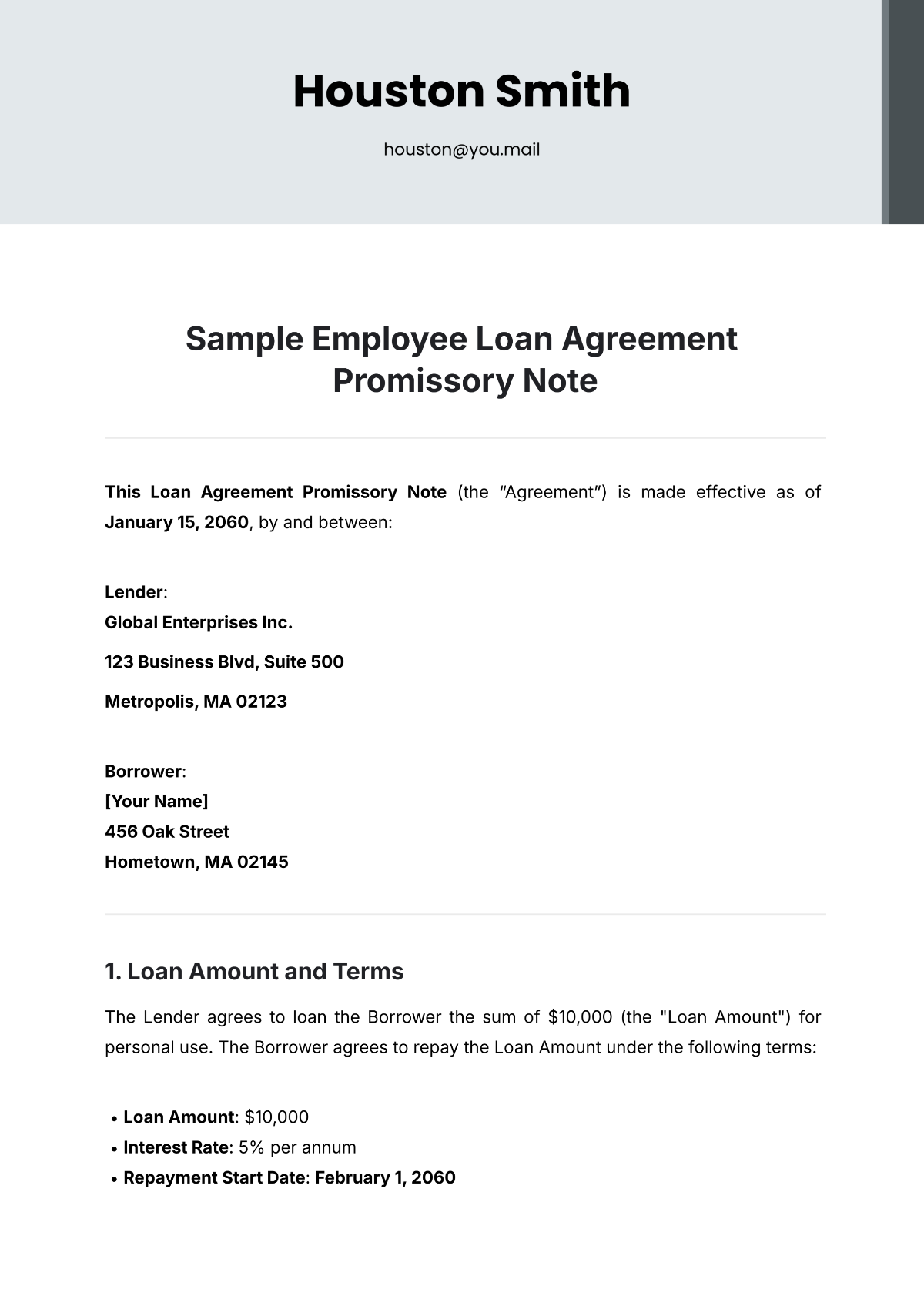
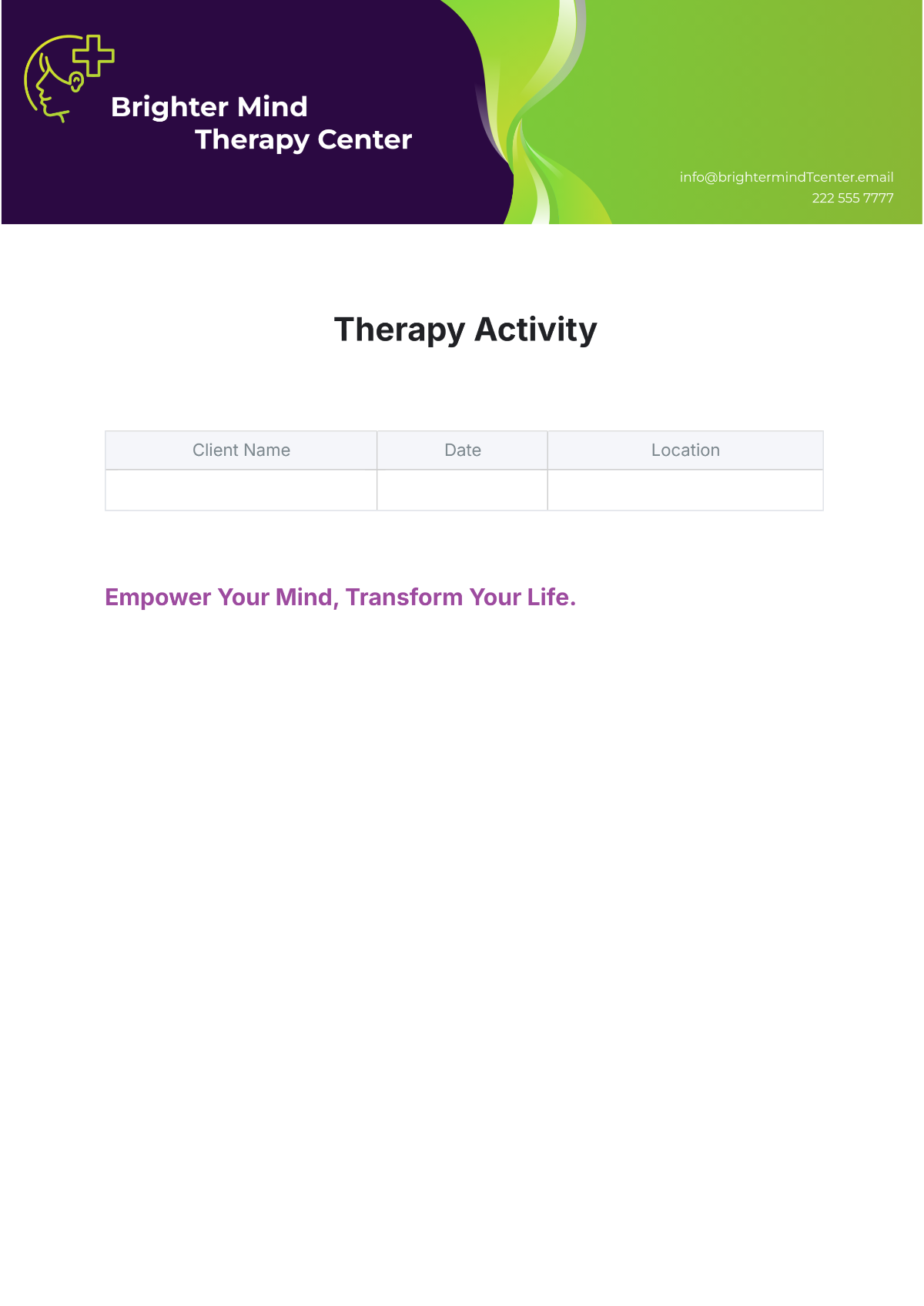
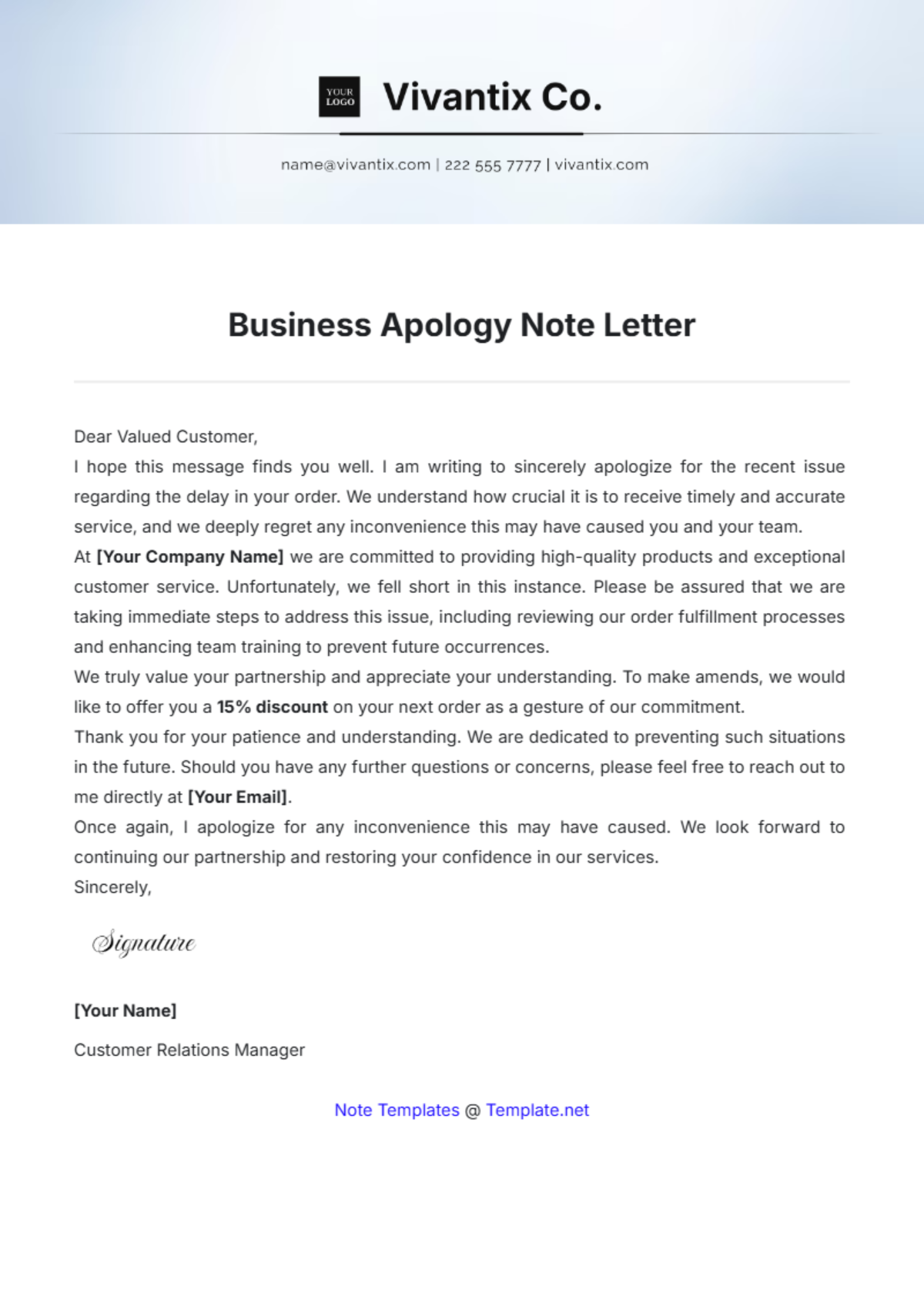
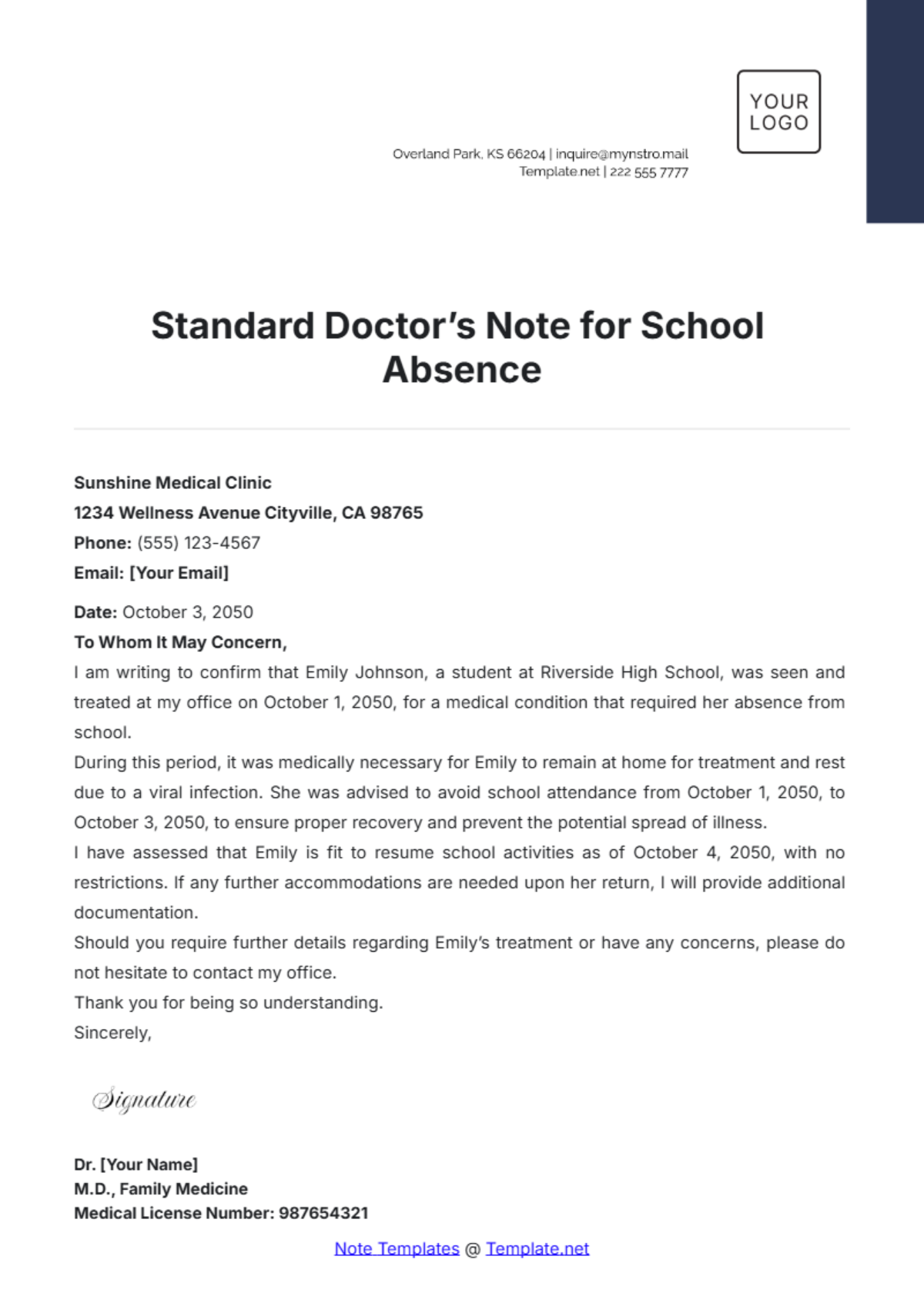
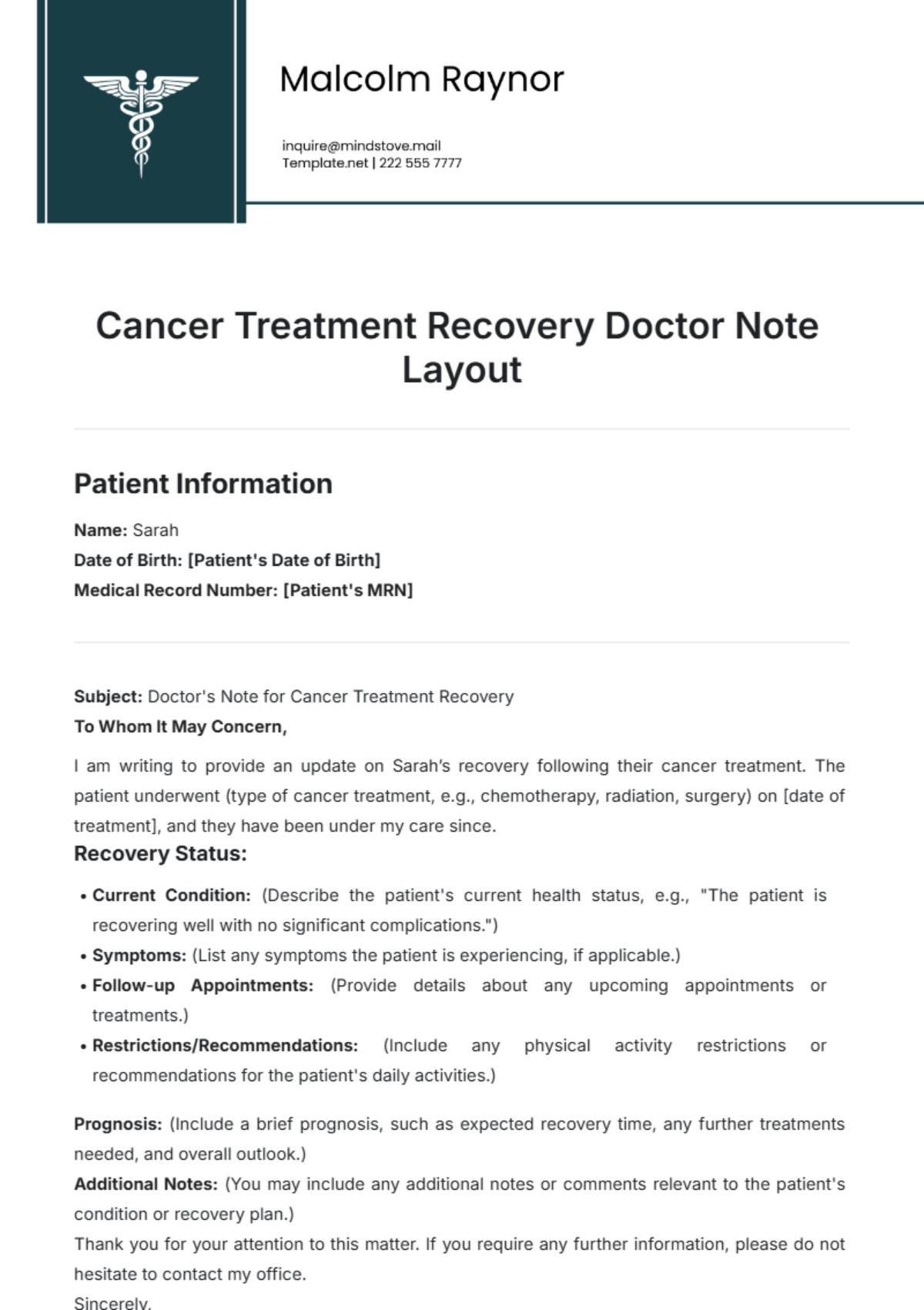
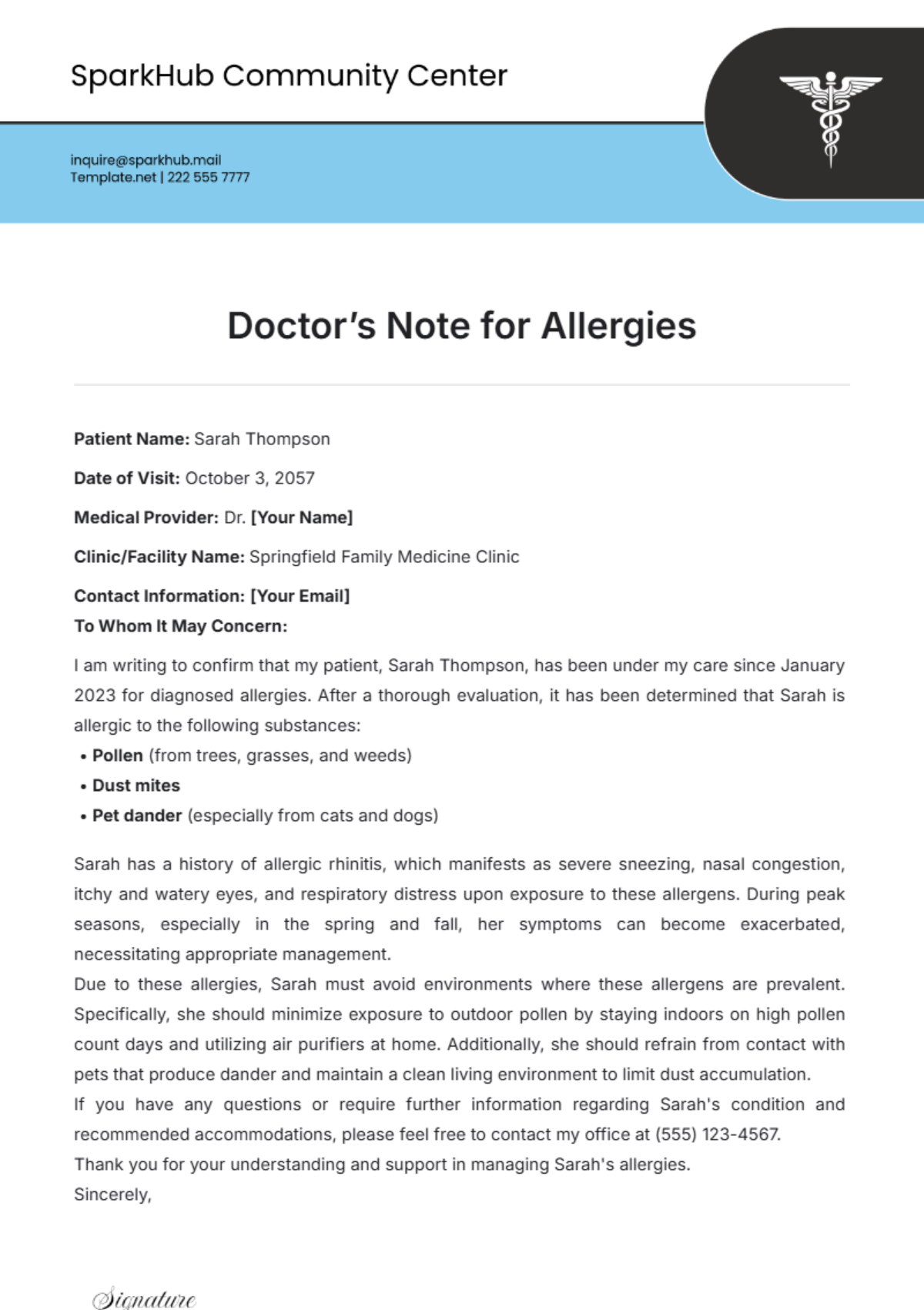
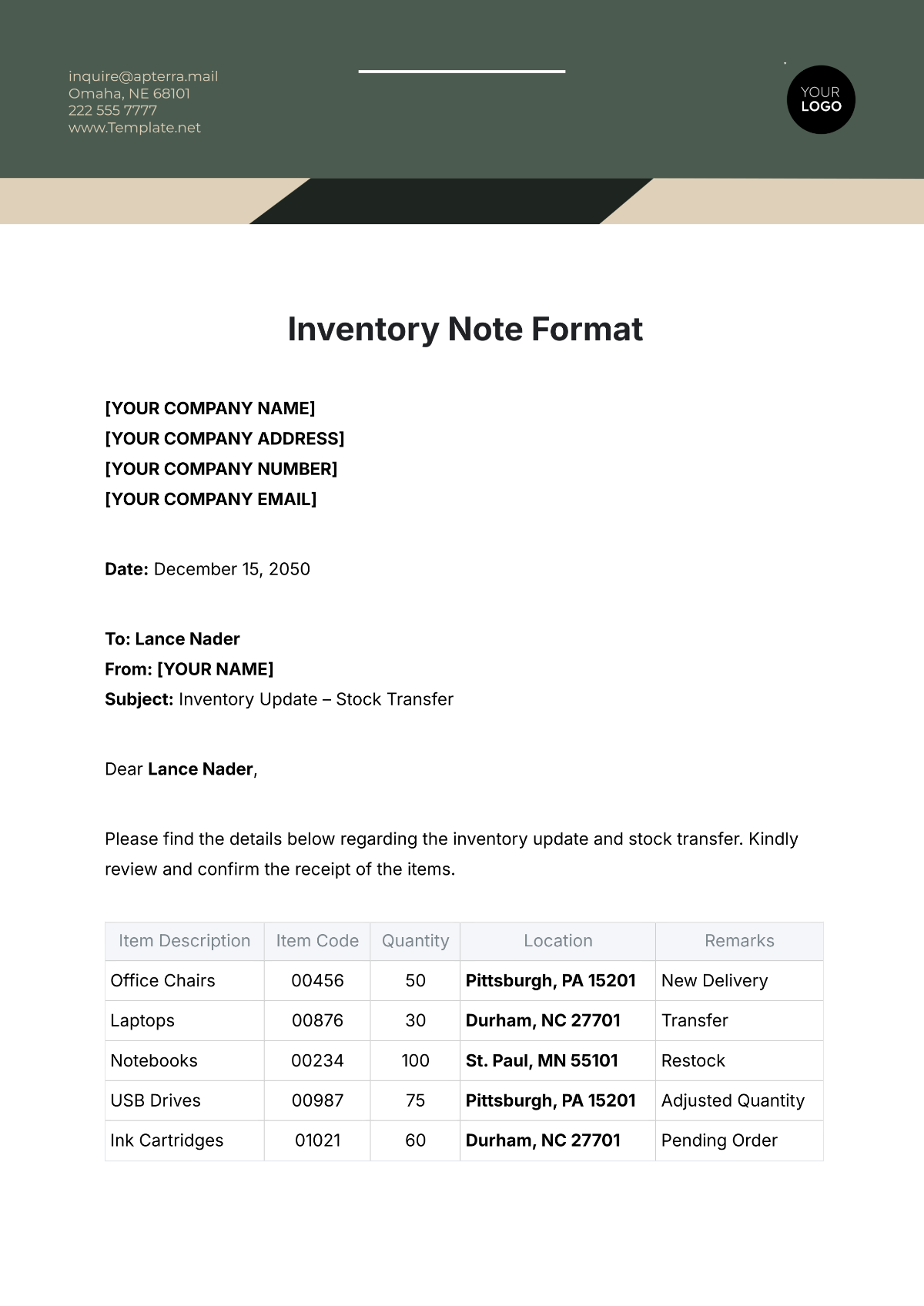
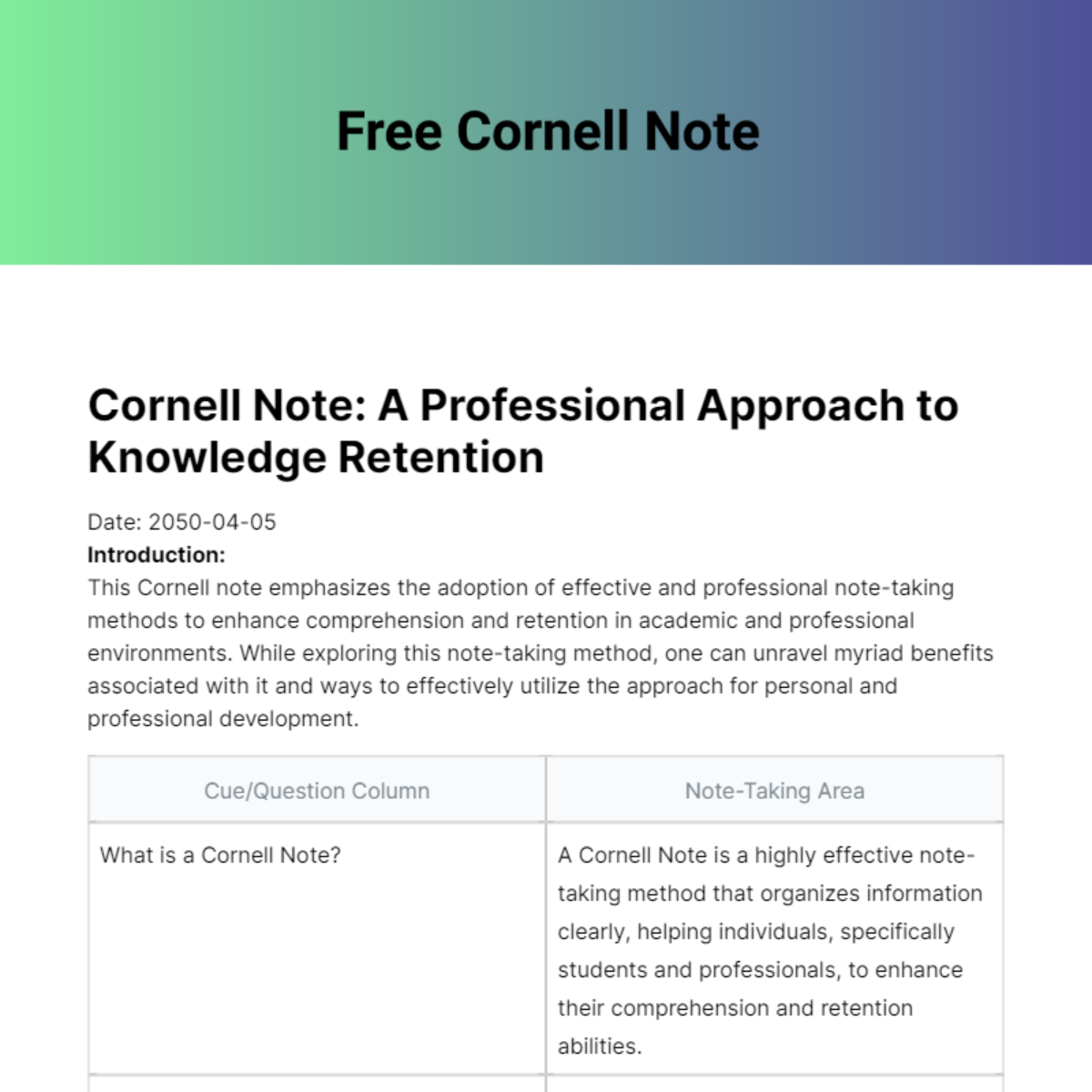
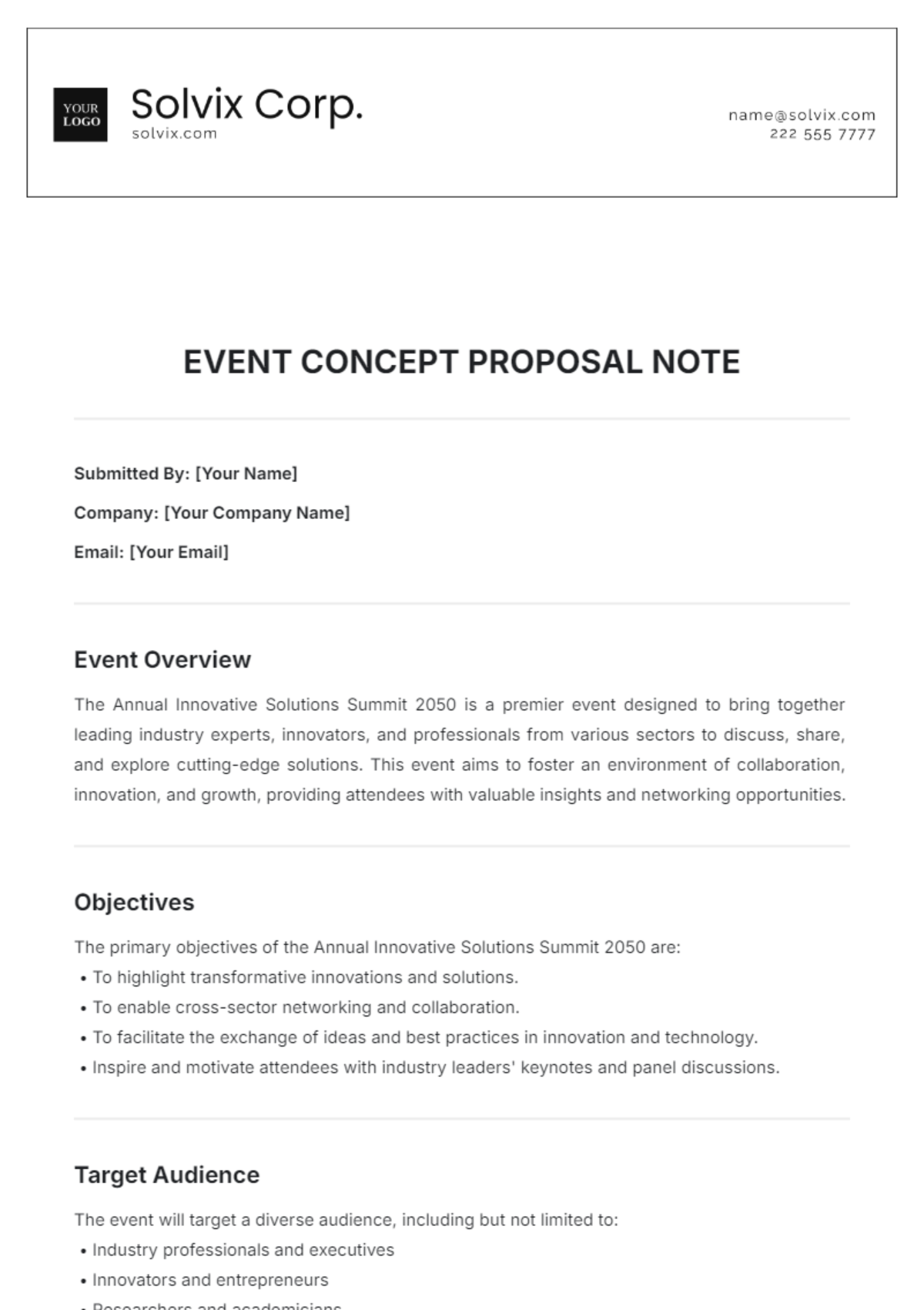
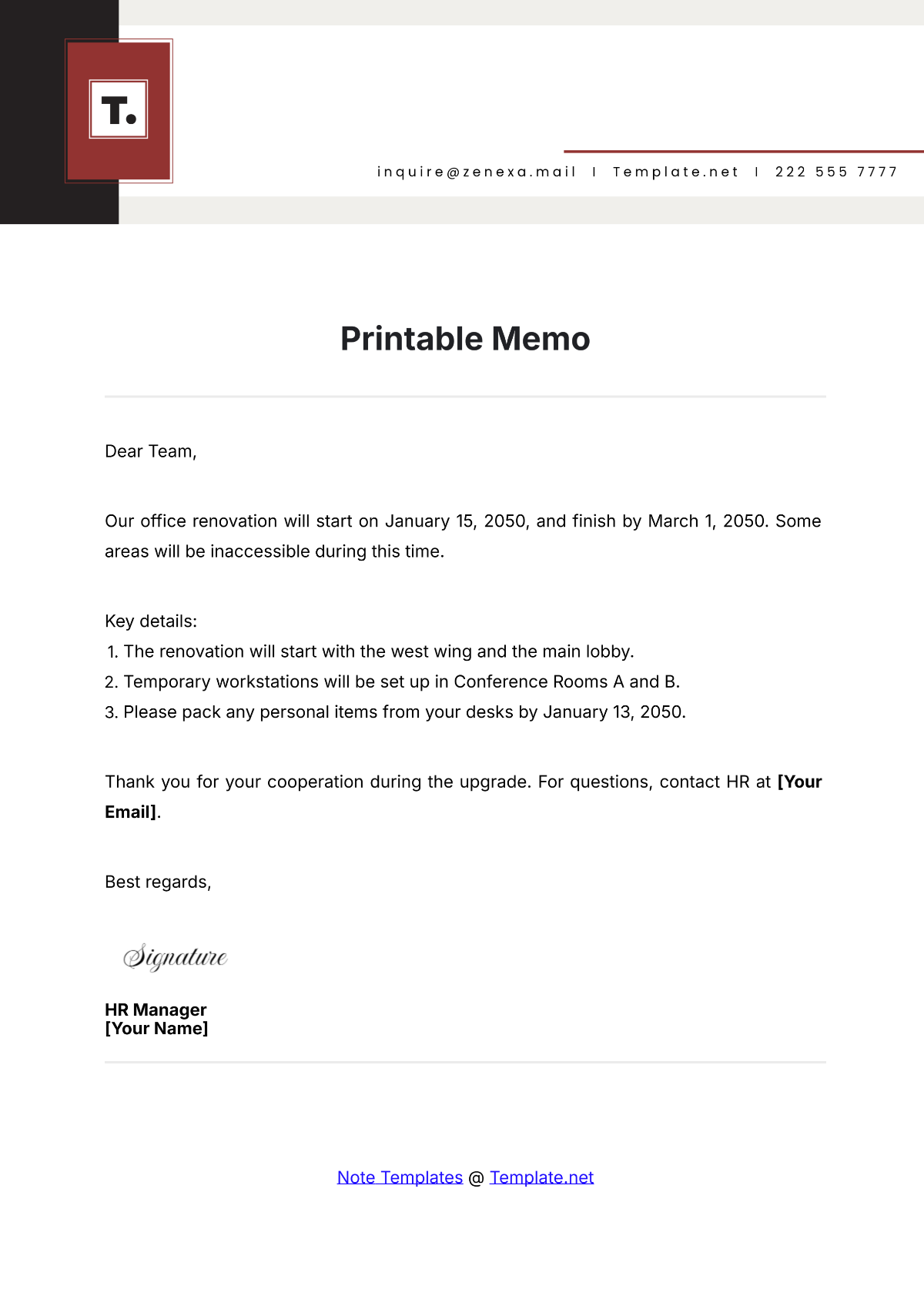
A note is a concise written record used to capture important information, ideas, or reminders in a structured format. Note templates help organize content with clear sections and professional layout for easy reading and reference.

Why use a Note?
Using a note improves information retention and communication by providing a structured format for key points and observations. Notes ensure clarity and efficiency, supporting professional workflows and quick access to essential details.

Who typically uses Notes?
Notes are typically used by students, professionals, managers, and anyone needing organized documentation of ideas or instructions. The templates offer a business-ready layout suitable for diverse fields requiring clear, concise records.

What sections should a Note include?
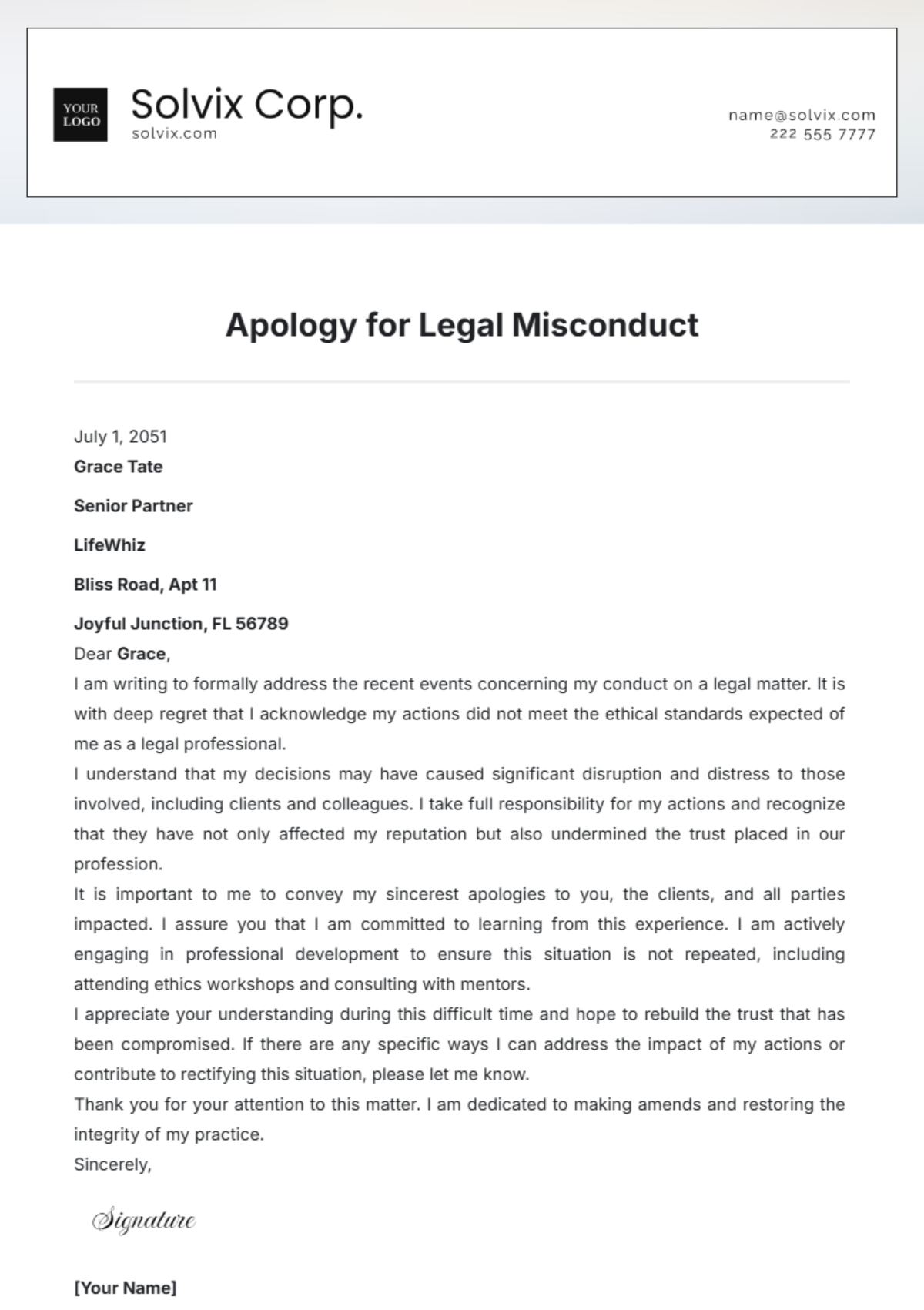
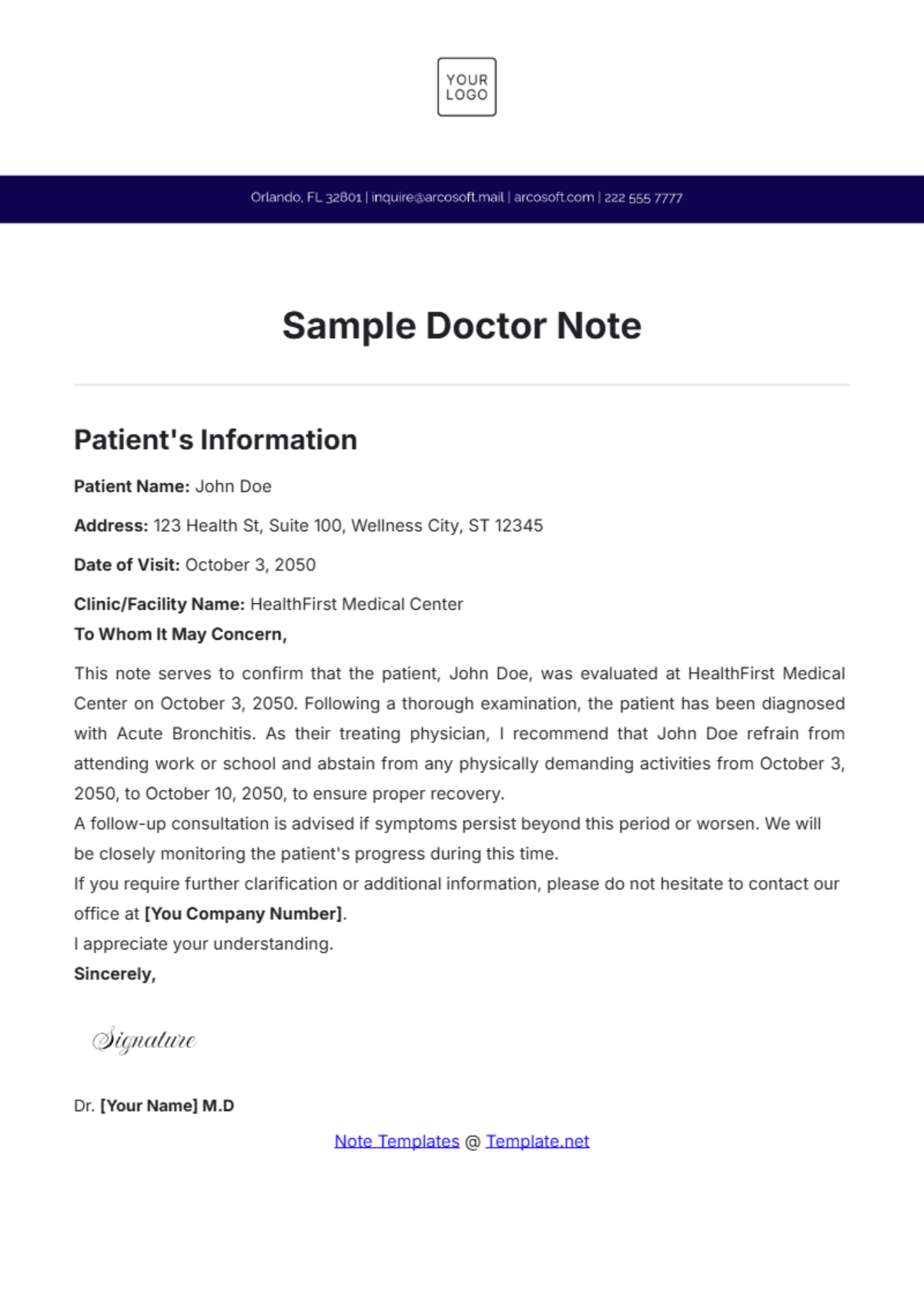
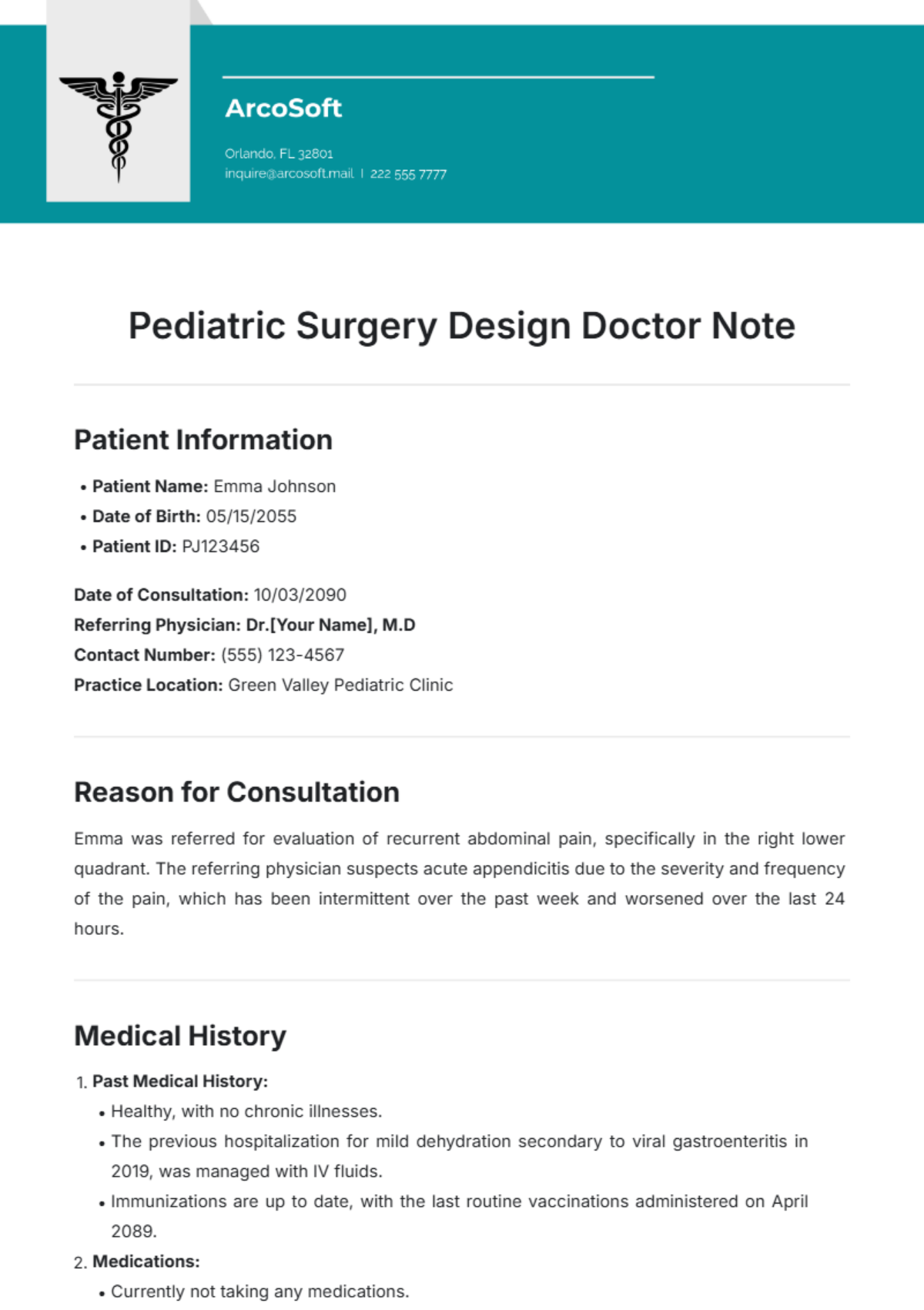
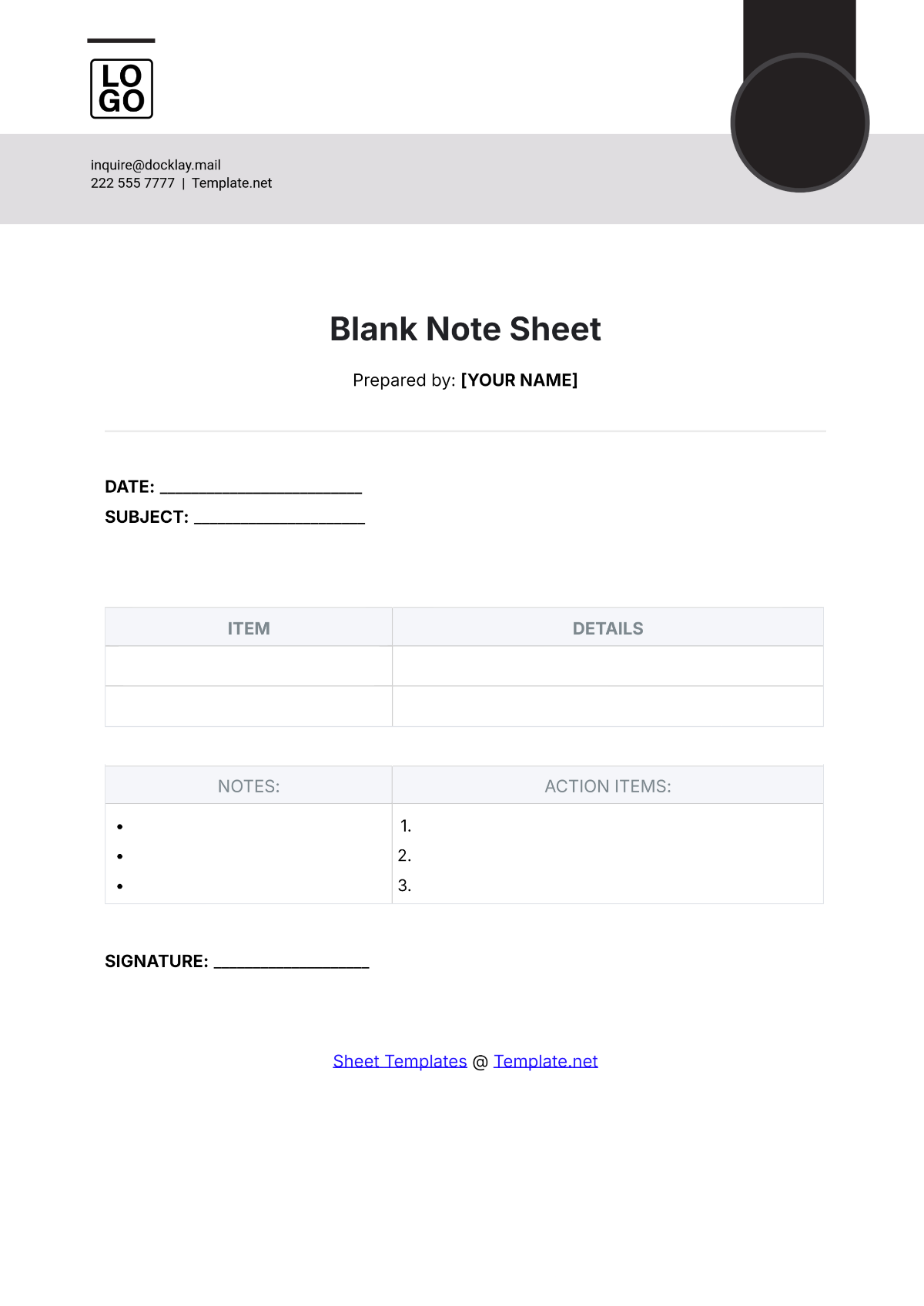
A note should include a header with date and title, a body section for detailed content, and optionally a summary or action items. Structured sections enhance readability and ensure all relevant information is captured professionally.

What are the best tips for formatting a Note?
Best formatting tips for a note include using clear headings, bullet points, and consistent fonts. Employing a structured layout with adequate spacing improves clarity, making the note easy to scan and print in a print-ready format.

How do you print a Note?
To print a note, use Template.net's print-ready PDF export option after completing online editing. This ensures the note maintains its professional layout and formatting on standard paper sizes like Letter size or A4.

Is a Note legally and professionally acceptable?
A note is professionally acceptable when it follows structured formatting and includes necessary details like dates and authorship. While not always legally binding, well-prepared notes can support compliance and official documentation needs.

What file formats can I download for a Note?
Template.net note templates support multiple export formats for versatile use and editing. You can download notes as Apple Pages, Word, PDF, Excel, Apple Numbers, Google Docs, Google Sheets, PSD, and Illustrator formats.

Can I create a new Note using AI?
Template.net provides an AI-powered tool that generates structured note documents from prompts within 3–10 seconds. The Note Generator allows quick online refinement and multi-format export for professional results.
