
Free Kid Templates

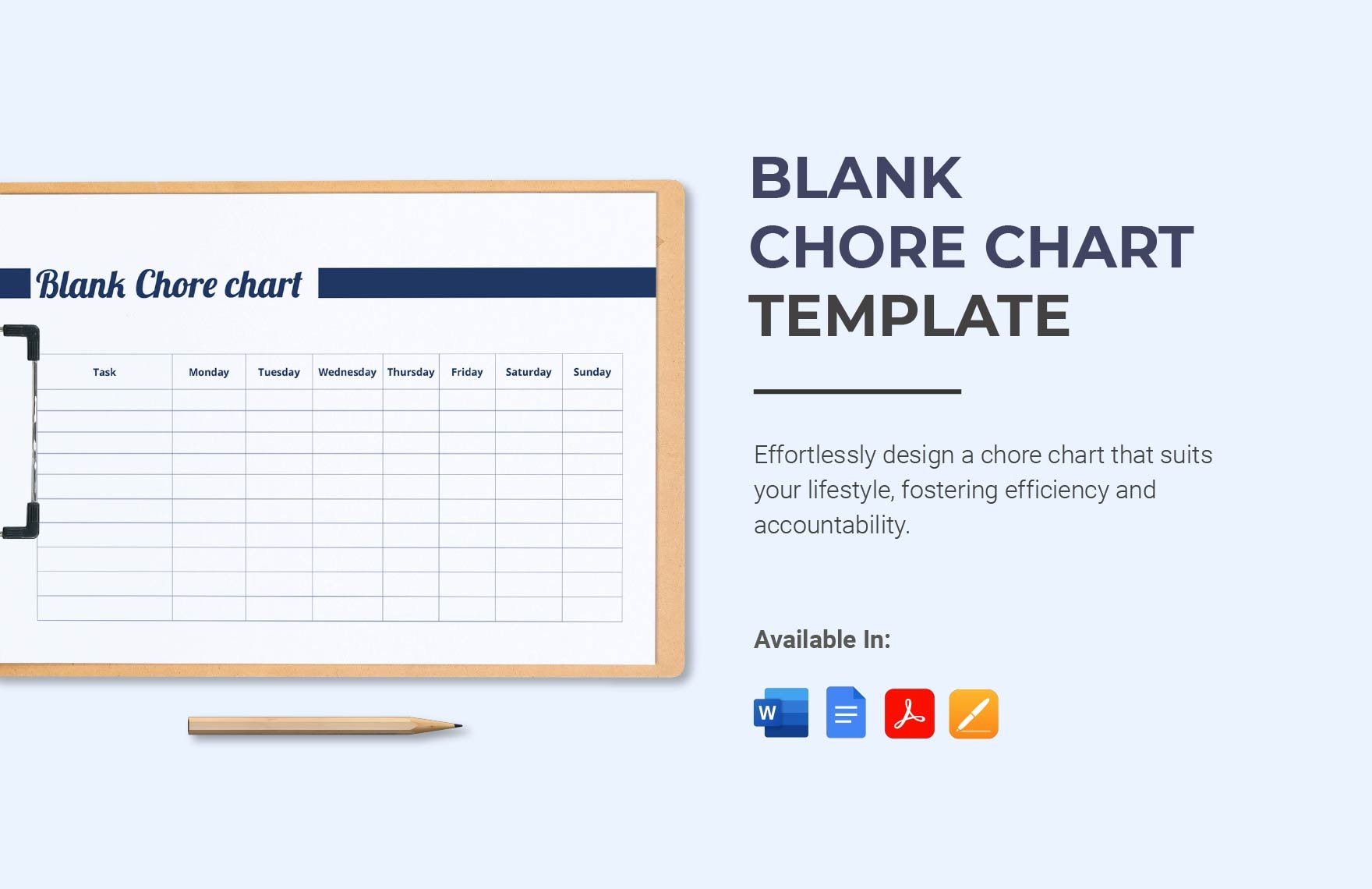

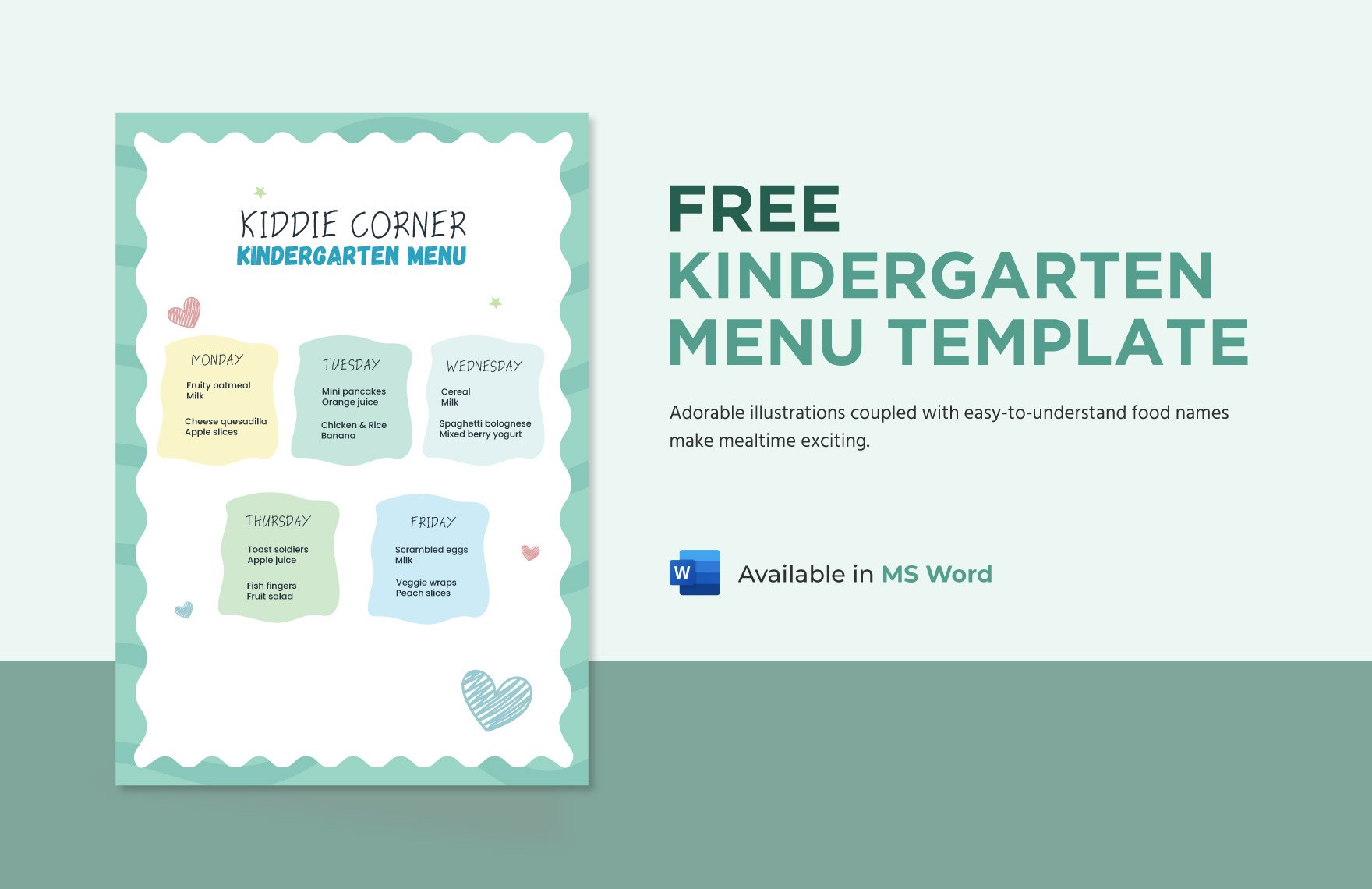
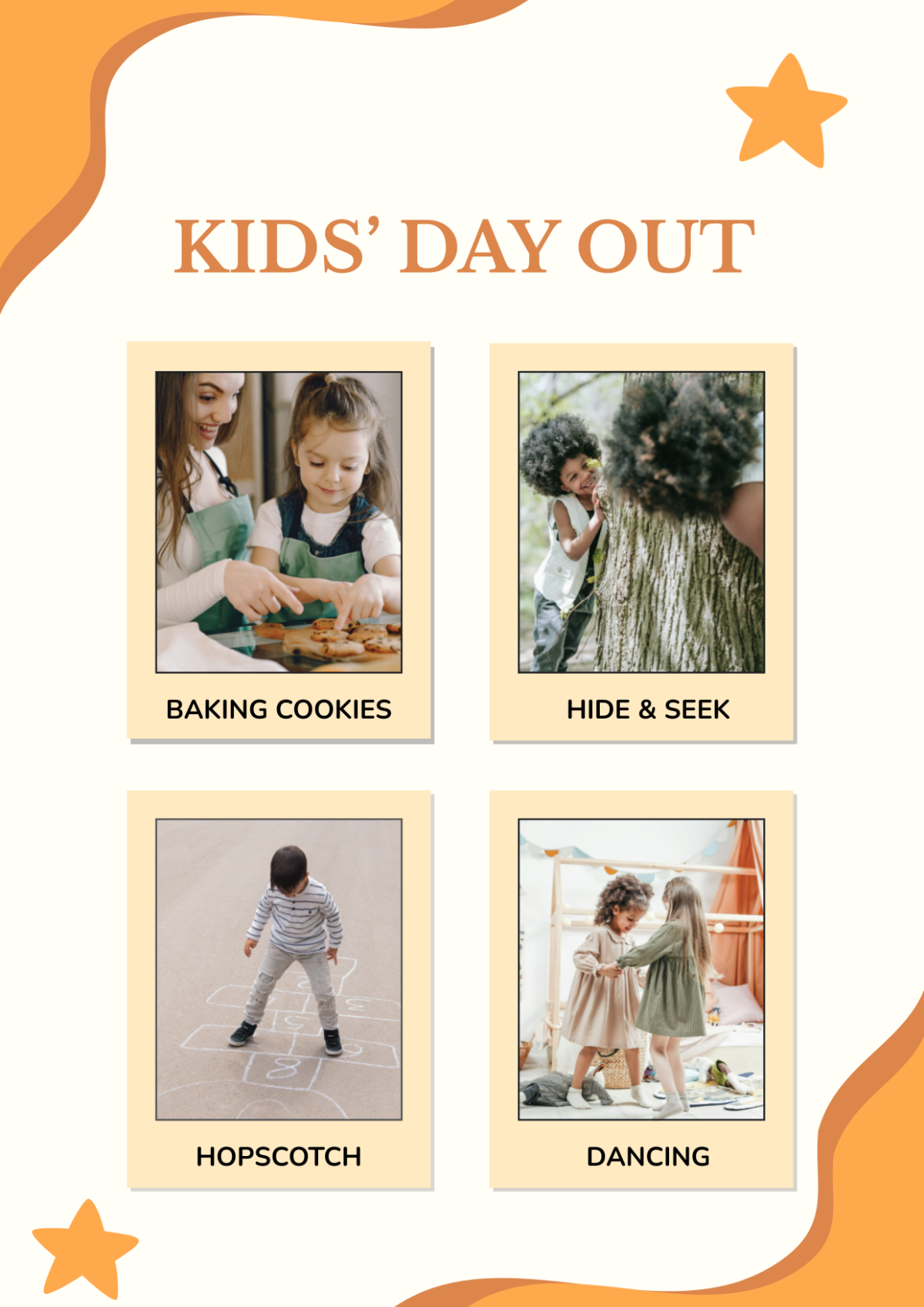





Kid Templates: Design Guide, Sizes, and Download Formats
What is a Kid template?
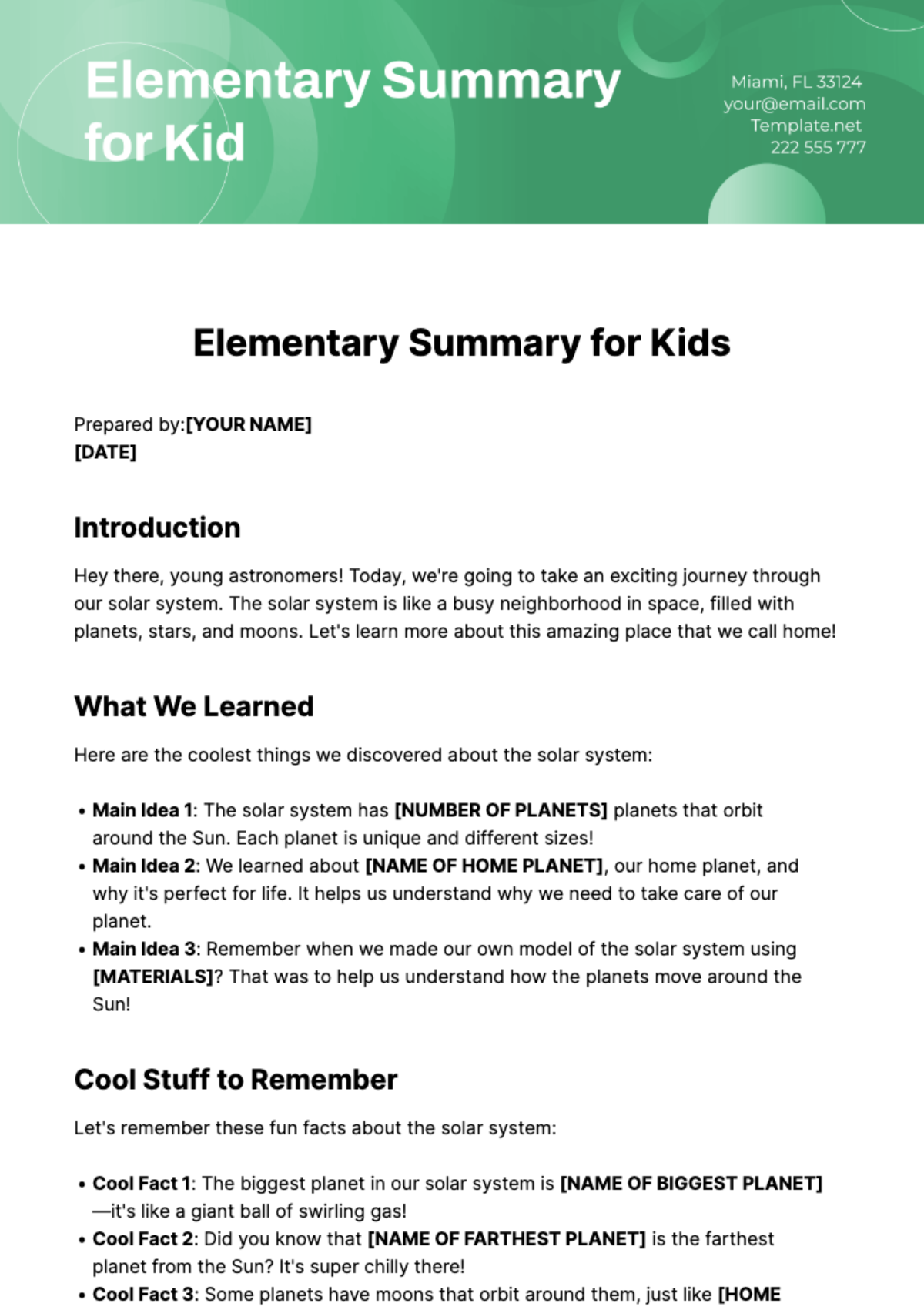
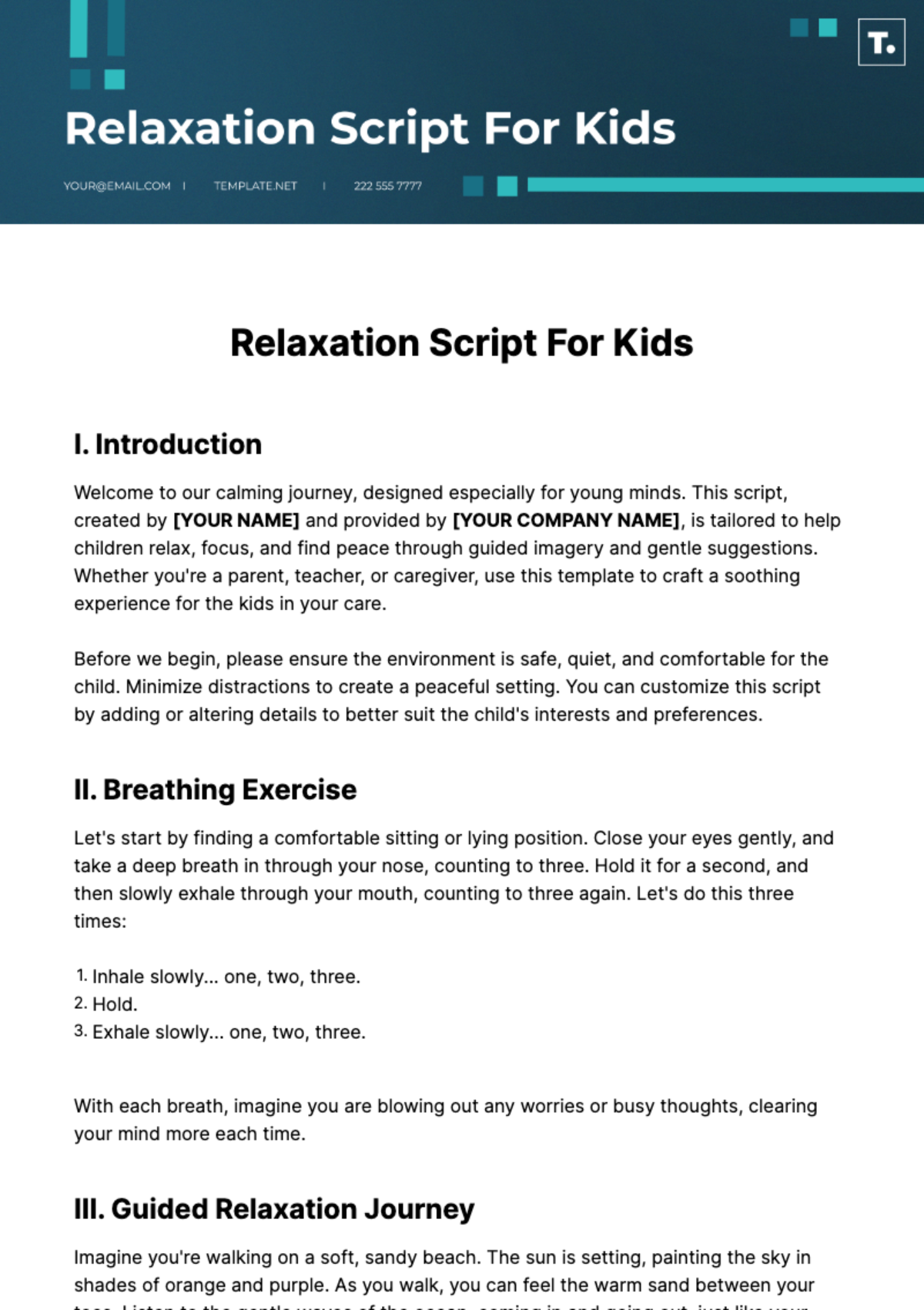
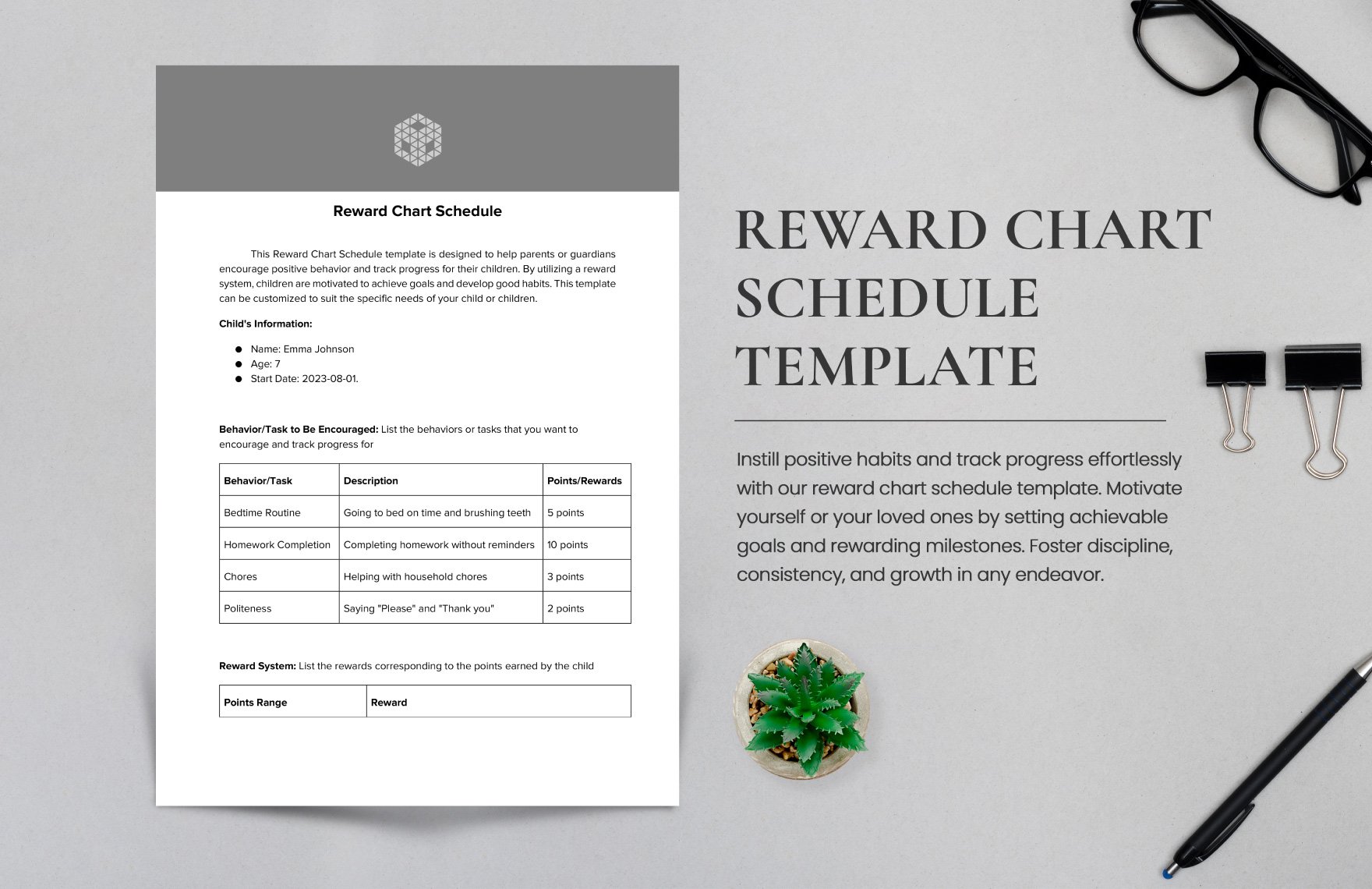
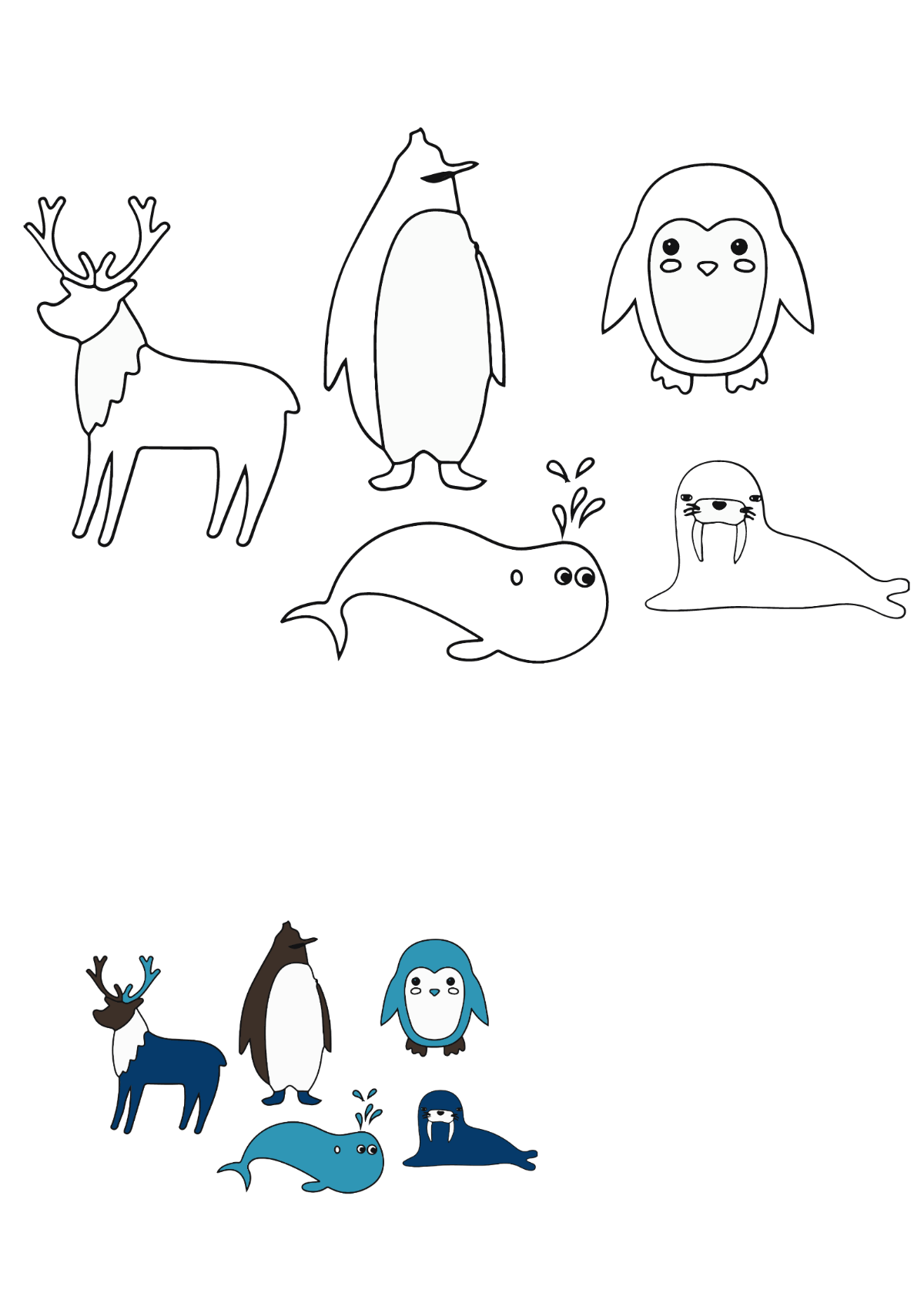
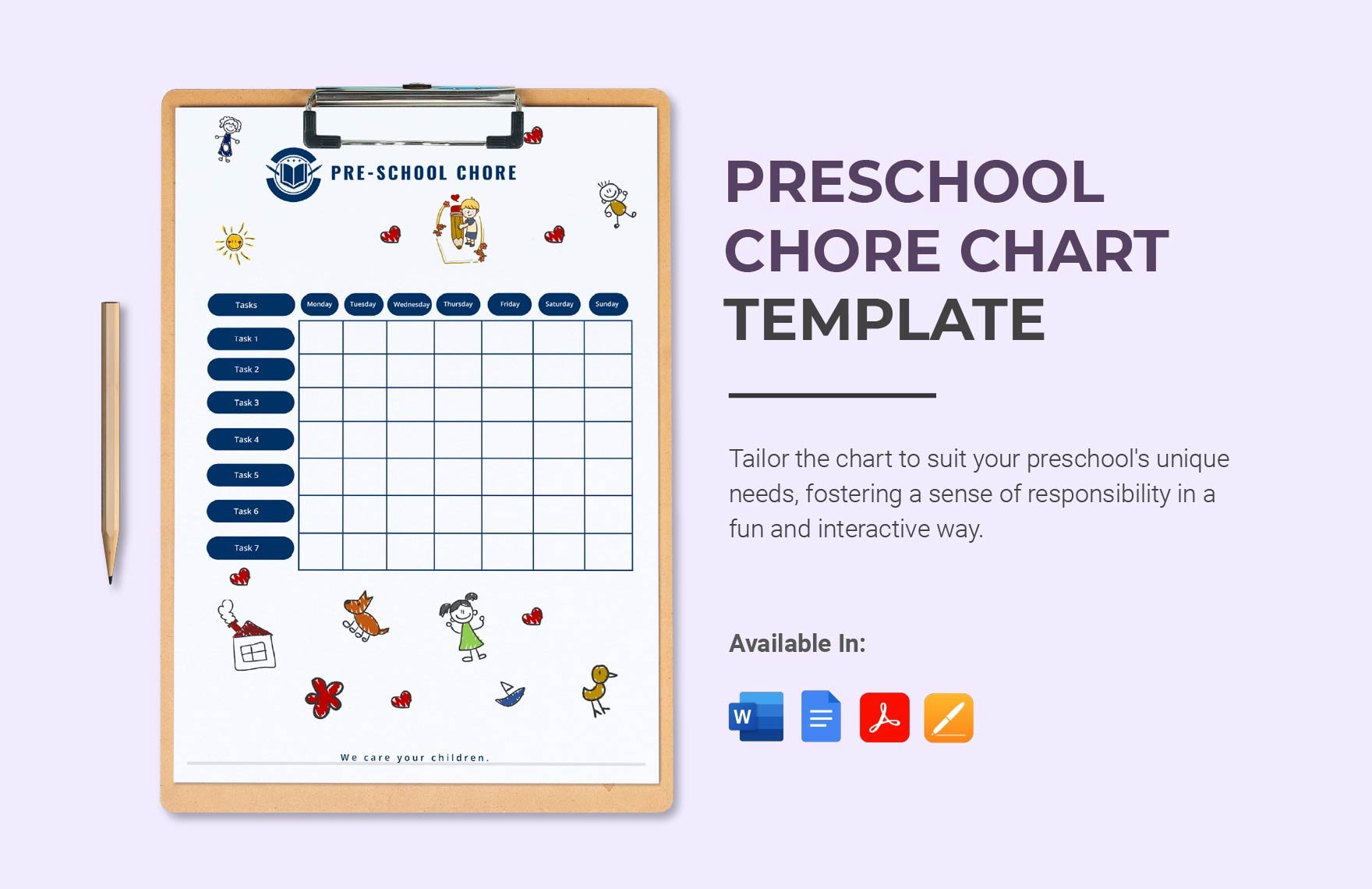
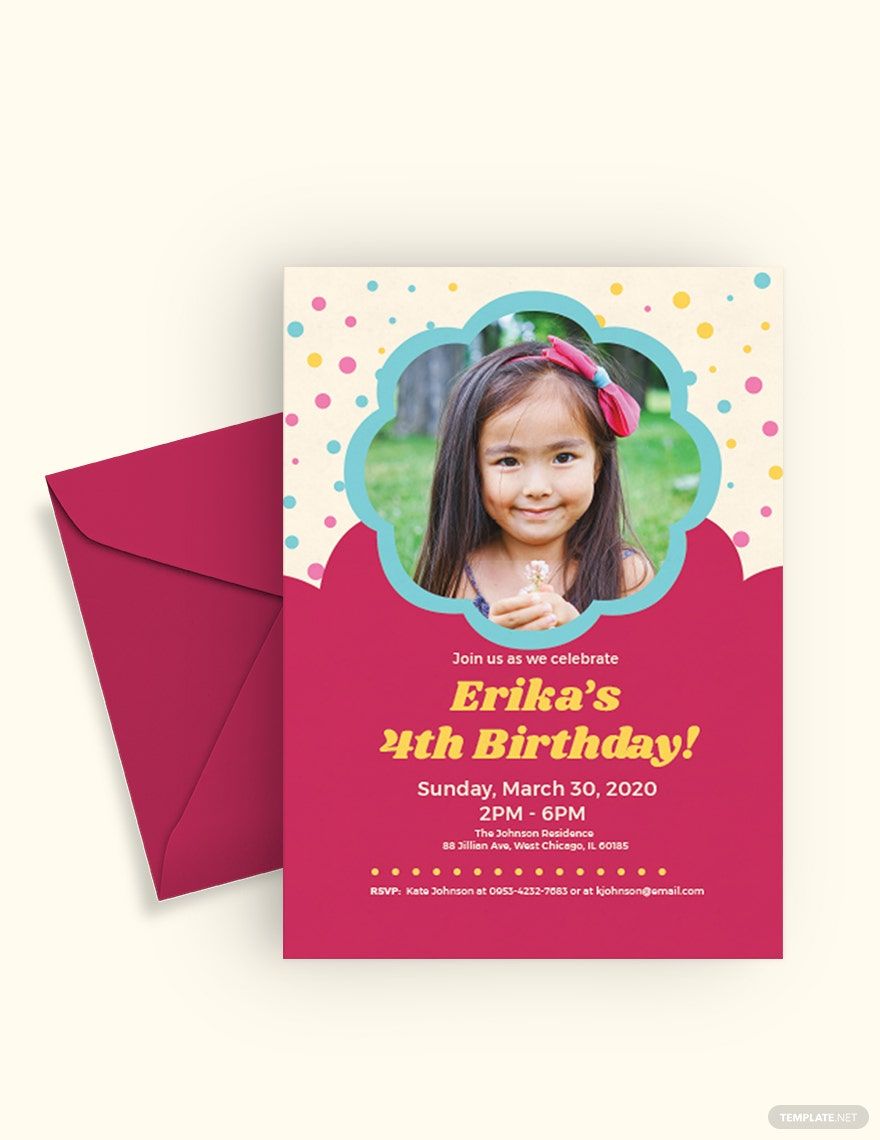
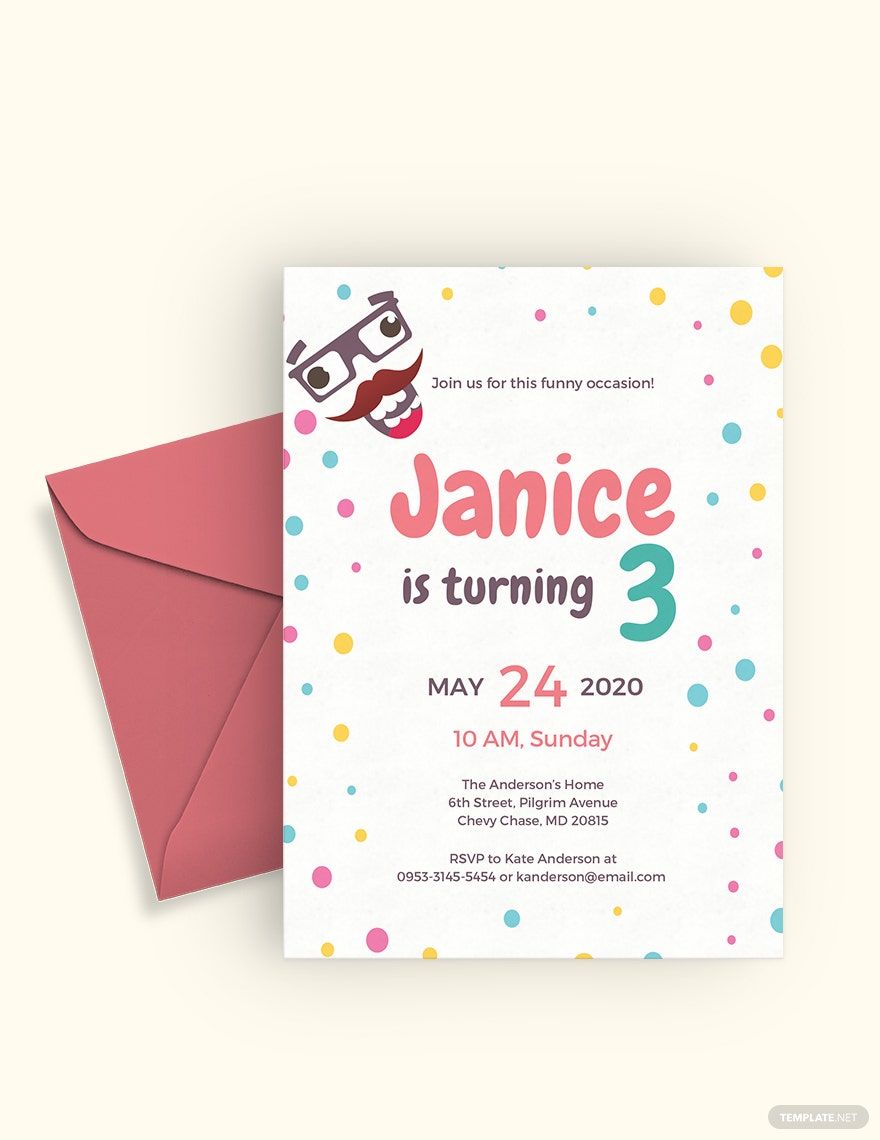
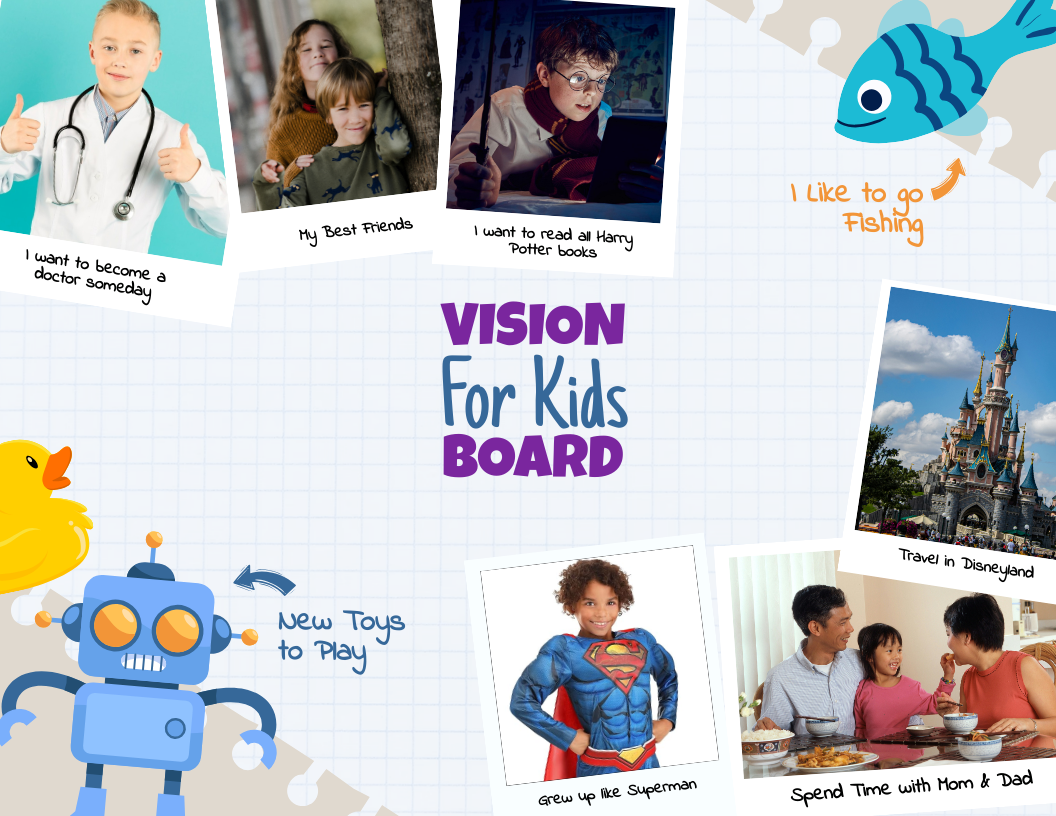
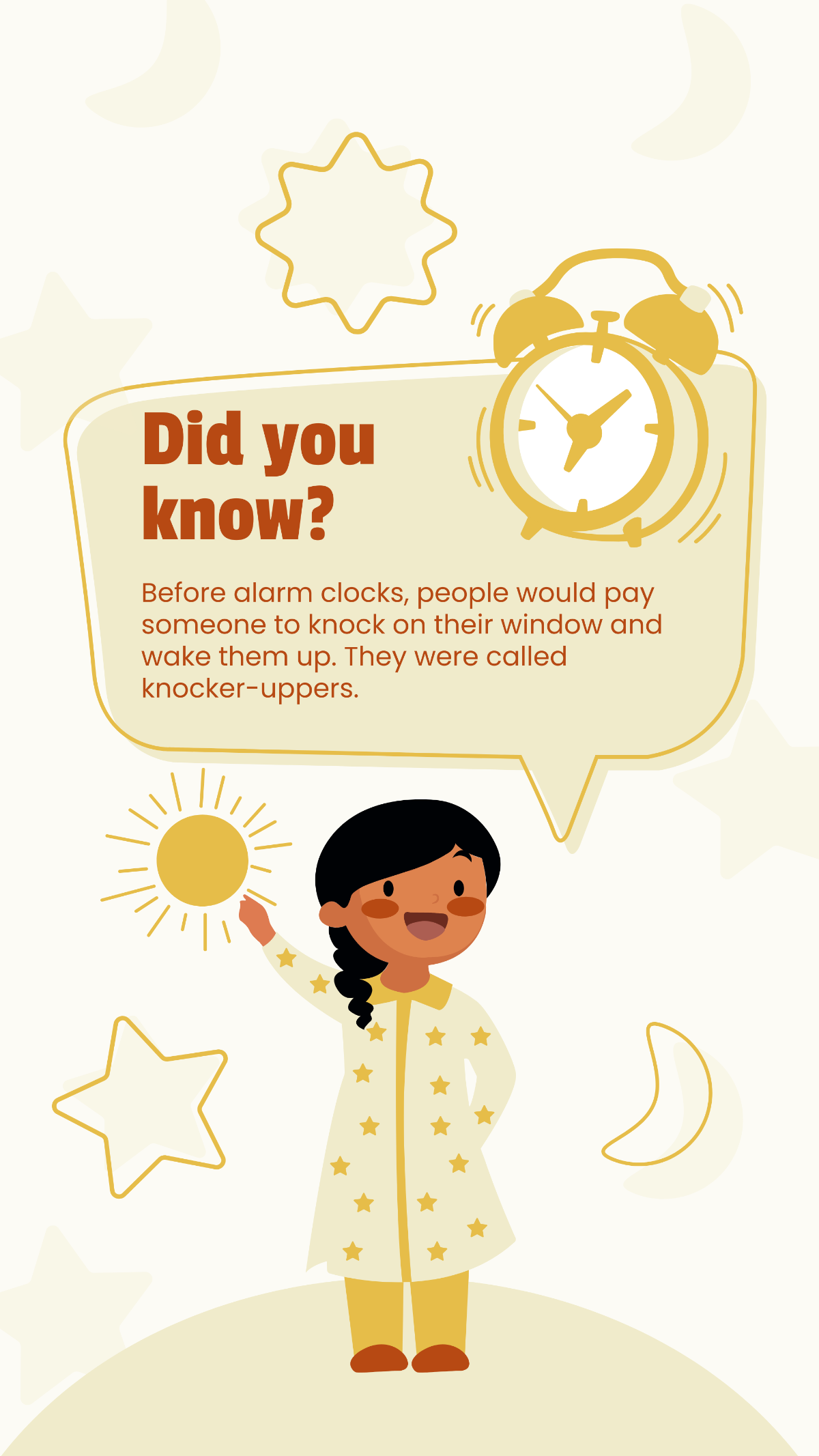
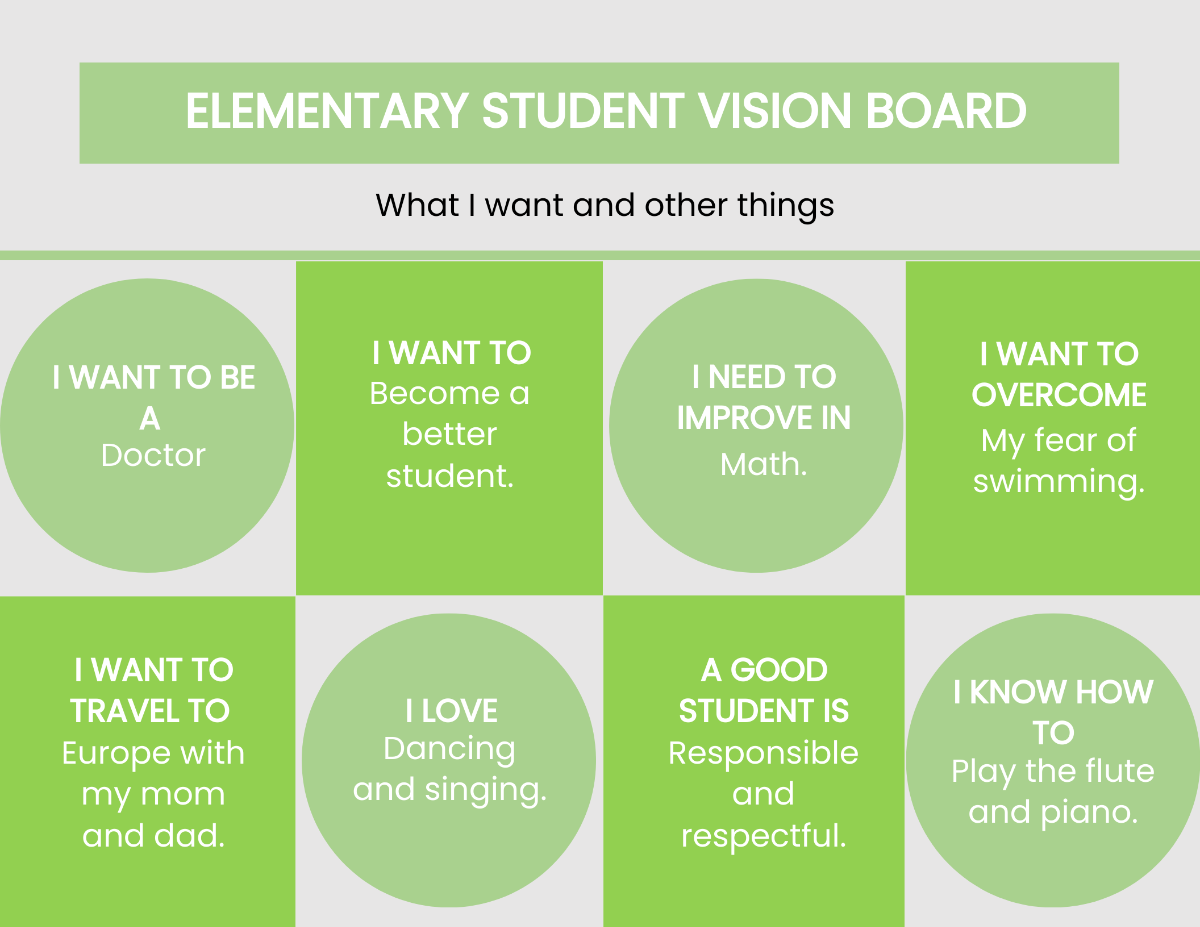
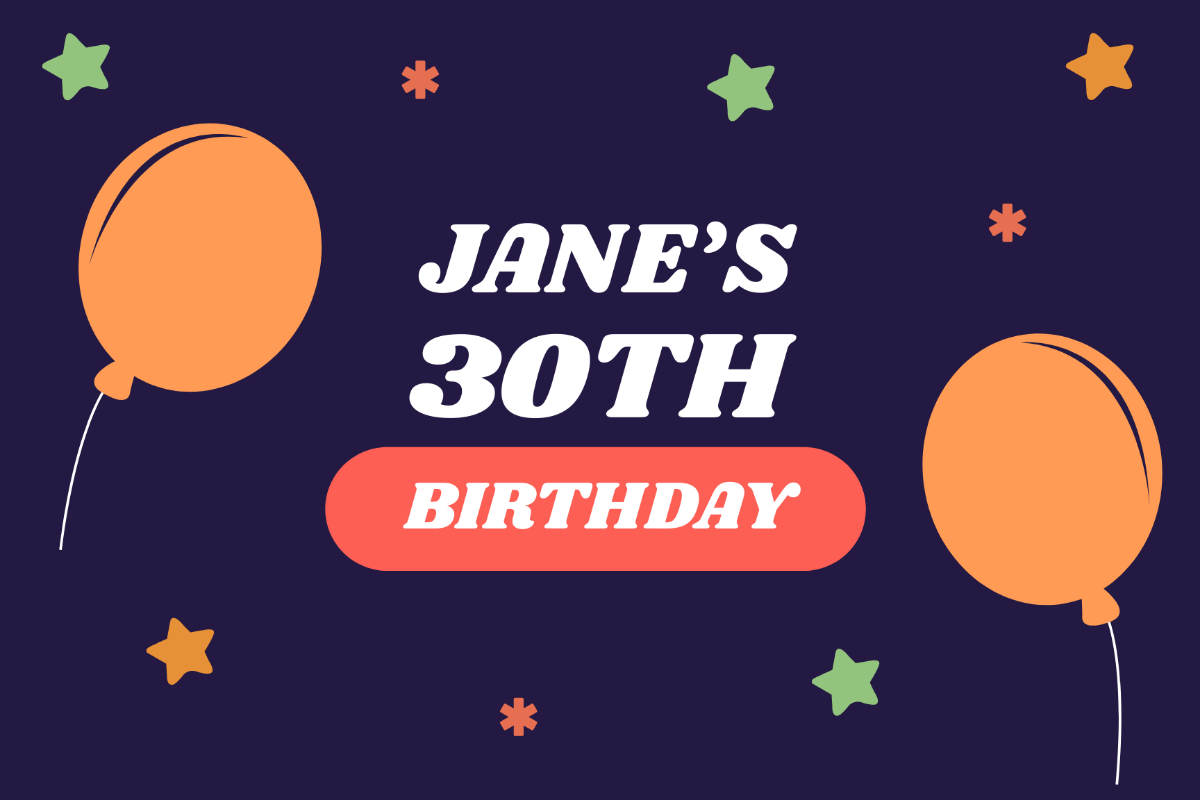
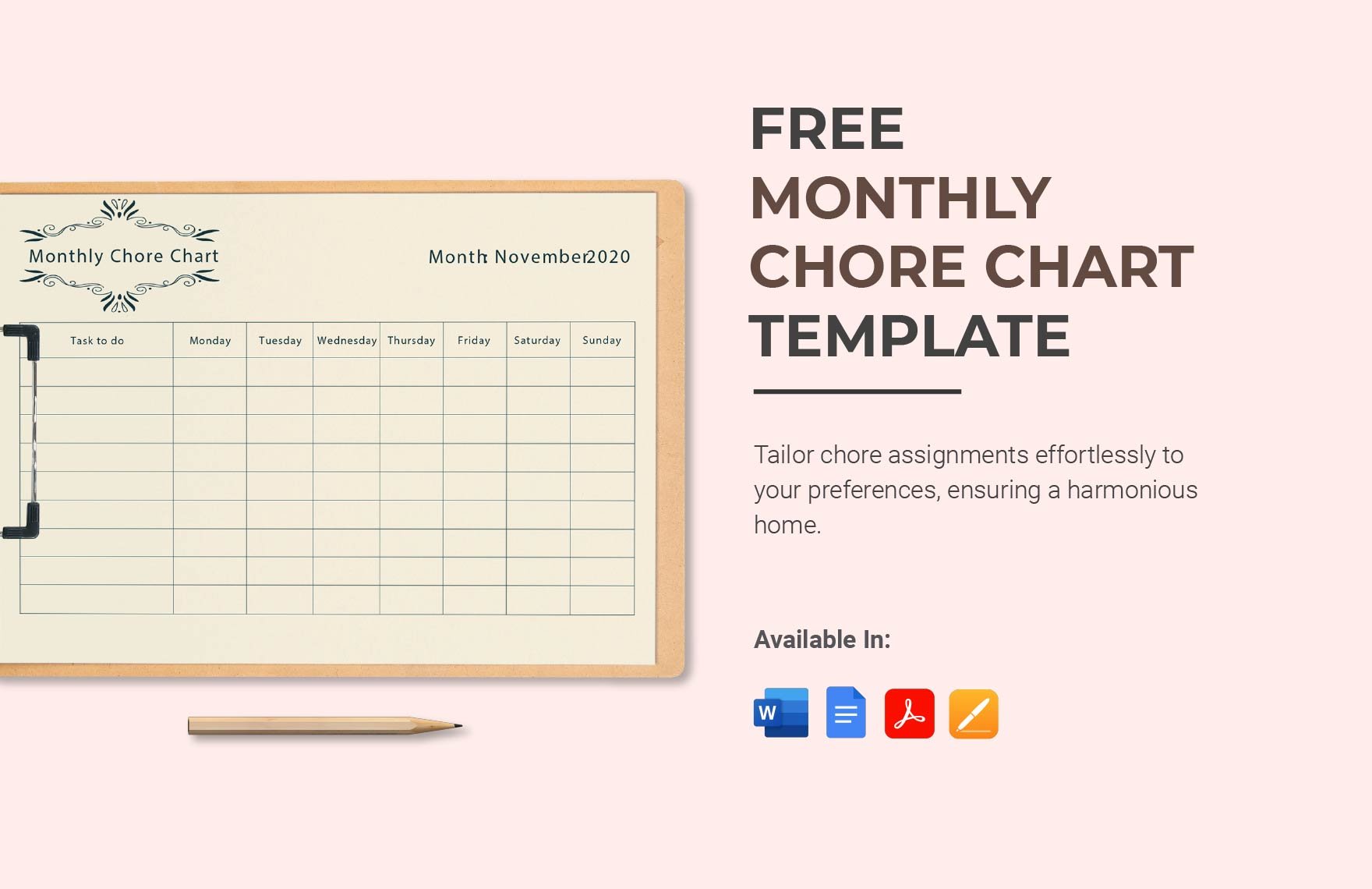
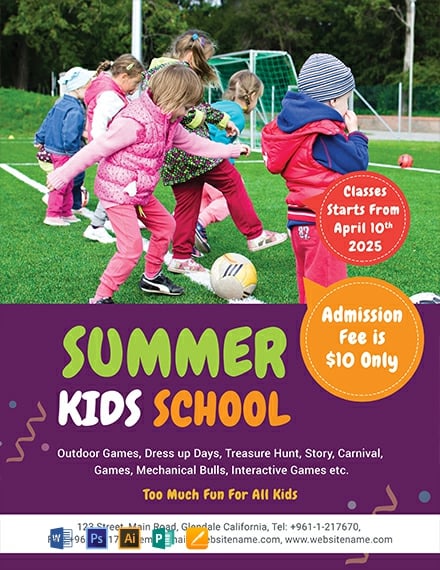
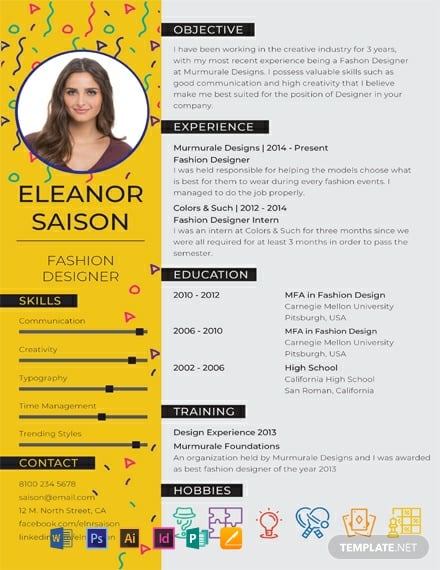
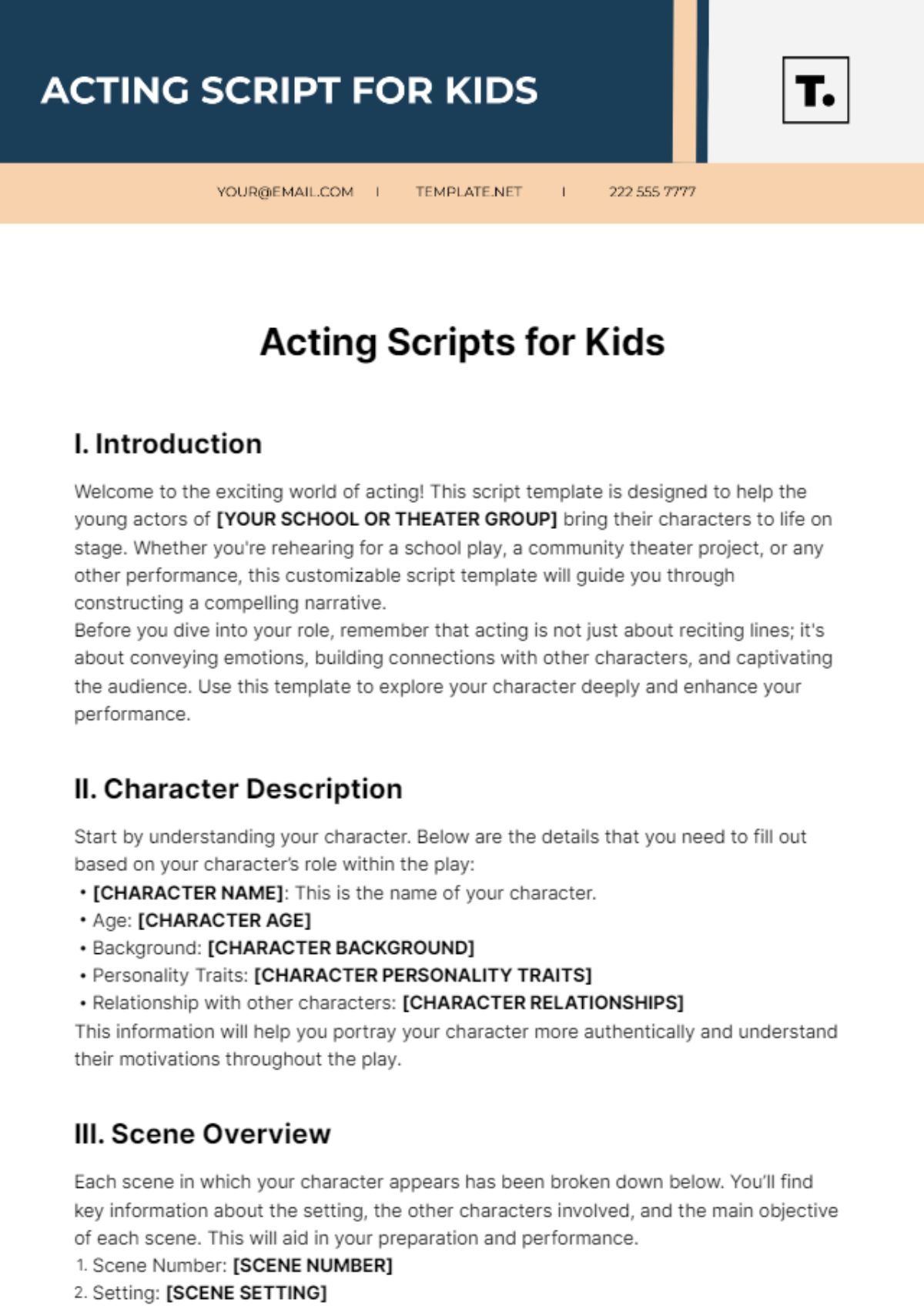
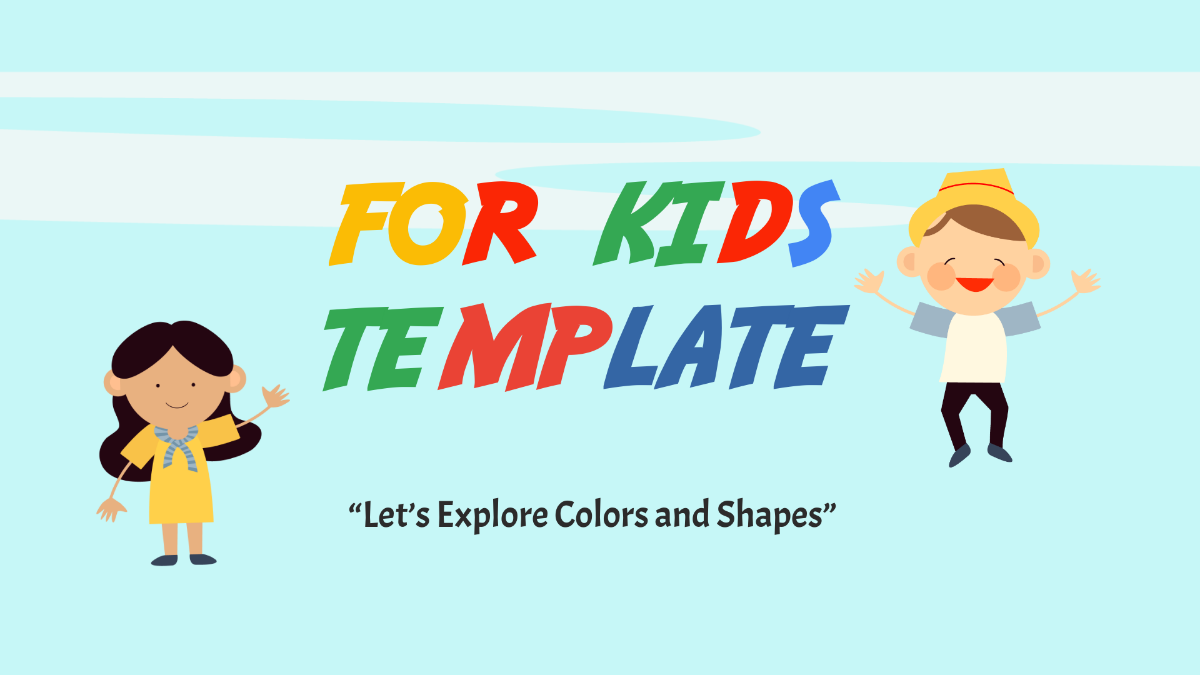
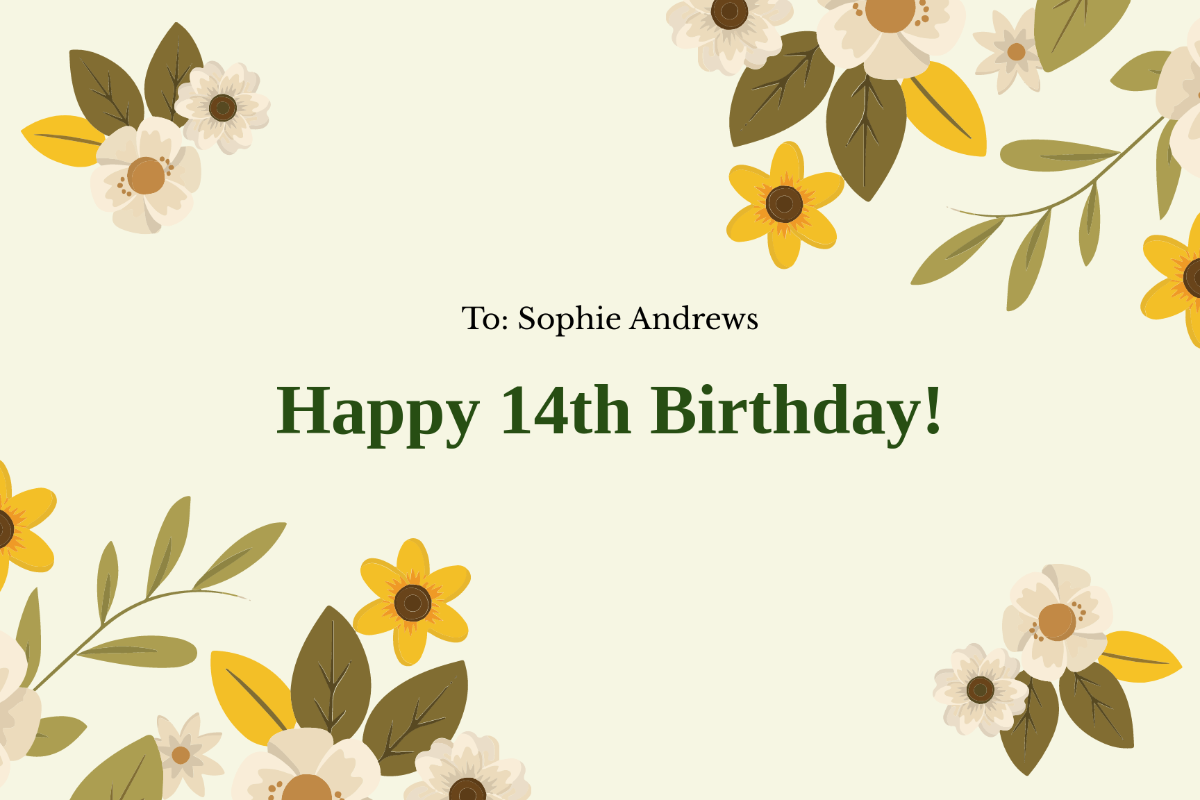
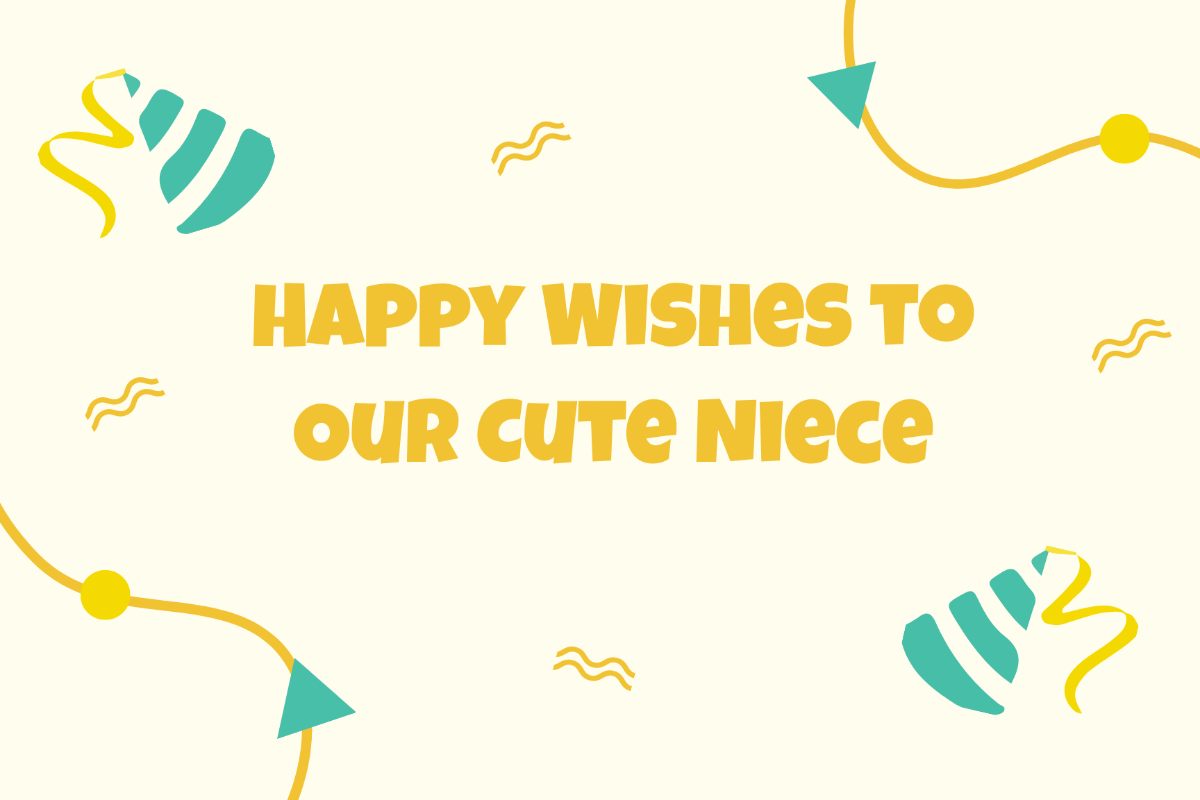
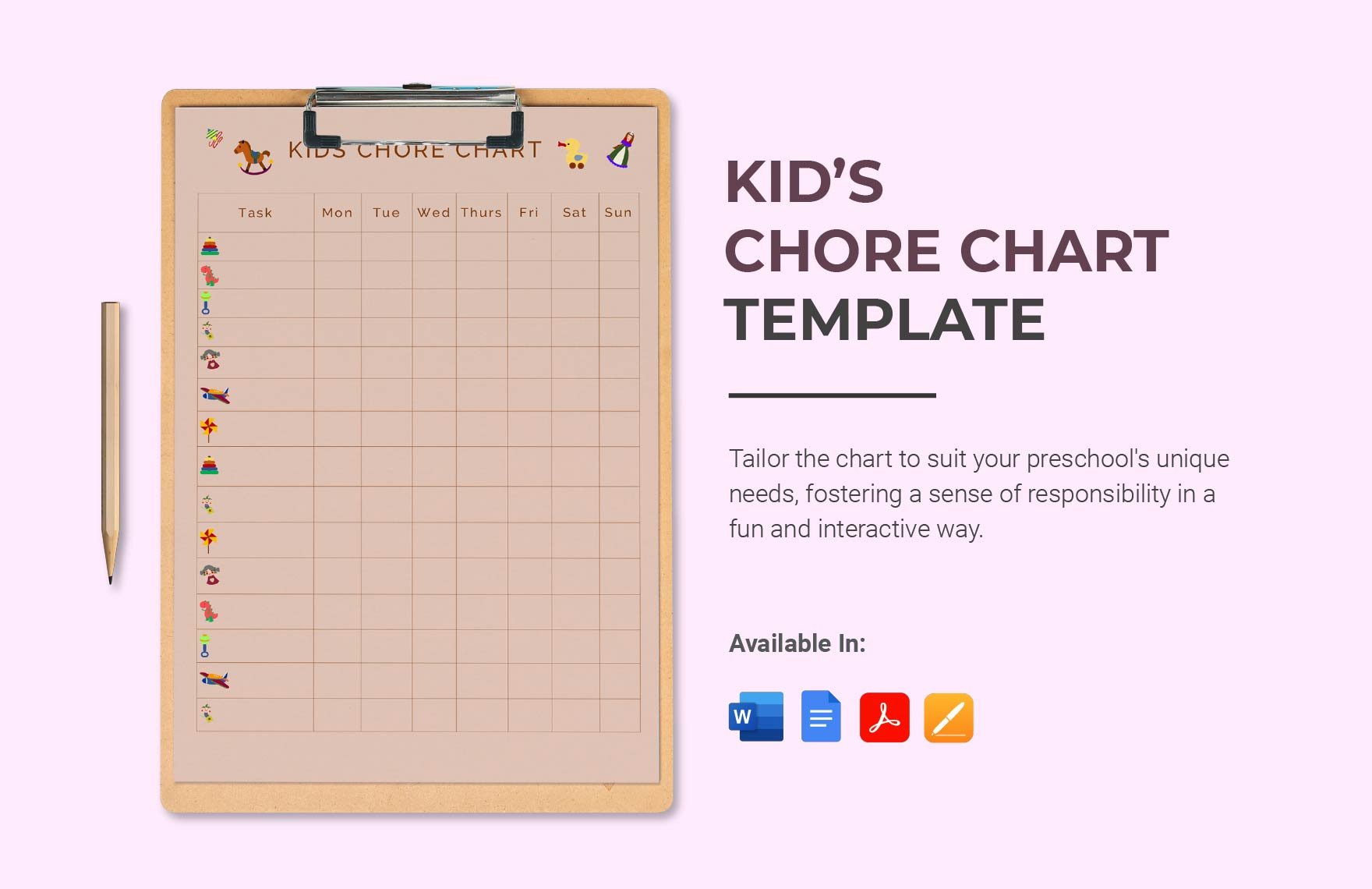
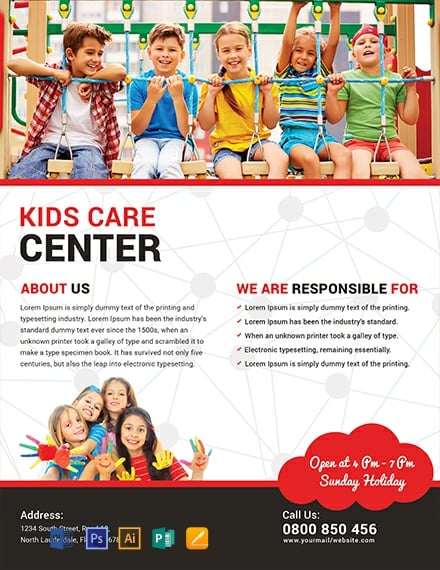
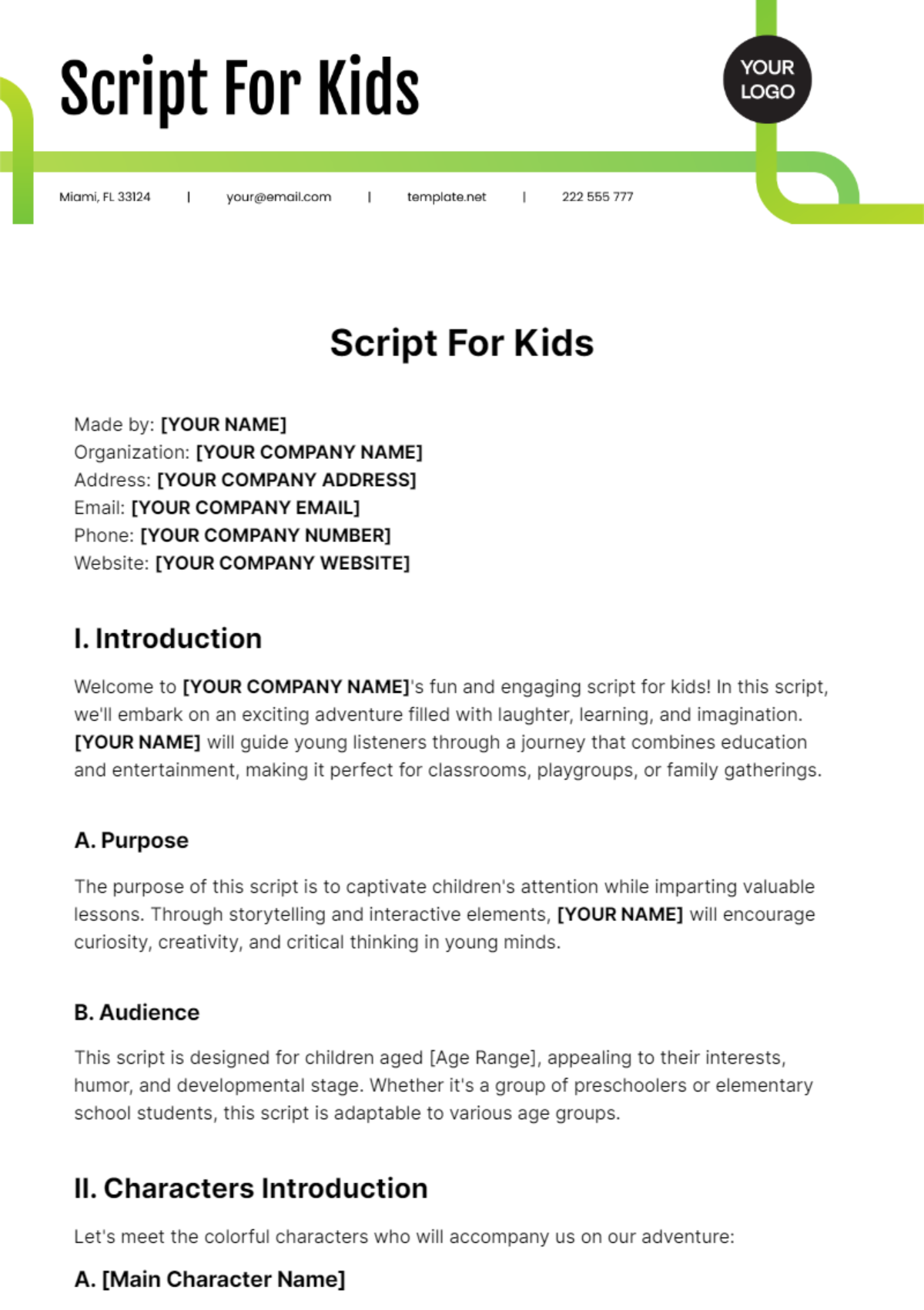
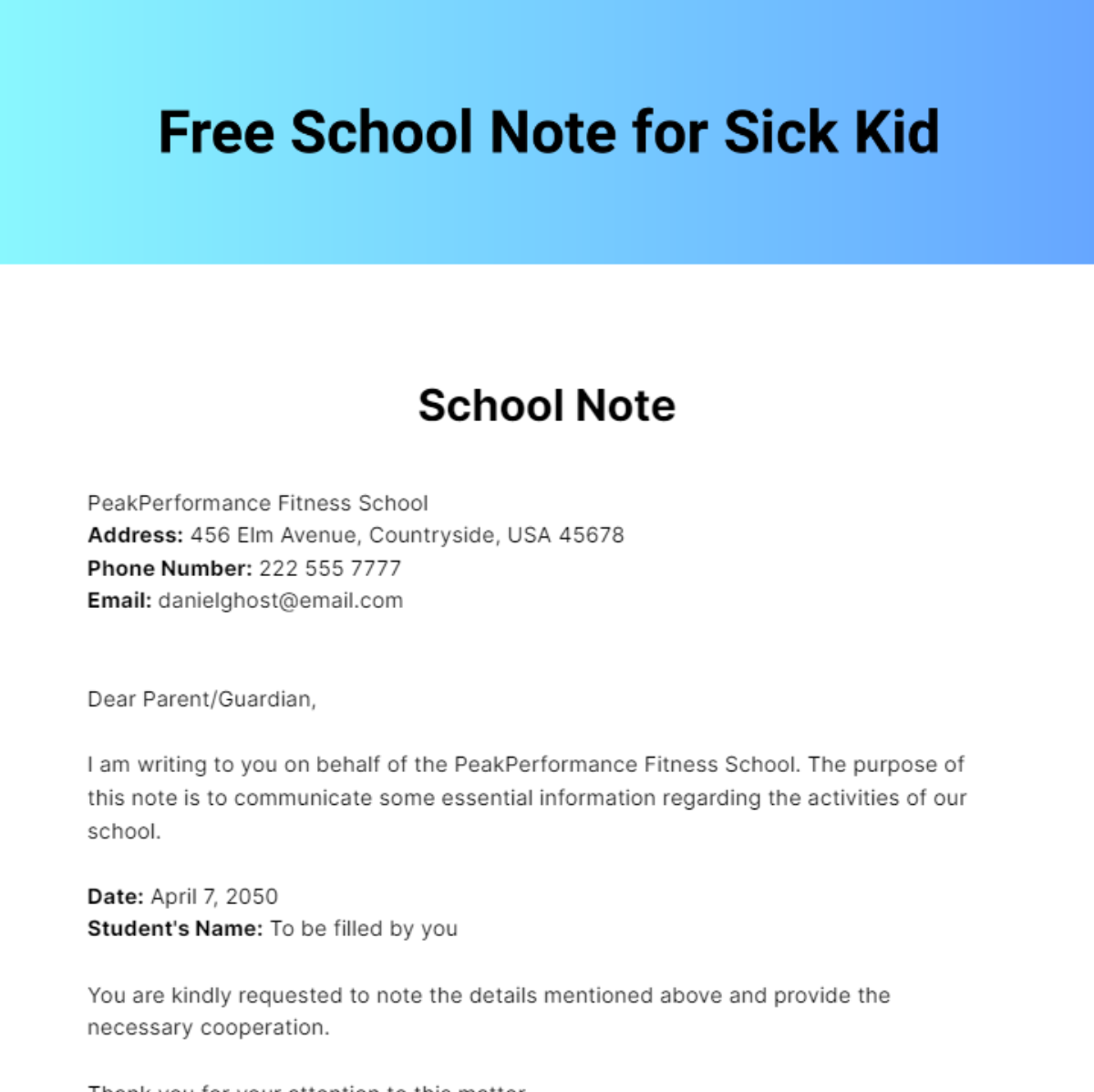
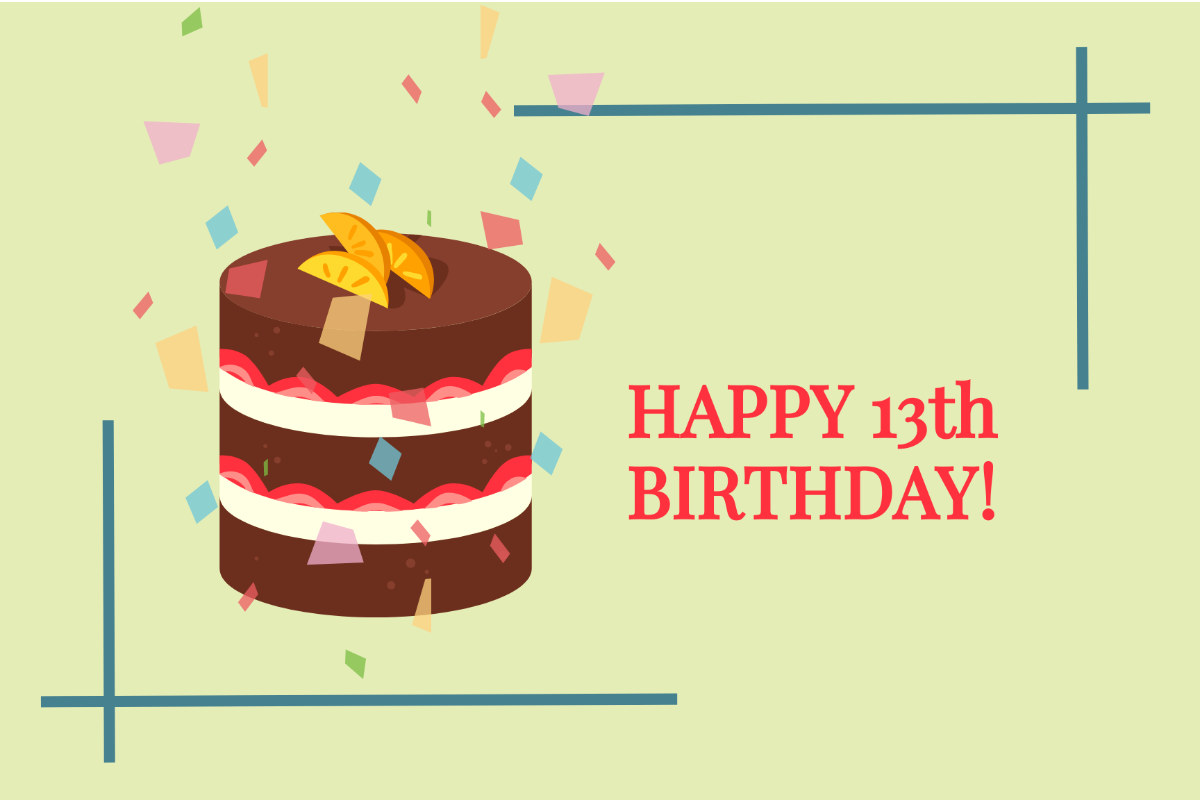
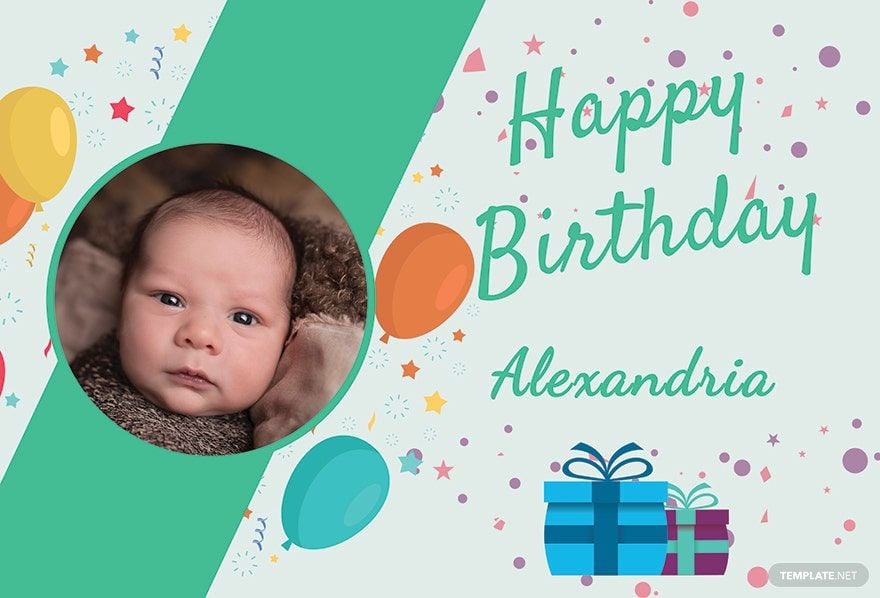
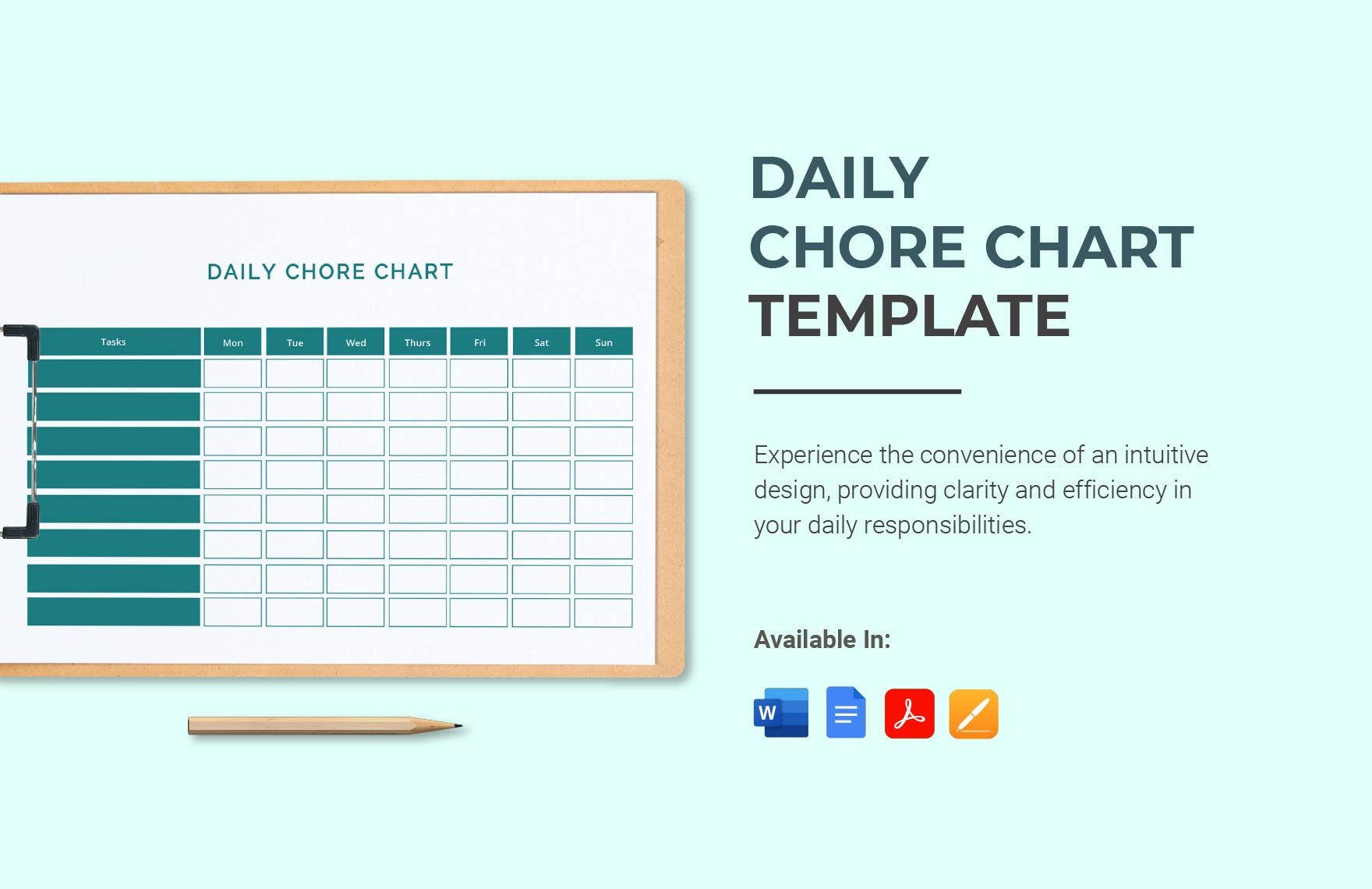
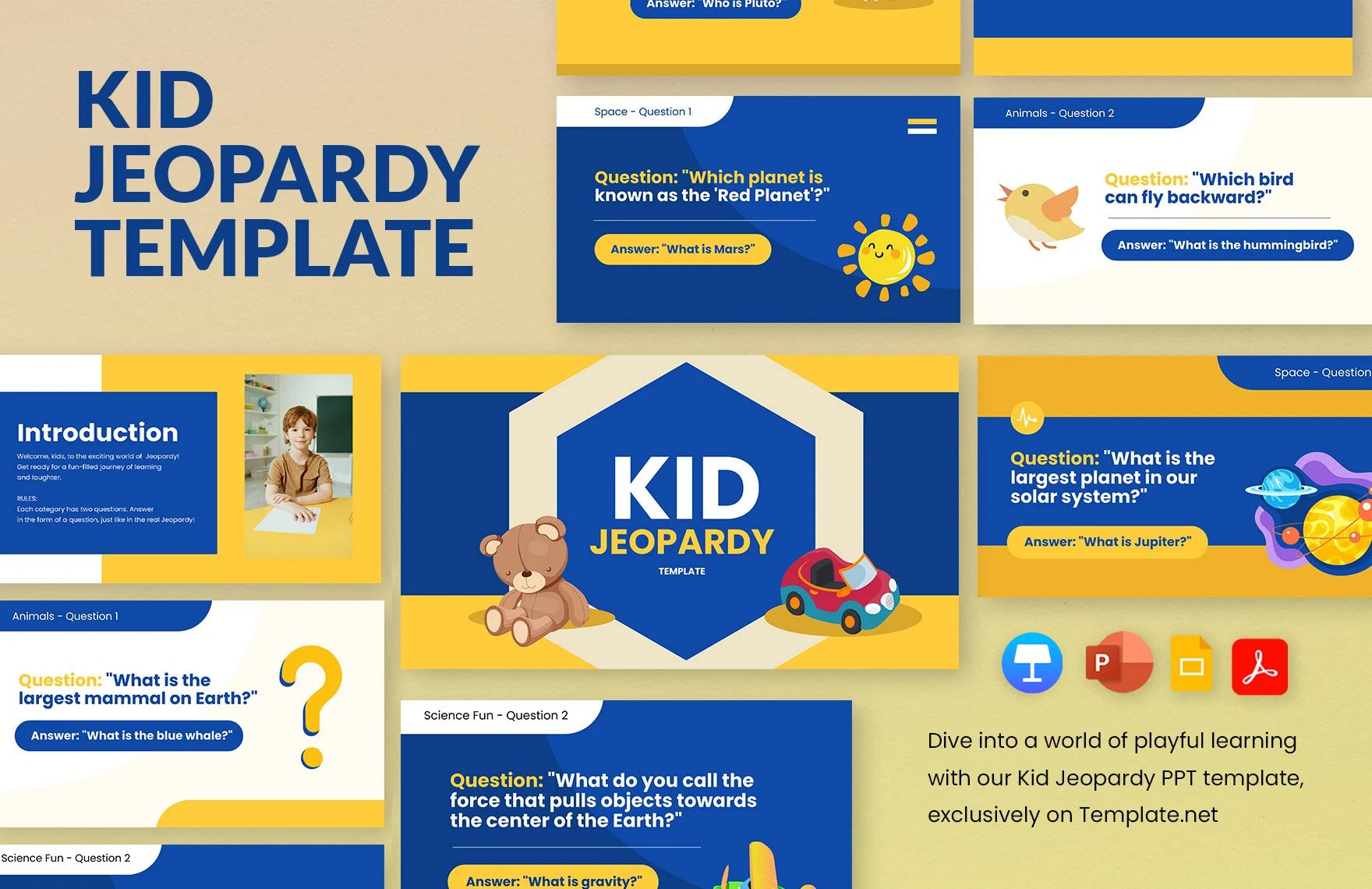
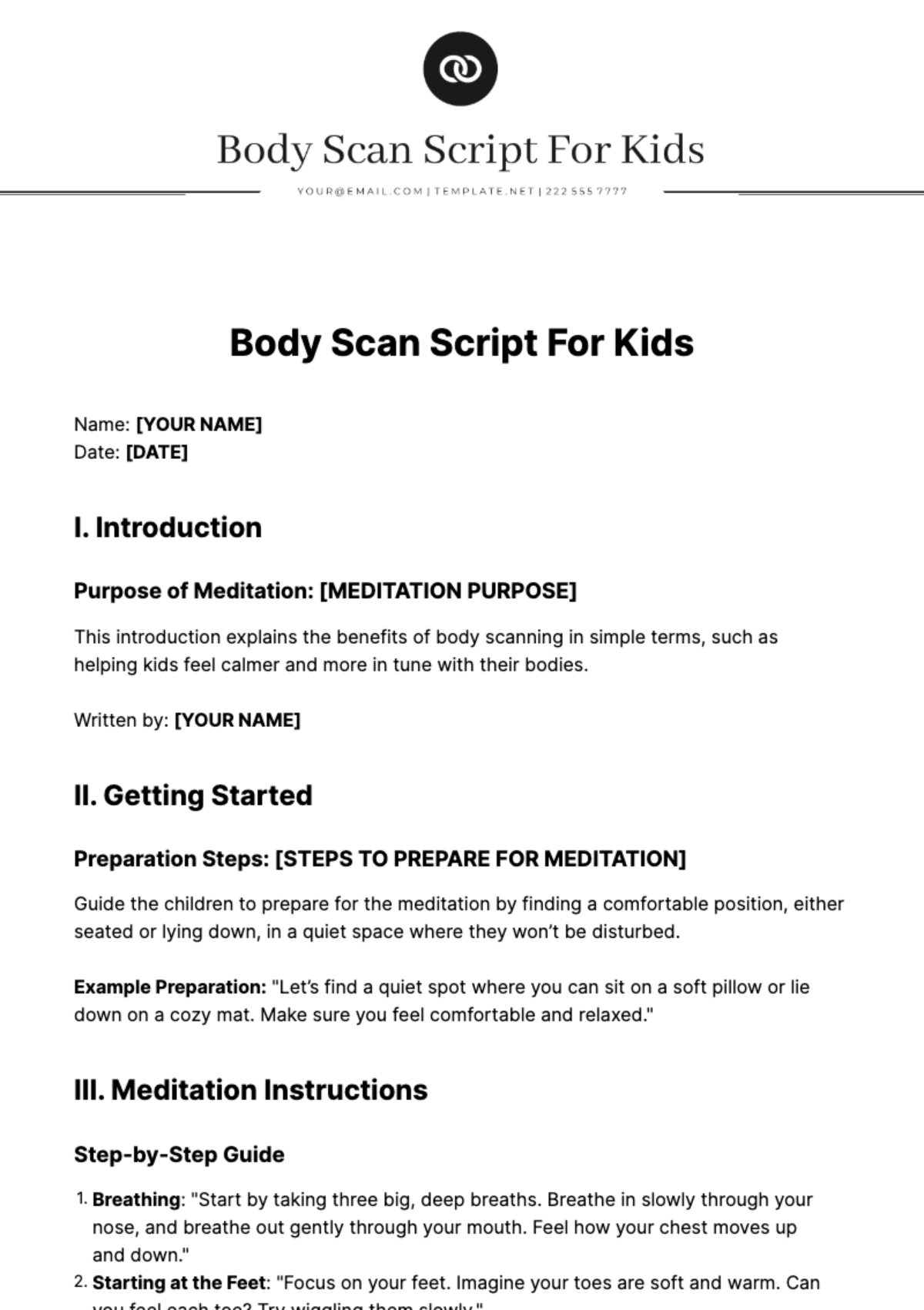
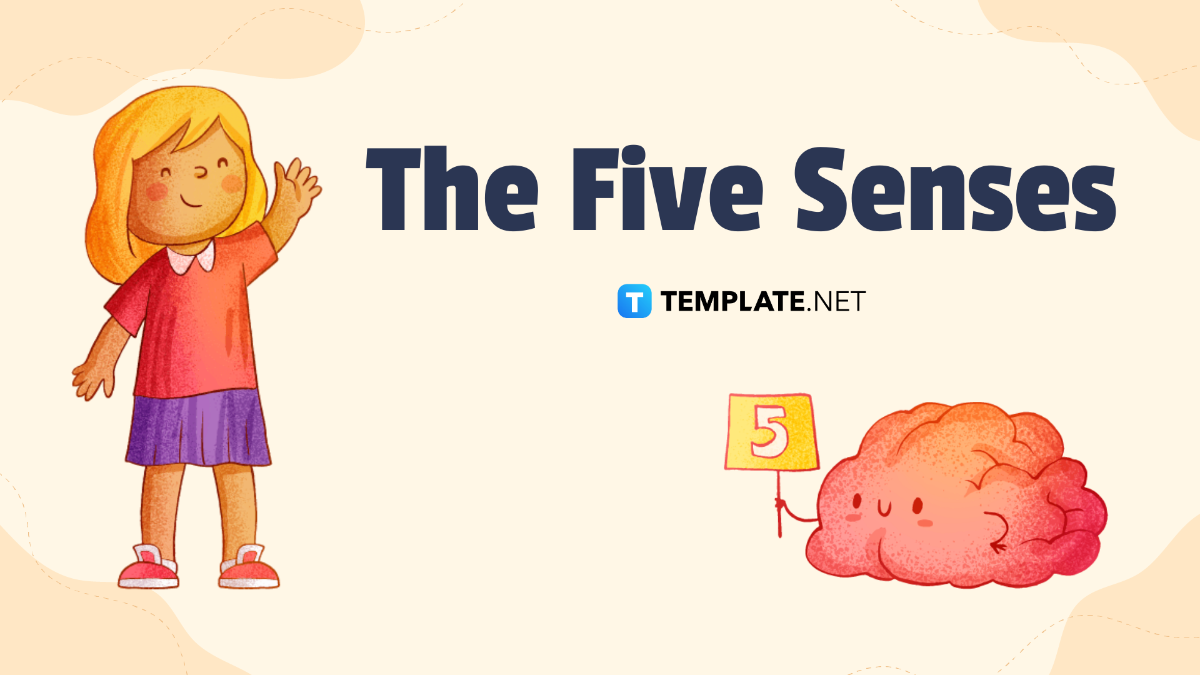
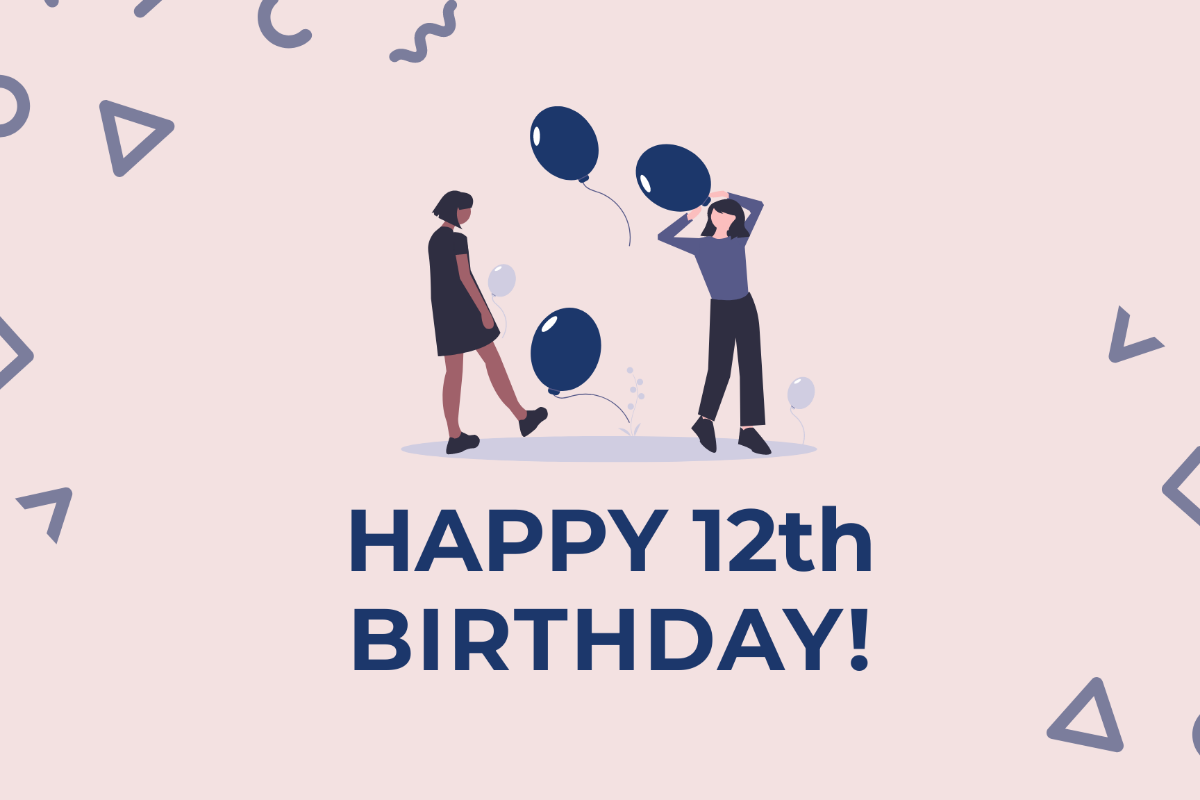
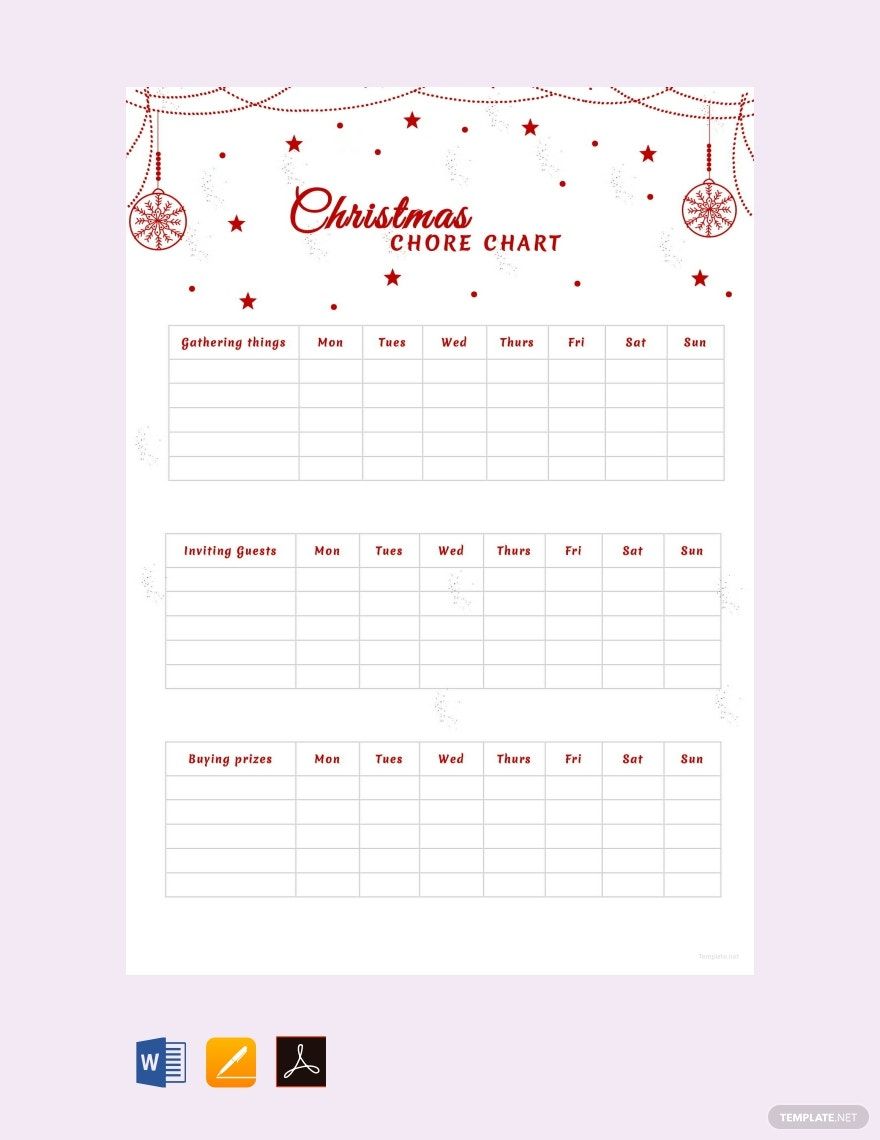
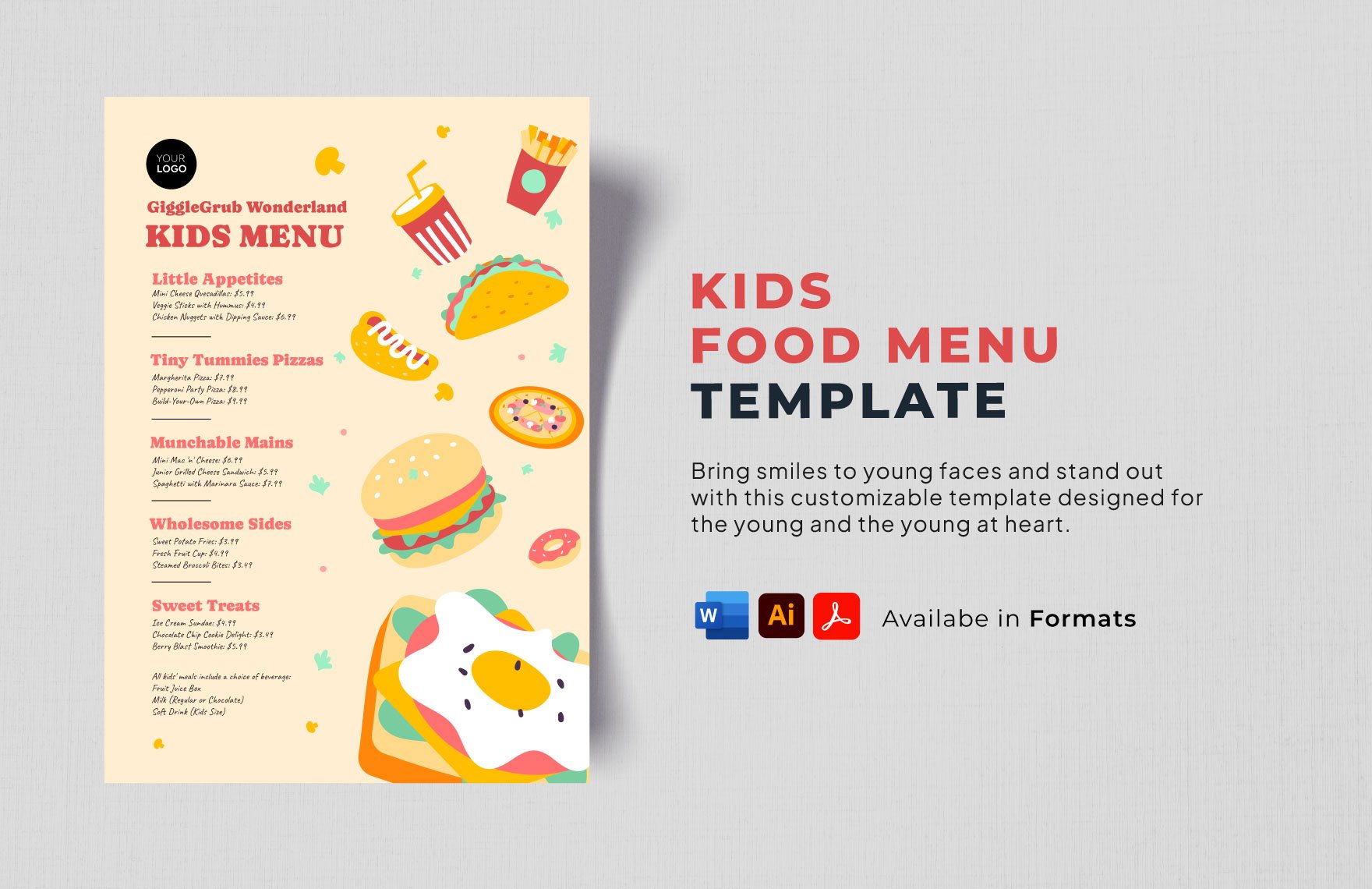
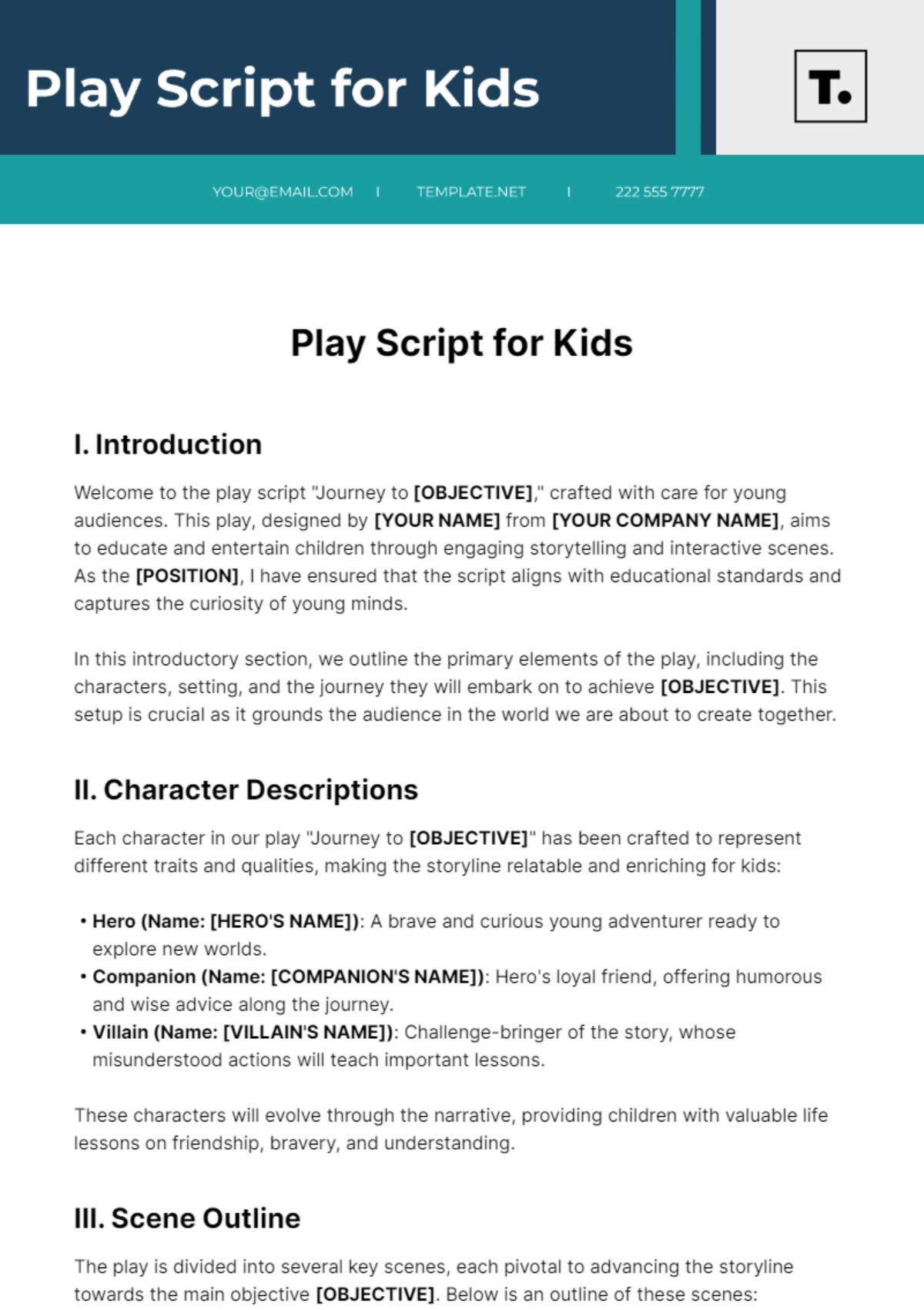
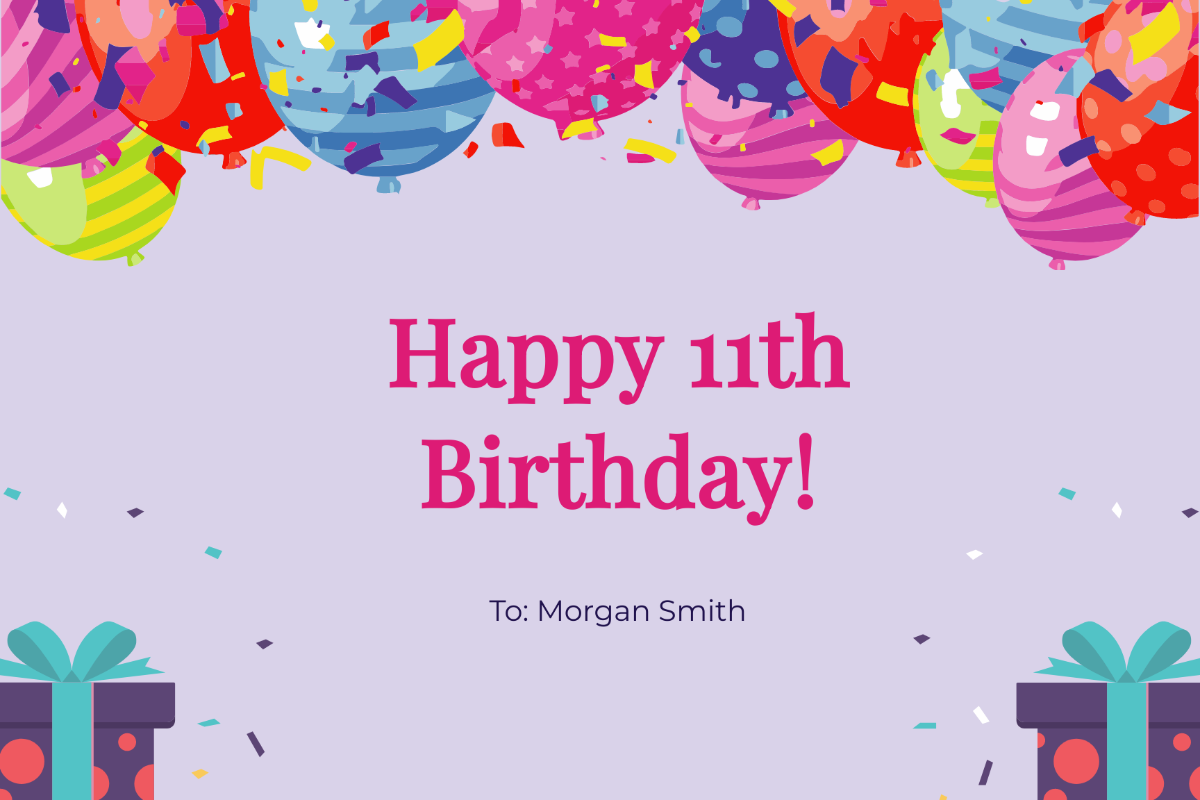
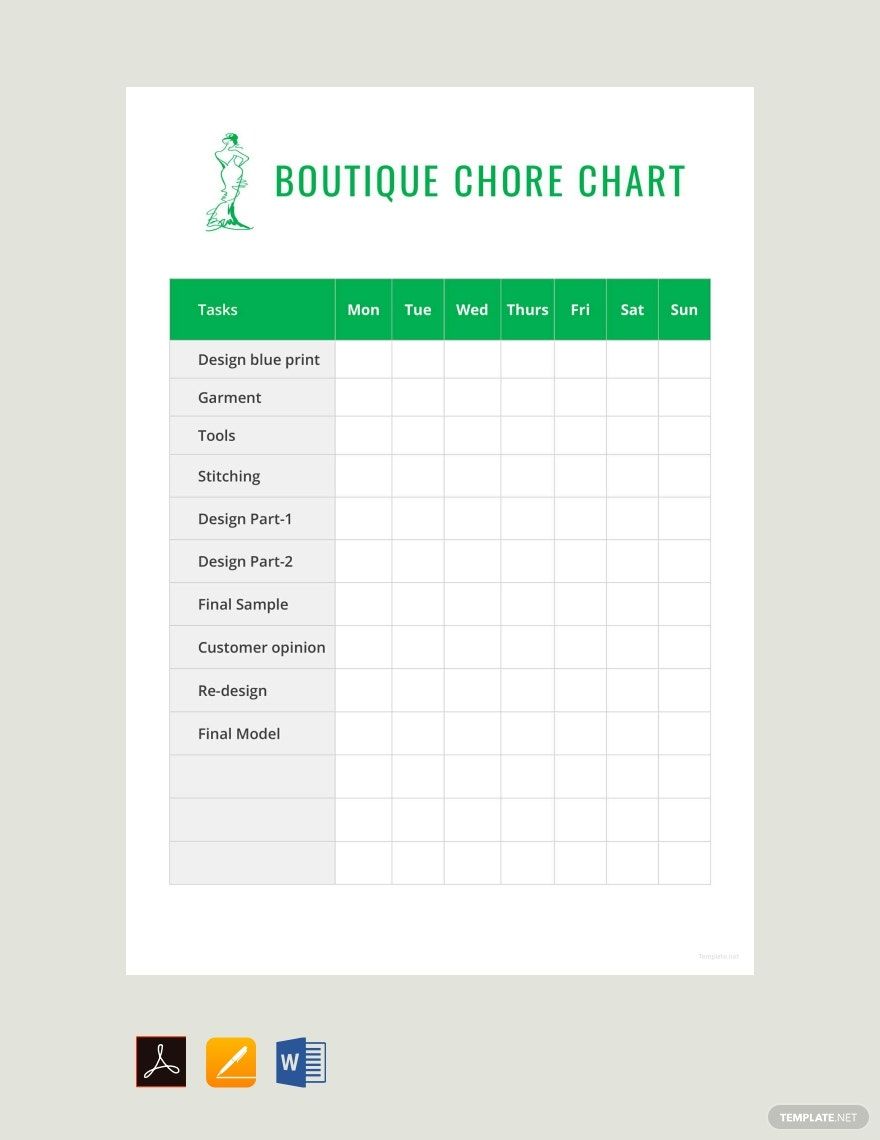
A Kid template is a pre-designed layout featuring playful graphics, bright colors, and child-friendly fonts tailored for projects involving children. These templates include editable text areas and layered elements to easily customize content for events, invitations, or educational materials.
Who typically uses Kid templates?
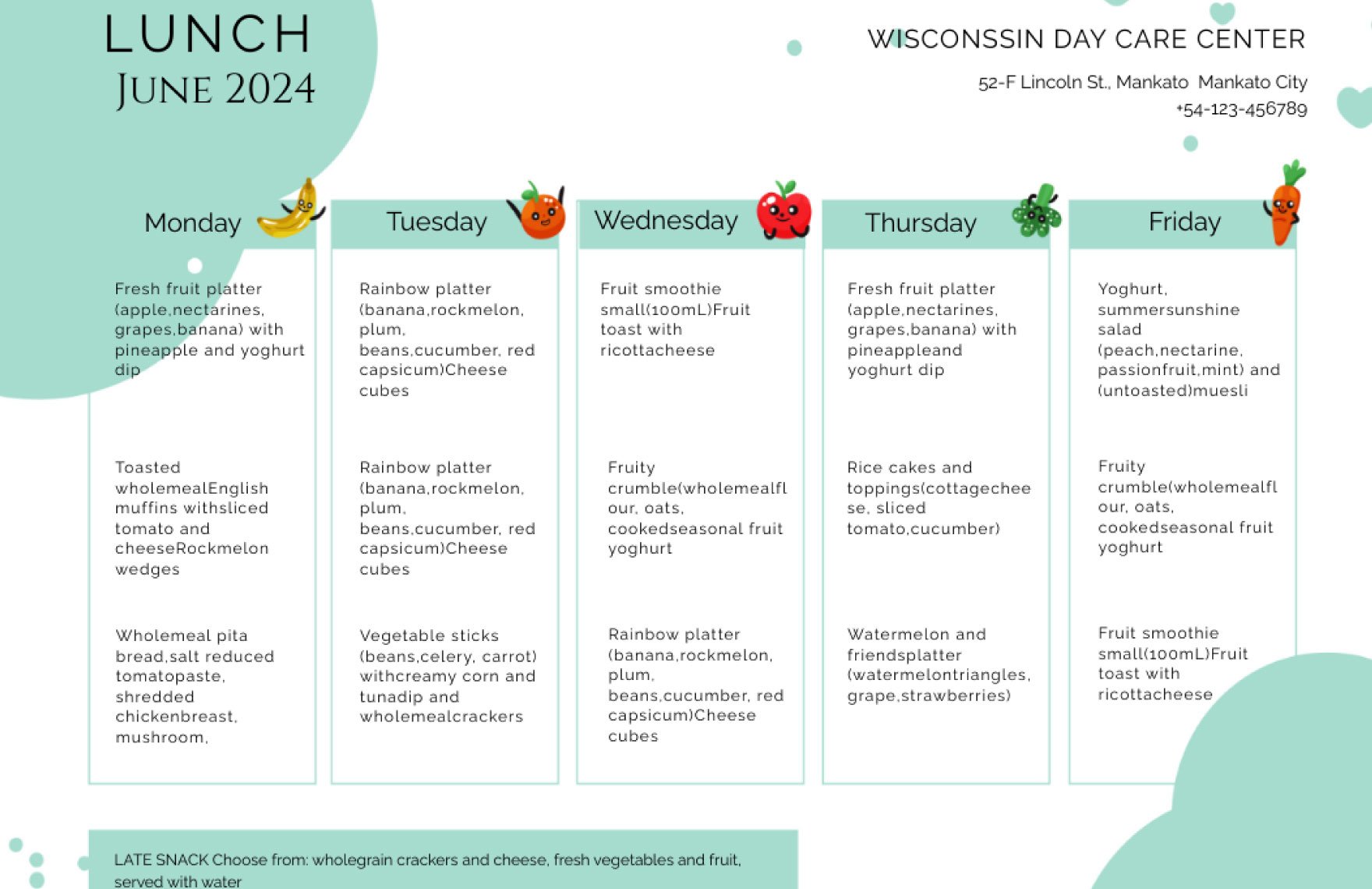
Kid templates are commonly used by teachers, parents, event organizers, and designers creating materials for children’s parties, schools, daycare centers, and kids’ activities. These users benefit from the ready-made layouts to produce engaging and professional designs quickly.
When should I use Kid templates?
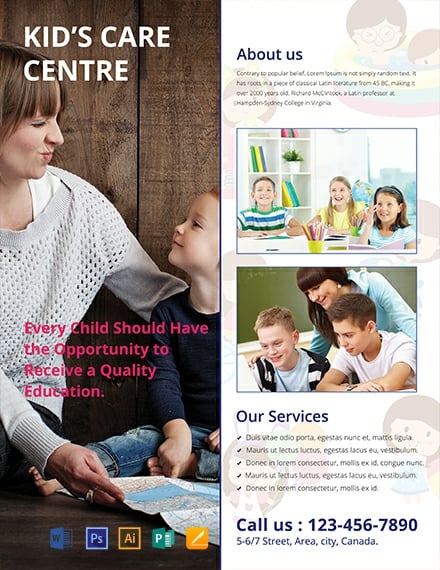
Kid templates are ideal when creating invitations, flyers, educational worksheets, or posters for children’s events or learning environments. They save time by providing fully designed, colorful templates that can be customized to suit any kids-related occasion.
What design tips should I follow for a Kid template?
When designing a Kid template, focus on a vibrant color palette, large playful fonts, and fun illustrations that appeal to children. Use clear layout blocks and maintain ample white space to keep the design engaging and easy to read.
What size should a Kid template be?
Kid templates commonly come in sizes such as 4 × 6 inches for invitations, 8.5 × 11 inches for worksheets, or 5 × 7 inches for greeting cards. Choosing the right size depends on the intended use and printing requirements.
What elements are typically included in a Kid template?
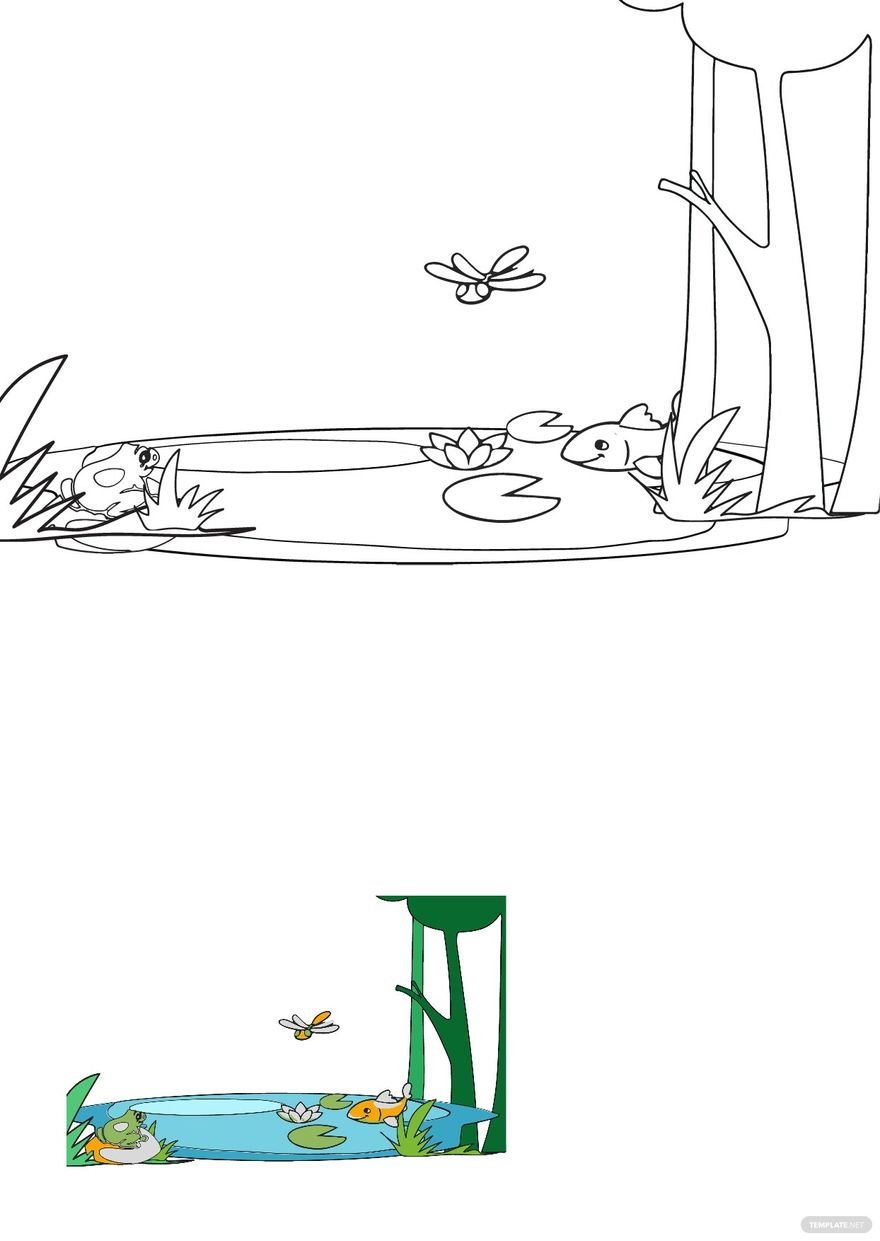
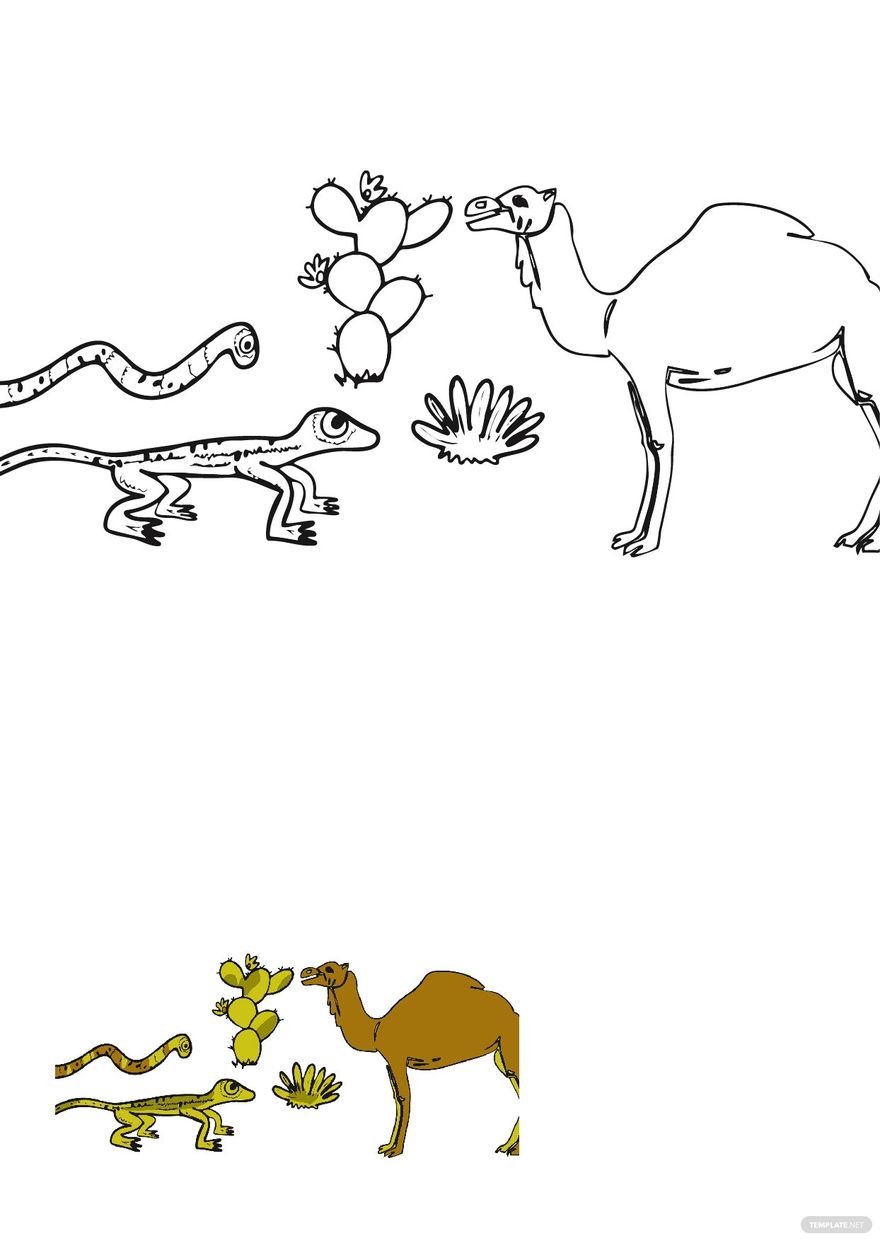
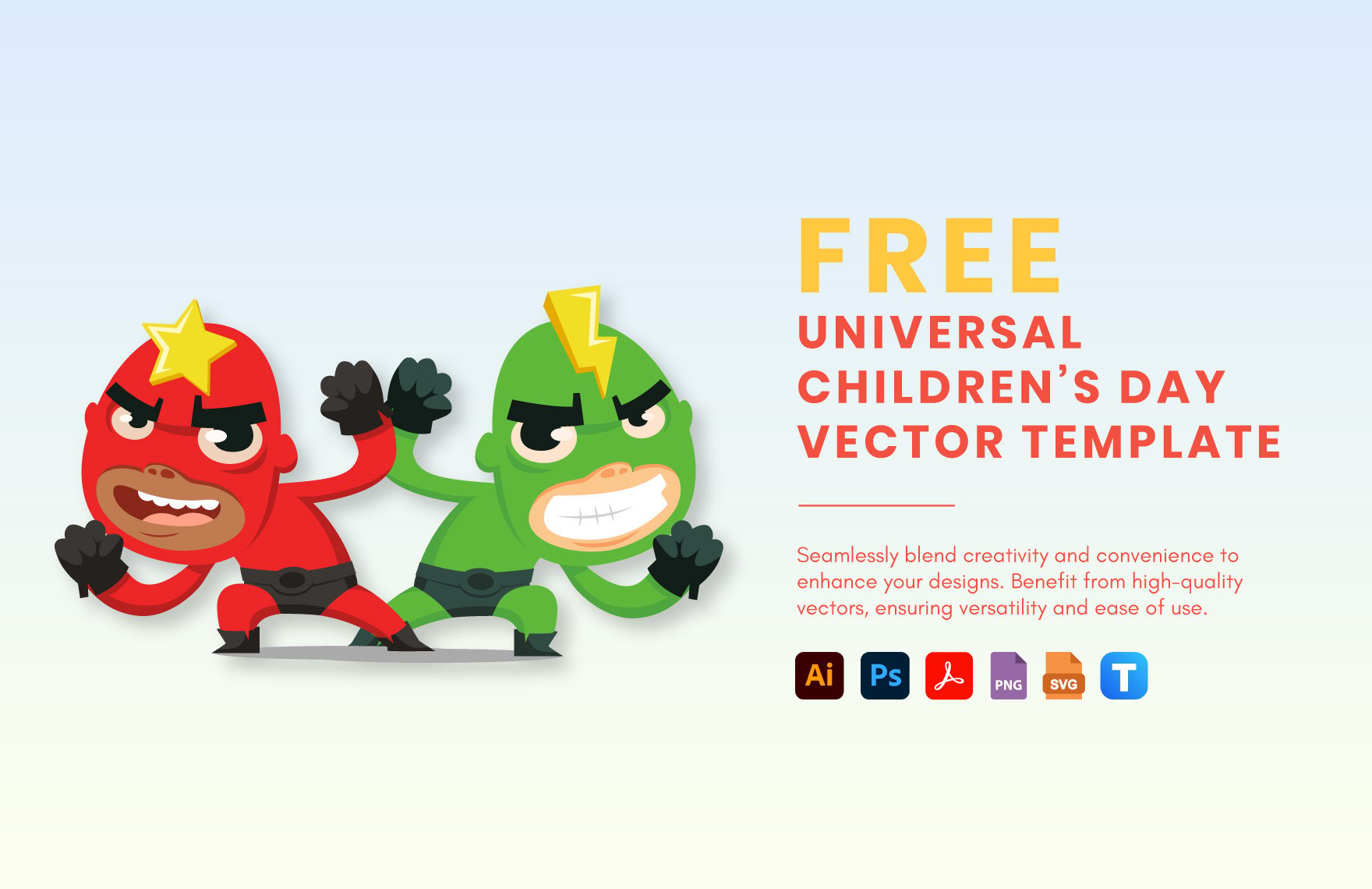
Kid templates usually feature colorful graphics, editable headlines, fun icons, and layered design components such as backgrounds and borders that allow easy customization to fit the event or educational theme.
How do I print a Kid template for the best results?
For optimal printing of a Kid template, use a high-resolution file and select paper types that enhance vibrant colors. Ensure margins and bleeds are properly set in the template to avoid cutting off important design elements.
Can I create a new Kid template using AI?
Template.net provides an AI-powered tool capable of generating new Kid template designs from user prompts, enabling quick creation of customized layouts with playful graphics and child-friendly themes. Explore the AI tool for innovative design ideas.
