
Free Leaf Templates





















Leaf Templates: Design Guide, Sizes, and Usage Tips
What is a Leaf template?
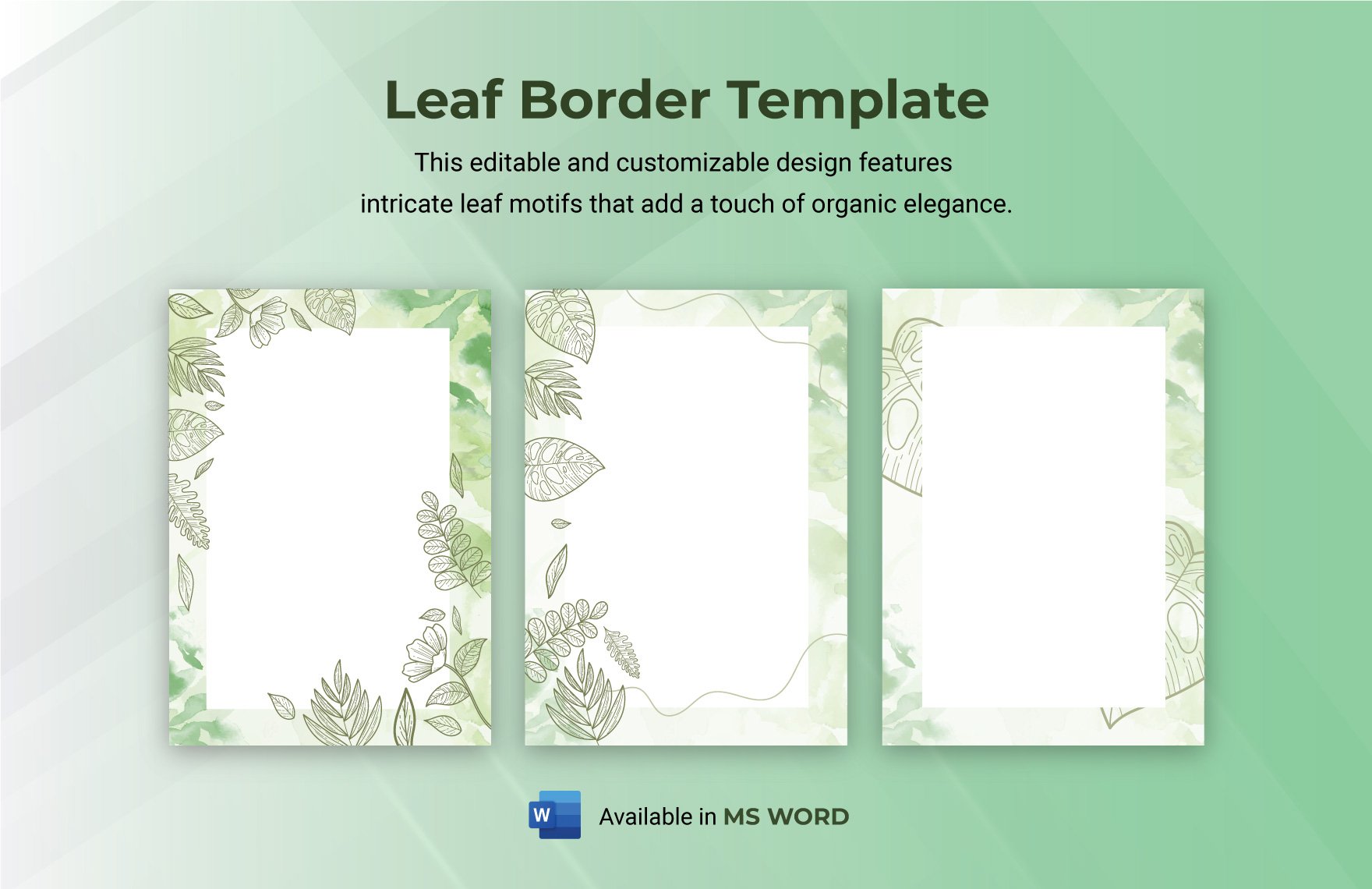
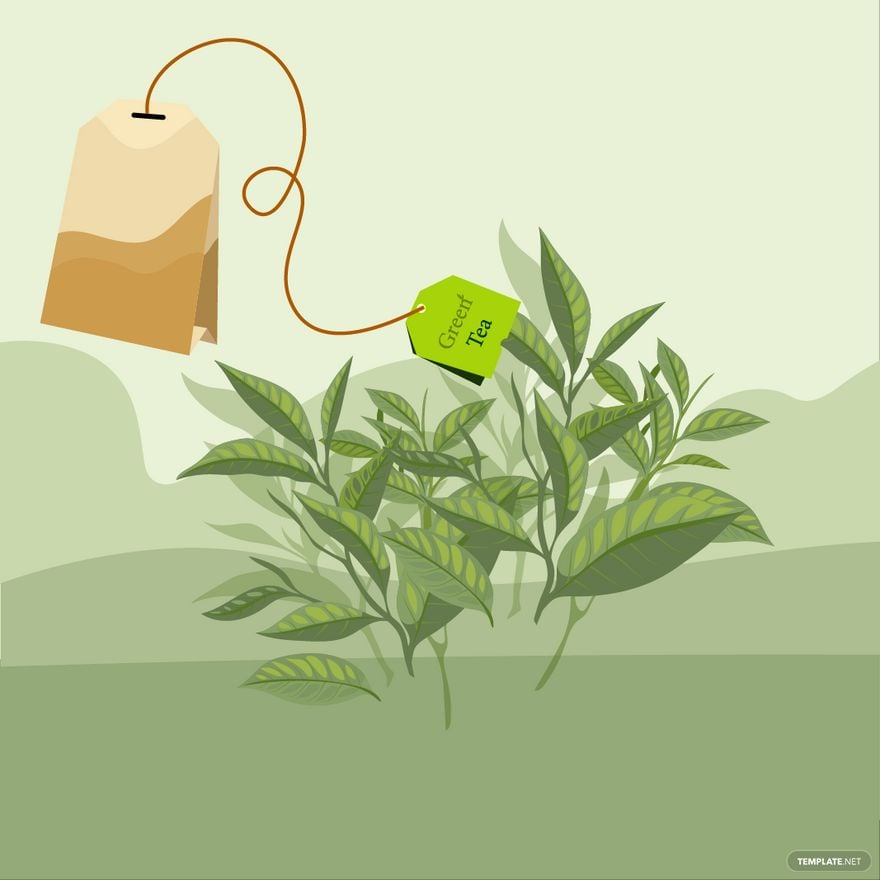
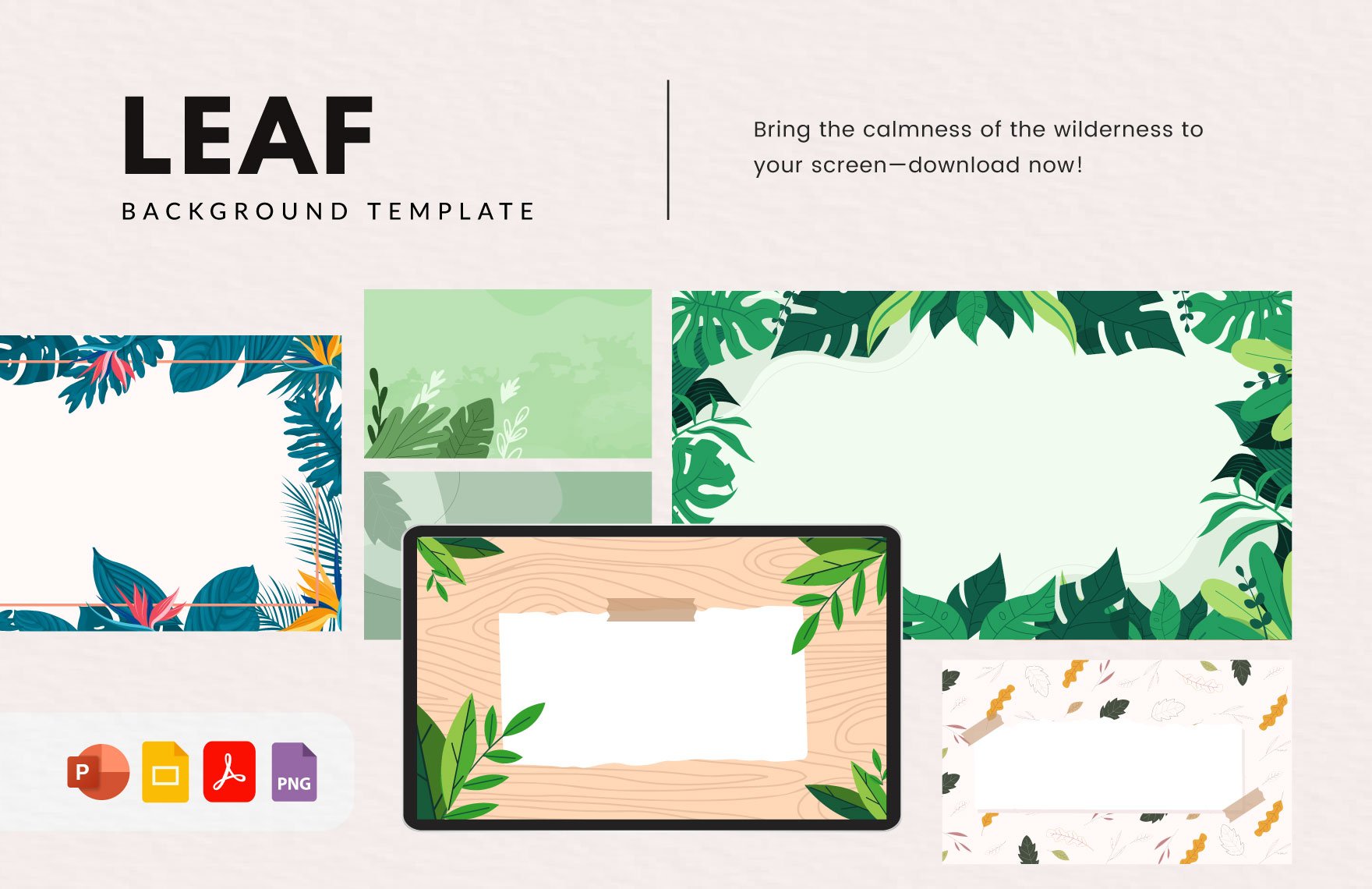
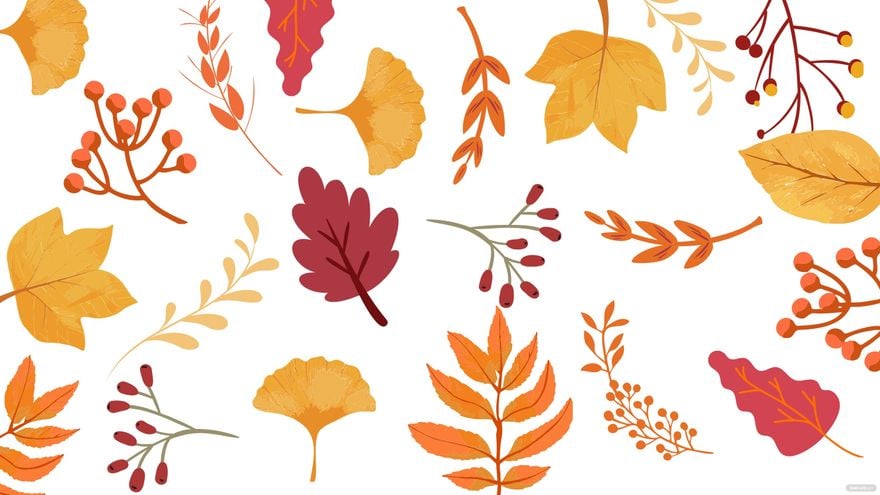
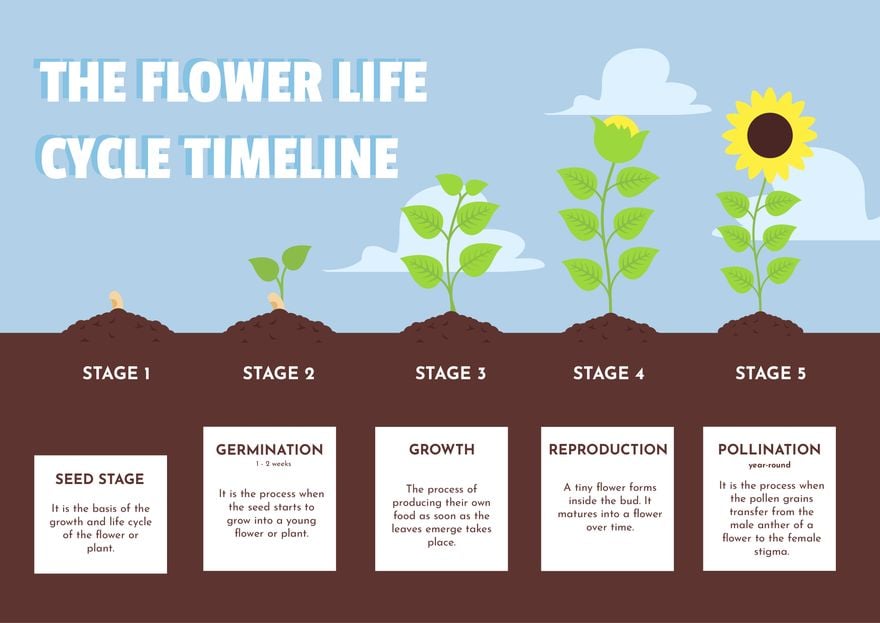
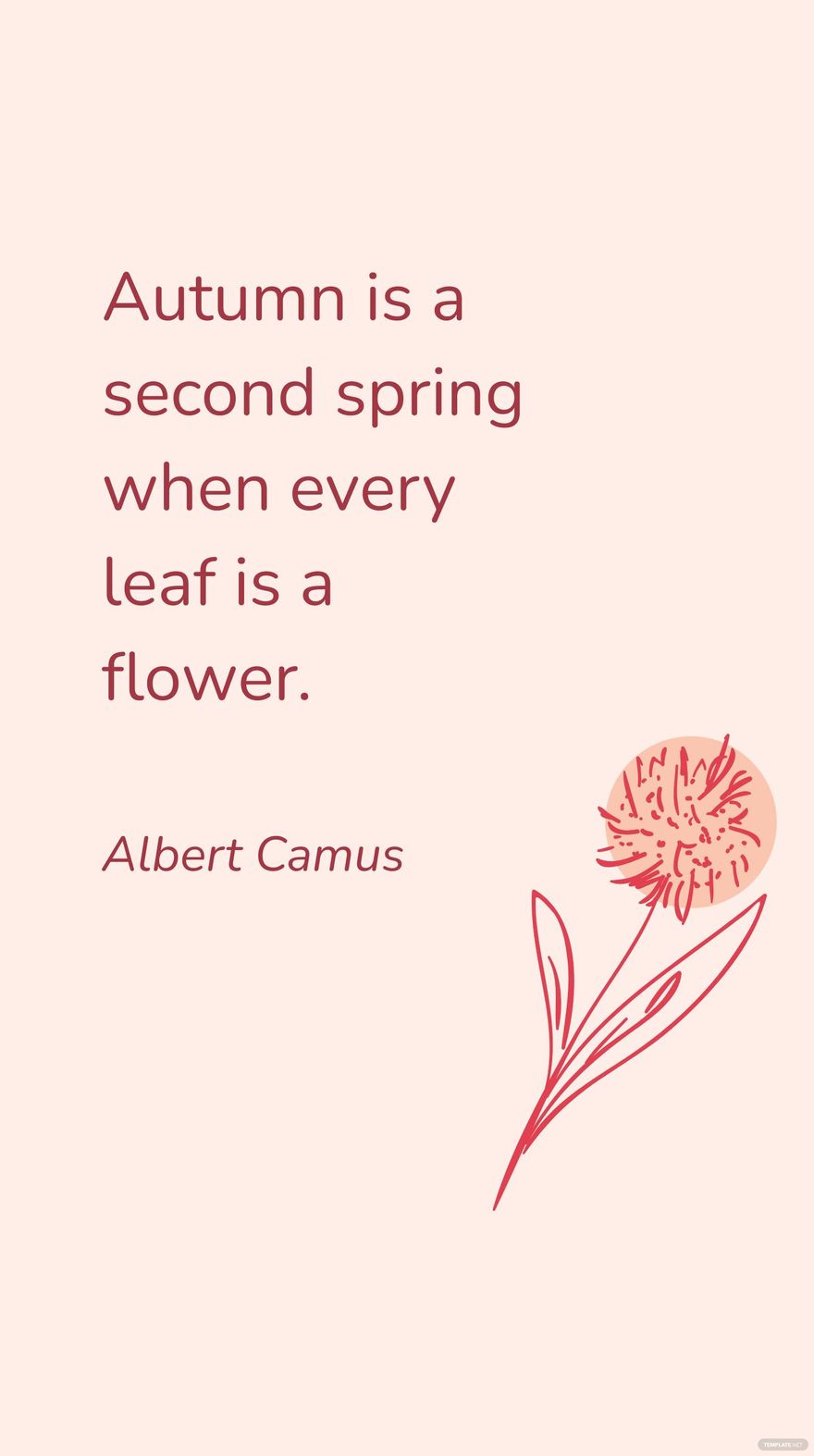
A Leaf template is a pre-designed layout featuring leaf-inspired graphics and nature-themed visual elements that can be customized for various projects. These templates include editable text areas and layered designs to easily adapt the look and feel to specific needs.
Who typically uses Leaf templates?
Leaf templates are commonly used by environmental organizations, botanical businesses, event planners, and designers seeking a natural aesthetic. These templates help professionals who want to quickly create eco-friendly or seasonal designs with editable layouts and customizable color palettes.
When should I use Leaf templates?
Leaf templates are ideal for projects related to nature, sustainability, spring or autumn events, and botanical themes. Use these templates whenever a fresh, organic look is desired, such as for invitations, flyers, social media posts, or presentations requiring natural visual themes.
What design elements should a Leaf template include?
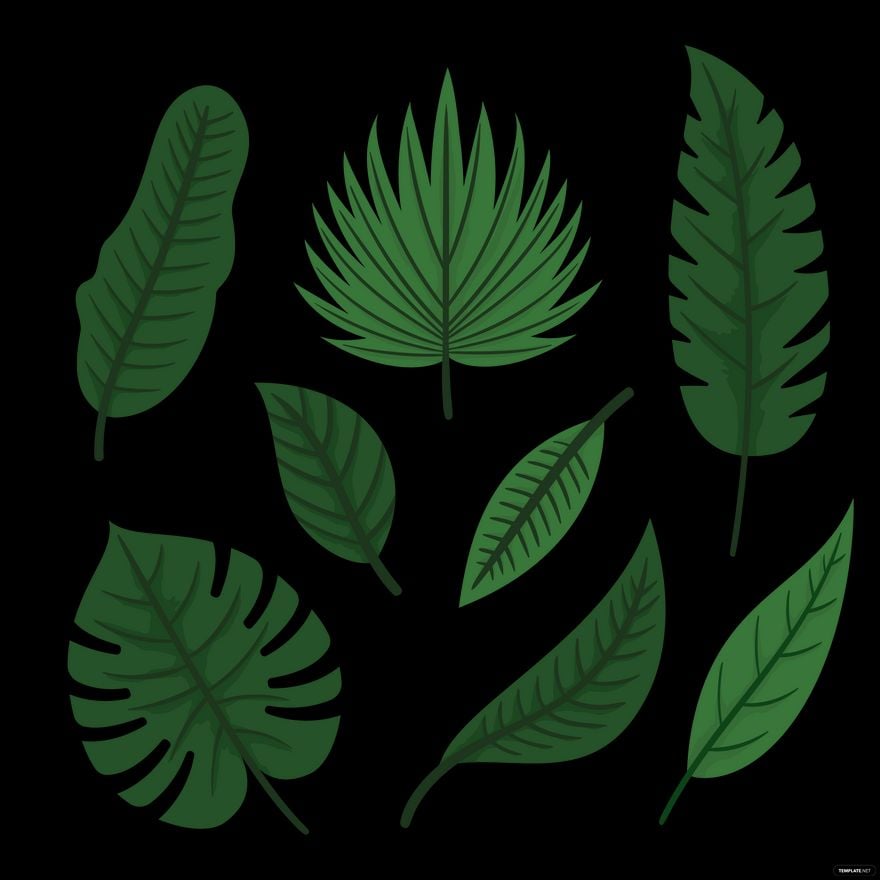
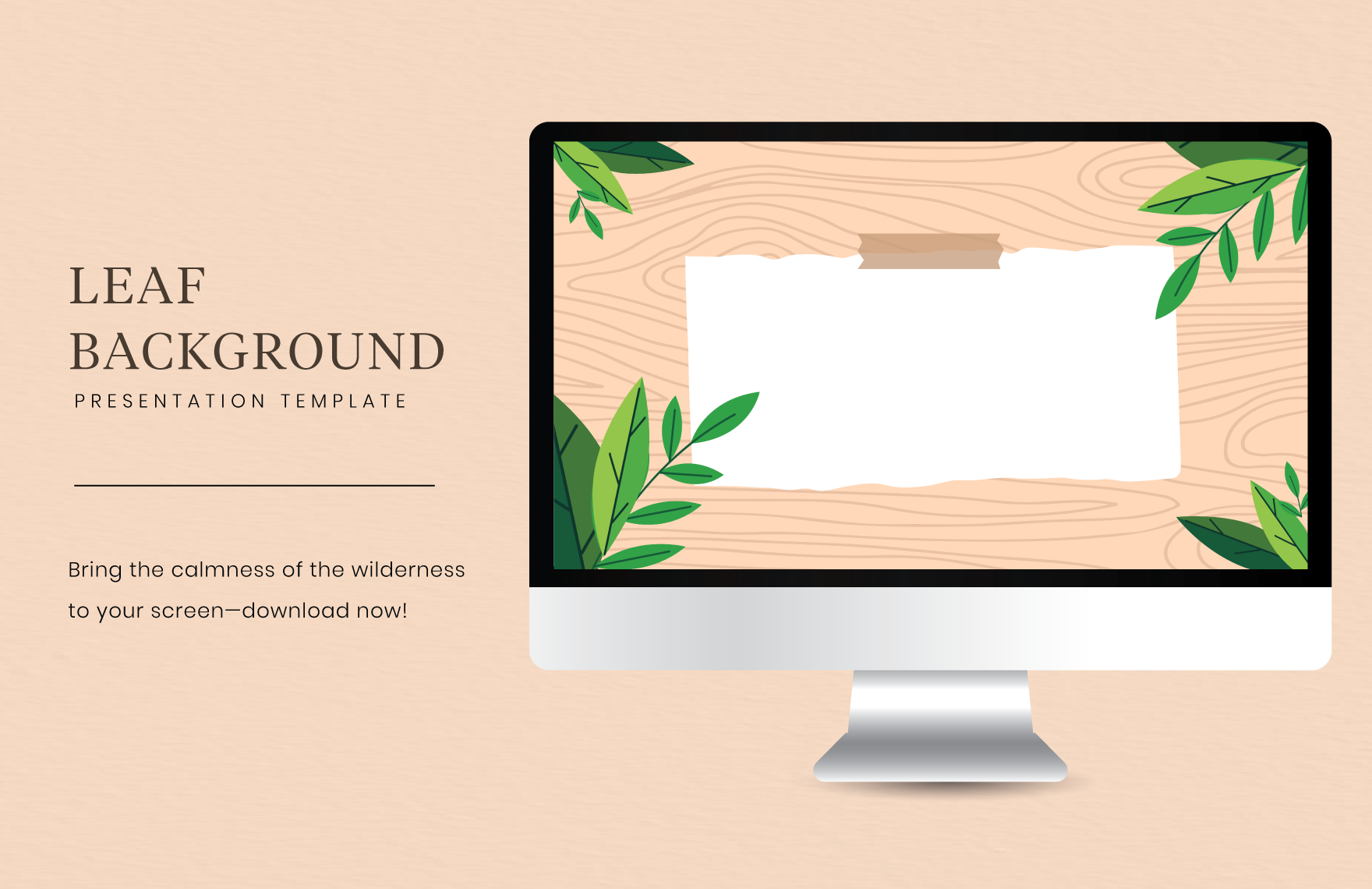
A well-crafted Leaf template includes leaf graphics, a harmonious green color palette, layered background textures, and clear headline sections. Editable text blocks and natural icons enhance the botanical theme while maintaining a professional layout.
What sizes are common for Leaf templates?
Leaf templates commonly come in sizes such as 4 × 6 inches for postcards, 5 × 7 inches for invitations, and 8.5 × 11 inches for flyers or posters. These dimensions support both digital use and print, ensuring the design layers and graphics maintain clarity.
How customizable are Leaf templates on Template.net?
Leaf templates on Template.net offer fully layered design blocks, allowing users to edit text, colors, and images directly in the browser. This in-browser editing provides fast customization for professional results without complex software.
Can Leaf templates be printed professionally?
Leaf templates are designed with high-resolution graphics and standard print sizes to ensure professional-quality prints. The editable text areas and color palettes maintain consistency when printed on various materials like paper, cardstock, or banners.
What color schemes work best with Leaf templates?
Leaf templates typically use green tones, earthy browns, and soft neutrals to reflect natural themes. Combining these with complementary accent colors enhances the visual theme and supports readability in editable text sections.
Can I create a new Leaf template using AI?
Template.net provides an AI-powered tool capable of generating new Leaf template designs from user prompts, enabling quick creation of custom botanical layouts. Explore this feature at Template.net for streamlined design development.
