Free Media Kit Templates
Free Media Kit Templates: Customizable Design Guide, Sizes, and Download Formats
What is a Media Kit?
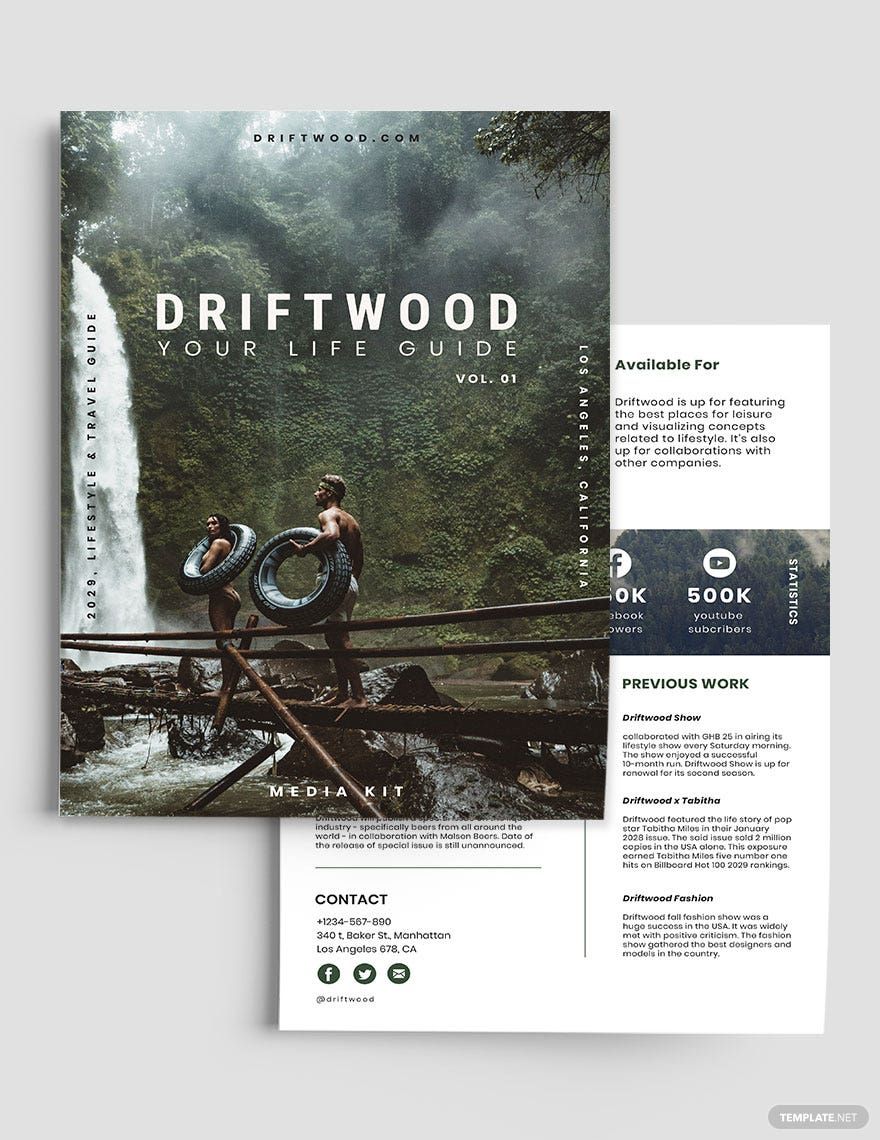
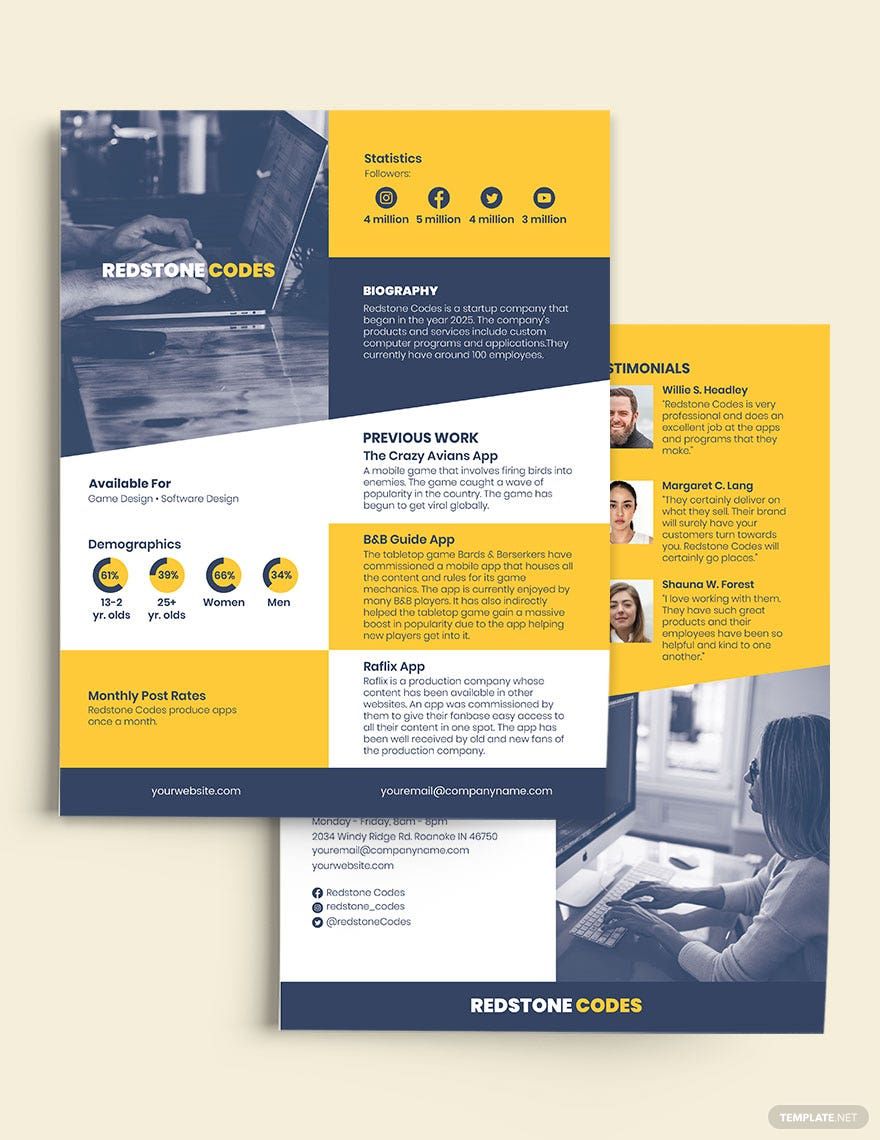
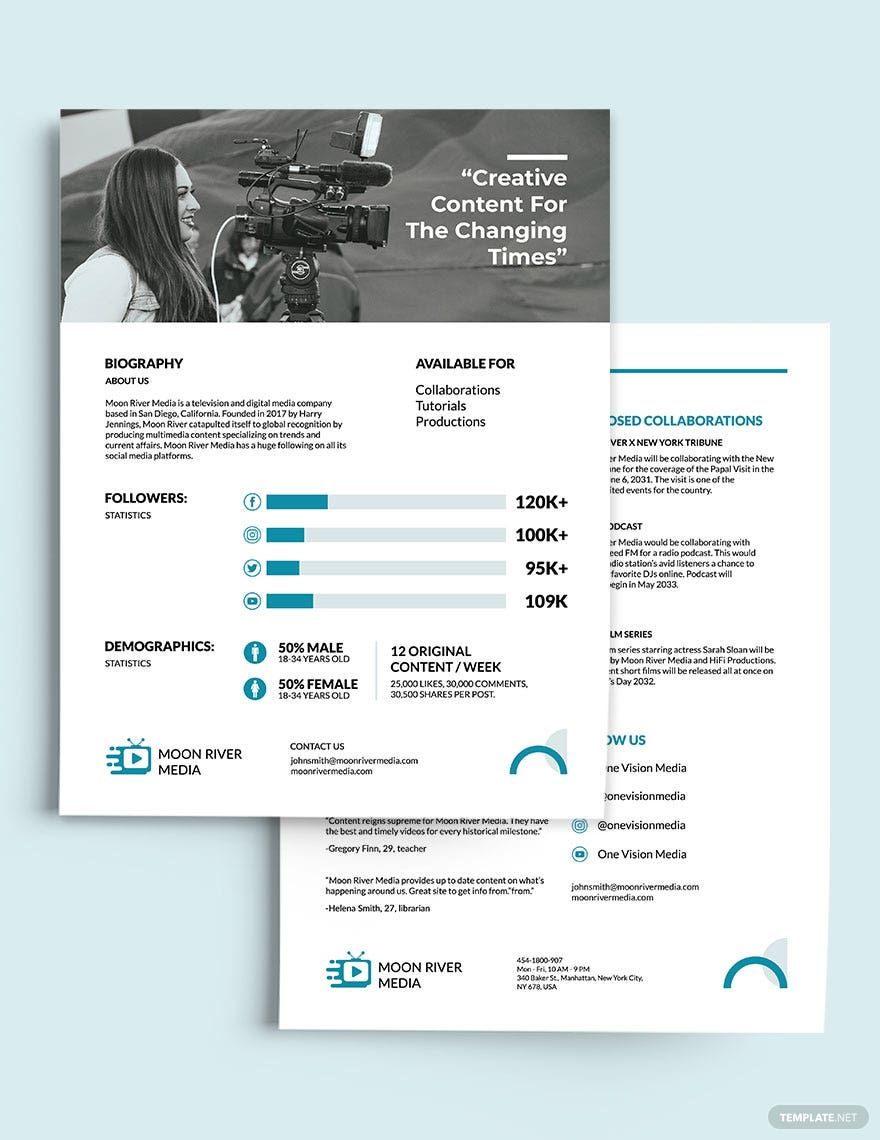
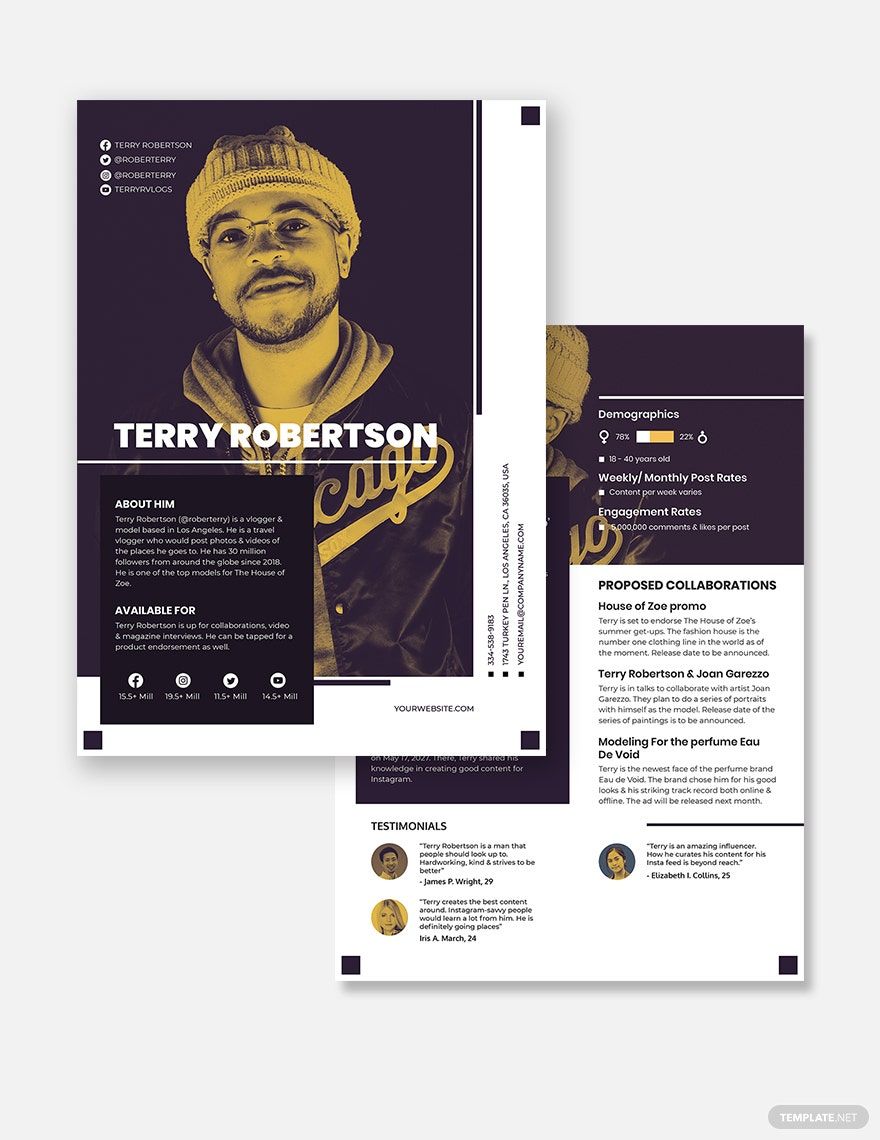
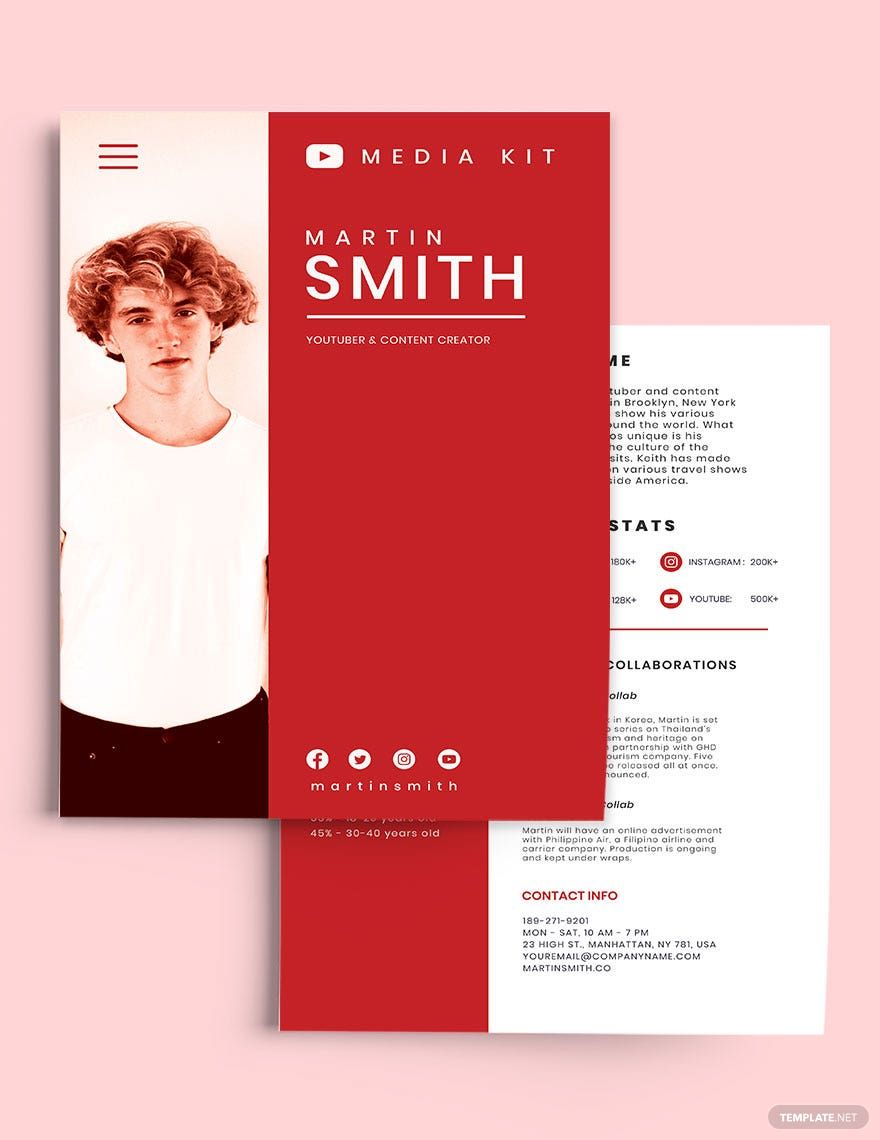
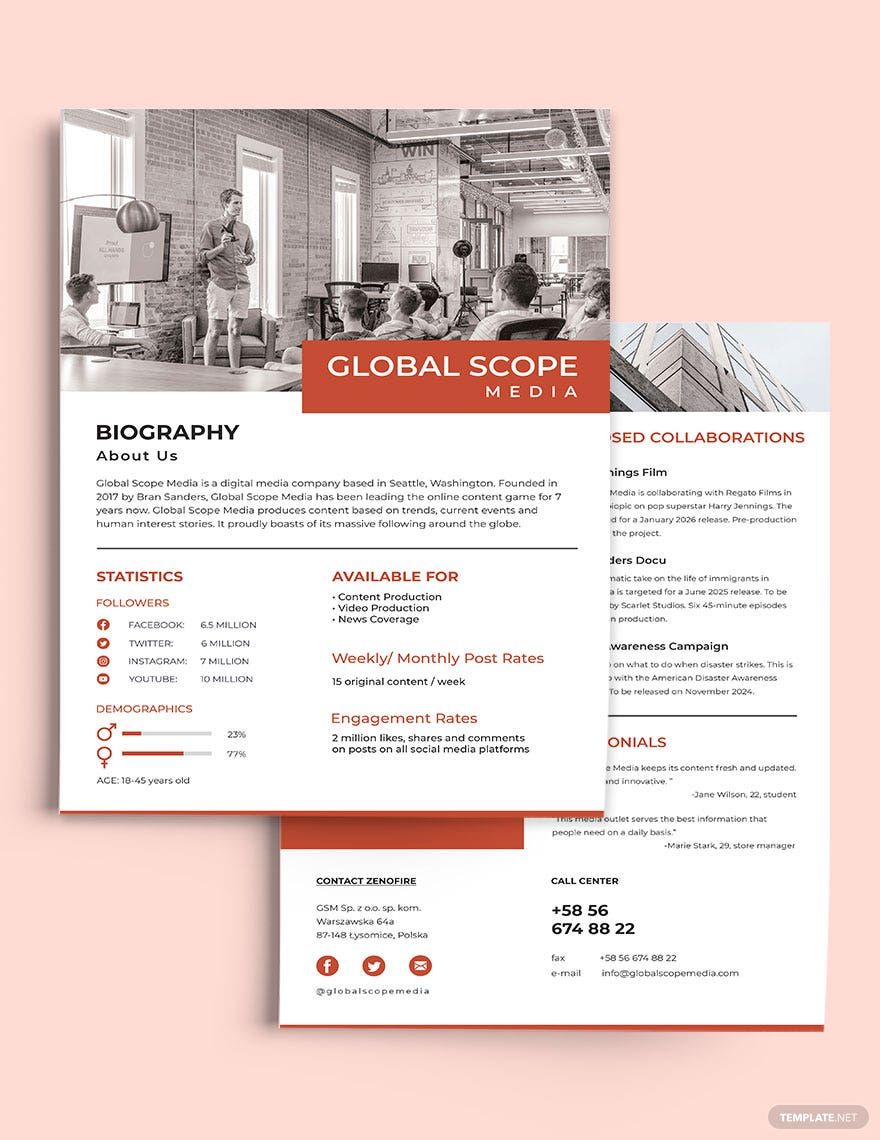
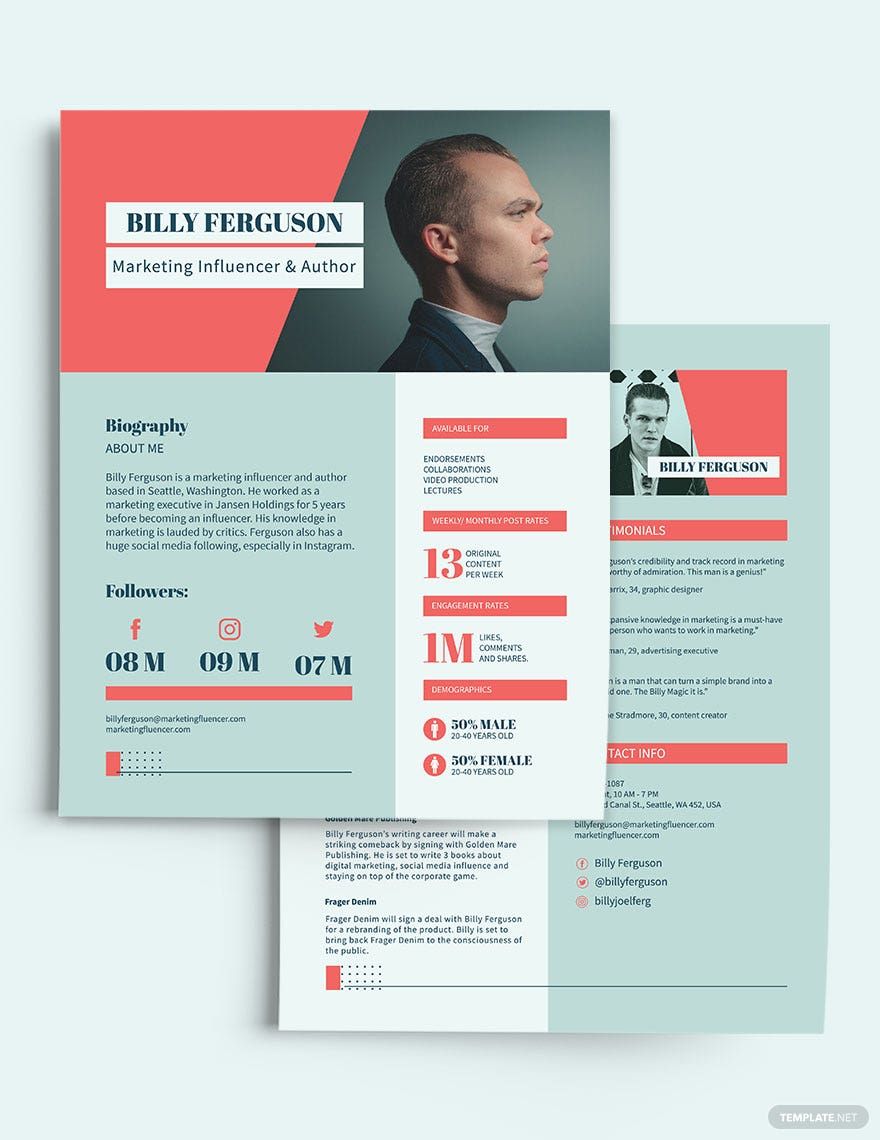
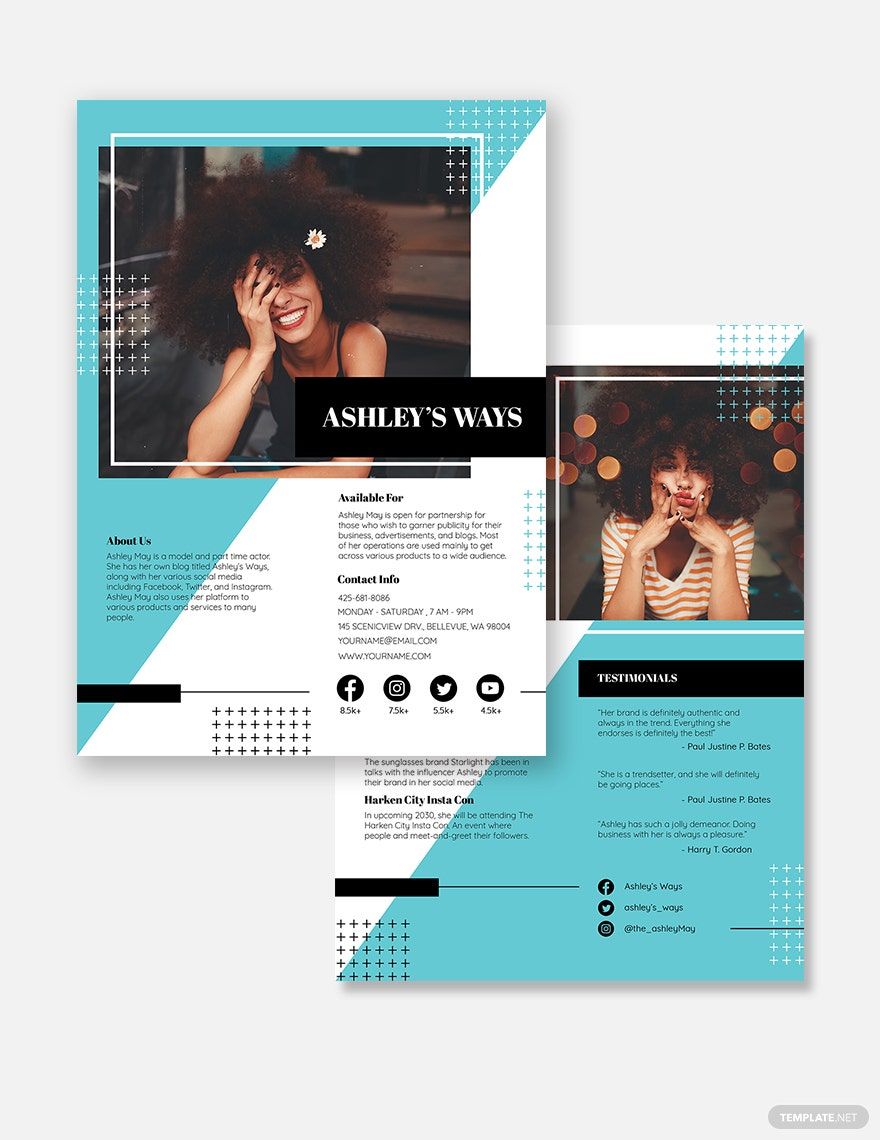
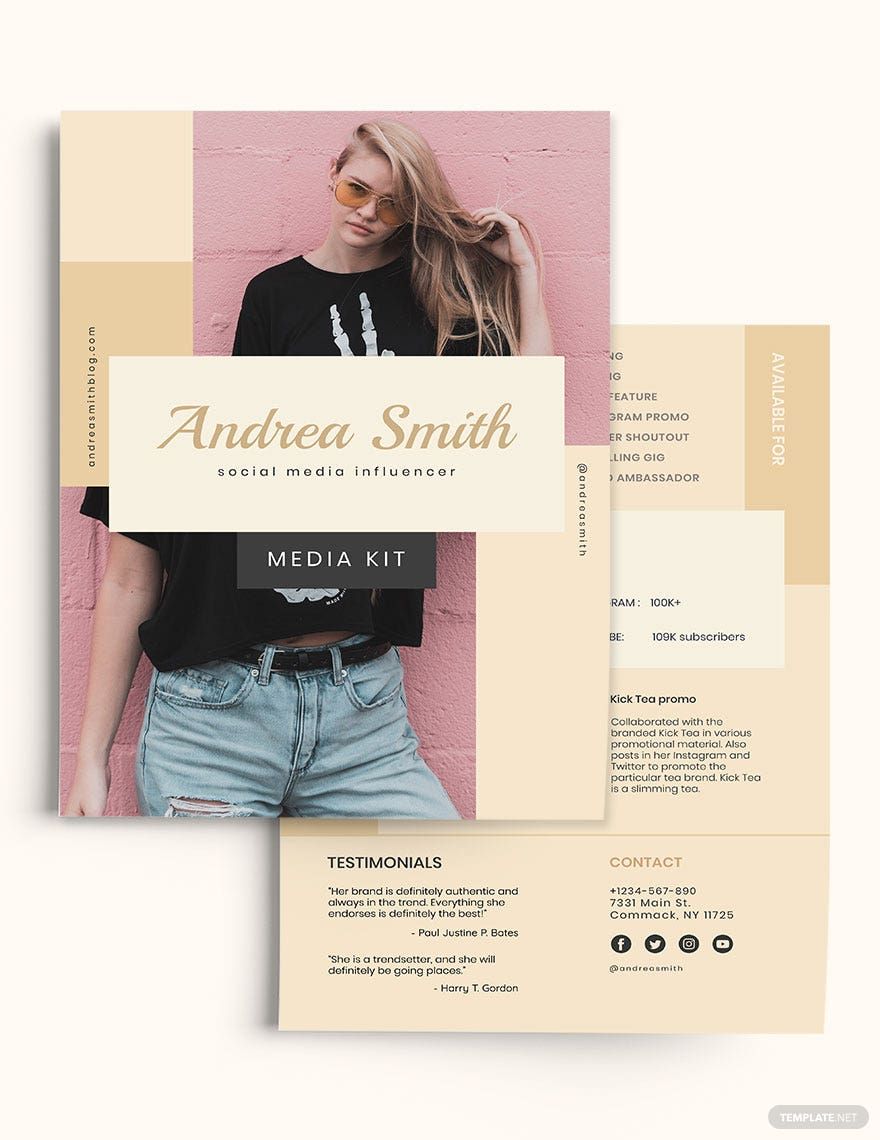
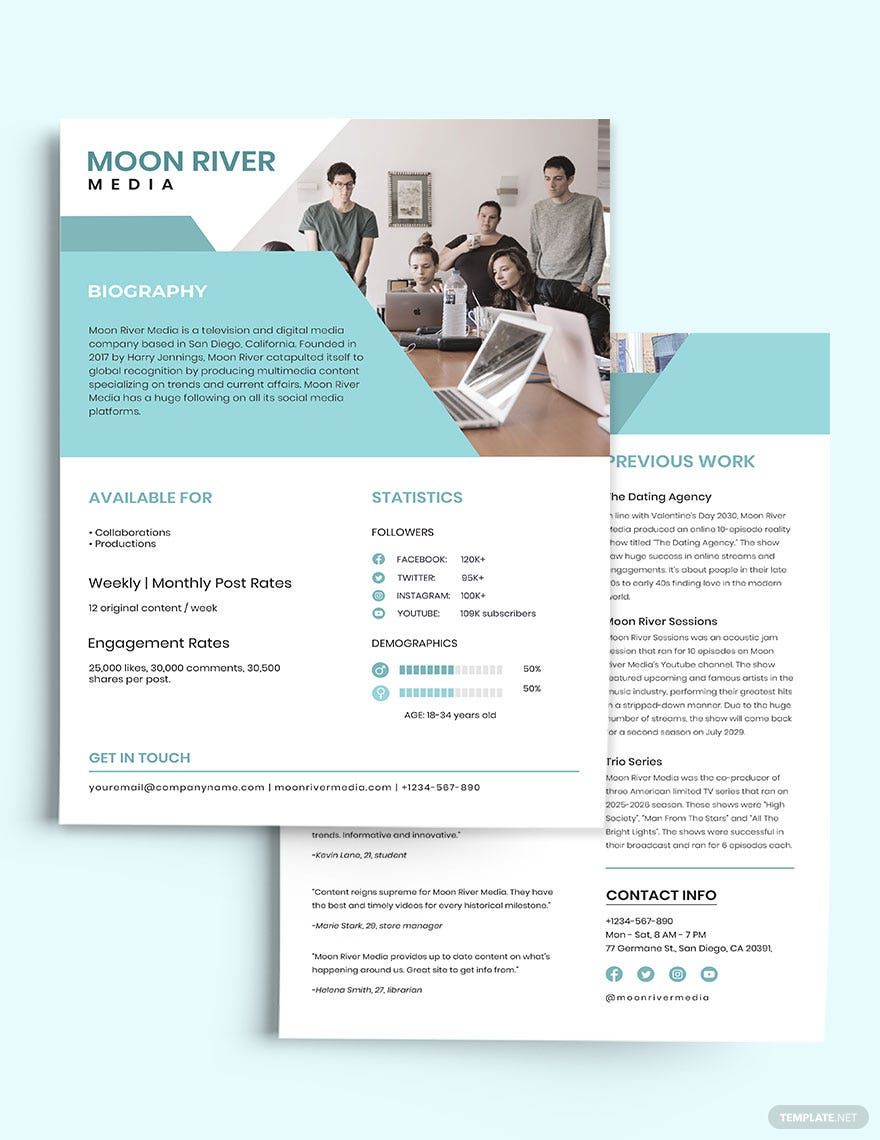
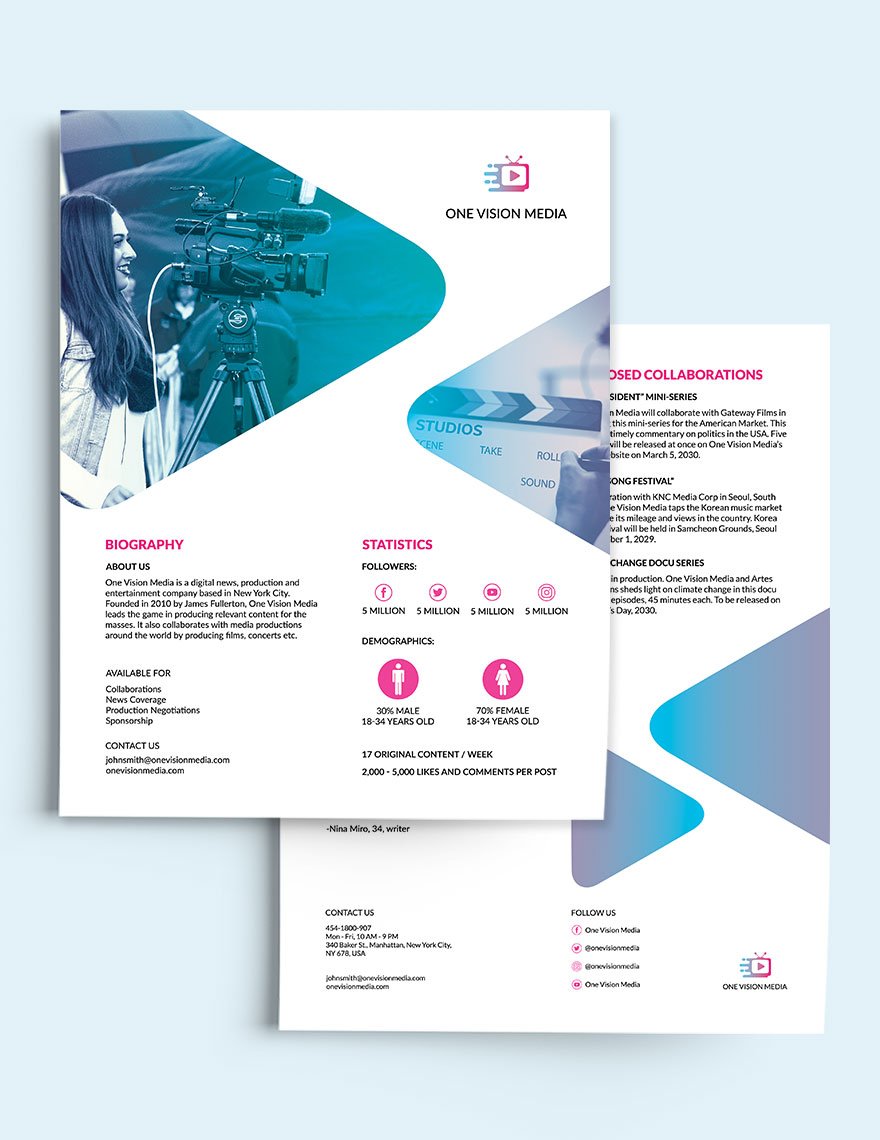
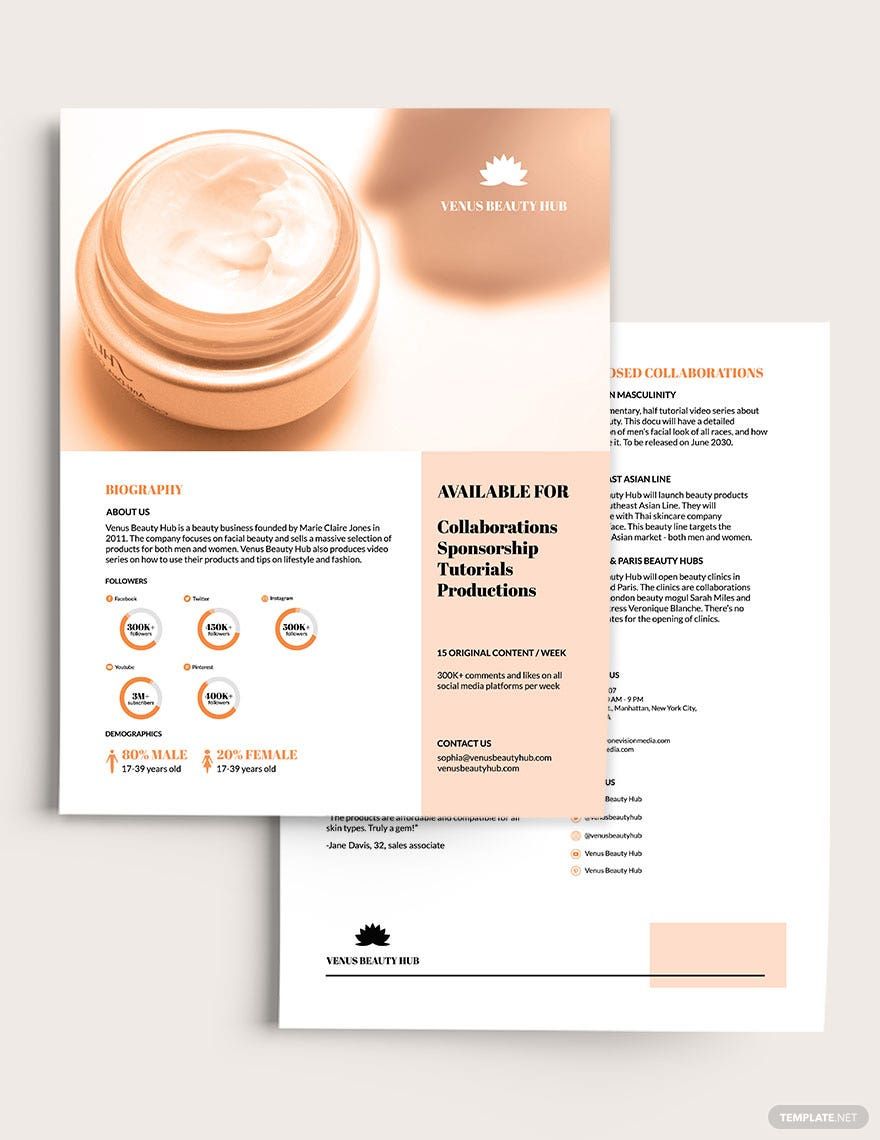
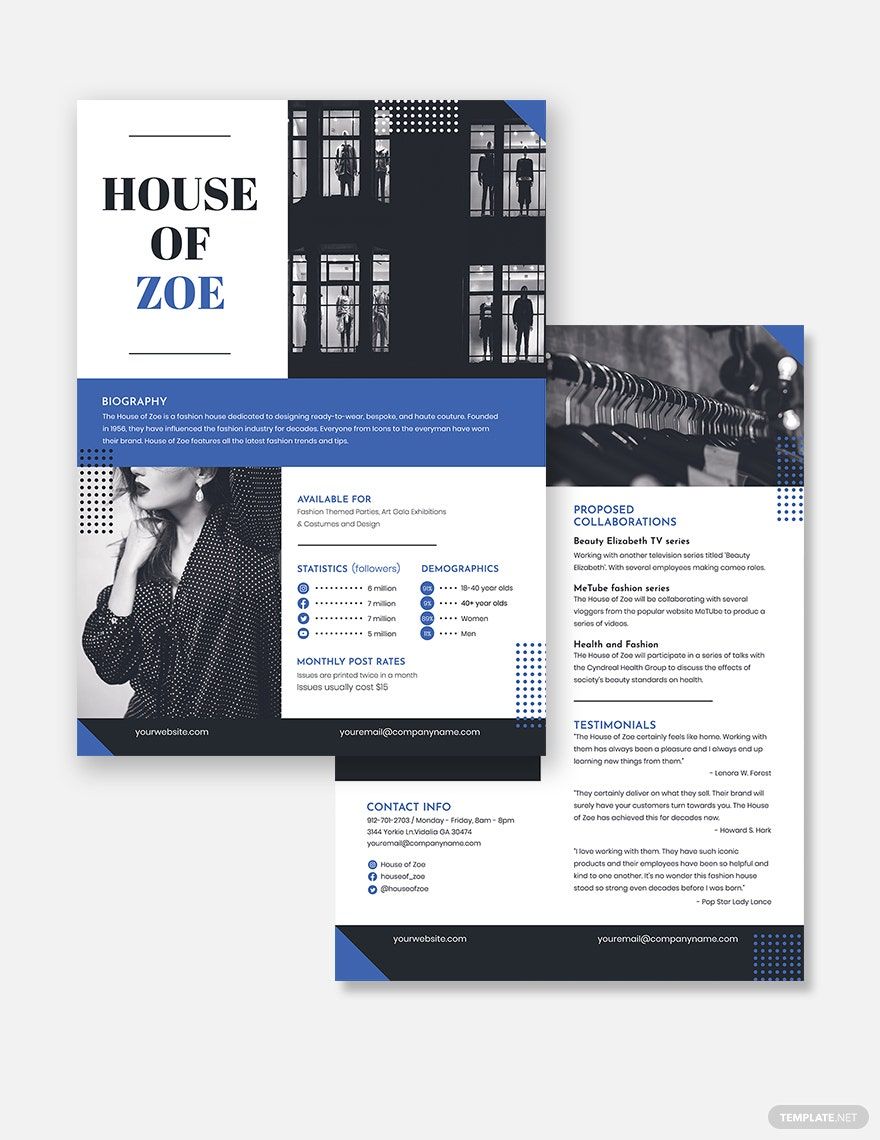
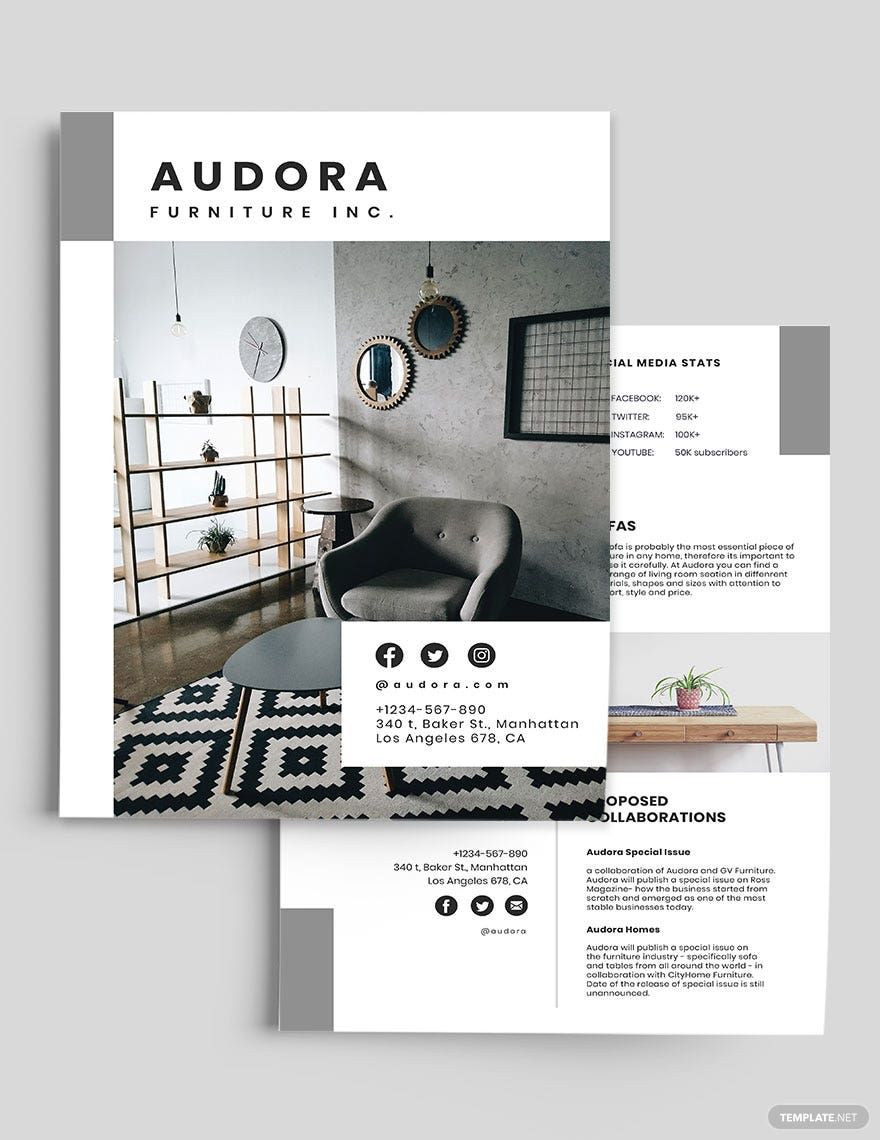
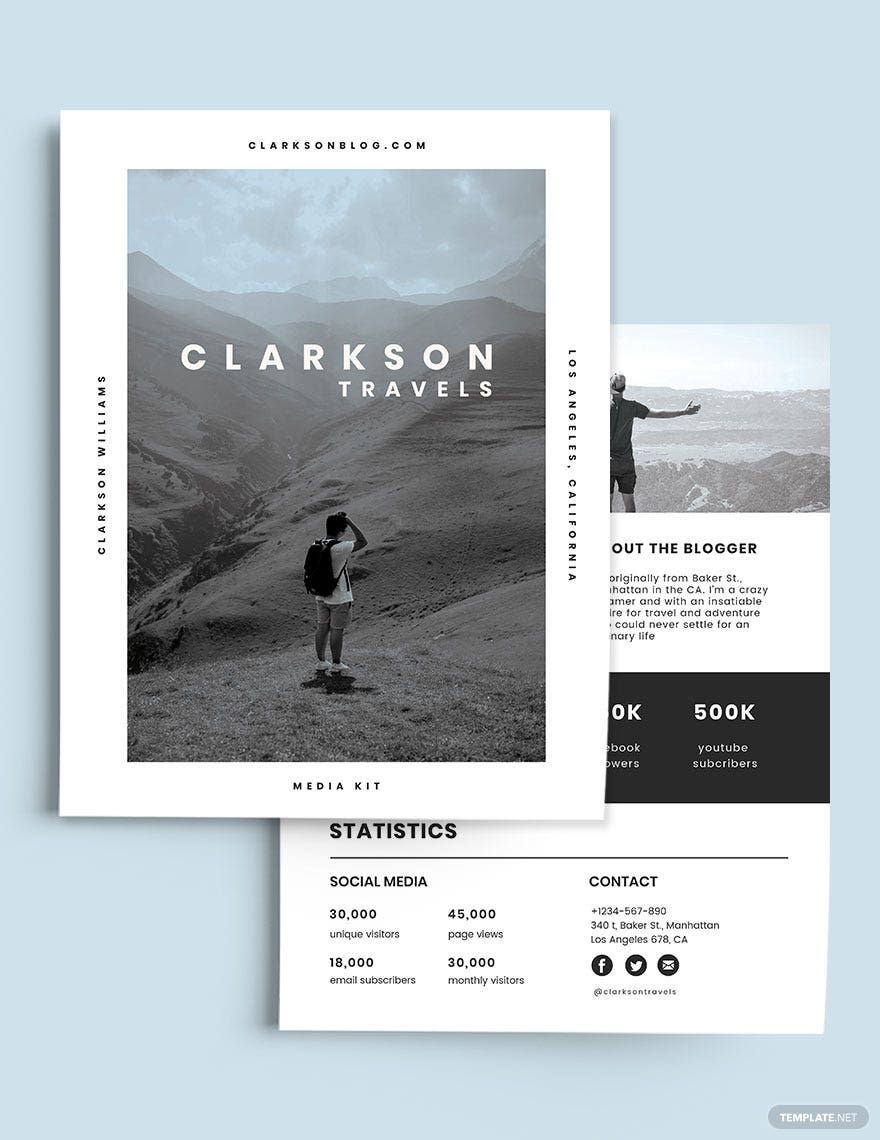
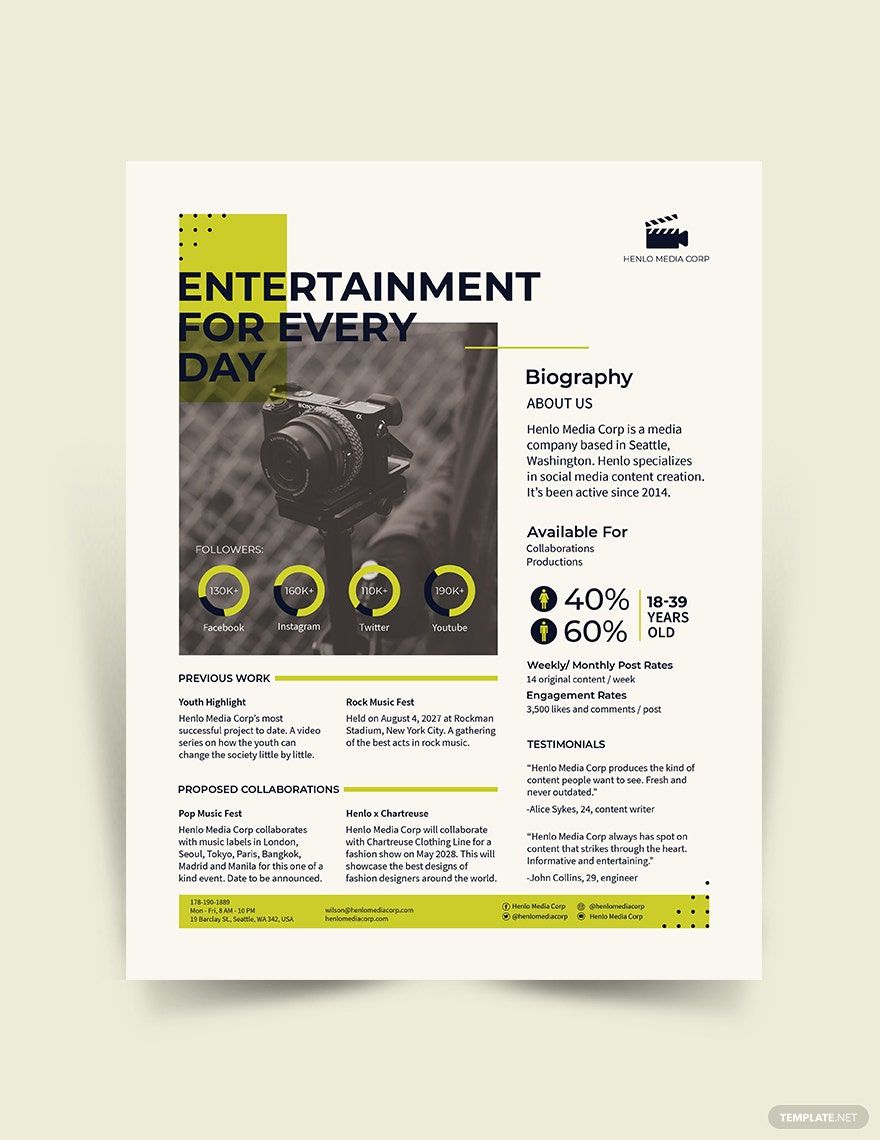
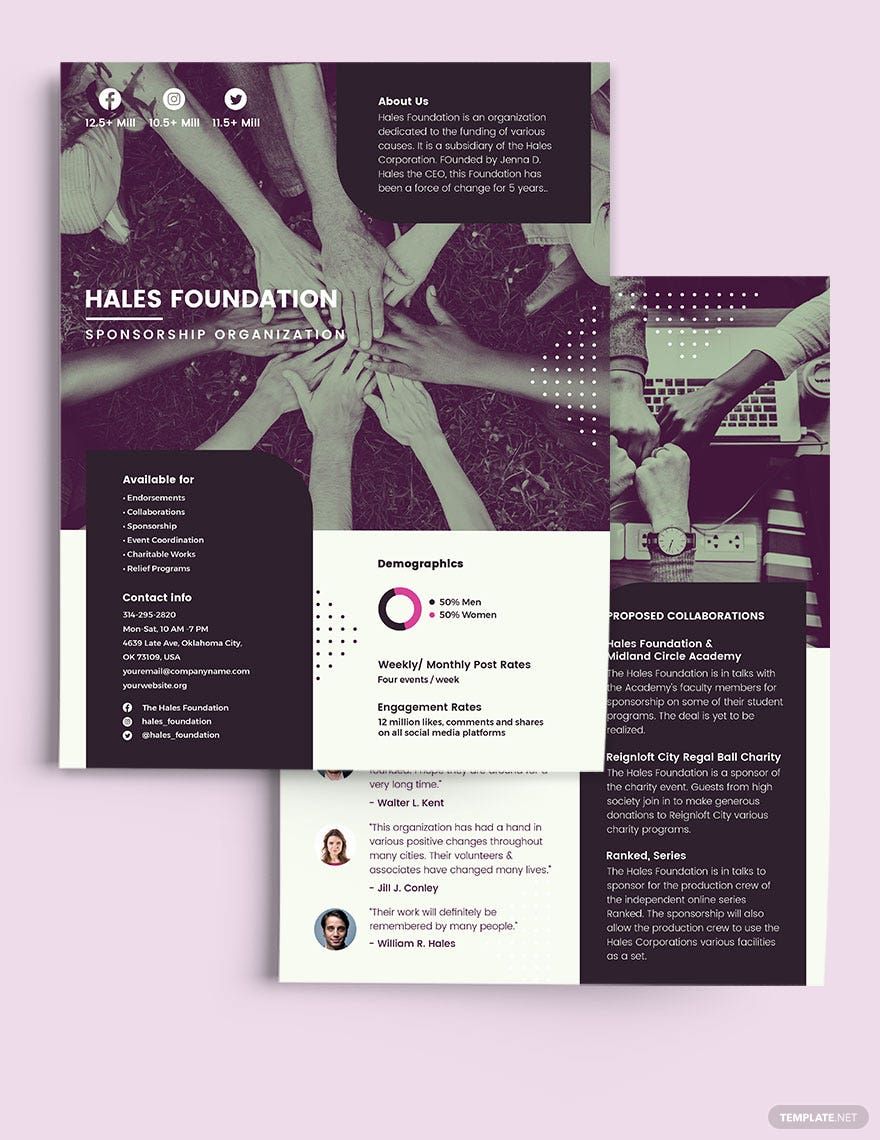
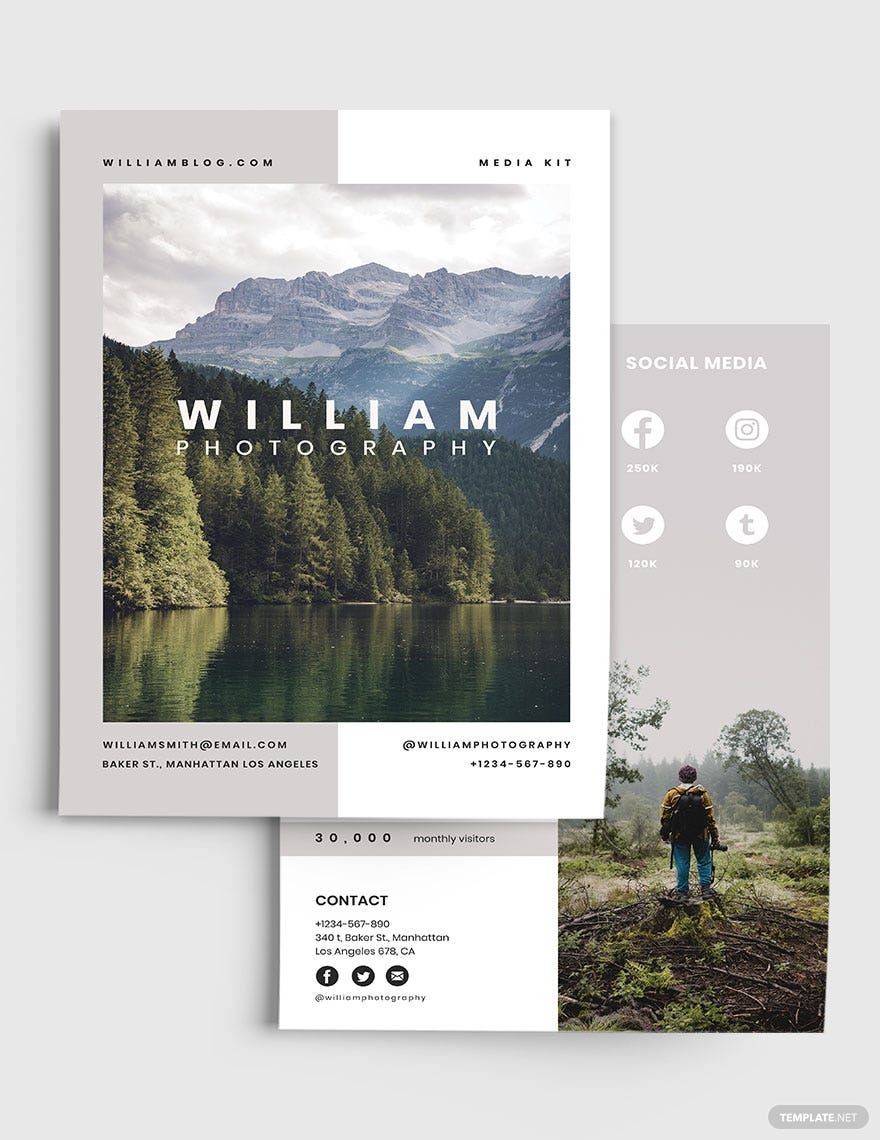
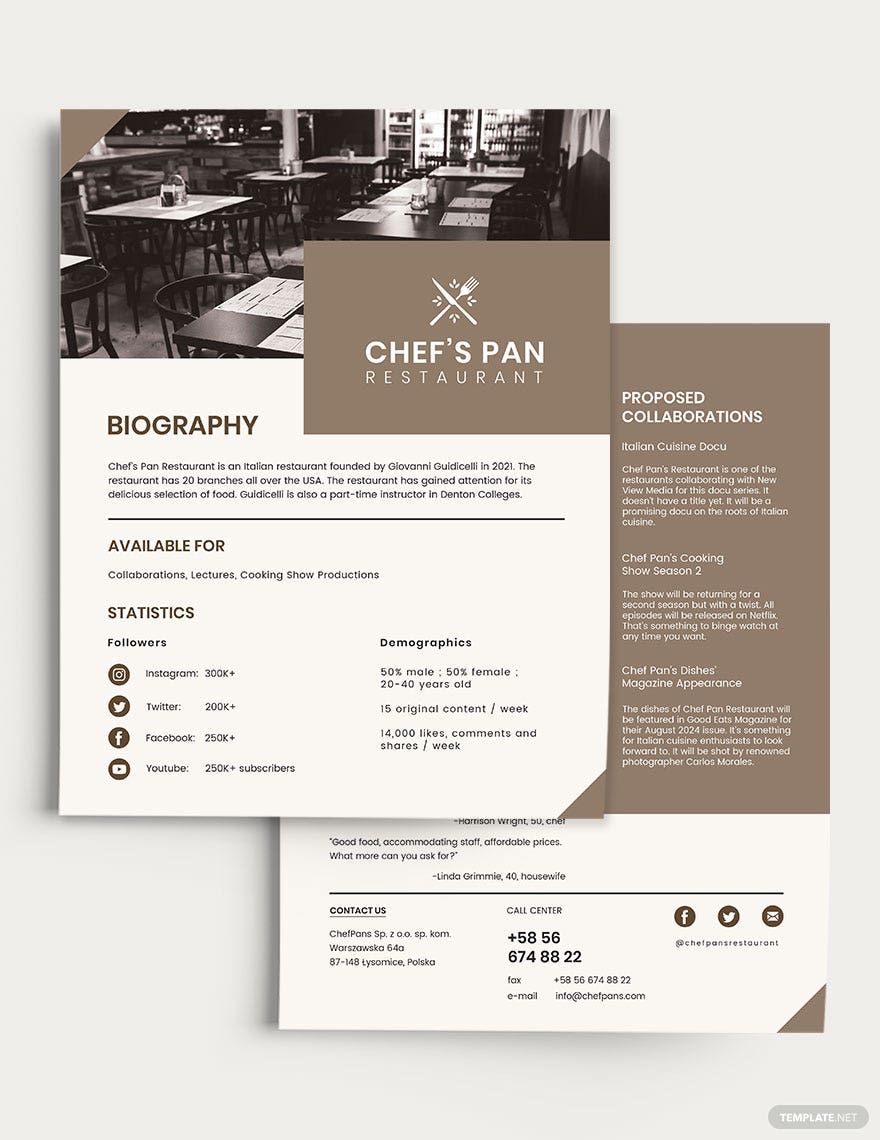
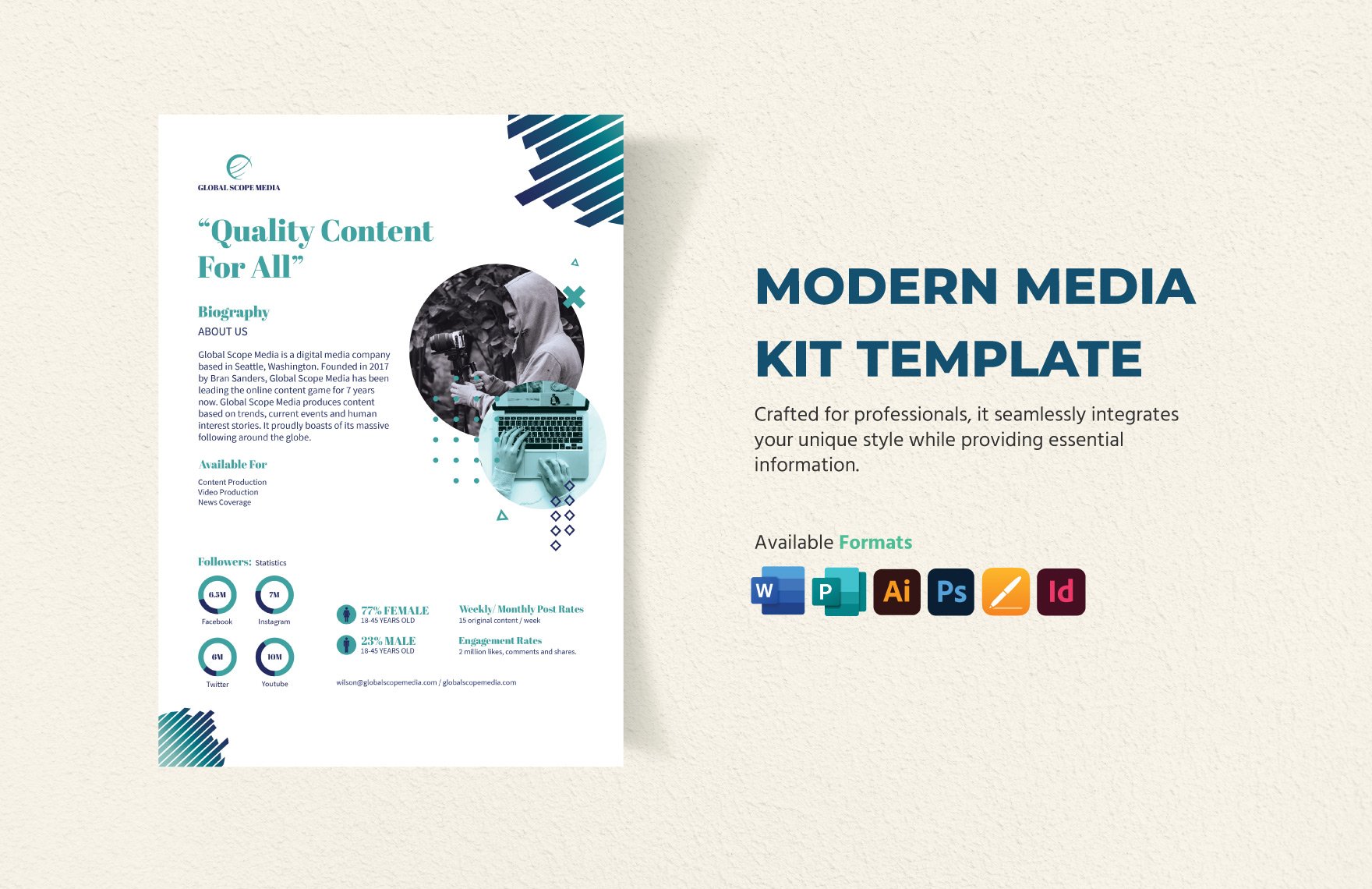
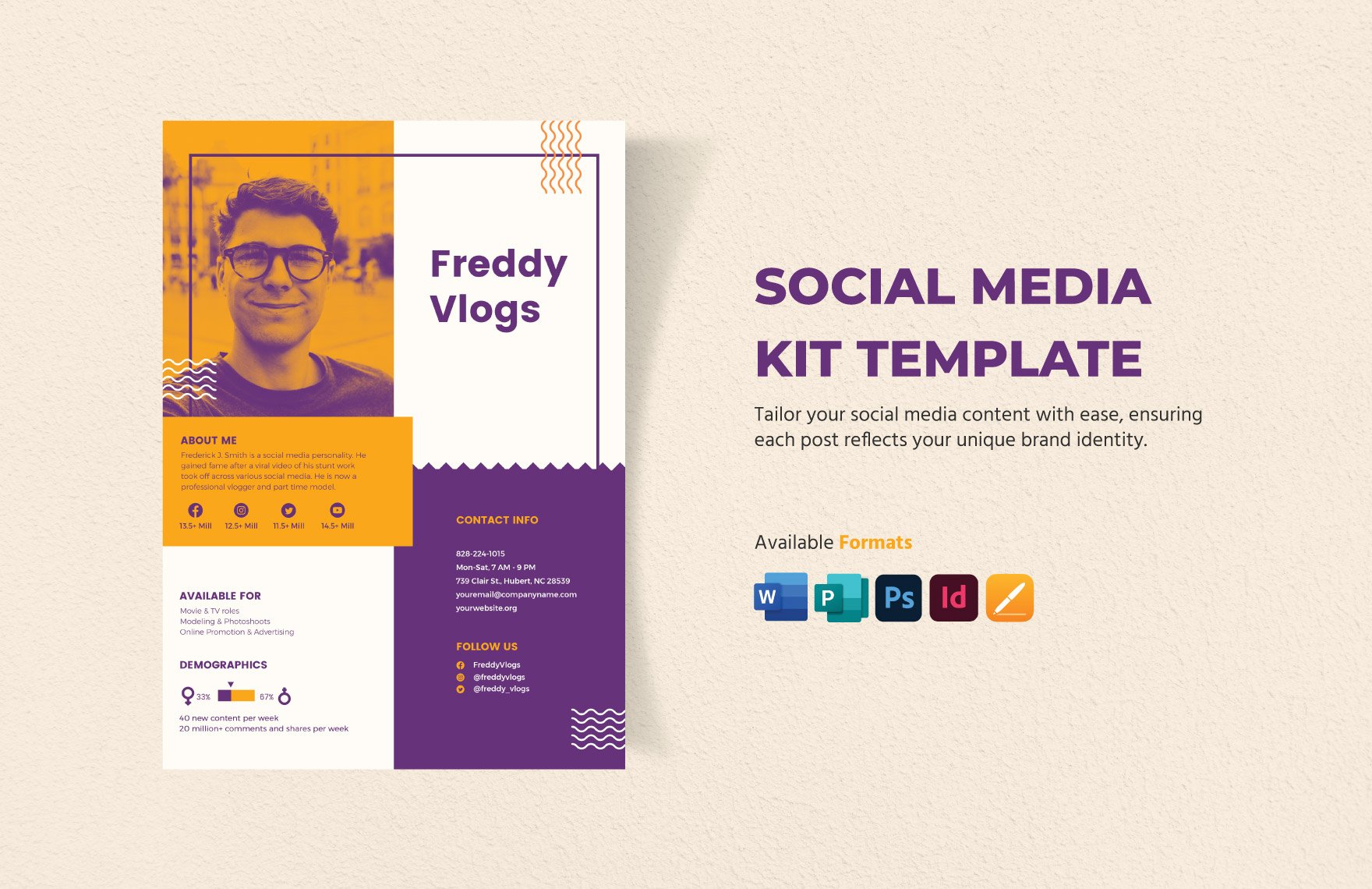
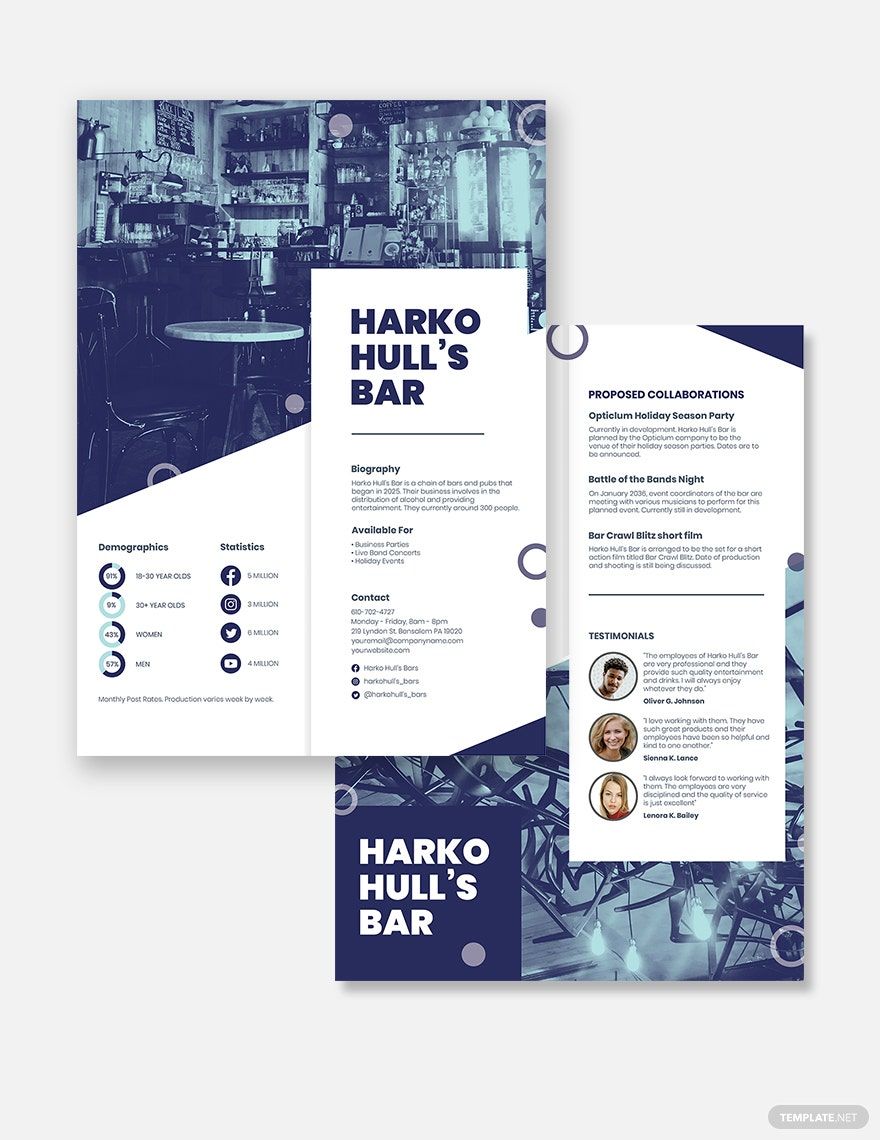
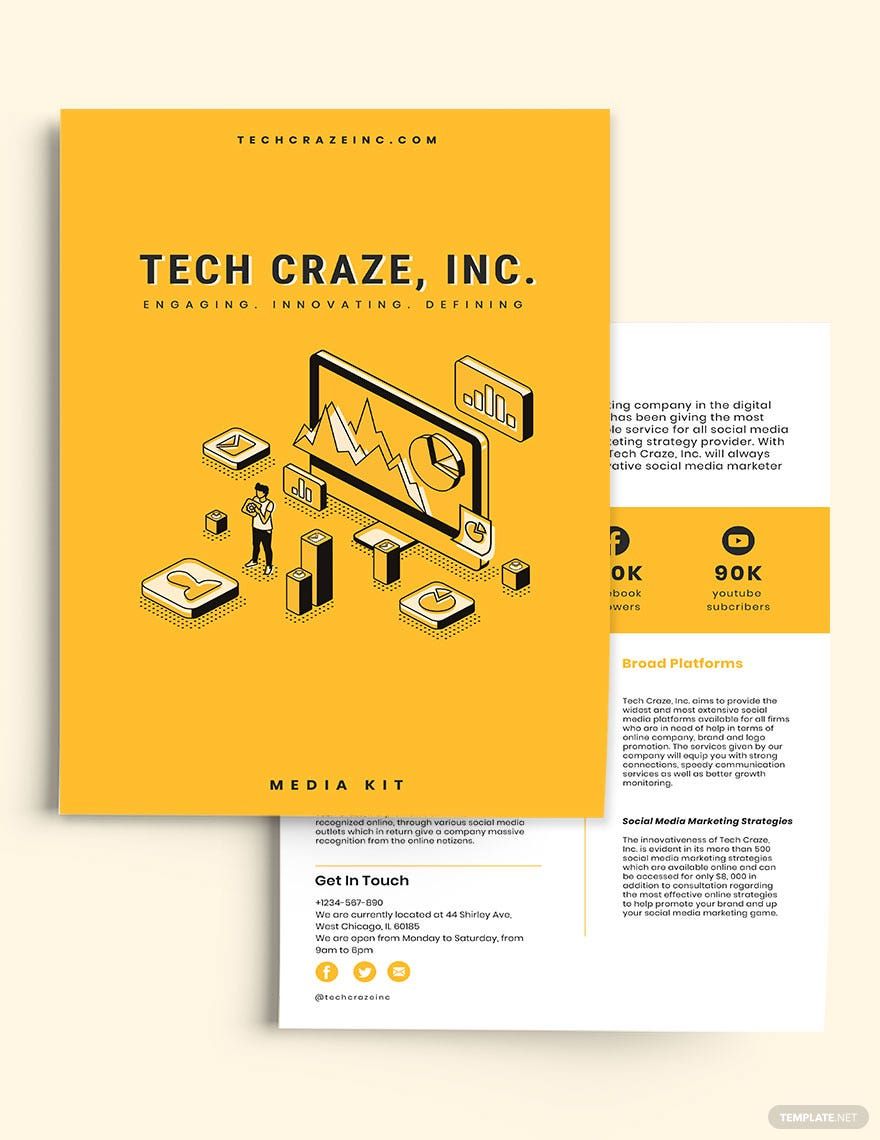
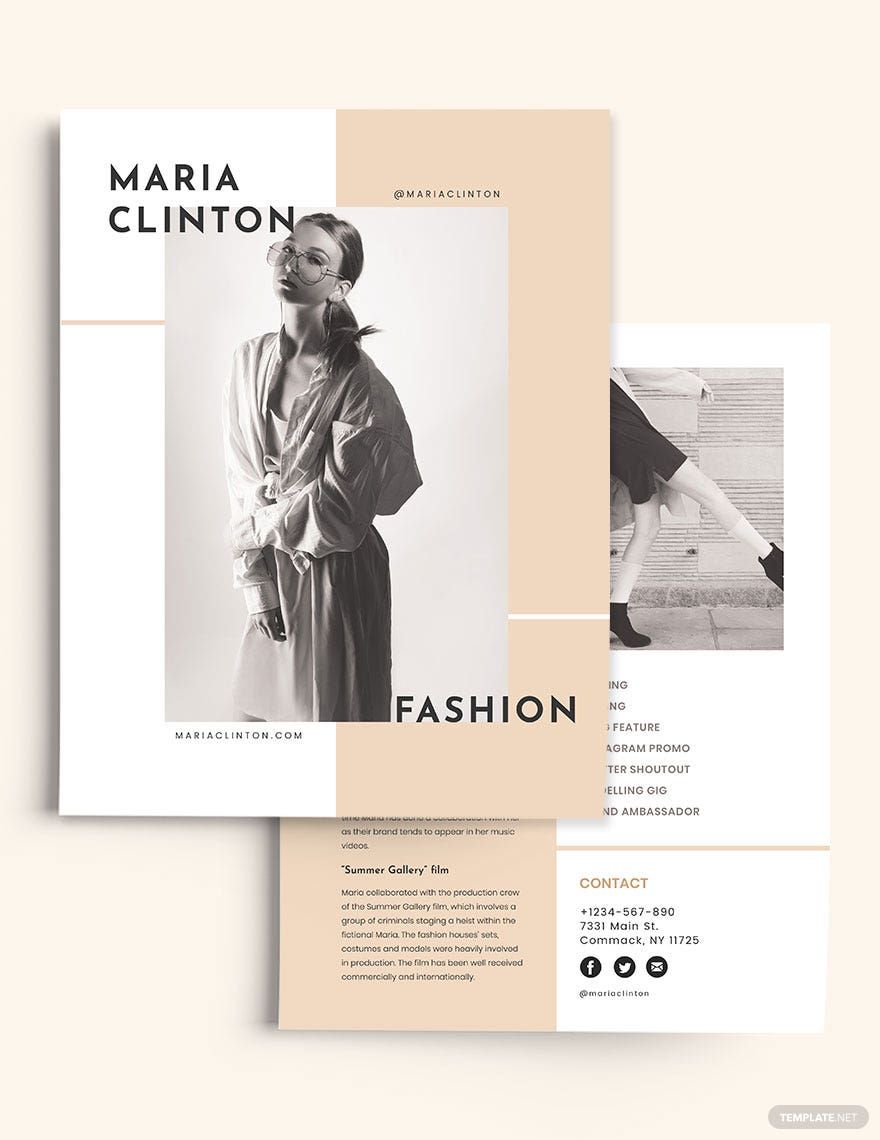
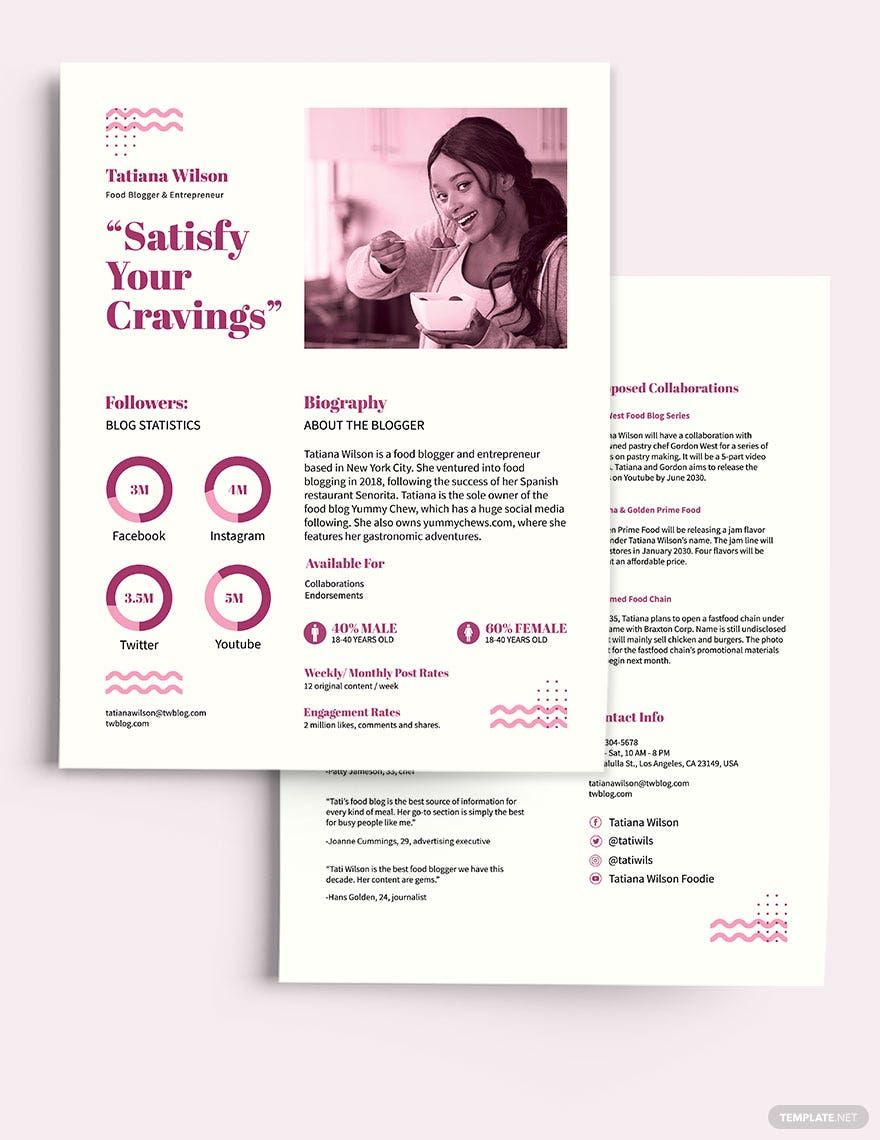
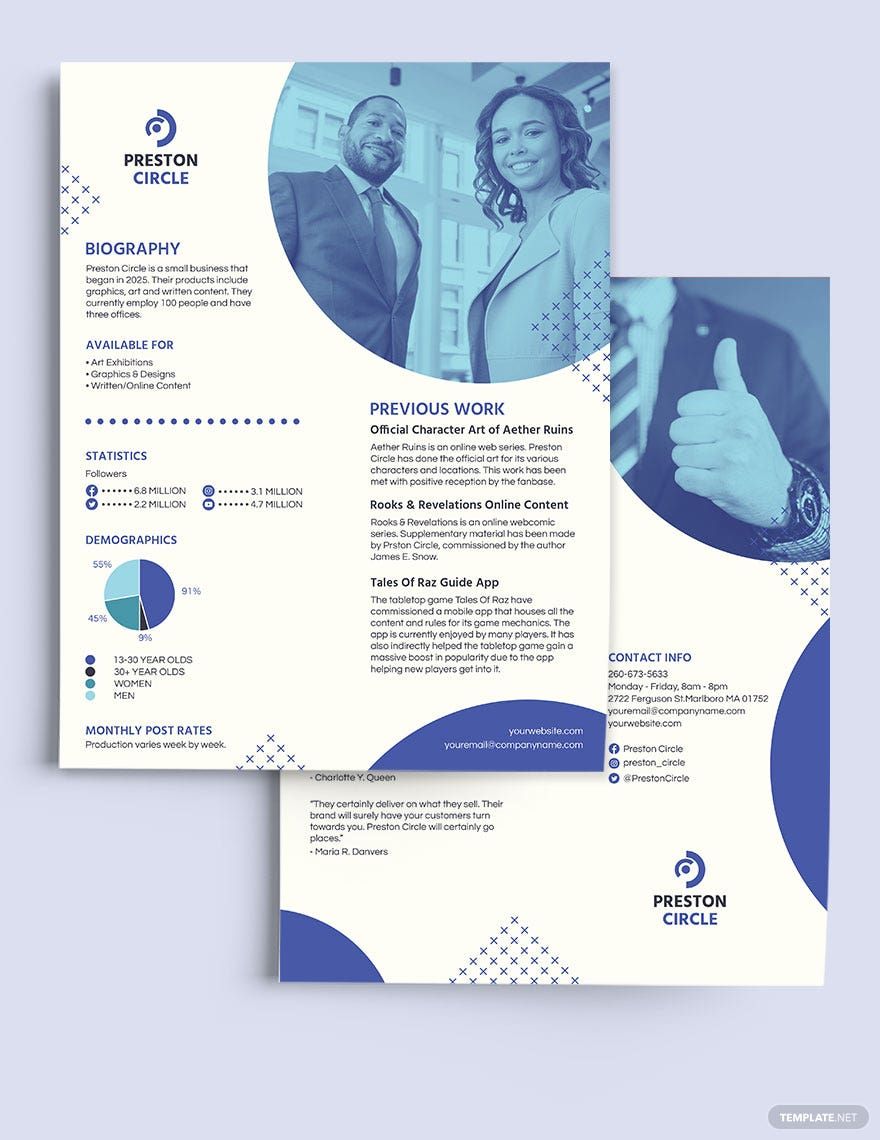
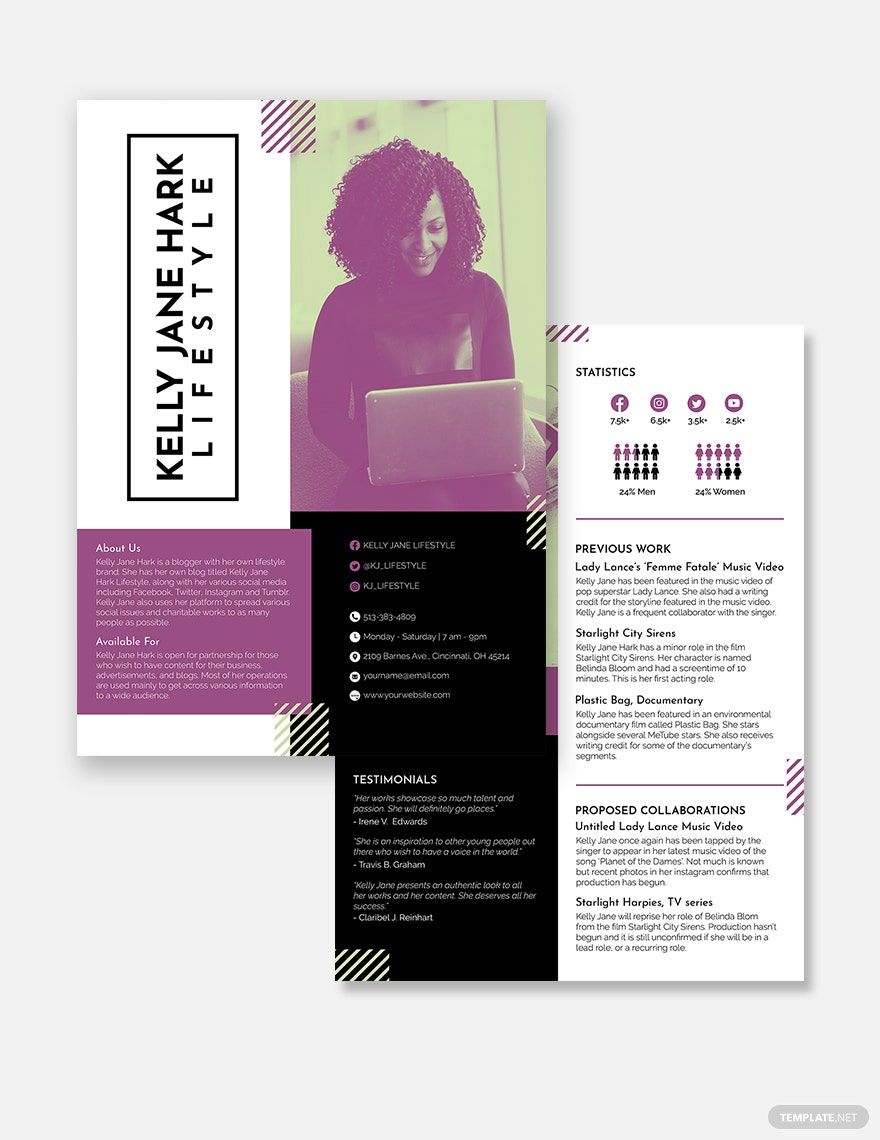
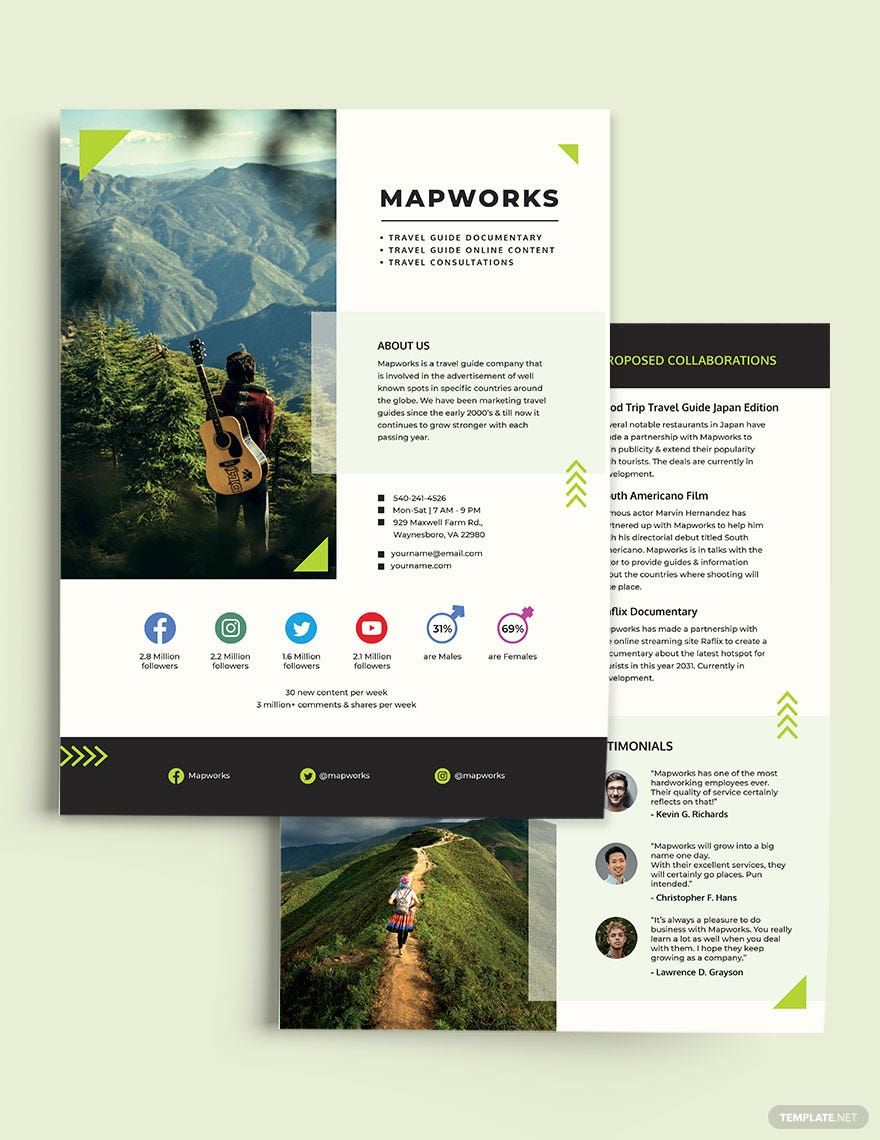
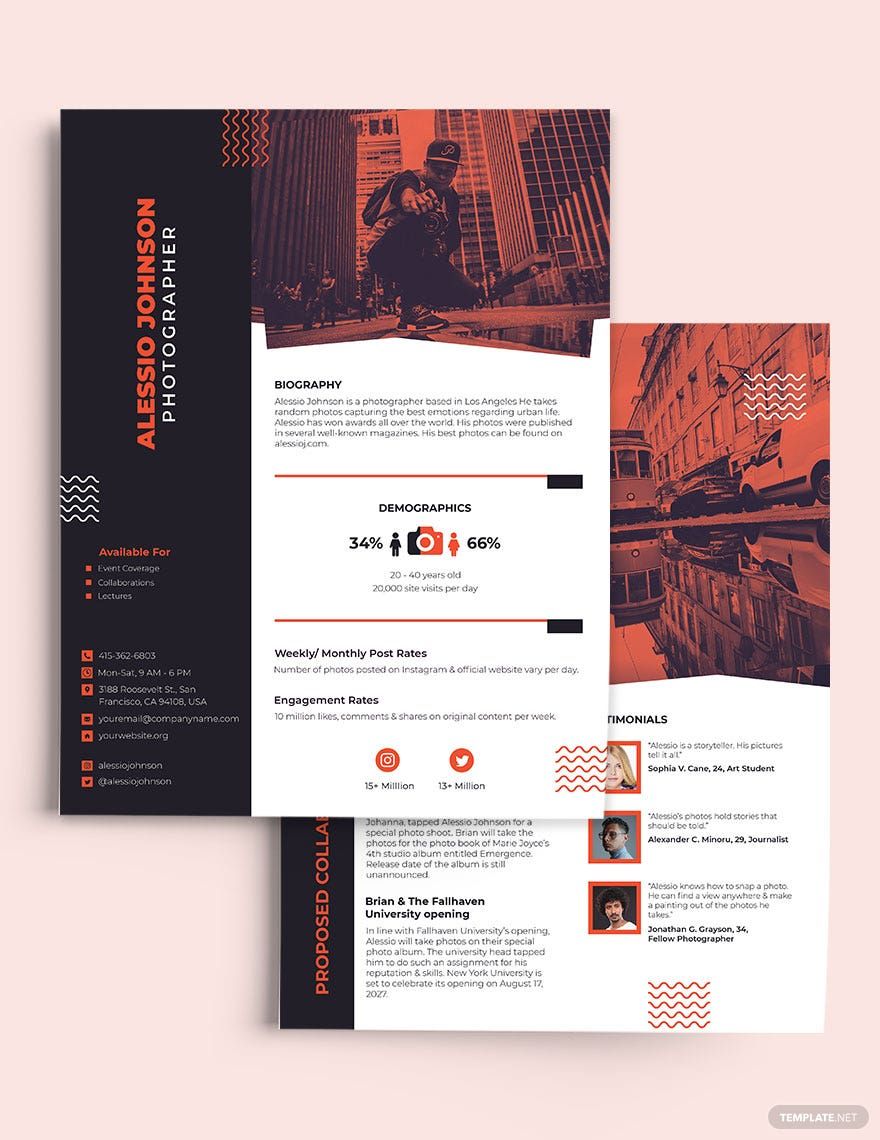
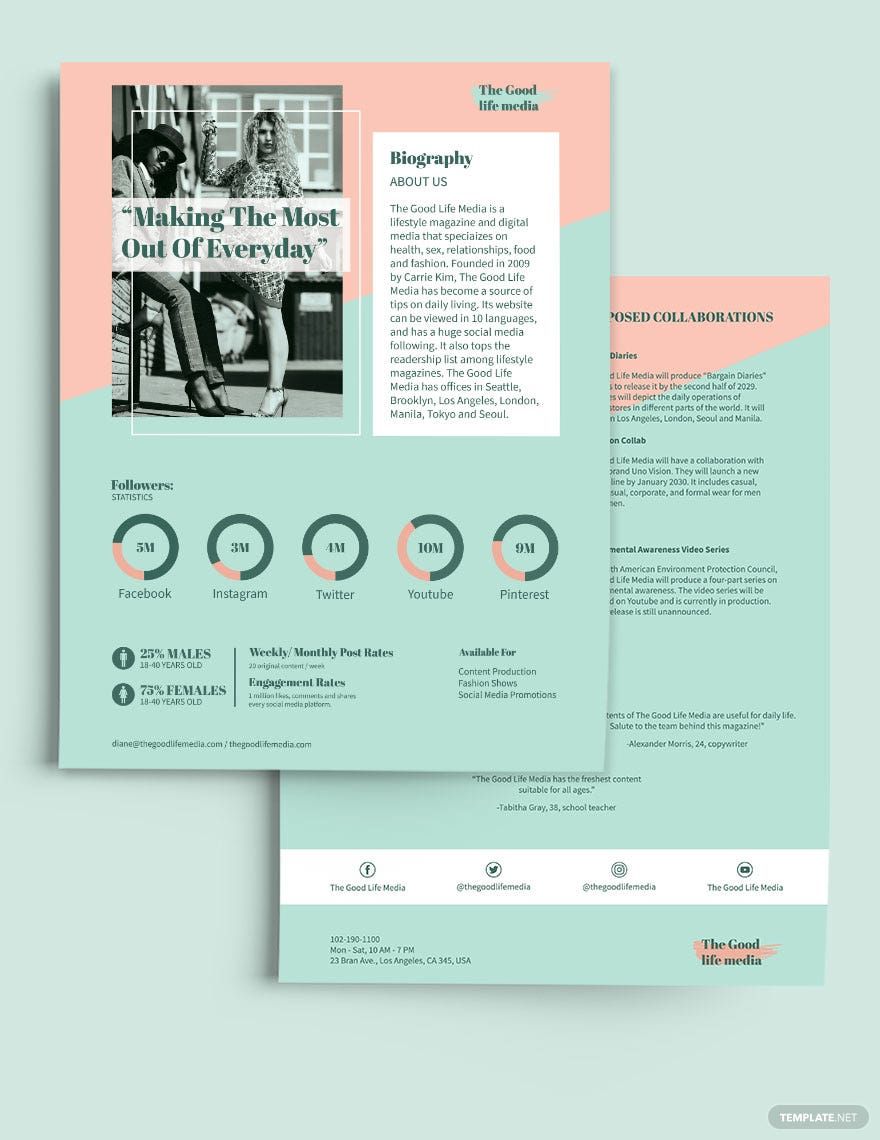
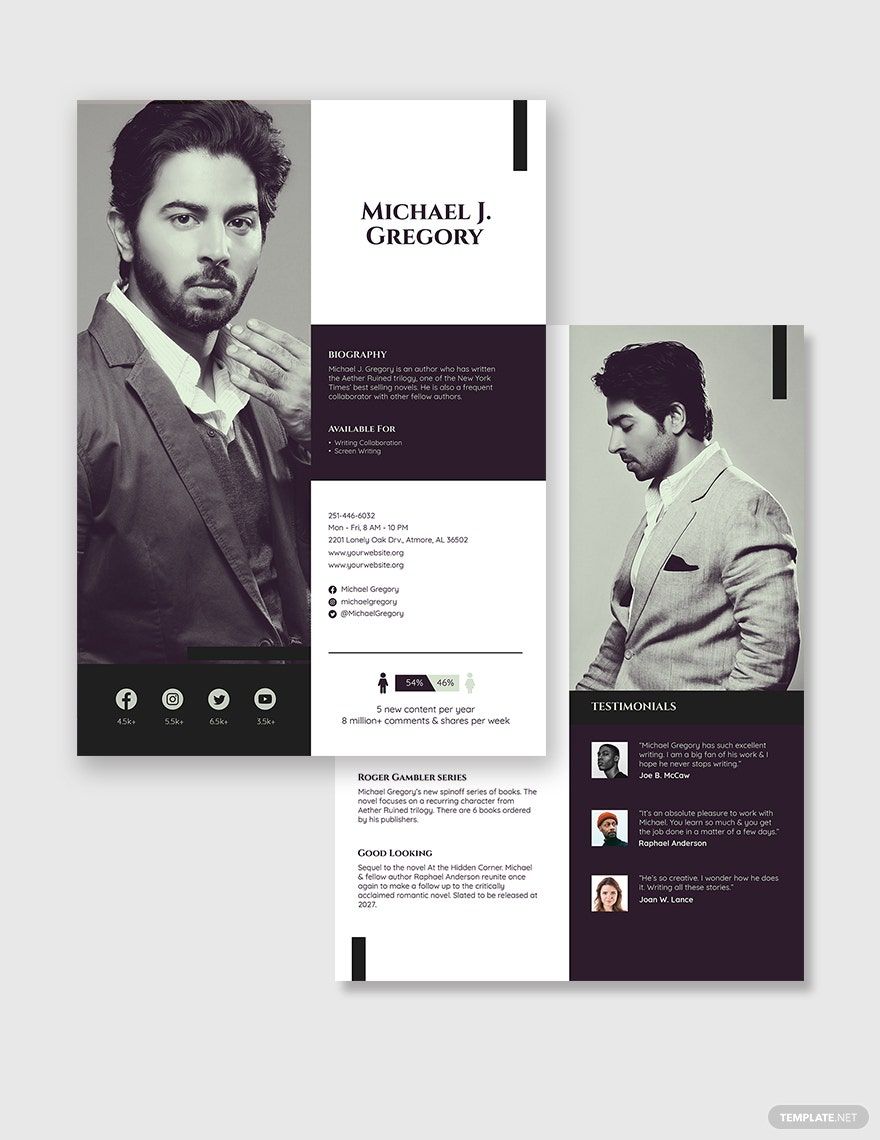
A Media Kit is a professional document used to present essential information about your brand, business, or project to journalists, advertisers, or partners. It typically includes your biography, audience statistics, services, and contact details to facilitate media coverage and collaboration opportunities.
Why should I use a Media Kit?
You should use a Media Kit to effectively communicate your brand's story and value to media professionals, making it easier to secure press coverage, sponsorships, or partnerships. A well-crafted media kit enhances your brand's credibility and streamlines the information sharing process.
Who uses Media Kits?
Media Kits are used by brands, influencers, startups, PR professionals, and businesses looking to share their story and marketing assets with journalists, advertisers, and potential collaborators for promotional and partnership purposes.
What are the best tips for designing my Media Kit?
Here are some expert tips to design your Media Kit effectively:
- Maintain consistent branding with colors and fonts
- Include clear contact information
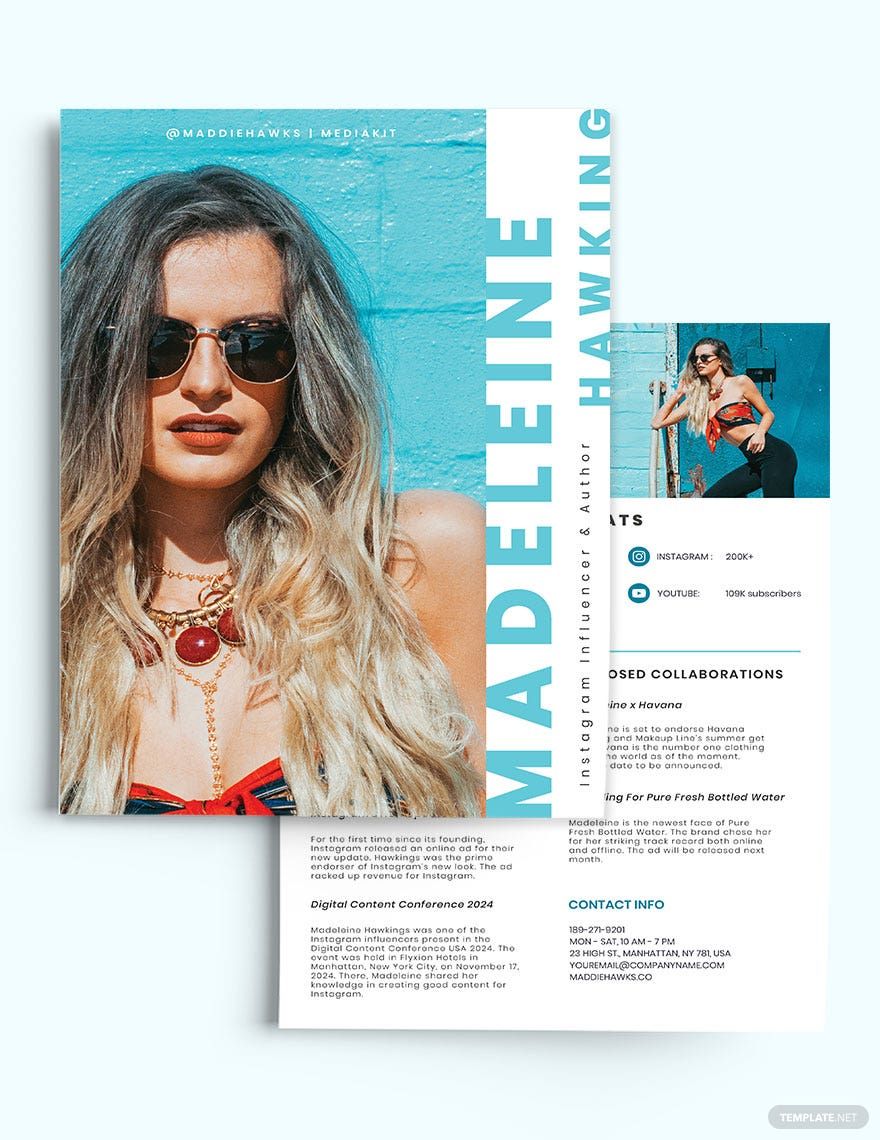
- Use high-quality images and logos
- Highlight key statistics about your audience
- Keep the layout clean and easy to scan
- Use concise and persuasive language
- Organize content logically with headings
- Include testimonials or endorsements
- Ensure mobile-friendly design if digital
- Update regularly with current data
What file formats can I download for my Media Kit?
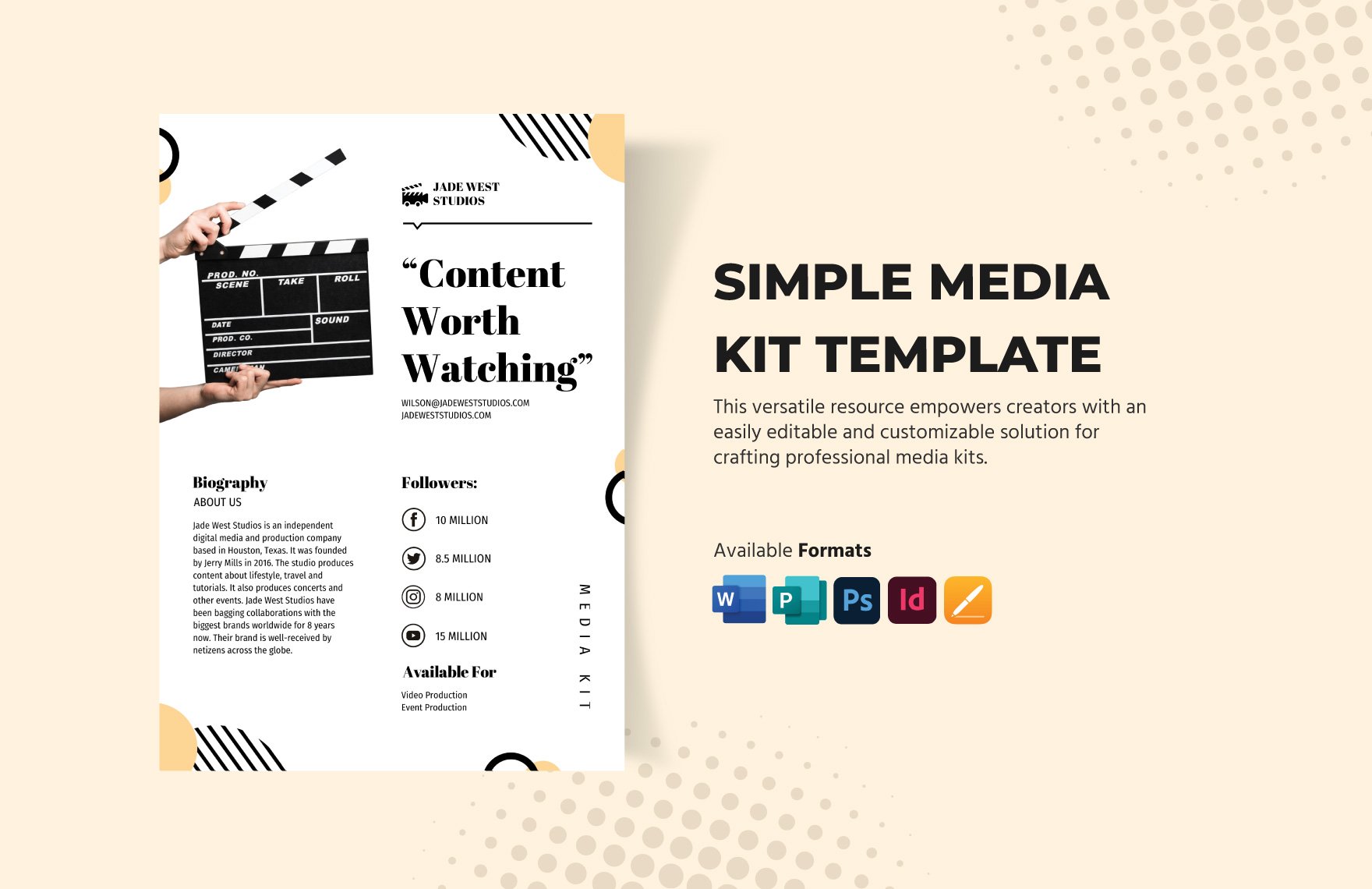
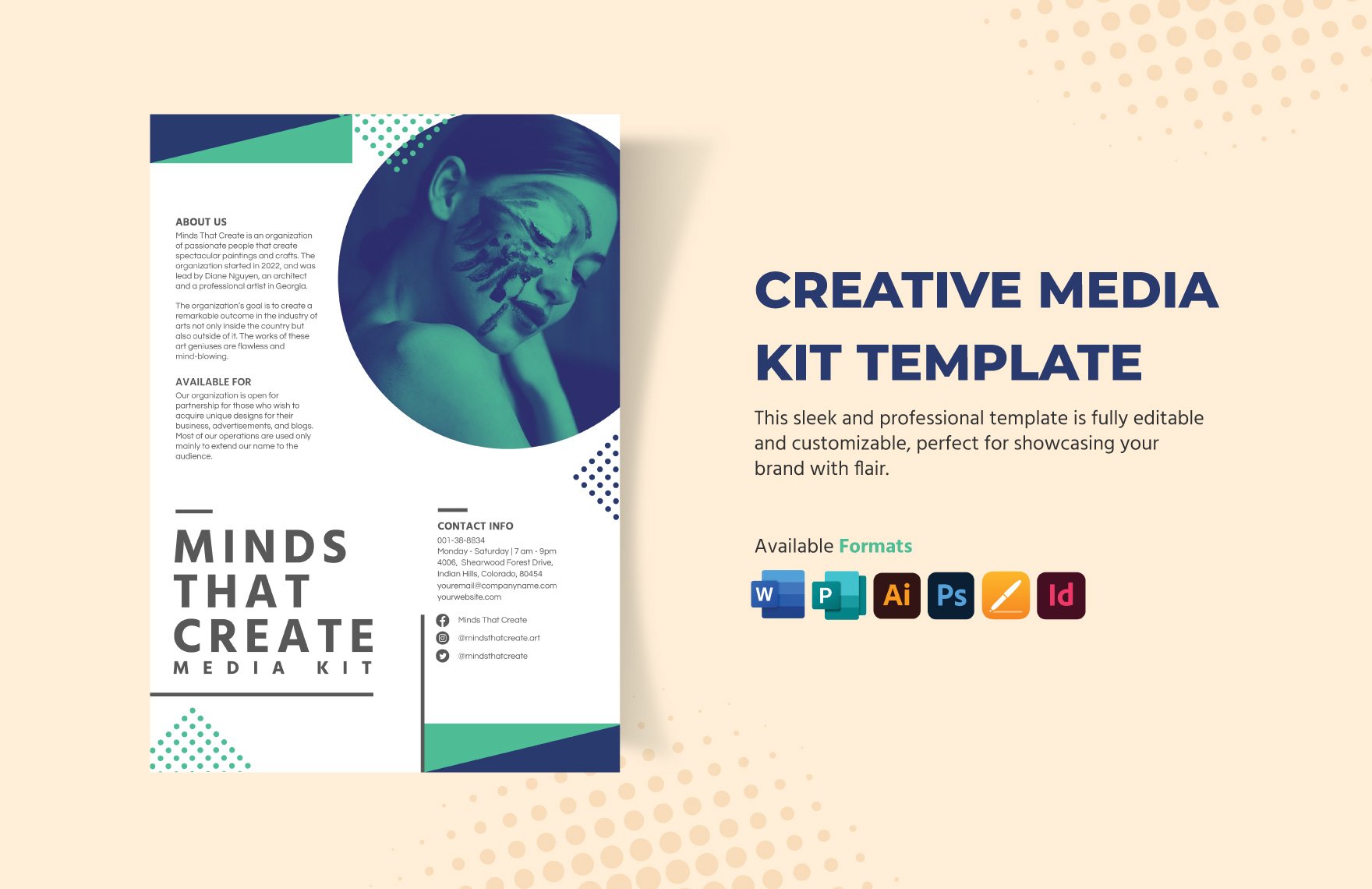
Template.net's Media Kit templates support multiple export formats for editing and sharing, including PSD, Illustrator, Publisher, Apple Pages, Word, and InDesign.
Can I create a Media Kit using AI?
Template.net provides an AI-powered tool that generates new Media Kit designs from prompts, allowing you to create customized media kits quickly and easily. Try the Media Kit Generator to get started.
What are the standard sizes for digital Media Kits?
Digital Media Kits commonly use pixel dimensions optimized for online viewing and sharing. Standard sizes include:
- 1080 × 1920 pixels for vertical presentations
- 1080 × 1080 pixels for social media posts
- 1920 × 1080 pixels for widescreen layouts
- 1200 × 628 pixels for social sharing previews
What key visual elements should I include in my Media Kit?
Your Media Kit should include essential visual elements to create a strong brand impression:
- Brand logo in high resolution
- Consistent color palette matching your brand identity
- High-quality images of products or services
- Graphs or charts showing audience statistics
- Typography that complements your brand style
- Icons or graphics to highlight key points
What are the benefits of using a Media Kit?
Using a Media Kit offers multiple benefits for your brand or business:
- Streamlines communication with media and partners
- Enhances brand credibility and professionalism
- Increases chances of media coverage and sponsorships
- Saves time by providing all key info in one place
- Improves marketing and promotional efforts
- Facilitates partnerships and collaborations