


![How to Add a Signature in Microsoft Forms [Templates + Examples] 2026](https://images.template.net/wp-content/uploads/2022/07/How-to-Add-a-Signature-in-Microsoft-Forms-Templates-Examples-2023-788x443.jpg)
How to Add a Signature in Microsoft Forms [Templates + Examples] 2026
Signatures found in documents establish who you are as an individual or as an organization. Aside from the fact that…
Dec 22, 2025


Sep 02, 2025
Microsoft Visio marks Microsoft’s main diagram maker software from professional-looking flowcharts to complex visual diagrams. You can certainly download, access, and use Microsoft Visio for free whether you use Visio 2007, Visio 2010, Visio 2013, Visio 2016, or any of the later versions.
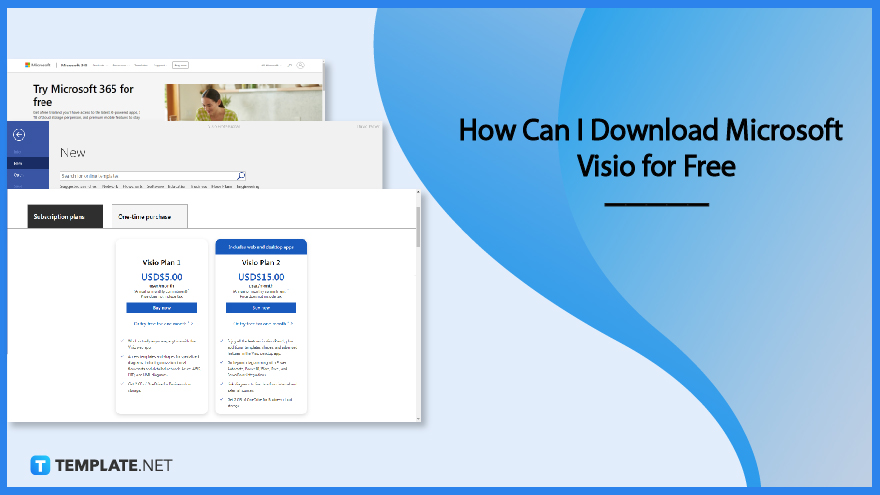
The main options to use Microsoft Visio are to use the online version, subscribe to Microsoft Office 365, or take the Microsoft Vision plan. And you can certainly go for free with these steps:
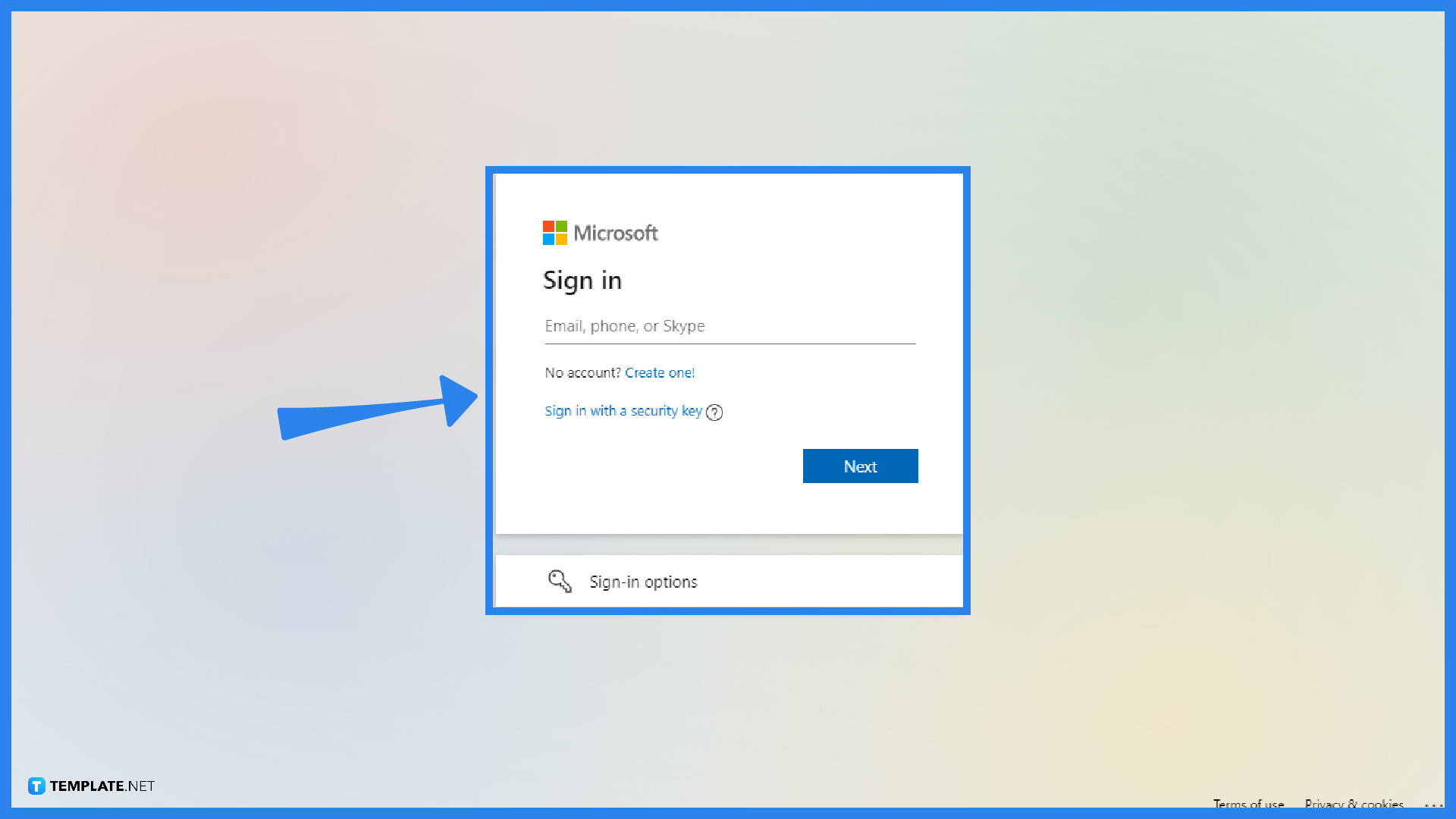
Microsoft Visio online is a free web browser. Simply visit Visio.office.com and sign in to Microsoft Visio. The free online version doesn’t require any installation so it is very easy to access. Just make sure to provide your Microsoft email address and password to get started. Then, click “Sign in.”
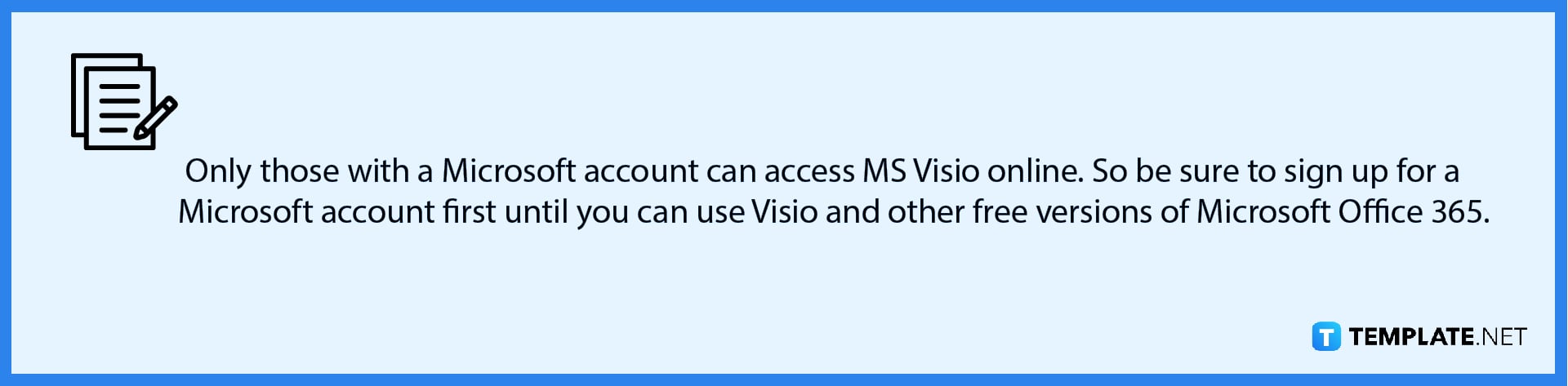
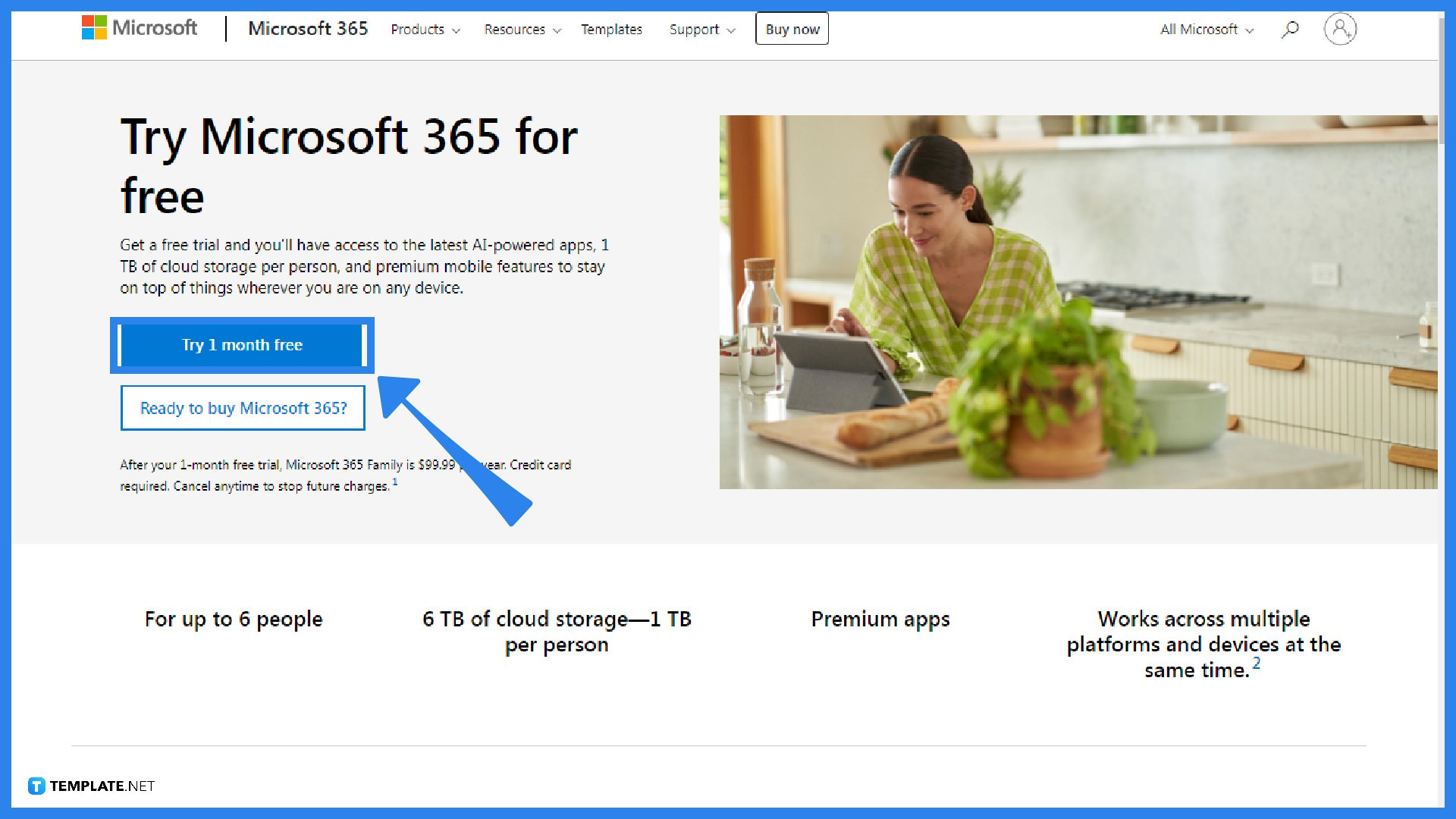
The best option would be to subscribe to Microsoft 365 because you can access all Office tools such as Microsoft Word, PowerPoint, Excel, Access, and even Microsoft Visio. But if you can’t pay the $9.99 subscription per month or $99.99 subscription per year yet, you can always take the Office 365 free trial for one month. Simply visit the MS Office 365 product page and click “Try 1 month free” until you are ready to buy the subscription.
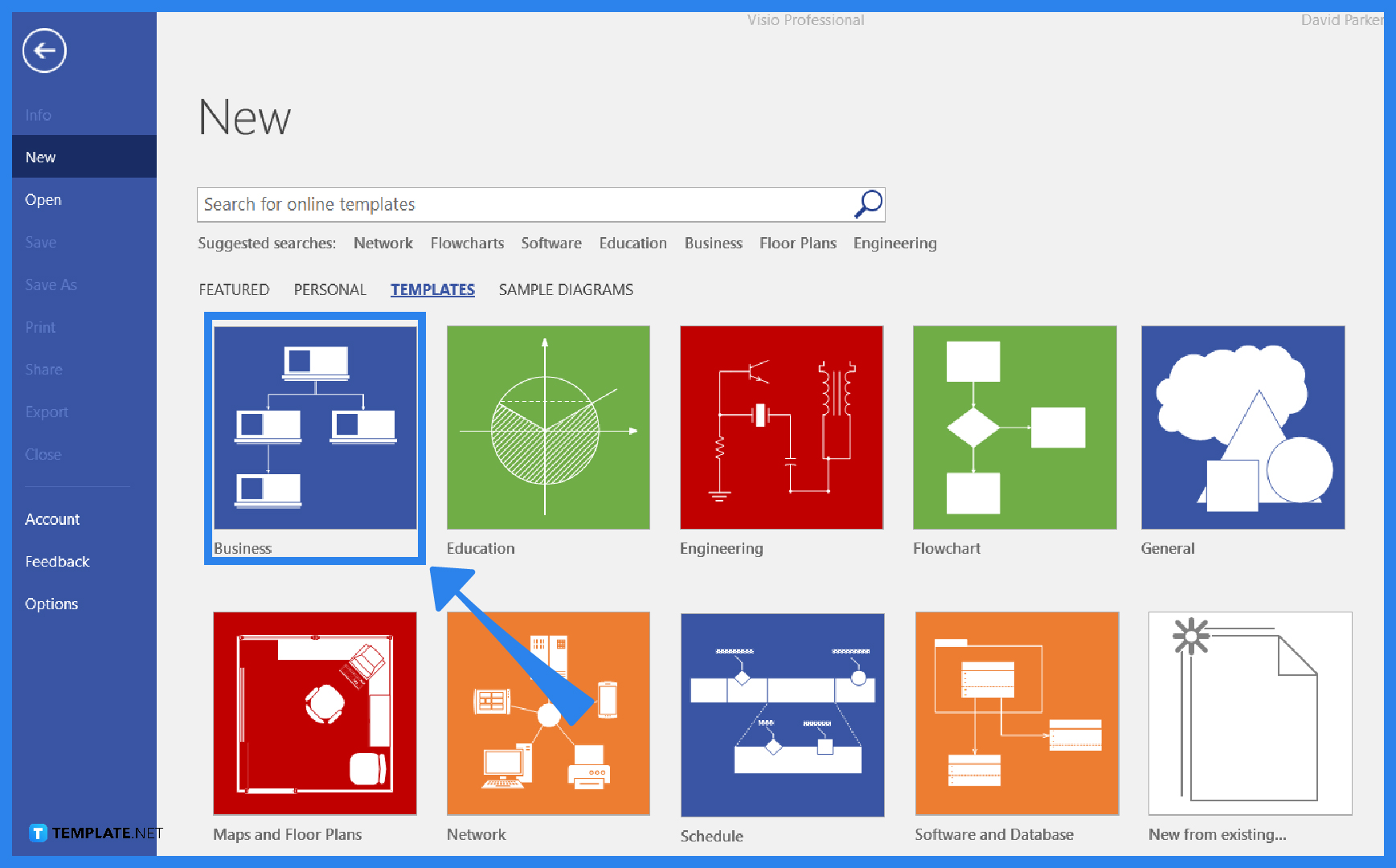
When you are already using the free trial version of Office 365, open the MS Visio app immediately on your computer. It should be available from the many Office productivity tools there. Then, you practice how to use Microsoft Visio such as how to create a diagram using a template. Just know that after one month, charges already apply so you can only go back to Visio online for the free version.
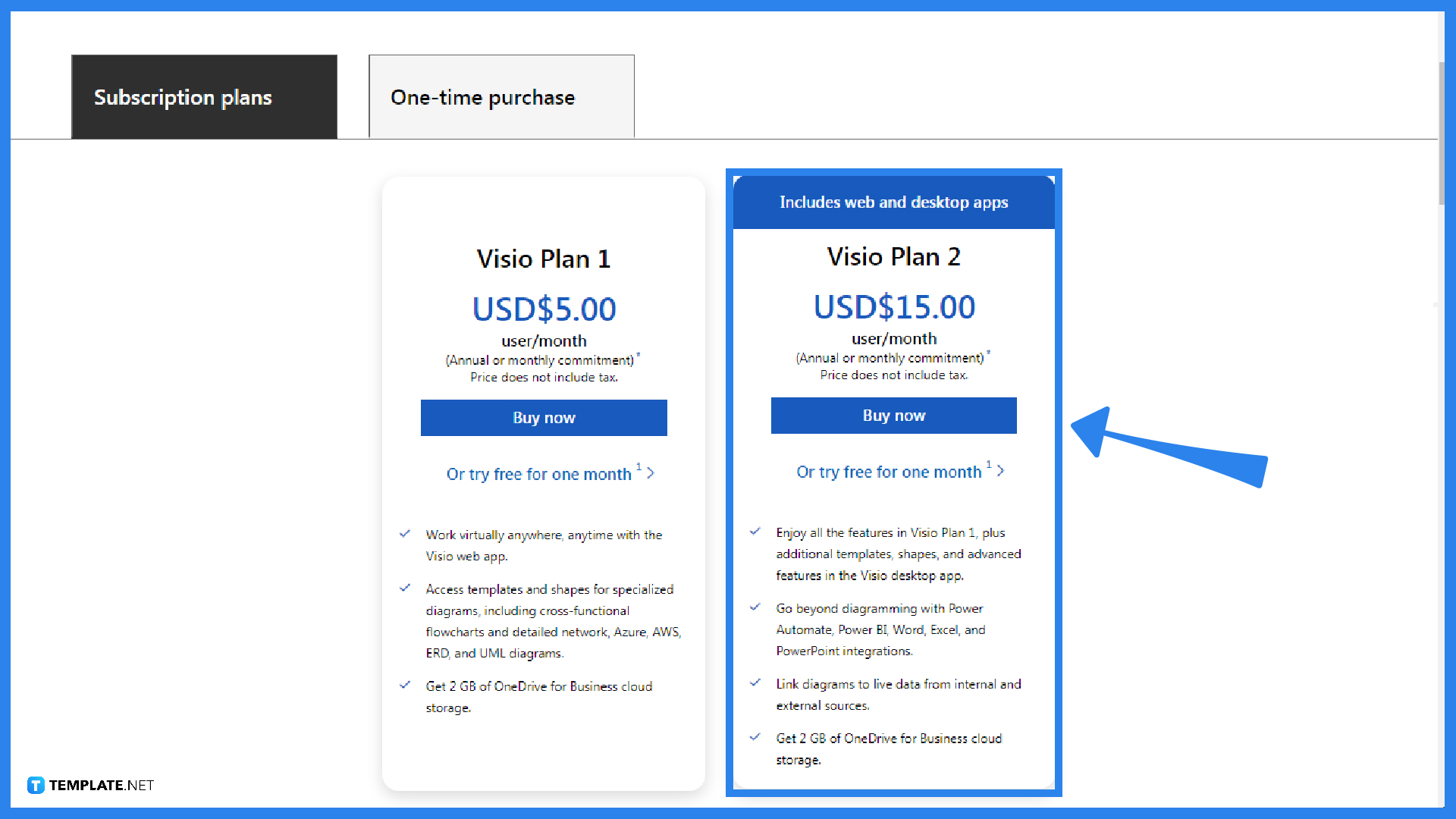
The last option is to subscribe to Microsoft Visio only. You may opt for Visio Plan 1 ($5 per month) or Visio Plan 2 ($15 per month). This is more affordable than the Microsoft 365 version because you don’t need to use all Office tools. And just like MS 365, there is also a free trial available in the Microsoft Visio plan whether you opt for plan 1 or plan 2. Try it for one month and you can continue subscribing with charges afterward.
Yes, as mentioned earlier in step 4, you can just download the Visio plan 1 or plan 2 and there are free trial versions for both; no need for Office.
MS Visio, specifically Visio Professional for Students, is free for students mainly for training, learning, or educational purposes.
Even without a Microsoft Visio app installed, you can still view and even print Visio files for free using Visio Viewer; hence, you can share files with others so they can access and get copies for themselves.

Signatures found in documents establish who you are as an individual or as an organization. Aside from the fact that…
![How To Make/Create a Newsletter in Microsoft Outlook [Templates + Examples] 2026](https://images.template.net/wp-content/uploads/2022/07/How-to-Start-a-Newsletter-with-Microsoft-Outlook-788x443.jpg)
Newsletters enable companies and organizations to communicate relevant and helpful information to their client, prospects, and subscribers. By giving you…
![How To Make/Create a Booklet in Microsoft Publisher [Templates + Examples] 2026](https://images.template.net/wp-content/uploads/2022/08/How-To-Make_Create-a-Booklet-in-Microsoft-Publisher-788x443.png)
Booklet templates are pre-designed layouts that make it easy to create a professional-looking booklet. They typically include placeholders for text…
![How To Make/Create a Booklet in Microsoft PowerPoint [Templates + Examples] 2026](https://images.template.net/wp-content/uploads/2022/07/How-To-Make-Create-a-Booklet-in-Microsoft-PowerPoint-788x443.jpg)
Booklets can be created in Microsoft PowerPoint, which offers a design feature that allows users to display them in PPT…
![How to Automatically Fill PDF Forms Using Microsoft Excel [Templates + Examples] 2026](https://images.template.net/wp-content/uploads/2022/07/How-to-Automatically-Fill-PDF-Forms-Using-Microsoft-Excel-788x444.png)
Automatically fill PDF forms using Microsoft Excel so you won’t have to save multiple PDF forms in an Excel spreadsheet…
![How to Make/Create a Floor Plan on Microsoft Excel [Templates + Examples] 2026](https://images.template.net/wp-content/uploads/2022/07/How-to-Make-a-Floor-Plan-on-Microsoft-Excel-788x443.jpg)
Floor plans either make or break projects related to engineering and architecture. That being said, every apartment room, bedroom, living…
![How to Make/Create a Grid in Microsoft Word [Templates + Examples] 2026](https://images.template.net/wp-content/uploads/2022/07/How-to-Make_Create-a-Grid-in-Microsoft-Word-788x444.jpg)
Grids consist of a network of lines that work as graphic cues while formatting your document in Microsoft Office. If…
![How to Add More Highlight Colors to Microsoft Word [Templates + Examples] 2026](https://images.template.net/wp-content/uploads/2022/07/How-to-Add-More-Highlight-Colors-to-Microsoft-Word-Templates-Examples-2023-788x443.jpg)
Add more highlight colors to Microsoft Word so you won’t have to settle with the default shading color in marking…
![How to Make/Create a Border in Microsoft Publisher [Templates + Examples] 2026](https://images.template.net/wp-content/uploads/2022/08/How-to-MakeCreate-a-Border-in-Microsoft-Publisher-788x444.png)
Borders are graphic design elements that make a document more pleasing and stylish to look at. This can be used…