
Free Poshmark Photo Templates
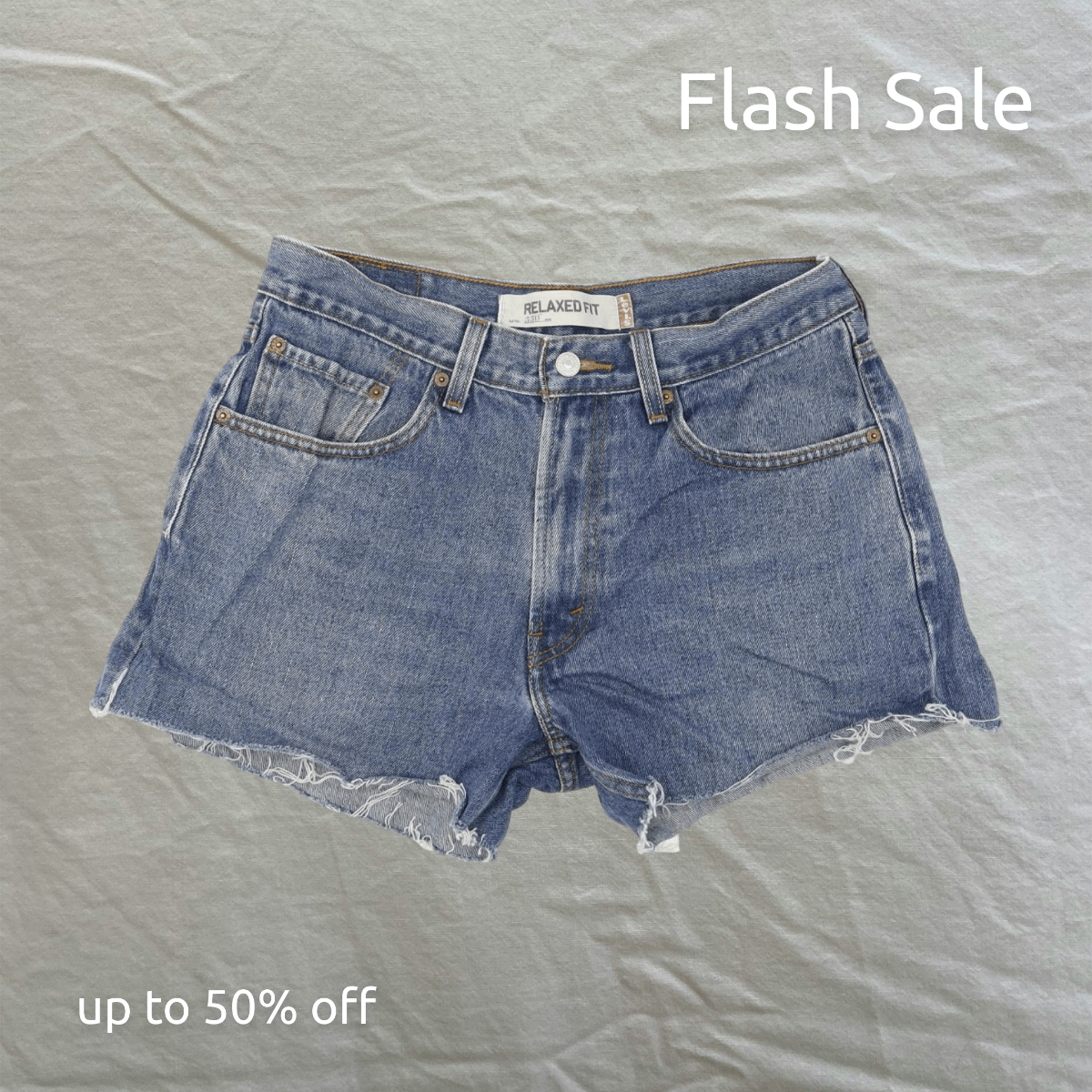
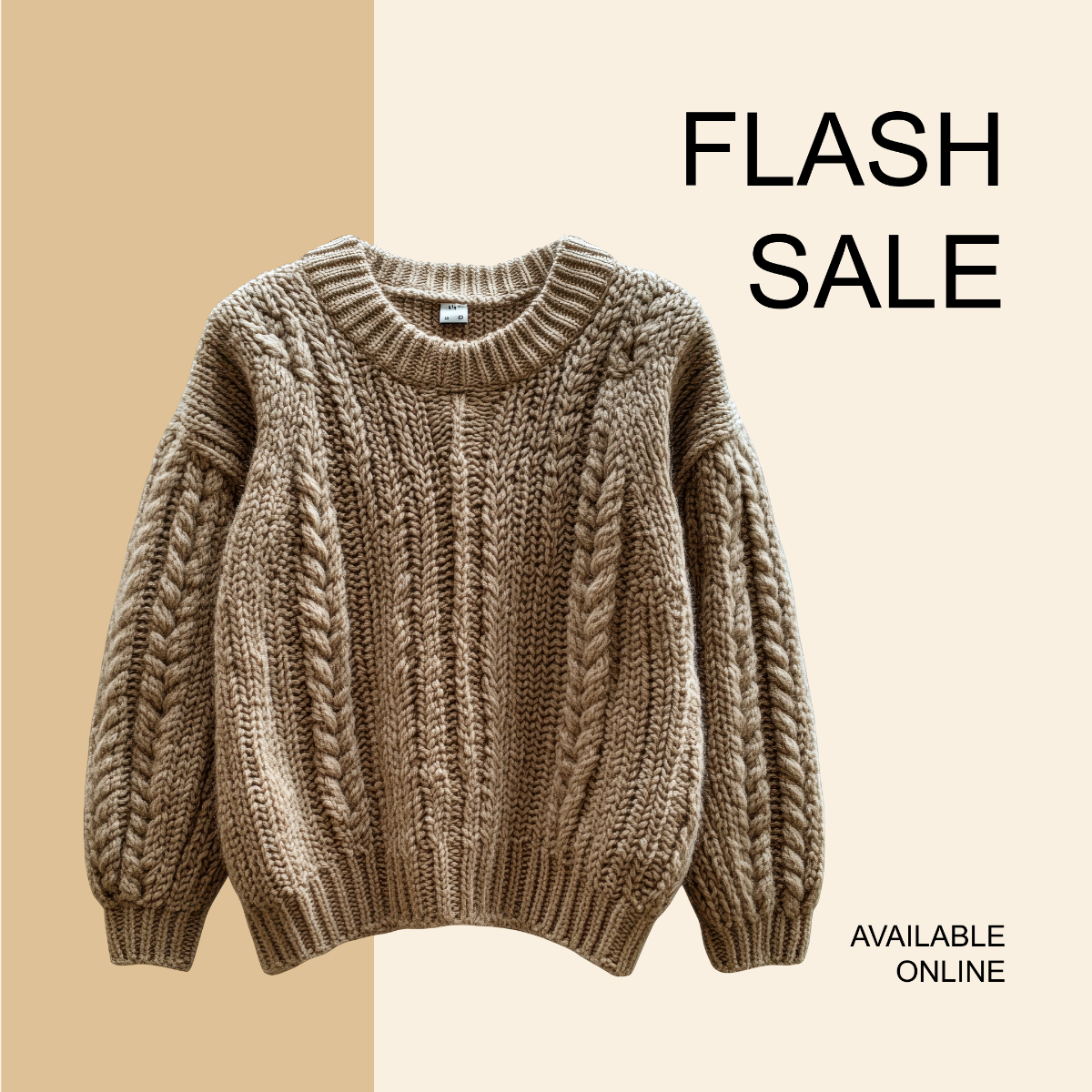


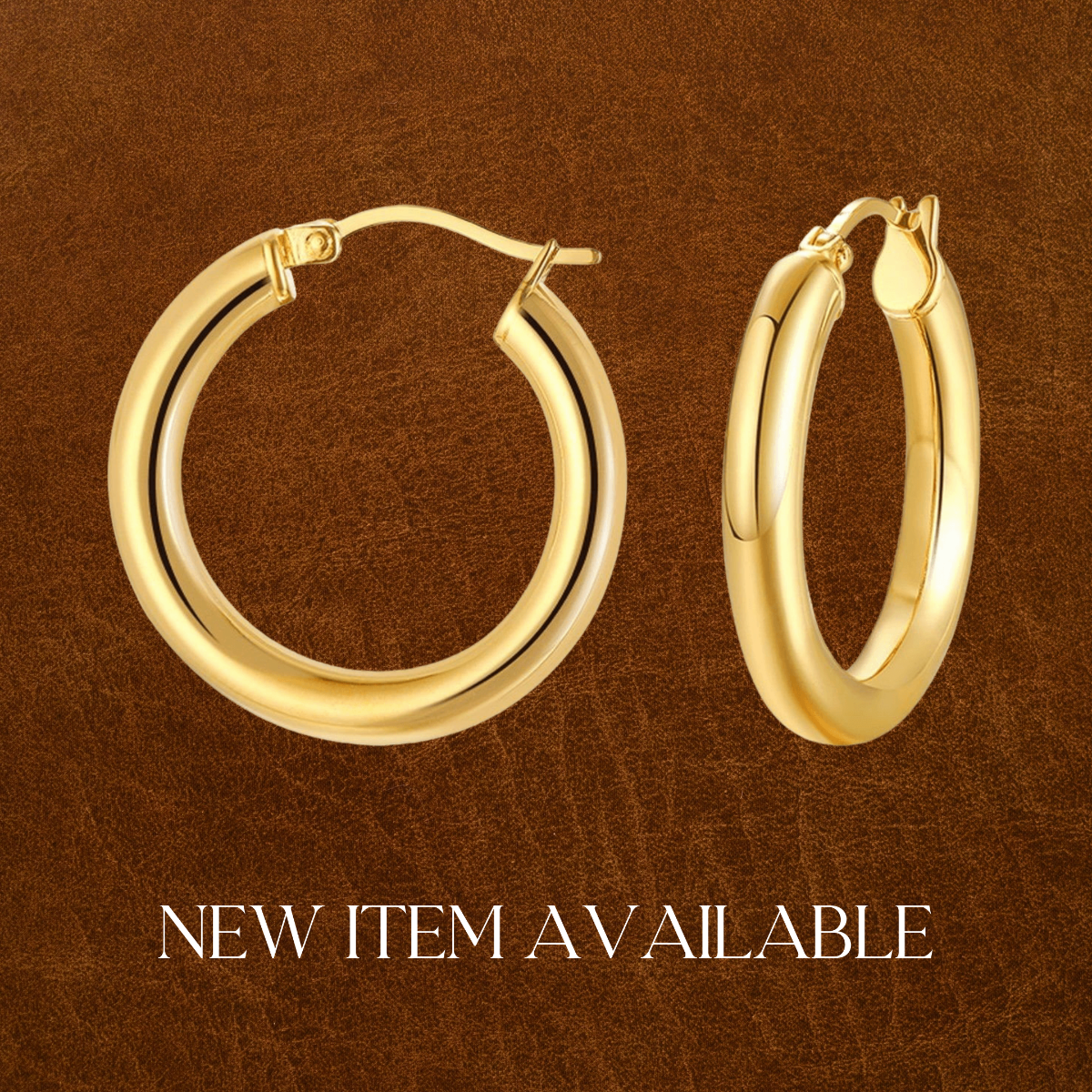

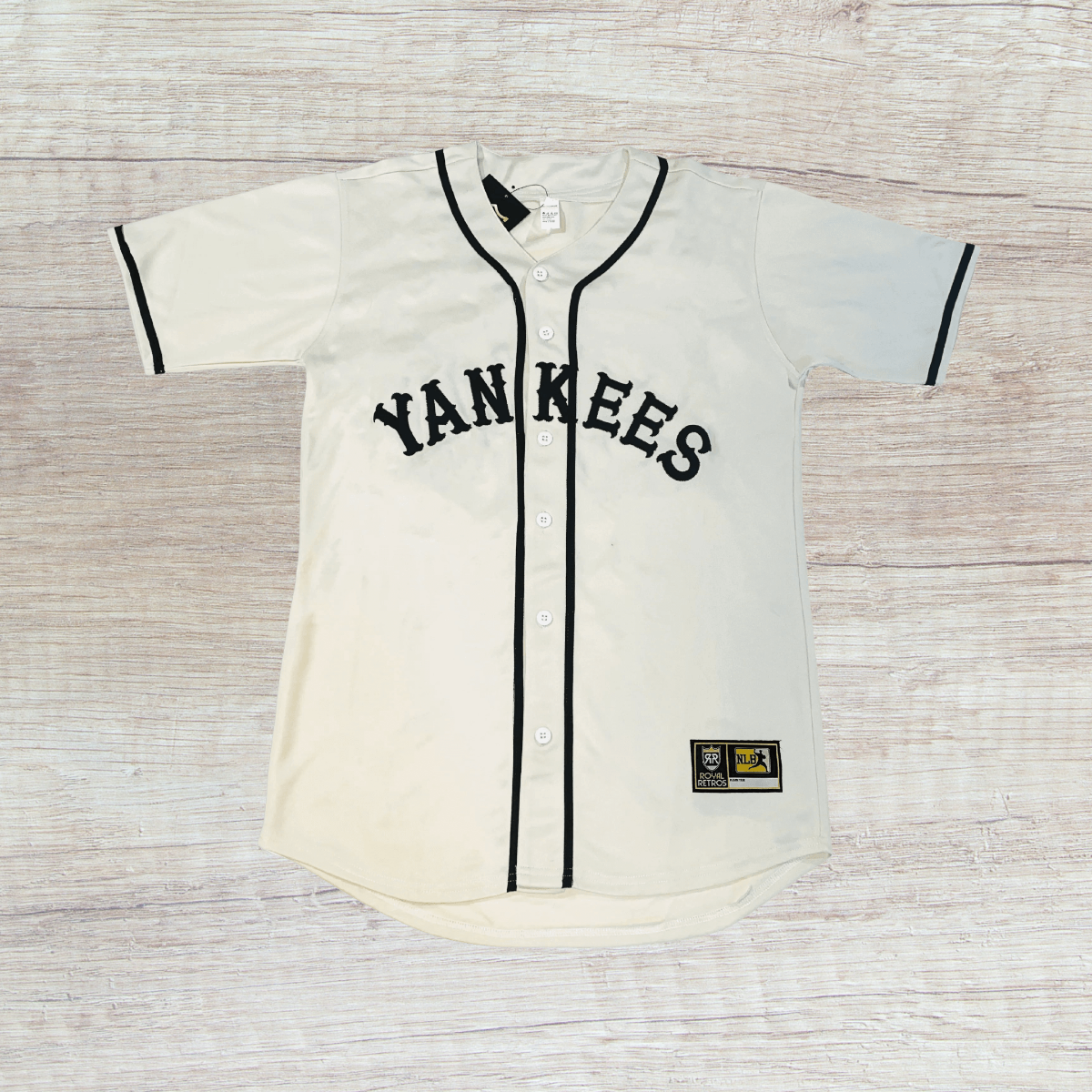


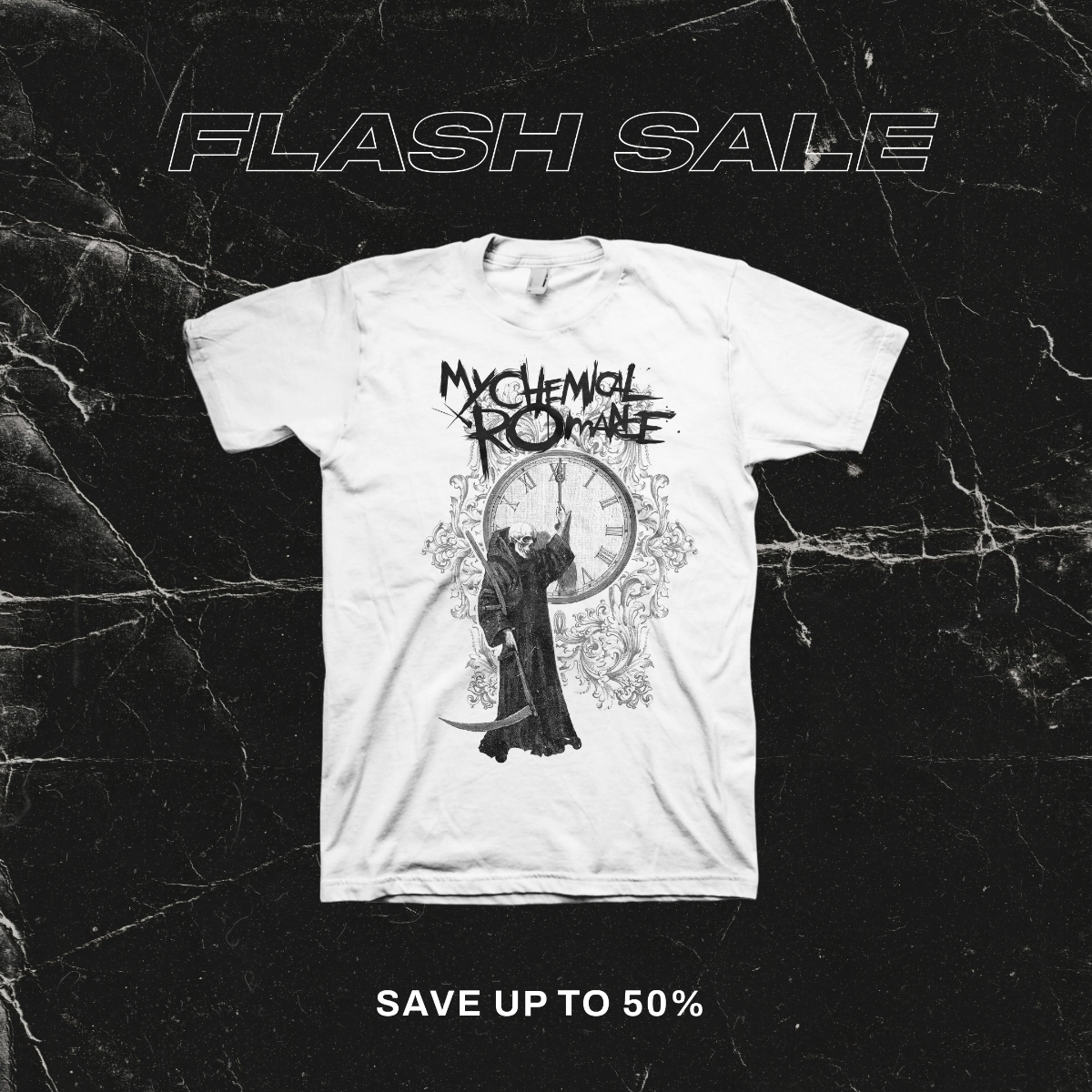
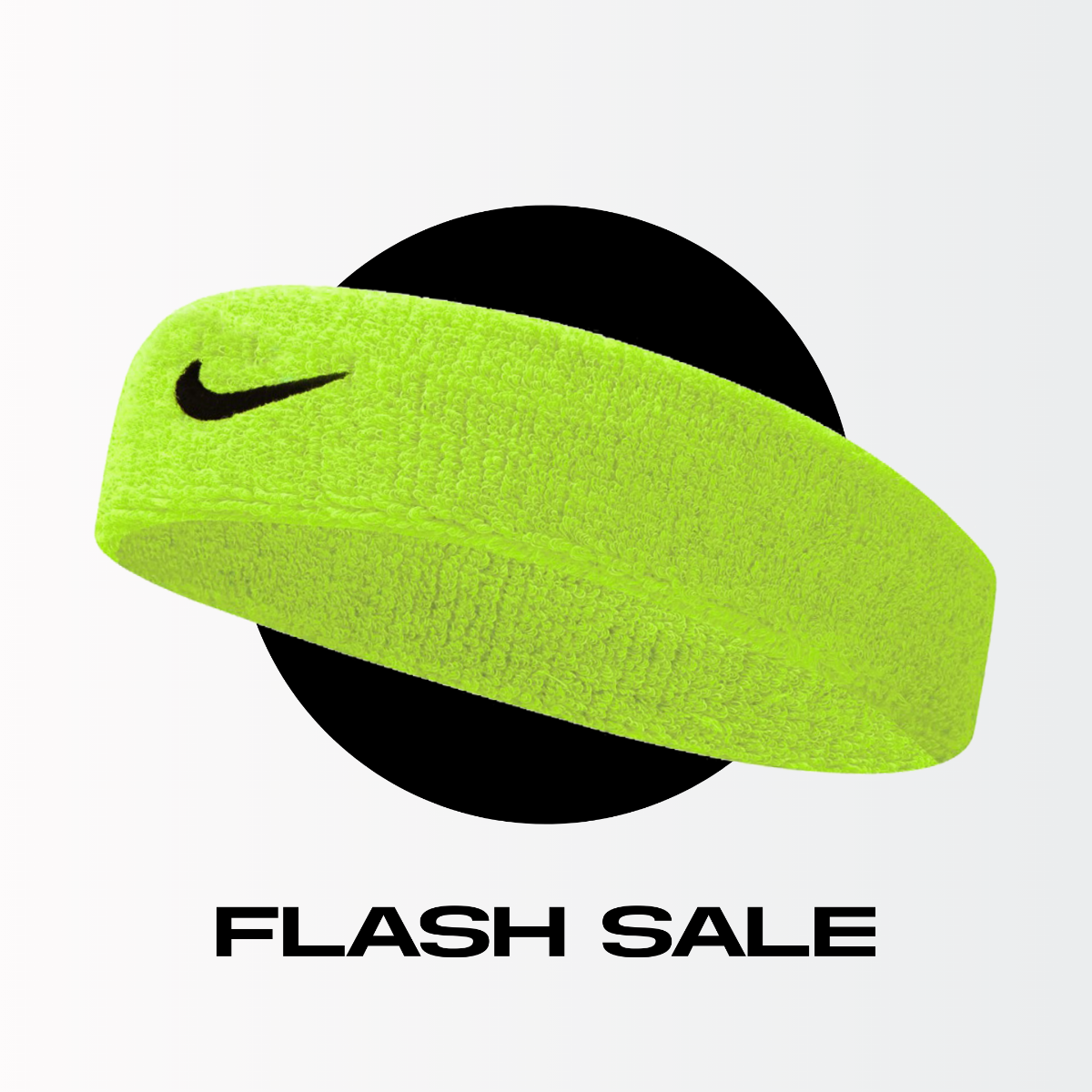

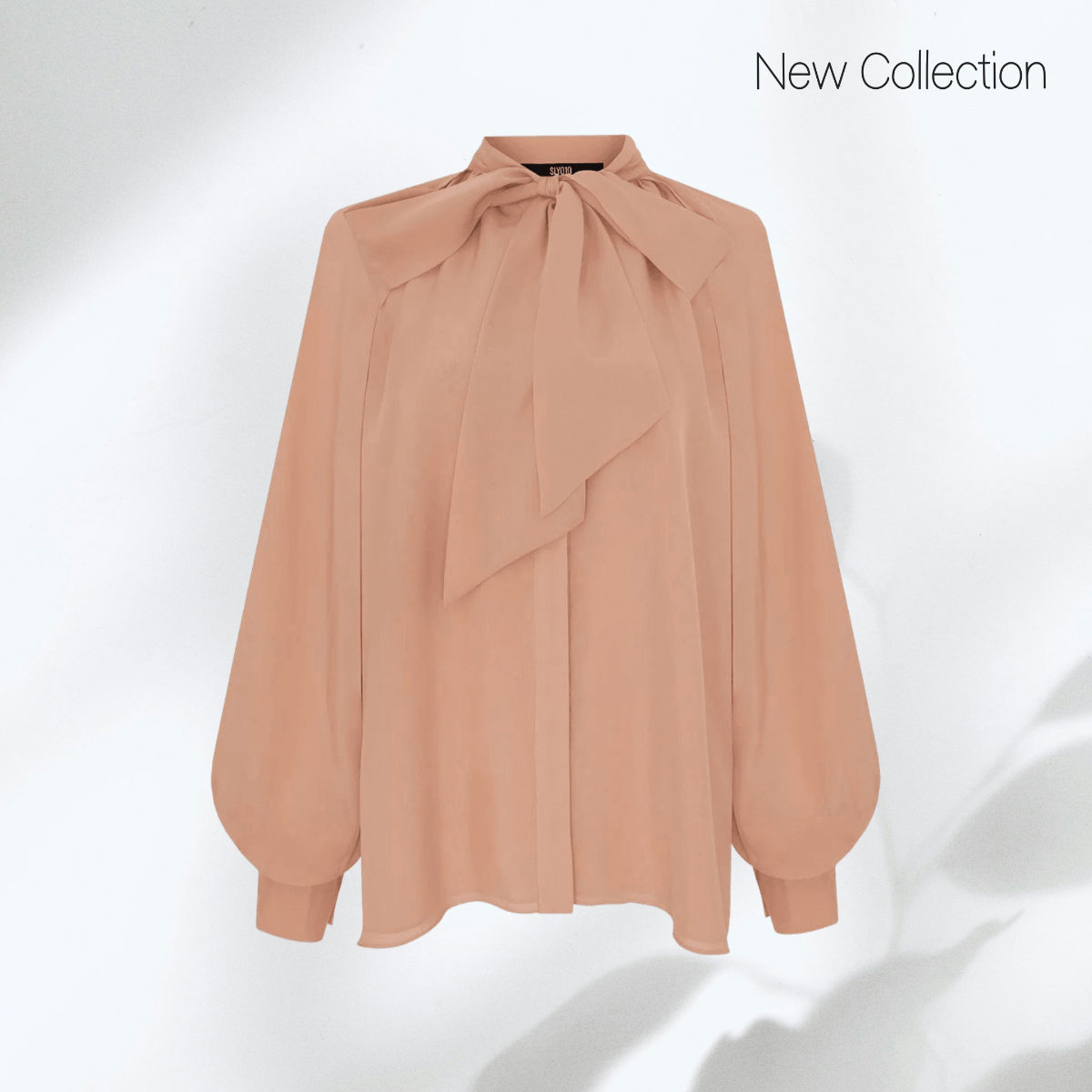


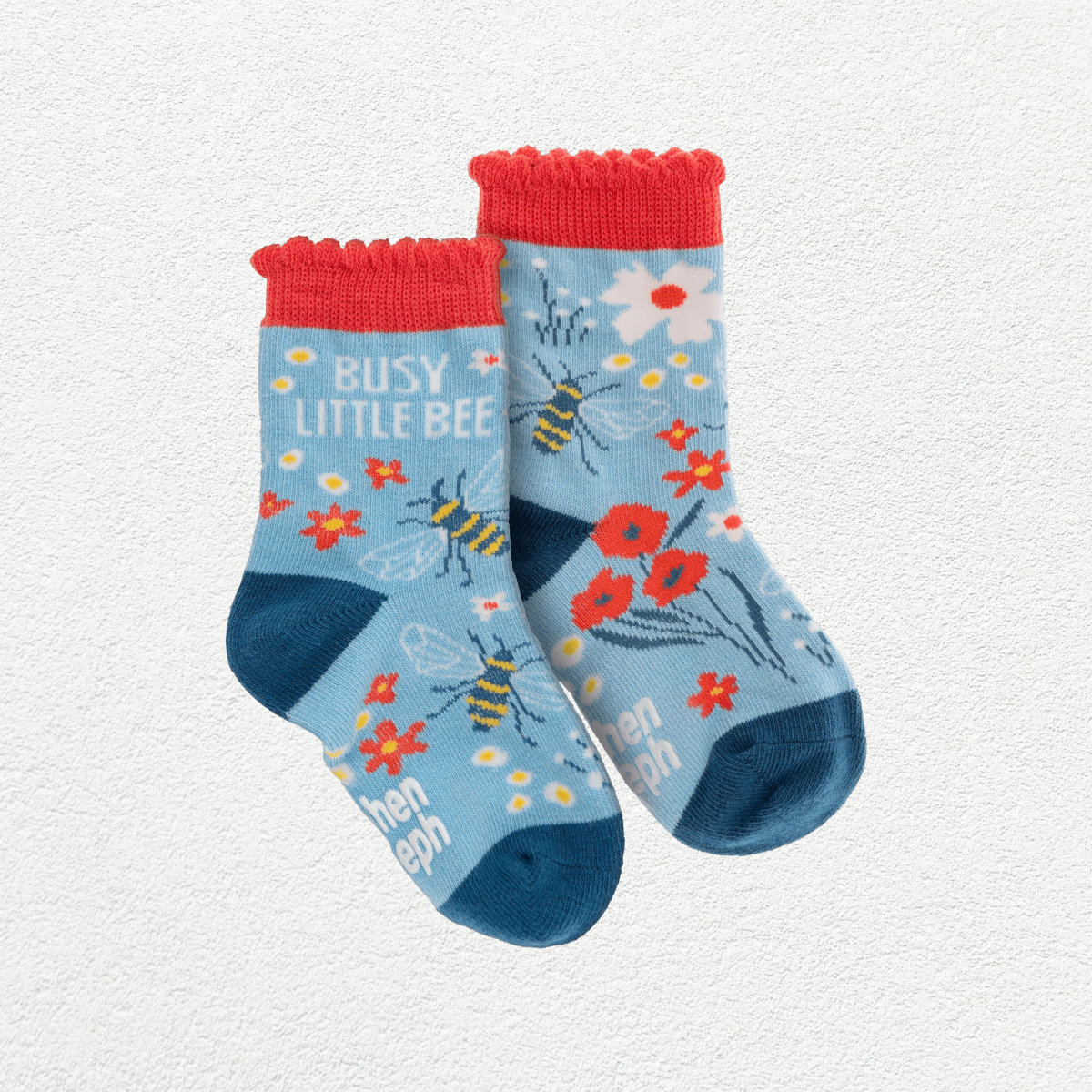












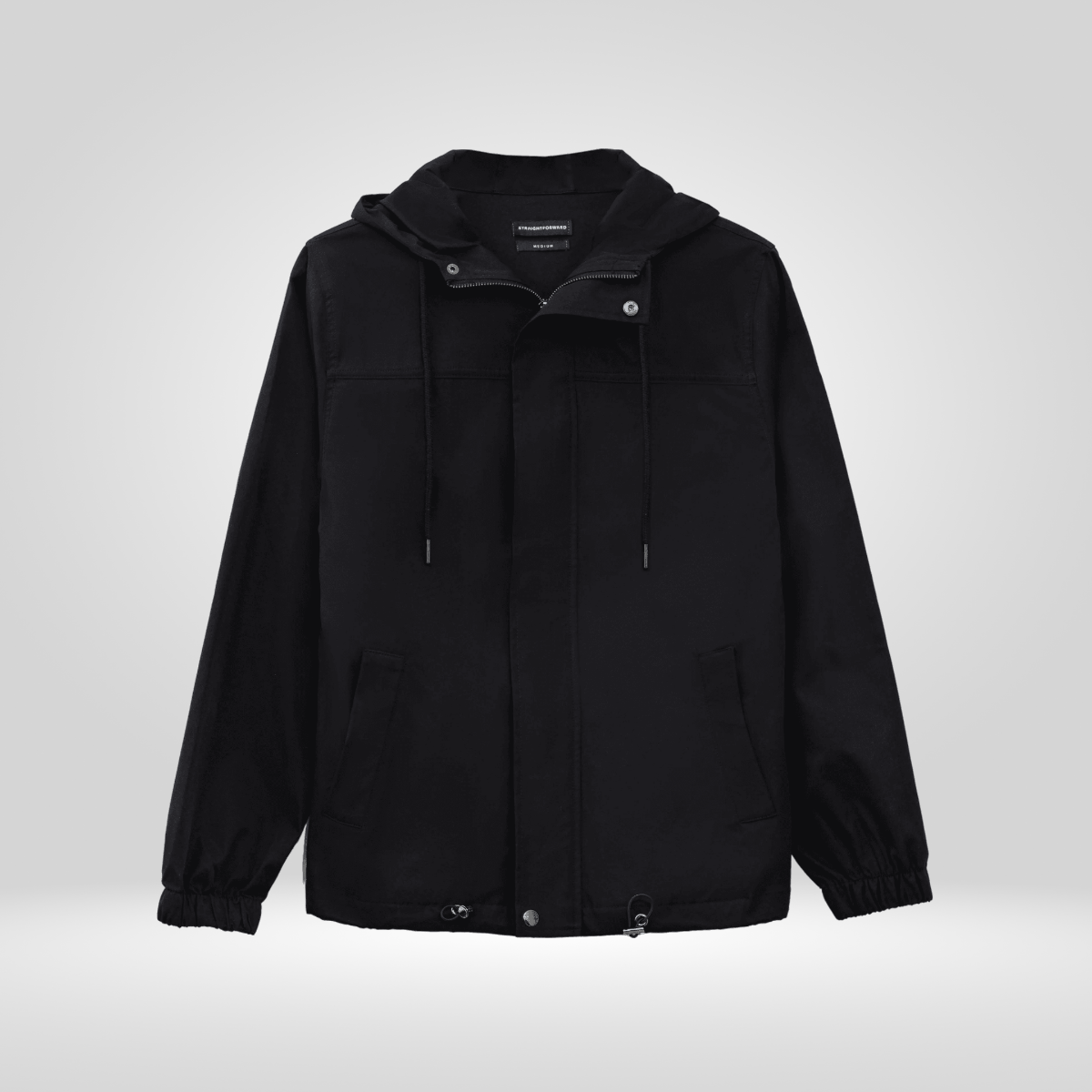

Poshmark Photo Templates: Definition, Usage, and Design Insights
What is a Poshmark Photo?
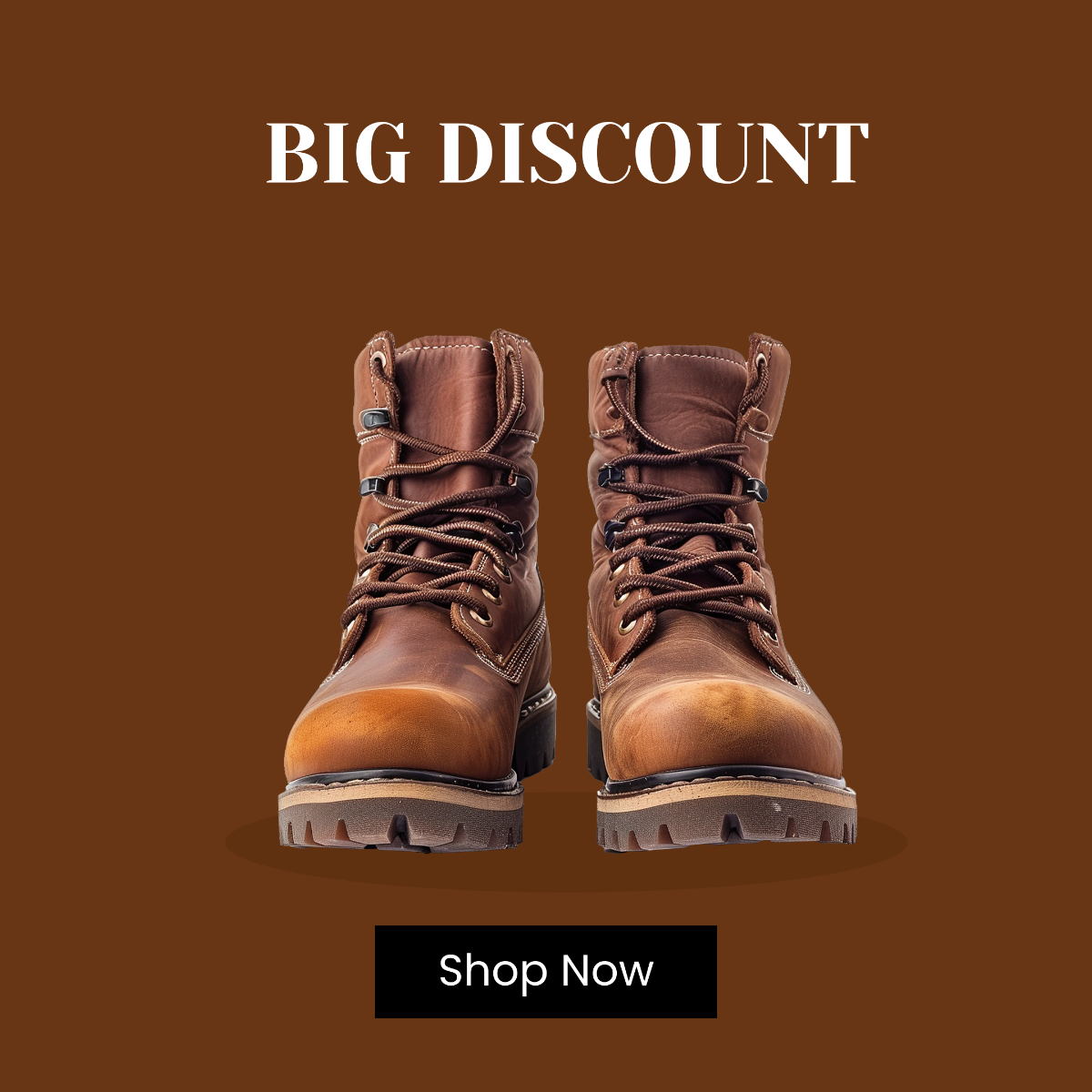
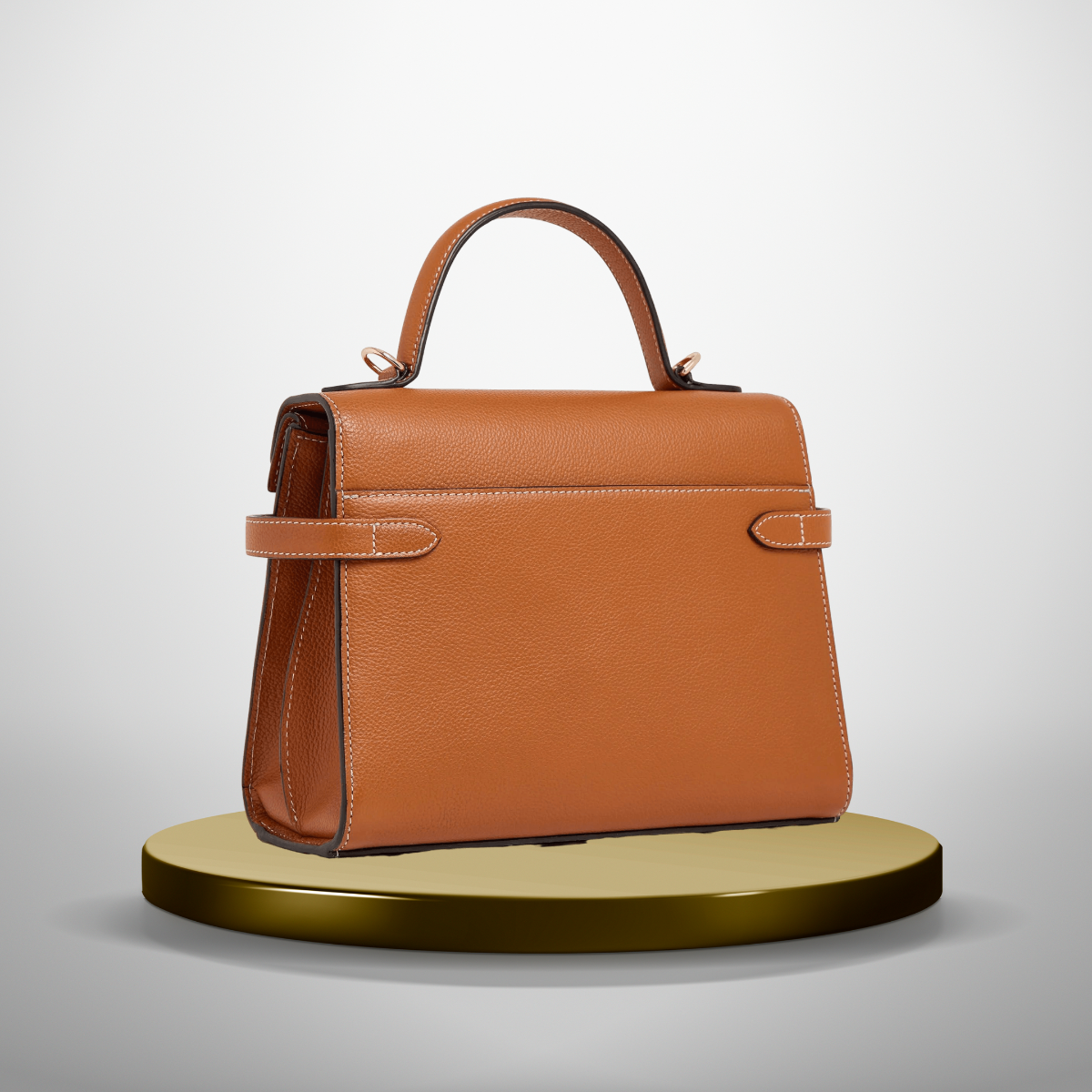
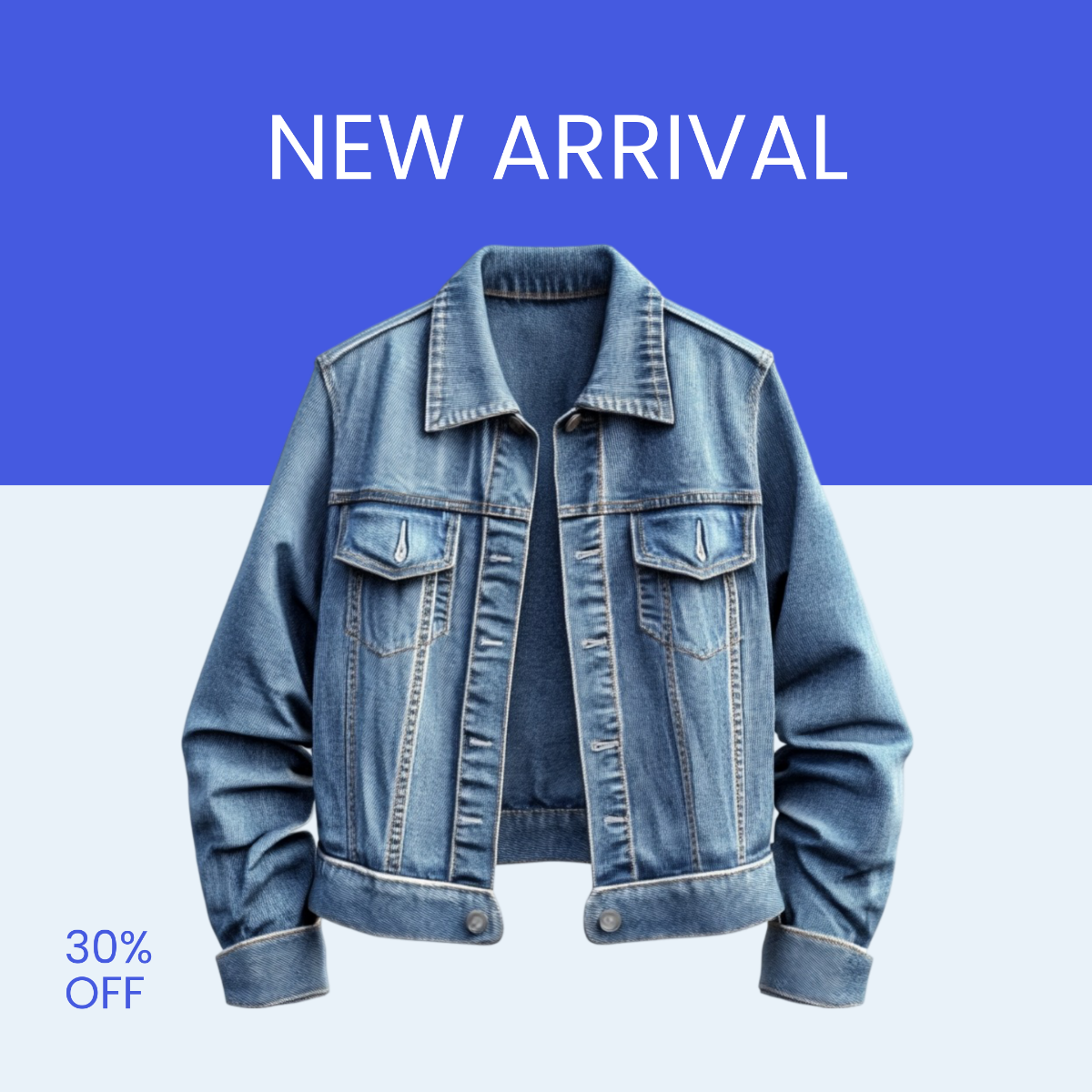
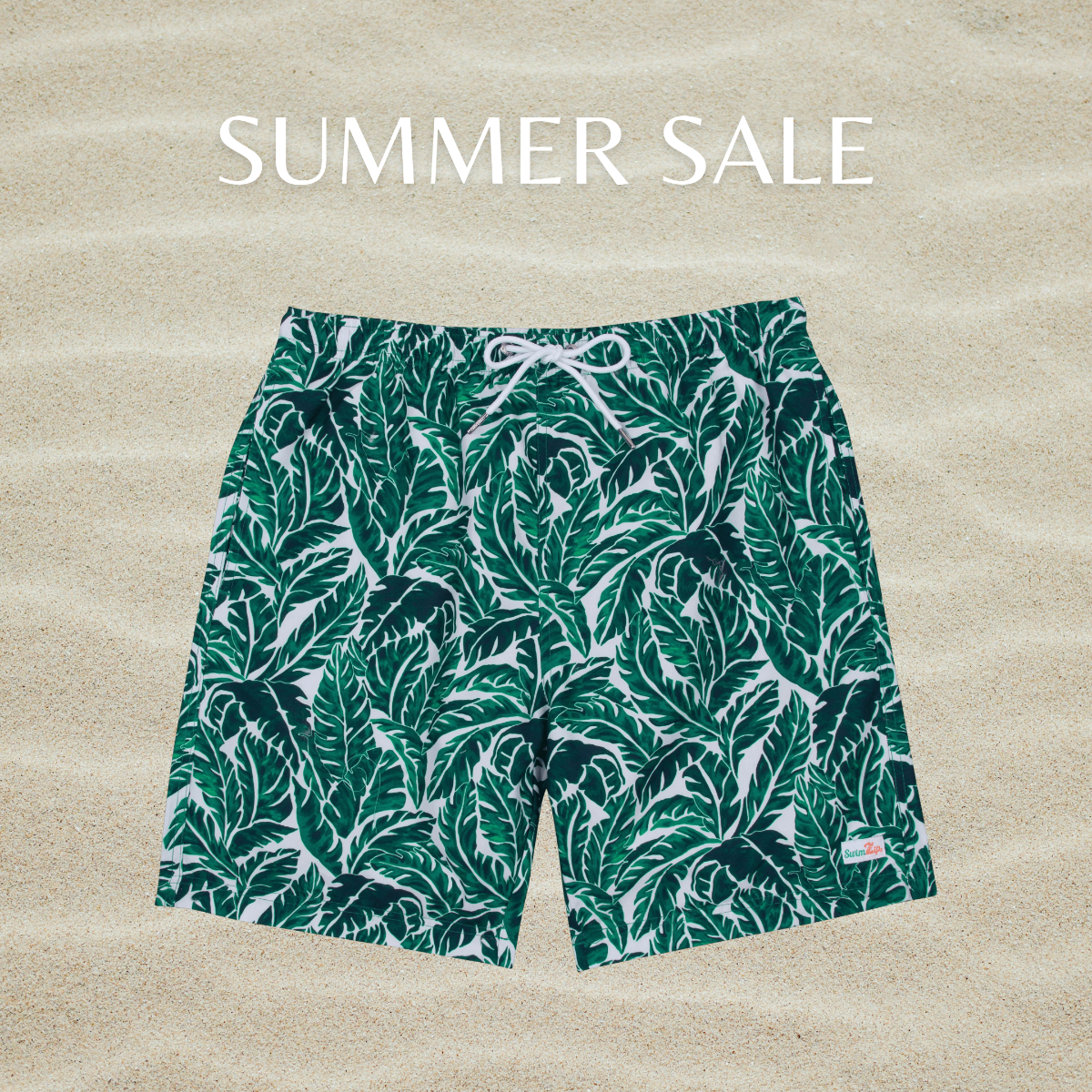
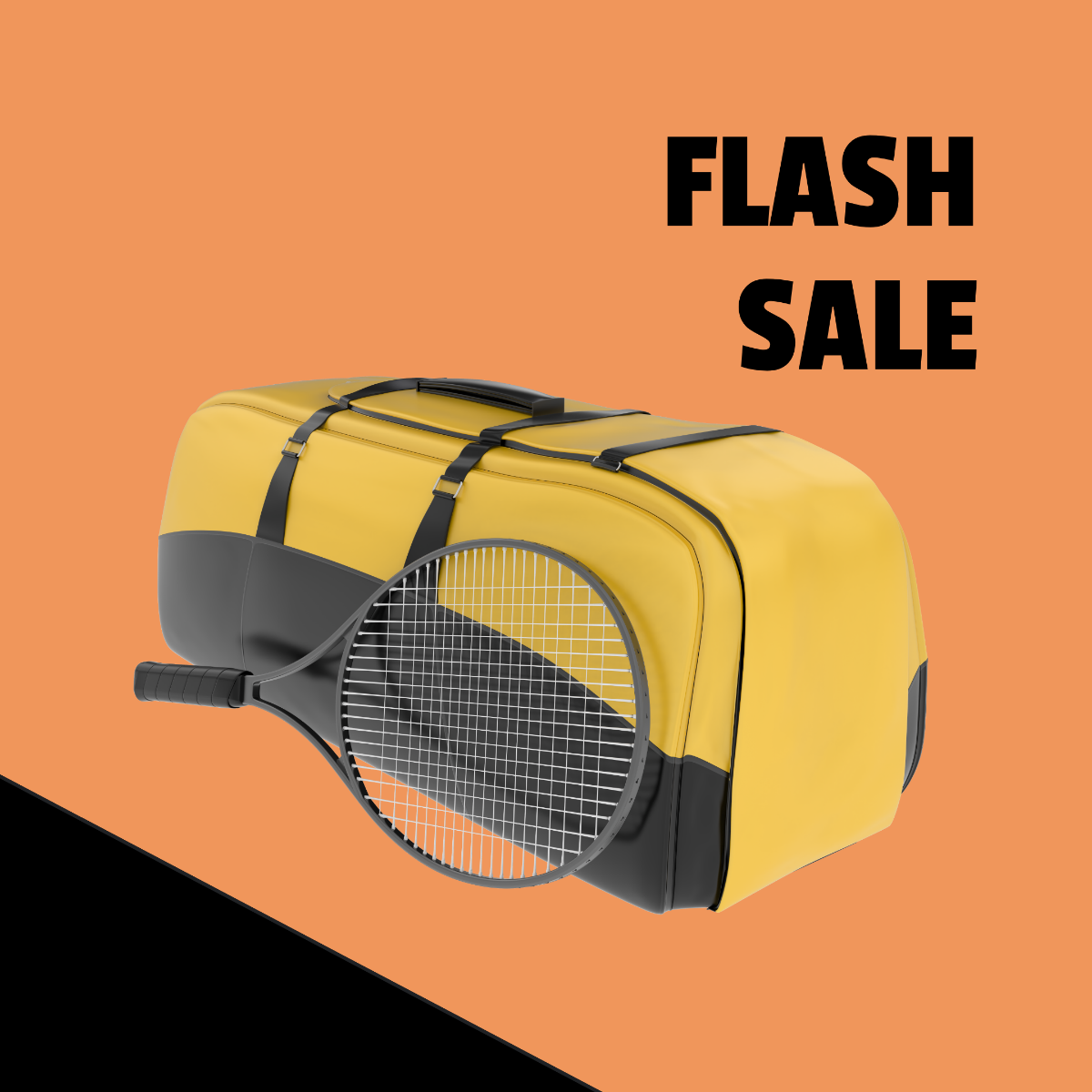
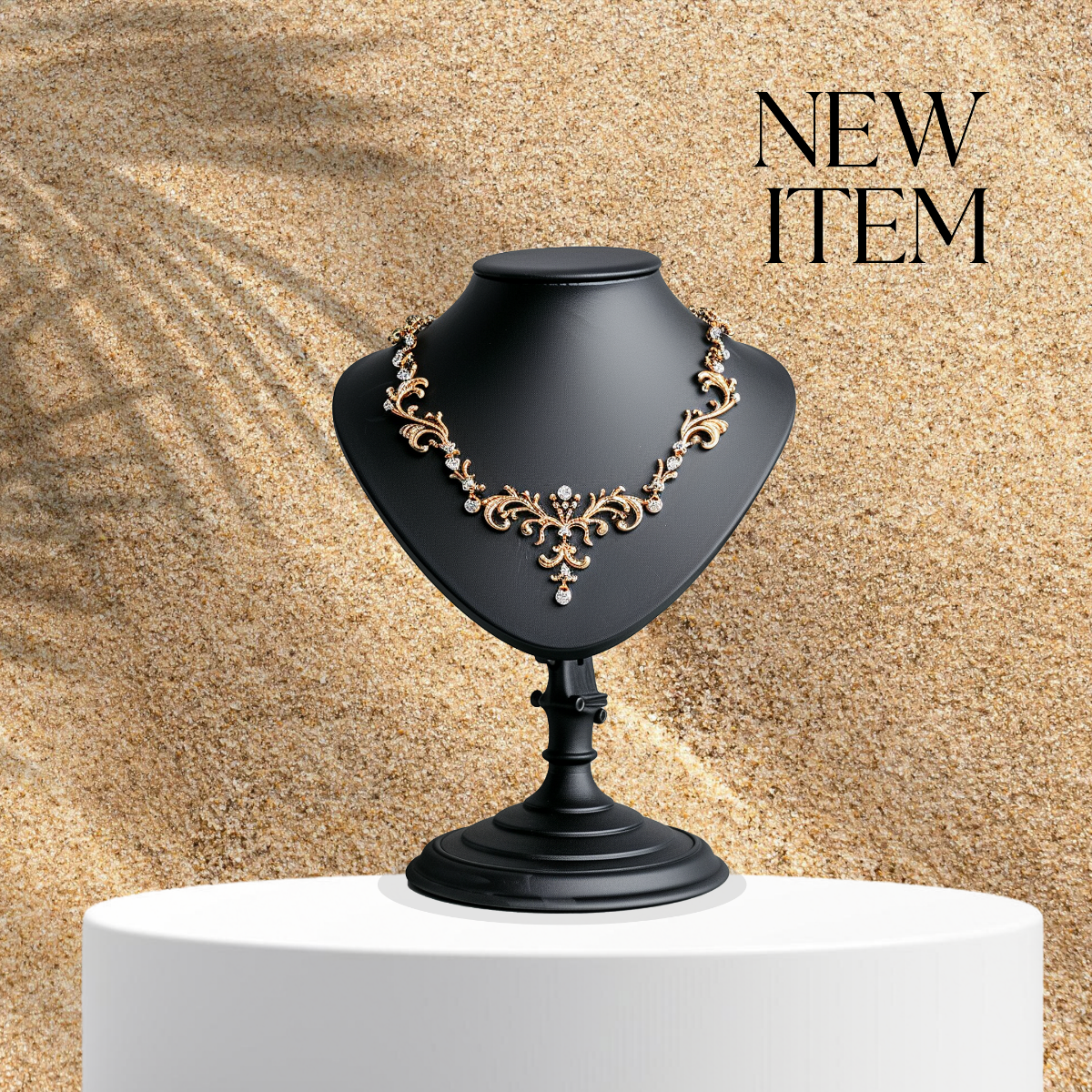
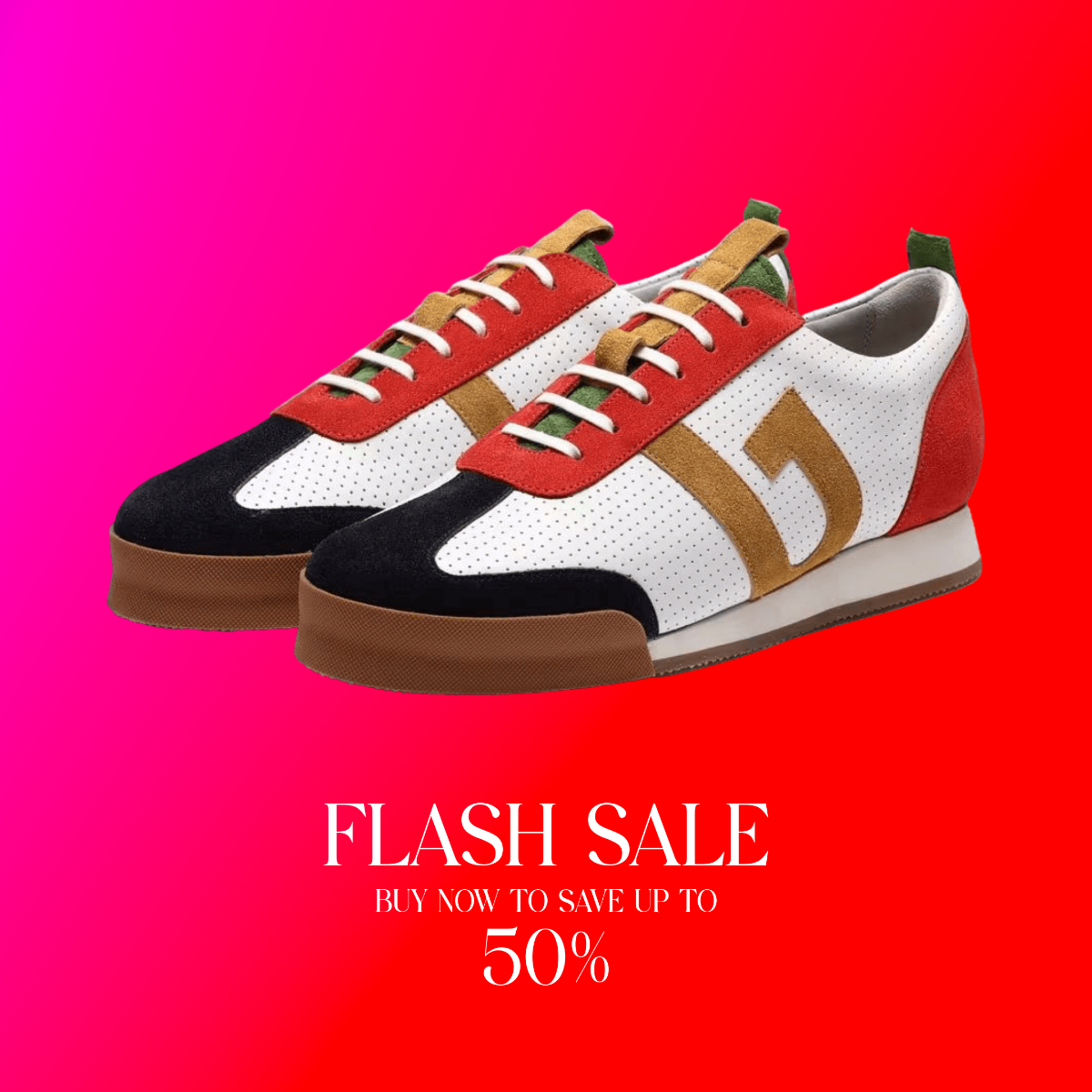
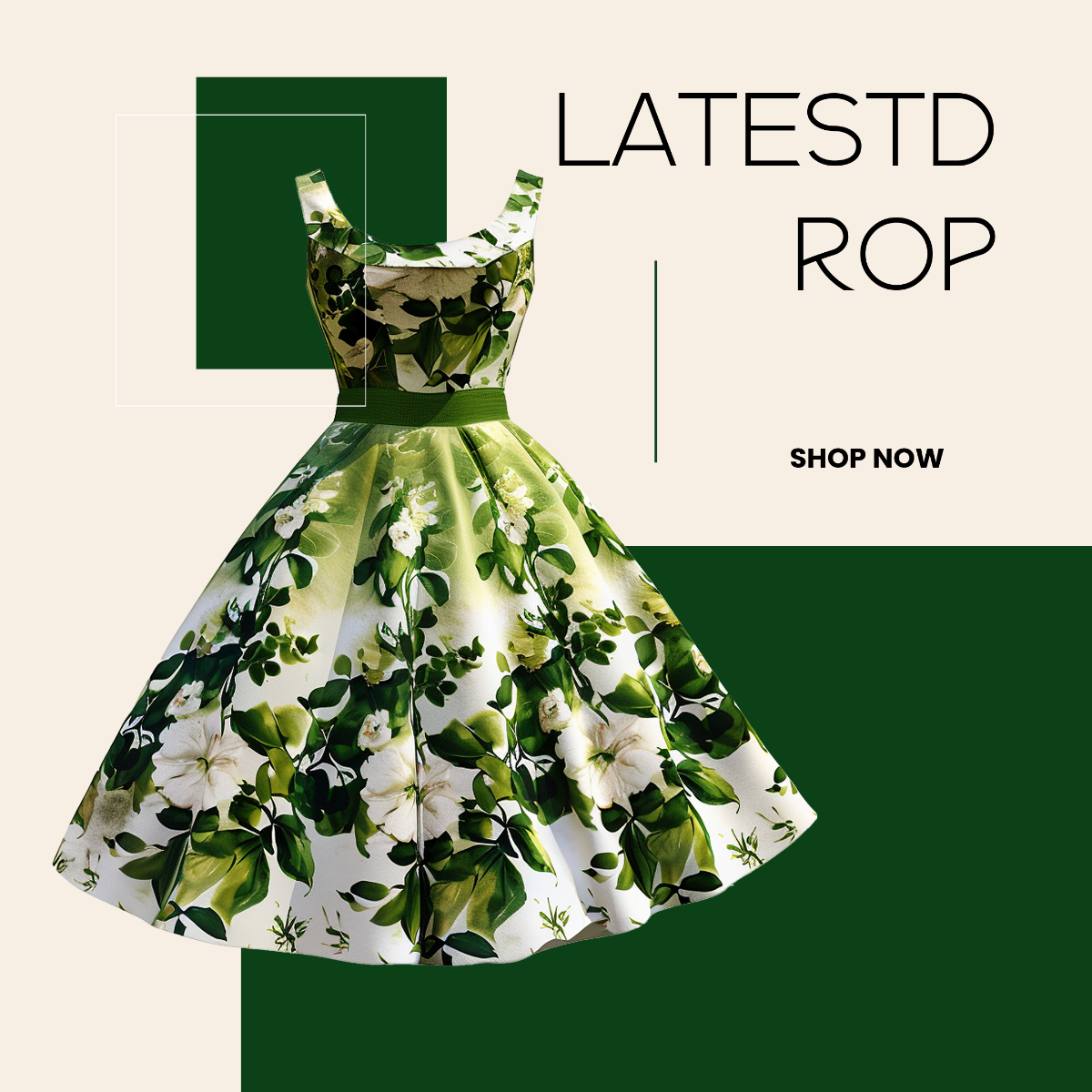
A Poshmark Photo is a ready-made product image template designed for listing apparel and accessories on the Poshmark platform. These templates feature editable text areas, image placeholders, and professional layouts to enhance listings quickly and easily.
Why use a Poshmark Photo?
Using a Poshmark Photo template ensures consistent branding, clear product presentation, and faster listing creation. These templates provide layered design customization for professional visuals that attract buyers on Poshmark.
Who typically uses Poshmark Photos?
Poshmark Photos are typically used by sellers on the Poshmark marketplace, including individuals and small businesses. These users leverage customizable templates to showcase products with professional design layers and ready-to-edit layouts.
What size should a Poshmark Photo be?
The ideal size for a Poshmark Photo is 1080 × 1350 inches or an aspect ratio of 4 × 5 to optimize display on the platform. Templates are created with these dimensions to ensure clear and attractive listings.
What are the best tips for designing a Poshmark Photo?
Effective Poshmark Photo design uses a clean layout, high-quality images, and clear text hierarchy. Incorporate editable graphics and maintain brand consistency within the design layers for professional appeal.
How do you print a Poshmark Photo?
Printing a Poshmark Photo involves exporting the template in a high-resolution format and using quality photo paper. Utilize the downloadable formats from Template.net to ensure color accuracy and layout fidelity when printing.
What elements should a Poshmark Photo include?
A Poshmark Photo should include product images, a headline, price or sale details, and branding elements. Editable design layers allow users to customize these for clear and attractive listings.
Can I create a new Poshmark Photo using AI?
Template.net provides an AI-powered tool that generates new Poshmark Photo designs from prompts. Use the Photo Editor to create customized photos quickly with AI assistance.
