
Free Employee Roadmap Templates
Employee Roadmap Templates: Definition, Benefits, and Usage
What is a Employee Roadmap?
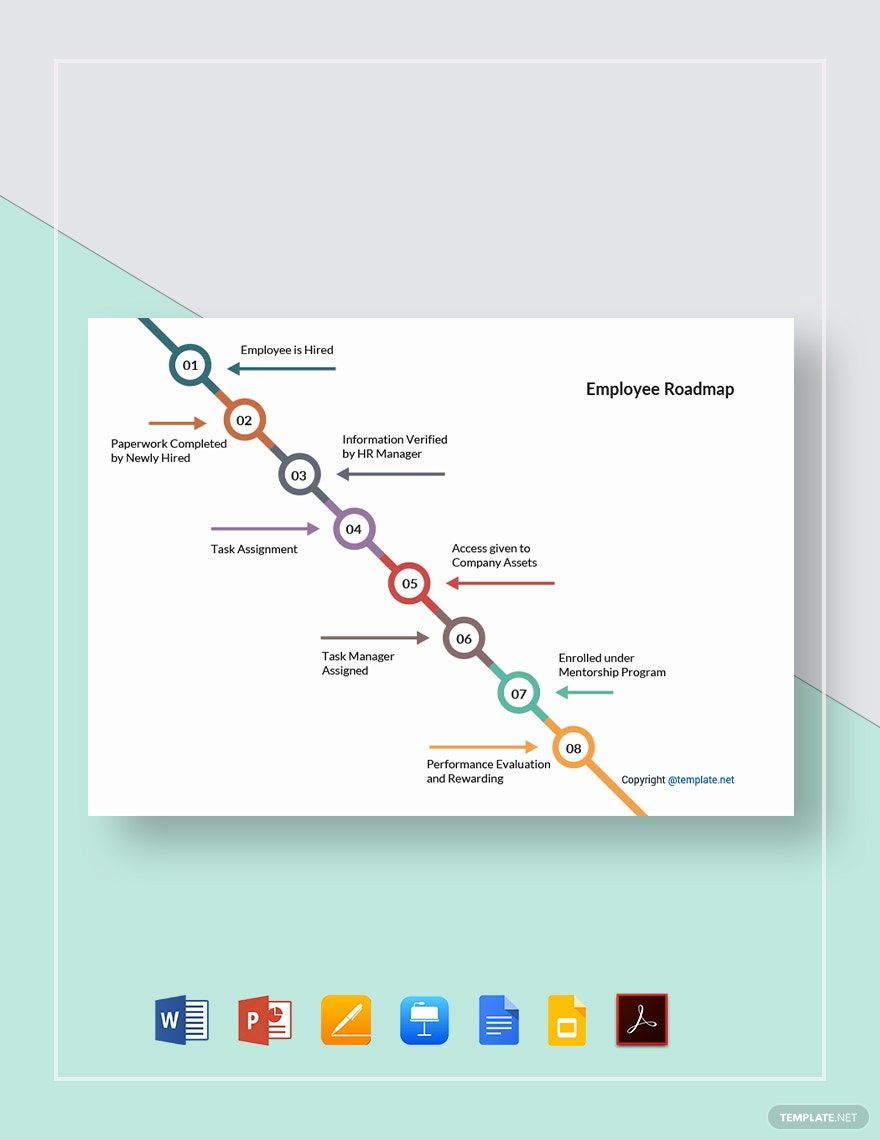
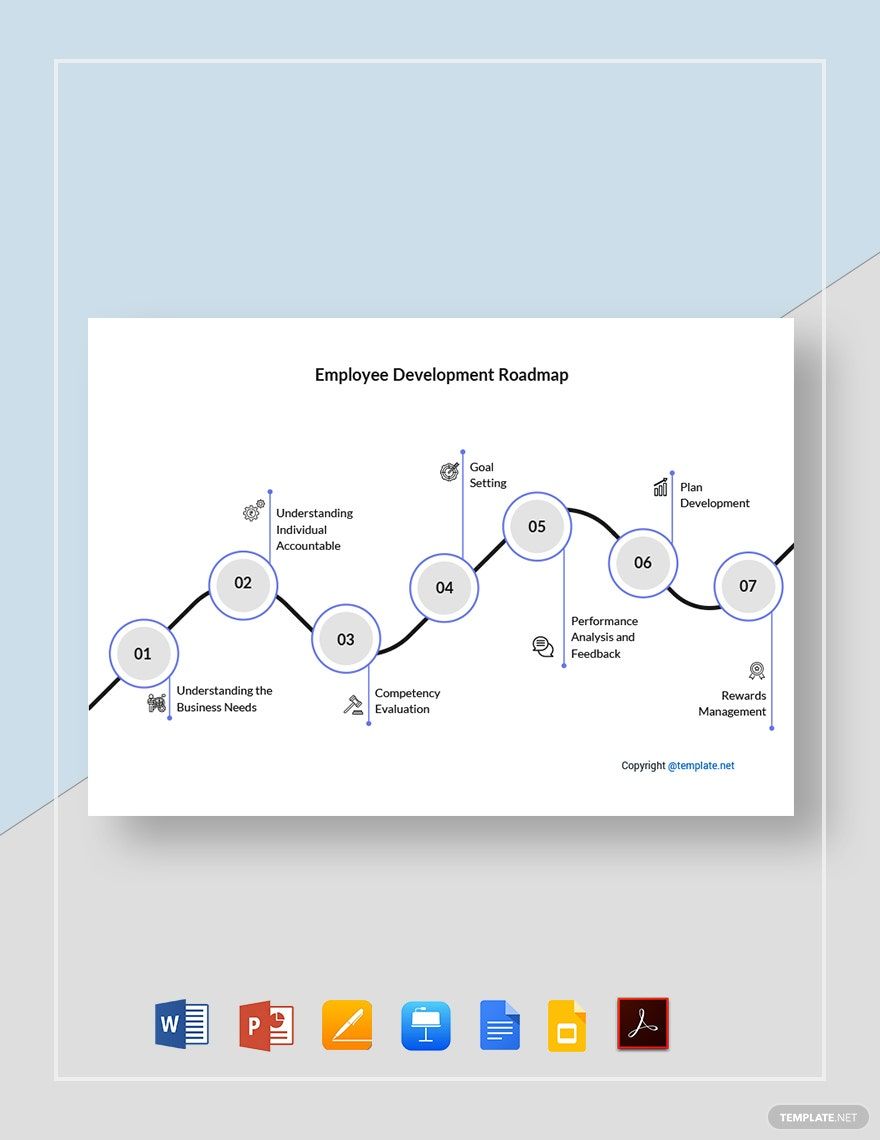
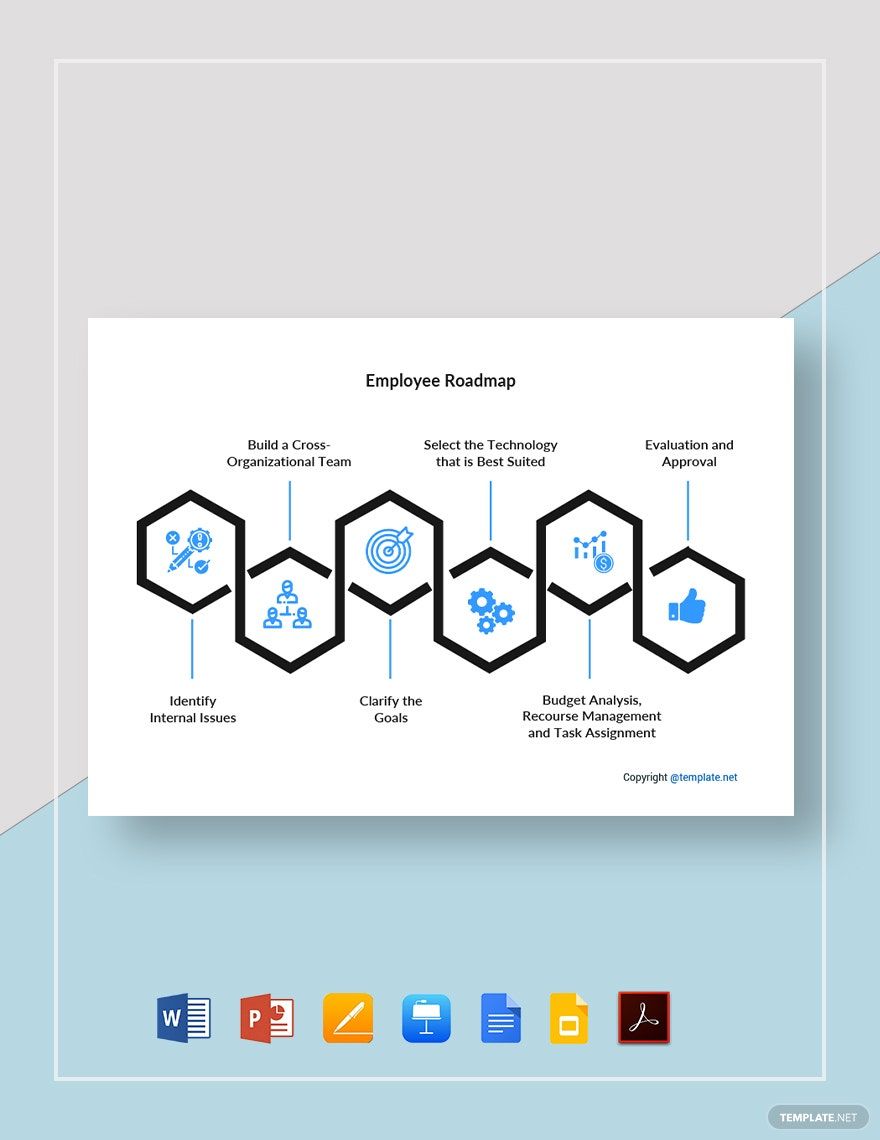
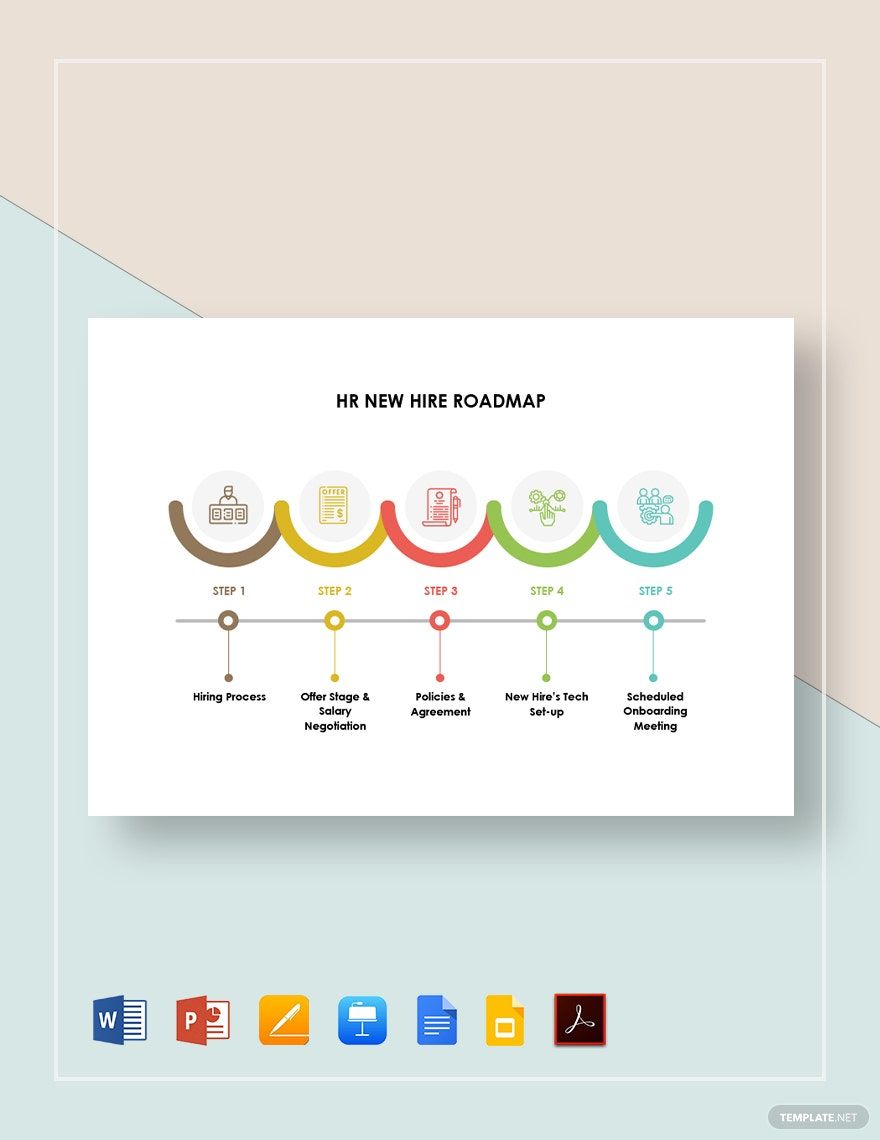
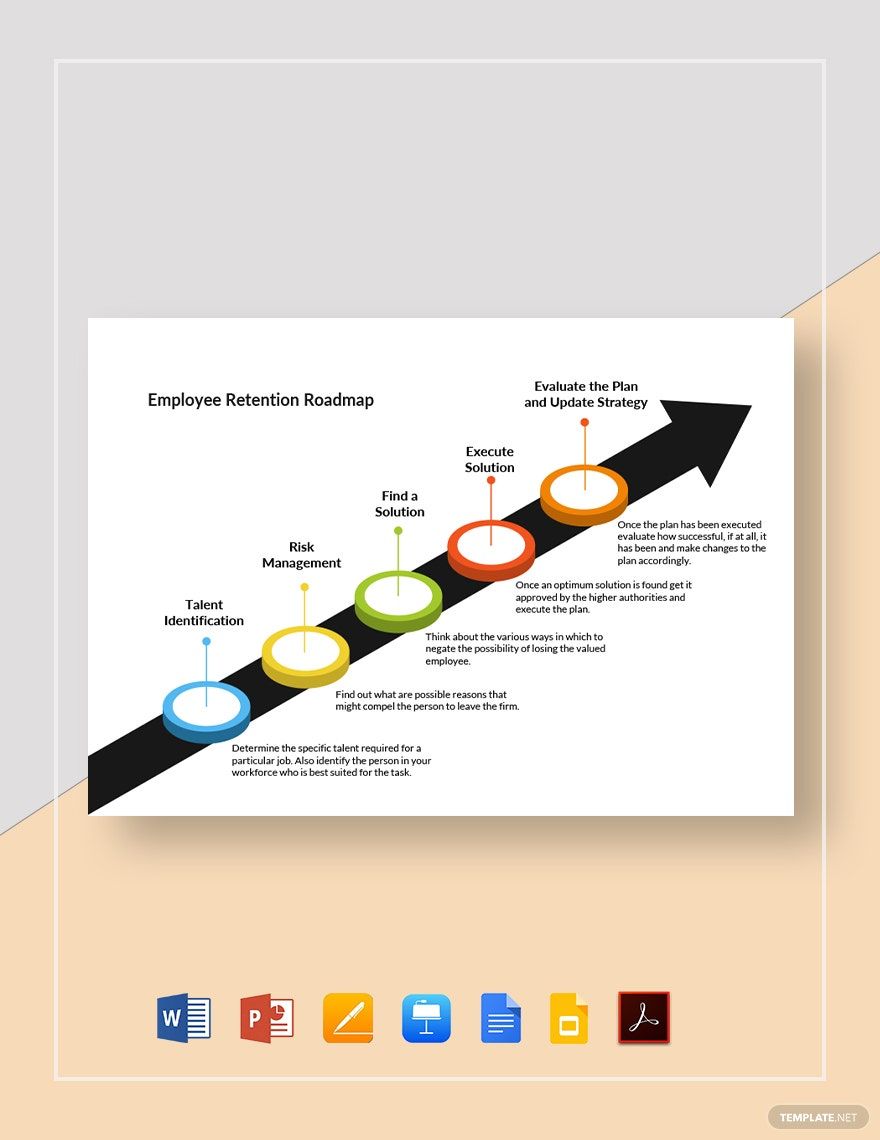
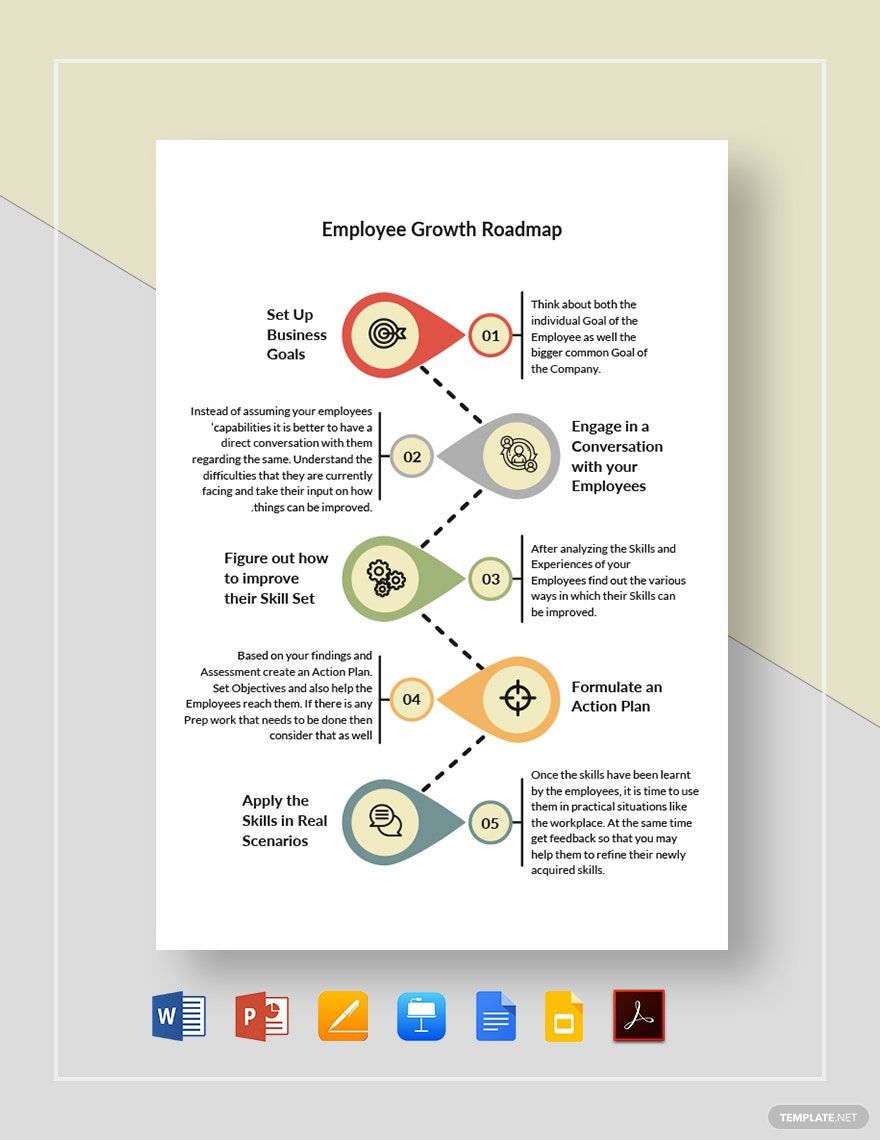
An Employee Roadmap is a visual plan that outlines an employee’s career path, goals, and development milestones within a company. These roadmap templates include sections for timelines, objectives, and skill growth, enabling clear communication of progression. Template.net provides editable online canvases optimized for quick customization and professional results.
Why use a Employee Roadmap?
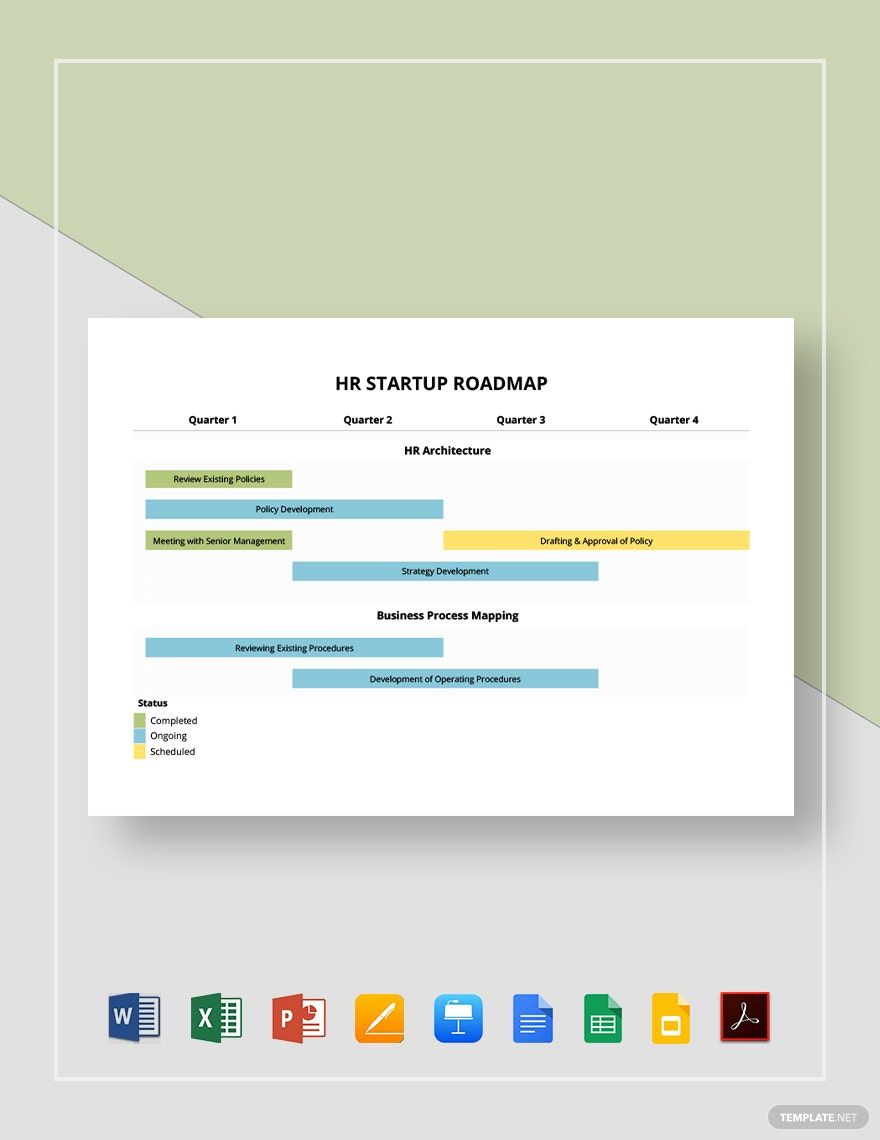
Using an Employee Roadmap helps organizations align employee goals with company objectives, improve retention, and support career development. These roadmap templates facilitate strategic planning by featuring color coding, text blocks, and icons for clarity. Template.net enables fast, in-browser editing for teams to create polished, shareable plans.
Who typically uses Employee Roadmaps?
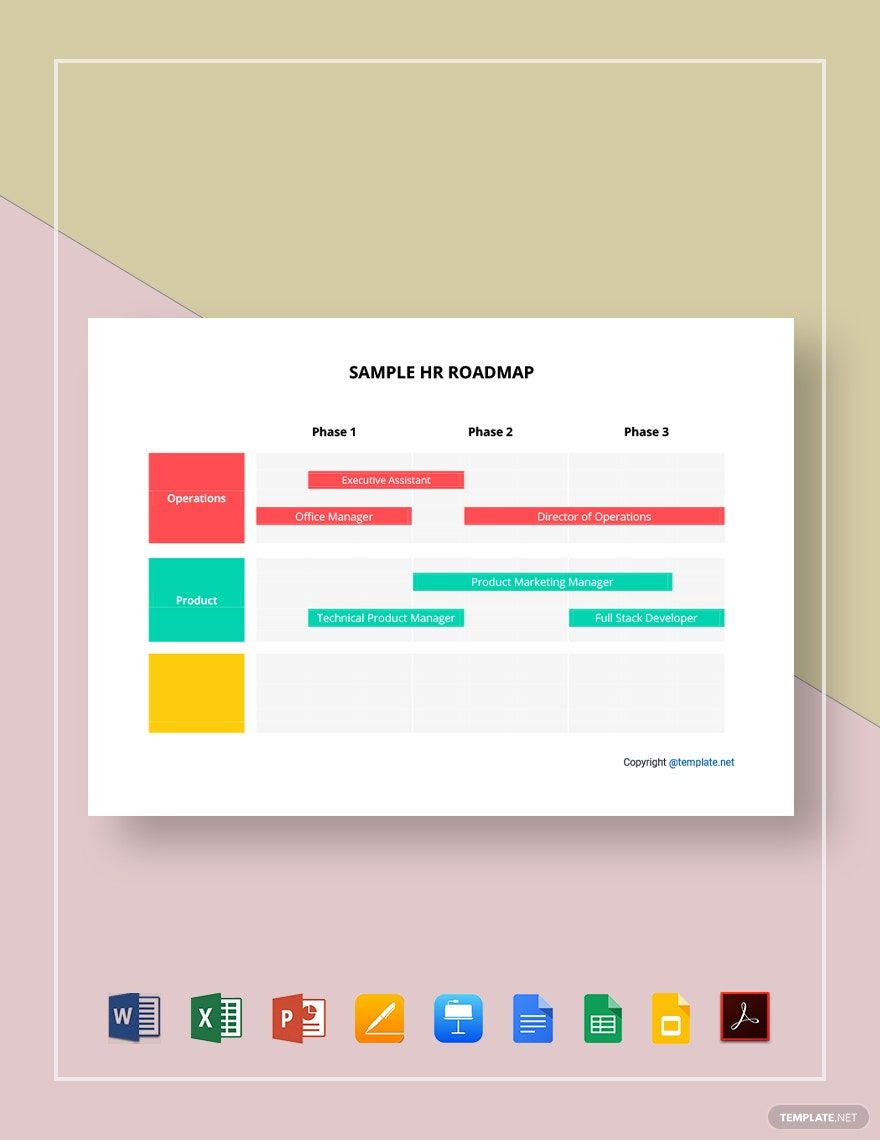
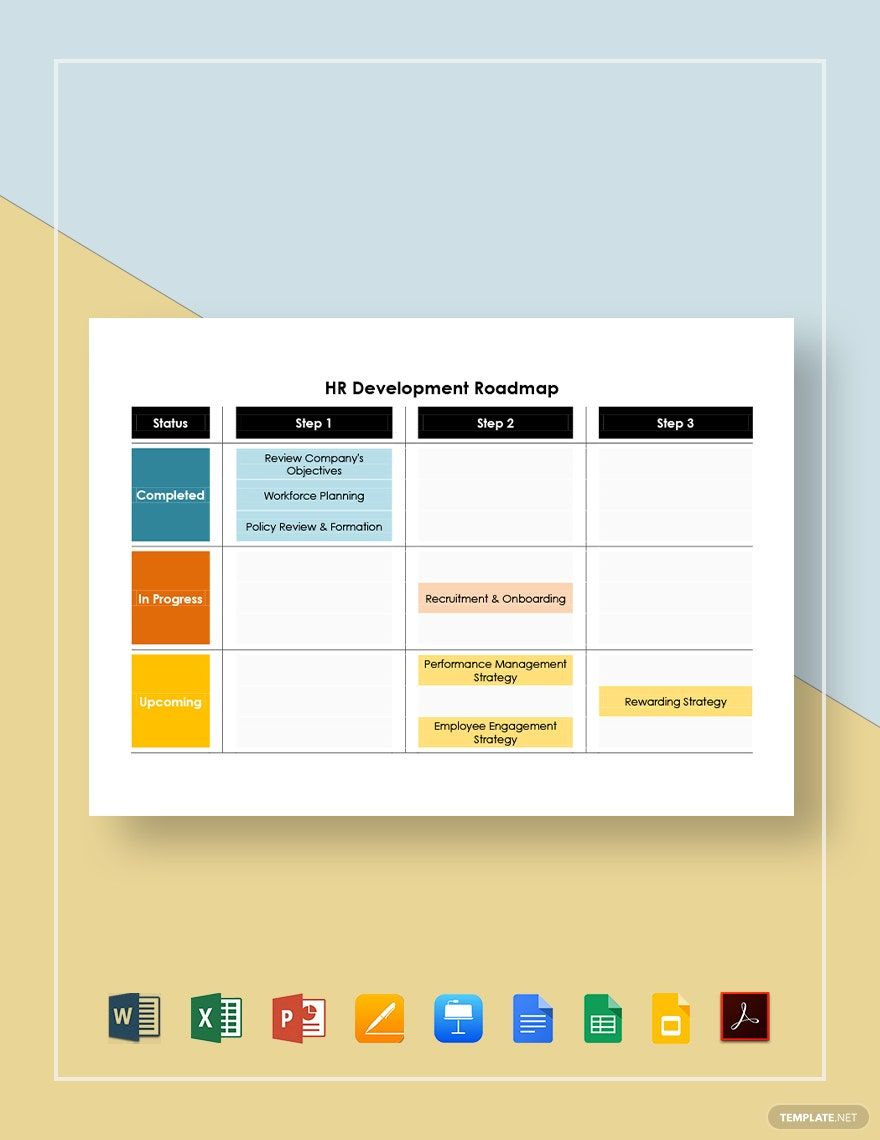
Employee Roadmaps are typically used by HR managers, team leaders, and employees themselves to plan career trajectories and skill development. These roadmap templates include swimlanes and sections to track progress. Template.net’s interactive whiteboard environment supports collaborative editing and easy sharing for all stakeholders.
What sections or blocks should a Employee Roadmap include?
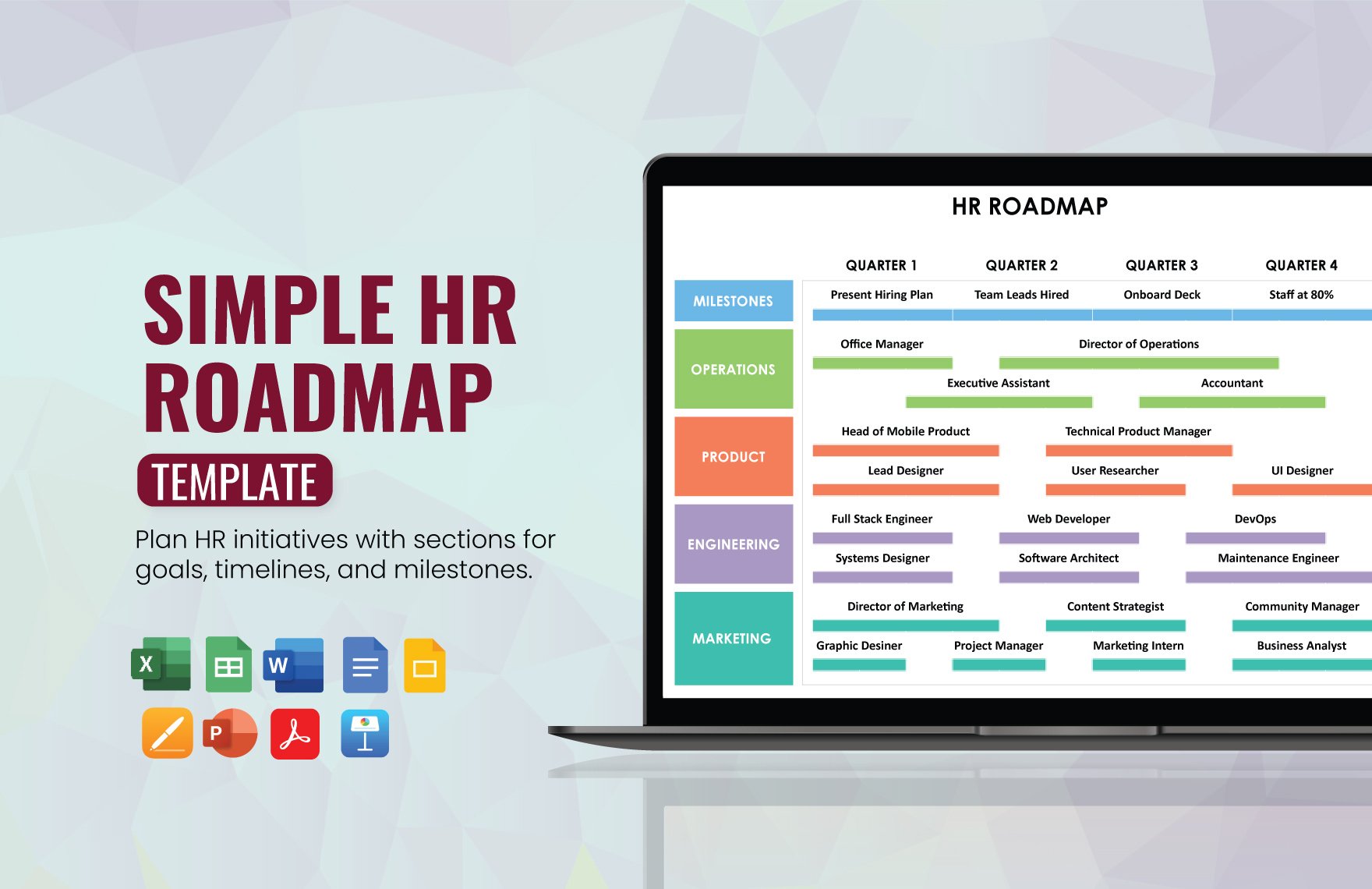
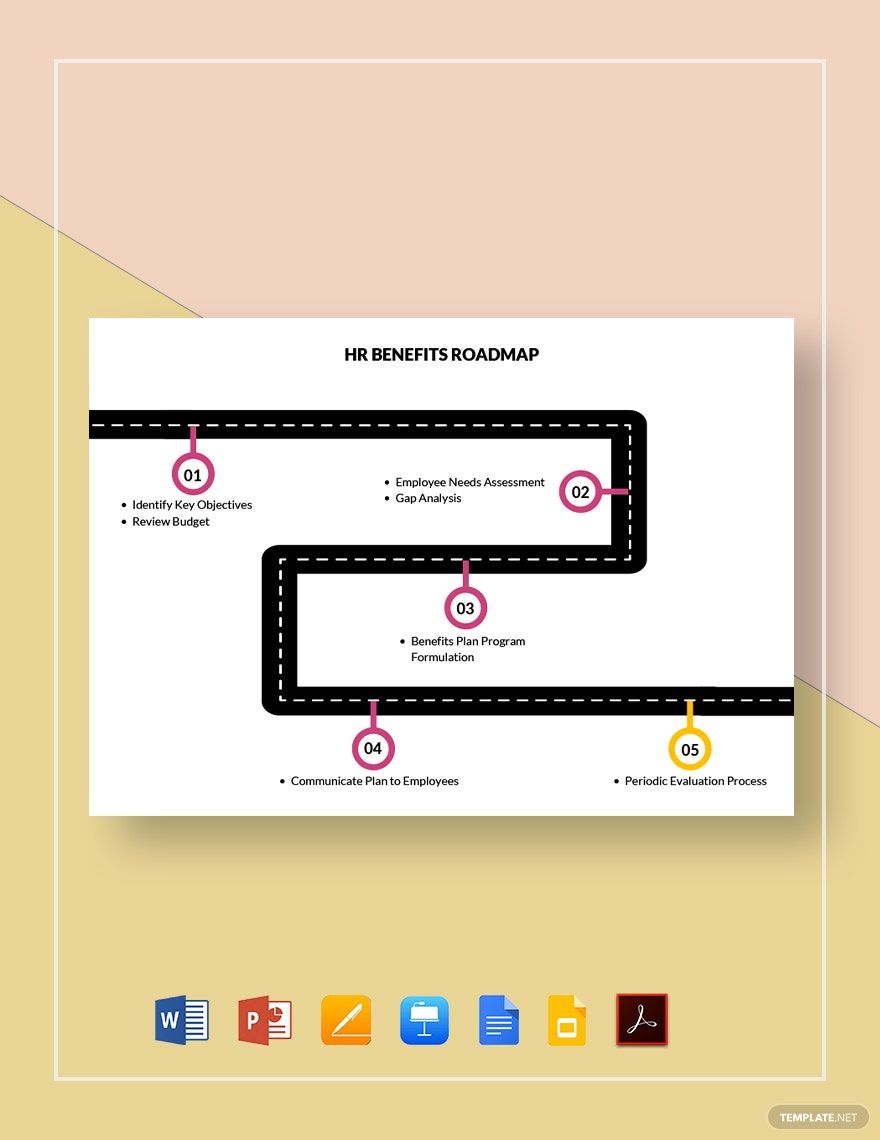
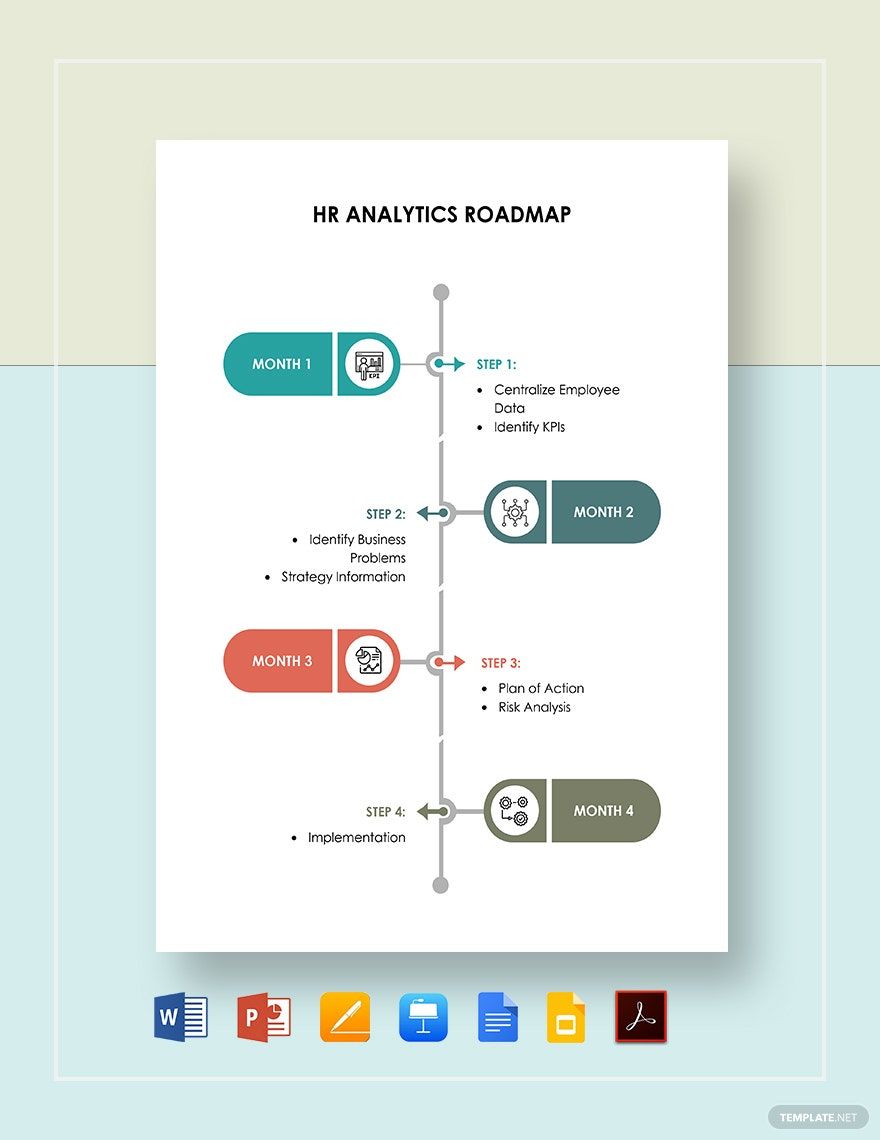
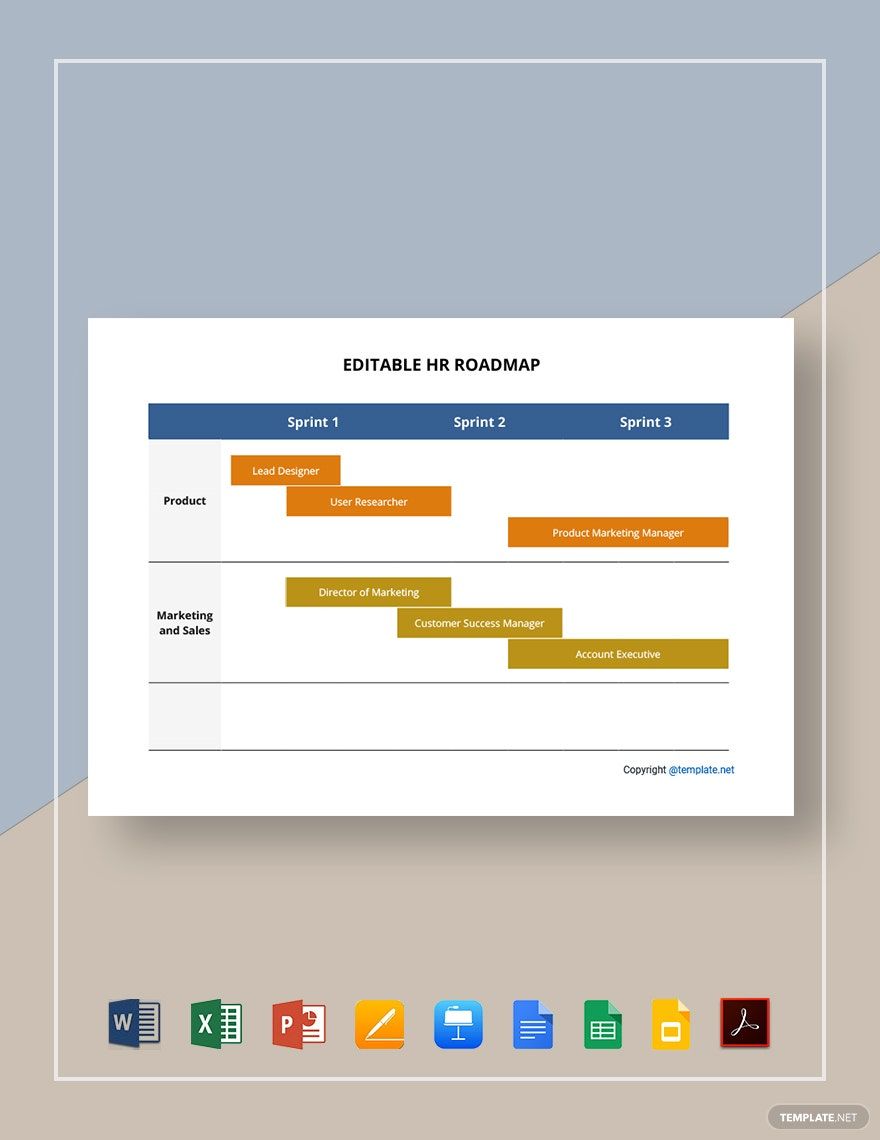
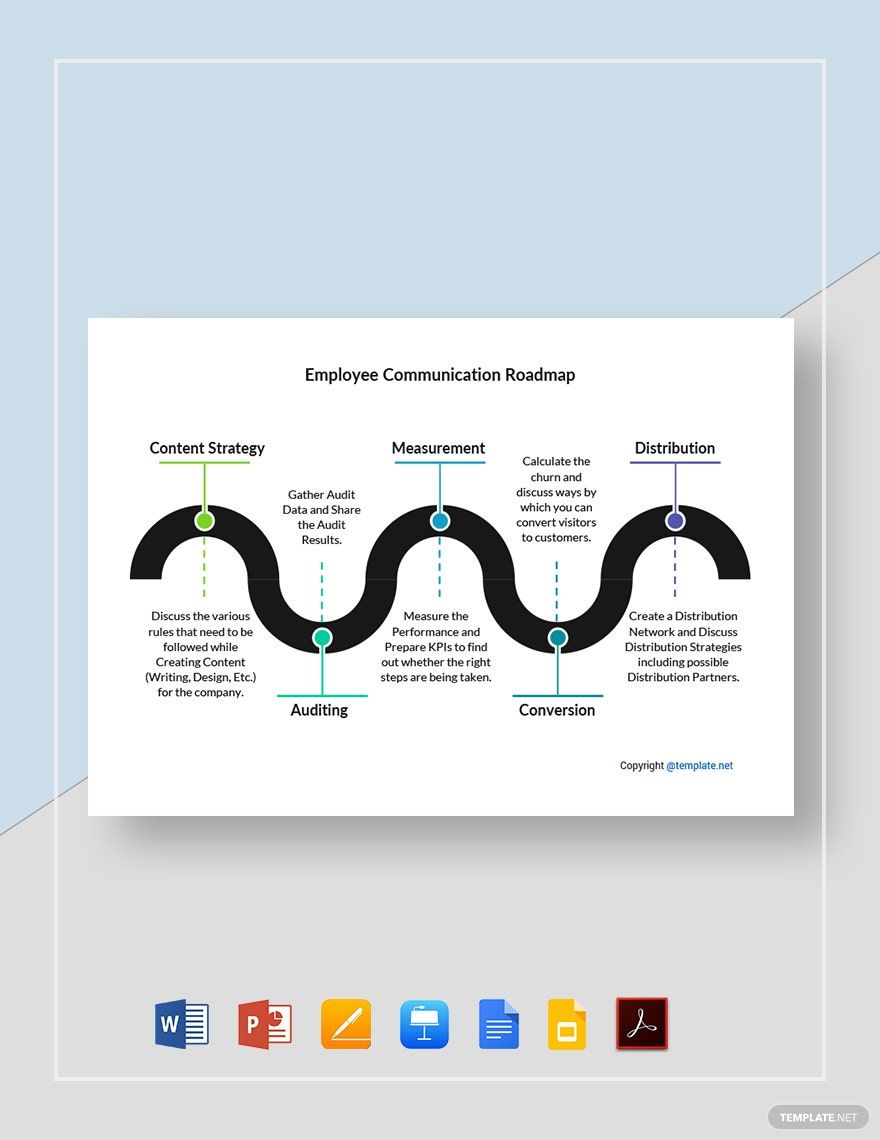
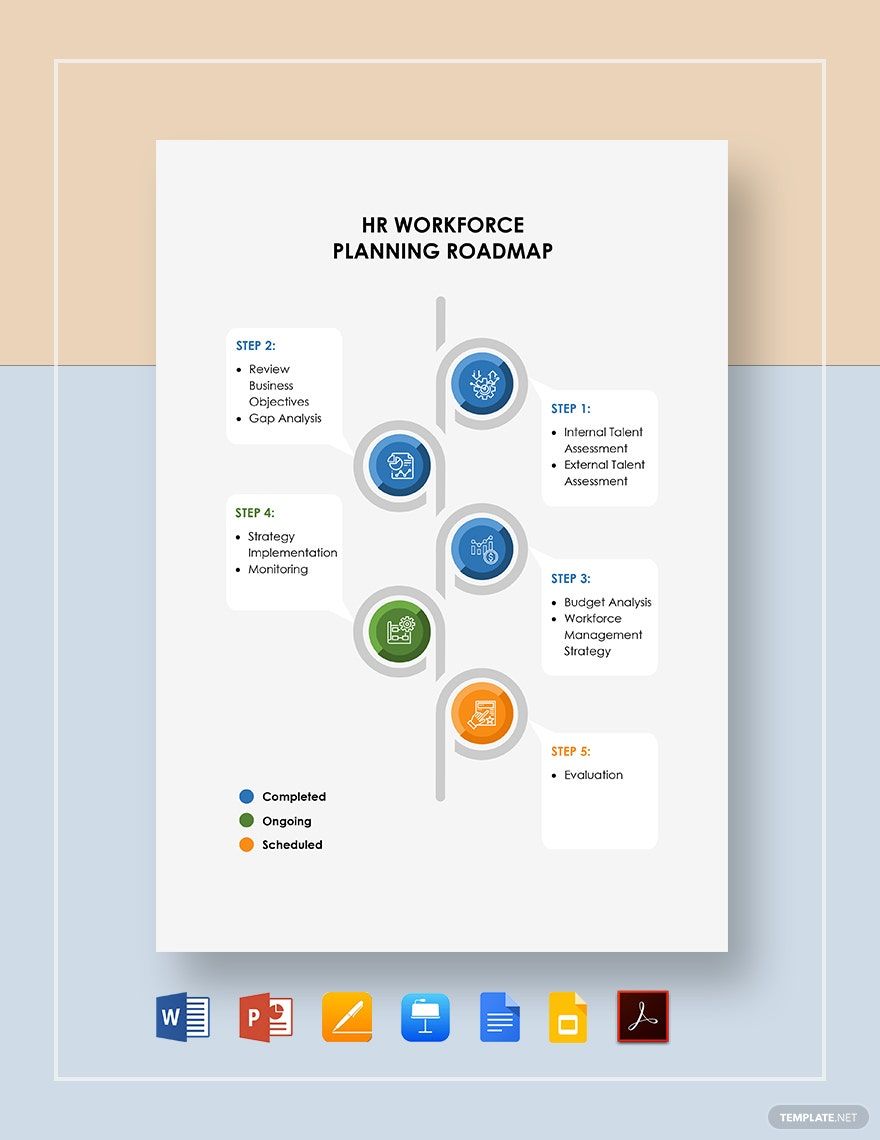
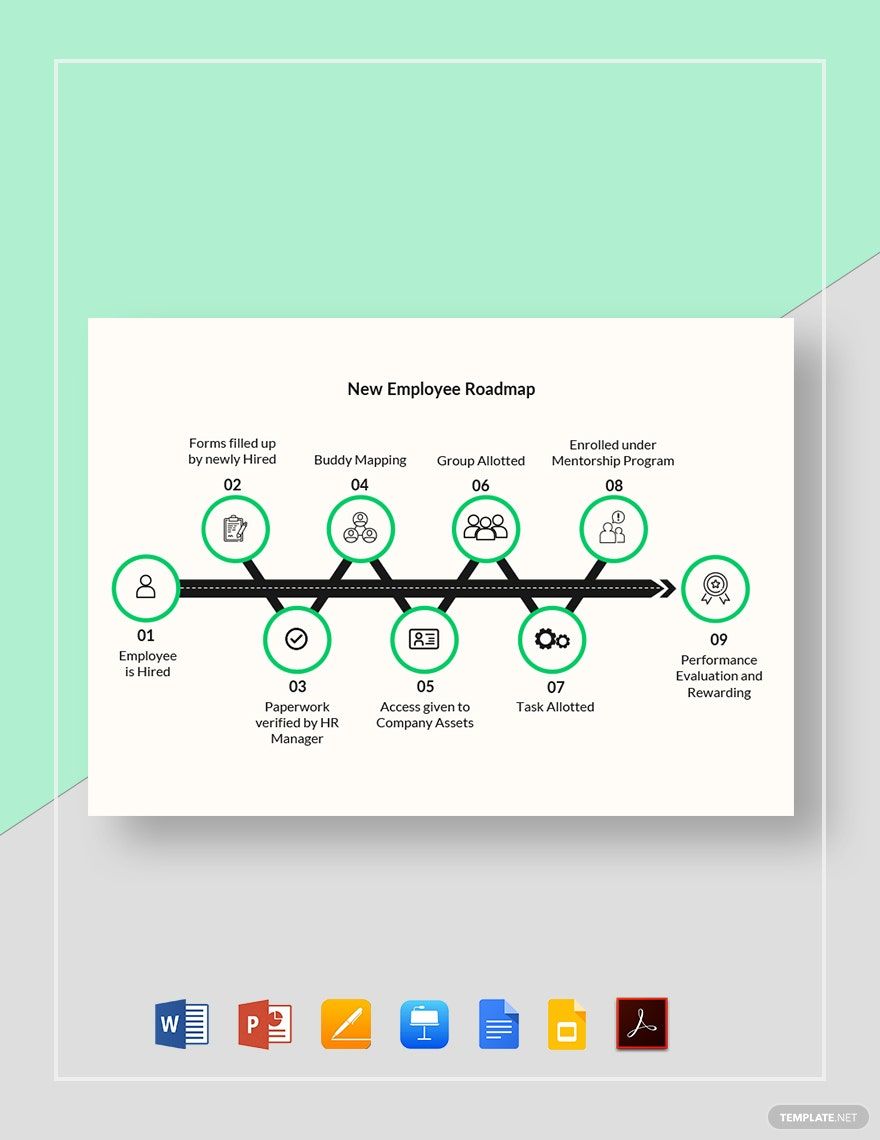
An Employee Roadmap should include timeline sections, goal blocks, skill development nodes, and milestone markers. These roadmap templates also benefit from color coding and connectors that visually link objectives to roles. Template.net’s templates provide structured layouts for easy drag-and-drop customization.
What are the best tips for designing a Employee Roadmap?
When designing an Employee Roadmap, use clear sections and consistent color coding to differentiate goals, timelines, and skills. Incorporate icons and sticky notes for annotations and use a clean canvas layout for readability. Template.net’s editable templates support all these features for efficient creation.
How do you share or present a Employee Roadmap?
Sharing or presenting an Employee Roadmap can be done by exporting templates to various formats or sharing online links for real-time collaboration. Template.net allows users to export roadmap templates as PDFs, presentations, or documents and supports easy online presentation with collaboration cursors and interactive viewing.
How do teams collaborate on a Employee Roadmap?
Teams collaborate on an Employee Roadmap using Template.net’s interactive whiteboard platform featuring real-time editing, collaboration cursors, and drag-and-drop tools. These roadmap templates allow multiple users to add sticky notes, adjust sections, and update milestones simultaneously for seamless teamwork.
What file formats can I download for a Employee Roadmap?
Template.net’s Employee Roadmap templates support multiple export formats for editing, sharing, and presenting. You can download templates in Word, Apple Pages, Apple Keynote, PDF, Google Docs, and Google Slides.
Can I create a new Employee Roadmap using AI?
Template.net provides an AI-powered tool that generates new Employee Roadmap layouts from prompts in seconds, ready for online refinement and multi-format export. Use the Roadmap Generator to create customized roadmaps quickly and efficiently.
