Free Out of Office Reply Format

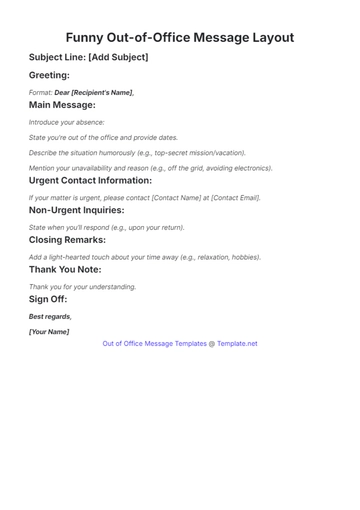
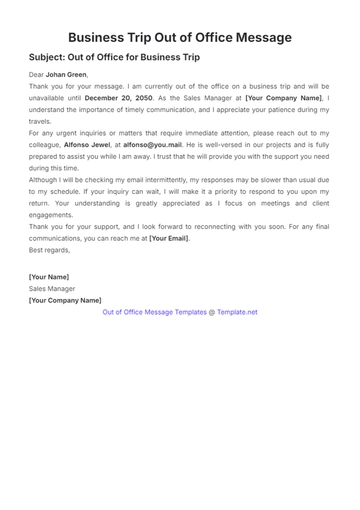
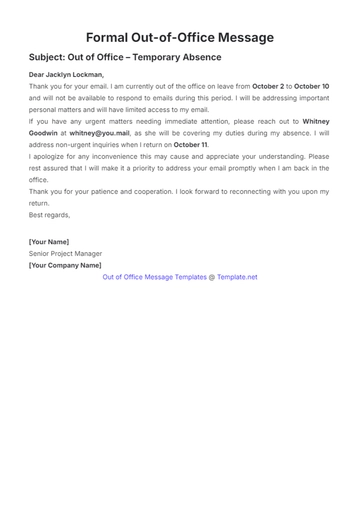
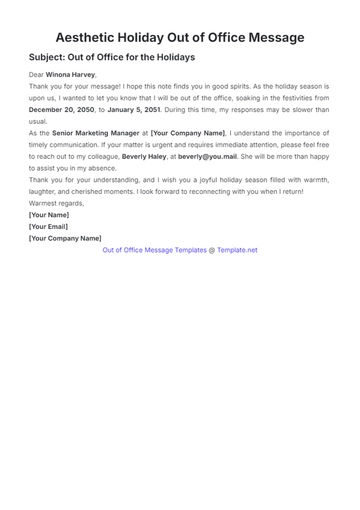
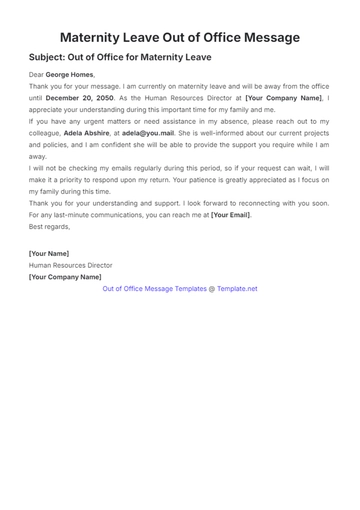
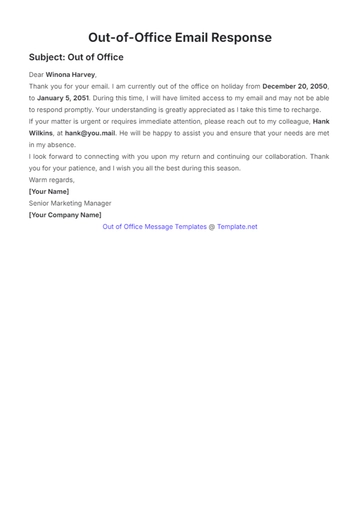
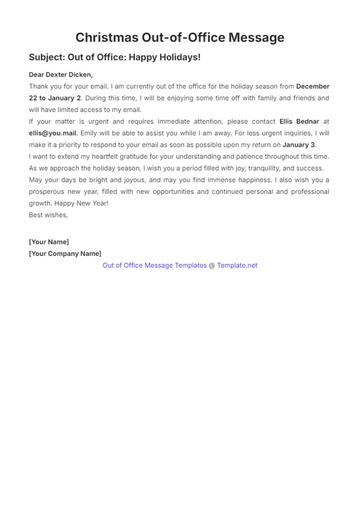
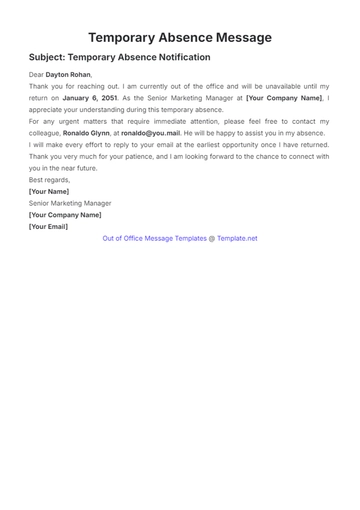
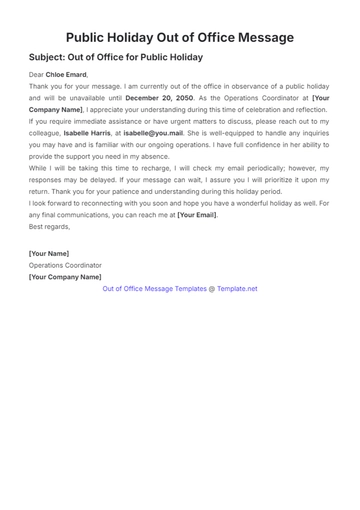
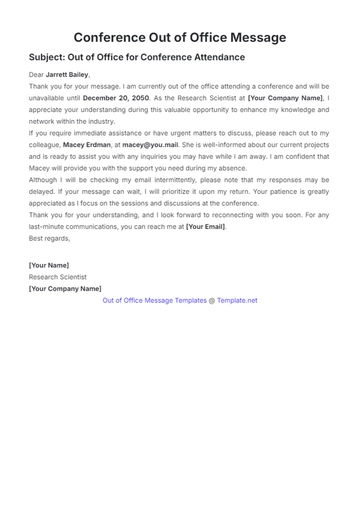
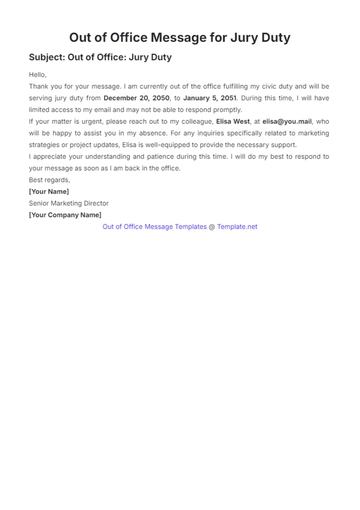
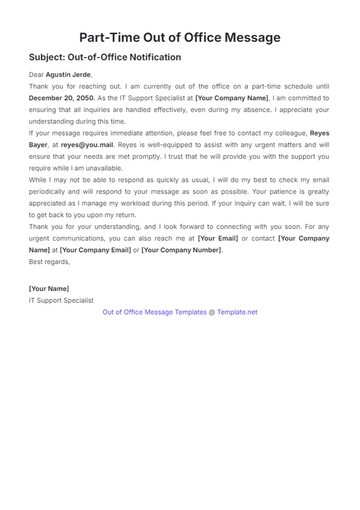
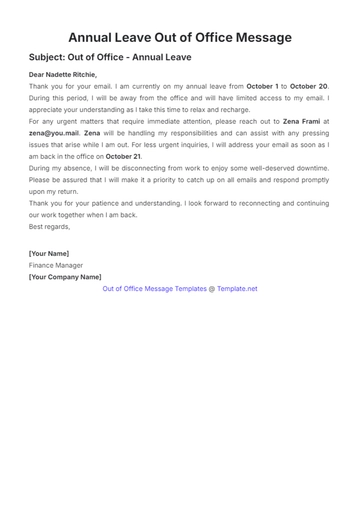
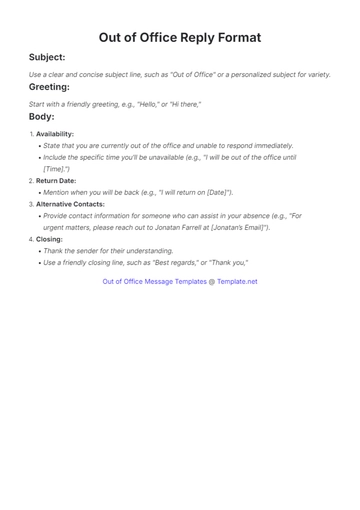
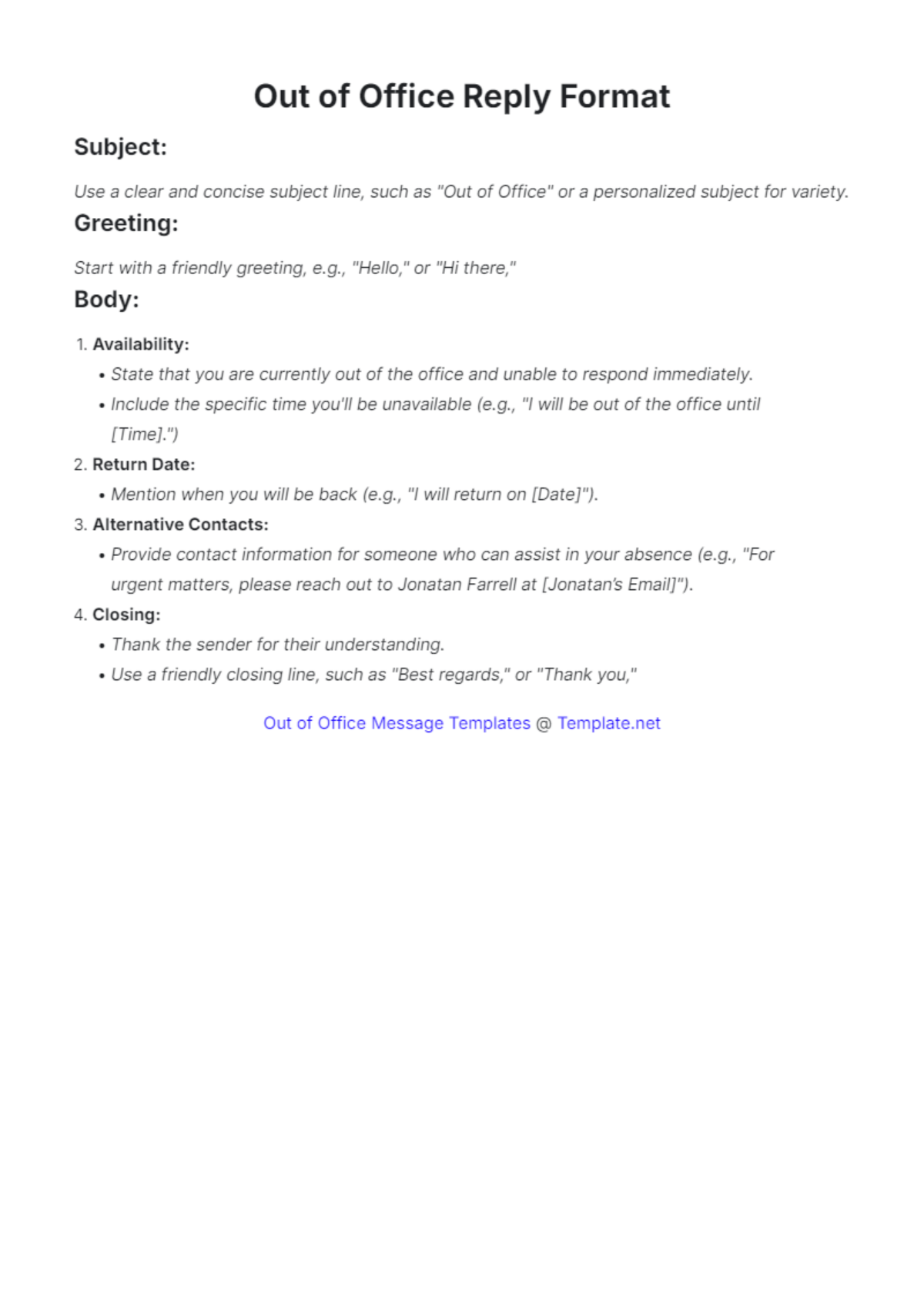
Subject:
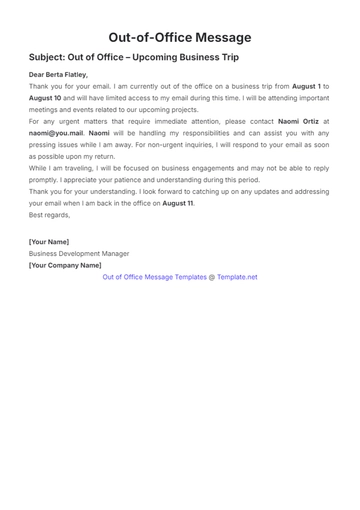
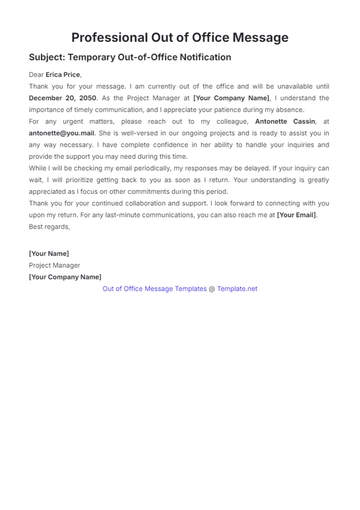
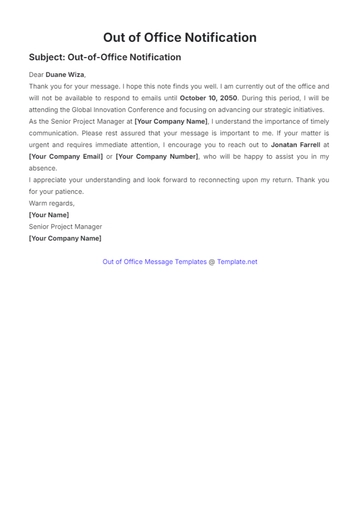
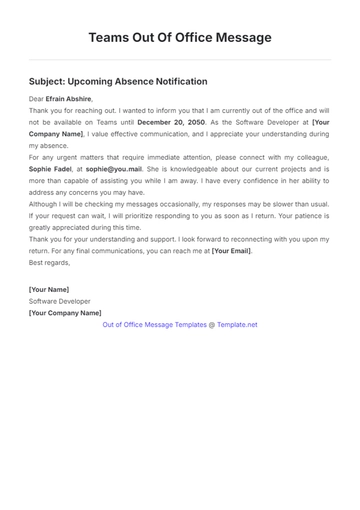
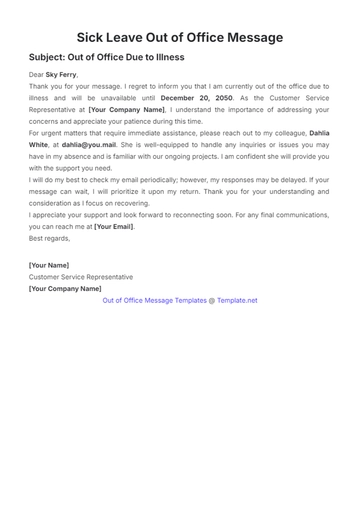
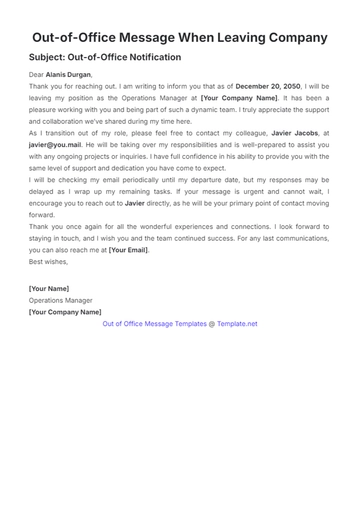
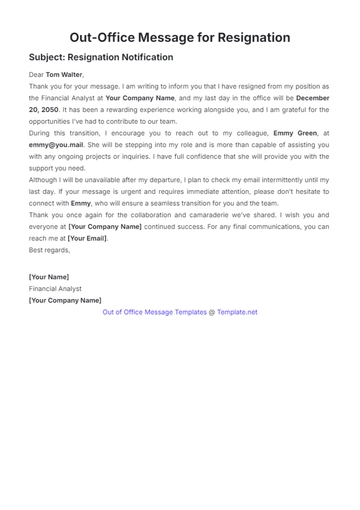
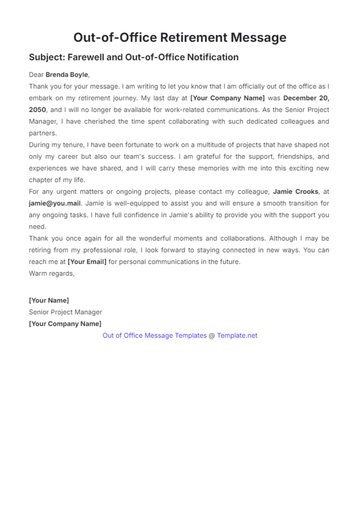
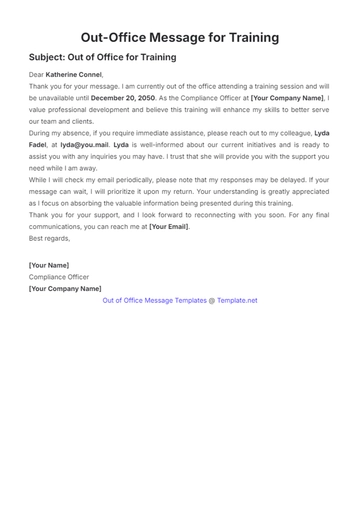
Use a clear and concise subject line, such as "Out of Office" or a personalized subject for variety.
Greeting:
Start with a friendly greeting, e.g., "Hello," or "Hi there,"
Body:
Availability:
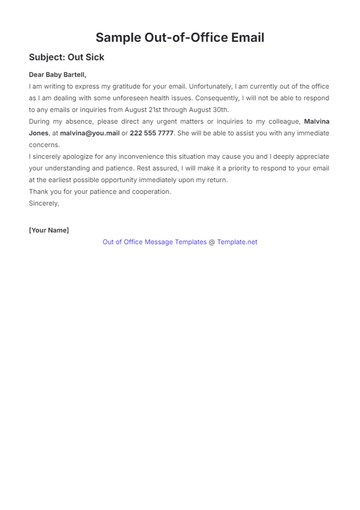
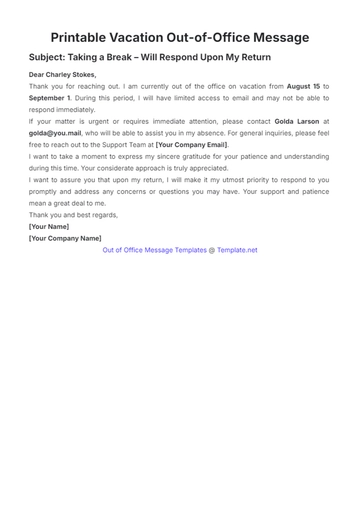
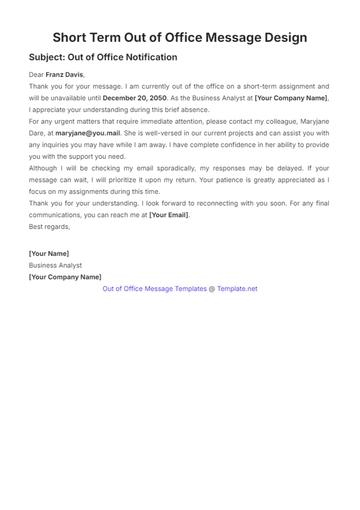
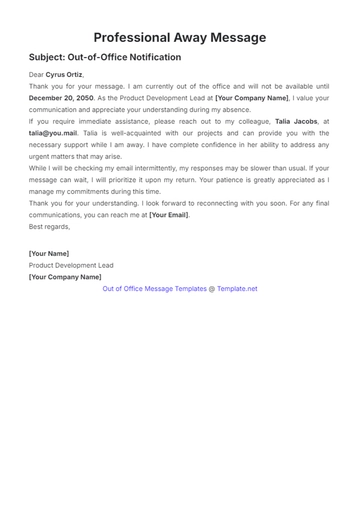
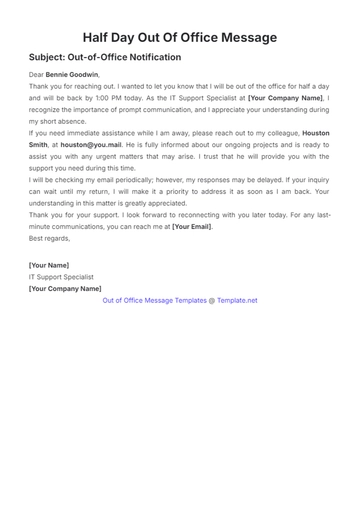
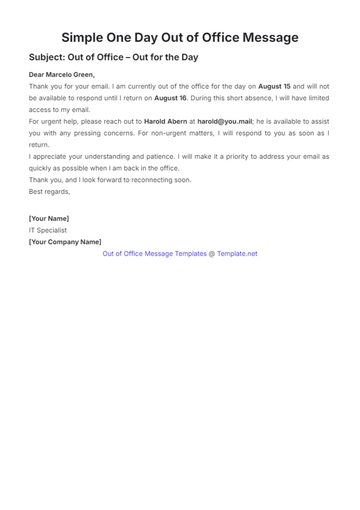
State that you are currently out of the office and unable to respond immediately.
Include the specific time you'll be unavailable (e.g., "I will be out of the office until [Time].")
Return Date:
Mention when you will be back (e.g., "I will return on [Date]").
Alternative Contacts:
Provide contact information for someone who can assist in your absence (e.g., "For urgent matters, please reach out to Jonatan Farrell at [Jonatan’s Email]").
Closing:
Thank the sender for their understanding.
Use a friendly closing line, such as "Best regards," or "Thank you,"
- 100% Customizable, free editor
- Access 1 Million+ Templates, photo’s & graphics
- Download or share as a template
- Click and replace photos, graphics, text, backgrounds
- Resize, crop, AI write & more
- Access advanced editor
Stay professional with the Out of Office Reply Format Template offered by Template.net. This customizable, downloadable, and printable template provides a structured format for auto-replies during your absence. Easily editable in our AI Editor Tool, you can tailor the message to suit your needs, ensuring smooth and professional communication even when you're away.